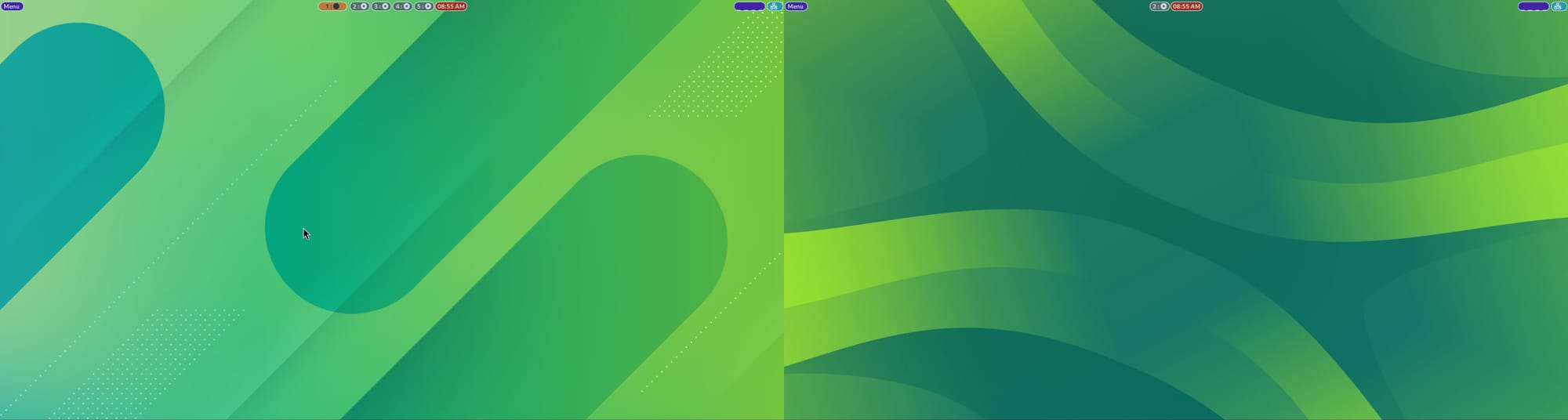
1/9
Setting Up Wallpapers With Hyprpaper in Hyprland
This blog post details the process of setting up and managing wallpapers in Hyprland using Hyprpaper, a Wayland wallpaper utility compatible with wlroots-based compositors like Hyprland and Sway. Unlike traditional desktop environments, Hyprland requires configuration file adjustments for wallpaper management, highlighting a key aspect of its user experience.
Hyprpaper offers several features, including per-output wallpapers, fill, tile, or contain modes for image display, fractional scaling support, IPC (Inter-Process Communication) for rapid wallpaper switching, and the ability to preload target images into memory. Installation instructions for Hyprpaper are provided for Arch Linux, Fedora, and openSUSE, noting that users of other distributions might need to compile it from source.
Configuring Hyprpaper involves creating and editing the `.config/hypr/hyprpaper.conf` file. A basic configuration requires using the `preload` tag to load images into RAM and the `wallpaper` tag to apply them. For multi-monitor setups, each image intended for display on a separate monitor must be preloaded. The article explains how to identify monitor names using the `hyprctl monitors` command, which is crucial for assigning specific wallpapers to individual displays.
The post also covers advanced customization options, such as adding a splash text over the wallpaper using the `splash` and `splash_offset` parameters in the configuration file. It addresses the common need for dynamic wallpaper changes by explaining how to switch wallpapers using keyboard shortcuts, presenting two methods. The first method involves preloading all desired wallpapers in the `hyprpaper.conf` file and enabling IPC for fast switching, with a caution about potential RAM usage. This method requires defining variables in the `hyprland.conf` file that execute `hyprctl hyprpaper wallpaper` commands, which are then bound to specific keyboard shortcuts.
The second method for dynamic wallpaper switching uses a bash script to load and unload wallpapers on demand, which is more memory-efficient but introduces a slight delay. The script randomly selects an image from a specified directory, preloads it, applies it using `hyprctl hyprpaper`, and then unloads unused images to conserve RAM. Instructions for making the script executable and binding it to a keyboard shortcut in Hyprland are provided.
Furthermore, the article demonstrates how to set different wallpapers for individual workspaces, either by presetting them with preloaded images and associating them with workspace switch key bindings, or by using the random wallpaper script for each workspace. Finally, it outlines a method for implementing day-night wallpapers using a cron job. This involves a bash script that checks the current hour and applies a pre-defined daytime or nighttime wallpaper accordingly. The script is configured to run at specific times using `crontab -e`, and an `exec-once` command in the Hyprland config ensures the script runs at startup, preventing a no-wallpaper scenario.
Overall, the article serves as a comprehensive guide for Hyprland users to effectively manage and customize their desktop wallpapers, emphasizing the command-line and configuration-centric approach inherent to this Wayland compositor.
#Hyprland #Hyprpaper #Wayland #WallpaperManagement #LinuxCustomization #TerminalConfiguration #BashScripting #IPC #CronJobs #Hyprland #Hyprpaper #Wayland #WallpaperManagement #LinuxCustomization #TerminalConfiguration #BashScripting #IPC #CronJobs
0 comment in total
 No comments yet
You may also like

Wallpaper

Choosing Wallpaper Is a Big Deal—But Backdrop’s New Design Makes It Easy

The 21 Best Places to Buy Wallpaper Online, According to Style Editors

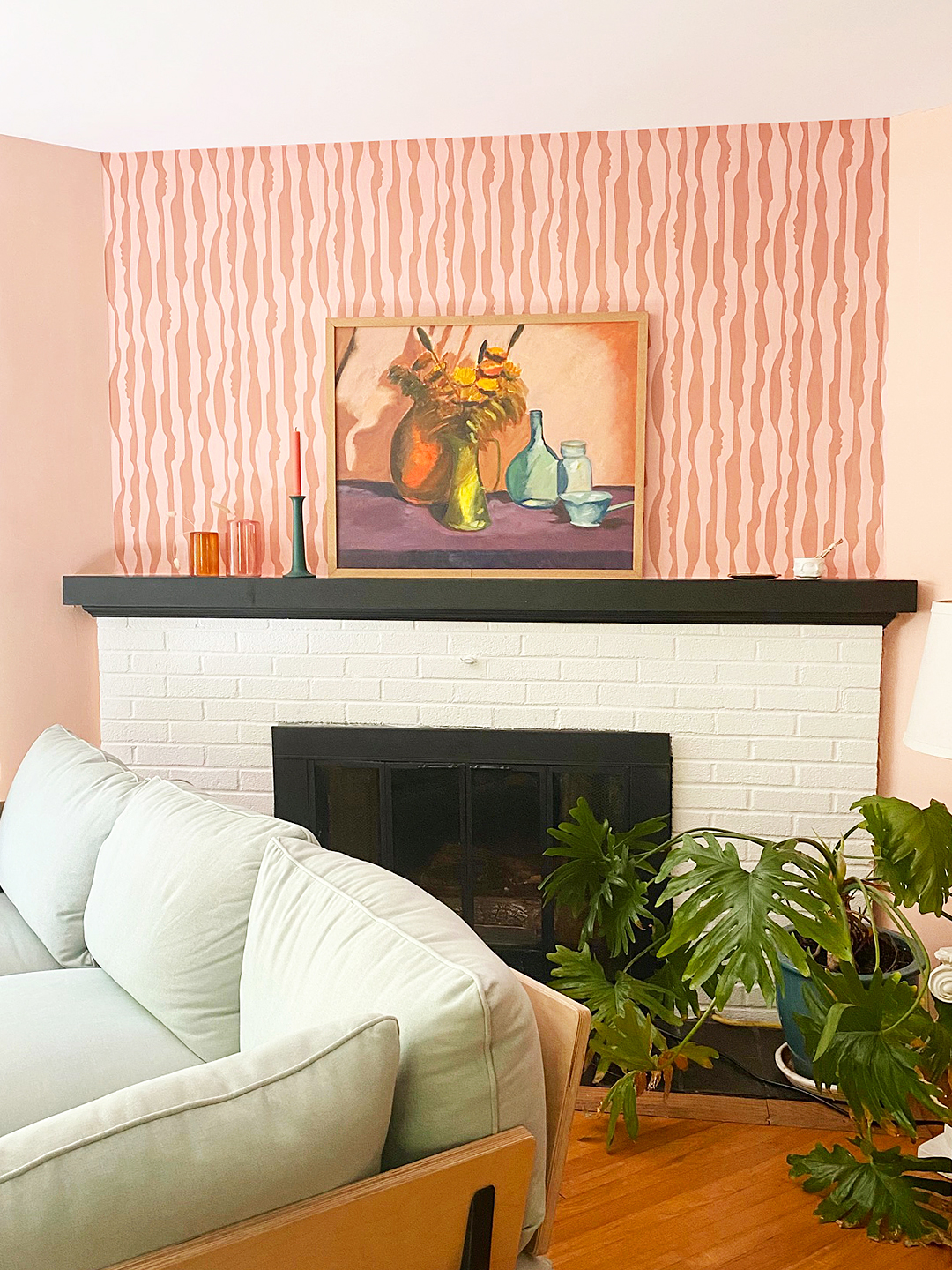
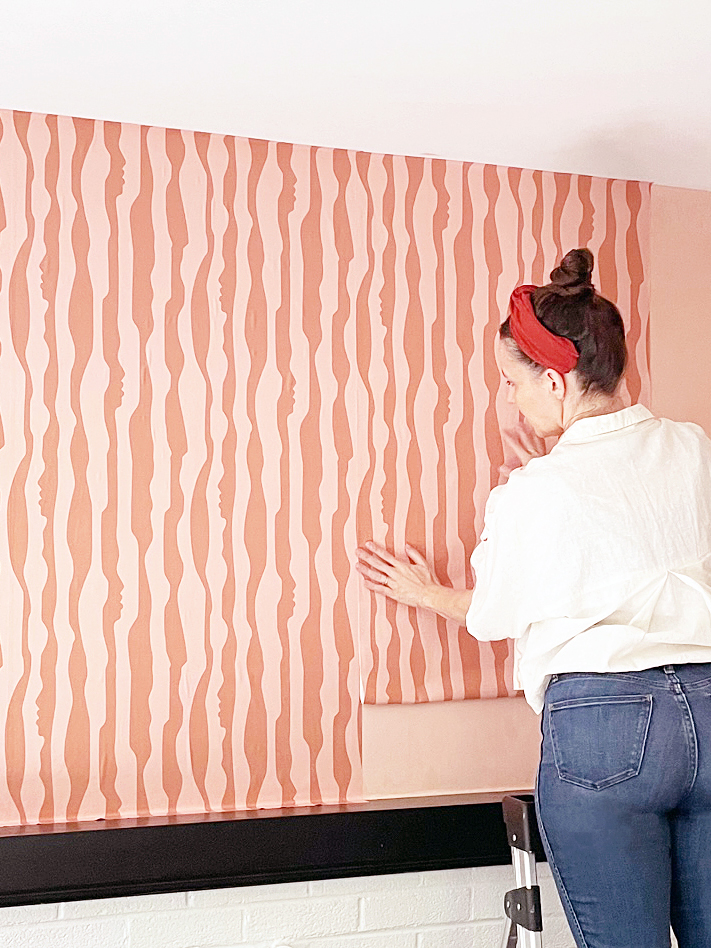
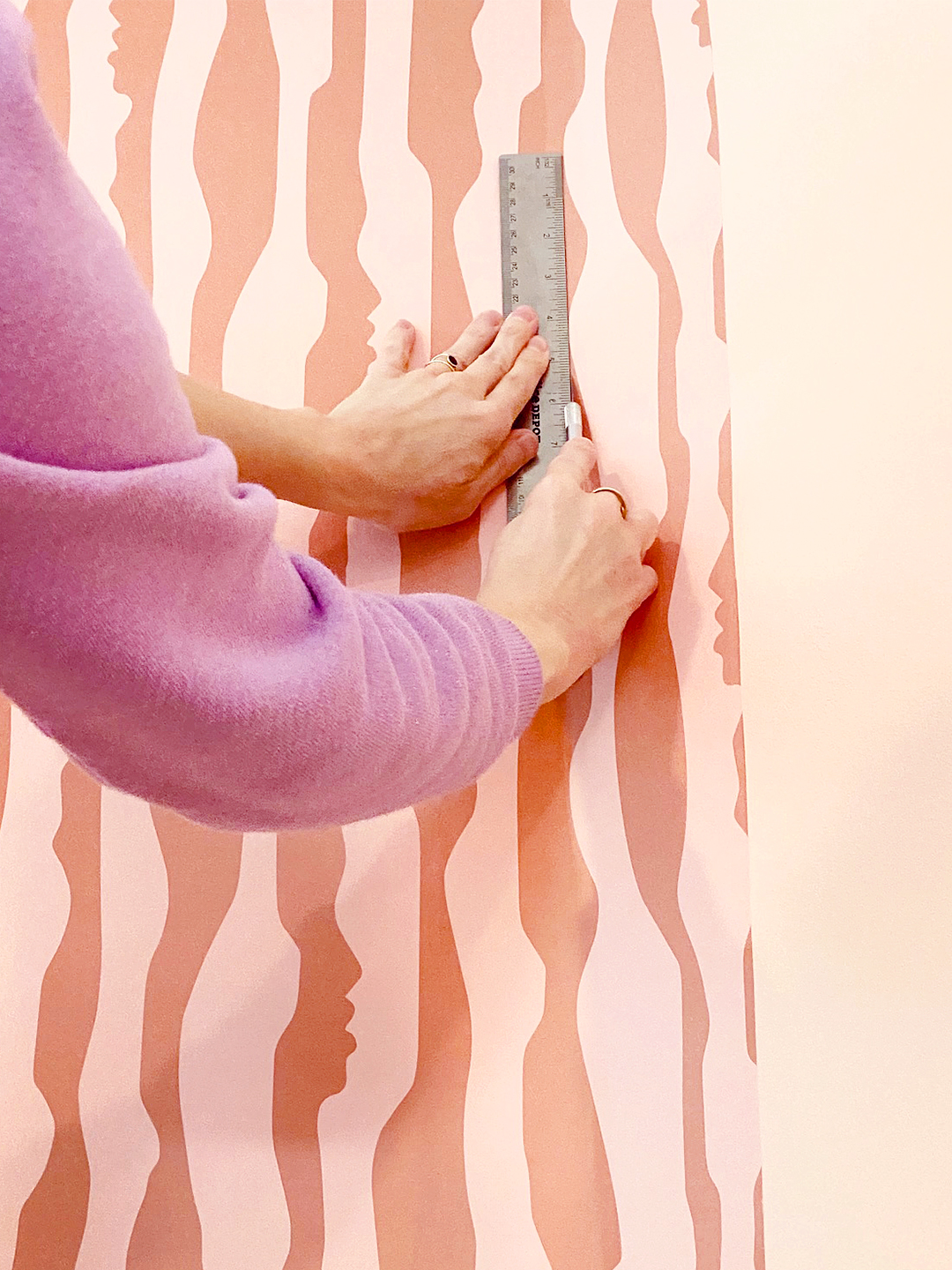
A real person’s 5-step guide to putting up temporary wallpaper

How to Hang Wallpaper (the Permanent Kind!)

22 Of The Best Places To Buy Wallpaper Online

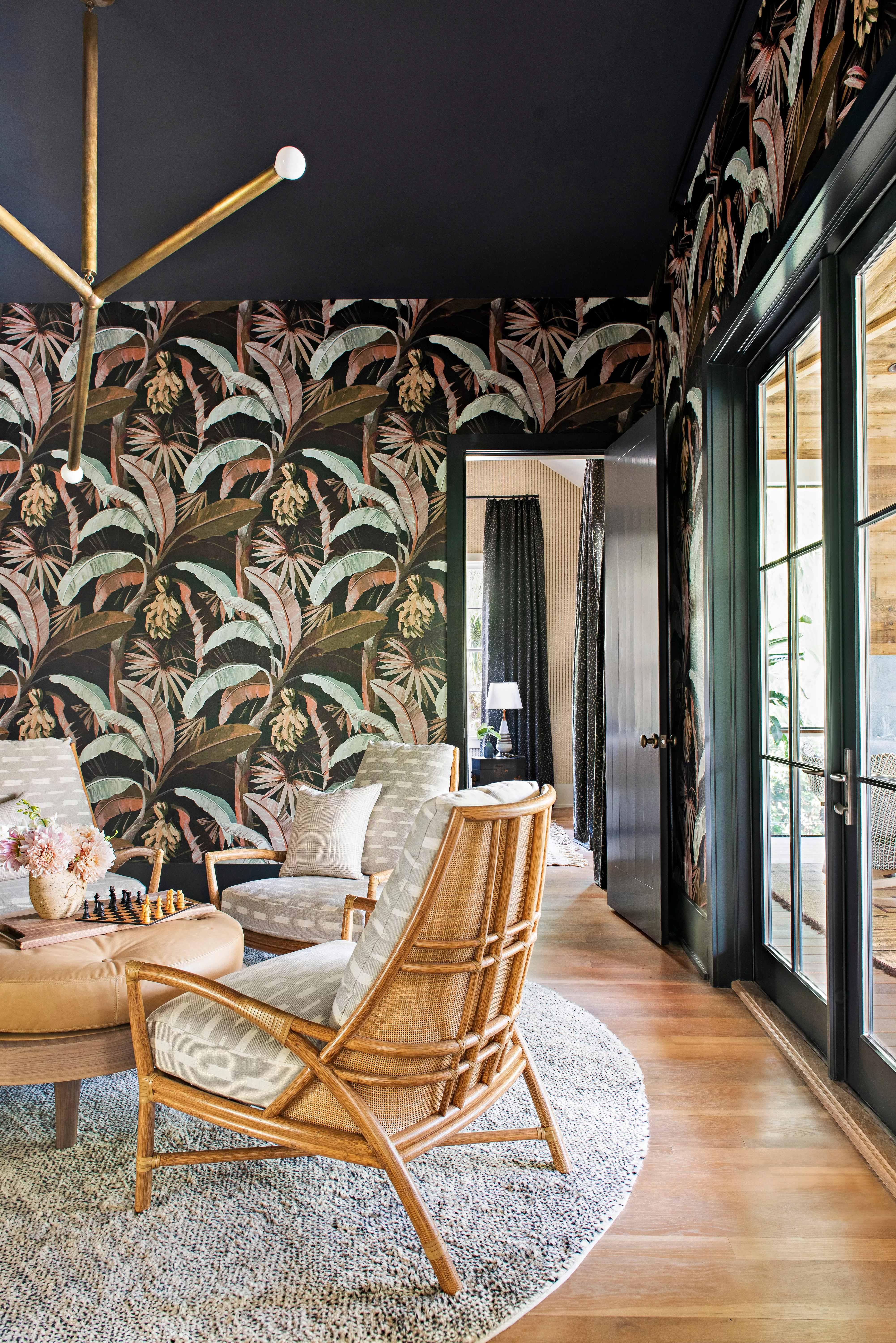
8 Common Wallpaper Mistakes (and How to Fix Them)

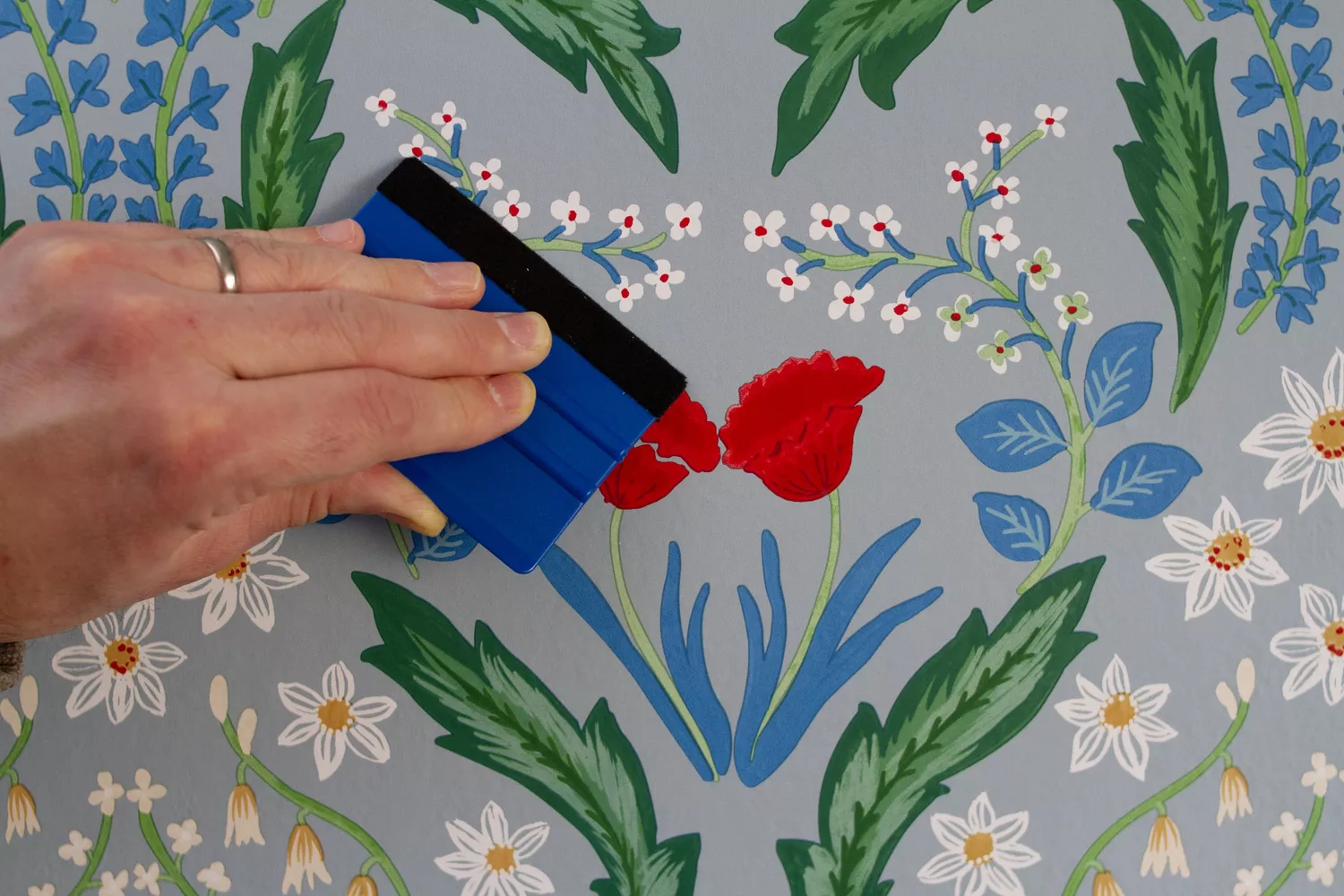
How to Hang Wallpaper Yourself in 8 Simple Steps, Straight from a Pro


How to Hang Wallpaper (the Permanent Kind!) | domino

Wallpaper Paste
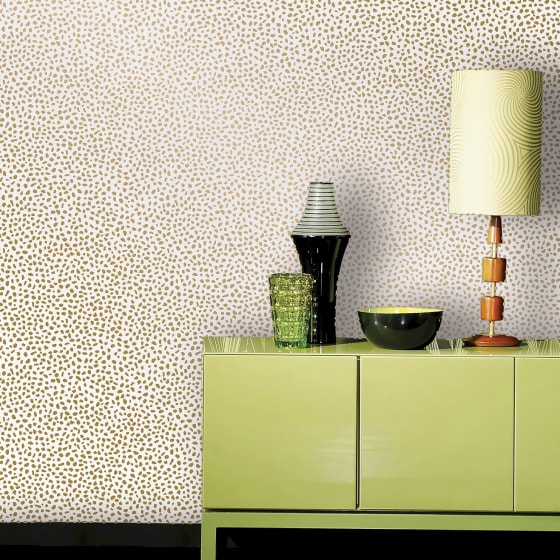
Peel-and-stick wallpaper tips and shopping

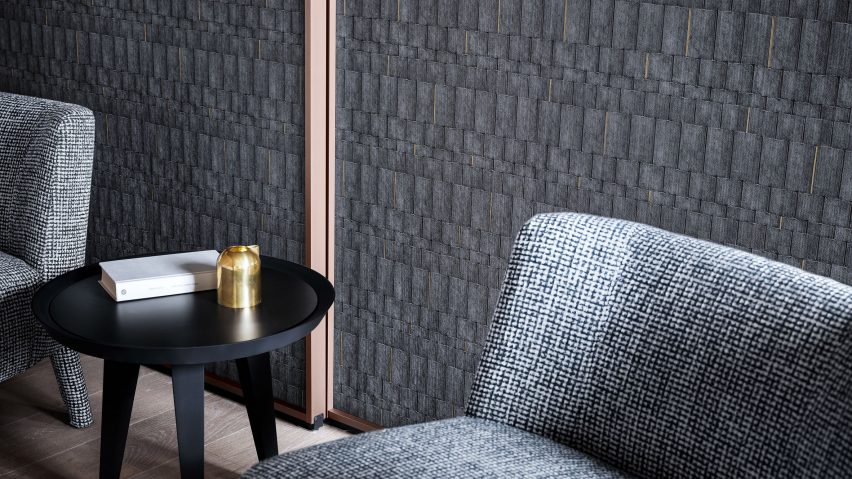
Wall&Deco's textured wallpapers are designed "be explored with the hands as well as seen"
Real Simple Editors' Favorite Wallpapers Right Now

Designer-Approved Ways to Add Wallpaper to Your Space
32 wallpaper ideas – beautiful designs for every room

Wallpaper mistakes to avoid – 7 of the most common errors and how to solve them


How to Hang Wallpaper (the Permanent Kind!)

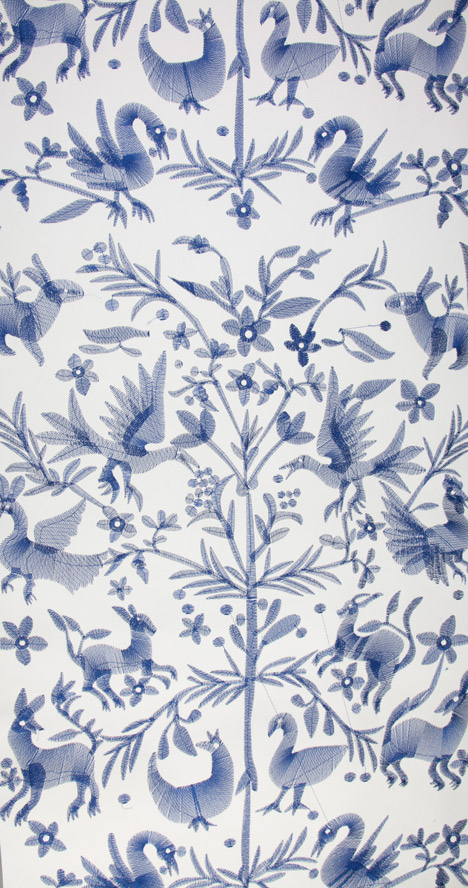
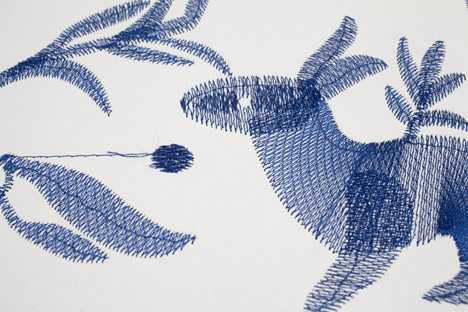
Custhom launches digitally embroidered wallpaper

5 photo-realistic wallpaper designs to try


7 Simple Steps for Hanging Wallpaper Yourself