
1/10
How To Use Two Different Wallpapers for ‘Light’ and ‘Dark’ Mode on Android
The increasing popularity of dark mode in modern applications and system user interfaces offers users a visually distinct experience from traditional light-themed interfaces. While many Android devices can automatically switch between light and dark modes based on a schedule, a common limitation is that the device wallpaper remains static, regardless of the active theme. This article addresses this issue by introducing Darkinator, a dedicated application designed to synchronize wallpaper changes with the system's light and dark mode settings.
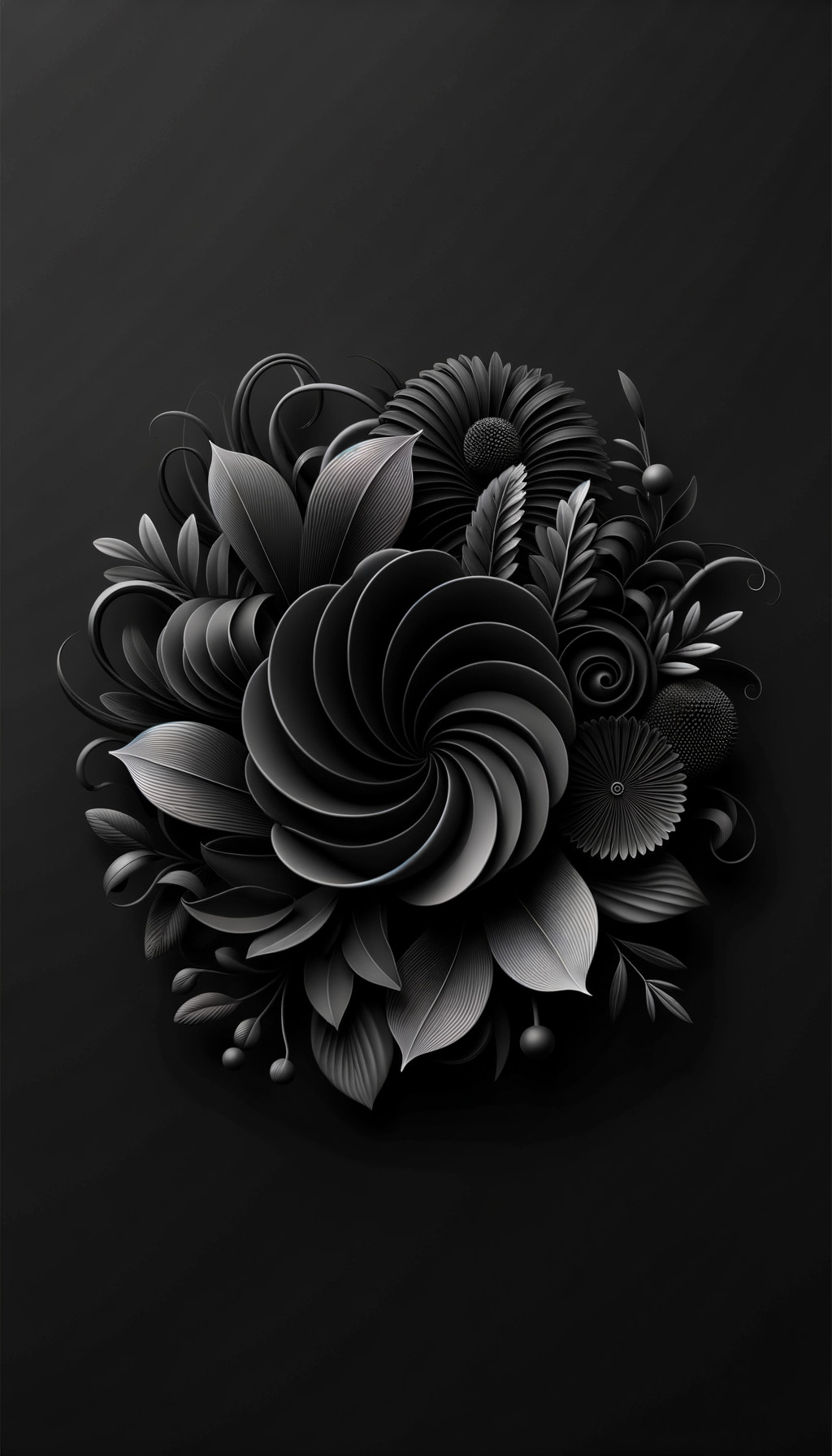
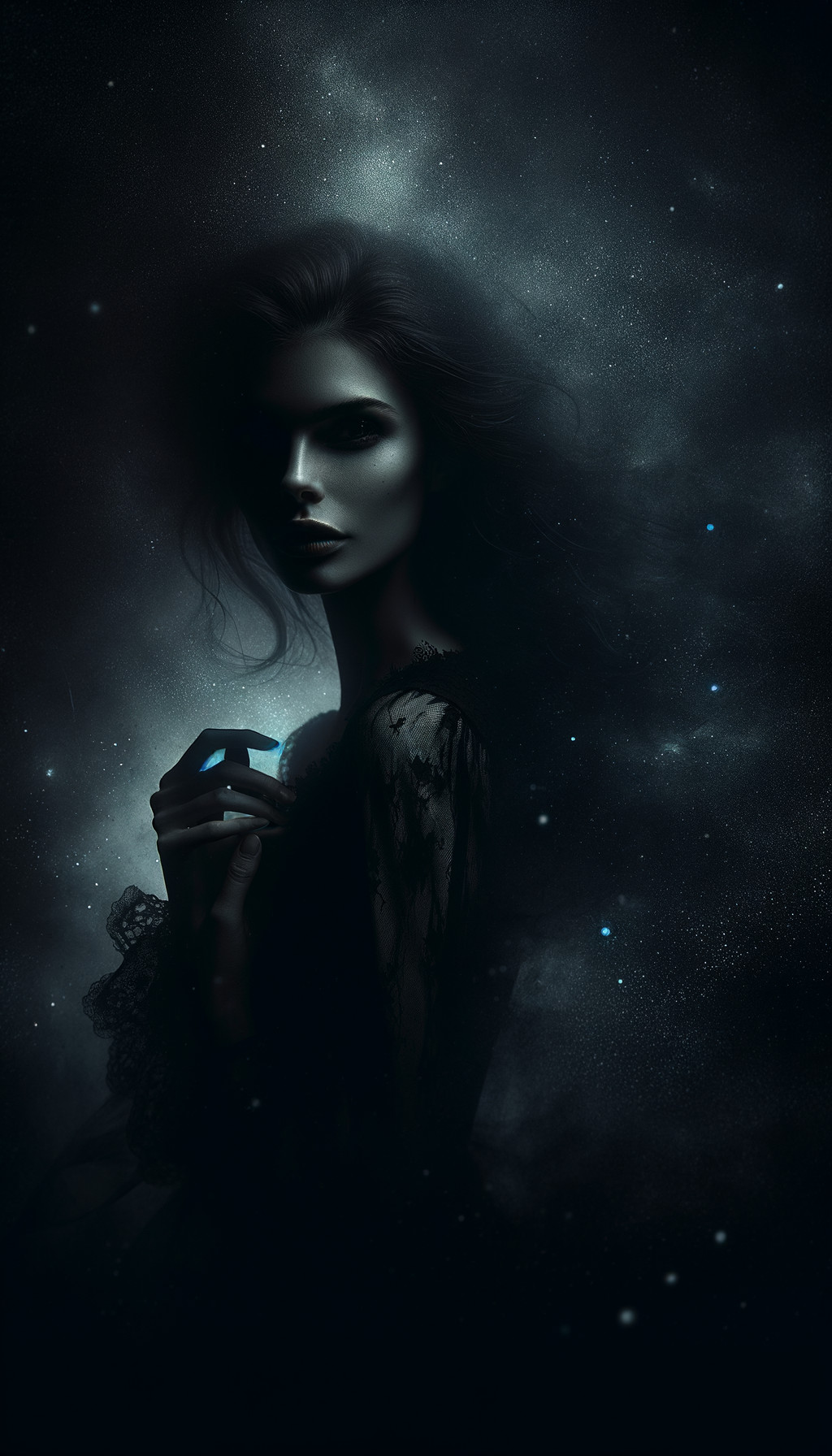
Darkinator allows users to select two distinct wallpapers: one for the light theme and another for the dark theme. Once configured, the application ensures that the wallpaper automatically changes in tandem with the system's theme transitions. This functionality enhances the overall aesthetic consistency of the user interface, providing a more integrated visual experience. The installation process for Darkinator is straightforward, involving downloading the app from the Google Play Store.
The article provides a detailed, step-by-step guide on how to utilize Darkinator for both portrait and landscape wallpaper orientations. For portrait mode, users begin by launching the app, where they will find options to set wallpapers for both the 'Light-Theme Wallpaper' and 'Dark-Theme Wallpaper.' The process involves selecting an image from the device's gallery, cropping it to fit the screen, and then repeating these steps for the other theme. After both wallpapers are set, users simply tap 'Set Wallpaper' to activate the feature. The app then displays a preview of how the wallpaper will appear based on the current theme, confirming the setup.
Similarly, Darkinator supports landscape mode. To enable this, users must first activate the 'Enable Landscape Wallpaper' option within the app's settings. Following this, the procedure for selecting and setting landscape wallpapers for both light and dark themes mirrors that of the portrait mode. Users choose their preferred images, crop them appropriately, and then confirm the settings. This dual-orientation capability caters to users who frequently switch their device orientation or prefer specific wallpapers for different views.
The article emphasizes the benefits of using dark mode, including reduced eye strain, particularly in low-light environments, and potential battery savings due to the display of darker pixels. By integrating Darkinator, users can maintain a cohesive visual theme, ensuring that their wallpaper complements the active light or dark mode. This functionality allows for a more personalized and dynamically responsive Android experience, where the visual elements of the interface adapt seamlessly to user preferences and environmental conditions.
#Android #DarkMode #Wallpaper #Personalization #TechTutorial #AppReview #UserInterface #Android #DarkMode #Wallpaper #Personalization #TechTutorial #AppReview #UserInterface
0 comment in total
 No comments yet
You may also like
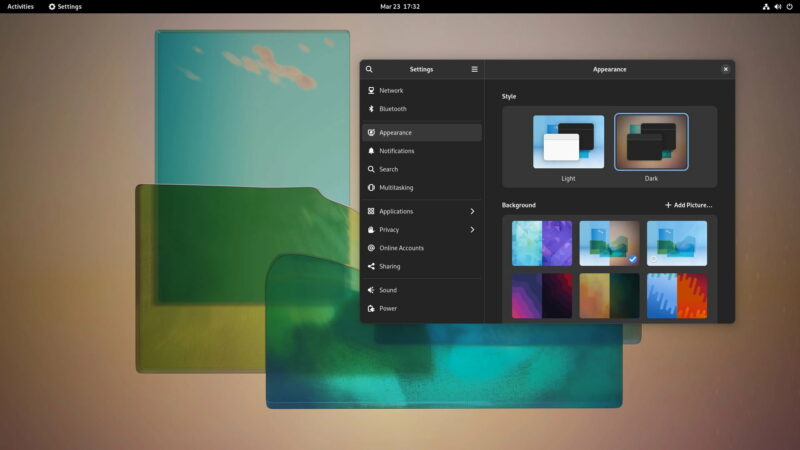
How to Activate the Dark and Light Wallpaper Variants in GNOME 42

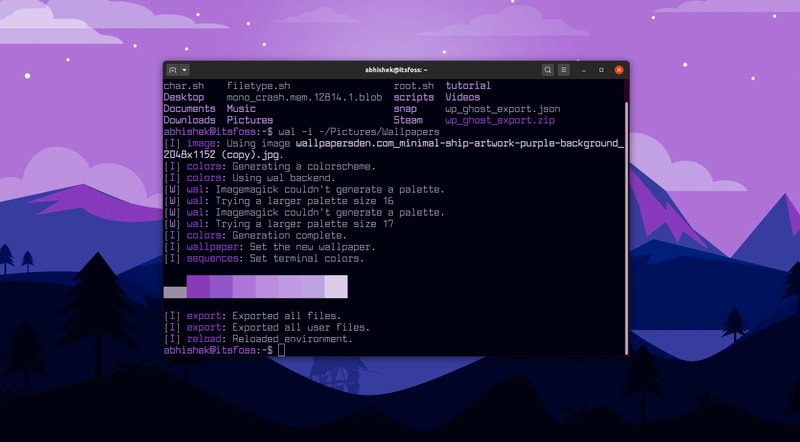
Automatically Change Color Scheme of Your Linux Terminal Based on Your Wallpaper
The Google Pixel 2 has a dark theme when you change your wallpaper

Removable wallpaper or traditional? Here's how to know what's right for your project

Download these dark wallpapers for your phone
Choose Your Wallpaper Like a Pro With These 8 Designer Tips

How to force Google Pixel’s ‘dark mode’ with any wallpaper w/ ‘LWP+’
How black wallpaper can save your Android battery