1/2
How to force Google Pixel’s ‘dark mode’ with any wallpaper w/ ‘LWP+’
Google Pixel 2 devices running Android 8.1 included a limited dark mode feature that activated based on the selected wallpaper. This feature, while a step towards a system-wide dark mode, restricted users to only dark-colored wallpapers to maintain the dark theme. The article details a method to circumvent this limitation using a third-party application called LWP+, enabling users to apply a dark theme regardless of their chosen wallpaper.
The LWP+ application, available for free on the Google Play Store, acts as a live wallpaper manager. It allows users to select any image as their background while manipulating how the Android system perceives the wallpaper's color. This manipulation tricks the operating system into activating its dark mode UI elements, such as the app drawer and notification shade, even when a light-colored image is set as the wallpaper.
The process involves four main steps. First, users need to download and install the LWP+ app from the Play Store. The app itself is free and doesn't contain in-app purchases, though it may display occasional advertisements. Second, users must set LWP+ as their active wallpaper. This is done through the standard wallpaper picker on their Android device, typically by long-pressing on the homescreen, selecting 'Wallpapers,' and then choosing LWP+ from the 'Live Wallpapers' section.
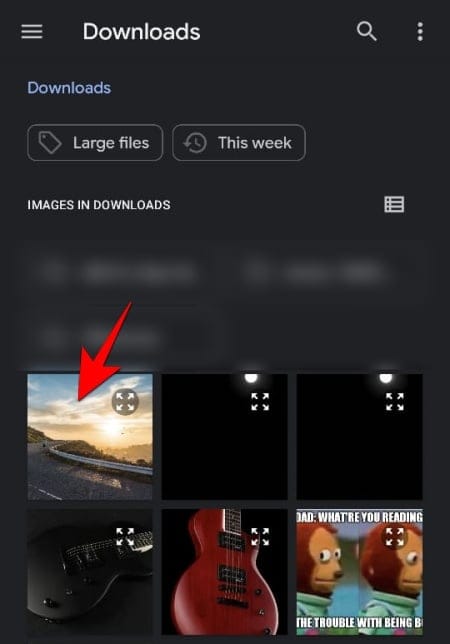
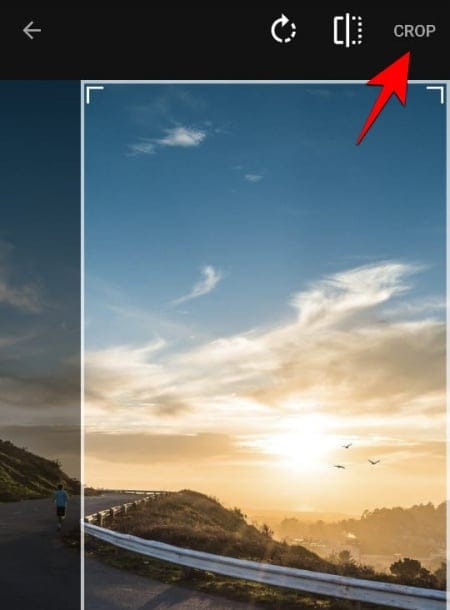
The third step involves selecting the desired background image within the LWP+ application. After opening LWP+ from the app drawer, users can access an option labeled "select background image" to browse and choose any picture stored on their device. This allows for personalization without sacrificing the dark mode functionality. The final and crucial step is to activate the custom color settings within LWP+. Users need to navigate to the "OS Colors" section within the app and toggle on "custom colors." Then, all color settings should be set to black. This configuration ensures that Android consistently recognizes the wallpaper as dark, thereby maintaining the dark theme across supported UI elements.
This workaround is particularly useful for owners of devices running Android 8.1, including the Google Pixel, Pixel 2, and Essential Phone, who desire the aesthetic and potential eye-strain benefits of a dark mode but do not wish to be limited to dark wallpapers. The article highlights that while Google had not yet implemented a comprehensive dark mode across all Android versions at the time, this application provided a practical solution for specific devices to achieve a more consistent dark theme experience.
#GooglePixel #Android #DarkMode #LWPPlusApp #WallpaperCustomization #Android8_1 #Pixel2 #EssentialPhone #GooglePixel #Android #DarkMode #LWPPlusApp #WallpaperCustomization #Android8_1 #Pixel2 #EssentialPhone
 No comments yet
The Google Pixel 2 has a dark theme when you change your wallpaper
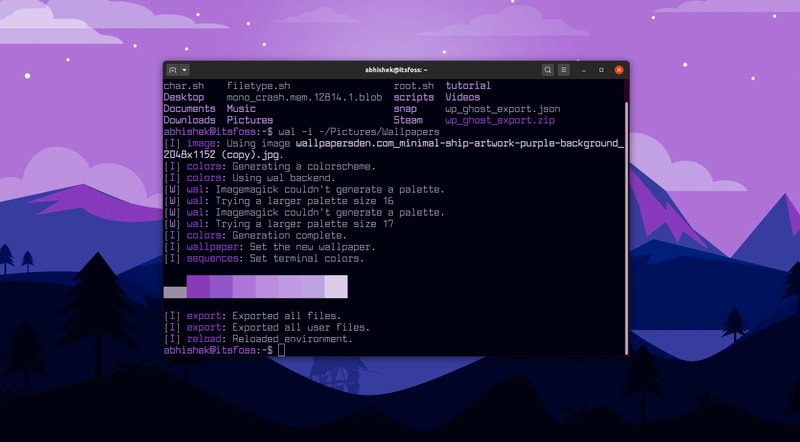
Automatically Change Color Scheme of Your Linux Terminal Based on Your Wallpaper


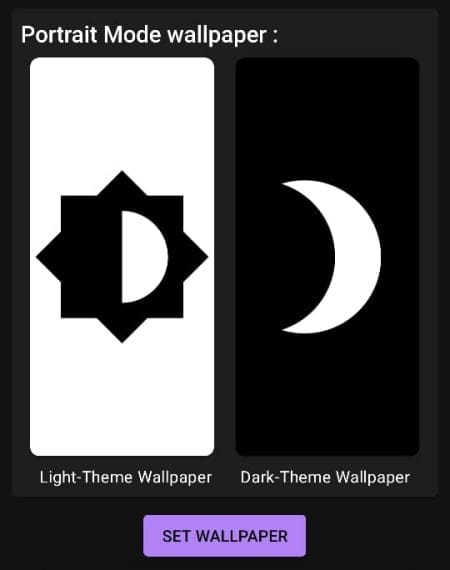
How To Use Two Different Wallpapers for ‘Light’ and ‘Dark’ Mode on Android

Cursed by a Dark Room? *This* Type of Wallpaper Is Your New Best Friend

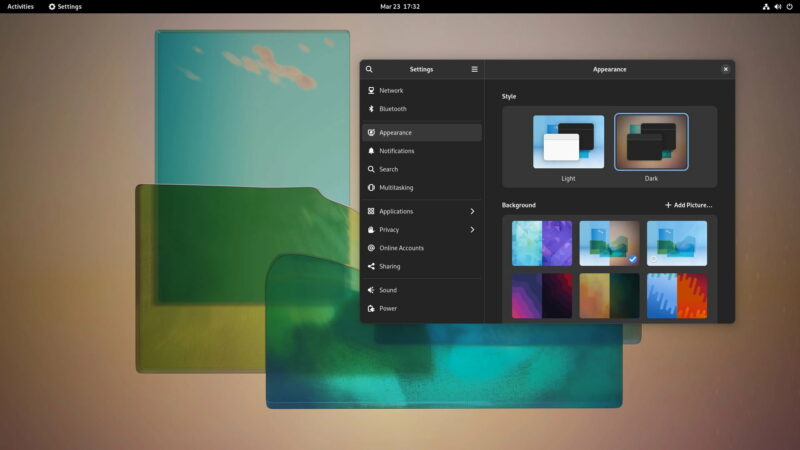
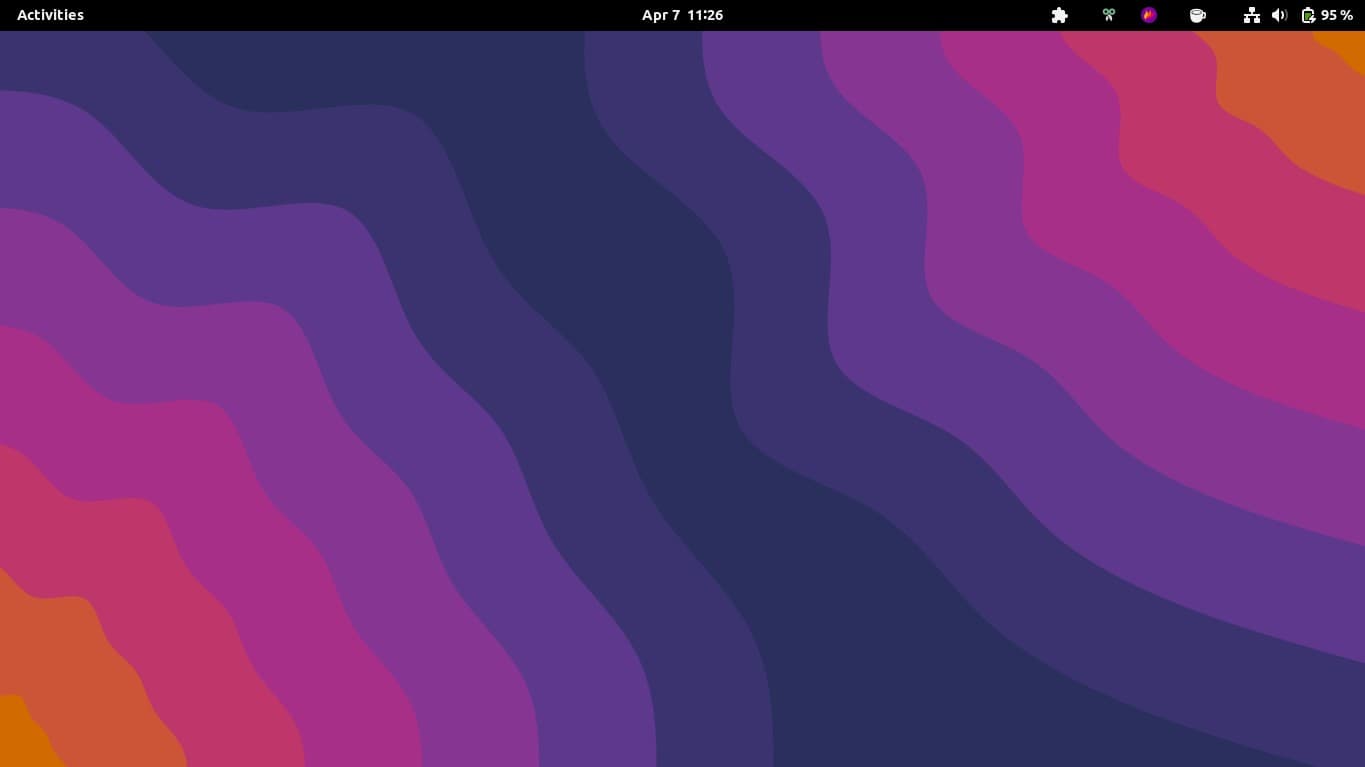
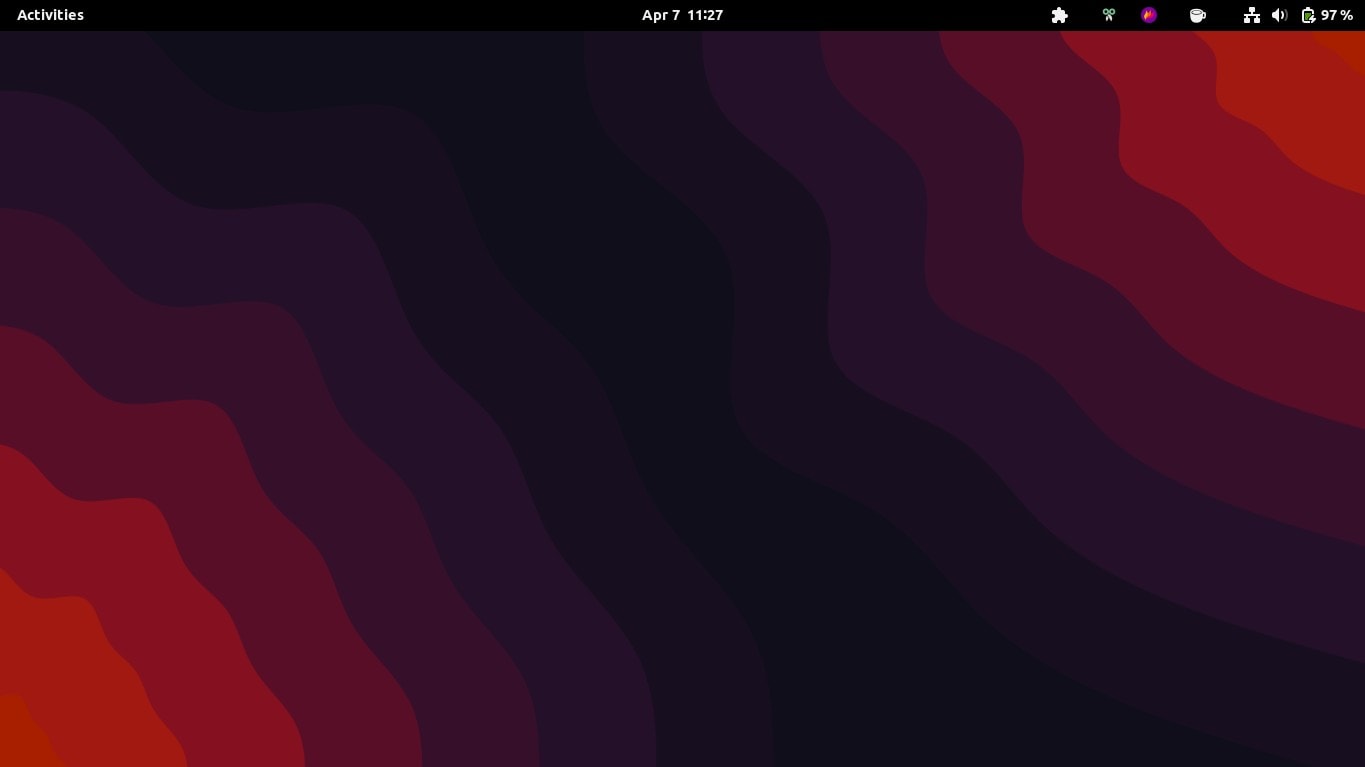
How to Activate the Dark and Light Wallpaper Variants in GNOME 42
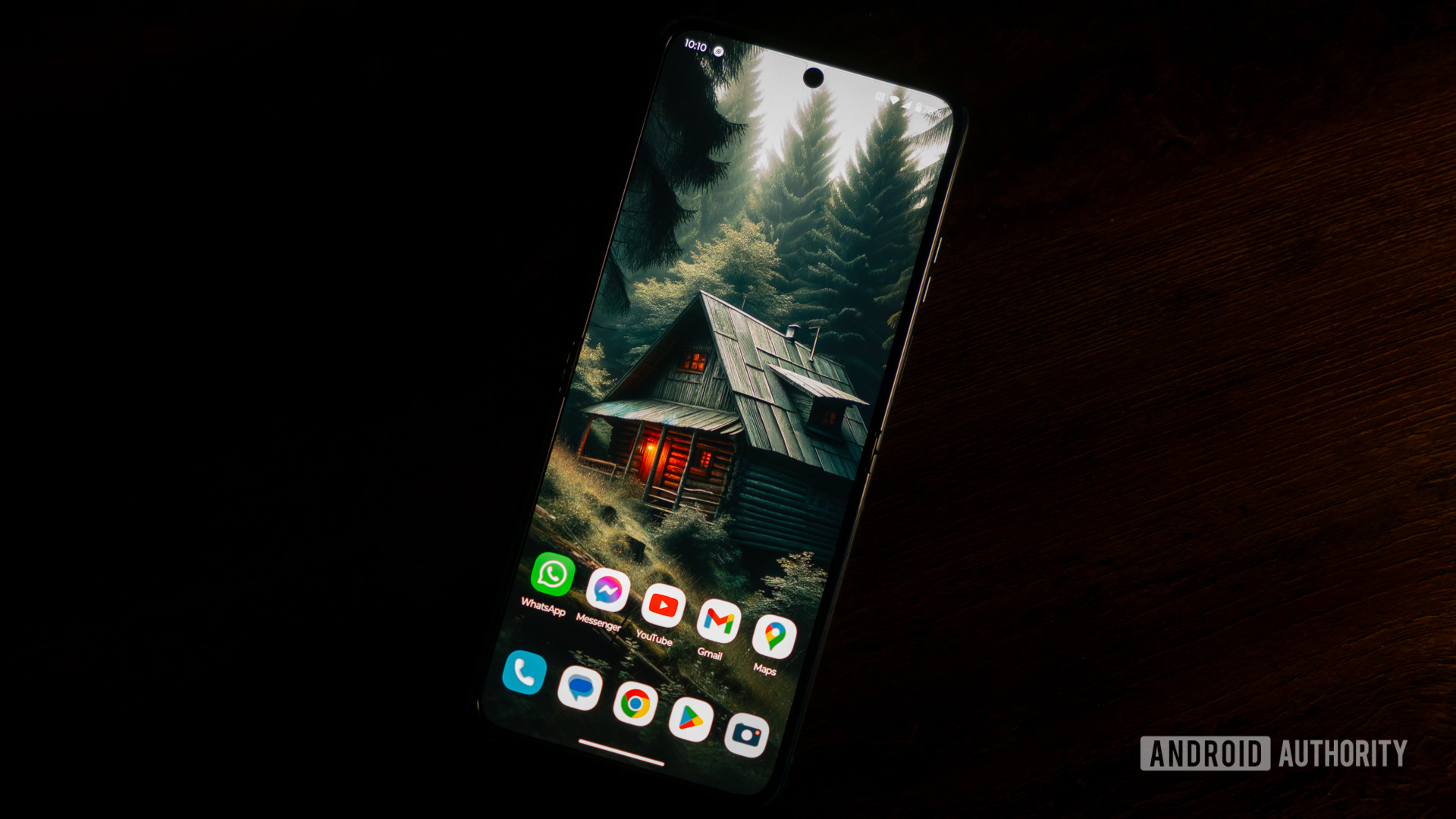
Download these dark wallpapers for your phone
How to make dark, moody walls work at home