1/10
My virtual living room: Setting up a social VR space in the house
The HTC Vive, a "room-scale" virtual reality system, represents a significant advancement in home computing devices, though its setup demands considerable space and technical considerations. Unlike previous systems like Microsoft Kinect, the Vive requires users to clear a substantial area for movement, allowing for full immersion in its virtual environments. This article delves into the practicalities of installing the HTC Vive Pre kit in a home setting, ahead of its retail release, and the implications for social VR experiences.
The installation process, while guided by an online manual, necessitates careful consideration of personal logistics. Key factors include selecting a room with adequate ceiling height to prevent accidental collisions during active gameplay, and ensuring sufficient space for comfortable movement. The author initially considered a basement office due to its lack of bulky furniture and proximity to a powerful PC, but ultimately opted for the living room to accommodate a more social VR experience. The basement office's low ceilings posed a potential issue for games involving vertical movements, highlighting the importance of anticipating diverse gameplay scenarios.
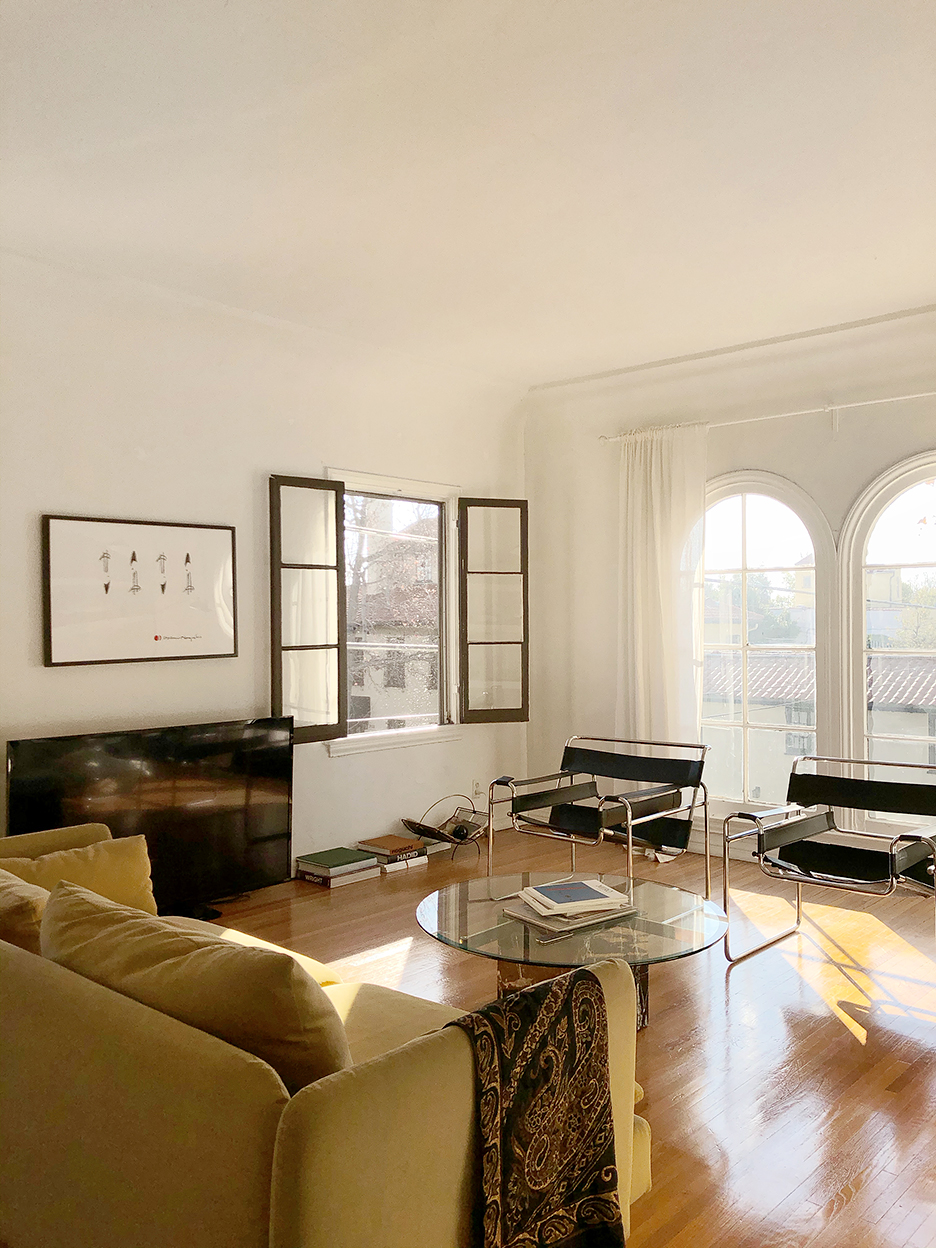
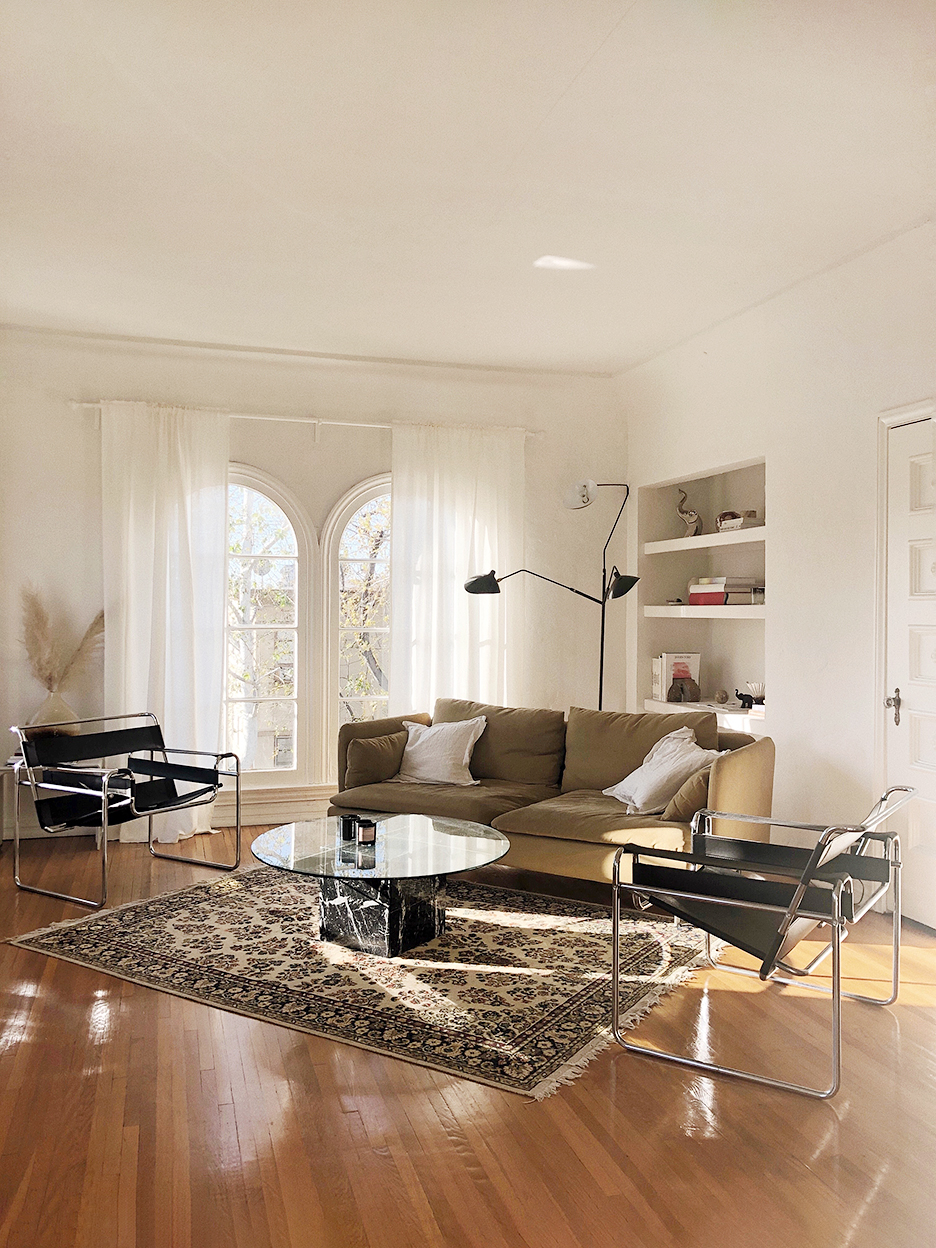
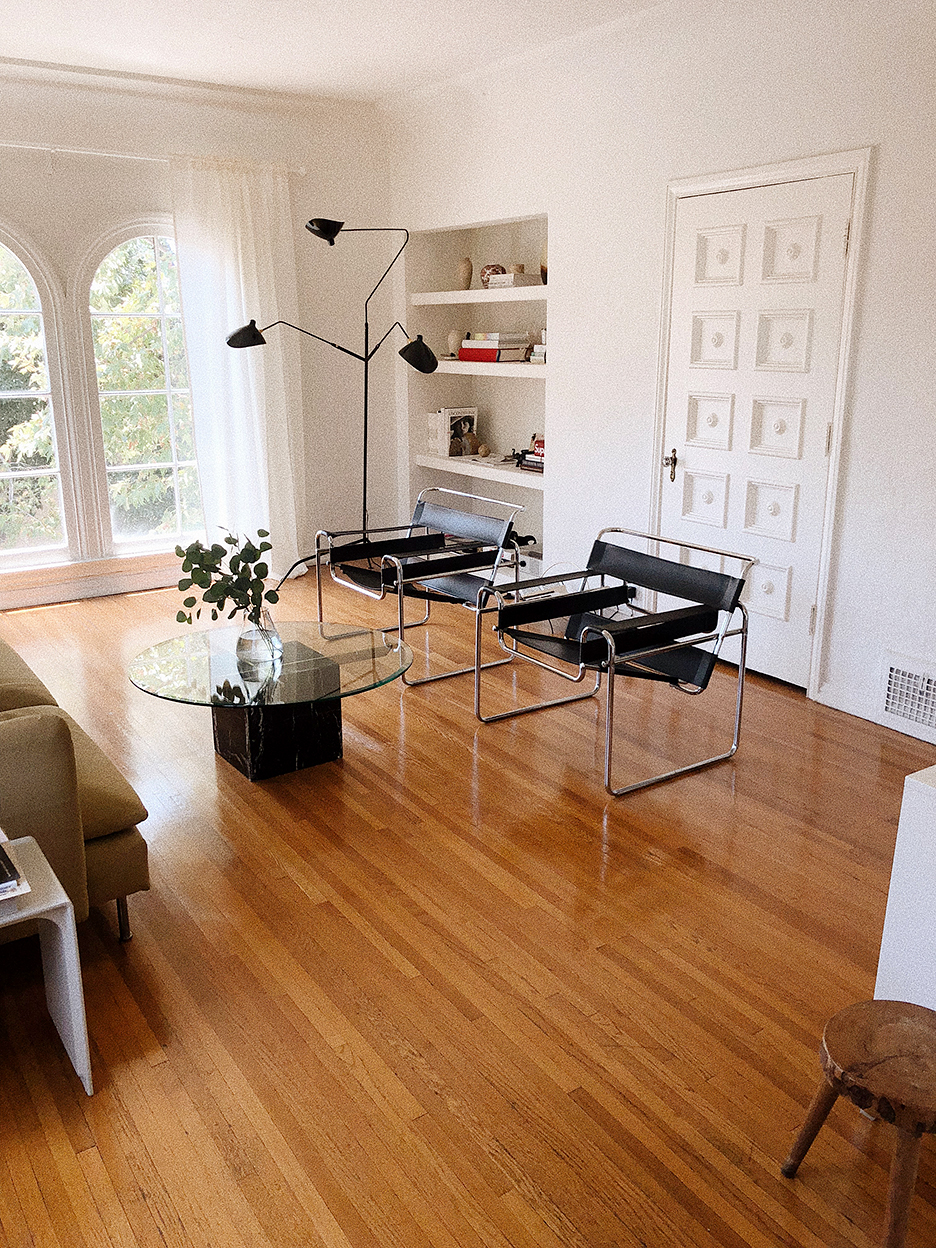
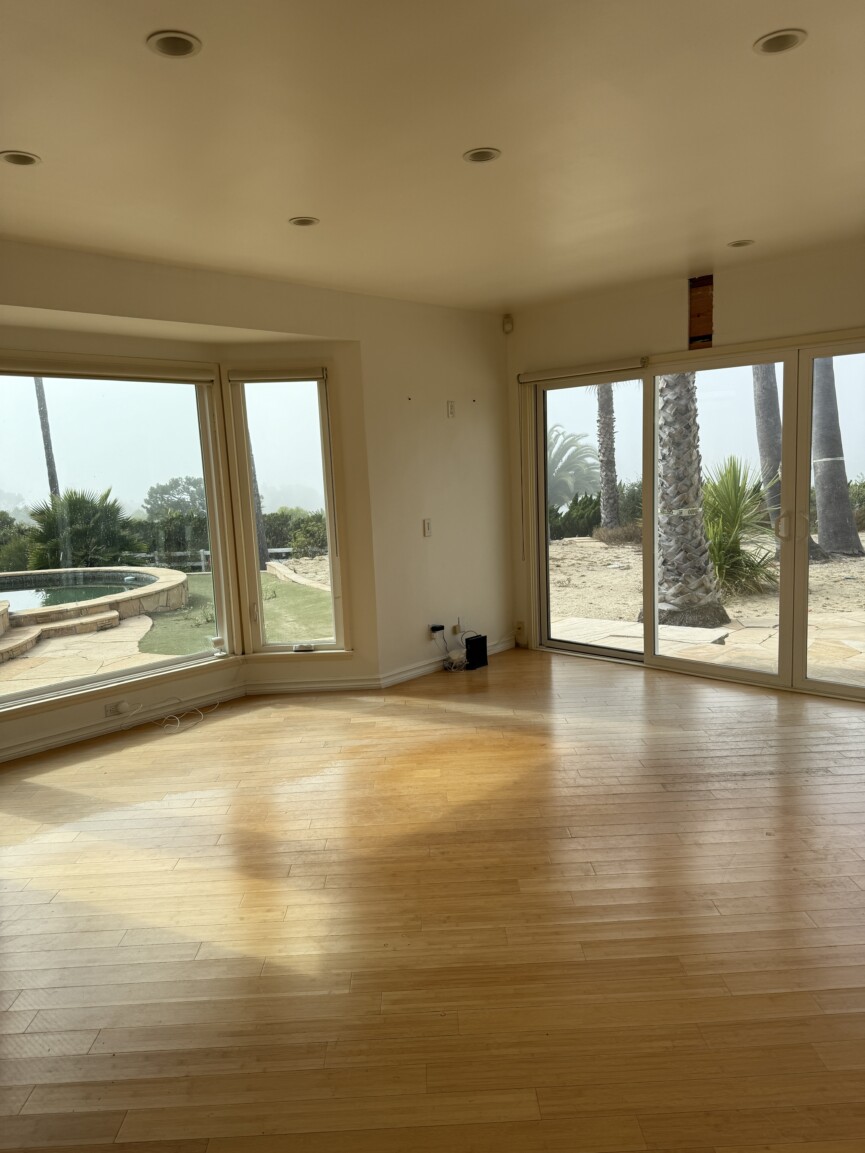
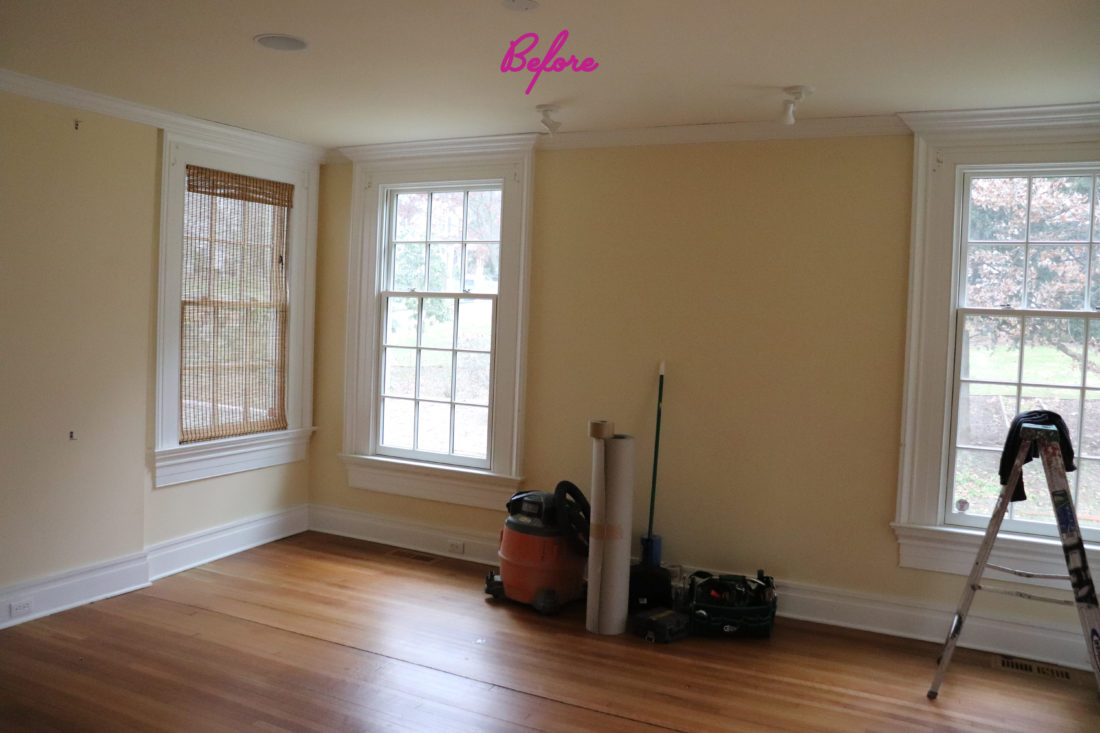
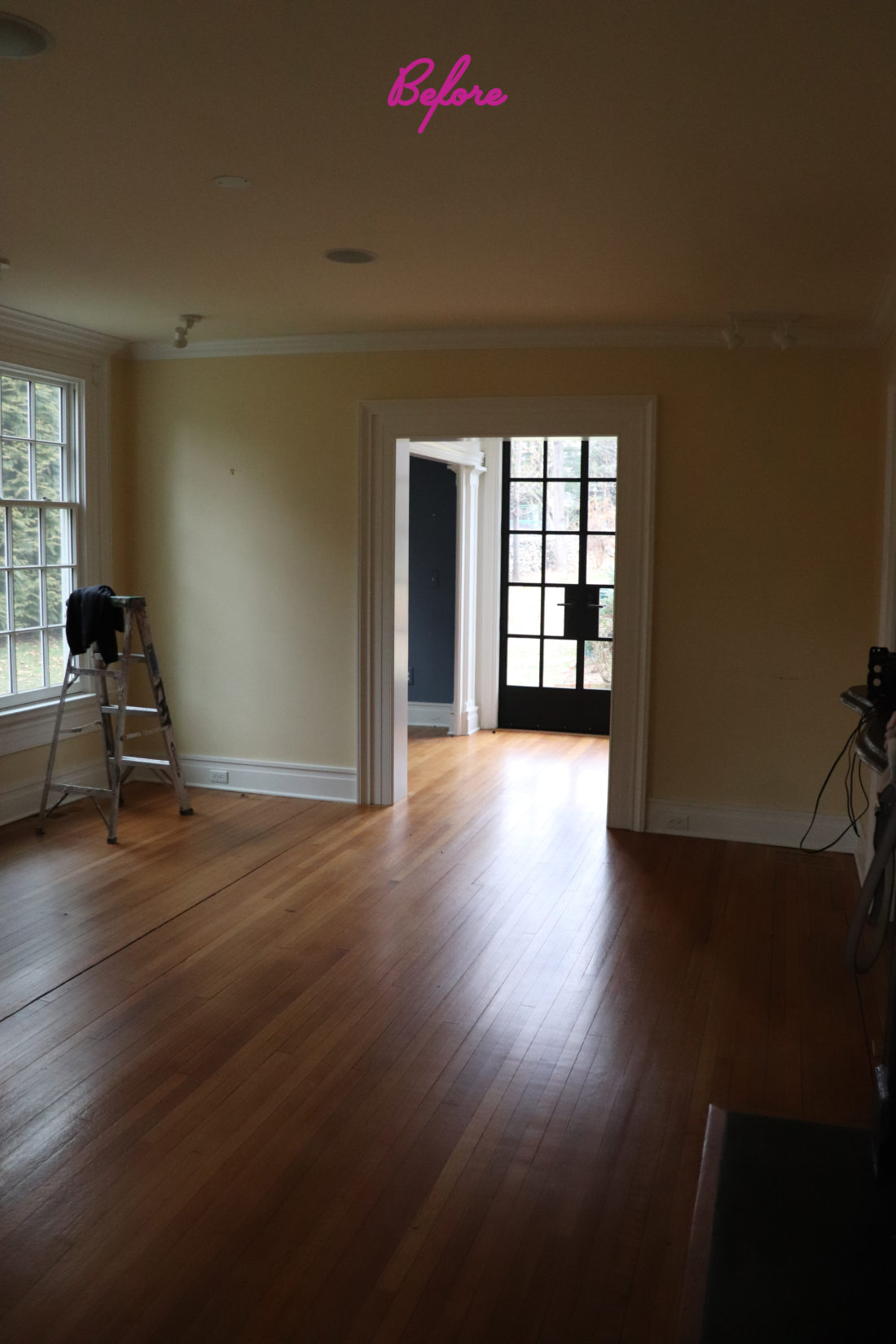
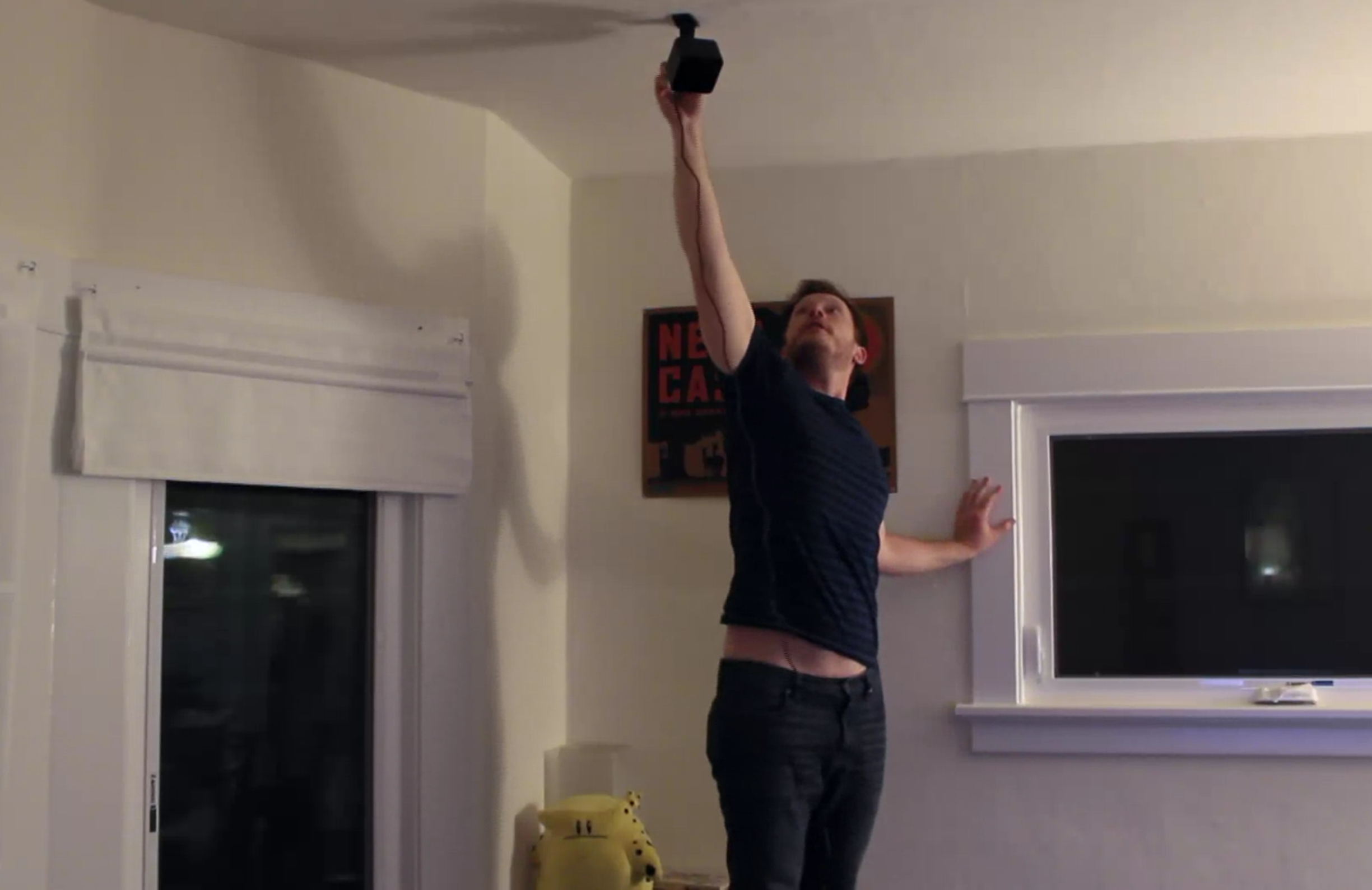
Preparing the living room for VR involved significant furniture rearrangement to create an unfettered floor space of approximately 3m x 2m, while maintaining clear pathways. The tracking stations for the Vive were securely mounted to the ceiling using drilling, chosen over adhesive or tripod stands for enhanced stability crucial for accurate tracking. This decision was based on the need to prevent virtual environments from feeling unstable if the tracking hardware were to be jostled. Power supply also required planning, with extension cords being necessary due to the length of the Vive Pre’s power cables. A notable technical challenge involved acquiring a DisplayPort cable to enable simultaneous display on both the PC monitor and the head-mounted unit, a prerequisite for proper Vive operation.
The article also explores the social dimension of room-scale VR. While solo play offers deep immersion, the author found that some games were better suited for group enjoyment. Initially, games like _Space Pirate Trainer_ were expected to be hits due to their active nature, but observers often disengaged. The most successful group activity proved to be _Job Simulator_ and a creative adaptation called "VR Pictionary" using the _TiltBrush_ application. _Job Simulator_ excelled because its comedic potential allowed for easy interaction between players and observers, while "VR Pictionary" fostered competitive, team-based fun with clear visual feedback for non-players on a mirrored TV screen. These social experiences demonstrated the value of a well-designed VR space that accommodates both active play and comfortable spectating.
Following the party, the living room could be easily reverted to its original arrangement. The main remaining inconvenience was the manual unplugging of the Vive Pre's sensors to prevent infrared interference with remote controls, indicating a minor design oversight in the pre-release hardware. The overall experience underscored that with careful planning and setup, a home can be transformed into an ideal, comfortable, and shareable space for room-scale VR, minimizing friction between setup and immersive gameplay.
#HTC Vive #VirtualReality #RoomScaleVR #VRSetup #Gaming #HomeTech #VRParty #TiltBrush #JobSimulator #HTC Vive #VirtualReality #RoomScaleVR #VRSetup #Gaming #HomeTech #VRParty #TiltBrush #JobSimulator
0 comment in total
 No comments yet
You may also like
My Outdoor Dining Space for the Living by Design "Virtual Showhouse"

10 ways to design a home office into your living room (and still switch off at the end of the day)

At Home: a Zen Abode

So, What DO You Do In A Living Room? : Blog Of The Nation

5 Genius Ways Interior Designers Know How to Adapt Your Living Room’s Layout When You’re Hosting a Lot of People

8 Useful Apps for DIY Home Design

Living Room Organization Q&A With The Home Edit

17 Cozy Home Theater Ideas for Your Next Netflix Marathon

I Had My Living Room Designed From Scratch During Quarantine

Living Room Sessions


10 DIY Home Renovation Apps (Free)
How Can We Double the Living Space in Our Homes? BEYOME: The Flexible and Modular System with Robotic Furniture

5 apps that can help you create a room you will love

One Living Room, 6 Ways, All With the Same Furniture
A Virtual Home Imagines a More Free and Authentic Future for Black Families

I turned my living room into a movie theater — here's how

Zoom Your Way To The Perfect Closet With The Container Store’s Virtual Closet Design Service

Designing Our Media Room For Togetherness, Not Just Technology

My Historic Home Living Room Reveal
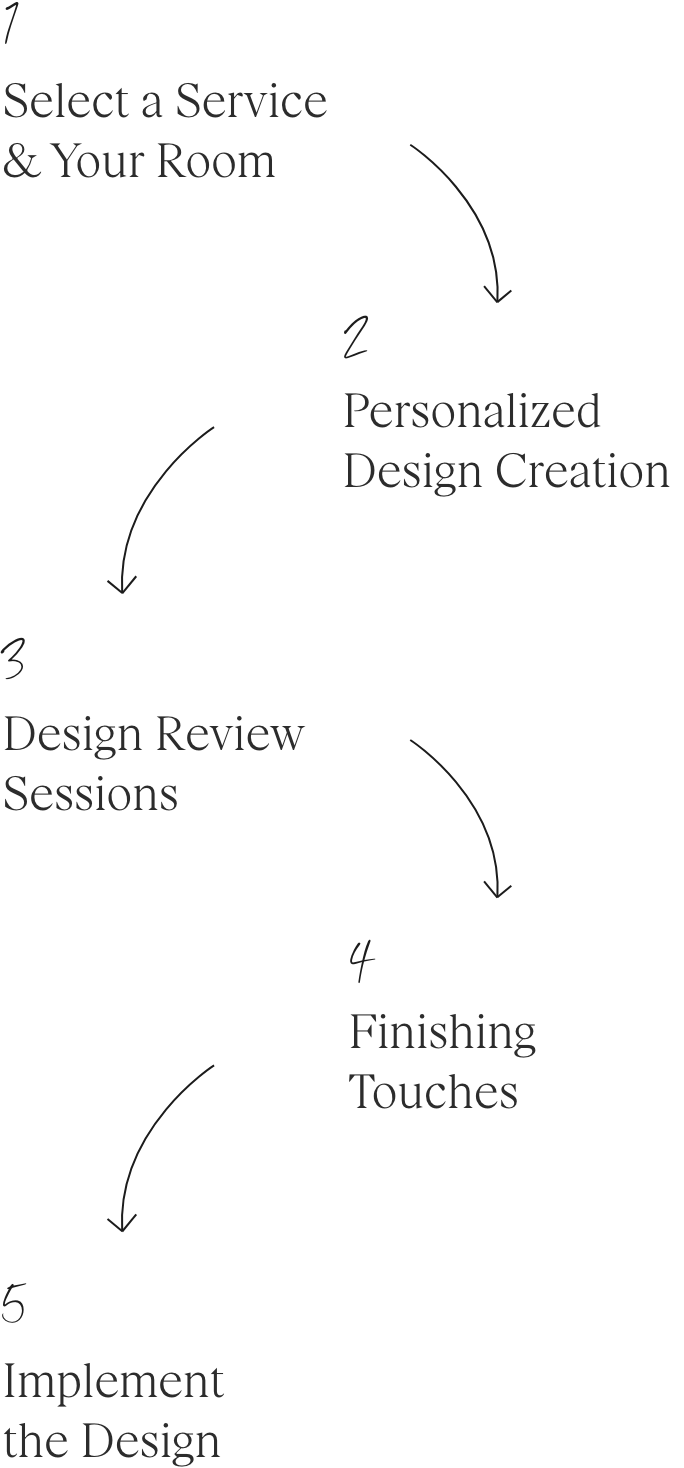
Virtual Interior Design Services