1/10
8 Useful Apps for DIY Home Design
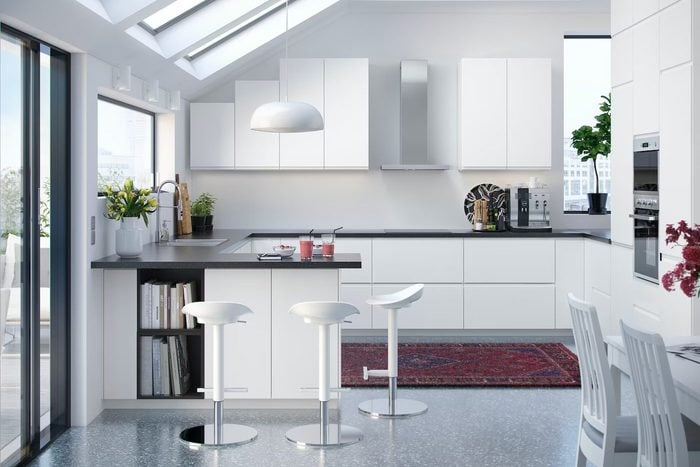
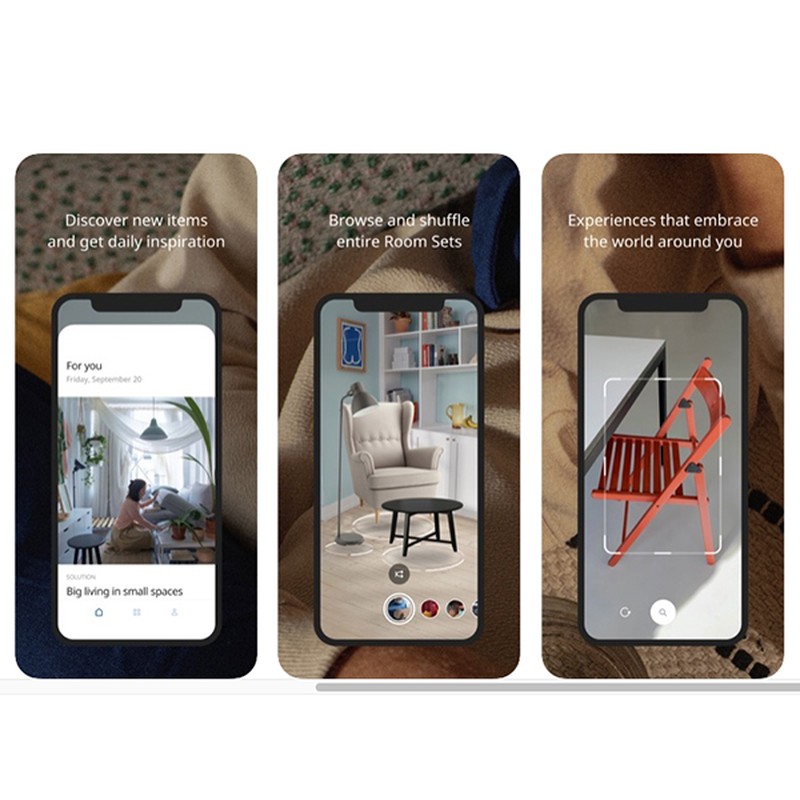
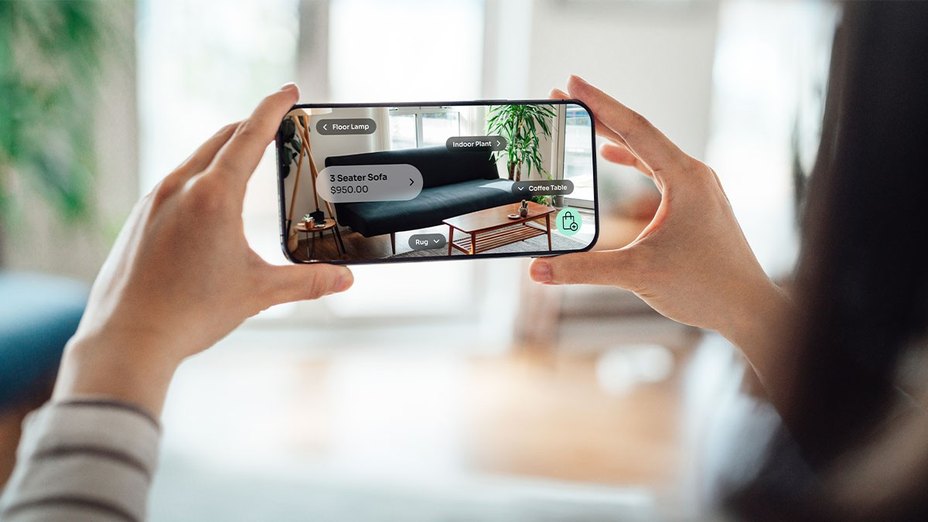
The increasing popularity of home DIY projects highlights a growing need for technological assistance in visualizing and planning home design. While physical stores remain crucial for assessing furniture comfort and dimensions, a range of applications now offers virtual tools to aid in redecorating and designing spaces without the immediate need for physical changes or expert consultation. These apps cater to various aspects of home design, from full-room reconfigurations to specific tasks like testing wall colors or creating floor plans.
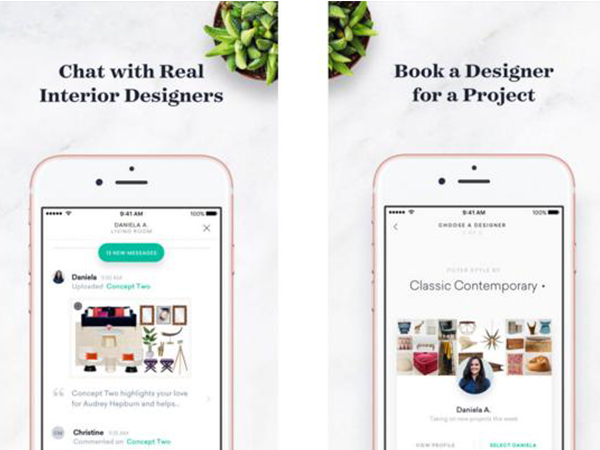
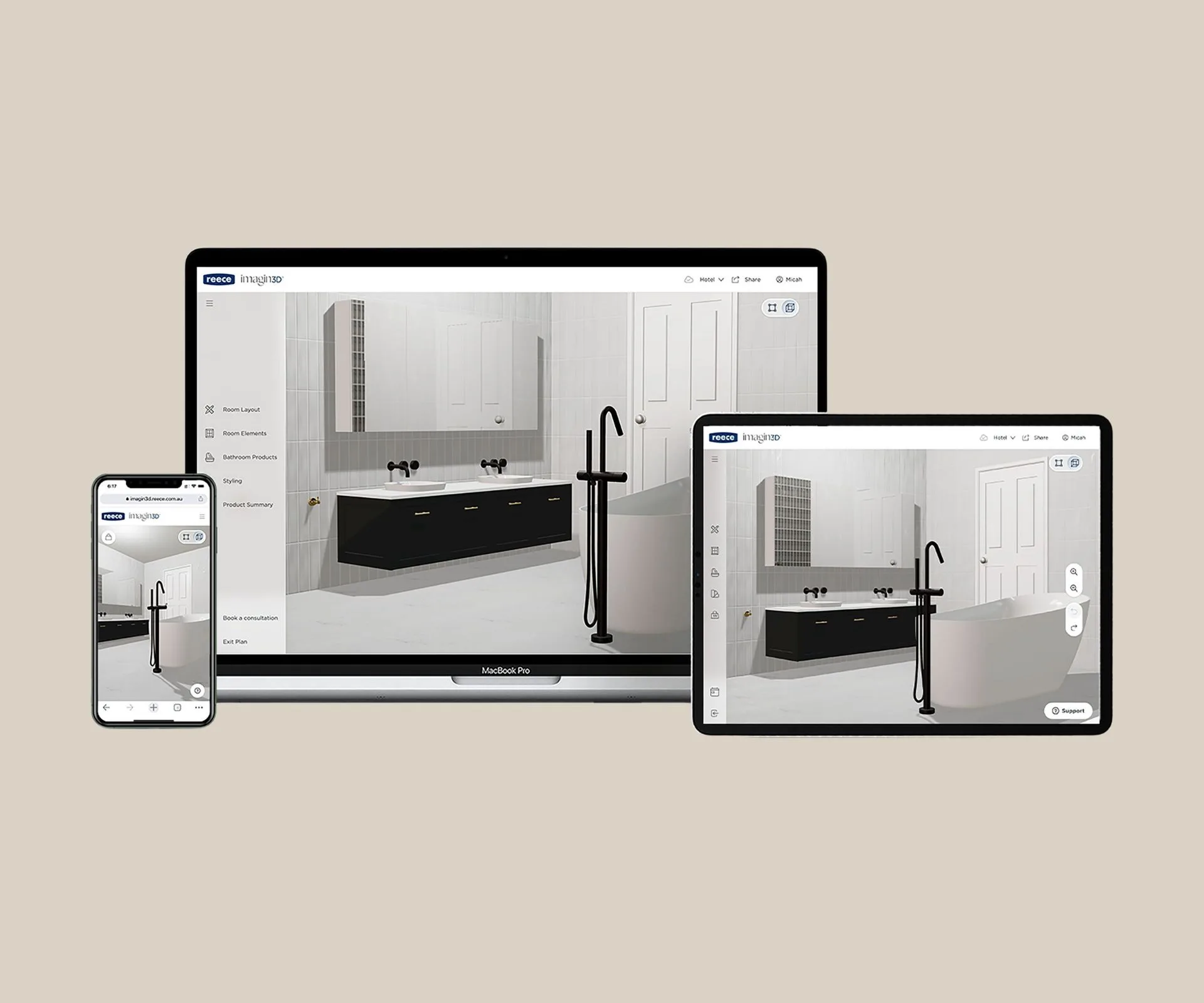
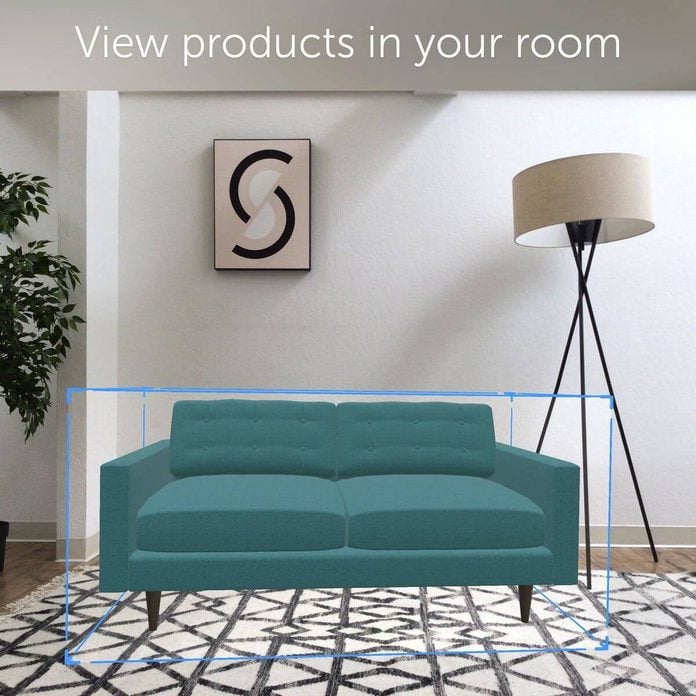
Modsy, for instance, serves as an online interior designer and furniture shopper. Users complete a style quiz and submit photos of rooms they wish to redecorate. The app then suggests furniture and décor from its extensive virtual catalog, comprising items from over a hundred retailers, and generates photo-realistic renderings of the rooms with improved layouts. This comprehensive service starts at $99 per room, offering a complete virtual design experience.
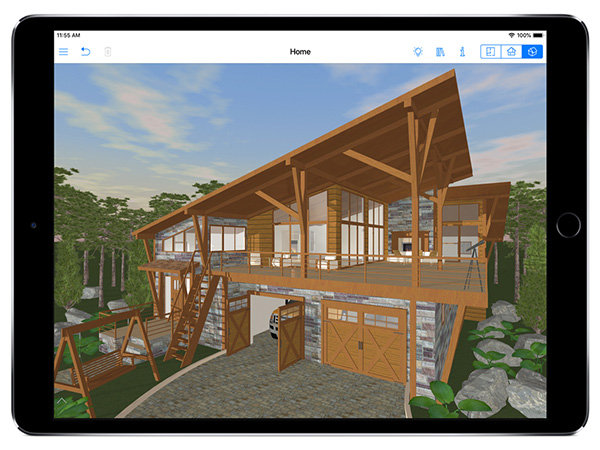
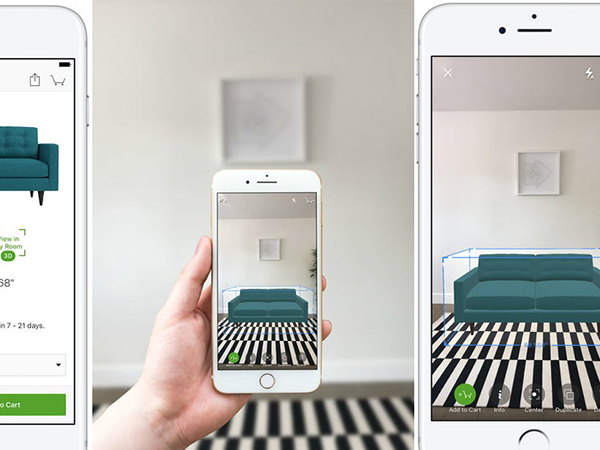
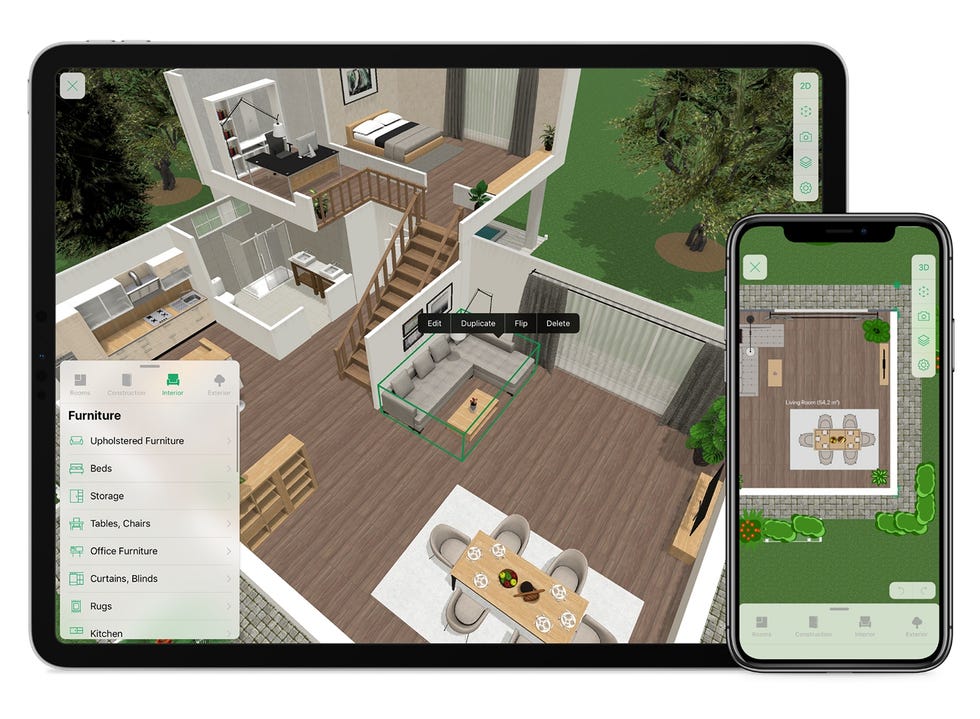
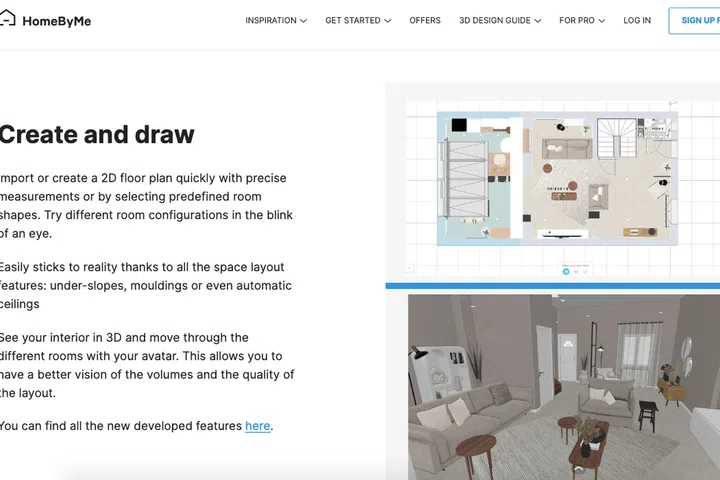
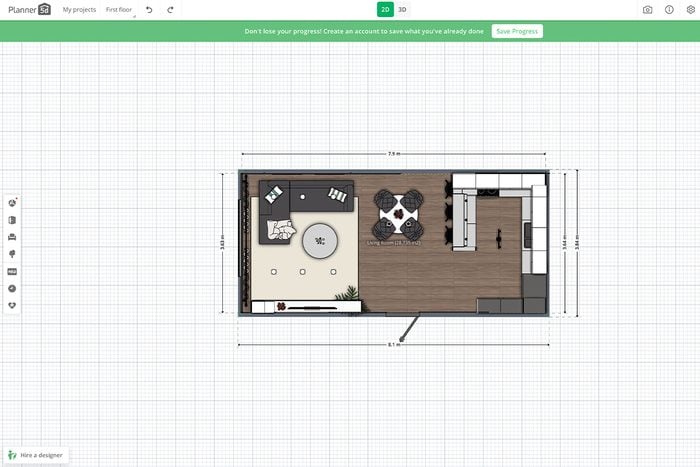
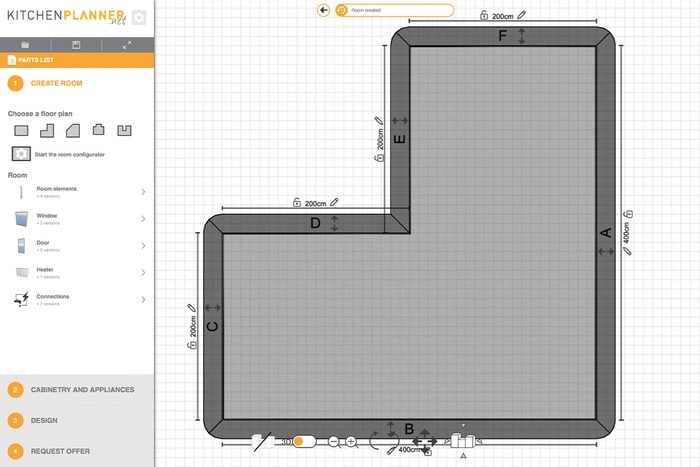
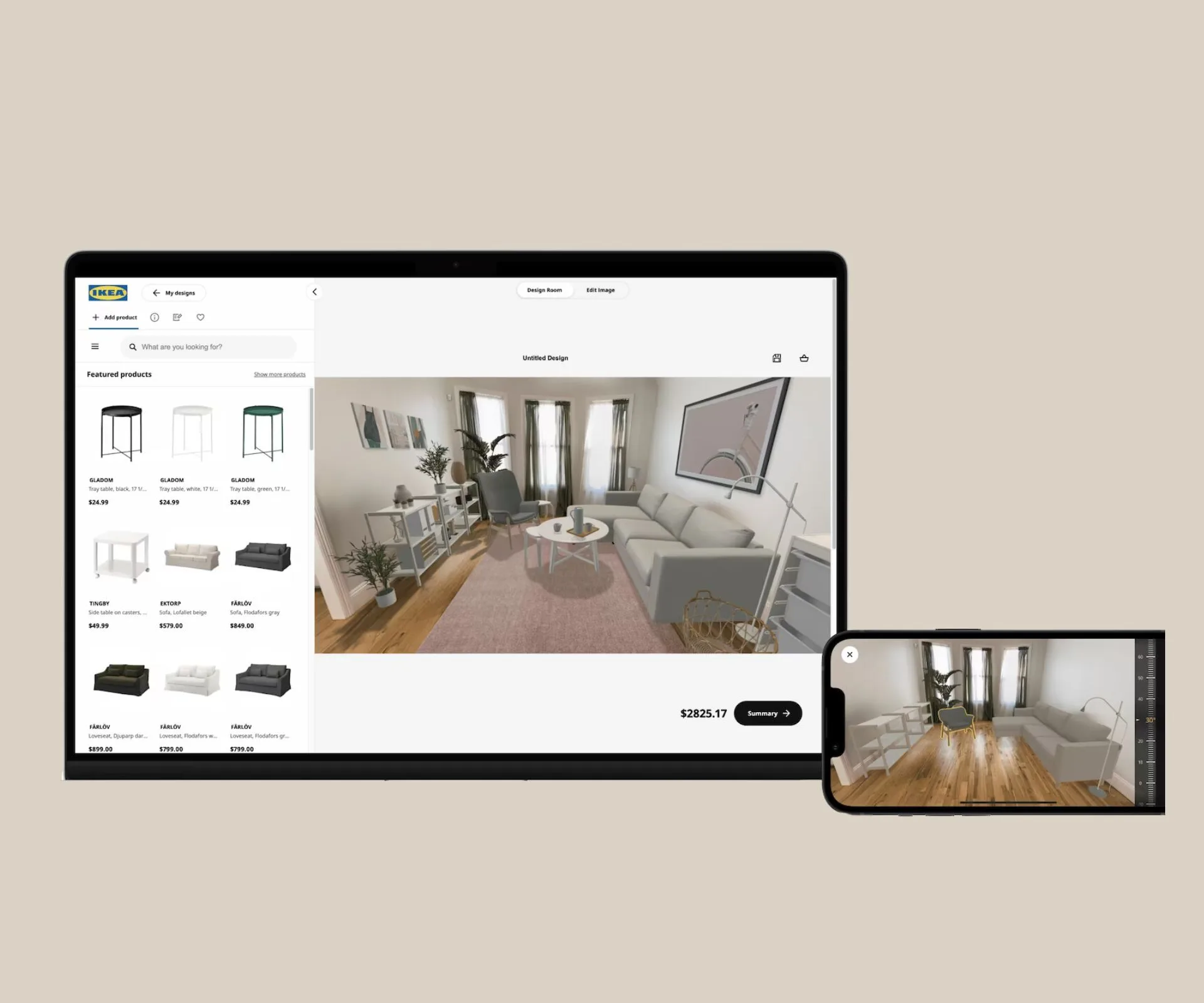
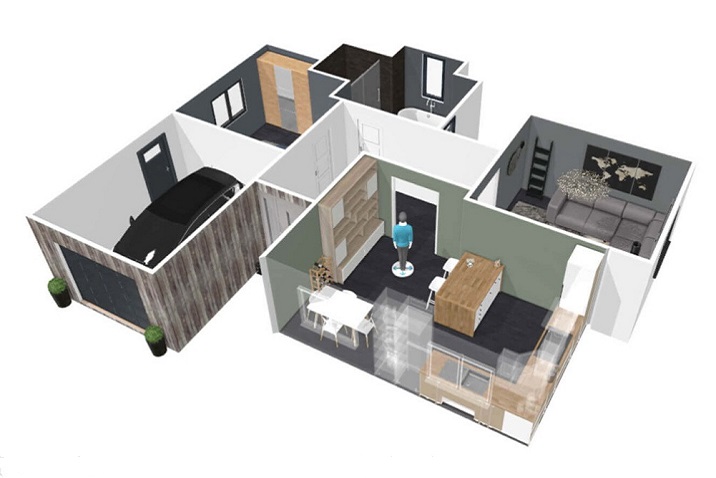
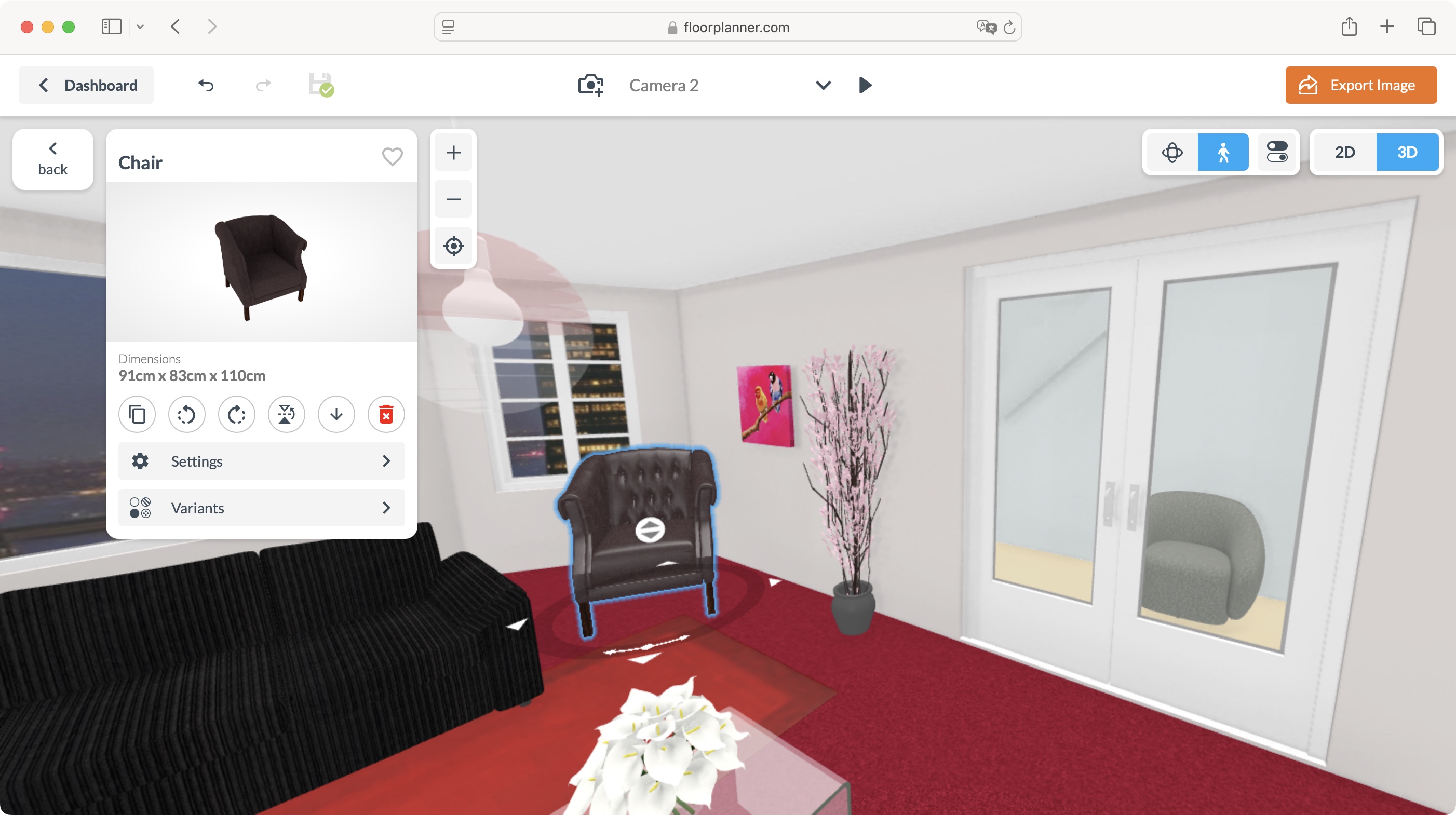
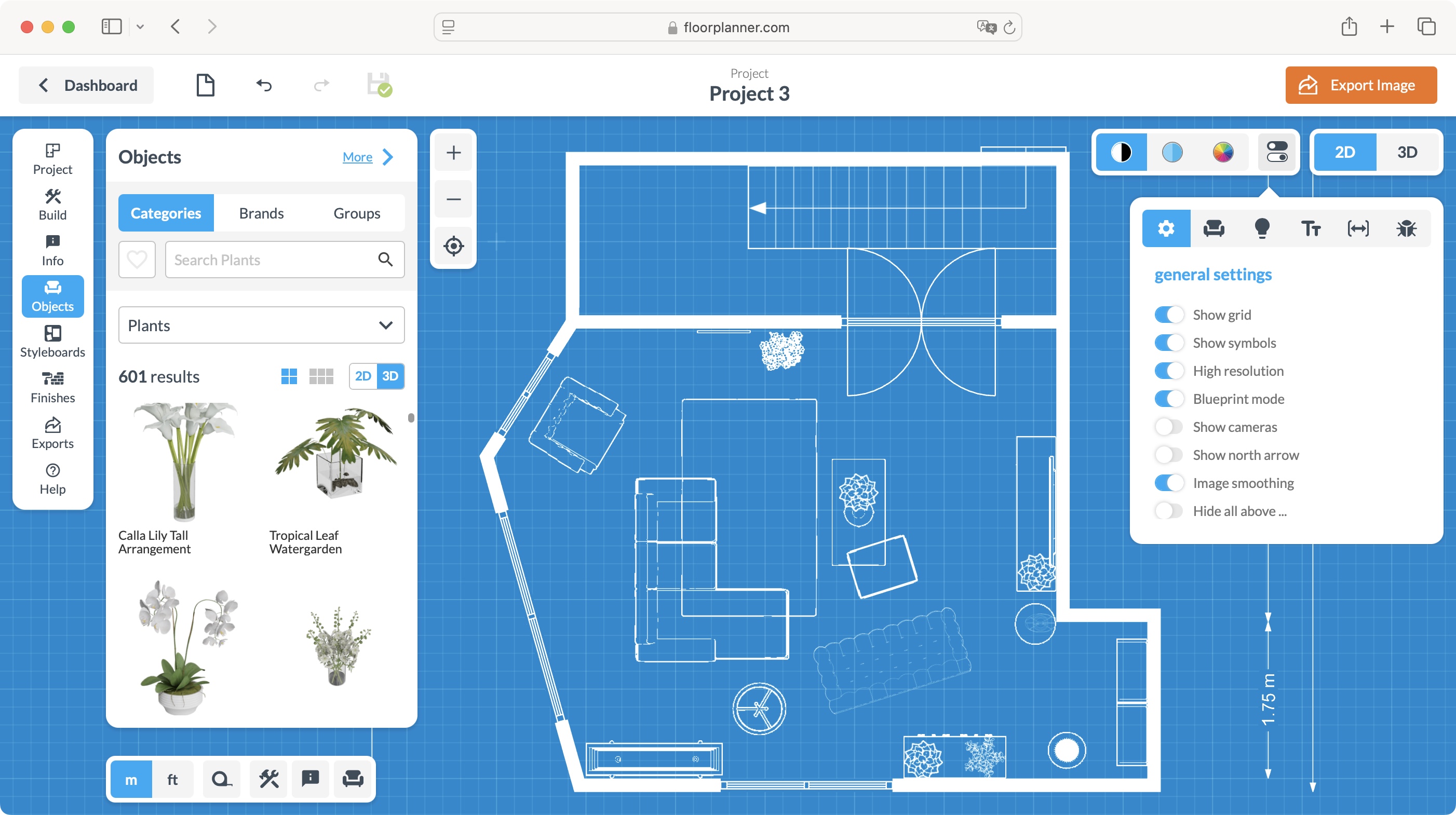
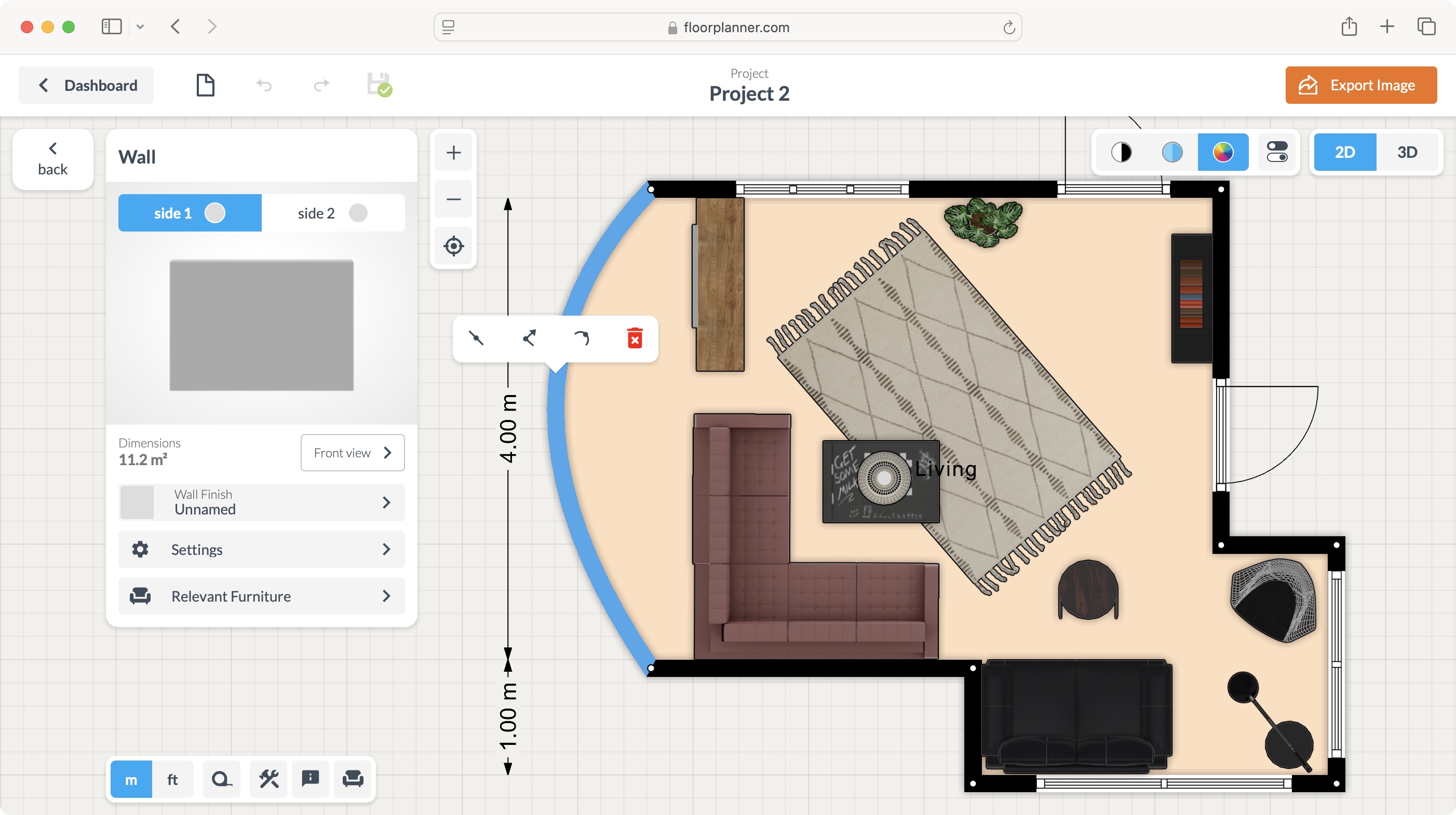
For those seeking more hands-on DIY décor, several apps provide tools for experimentation. Homestyler Interior Design allows users to create a 3D model of a room from a picture, adding measurements to establish a foundation for creative zoning. It enables experimenting with various furnishings, accessories, and lighting configurations. The app also offers a 'Design Stream' for inspiration from other users' projects and professional tutorials, and a directory to browse local designers' portfolios. Amikasa 3D offers a different approach, letting users draw room outlines from scratch or select existing shapes. It facilitates the placement of furniture and accessories from its database, along with doors, windows, and wall colors, viewed in top-down or 3D perspectives. While it includes a feature to visualize furniture in a current room, its primary strength lies in sketching design ideas, particularly due to its less comprehensive furniture range, which notably excludes kitchen items.
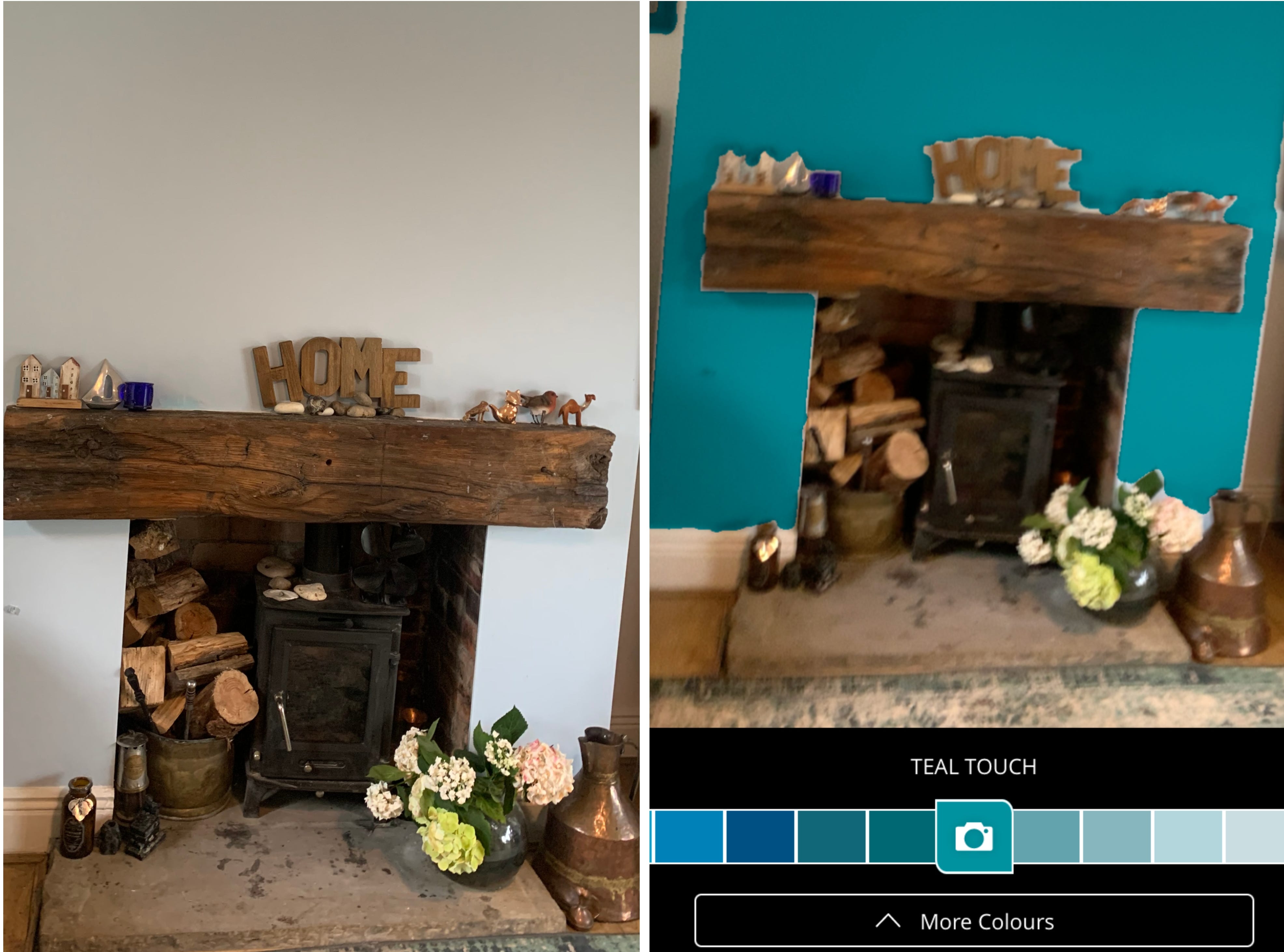
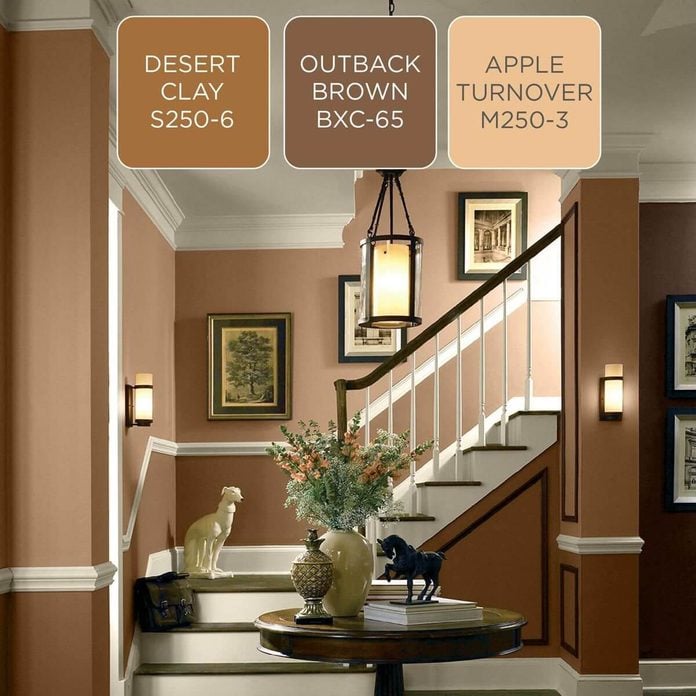
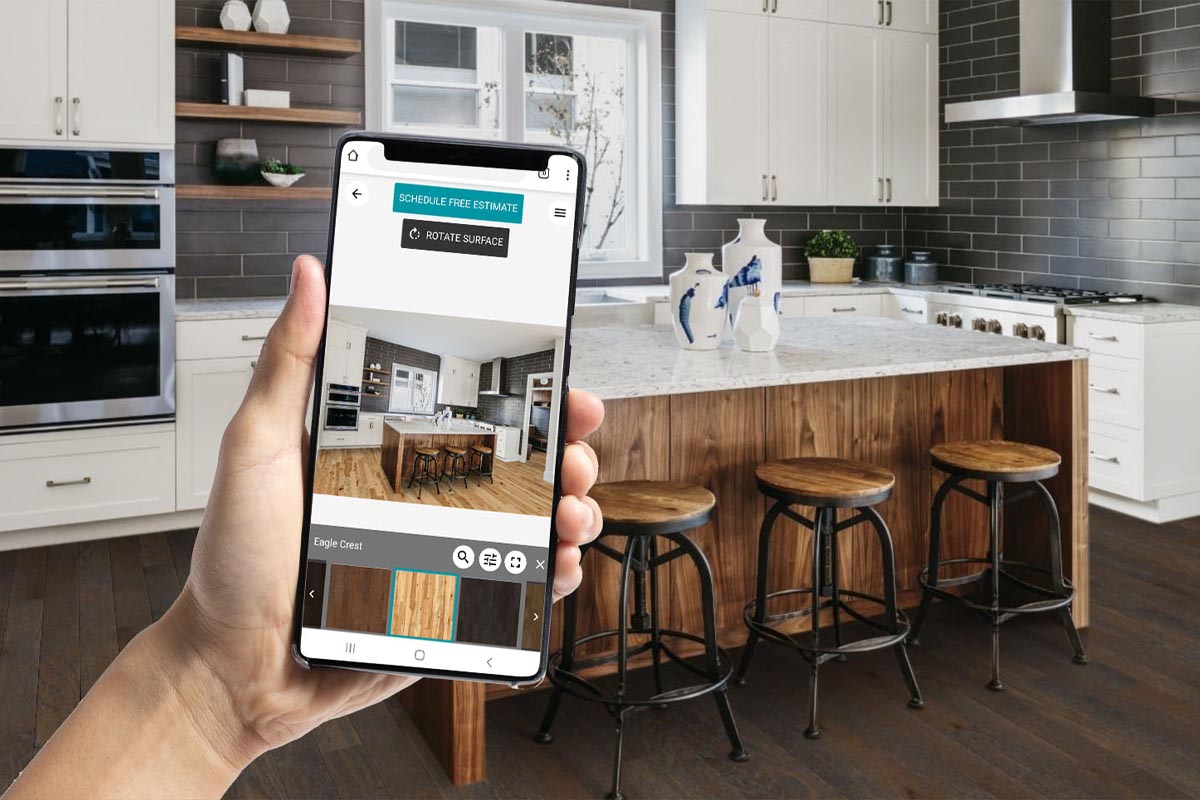
Testing wall colors is made easier with apps like Paint Tester and Dulux Visualizer. Paint Tester allows users to snap a photo of a wall and instantly apply various paint colors. It features a virtual masking tape to delineate accent walls and accounts for shadows to produce more realistic renderings. While not suitable for precise color matching, it offers a good visual estimate. Dulux Visualizer, designed to promote Dulux paints, provides a streamlined experience similar to Paint Tester, with masking tape, good digital paint application, and color matching/suggestion features. Its unique live visualizer function allows users to point their camera at a wall and see colors applied in real-time, and it conveniently allows ordering paint testers directly.
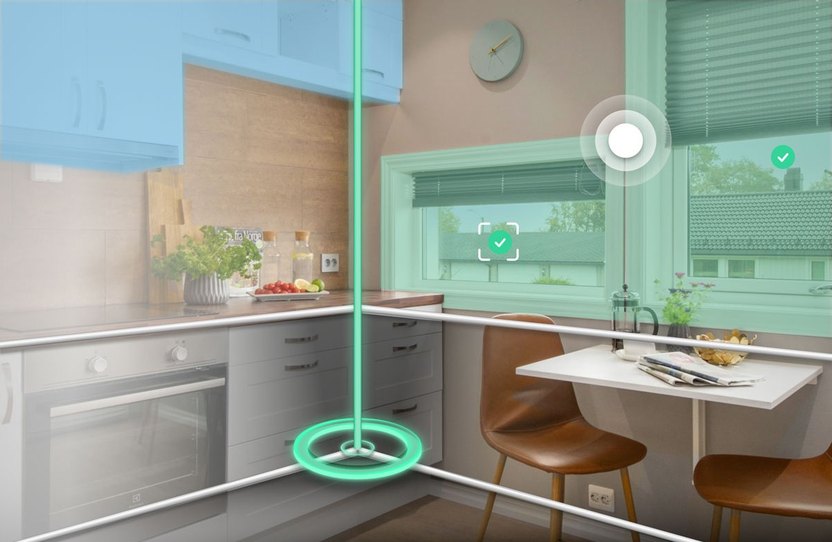
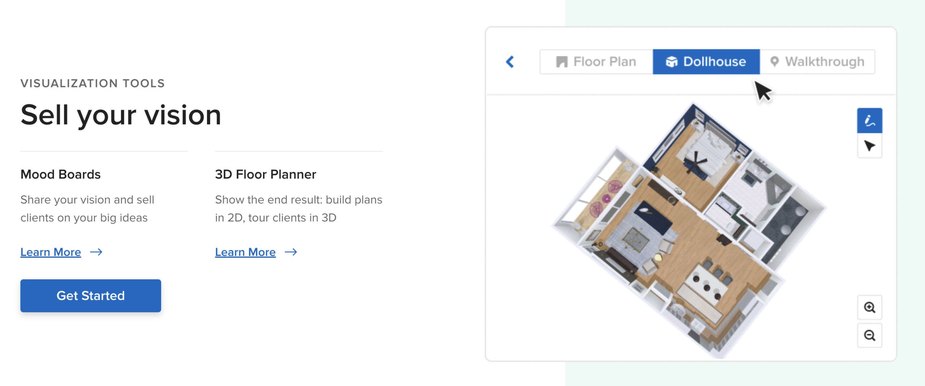
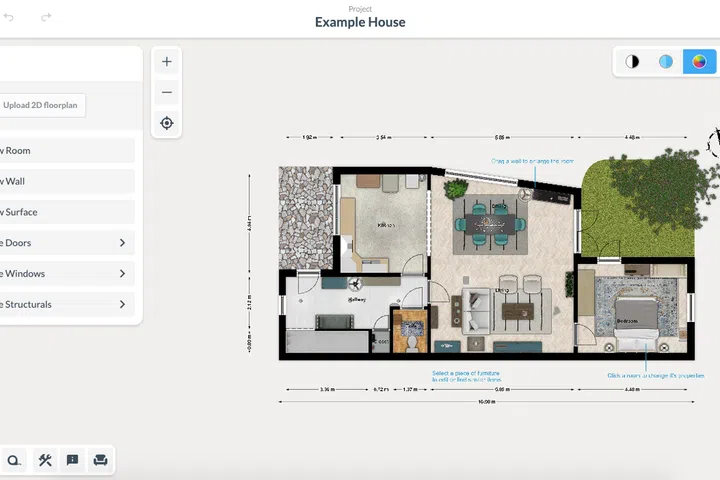
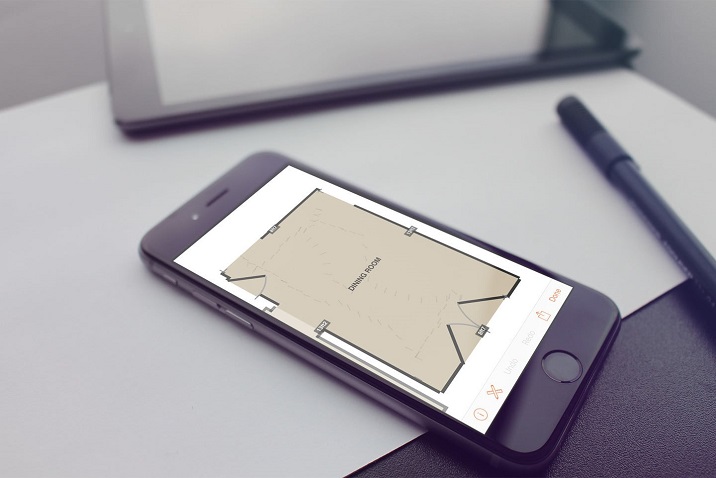
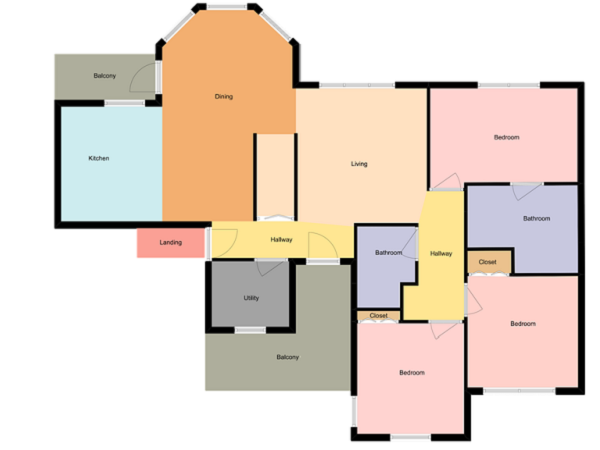
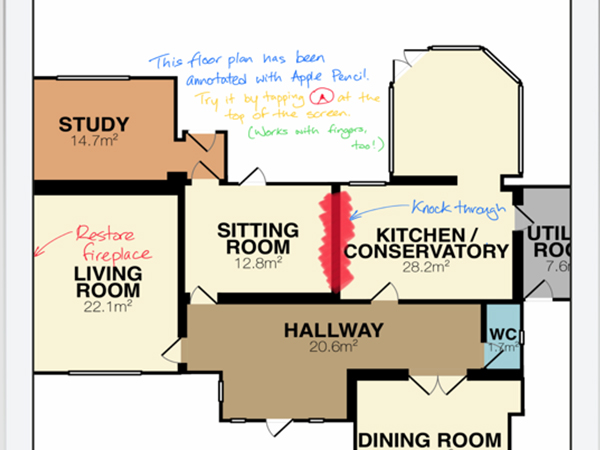
For major overhauls, floor plan creation is simplified with apps like RoomScan Pro and MagicPlan. RoomScan Pro quickly generates floor plans by having users walk around a room and touch walls with their iPhone or iPad. It uses the device's GPS and gyroscope to measure wall lengths and room shapes, including doors, with sufficient accuracy for furniture placement and redesign sketches. MagicPlan is favored by real estate and renovation professionals for its speed in creating floor plans. Users point the app at room corners to build a plan, including entire homes by combining individual room scans. Its accuracy is best in empty rooms, as obstructions can affect corner detection.
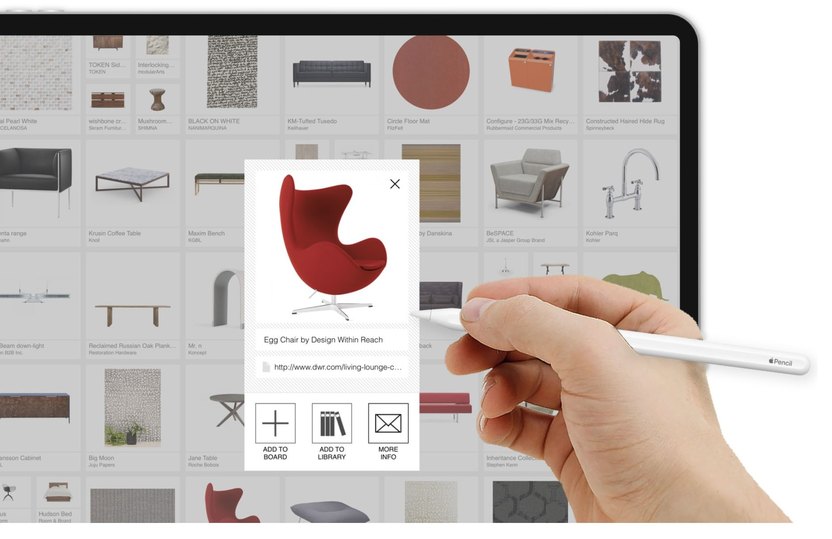
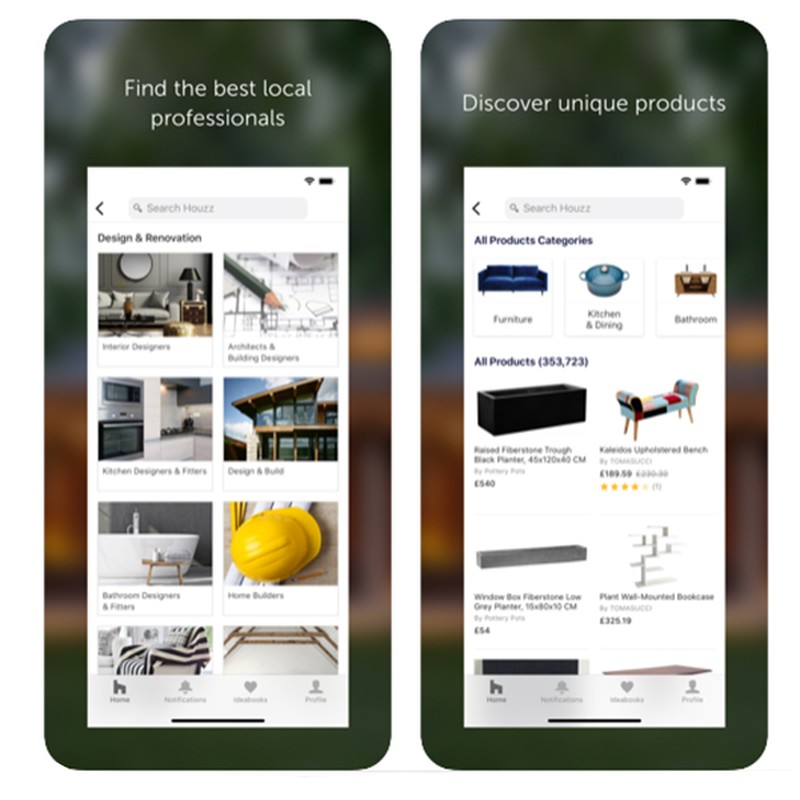
Beyond these, Houzz serves as a rich source of inspiration, showcasing professionally designed spaces with story collections and design examples across various settings, from small Tokyo flats to Victorian updates and kitchen revamps. For outdoor spaces, iScape Lite helps in planning and designing gardens. Users can take a picture of their garden and use digital layers to add trees, plants, water features, and textures like gravel or grass. The free version offers limited selections, with premium features and a full database available through subscription.
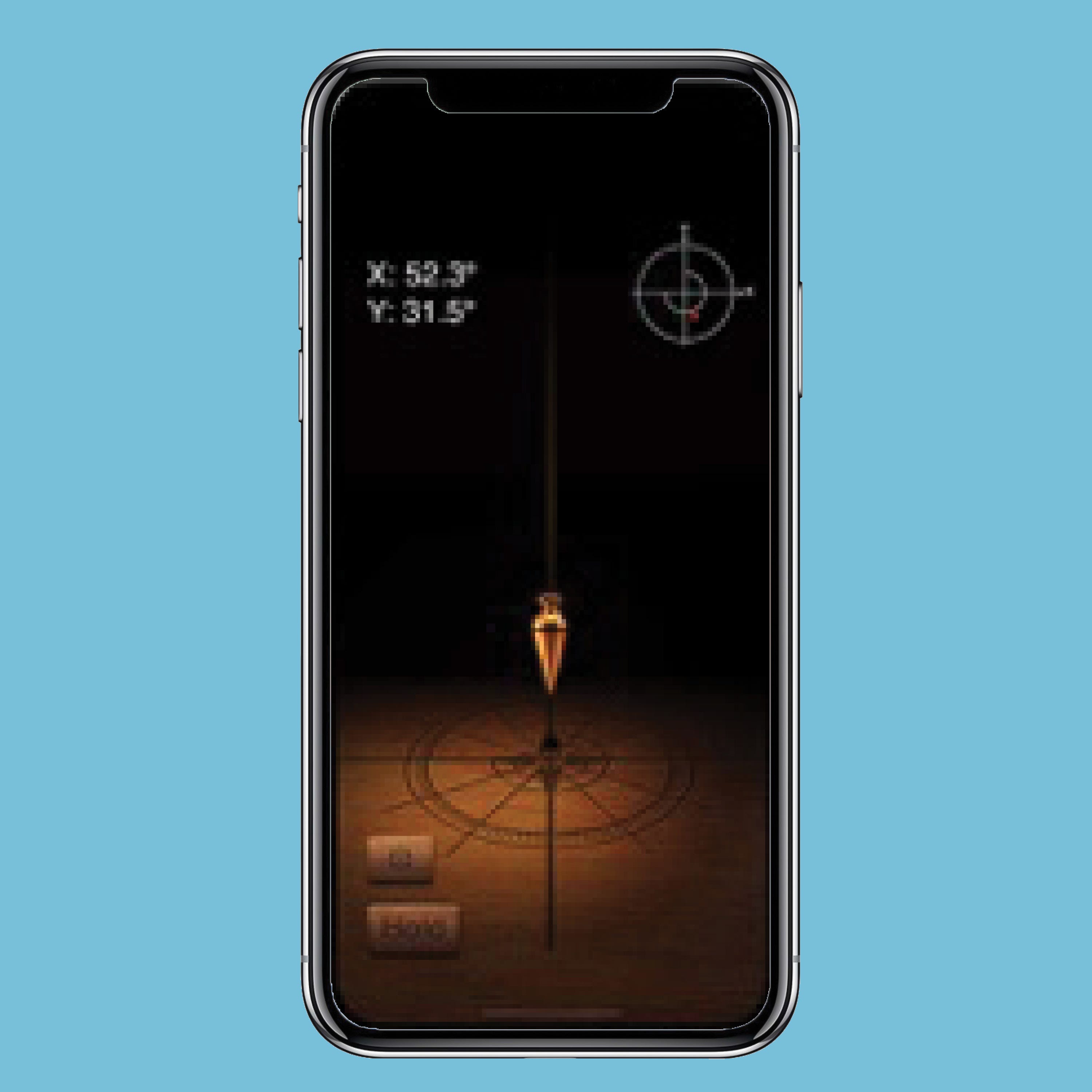
Finally, practical tools for DIYers include digital spirit levels found in smartphone compass apps (iOS) or dedicated apps like Bubble Level (Android), and unit conversion apps such as Convert Any Unit Free (iOS) and Unit Converter (Android), which are essential for precise measurements and conversions.
#DIYHomeDesign #HomeImprovement #InteriorDesignApps #FloorPlanning #VirtualVisualization #HomeRenovation #DecoratingIdeas #OutdoorDesign #TechForHome #DIYHomeDesign #HomeImprovement #InteriorDesignApps #FloorPlanning #VirtualVisualization #HomeRenovation #DecoratingIdeas #OutdoorDesign #TechForHome
0 comment in total
 No comments yet
You may also like

House Design App: 10 Best Home Design Apps
Don’t Start Your DIY Projects Without These DIY Apps

These Are the Handiest Mobile Apps for Interior Designers and Reno DIYers

5 best AI interior design apps in 2024

The 6 Best Home Design Apps for Projects Large and Small
8 Best Kitchen Design Apps and Software
8 Most Useful Android Apps for Architects

Best interior design software of 2025: Top home design tools fully tested

16 Best Free Home and Interior Design Apps, Software and Tools


13 Best Free Home Design Software in 2024


6 free design and room planner apps you should know about

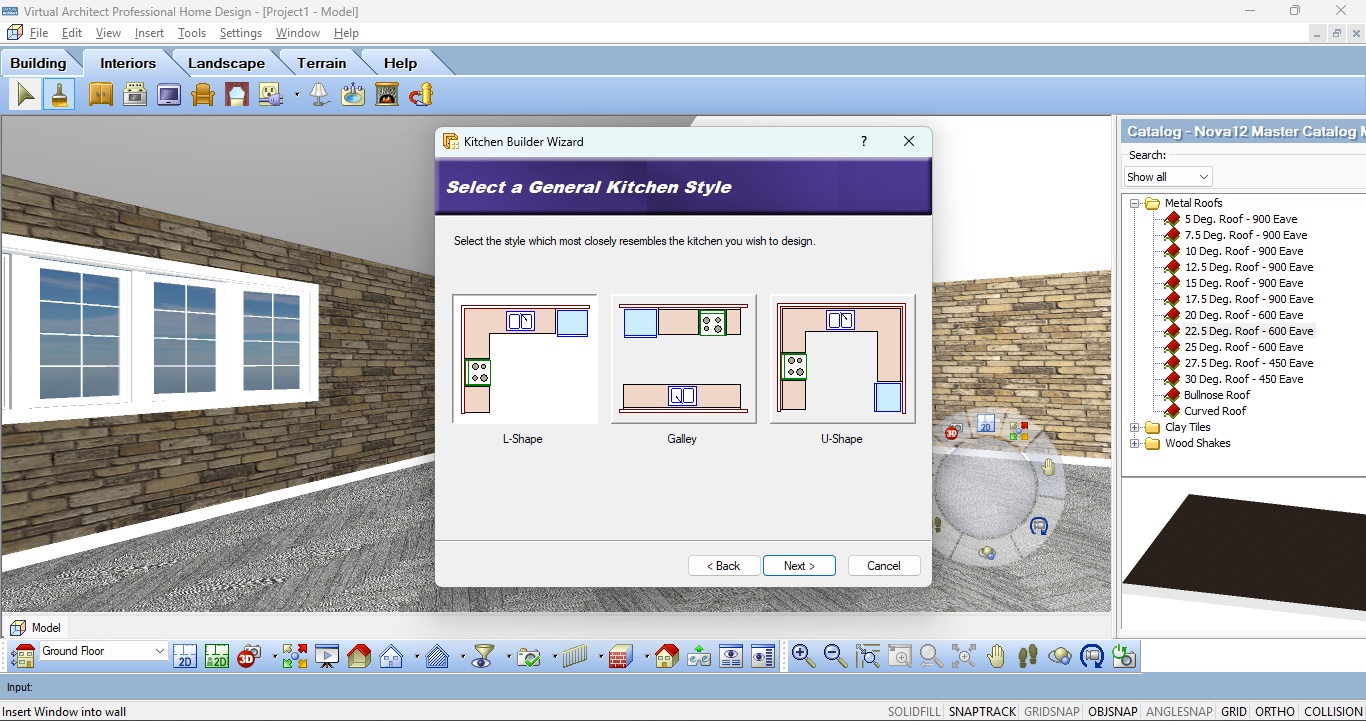
Nova Development Virtual Architect Professional Home Design 12 review
A guide to apps to support your home renovation project
The Best Interior Design Apps, Tools, and Software


Room Design App: 7 Best Apps to Design Your Own Room
These 100-Year-Old Doors Make All Other Room Dividers Pale in Comparison
10 DIY Home Renovation Apps (Free)
The Interior Design Apps Making Redecorating Easy
3D House Design: 8 Best Three-Dimensional House Plan Apps, Software & Online Tools
These 15 Room Design Apps Will Make Your Dream Home a Reality