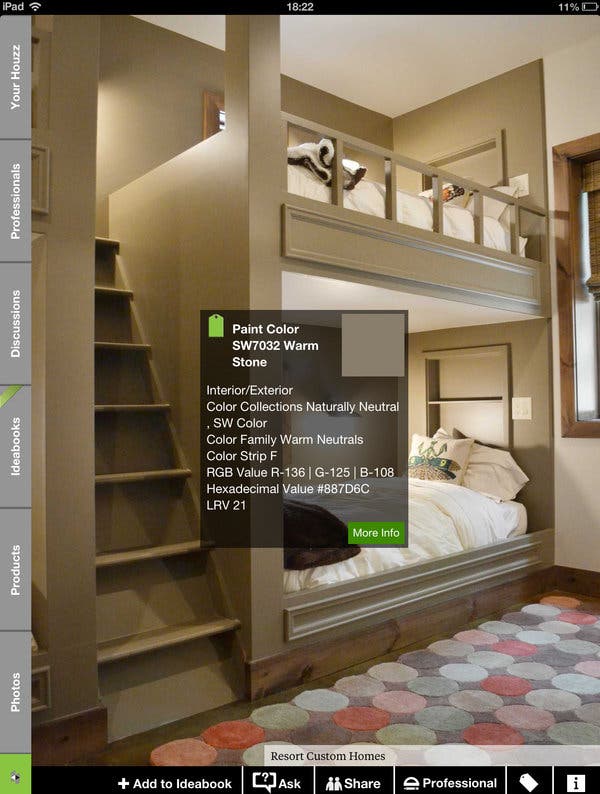
1/3
Rearranging the Furniture, Minus the Aching Back (Published 2013)
This article discusses several mobile applications designed to assist users with home interior design projects, offering convenient ways to visualize changes without physical effort. It highlights three primary apps: Home Design 3D, Build App Pro, and Houzz Interior Design Ideas, along with MyPantone for color matching.
Home Design 3D, available for $7 on iOS, is presented as a sophisticated tool capable of transforming 2D floor plans into interactive 3D models. Users can construct rooms, adjust their dimensions, and incorporate various furniture items and architectural elements from a built-in database. The app offers a range of options for wall and floor textures, including wallpaper, carpet, wood, or solid colors. While it features clear icons and appealing screen designs, it requires a significant learning curve. Additionally, some textures and furniture pieces are accessible only through in-app purchases, which may be a point of frustration for users.
Build App Pro, an Android alternative costing $6, offers similar functionalities with a plan-view design mode for laying out rooms and furniture, and a 3D graphical view. It aims for simplicity with icon-driven menus and intuitive gestures. However, the article notes its limitations, including a small selection of 3D furniture models and a tendency to crash, suggesting a less stable user experience compared to Home Design 3D.
Houzz Interior Design Ideas, a free app available on both Android and iOS, is recommended for the initial stages of redesign projects due to its simpler approach. Its main feature is an extensive catalog of interior design photos, organized by categories such as Family Room, Wine Cellar, and Exterior. Users can browse subcategories like Modern or Tropical, bookmark preferred designs in a personal idea book, and share them via Twitter or email. The app also serves as a marketplace, listing products for sale and connecting users with design professionals.
For those specifically focused on color choices, the MyPantone app for iOS, priced at $10, is introduced. This app showcases the well-known Pantone color swatches, allowing users to browse colors and view data including official Pantone codes and harmonious color palettes. A unique feature of MyPantone is its ability to suggest the closest Pantone color by analyzing a photo taken by the user. Favorite colors can be saved for future reference when purchasing paint. However, its higher price point might be a deterrent for some potential users.
The article also includes a brief mention of Swype, an alternative text-entry system for Android, which recently transitioned from beta to a paid app at $1 on the Google Play Store. Swype enhances typing speed by allowing users to glide their finger across letters to form words, improving the efficiency of on-screen keyboard interaction.
#MobileApplications #InteriorDesign #HomeDecor #DesignApps #ProductivityApps #TechnologyReview #DIYHome #MobileApplications #InteriorDesign #HomeDecor #DesignApps #ProductivityApps #TechnologyReview #DIYHome
Toplam 0 yorum
 Henüz yorum yok
Bu da beğenebilirsiniz
‘Furniture flipping’: the next big trend in home sustainability?

Slipcovered Furniture is Back, Baby

15 Repurposed Furniture Ideas That Will Give Your Pieces a Fresh Look

Where to Get Antique and Vintage Furniture Refinished, Repaired, Rewired and Reinvented in Calgary
How to Flip Furniture — And Sell It for Profit, According to a 'Professional Thrifter'

To Flip or Not to Flip: Have Antique Furniture Revamps Gone Too Far?

My 2026 DIY Resolution Is to Rearrange My Furniture

Reader project: From old coffee table to Hamptons-style ottoman

This Genius £30 'Lever' Makes Lifting a Sofa to Lay a Rug Easy |

Franklin and Irving Will Fix or Flip Your Furniture

The Reinvention of Beige (Published 2013)
Becoming Unhinged: The Engineering Behind Furniture Hardware

If You Can’t Bear to Buy a Couch, Try a Makeover (Published 2013)

Meet Shaniece Jones
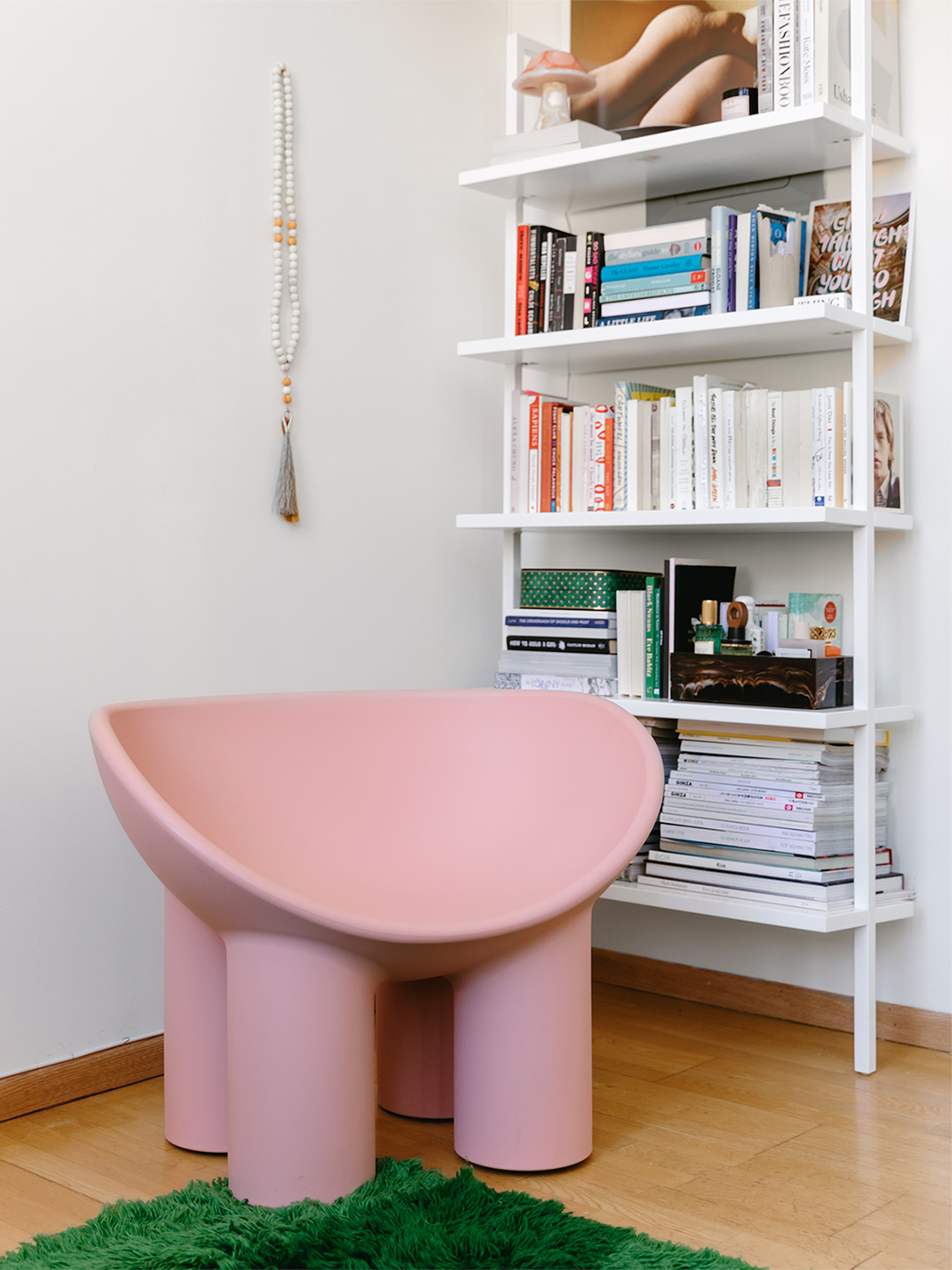
Finally, an Easy-as-1-2-3 Equation for Styling Your Bookshelves

Cuniform Stylist Expands Into Vintage and Sustainable Interior Design

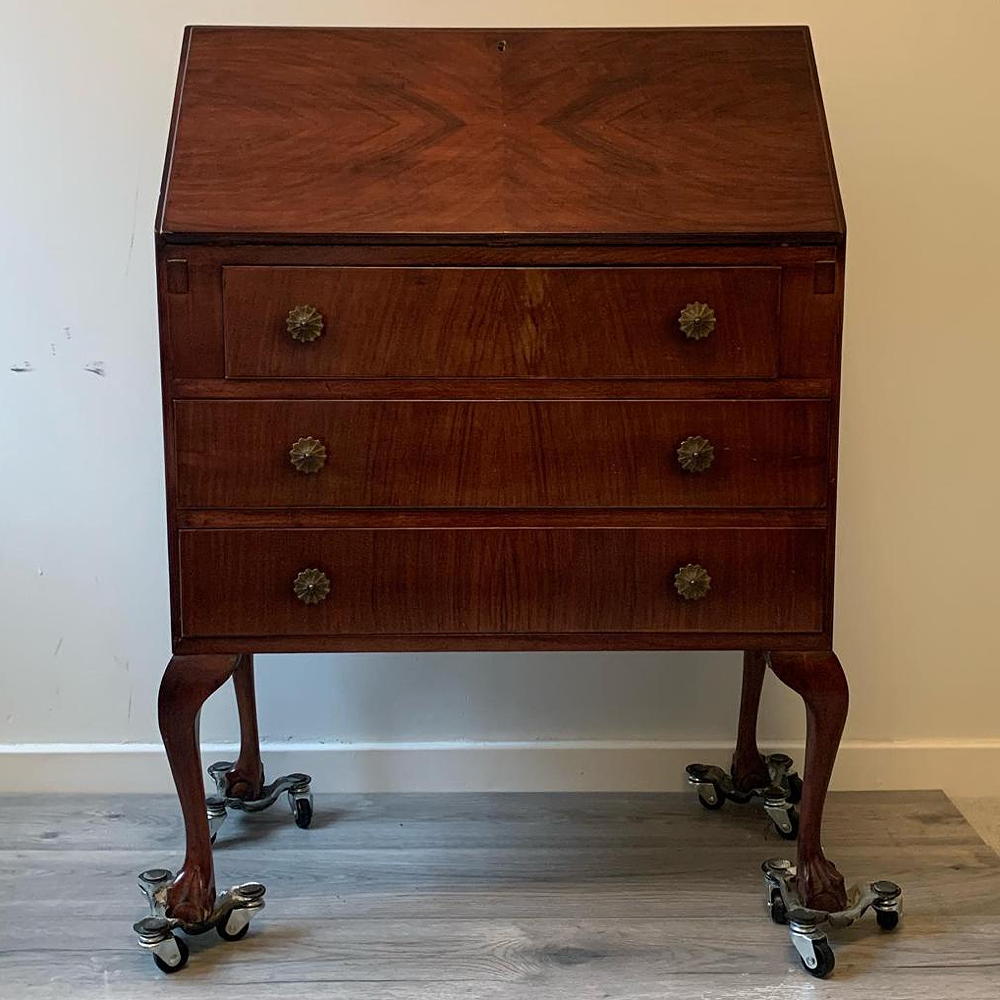
A furniture flipper reveals her simple tips for how to source and upcycle furniture to sell on
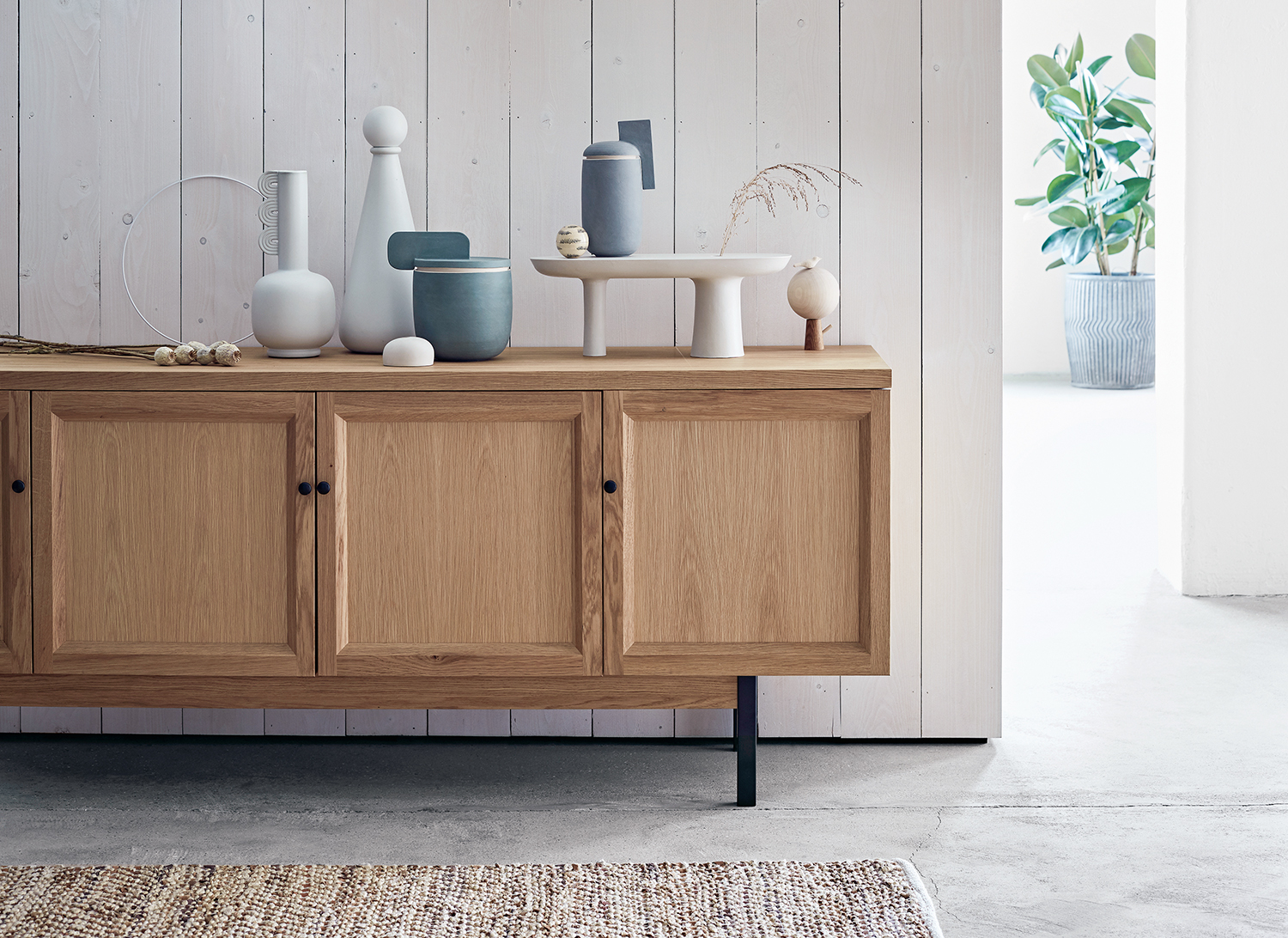
How to refinish wood furniture - easy ways to totally overhaul your decor
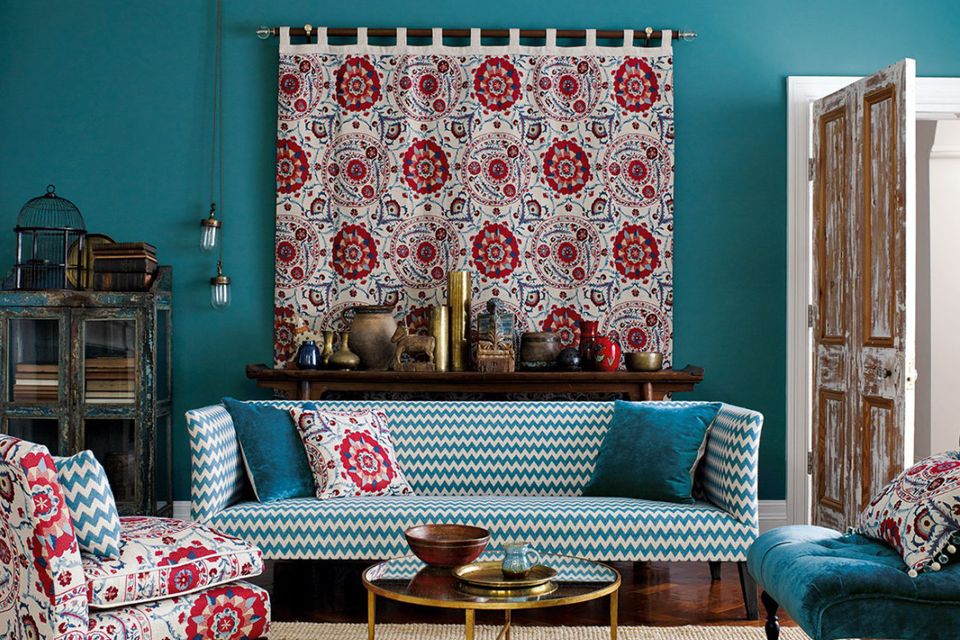
Interiors: Second skin... revive your favourite couch
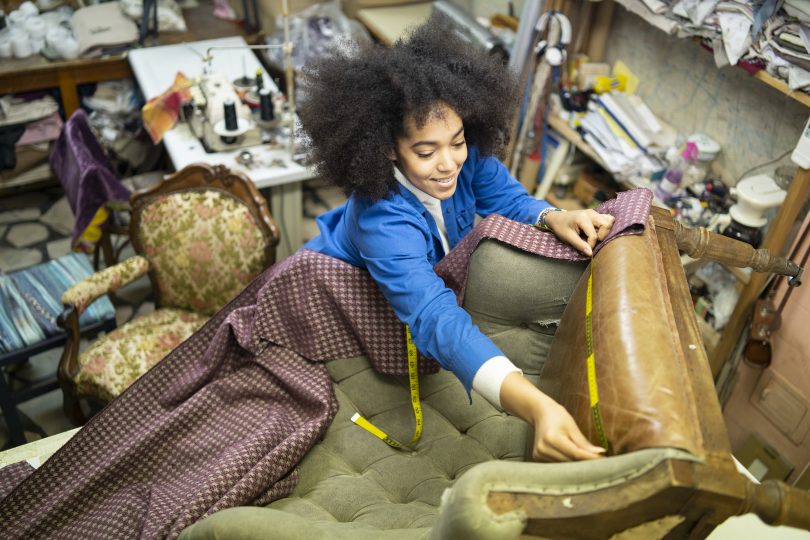
The best upholstery repairs and restoration in Canberra