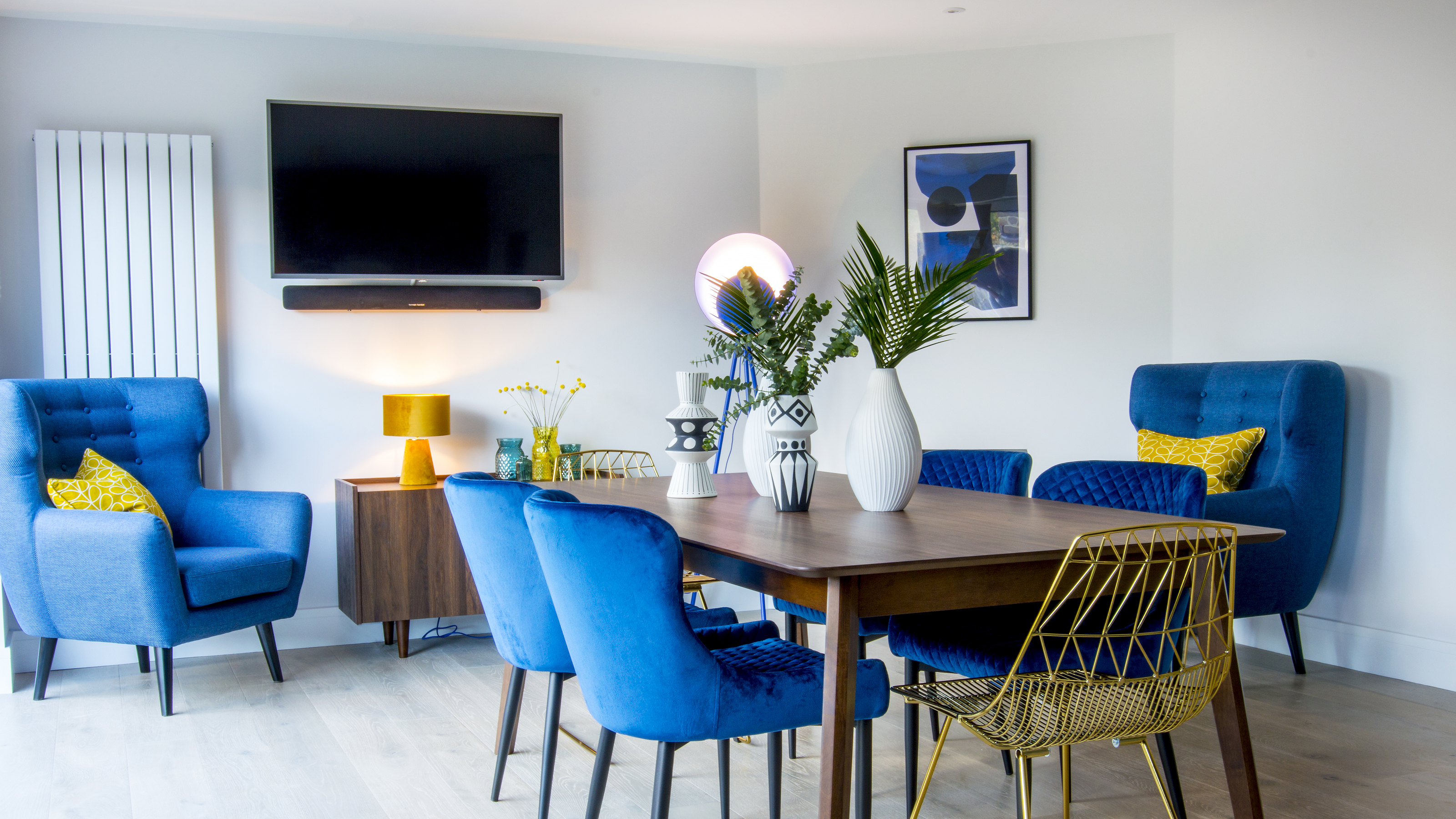
1/6
How to mount your TV to a wall in a way that's smart and safe
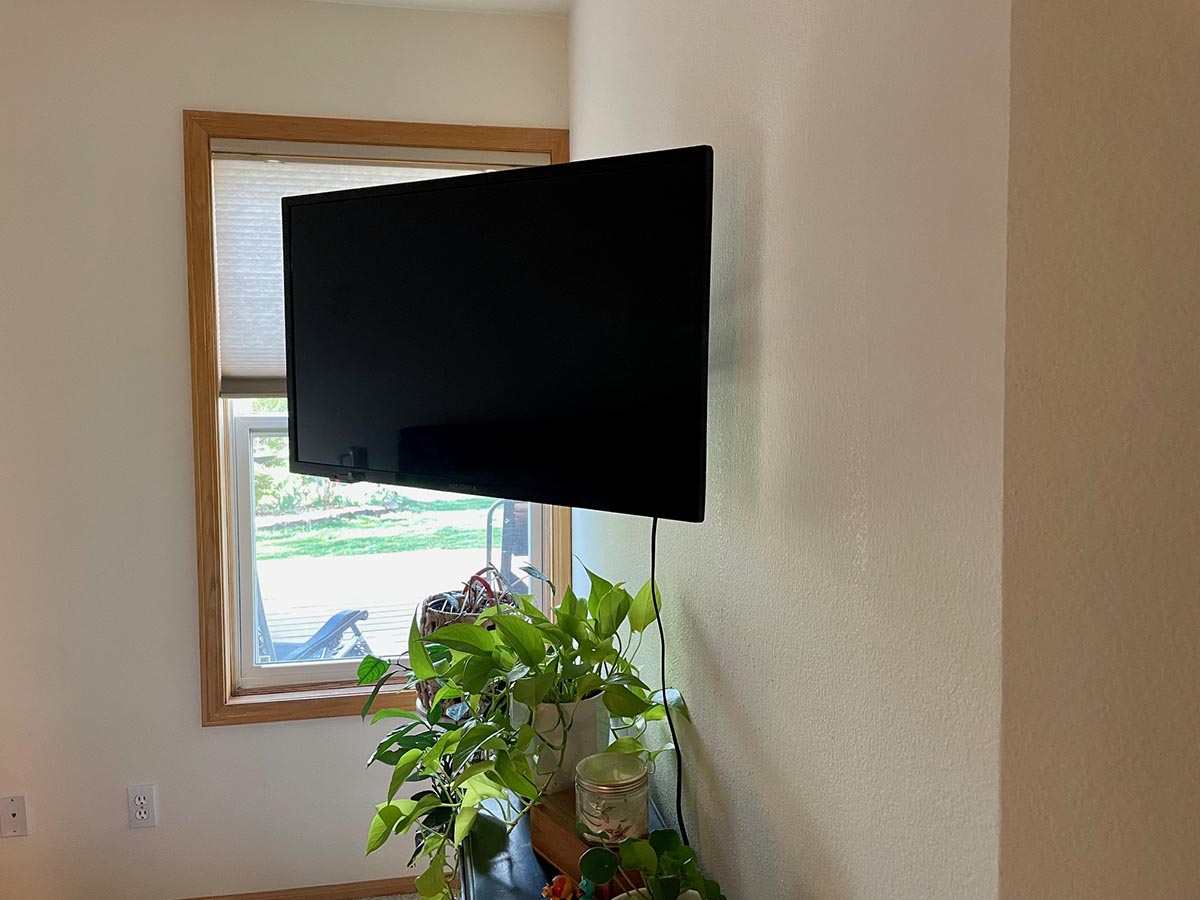
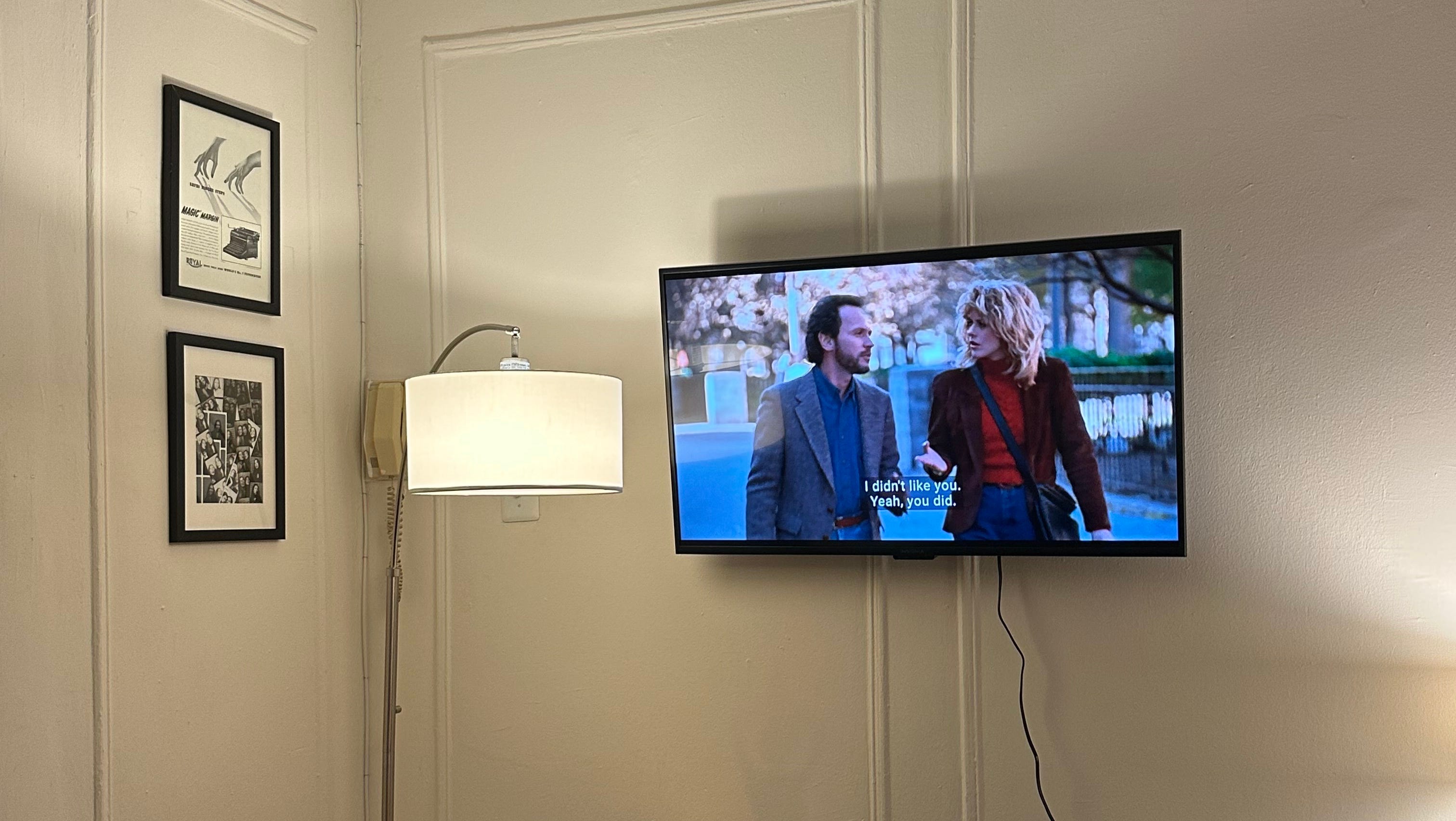
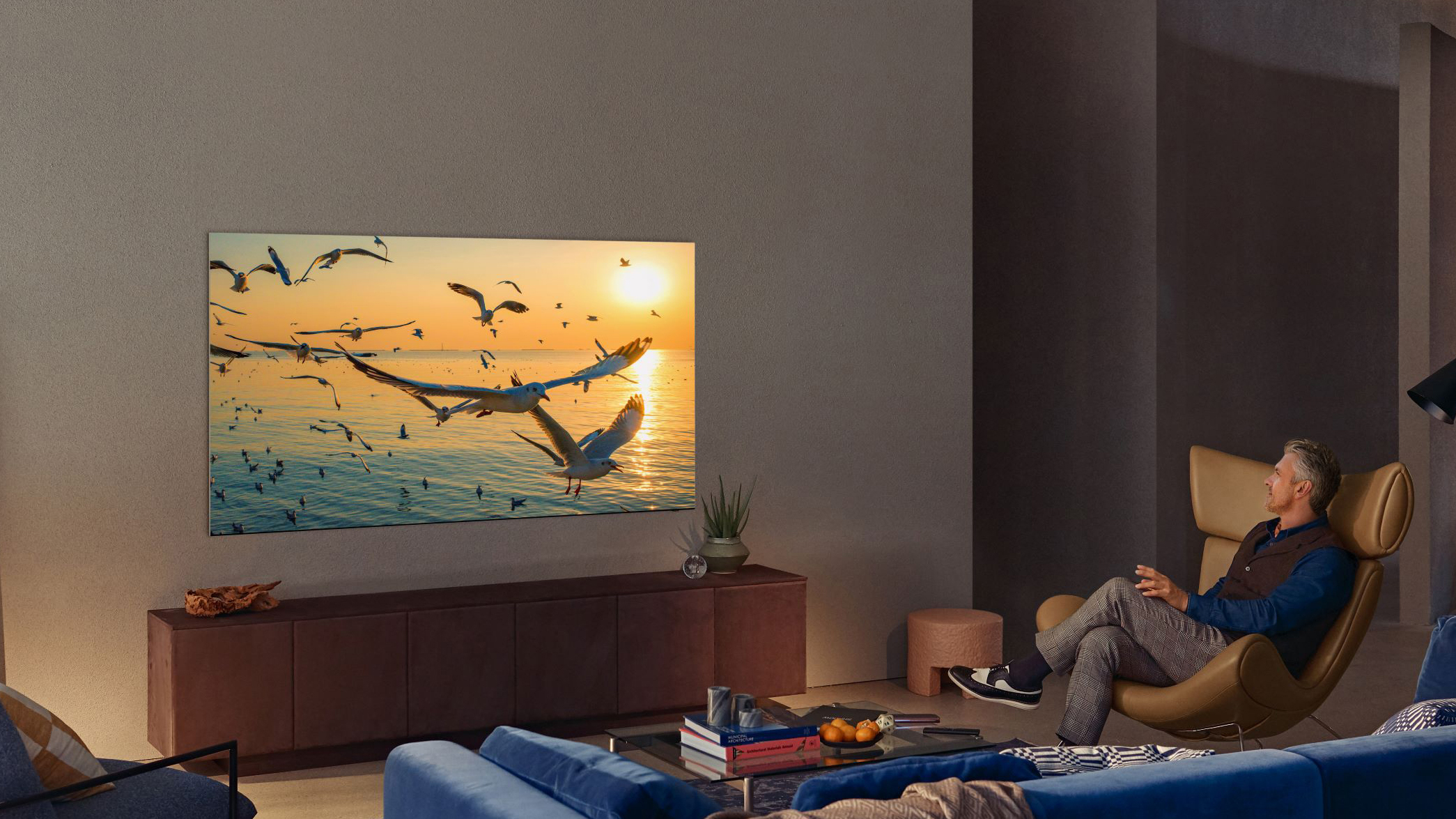
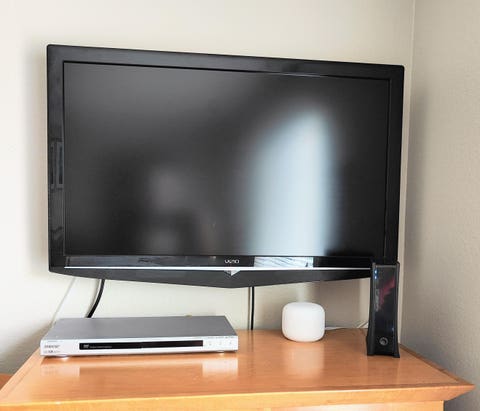
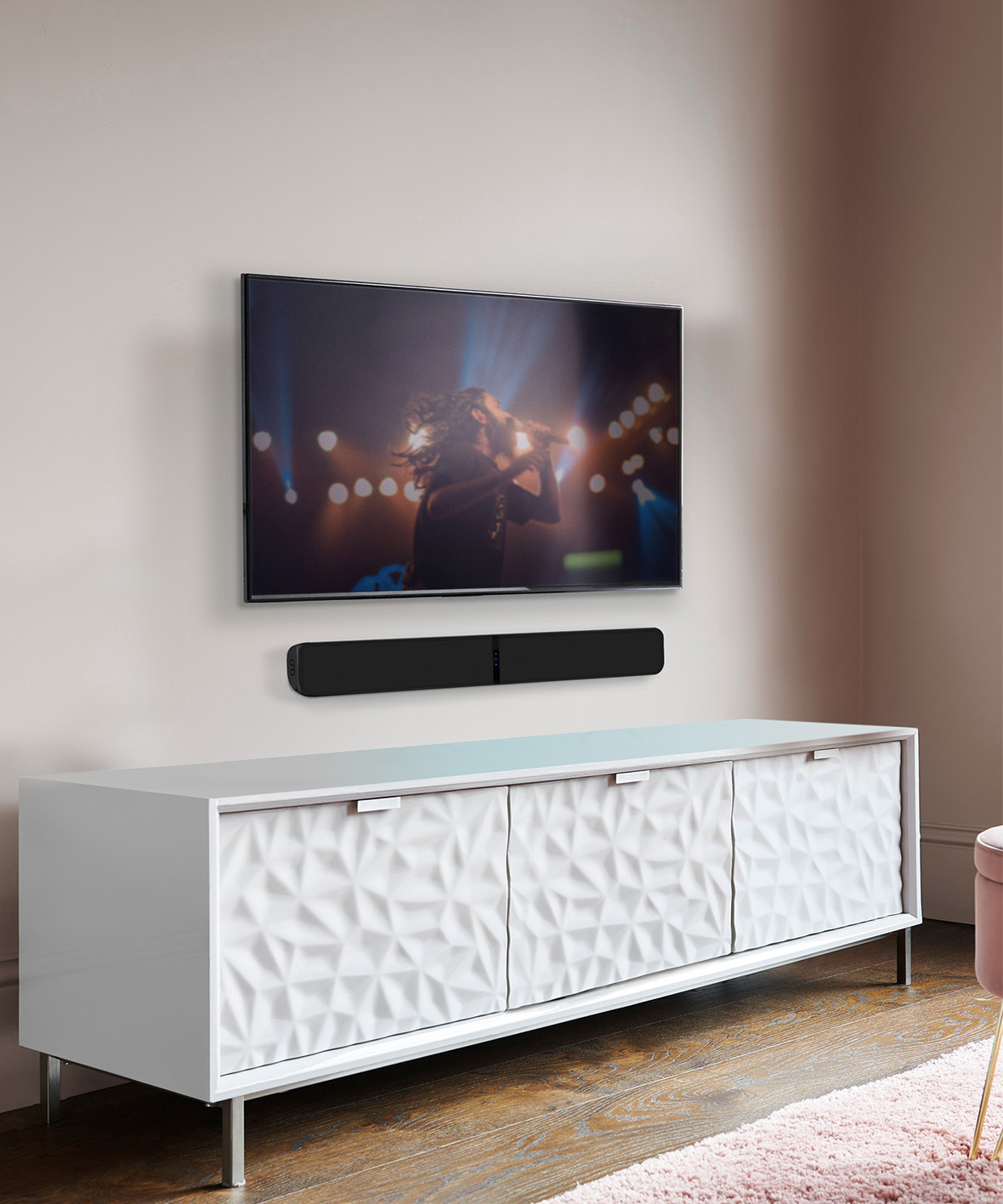
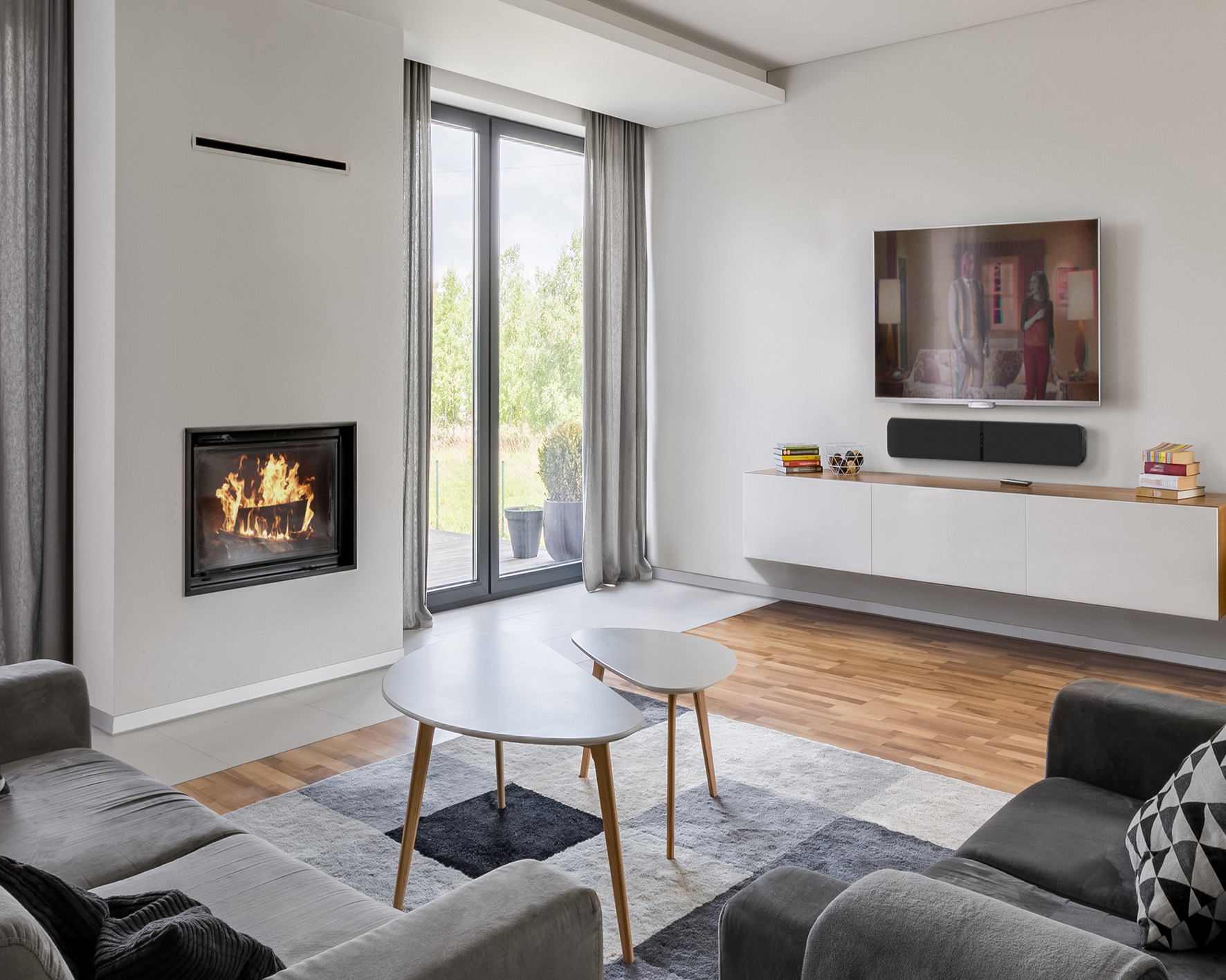
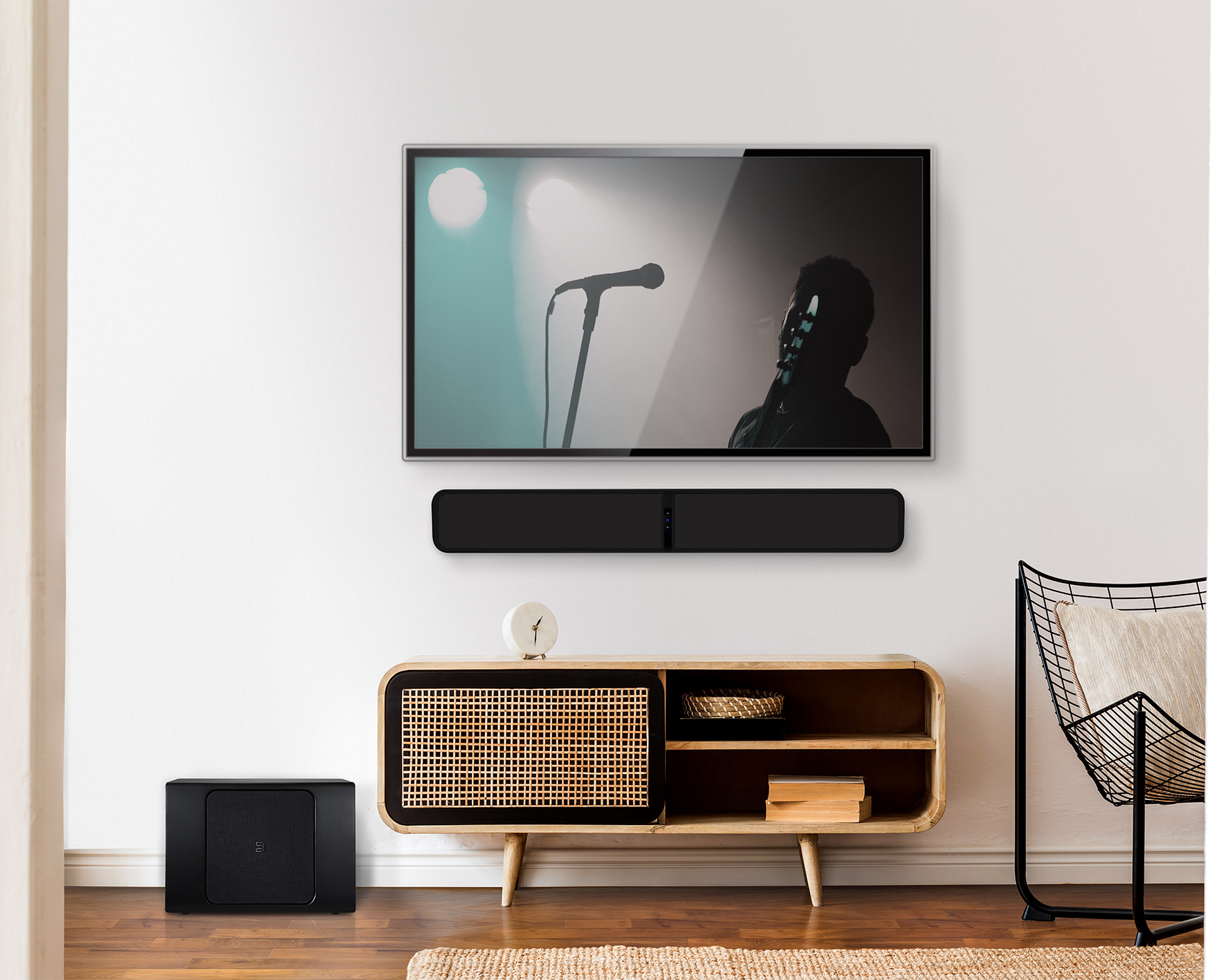
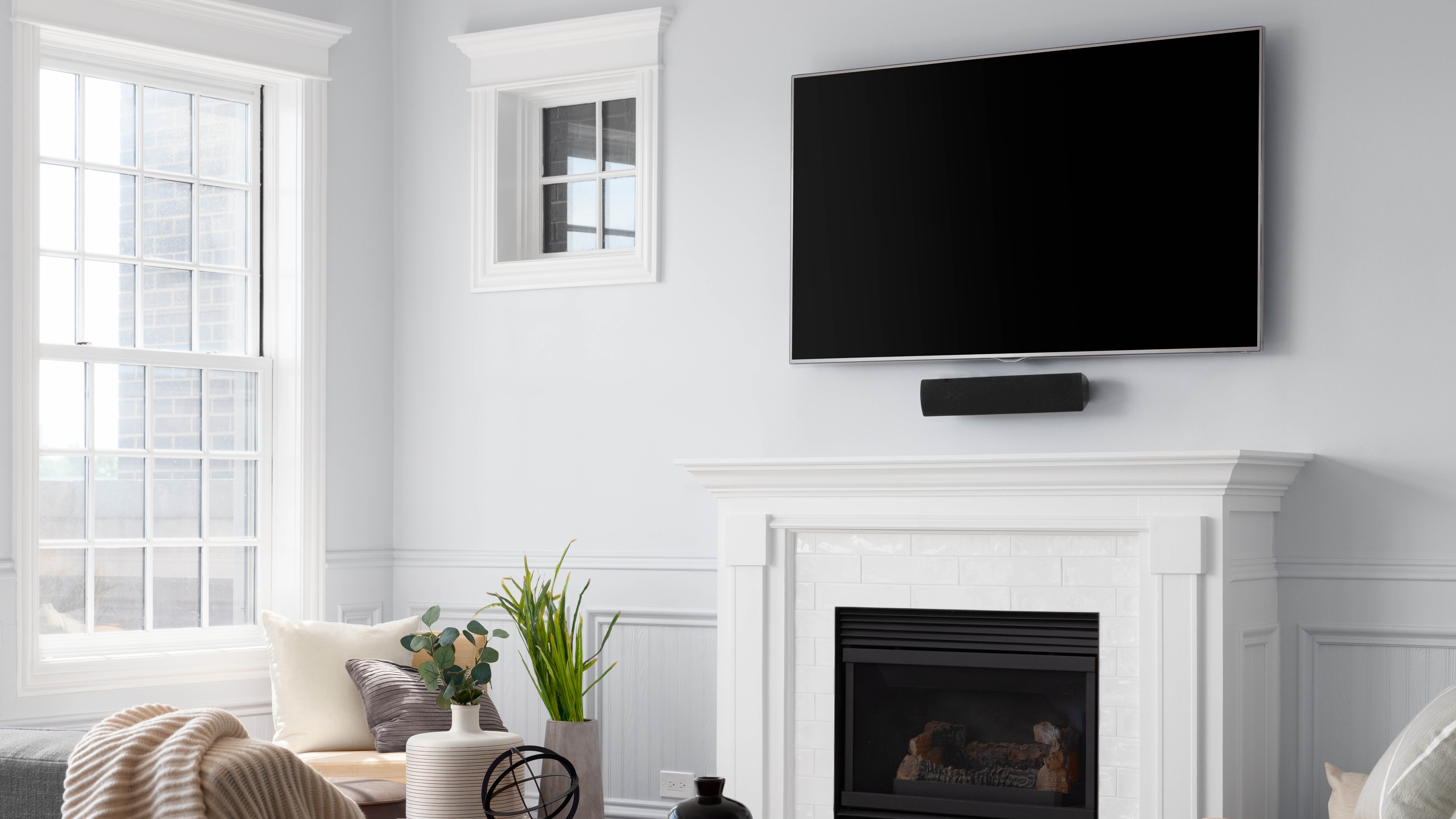
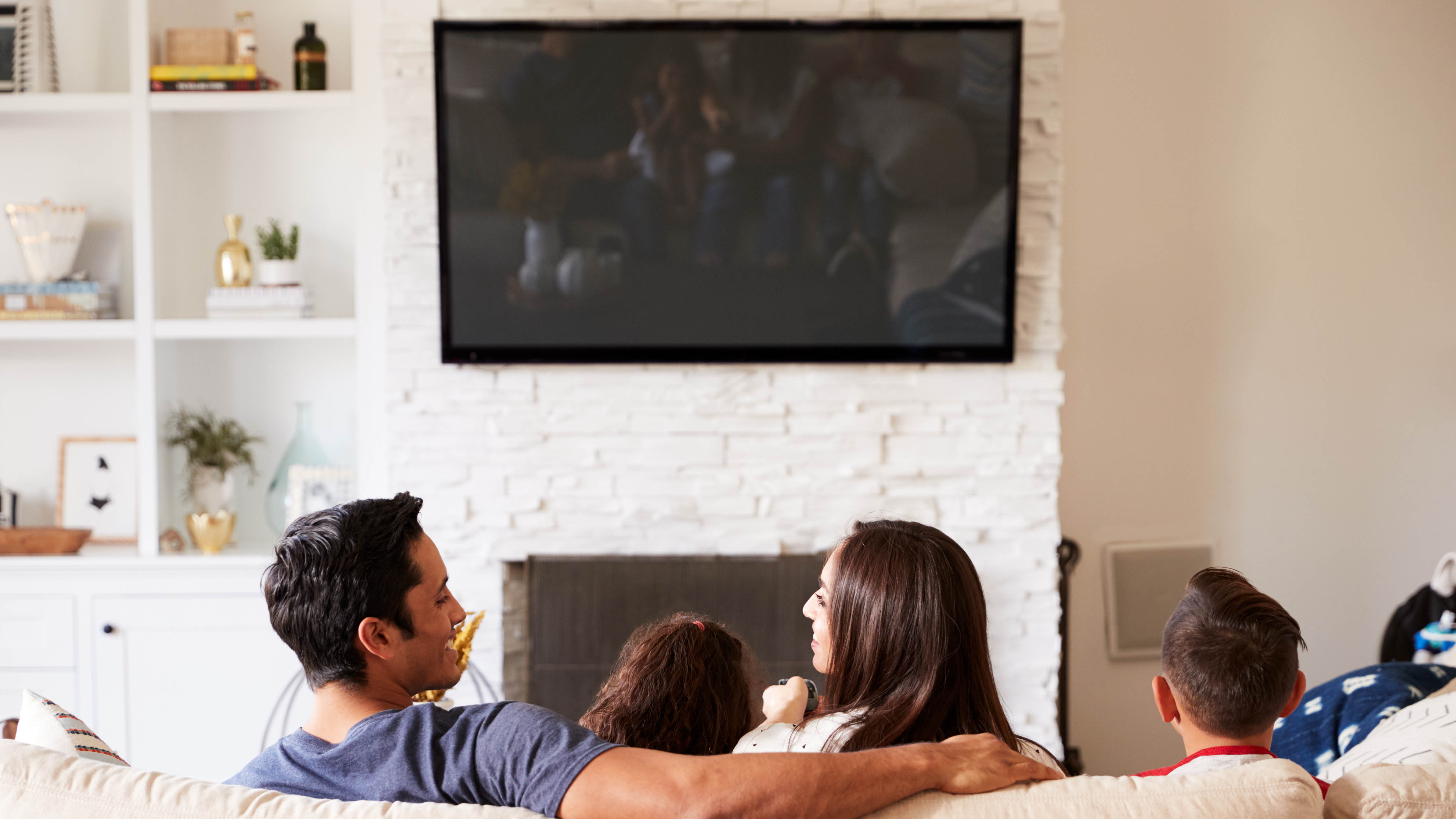
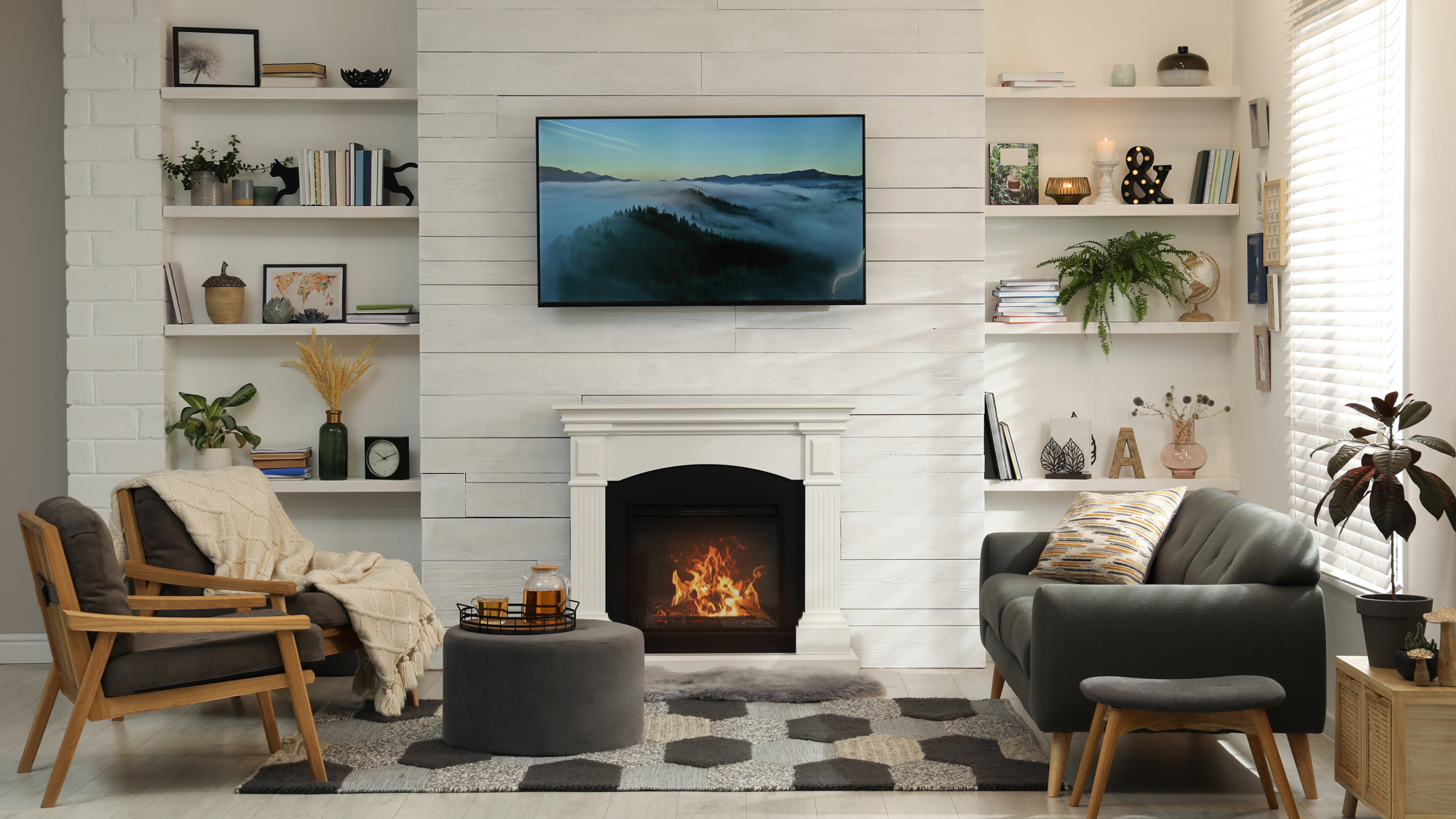
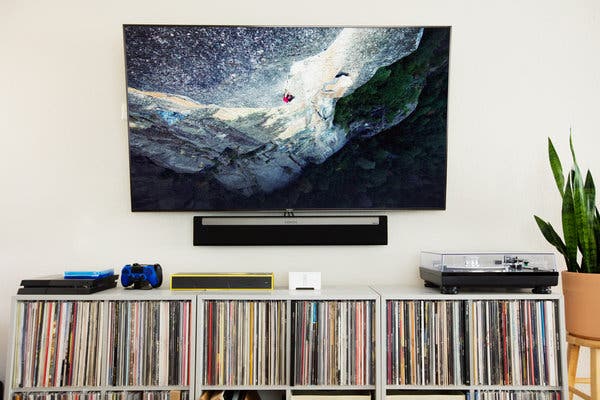
Mounting a TV to a wall can significantly enhance a room's aesthetic and viewing experience, but it requires careful planning to ensure both safety and optimal functionality. One of the primary considerations is the TV's positioning, particularly its height. Many wall-mounted TVs, especially in homes, are often installed too high, leading to discomfort and neck strain. The ideal setup places the center of the screen at eye level or, at most, five degrees above it, mirroring comfortable viewing positions for driving or computer work. This ergonomic approach ensures a more enjoyable and sustainable viewing experience.
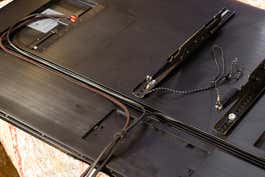
Cable management is another critical aspect. Technology evolves rapidly, so it is crucial to future-proof the installation. Instead of plastering cables directly into walls, which makes future replacements difficult, it is advisable to create an 'open route' using a standard 44mm wastepipe. This allows for easy insertion of new cables, accommodating technological advancements like updated HDMI or USB standards, or simply replacing a faulty cable. This method also protects delicate signal cables from damage during installation or renovation. Furthermore, a strong and stable internet connection is essential. Running an Ethernet cable directly to the TV is the most reliable option, offering consistent performance and eliminating Wi-Fi password issues. If a wired connection isn't feasible, ensuring robust Wi-Fi signal strength is paramount. Additionally, it's wise not to overlook traditional Freeview aerial or satellite feeds, which can serve as a backup if internet services are disrupted.
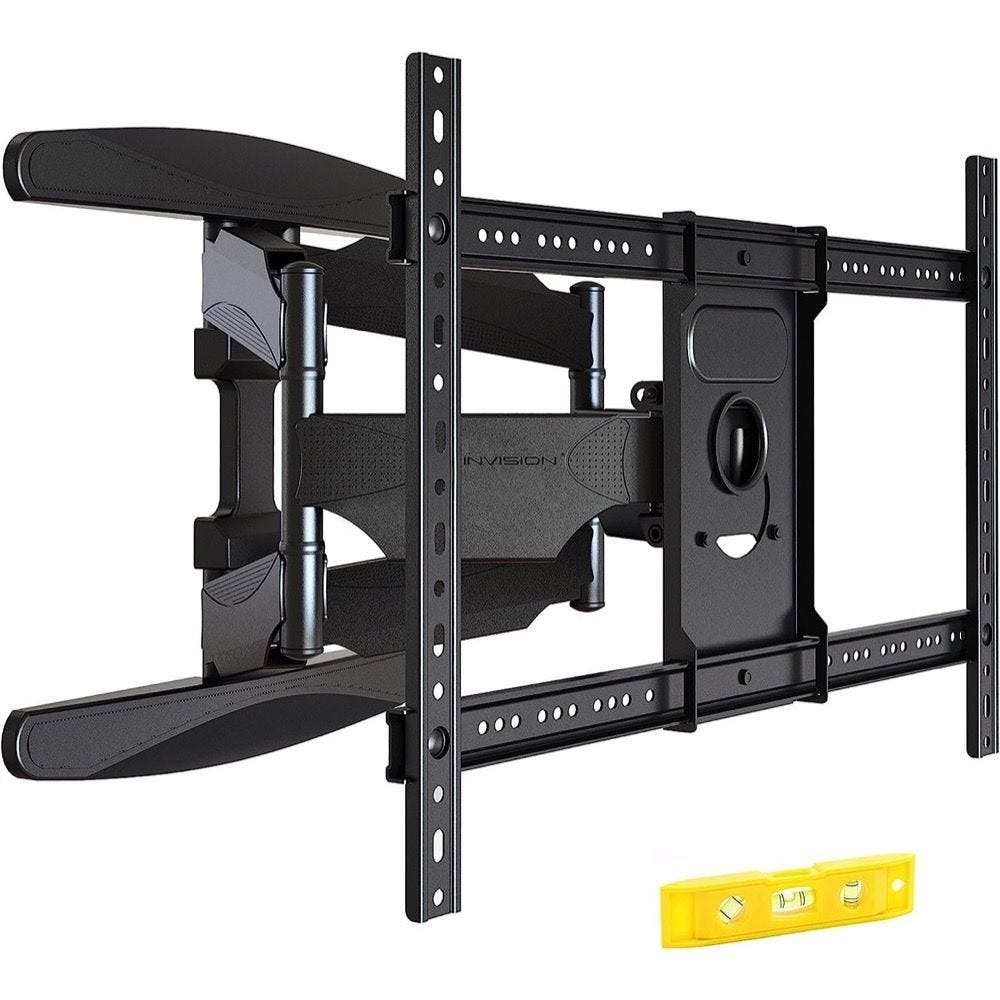
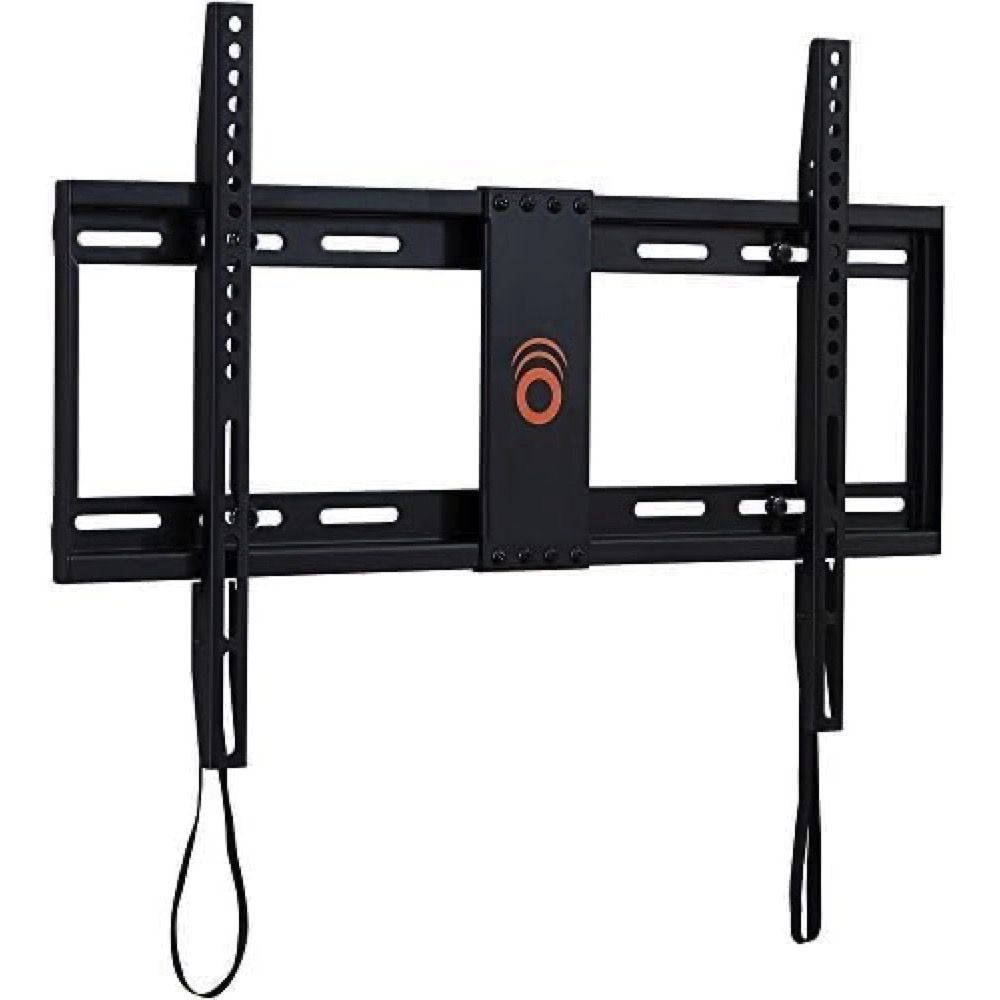
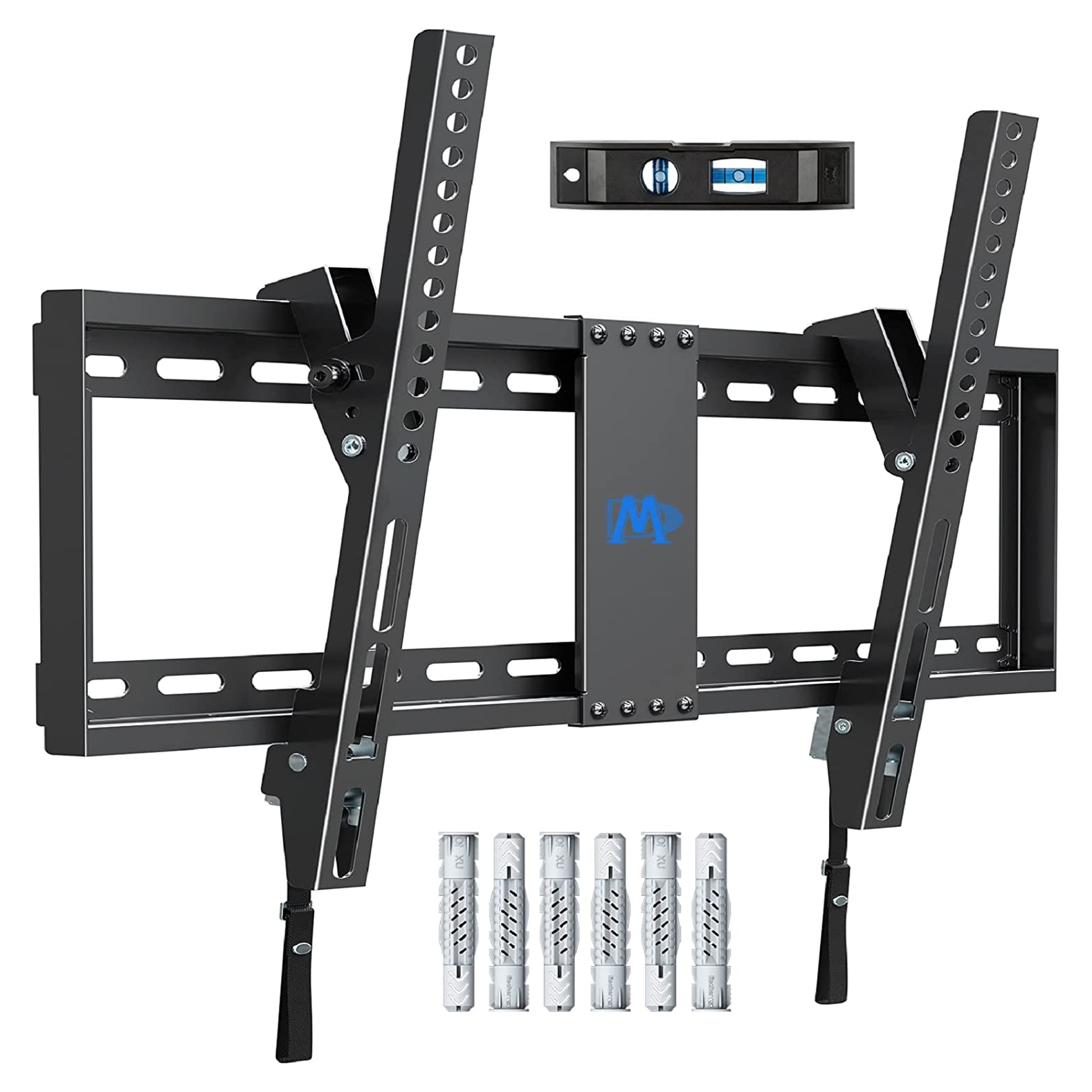
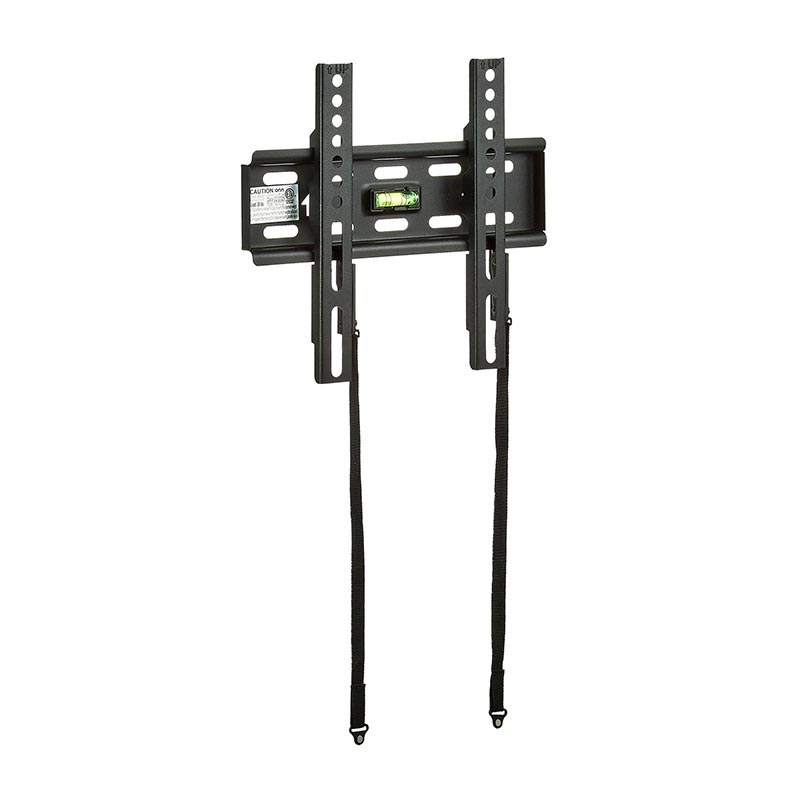
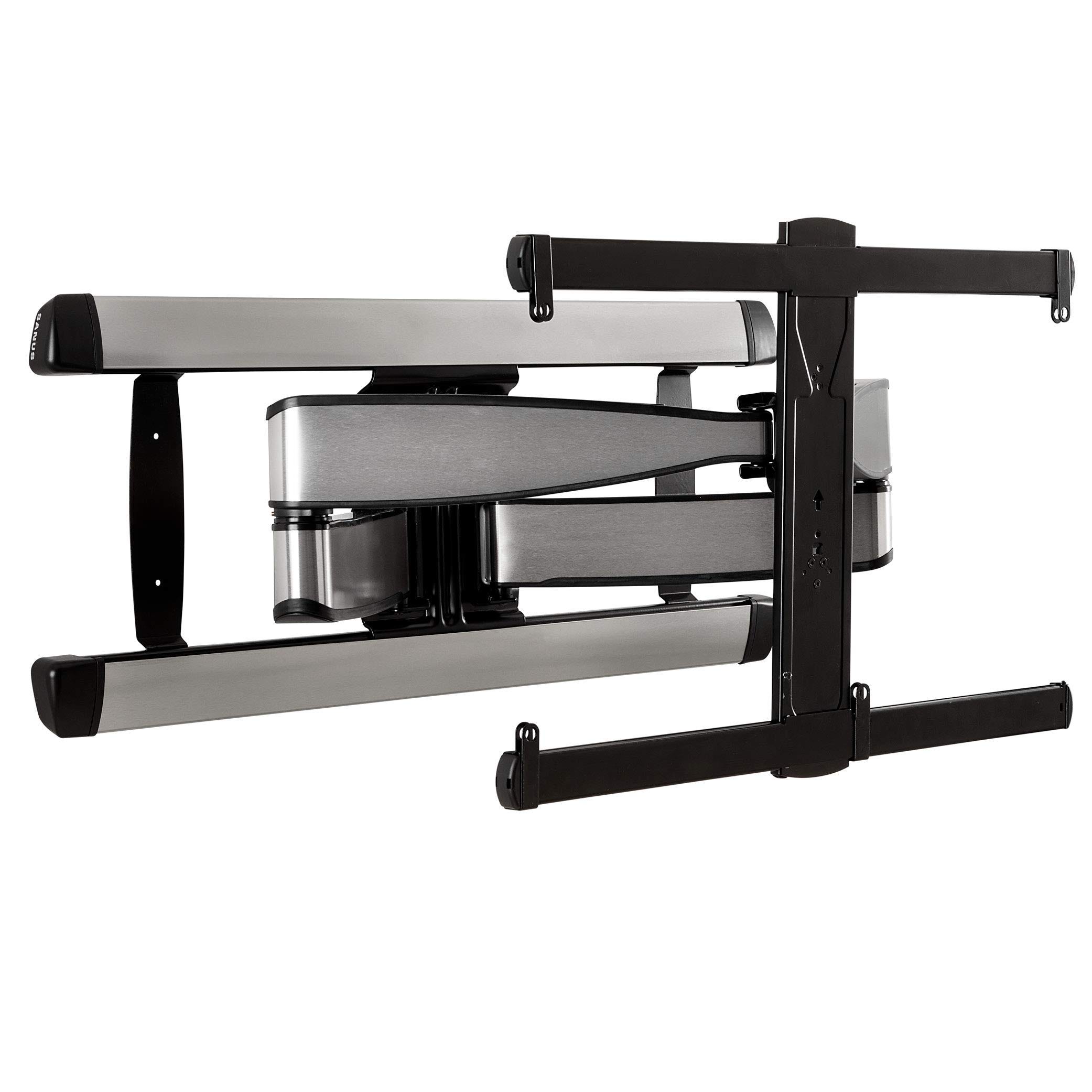
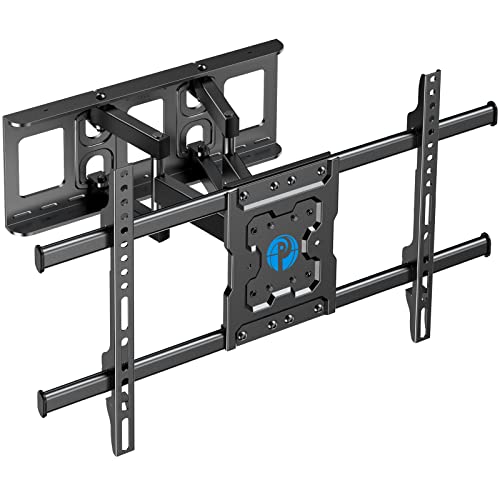
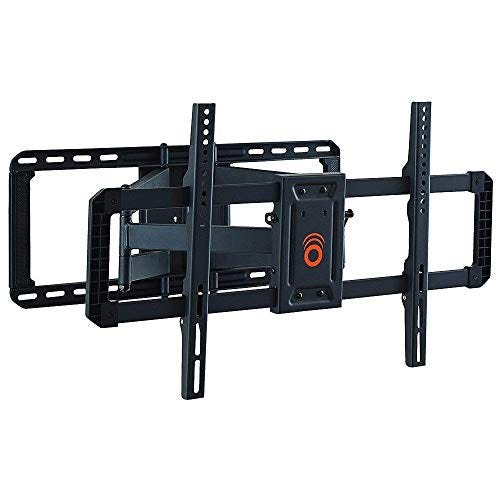
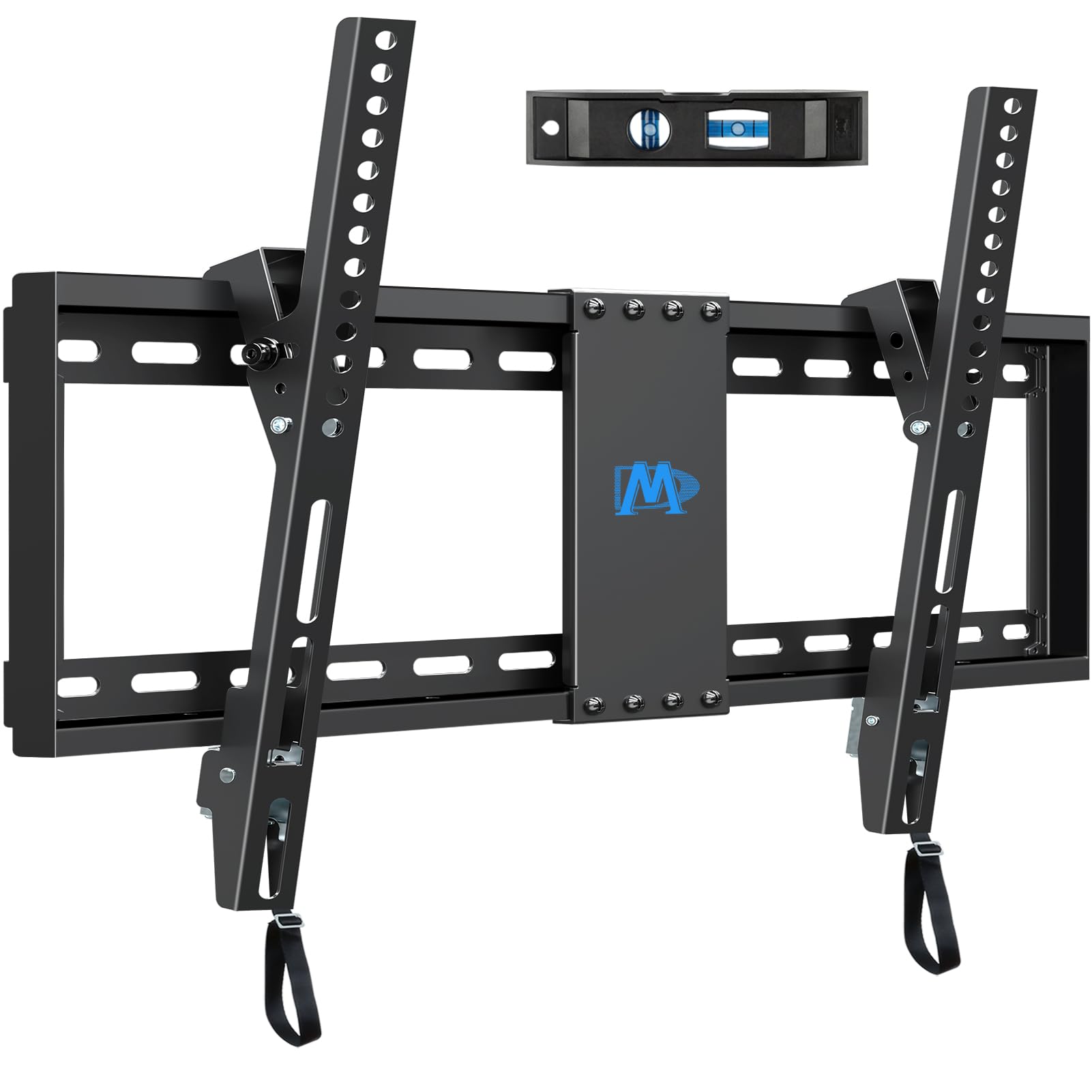
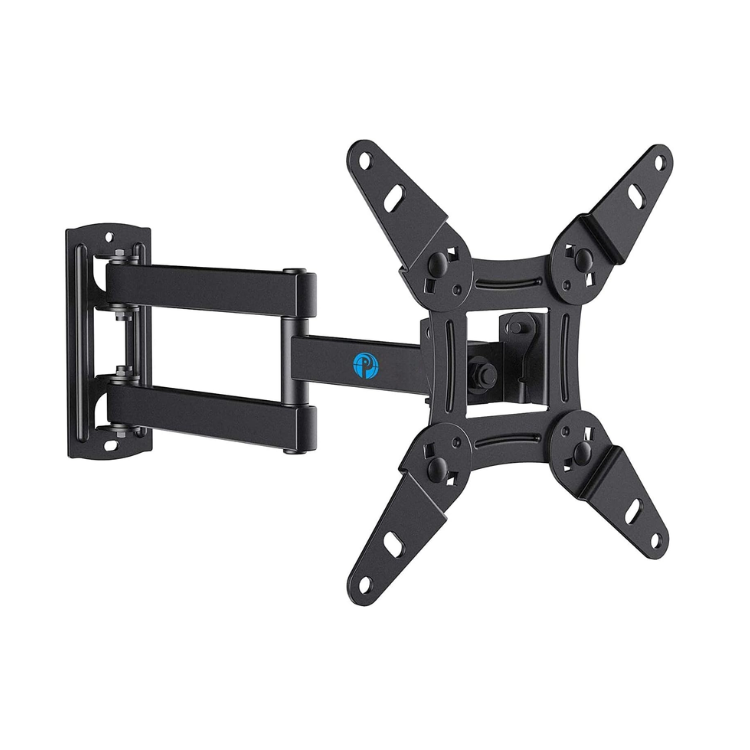
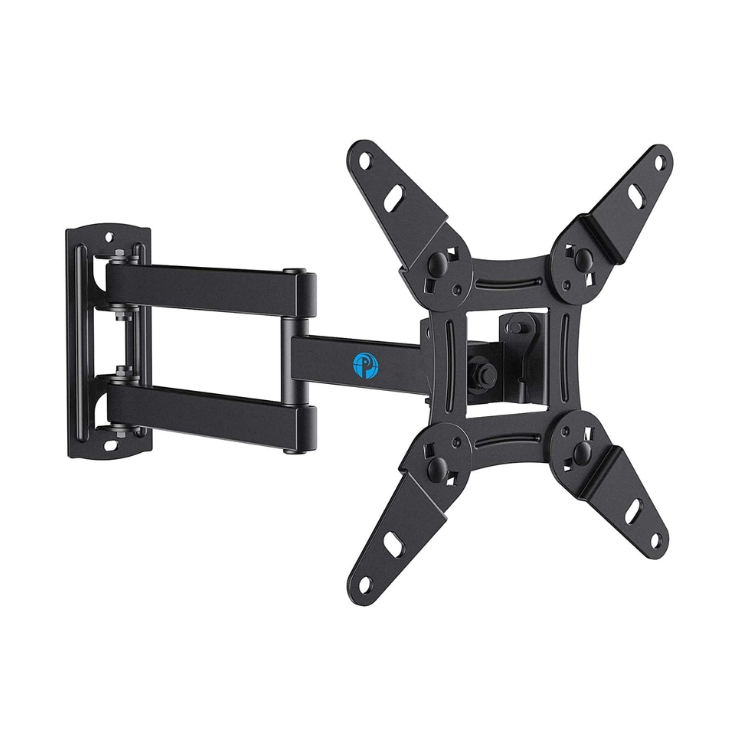
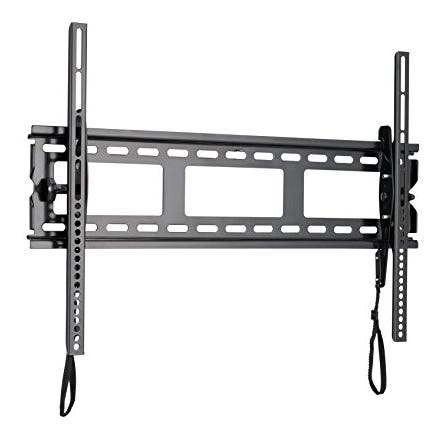
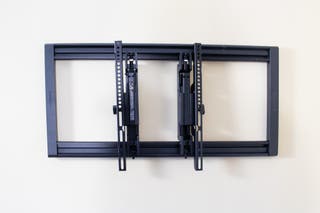
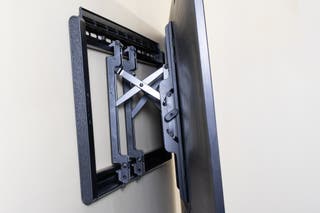
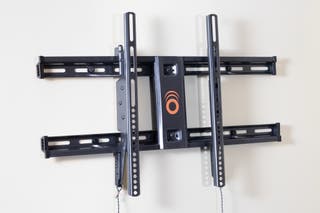
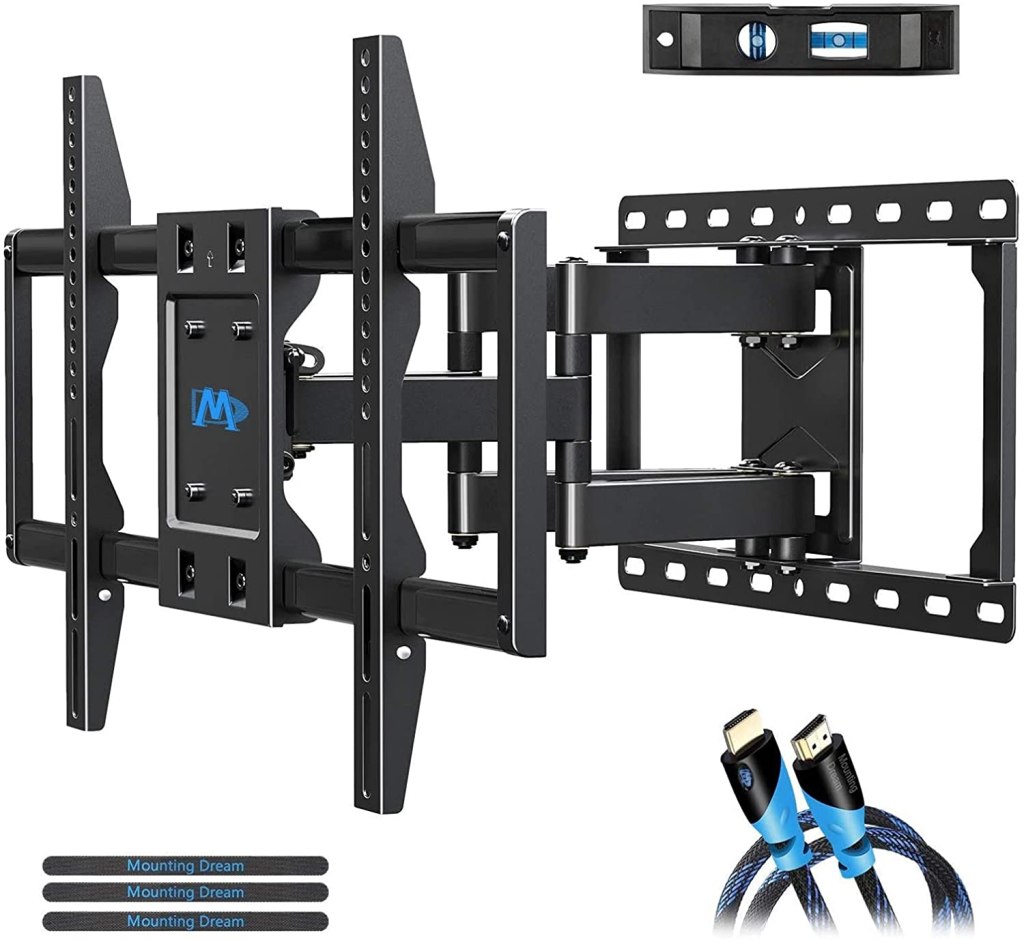
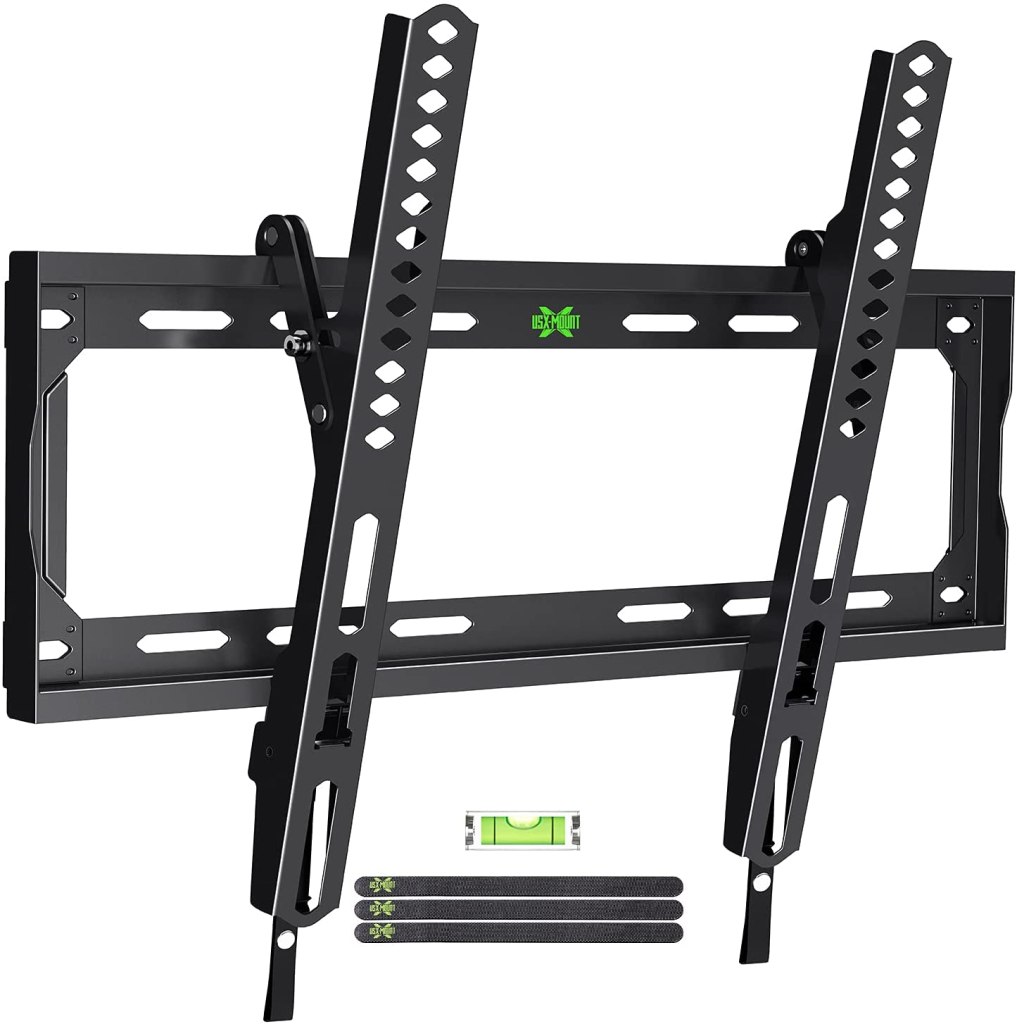
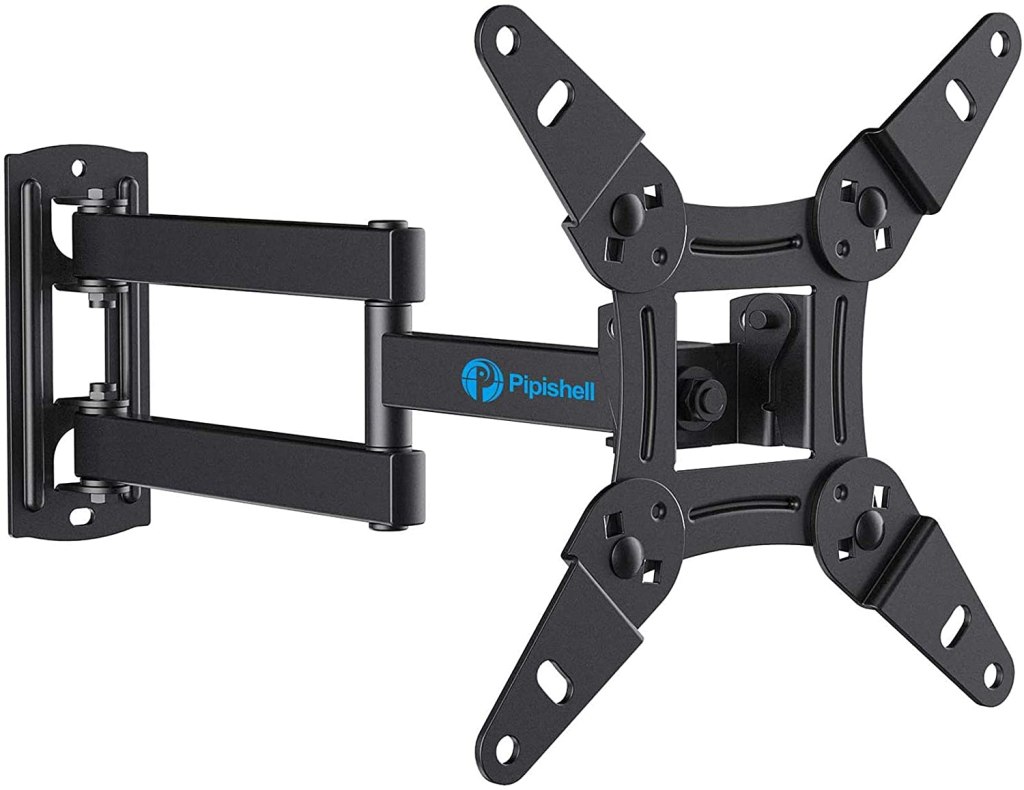
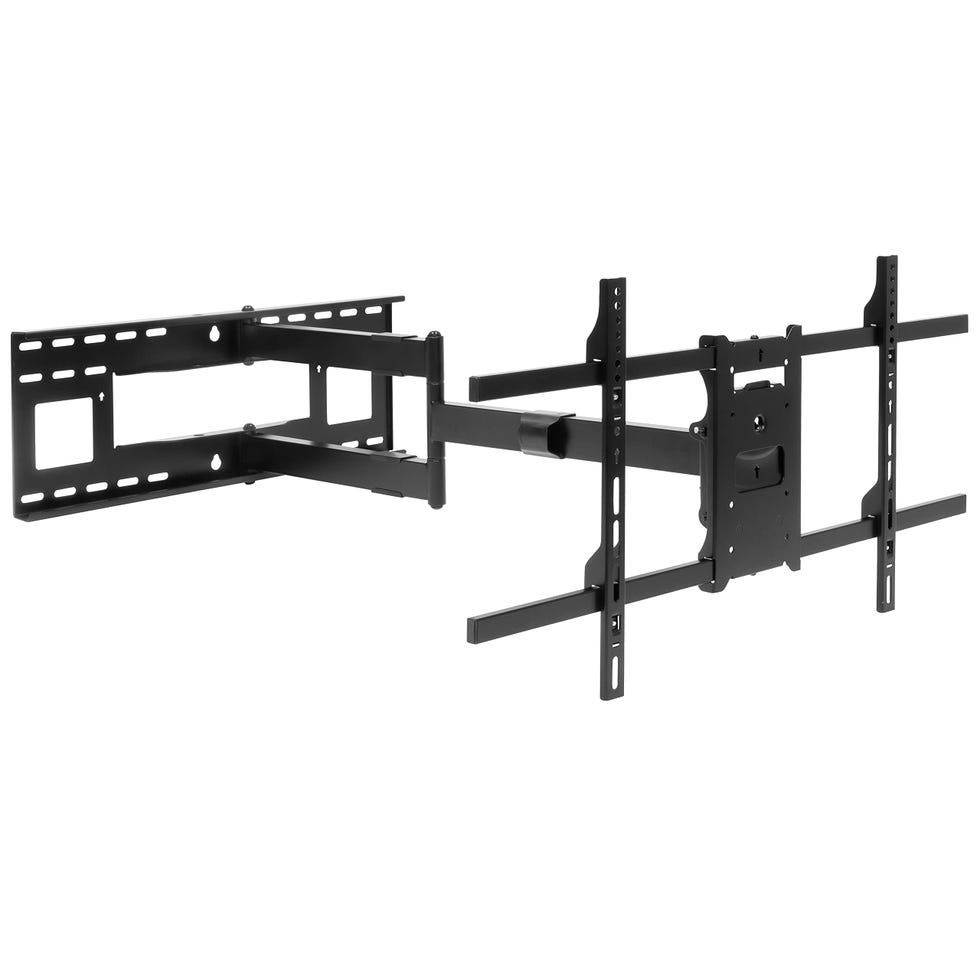
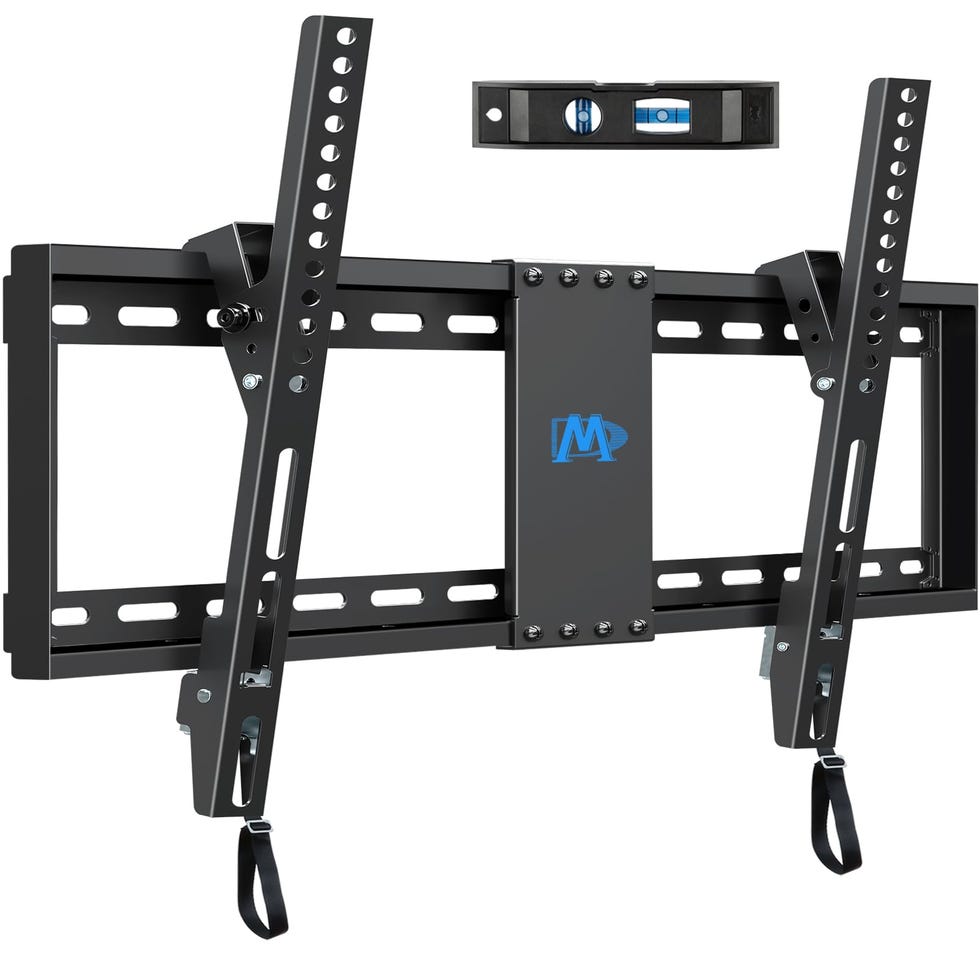
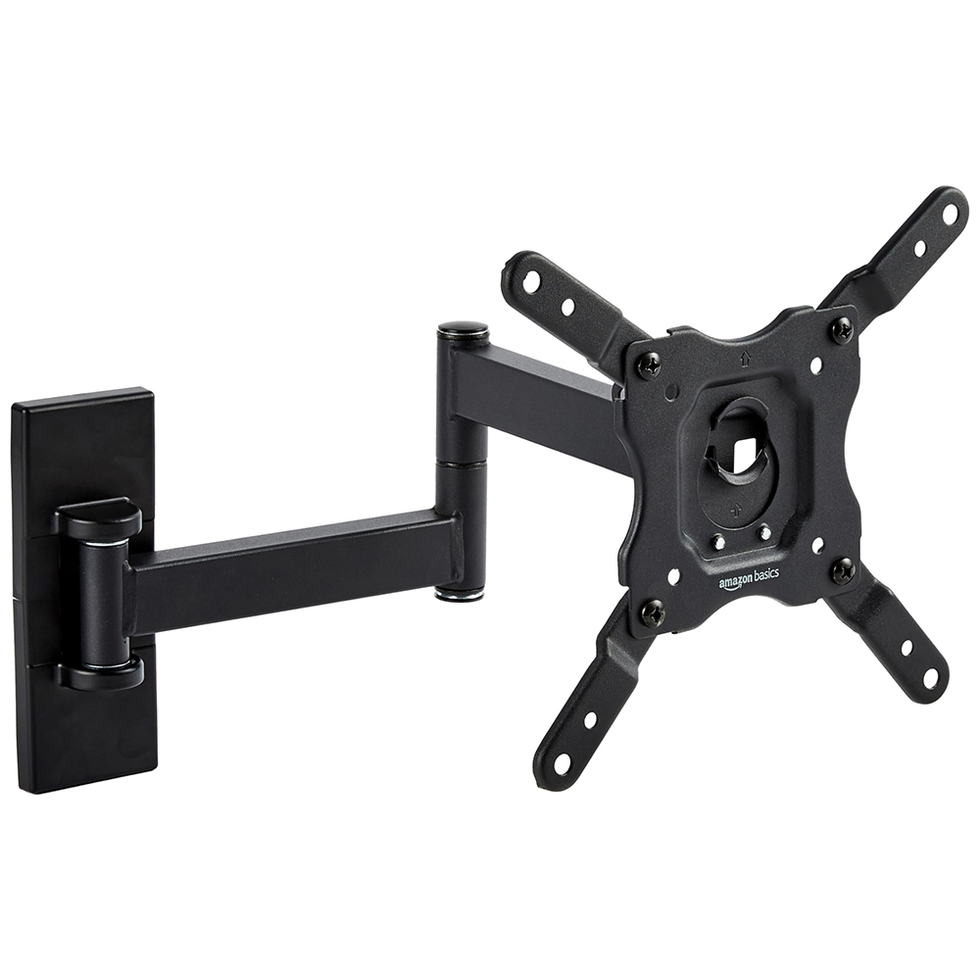
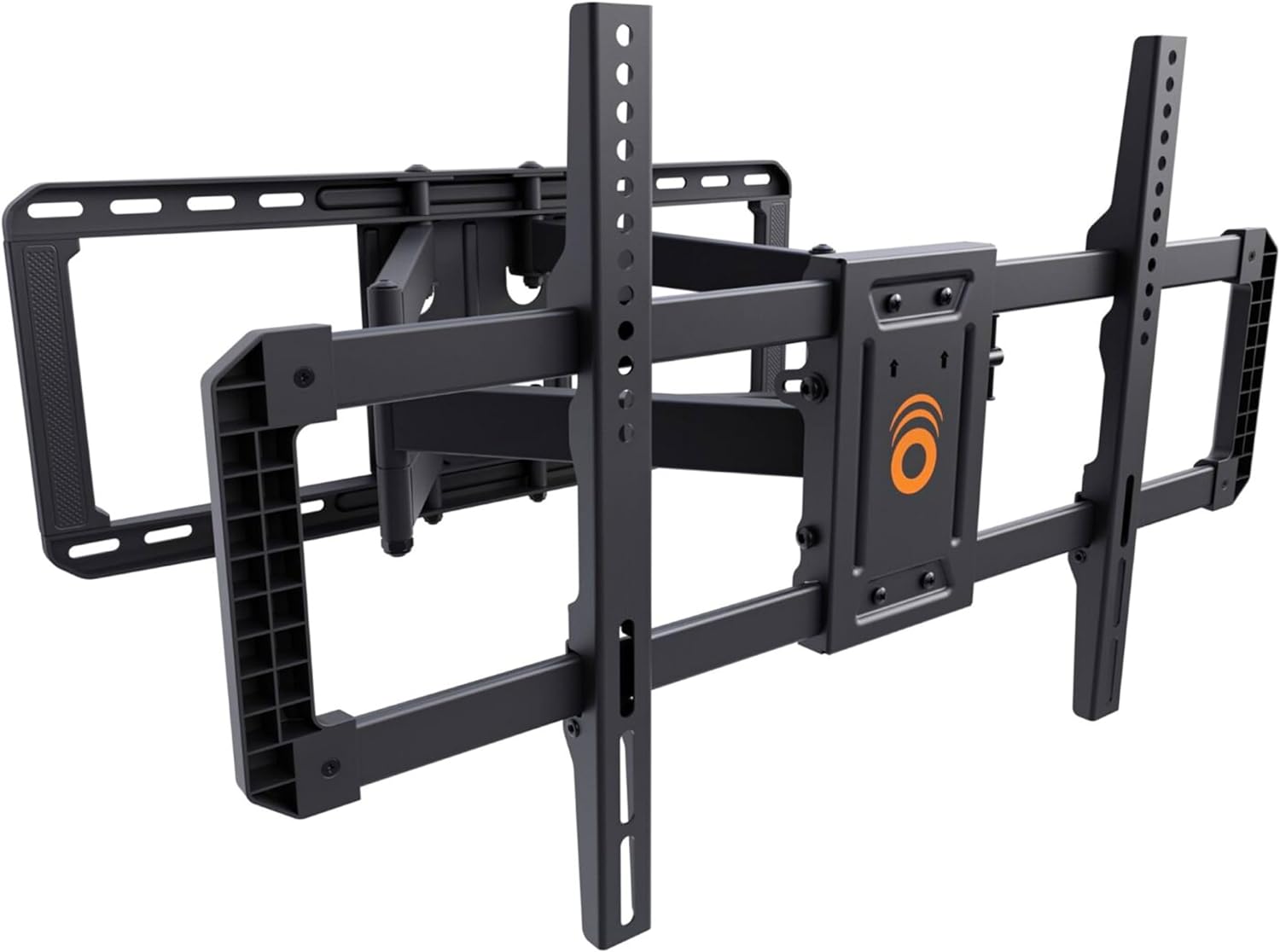
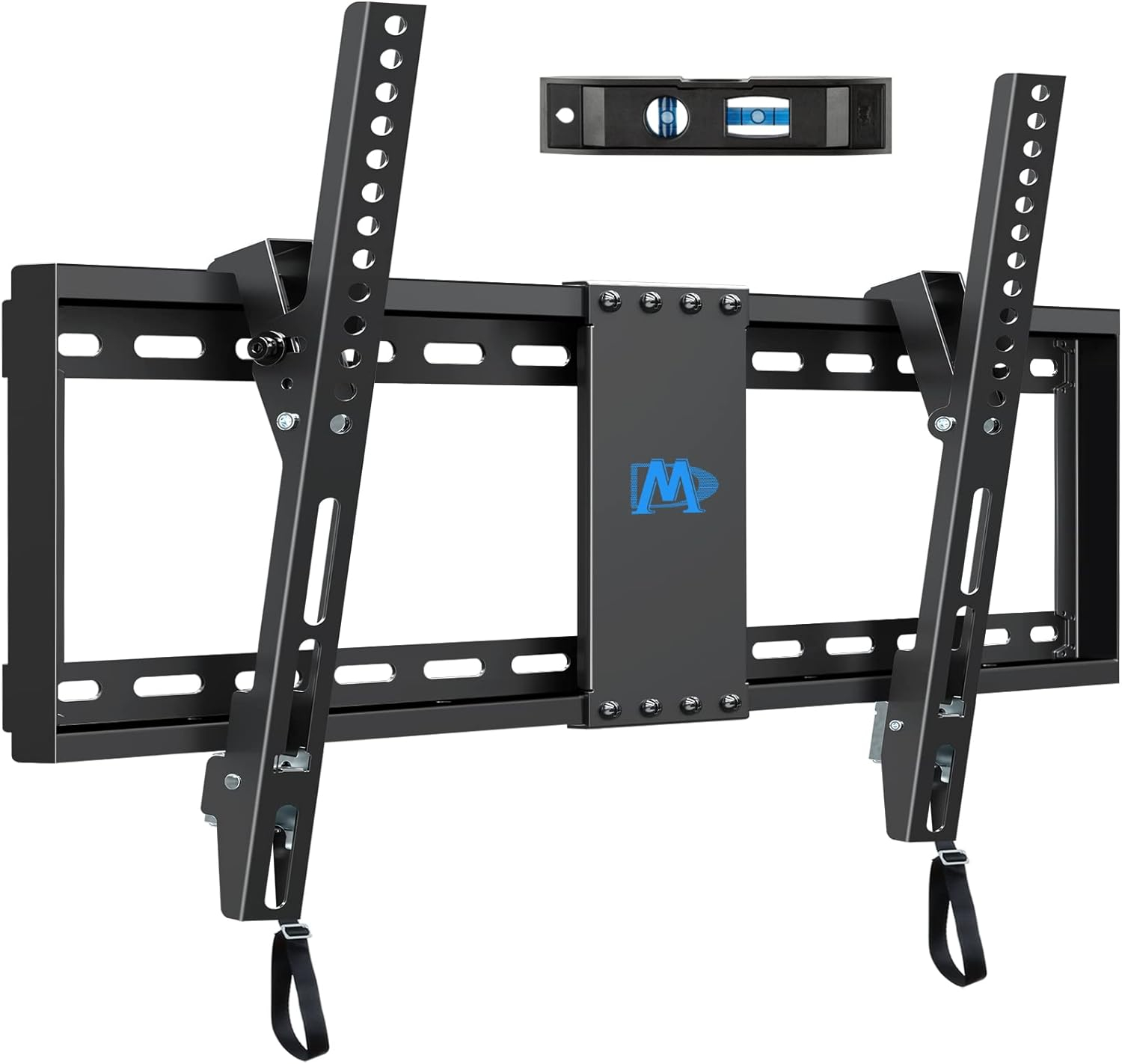
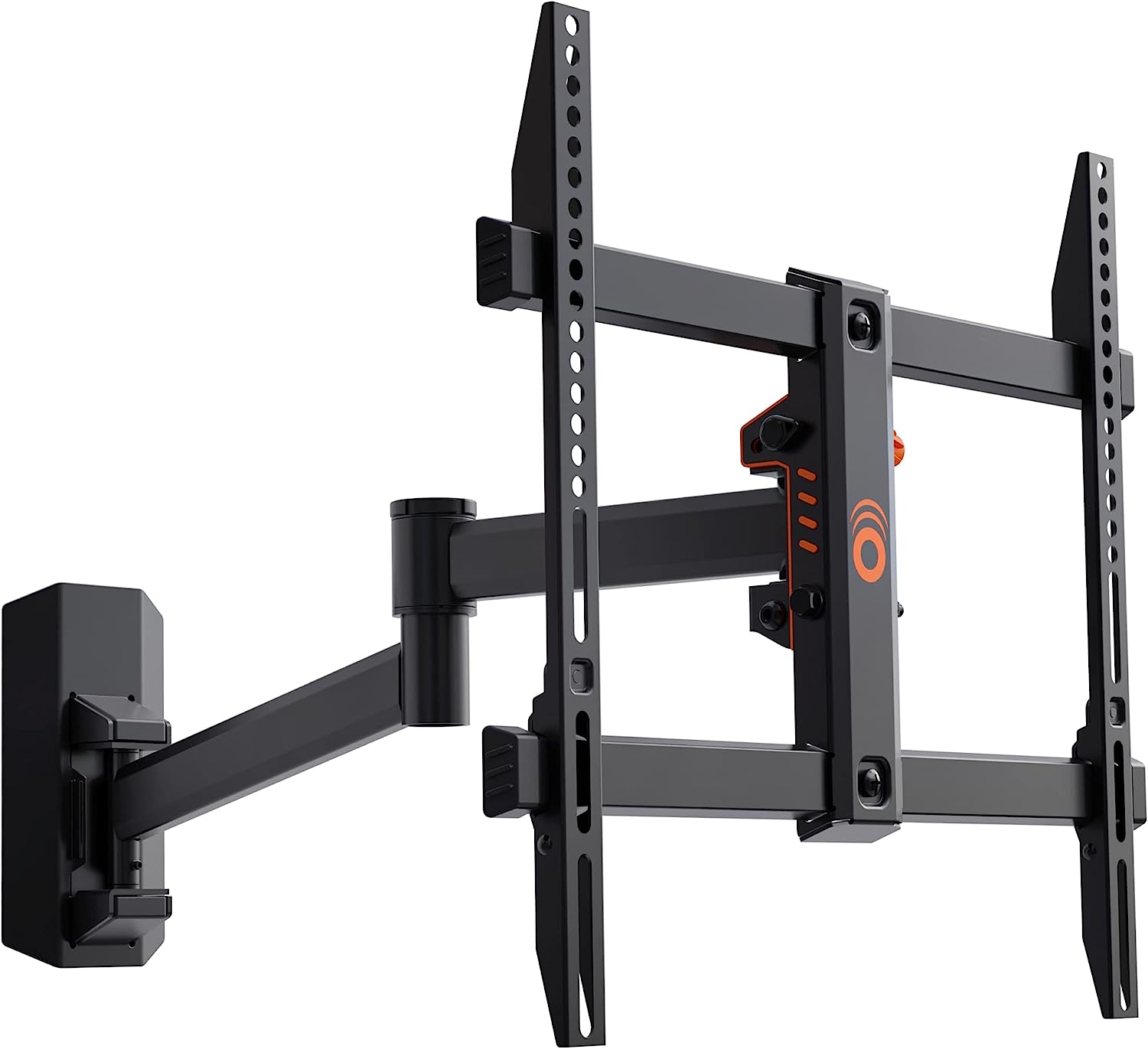
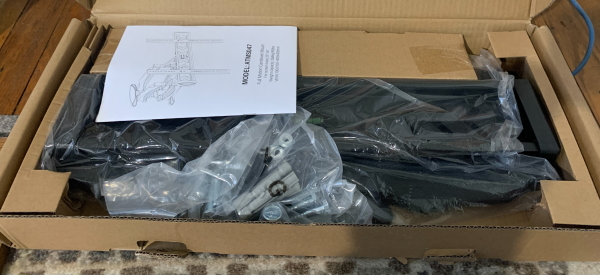
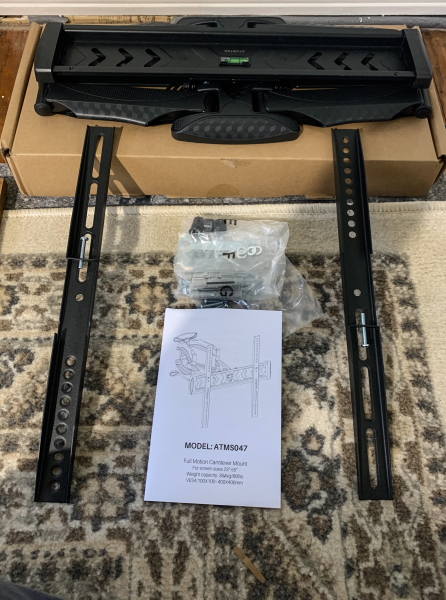
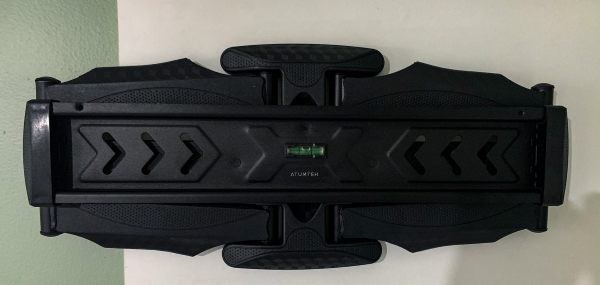
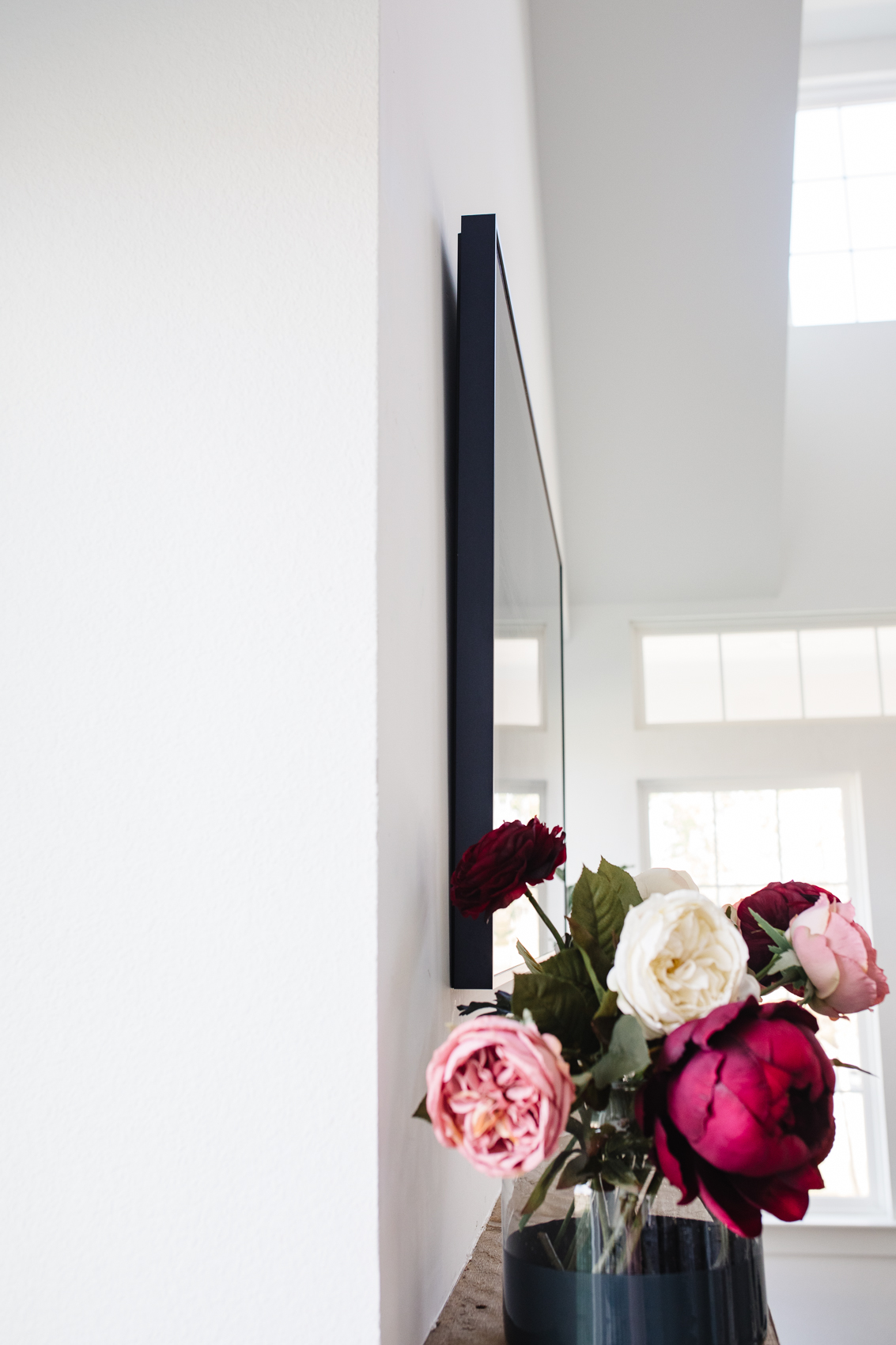
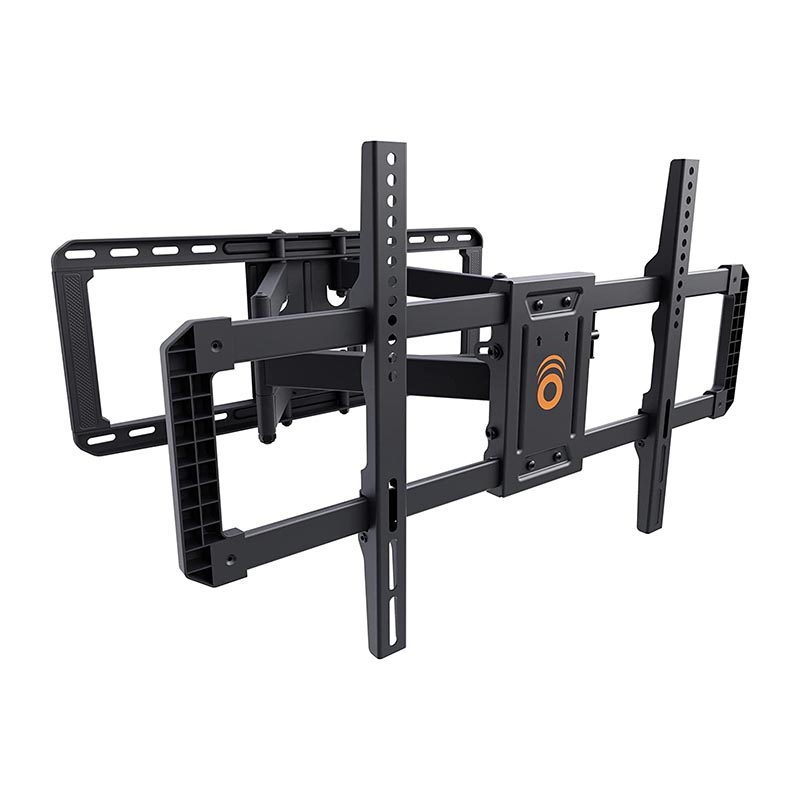
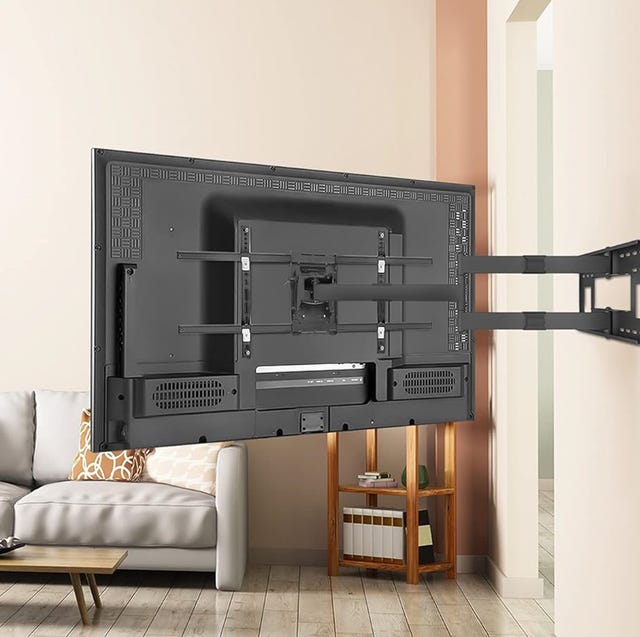
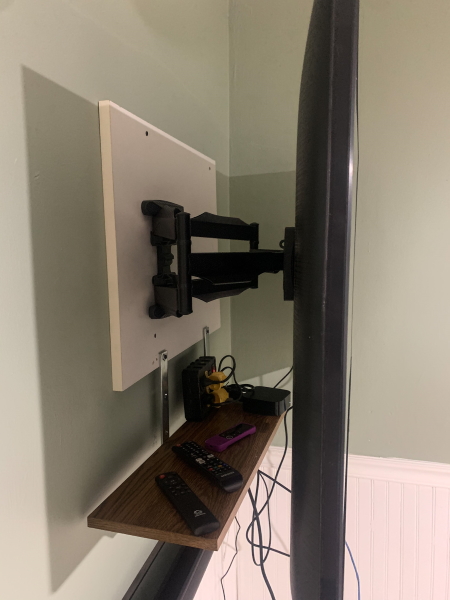
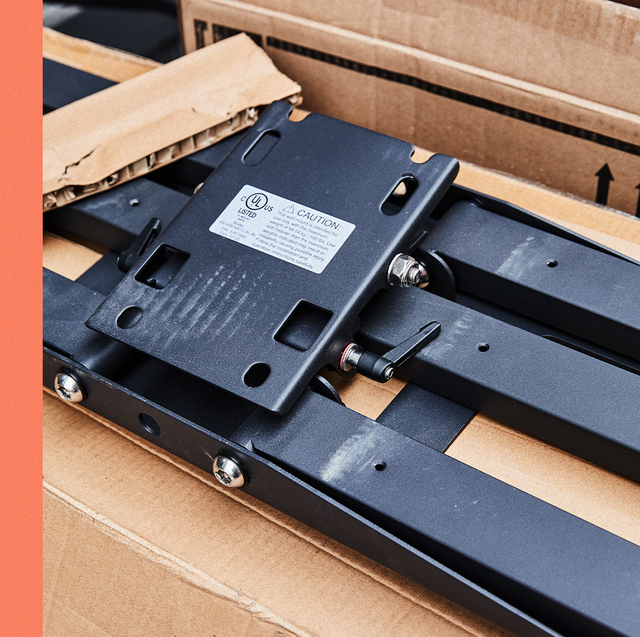
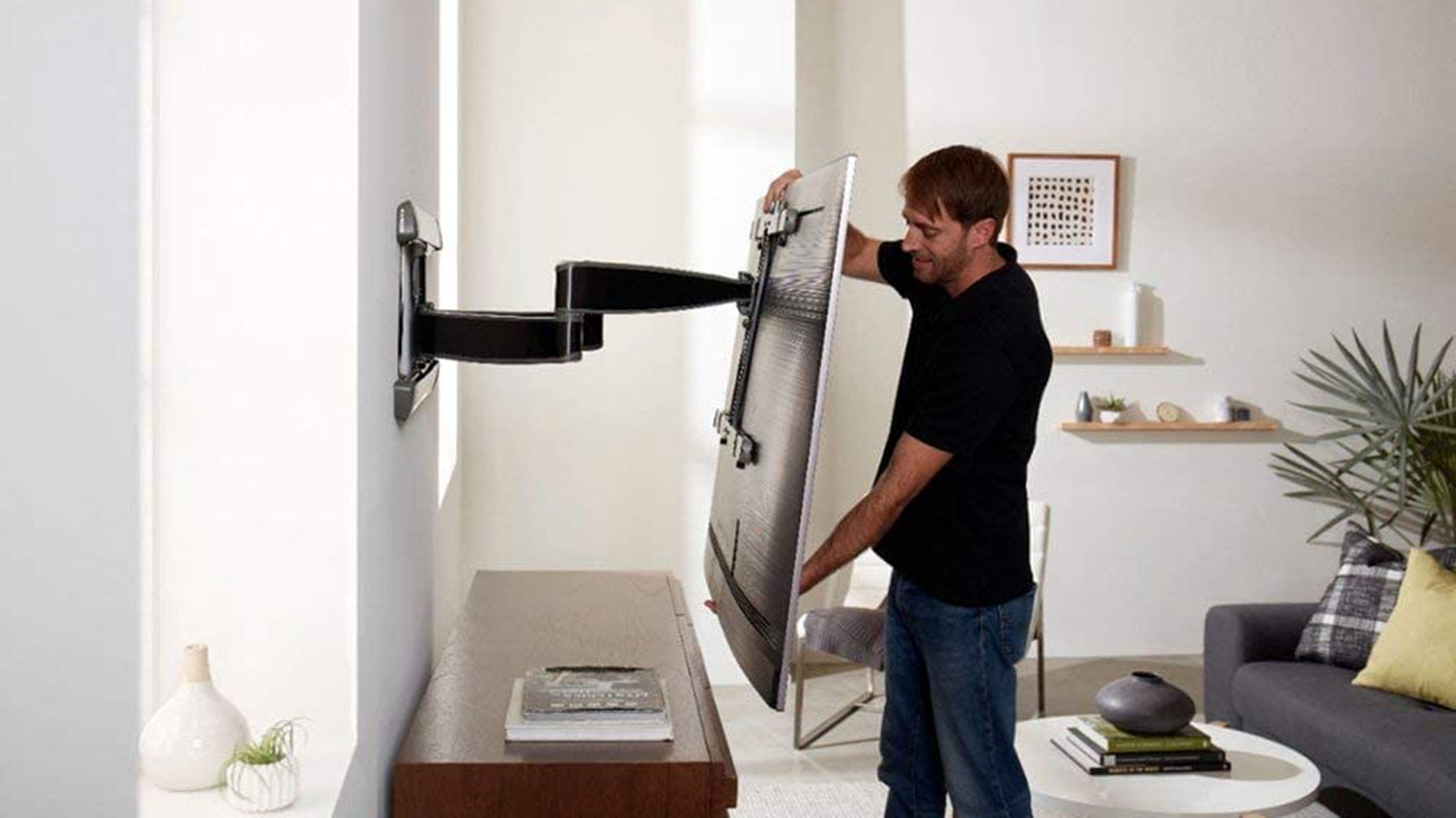
Selecting the appropriate TV mount is crucial, especially for larger screens (above 50 inches). A full-motion mount that can move forward, backward, and remain level simplifies future adjustments and allows a single person to manage changes without difficulty. Brands like Future Automation, Sanus, and Vogels offer a variety of reliable mounts. While tilt brackets exist, they are generally discouraged for home use if the initial screen position is correctly established. Recessing the TV entirely into a wall unit offers a sleek, hidden look, but this approach demands consideration for adequate ventilation to prevent overheating. It also has implications for future upgrades, as a fixed recess might limit the size of a replacement TV. Owen Maddock of Cinemaworks recommends recessing a 'box' area within the TV's outer edges to conceal cabling and electronics, allowing the TV to sit flush against the wall.
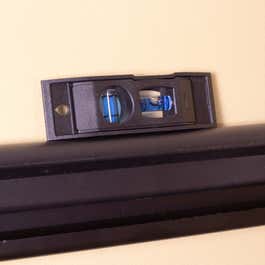
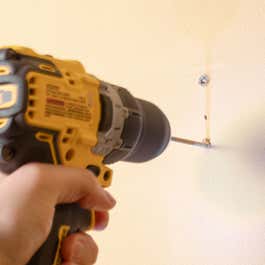
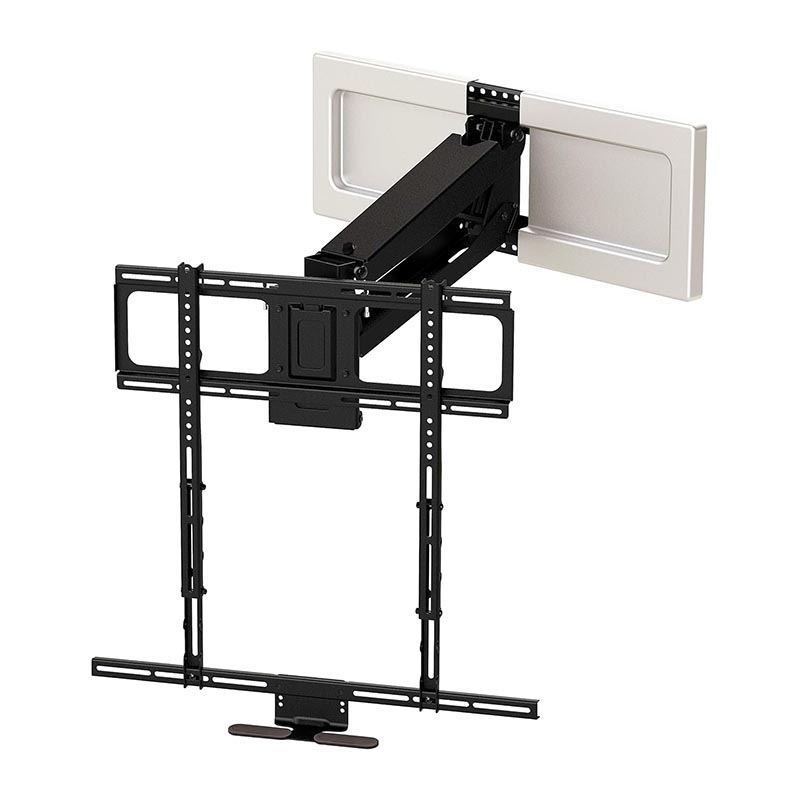
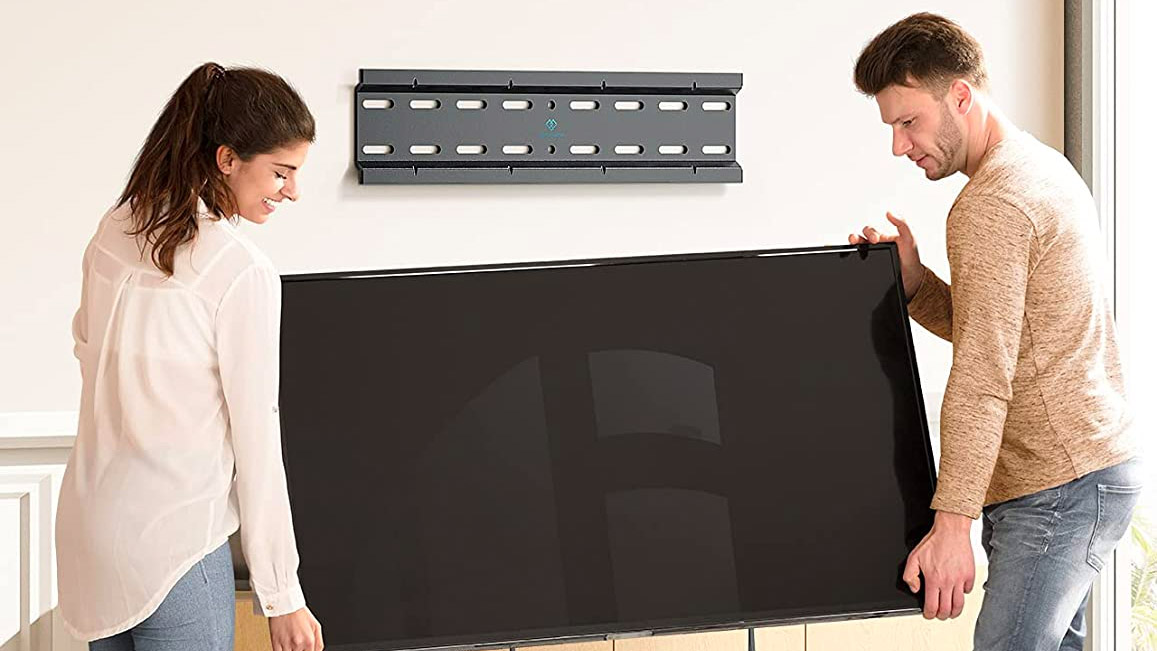
Reinforcing the mounting area is essential for stability. If mounting to joinery, such as a media unit or bookcase, reinforcing the cabinet's back or mounting directly to the structural wall is necessary. For those without extensive DIY experience, consulting or hiring a professional installer is recommended, as they possess the expertise to ensure proper reinforcement and secure mounting. Organizations like CEDIA, the global association for the home technology industry, can help locate qualified experts. Finally, meticulous installation and leveling are vital. Using strong, appropriate fixings for the wall type (e.g., coach screws for brick and blockwork, multiple screws for wooden studs, avoiding plasterboard where possible) is fundamental. Allowing a small degree of 'play' in the brackets enables fine adjustments to achieve perfect alignment. For pull-out brackets, securing cables with tie-wraps in the 'out' position and testing the motion repeatedly will prevent snags and ensure longevity.
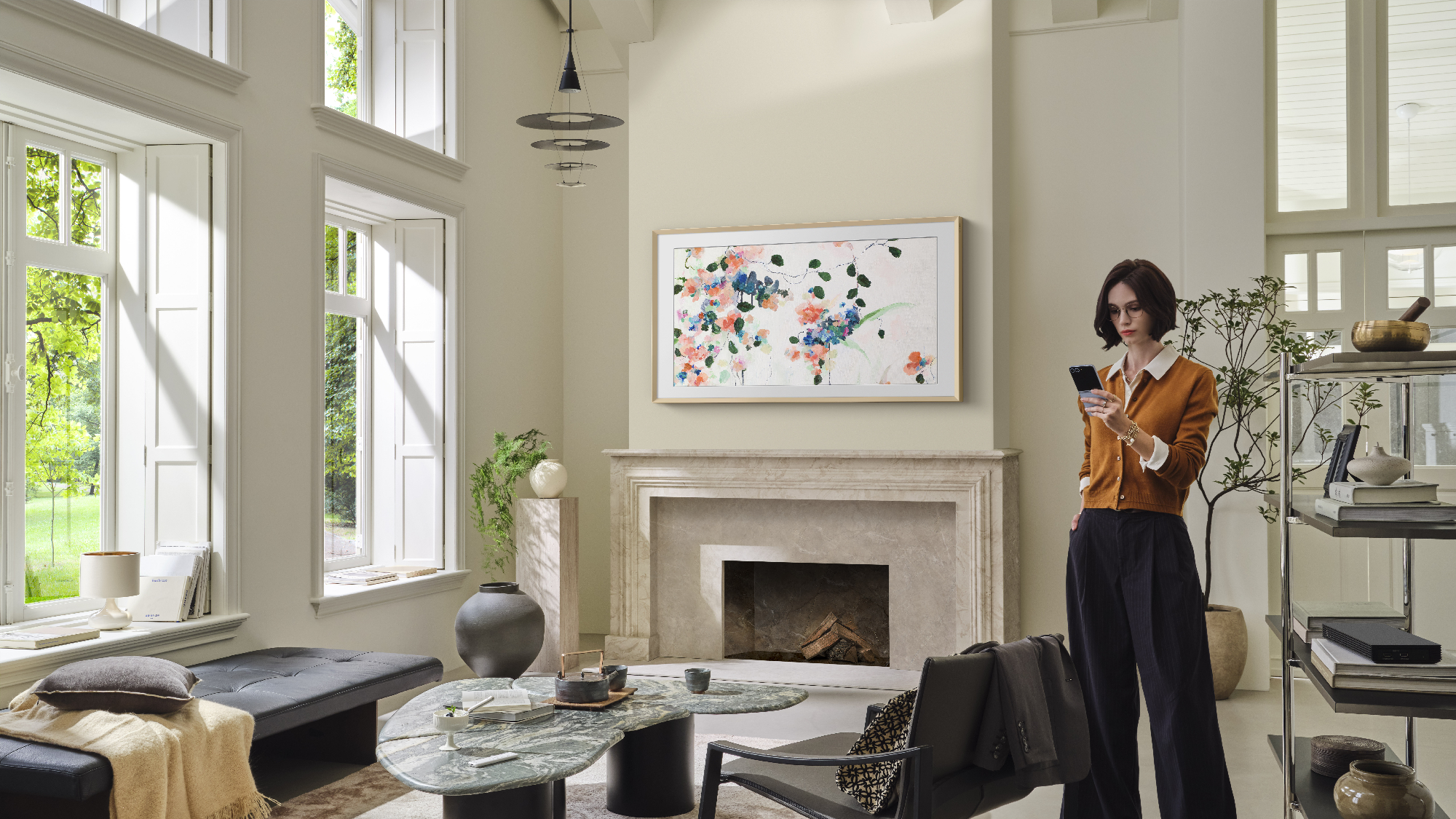
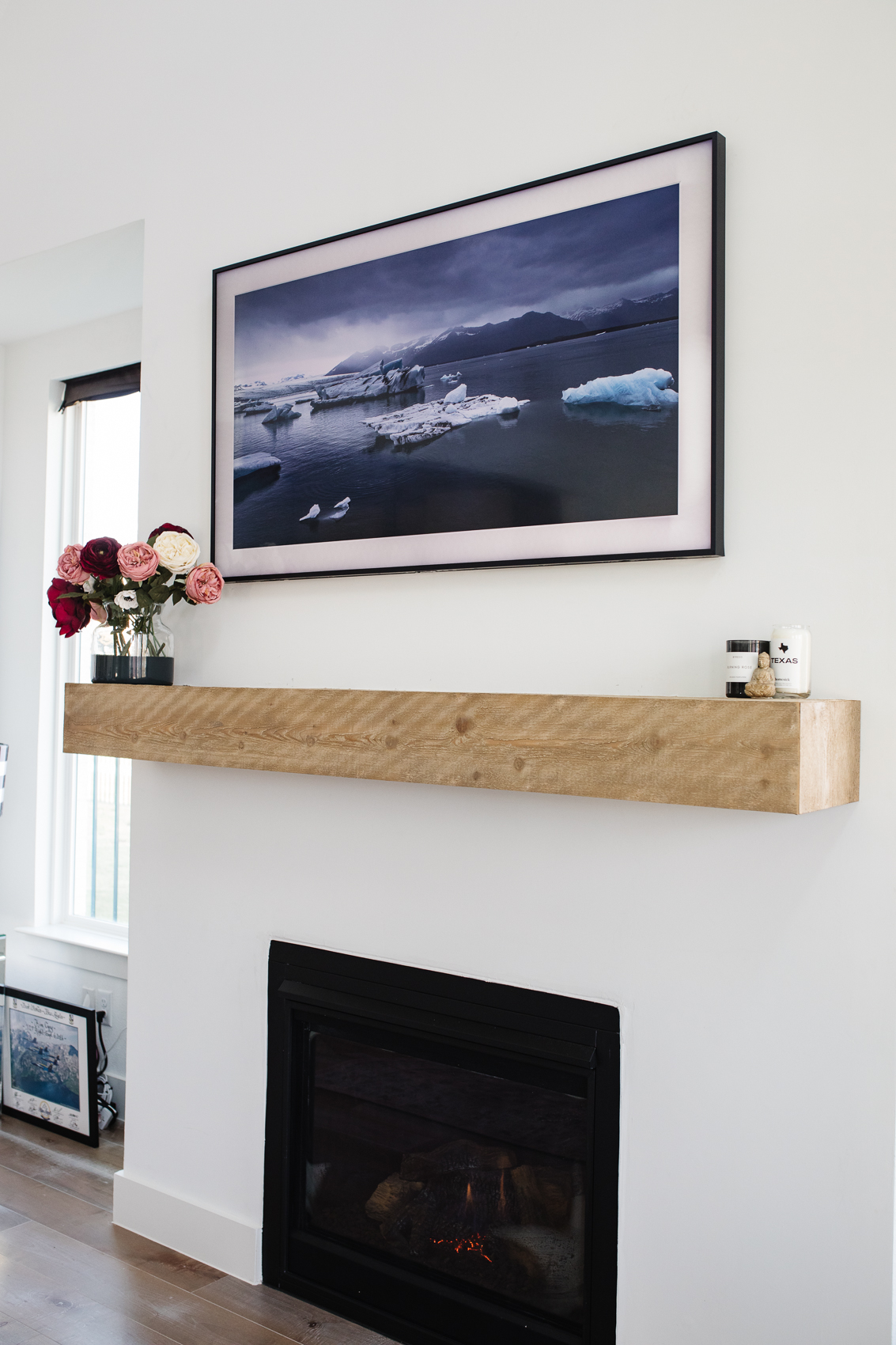
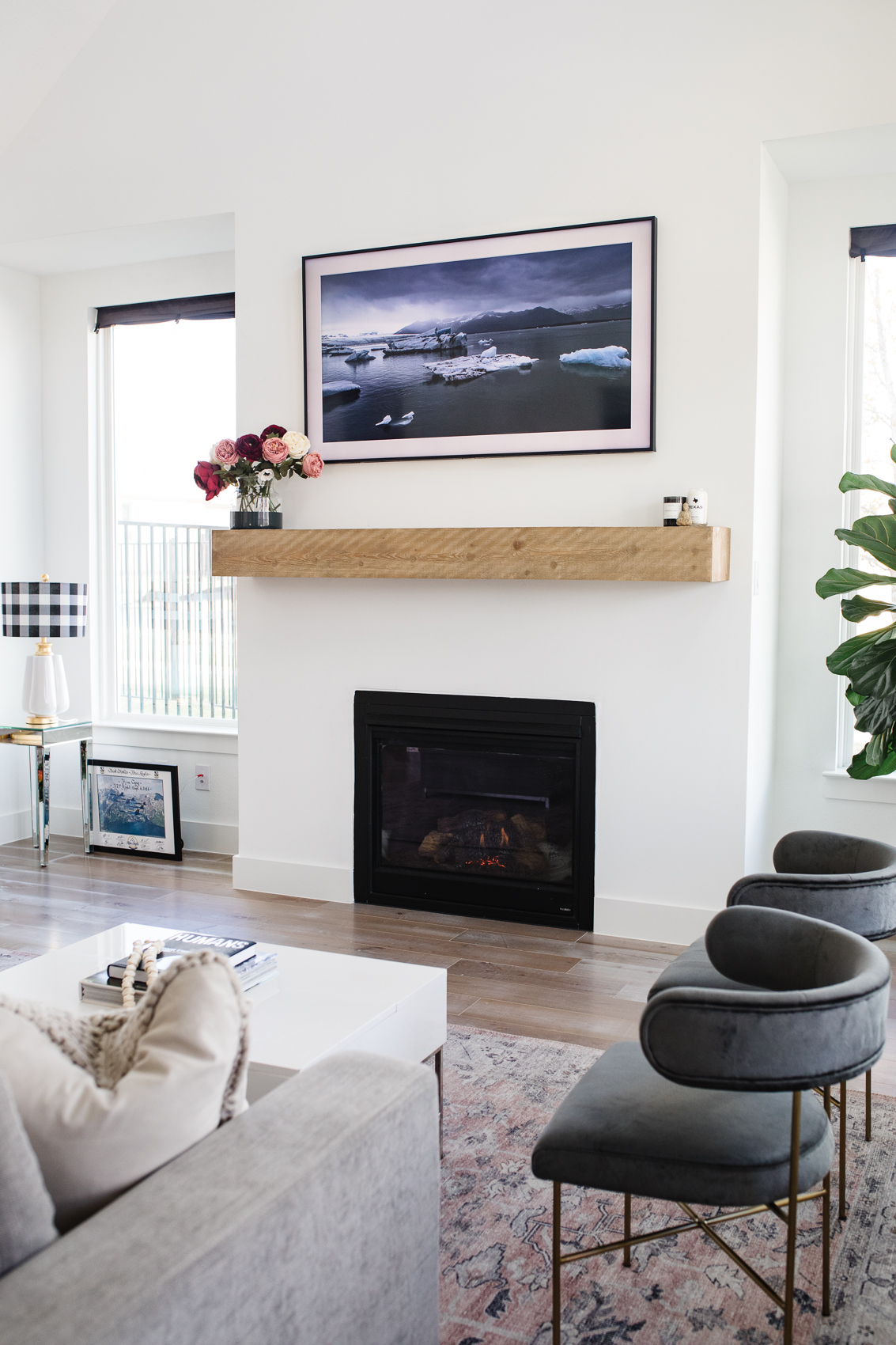
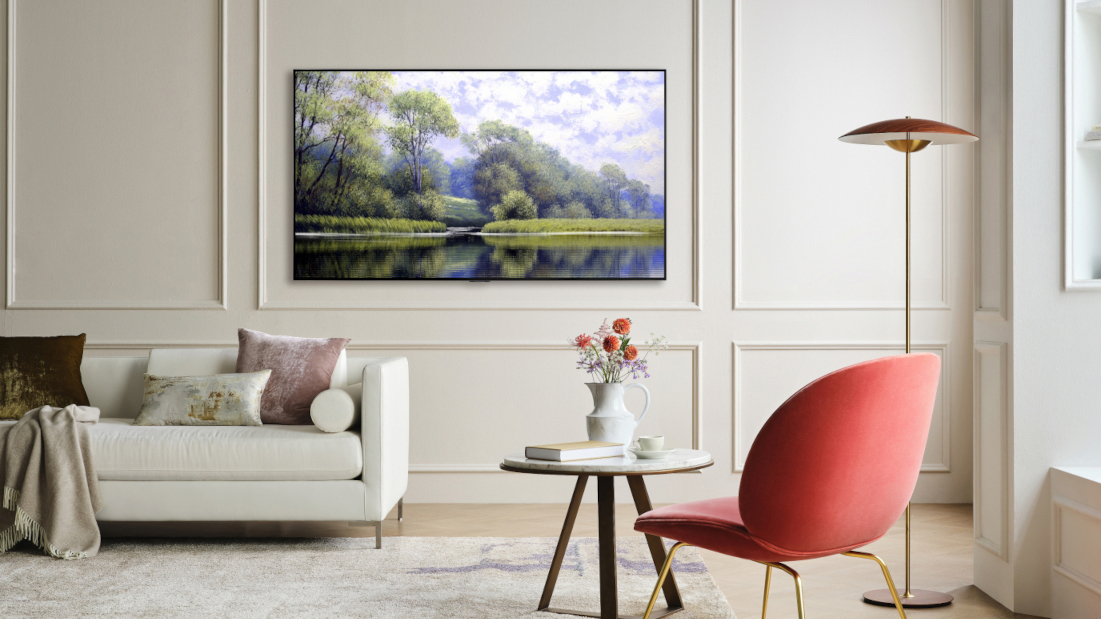
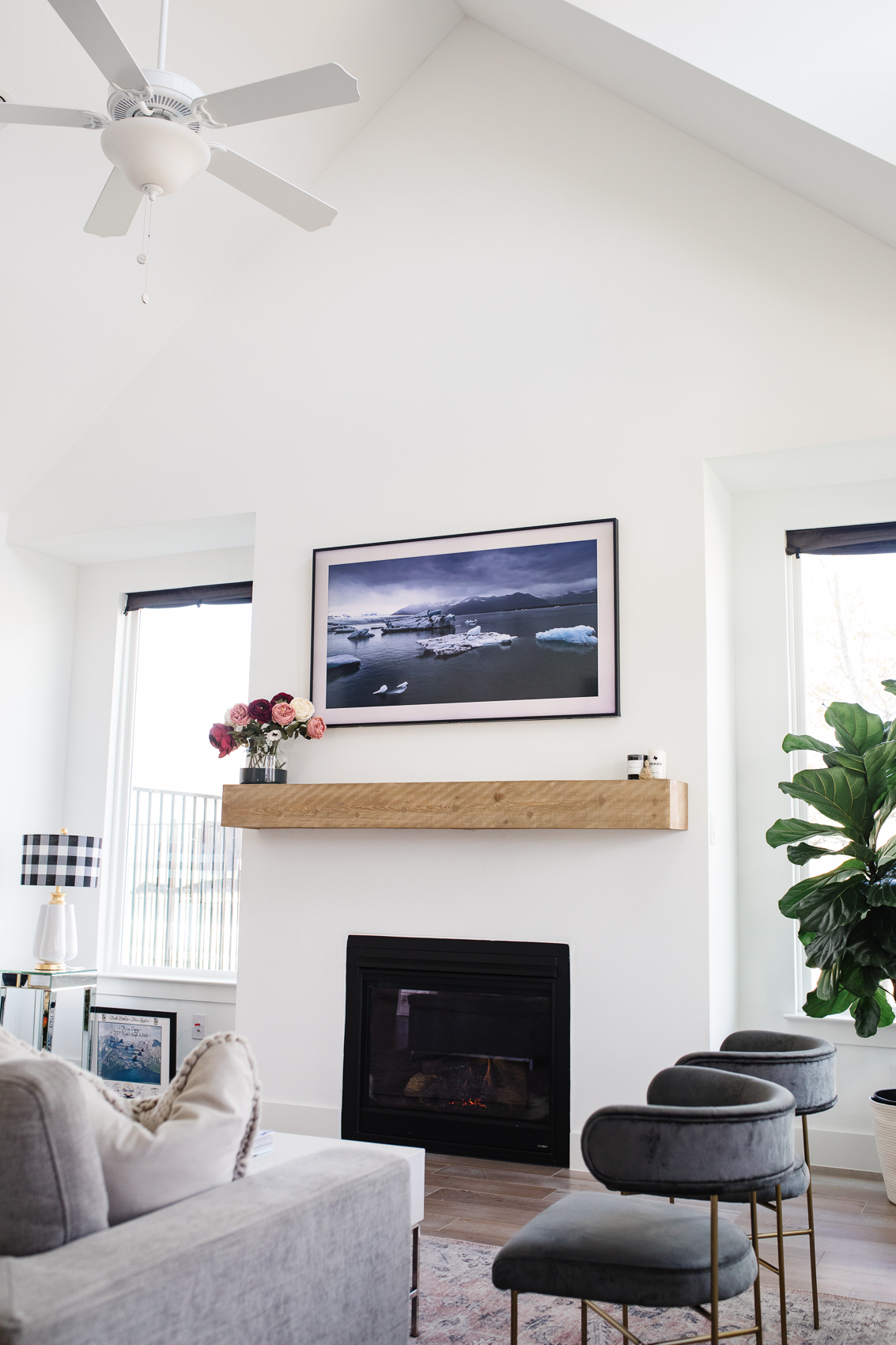
For those considering a DIY approach, it is strongly advised to seek professional guidance, especially for large screens, to ensure compatibility with brackets and safe execution. Some TVs, like Samsung's The Frame, offer aesthetic integration by mimicking artwork, while others, like LG G1, provide a gallery-style flush mount. Specialized options such as the Samsung Sero, with its rotating screen, cater to diverse viewing needs, including social media content in portrait mode. Understanding these options and installation best practices ensures a smart, safe, and visually appealing TV mounting solution.
#TVMounting #HomeTheater #InteriorDesign #CableManagement #SmartHome #WallMount #HomeImprovement #TechIntegration #Ergonomics #TVMounting #HomeTheater #InteriorDesign #CableManagement #SmartHome #WallMount #HomeImprovement #TechIntegration #Ergonomics
Toplam 0 yorum
 Henüz yorum yok
Bu da beğenebilirsiniz
Here’s How to Not Mess Up Mounting Your TV on the Wall | Reviews by Wirecutter
3 Best TV Wall Mounts of 2025, Tested and Reviewed

The best TV wall mounts, including full-motion, tilting, and swiveling options for all sizes
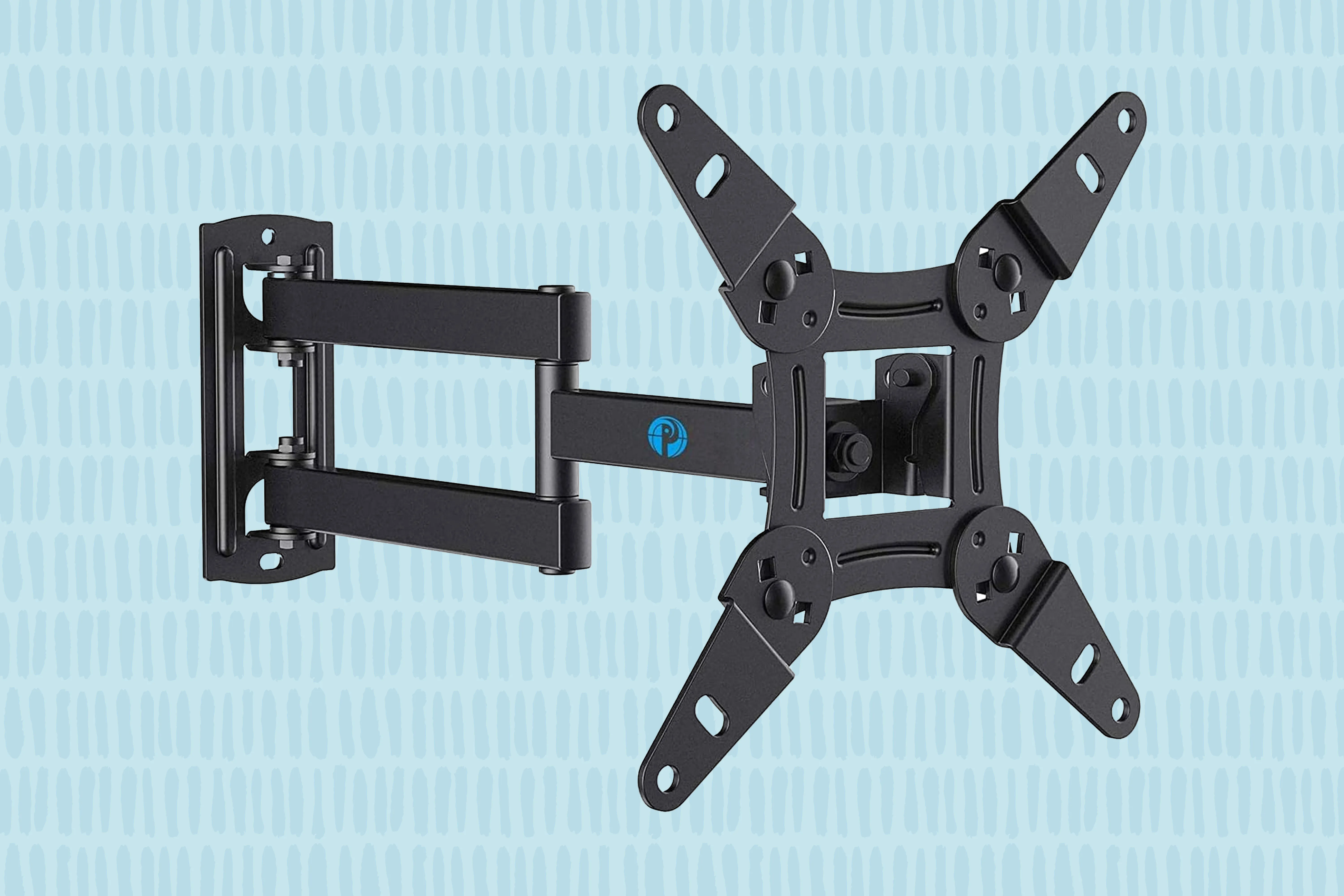
The 6 Best TV Wall Mounts, Reviewed by BHG

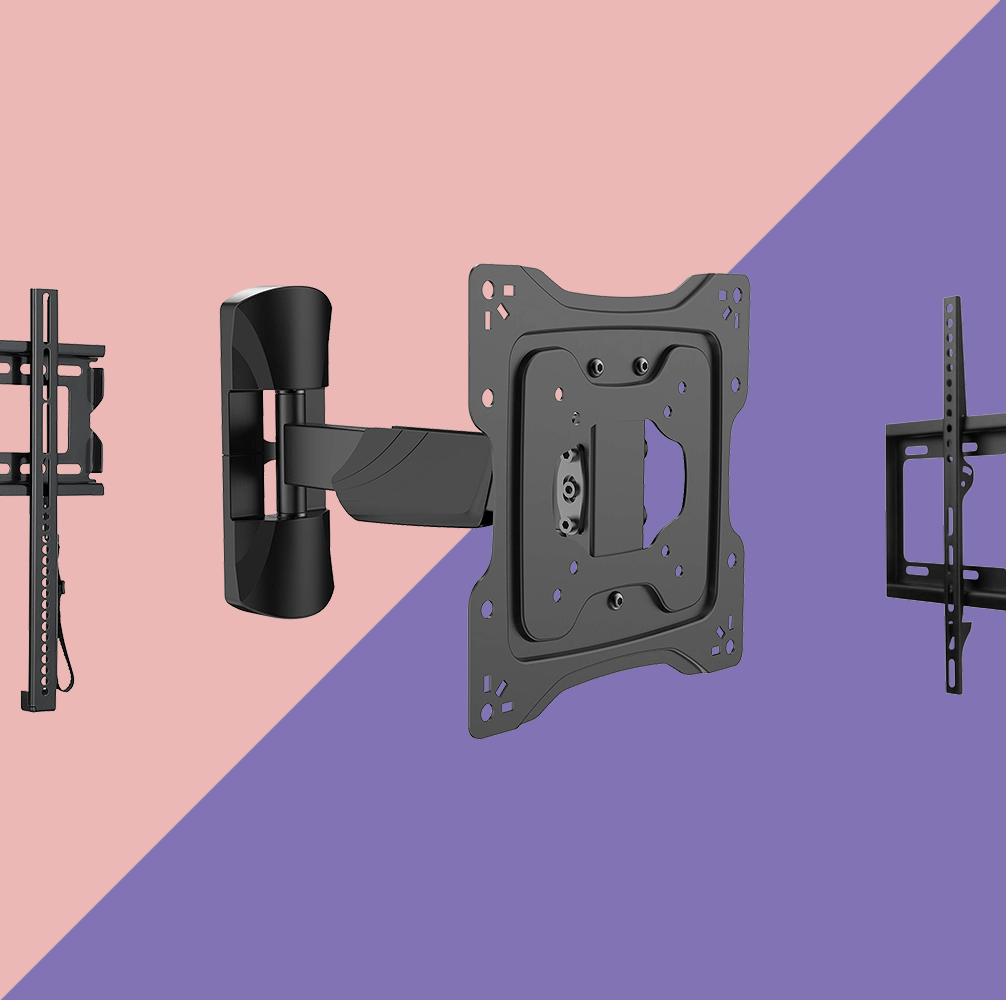
The best wall mounts and brackets for your TV
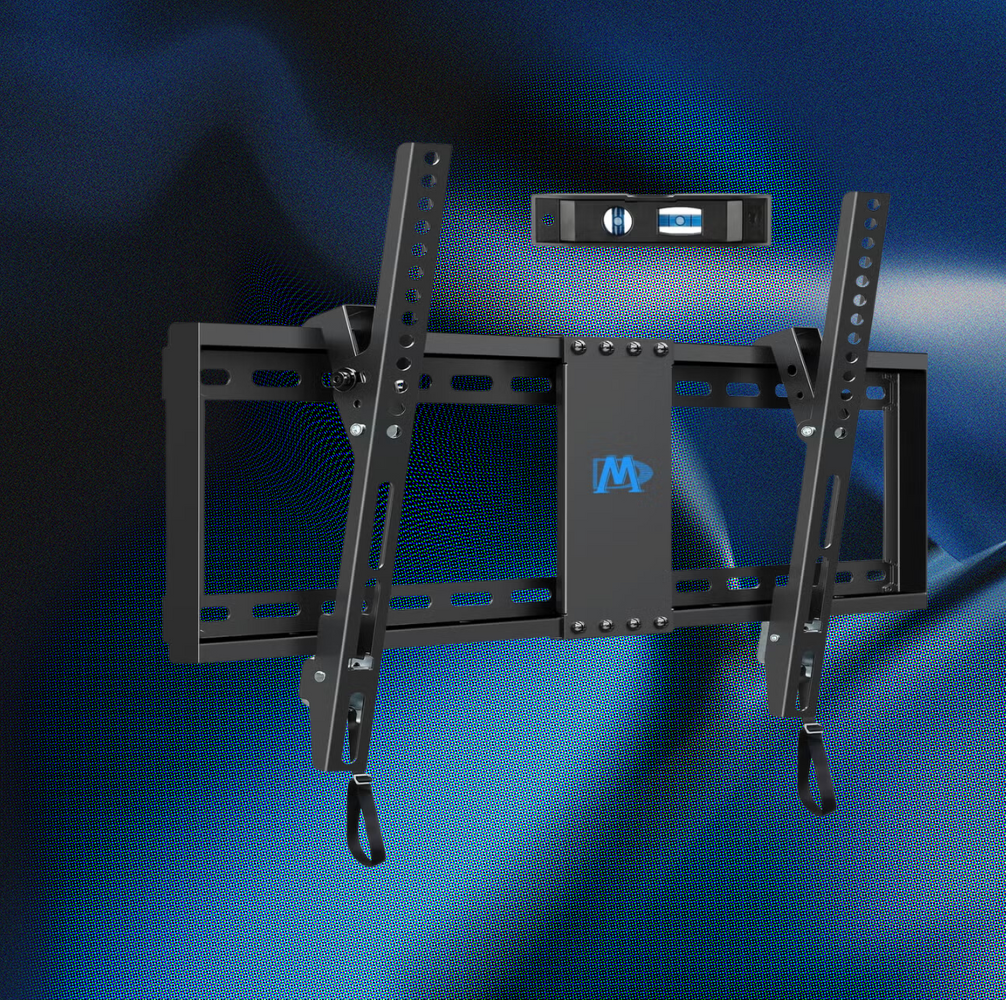
Our Favorite TV Wall Mount is Just $30 on Amazon

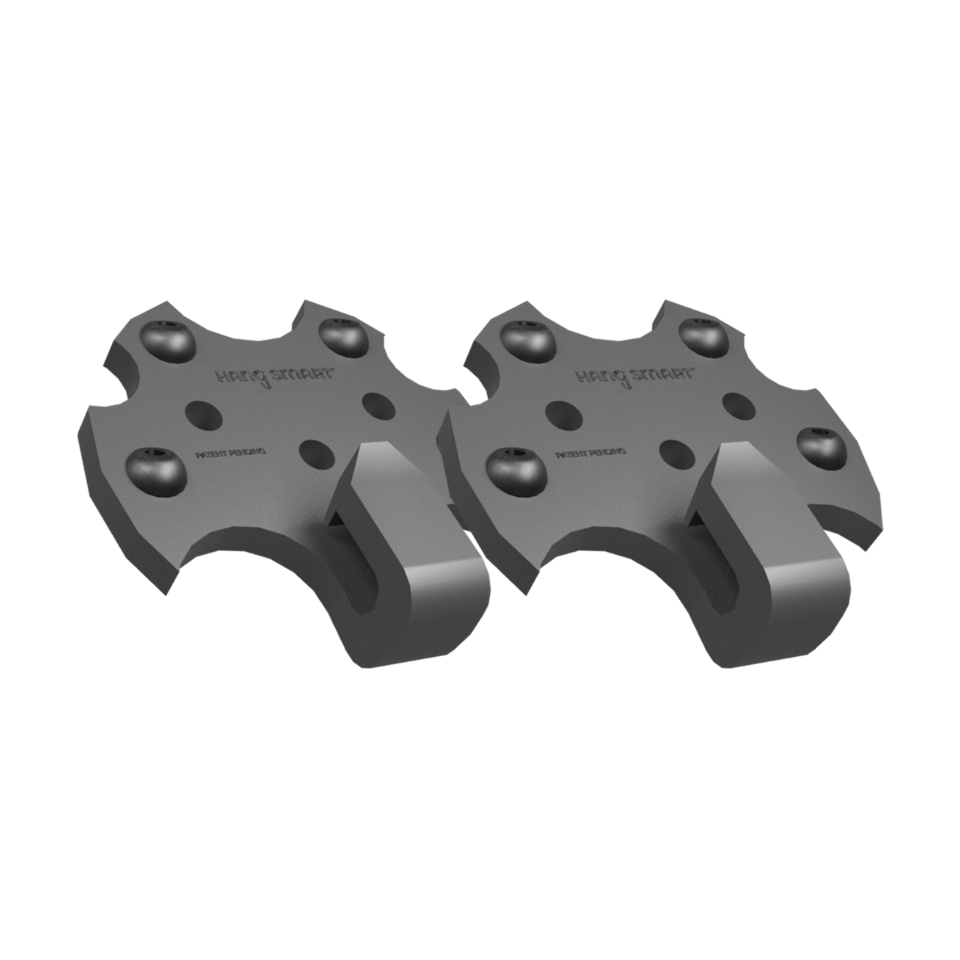
A Clever And Easy Way To Hang Your TV On A Wall — By Yourself

I test TVs for a living, and this is the one spot in my living room I would never put my TV

The Best TV Wall Mounts for Flat Screens

TV wall mounting tips: what you need to know before you get the drill out

The Best TV Mounts to Level Up Your Space
Atumtek TV Wall Mount review – With full motion swivel, tilt, extension and rotation

How to wall mount your TV: step-by-step installation guide
The Best TV Wall Mounts for Every Budget
How to mount a soundbar on a wall for a fabulous music and TV experience
Samsung Frame TV Review & Mounting Guide

As a Parent of an Energetic Toddler, These Are the TV Wall Mounts That I Trust

The Best TV Wall Mounts for Every Screen Size and Home Theater Setup

Best TV Wall Mounts in 2025 for small to large TVs
How to Mount a TV Without Making a Mess (Published 2019)