1/5
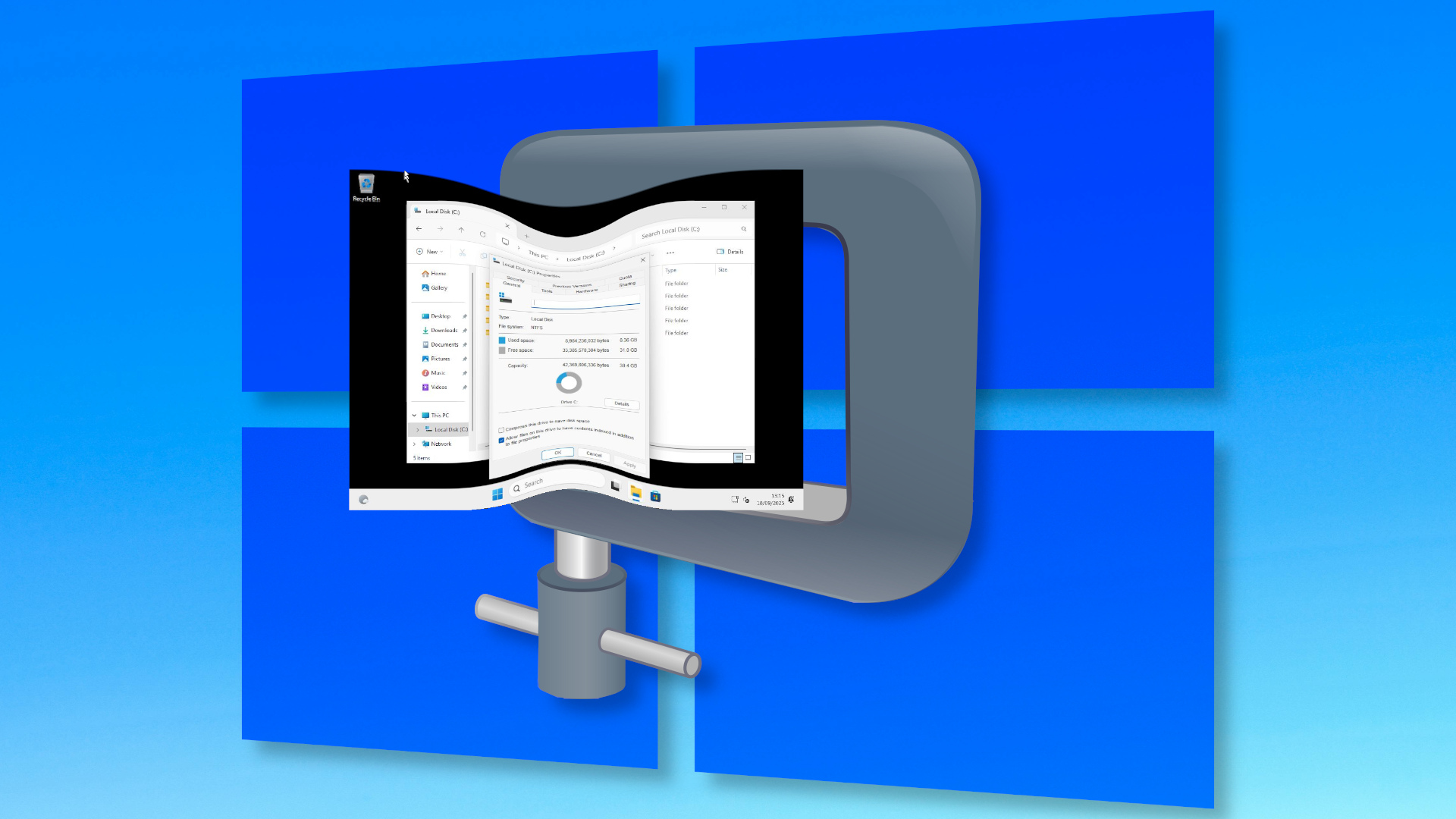
Here's how I installed Windows 11 using a nano-sized 2.4GB ISO — final install weighed in at a mere 8.36GB, two-thirds the size of a normal Windows install, courtesy of Nano11 Builder
This article details an experimental installation of Windows 11 using a highly compressed, nano-sized ISO image created with the Nano11 Builder script. The motivation for this experiment stems from a recent report on NTDEV's project to significantly reduce the Windows 11 installation footprint, primarily for creating compact Windows-based appliances rather than for mission-critical applications. The author, typically a Linux and Raspberry Pi advocate, undertook this challenge out of curiosity and a need for a Windows environment for specific software like DaVinci Resolve.
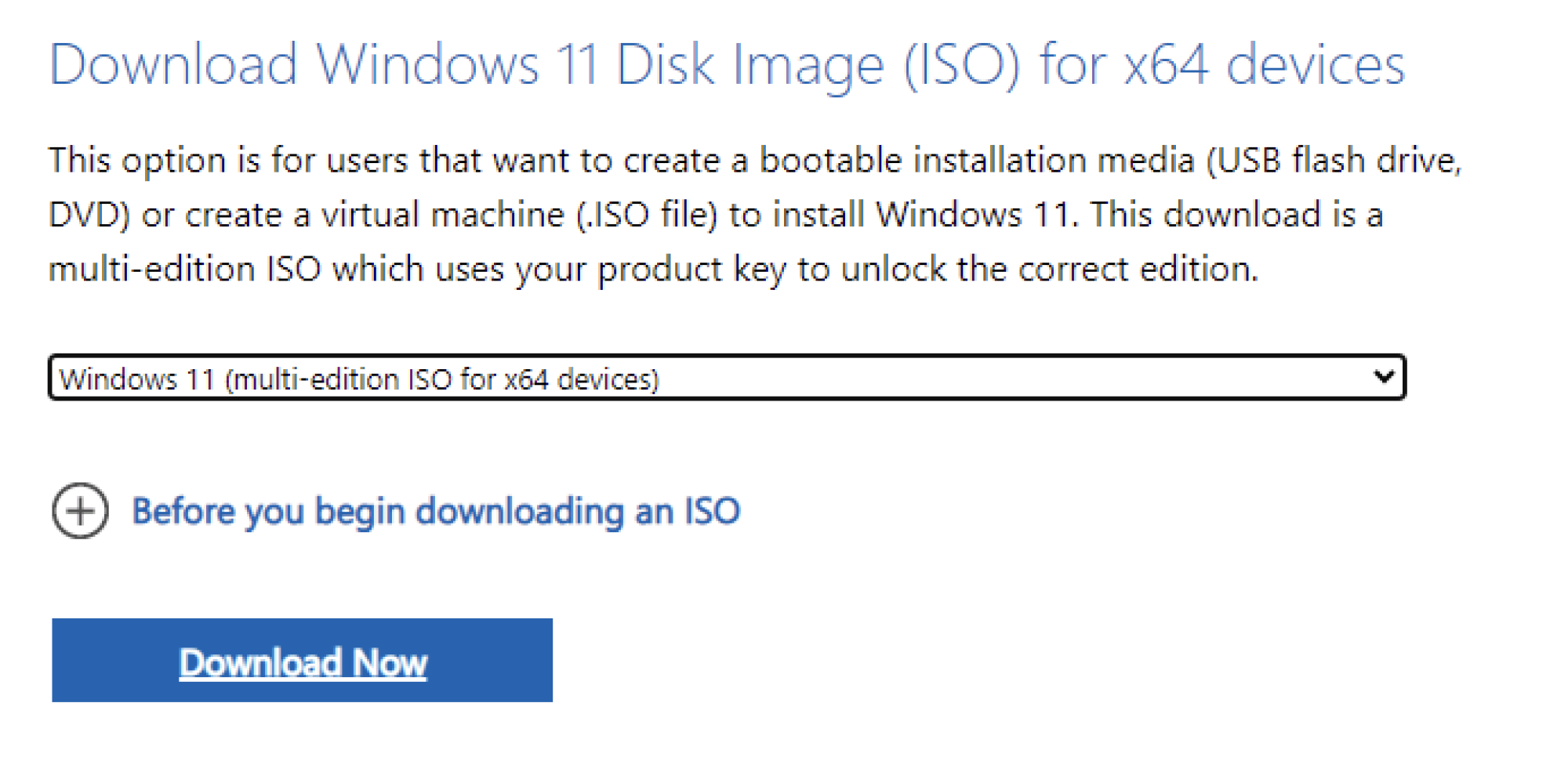
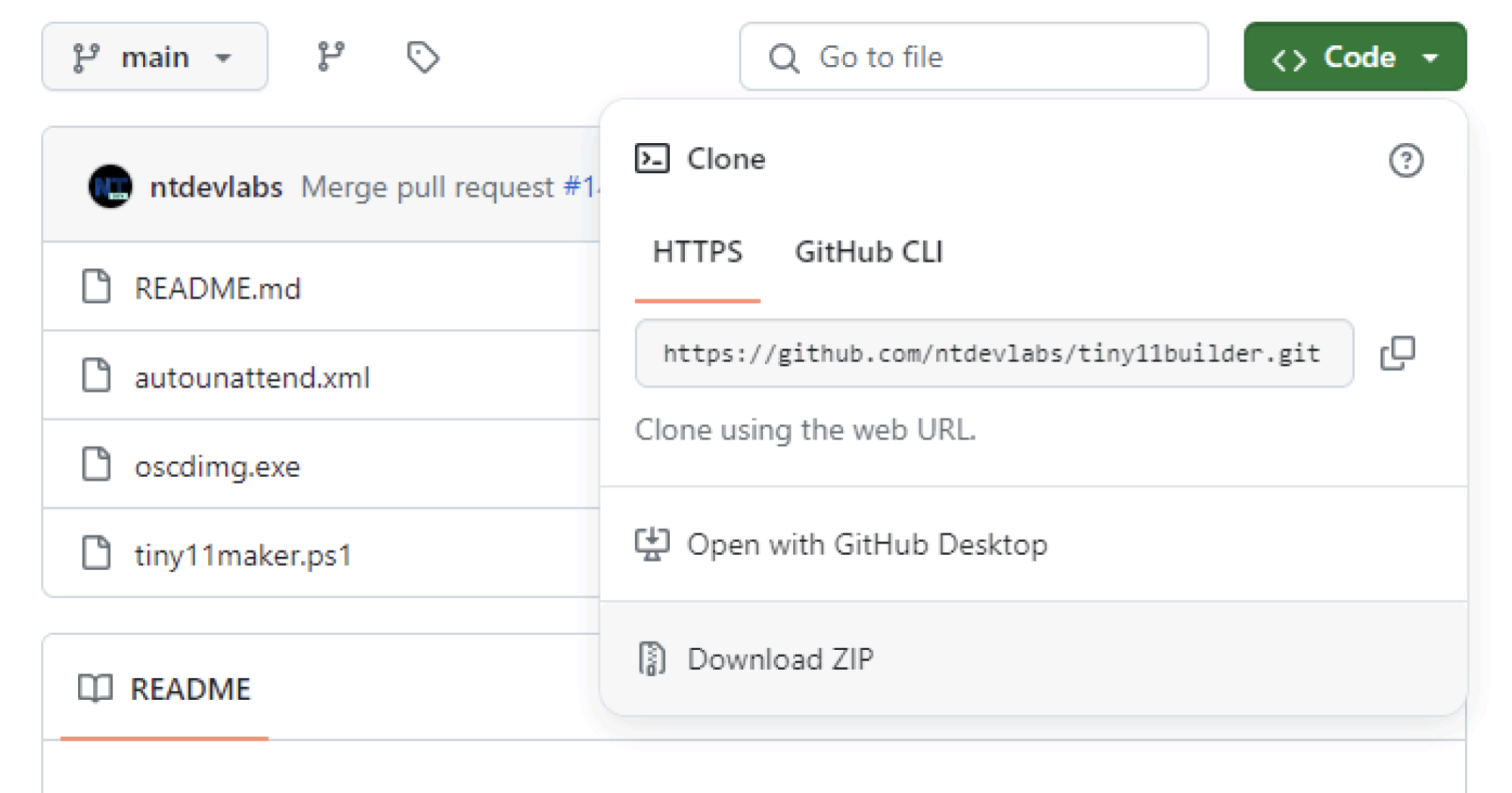
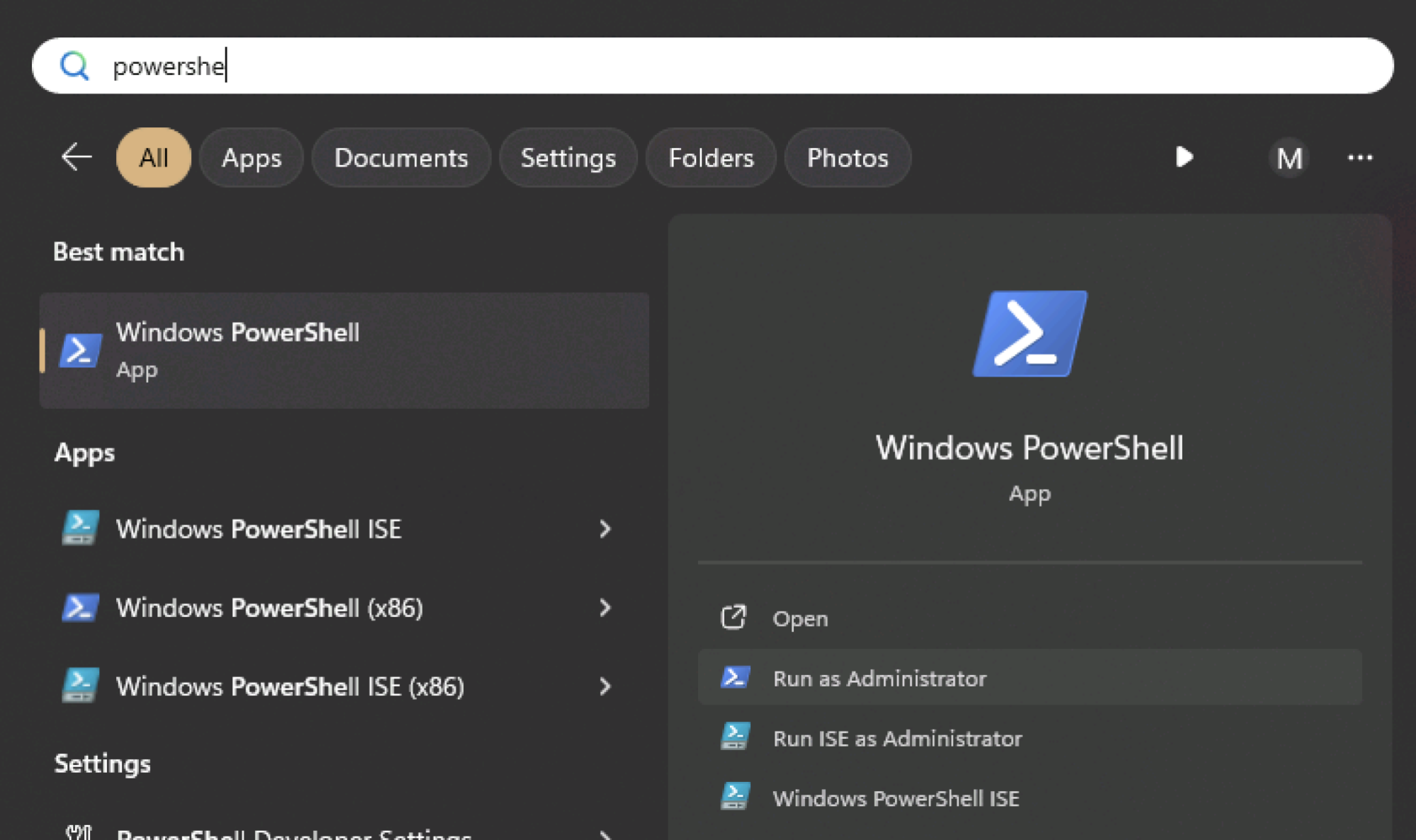
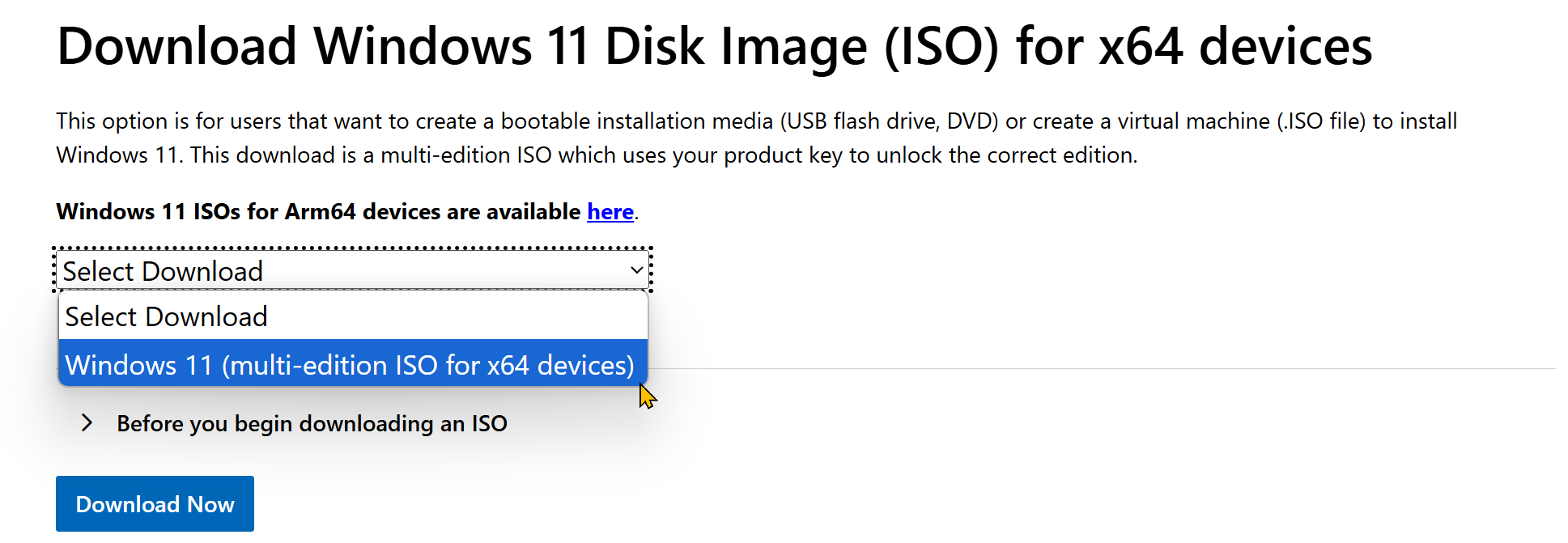
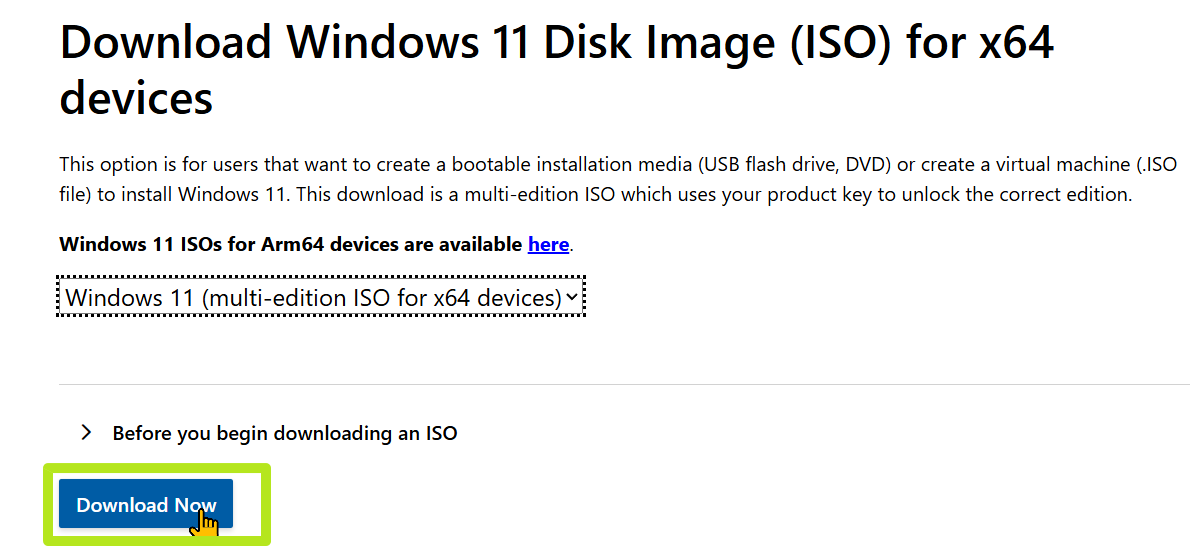
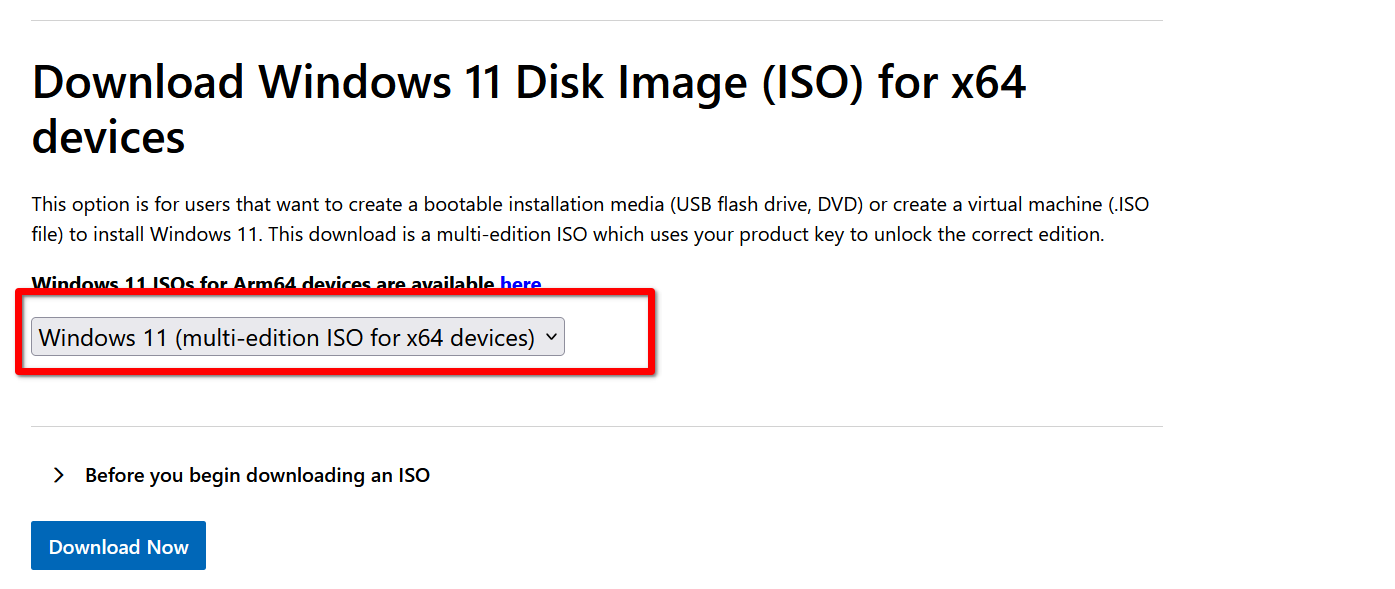
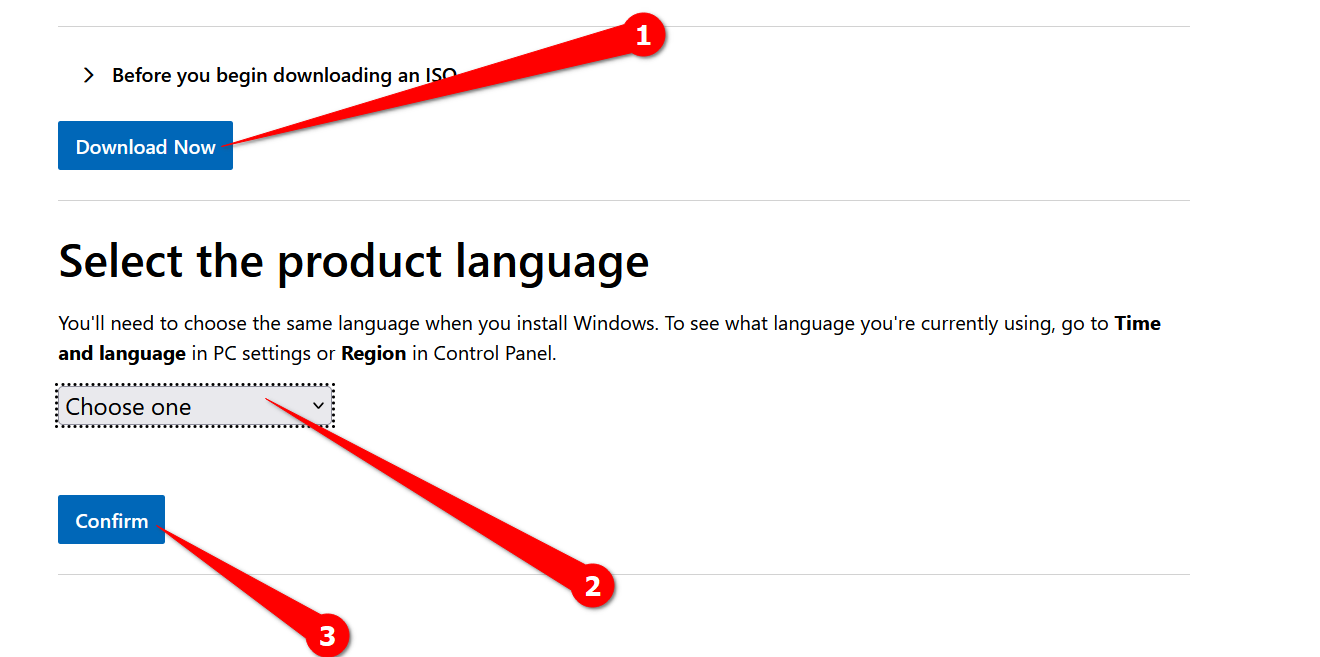
The process began by downloading the official Windows 11 ISO from Microsoft, which measured 5.69GB. Using the Nano11 Builder script, the author successfully compressed this to a mere 2.14GB, representing a 62.30% reduction compared to the original. A "Tiny" version of the ISO, also created during the process, weighed in at 2.81GB, a 50.6% reduction. These reductions were achieved by stripping away numerous default applications and features, aiming for a barebones Windows 11 installation. The script execution took approximately 90 minutes on a Lenovo X390 laptop equipped with an eighth-generation Intel Core i5 processor.
Following the ISO creation, the next phase involved installing these miniature Windows 11 versions. For the Nano and Tiny installs, a VirtualBox virtual machine was utilized, configured with 8GB of RAM, four CPU cores, and a 40GB virtual hard drive. For comparison, a full Windows 11 installation was performed on a Lenovo X220, an older machine not officially supported by Windows 11, necessitating the use of Rufus to bypass hardware requirements like RAM, TPM, and Secure Boot. A critical challenge arose during the Nano installation, where the installer consistently crashed at 75% completion. This issue was resolved by reverting to an older setup process, as suggested after raising a GitHub issue.
Upon successful installation and initial setup within the virtual machine, the nano-sized Windows 11 occupied 8.36GB of storage. This figure is approximately two-thirds smaller than a typical full Windows 11 installation, which consumed 24.6GB in the tests. The Tiny version, installed similarly, took up 10.1GB, indicating that the Nano version achieved greater reduction by removing more background components. Both the Nano and Tiny installations were notably lightweight, lacking even a web browser by default. Essential applications would need to be installed manually, either via the Microsoft Store or by transferring executables from another machine.
The practical applications for such a compact Windows 11 installation are primarily niche, such as building dedicated Windows appliances for specific tasks. The author suggests using it as a base for emulation systems, specifically mentioning an older gaming rig with an Intel eighth to tenth-generation CPU and an Nvidia RTX 2000 series GPU for emulating classic consoles. The minimal footprint is expected to allow adequate performance even on constrained hardware, despite the author noting that performance in the VM felt merely "OK." The article concludes with the author needing to formally request a Windows 11 upgrade before a specific deadline, highlighting the contrast between the experimental compact OS and a standard corporate deployment.
#Windows11 #Nano11Builder #OperatingSystems #CustomISO #VirtualMachine #SystemOptimization #TechExperiment #StorageEfficiency #Windows11 #Nano11Builder #OperatingSystems #CustomISO #VirtualMachine #SystemOptimization #TechExperiment #StorageEfficiency
 Комментариев пока нет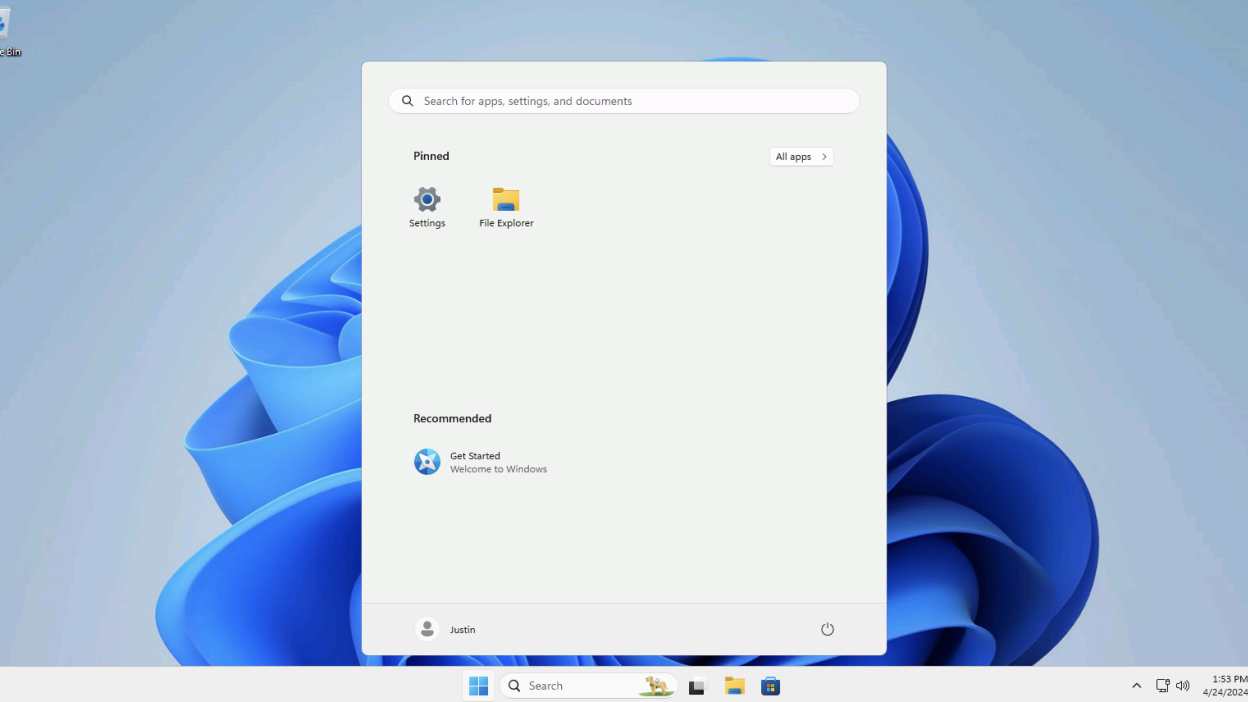
How to Install Windows 11 Without All the Extra Junk

How to Download Windows 11 and Install It
Here's How to Make Your Windows Installation More Private