1/10
Insignia Smart Light Switch (review)
The Insignia Wi-Fi Smart In-Wall Light Switch (Model NS-CH1XIS8), a Best Buy house brand product, is reviewed for its functionality, design, installation, and performance. Although discontinued, the switch remains available for purchase and is noteworthy for its HomeKit, Amazon Alexa, and Google Assistant compatibility, despite a mixed reception from users, particularly Android users. The article suggests that many negative reviews stem from issues with the Insignia Connect app rather than the hardware itself.
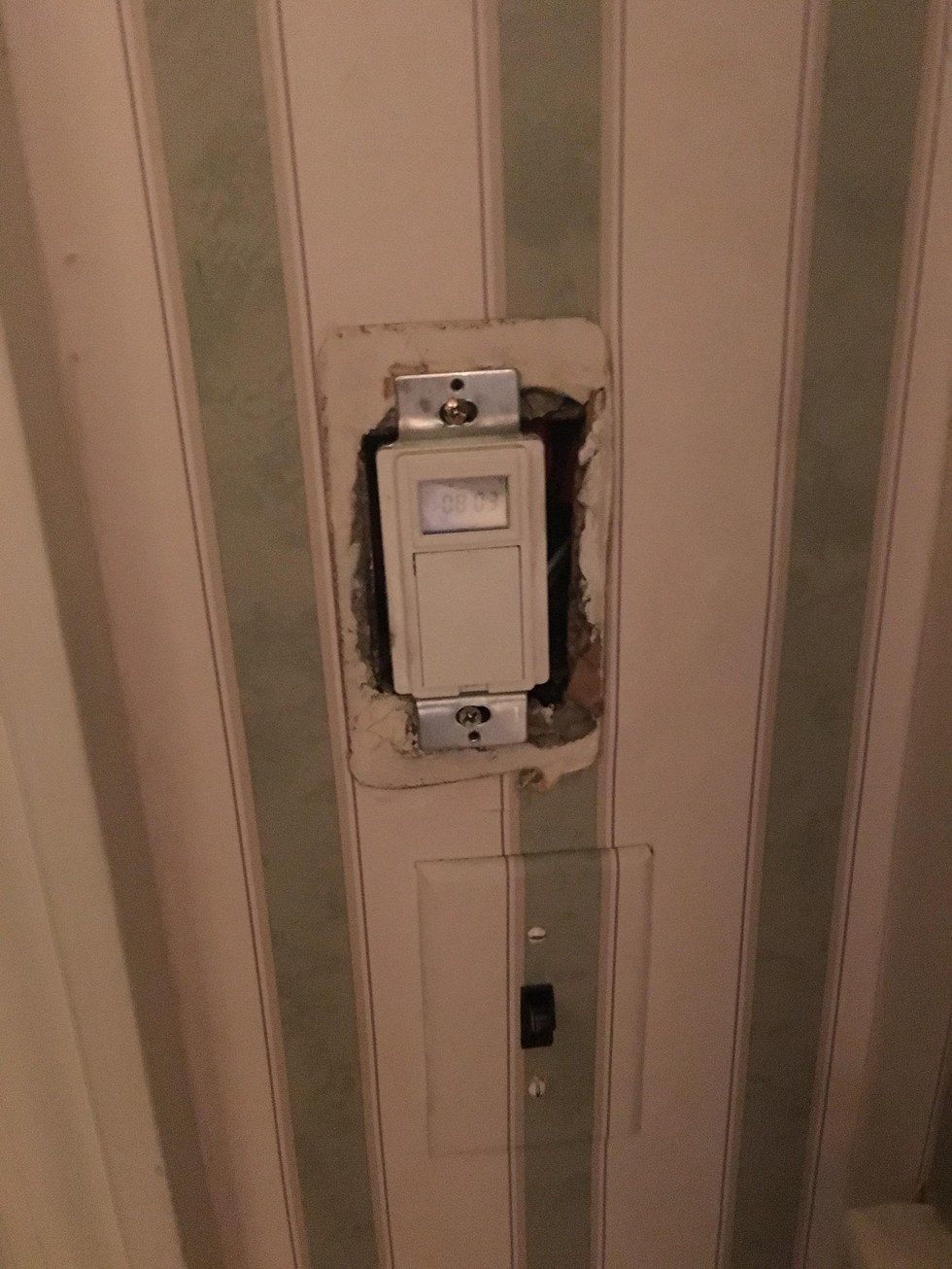
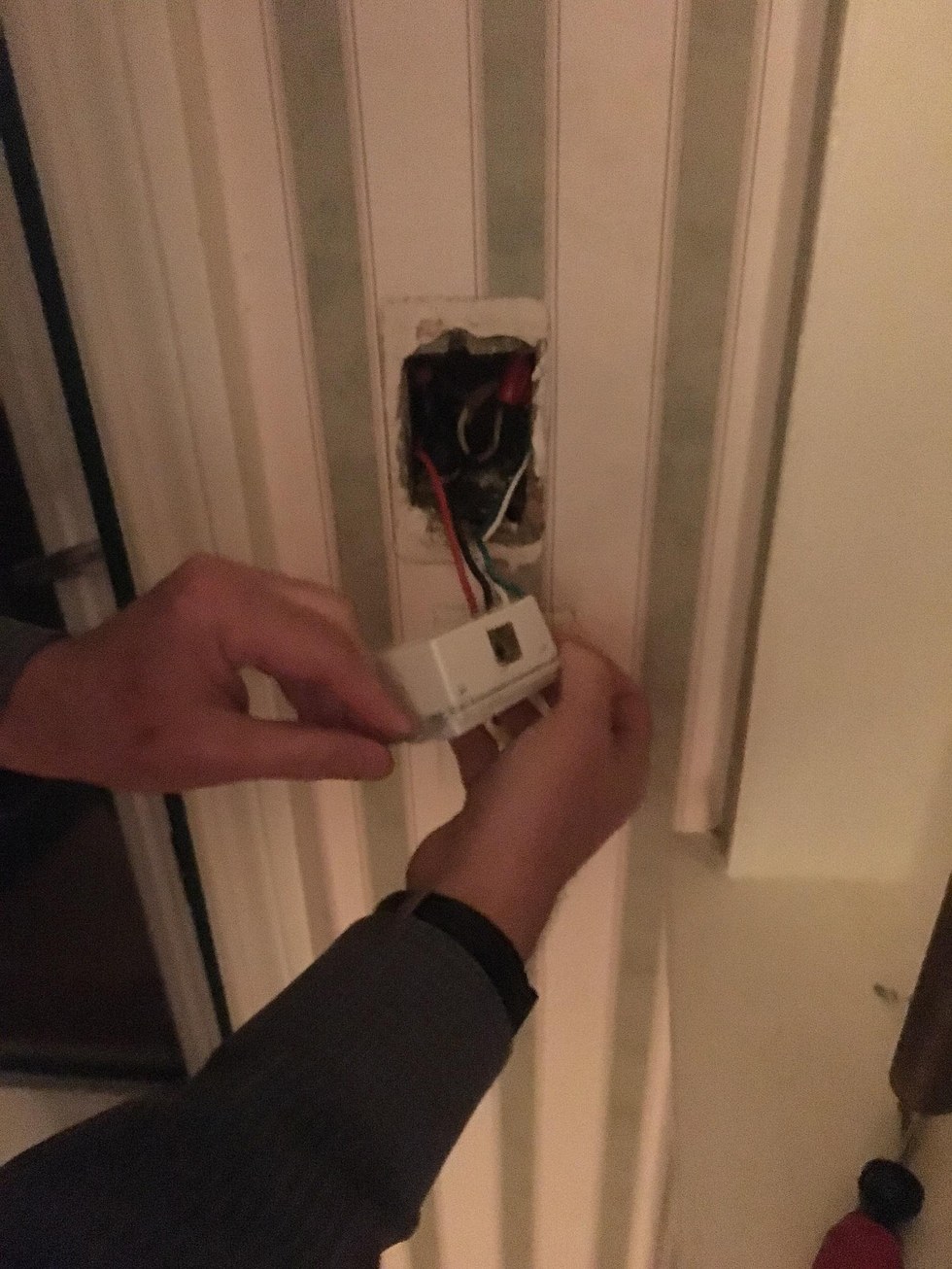
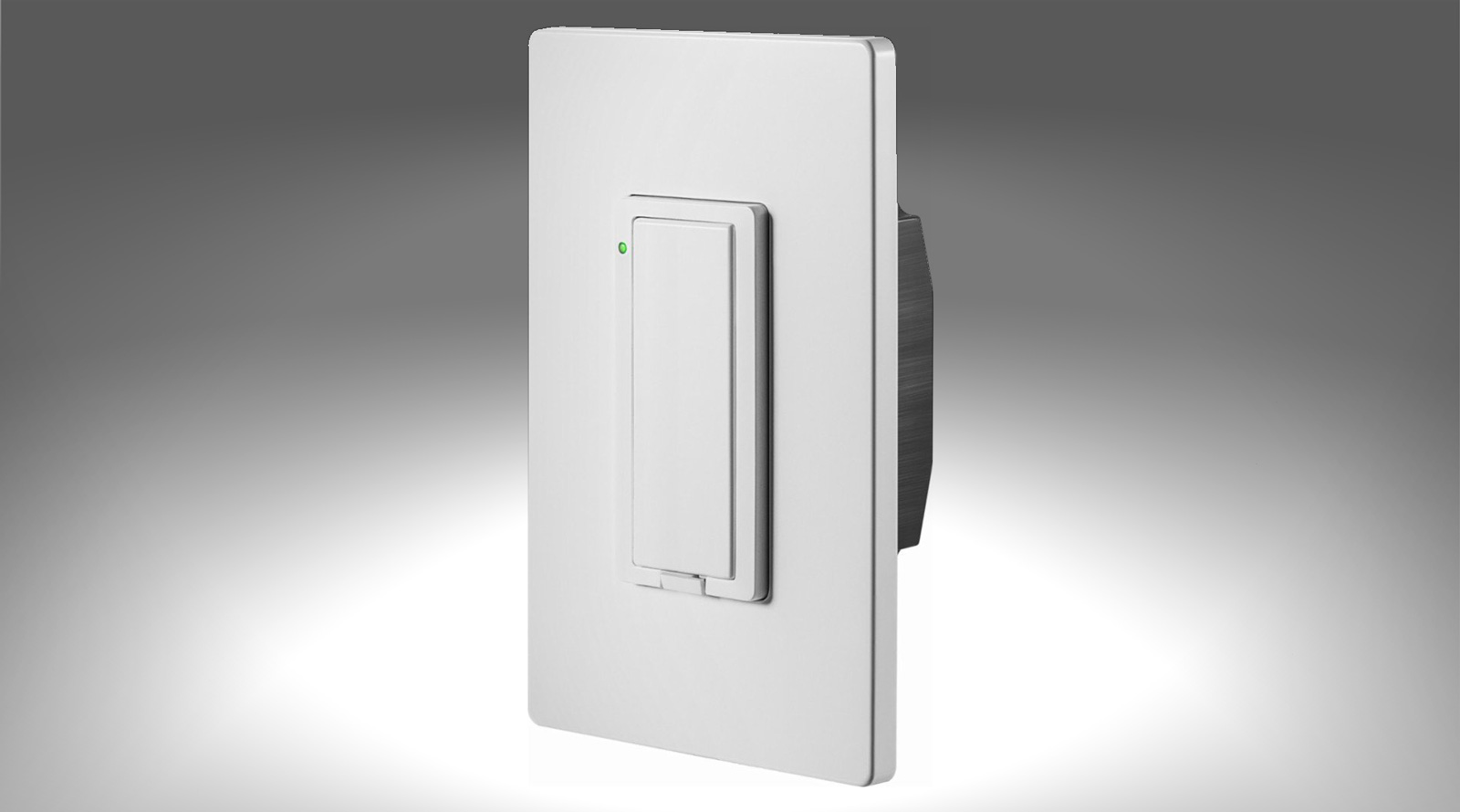
From a hardware perspective, the Insignia light switch features a standard decora size with a single toggle button for on/off control. It includes a switch, a single decora switch plate, instructions, and wire nuts. The design is clean, with no visible logos, a detail often overlooked by more premium brands. The physical button, however, is described as having a loose feel. A small reset button located beneath the toggle is prone to accidental presses, leading to occasional re-pairing requirements. A circular LED status indicator light is present but can be disabled via the Insignia Connect App, though this function is sometimes unreliable. Installation requires a neutral wire, common for hub-less Wi-Fi/Bluetooth light switches, and while the pre-attached wires simplify the process, the switch’s large size can be problematic in limited-space switch boxes. The switch does not generate noticeable heat during operation, indicating a degree of quality.
Pairing the switch can be inconsistent. While some units integrate seamlessly with the native iOS Home app, others necessitate an initial connection through the iOS Wi-Fi settings before Home app integration. The Insignia Connect App is generally considered subpar, yet it is essential for controlling the LED indicator light. The app’s functionality for toggling the LED is inconsistent, sometimes requiring multiple attempts or a waiting period for the setting to apply. There have been no reported firmware updates for the device in the four months of its use, and there is no option within the app to initiate updates. Despite these issues, the app allows for remote control through an Insignia Connect account, eliminating the need for a separate hub.
The Insignia light switch demonstrates surprising reliability over four months, with no instances of requiring a breaker reset or complete re-setup, aside from accidental resets caused by the button. However, it exhibits a significant "no response" delay when first opening the Home app or resuming its use from the background. This delay, which can last up to five seconds, also affects Siri commands. While the switches eventually respond and perform instantly after being "woken up," this initial lag is a notable drawback. This delay can also impact automations involving other HomeKit devices. Manual operation of the switch on the wall, however, is instantaneous. The review concludes that the Insignia light switch, especially at its discounted price point of $24.99, offers solid value due to its reliability, despite its slower response times and app eccentricities. It is particularly suited for less frequent remote use or fixed automation schedules. While more expensive options offer better build quality and faster response, the Insignia switch is a compelling budget-friendly alternative.
#SmartLightSwitch #HomeKit #InsigniaConnect #SmartHome #WiFiSwitch #HomeAutomation #ProductReview #BudgetSmartDevice #WiredSwitches #SmartLightSwitch #HomeKit #InsigniaConnect #SmartHome #WiFiSwitch #HomeAutomation #ProductReview #BudgetSmartDevice #WiredSwitches
0 comment in total
 No comments yet
You may also like
Switchmate Smart Light Switch review

The Best Smart Lights of 2025

SwitchBot Bot review: Convert your dumb light switches into smart ones the easy way


This smart switch solves a big issue of Philips Hue smart bulbs not working when the switch is off — here’s how it works
The Best Smart Switches for Your Smart Home

Leviton Decora Smart Switch and Smart Dimmer (review)
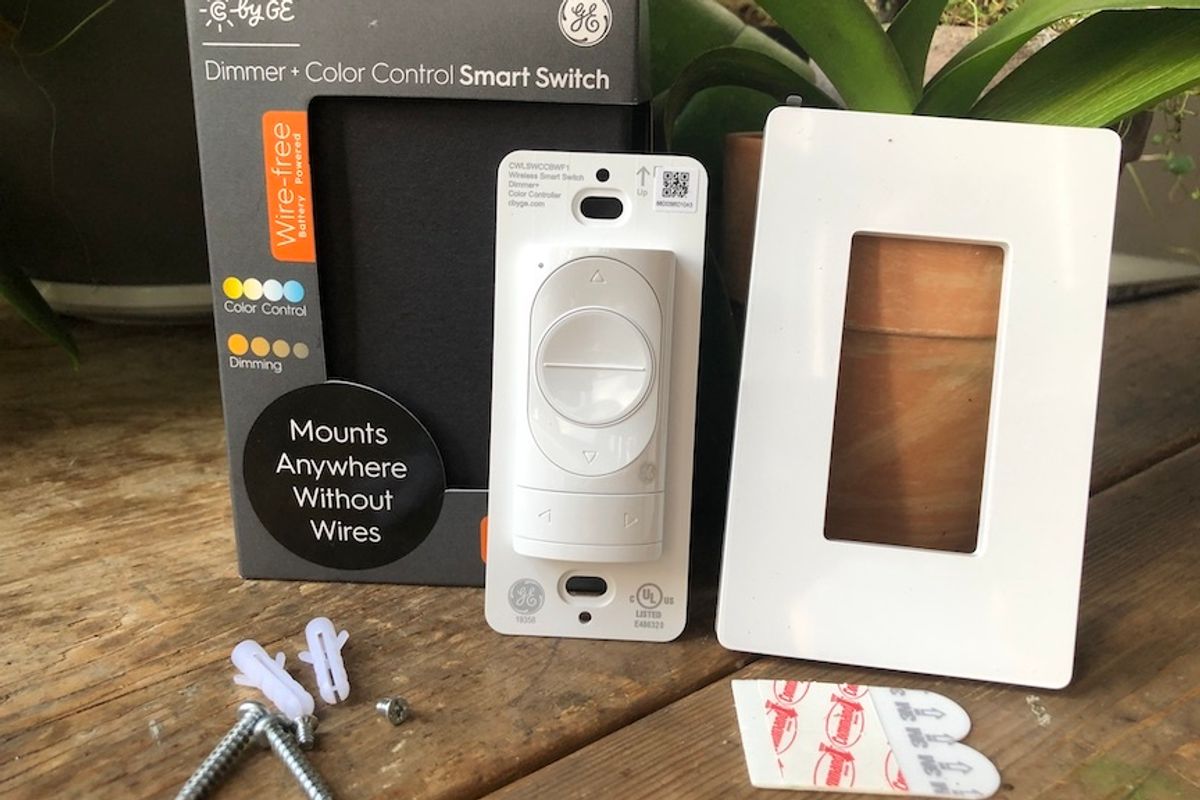
Review: C by GE Wire-Free Dimmer and Color Control Smart Switch


Smart bulbs vs. smart switches: The pros and cons of connected lighting

Upgrade Your Lighting With These Smart Light Switches

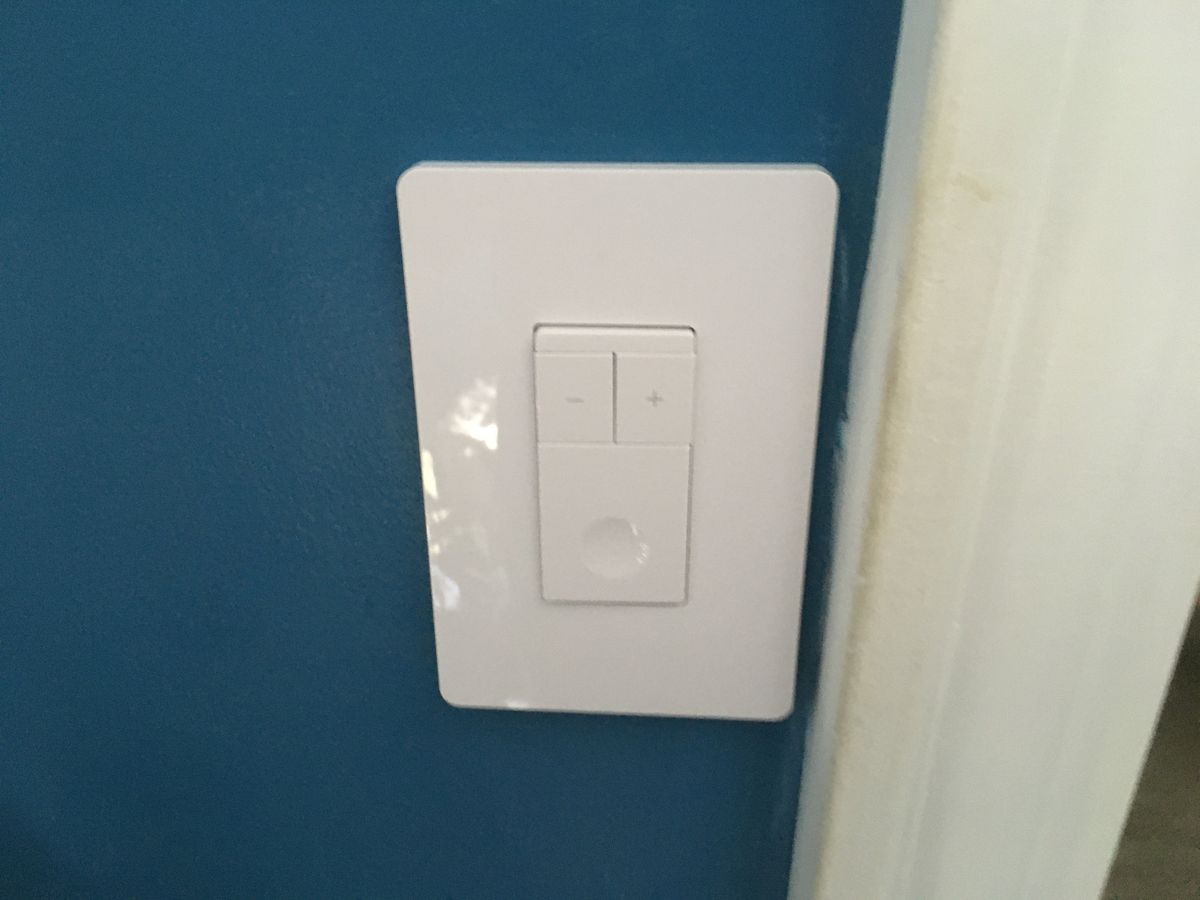
TreatLife Smart Light and Dimmer Switch Review
Light Switches - Our Pick of the Best
Major Smart Lighting Brands Ranked Worst To Best

Our Favorite Smart Switches Add Convenient Hands-Free Controls to Any Light


Control Your Home in Seconds With The Best Smart Light Switches of 2022

Brilliant Smart Dimmer Switch review: A simple addition to a luxe smart home system
These migraine-inducing GIFs will show you which LEDs to avoid
The 8 Best Smart Light Switches and Dimmers of 2025

Review: Insteon Dimmer Switch is no ordinary light switch
The best smart lights

Enbrighten Plug-in Zigbee Smart Dimmer Review