The Best AI Home Design Tools in 2026: A Complete Guide
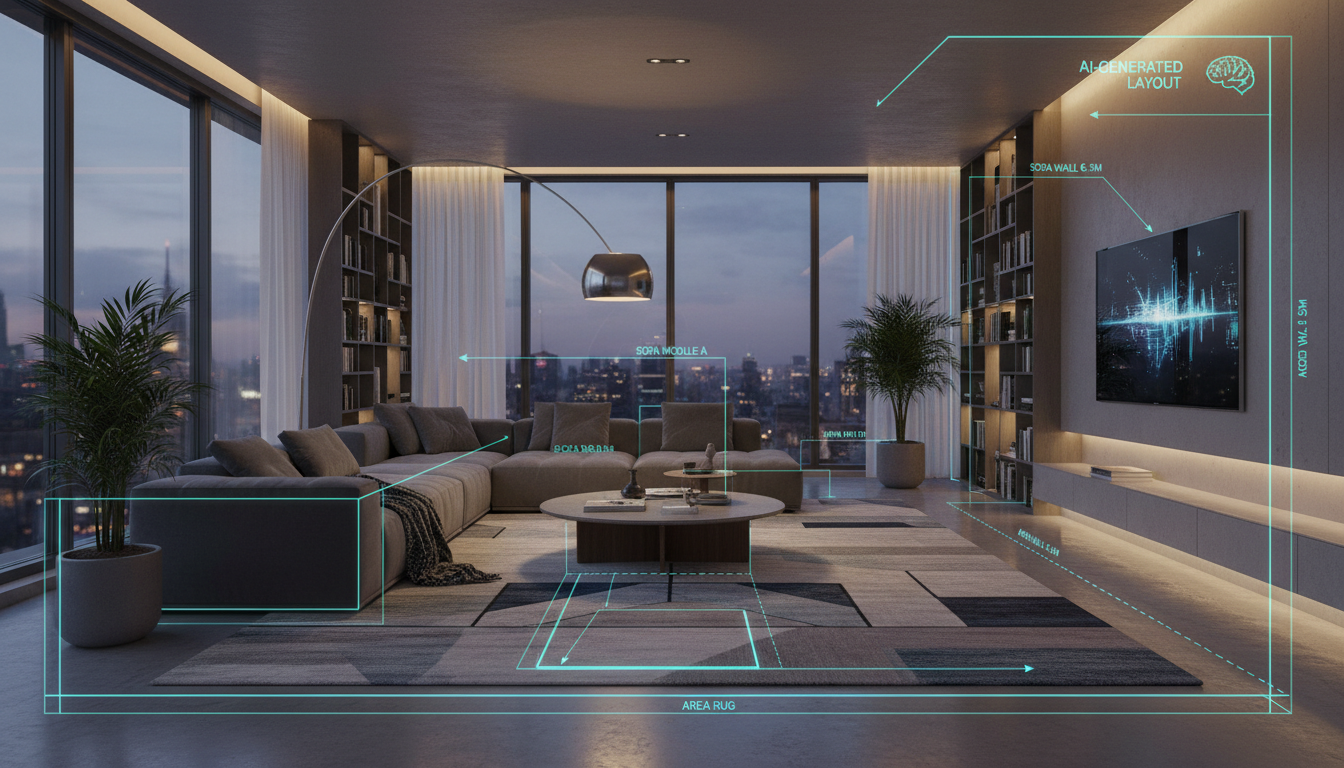
The world of home design is undergoing a massive shift. What once required expensive software and professional expertise is now accessible to anyone with a photo and an idea. Artificial intelligence is democratizing design, offering powerful tools that can help you visualize a simple paint change, furnish an empty room, or even draft an entire house plan from scratch.
However, not all AI design tools are created equal. Some are fantastic for sparking pure, artistic inspiration, while others are built for practical planning within the four walls of your actual room. This article explores the top AI home design tools available, breaking them down by what they do best, so you can find the perfect match for your project.

Ideal House: Your Complete AI Design & Renovation Toolkit
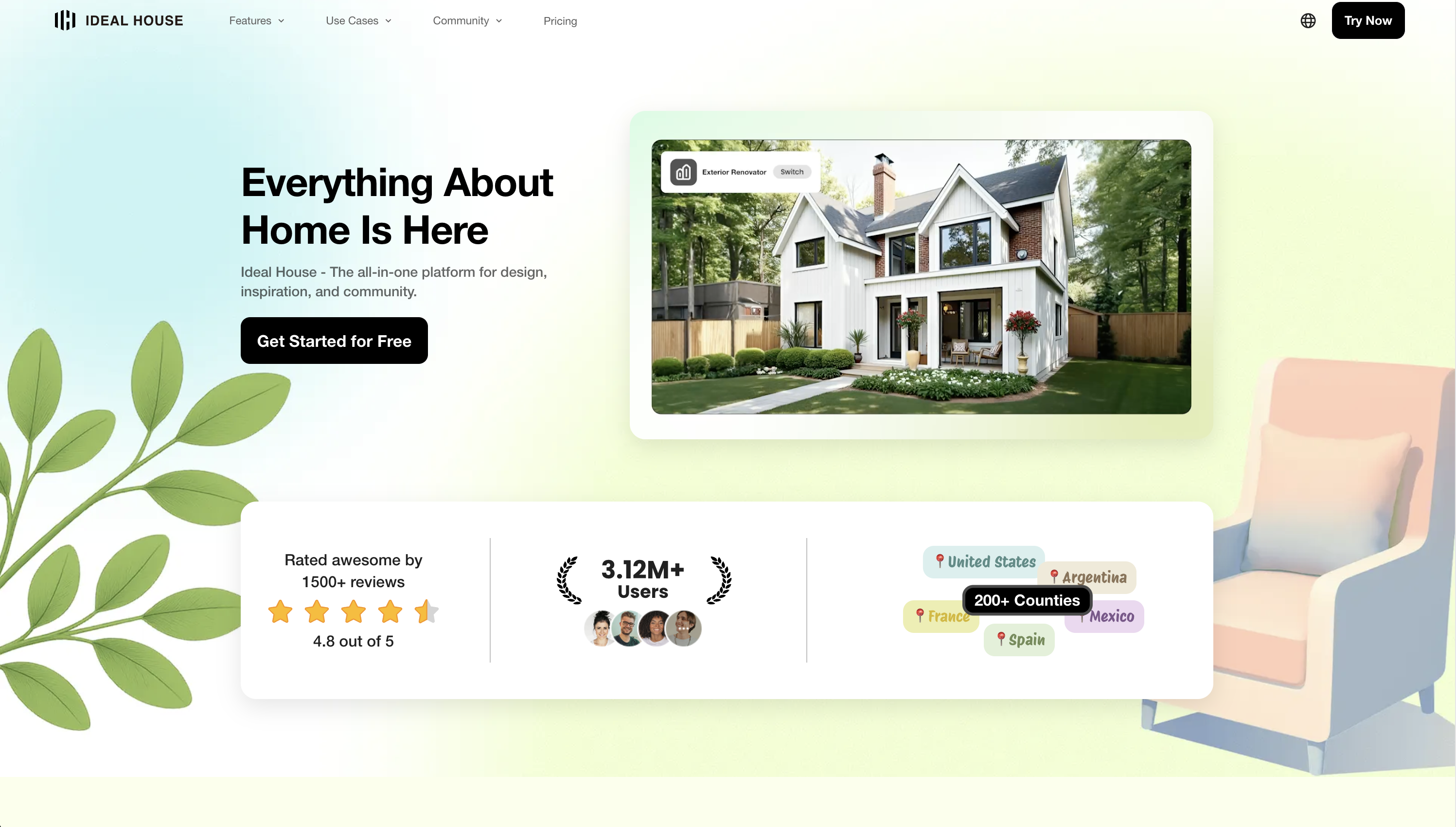
For those looking for a single, comprehensive platform that covers the entire design journey, Ideal House stands out. Instead of being a single-purpose tool, it’s a full suite of interconnected AI features that work together, allowing you to start with a simple photo and take your vision all the way to a detailed renovation plan. It’s a powerful, web-based ecosystem that grows with your needs.
Starting with Your Existing Space
Before you can redesign, you need a clean canvas. Ideal House offers tools to prepare any room photo for transformation.
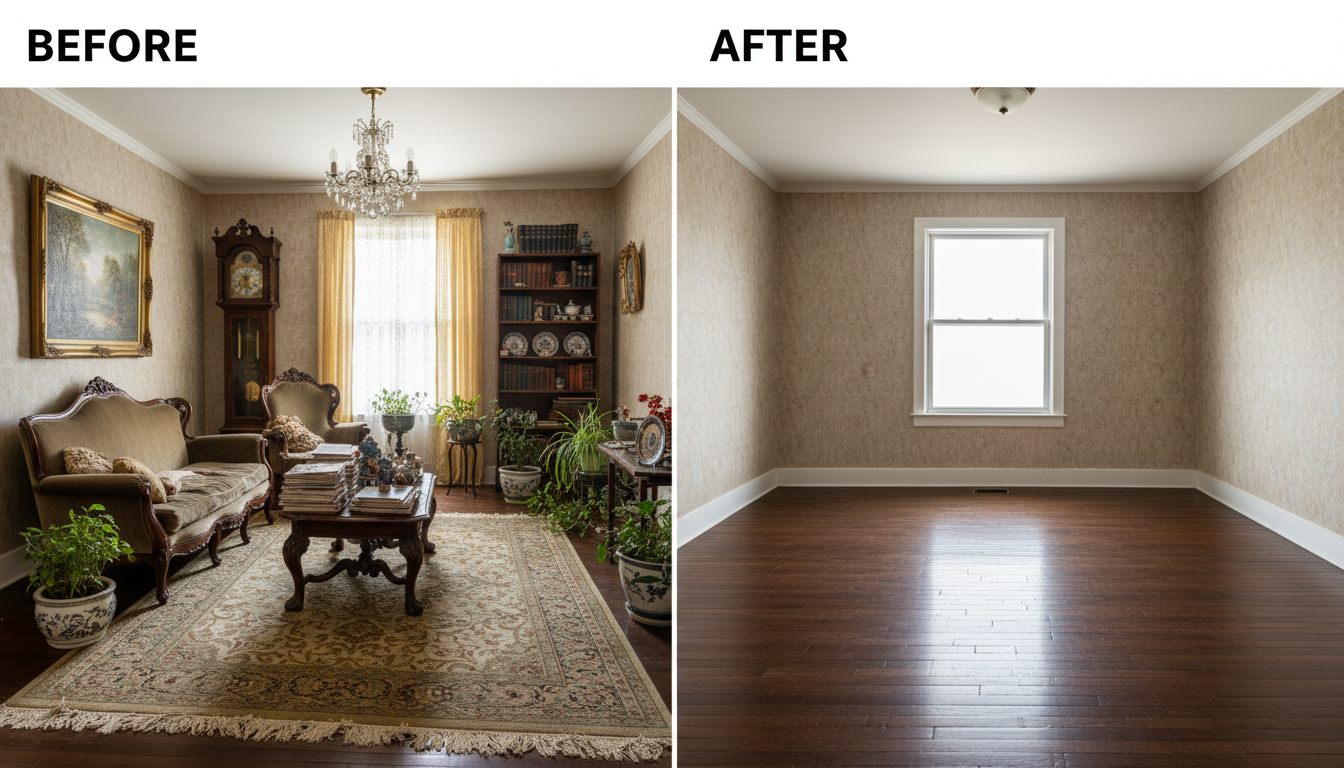
- Object Remover: The first step for many is decluttering. The Object Remover lets you clear an entire room of furniture in a single click, or use a precision tool to erase specific items. The AI doesn’t just delete objects; it intelligently rebuilds the wall, floor, and background behind them for a seamless, natural look. This is perfect for homeowners wanting to plan a new layout or real estate agents needing to empty a tenant-occupied space for photos.
- Photo Enhancer: A great design starts with a great photo. The Photo Enhancer automatically improves the brightness, sharpness, and color balance of your images, ensuring your AI-generated designs look crisp and realistic.
Visualizing Changes and Redecorating
This is where the magic happens. Ideal House offers multiple ways to visualize new styles, furniture, and finishes in your space.
- Interior Remodel: As the core redesign tool, the Interior Remodel function takes a photo of your room and instantly reimagines it in dozens of styles—from Modern Farmhouse to Japandi. Crucially, it respects your room's existing architecture, keeping walls, windows, and layout intact, which solves a common frustration with many other AI tools.
- Smart AI Furniture Replacer: Don’t want a full remodel? The Smart AI Furniture Replacer intelligently detects existing furniture like sofas, beds, and tables, allowing you to swap them for new, photorealistic options based on style prompts. It’s an invaluable tool for seeing how a new modern leather couch would look in your living room before you buy.
- Virtual Staging: For real estate agents, designers, or anyone with an empty room, the Virtual Staging tool is a lifesaver. Upload a photo of an empty space, choose a style like Modern or Scandinavian, and the AI will furnish it with a complete, realistic set of decor.
- Room Visualizer & Texture Replacer: Wondering how new flooring or a different countertop would look? The Room Visualizer lets you test new materials on any surface. Preview new wood floors, granite countertops, or even change the fabric on your sofa with the Texture Replacer.
- Home Decor Ideas: For less permanent changes, the Home Decor Ideas tool adds seasonal or themed decorations (like Fall or Christmas decor) while preserving your existing furniture and layout.
Expanding Your Vision to the Outdoors
Your home’s design doesn’t stop at the front door.
- Exterior Renovator: Boost your curb appeal by visualizing a new facade. The Exterior Renovator lets you change siding, windows, roofing, and paint on a photo of your home’s exterior.
- AI Landscape Design: Transform your yard with the AI Landscape Design tool. Generate ideas for gardens, patios, and lawns, with styles ranging from modern Zen gardens to lush cottagecore escapes.
Planning From Scratch
For those starting a new build or a major renovation, Ideal House offers tools to create plans from the ground up.
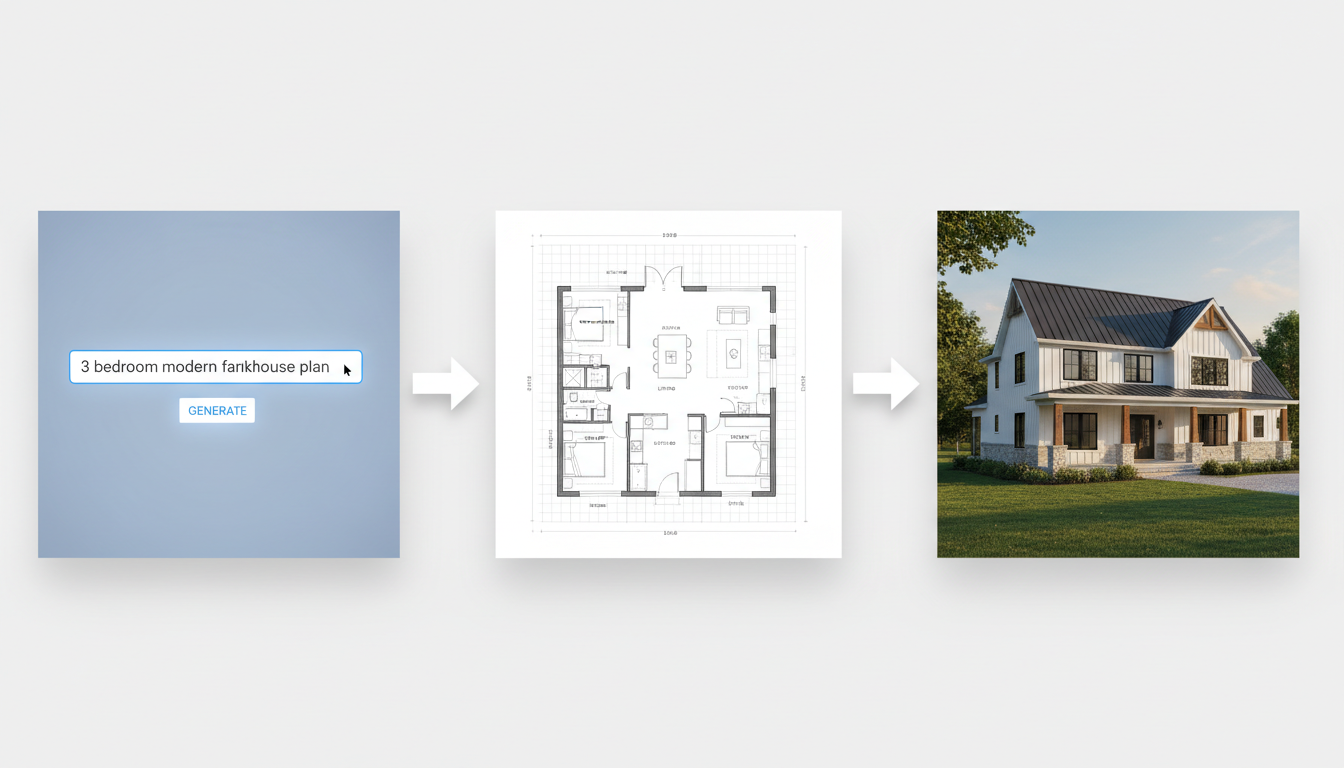
- AI Floor Plan & House Plan Generators: Go from idea to architectural design in minutes. The AI Floor Plan Generator creates 2D layouts based on your requirements (e.g., number of rooms, square footage). The House Plan Generator takes it a step further, creating a complete package including floor plans, elevations, and 3D renderings from your description.
- AI 3D Rendering: Architects and 3D artists can upload screenshots from software like SketchUp, Rhino, or Revit and use the AI 3D Rendering tool to instantly turn them into photorealistic architectural visuals.
Your Creative Assistant
- Magic Editor: Instead of complex software, just type what you want. The Magic Editor lets you use natural language prompts like “add a skylight” or “turn the sofa emerald green” to make photorealistic edits.
- HouseGPT: When you need advice, chat with an AI. HouseGPT can provide design ideas, material suggestions, and creative inspiration to help you overcome design blocks.
With a free trial available, Ideal House provides a unified, powerful, and accessible platform for any home design project, big or small.
Specialized AI Design Tools for Every Goal
While Ideal House offers an all-in-one solution, the market is filled with excellent specialized tools. Here are some of the best, categorized by their primary strength.
For Creating Detailed Floor Plans & Layouts
These tools are for those who want to build a room or home from the ground up with full control over dimensions and layout.
-
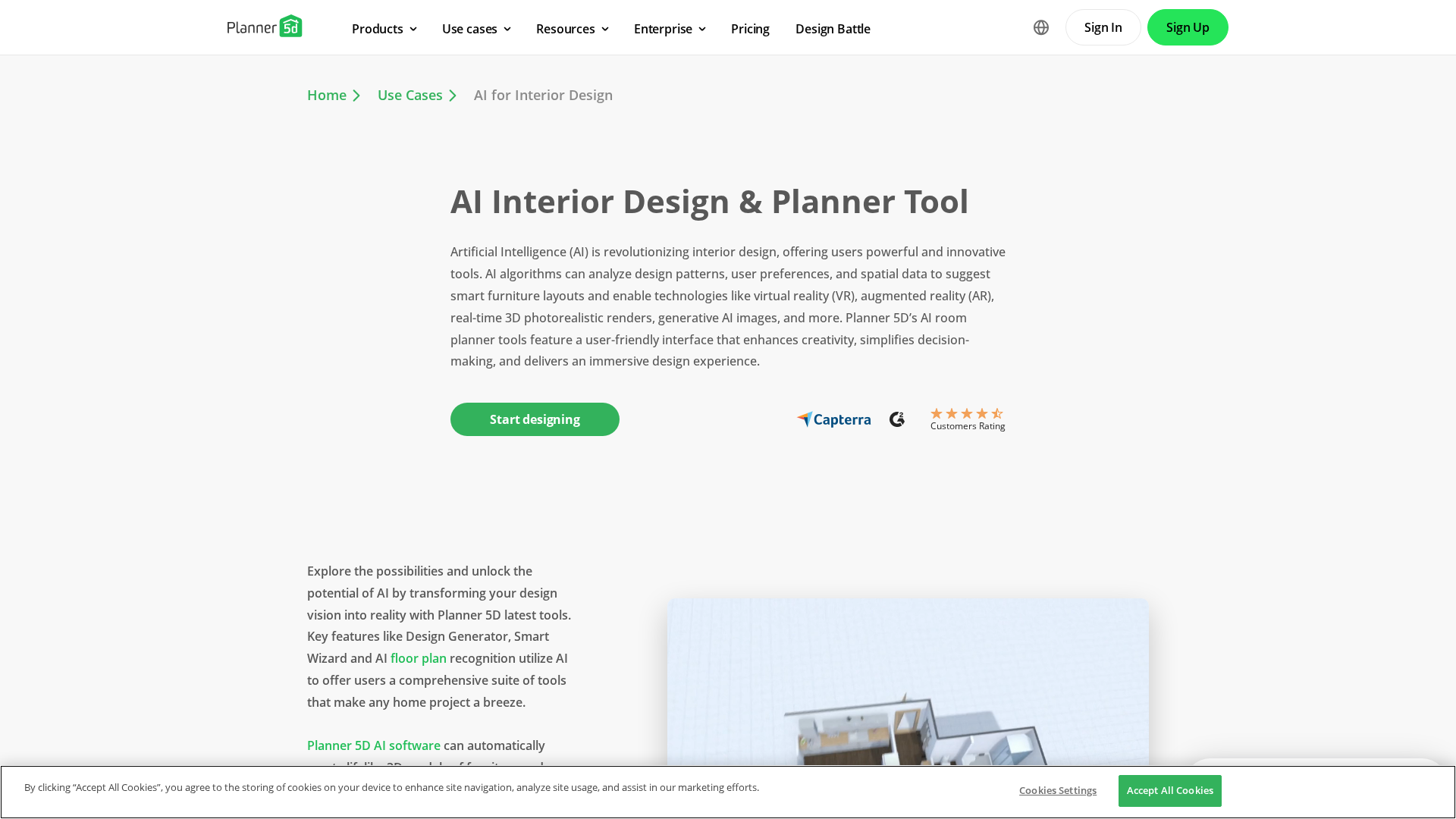
Planner 5D: A comprehensive platform that combines a drag-and-drop 2D/3D floor plan creator with AI-powered features. Its AI can recognize and convert a sketch into an editable plan or auto-generate a fully furnished layout based on your room type.
-
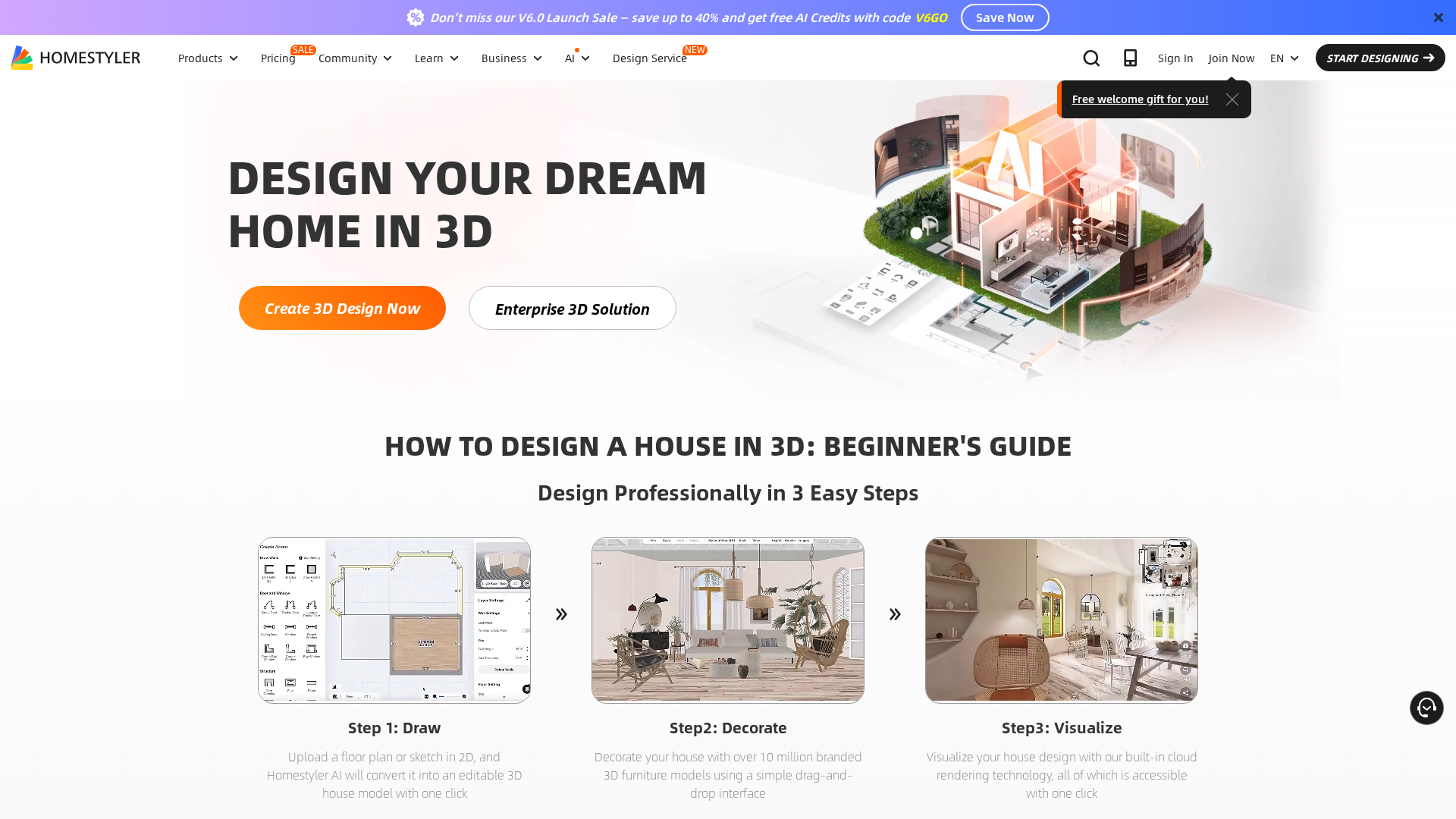
Homestyler: A powerful competitor to Planner 5D, Homestyler is known for its high-quality photorealistic rendering engine and a massive library of real, branded furniture. It’s an excellent choice for designers and serious hobbyists who want to create visually stunning mockups.
-
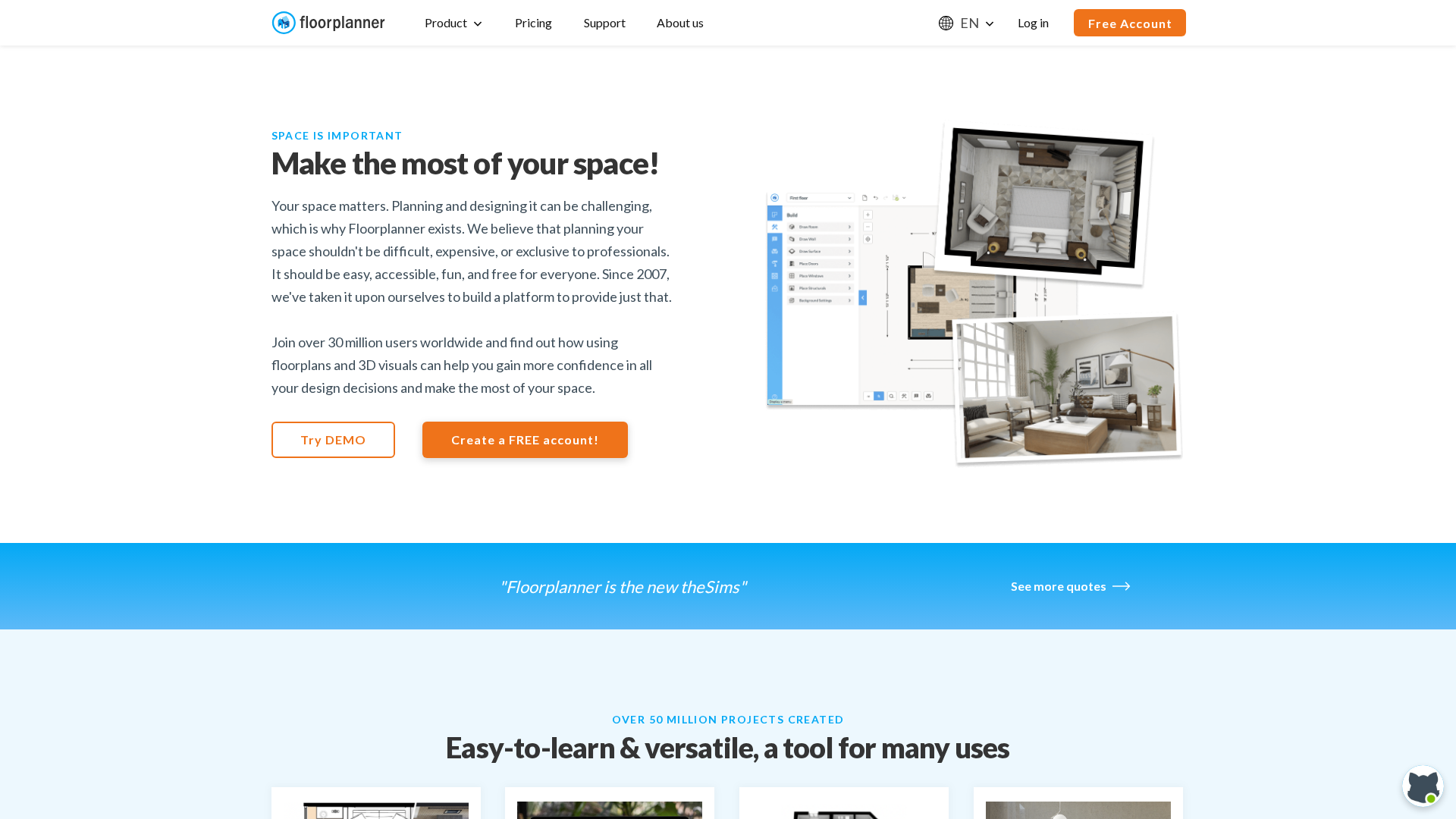
Floorplanner: Praised for its simplicity and speed, this browser-based tool makes creating 2D and 3D floor plans incredibly easy. It offers a generous free tier, making it a great starting point for space planning.
For Quick Inspiration & Photo Redesigns
If you want to quickly see new styles in your existing room, these photo-based tools are perfect.
-
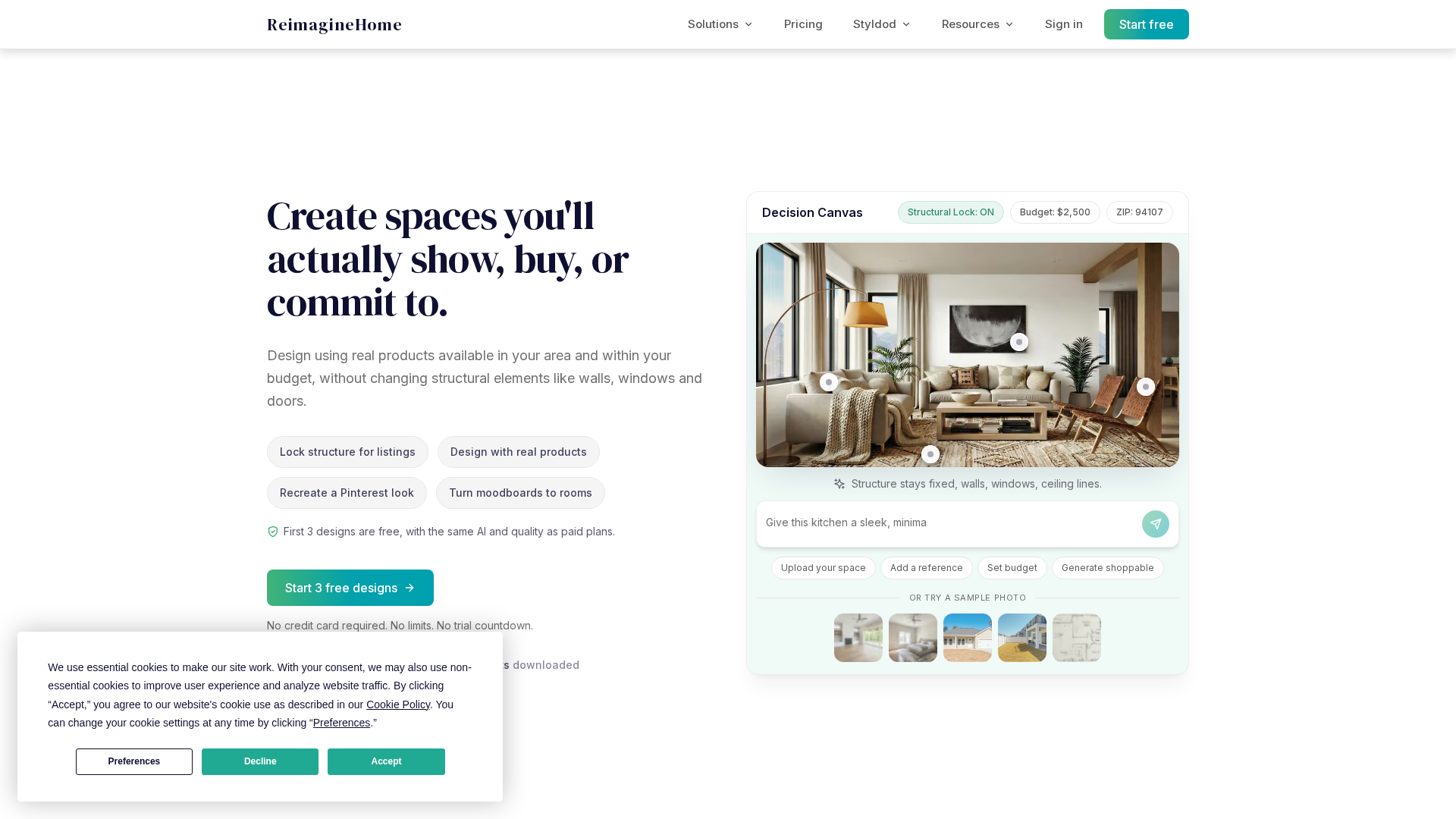
REimagineHome: A fan favorite, this tool is lauded for its realistic results and its ability to preserve a room’s core architecture. It offers a clean interface and a variety of functions, from virtual staging to exterior redesign.
-
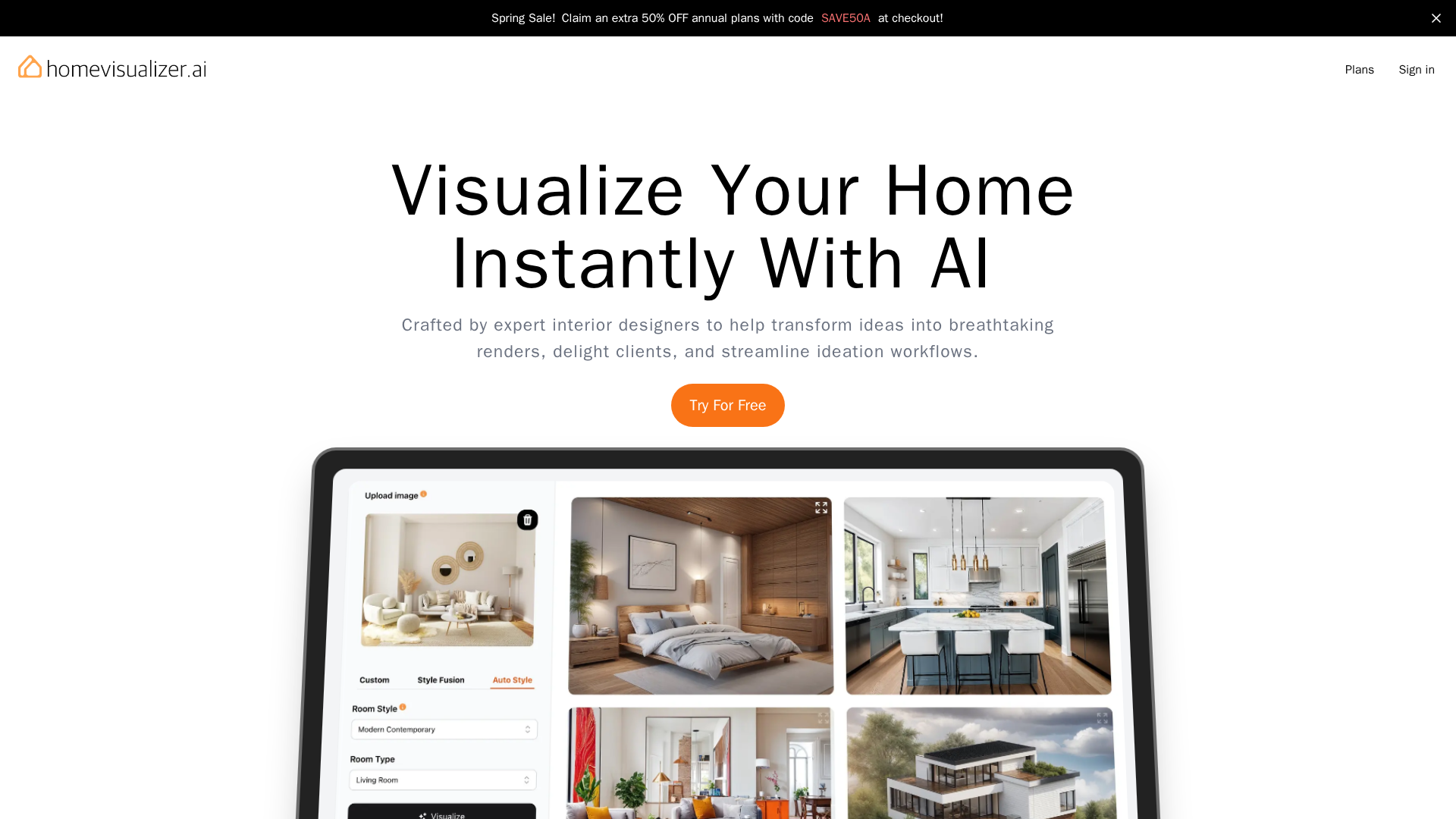
Homevisualizer.ai: This tool is great for quick remodels and has a unique "Fusion" feature that can blend an inspiration image (like one from Pinterest) with a photo of your own room. You can also give it text prompts for more custom results.
-
RoomGPT: One of the simplest and most well-known AI design tools. You just upload a photo and pick a style. While it can sometimes be less realistic, it’s a fun, fast, and free way to generate instant ideas with no learning curve.

For Purely Creative & Artistic Concepts
These tools are less about redesigning your actual room and more about generating entirely new, inspirational images from text prompts.
-
Midjourney: The gold standard for artistic AI image generation. Architects and designers use it to create stunning, atmospheric mood board images and explore conceptual ideas that aren't tied to an existing space.

-
DALL-E 3 (via ChatGPT): Integrated into ChatGPT, this tool lets you have a conversation to create and refine design images. You can ask for specific styles, color palettes, or architectural elements, making it a powerful brainstorming partner.

For Professional Rendering & Virtual Staging
These tools are built for professionals who need advanced control and integration with their existing workflows.
-
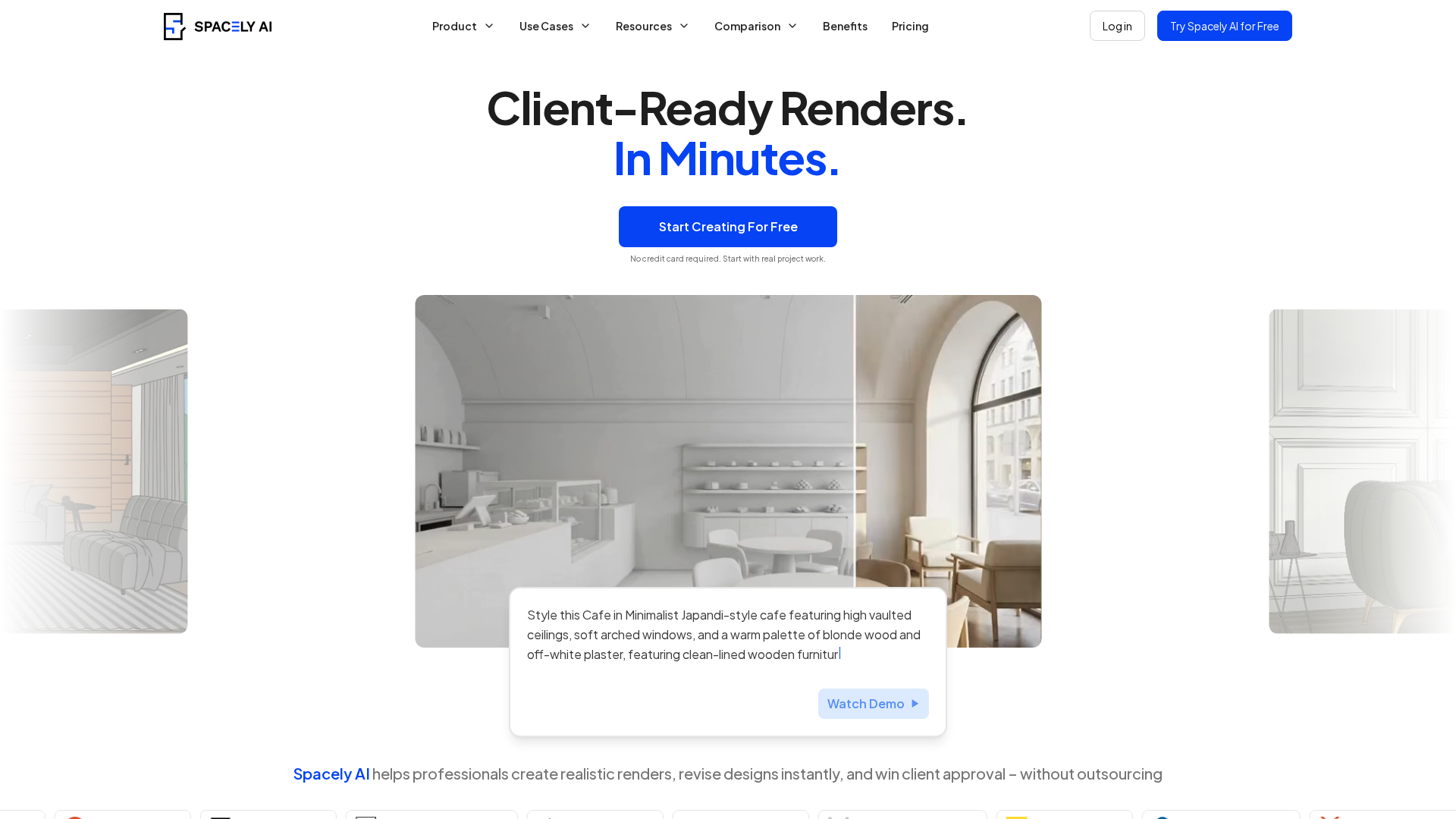
Spacely AI: Aimed at designers and architects, Spacely AI offers powerful features like SketchUp and Revit integration, allowing you to turn 3D models into photorealistic renders. It also provides precise editing tools for fine-tuning AI-generated concepts.
-
Veras: This AI tool works as a plugin for popular architectural software like Revit, SketchUp, and Rhino. It's designed to generate design variations and high-quality visuals directly within a professional BIM workflow, with features that give architects granular control over the AI's output.

Finding the Right Tool for Your Vision
The AI home design landscape is vast and growing, with a tool for nearly every purpose. Whether you’re looking for a quick dose of inspiration, a practical way to test new flooring, or a comprehensive platform to plan an entire renovation, the right tool is out there.
For those who want a single solution that bridges the gap between simple inspiration and professional-grade planning, a comprehensive suite like Ideal House offers the flexibility to handle it all. By understanding your own project goals, you can leverage these incredible technologies to bring your dream home to life, one pixel at a time.