How To Make Light Effects in HomeKit
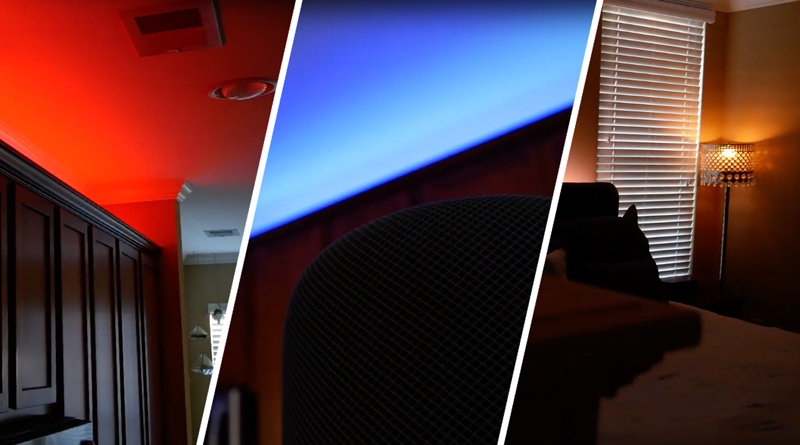
The Apple Home app and HomeKit platform inherently lack direct functionalities for creating advanced lighting effects such as strobes, changing colors, or candle flickers. However, it is possible to achieve these dynamic lighting effects and integrate them directly into HomeKit scenes, making them accessible through the Home app itself. This process requires smart lights from manufacturers that offer built-in light effects and the utilization of third-party applications during the initial setup. This guide outlines a method to unlock these capabilities.
To implement these custom light effects, users must possess smart lights that are designed by their manufacturer to support a variety of dynamic lighting patterns. For demonstration purposes, VOCOlinc lights are specifically mentioned, indicating that these devices are equipped with the necessary features to produce the desired effects. The core of this workaround involves using external applications to configure and save these effects, which can then be exposed to HomeKit.
Two specific third-party applications are highlighted for this setup process: the Eve app and the Home+ app. The Eve app is available for free, making it an accessible option for many users. The Home+ app, while offering similar functionalities, is a paid application. Both apps serve as intermediaries to access the advanced lighting features provided by the smart light manufacturers and translate them into a format that HomeKit can recognize and control.
The setup procedure involves using either the Eve app or the Home+ app to create and save the desired light effects. Once these effects are configured and stored within these third-party applications, they become available within the Apple Home app. This means that after the initial setup, users no longer need to interact with the third-party apps to activate these effects; they can be seamlessly integrated into existing HomeKit scenes and automations, or controlled manually directly from the Home app interface.
This approach effectively bypasses the native limitations of the Apple Home app regarding complex lighting effects, allowing users to enhance their smart home environment with more sophisticated and customizable illumination. The primary requirement is compatible smart lighting hardware and the use of a third-party app for the initial configuration. The article emphasizes that once the setup is complete, the enhanced lighting effects are fully integrated into the Apple Home ecosystem, providing a unified user experience.
#HomeKit #SmartLighting #LightingEffects #HomeApp #VOCOlinc #EveApp #HomePlusApp #SmartHome #HomeKit #SmartLighting #LightingEffects #HomeApp #VOCOlinc #EveApp #HomePlusApp #SmartHome
0 komentarzy łącznie
 Brak komentarzy jeszcze
Możesz również polubić
The best lighting for every room in the house

The dos and don'ts of lighting your house
Pro tips to improve your home’s lighting—without an electrician
What Is Ambient Light? Here's How to Use It in Your Home

Let the light in: how sheer materials create drama and depth at home
These Task, Accent, And Ambient Lighting Tips Can Transform Your Home

5 Easy, Designer-Approved Lighting Hacks to Brighten Up Your Home
Indoor Lights

How to brighten any room in your home — 5 tips from a lighting expert


‘Clever design tricks’ can create the illusion of space in homes - ‘feels much larger’
How to fake natural light in a dark room - 5 design tricks to brighten up a gloomy space
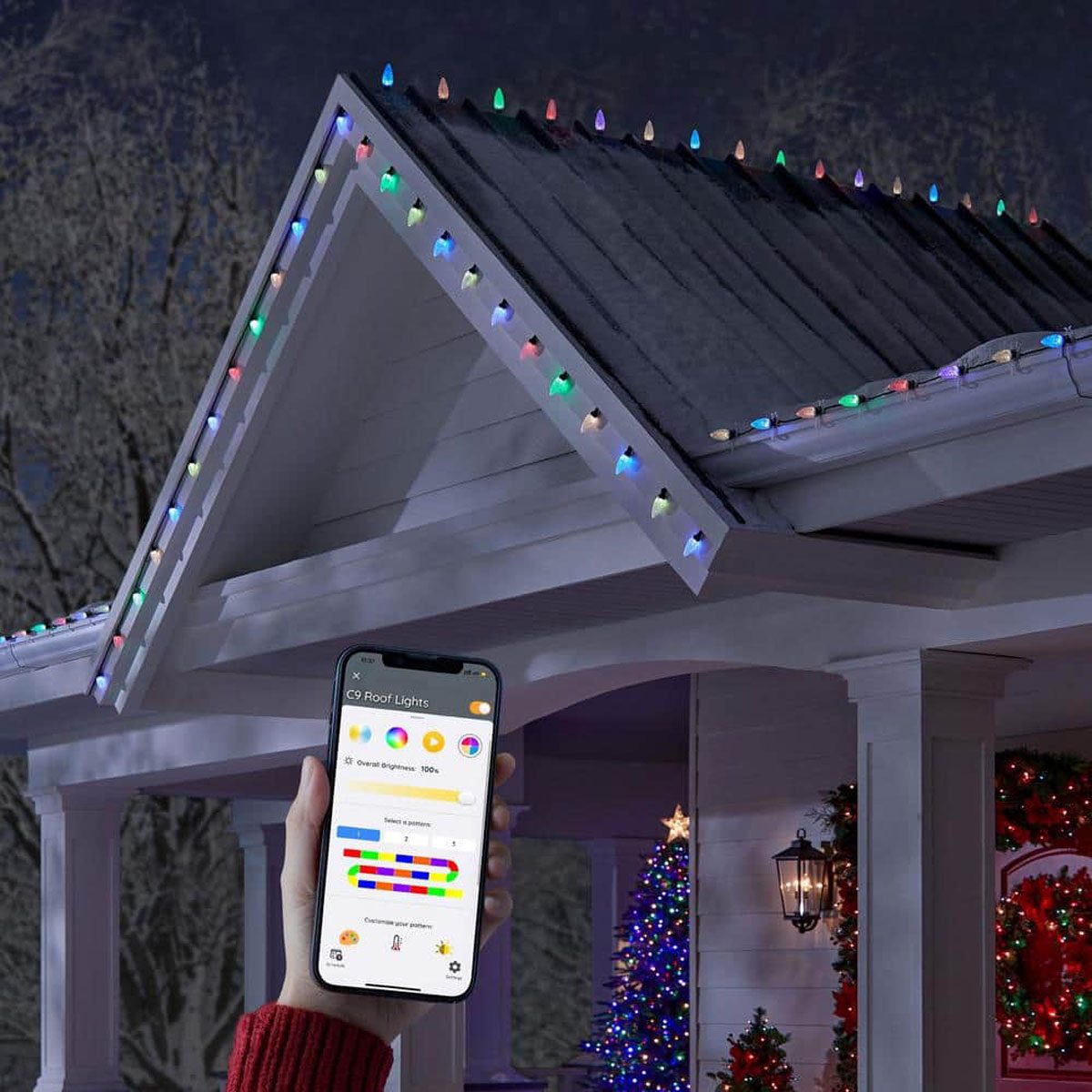
Create the Most Stunning Holiday Light Display with These Home Depot Products

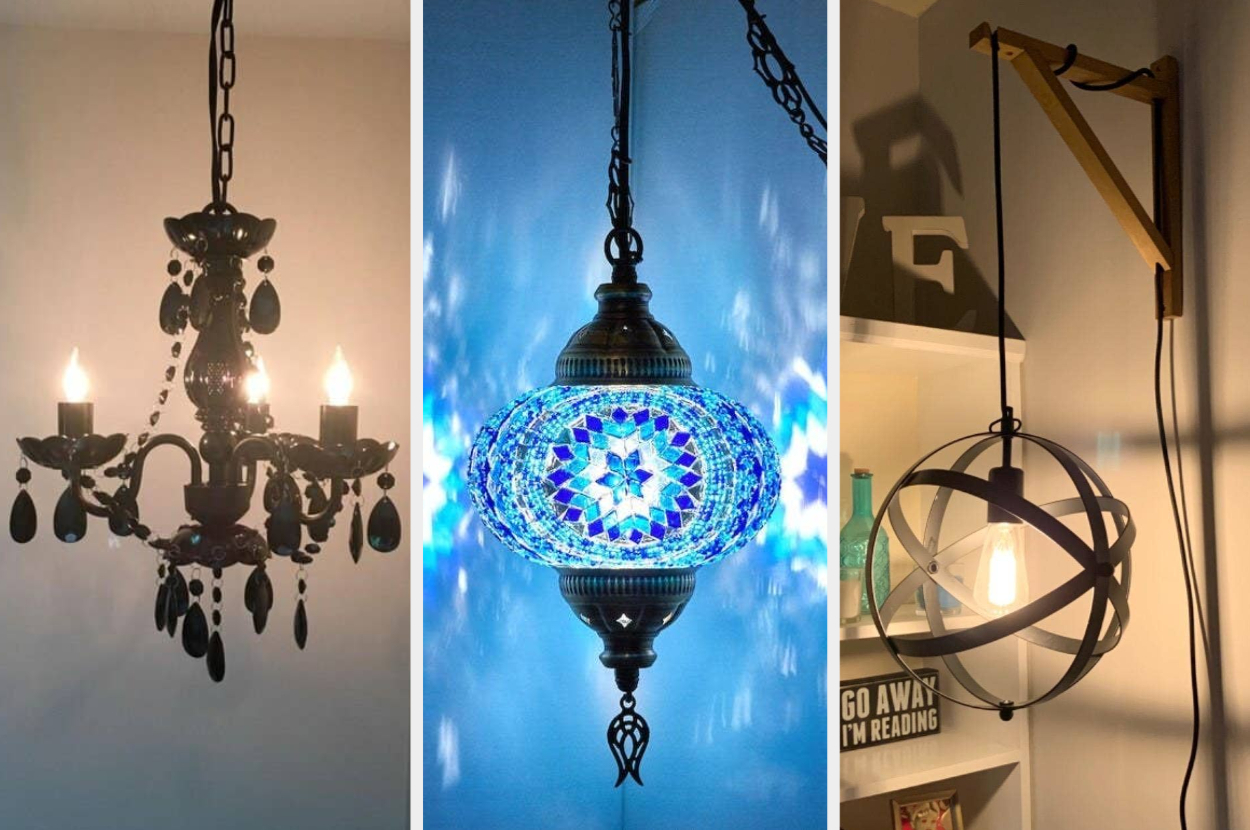
26 Easy Lighting Upgrades That Don’t Require Calling An Electrician
5 Tricks to Maximize Your Home's Natural Light on Darker Autumnal Days Using Artificial Lighting

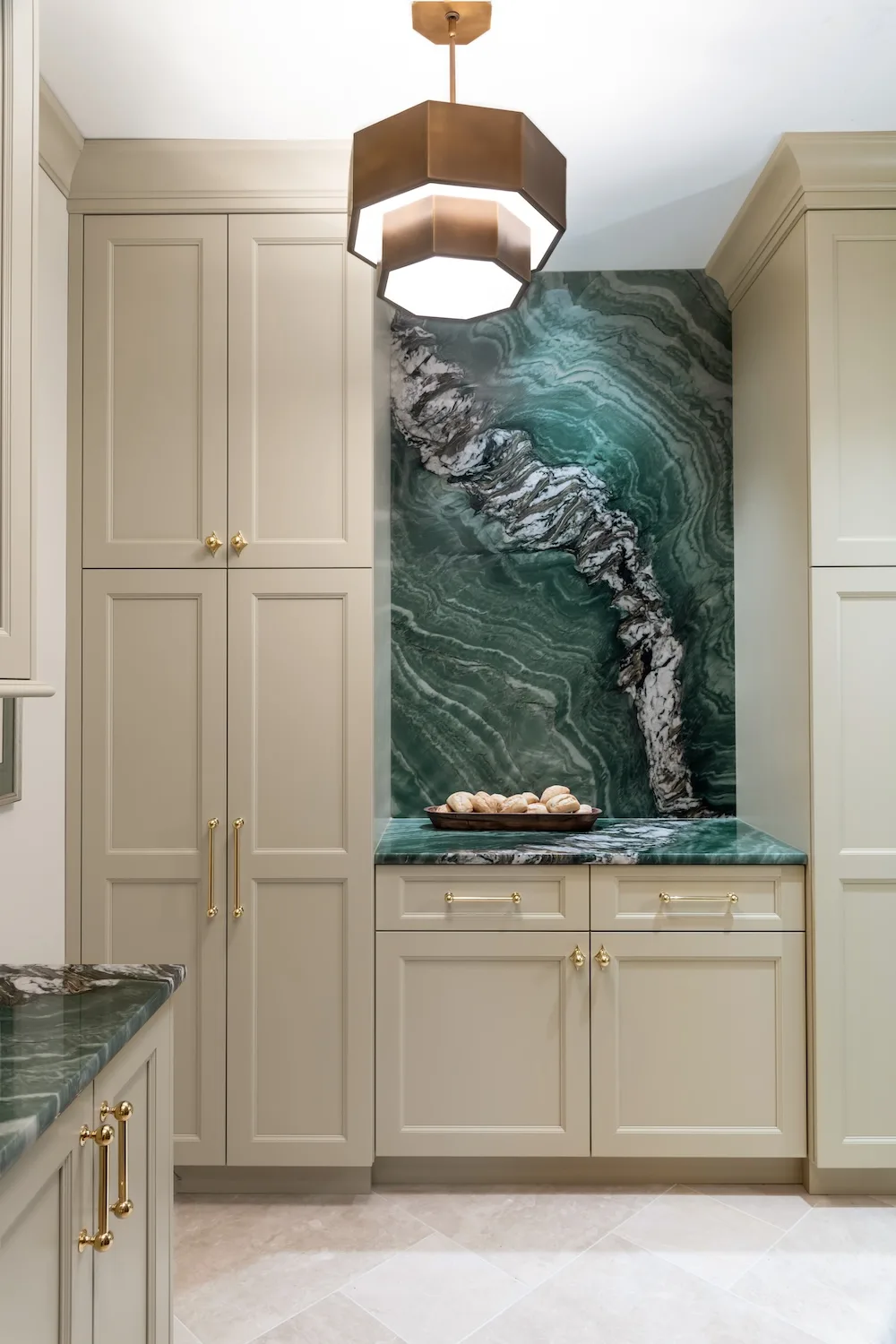
See how this South County residence was reimagined with unique and tailored lighting fixtures

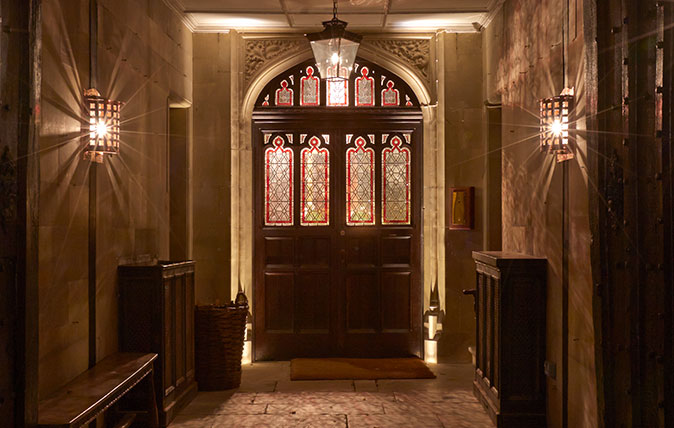
Get your home's lighting just right: Seven questions answered
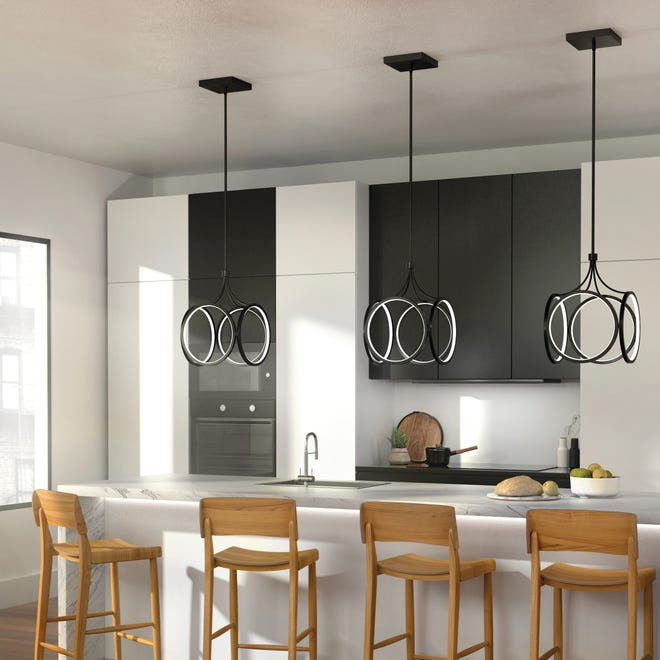
Homestyle: Lighting the way
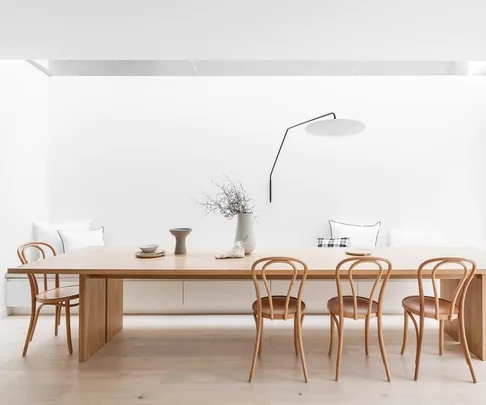
An interior designer’s guide to lighting your home

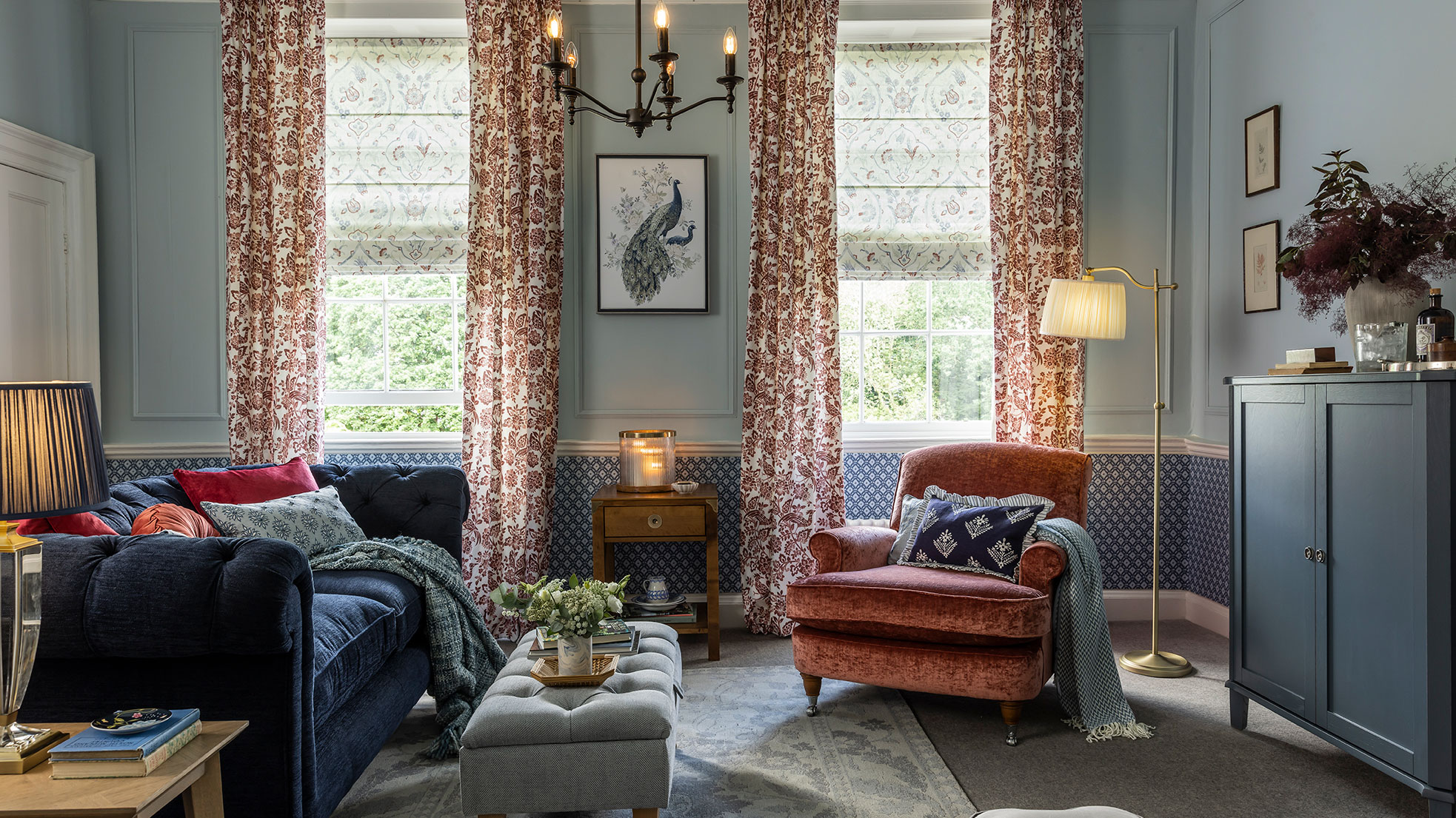
What is layered lighting and how can it transform your home from so-so to stunning?

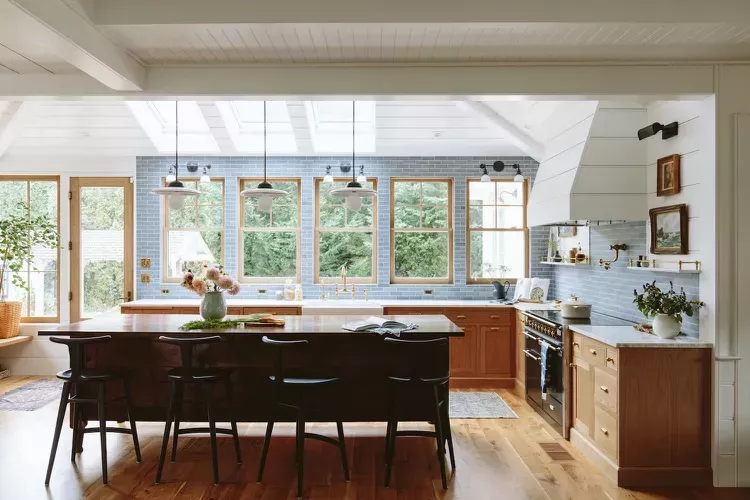
5 Lighting Upgrades Pros Recommend to Instantly Increase Your Home’s Value