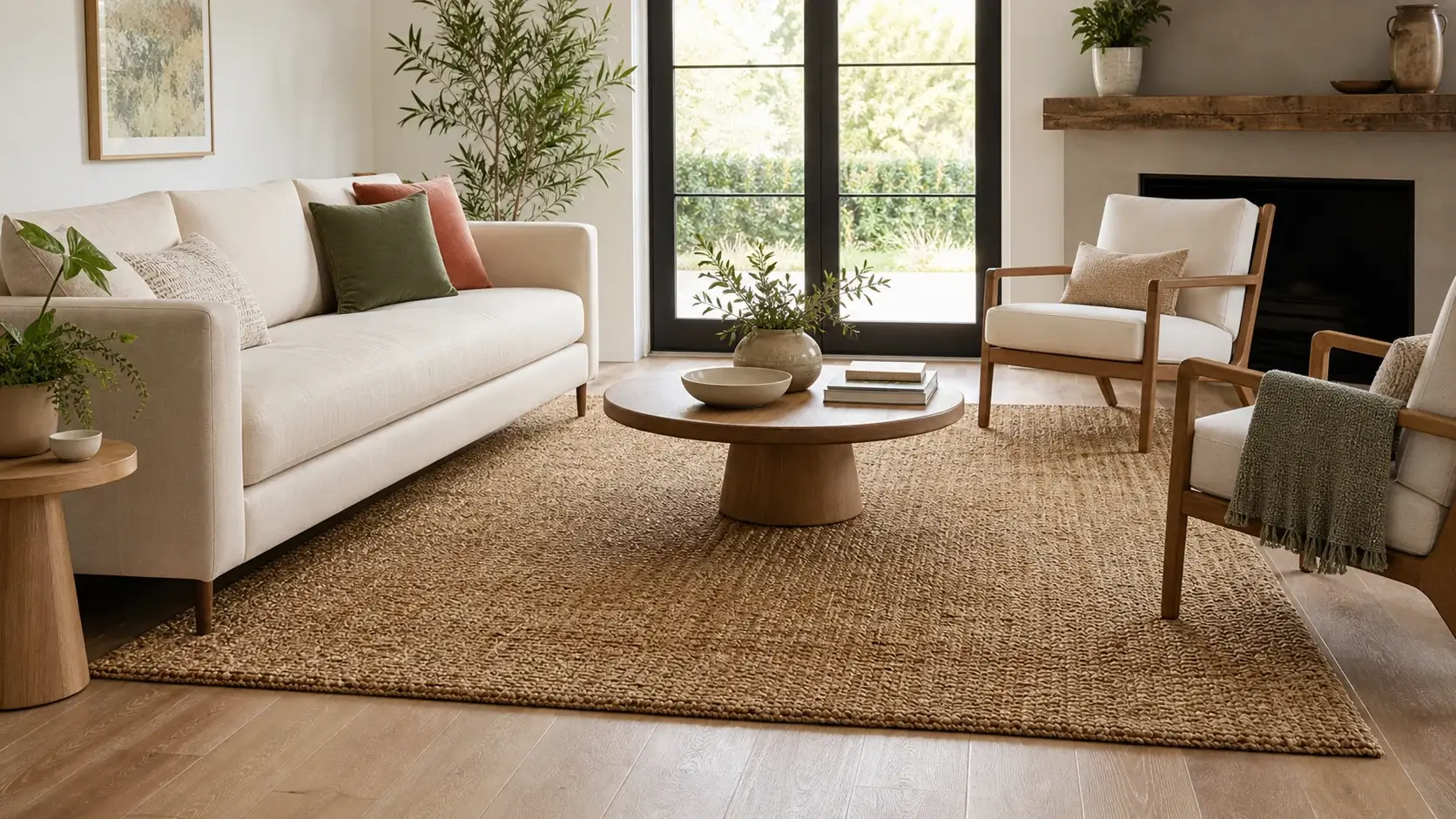
Show full-wall impact
Show wallpaper patterns and related colorways at room scale.

Help shoppers preview wallpaper patterns and colorways at room scale in realistic room scenes before they return to the product page.
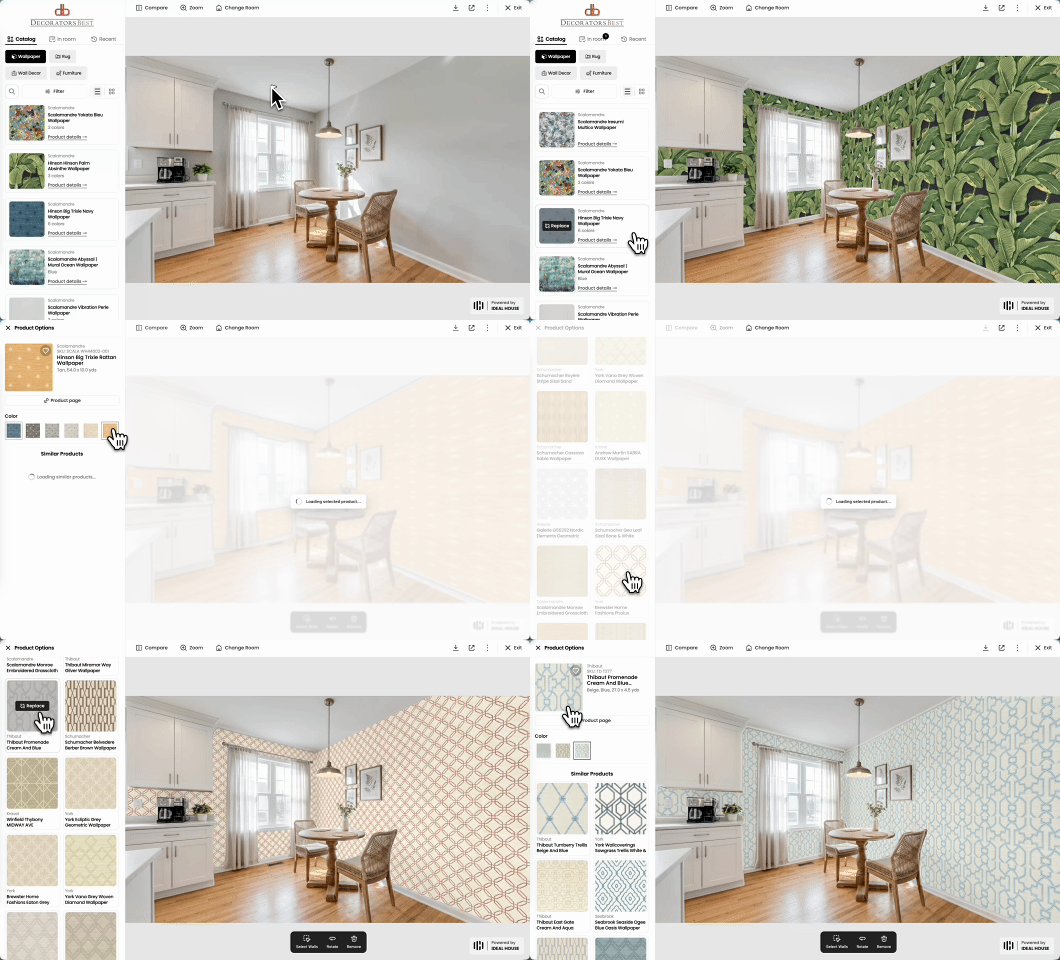
Merchant workflow
A wallpaper visualizer should do more than display a single demo room. It should work with product catalogs, collection browsing, and product-page return paths.
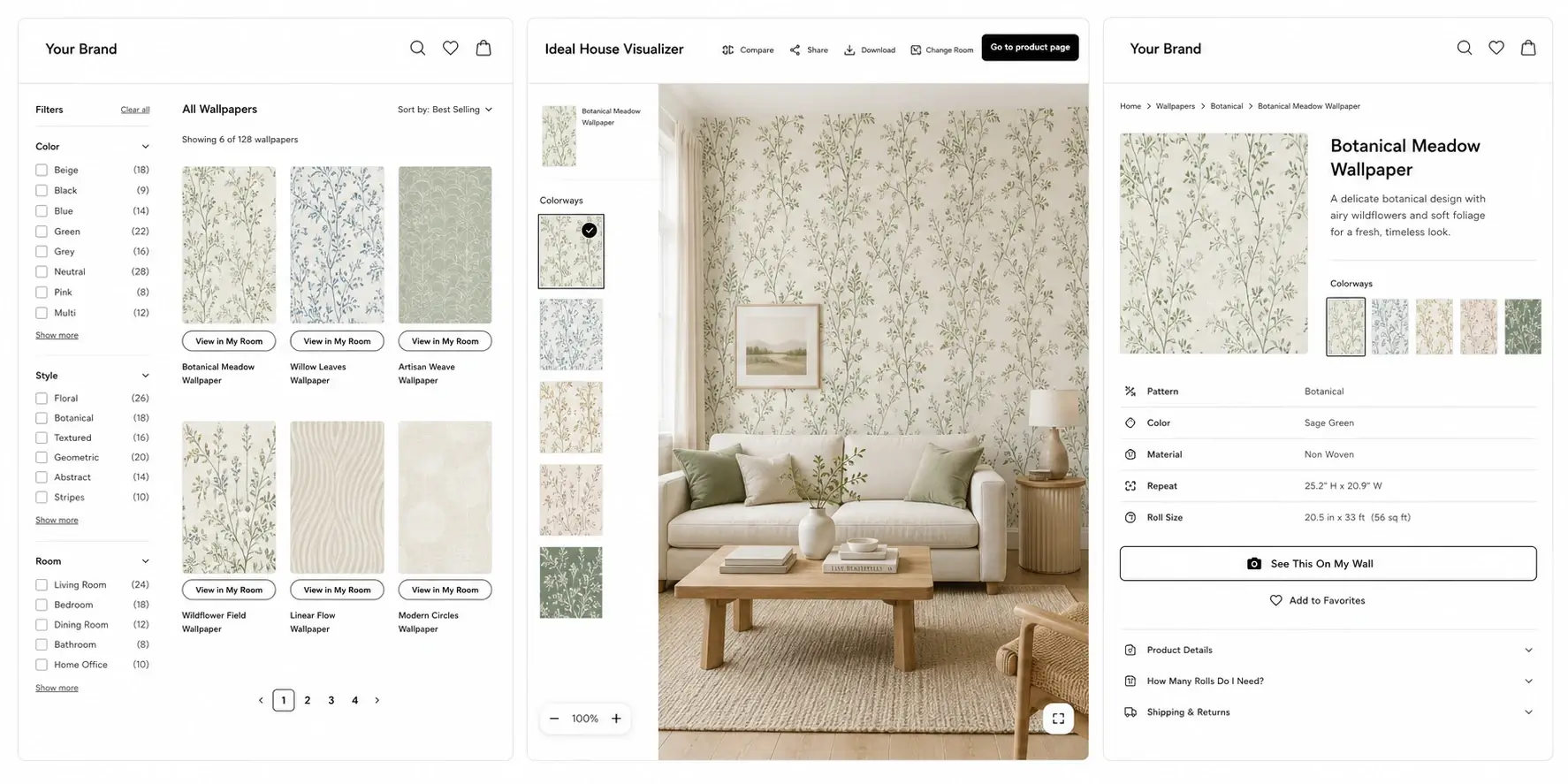
Let shoppers open a preview from preview-ready products while browsing a collection.
Carry the selected product into the visualizer so shoppers can preview it at room scale.
Keep the selected product in context and provide a clear way back to its product page.
Collection workflow
Move the chosen pattern and colorway from collection browsing into room preview, then return shoppers to the same product page with product context intact.
Why merchants use it
Pattern scale, repeat, wall coverage, and room lighting all affect purchase confidence. A catalog-powered visualizer gives shoppers a room-context preview before they commit.
Show wallpaper patterns and related colorways at room scale.
Let shoppers compare bold patterns, subtle colors, and room fit before they move back to the PDP.
Start with preview-ready SKUs and expand after product readiness and interaction patterns are clear.
Rollout path
Wallpaper previews depend on more than a product image. A focused launch checks repeat, scale, colorway relationships, product status, and the collection-to-PDP path before broader coverage.
Connect product handles, SKUs, product URLs, patterns, and related colorways.
Confirm source-image quality, repeat tiles, physical scale, color accuracy, and active status.
Start with a branded portal or selected collection-page entry points.
See which patterns, colorways, and room scenes shoppers use before they return to a product.
Add more collections and PDP entry points after mappings and preview quality are stable.
Merchant fit
The strongest first fit is a merchant with a real wallpaper catalog, product URLs, and shoppers who need to understand pattern, repeat, color, and scale in a room context.
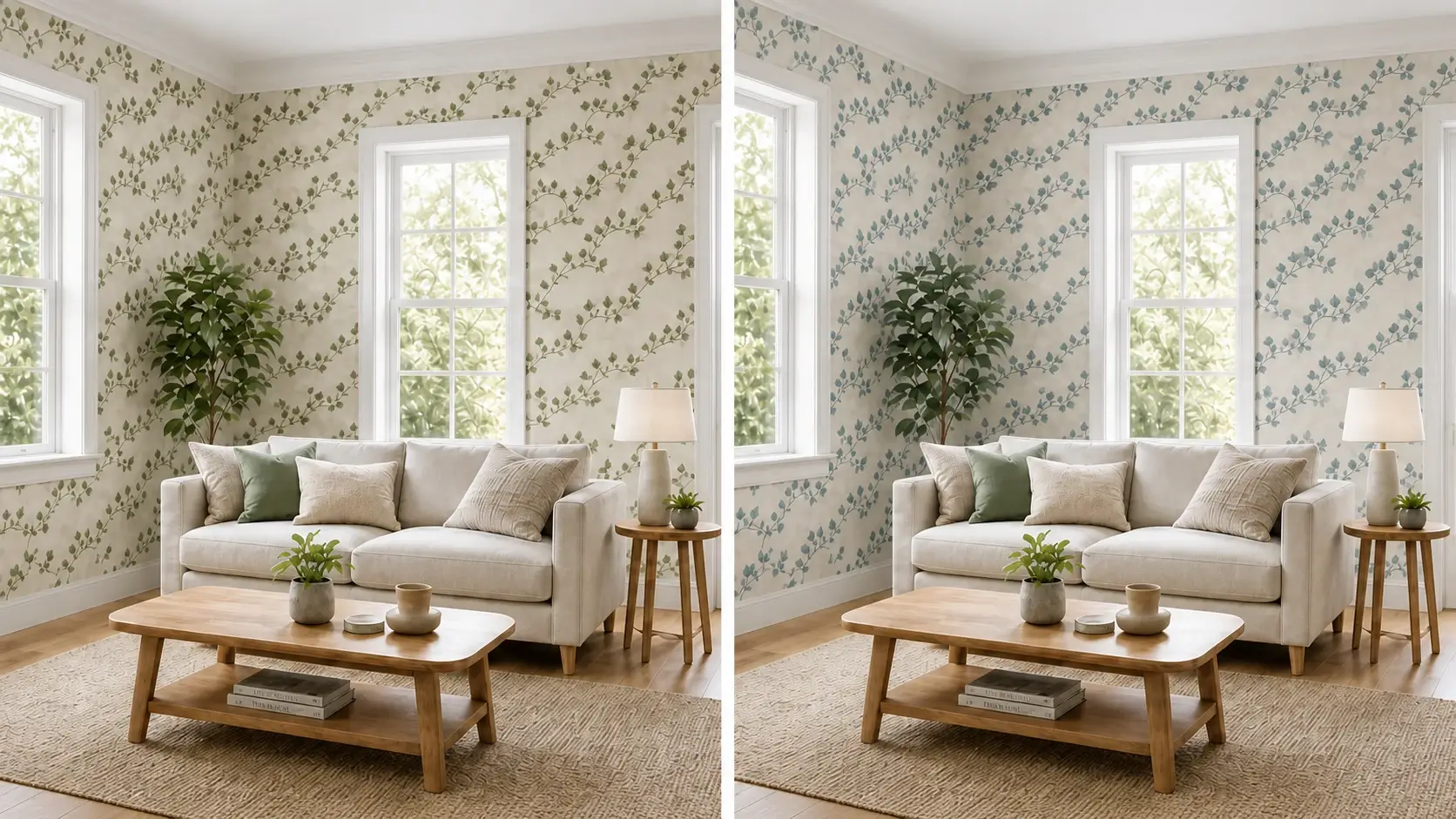
Help shoppers compare patterns across collection pages before they return to a PDP.
Collection-led previewShow colorways and repeat scale in room context without starting from a full SDK rollout.
Catalog readiness firstReview which product lines have consistent pattern, colorway, and SKU data before wider rollout.
Product-line readinessIdentify preview-ready categories and products before expanding coverage across sellers.
Category expansion pathEvaluation
The first decision is whether wallpaper assets and product relationships are ready for room-scale preview. Ideal House supports a focused catalog path before wider storefront coverage. For broader platform evaluation, see our Roomvo alternative and Wizart alternative guides.
Related visualizers
FAQ
It is a room preview experience that lets shoppers see wallpaper patterns and colorways at room scale before they return to the product page.
Yes. A focused pilot can start from product names, product URLs, product handles, category labels, SKU groups, and preview-ready images.
Yes. Collection-led preview flows are a strong fit for wallpaper browsing because shoppers often compare many patterns before choosing one product.
Yes. The storefront experience can return shoppers to the same wallpaper product and selected colorway after the room preview.
Yes. Related designs can be grouped and reviewed as colorways when the catalog data and product mapping support that relationship.
Start with one focused collection, validate pattern tiles, repeat, scale, colorway relationships, and product status, then launch a pilot before expanding coverage.
Review pattern tiles, repeat, scale, colorway groups, and product mappings before adding more collections or storefront entry points.
Get a catalog readiness check