1/2
Circle to Search has a hidden trick every color lover should know about
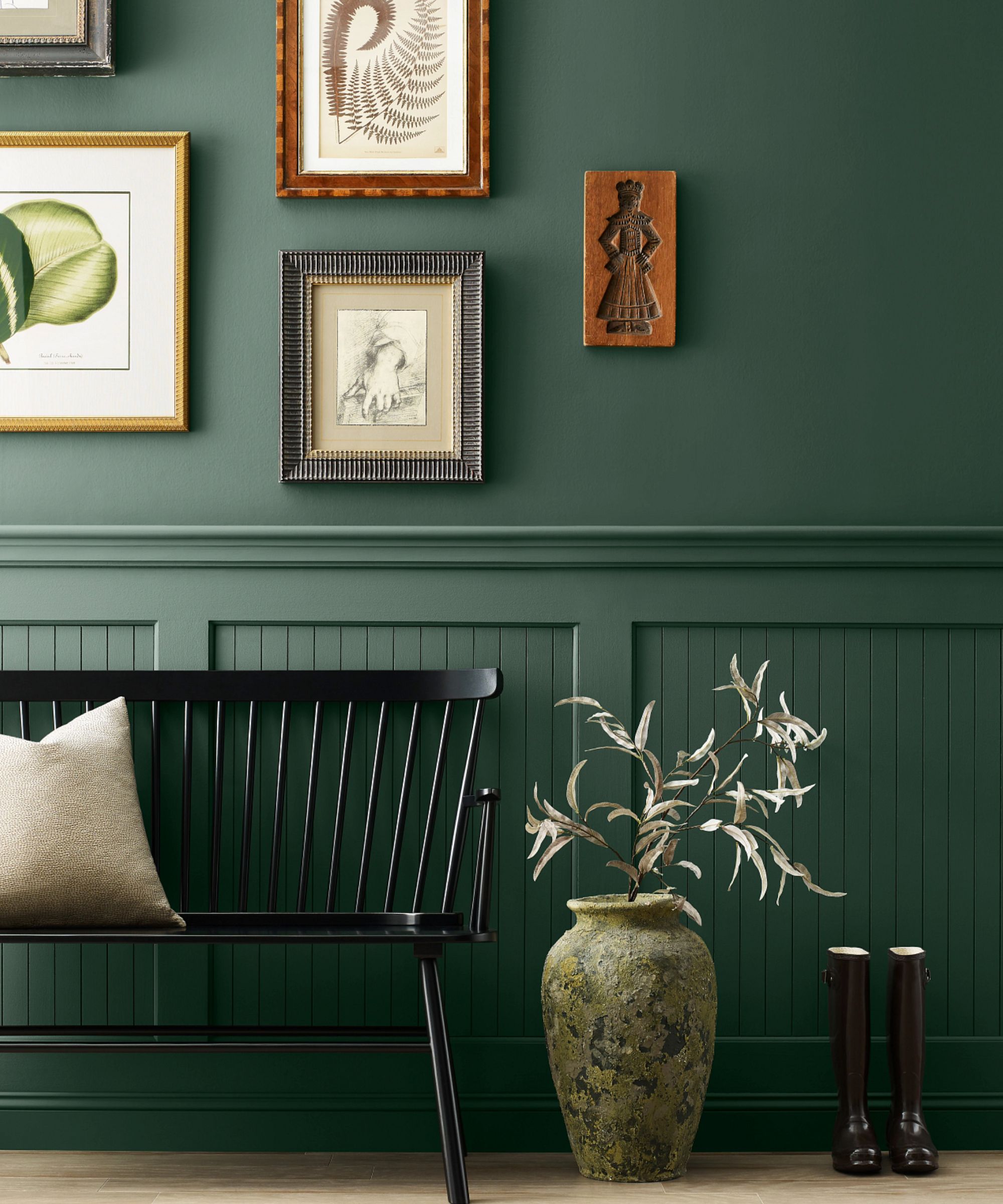
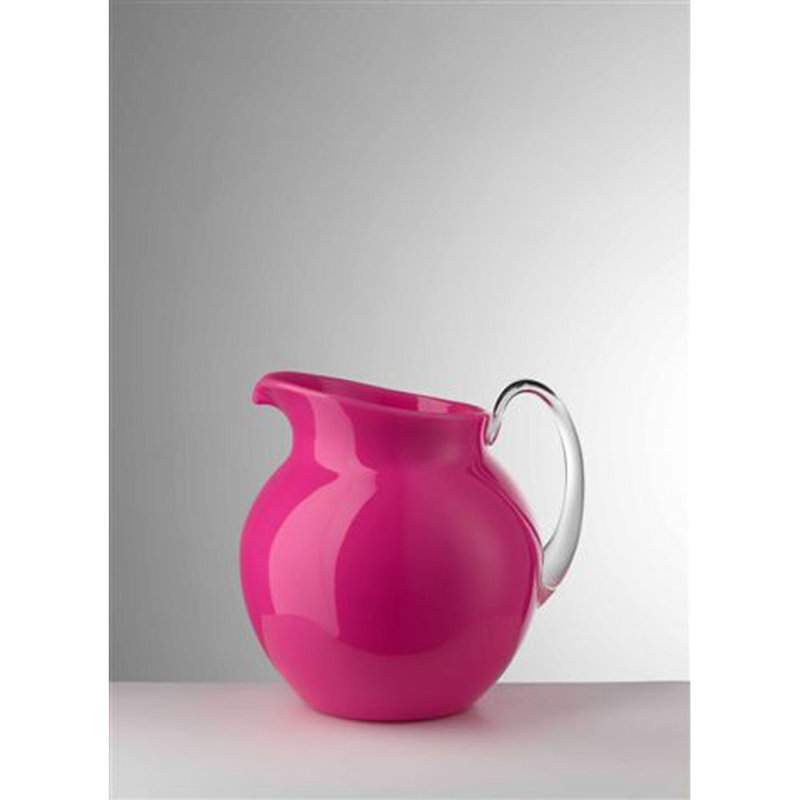
Google's Circle to Search feature, typically used for identifying objects like plants, bugs, or landmarks, possesses a lesser-known capability: identifying colors. This functionality proves useful for various applications, such as selecting paint for home interiors or choosing complementary colors for design projects. Unlike traditional color identification tools that require image uploads or color wheel manipulation, Circle to Search offers immediate accessibility by simply long-pressing the home button to activate the visual search.
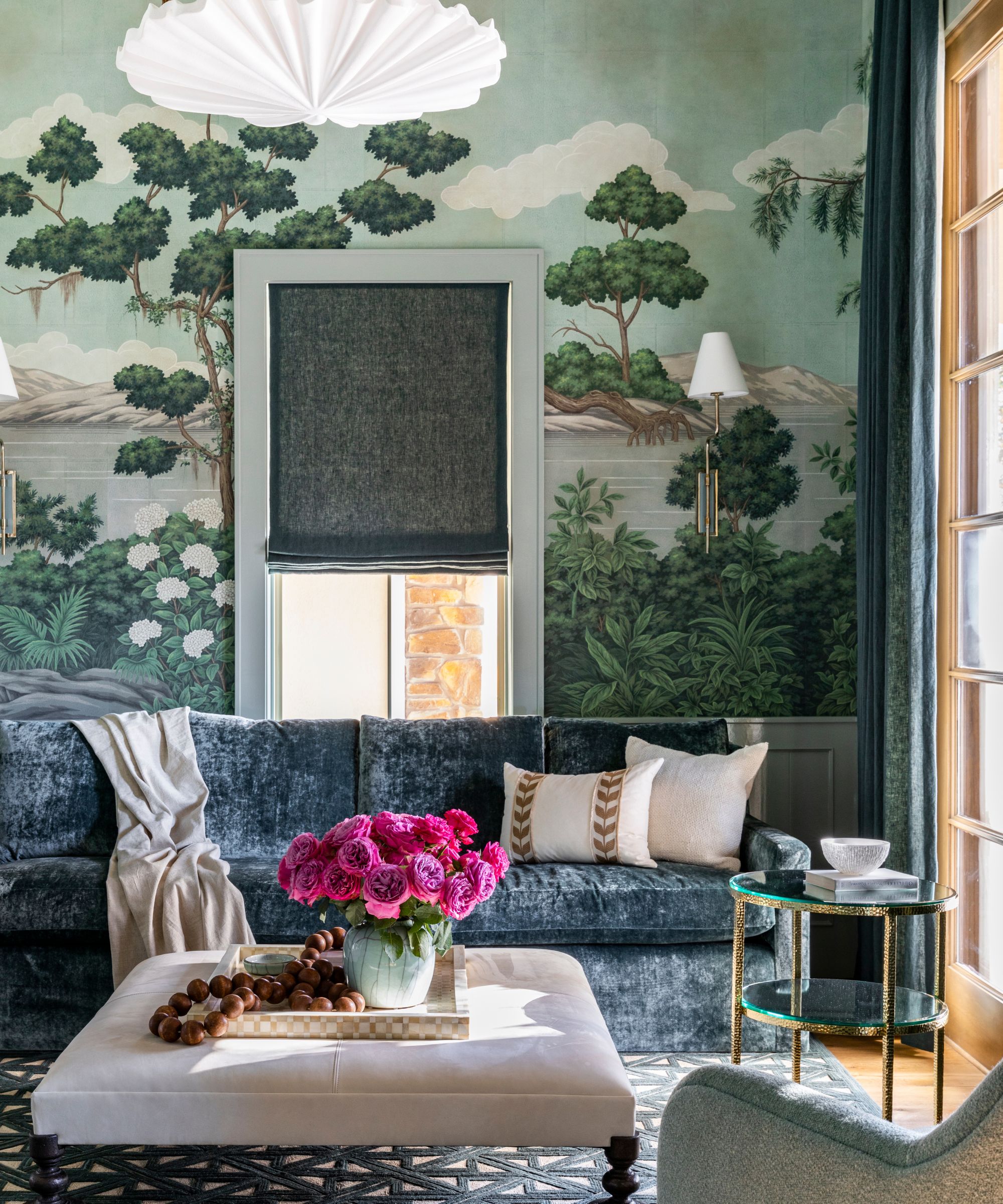
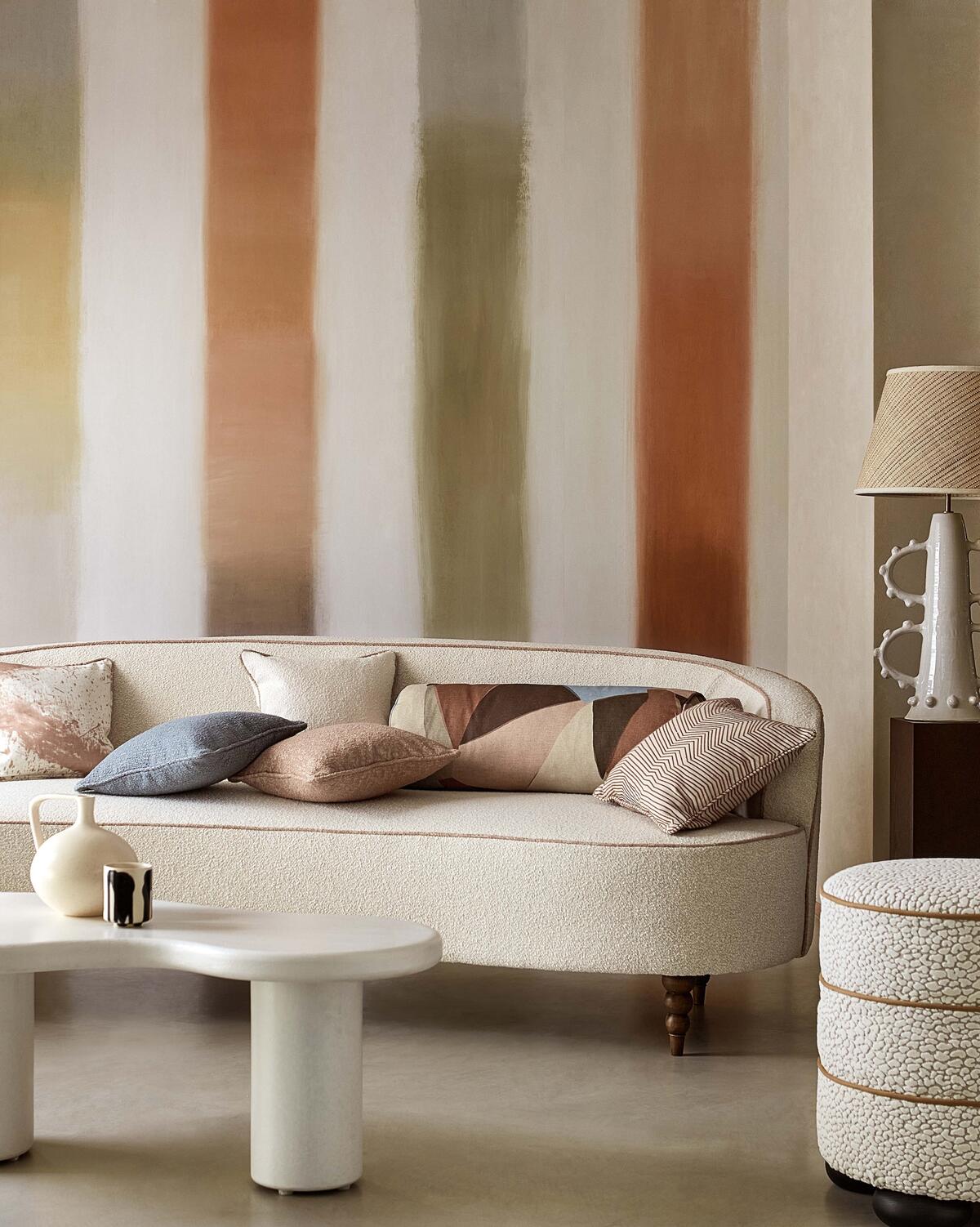
The author discovered this feature by chance while attempting to identify something else. Subsequent tests involved highlighting solid colors on home screens and web pages, which triggered a Google search with an AI Overview. In many instances, the search provided a hex code for the color or offered contextual information, such as RGB or CMYK values, and even descriptive facts about the color's psychological associations. For example, a dark blue shade was described as representing "depth, stability, and calmness," information that could guide paint selection for a specific room. The tool also surprised the author by suggesting a locally available paint color for a salmon shade.
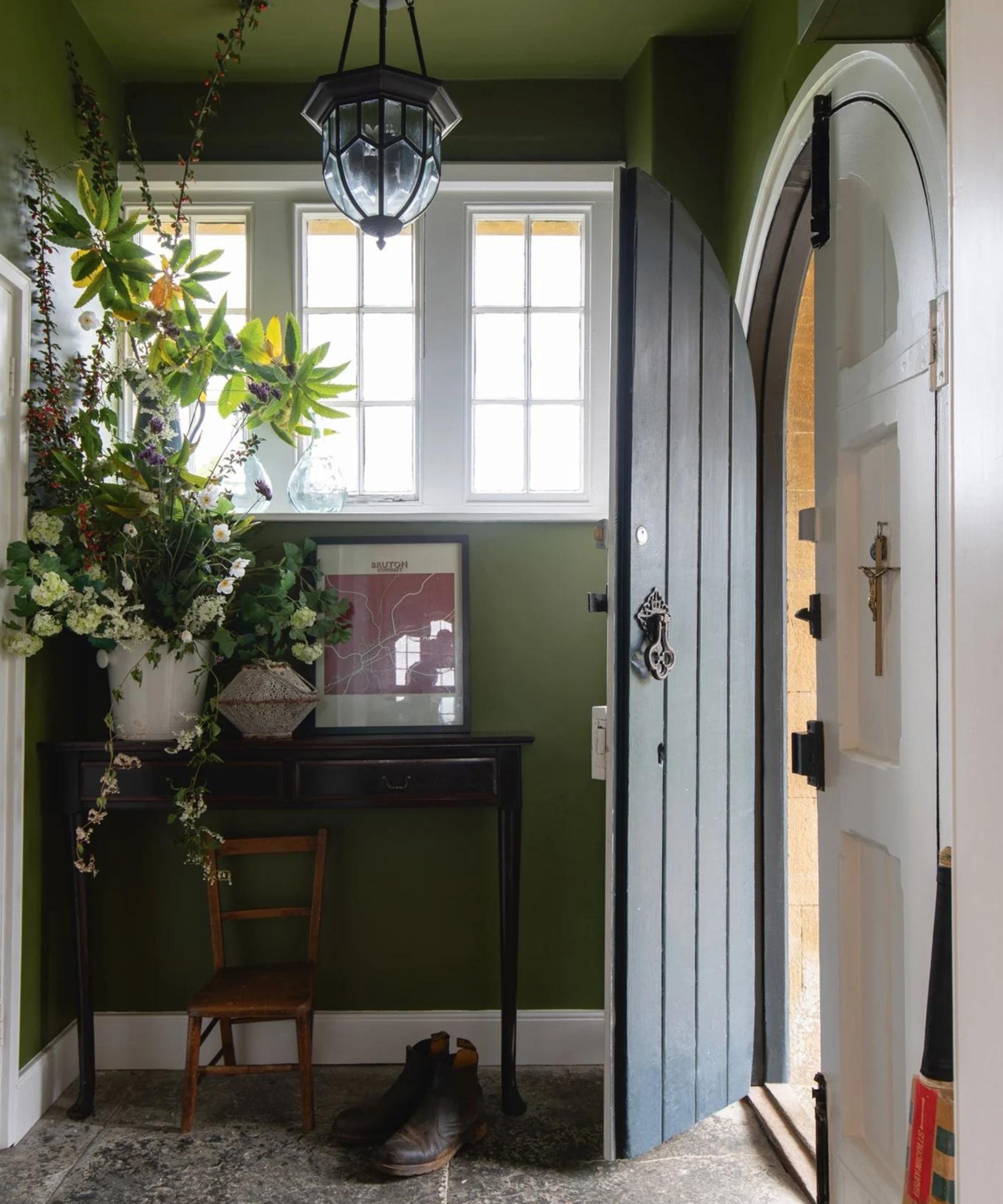
Further testing included identifying Pantone colors. Circle to Search accurately identified Olive Green and provided an RAL code, a specialized color identification system. However, its performance was less precise with more generic colors, often identifying specific Pantone shades merely as "Pantone Orange" instead of their exact names. A notable limitation observed is the tool's sensitivity to environmental factors; textures, shadows, and camera quality can significantly influence color identification, especially for real-world objects like furniture. The same couch might appear differently under varying light conditions, making consistent identification challenging. The author advises against using the tool for professional-level color work due to these variables.
Despite its strengths, Circle to Search is not without its amusing inaccuracies. In one instance, a specific blue from Samsung's default wallpaper was misidentified as a sanitary product by AI Overview, and a yellow dot was mistakenly identified as part of a banana. Another challenge arose when identifying the accent color of the 'Android Authority' brand; AI Overview provided general descriptions like "mix of blue and green" and offered broad terms such as Ocean Green, Dark Sea Green, and Sea Blue. While these were in the ballpark, the more precise hex code was only found by scrolling through related search results, indicating that the AI Overview sometimes prioritizes less accurate information.
These occasional errors highlight that Circle to Search is designed as a general visual search tool rather than a specialized, precision color identifier. Factors like phone camera accuracy, screen calibration, lighting conditions, and the presence of filters can all introduce variability in results. While not suitable for mission-critical color science, the tool excels at making snapshot color identification more accessible for everyday users, offering a convenient way to explore and learn about colors or gather inspiration. Despite its flaws, the author concludes that Circle to Search performs surprisingly well in its color identification capabilities and has become a useful addition to their array of visual search applications, alongside identifying structures, dog breeds, flowers, and actors.
#CircleToSearch #ColorIdentification #GoogleSearch #AIOverview #MobilePhotography #HomeDecoration #DIYProjects #AndroidApps #TechnologyTips #CircleToSearch #ColorIdentification #GoogleSearch #AIOverview #MobilePhotography #HomeDecoration #DIYProjects #AndroidApps #TechnologyTips
0 comment in total
 No comments yet
You may also like
This simple, colorful tip that professional organizers love will help you find things quickly in busy drawers

The Color Combo You’re About to See Everywhere
Professional painters reveal the secret to color matching a paint shade from an image alone
If You Think Teal And Turquoise Are The Same Color, You Might Not Do Well On This Color Trivia

Primary colours are having a moment - but the secret to styling them is through 'unexpected' touches
Designers LOVE Pairing These Unexpected Colors With This Sophisticated Hue

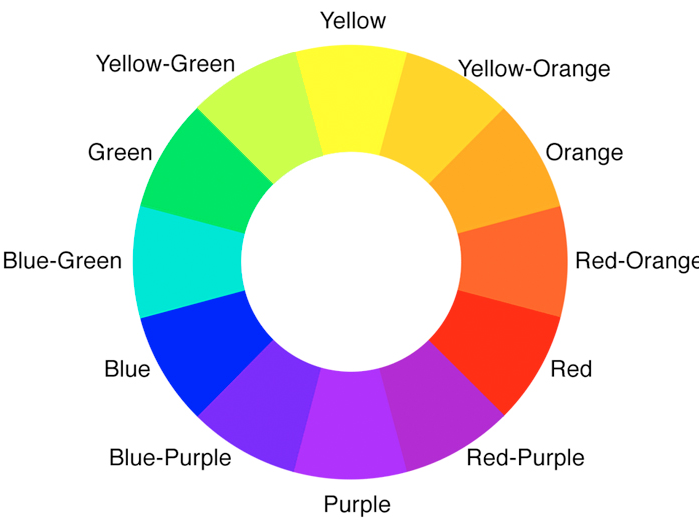
3 color coordination tips any beginner can master
6 ways to decorate with jewel tones to bring intrigue and character to your color schemes
Never Guess a Paint Color Again, Thanks to This Hue-Matching Colorimeter

These color sensors take the pain out of paint matching

Make choosing paint easy with new 'natural light' colours

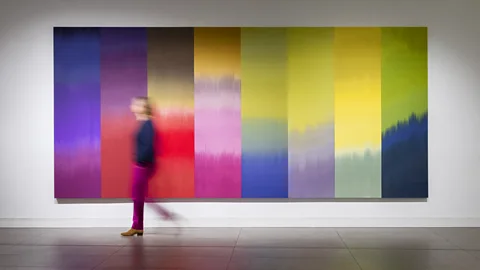
What you didn’t know about colour


The Search for Our Missing Colors
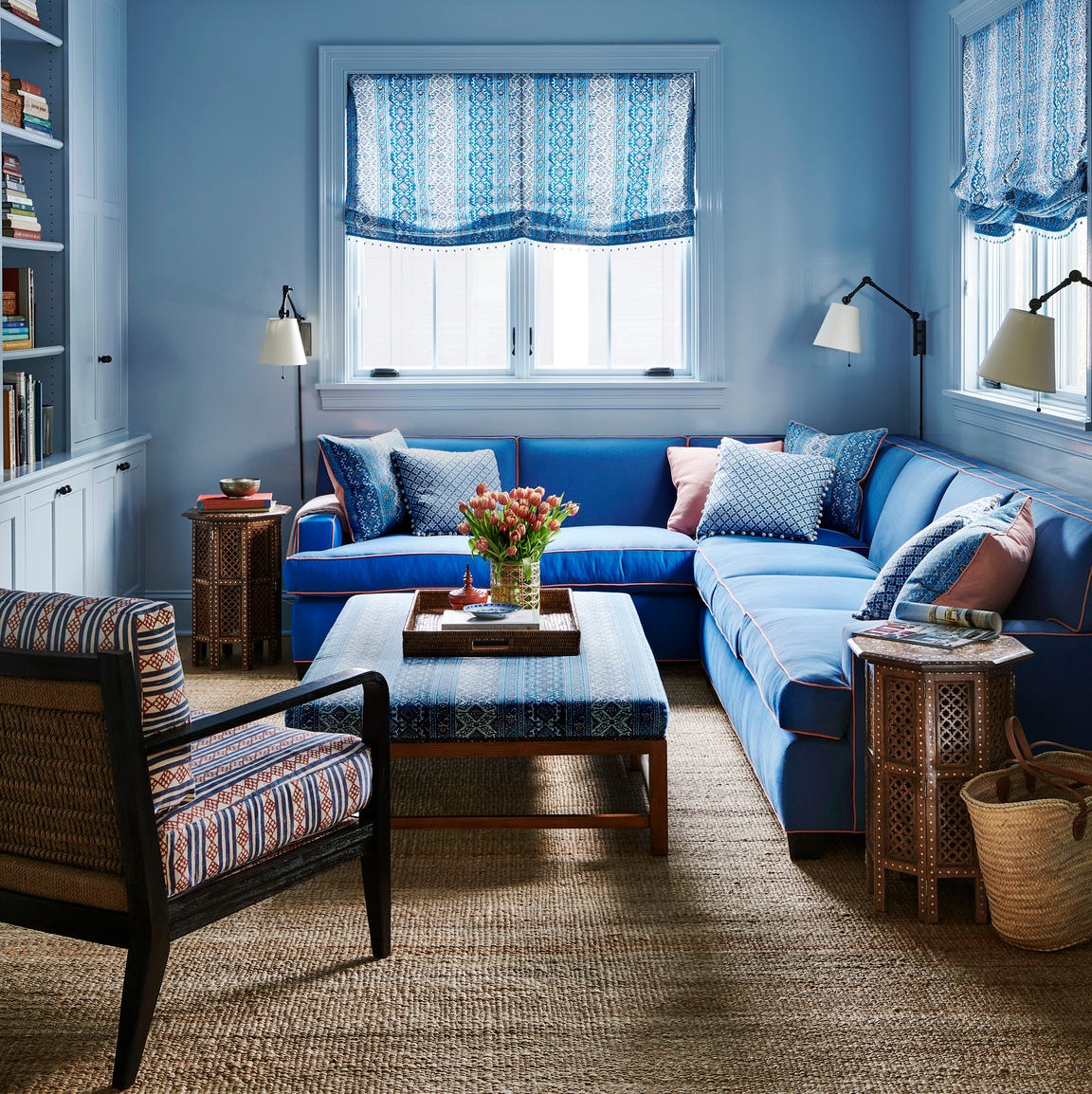
Designers LOVE Pairing These Unexpected Colors With This One Timeless Hue
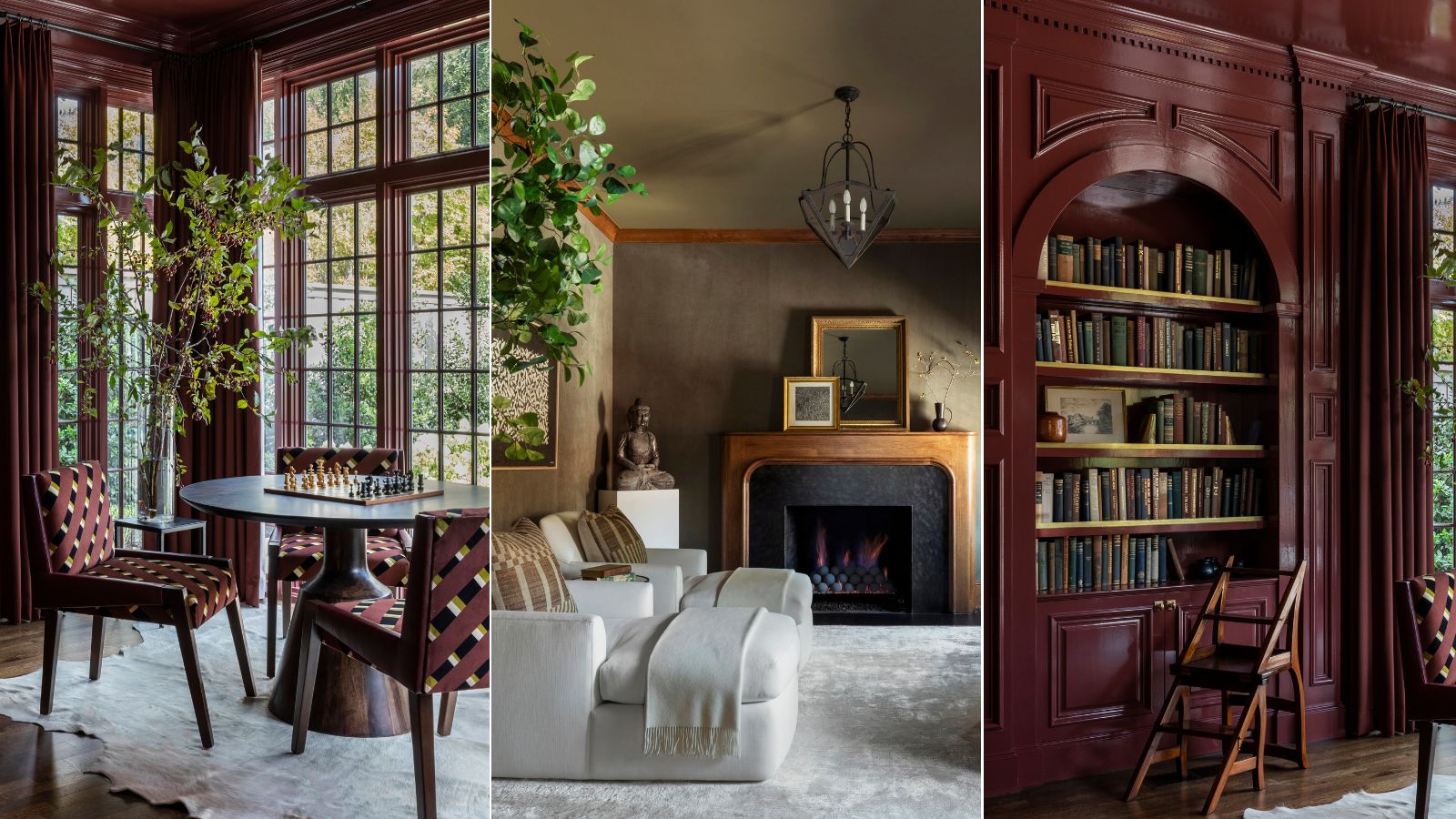
This designer-approved color drenching hack will ensure the look never falls flat – the key is in the finish

13 ways Harlequin’s Reflect collection curates colors for good

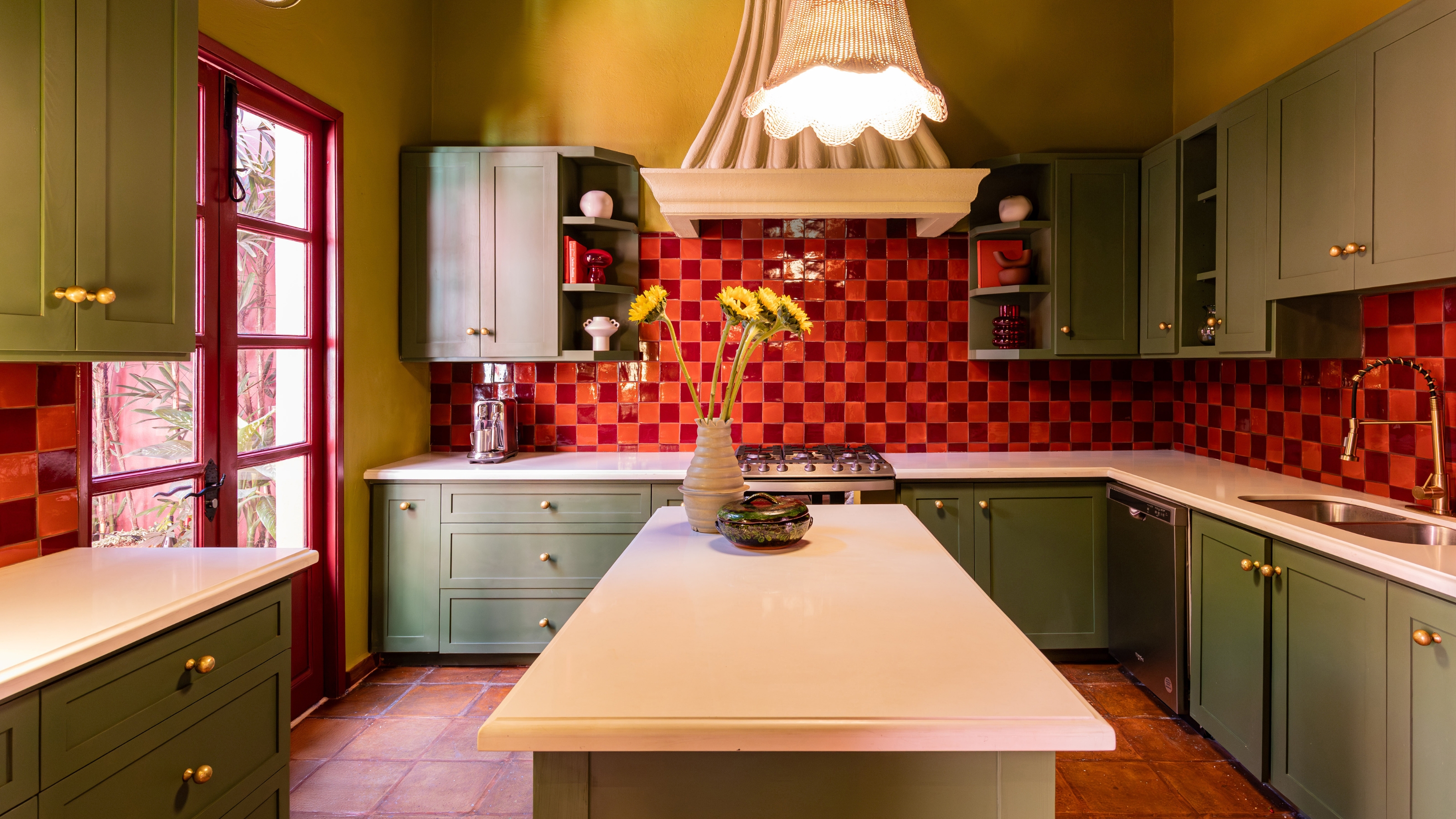
Ever Heard of a Split Complementary Color Palette? It's the Secret to Perfecting More Unexpected Pairings

Objects of Common Interest explores "secret recipe" for iridescent resin

Forget green: I just spotted a hidden color inside Dakota Johnson's iconic cabinets – it's a game-changer (and surprisingly simple to replicate)
3 Ways to Identify and Match Any Paint Color, According to Experts