How to control Philips Hue lights remotely when away from home
This article provides a step-by-step guide on enabling remote control for Philips Hue smart lighting systems, allowing users to manage their lights from anywhere in the world. This feature is not activated by default, but the process is straightforward and quick to set up. Once enabled, users can control individual bulbs or light strips, replicating the functionality available when connected to their home Wi-Fi network.
The initial step involves creating a user account on account.meethue.com. After successful account creation, users need to open the Philips Hue smartphone application. Within the app, navigate to the 'Settings' menu, located in the lower-right corner. At the top of the subsequent screen, an option labeled "Out of home control" will appear, initially showing "Disabled" in smaller text. Tapping this option reveals a green 'Enable' button, which users must select to proceed.
Upon tapping 'Enable', the Hue app will launch an internal web browser, directing the user to the company's account login page. Users will be prompted to confirm trust in the app before entering the username and password created earlier. This authentication links the Hue app to the user's account, granting remote access capabilities.
Once these steps are completed, the 'Out of home control' button in the app's settings will display "Enabled" in green, confirming that the feature is active. To verify proper functionality, it is recommended to disconnect the smartphone from its Wi-Fi network. Re-opening the Hue app should then show a brief 'Connecting' message, followed by an orange notification indicating a successful connection to the Hue system via the cloud. This confirms that remote control is operational.
In cases where the connection fails, and the app indicates a lack of cloud connectivity, a simple troubleshooting step is to close and then re-launch the application. This action typically resolves the issue, establishing the necessary cloud connection. With remote access established, users gain full control over their Philips Hue lighting system. This includes the ability to adjust light settings, customize preferences, modify daily lighting routines, and change other configurations, all from a remote location. The functionality is identical to that experienced when connected locally via Wi-Fi, providing convenience and peace of mind for managing home lighting while away.
#PhilipsHue #SmartLighting #RemoteControl #SmartHome #HomeAutomation #HueApp #LightingControl #TechTutorial #IoT #PhilipsHue #SmartLighting #RemoteControl #SmartHome #HomeAutomation #HueApp #LightingControl #TechTutorial #IoT
0 comment in total
 No comments yet
You may also like
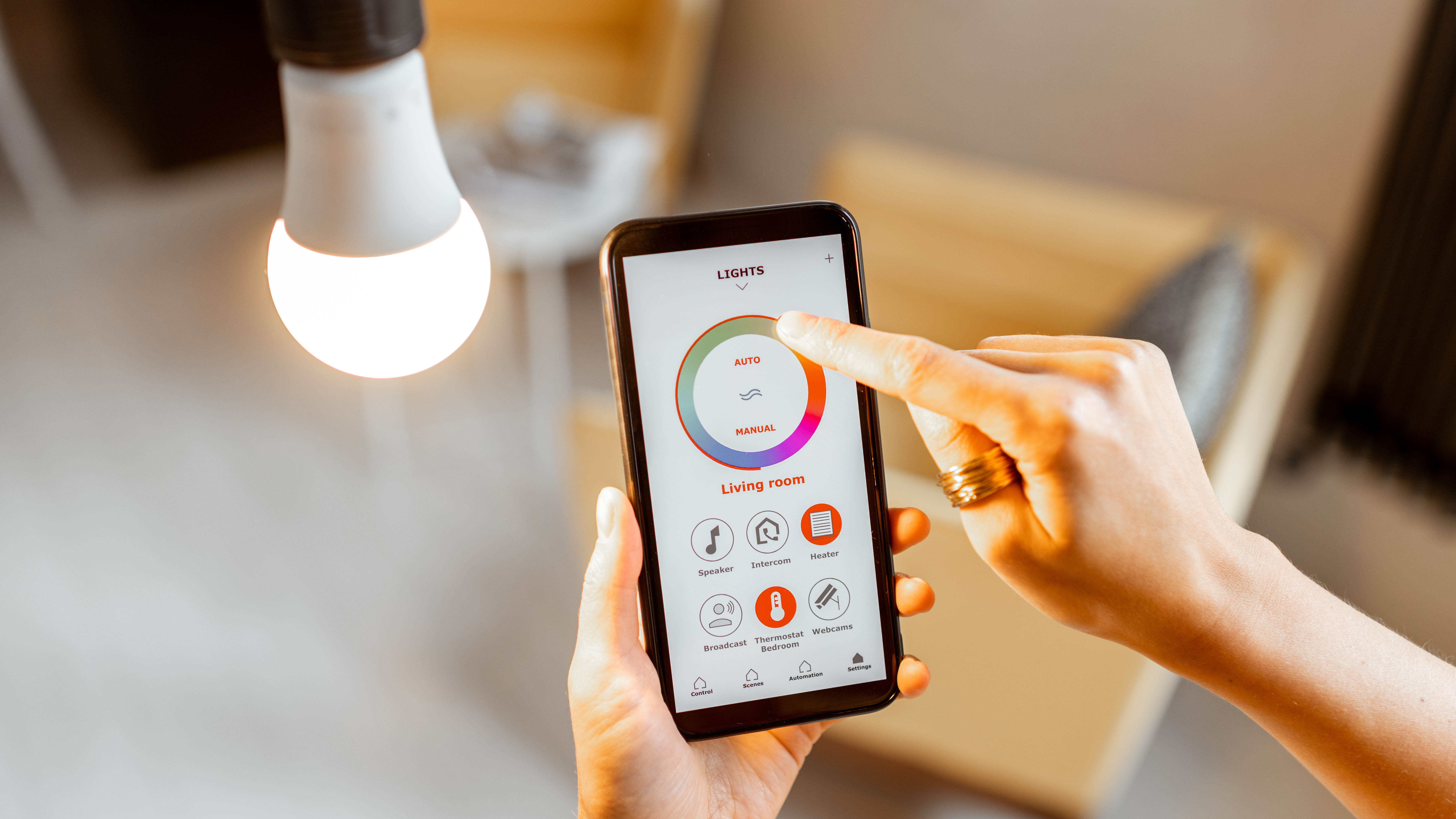
9 Things you never knew you could do with smart lights

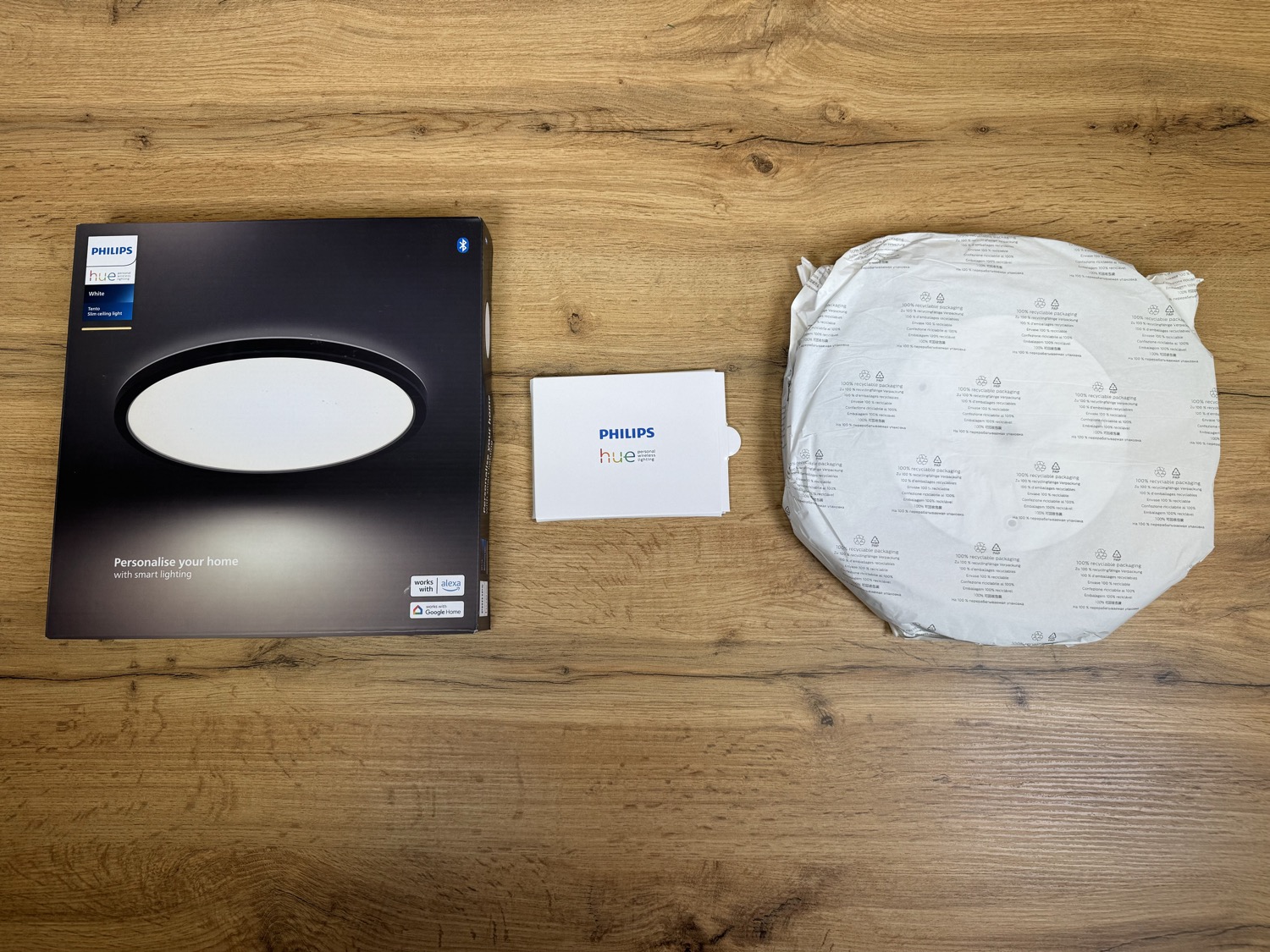
First impressions of the new Philips Hue Tento ceiling light

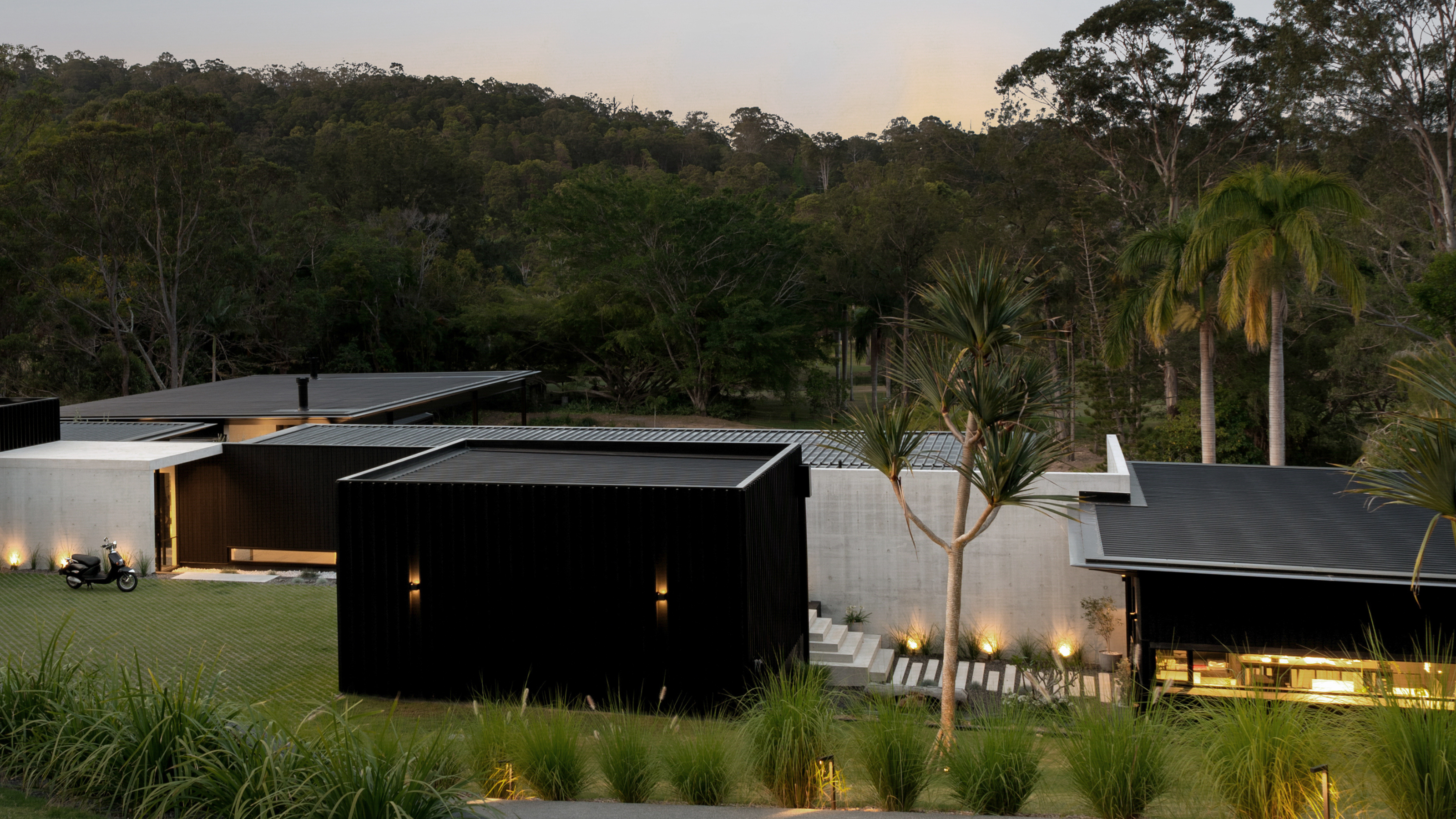
Alexa, Hit The Lights — These Smart Outdoor Lighting Options Are a Garden Game-Changer

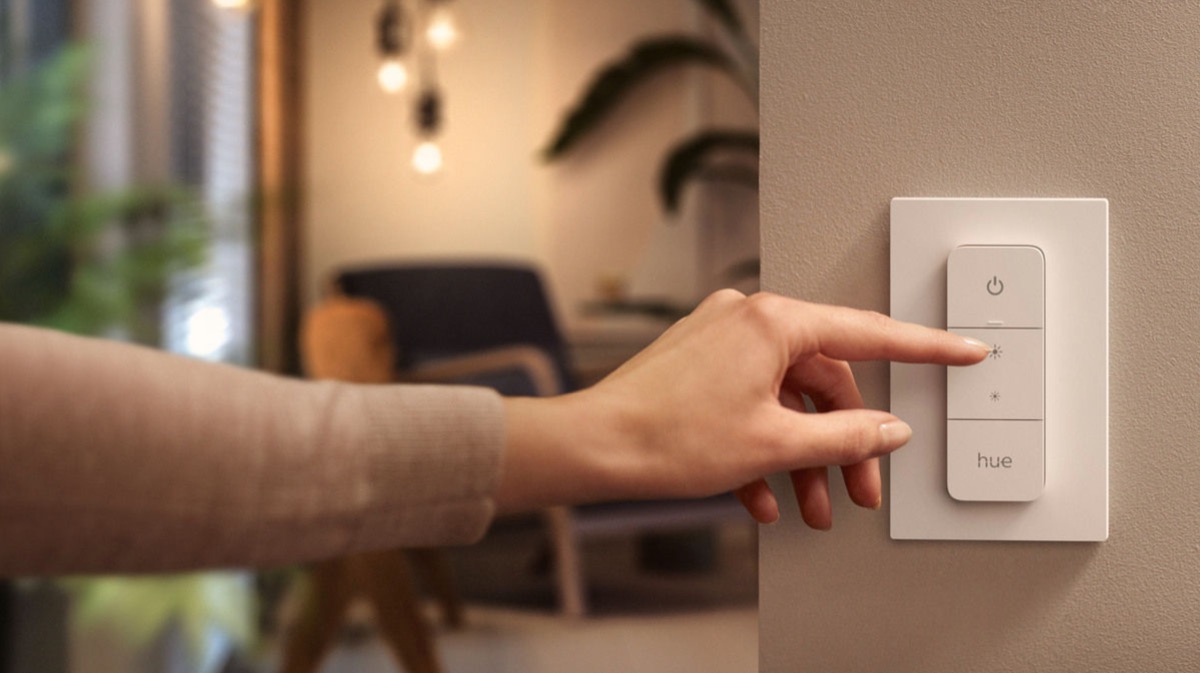
Philips Hue rolls out new functions for switches
Philips Hue Tap Dial switch review: a smooth way to control your smart lights
Dimmer switch, Smart Button or Friends of Hue: Which switch is the right one?
Control your Christmas lights with an Arduino relay board and a mobile phone

LE iLUX Smart LED Flood Light review

6 ways to control your smart home from your PC

Philips Hue Wall Switch Module solves the light switch problem
Hue Tap Dial switch with mini mount unboxed
Review of the new Philips Hue Festavia Globe
Philips Hue Wireless Dimming Kit review: Control your Hue LED lights even when you don’t have your smartphone


Philips Hue Lightstrip Outdoor Review: Great Accent Lighting for Outdoor Spaces

I’m a smart home expert – here are 3 outdoor smart lights you’ll actually love
Lutron Aurora Review: The Hue Dimmer I Always Wanted

How to turn the Philips Hue Dimmer Switch into a HomeKit control panel
How to control your home lights by voice command

I Almost Installed a Dimmer Switch, But I Tried Philips Hue Smart Bulbs Instead
You Don’t Have to Ditch the Switch When You Switch to Smart Lights