1/8
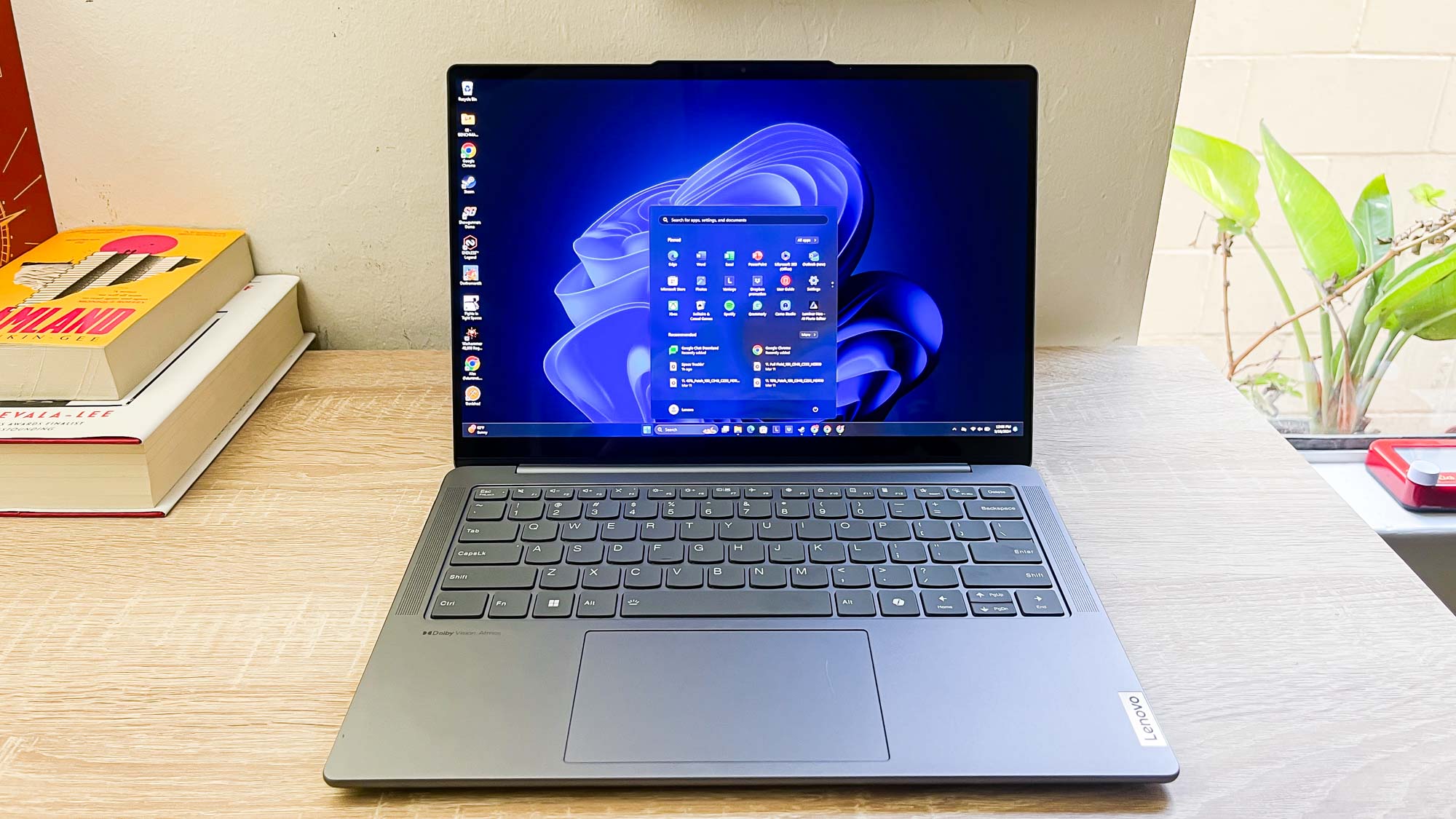
7 Windows 11 apps I install first on every laptop and desktop PC I review
This article offers advice on streamlining the setup process for new Windows 11 PCs by recommending a set of free applications that the author, a laptop and desktop reviewer, installs on every new machine. The author highlights the utility of Ninite, a free tool that allows users to create a custom installer package for multiple applications, significantly reducing the time spent on individual downloads and installations. This tool is presented as a game-changer for efficiently setting up a new Windows system.
The first recommended application is 7-Zip, an open-source compression tool. While large file sharing is now easier online, 7-Zip remains valuable for handling large files and extracting archives that standard Windows tools may not support. Its utility is emphasized for situations where uncommon compressed file formats are encountered.
Google Chrome is listed as a preferred web browser, praised for its speed, reliability, and compatibility with various websites and services. The author notes a growing concern about Chrome's integration of AI features, suggesting alternatives like Firefox, Brave, or Opera for users with similar reservations. This indicates a preference for functionality over potentially intrusive new features.
Discord is another essential application, serving as a primary communication platform for personal use. It is highlighted for its ability to connect users with friends globally and its evolving features, such as game streaming and podcast recording, making it more than just a chat application.
Everything, a powerful search utility, is recommended for its enhanced file-finding capabilities compared to Windows Search. It allows for advanced searches, including looking for specific phrases within files and filtering by various attributes, which is particularly useful for managing large volumes of data.
Gimp, a free image editor, is included for its extensive features that rival commercial software like Photoshop. Although not suitable for highly professional editing, it is deemed sufficient for common tasks such as resizing and cropping images, serving as a versatile tool for everyday needs.
Steam, the leading PC game storefront, is consistently installed by the author to access and play PC games. It also serves as a social platform for connecting with other gamers, reinforcing its role as a central hub for PC gaming enthusiasts.
Finally, VLC media player is recommended for its broad compatibility with audio and video formats and codecs that might not be supported by Windows Media Player. It is described as a reliable and user-friendly solution for media playback. The article concludes by reiterating the benefits of using Ninite to install these applications efficiently and encourages readers to customize their software choices based on their individual needs.
#Windows11 #ProductivityApps #SoftwareRecommendations #Ninite #PCSetup #FreeSoftware #TechTips #Windows11 #ProductivityApps #SoftwareRecommendations #Ninite #PCSetup #FreeSoftware #TechTips
 No comments yet
How to declutter, quiet down, and take the AI out of Windows 11 25H2
How to Install Windows 11 Without All the Extra Junk

Here's How to Make Your Windows Installation More Private