1/8
Using Apple’s Measure App
The iOS 12 update introduces a new augmented-reality measuring tool, the Measure app, for iPhone users. This application allows users to calculate linear distances in inches and feet by utilizing the phone's camera. Unlike traditional analog tape measures, the Measure app offers the unique capability to measure along multiple vectors, enabling calculations for series of angled lines and perimeters.
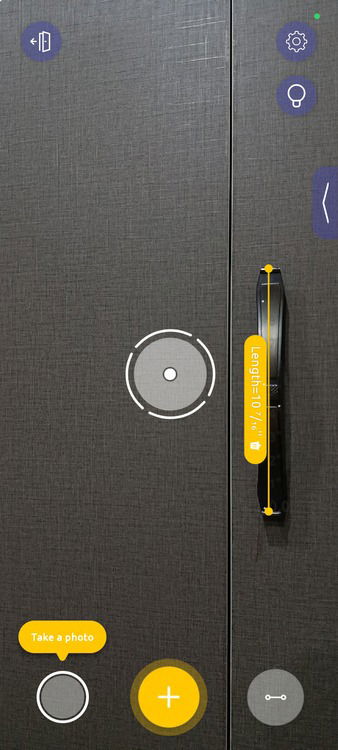
To use the app, users must first update their iPhone to iOS 12. Upon opening the Measure app, an initial calibration process is required, which involves moving the phone around its surroundings while pointing it at nearby surfaces, ideally within a two-foot range. Once calibrated, the app functions as an overlay on the camera view, displaying a large circular target in the center of the screen and a '+' symbol at the bottom.
Measurements begin by tapping the '+' button. The phone then virtually anchors a starting point with the target. As the user moves the phone, a dotted yellow line tracks the distance from the initial point. Tapping the '+' button again marks the endpoint, and the measurement line remains visible as an augmented reality overlay, anchored to its virtual position. This allows users to move their phone and still see the measurement when viewing the relevant area. Measurements can be cleared using the 'clear' button.
The app also supports measuring multiple vectors. After completing one line, the virtual target will attempt to lock onto one of the endpoints of the recently drawn line, allowing users to extend their measurements from that point by pressing the '+' button again to add subsequent lines.
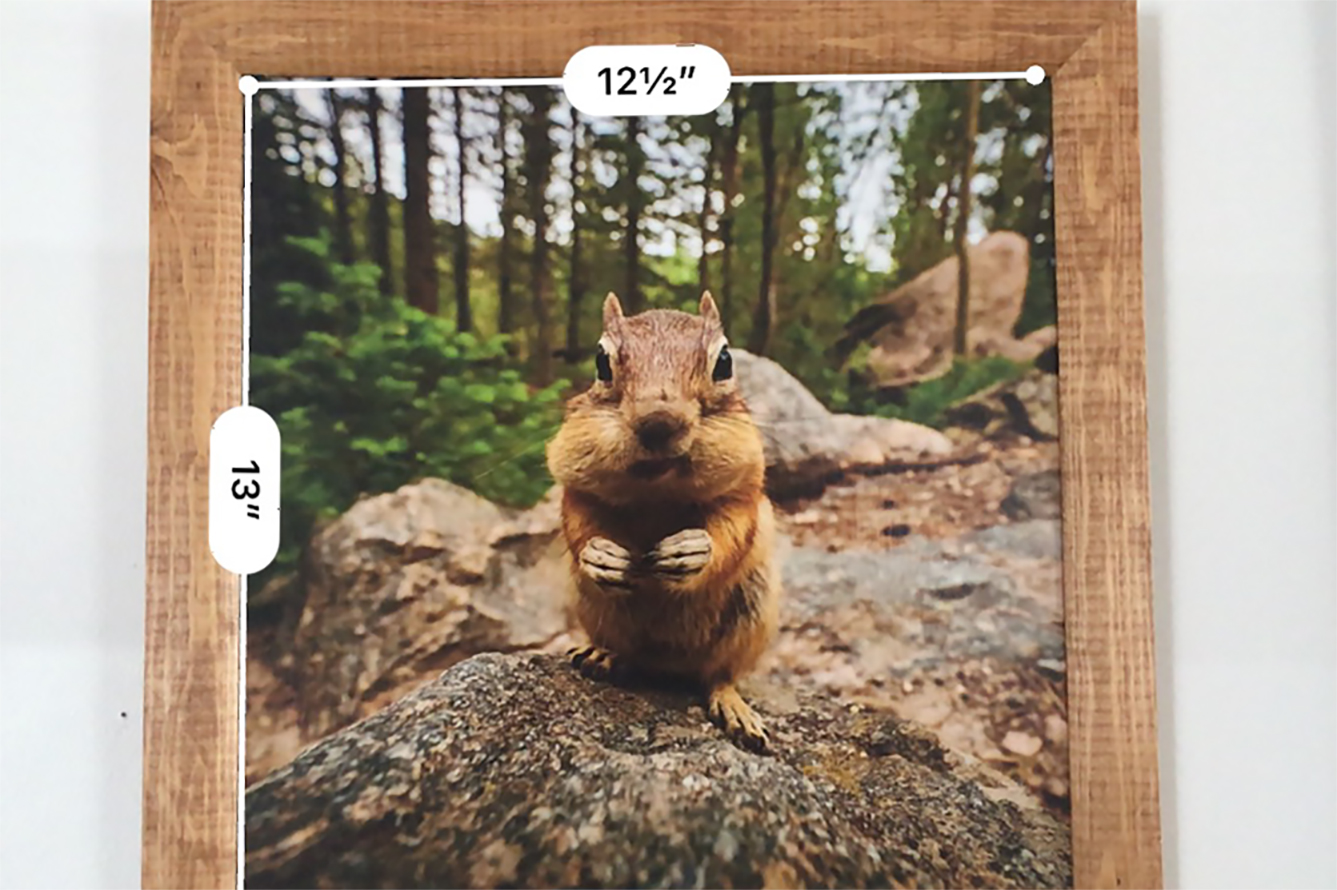
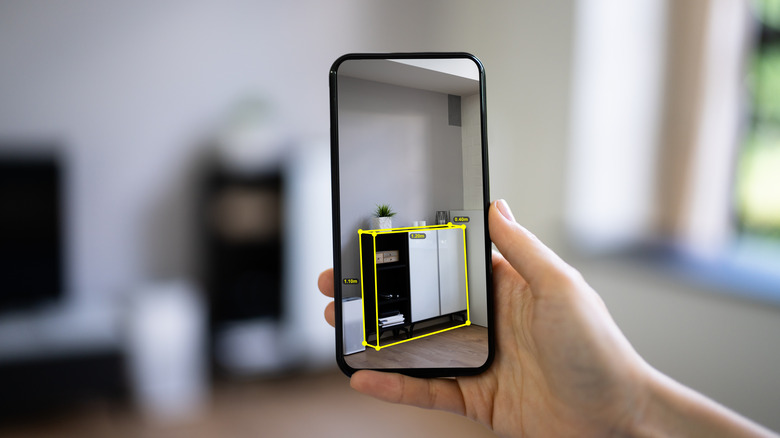
Additional features of the Measure app include the ability to take snapshots of measurements, which can be saved to the phone's photos. This is particularly useful for recording dimensions needed for purchasing materials like lumber, picture frames, or drywall. Furthermore, the app can automatically recognize and measure rectangles, providing the length of their sides and their interior area. This functionality is beneficial for tasks such as framing pictures or planning interior decor. To use this feature, the phone should be oriented vertically or horizontally to match the rectangle's orientation, and held steady until the app recognizes and frames the shape, displaying its dimensions.
Preliminary tests indicate that the Measure app is generally accurate, typically within a half-inch, making it suitable for basic household tasks. However, its accuracy is dependent on the user's distance from the object being measured, with optimal results achieved when staying within the app's recommended operational distance. While not designed for highly precise engineering tasks, the Measure app is presented as a valuable and convenient tool for everyday measurements around the home, eliminating the need for physical measuring tools that can often be misplaced.
#AppleMeasureApp #iOS12Update #AugmentedReality #MeasuringTool #HomeImprovement #Technology #MobileApp #DIYProjects #InteriorDecorating #AppleMeasureApp #iOS12Update #AugmentedReality #MeasuringTool #HomeImprovement #Technology #MobileApp #DIYProjects #InteriorDecorating
0 commenti in totale
 Nessun commento ancora
Potresti anche gradire
This app put my Apple Home smart devices into an interactive map
How to find studs in your walls using just your phone

How I Turned My Android Phone Into an All-In-One Measuring Tool

The Best Tape Measure | Reviews by Wirecutter

5 Of The Best Measurement Apps On Android

These Are the Best Smart (and Dumb) Bathroom Scales

5 reasons you should take a measuring tape to your next apartment viewing

Apple’s Custom Wallpaper Tool Sparks Creativity Across Its Ecosystem - AppleMagazine

5 Of The Best Free Measurement Apps On Android