Show realistic room placement
Preview selected sofas, chairs, tables, and other approved products in furnished room scenes.

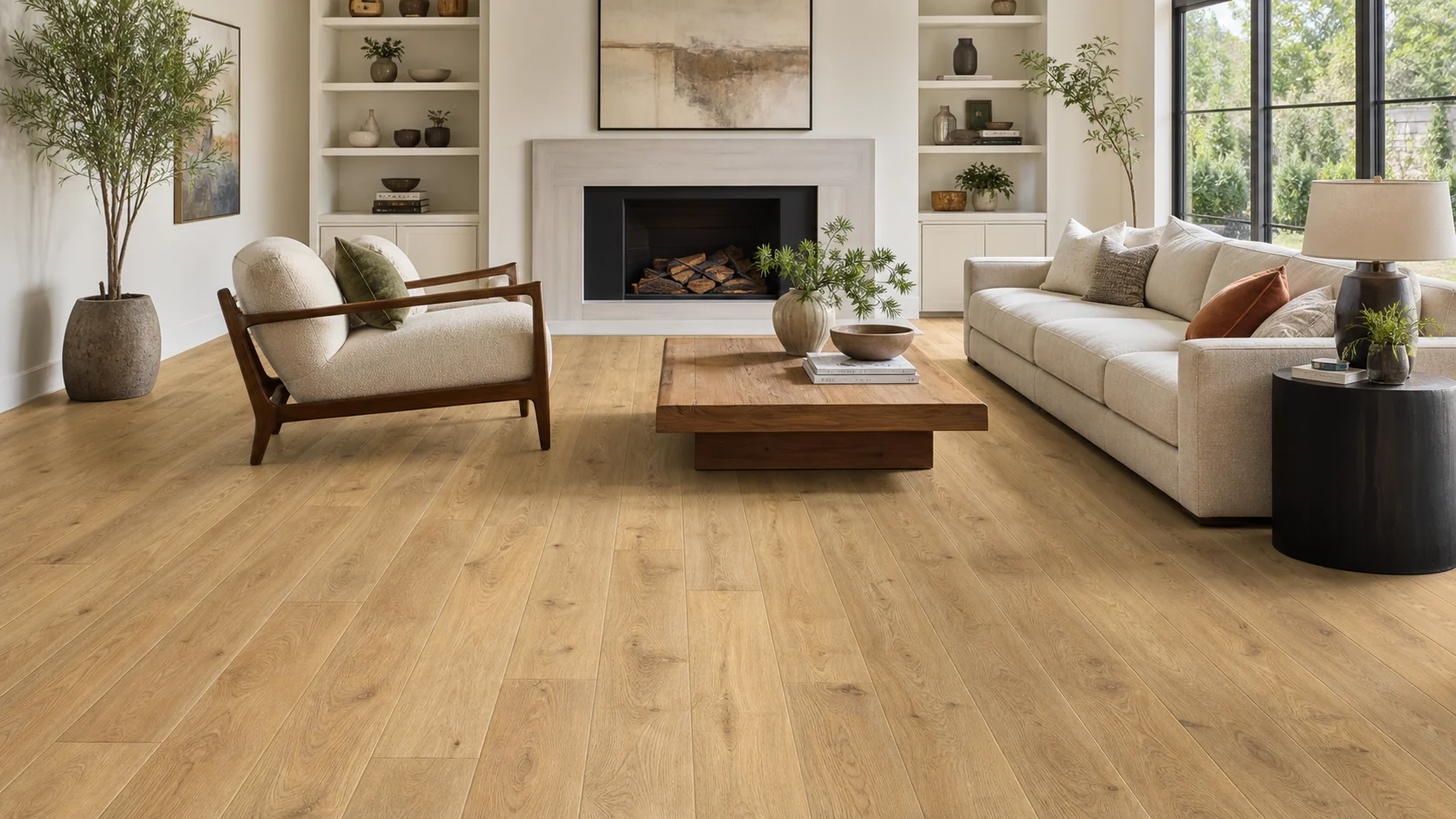
Help shoppers see furniture from your catalog at realistic size and placement in furnished rooms, then return to the product they want to explore.
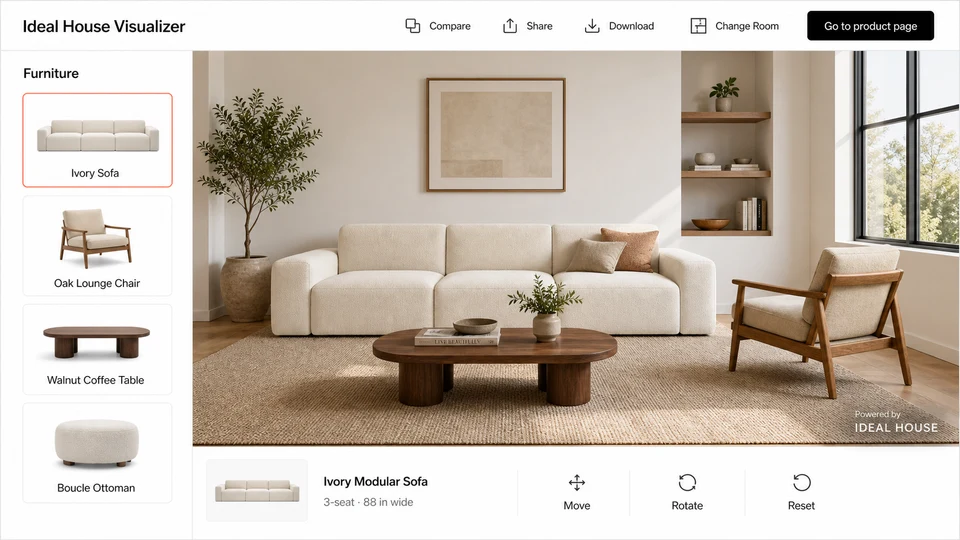
Merchant workflow
Let shoppers move from your collection to a furnished room preview, compare selected products at realistic scale, and return to the matching product page.
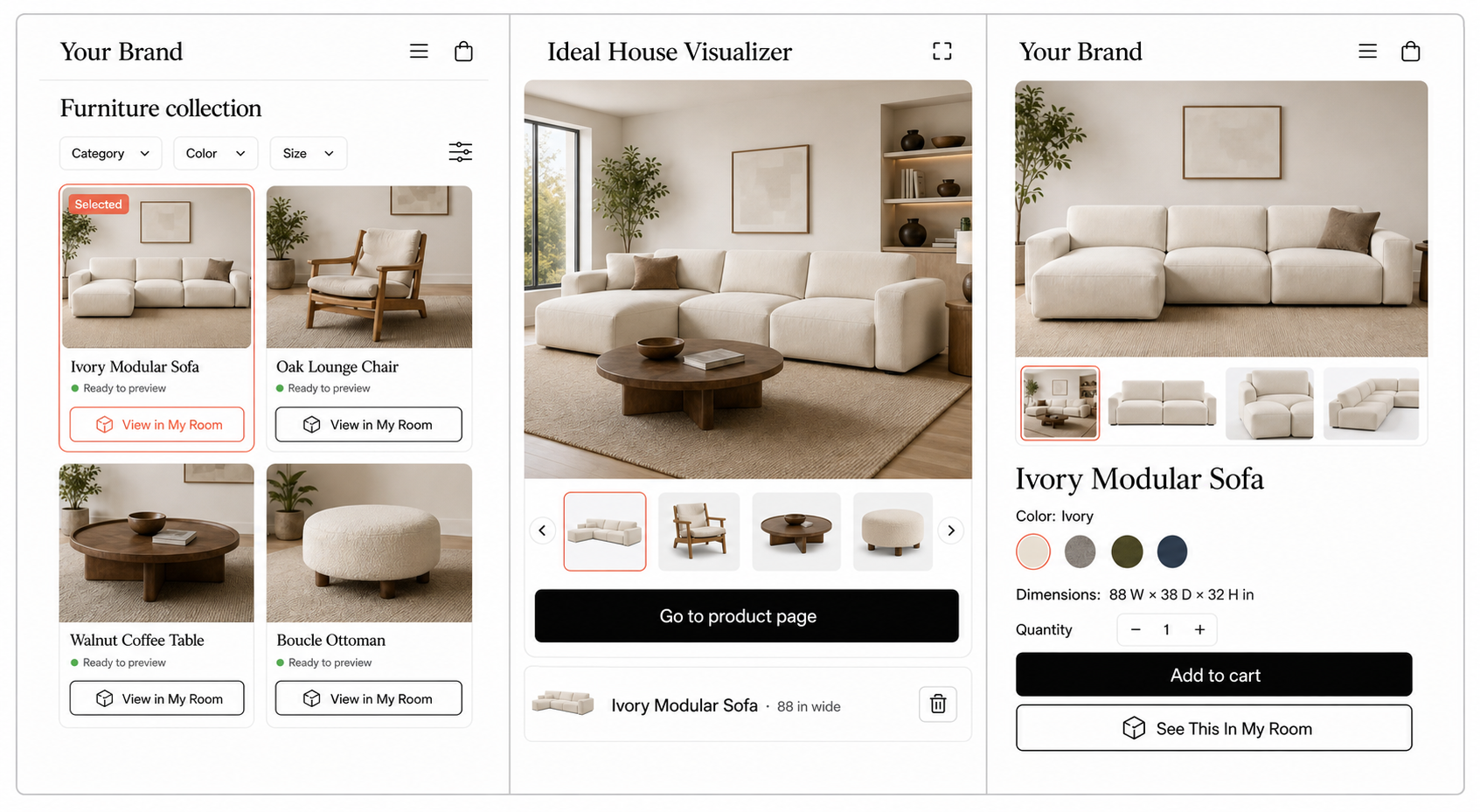
Let shoppers open a room preview directly from supported furniture products in your store.
Show the chosen piece with its validated dimensions so shoppers can judge its size and placement.
Give shoppers a clear path back to the same product to review details and continue shopping.
Furniture workflow
Carry a selected sofa, chair, or table from your collection into the room preview, then guide shoppers back to its product page.
Why merchants use it
A product photo cannot show how a sofa, chair, or table fits with the rest of a room. A furniture visualizer helps shoppers compare size, placement, and style before purchase.
Preview selected sofas, chairs, tables, and other approved products in furnished room scenes.
Use validated product dimensions so shoppers can judge proportion and available space.
Launch with products that have clear imagery and reliable dimensions, then add more of your catalog.
Rollout path
Start with a focused pilot. Check product images, dimensions, cutouts, SKU mappings, and active status before adding preview links to your store.
Select sofas, chairs, tables, or other products with clear dimensions, strong imagery, and shopper demand.
Validate cutouts, viewpoints, scale, orientation, and any category-specific placement requirements.
Connect each preview to its SKU, product URL, dimensions, variants, and availability.
Add preview access to a focused collection or selected product detail pages.
Add more products once room placement, product links, and the shopping flow work reliably.
Merchant fit
Bring your catalog into room context so shoppers can judge how individual pieces look and fit before exploring the product details.
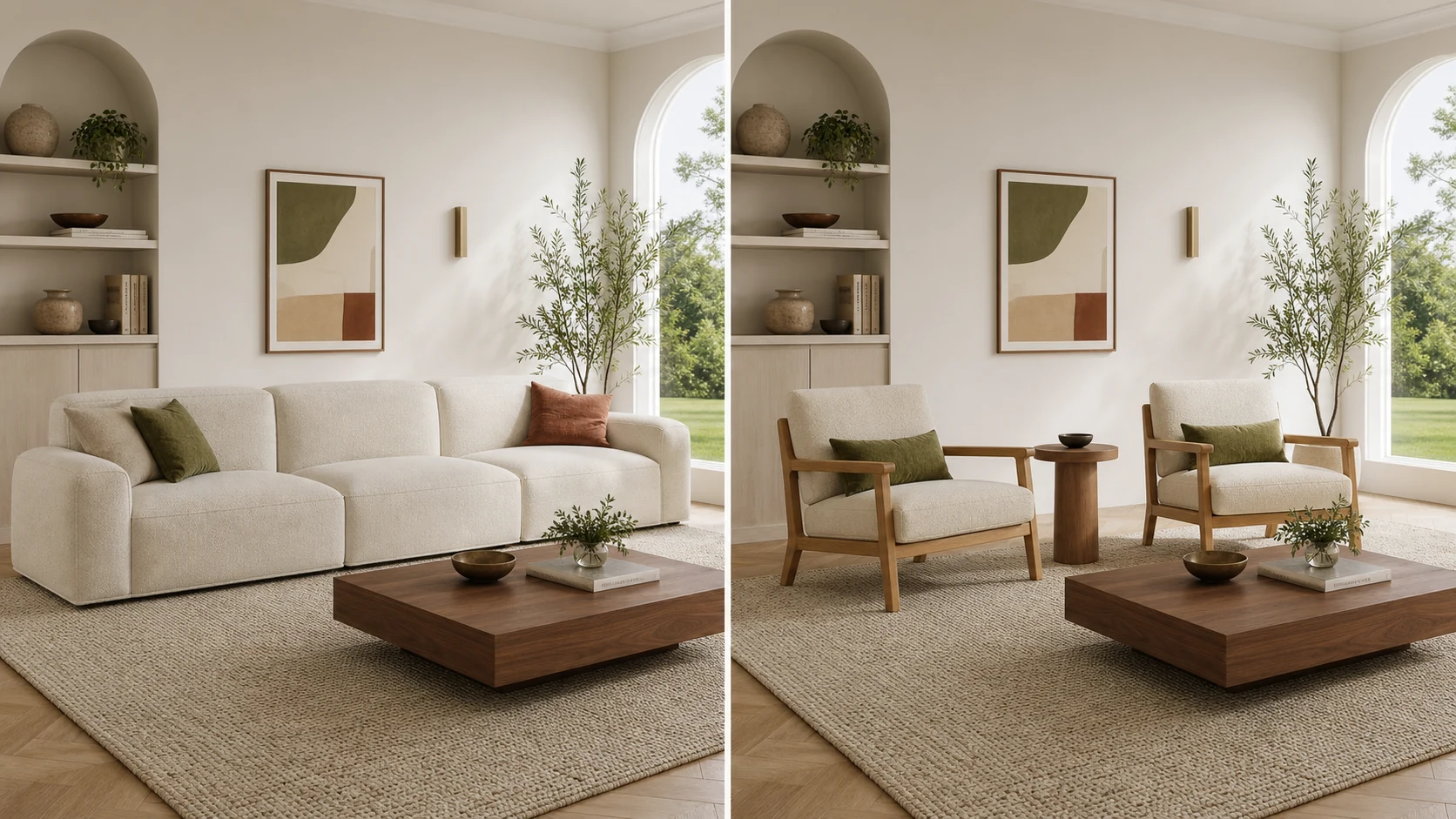
Help shoppers compare the size and style of sofas, chairs, and tables before visiting the product page.
Collection-to-room previewsShow a furniture collection in room scenes that make its scale, materials, and style easier to understand.
Collection launchAdd selected furniture previews alongside other room-context product categories.
Focused category fitStart with sellers whose imagery and dimensions support reliable room placement, then expand coverage.
Category expansionEvaluation
Review how your first products look at room scale and how easily shoppers can return to your store. Ideal House supports an assisted launch before you expand to more collections. For broader platform evaluation, see our Roomvo alternative and Wizart alternative guides.
Related visualizers


FAQ
It is a room preview experience that lets shoppers see selected furniture products at realistic size and placement before they return to the product page.
Yes. We review your product names, URLs, SKUs, dimensions, visual assets, and availability to identify which products are ready for an initial pilot.
Start with products that have stable URLs, reliable dimensions, clean visual assets, strong shopper demand, and a clear placement use case.
Validated width, depth, and height data support realistic proportions and placement for the furniture products included in your visualizer.
Selected preview entry points can be planned for collection and product detail page workflows, with a clear return path to the chosen product.
Start with a small collection of products with reliable dimensions and clear imagery. Validate room placement and product links, launch the previews, then expand based on shopper usage.
Get a catalog readiness check to identify your first products and the images, dimensions, and visual assets needed to launch.
Get a catalog readiness check