1/3
You Can Turn Your Old Android Tablet Into A Digital Picture Frame - Here's How
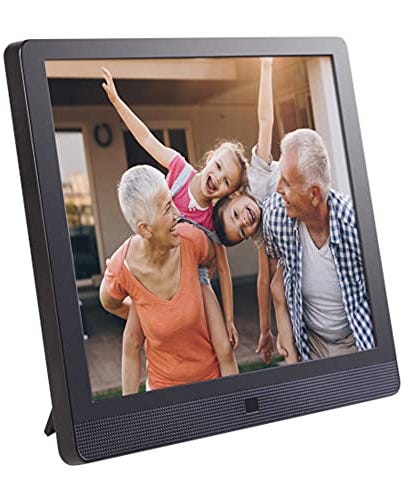
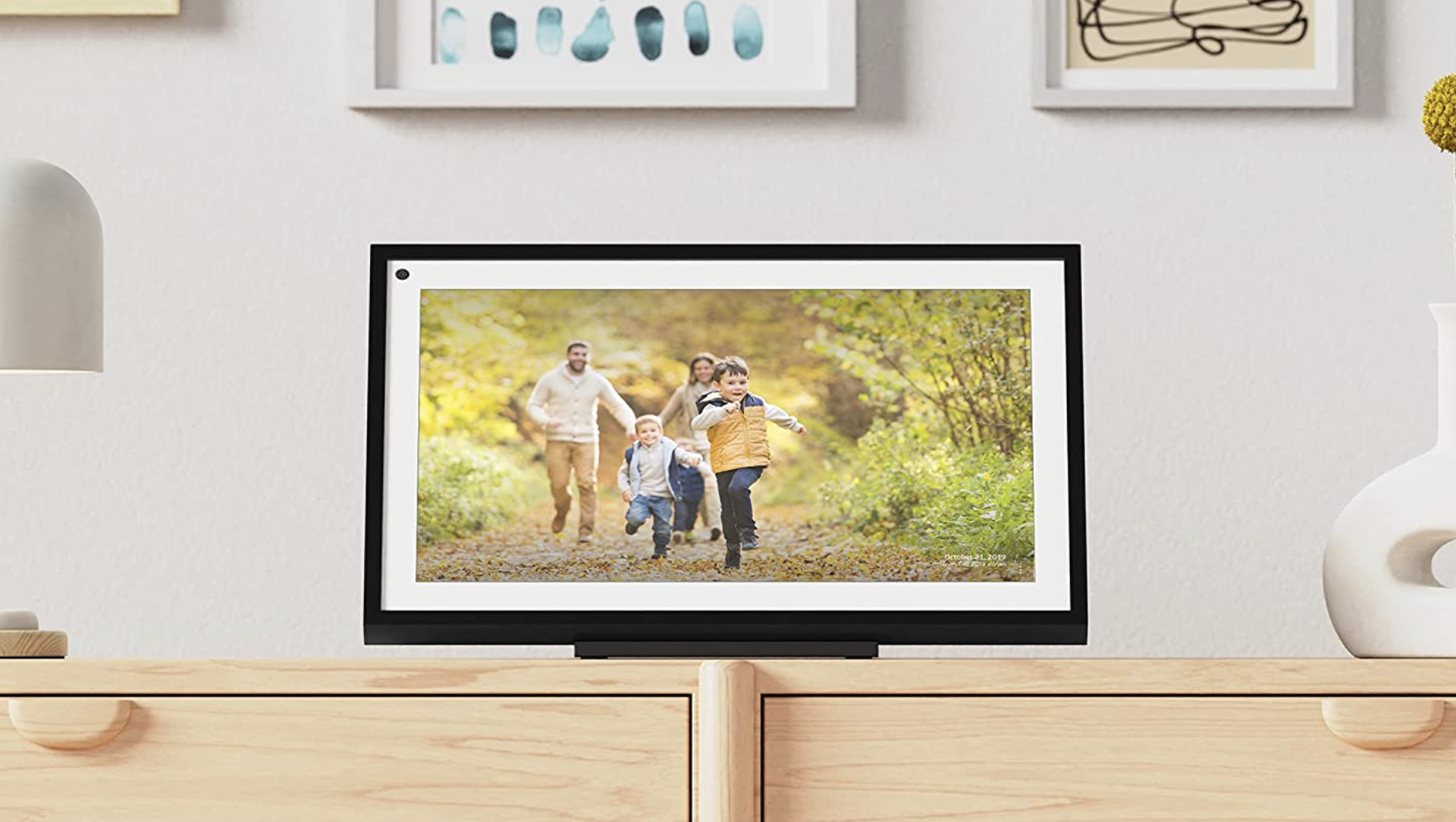
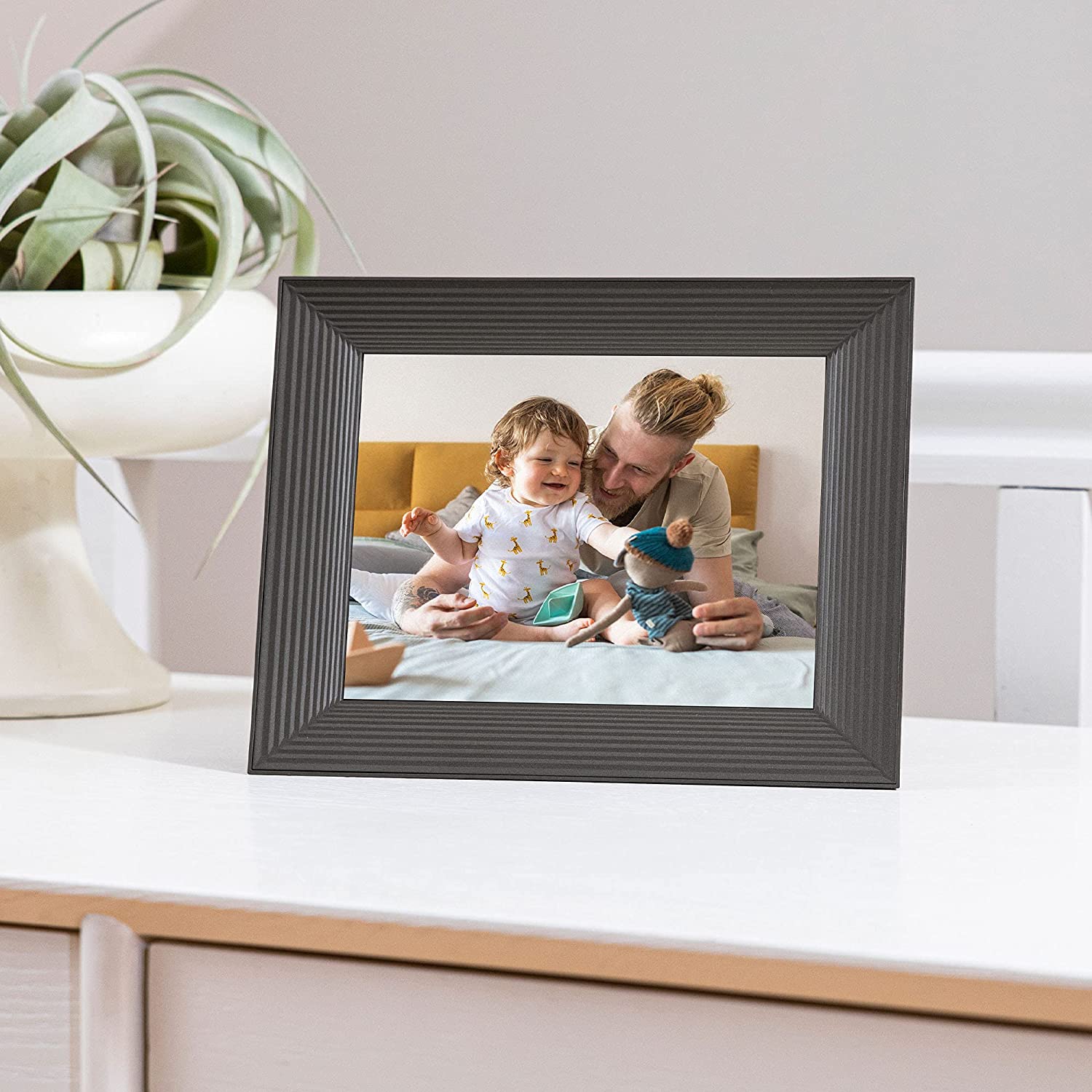
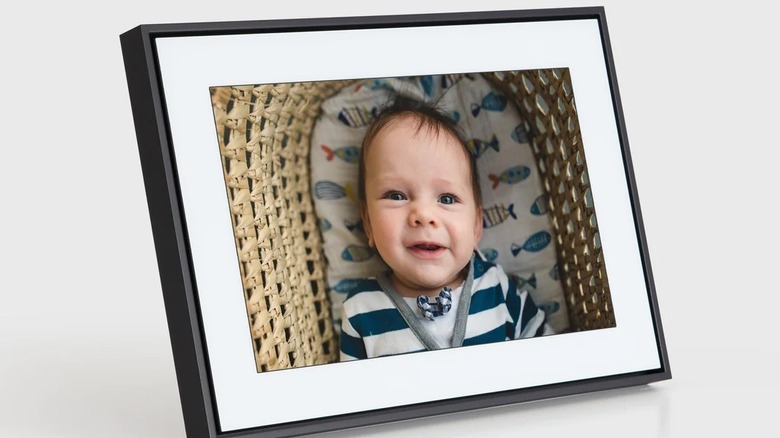
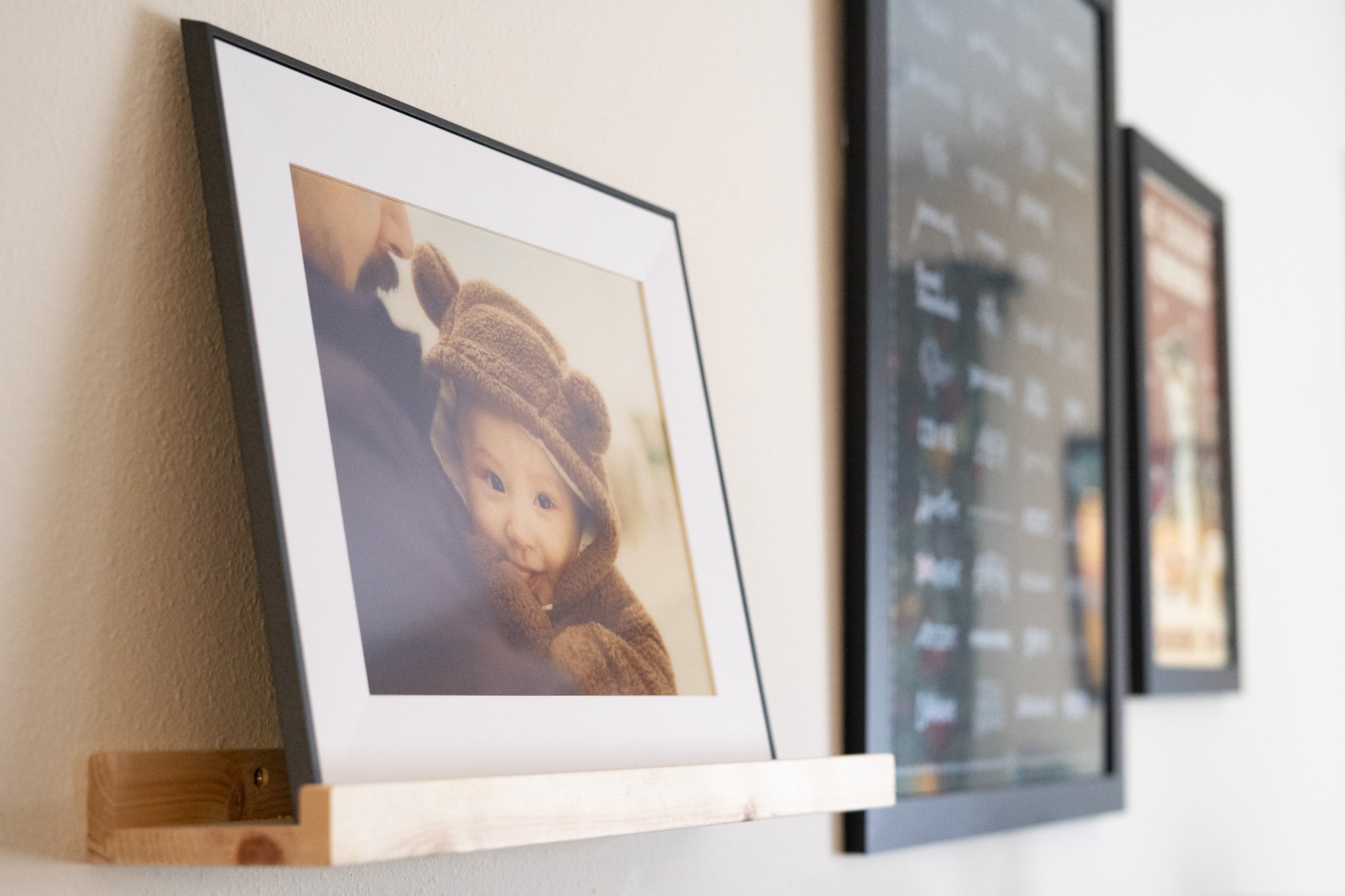
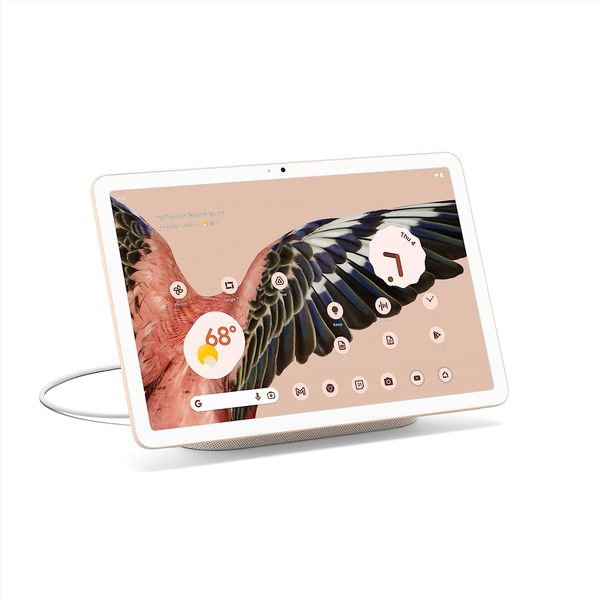
Many individuals upgrade their electronic devices, leading to older, still functional gadgets accumulating dust. This guide offers a practical solution for repurposing an old Android tablet by converting it into a digital picture frame, eliminating the need to purchase a dedicated, often expensive, digital frame. The process involves two primary steps: setting up the tablet with a photo slideshow application and securely mounting it.
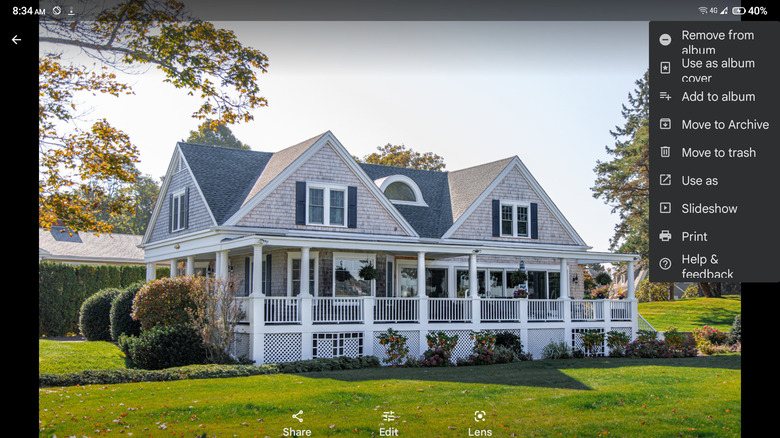
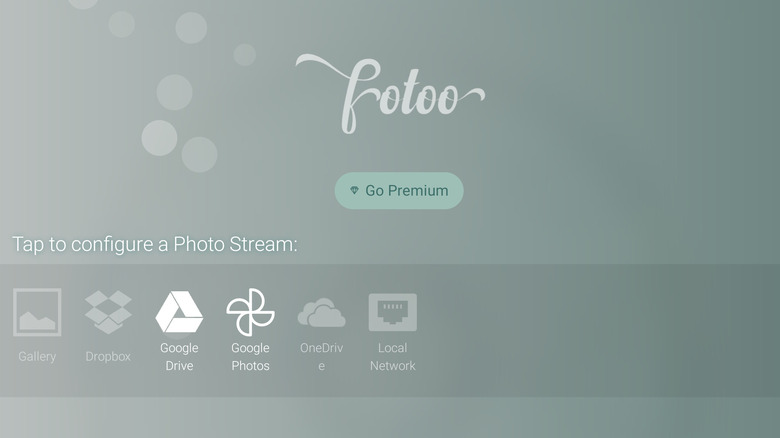
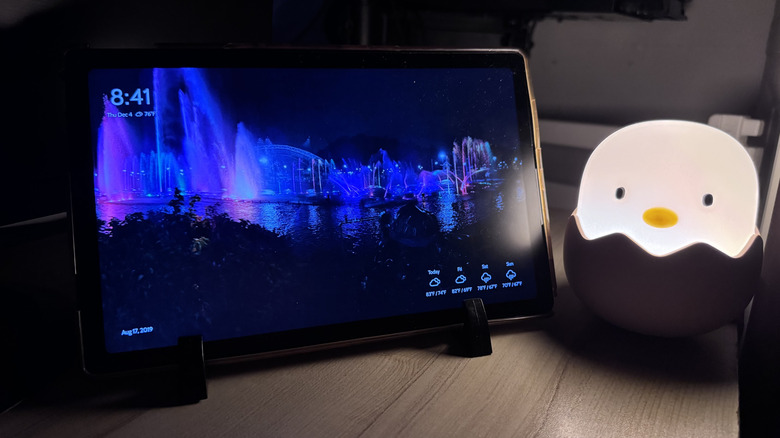
The first step focuses on software configuration. A suitable photo slideshow app is essential, with PixFolio recommended for its user-friendliness, customization options, and compatibility with Android 5.0 and newer. While PixFolio offers a free trial, it requires a subscription or lifetime purchase thereafter. To set up PixFolio, users must download and launch the app, connect it to their Google account, and grant access to Google Photos. The app then guides users through selecting and importing up to 2,000 photos and videos from Google Photos, a process that can be initiated and monitored from a computer using a provided code. Once the media is imported, users can customize the slideshow settings, including whether to auto-crop photos, choose background colors for unfilled spaces (blur or black), adjust the duration each photo is displayed, select transition animations, and manage video audio. Users can also opt to add a slideshow widget displaying time, time and weather, or photo information, or choose to display only the media. After saving these settings, initiating the slideshow will display photos and videos in full-screen mode, with the option to rotate the device as needed.
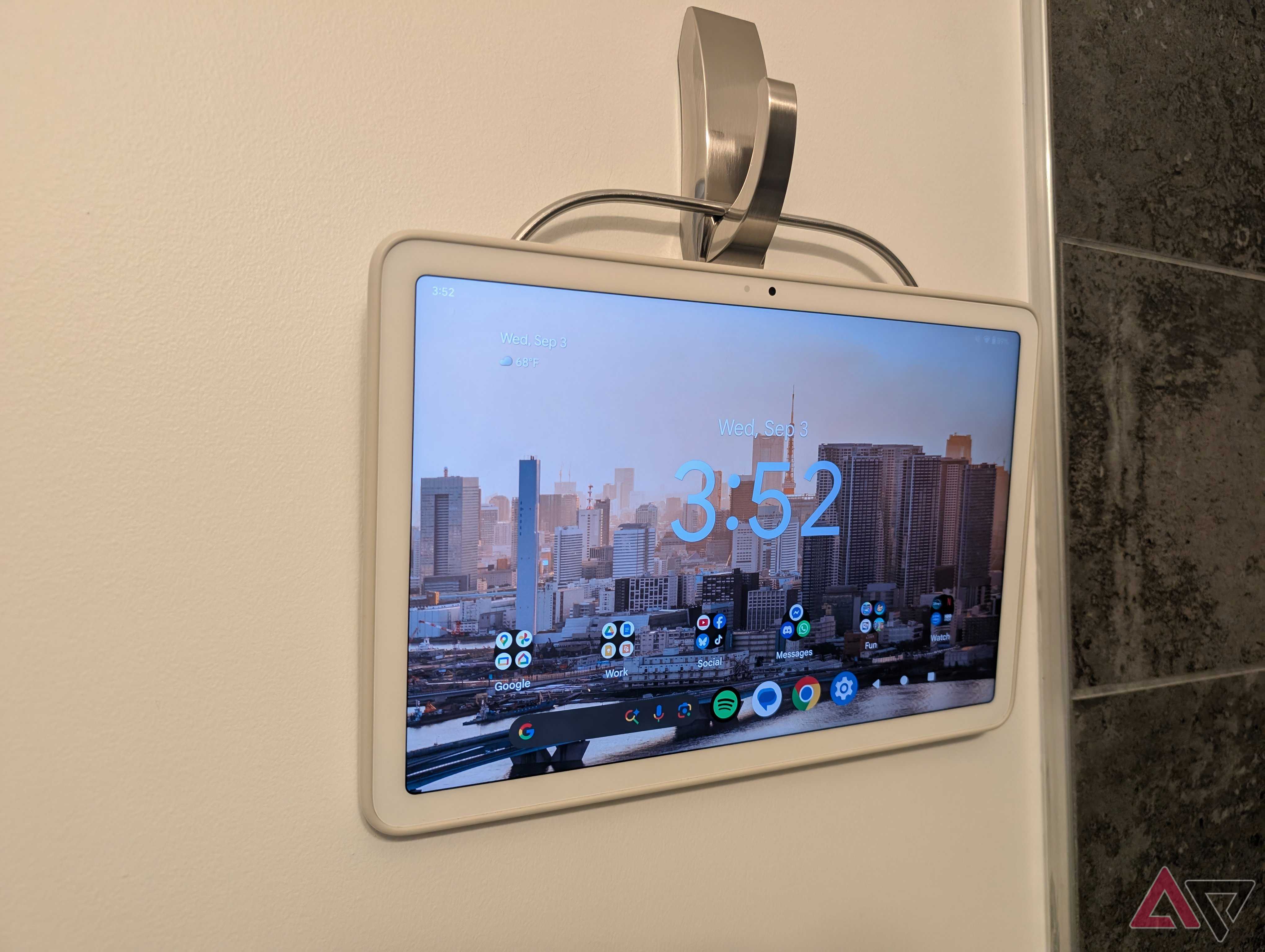
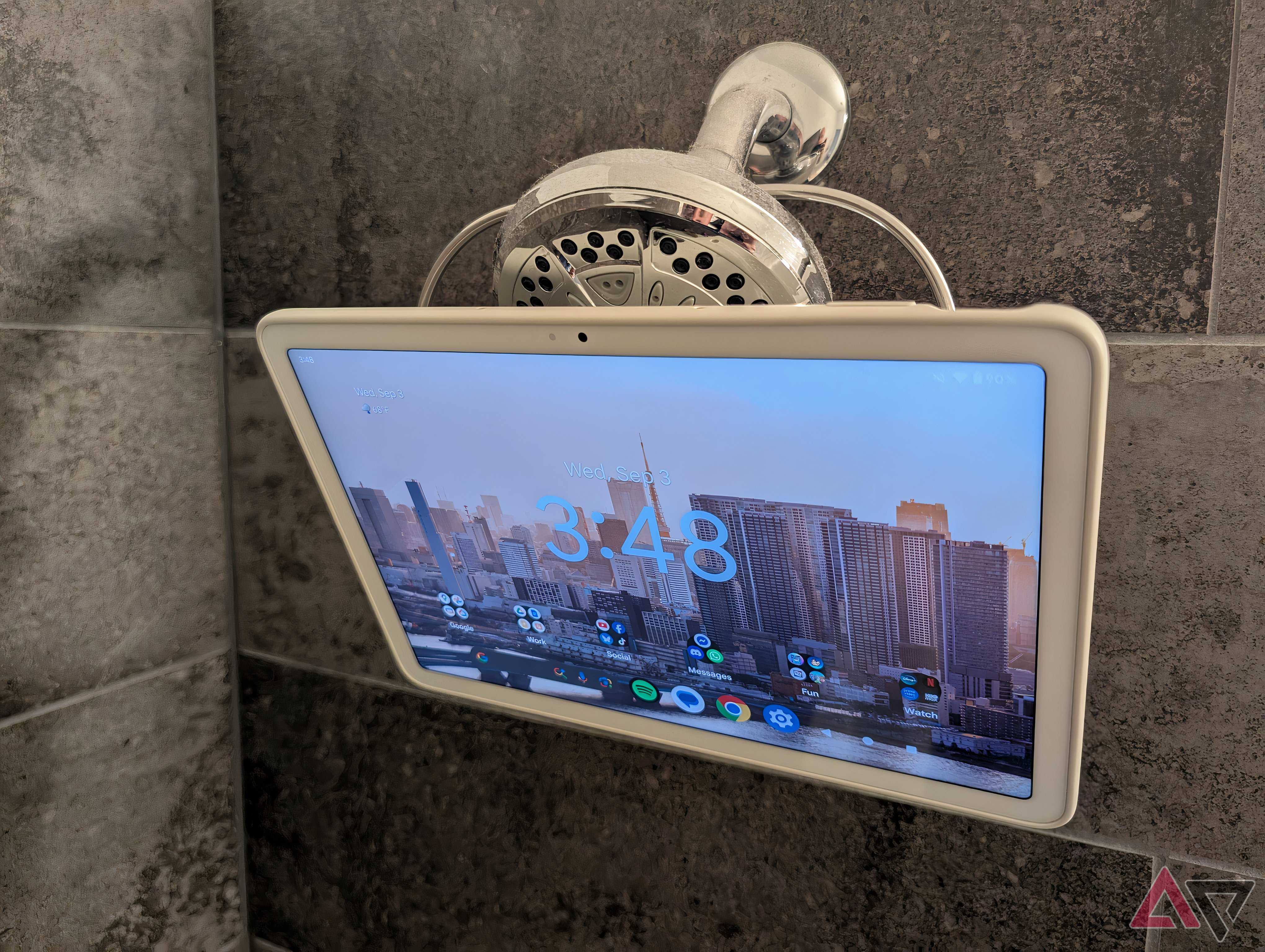
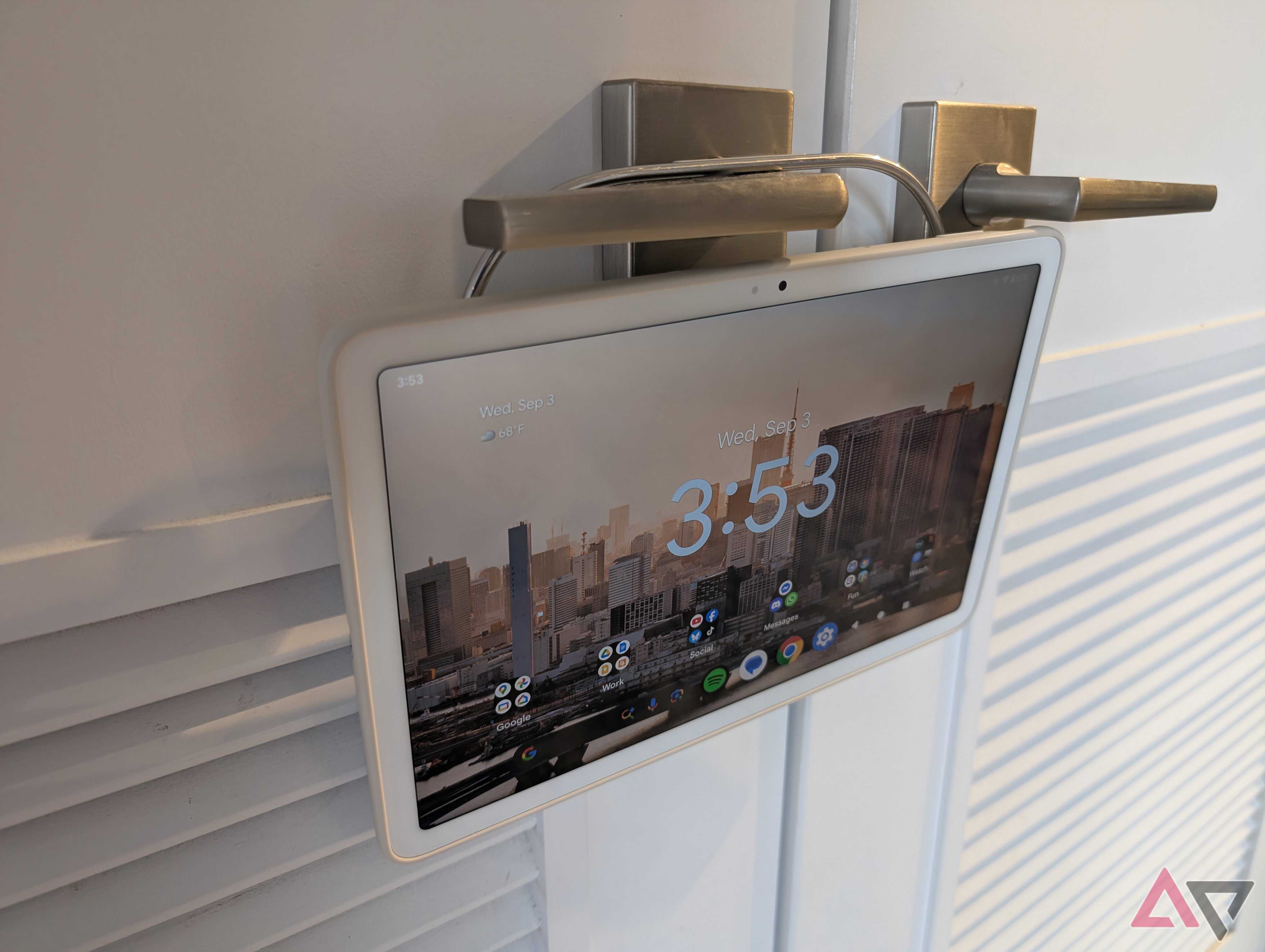
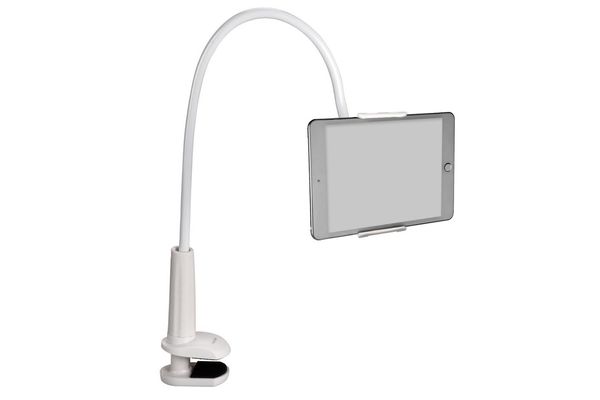
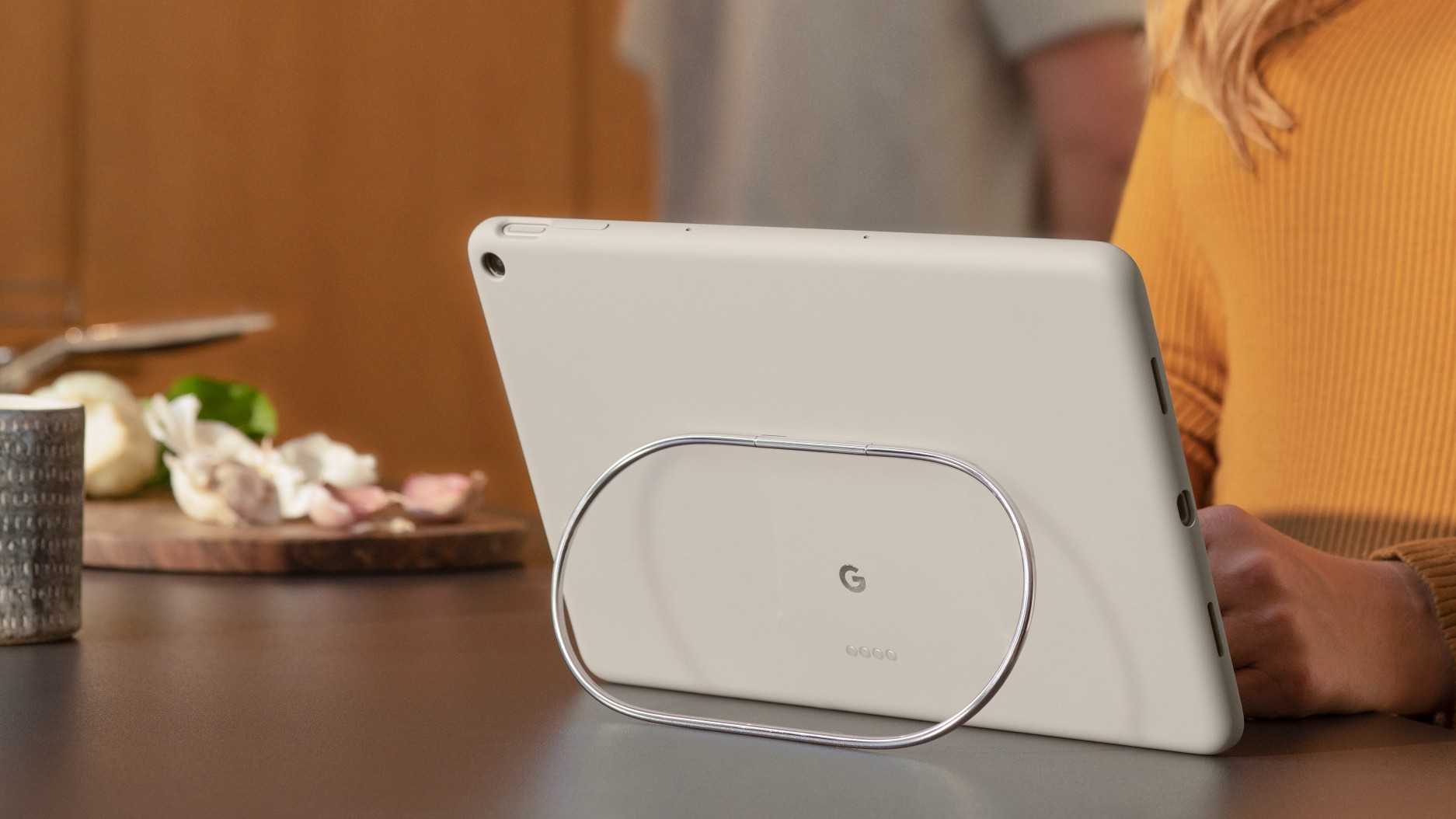
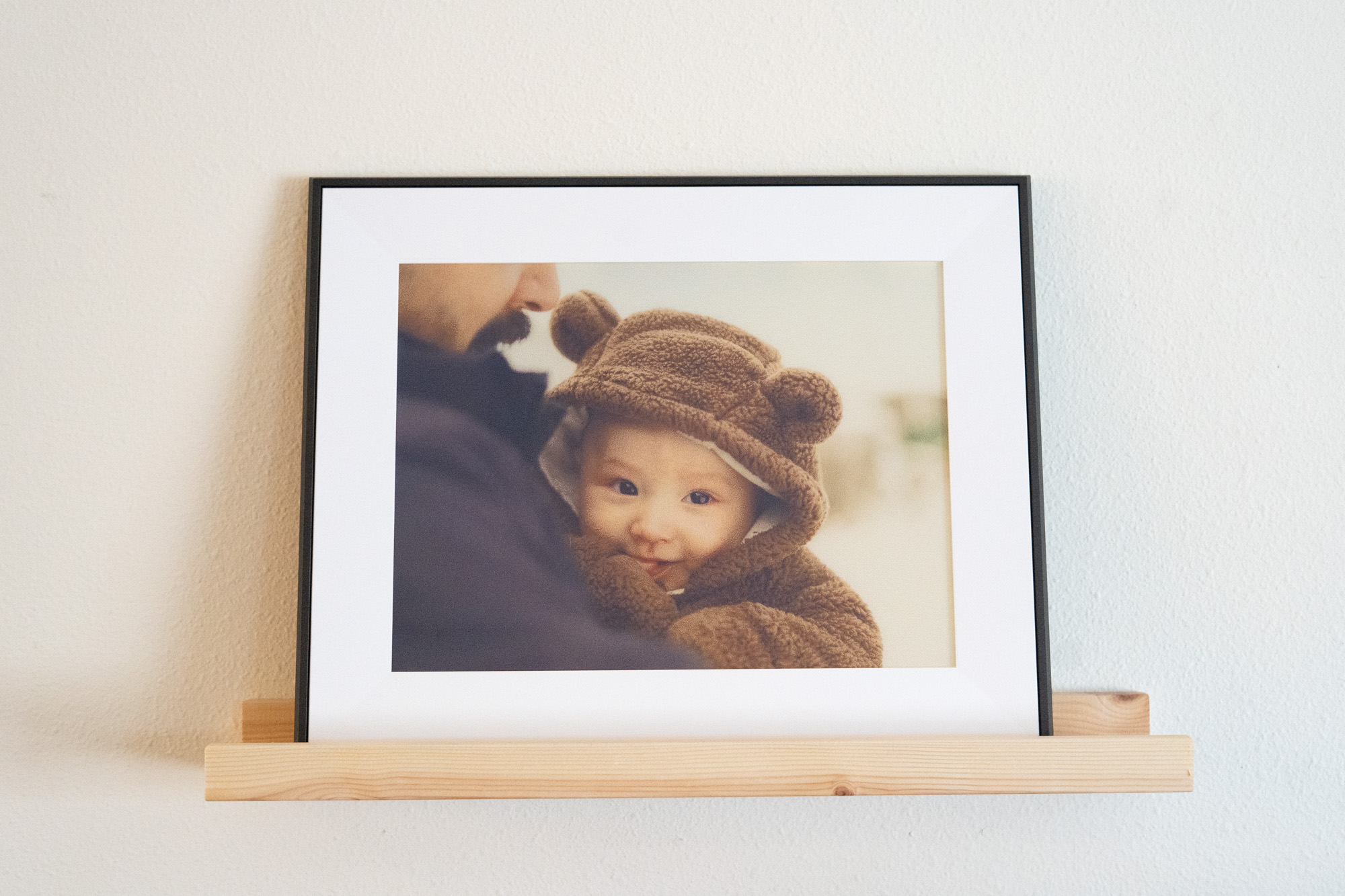
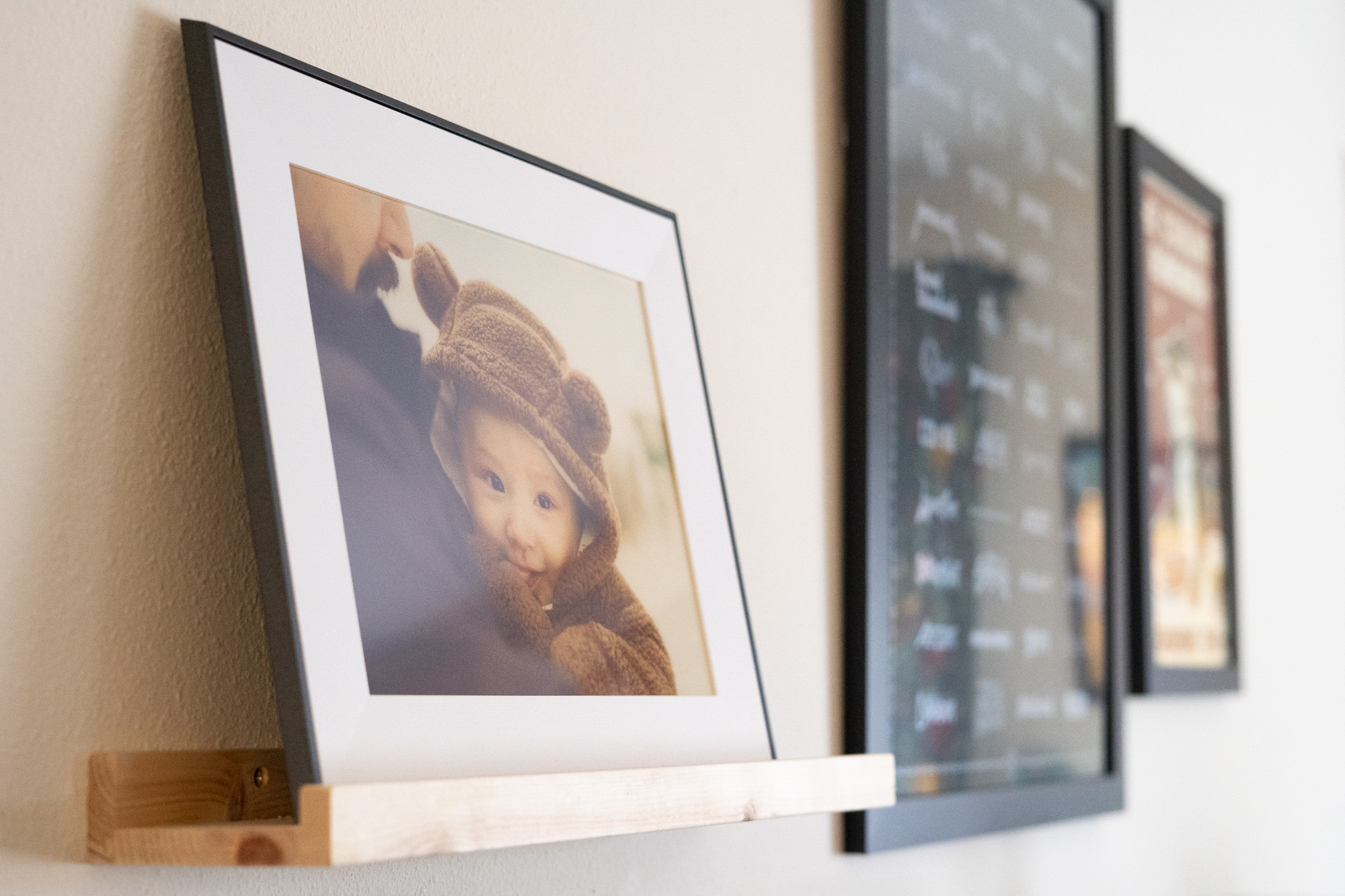
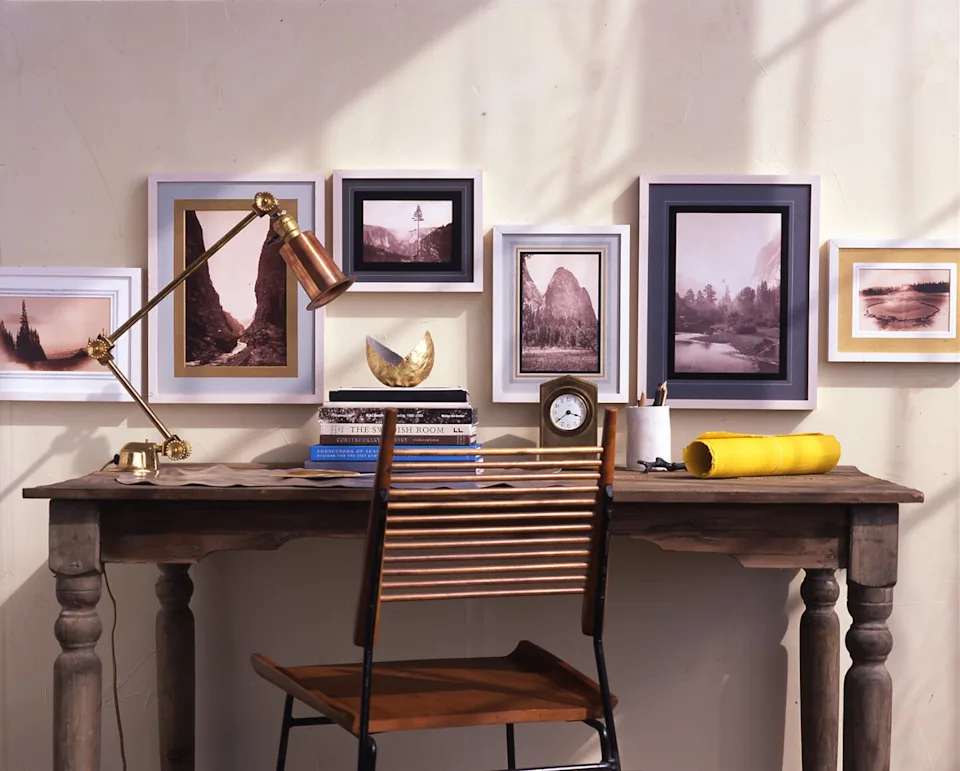
The second step involves mounting the now-converted digital picture frame. Similar to traditional frames, the tablet can be placed on a wall, a side table, or a shelf. For wall mounting, various options are available on Amazon, such as the Dockem Koala Tablet Wall Mount for fixed installations or the Lucrave Aluminium Extendable Tablet Wall Mount Holder for greater versatility. For table placements, any compatible stand that complements the room's aesthetic can be used. Several crucial considerations are highlighted for installation. Proximity to a power outlet is vital, as continuous power is needed for 24/7 operation; a nearby socket simplifies charging. If an outlet is distant, periodic removal for recharging will be necessary. Additionally, the mounting location should be free from direct sunlight, heat sources like space heaters or stovetops, and enclosed spaces with poor airflow to prevent overheating. Finally, determining the orientation (landscape or portrait) is important, especially for fixed mounts, ideally aligning with the orientation of most displayed photos and videos. Alternatively, selecting a mount that allows rotation or supports both orientations offers more flexibility.
#AndroidTablet #DigitalPictureFrame #DIYProject #TechRepurpose #PhotoSlideshow #HomeDecor #TabletMounting #SmartHome #AndroidTablet #DigitalPictureFrame #DIYProject #TechRepurpose #PhotoSlideshow #HomeDecor #TabletMounting #SmartHome
0 commentaire au total
 Aucun commentaire pour le moment
Vous aimerez aussi
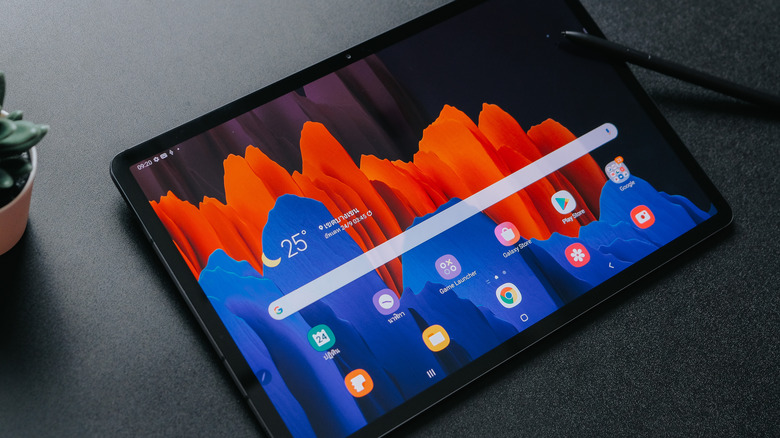
How To Repurpose Your Old Tablet Into A Digital Picture Frame

The best digital picture frames
5 Of The Best Digital Picture Frames In 2024

6 Phone to Frame Photo Apps Perfect for Busy Families
Share Your Favorite Memories With the Best Digital Picture Frames of 2023


The Tablet Mount That Turns My Bed Into a Home Theater

Our Favorite Digital Picture Frames Will Replace All Your Photo Albums
How to Convert Tabletop Photo Frames to Hang on the Wall


These Digital Picture Frames Let You Send Photos Virtually to Family

Turn your smartphone photo into wall art with an app

This one feature makes the Pixel Tablet even easier to use at home
I Tried 3 Digital Picture Frames And Was Pretty Impressed

The 6 Best Digital Picture Frames to Gift to Parents, Grandparents, and Loved Ones
Best digital photo frames for 2025, tried and tested
Aura’s first color E Ink frame is for the cord-averse
5 things to hang your Pixel Tablet Case on that aren't the dock

We Tried All Kinds of Digital Picture Frames. The Best Are Easy to Use and Look Great.
I Replaced My Bedroom TV with This Tablet