1/7
This one feature makes the Pixel Tablet even easier to use at home
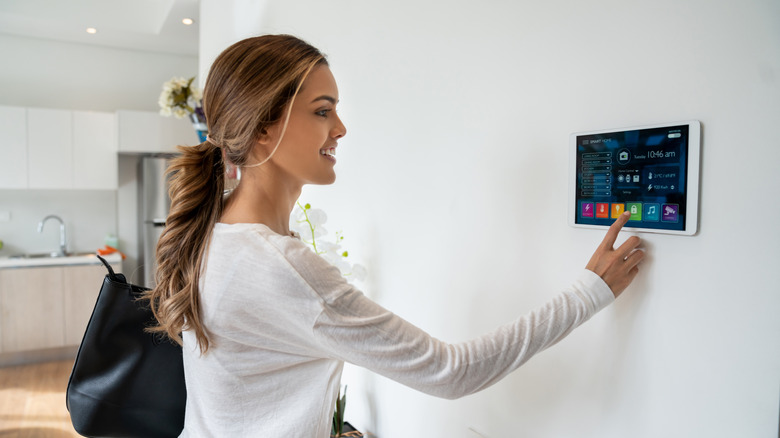
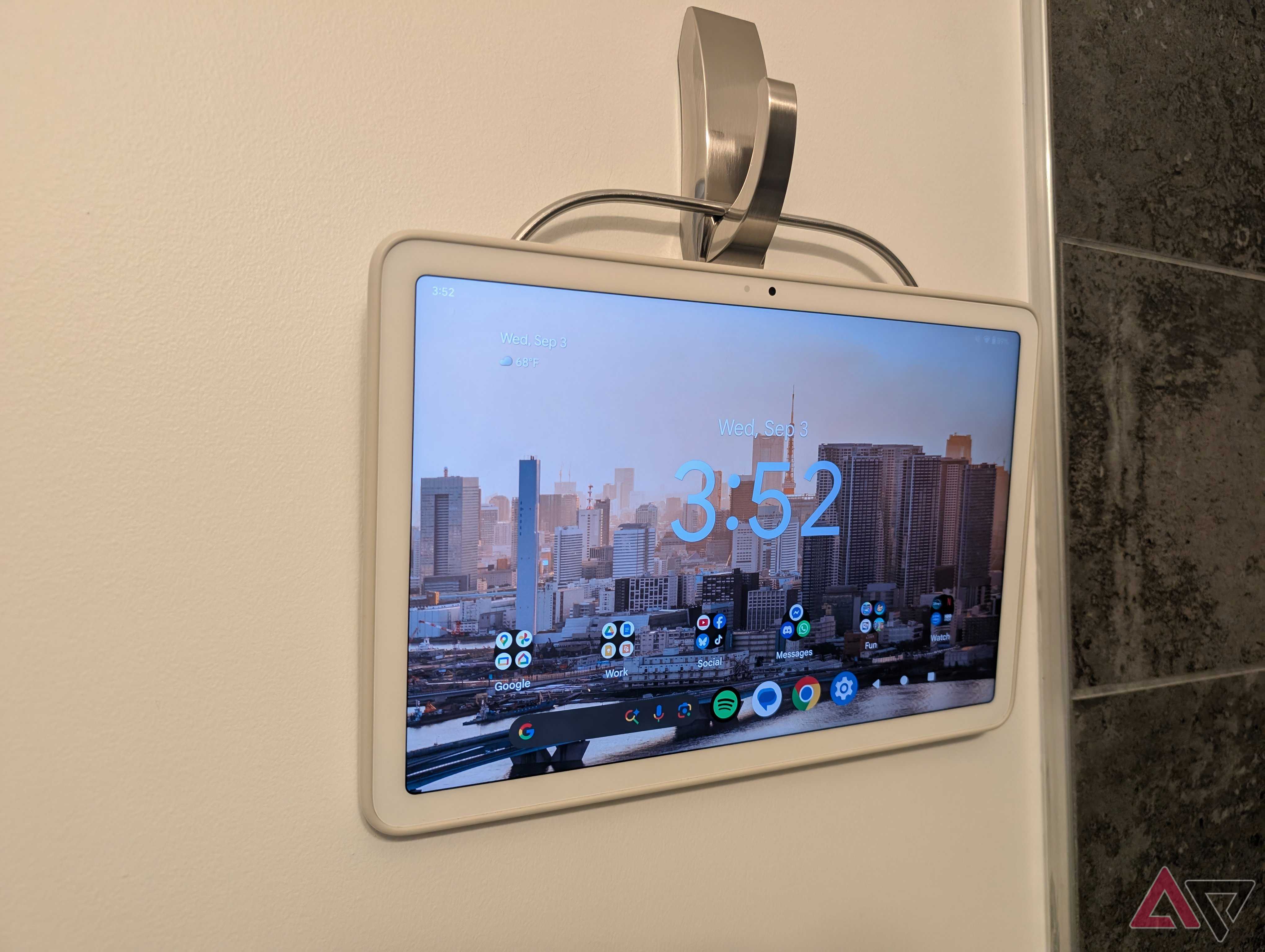
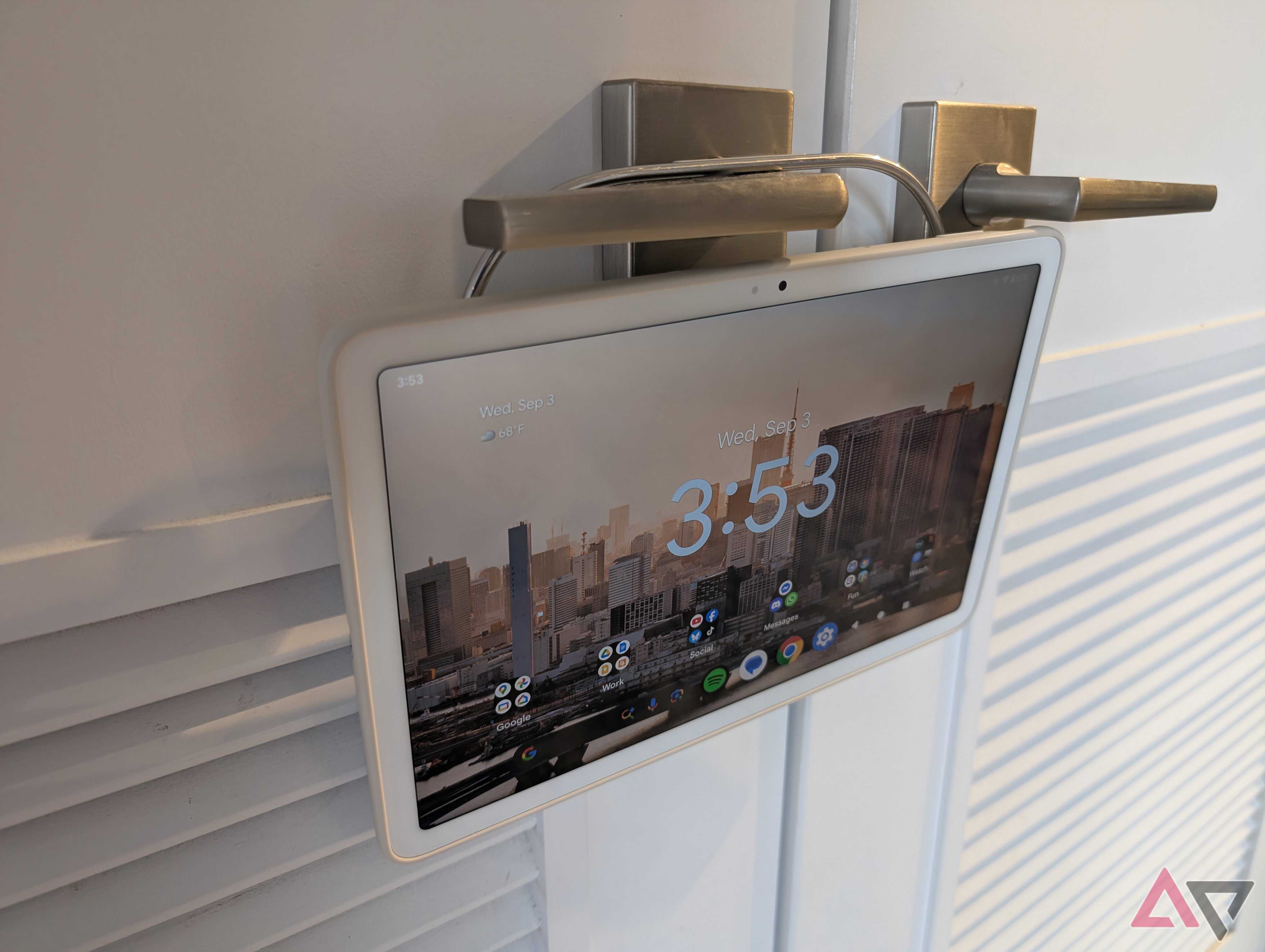
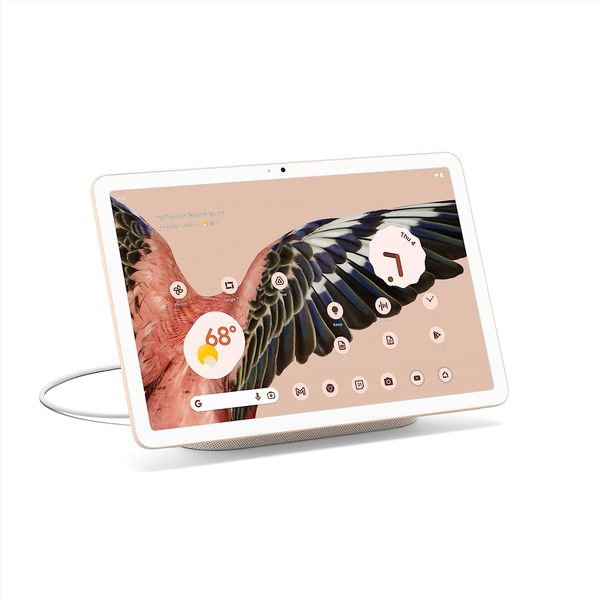
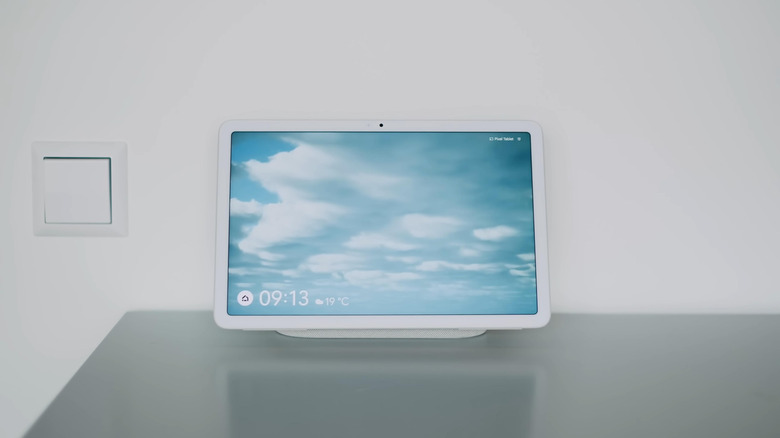
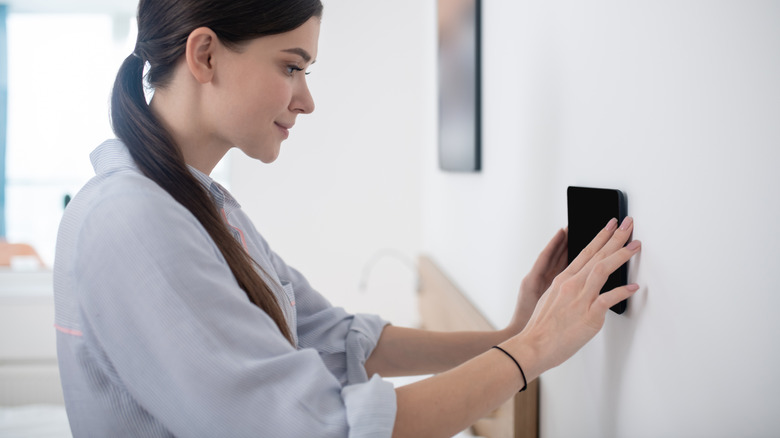
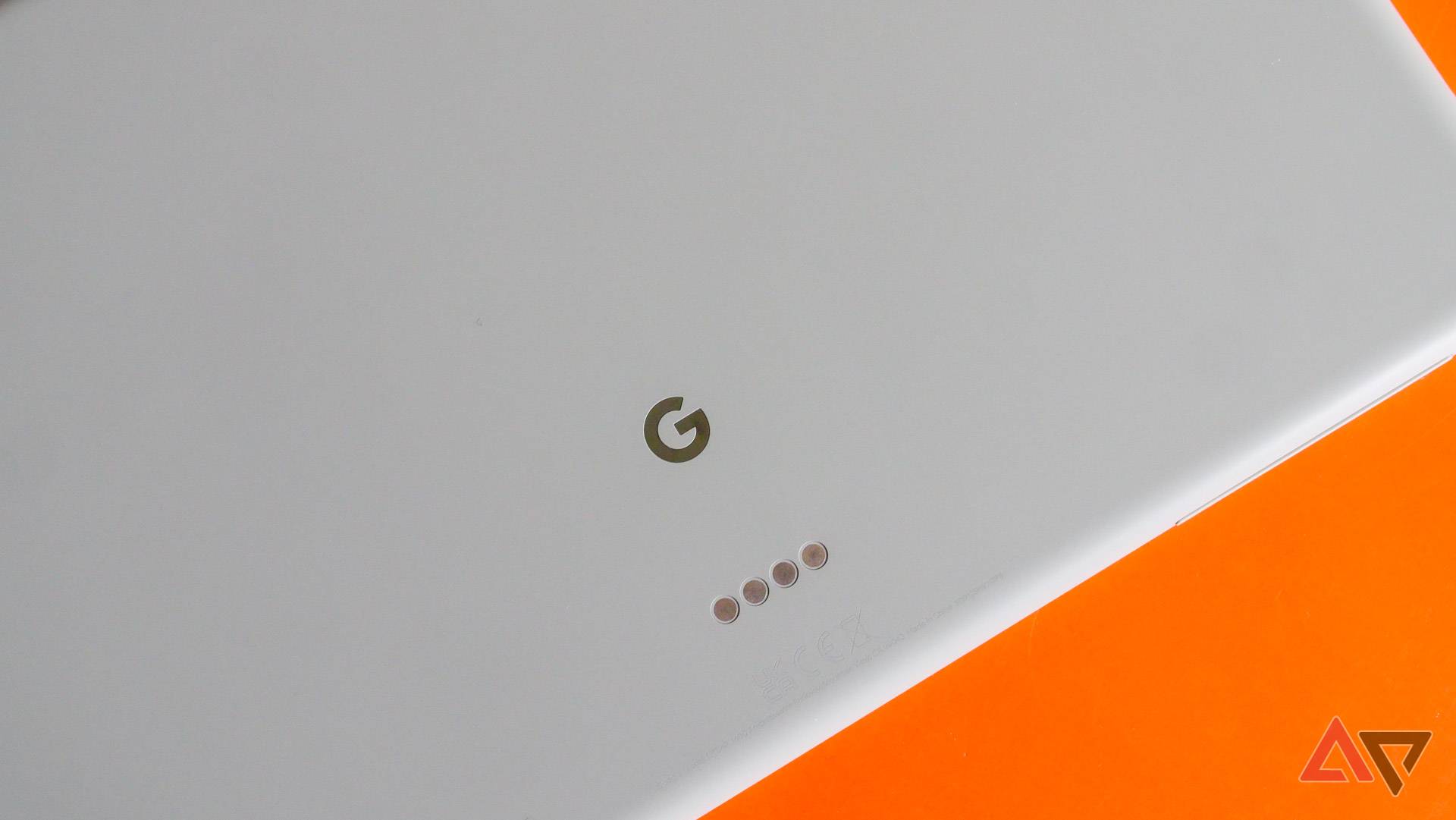
The Google Pixel Tablet was designed as a shared hub for the home, functioning as a media player, smart home remote, and information display when docked. However, its utility is often limited by standard mobile security protocols, requiring users to unlock the device even in a trusted home environment. While Hub Mode provides an ambient display for photos and widgets, it restricts full access to applications and personal information until the device is manually unlocked. This limitation can hinder the seamless integration of the tablet into a smart home ecosystem where quick and unrestricted access is often desired.
The solution lies in a feature called 'Extend Unlock,' previously known as Smart Lock. This Android capability allows the device to remain unlocked when it detects that it is in a trusted environment, such as a user's home. Once the device is initially authenticated with a PIN, pattern, or password, Extend Unlock keeps it accessible, providing full access to all apps, notifications, and personal data without repeated authentication. This significantly enhances the convenience of using the Pixel Tablet for various household tasks, like controlling smart home devices, accessing information, or playing media, without the constant need for unlocking.
Extend Unlock utilizes a sophisticated system to determine if the device is within a trusted location. Android leverages multiple sensors, including GPS satellites, Wi-Fi networks, and cell towers, to pinpoint the device's exact location. In situations where GPS signals are weak, such as indoors or within urban areas with tall buildings, the system relies on Wi-Fi and cell tower data to maintain accuracy. Additionally, the tablet's internal sensors, like the accelerometer, barometer, and gyroscope, detect movement patterns, ensuring that the device remains within a predefined geofence and preventing accidental locking due to unreliable location data. This 'sensor fusion' is particularly crucial for a device like the Pixel Tablet, which is predominantly used indoors.
When Extend Unlock is active in a Trusted Place, the Pixel Tablet, even when docked in Hub Mode, remains fully unlocked. This means users gain immediate and complete access to all functionalities. A key benefit is the enhanced functionality of voice commands. In standard Hub Mode, voice commands requesting access to private information, such as calendar events, often trigger a security check. However, with Extend Unlock enabled, these commands execute seamlessly, providing a truly hands-free experience. This integration allows the tablet to function more effectively as a central smart home control unit.
While Extend Unlock offers substantial convenience, it introduces a security trade-off. For up to four hours, or until the device is manually locked, anyone physically present in the trusted location can access the tablet's contents. This requires users to balance the desire for convenience with the potential risk of unauthorized access by guests, children, or other family members. To mitigate this risk, Android provides additional security features. 'Private Space,' available on Android 14 and newer versions, allows users to designate sensitive applications that require a separate PIN or biometric authentication, regardless of the device's overall unlocked state. Furthermore, the 'Lockdown' feature offers an immediate way to re-enable full security. By simultaneously pressing the Power and Volume Up buttons and then tapping the Lockdown button, Extend Unlock is temporarily disabled, biometric unlocks are turned off, and sensitive notifications are hidden from the lock screen, providing an instant security measure when needed.
Ultimately, enabling Extend Unlock significantly improves the user experience of the Pixel Tablet within the home. It eliminates the friction of repeated unlocking, making the device more readily available for quick interactions, such as skipping music while cooking or checking messages. When combined with the Lockdown feature for immediate security restoration, Extend Unlock offers a balanced approach to convenience and security, transforming the Pixel Tablet into a more intuitive and integrated part of the smart home environment.
#PixelTablet #AndroidFeatures #SmartHome #ExtendUnlock #GoogleHardware #HomeAutomation #TabletSecurity #TrustedPlaces #PixelTablet #AndroidFeatures #SmartHome #ExtendUnlock #GoogleHardware #HomeAutomation #TabletSecurity #TrustedPlaces
0 comment in total
 No comments yet
You may also like
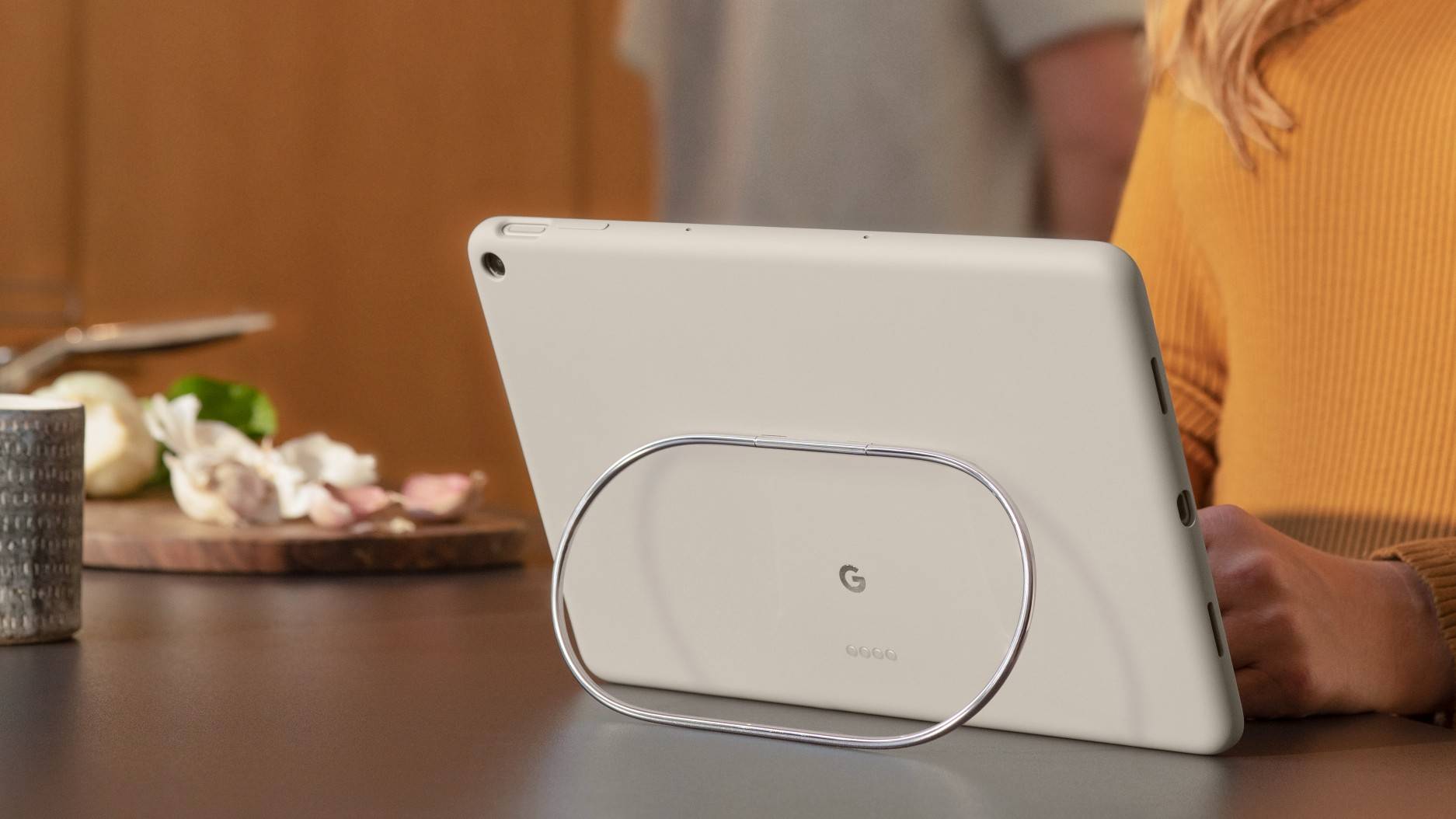
5 things to hang your Pixel Tablet Case on that aren't the dock
This one-of-a-kind product makes work from home refreshingly easy

You Can Turn Your Old Android Tablet Into A Digital Picture Frame - Here's How

How To Repurpose Your Old Tablet Into A Digital Picture Frame

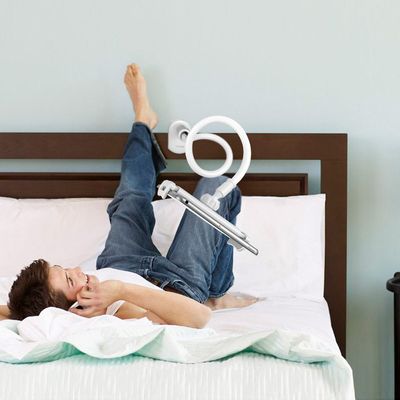
The Tablet Mount That Turns My Bed Into a Home Theater
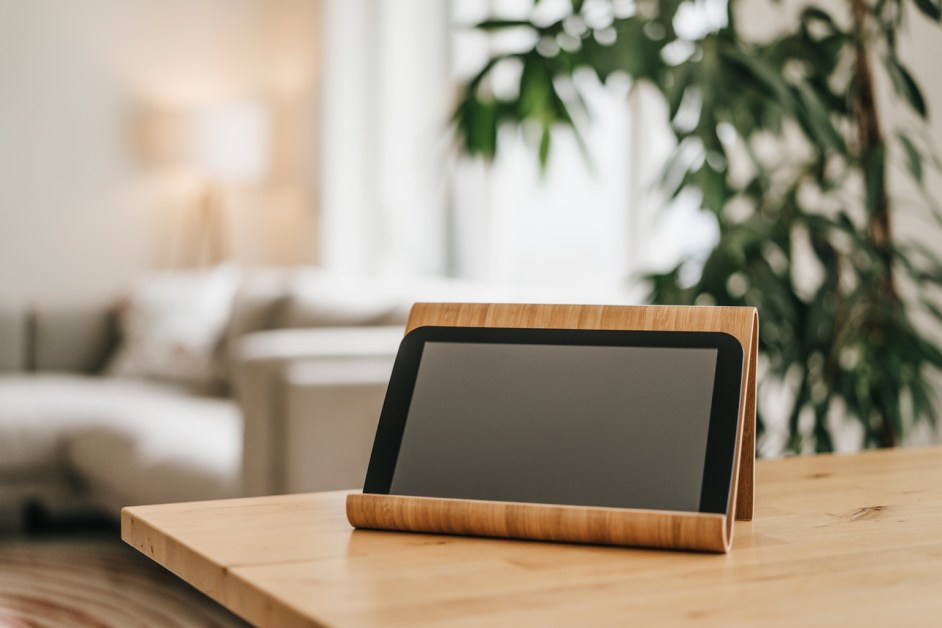
5 Best Tablet Stands for Enjoying Hands-Free Entertainment

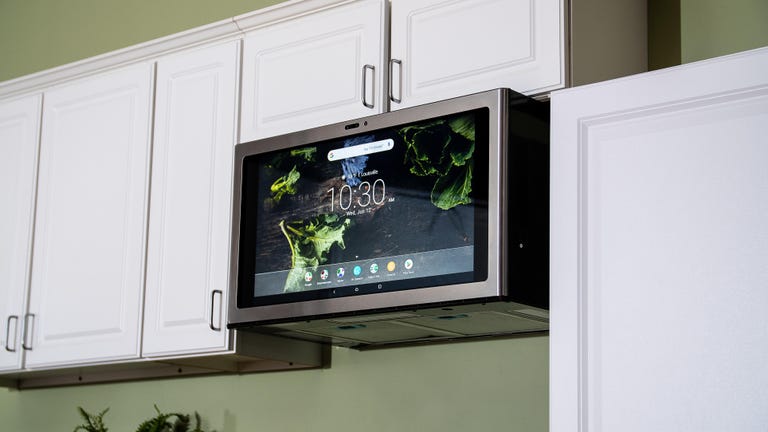
This giant Android tablet is GE’s smart kitchen command center

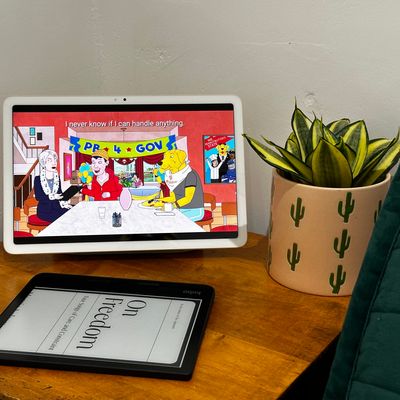
I Replaced My Bedroom TV with This Tablet
31 Cool Office Gadgets That Will Revamp Your Work Space