1/5
How To Repurpose Your Old Tablet Into A Digital Picture Frame
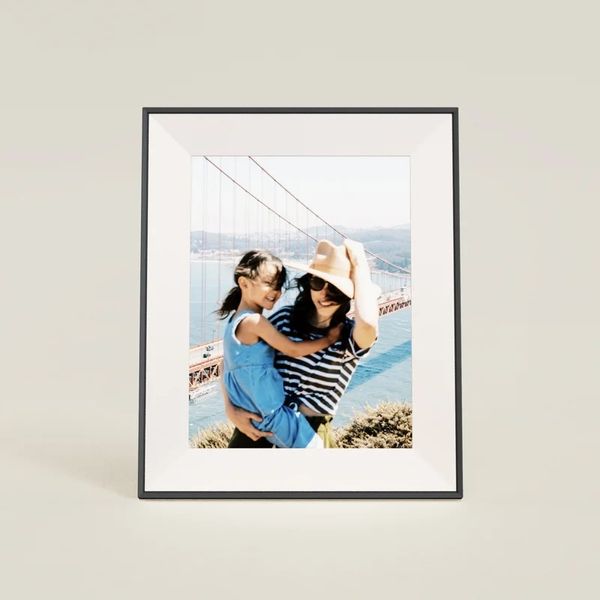
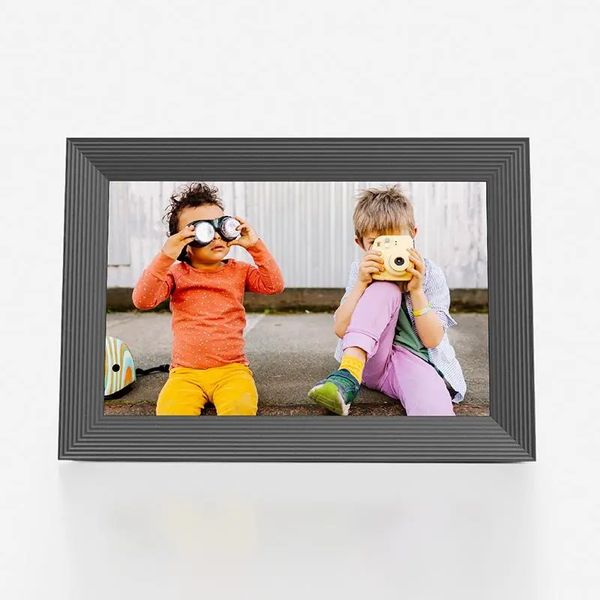
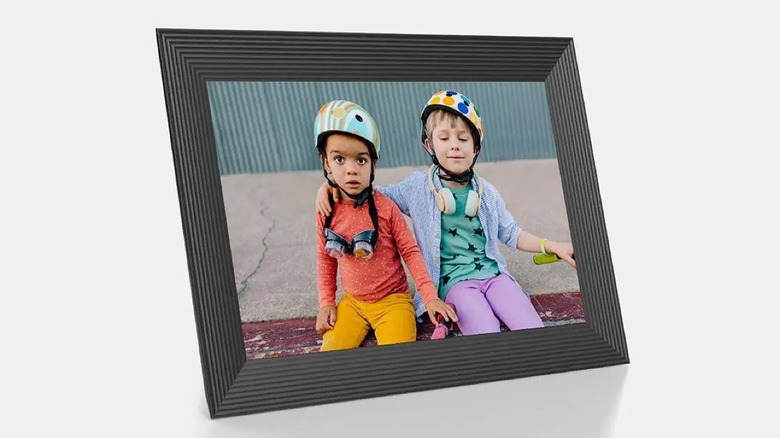
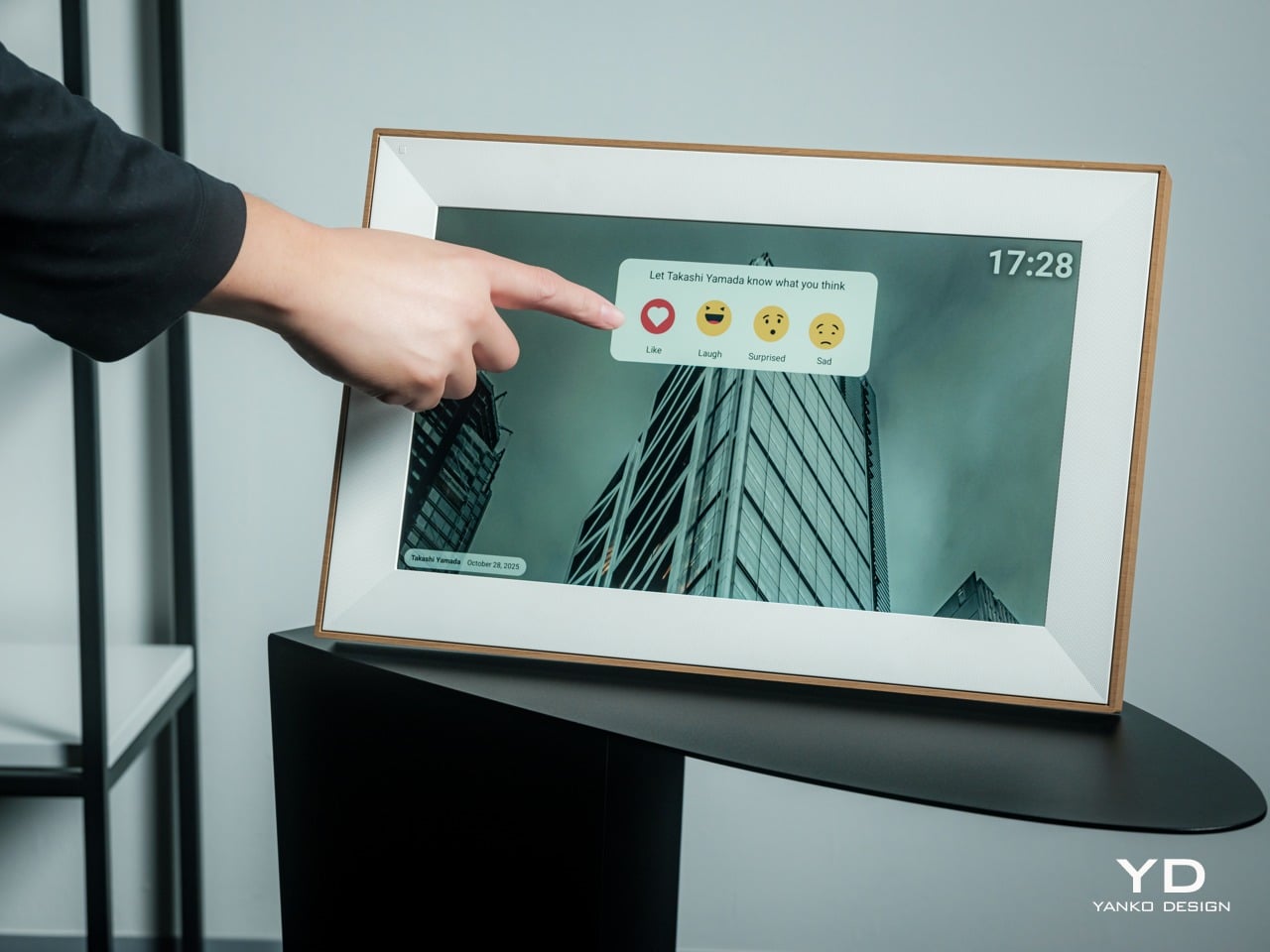
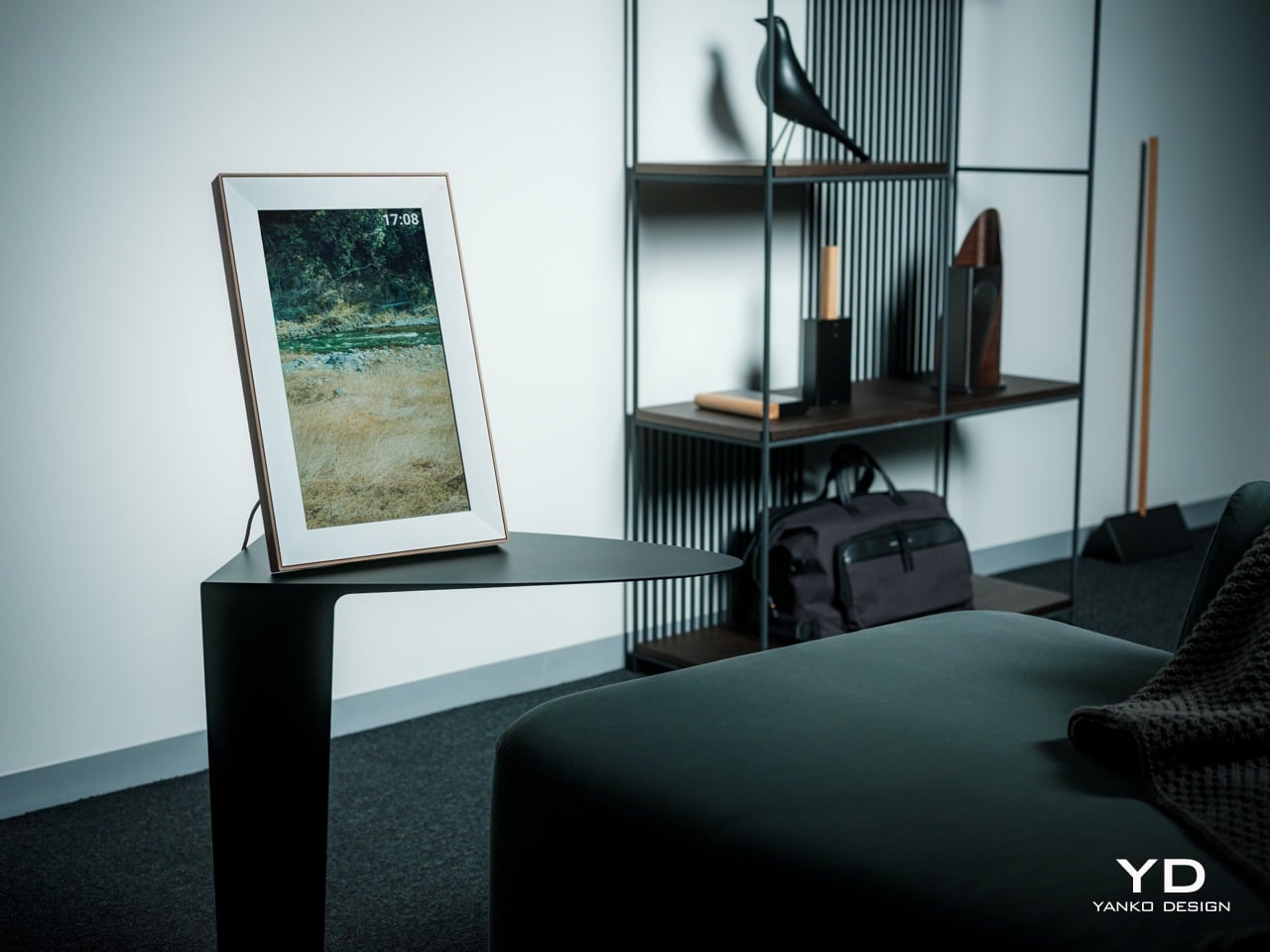
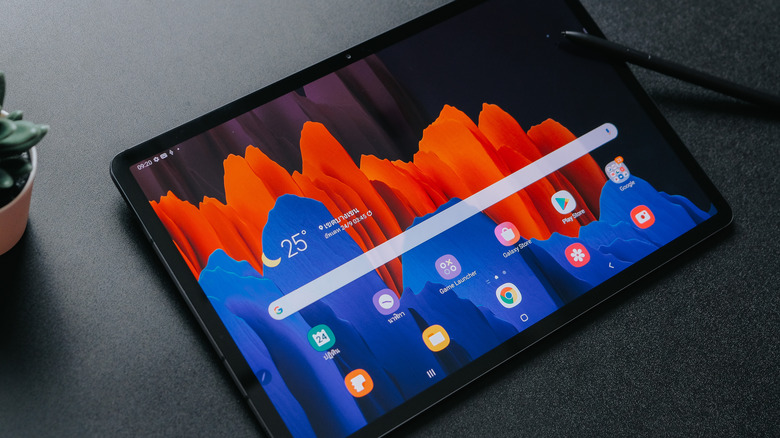
Transforming an old tablet into a digital picture frame offers a practical and aesthetically pleasing way to display a large collection of personal photos without cluttering living spaces. This approach leverages existing technology, providing an economical alternative to purchasing dedicated digital frames. The process is straightforward and can be adapted for various tablet operating systems, including Android, Apple iOS, and Amazon Fire OS.
For Android tablet users, Google Photos is presented as the primary tool due to its prevalence on most Android devices. The procedure involves launching Google Photos, creating a dedicated album for desired pictures, and then initiating a slideshow. Users can select photos stored either locally on the device or online within Google Photos, emphasizing the need for an internet connection if online storage is used. Once the album is compiled, users navigate to the Library tab, open the album, and select the slideshow option from the three vertical dots menu, which then displays the photos in full-screen mode. For optimal viewing, maintaining a consistent orientation (portrait or landscape) across all photos is recommended.
Similarly, Apple iPad users can utilize the native Photos app to achieve the same outcome. The steps include opening the Photos app, creating a new album to house the selected images, and then accessing the slideshow feature. Unlike Google Photos, Apple's Photos app offers enhanced customization options such as displaying multiple photos simultaneously, unique transition effects, and the ability to add background music. Users can adjust themes, music, and slideshow speed through the Options menu and can also enable a repeat function for continuous display.
Amazon Fire tablet owners, despite not having native Google Photos support, can repurpose their devices using third-party applications like Fotoo. After downloading and installing Fotoo, users select the source of their photos, either from the device's gallery or online services like Dropbox, Google Drive, Google Photos, or OneDrive. Once the account is linked and albums are selected, Fotoo displays the photos, often in a random order. The app also provides settings to customize display time, effects, transitions, and photo order. A premium version of Fotoo allows for the addition of background music, and the app is also available on the Google Play Store for Android users seeking more advanced features.
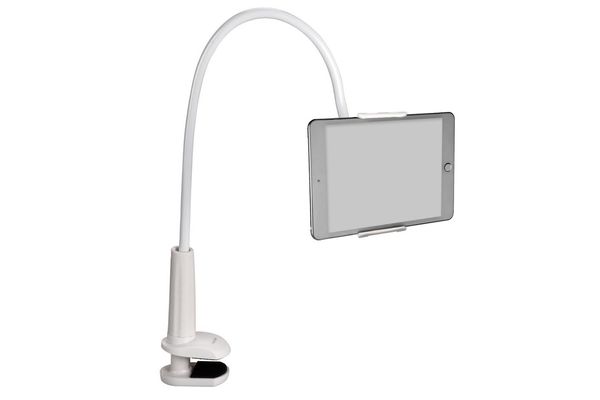
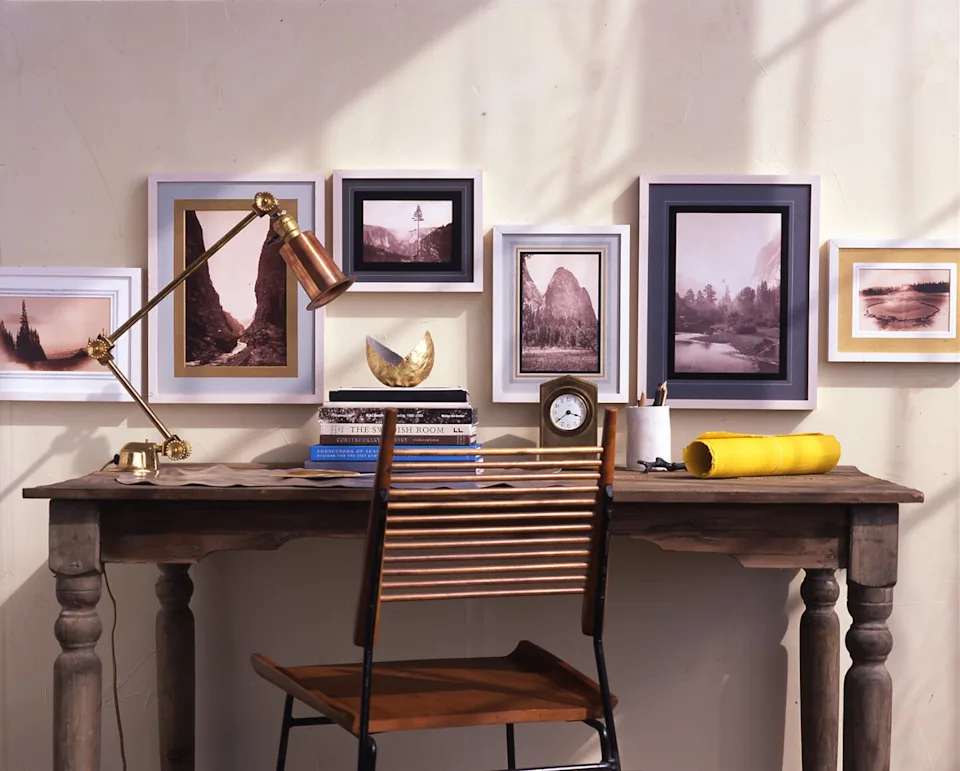
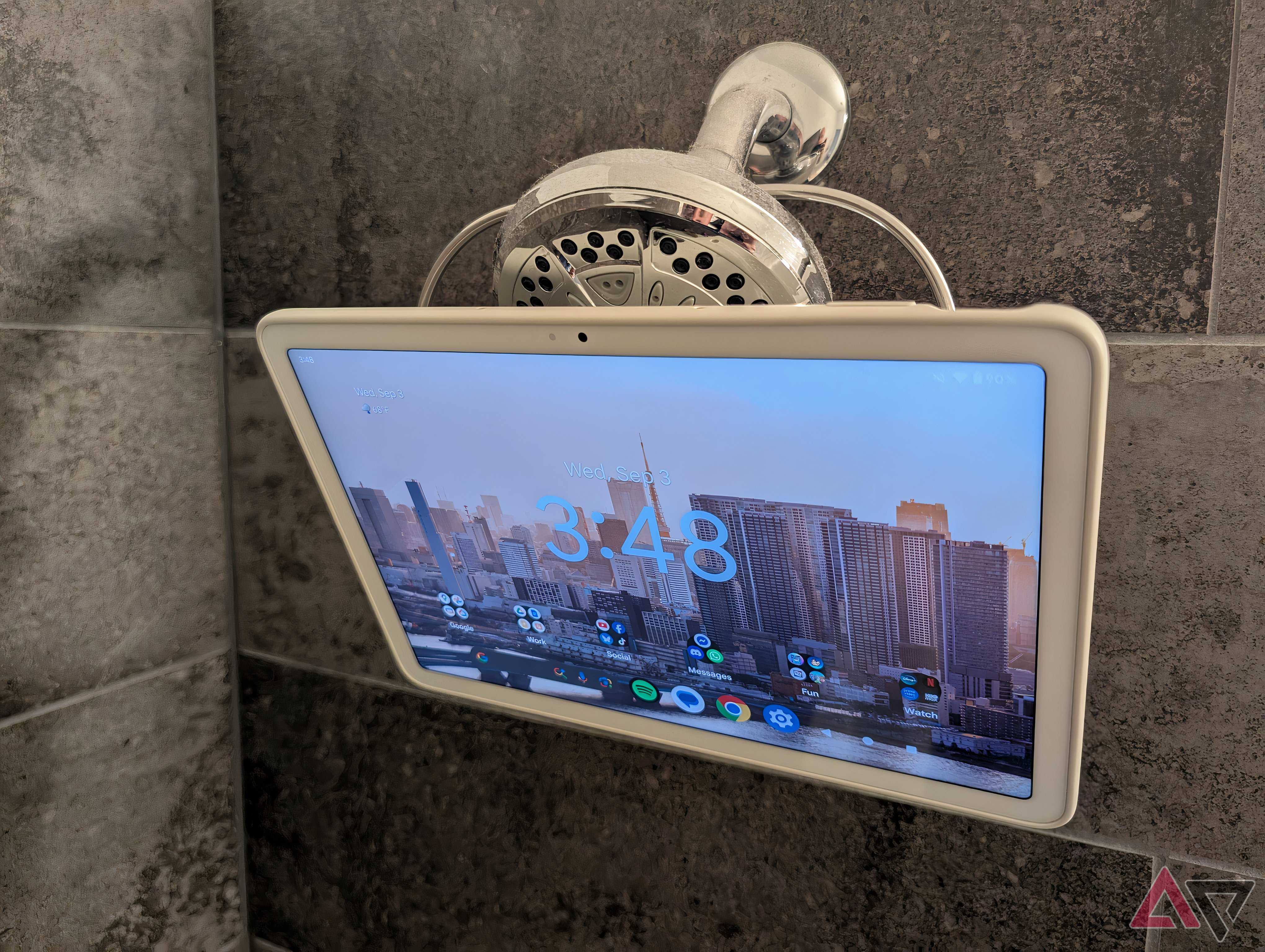
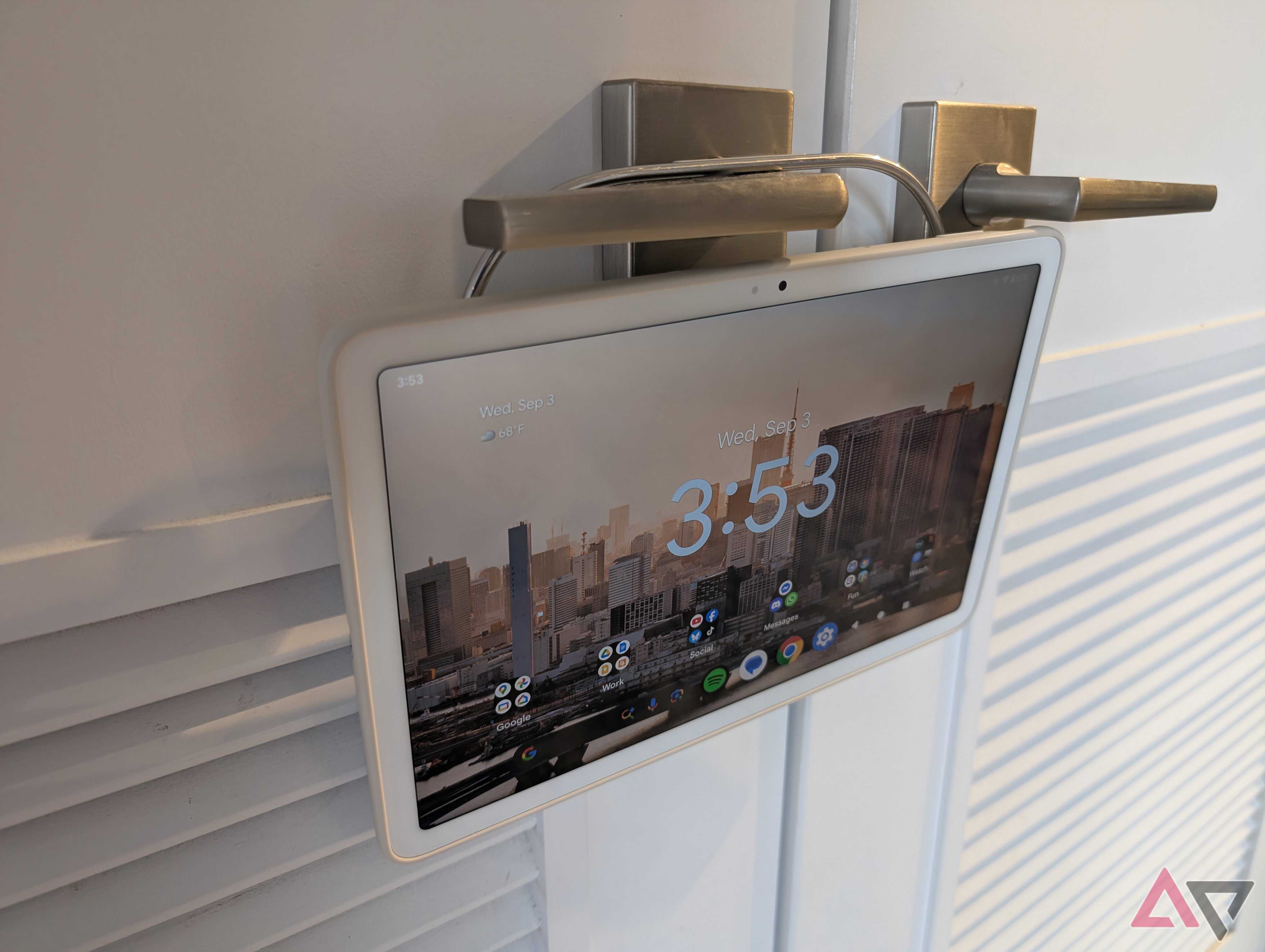
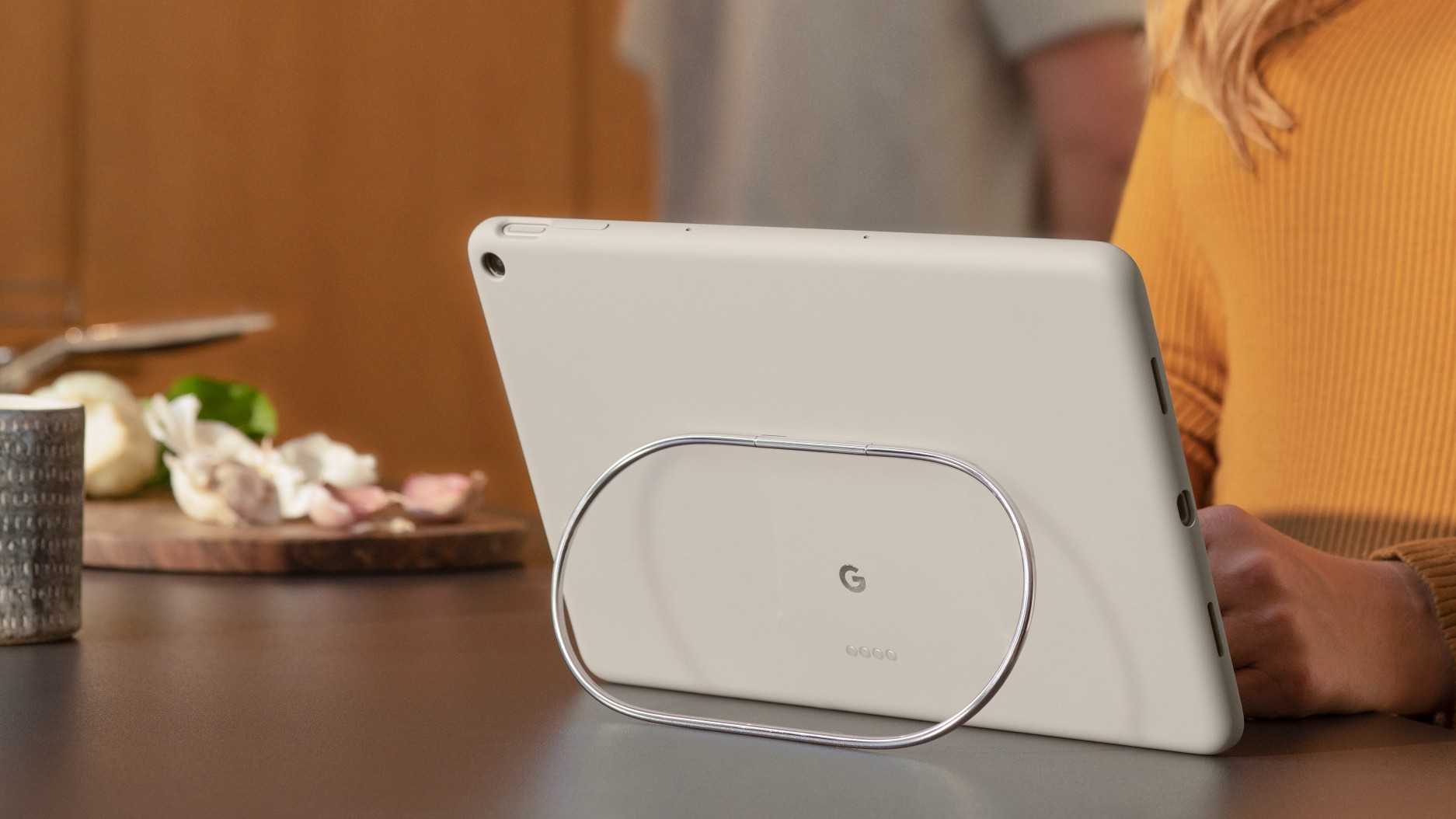
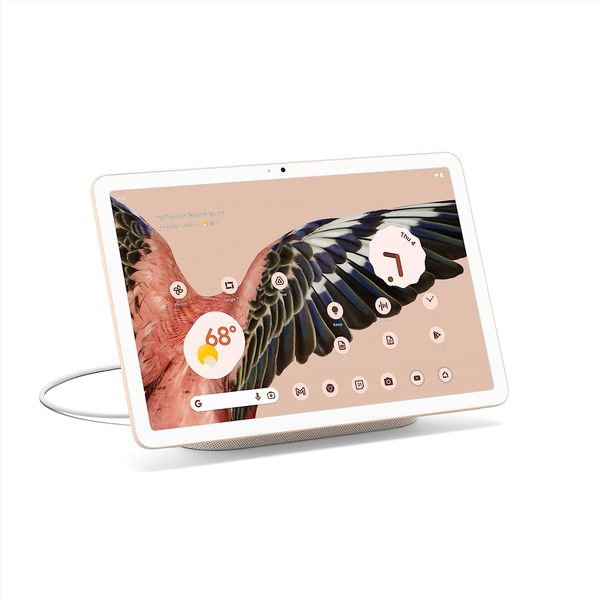
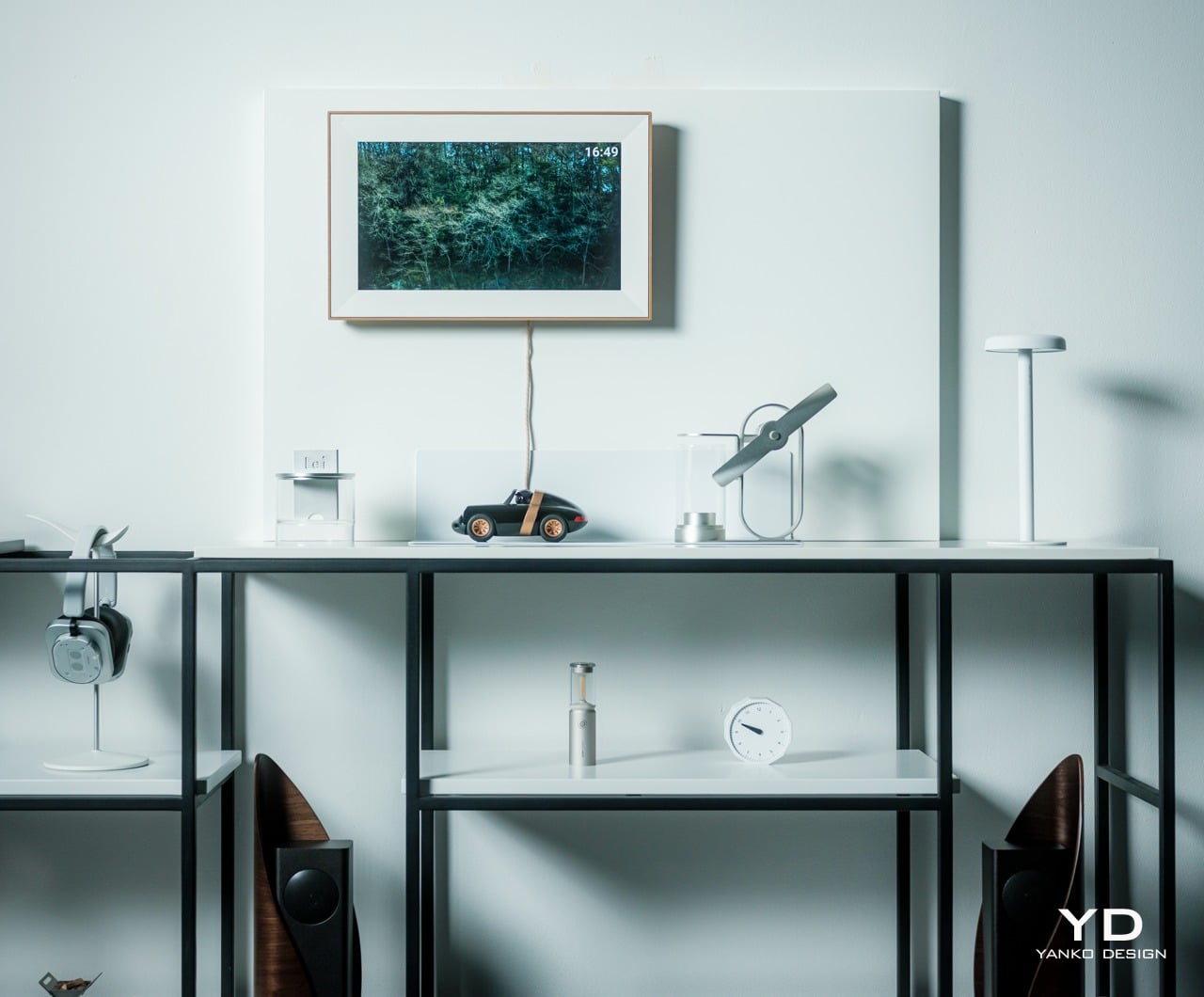
After setting up the tablet as a digital picture frame, several display options are available. Purchasing a tablet stand is a common solution, ensuring the device can be charged while in use and positioned on flat surfaces like coffee tables or kitchen counters. For those preferring a wall-mounted display, a tablet wall mount is an option, though proximity to a power outlet is crucial for continuous operation. Creative individuals can also construct custom wooden frames with slots for the tablet, integrating it seamlessly into home decor. Regardless of the display method, it's essential to position the tablet within Wi-Fi range if the photos are sourced from the internet to avoid blurry or unavailable images.
#TabletRepurposing #DigitalPictureFrame #DIYHomeDecor #GooglePhotos #ApplePhotosApp #FotooApp #SmartHomeIntegration #TechReuse #HomeGadgets #TabletRepurposing #DigitalPictureFrame #DIYHomeDecor #GooglePhotos #ApplePhotosApp #FotooApp #SmartHomeIntegration #TechReuse #HomeGadgets
0 comment in total
 No comments yet
You may also like
Share Your Favorite Memories With the Best Digital Picture Frames of 2023


These Digital Picture Frames Let You Send Photos Virtually to Family

The best picture frames of 2023

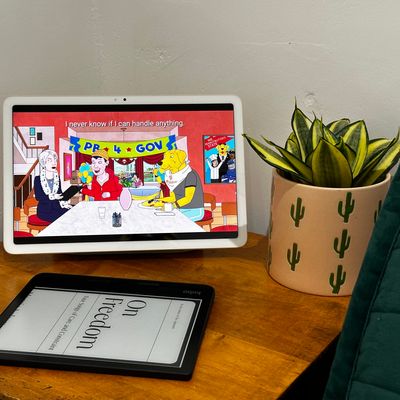
I Replaced My Bedroom TV with This Tablet
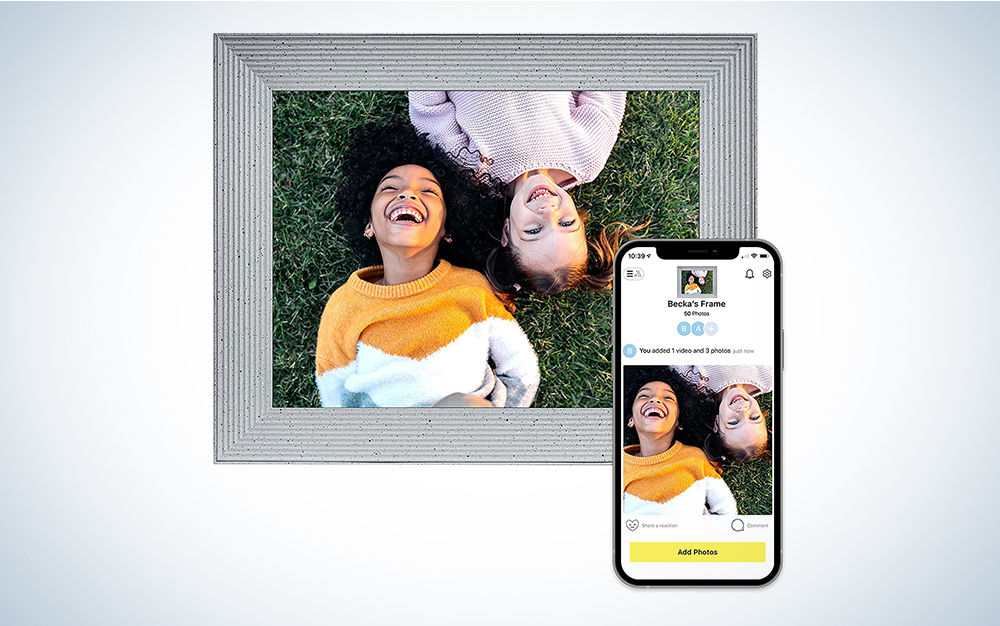
The best digital picture frames
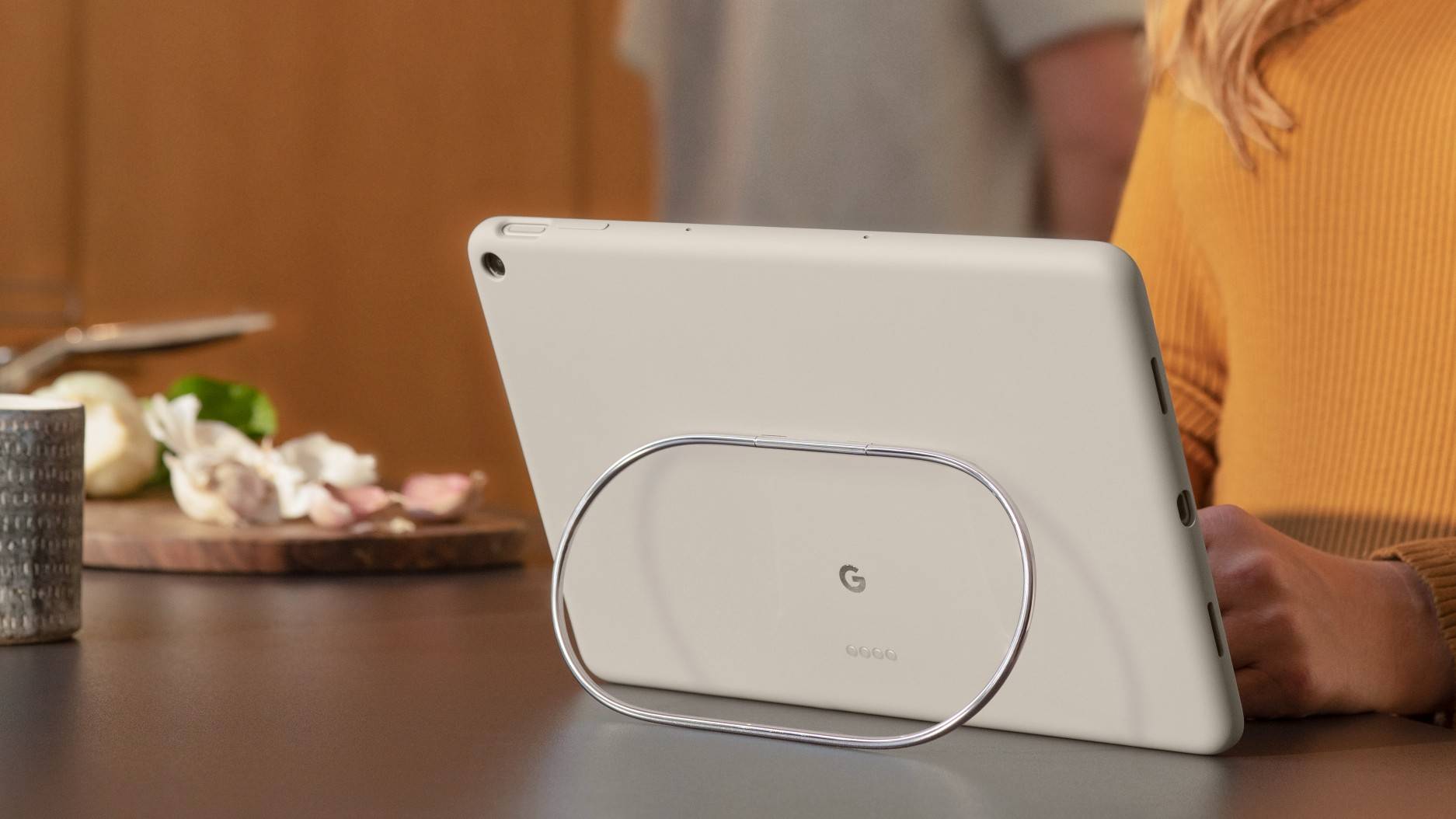
5 things to hang your Pixel Tablet Case on that aren't the dock

Our Favorite Digital Picture Frames Will Replace All Your Photo Albums
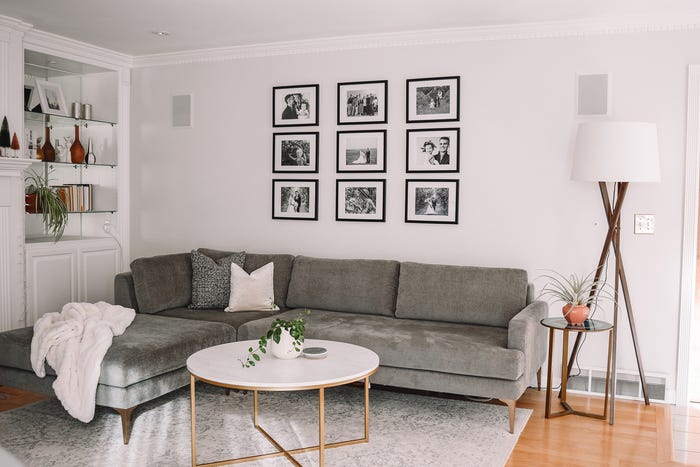
A look at various ways to display your photos

The Tablet Mount That Turns My Bed Into a Home Theater
The 6 Best Digital Picture Frames to Gift to Parents, Grandparents, and Loved Ones
Shopping edit – the best photo frames to display treasured snaps in style
Pexar Starlight Review: 15.6" Picture Frame That Lights Up Memories

How to Convert Tabletop Photo Frames to Hang on the Wall


We Tried All Kinds of Digital Picture Frames. The Best Are Easy to Use and Look Great.
5 Of The Best Digital Picture Frames In 2024
This clever hack turns the ordinary fridge into a mini gallery wall – and it's super affordable to recreate
Best digital photo frames for 2025, tried and tested
5 Best Tablet Stands for Enjoying Hands-Free Entertainment

This one feature makes the Pixel Tablet even easier to use at home
Turn your smartphone photo into wall art with an app