1/4
Review of the Kwikset Halo Smart Lock
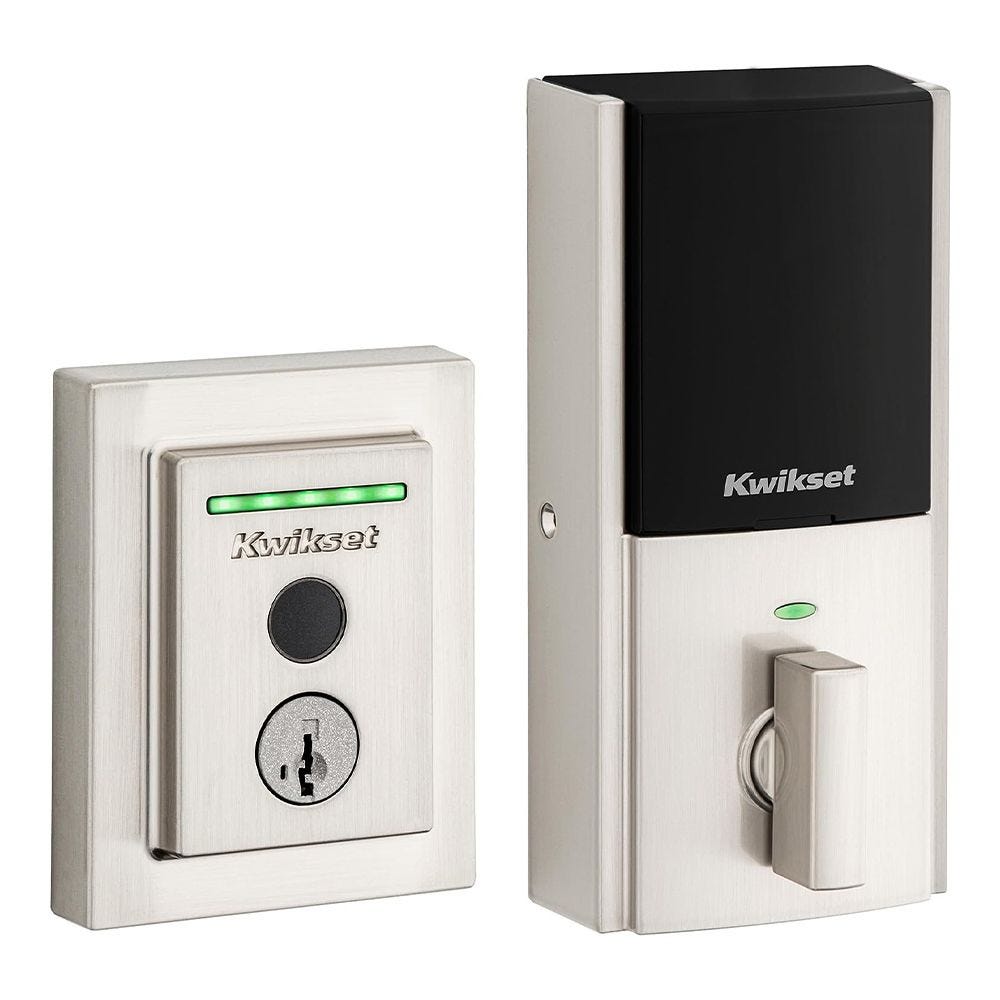
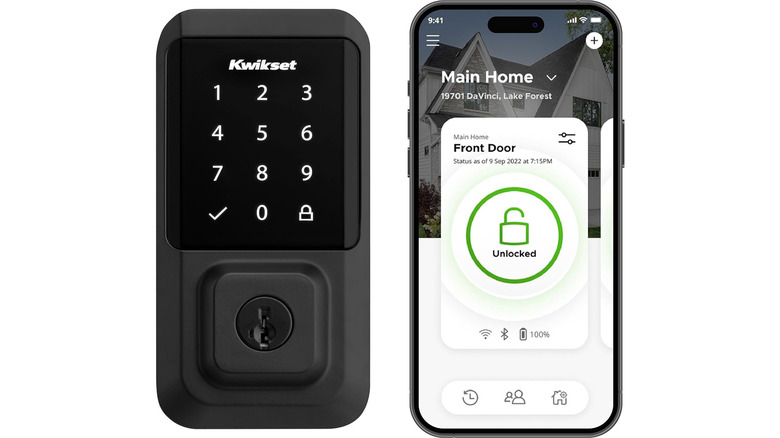
The Kwikset Halo smart lock offers a blend of convenience and security, catering to both tech-savvy and tech-phobic users with its multiple operation methods. This smart lock can be accessed via a PIN code, a smartphone application, or a traditional physical key, providing flexibility for various preferences. A notable feature is its integrated Wi-Fi, eliminating the need for a separate hub or bridge for remote control and monitoring, a distinction from many other smart locks on the market. However, it lacks advanced features such as proximity Bluetooth unlocking and geofencing-based auto-locking and unlocking, which might be a drawback for users seeking more automated functionality.
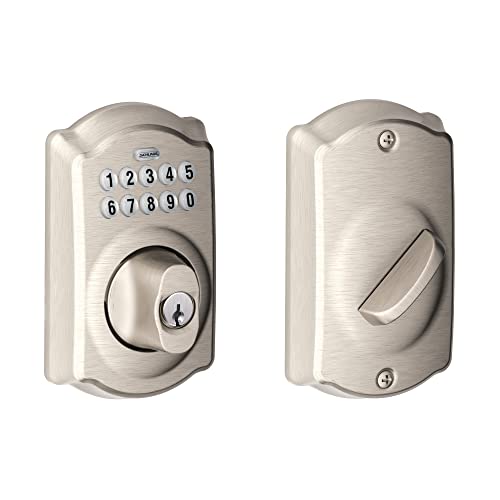
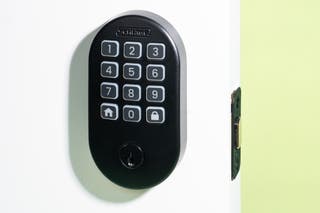
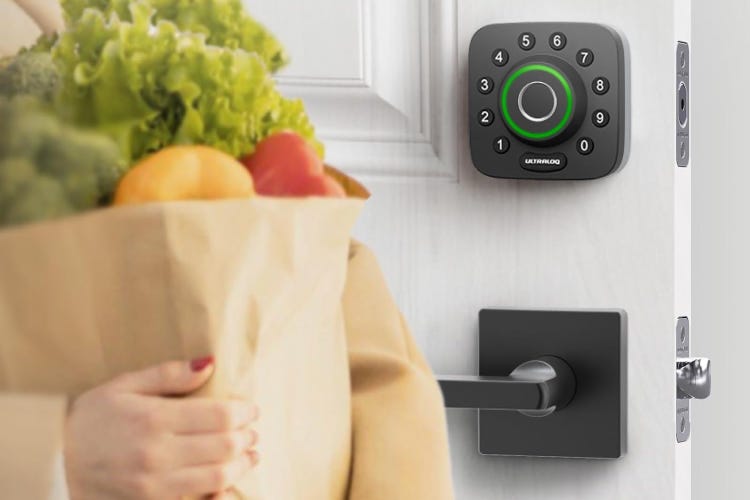
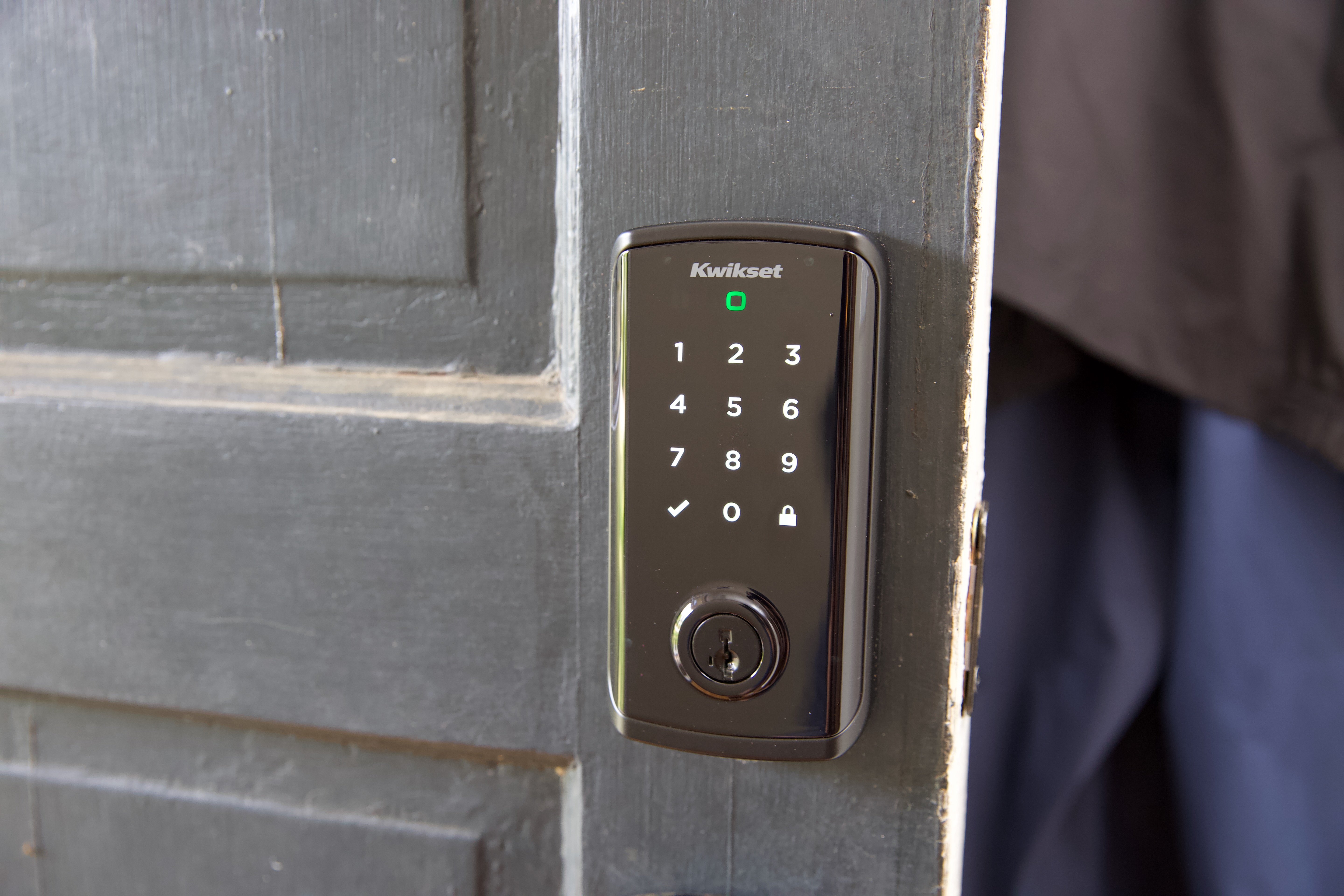
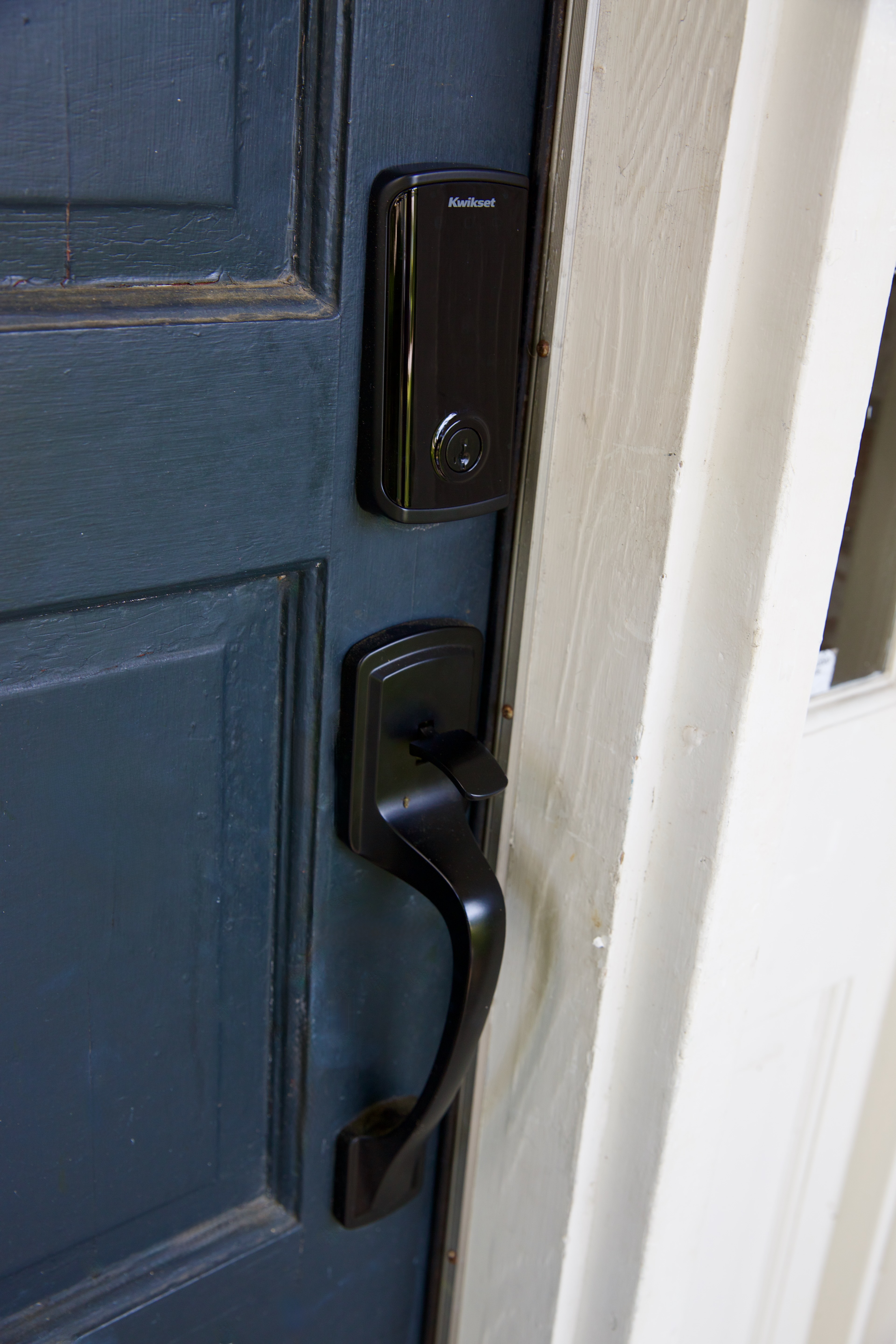
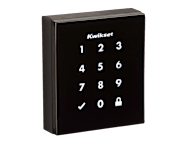
Available in two main variants, the Halo Touchscreen and the Halo Keypad, the locks come in different designs and finishes to complement various home aesthetics. The Halo Touchscreen, priced at $229, features a modern, rectangular design, while the Halo Keypad, at $199, offers a more traditional oval shape with a physical keypad. Both versions are built robustly with large internal components housing four AA batteries and motorization hardware, designed to withstand environmental elements and potential intruders. The locks boast an ANSI grade 1 security rating, indicating a high level of resistance against physical attacks like picking and bumping, a feature typically seen in commercial-grade locks but applied here for residential security. Additionally, Kwikset's "SmartKey Security" feature protects against advanced break-in techniques and allows homeowners to re-key the lock themselves.
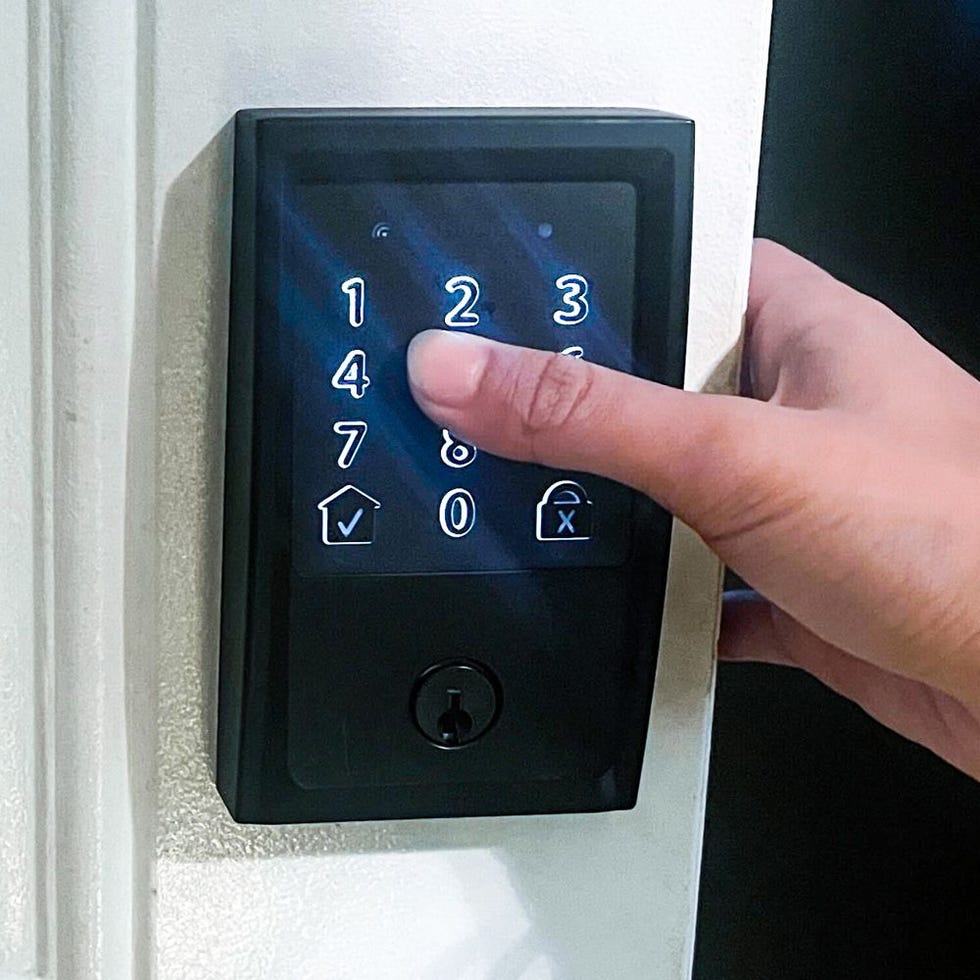
Operating the Halo via the keypad or app is designed for user convenience. Users can set up a PIN code during the app configuration, and the touchscreen requires a brief touch or palm cover to activate before entering the code. For enhanced security, settings like "Secure Screen" mode randomize number display to prevent fingerprint tracing, and "Secure Mode" can disable the keypad entirely. The system also logs a complete history of lock usage, and incorrect code attempts trigger an alarm and a temporary keypad lockout. Up to 250 custom user codes can be generated for guests, with options to limit access to specific dates and times. The built-in Wi-Fi enables remote locking, unlocking, code management, and usage monitoring from any location.
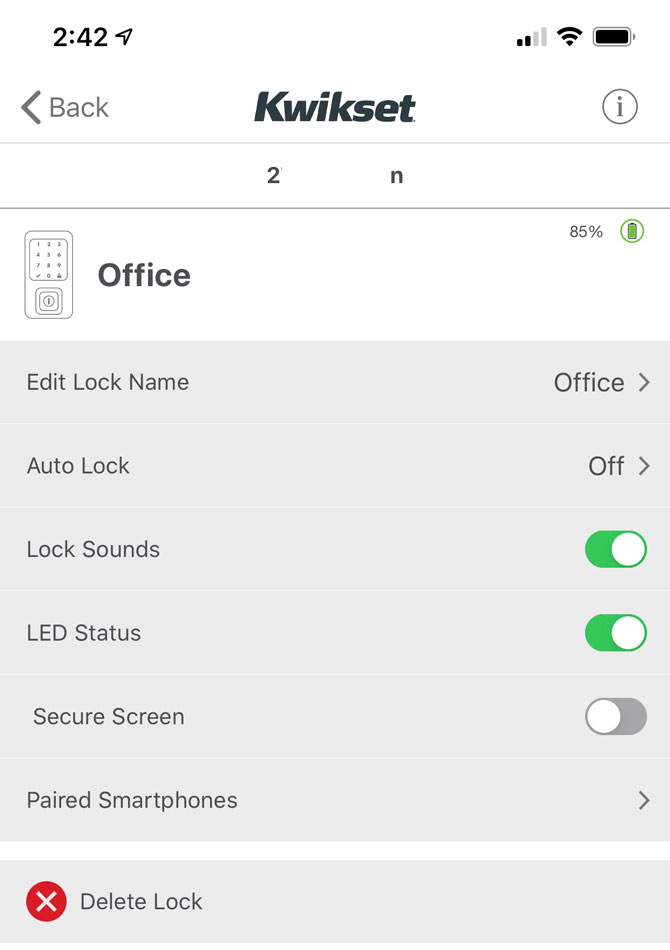
Despite the remote capabilities, using the Kwikset app for locking and unlocking can be a slow process, often taking several seconds for actions to complete and confirm, even when in close proximity to the lock. The app also allows for notification settings, sound control, and LED operational light management. An "Auto Lock Delay" feature can automatically re-lock the door after a set duration, though the absence of geofencing means it will lock regardless of whether the user has left the vicinity or just stepped out for a moment. Battery life is estimated at around six months with normal use, which is shorter than some competing smart locks, especially considering the Wi-Fi connectivity and touchscreen usage.
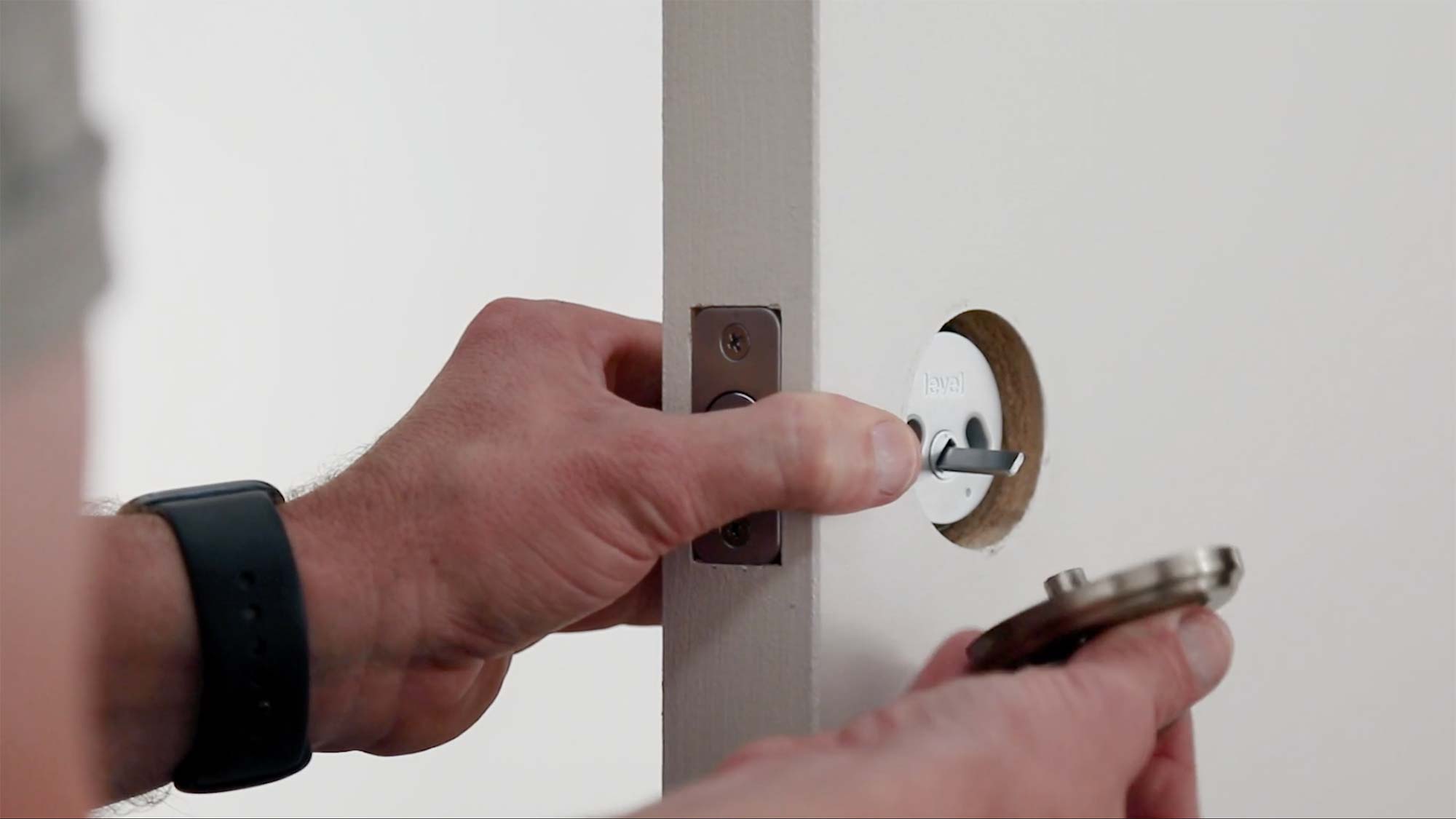
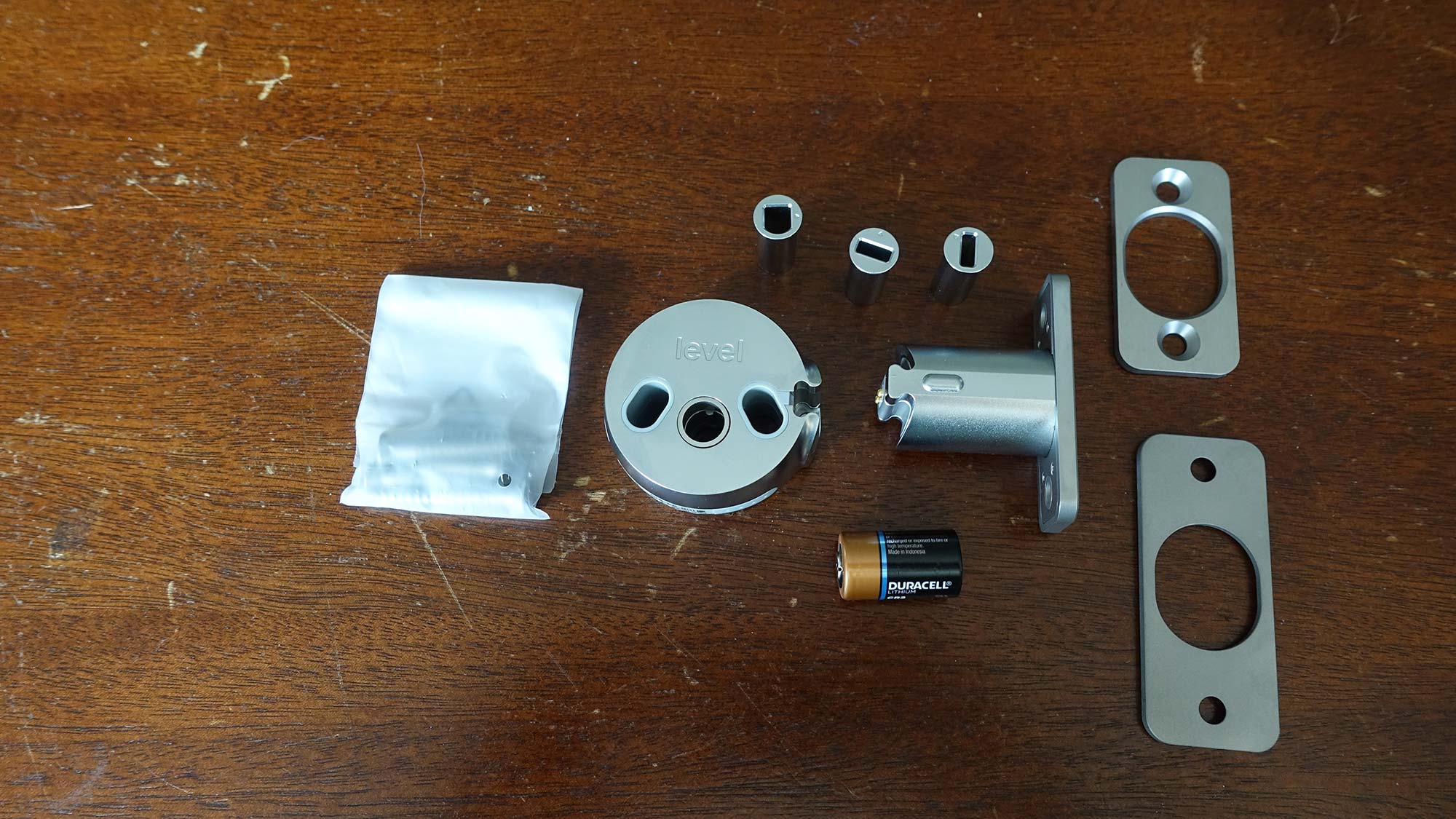
Installation of the Kwikset Halo is comparable to other smart replacement locks, typically taking around 45 minutes, with all necessary components and instructions provided in the box. However, the installation process presents a few challenges. The article highlights potential confusion with screws due to similar appearances, recommending careful organization and double-checking. It also advises ensuring the door can accommodate the included strike plate, as some doors may require a "drive-in" latch without a strike plate. The documentation and app setup are noted as somewhat disjointed, with separate instructions for physical installation and app configuration. Users are guided through a network pairing process involving security questions and email confirmations. An optional screw-secured battery cover is available for added security, though it complicates battery replacement. Overall, the Kwikset Halo offers a robust and flexible smart lock solution with a strong emphasis on security and multiple access options, making it a suitable choice for households with varying levels of tech comfort, despite a few areas for improvement in advanced features and installation clarity.
#SmartLock #KwiksetHalo #HomeSecurity #SmartHome #WiFiConnectivity #KeylessEntry #DoorLock #TechReview #SmartLock #KwiksetHalo #HomeSecurity #SmartHome #WiFiConnectivity #KeylessEntry #DoorLock #TechReview
0 Kommentare insgesamt
 Noch keine Kommentare
Das könnte Ihnen auch gefallen
Our Best Overall Electronic Deadbolt Is 24% Off

Level Bolt smart lock review

Best smart locks to buy in 2024

After Six Months of Testing, Here Are the 6 Best Smart Door Locks Worth Installing

The Best Smart Locks For Your Needs, Tested and Reviewed

Best Smart Locks of 2025: High-Tech Door Defenses

Kwikset Maven Collection: Modern Style Meets Advanced Security

Best Smart Locks of 2025
Ditch Your Keys and Improve Home Security with the Best Smart Locks We Tested
The Best Smart Locks for 2025
Best smart locks 2025: secure your home with smart locks, deadbolts and more
Yale Assure Connected by August Touchscreen Smart Lock YRD226 review

Best Smart Locks, Based On Extensive Expert Testing

Major Smart Lock Brands Ranked Worst To Best

Smart Door Lock Comparison: Which One is Right for You and Your Safety?
Yale Assure SL Lock Review: Classic design for Z-Wave systems
Once We Got a Smart Lock My Family Stopped Using Keys
Here are the best smart locks you can buy right now

The Best Lockbox | Reviews by Wirecutter

Best smart door locks: Top 10 options for pocket-friendly space security | Technology News