1/10
Our Best Overall Electronic Deadbolt Is 24% Off
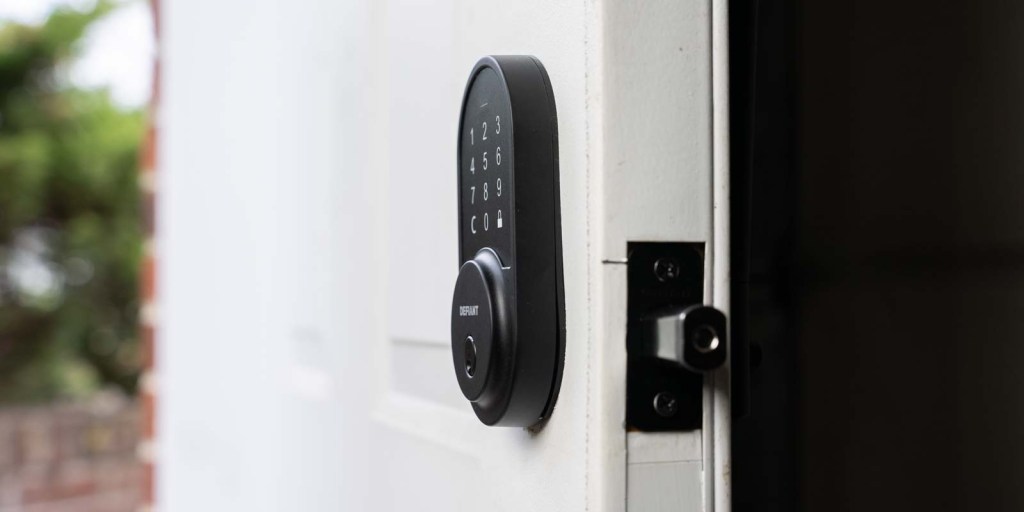
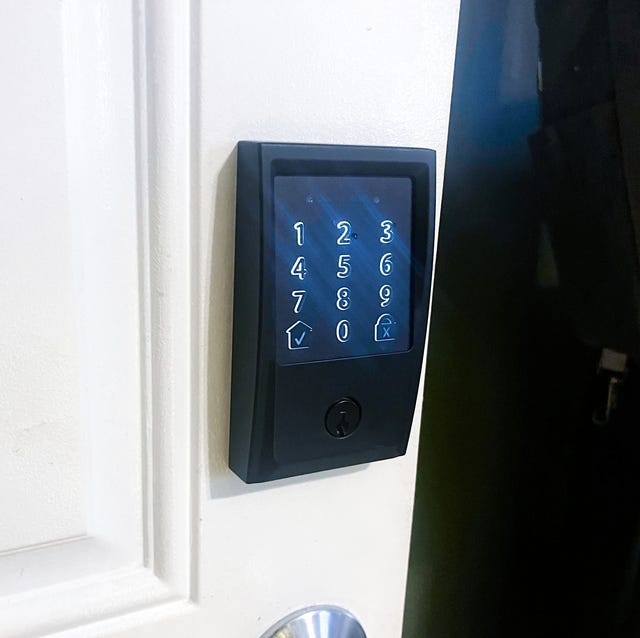
This article explores the best electronic deadbolts available, offering a range of options to suit various home security needs and budgets. It highlights that building a robust home security system can involve both high-tech and more affordable upgrades, such as replacing a traditional front door lock with an electronic deadbolt. The article categorizes electronic deadbolts into basic and smart locks, detailing their functionalities and key differences. Basic deadbolts typically feature a keypad or touchscreen for entry and may or may not include a physical key option. Smart locks, on the other hand, extend these basic functions with wireless connectivity via Wi-Fi, Bluetooth, or Z-Wave, and often include a backup battery. They can integrate with smart home ecosystems like Ring, Alexa, and Google Assistant, or operate independently through a dedicated app, offering multiple access options, including fingerprint scanning.
Key considerations when choosing an electronic deadbolt include security ratings, features, and design. The article explains common security rating systems, such as the American National Standards Institute (ANSI) Grades 1, 2, and 3, and the Builder’s Hardware Manufacturers Association (BHMA) letter grading system. Features vary widely, from basic backlit keypads and multiple access code storage to advanced options like auto-unlock, bump- and pick-proofing, code customization, alarms, and notifications. Ease of installation, setup, and integration with existing home ecosystems are also important factors. The design aspect encompasses both traditional styles with rounded edges and decorative trim, and modern styles characterized by squared-off plates and streamlined touchscreens. A critical limitation mentioned is that most smart locks do not perform well in extreme temperatures, with an operating range typically not extending beyond -30 degrees F to 140 degrees F.
The article provides detailed reviews of eight electronic deadbolts, categorizing them by their best use cases. The Schlage Encode Smart Electronic Deadbolt is praised as the best overall for its ANSI Grade 1 security, direct Wi-Fi connectivity, and ease of installation, despite lacking an auto-unlock feature. For value, the Schlage Camelot Keypad Electronic Deadbolt offers Grade 2 security and 19 access codes at an affordable price. The Kwikset Halo Touch Smart Electronic Deadbolt is recommended for its high-tech features like fingerprint scanning and direct Wi-Fi, along with its Grade 1 security. The Kwikset SmartCode Electronic Deadbolt offers a modern aesthetic with a handle and Grade 2 security. Apple users are directed to the Yale Assure Lock 2 Touch, which provides multiple unlocking methods, including Apple Watch and smartphone integration, and a smart door sensor. For less critical areas like sheds, the Kwikset Single-Cylinder Electronic Deadbolt is a budget-friendly option with Grade 3 security. The Schlage Camelot Keypad Handled Electronic Deadbolt offers a traditional look with integrated handle and Grade 2 security. Finally, the Eufy Security Smart Lock Touch is highlighted for its versatile unlocking options, including touch ID, and compatibility with Alexa and Google Assistant, though it has some noted battery life inconsistencies and a weaker motor. The reviews are based on testing, research, and expert experience, considering aesthetics, build quality, features, security ratings, and app usability.
#ElectronicDeadbolts #SmartLocks #HomeSecurity #KeylessEntry #ProductReview #HomeAutomation #DIYHome #Schlage #Kwikset #ElectronicDeadbolts #SmartLocks #HomeSecurity #KeylessEntry #ProductReview #HomeAutomation #DIYHome #Schlage #Kwikset
0 comment in total
 No comments yet
You may also like

9to5Toys Steals Weekly – Titanium MagSafe mount, Nintendo Joy-Con 2 wheels, tomtoc EDC sling bag, more

![Simple and affordable: $100 Defiant Wi-Fi Deadbolt review [Video]](https://gstatic.ideal.house/news/images/df0090f08039467d884d5ecba58b2ad6.jpg)
Simple and affordable: $100 Defiant Wi-Fi Deadbolt review [Video]


Debenhams cuts price of 'great looking' table lamp with £14 off
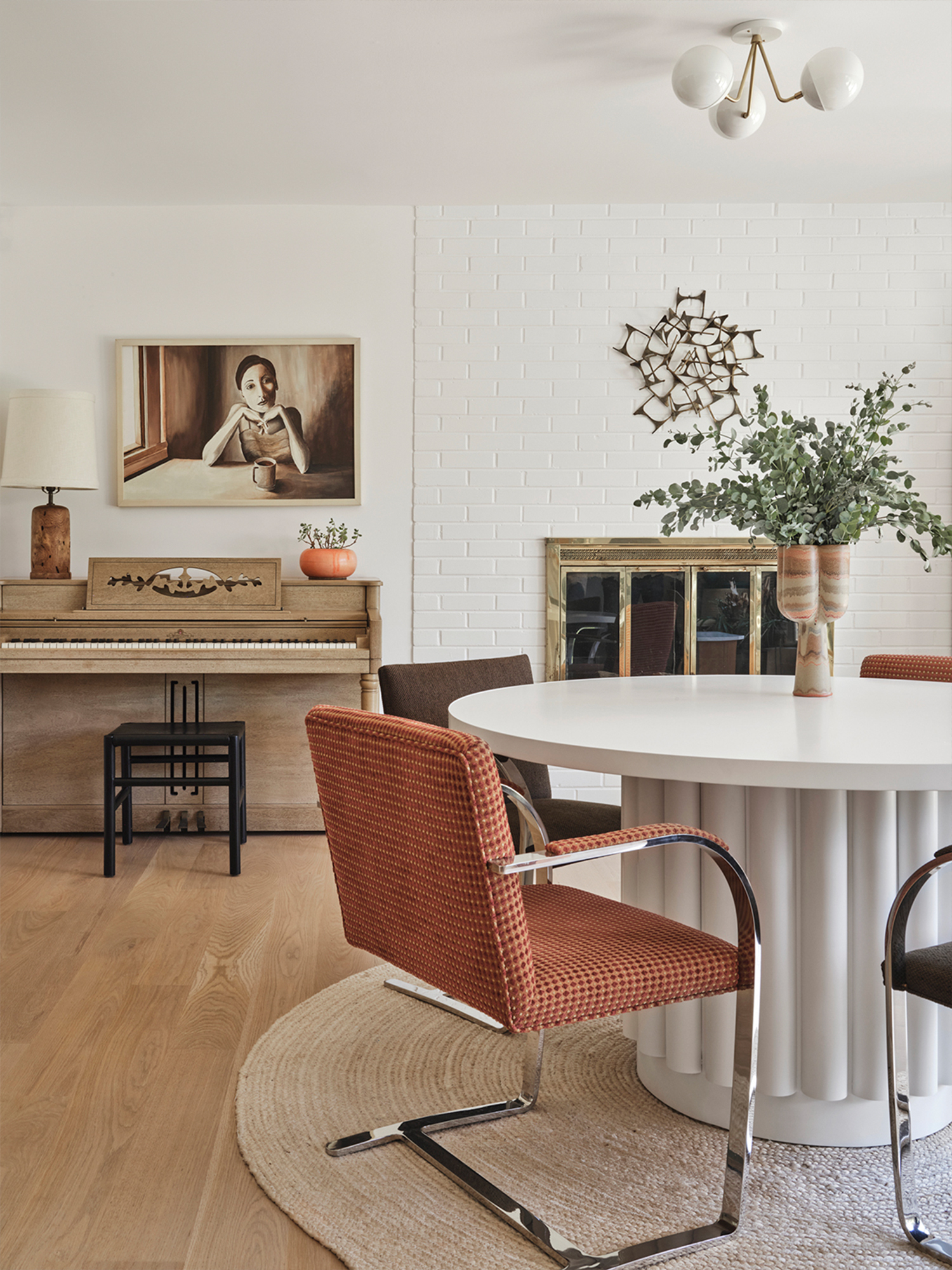
22 Domino-Backed Favorites That Are on Sale Pre–Way Day 2024


Wayfair’s Popular Garage Storage Cabinet Is Now 60% Off
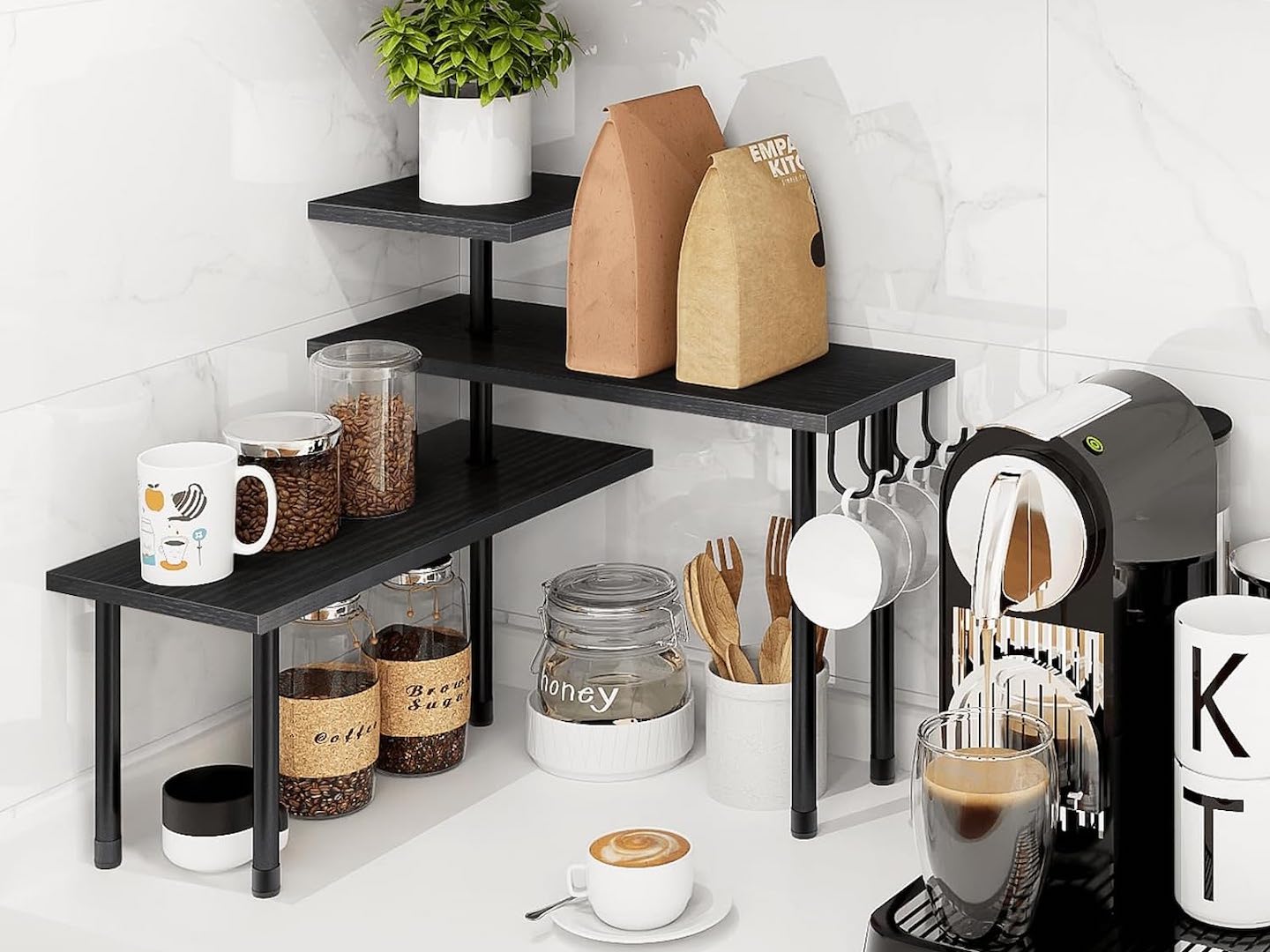
This Viral Shelf Makes Good Use of That ‘Unused, Awkward Corner’ Counter Space & It’s Almost 40% Off

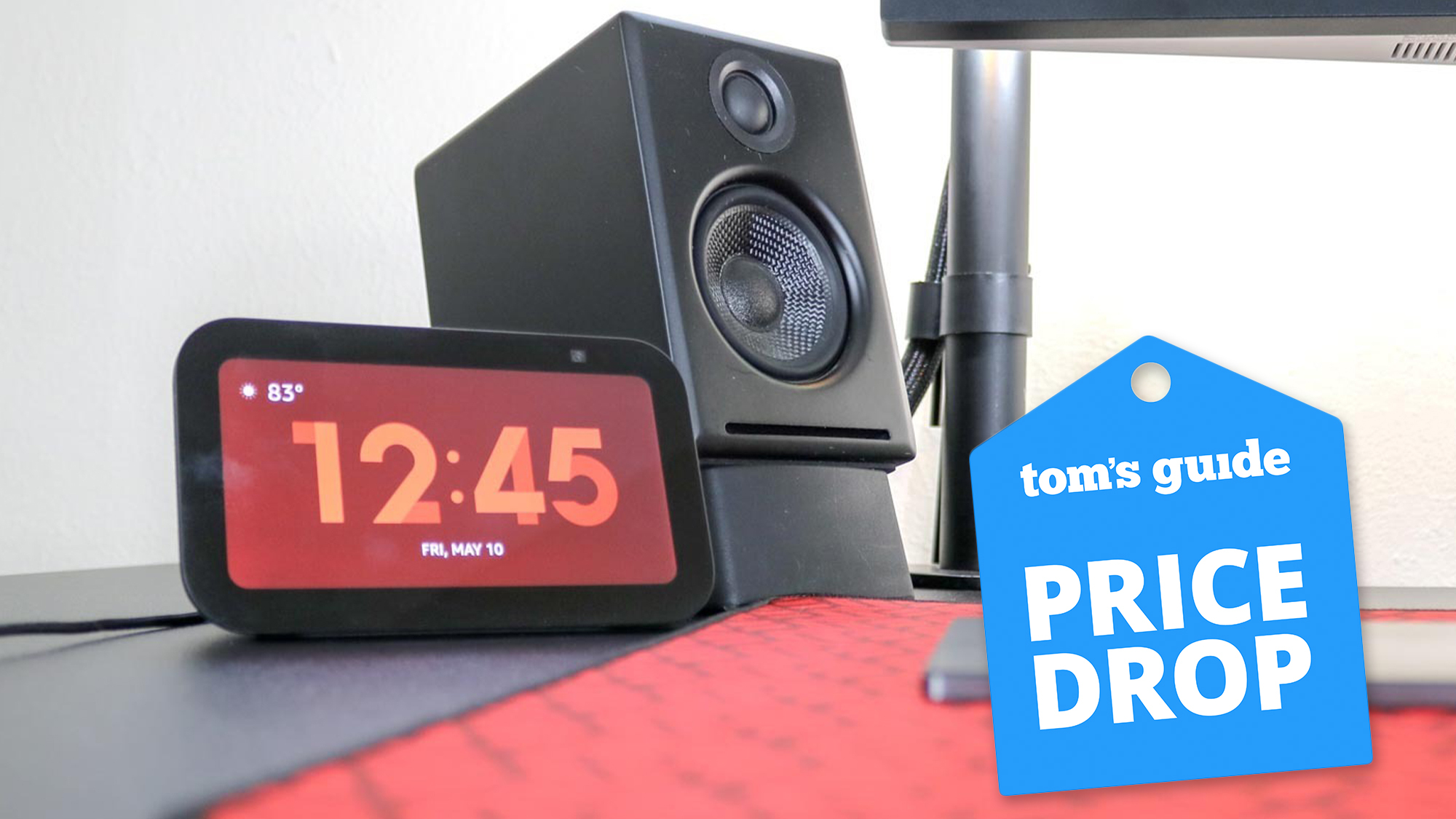
This smart display has earned a permanent spot on my desk — and it’s 50% off right now

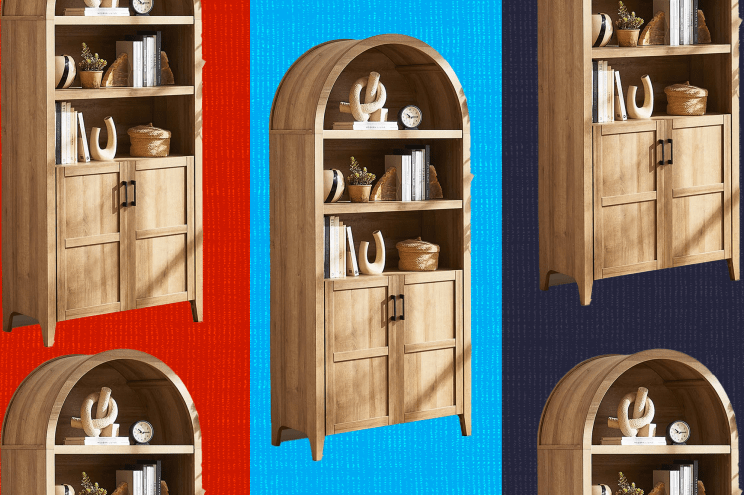
This bookcase hopped off my Pinterest board and is now 20% off after Prime Day
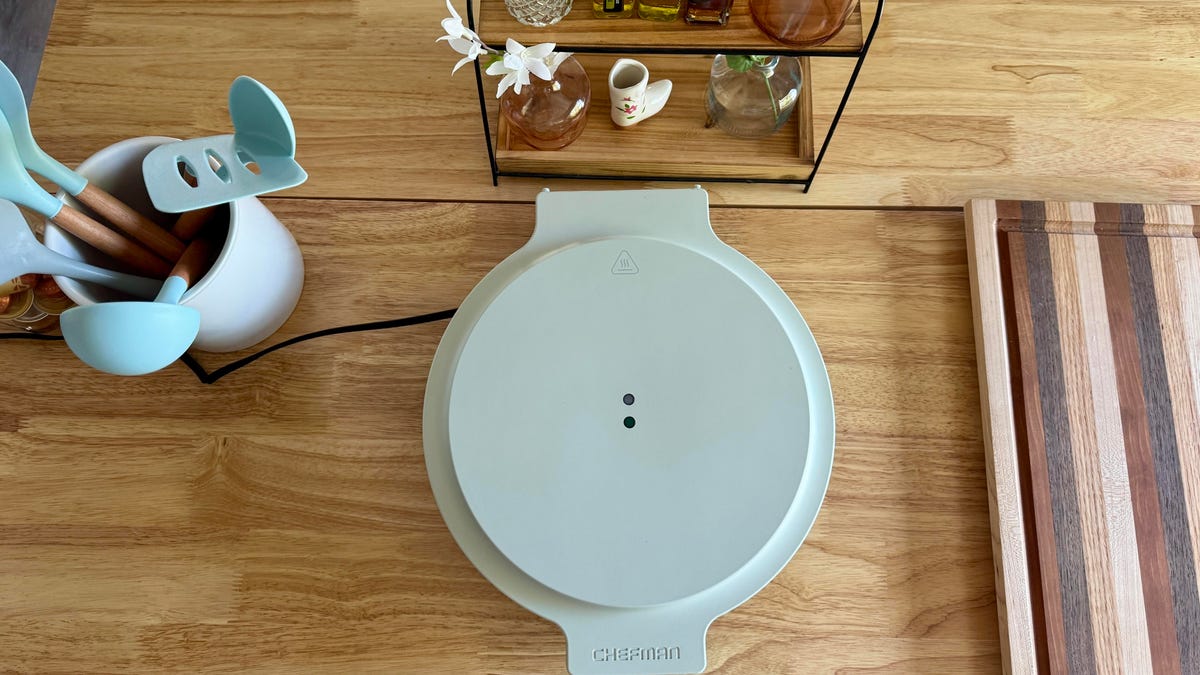
My Favorite All-in-One Kitchen Appliance Is on Sale for 20% Off

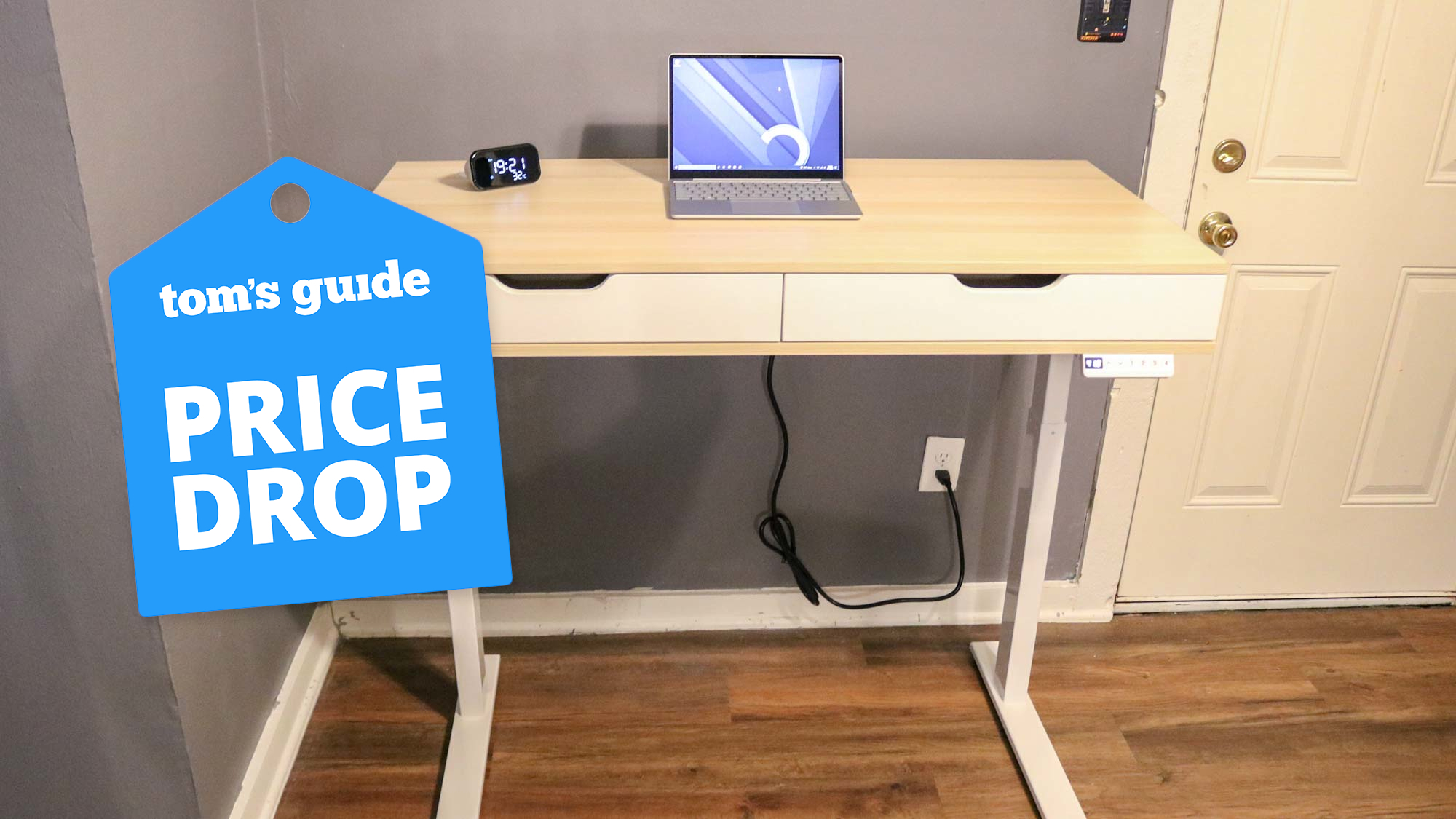
This standing desk has huge drawers, charging ports, and a cable management system — and it's 40% off right now

This Editor-Loved Gazebo Is 30% Off on Amazon — It's Lowest Price Ever
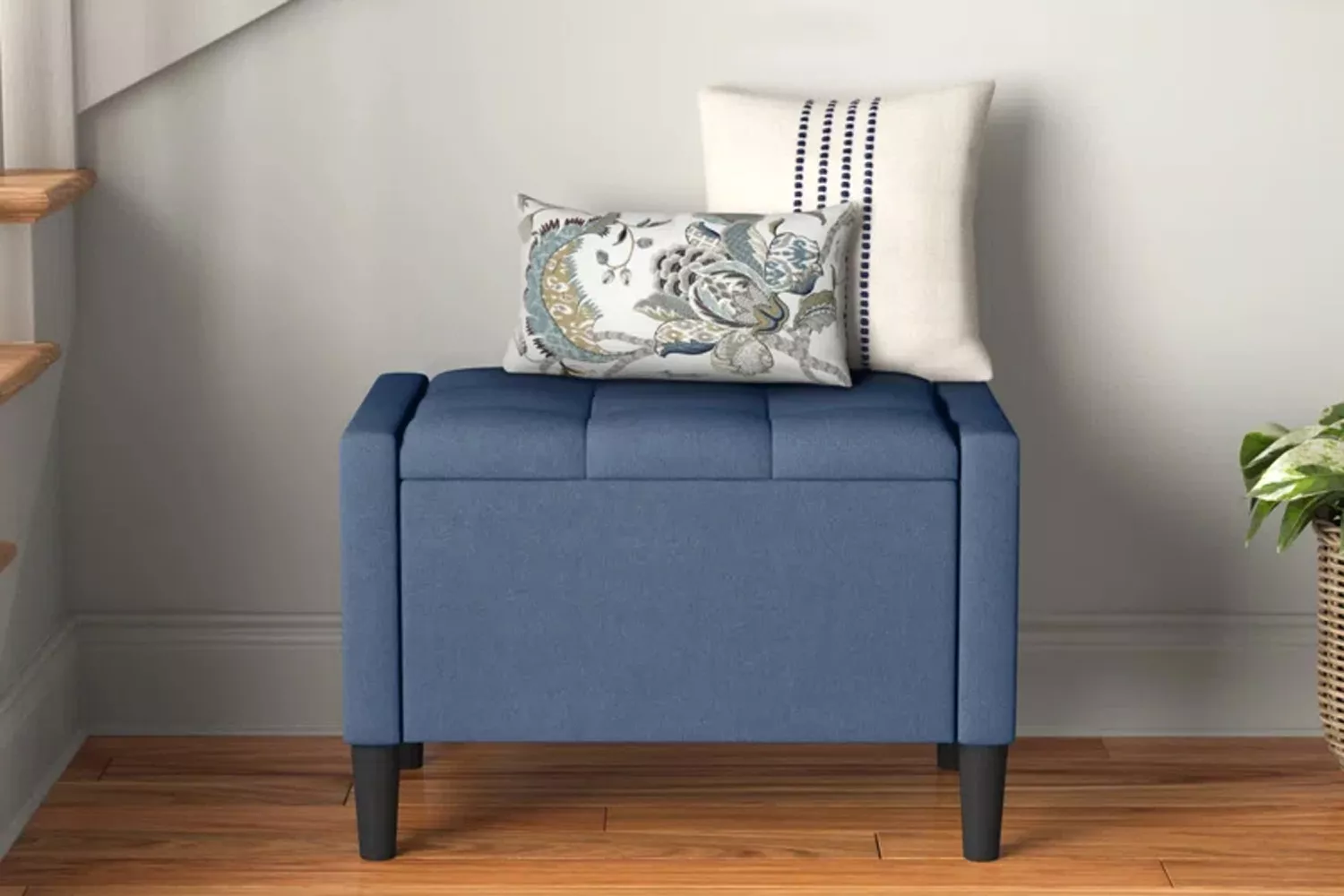
Wayfair Quietly Dropped 20,000+ Deals on Entryway Storage Solutions—Up to 71% Off