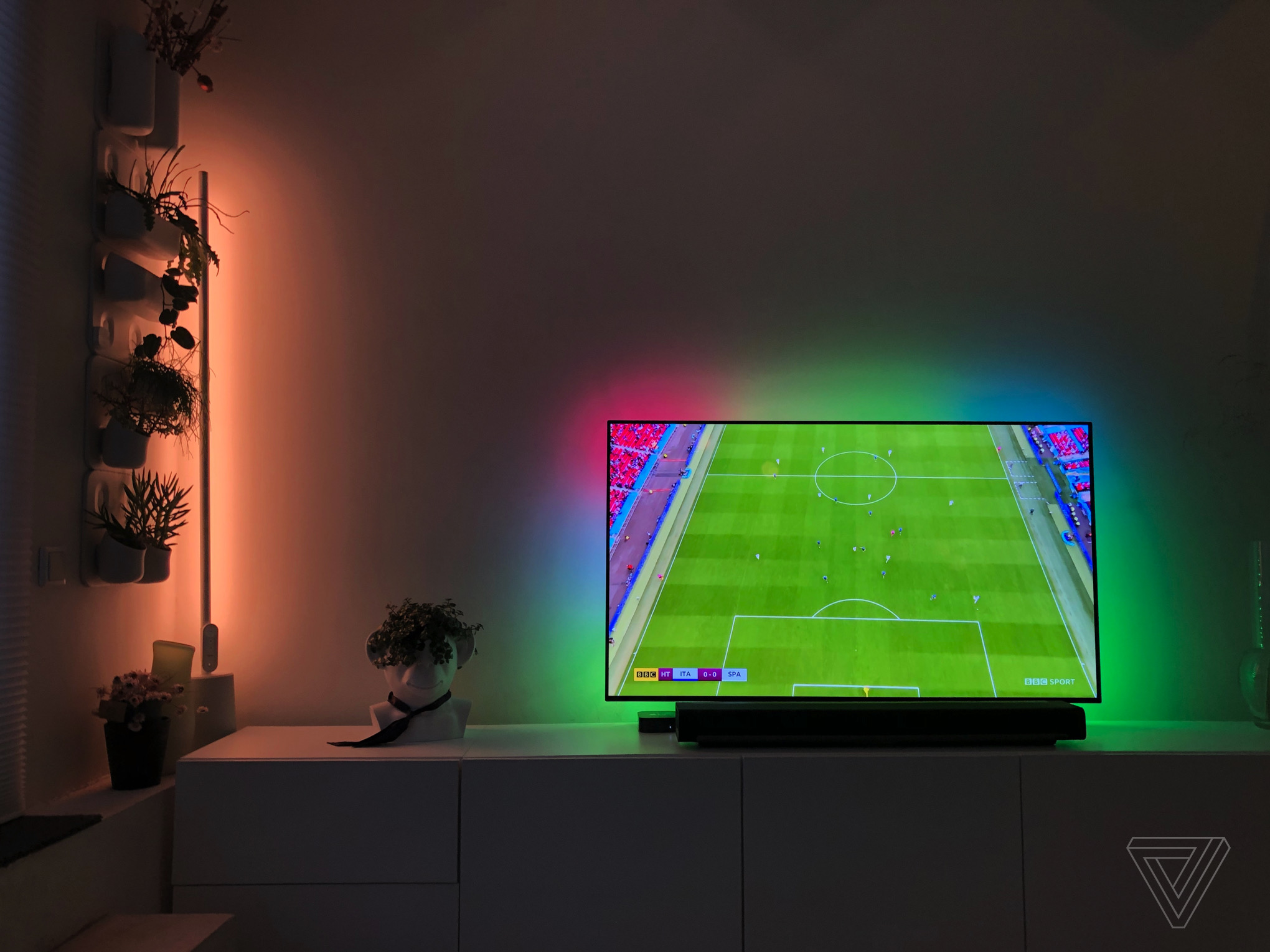
1/22
This inexpensive backlight makes your big TV even more immersive
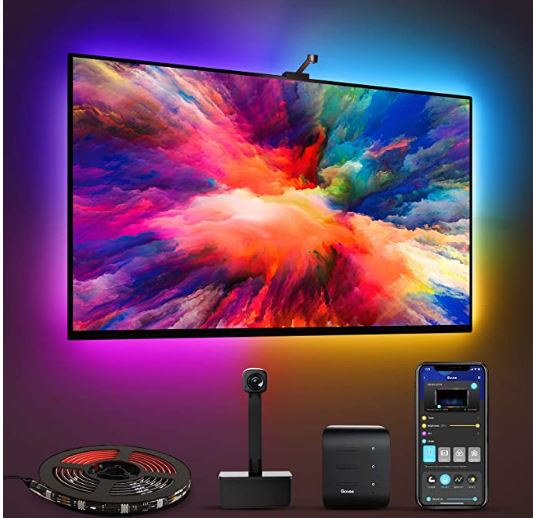
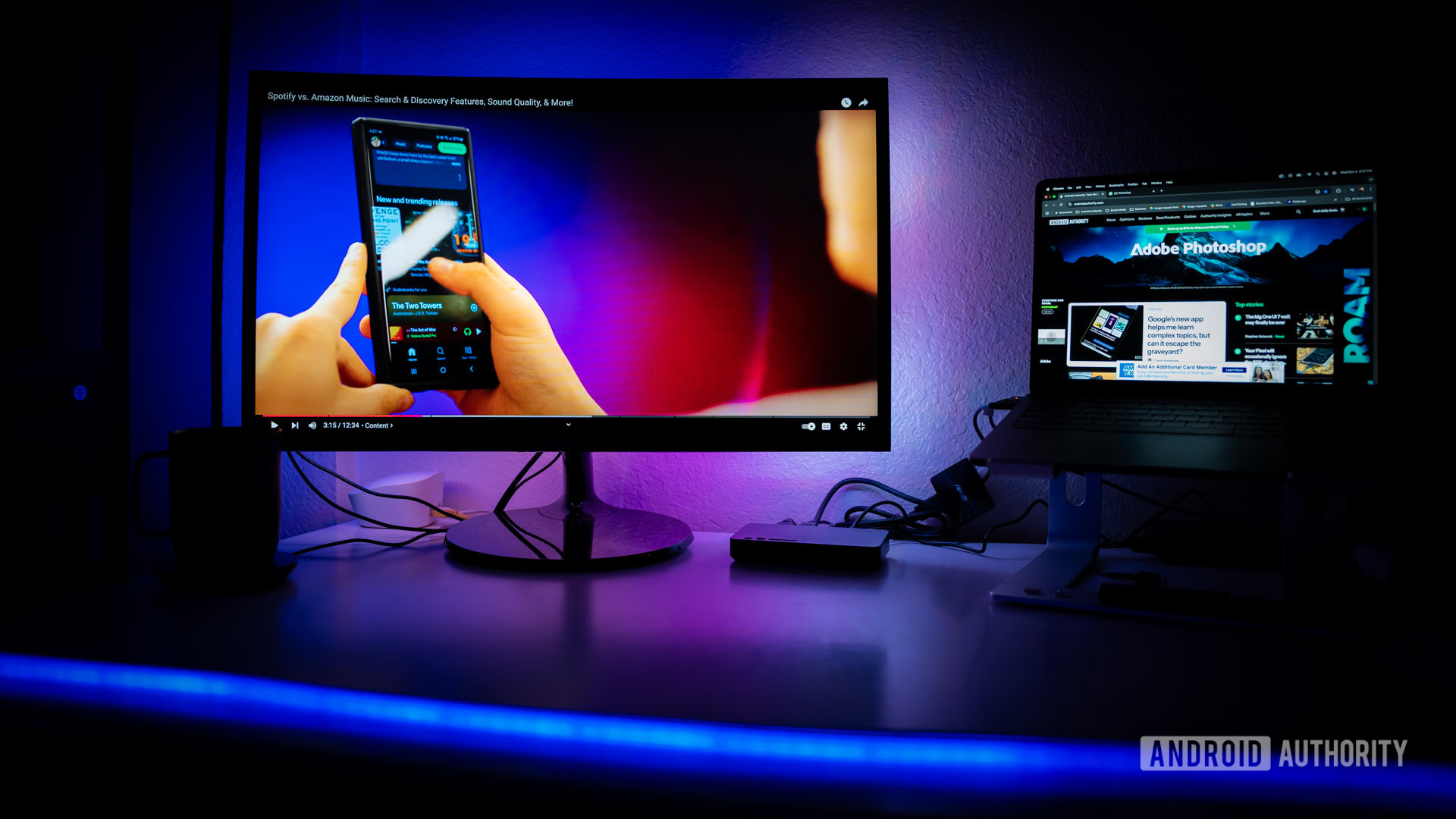
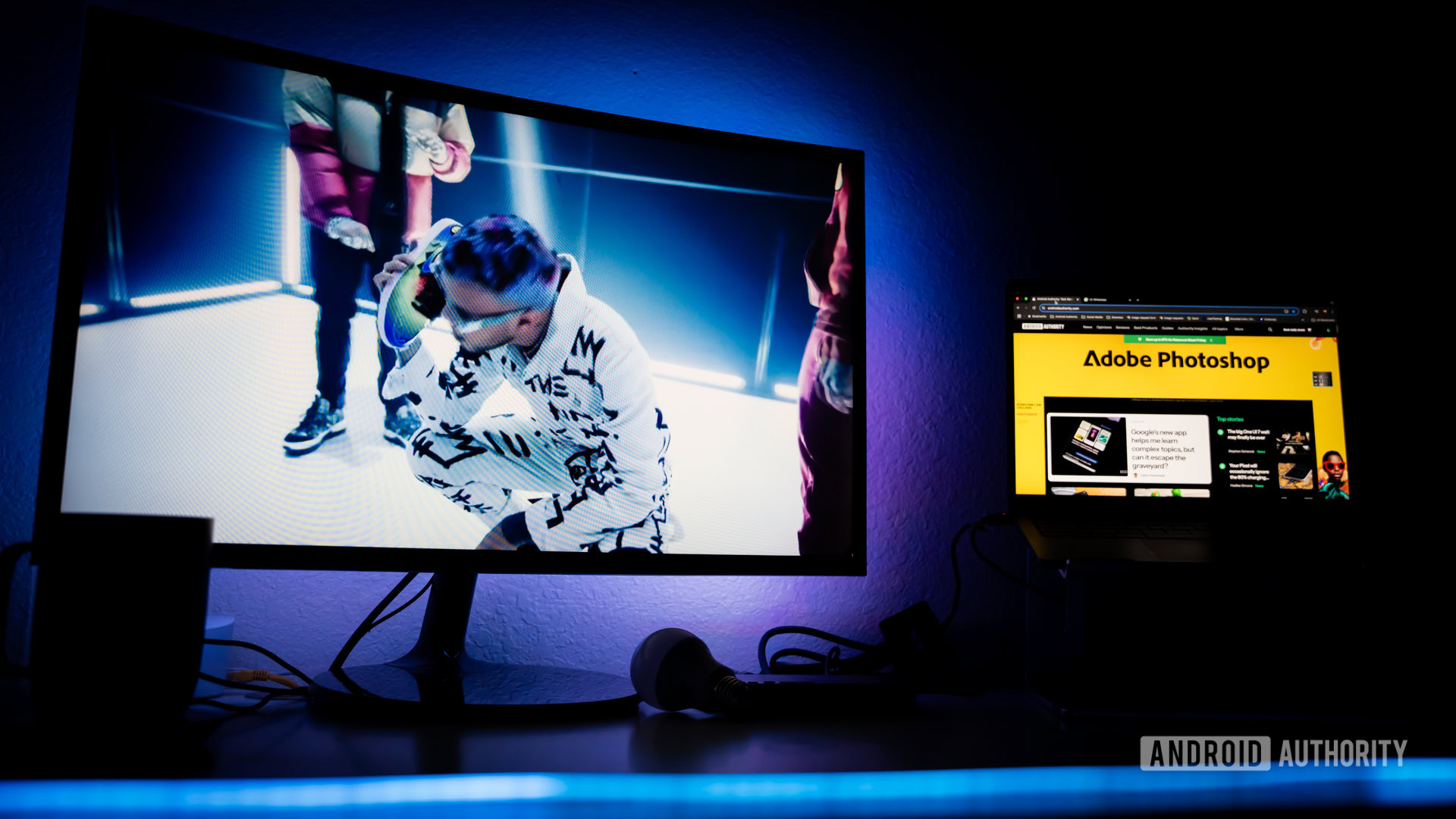
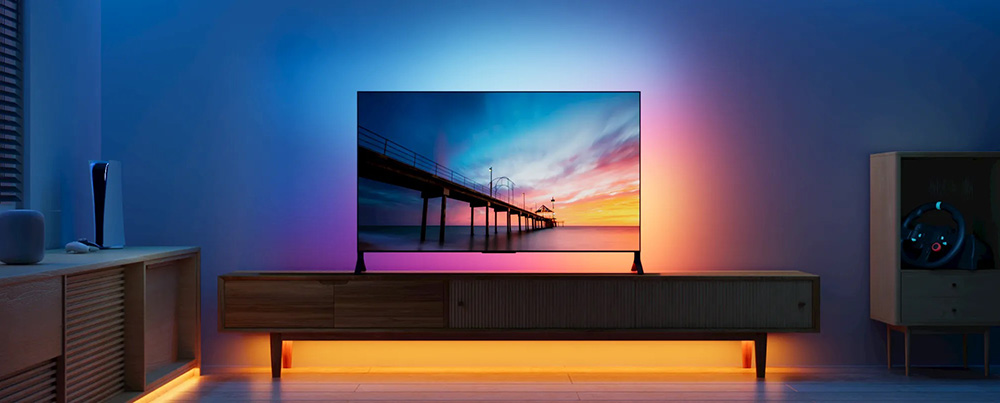
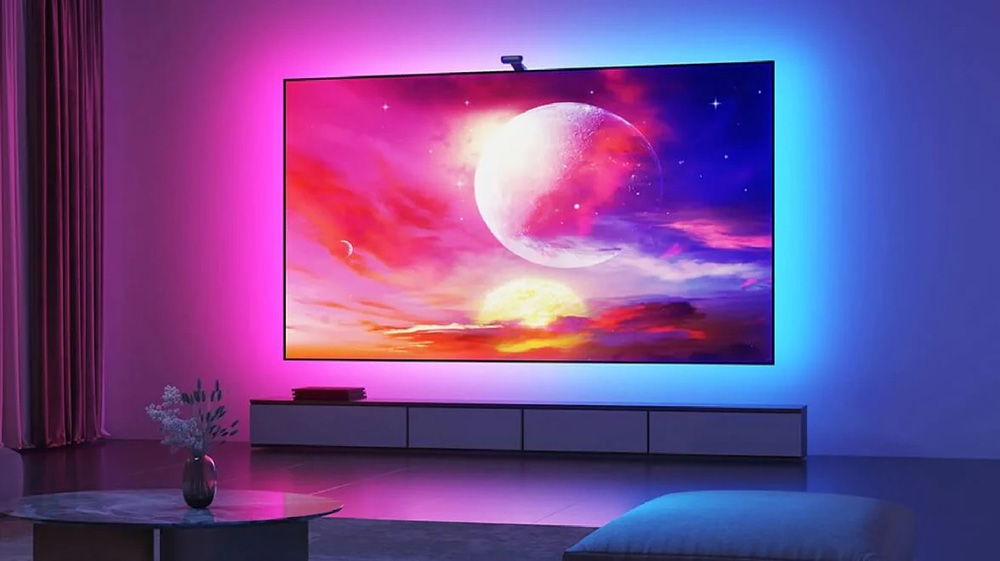
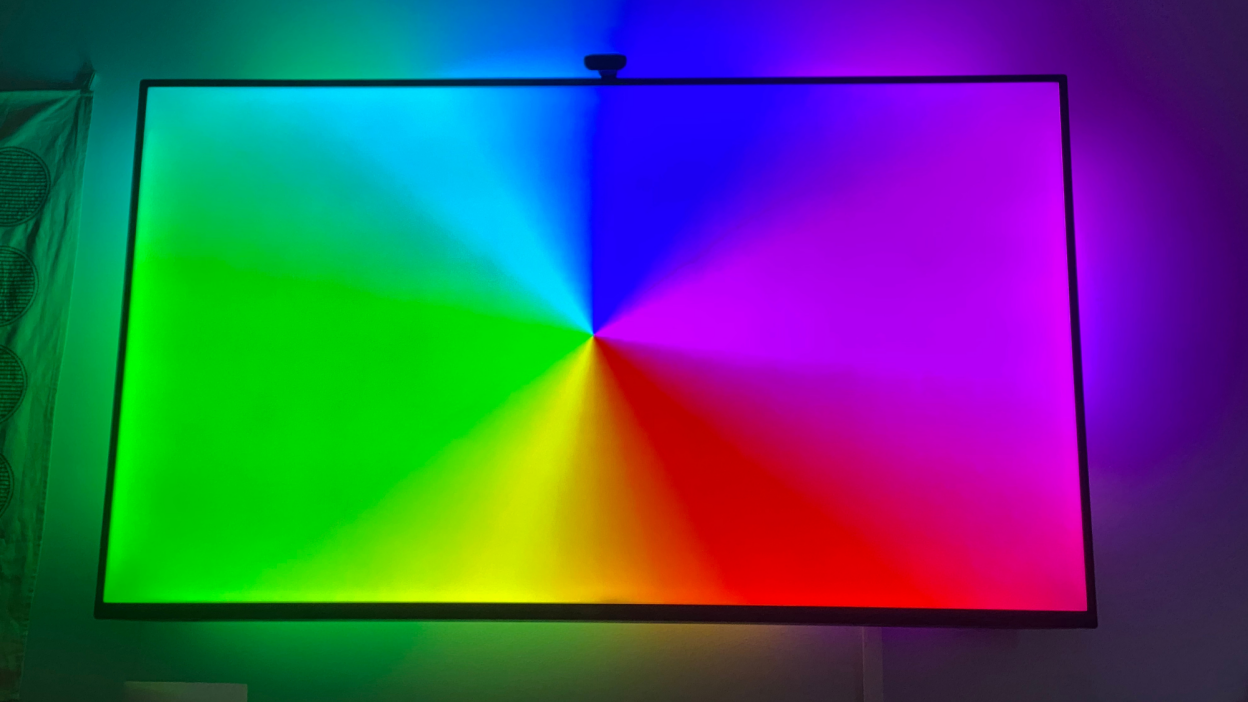
This article reviews the Govee Immersion TV backlight, an affordable alternative to premium Ambilight systems like Philips' offerings, designed to enhance TV viewing immersion. The author, Thomas Ricker, describes his long-standing interest in ambient backlighting for televisions but notes the prohibitive cost of Philips' proprietary Ambilight TVs and the Hue Play Box. The Govee Immersion kit, priced at $80, is presented as a cost-effective solution that includes all necessary components.
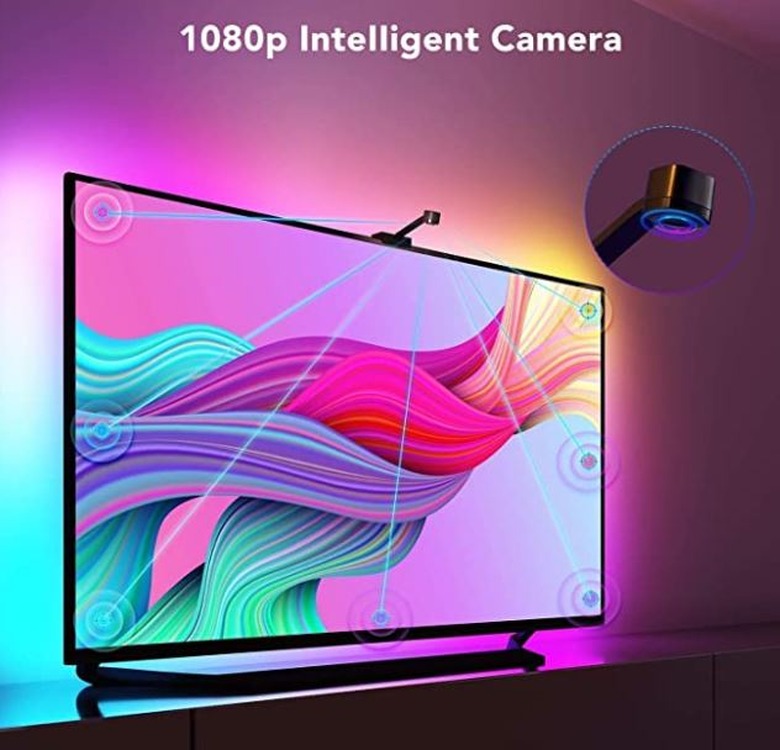
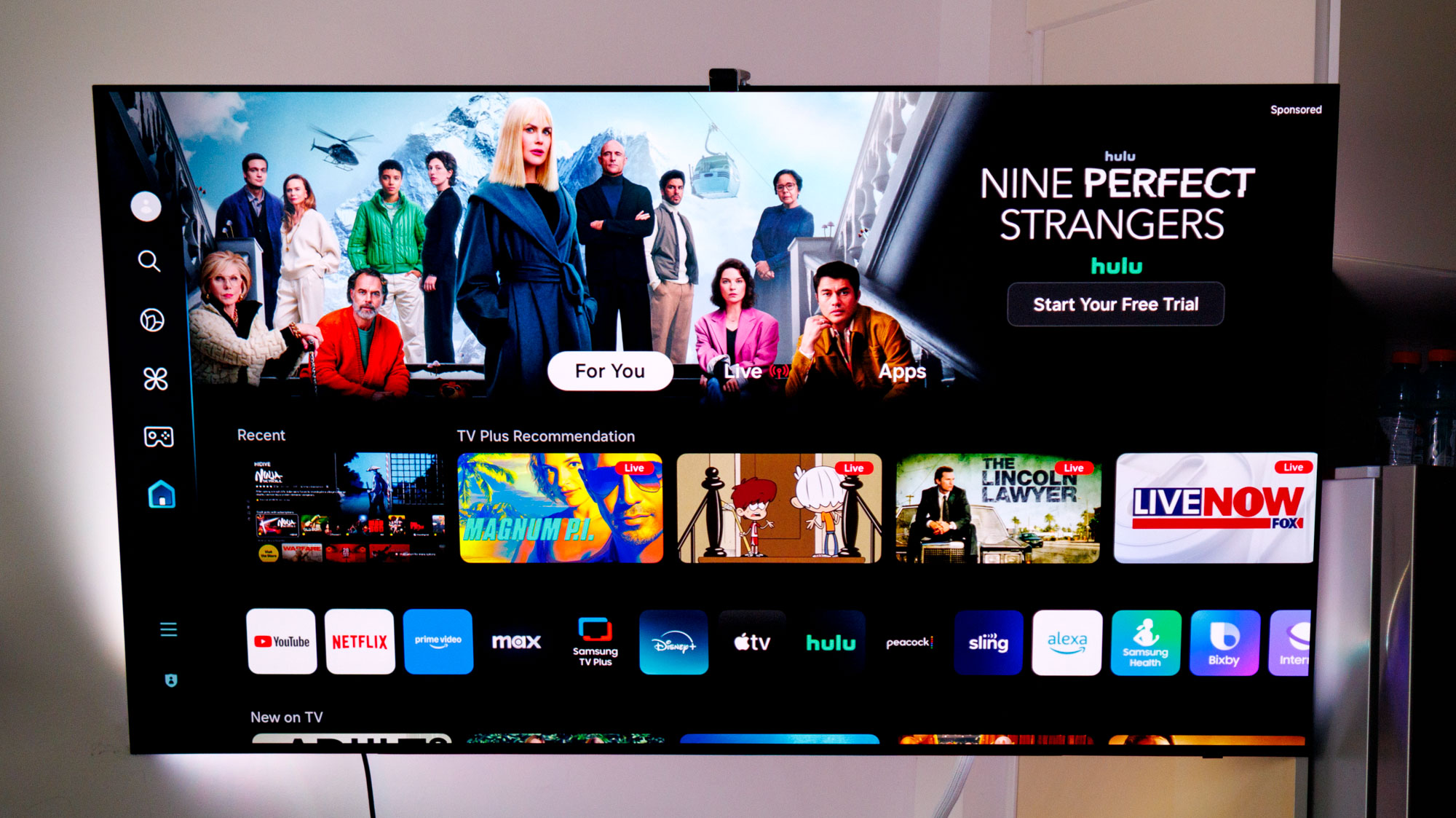
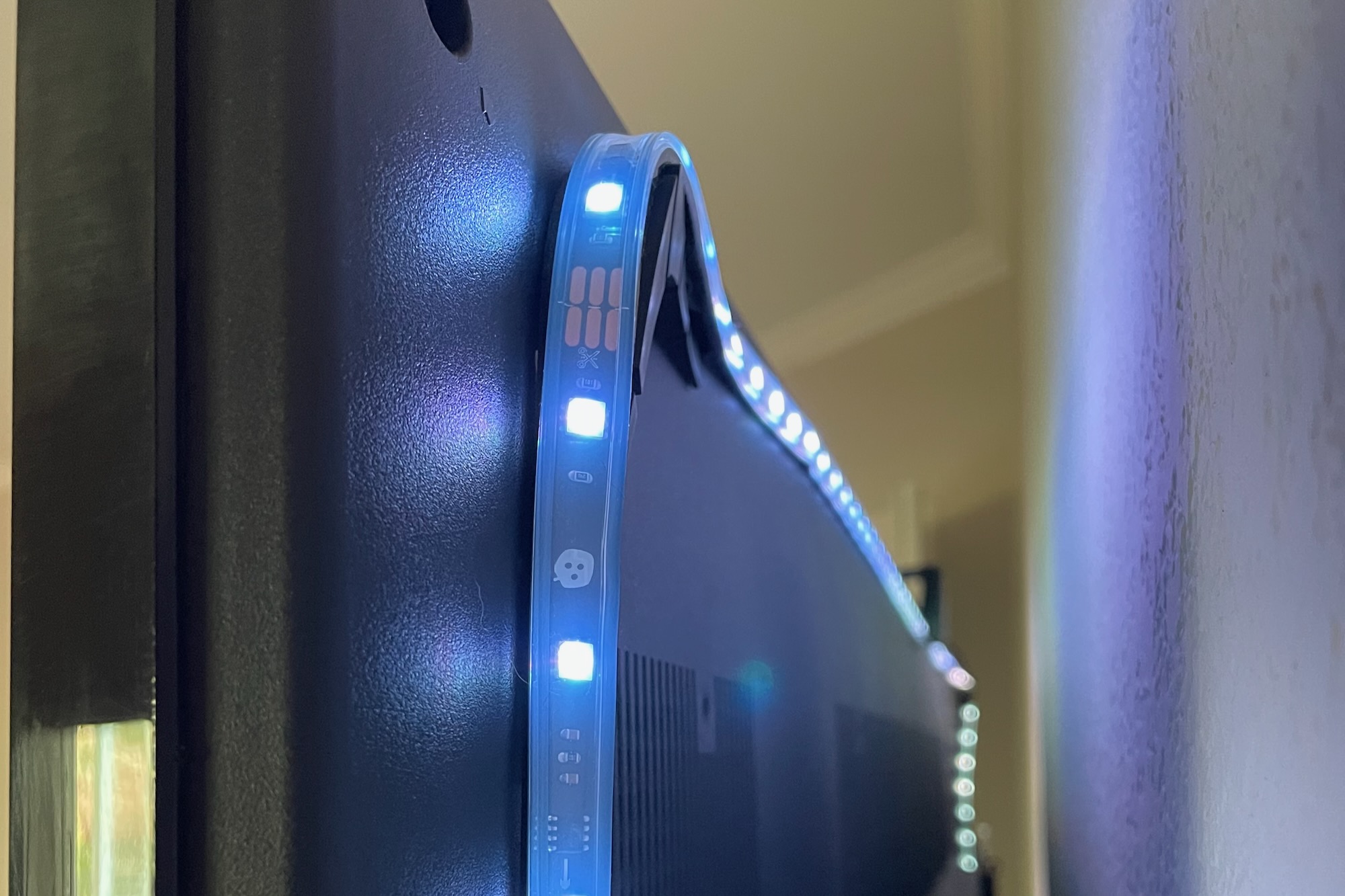
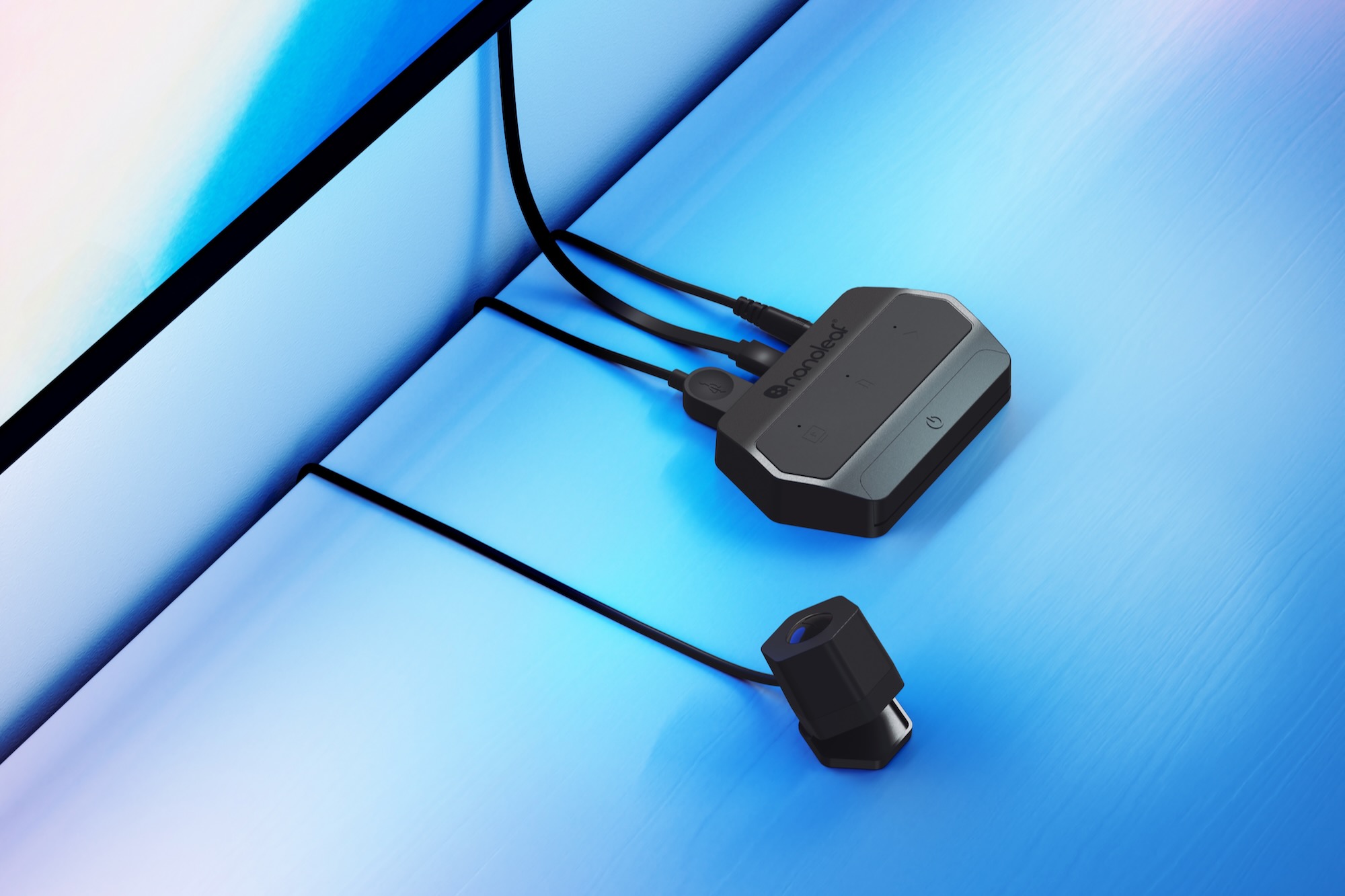
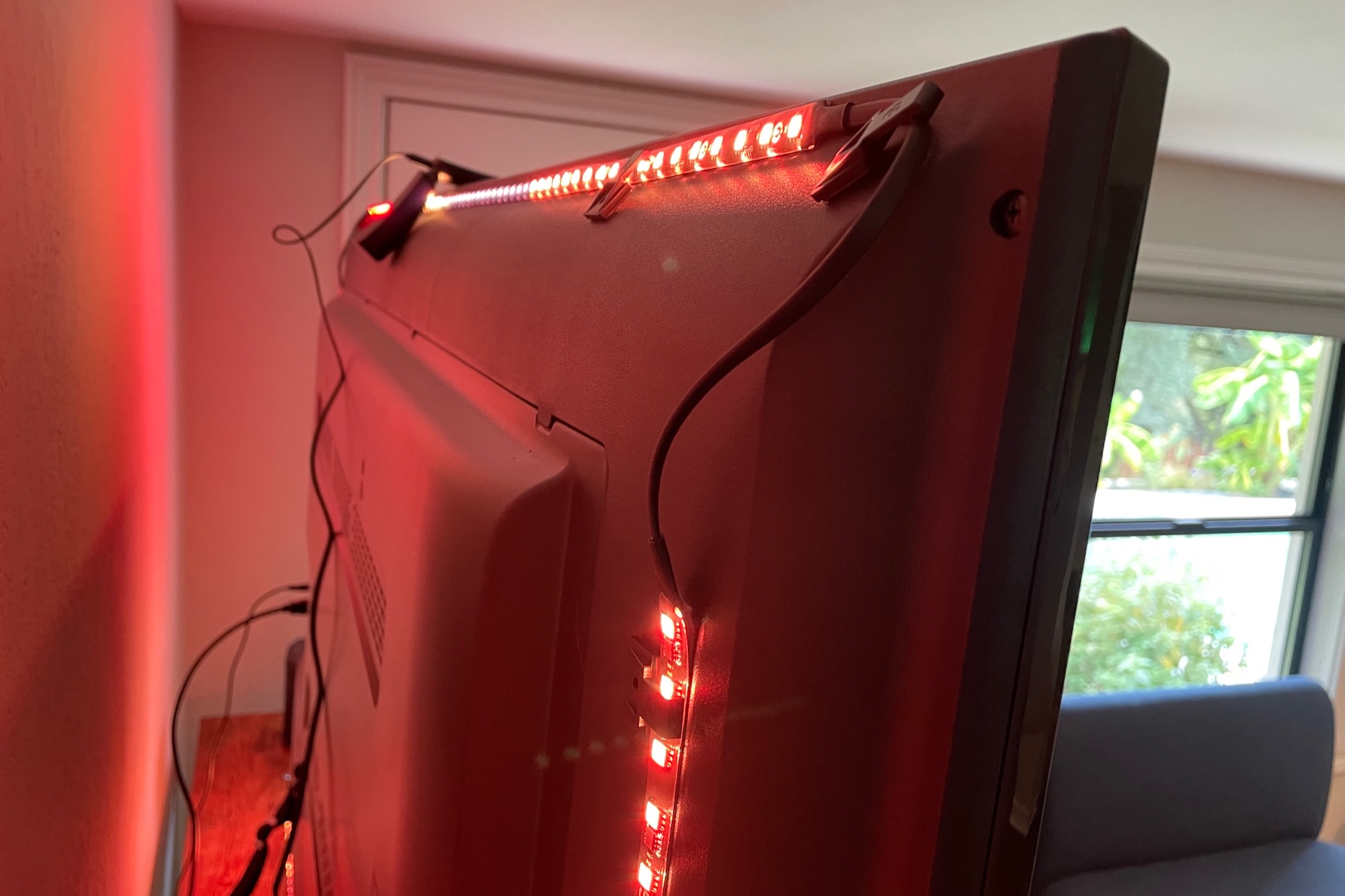
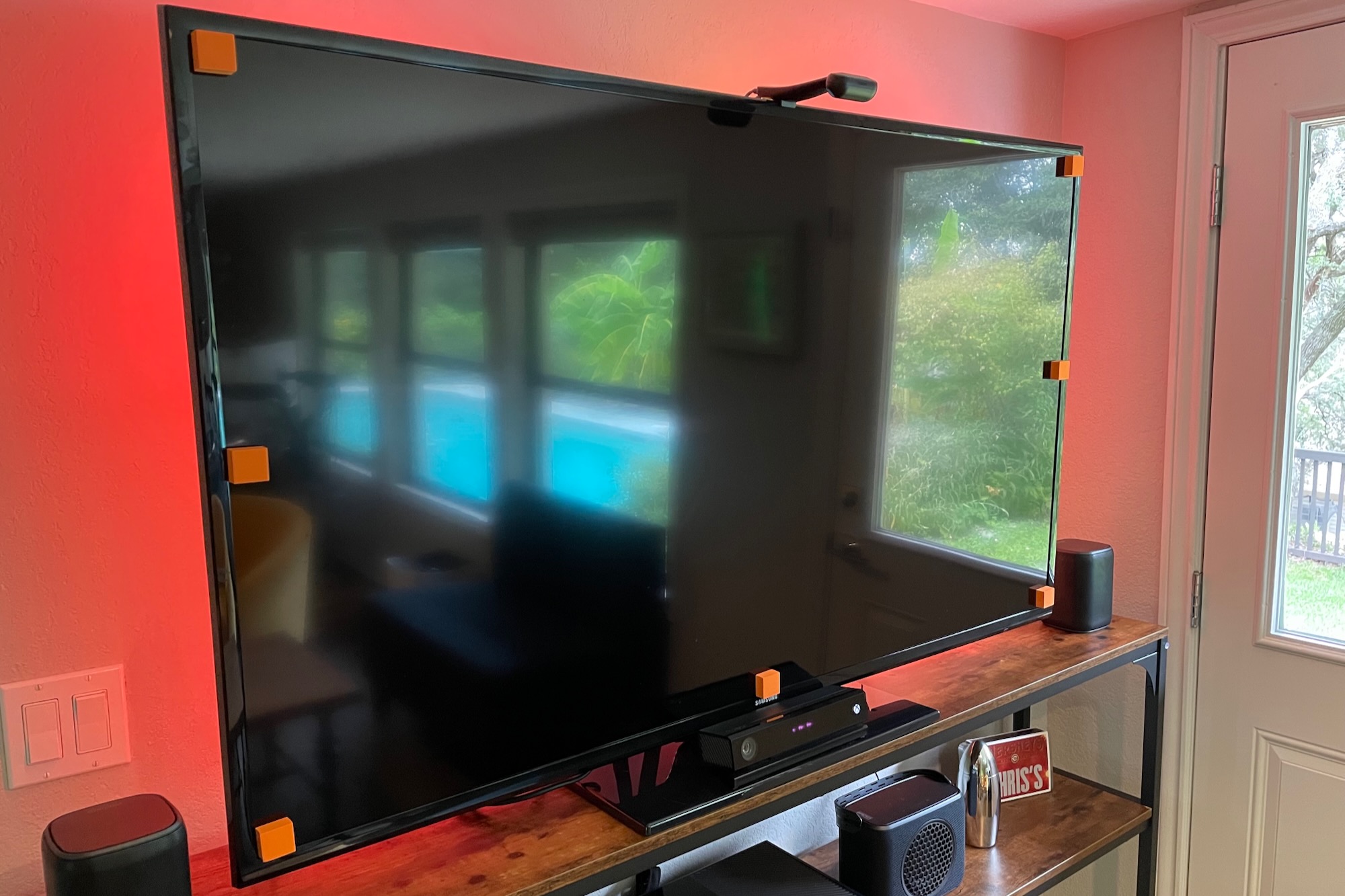
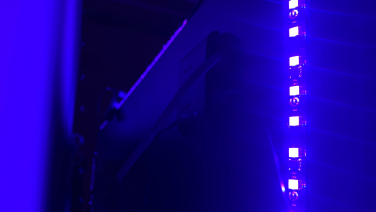
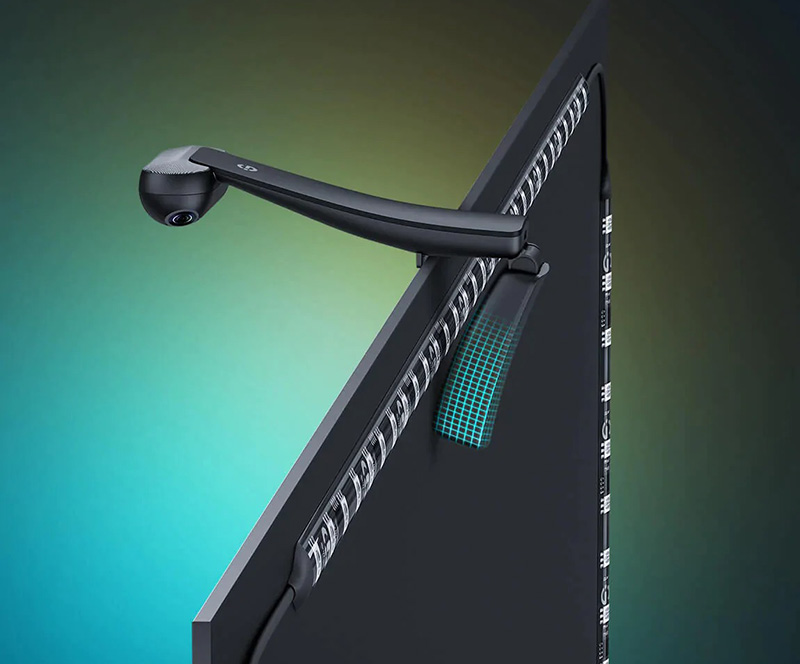
Installation of the Govee Immersion kit is detailed, involving attaching a 12-foot RGBIC LED strip with 3M adhesive to the back of a TV. The process took about an hour, with particular care needed for a 55-inch LG OLED TV to ensure proper placement and prevent the strips from being visible from the front. The kit is designed for TVs between 55 and 65 inches, with specific segment lengths for the sides, top, and bottom. The author notes that installation on larger TVs might be simpler due to less need for looping and cajoling the LED strip at the corners. The system utilizes an external camera to synchronize LED colors with the TV's display, a key advantage over the Philips Hue Play Box, which requires content to be fed via HDMI. This camera-based approach allows the Govee Immersion to work with content from smart TV apps.
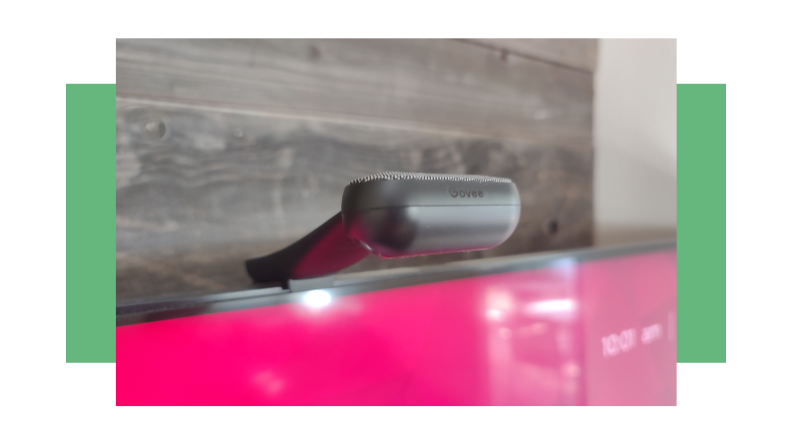
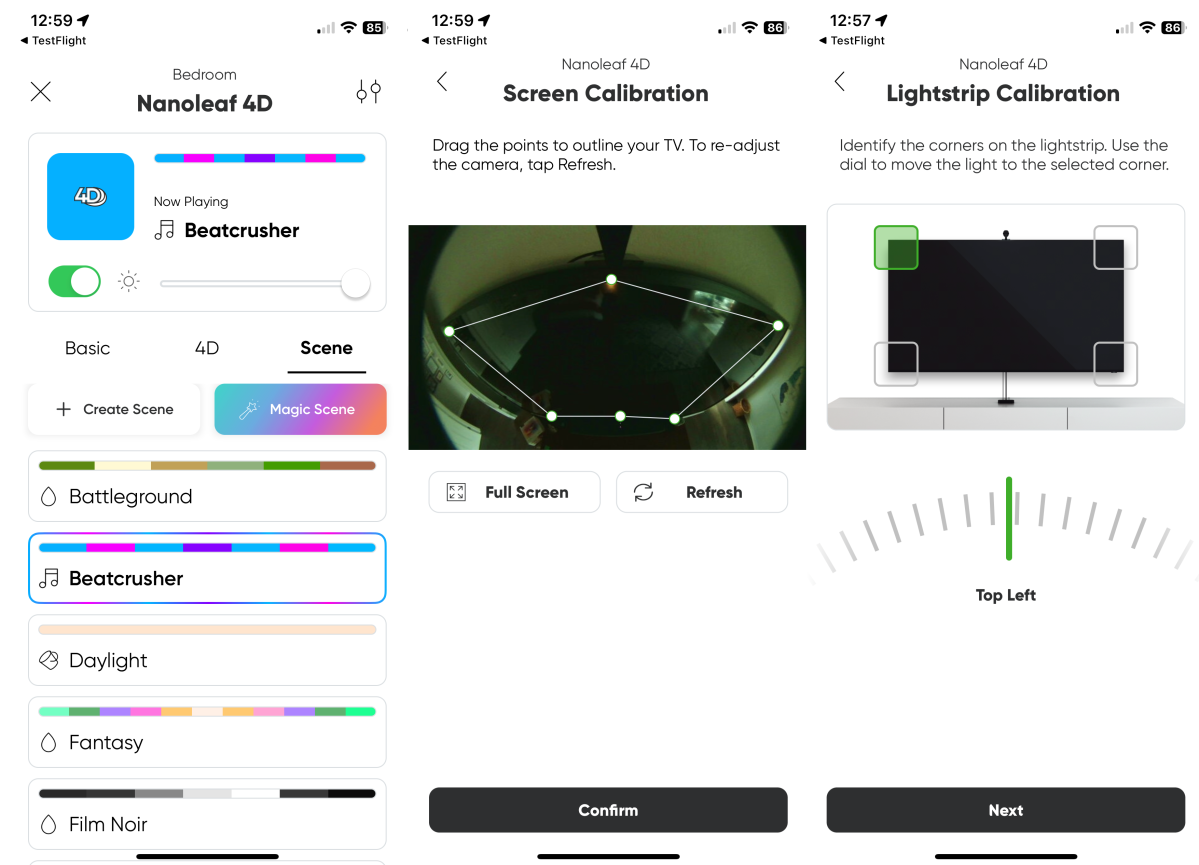
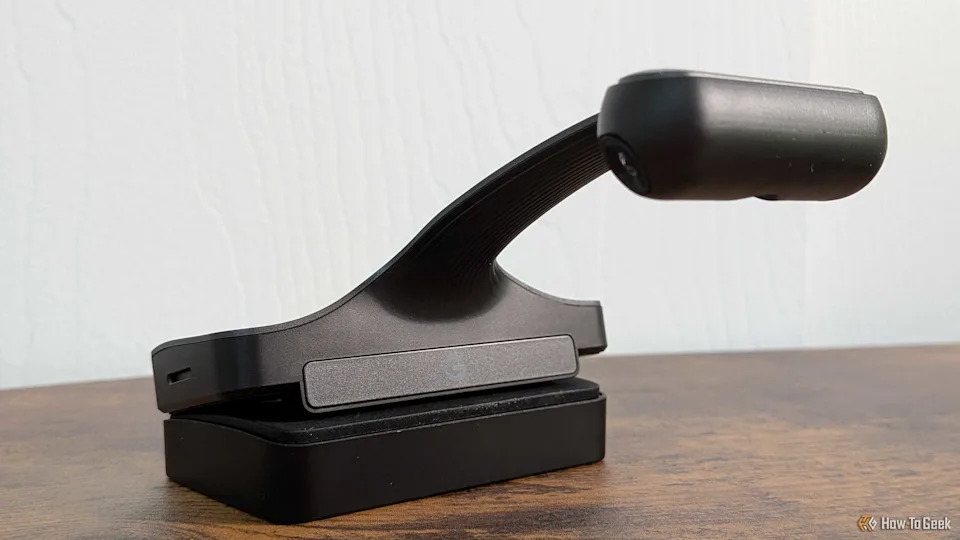
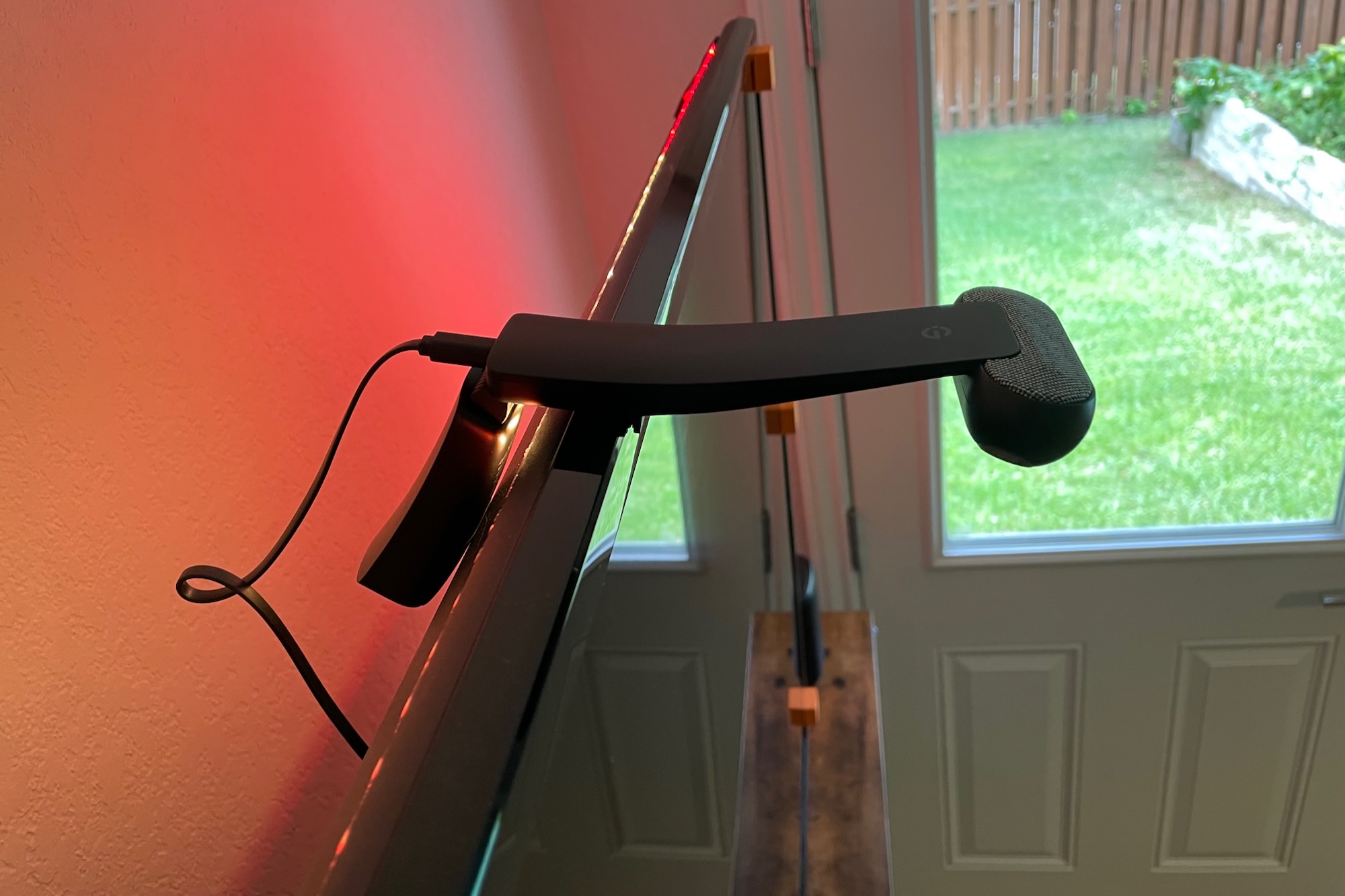
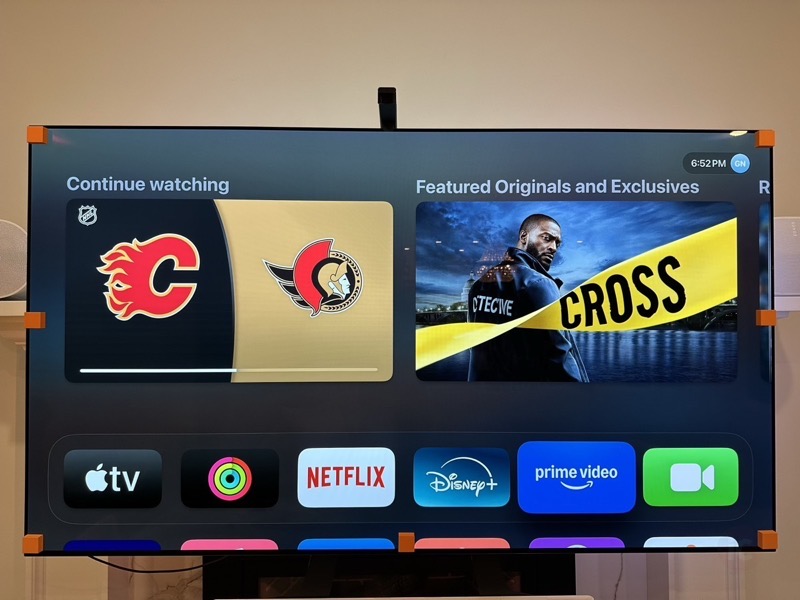
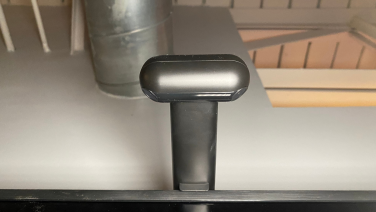
The camera's placement is crucial, and while marketing suggests placing it on top, the author discovered it could be mounted at the bottom for a cleaner aesthetic, especially when hidden by a soundbar. This placement, however, can lead to increased light interference. Calibration involves attaching seven orange adhesive pads to the TV screen and using the Govee Home app to align a fish-eye camera guide with these pads. The author emphasizes the importance of careful calibration for accurate color mapping.
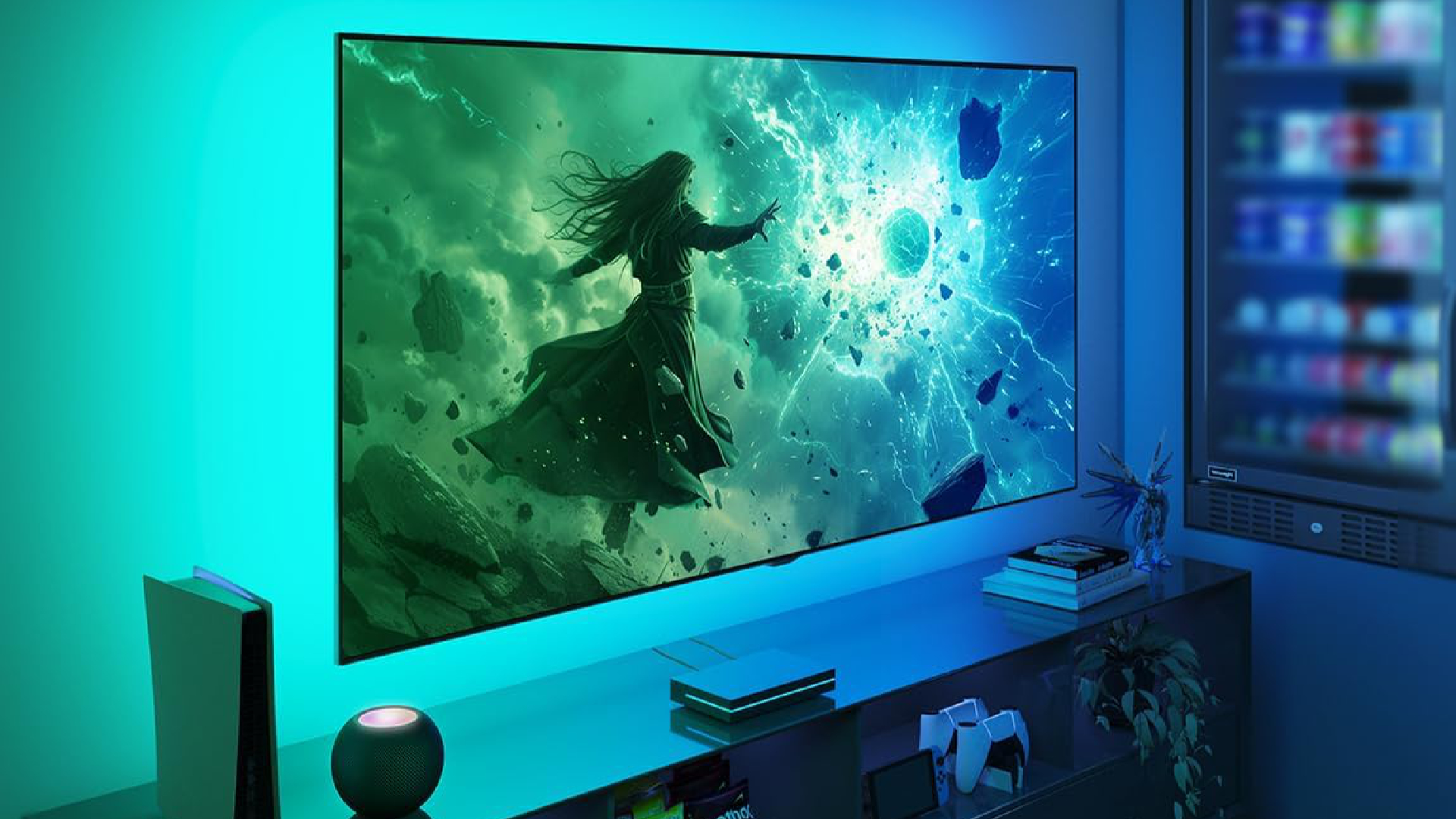
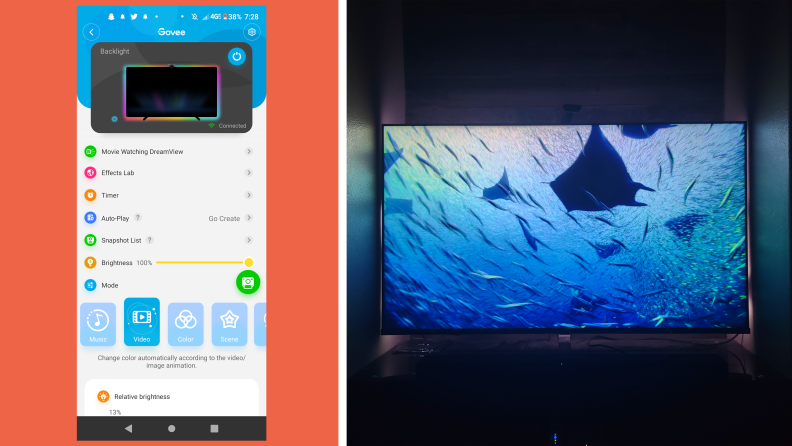
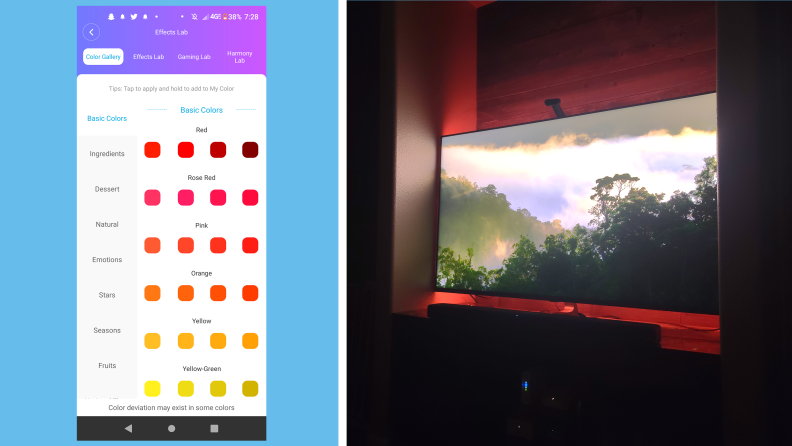
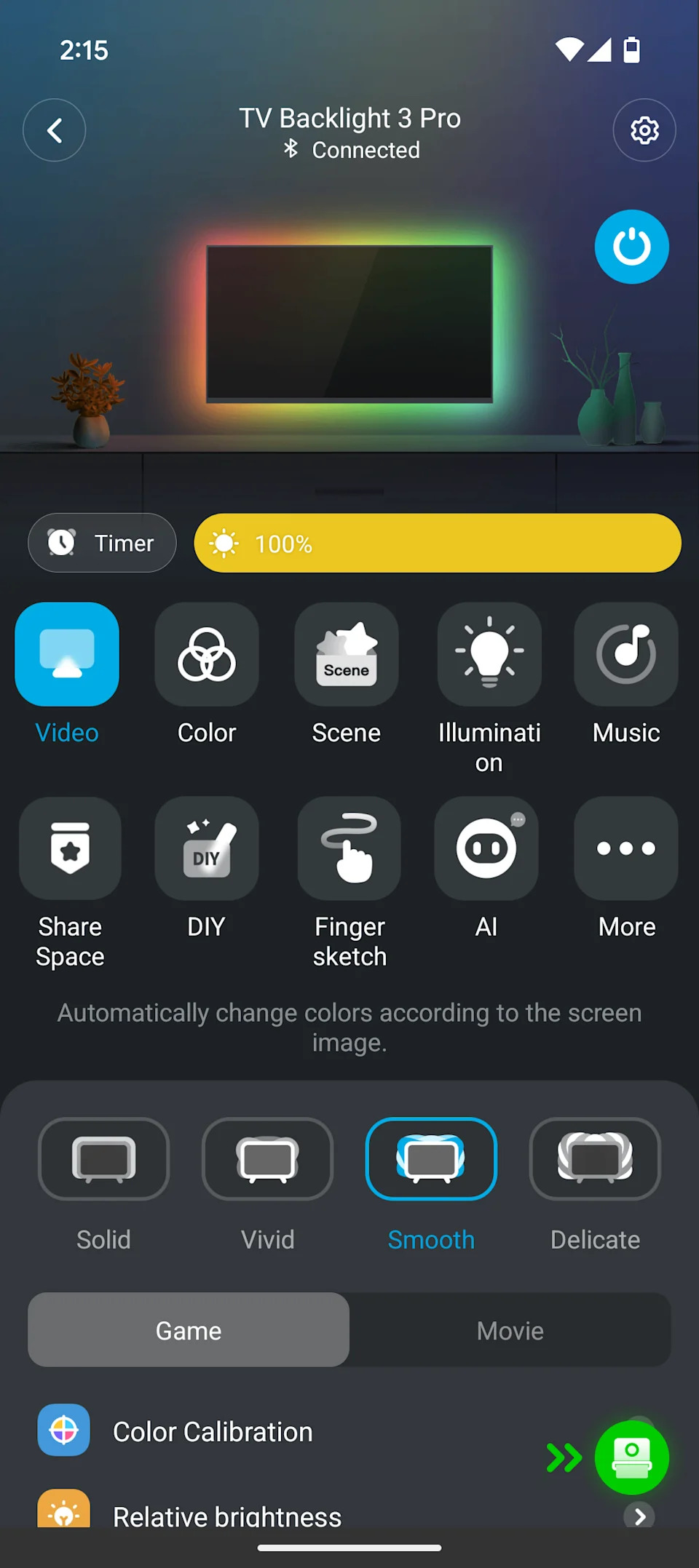
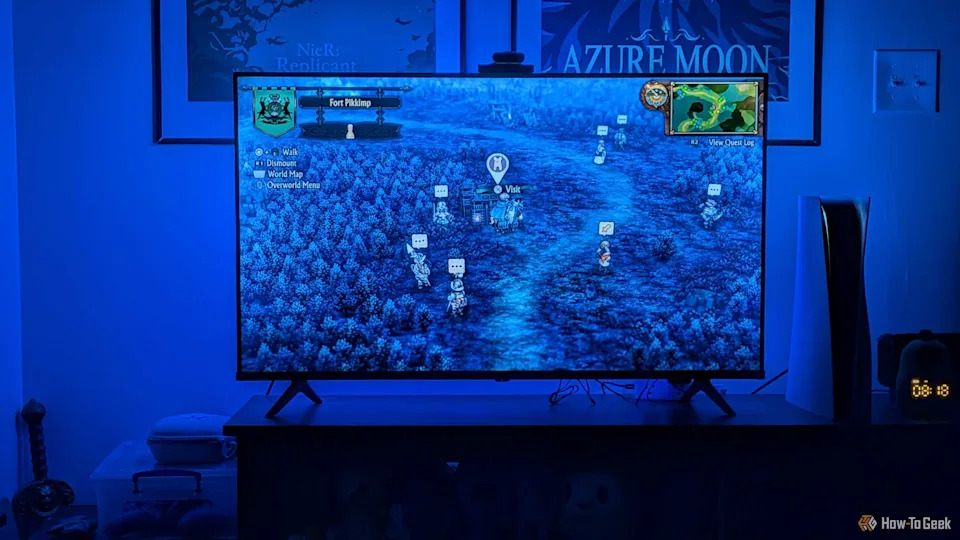
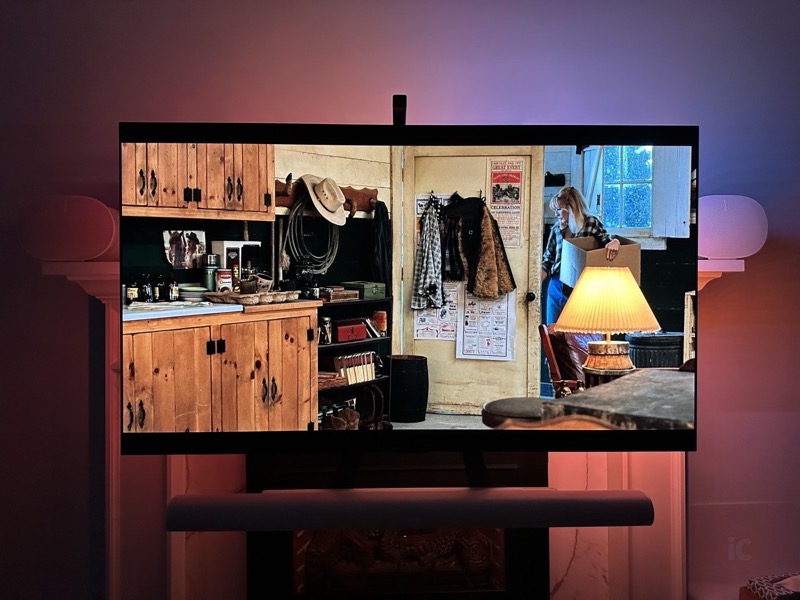
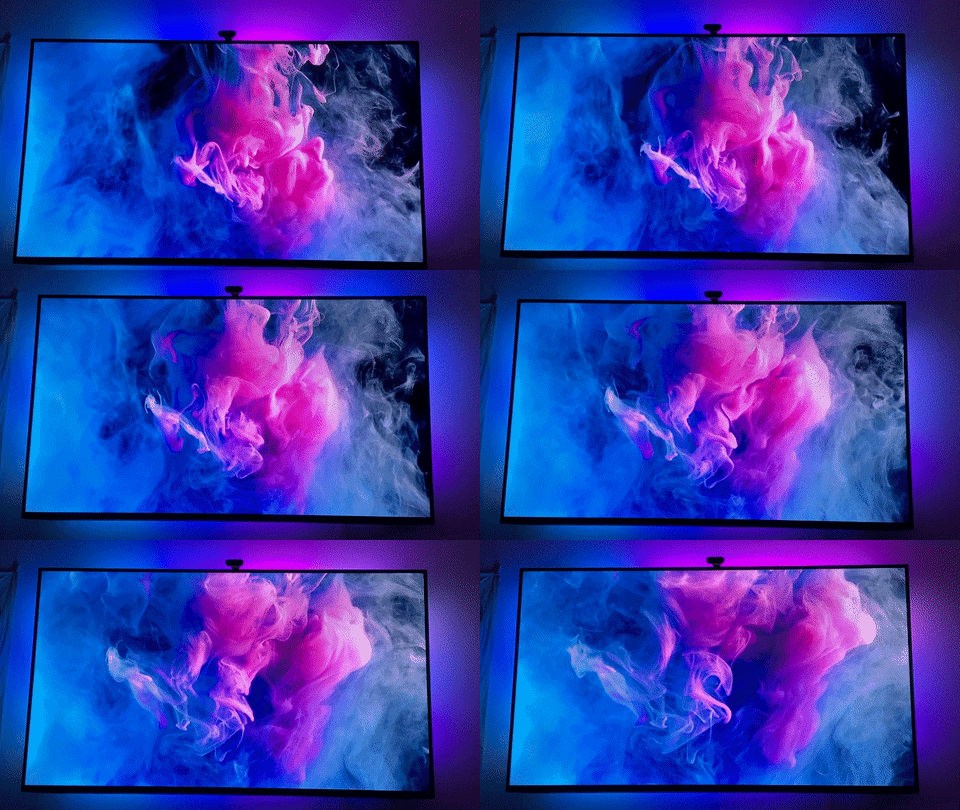
Control of the Govee Immersion is managed through the Govee Home app via Bluetooth or Wi-Fi, and it also supports Google Assistant and Alexa. The author connected the unit to a smart plug for automatic power on/off with the TV, noting the system remembers its last mode. The app offers various interactive modes, including music and video synchronization, and static color patterns. The Video mode, which can be set to 'Part' (local LED response) or 'All' (uniform backlight), and 'Game' (abrupt color changes) or 'Movie' (smoother transitions), is highlighted as the core of the immersive experience. The author's preferred settings for general viewing were 'Part / Movie' with moderate brightness and low saturation, finding them ideal for films, TV series, animation, and sports like soccer.
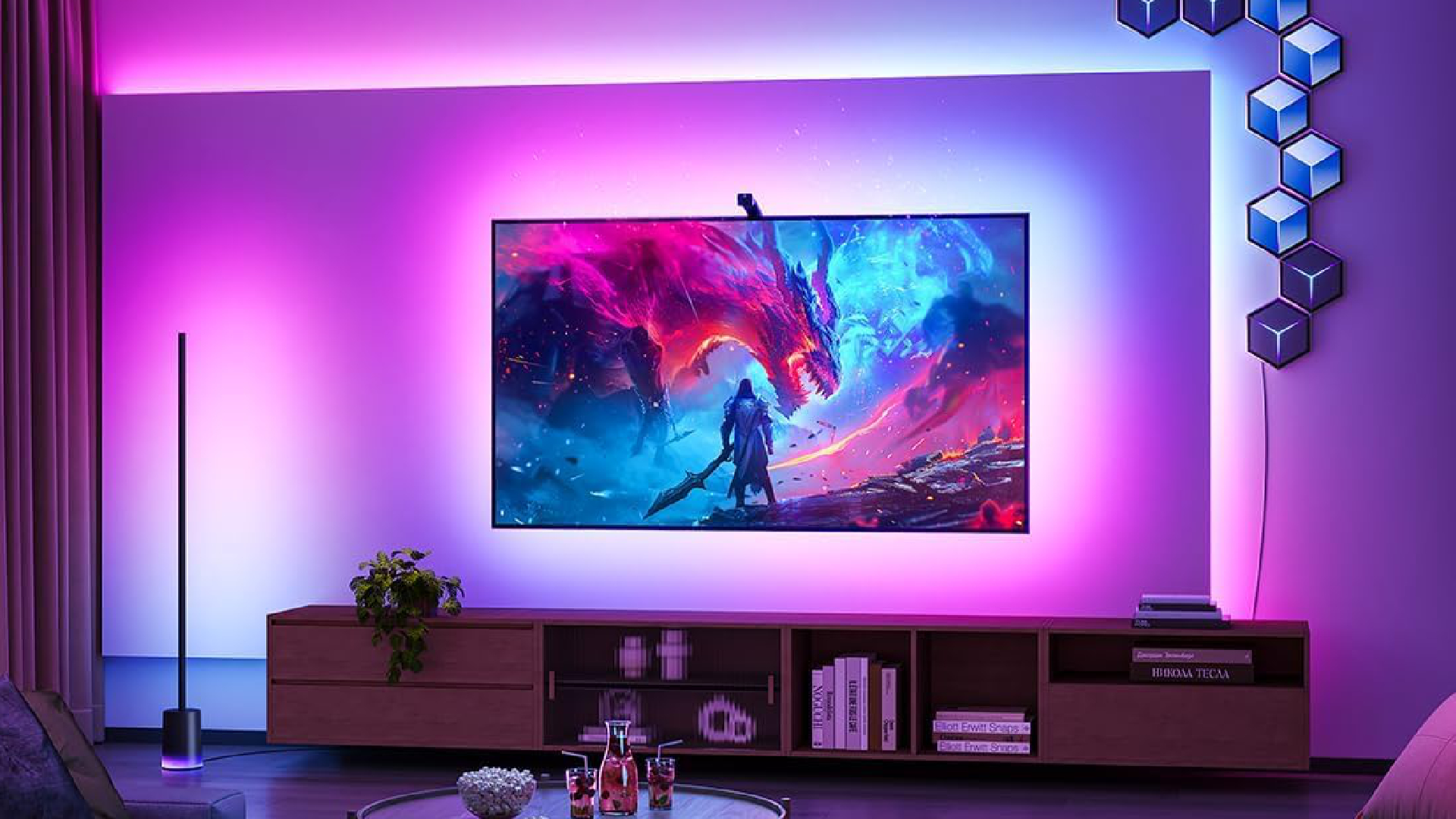
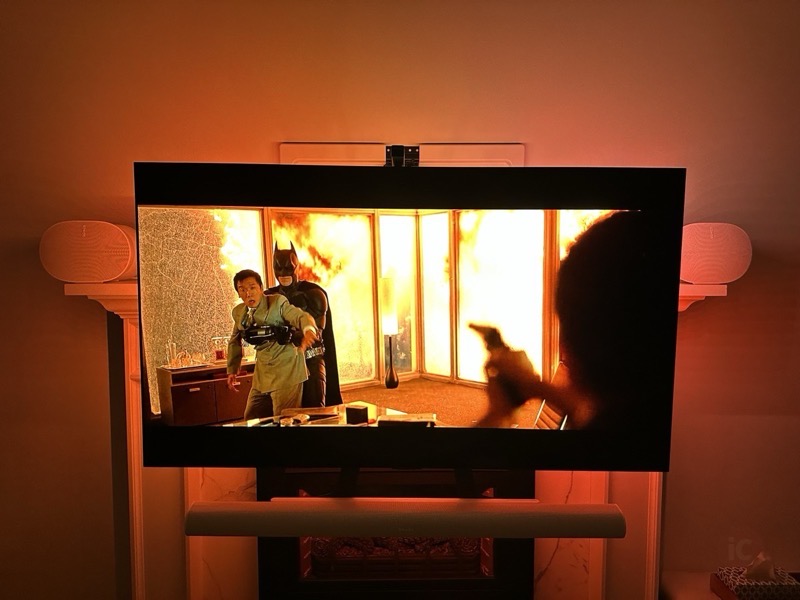
The review acknowledges limitations, particularly with 'Part / Movie' settings struggling with fast-cut action scenes where the slight delay in color detection can be distracting. Switching to 'Game' or 'All' modes or dimming the lights can mitigate this. For shows like 'The Handmaid's Tale', 'All / Movie' mode was preferred for its uniform backlighting. The author expresses overall satisfaction, stating he would not want to watch TV without dynamic backlighting again. The article also touches upon the Govee Lyra free-standing lamp, a separate product, and its limited syncing capabilities with the Immersion system, concluding that while the Lyra is less compelling on its own, the Immersion backlight offers significant value. Two mandatory agreements for Govee's privacy policy and terms of use are also noted.
#GoveeImmersion #TVBacklight #SmartHome #HomeTheater #LEDLighting #TechReview #PhilipsAmbilight #ImmersionTechnology #BudgetGadget #GoveeImmersion #TVBacklight #SmartHome #HomeTheater #LEDLighting #TechReview #PhilipsAmbilight #ImmersionTechnology #BudgetGadget
0 comment in total
 No comments yet
You may also like
This Awesome TV Backlight Kit Glows The Same Colors As The Images On Your Screen

Govee’s Newest TV Backlight Produces Vivid Colors in the Light and the Dark
This Design Element Instantly Brightens a Dark Room

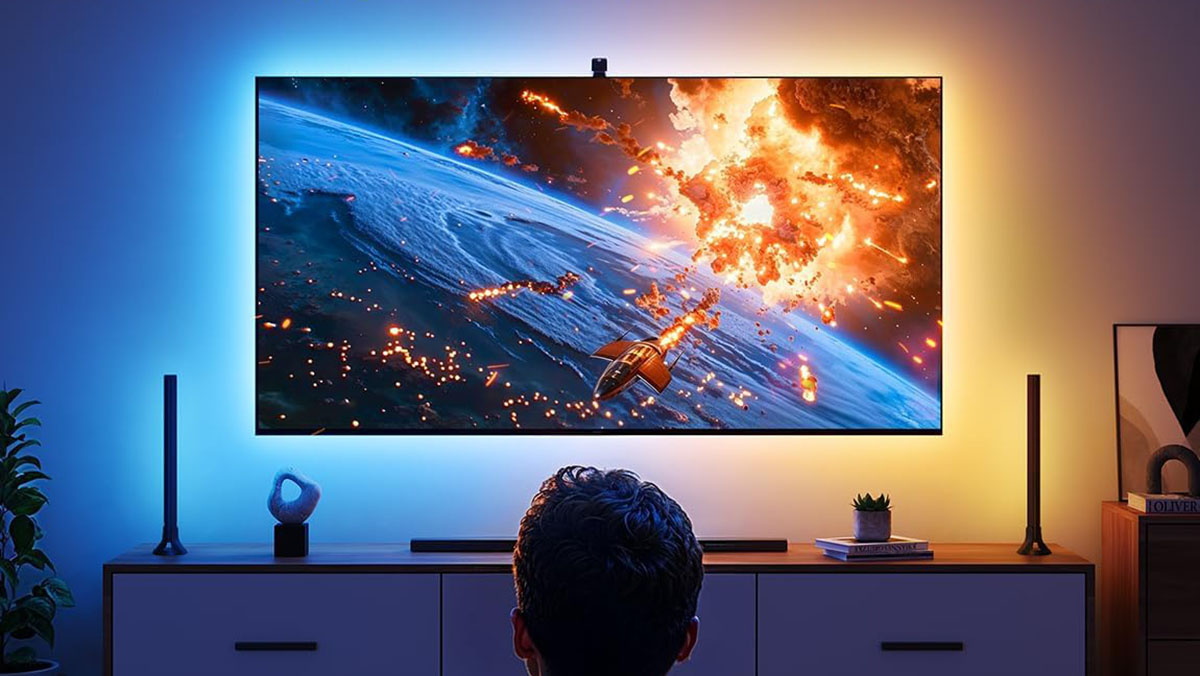
Govee's TV Backlight 3 Lite kit syncs to your TV and audio for dazzling immersive lighting at $100 low (Reg. $150), more

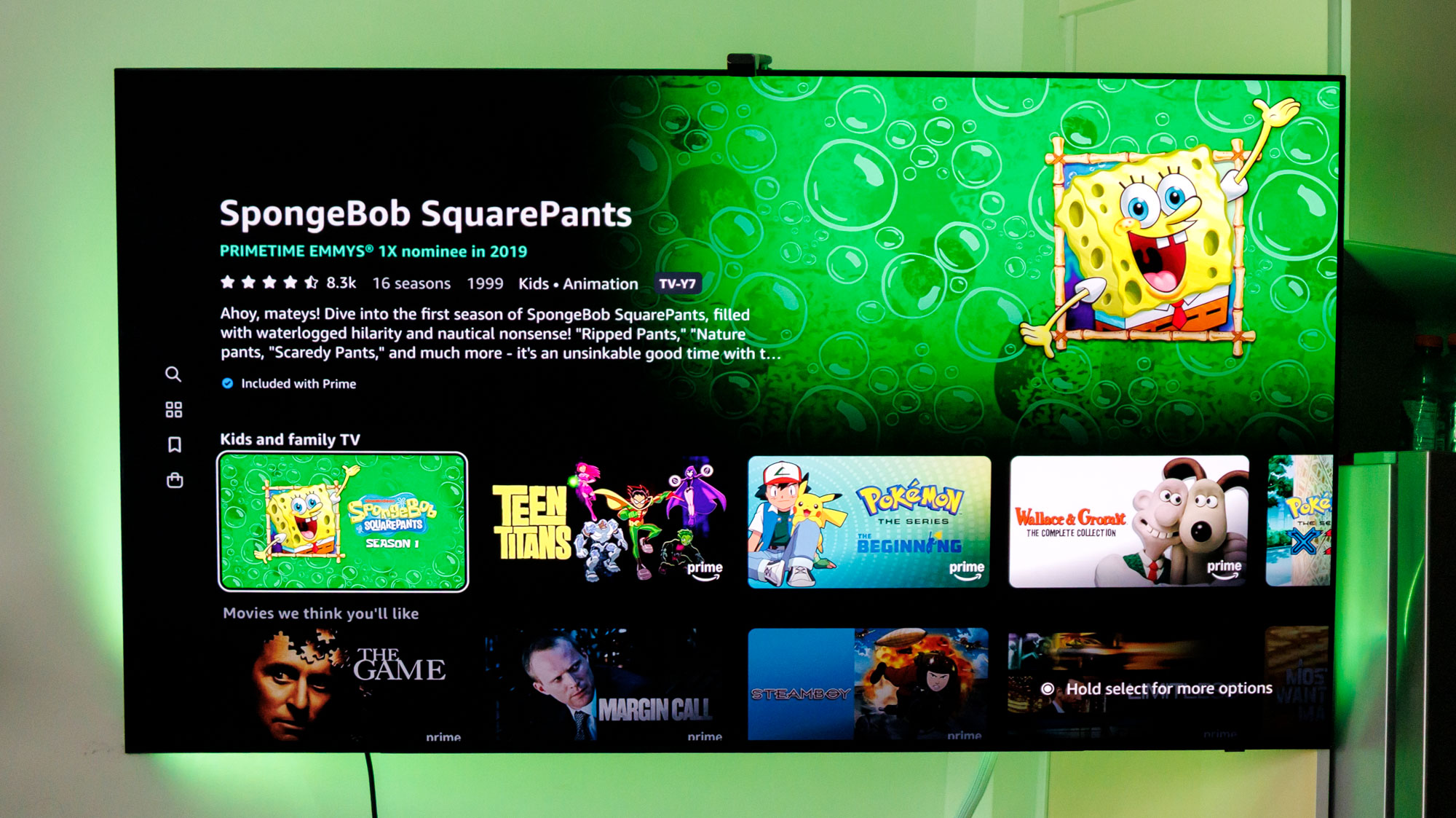
TV backlights take your movies and shows to the next level — here's my top picks

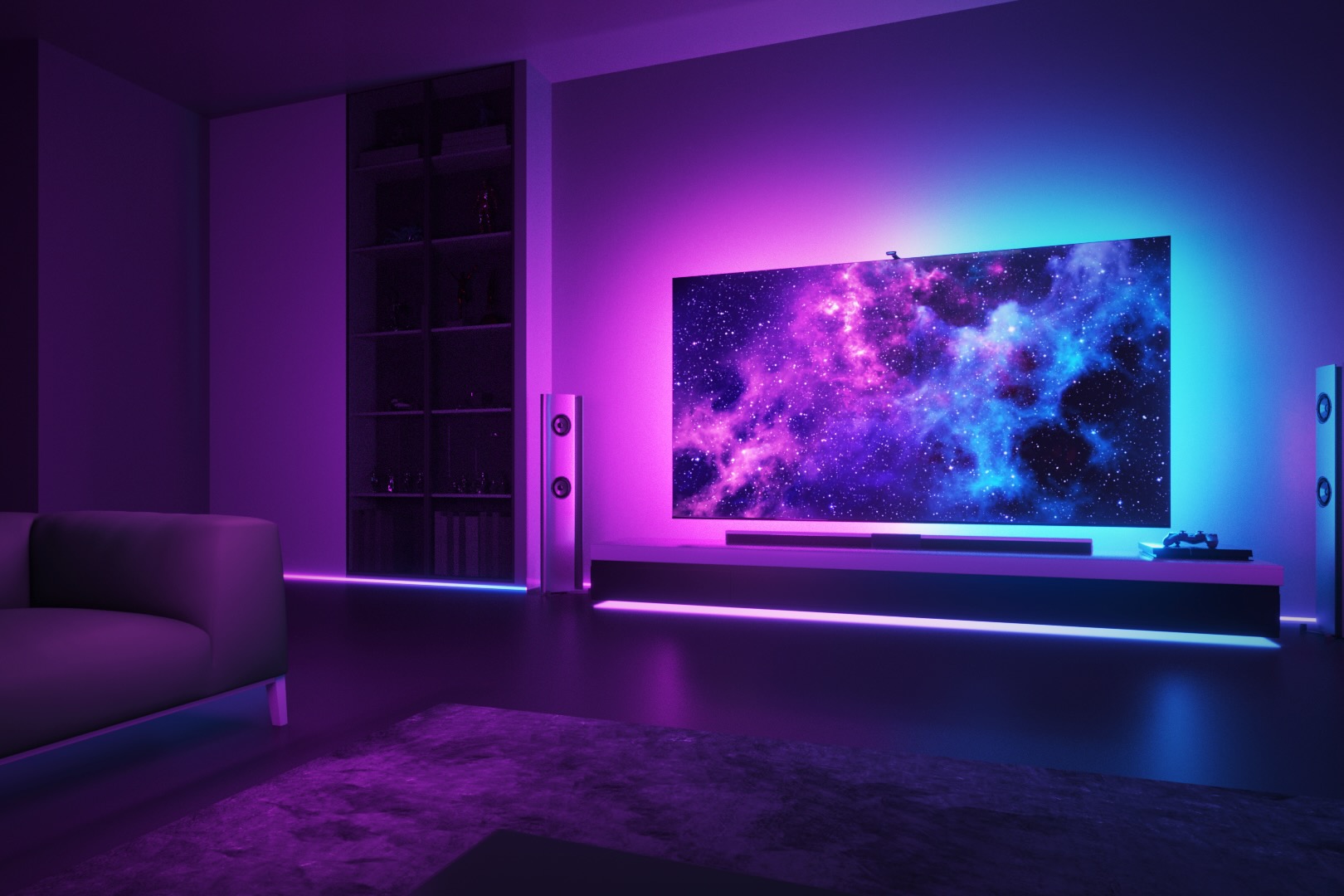
Govee Envisual TV Backlight T2 review: A worthy upgrade

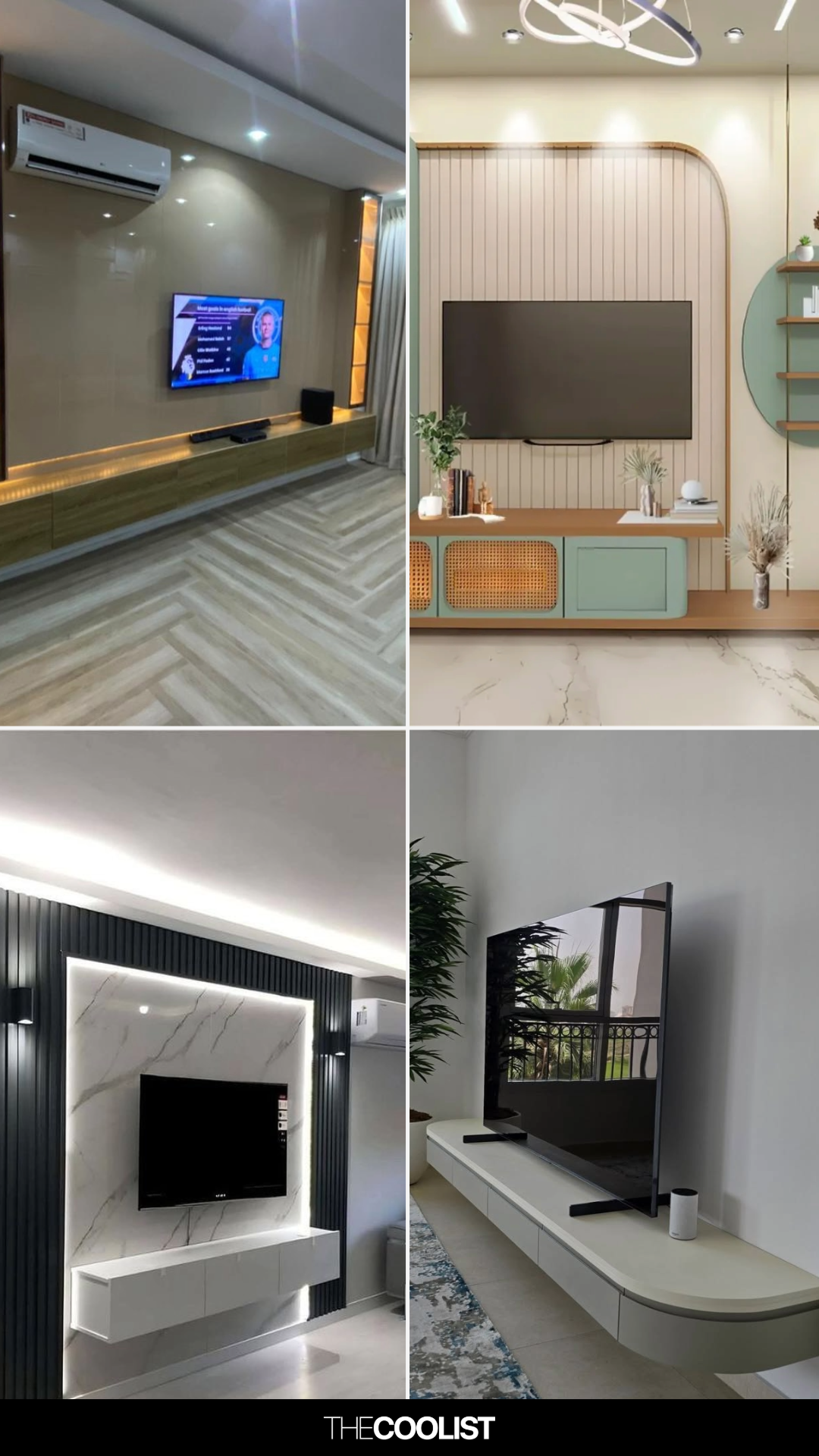
28 TV Console Decoration Ideas That’ll Make You Regret Treating It Like a Tech Shelf
Improve Your Display Immersion with Lytmi Synced RGB Lighting
Govee’s awesome new TV backlights will brighten up your home movie nights

Govee TV Backlight Going for Peanuts if You're Prime, Now at All-Time Low in Early Black Friday Sale

Try This 5-Minute Hack to Disguise Your TV

The Artwork in This London Living Room Is Actually a Big TV Cover-up

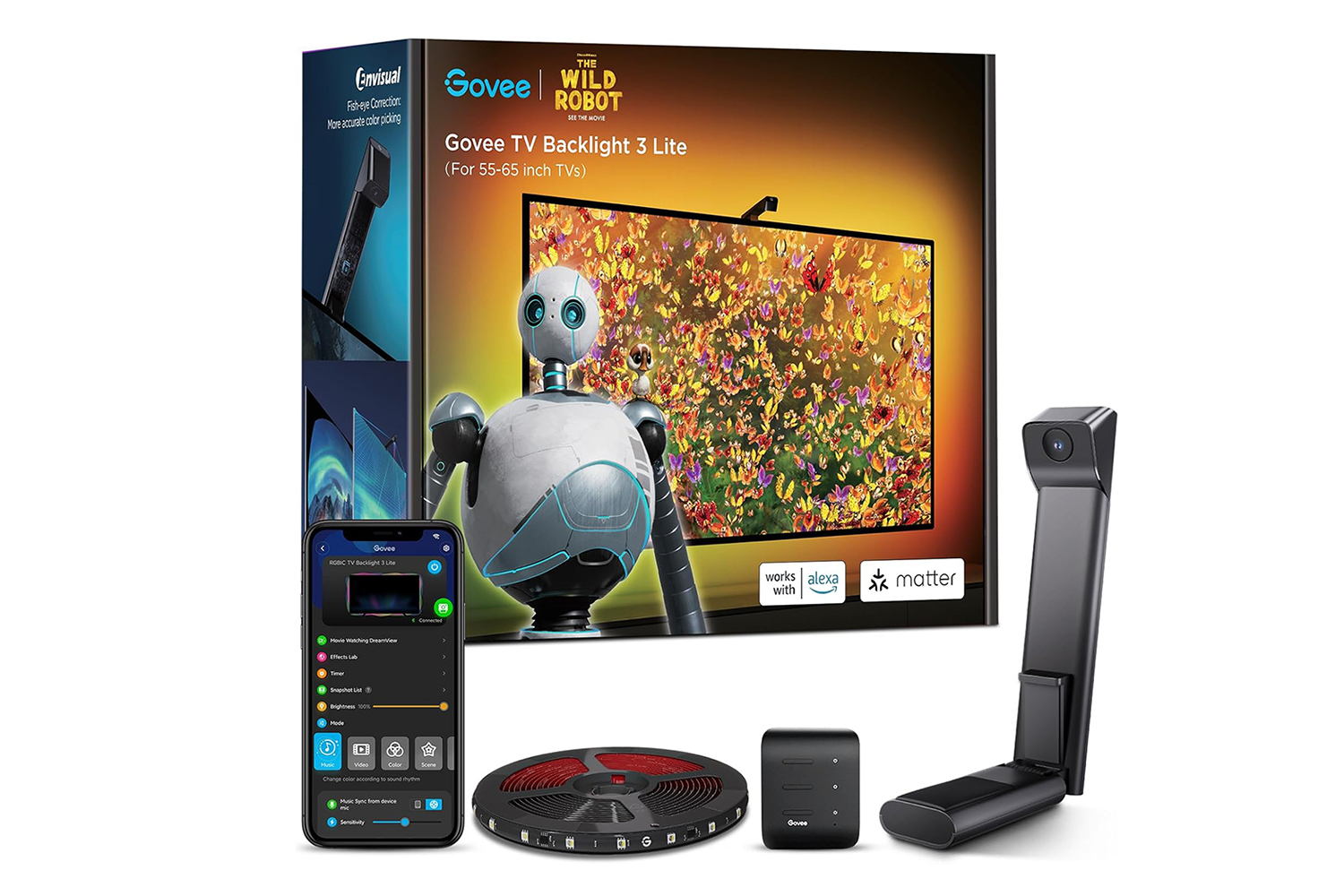
Govee TV Backlight Is Priced Lower Than Ever, Rare Discount Ahead of Black Friday
This simple lighting addition will make a world of difference in any bedroom

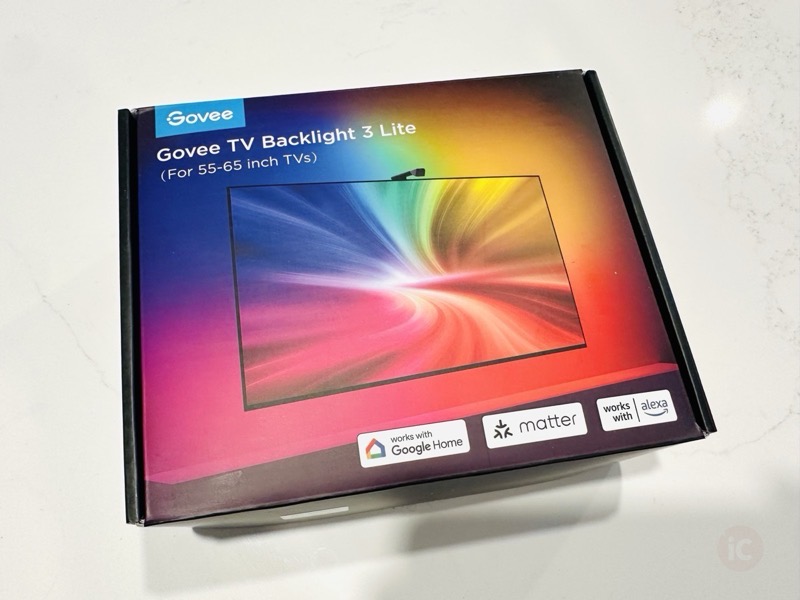
Govee TV Backlight 3 Lite Review: Elevating the TV Watching Experience

Interior expert reveals the common TV placement mistakes you're probably making
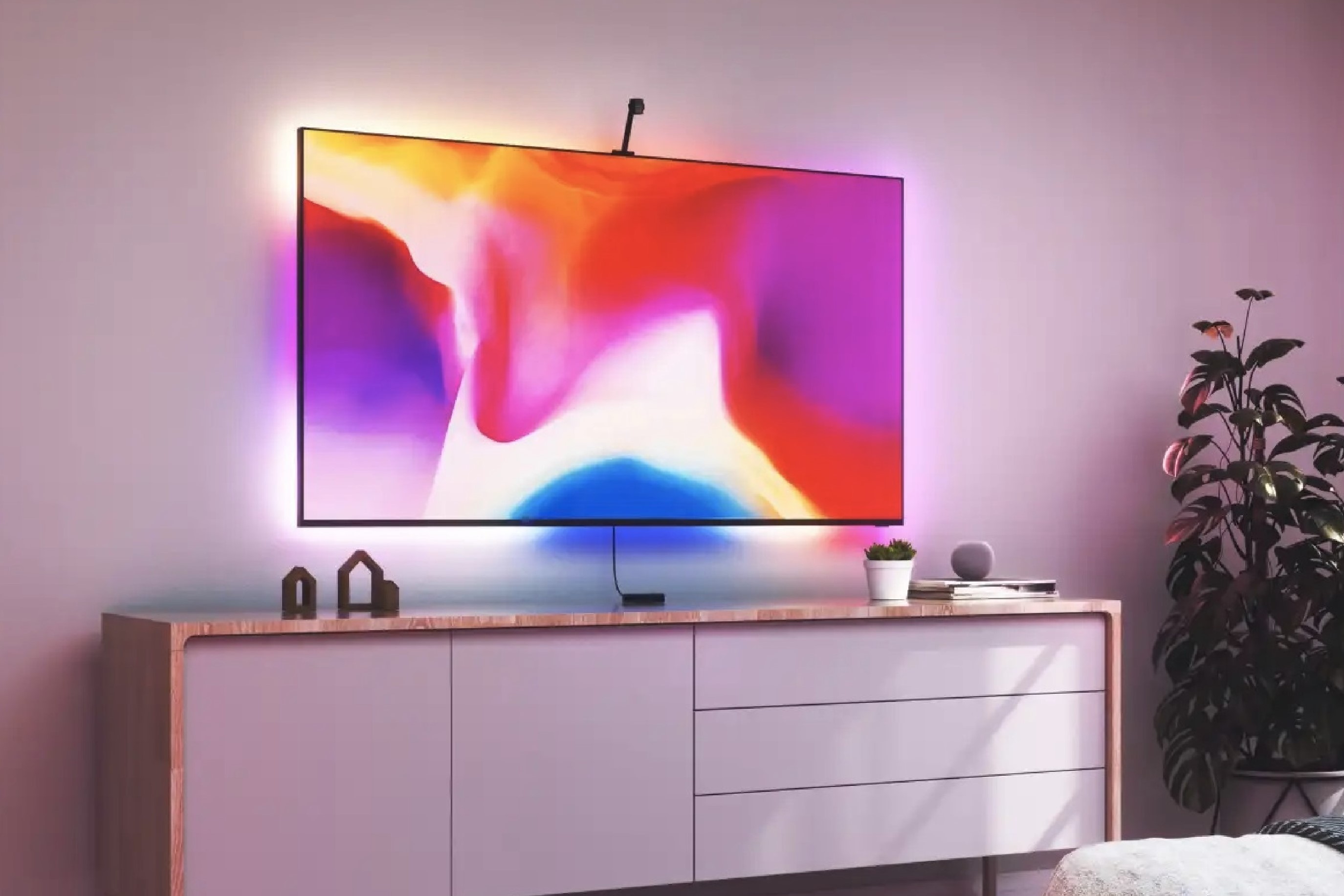
Nanoleaf 4D Review: Immersive TV Bias Lighting For Less
Linkind by AiDot: Smart TV Backlight Experience That Brings Your Movies and Games to Life

Review: Govee’s Envisual TV Backlight T2 syncs to your TV for stunning visuals

Add backlighting behind your TV with over 30% off Govee's RGB Strip Lights via Amazon