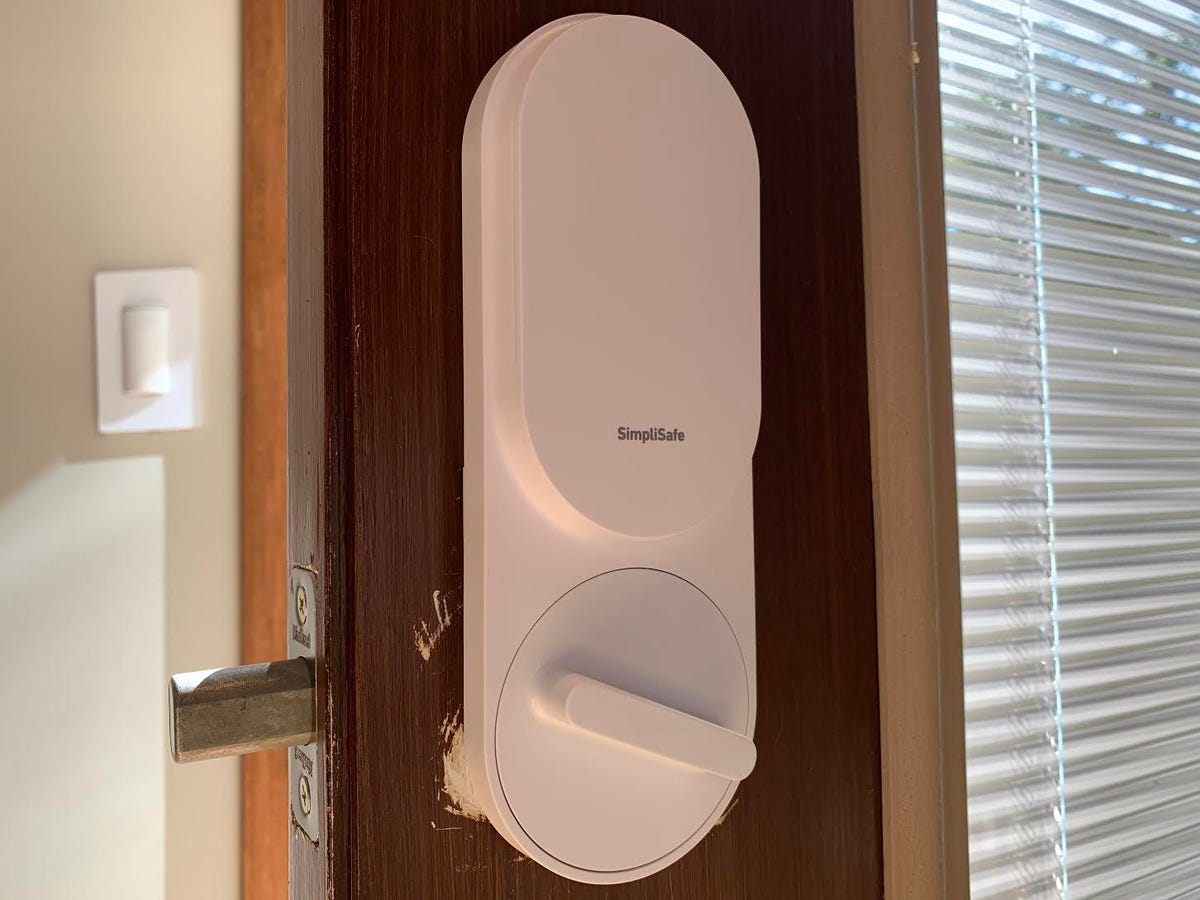
SimpliSafe's smart lock is about as easy to install as it gets
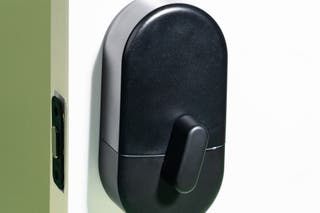
The SimpliSafe Smart Lock offers a straightforward installation process, requiring minimal tools and time. This smart lock is designed to integrate with existing SimpliSafe security systems, appealing to users who already have or are planning to invest in SimpliSafe's ecosystem. The lock itself is a motorized thumbturn that replaces the interior part of a standard single-cylinder deadbolt, maintaining the exterior appearance of the door. It is available in three color options: white, black, and white with a bronze thumbturn.
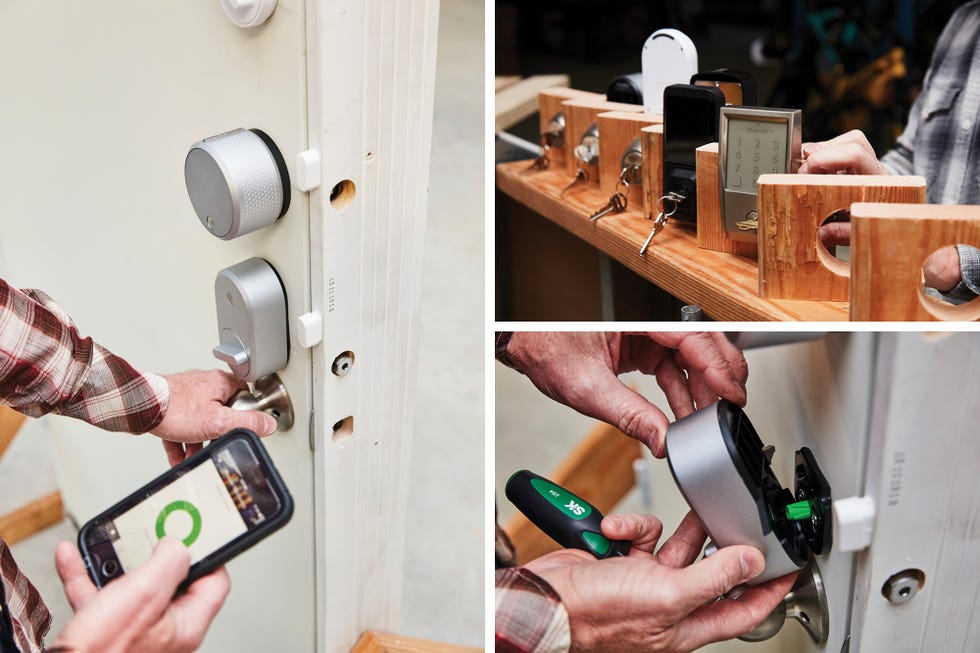
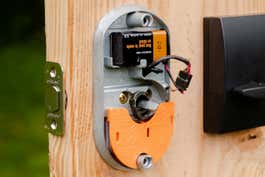
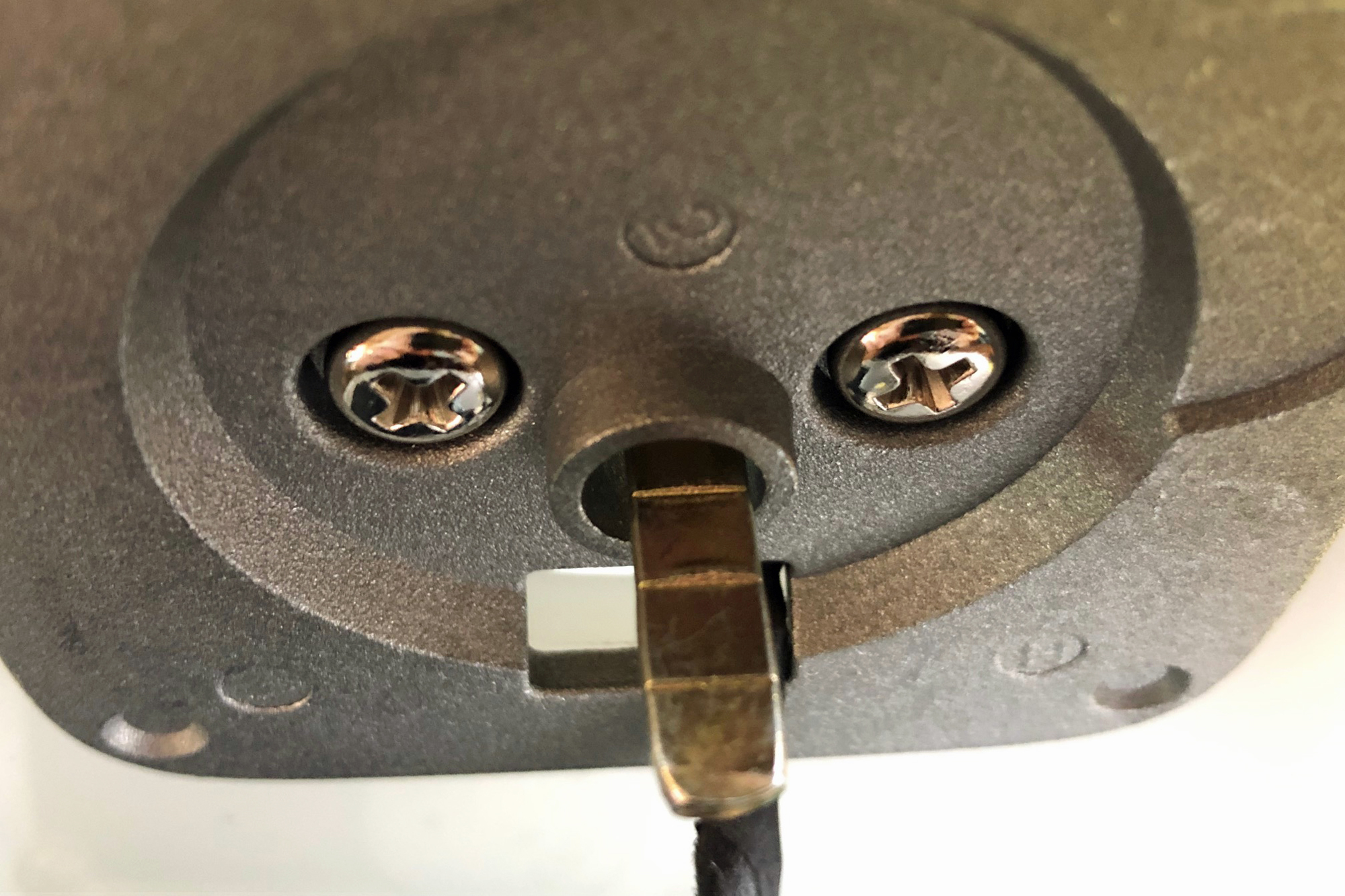
The installation begins by securing the exterior portion of the existing deadbolt with blue tape to prevent it from falling when the interior thumbturn is removed. Using a Phillips-head screwdriver, the two screws holding the interior thumbturn are removed, allowing it to be detached. These same screws are then repurposed to attach the SimpliSafe mounting plate to the door. The mounting plate, initially attached to the back of the SimpliSafe thumbturn, is easily separated by extending two wing-like tabs on the device.
Once the mounting plate is secured, a plastic adapter is placed over the deadbolt's tailpiece – the small component that physically turns the deadbolt. SimpliSafe provides multiple adapters to accommodate various tailpiece shapes, ensuring compatibility with different existing deadbolts. After the correct adapter is in place, the new motorized SimpliSafe thumbturn is affixed to the mounting plate by aligning it and then pinching the slide tabs shut. This step completes the physical installation, which does not require additional screwing.
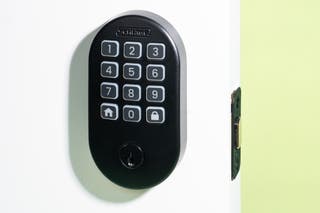
Pairing the smart lock with the SimpliSafe system involves using the system's keypad. Users need to ensure their system's firmware is updated. The "Lock" option in the 'adding new devices' section guides the user through the pairing process. Alongside the interior thumbturn, the SimpliSafe Smart Lock package includes a wireless keypad for exterior access. This keypad features a peel-and-stick backing for easy placement, with optional mounting screws for enhanced security. Activating the keypad involves pulling a tab to engage its battery. Once active, users can use their standard SimpliSafe system code to simultaneously unlock the door and disarm the alarm.
Further control and management of the smart lock are available through the SimpliSafe app. The app allows users to remotely lock and unlock the door, customize the lock's behavior in different system modes, and set up automatic locking after a specified period. The system supports various user codes, including a Master PIN, a duress PIN that silently alerts police in emergency situations, and up to four person-specific codes for family and friends. These individual codes enable tracking of entry and exit events via the app's timeline. Additionally, SimpliSafe systems are compatible with voice assistants like Amazon Alexa and Google Assistant, allowing users to arm the system with voice commands, which can also trigger the smart lock to engage if configured accordingly. It is important to note that the smart lock requires an existing SimpliSafe security system and an interactive monitoring plan, which costs $25 per month, making it a valuable addition primarily for those already invested in the SimpliSafe ecosystem.
#SimpliSafe #SmartLock #HomeSecurity #DIYInstallation #SmartHomeIntegration #SecuritySystem #VoiceAssistantCompatibility #MobileAppControl #SimpliSafe #SmartLock #HomeSecurity #DIYInstallation #SmartHomeIntegration #SecuritySystem #VoiceAssistantCompatibility #MobileAppControl
0 comment in total
 No comments yet
You may also like
Ditch Your Keys and Improve Home Security with the Best Smart Locks We Tested
Once We Got a Smart Lock My Family Stopped Using Keys
The Best Electronic Keypad Door Lock for 2025 | Reviews by Wirecutter
Best smart door locks: Top 10 options for pocket-friendly space security | Technology News

Best smart locks 2025: secure your home with smart locks, deadbolts and more
These Sturdy Door Locks Will Give You Peace of Mind at Home

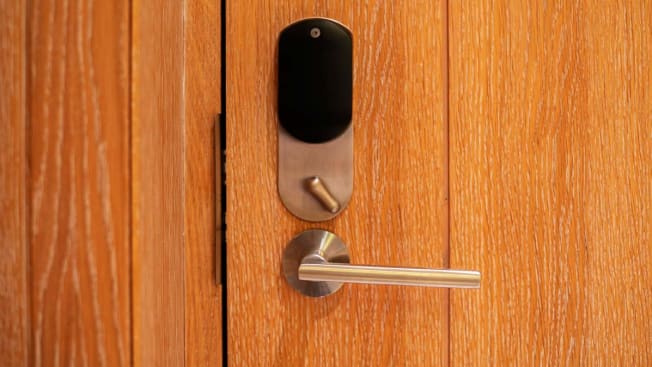
Set Up Your Front Door to Auto-Unlock and Open Hands-Free
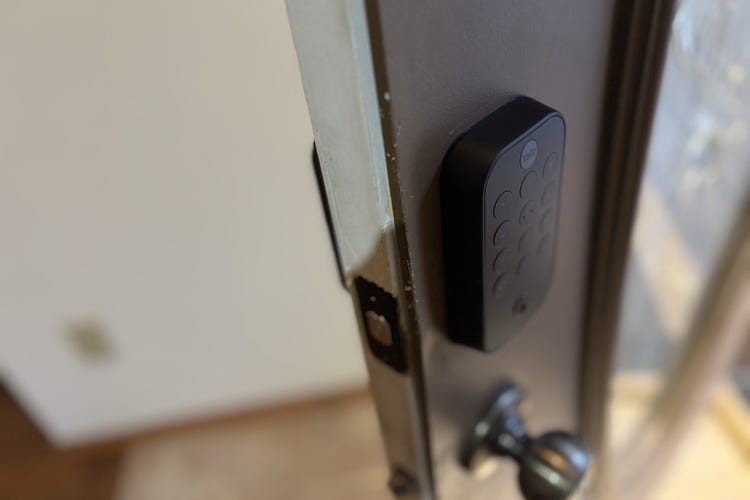
Best Smart Locks of 2025: High-Tech Door Defenses
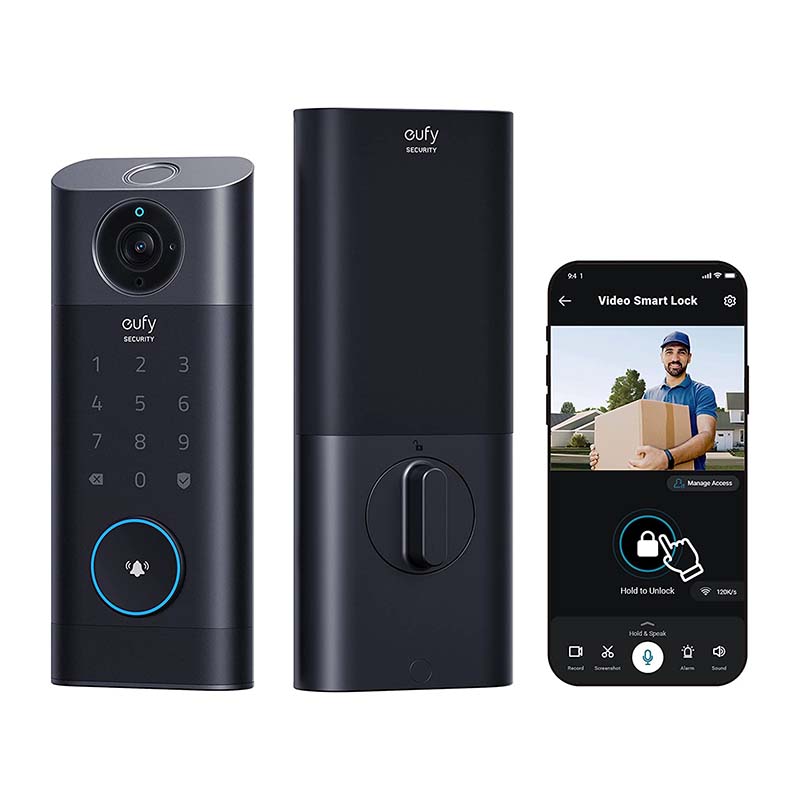
The Best Smart Locks For Your Needs, Tested and Reviewed

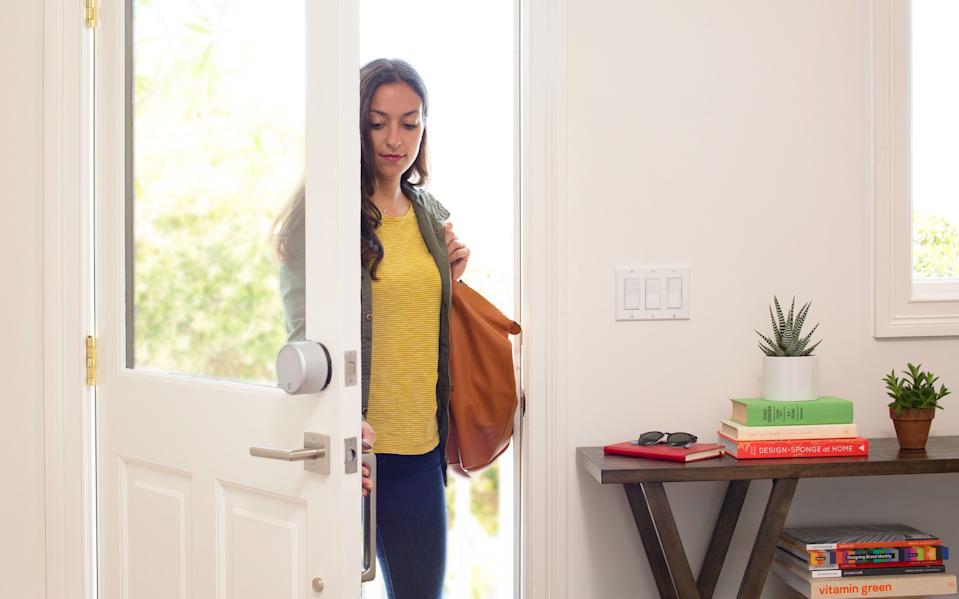
The Best Smart Locks for 2025
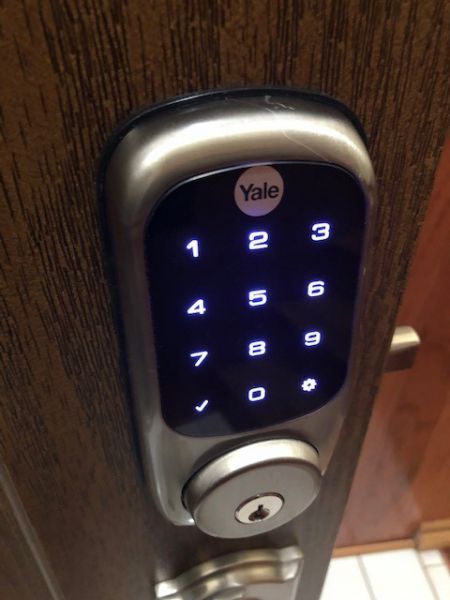
Yale Assure Connected by August Touchscreen Smart Lock YRD226 review

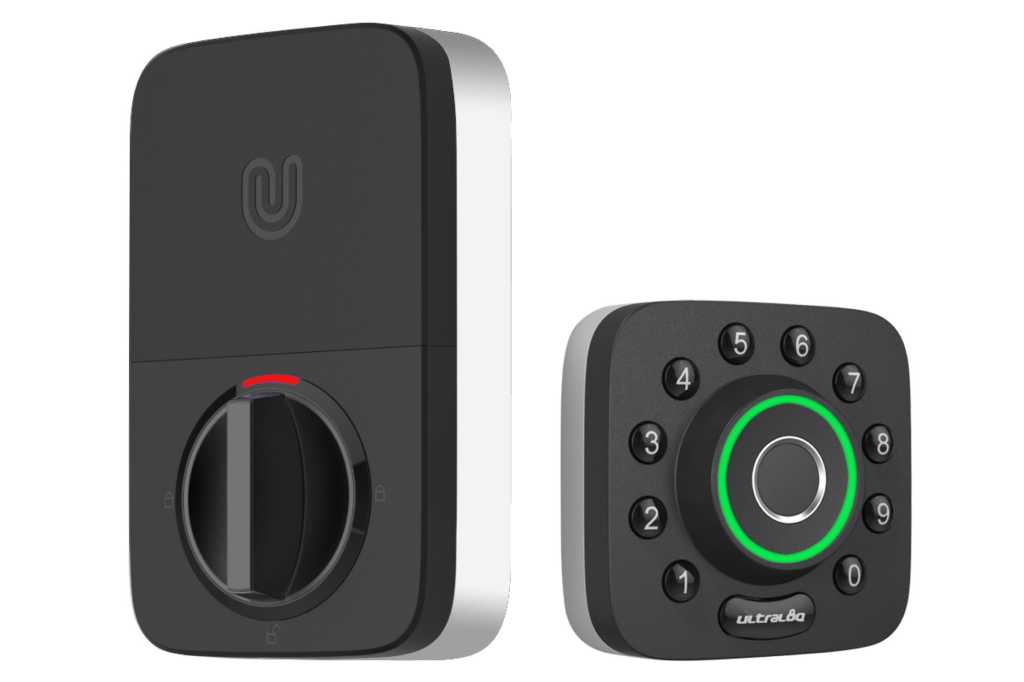
U-tec Ultraloq U-Bolt Pro review: A do-it-all lock held back by complex installation

I've Just Found the Chicest $69 Smart Lock That Doesn't Scream Tech – It's Easy to Install and Renter-Friendly, Too

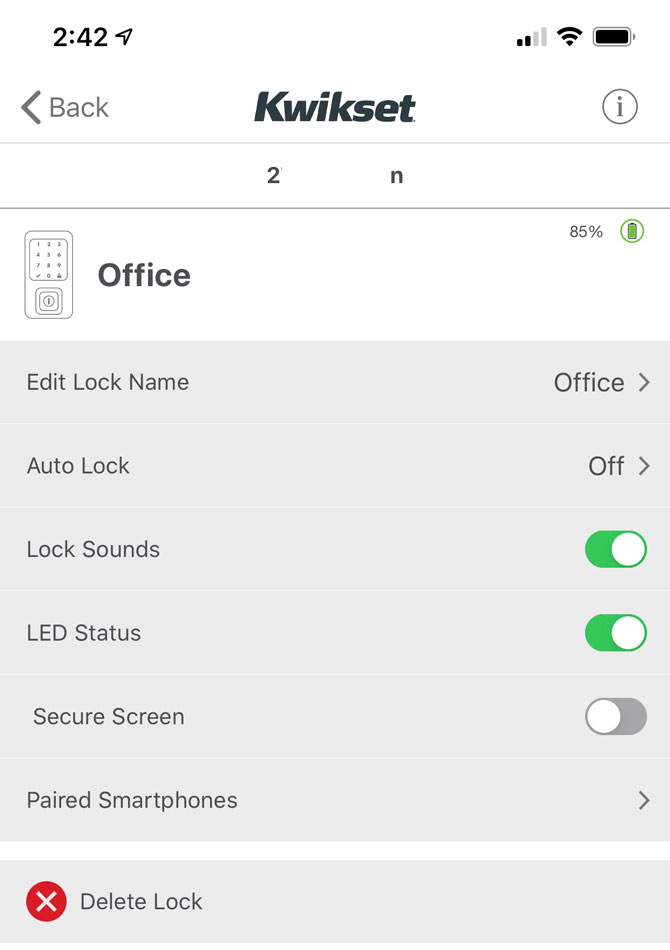
Review of the Kwikset Halo Smart Lock

Smart Door Lock Comparison: Which One is Right for You and Your Safety?
Tested: The Best Door Locks For Your Home, Garage, or Rental
Here are the best smart locks you can buy right now
Best Smart Locks of 2025
Yale Assure SL Lock Review: Classic design for Z-Wave systems

Best Smart Locks, Based On Extensive Expert Testing