1/7
5 Standing Desk Cable Management Tips For WFH Productivity
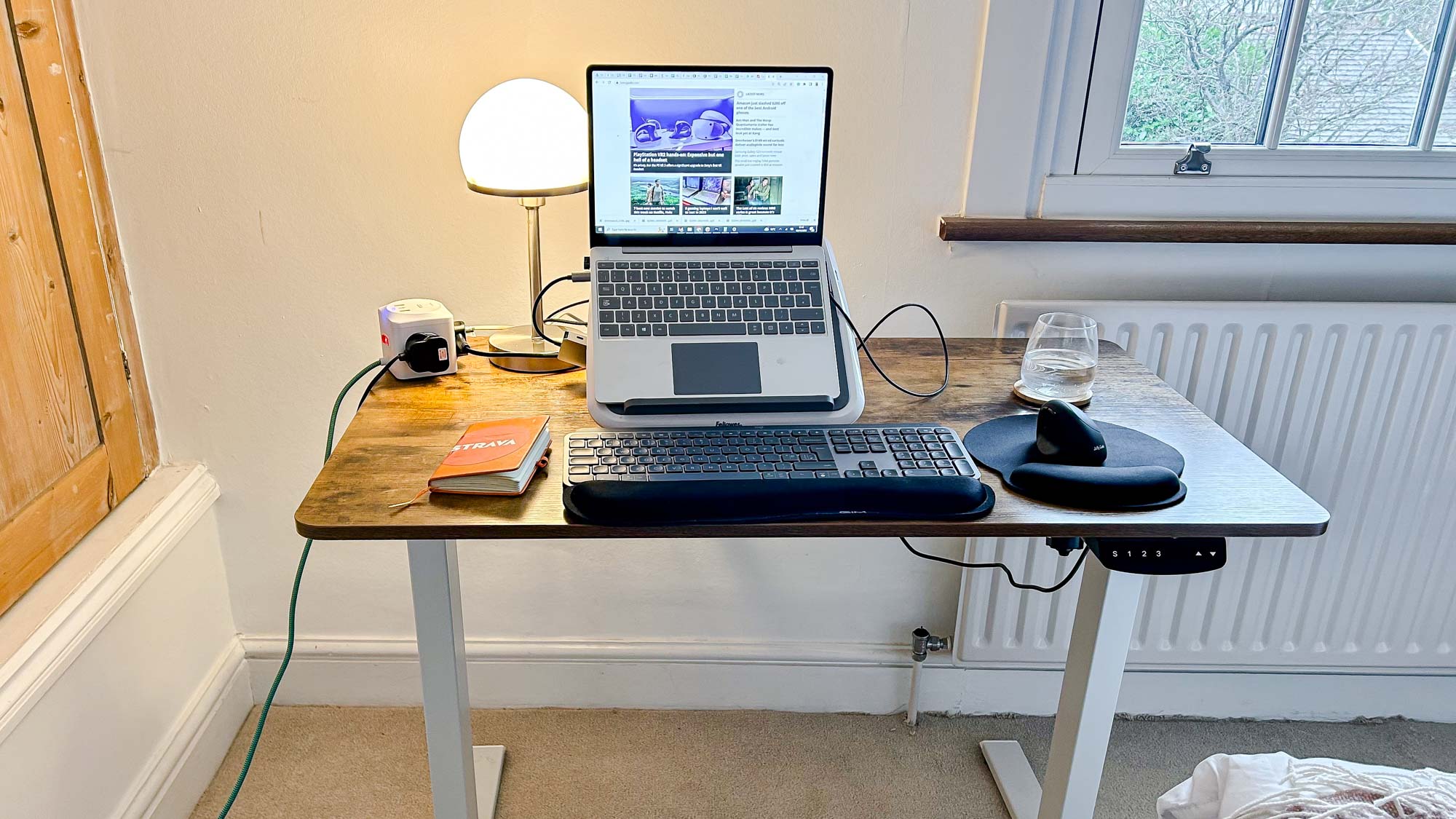
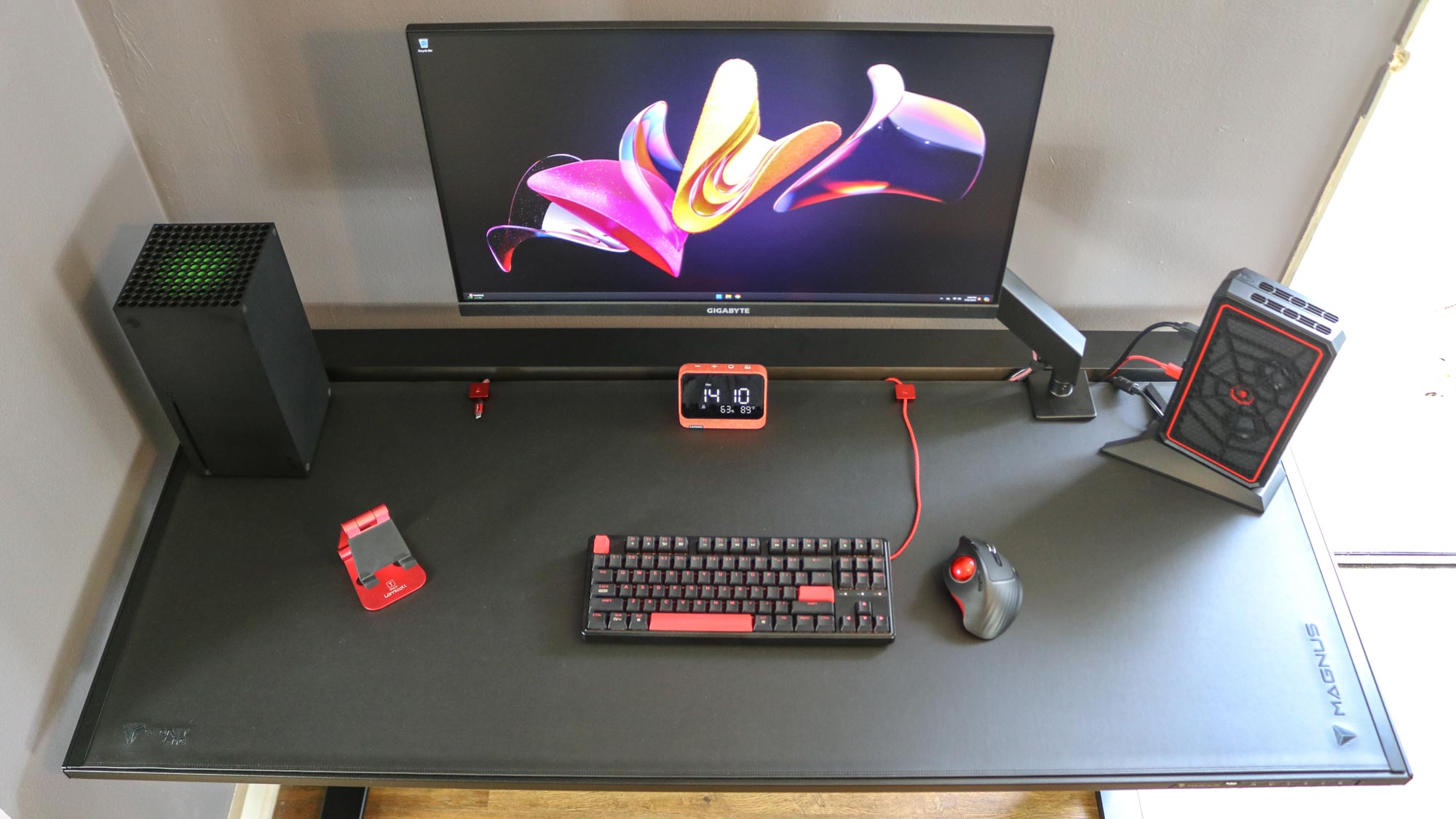
Standing desks offer significant benefits for productivity and health, but their open design often leads to a common issue: a tangled mess of cables. Unlike traditional desks with back panels to conceal wires, standing desks expose data and power cables for peripherals, creating visual clutter that can undermine the aesthetic appeal and functionality of the workspace. This article addresses this challenge by providing five actionable tips to effectively manage cables, transforming a chaotic setup into an organized, aesthetically pleasing, and more productive home office environment.
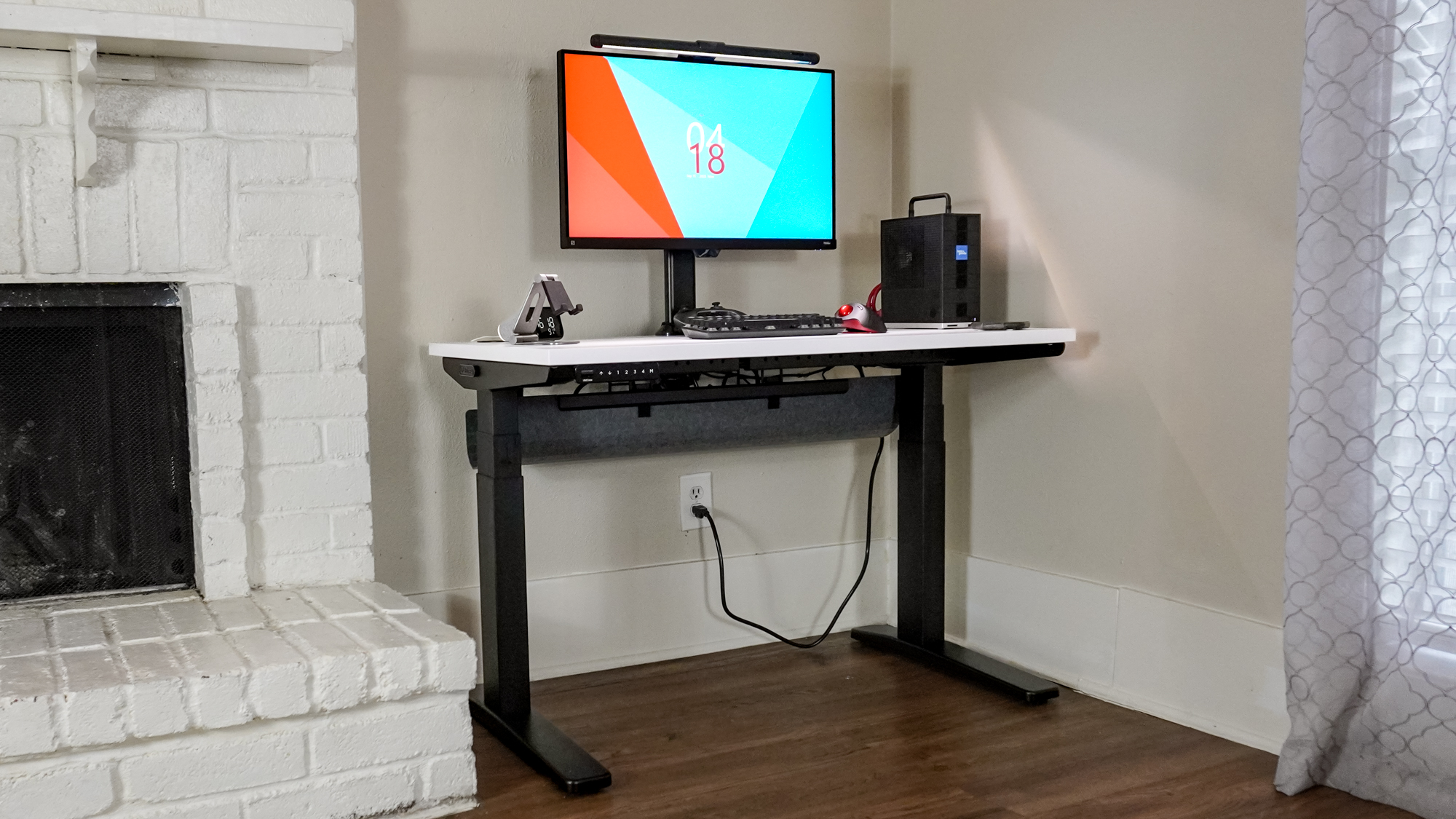
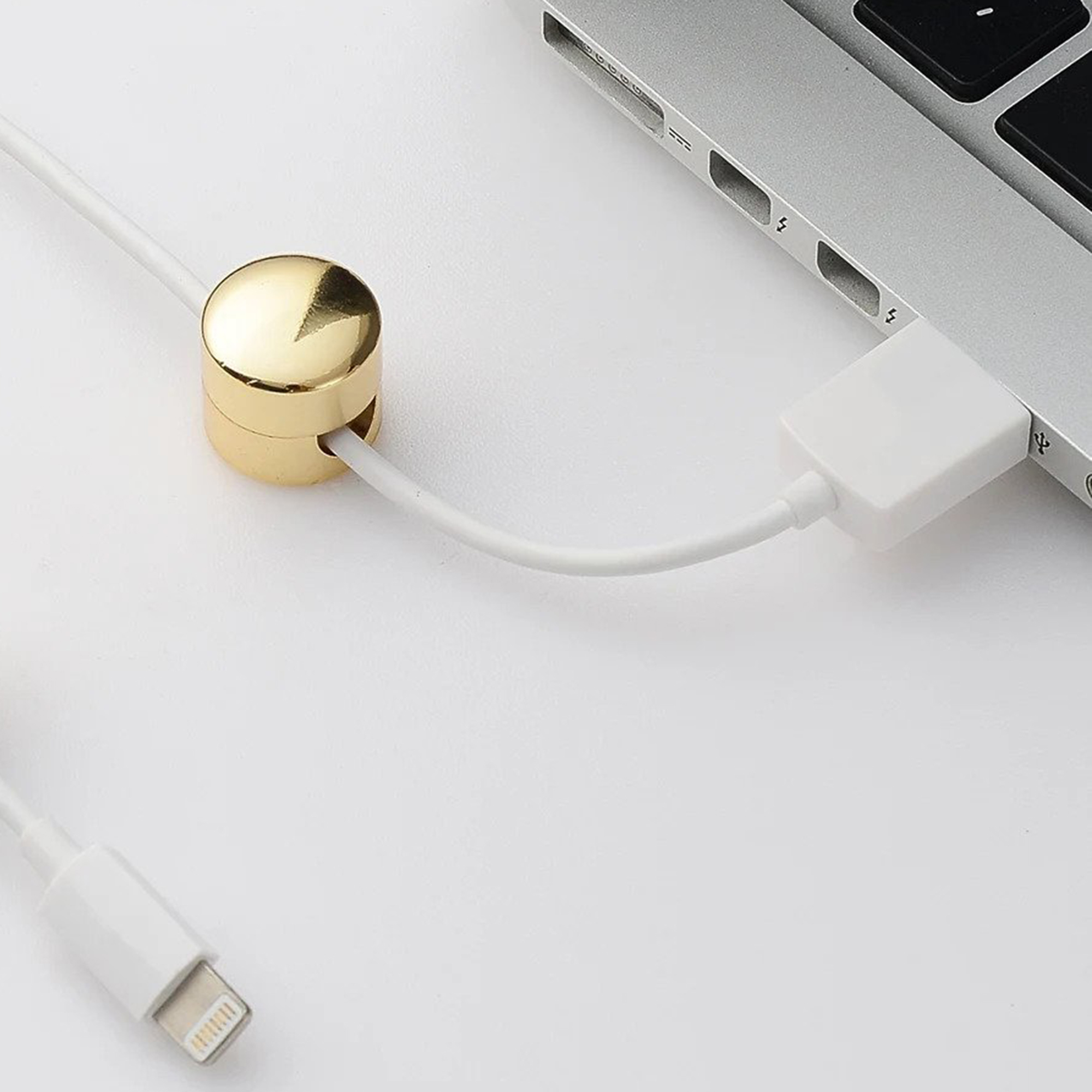
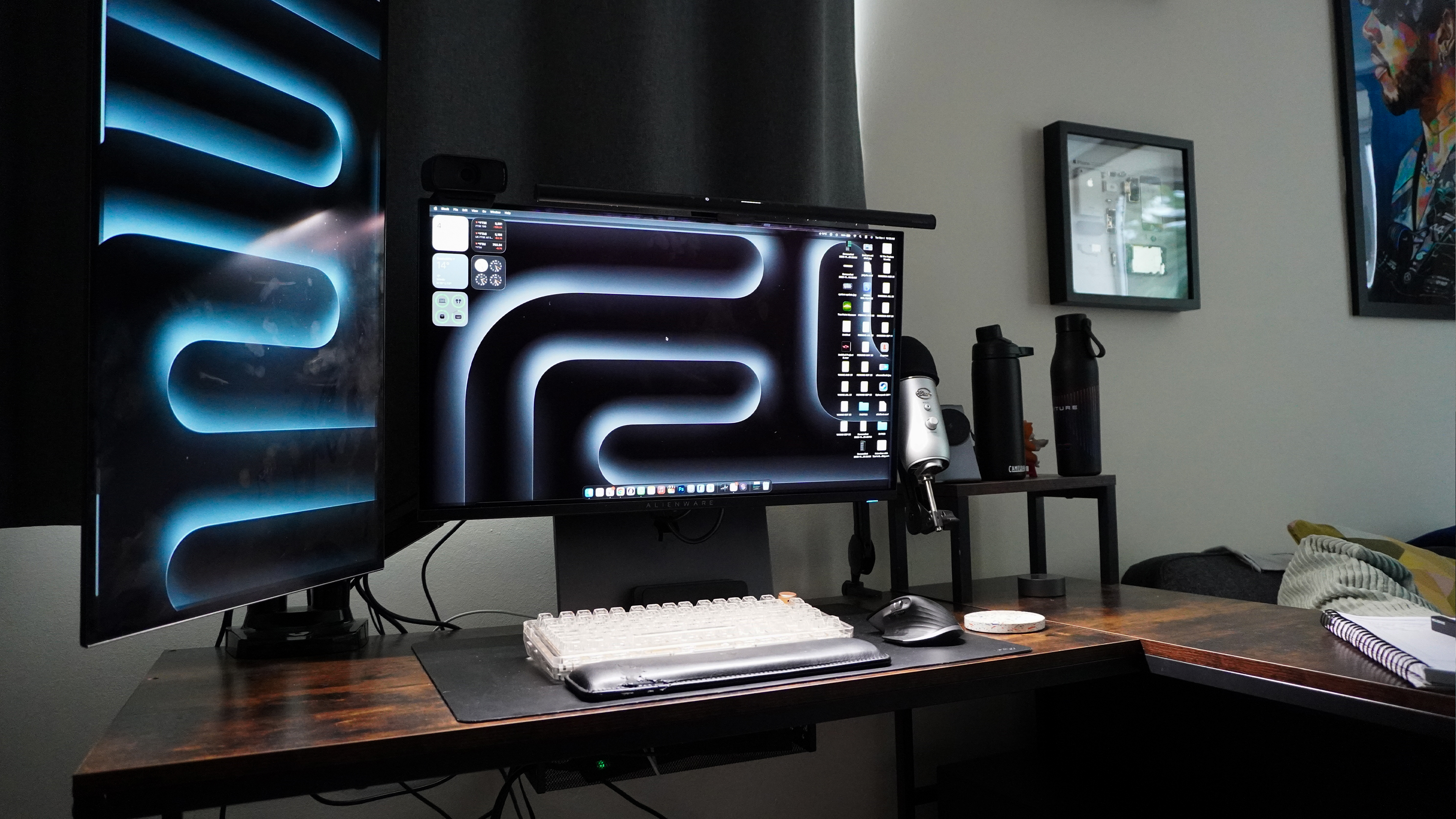
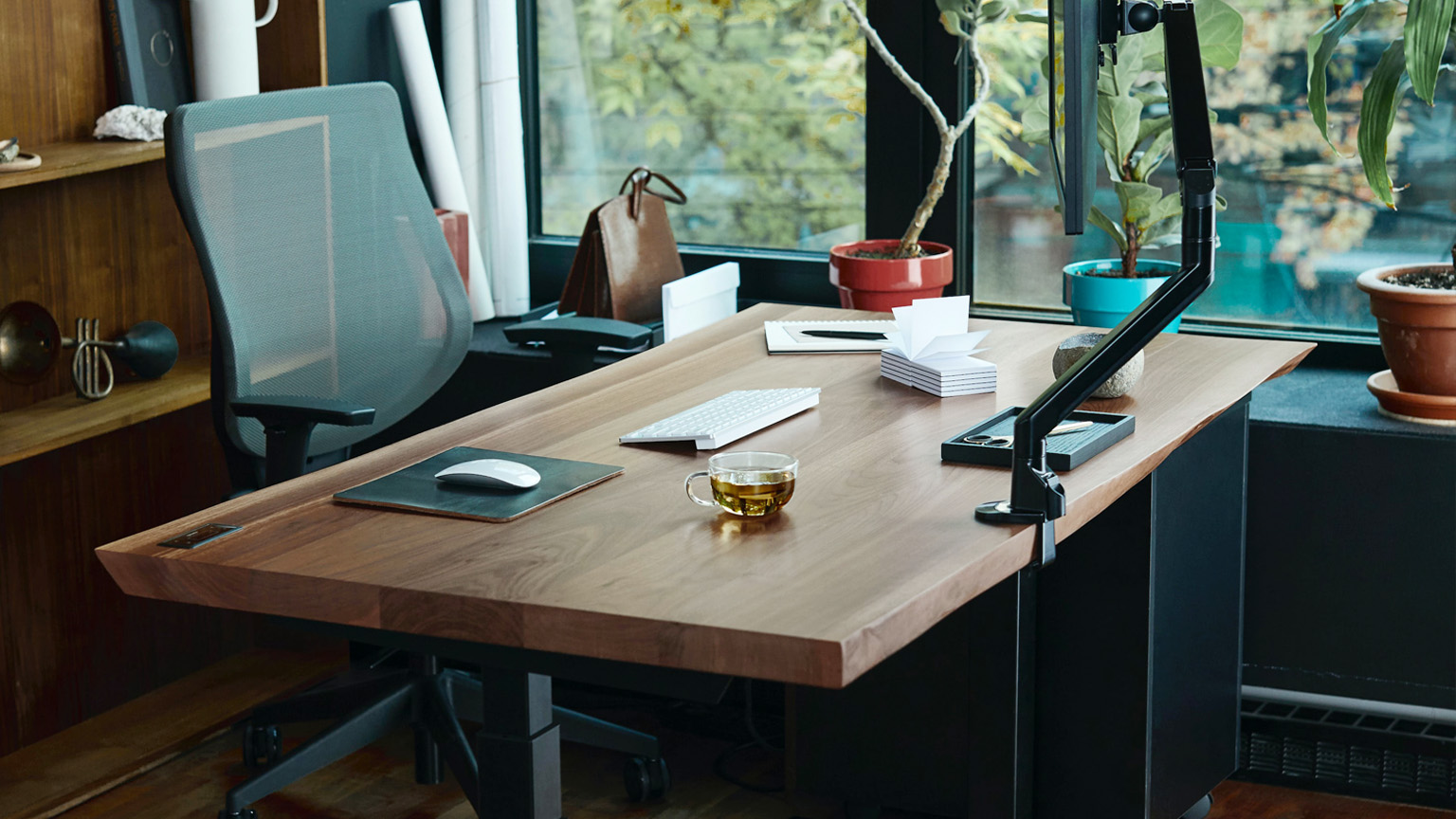
The first tip emphasizes the importance of starting with a good monitor arm. Premium monitor arms often include integrated cable management systems, routing cables discreetly within their structure. For arms without this feature, cable clips or Velcro ties can secure wires directly to the arm. This not only cleans up the desktop but also frees up valuable surface area.
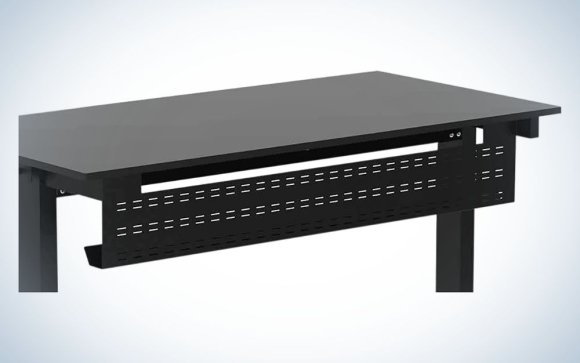
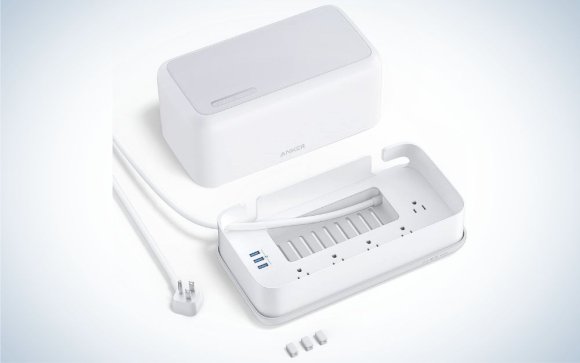
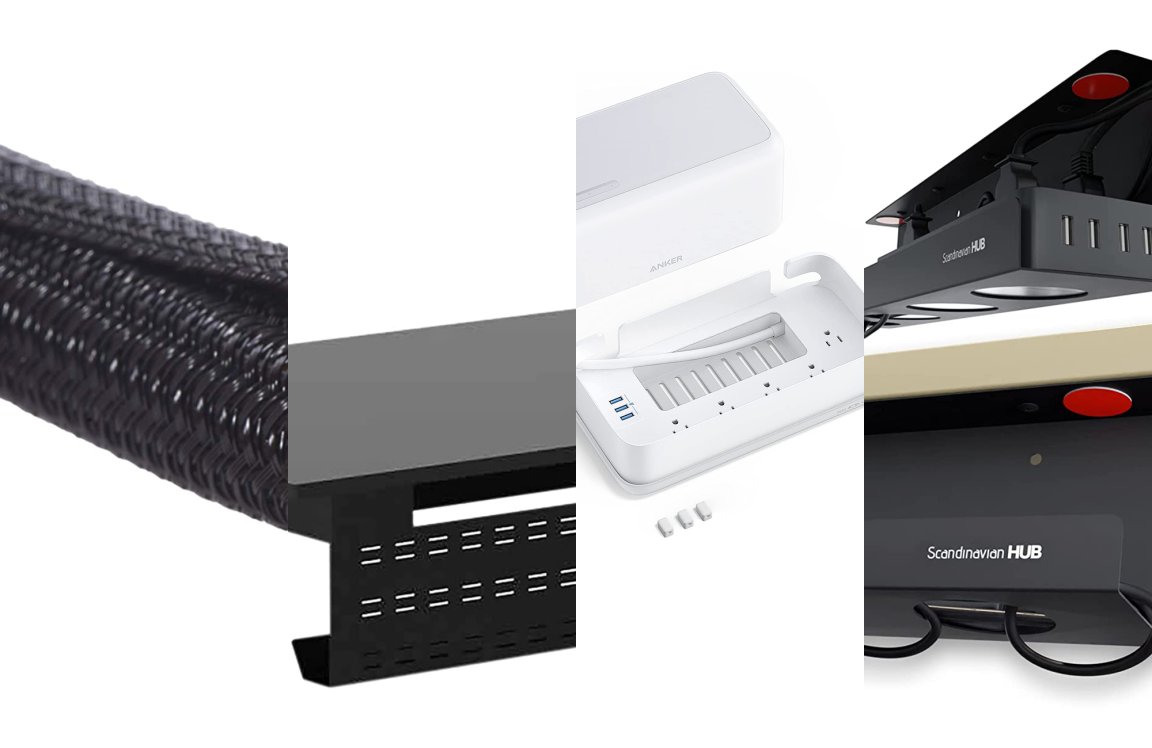
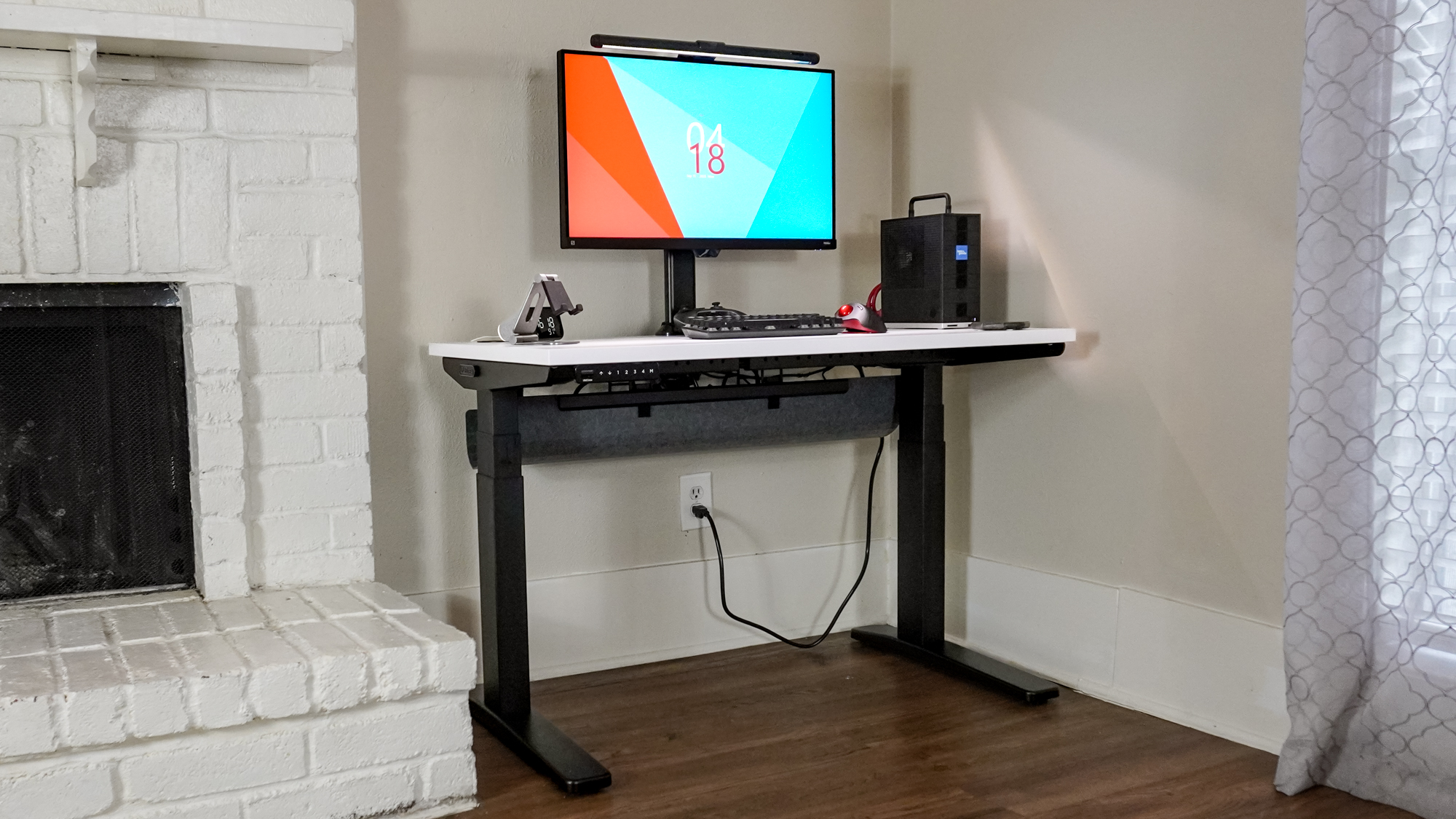
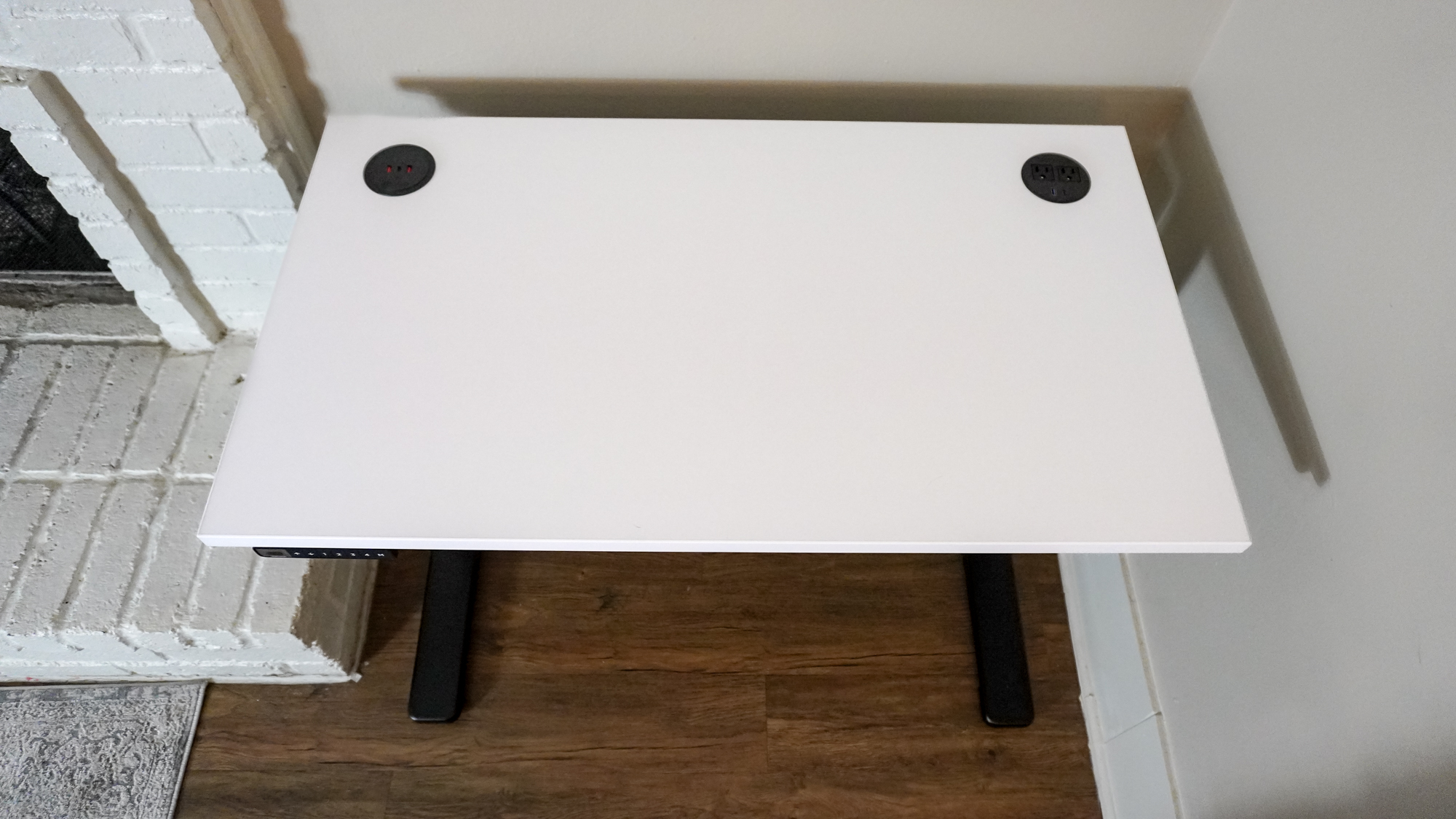
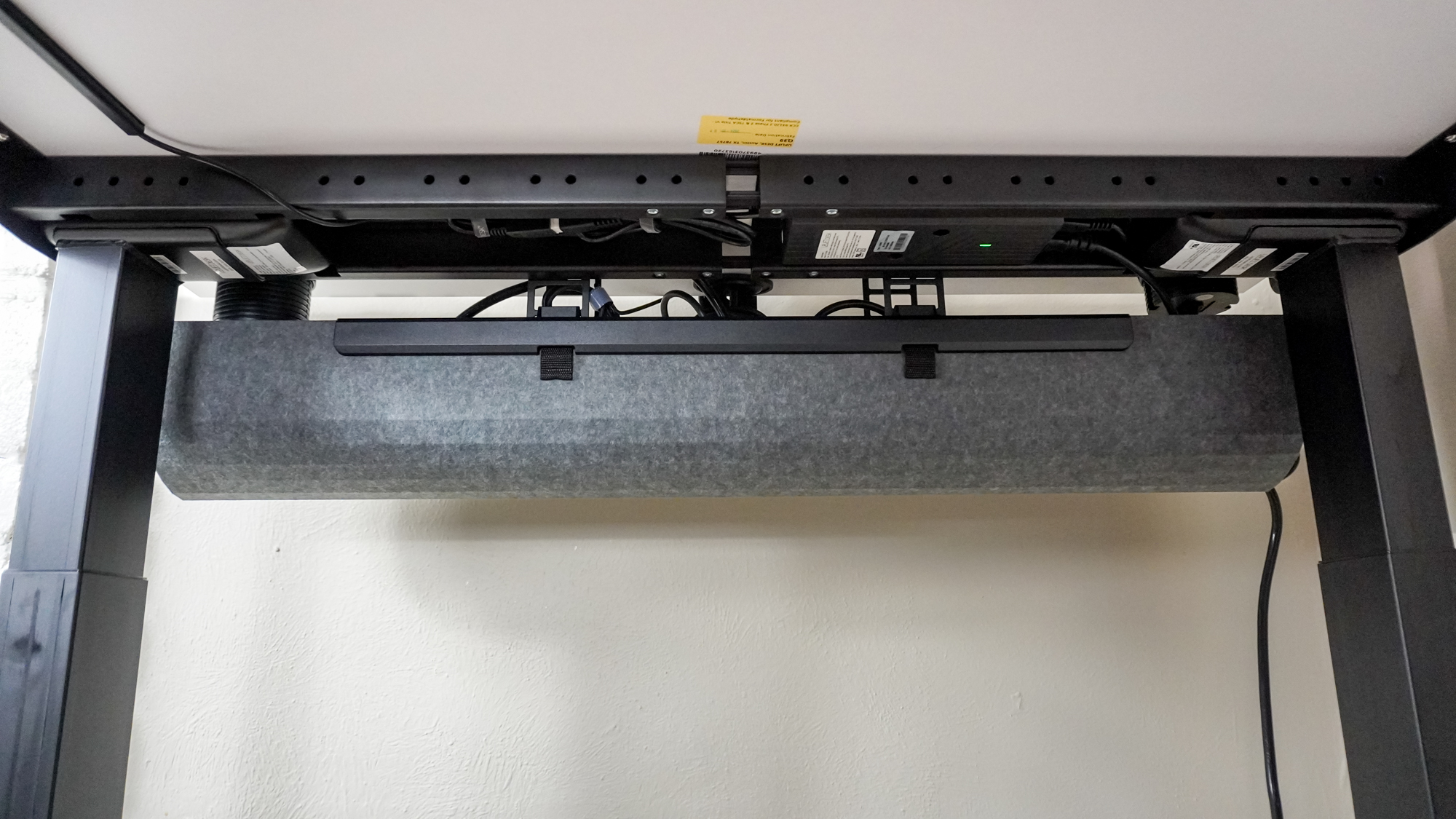
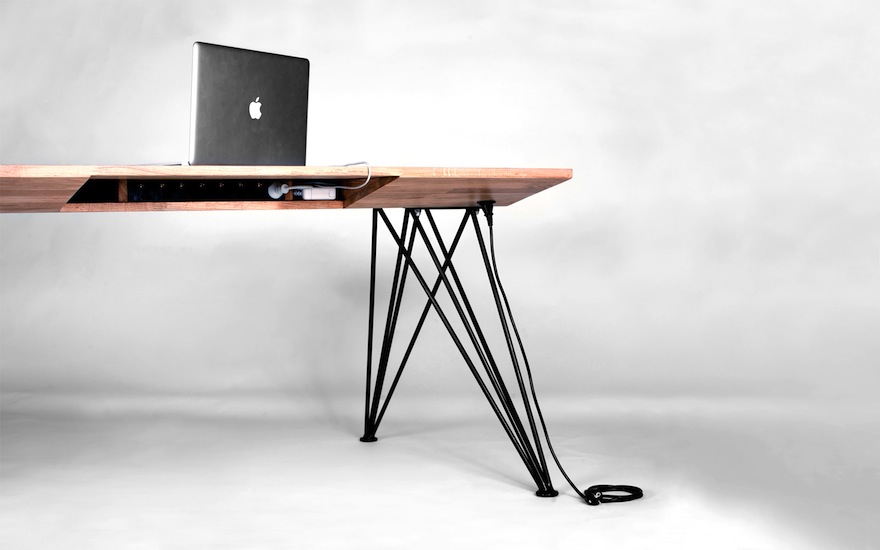
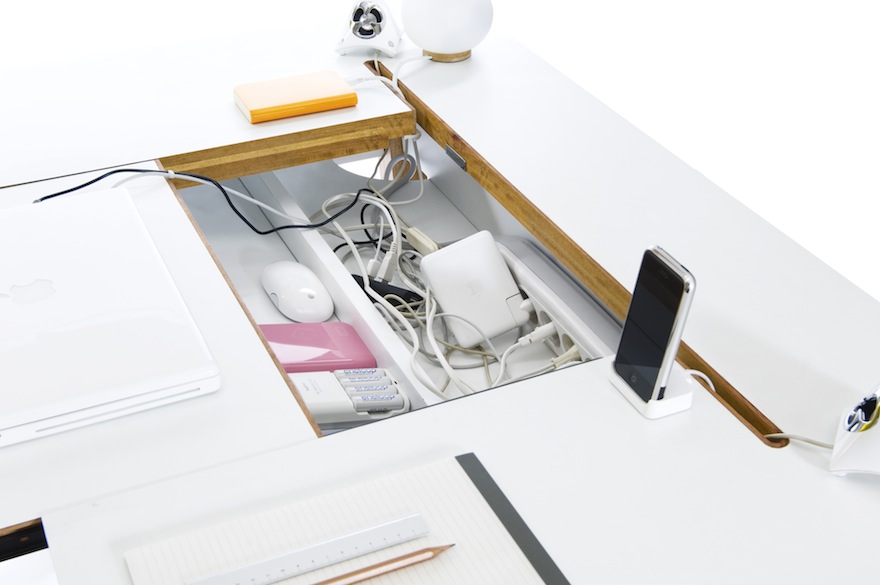
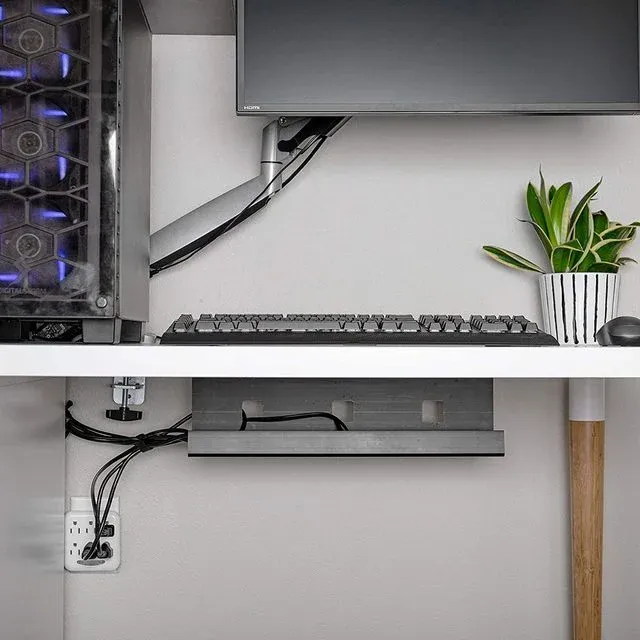
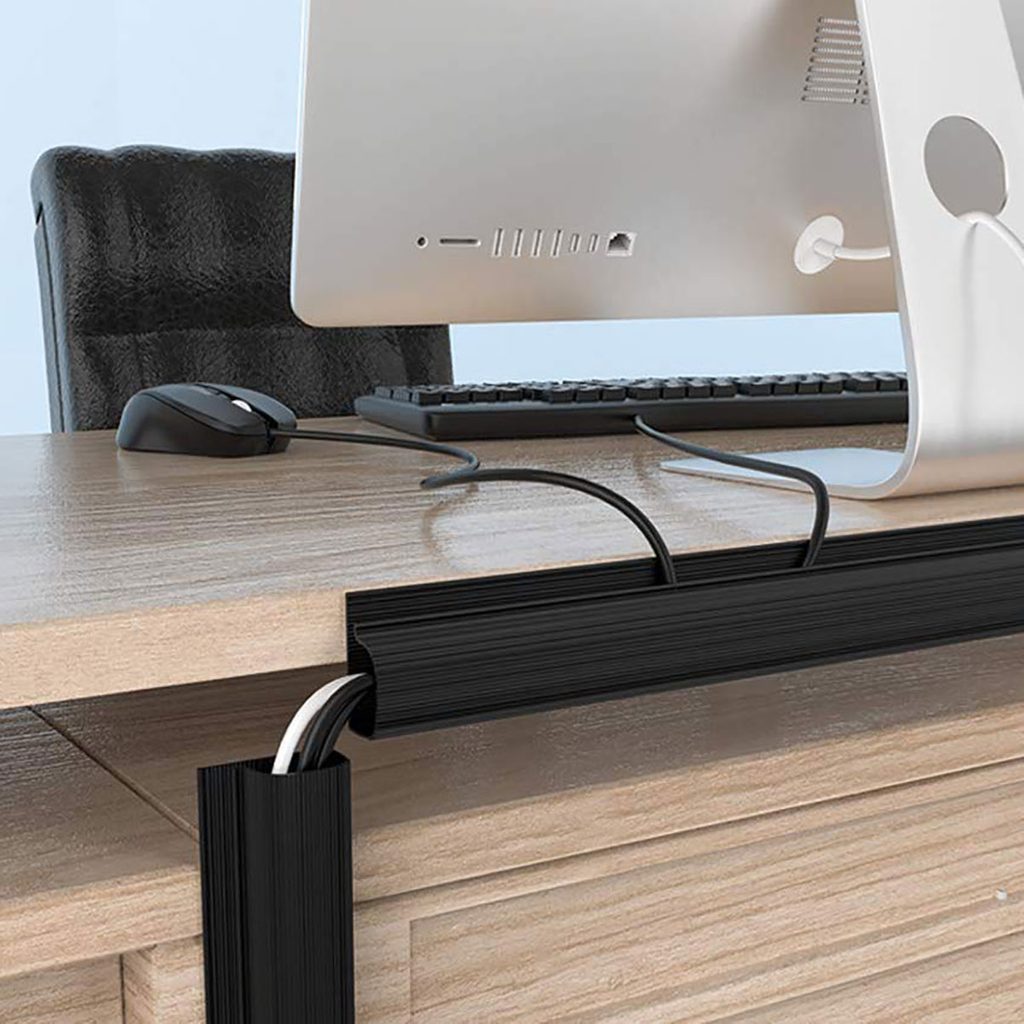
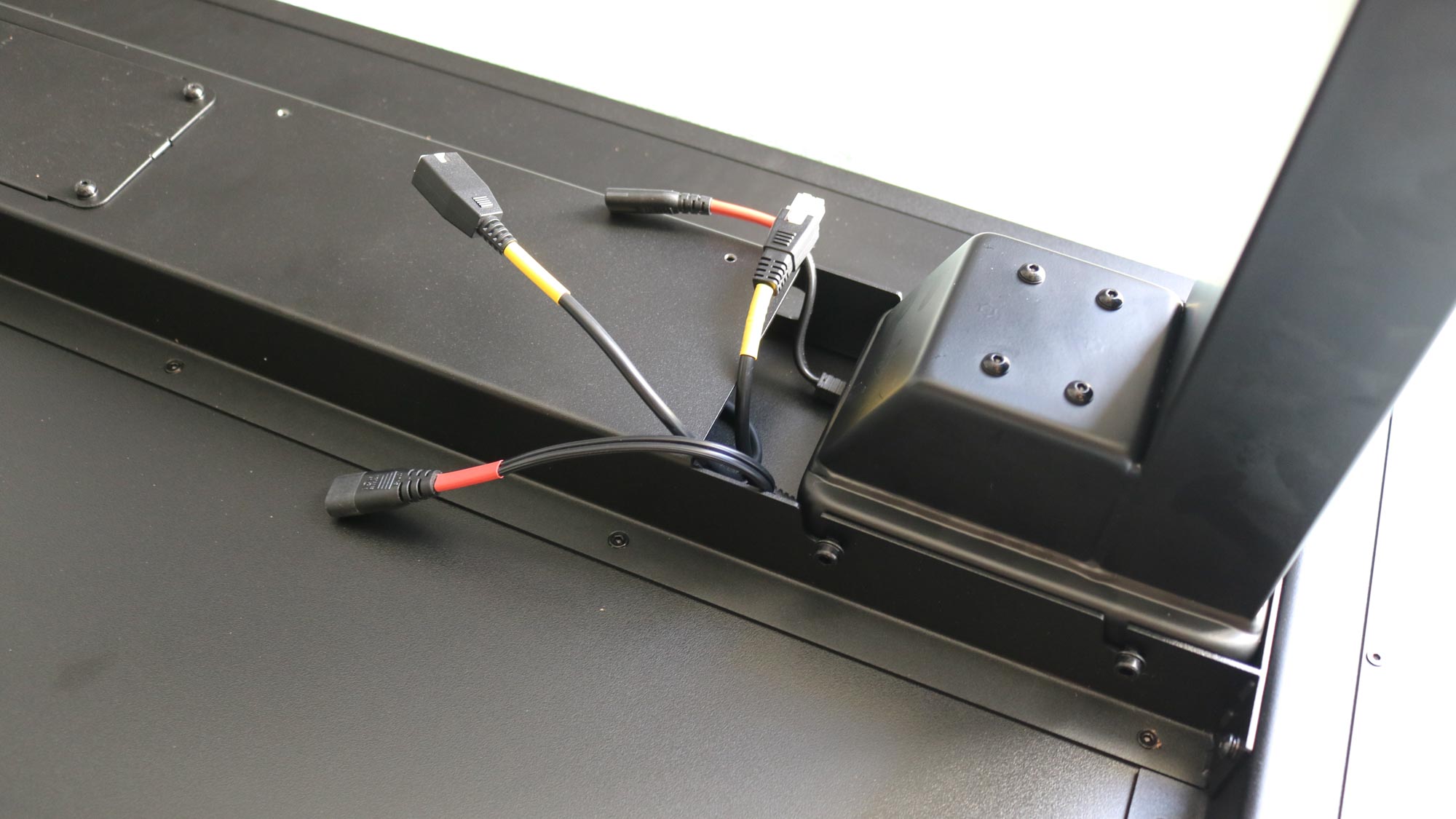
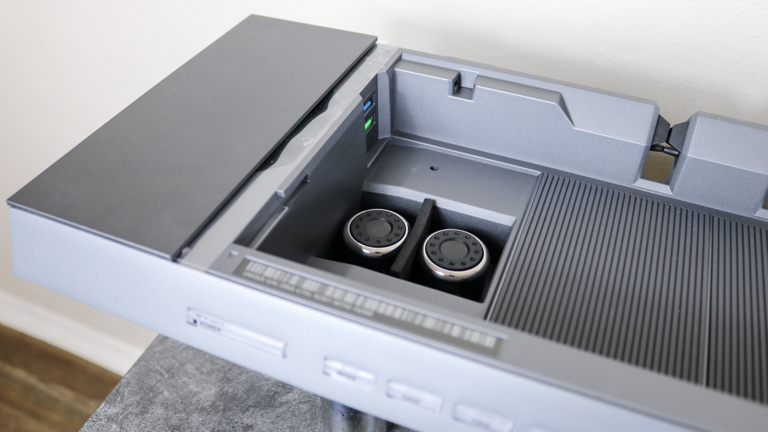
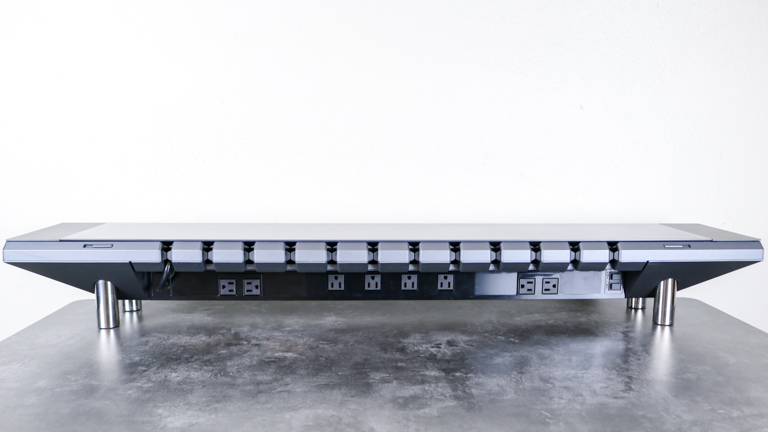
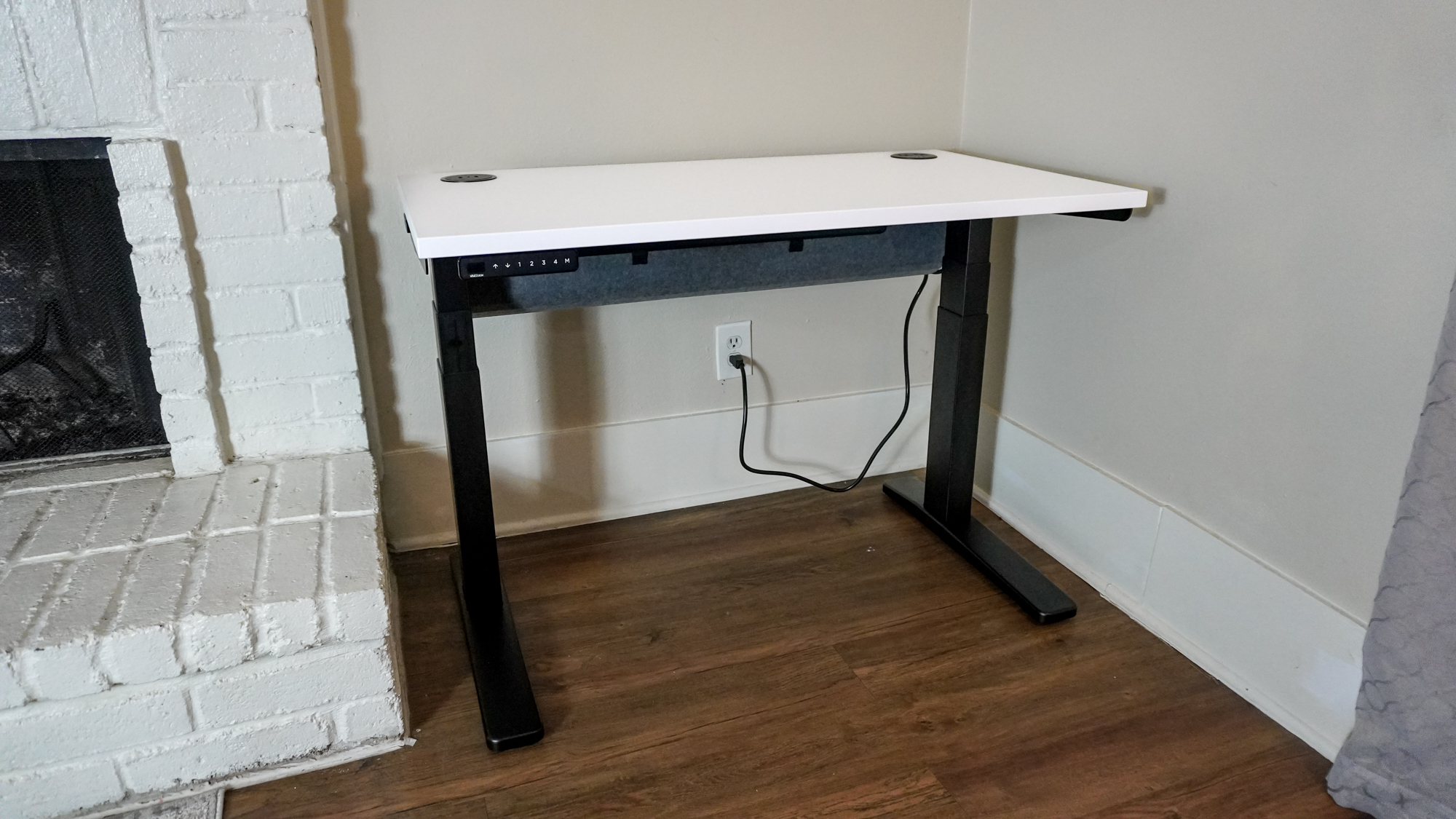
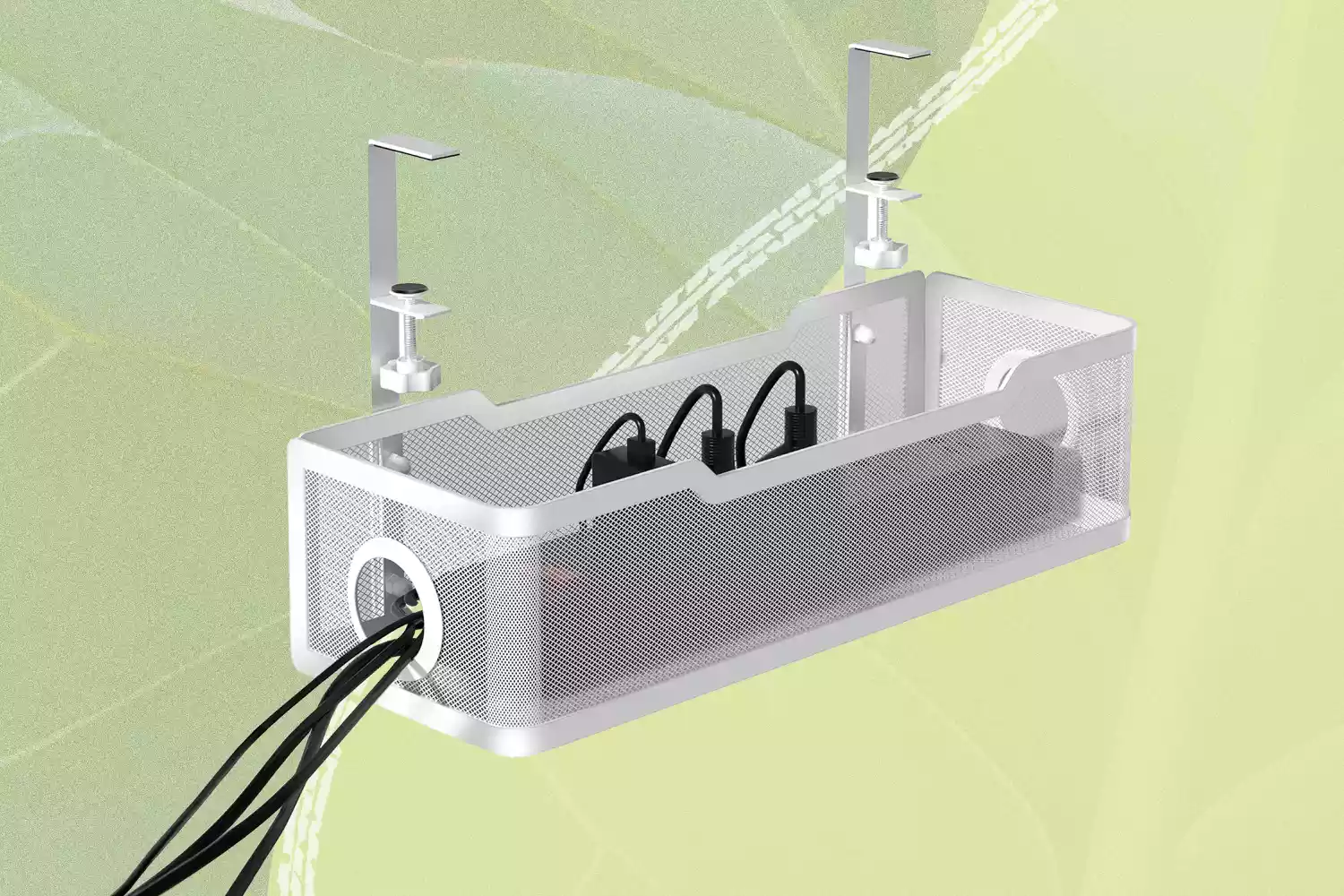
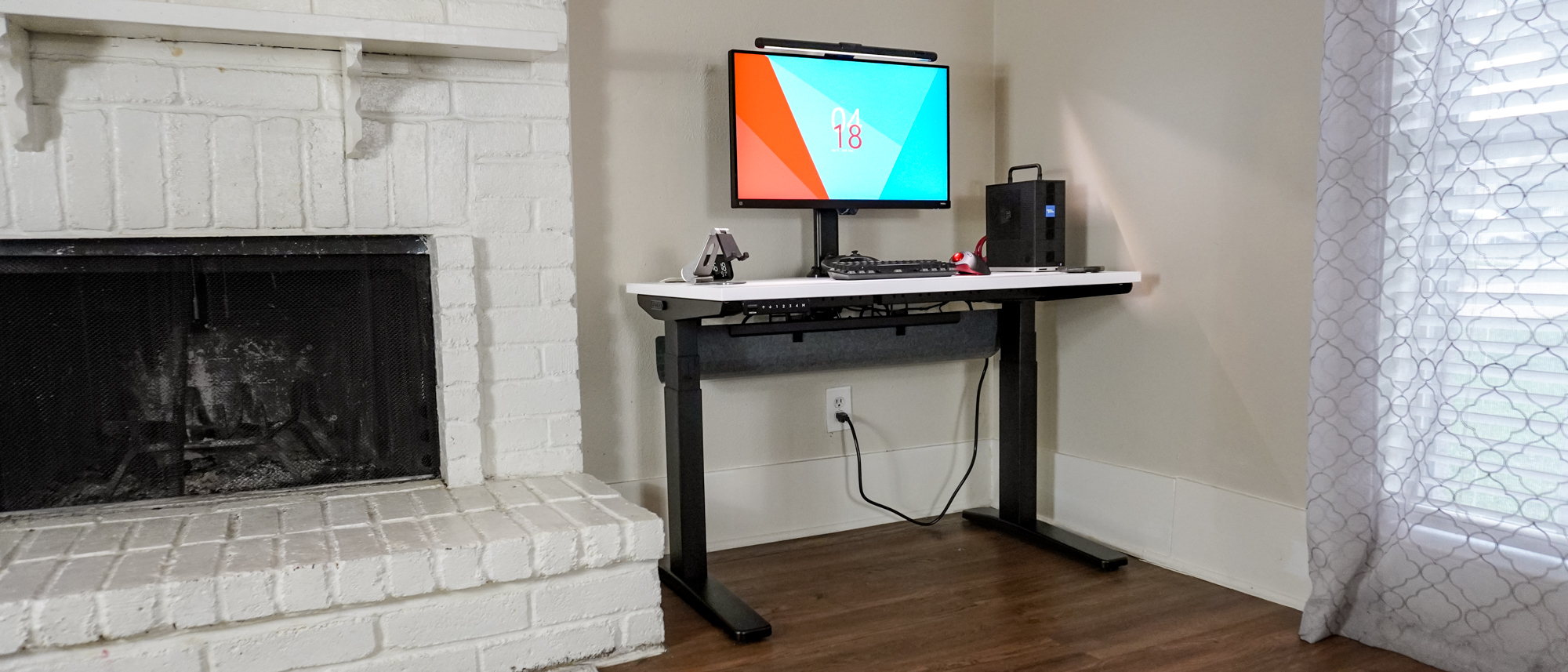
Next, investing in a well-sized cable tray is highlighted as the core of any effective cable management system. Cable trays elevate power boards off the floor and centralize all cables beneath the desk, out of sight. A single cable can then run from the wall socket to the power board in the tray, simplifying connections for multiple devices. The article recommends choosing a cable tray at least 70 cm wide to accommodate future additions, and notes that some advanced options come with integrated power boards for an even tidier look, albeit at a higher cost.
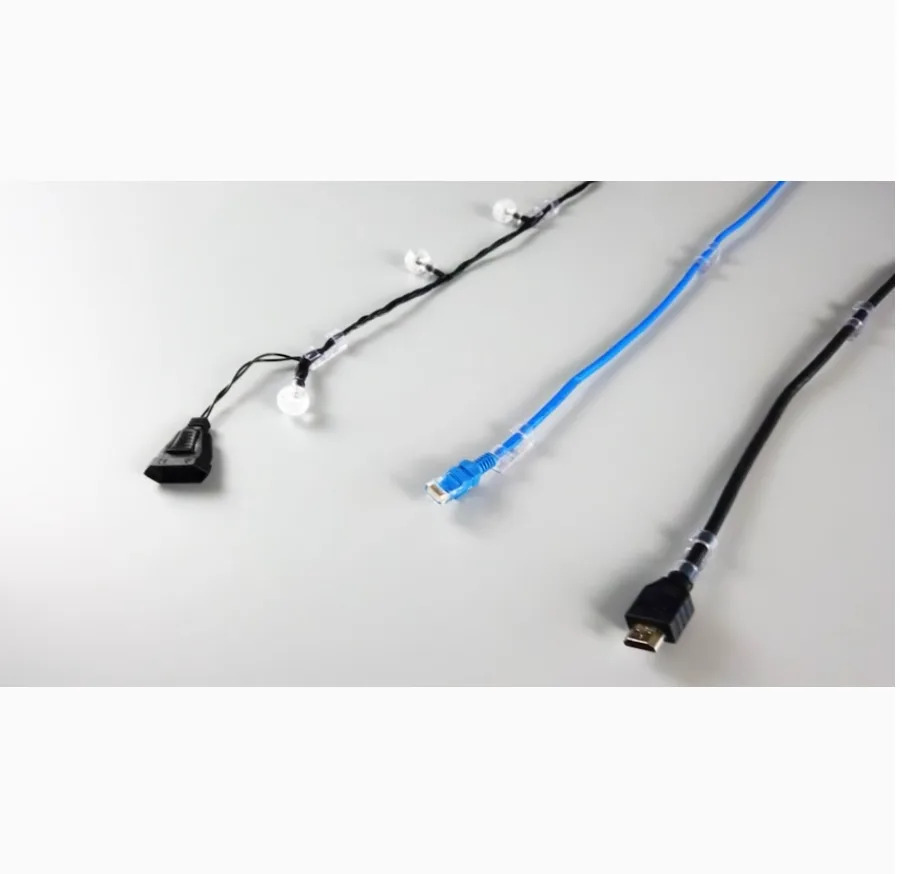
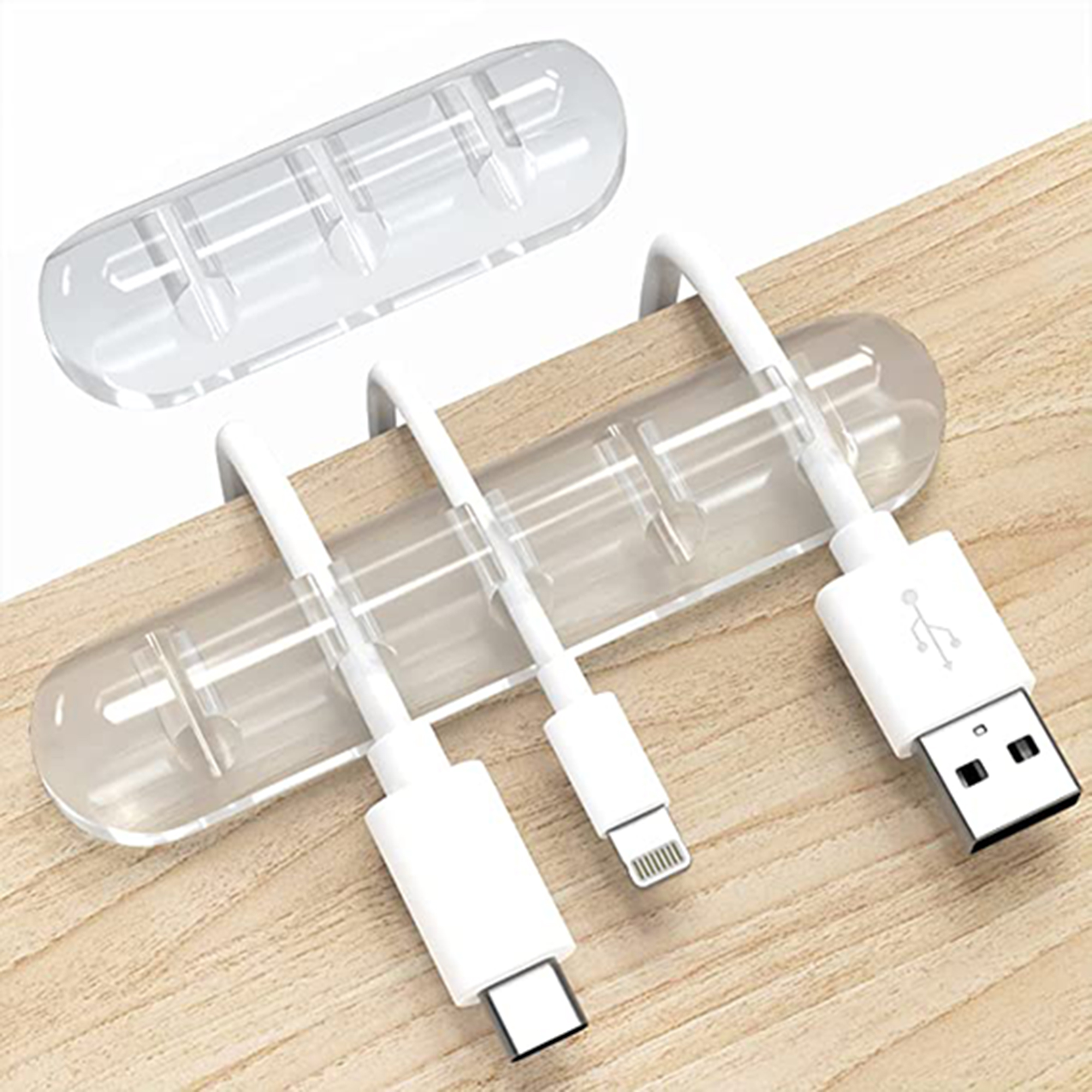
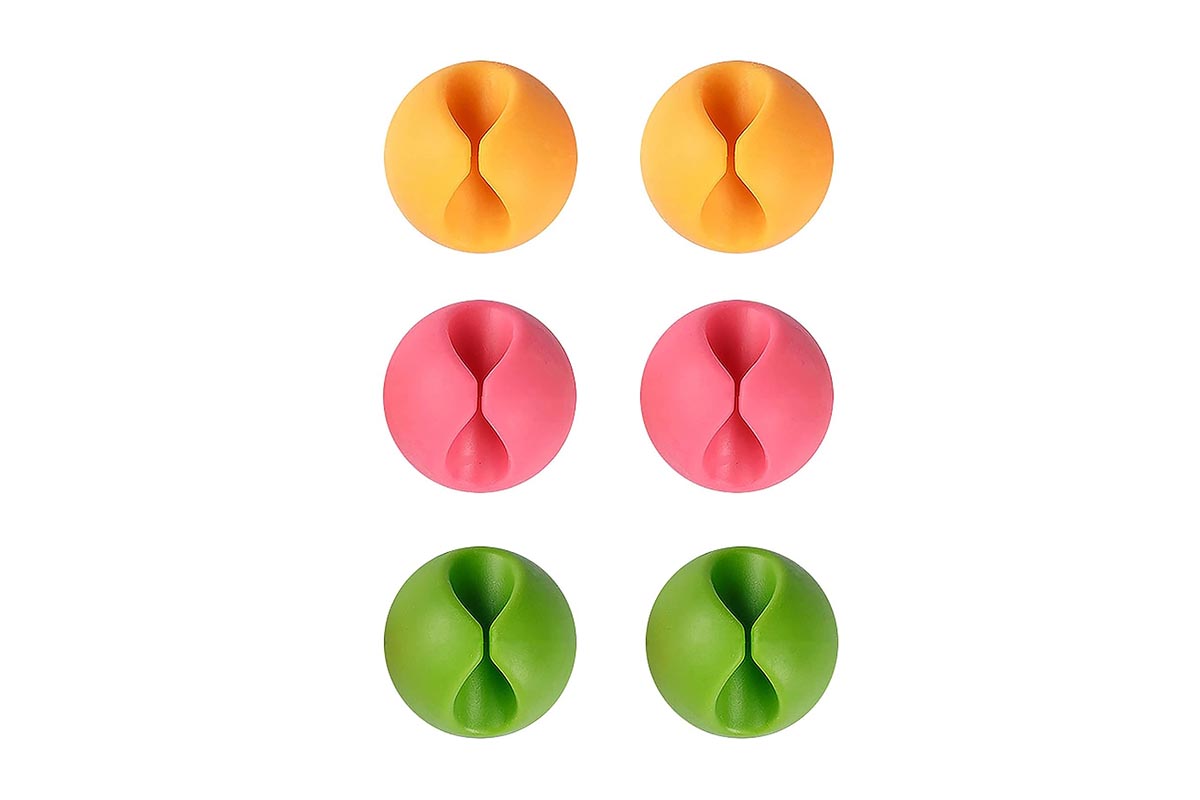
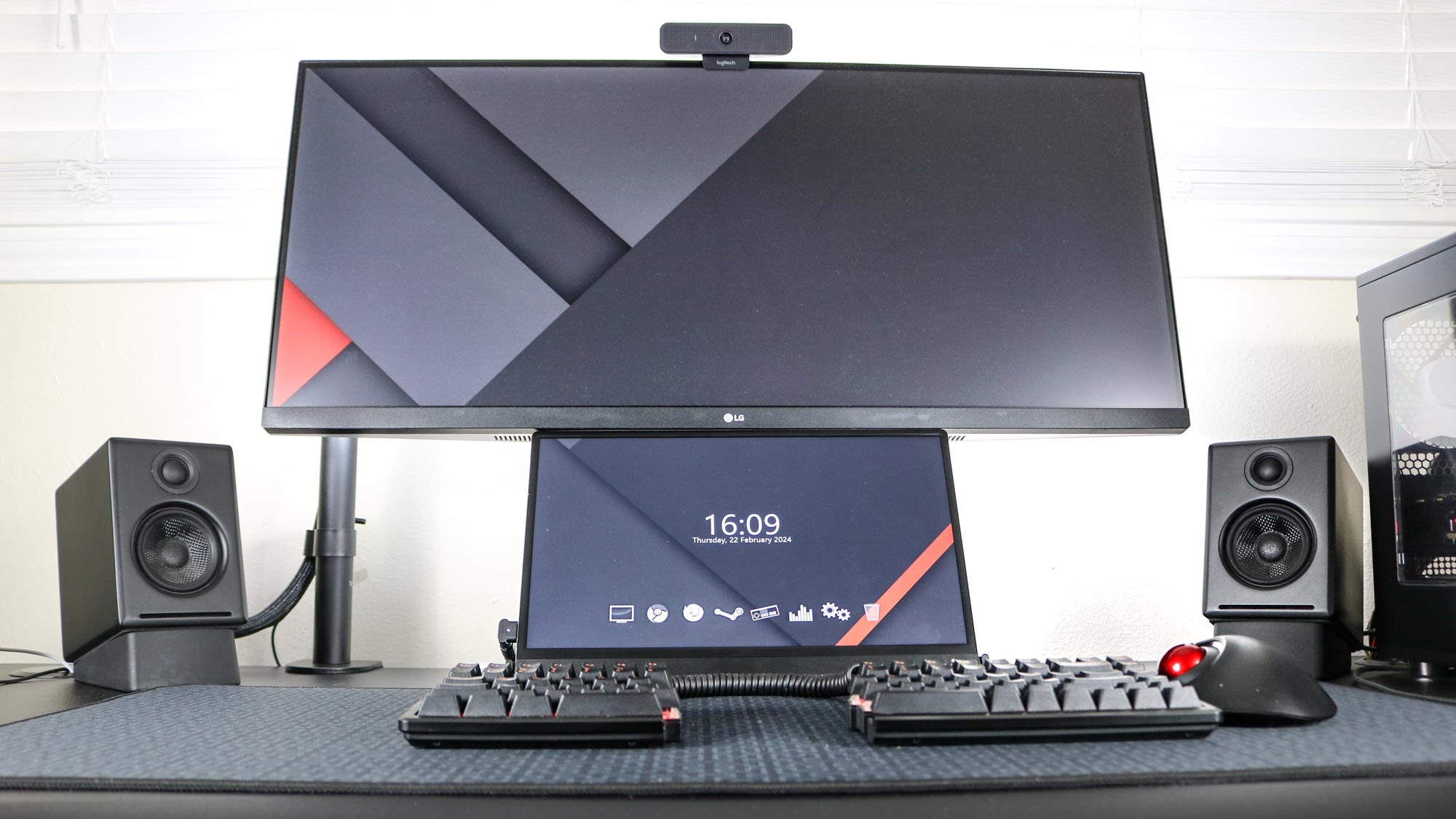
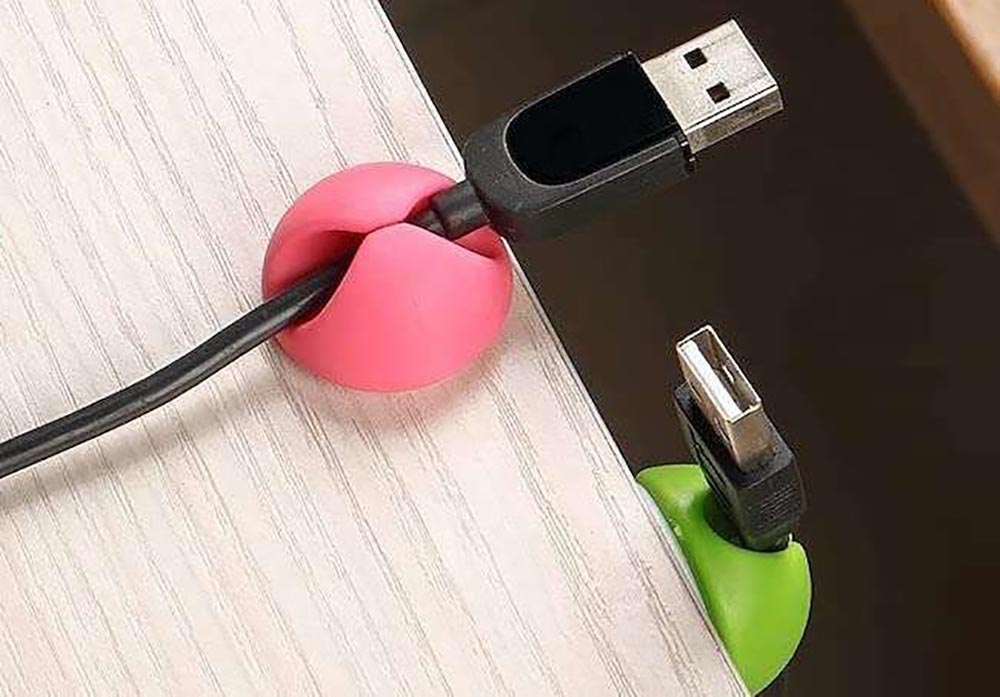
The third tip focuses on eliminating cables at their source by investing in wireless keyboards and mice. Switching to wireless peripherals immediately removes two prominent cables that would otherwise run across the desk, contributing to a minimalist and clean aesthetic. The article provides examples of recommended wireless accessories for both Mac and Windows users. For those who prefer wired accessories, using sticky cable clips on the trailing edge of the desk is suggested to keep wires in place.
Relocating accessories to the underside of the standing desk is the fourth key strategy. Peripheral devices that don't need to be on the desktop, such as audio interfaces or hard drives, can be attached to the underside of the desk using Velcro. This frees up desktop space and further reduces visible cable clutter.
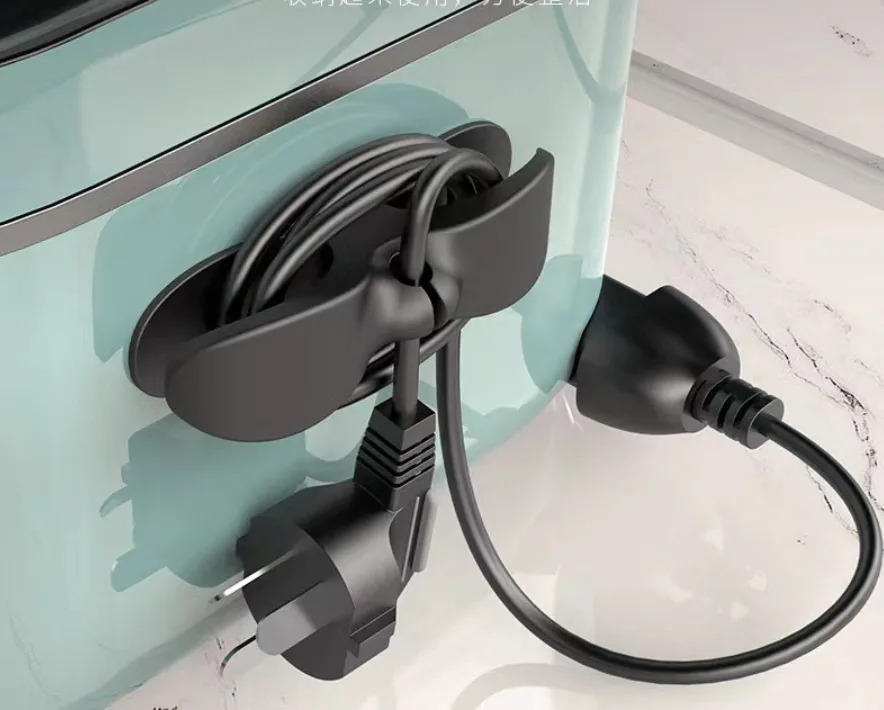
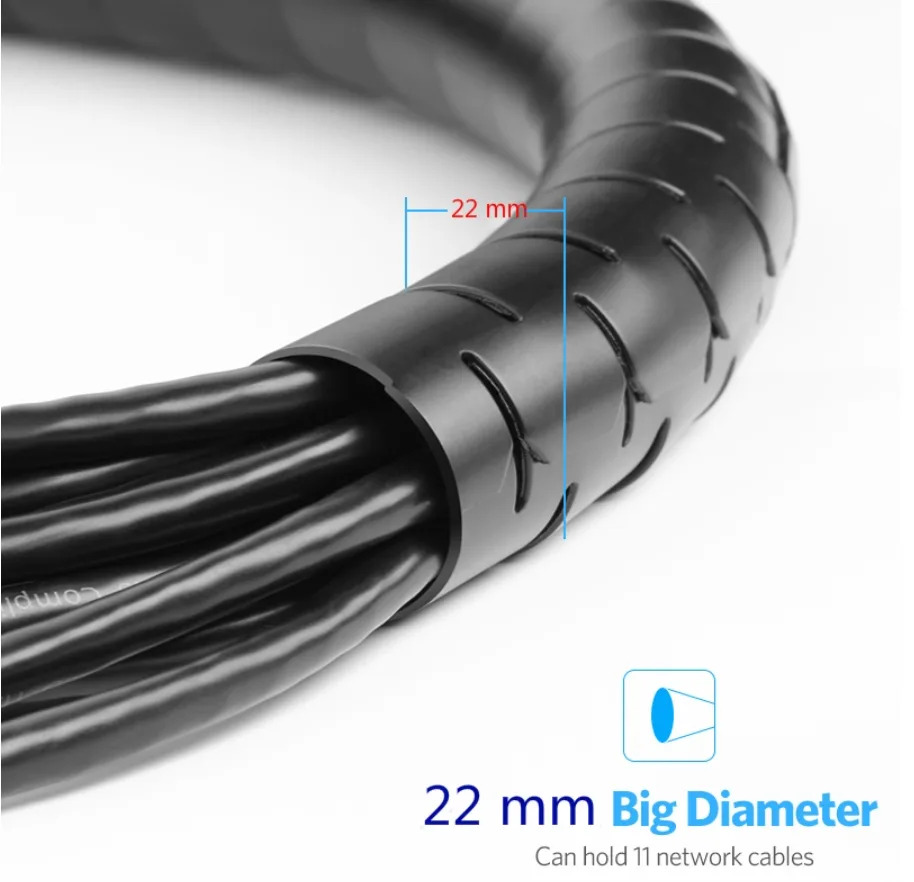
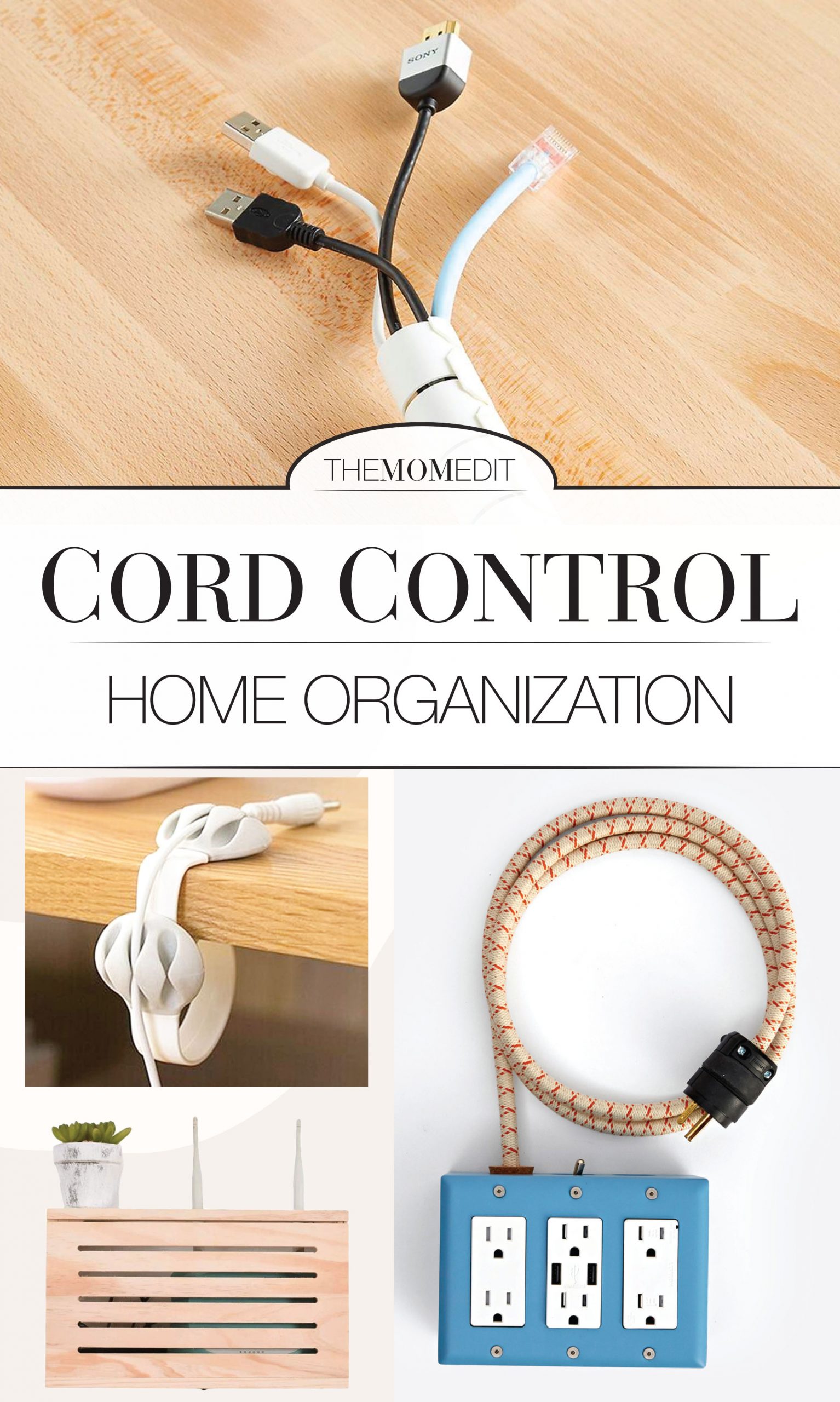
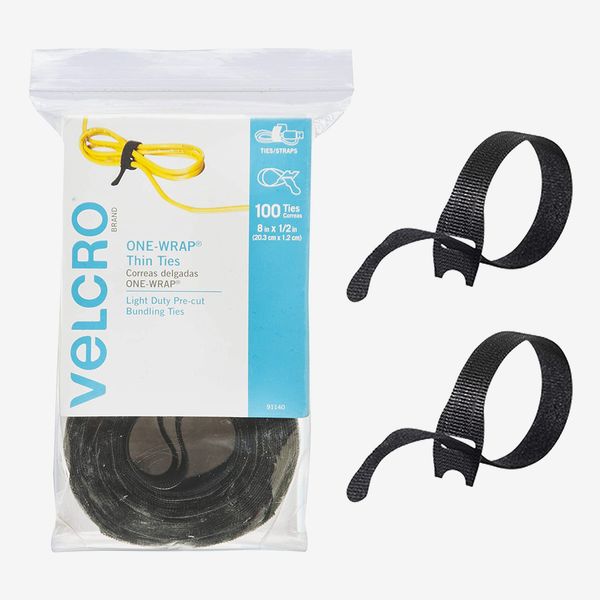
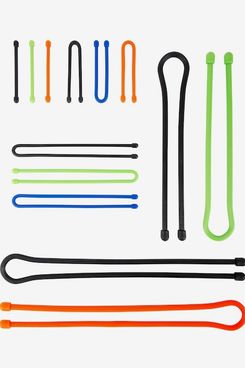
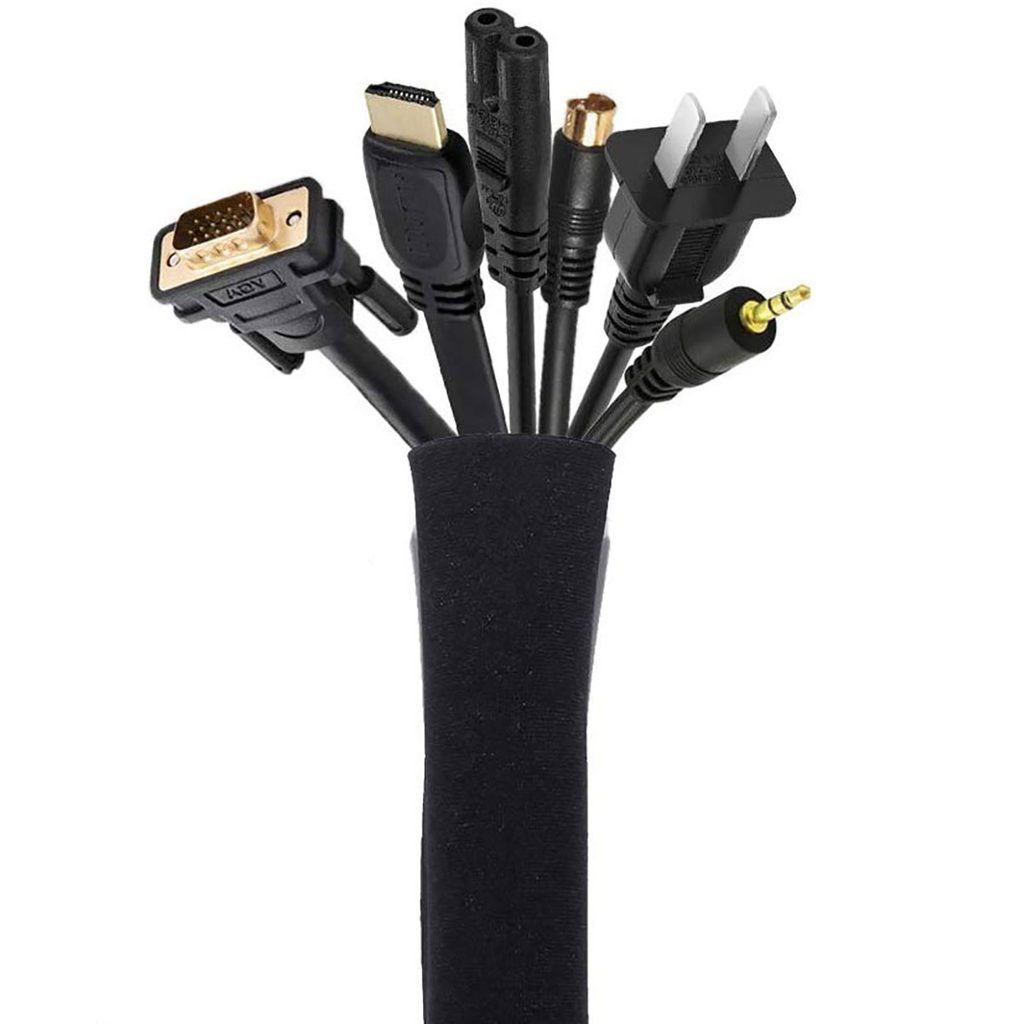
Finally, the article advises tidying up any remaining excess cable slack using a combination of cable ties, sleeves, clips, zip ties, or Velcro straps. It's crucial to leave enough slack in the cables to allow for the full range of vertical movement of the standing desk. The article concludes by outlining the benefits of good cable management: increased cable longevity due to reduced fraying, improved productivity from a clutter-free and focused workspace, and an enhanced professional appearance of the home office setup. An organized home office contributes to a more peaceful, focused, and productive mindset, making the investment in cable management worthwhile for anyone with a standing desk.
#StandingDesk #CableManagement #WFHProductivity #HomeOfficeSetup #Ergonomics #WirelessPeripherals #MonitorArm #CableTray #DeskOrganization #StandingDesk #CableManagement #WFHProductivity #HomeOfficeSetup #Ergonomics #WirelessPeripherals #MonitorArm #CableTray #DeskOrganization
0 comment in total
 No comments yet
You may also like
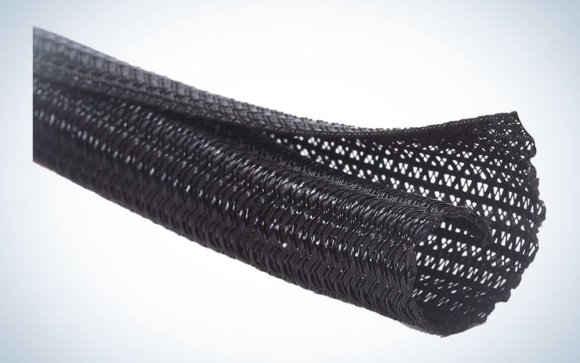
The best cable management for desks in 2024
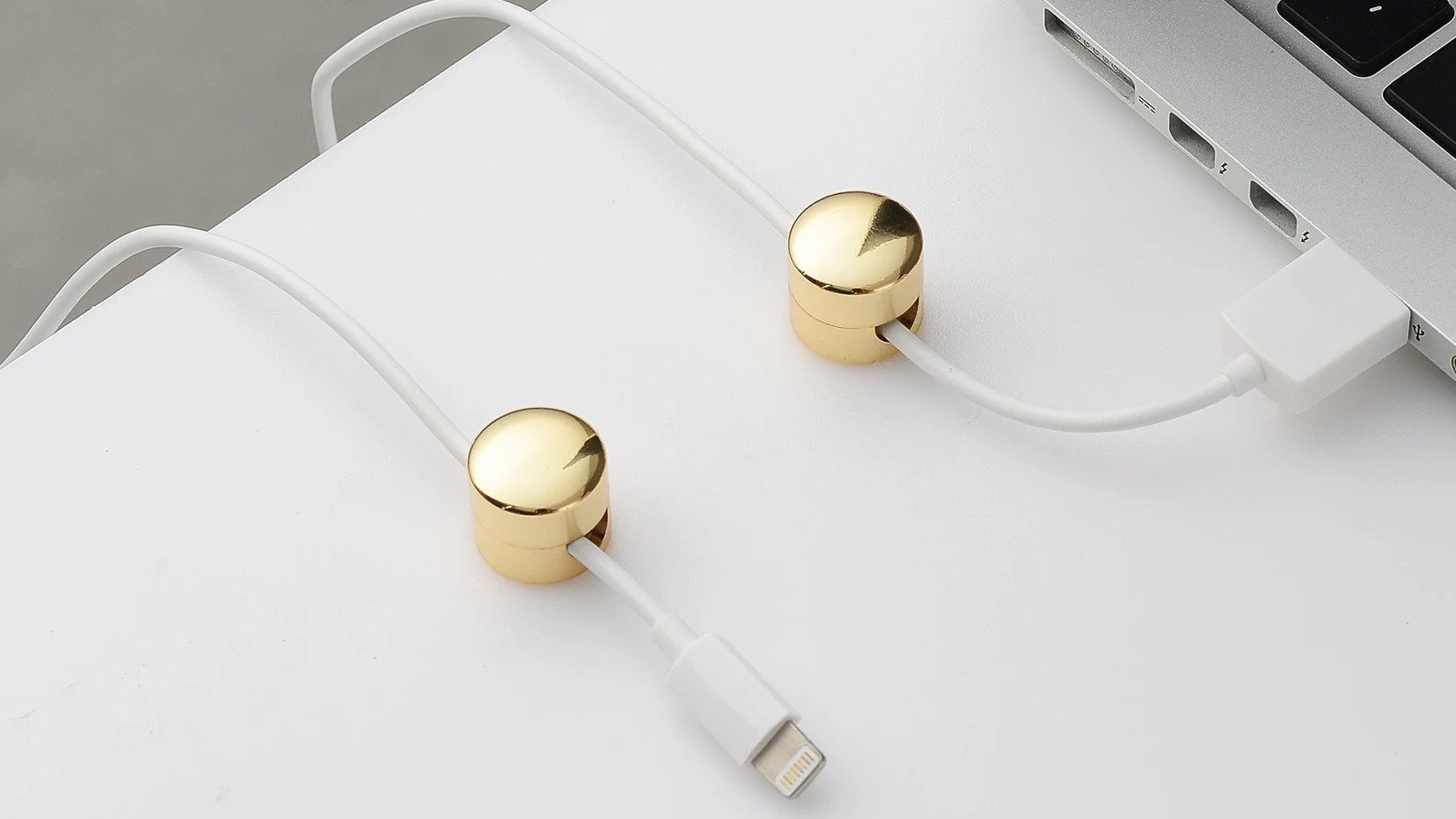
You need these cable management buys for your desk to avoid an "entanglement"

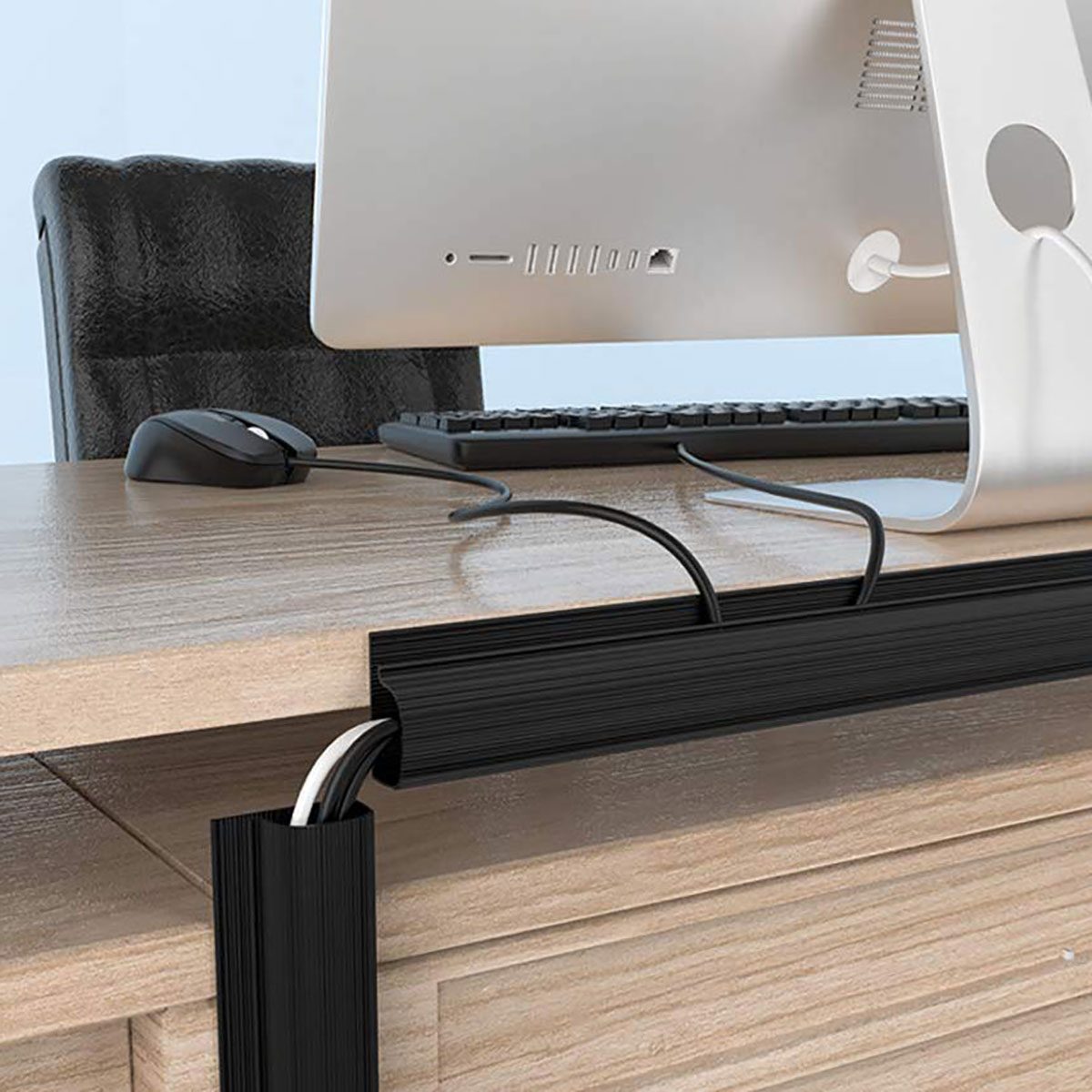
8 Essential Tools to Maximize Cable Management in Your Home


The 9 Best Desks for Your Home Office, Plus Expert Advice on What to Look for in a Desk
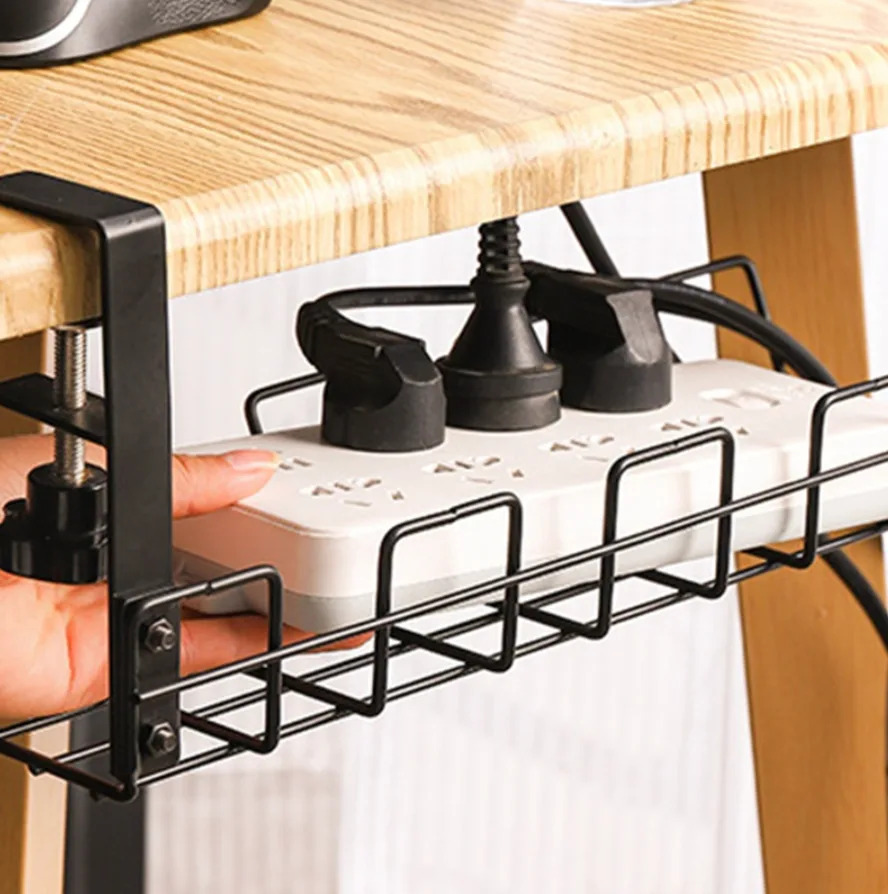
10 products to help you with cable management at home and in the office
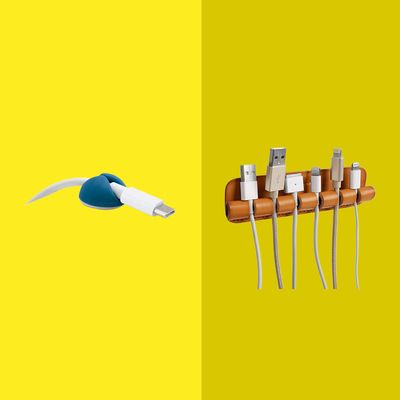
The 9 Very Best Cable Organizers
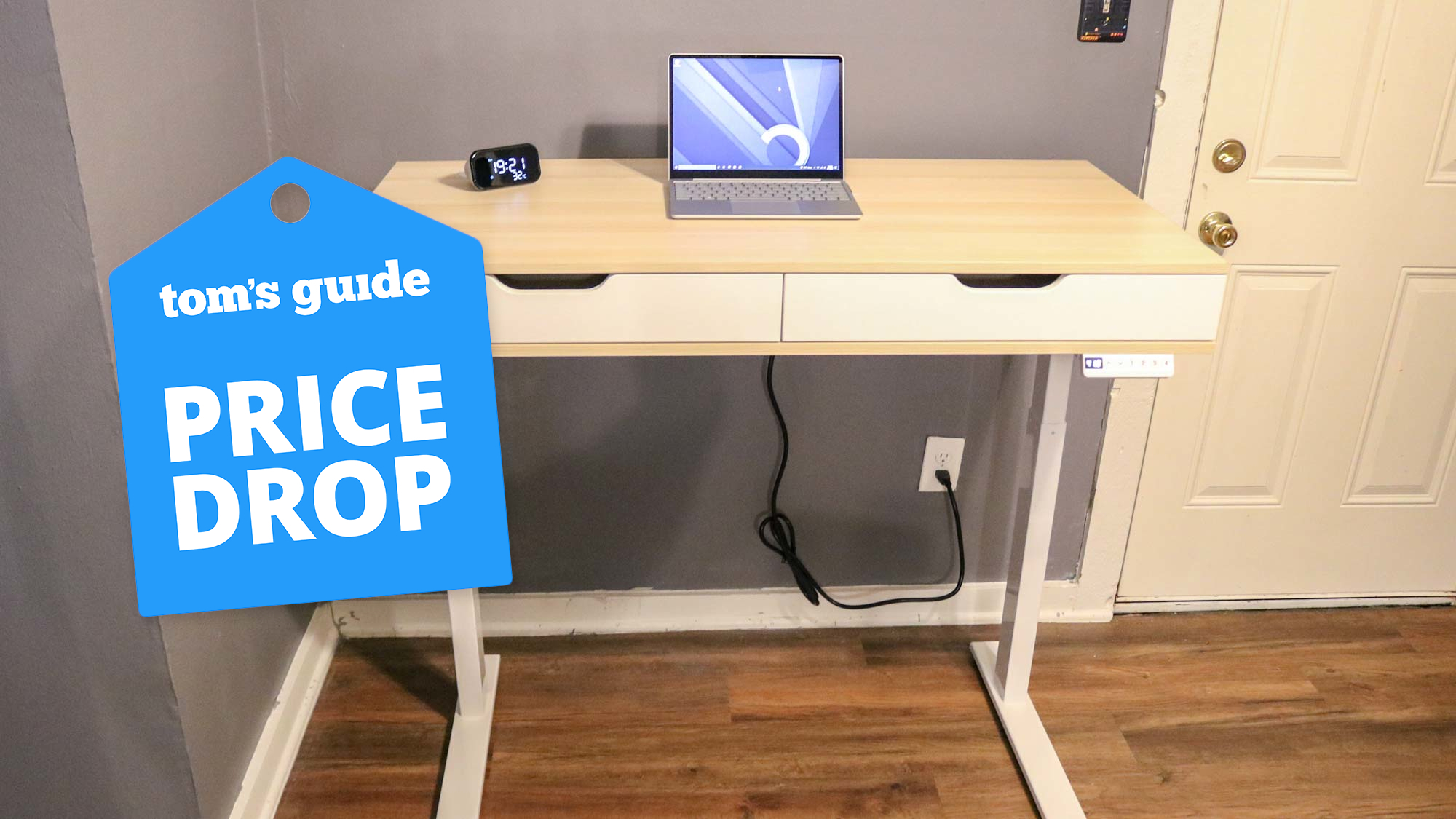
This standing desk has huge drawers, charging ports, and a cable management system — and it's 40% off right now

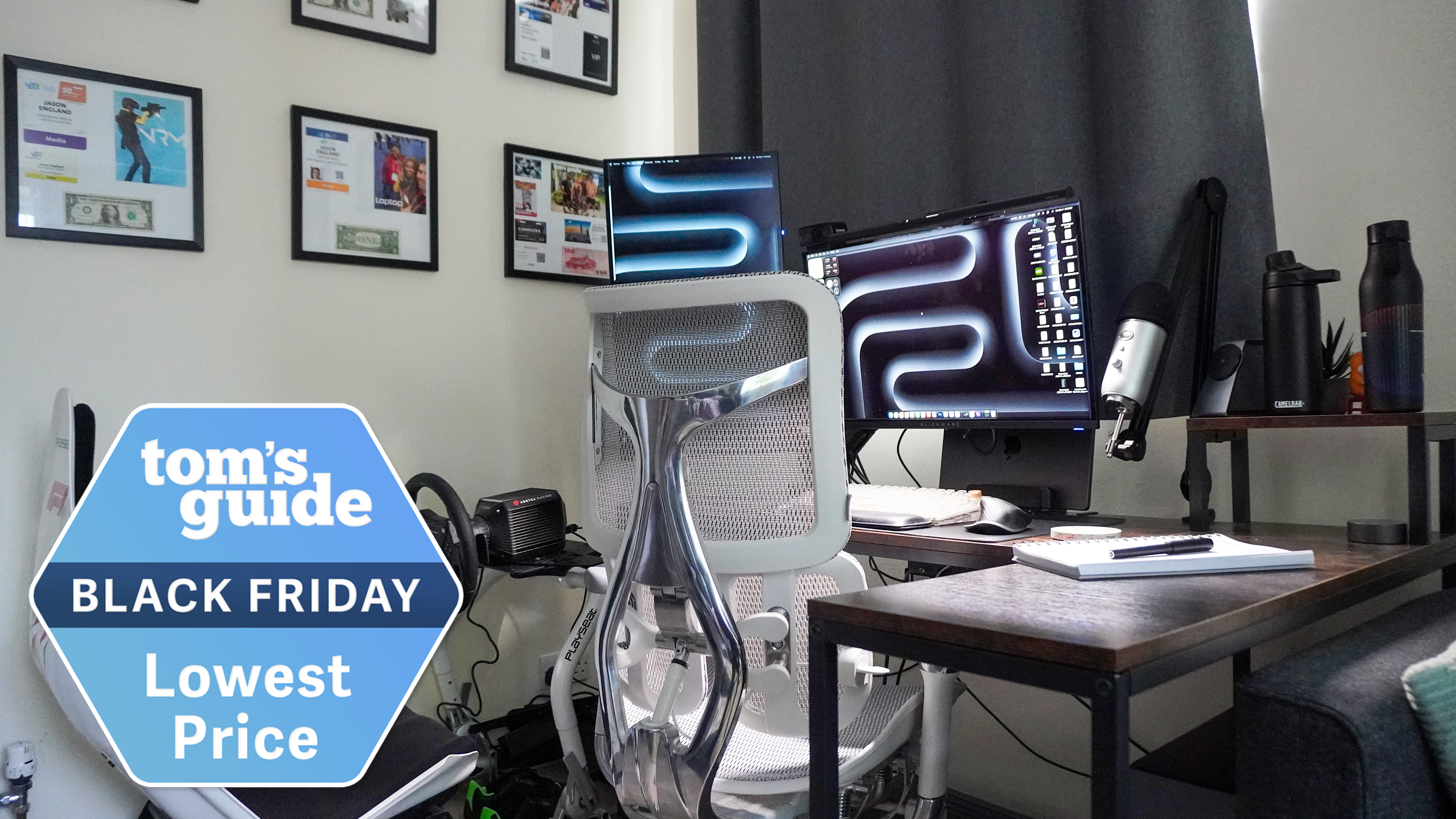
This budget desk is my WFH game changer, and Tom's Guide readers can grab an early Black Friday exclusive deal on it
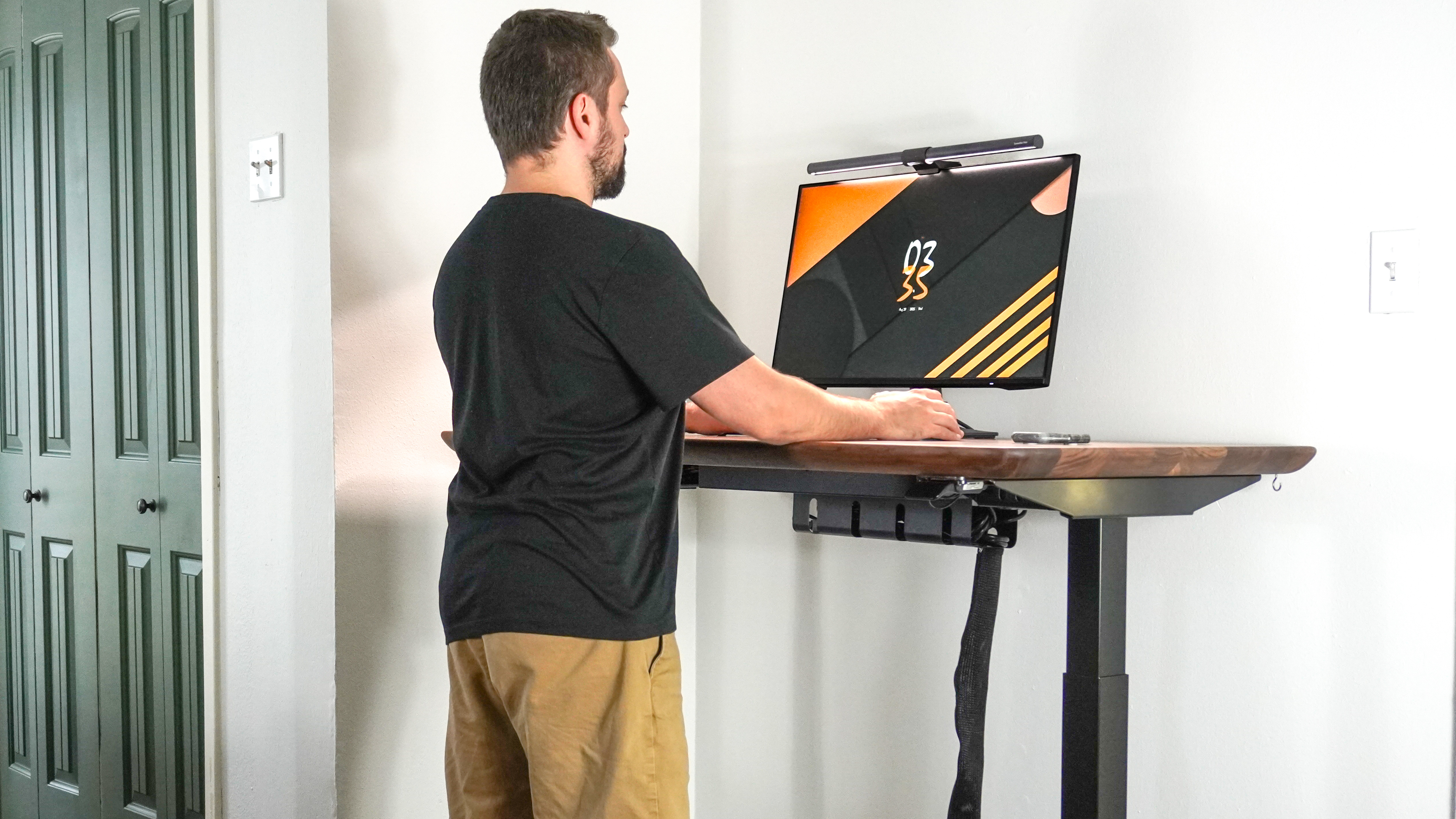
I've tested more than 26 standing desks and these are the best ones for your home office
These 7 Cable Organizers Will Let Your Game Room Go From Chaos to Control

What a Wirecutter Home-Office Expert Uses to Organize Her Desk

I revamped my desk setup using the world’s most expensive cable management accessory — this changes everything

Home Office Upgrade: Cord Control


How to hide wires – 16 ways to organise wires in your home office and declutter your workspace
20 Home Office Essentials You Didn’t Know You Needed

I spent a month testing the new Uplift V3 standing desk and it’s the perfect investment for your new home office
Best standing desks of 2025: Top picks for your home office and budget
Designing for Cutting Cable Clutter, Part 2: Desks with Built-In Solutions

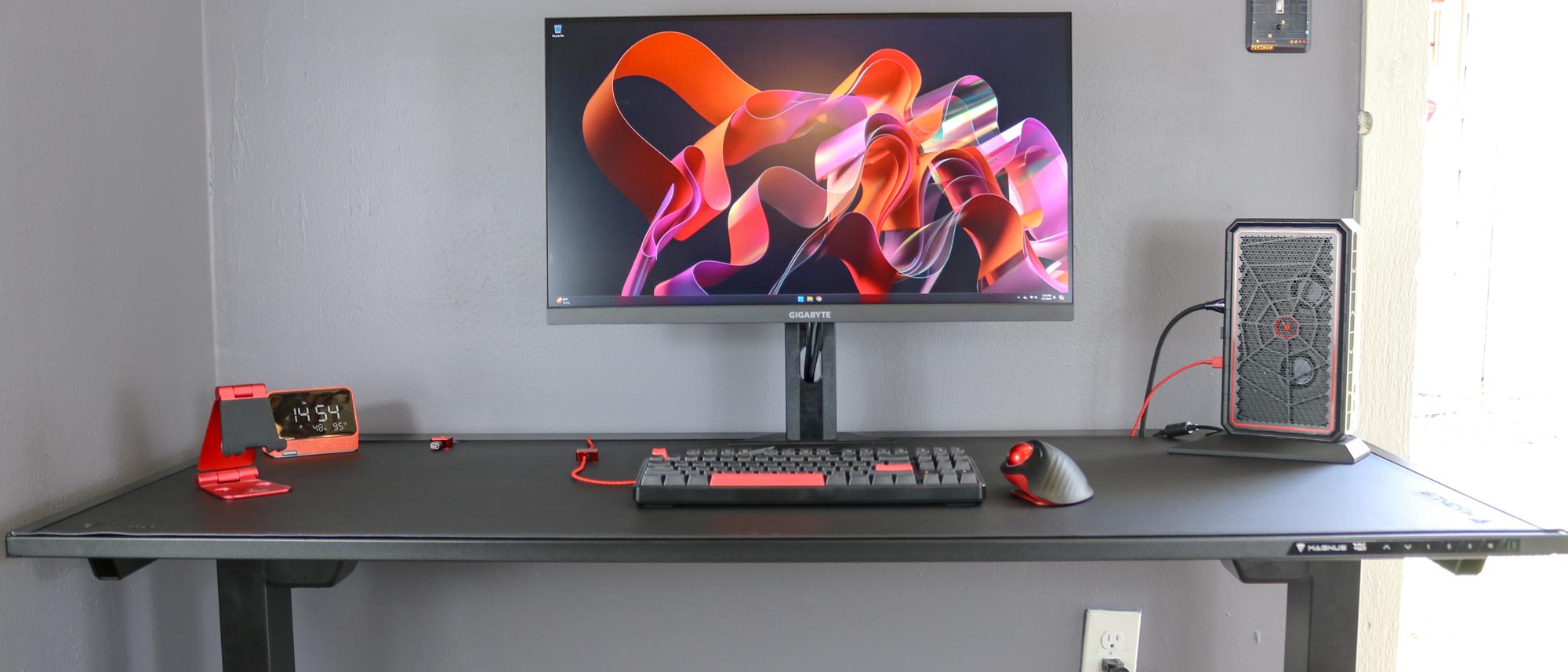
I just found the perfect standing desk for working from home — and it obliterates cable clutter
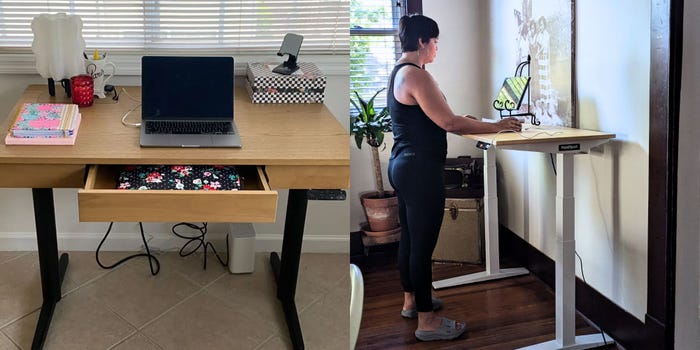
These are the best standing desks for resetting your work routine in the new year