1/6
Spine Specialists Explain Why You Need One Of These Ergonomic Office Chairs
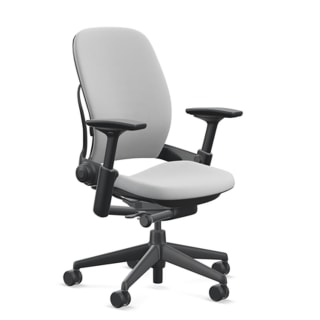
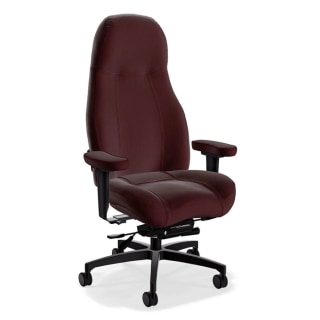
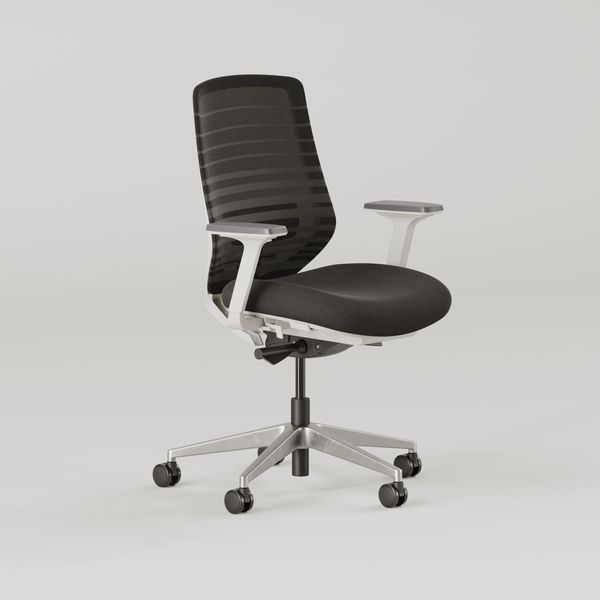
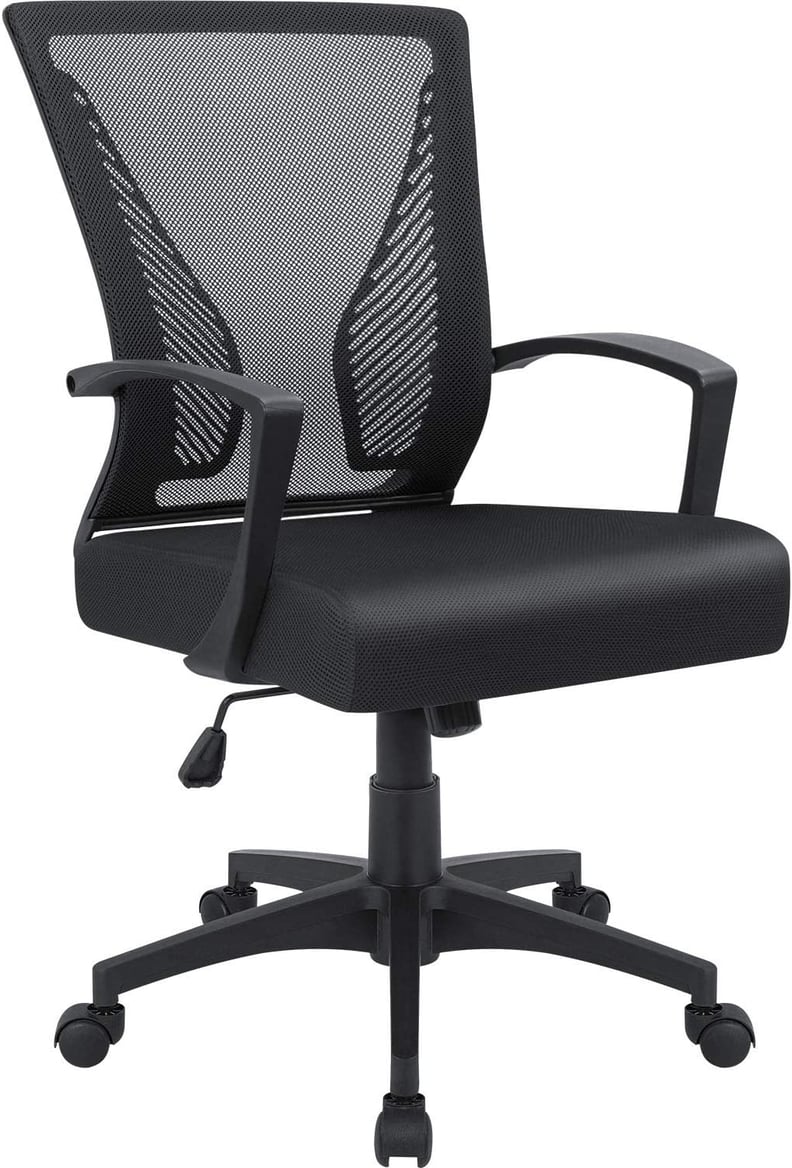
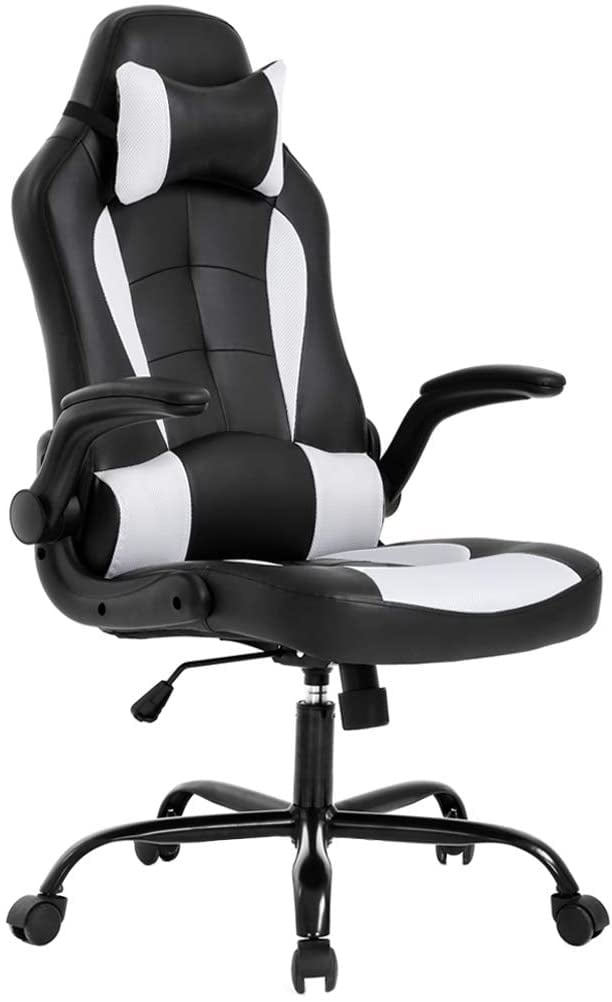
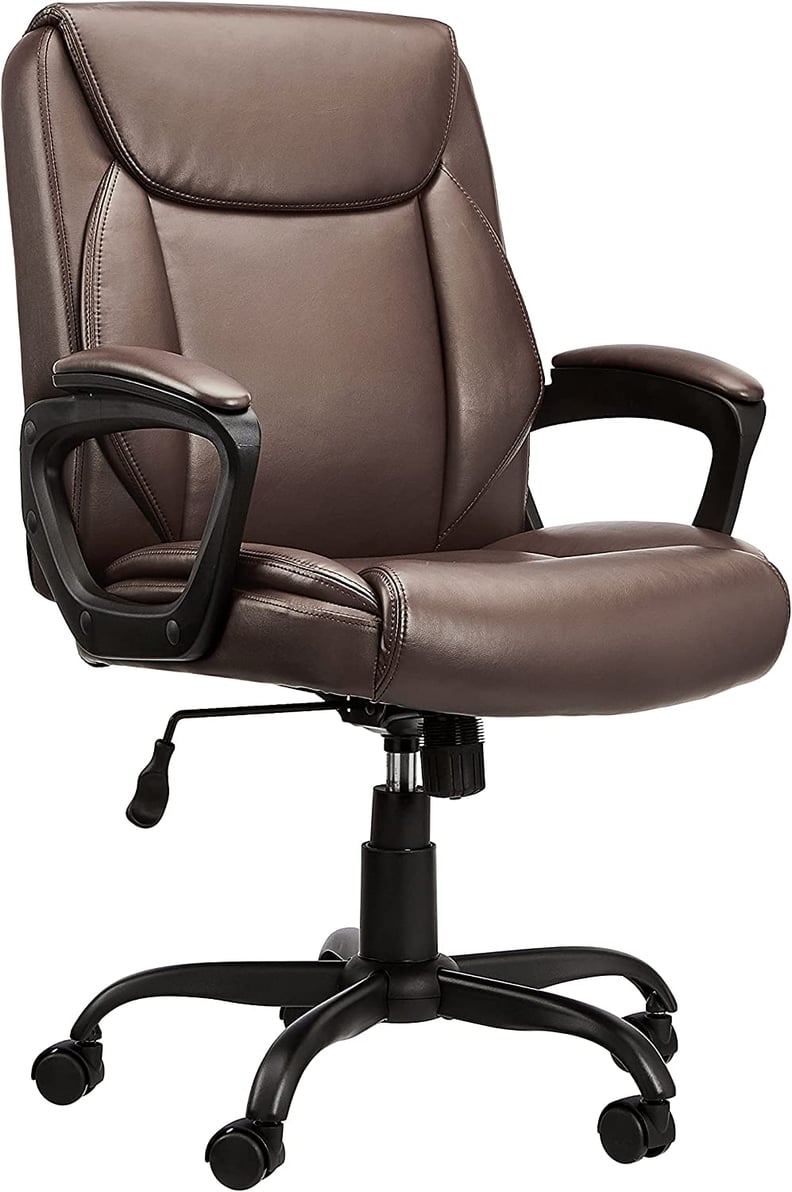
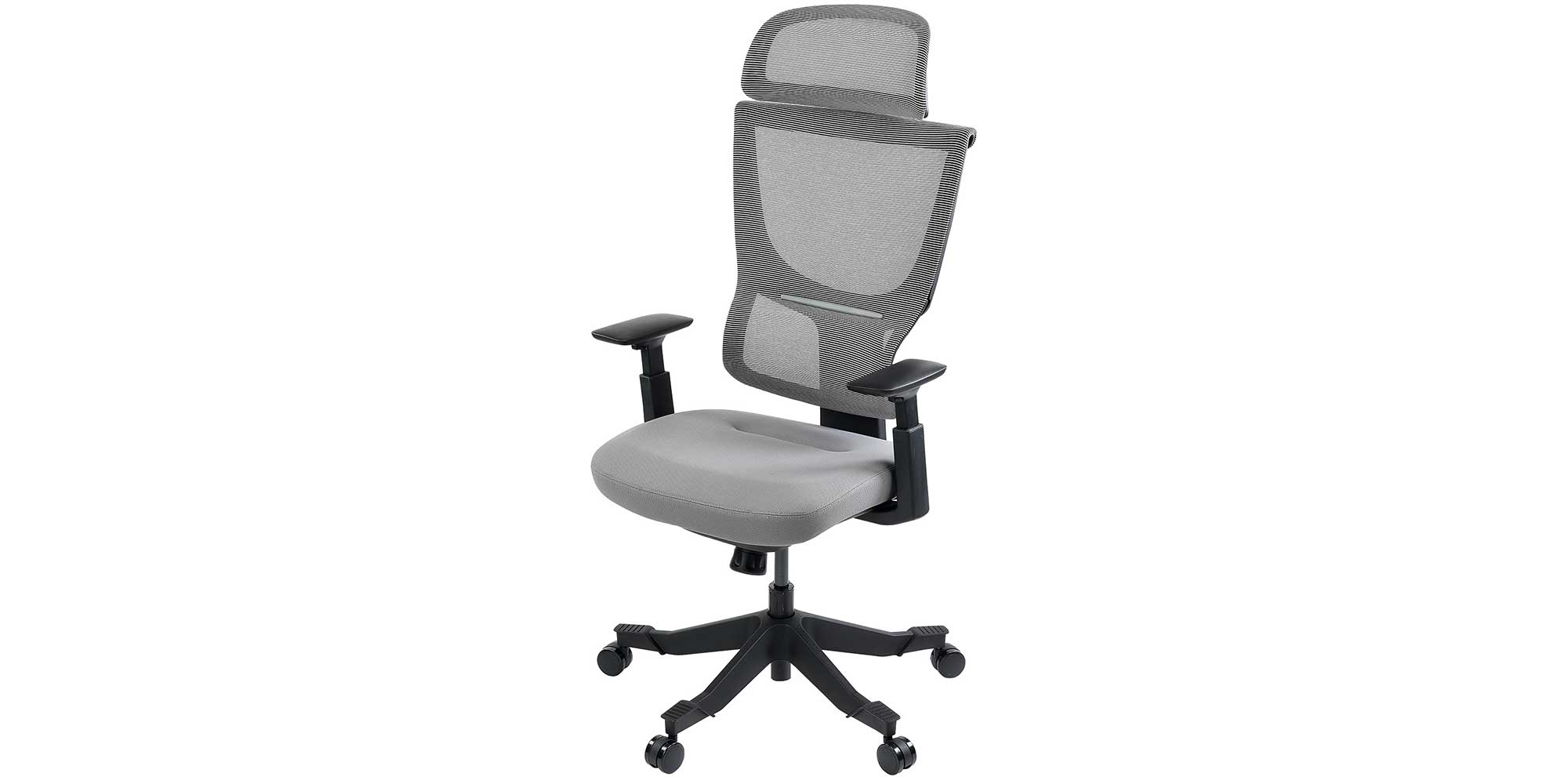
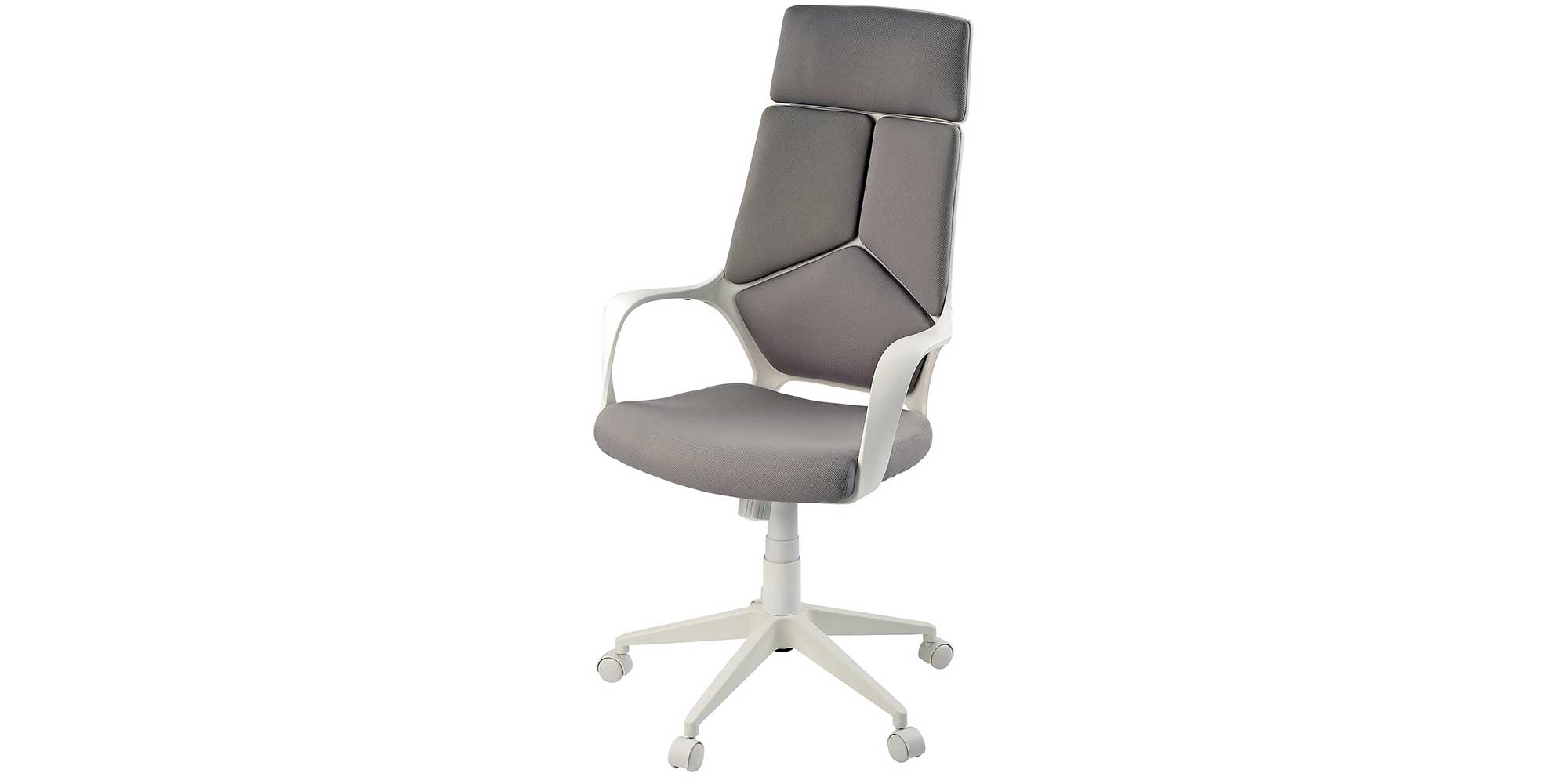
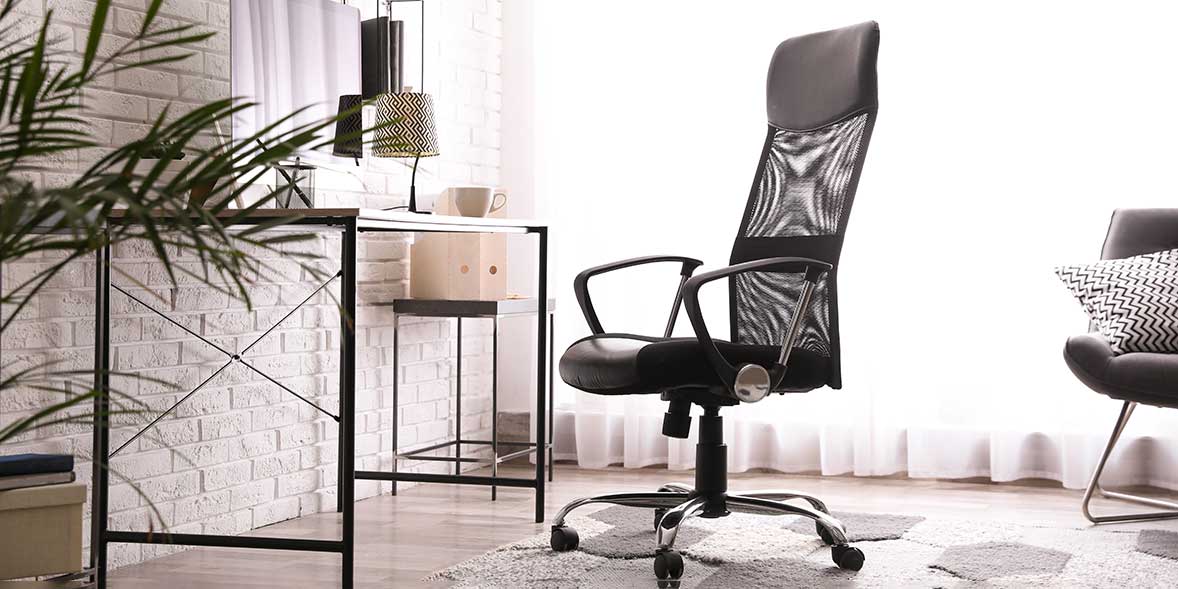
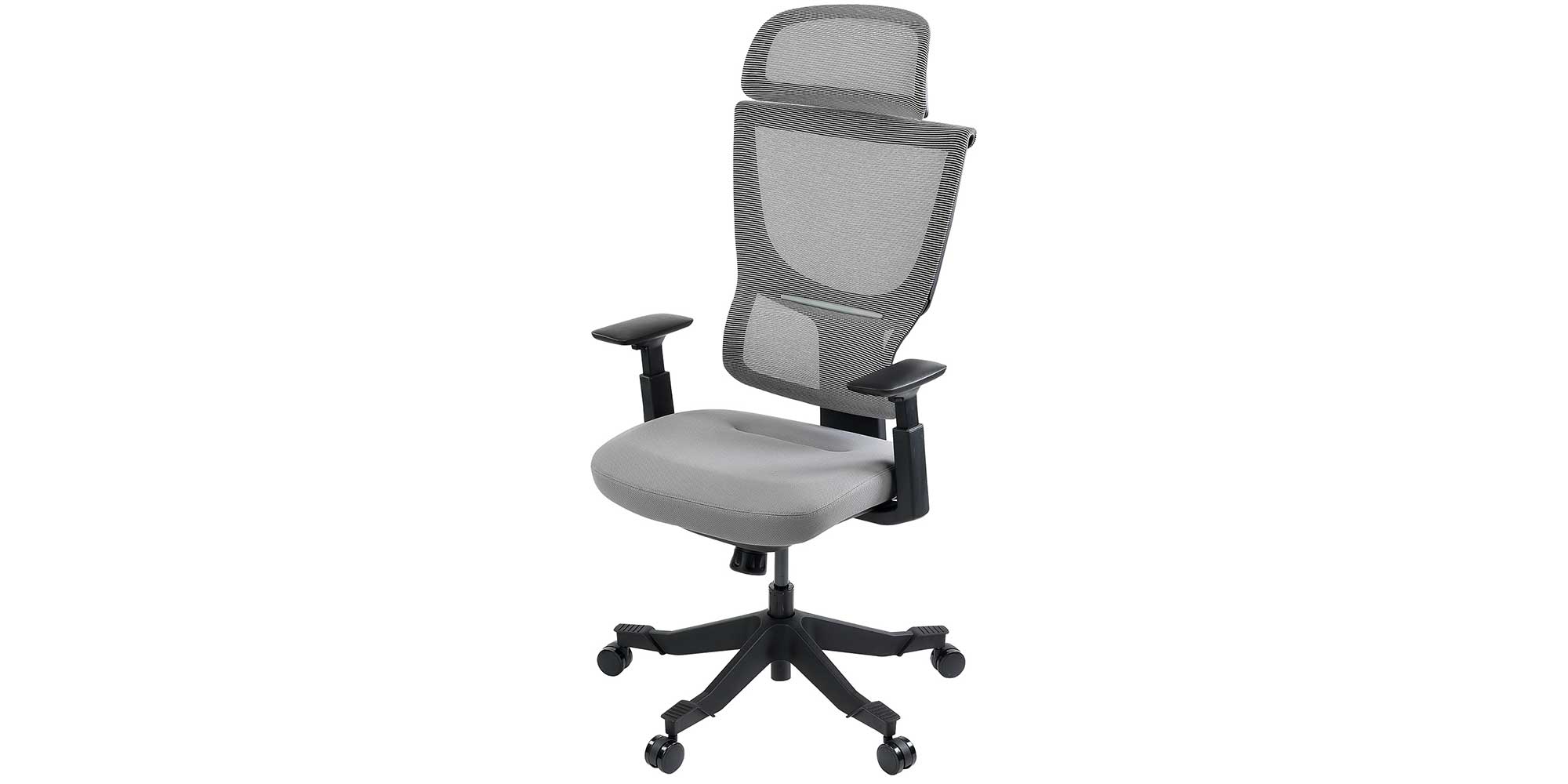
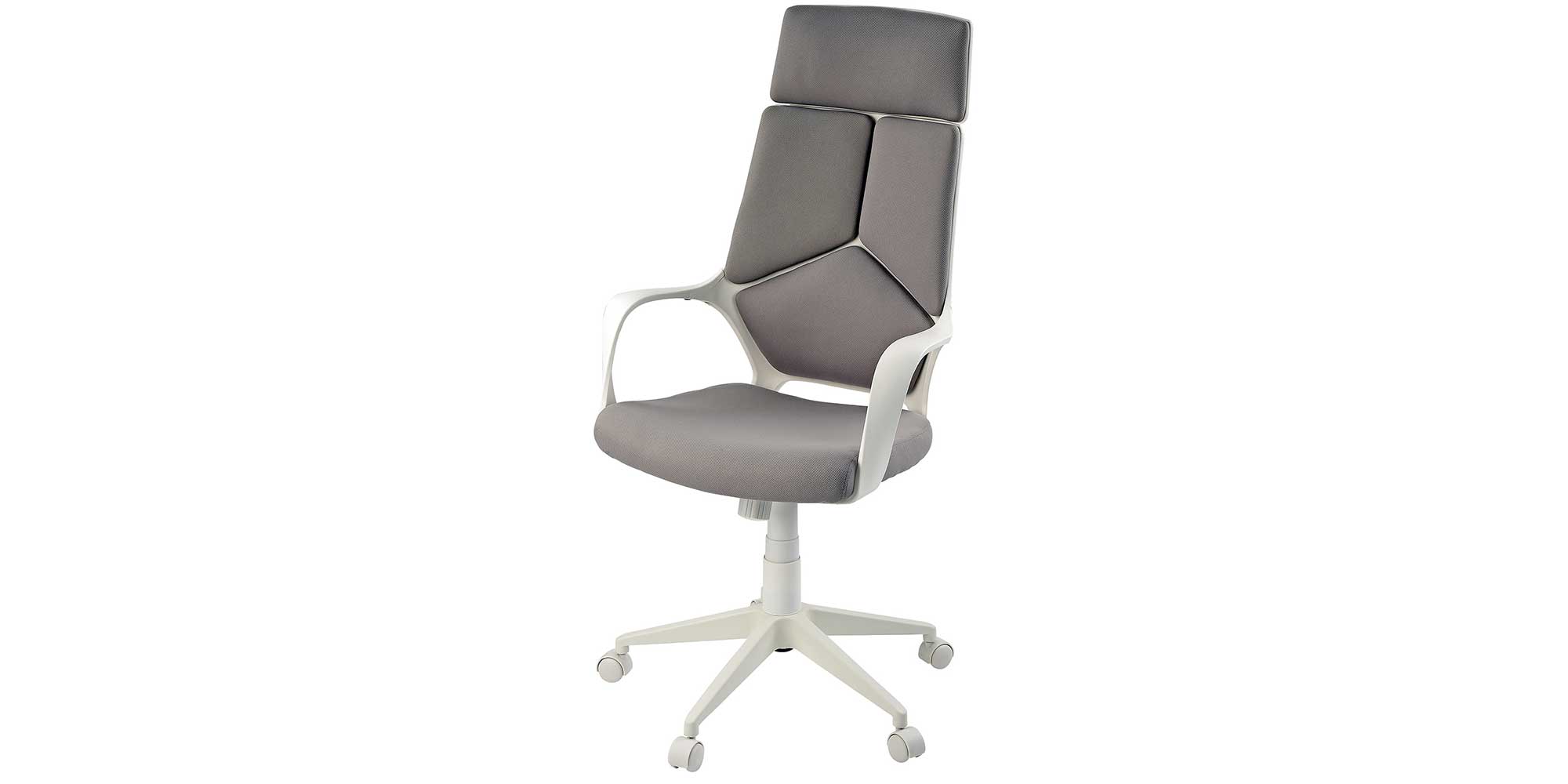
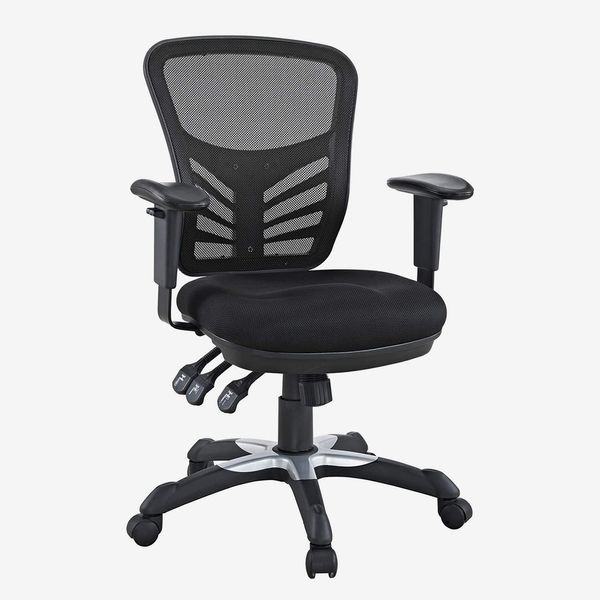
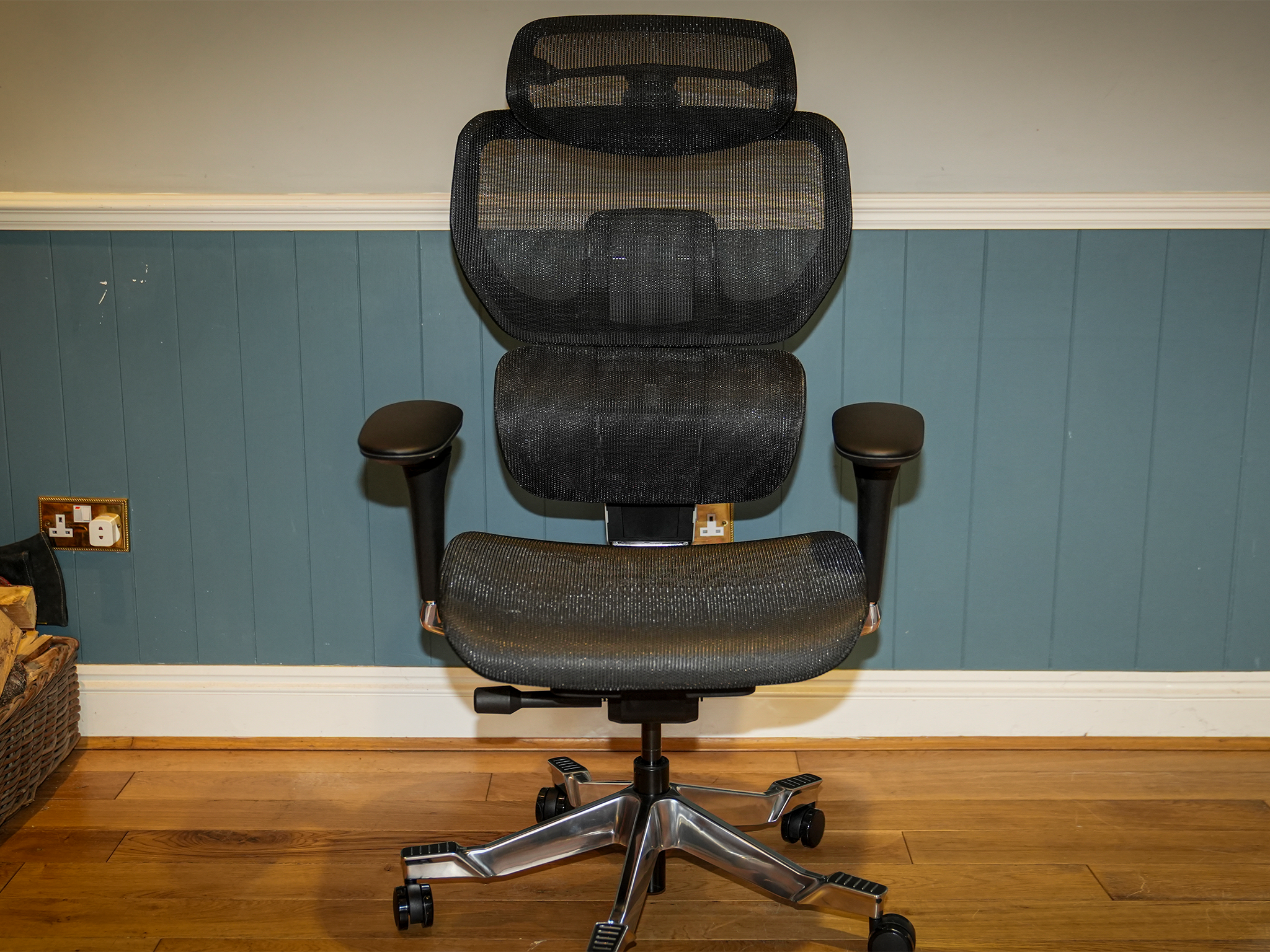
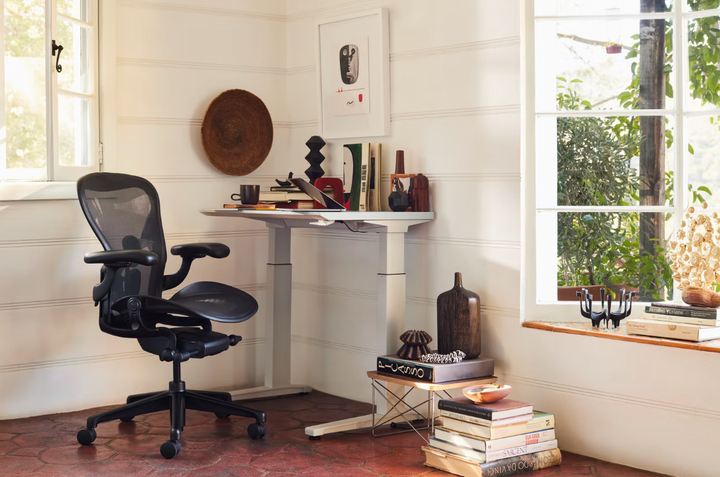
Spending extended periods at a desk can lead to muscle stiffness and pain in the back and legs, particularly if the chair lacks ergonomic design. Prolonged sitting increases pressure in various body areas, contributing to muscle tightness and discomfort. An ergonomic chair is defined as one that enhances comfort and efficiency, featuring buoyancy, a supportive shape, and medium firmness. Such chairs are designed to maximize support and minimize pain. Additionally, ergonomic chairs are highly adjustable and customizable to accommodate individual body types, as posture in the back directly influences neck and arm posture. The ideal ergonomic chair is also comfortable enough for consistent use; discomfort from excessive firmness or poorly positioned armrests can lead users to abandon it for less supportive alternatives.
Upgrading to an ergonomic office chair can mitigate the adverse effects of muscle fatigue and poor posture resulting from prolonged sitting. Poor posture can manifest as neck stiffness, tight trapezius muscles, mid-back tightness, spinal curvature, and fatigued lower back muscles due to insufficient lumbar, mid-upper back, and head support. Extended sitting can also compress the sciatic nerve, causing pain or discomfort in the lower back, hip, glute, groin, IT band, and foot, and can exacerbate existing conditions or injuries. Reduced circulation and blood flow, along with swelling in the lower extremities, are other potential consequences of sitting for long hours in a non-supportive chair. The compression on the lower back while sitting is approximately 40% greater than when standing, which can squeeze spinal discs and exert pressure on spinal nerves.
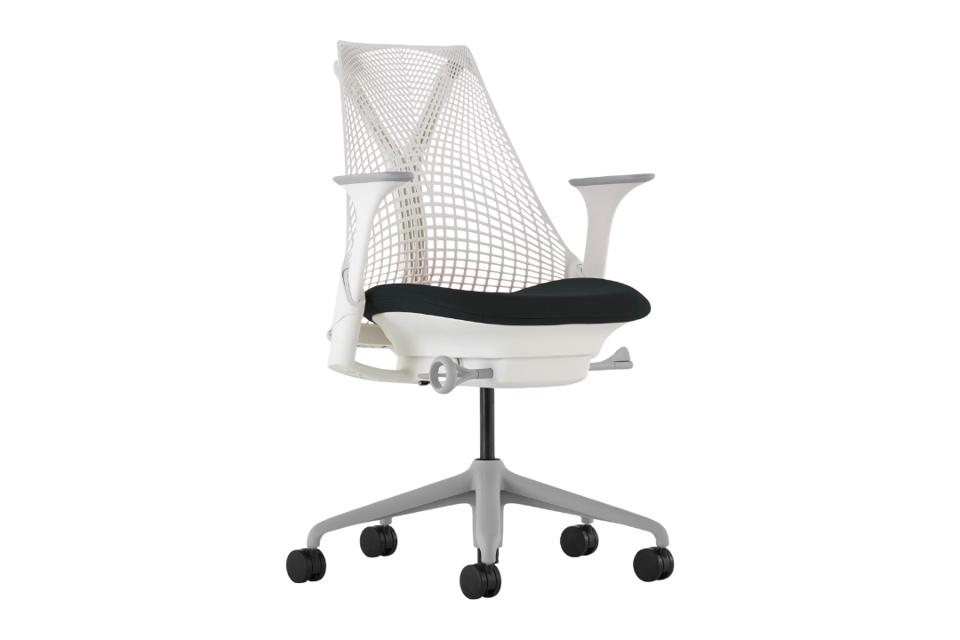
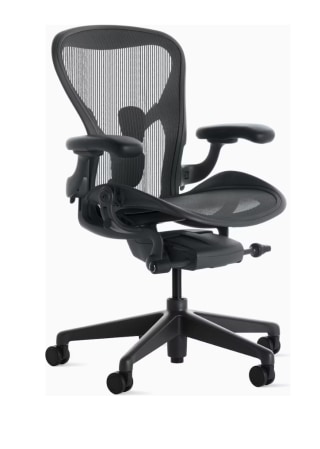
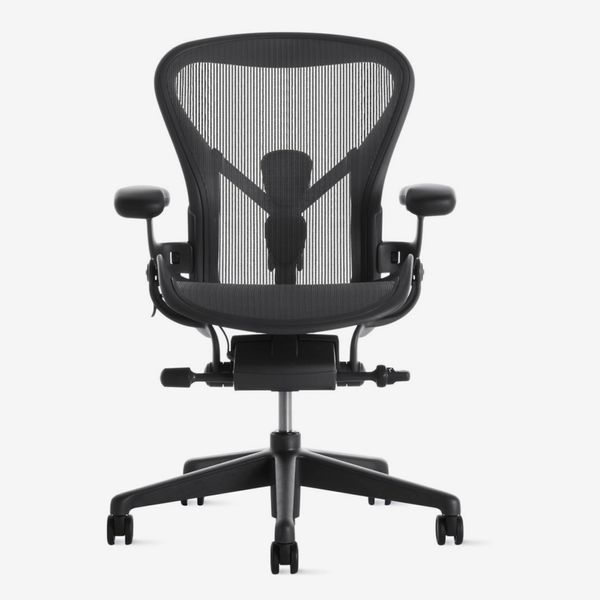
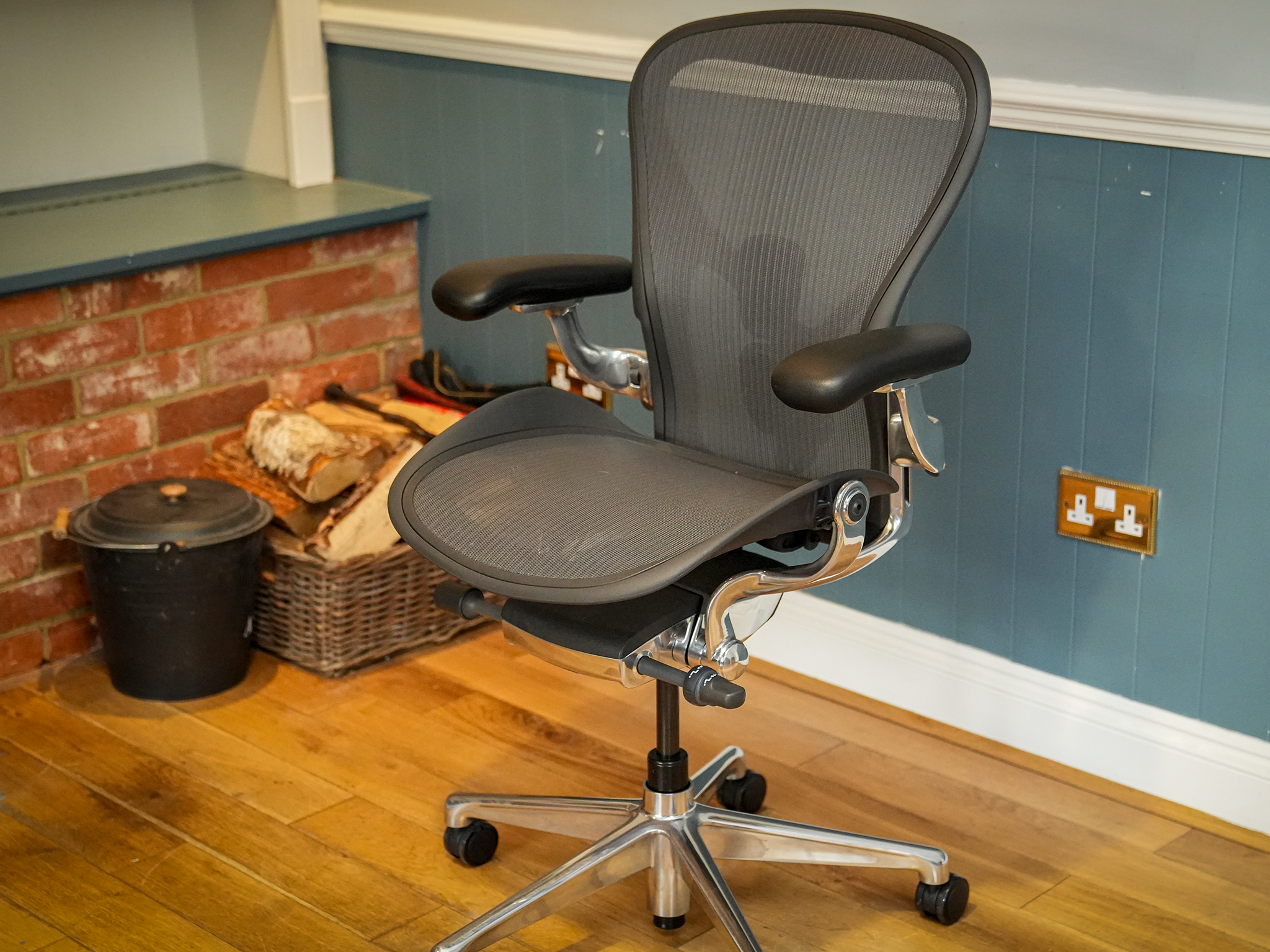
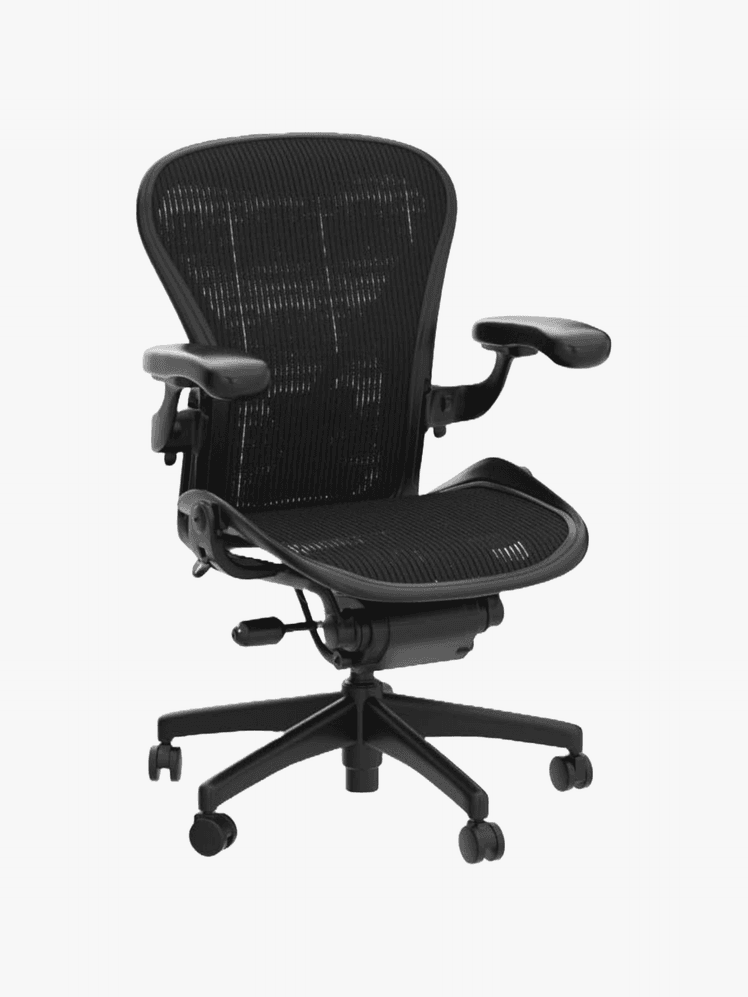
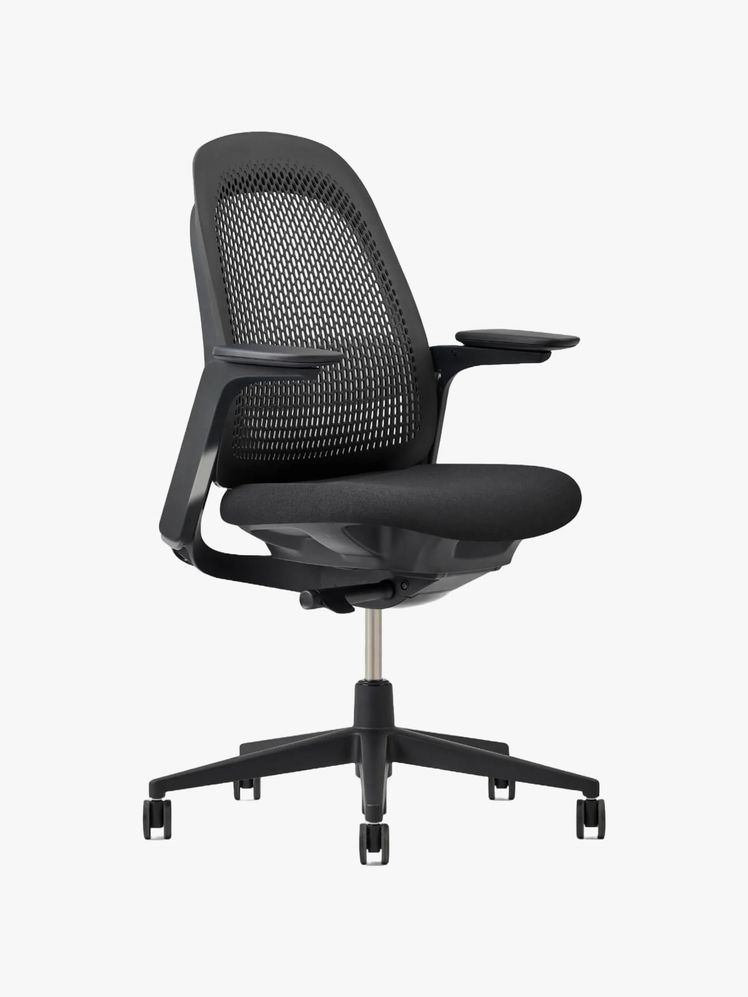
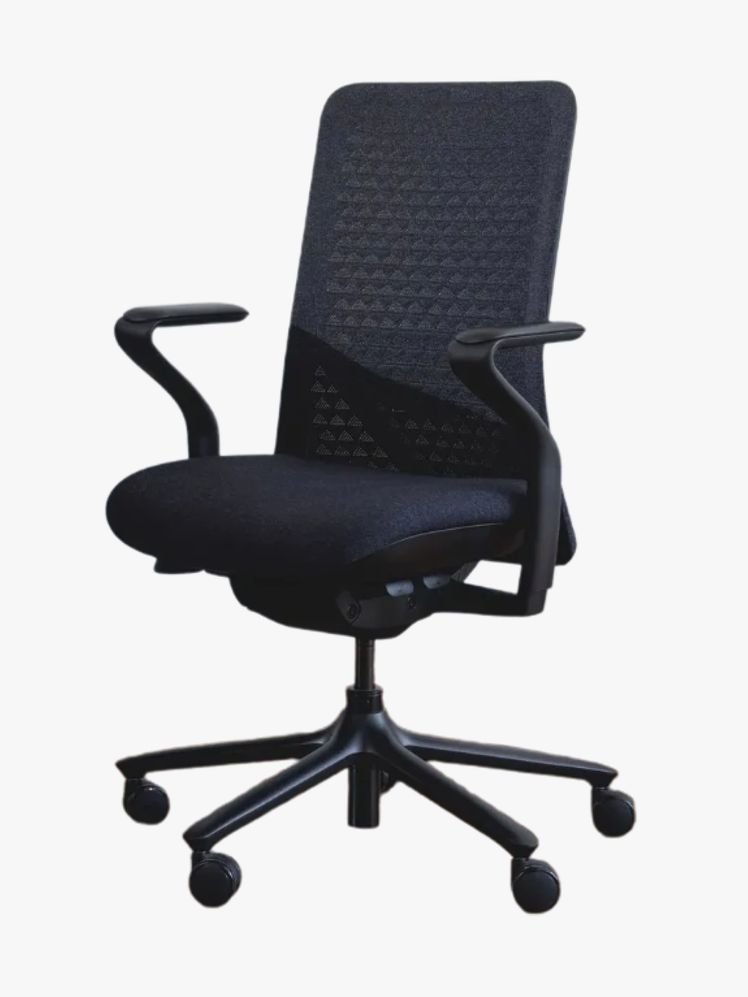
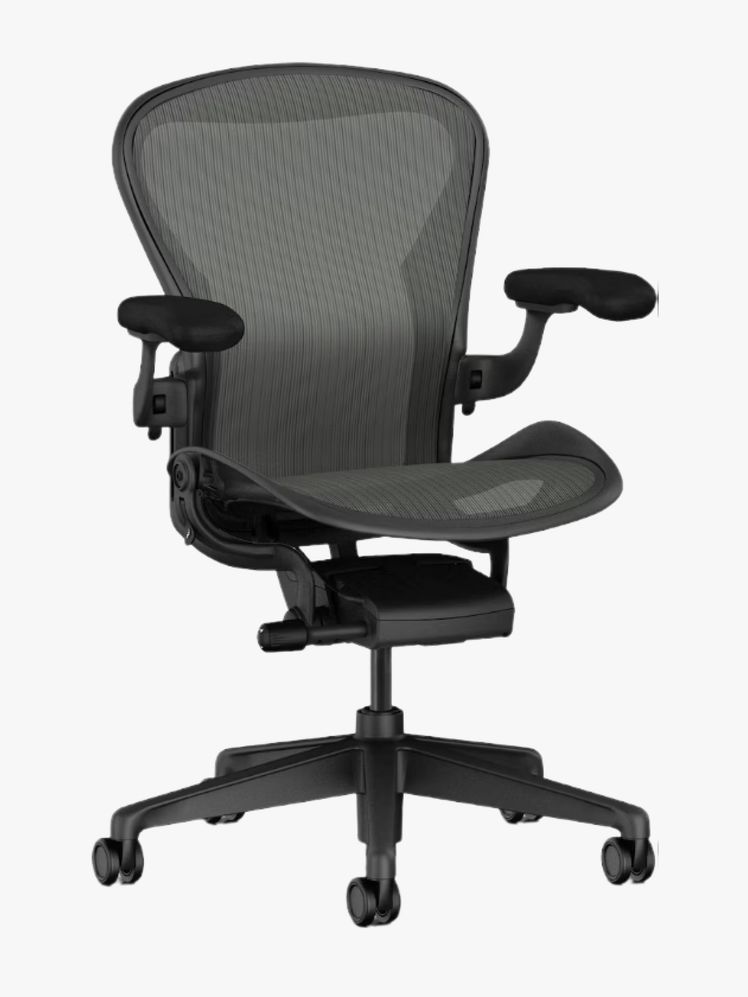
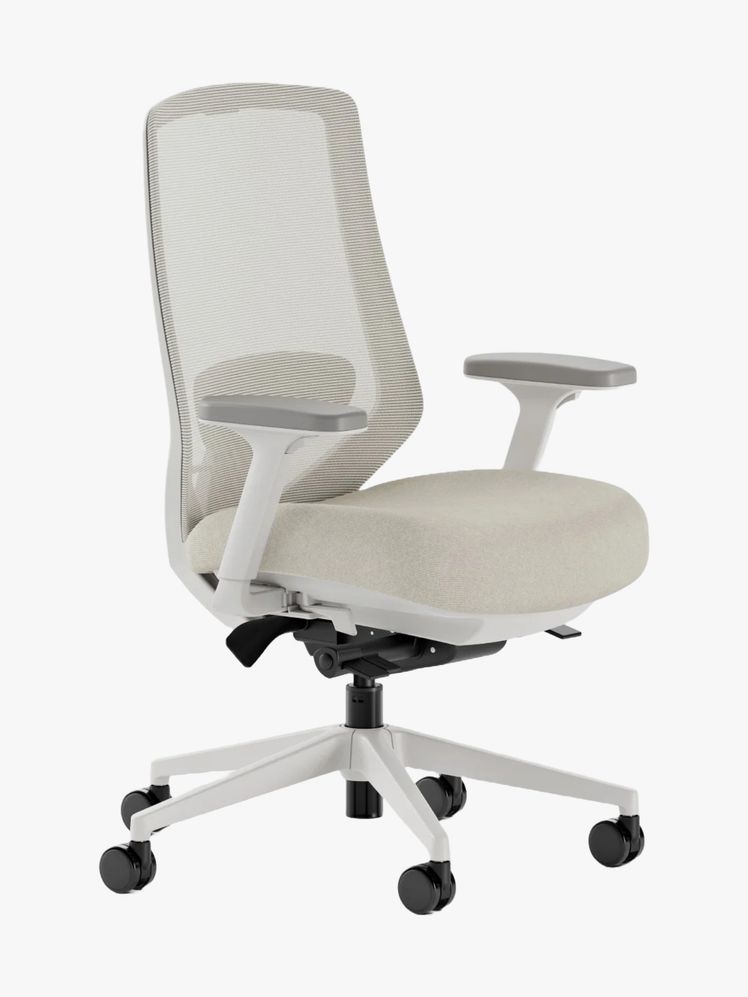
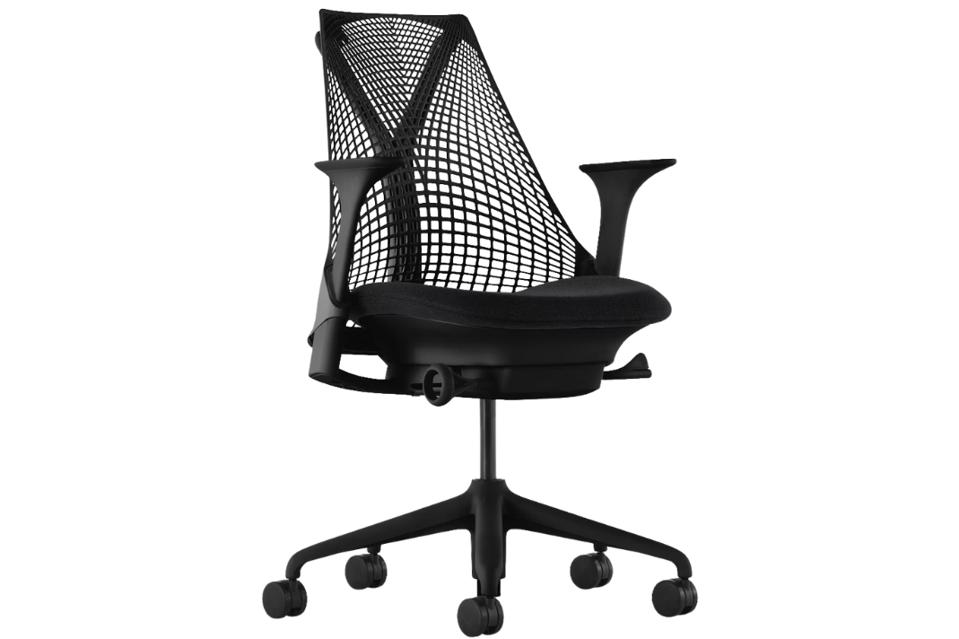
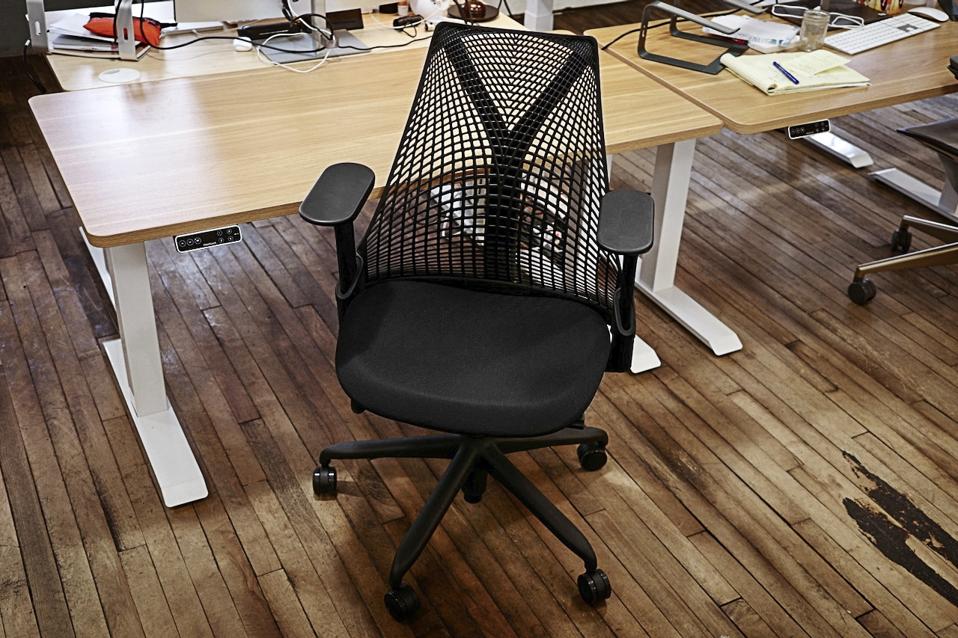
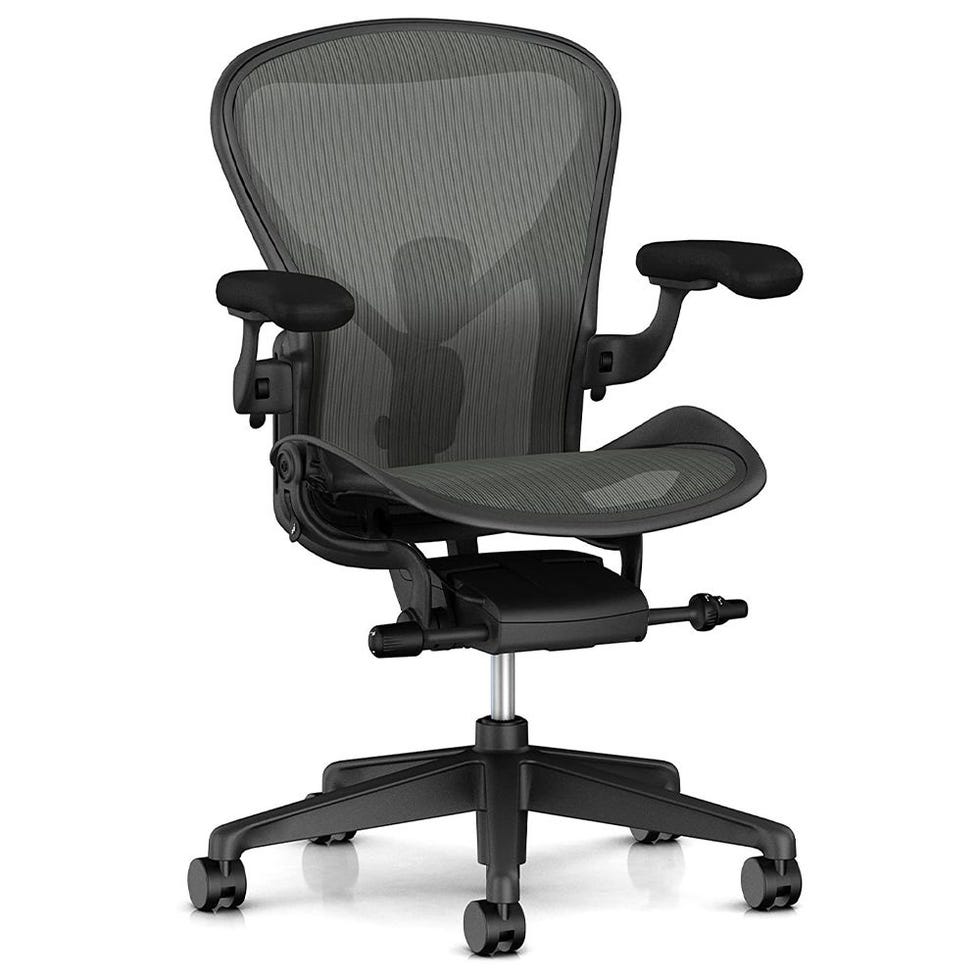
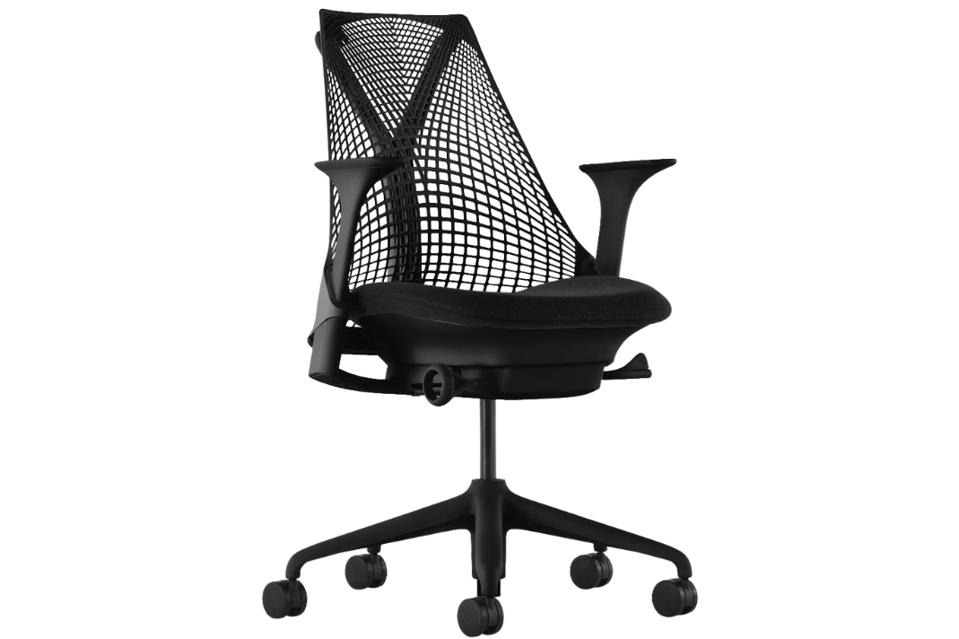
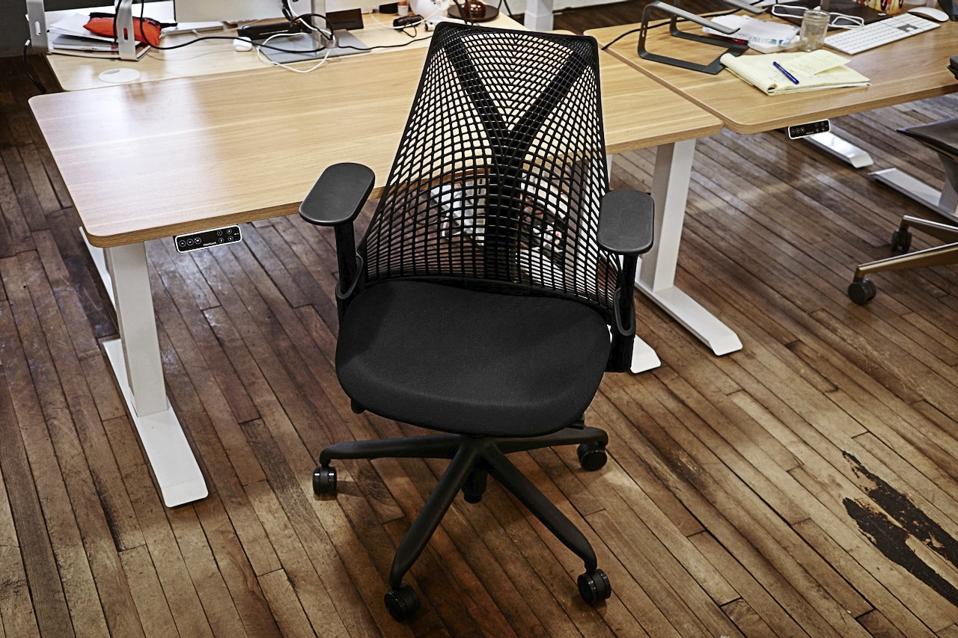
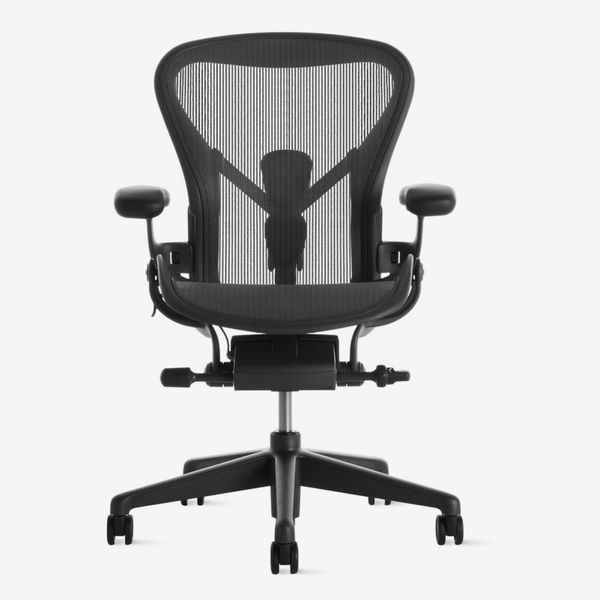
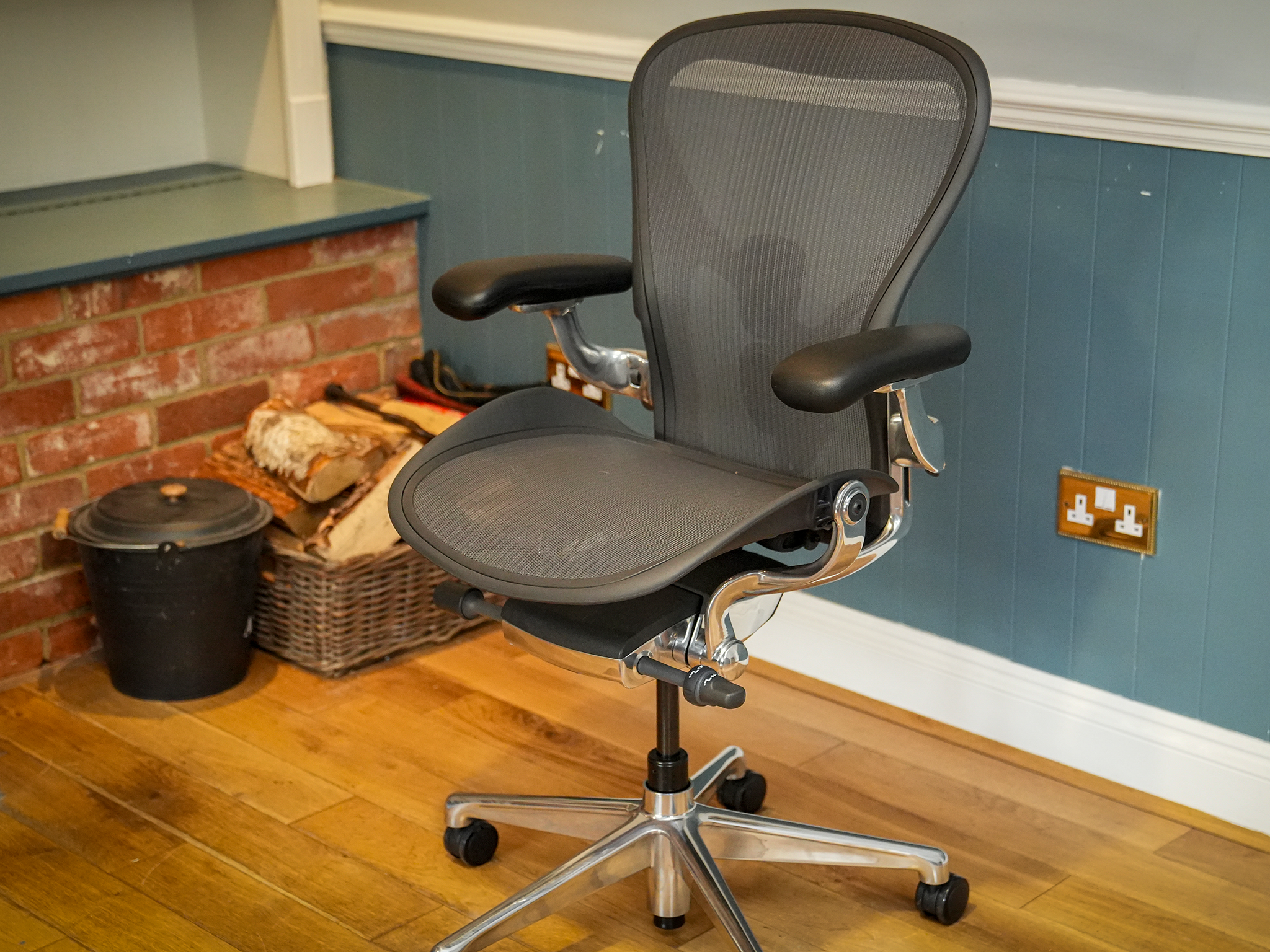
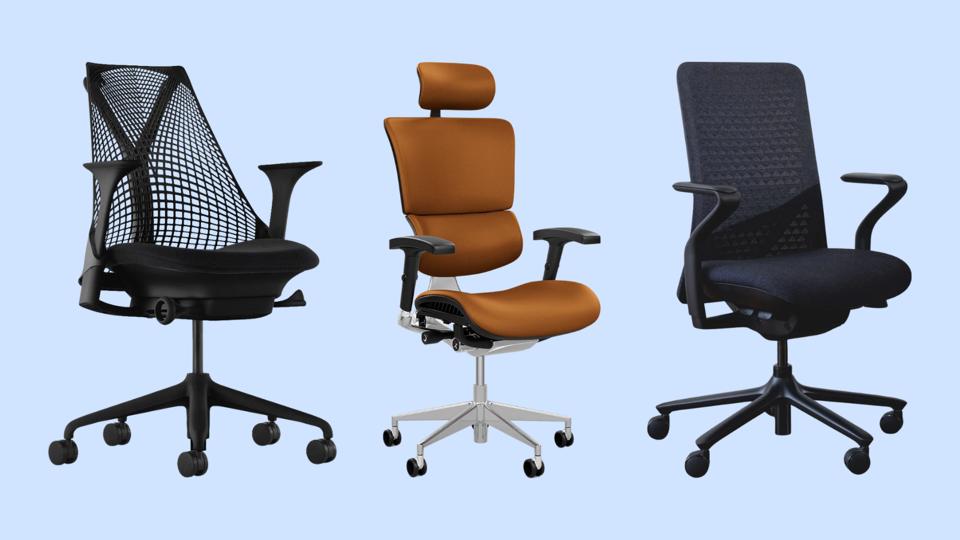
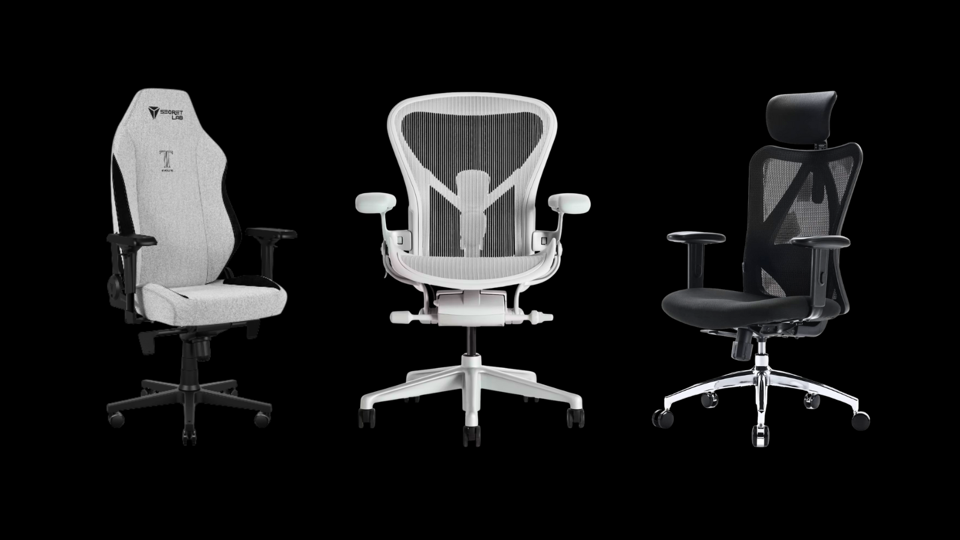
Selecting the right ergonomic chair involves finding one that offers both support and comfort. The seat depth should be appropriate, allowing about two fingers' width between the back of the knee and the seat when the knees are at a 90-degree angle and feet are flat on the floor. An ergonomic desk and chair should be adjustable and customizable to fit an individual's sitting and standing height, with adjustable keyboard and PC areas, and the desk preferably offering both sitting and standing options. Key features include strong lumbar support with a lordotic curvature that matches the spine's natural shape, while also providing some buoyancy. Examples of expert-recommended ergonomic chairs include the highly customizable Herman Miller Aeron chair, known for its long-standing popularity and various adjustable components for a personalized fit. The Herman Miller Sayl chair offers a slightly more affordable and aesthetically pleasing option, designed with durable, breathable materials.
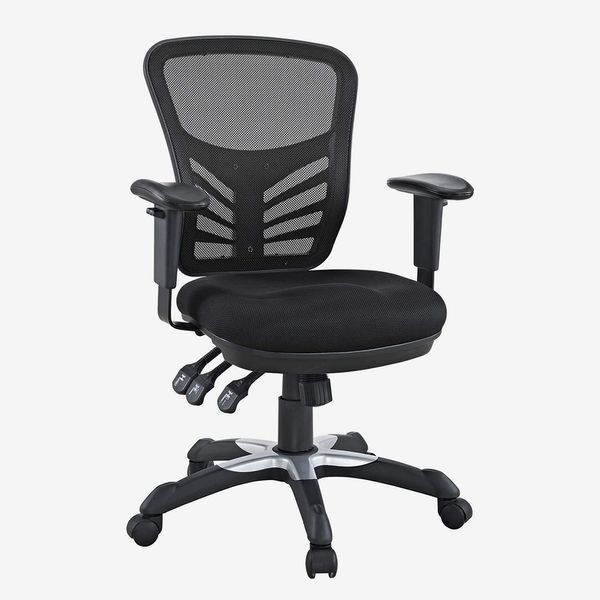
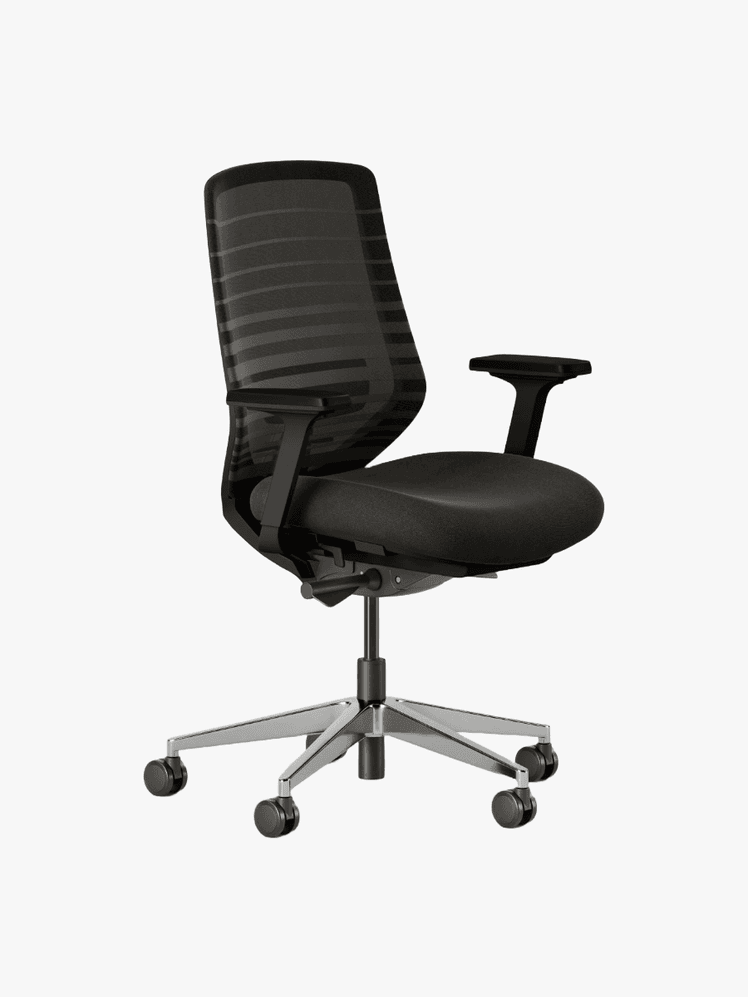
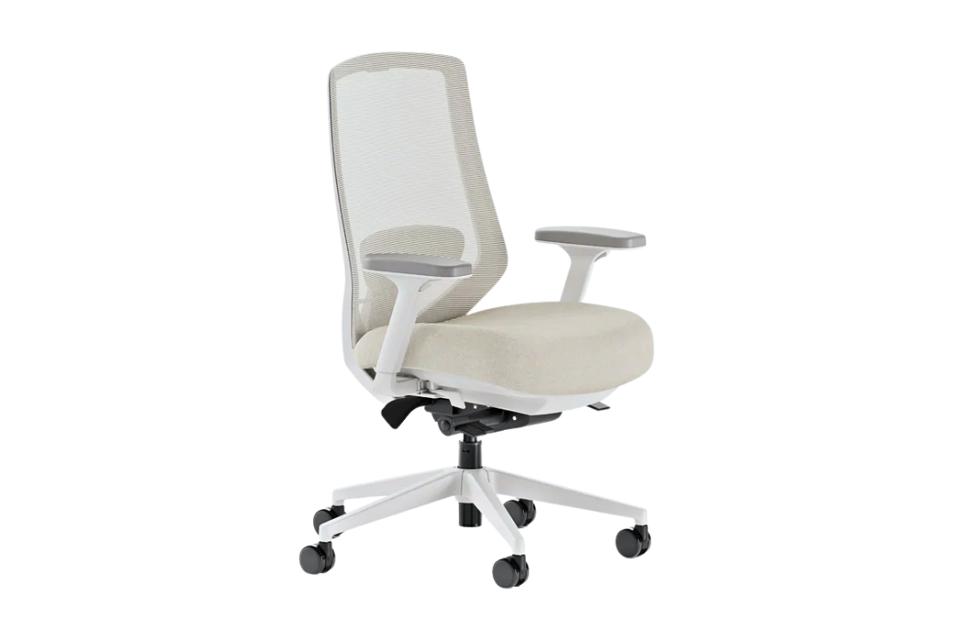
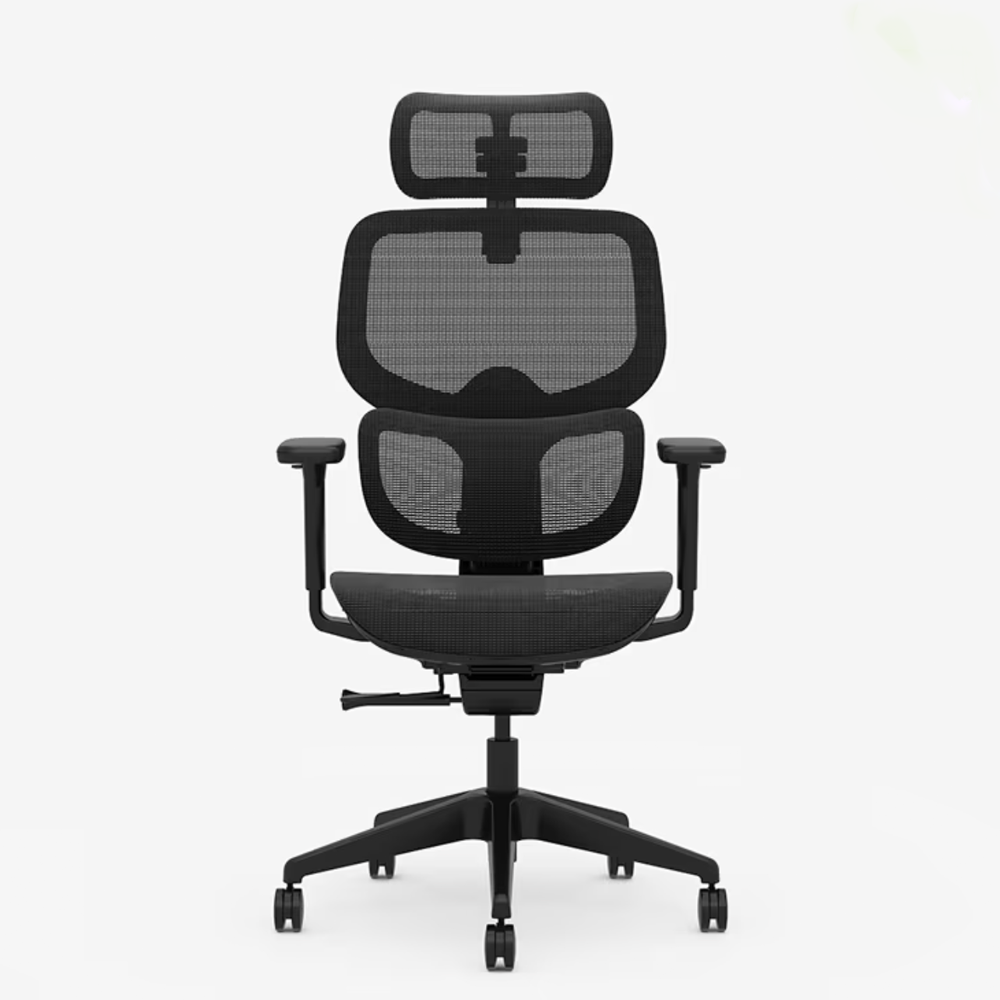
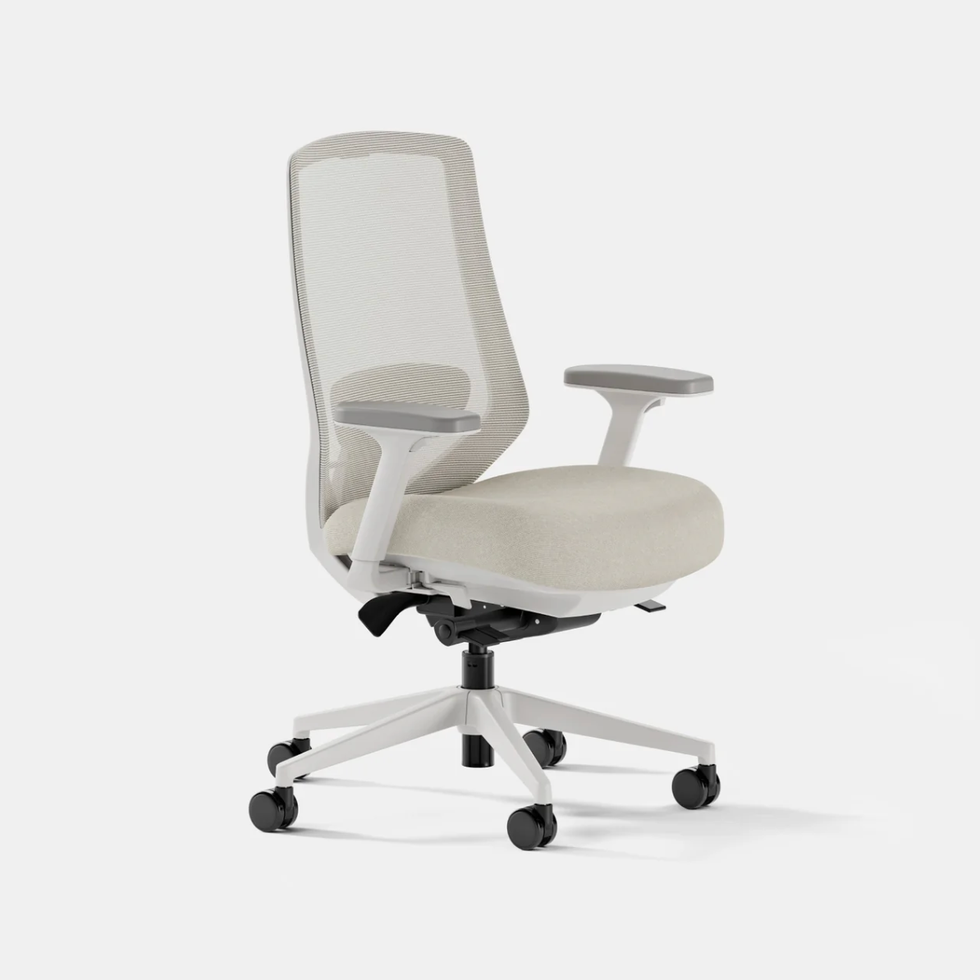
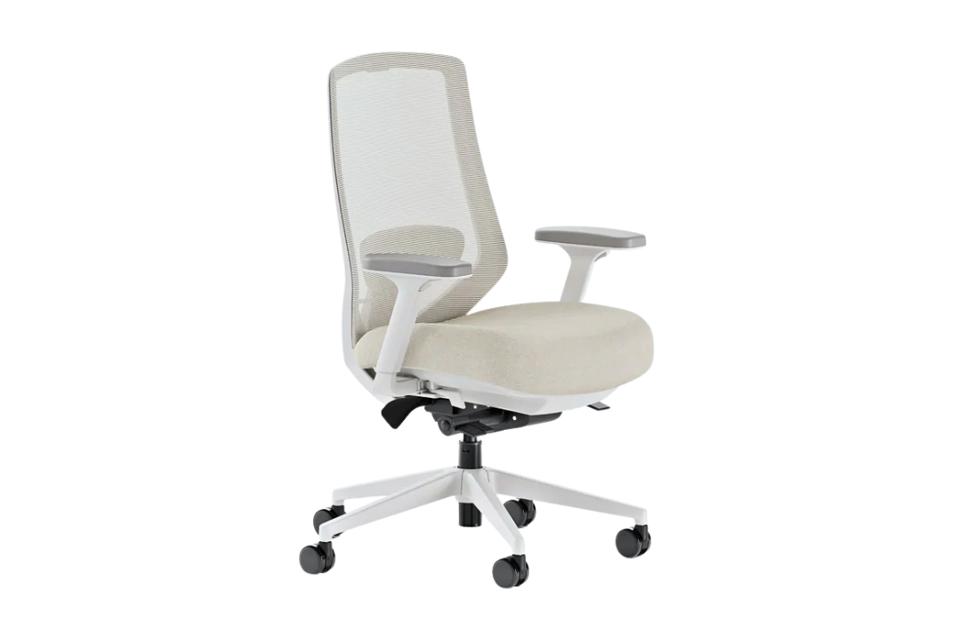
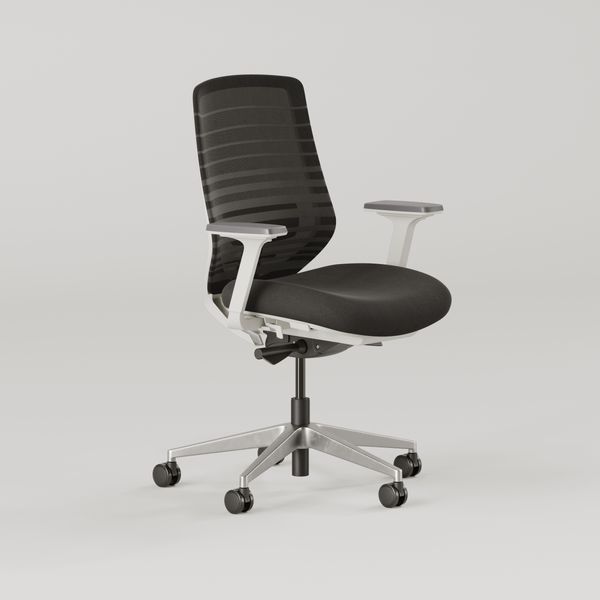
Other notable recommendations include the Autonomous ErgoChair Pro, which features a flexible and adjustable lumbar cushion that conforms to the spine's natural curve, offering multiple recline and lockable positions. More budget-friendly options, such as Branch office chairs, provide adjustable and supportive seating across several models. The Hon Ignition 2.0, while appearing standard, offers extensive support and adjustability with a comfortable seat, four-way stretch mesh, and synchro-tilt control for comfortable reclining and sitting. These chairs aim to alleviate spinal compression and promote better posture, addressing common issues associated with prolonged desk work.
#ErgonomicOfficeChair #BackSupport #WorkplaceWellness #PostureCorrection #SpineHealth #OfficeFurniture #DeskSetup #LumbarSupport #ErgonomicOfficeChair #BackSupport #WorkplaceWellness #PostureCorrection #SpineHealth #OfficeFurniture #DeskSetup #LumbarSupport
0 comment in total
 No comments yet
You may also like
The 6 Best Office Chairs For Back Pain, According To Medical Experts

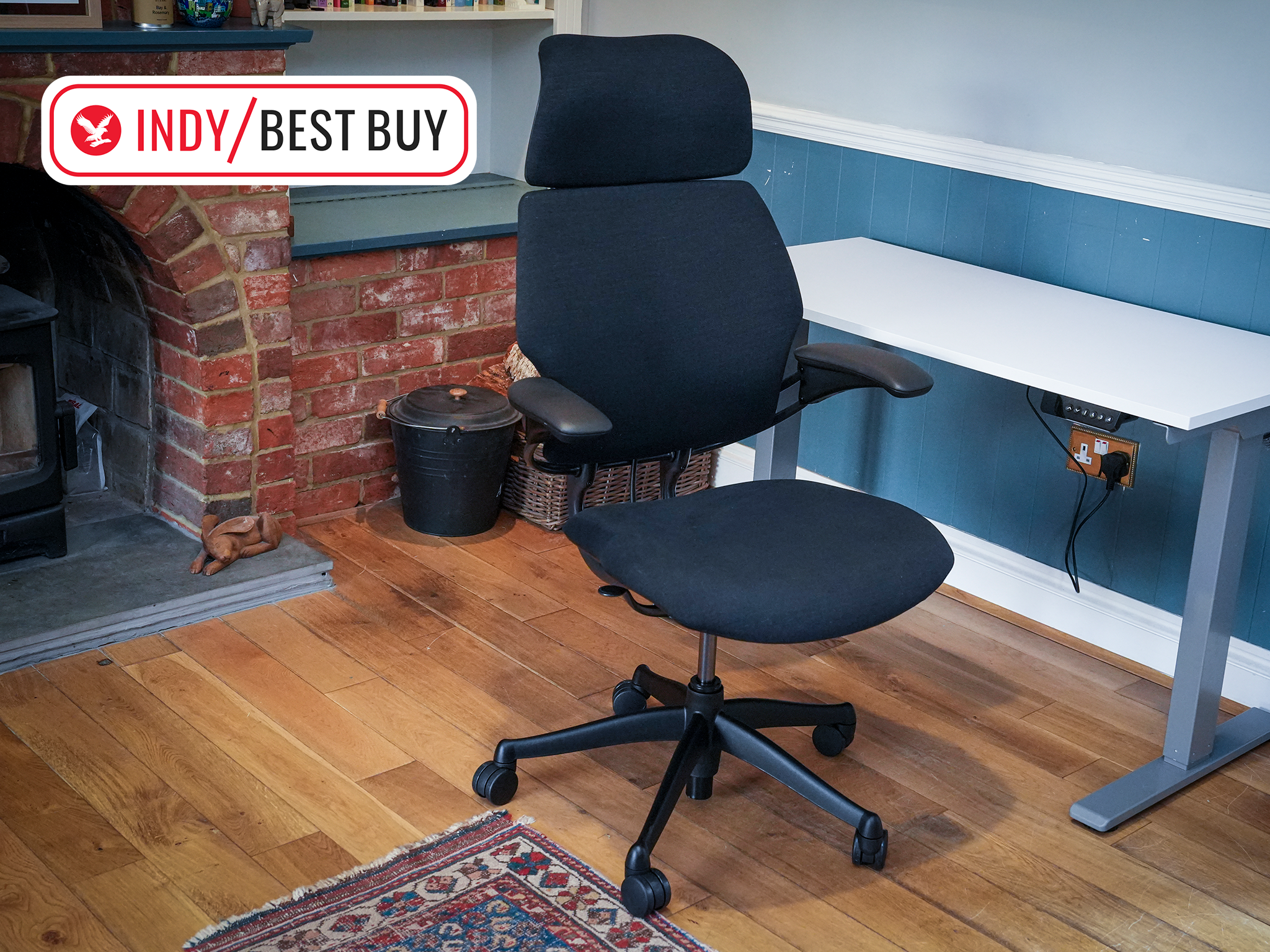
6 best ergonomic office chairs, tried and tested for a better WFH set-up

Best office chairs for working from home in comfort
Sofa Causing Back Pain? How Sitting on a Terrible Couch the Last Two Years Damaged My Spine

The 6 best ergonomic office chairs of 2025


Best office chairs 2025: for working from home in comfort
Set up your workspace with the best office chairs and study desks with modern features and designs
The 10 Best Office Chairs, Tested By Remote Workers
The 14 Very Best Ergonomic Office Chairs
8 Best office chairs with height adjustment that promote proper posture and increase your work efficiency | Health


14 Best Ergonomic Chair Singapore | Ergo Mesh Office Chair 2025
The 15 Very Best Ergonomic Office Chairs
Our Editors And Experts Agree: These Are The 7 Best Big And Tall Office Chairs Of 2025
16 Office Chairs on Amazon That Have Your Back (and Your Glutes)

The 10 Best Office Chairs Of 2025, Tested To Withstand Long Hours
6 best ergonomic office chairs, tried and tested by a tech journalist

The 11 Best Office Chairs For Addressing Back Pain
The Best Office Chairs Are Stylish, Ergonomic, and Won’t Kill Your WFH Vibe
At Just $500, Our Top Home Office Chair Is A Perfect WFH Solution For Nearly Everyone

We Tested Dozens of Office Chairs—These Are the Ones Worth Sitting In