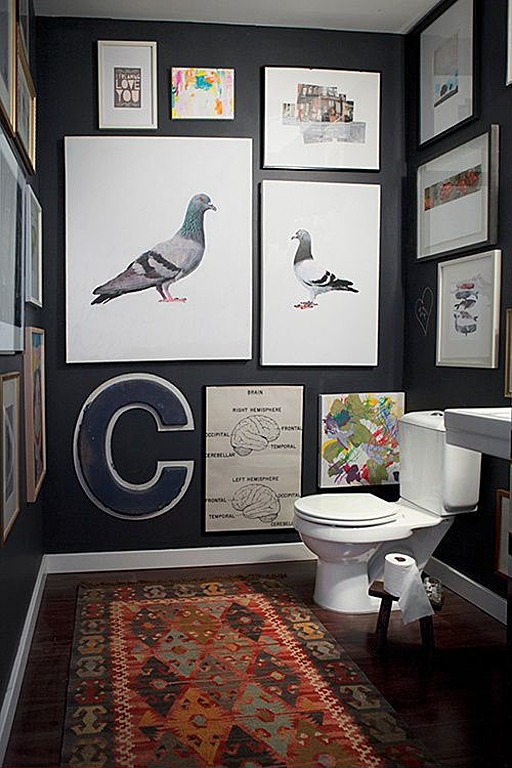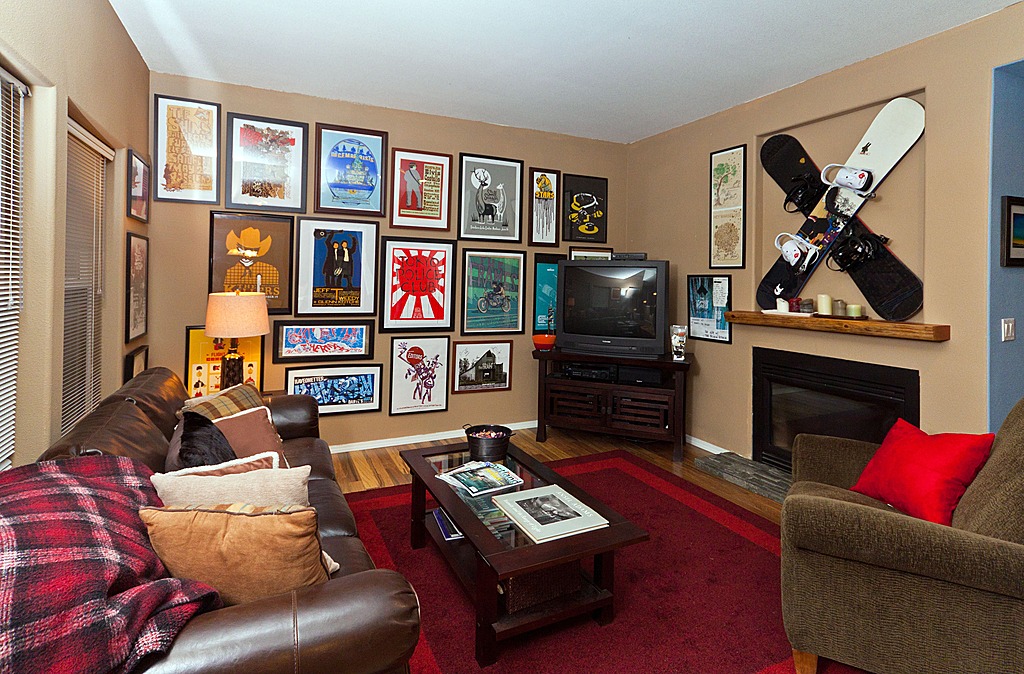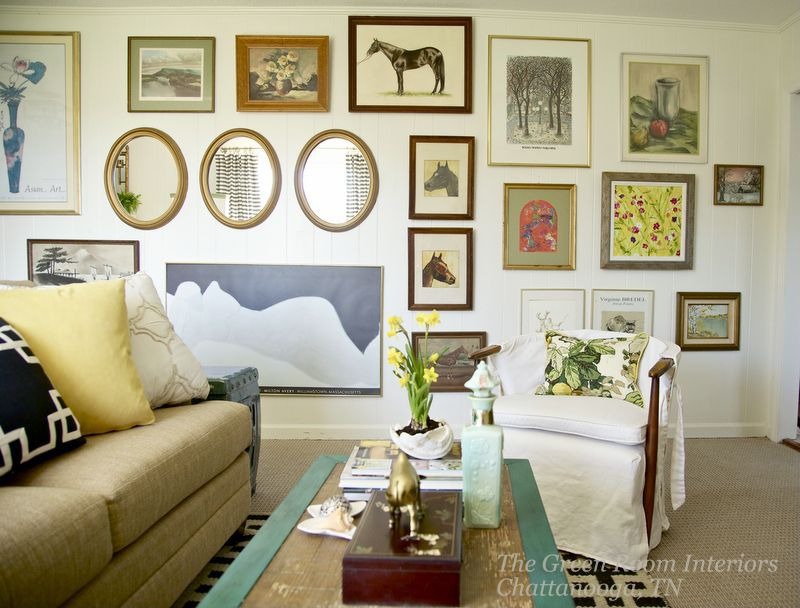
Turn your smartphone photo into wall art with an app
This article explores how smartphone users can transform their digital photographs into artistic creations suitable for home display or unique gifts by leveraging various mobile applications. The process involves several key steps, starting with selecting the right app, choosing a suitable photograph, fine-tuning the image, experimenting with different artistic filters, and finally, printing the transformed image onto physical mediums like canvas.
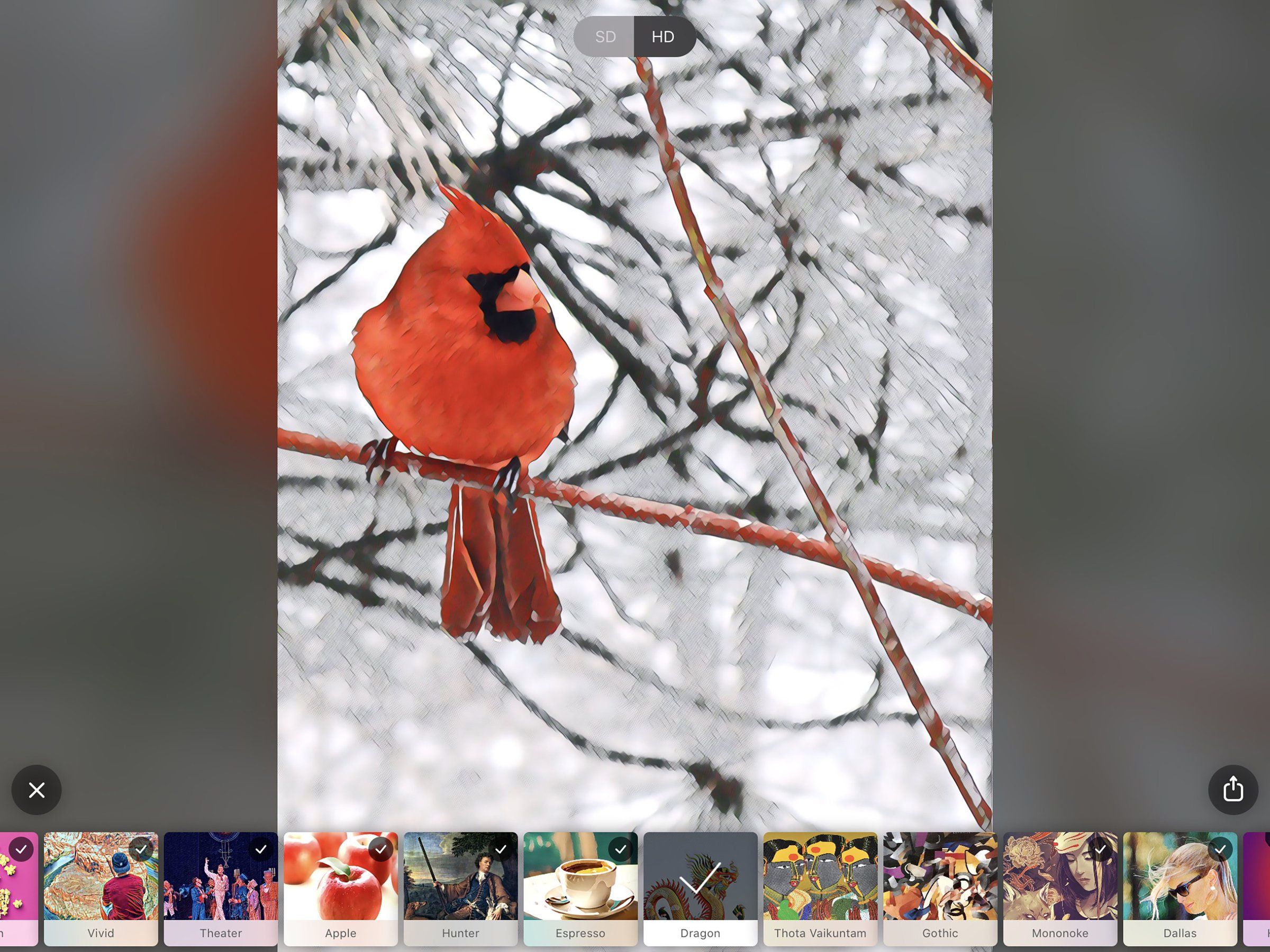
The initial step involves navigating app stores to find photo-filter programs capable of rendering images with a hand-painted aesthetic. Key search terms like “paintings” or “art” can help narrow down the extensive selection. A crucial consideration when choosing an app is its ability to export high-resolution files, particularly if the user intends to print the final artwork. Several popular apps are highlighted, including Deep Art Effects and Prisma, both of which utilize artificial intelligence to apply filters and are available on Android and iOS platforms, often with free versions offering in-app purchases or subscription models for advanced features. Other options cater to specific artistic styles, such as Waterlogue for watercolor effects on iOS, and more general art filter editors for Android, often supported by ads. Visionist and Oilist for iOS are also mentioned for their diverse artistic capabilities, alongside Brushstroke for iOS, which offers additional paint styles as in-app purchases.
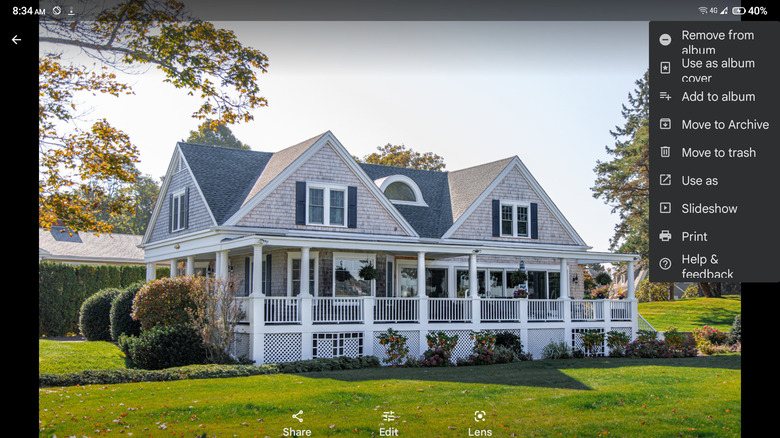
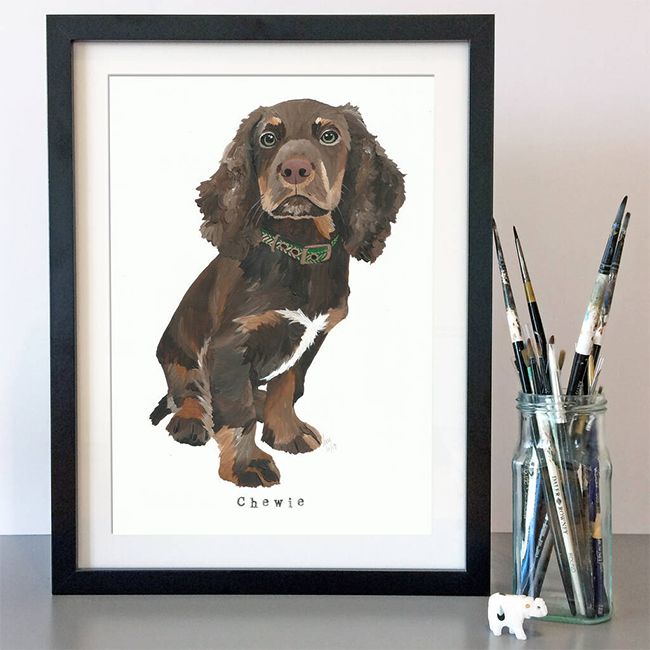
Once an app is selected, the next step is to choose a photograph. The article emphasizes selecting a high-resolution image, whether it's a vacation shot, a pet portrait, or another sentimental picture from the smartphone's gallery or imported from a camera or computer. Modern smartphones typically capture images at sufficient megapixel counts (8, 12, or 16 megapixels) to ensure clarity for larger prints. Users are advised to consult printing service guidelines for recommended file sizes and to check image dimensions using tools like Google Photos or Apple's iOS Files app.
Before applying artistic filters, it is recommended to fine-tune the photograph. Many art apps offer standard tools for adjusting color and contrast, but if not, the device's native image-editing programs like Apple's Photos or Google Photos can be used. The composition of the image is also important, and cropping tools can be utilized to make the subject more prominent and eliminate distracting background elements, such as other tourists or clutter.
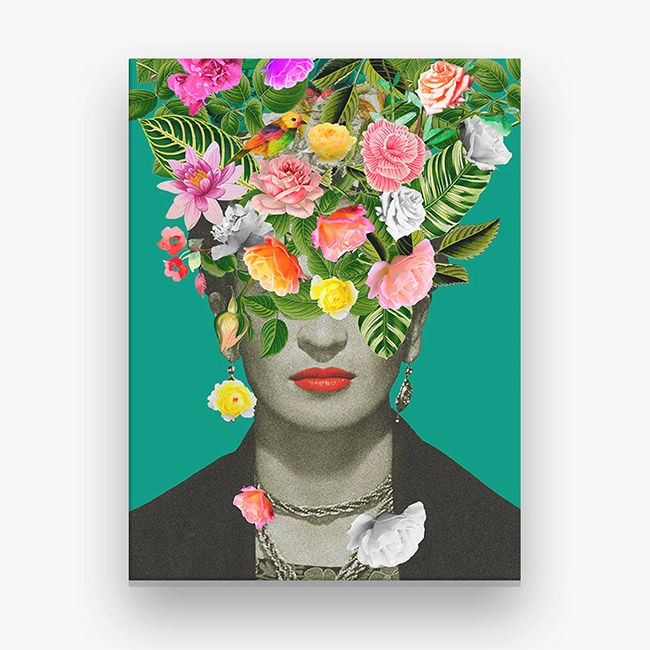
The most creative phase involves experimenting with the app's artistic filters. Programs often provide a wide array of variations, allowing users to transform their photos into styles ranging from 17th-century oil paintings to modern manga art. Beyond preset filters, many apps offer manual adjustment tools, enabling users to control the look and intensity of a chosen filter to achieve their desired aesthetic. This allows for a personalized artistic touch.
The final stage is printing the digital artwork. The cost of printing varies depending on the size and surface. Some apps, such as Deep Art Effects and Brushstroke, integrate their own stores, allowing users to order canvas prints directly. Google Photos also offers canvas printing services starting around $20. For apps without integrated printing options, dedicated online services like Canvas World and Easy Canvas Prints provide high-quality reproductions. General photo-printing services like Snapfish and Shutterfly also offer canvas prints, as well as options for printing on posters, cards, mugs, and other gift items. Local drugstores like CVS, Walgreens, and Bartells also provide similar printing services. The article concludes by highlighting that this process not only creates unique decor but also helps users rediscover and display cherished memories stored on their phones.
#SmartphonePhotography #DigitalArt #PhotoEditingApps #HomeDecor #CanvasPrints #MobileCreativity #ArtisticFilters #PersonalizedGifts #DIYArt #SmartphonePhotography #DigitalArt #PhotoEditingApps #HomeDecor #CanvasPrints #MobileCreativity #ArtisticFilters #PersonalizedGifts #DIYArt
0 comment in total
 No comments yet
You may also like
This Blogger Shows You How to Make a Sliding Collage Photo Frame in Just 30 Minutes

Yes, You Can Hang Art Like a Pro | Reviews by Wirecutter
12 creative ideas for displaying wall art around your home
30 Photo Wall Ideas No One Shares Because They’re Built Around Real Memories

How To Repurpose Your Old Tablet Into A Digital Picture Frame

21 Wall Art Ideas That Will Give Your Home Some Major Personality

Wall decals, tea towels and other creative ways to display your pics


9 Things (Other Than Photos) That Look Great In A Gallery Wall
Dwell Made Presents: DIY Picture Wall

Chatbooks Now Has Peel-&-Stick Photo Tiles To Create The Gallery Wall Of Your Dreams

How to Paint a Wall Mural Even If You’re Not an Artist

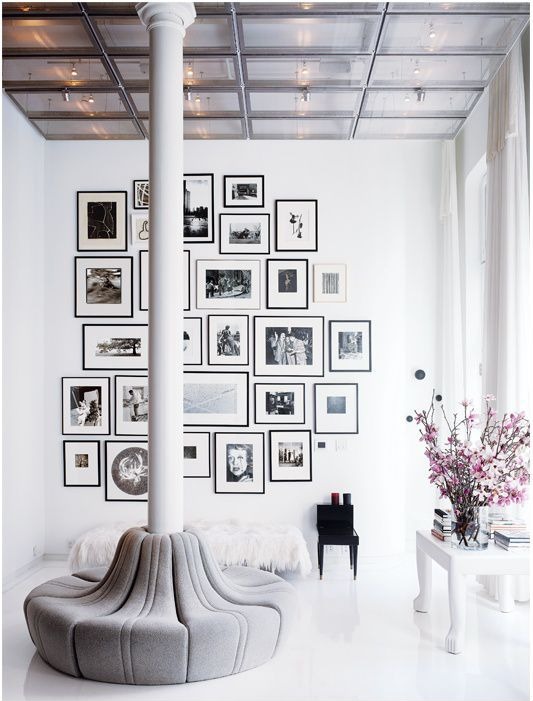
How to create a gallery wall in your home
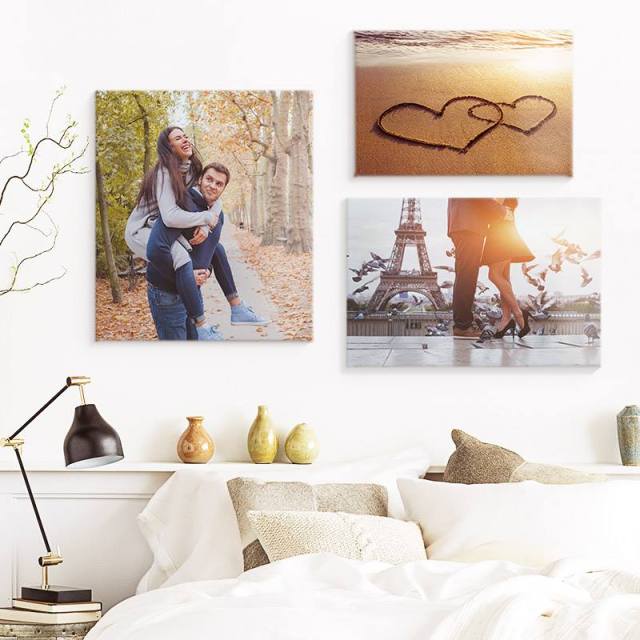
6 Phone to Frame Photo Apps Perfect for Busy Families
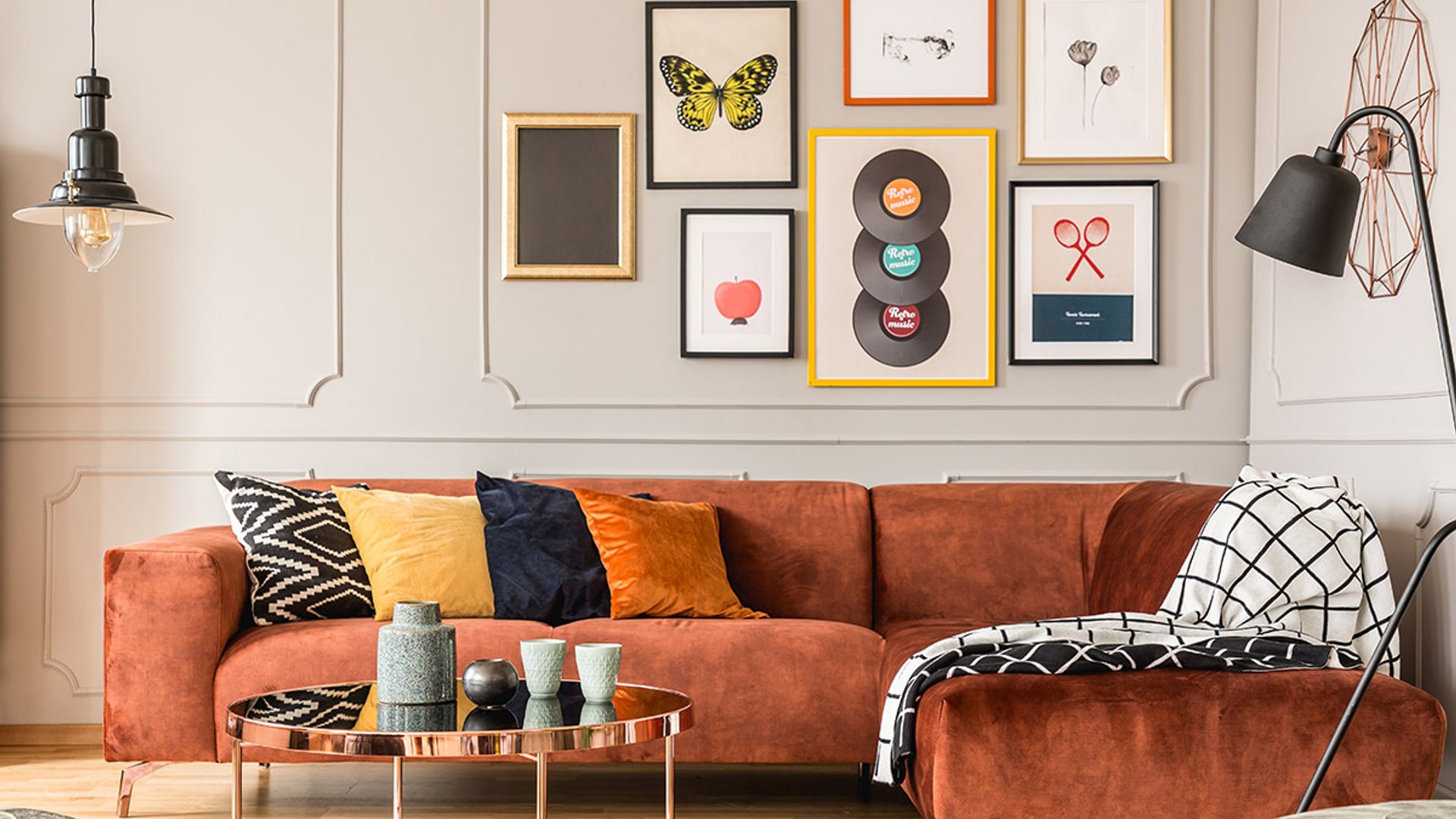
19 wall art ideas that will transform your bare walls into a work of art

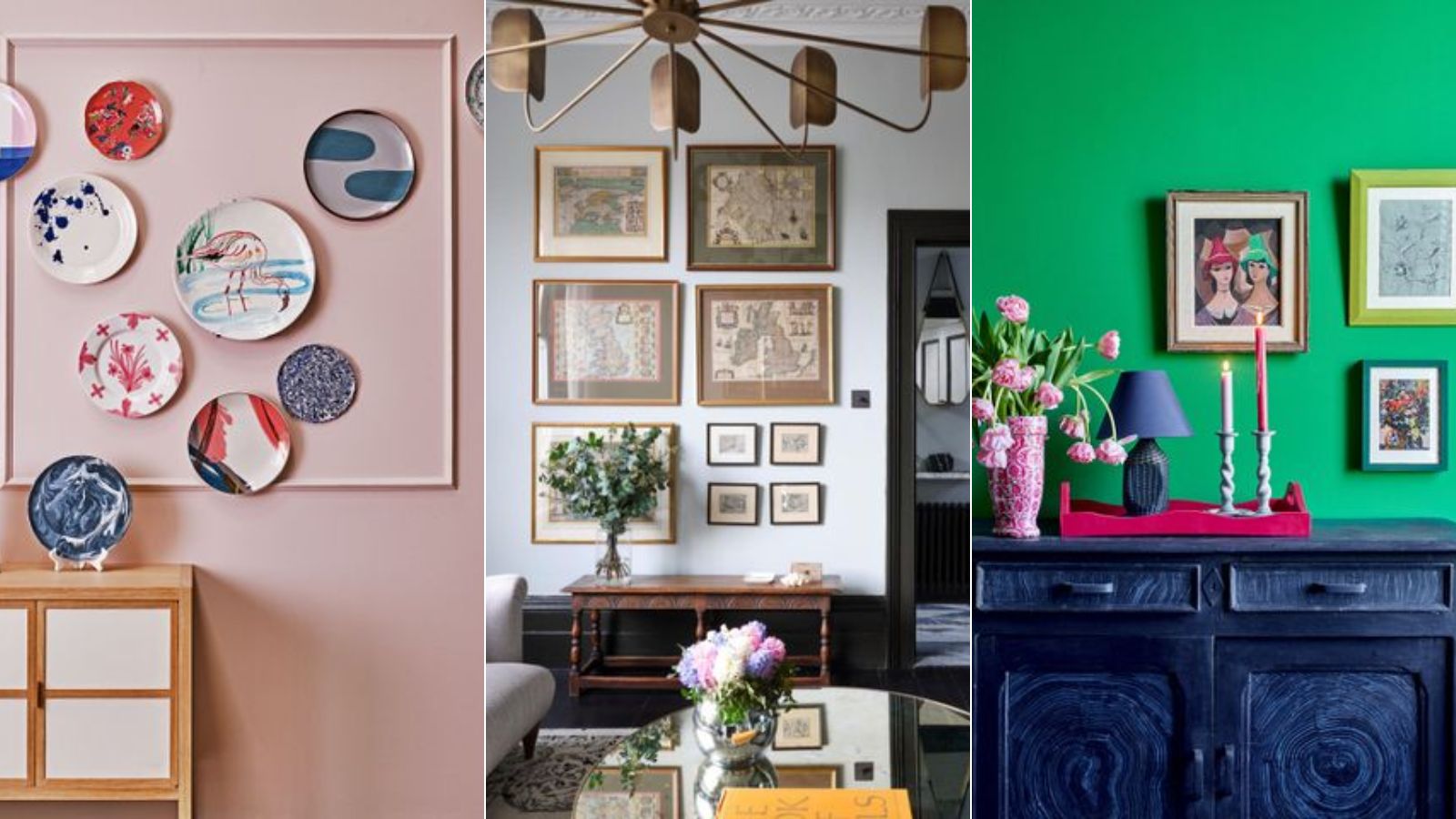
7 DIY tips for how to hang a gallery wall from experts

5 photo-realistic wallpaper designs to try

'No forking way!' – this genius hack might have just solved our biggest problem with hanging art on a wall

These Digital Picture Frames Let You Send Photos Virtually to Family

Wonder Walls
10 Photo Wall Ideas That Give Your Memories the Space They Deserve