1/2
Behind the Screens: Patrick’s Mac- and PC-powered productivity and gaming workstation
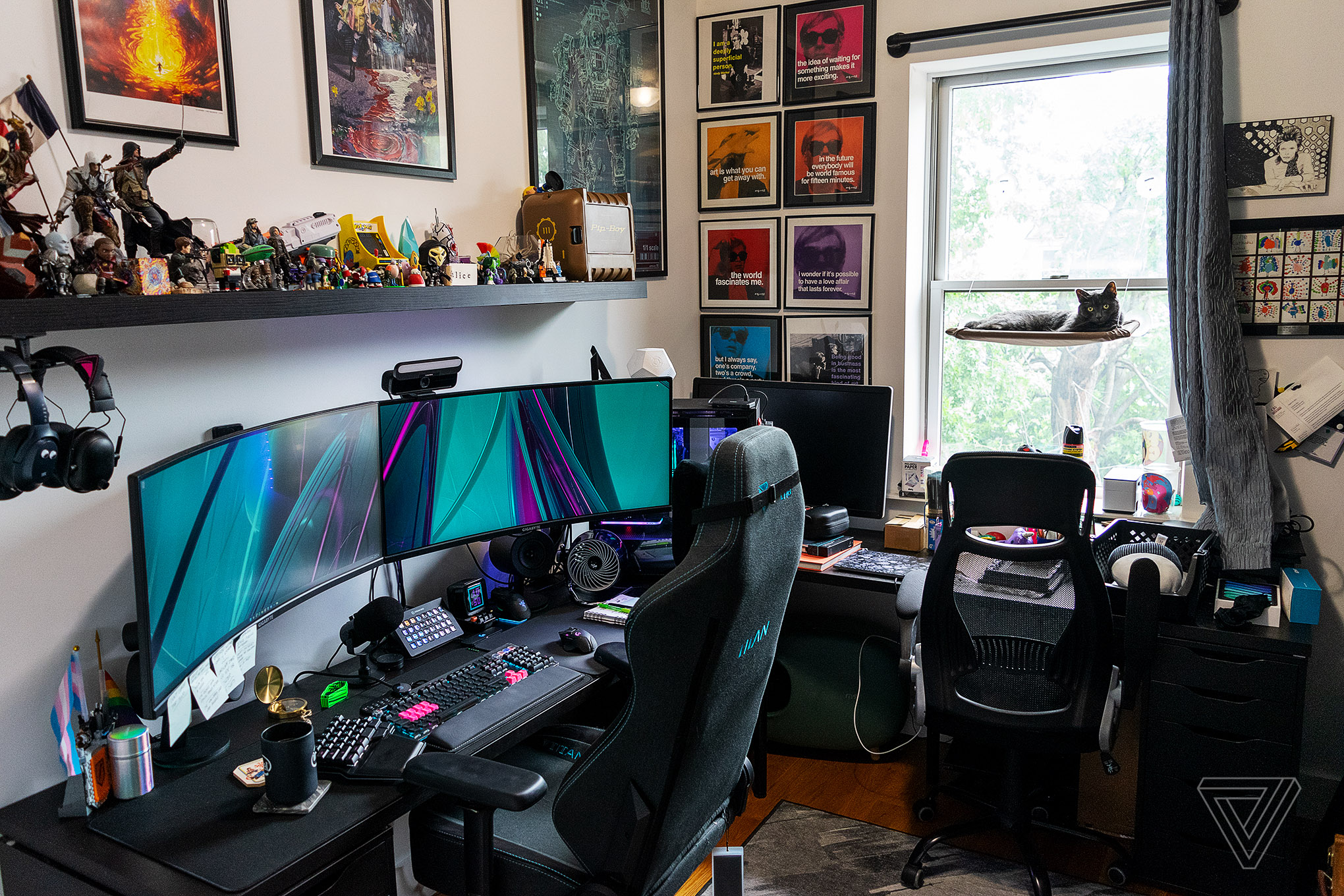
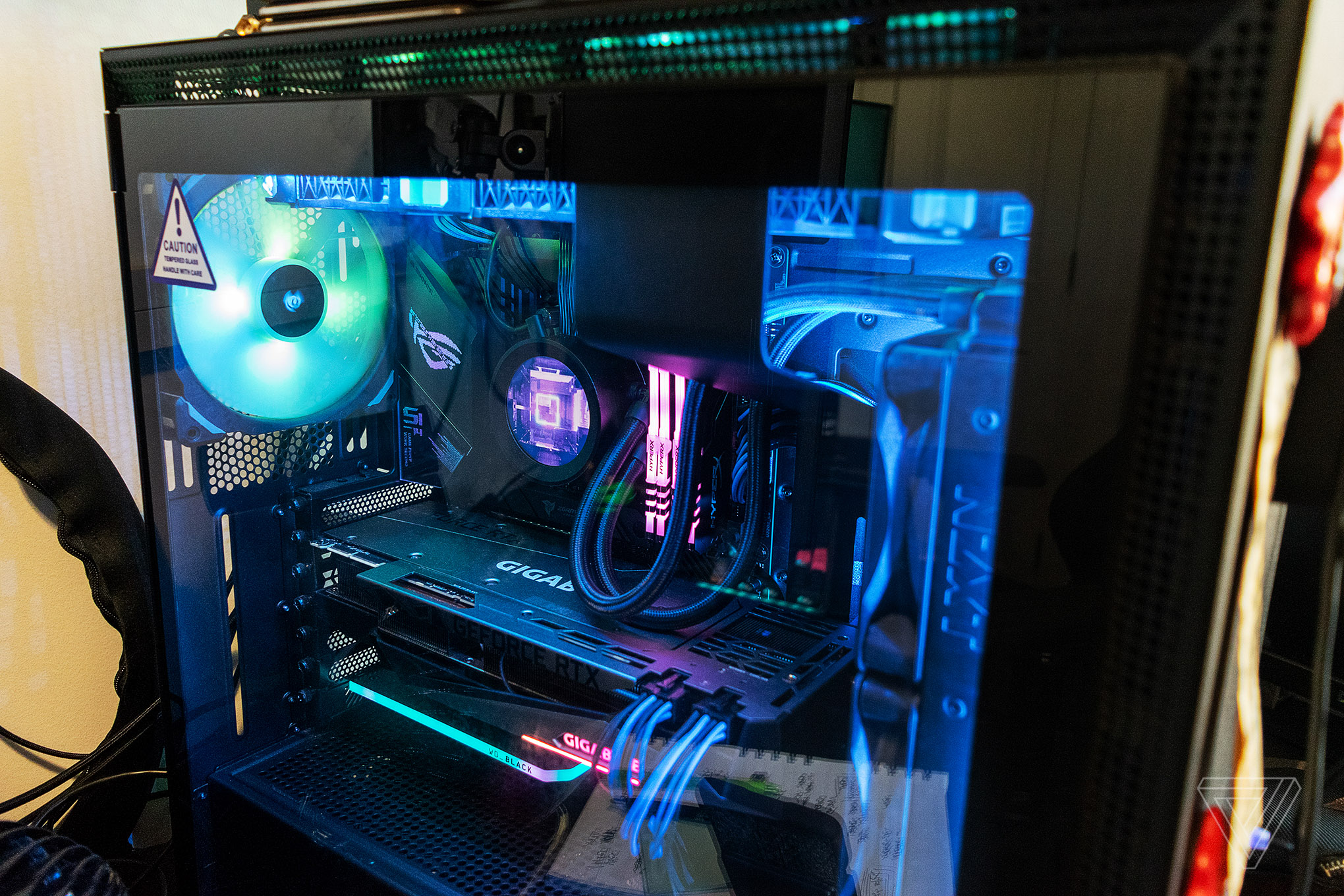
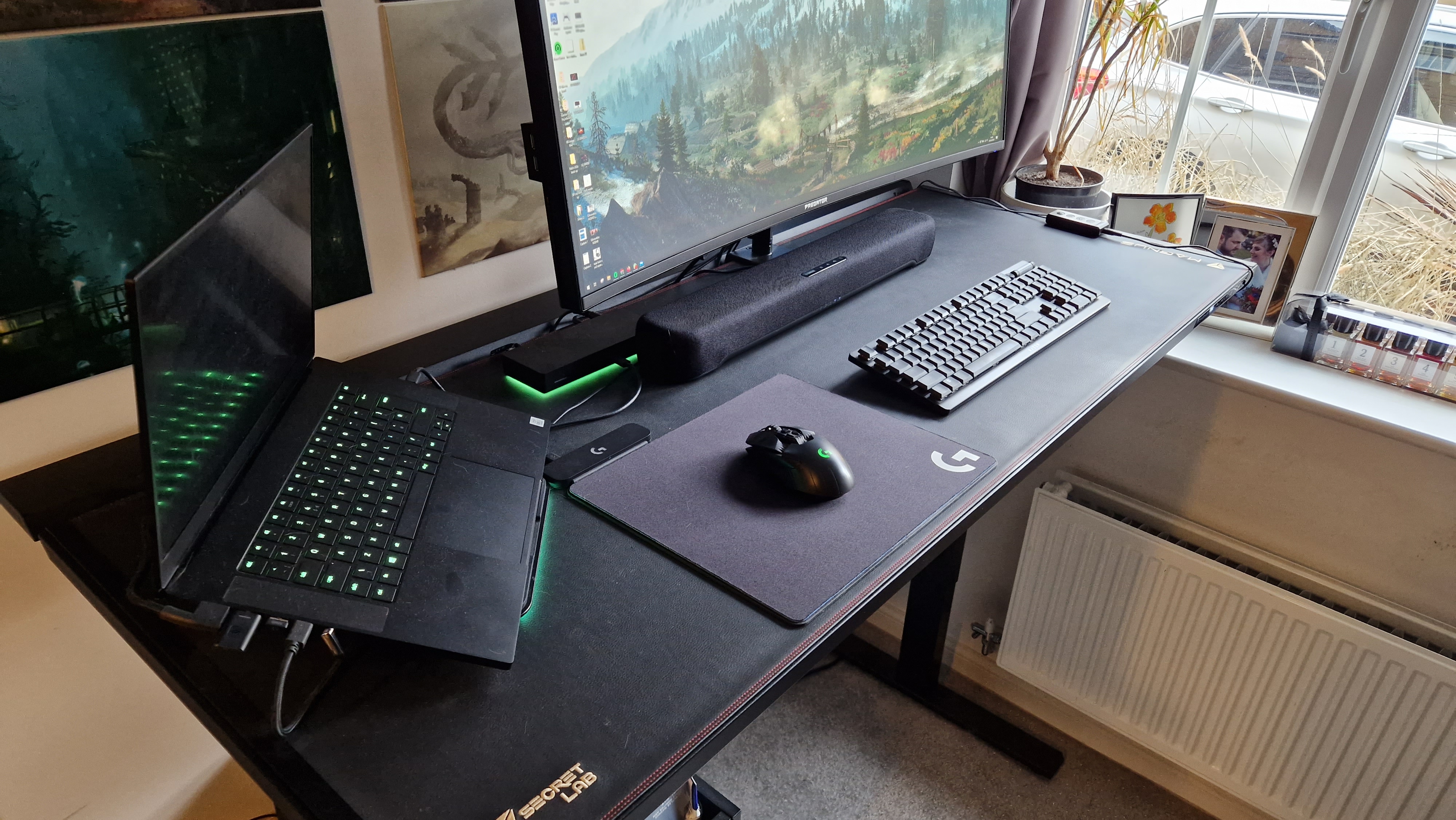
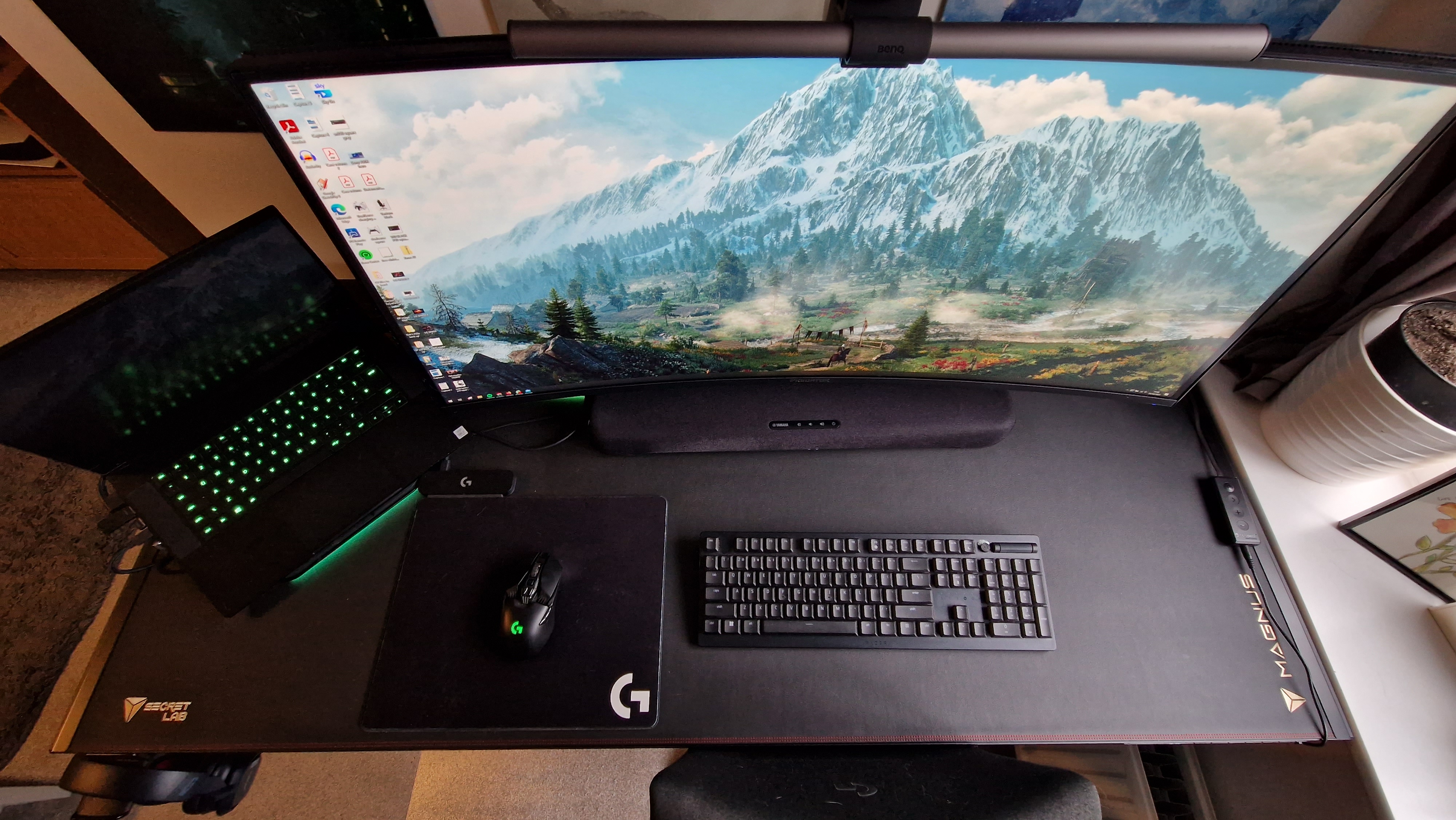
This article offers an in-depth look at a highly customized home office setup, emphasizing both productivity and gaming. The author details his workspace, which has evolved significantly over several years, achieving its current stable configuration that supports both macOS and Windows environments. The core of the setup revolves around a 14-inch M1 Max MacBook Pro with 32GB of memory and 1TB SSD, serving as the primary machine for professional tasks such as web browsing, Photoshop, and email management. Complementing this is a gaming PC featuring a Ryzen 9 7900X processor, 32GB of DDR5 RAM, and an RX 6750 XT graphics card, primarily used for gaming and internal server maintenance, specifically for Minecraft.
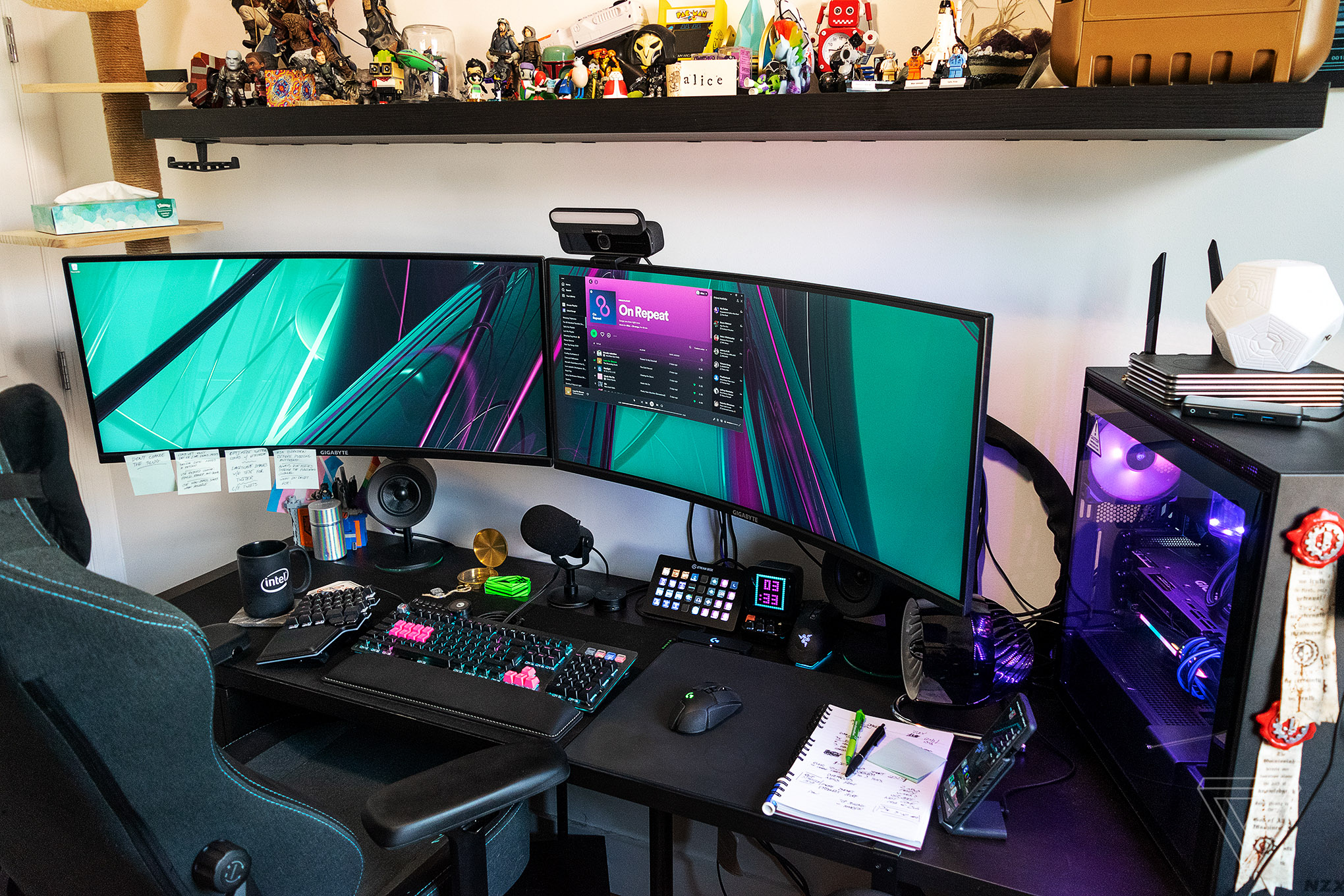
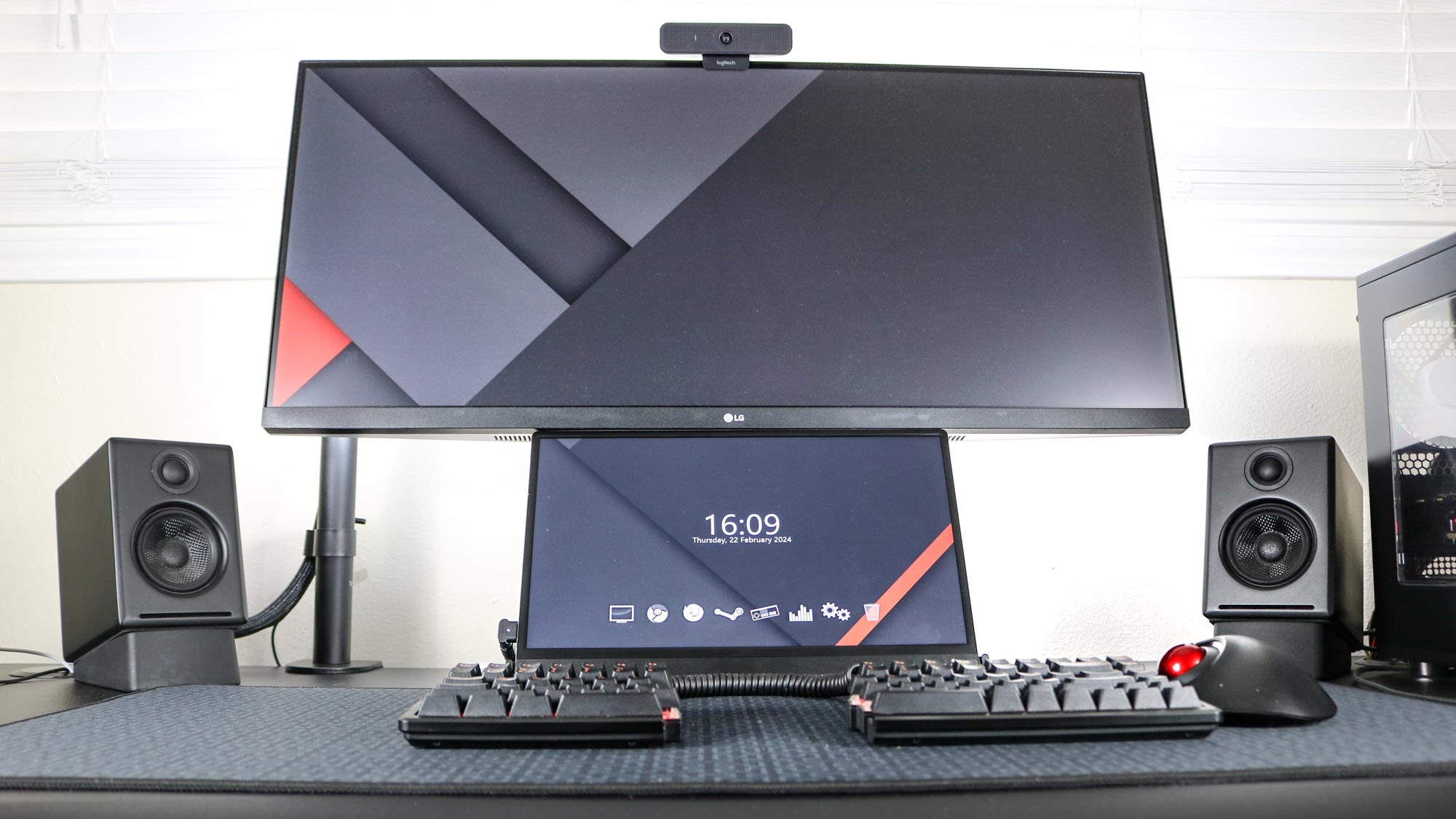
The workspace incorporates a dual-monitor setup consisting of two 34-inch UltraWide displays. The main monitor offers a 144Hz refresh rate, while the secondary, an older model from 2018, runs at 60Hz. These UltraWide monitors are preferred for their expansive screen real estate, which is beneficial for managing numerous windows during work and for an immersive gaming experience. The author highlights the challenges of achieving high resolutions like 4K on macOS and the cost-effectiveness of UltraWides. During work hours, both monitors are driven by the MacBook Pro, while for leisure, they switch to the gaming PC.
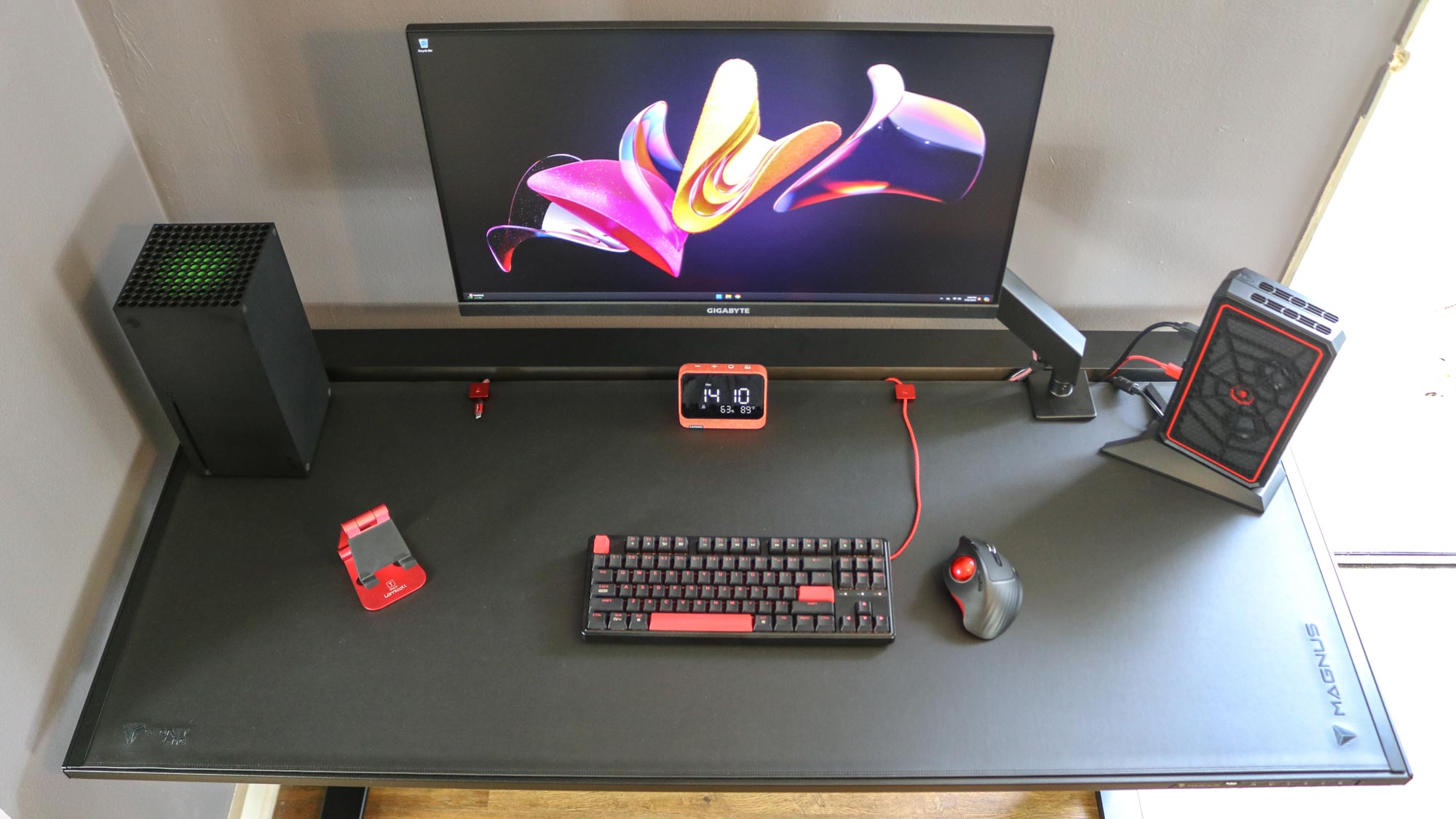
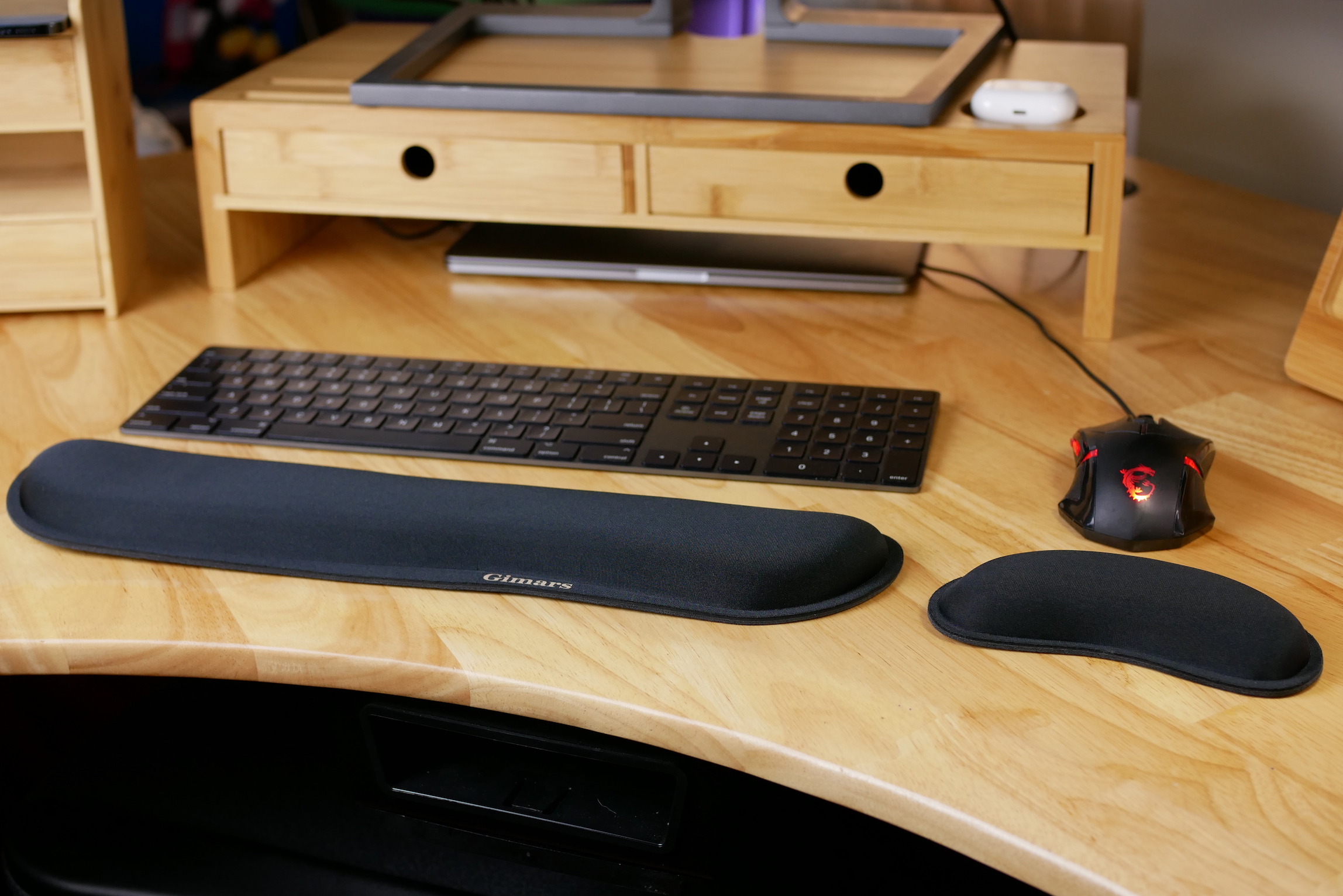
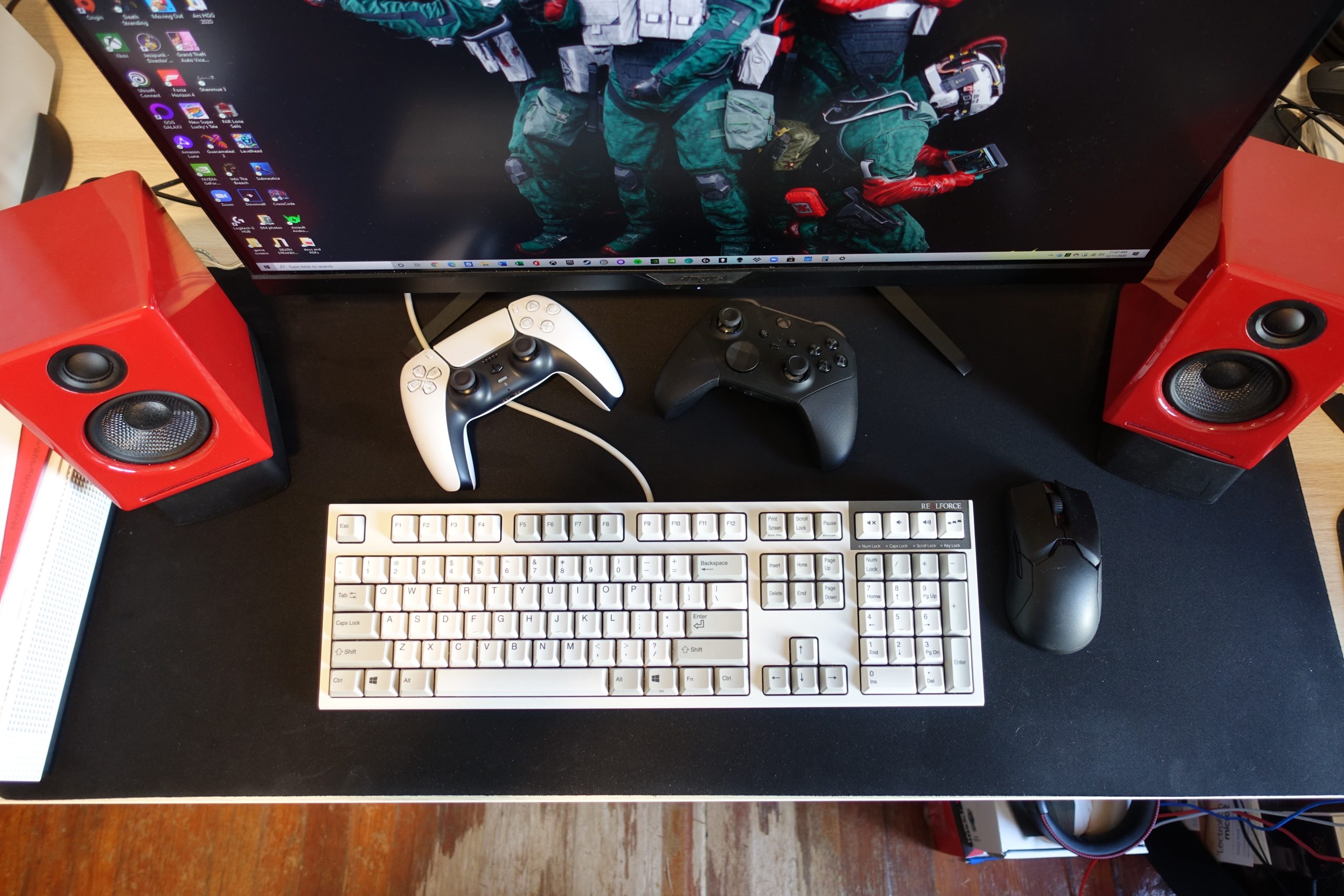
Ergonomics are a key consideration in this setup. A Dygma Raise split keyboard, known for its customizable software and tenting kit, is central to the work environment, allowing for extensive macro programming and reduced wrist fatigue. The Logitech MX Master 3 mouse is positioned between the split keyboard halves for improved ergonomics. For gaming, peripherals are swapped out for a Drop ALT keyboard with clicky Blue switches and a CORSAIR SCIMITAR RGB Elite mouse, intentionally separating work and play experiences. An Arctis Pro Wireless headset is used for in-game communication.
The article also covers specialized equipment for podcasting and home office tasks. An Elgato Wave:3 USB microphone, praised for its sound quality and Wave:Link software, is used for audio-only podcasts. Supplementary Elgato gear includes a StreamCam, Stream Deck, and Ring Light, which facilitate video communication with co-hosts and streamline podcast editing. For shipping and scanning needs, a Rollo Wireless label printer with AirPrint capability and an Epson ES-500W scanner are integral parts of the workflow. The Rollo printer's automatic label sizing and high-quality output are noted advantages, while the Epson scanner provides high-resolution scanning, OCR functionality, and double-sided scanning in a single pass.
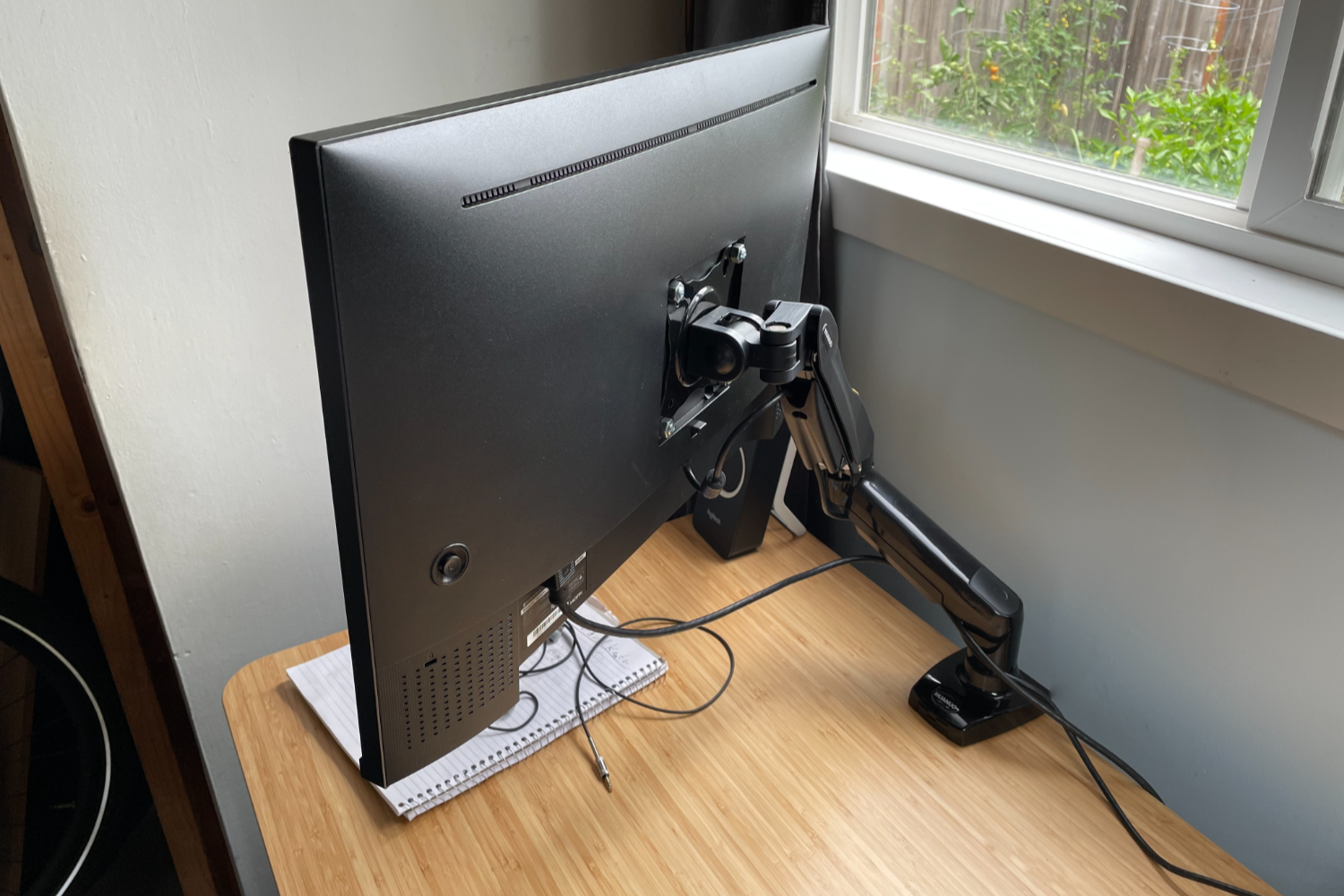
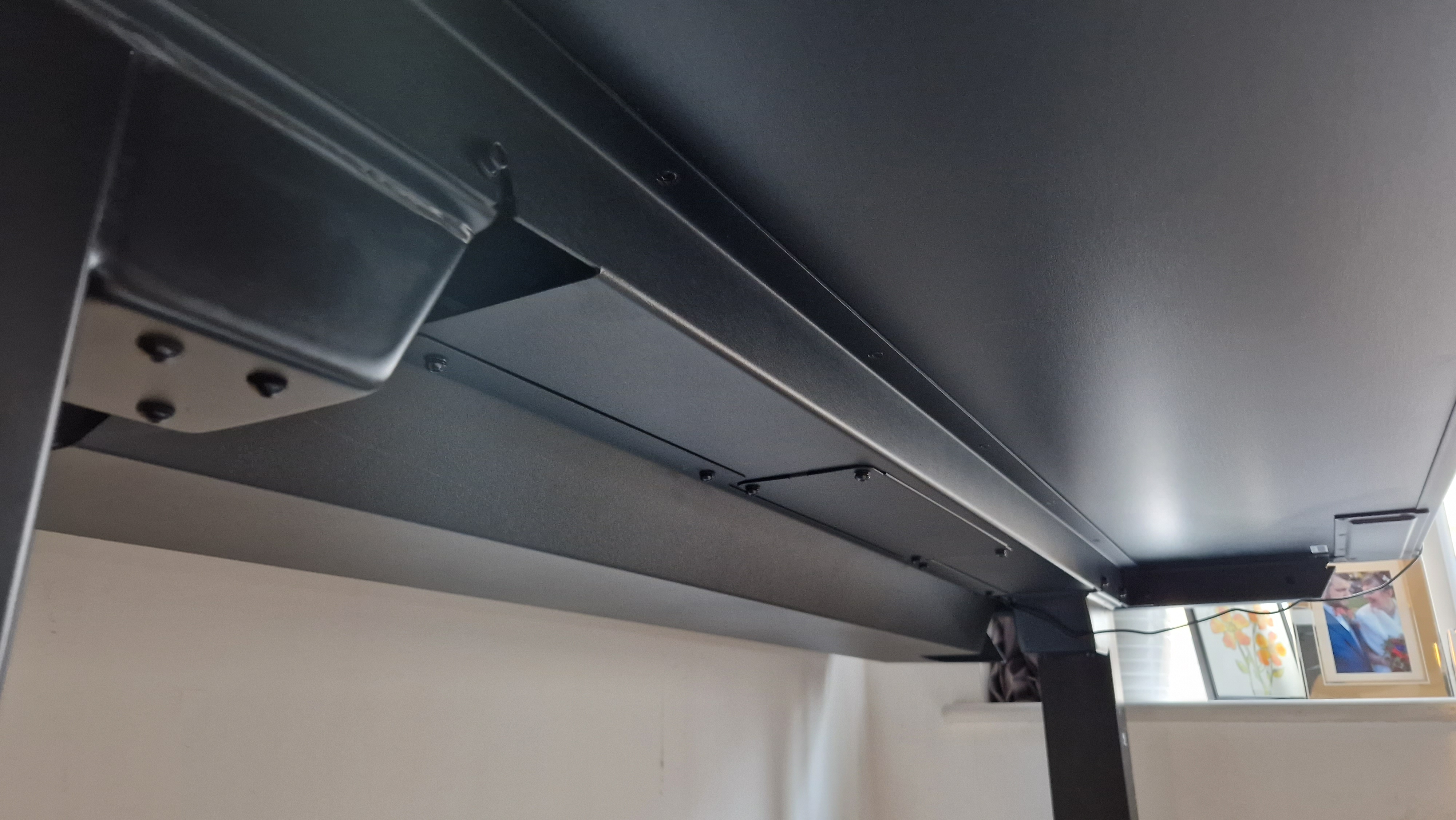
The entire setup rests on an UpDesk standing desk made of bamboo, which offers four programmable height settings for various working postures, including specific adjustments for standing with or without shoes. The desk's robust motors handle the combined weight of all equipment effortlessly. Additional accessories include Apple AirPods Max for comfortable audio consumption and seamless switching between Apple devices, a SyncWire 7.5W MagSafe charging stand for maintaining phone and AirPods Pro battery levels, and a Plugable Thunderbolt 3 dock providing 85W charging and comprehensive I/O connectivity for the MacBook Pro. This detailed overview underscores the meticulous planning and investment in technology to create an optimized home office for diverse computing needs.
#HomeOffice #ProductivitySetup #GamingWorkstation #MacBookPro #GamingPC #ErgonomicKeyboard #UltraWideMonitors #PodcastingGear #StandingDesk #HomeOffice #ProductivitySetup #GamingWorkstation #MacBookPro #GamingPC #ErgonomicKeyboard #UltraWideMonitors #PodcastingGear #StandingDesk
0 comment in total
 No comments yet
You may also like
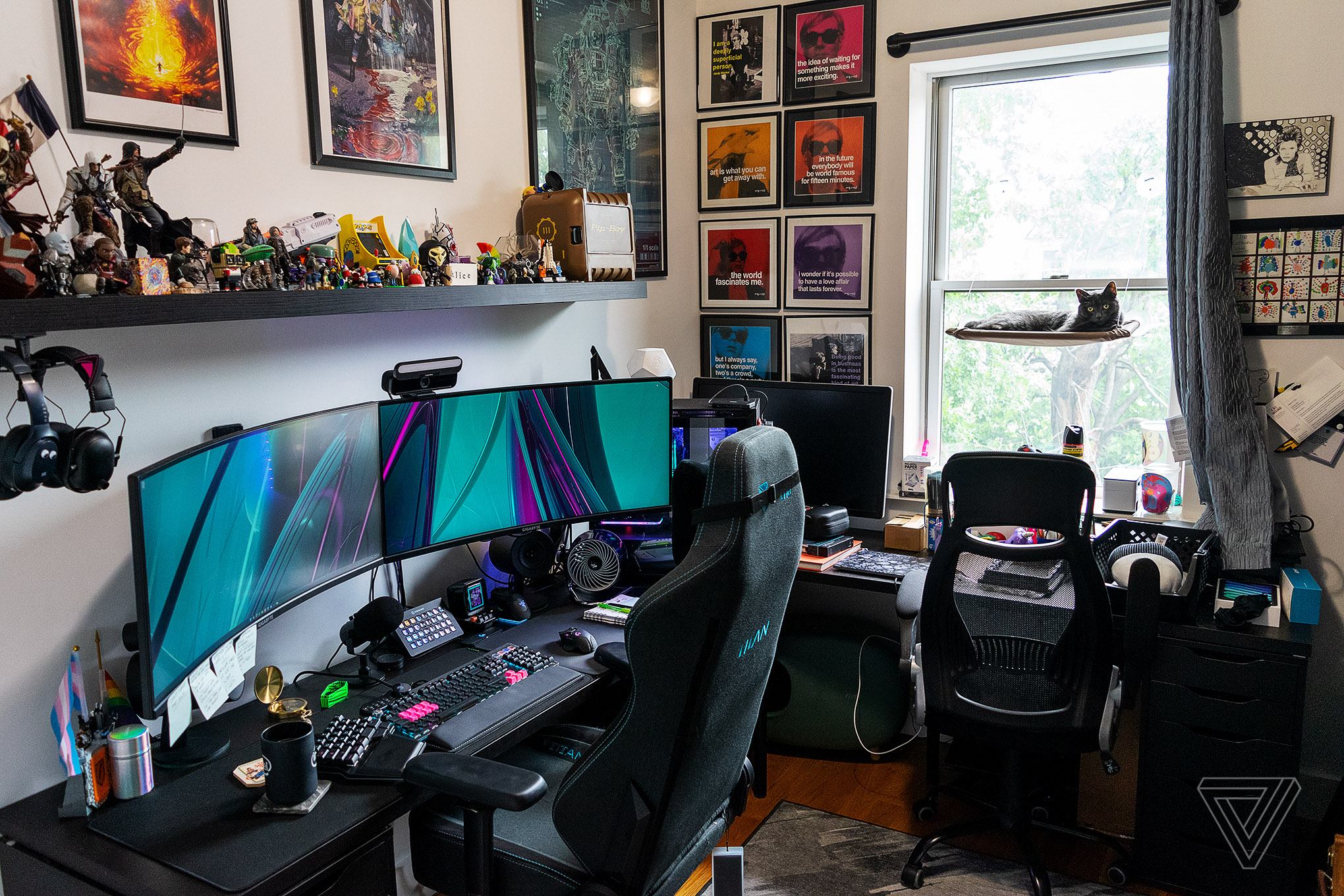
What’s on your desk, Alice Newcome-Beill?

Easy Home Office Upgrades for a Productive Workspace

Game Builder Garage hides powerful programming tools behind a cute interface
The Best Lap Desks of 2026, With Advice From an Orthopedic Expert
I just found the perfect standing desk for working from home — and it obliterates cable clutter

What’s on your desk, Kylie Robison?

30 useful desk accessories that make your work setup more comfortable and productive
Our 22 favorite desk accessories for a more organized and comfy workplace

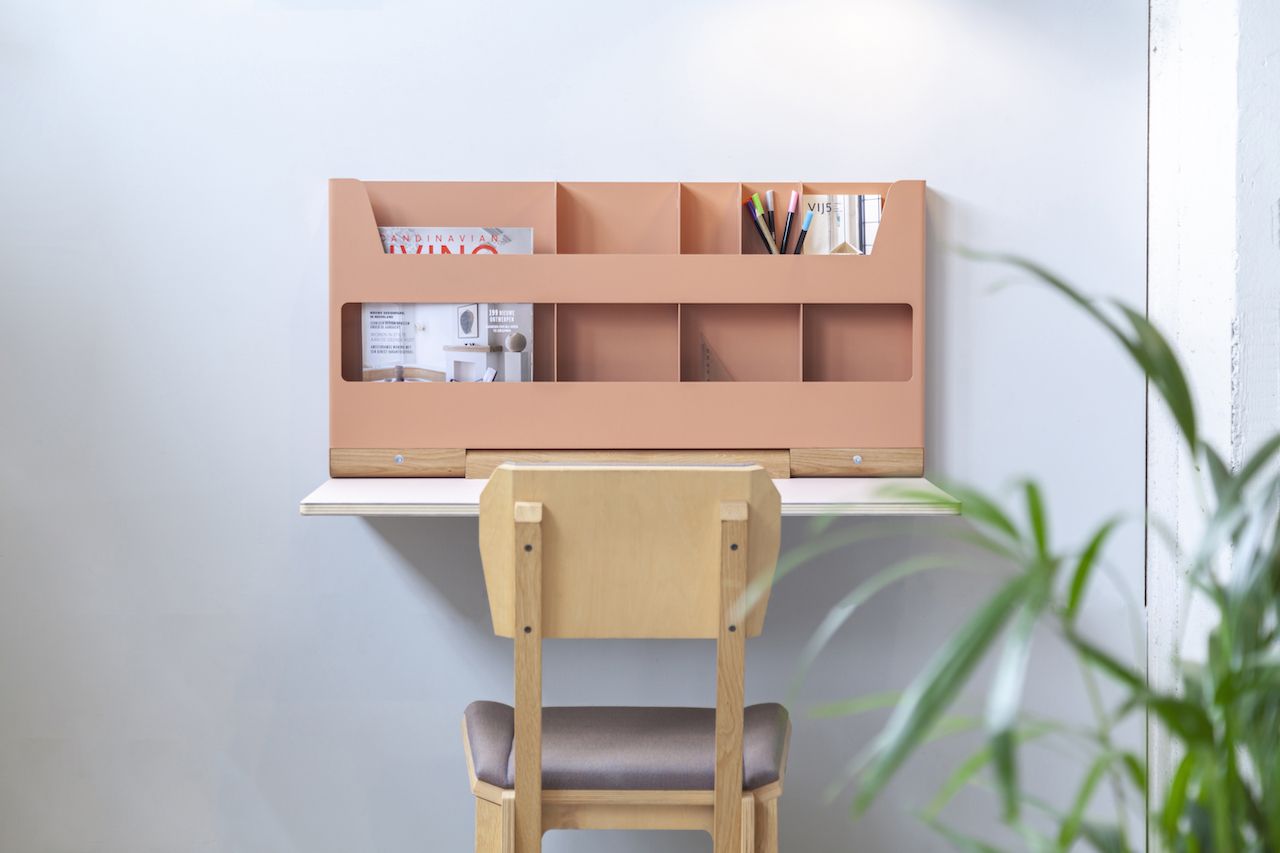
Flip: The Fold-Away Workstation Inspired by Laptops
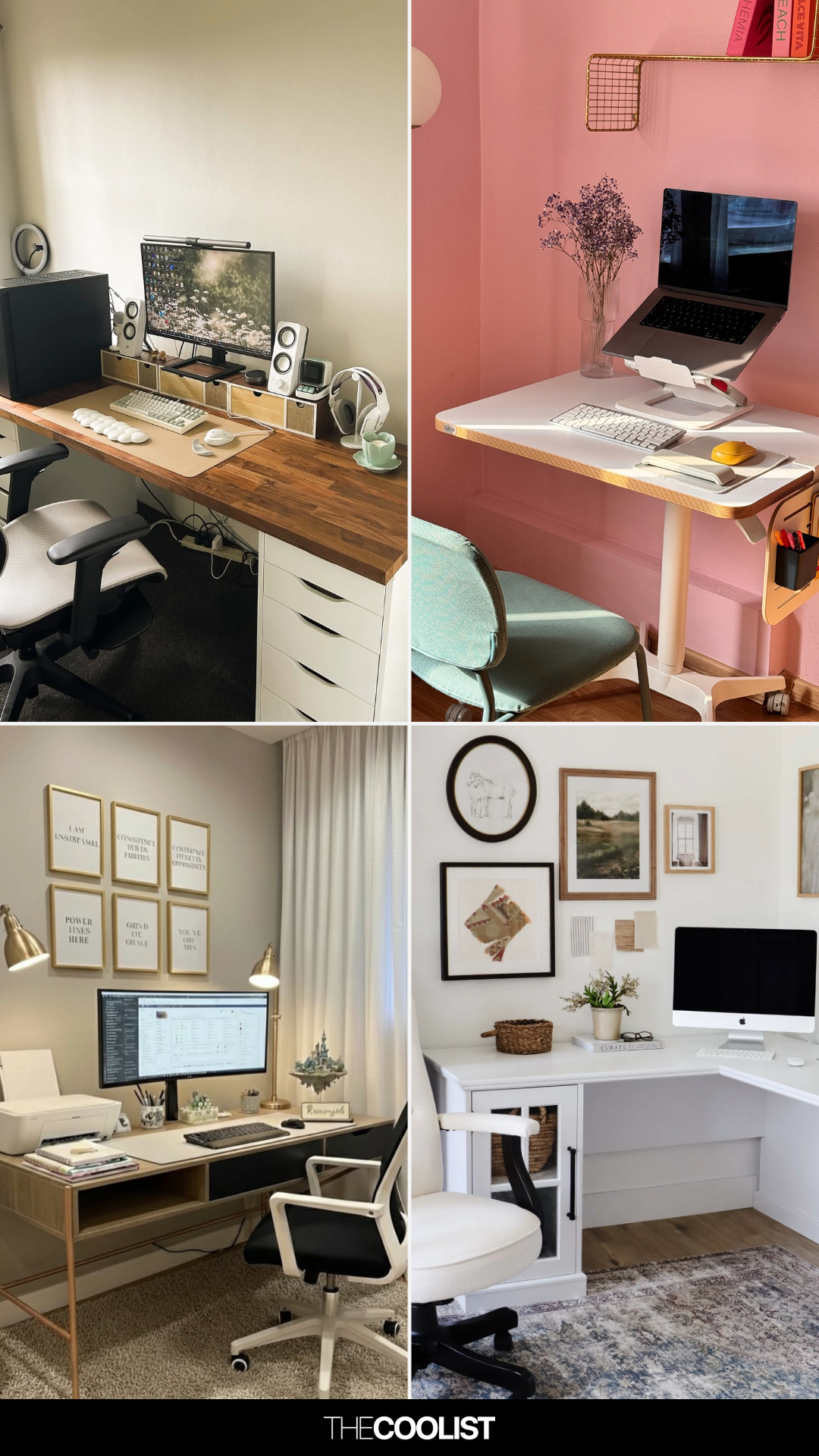
27 Computer Desk Design Ideas You Should See Before Buying a Monitor, Lamp, or Desk Chair
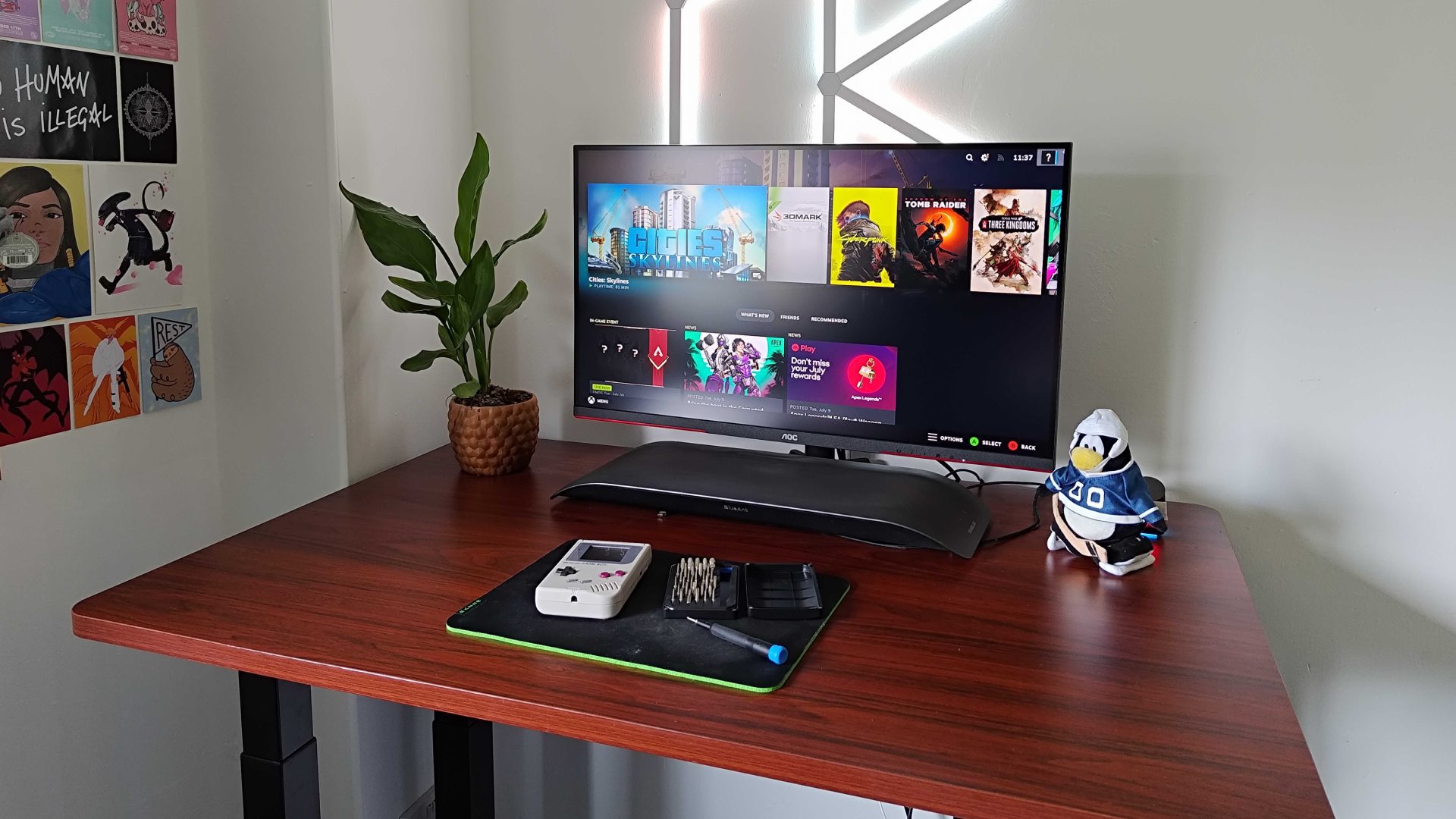
Best gaming desk 2025: all the surfaces I'd use for PC and console setups
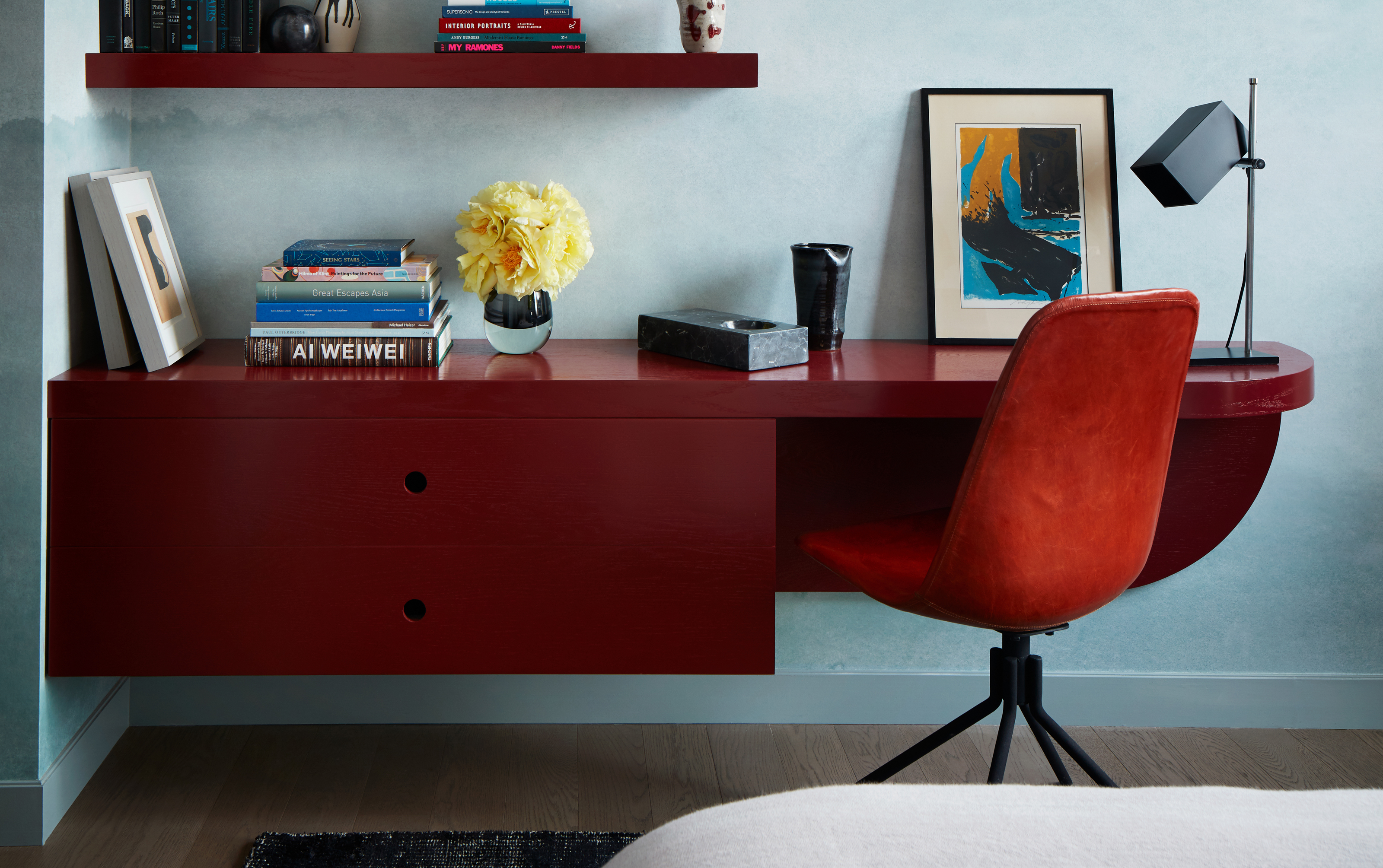
Genius built-in desk ideas that will help you make the most of your work from home space

The world’s first sustainable fully-integrated, plug-and-play, wall-mounted workstation and folding desk!
Tested: These monitor arms will elevate your office setup to new levels

I revamped my desk setup using the world’s most expensive cable management accessory — this changes everything

25 fresh office decor ideas: Revamp your work from home space in 2022
StarTech 12U Computer Rack Review

Color Blocking Defines This Gaming Office’s Long Floor Plan
I build desk setups for a living — and these 15 home office Prime Day deals are too good to pass up

Coffee Tables, Computers, And Railways