1/18
Tested: These monitor arms will elevate your office setup to new levels
This comprehensive guide explores the benefits of integrating a monitor arm into a home office setup, highlighting how these accessories can significantly improve ergonomics, free up desk space, and enhance the overall aesthetic of a workspace. The article emphasizes the importance of making an informed decision when purchasing a monitor arm, given their durability and long-term utility.
The review provides a curated list of top monitor arm recommendations, categorized by their suitability for single- or dual-monitor setups, budget constraints, and premium features. Each recommendation includes a detailed explanation of its standout qualities, installation ease, adjustability, and overall value. For instance, the Ergotron LX Pro is lauded as the best overall single monitor arm for its practical design, easy tool-free installation, and robust adjustability, supporting monitors up to 34 inches and 22 pounds. Its wide clamp mechanism is noted for its desk protection, and the arm offers extensive movement options including 360-degree swivel and rotation, backed by a 10-year warranty. Its improved design over its predecessor, the Ergotron LX, makes it a valuable upgrade despite a slightly lower maximum weight capacity.
For budget-conscious consumers, the MSI MAG MT201 is presented as the best affordable option, capable of supporting large screens up to 49 inches and 44 pounds using a spring tension system. While its setup is more involved, requiring about 15-20 minutes and multiple screws, it compensates with a quick-release VESA mount and a sleek, professional appearance that surpasses other budget alternatives in quality and design. The Huanuo HNSS6 Single Monitor Arm is highlighted for those seeking an option under $50, offering gas spring tension and easy installation with minimal screws, suitable for 32-inch displays up to 20 pounds, though it has limitations in cable management.
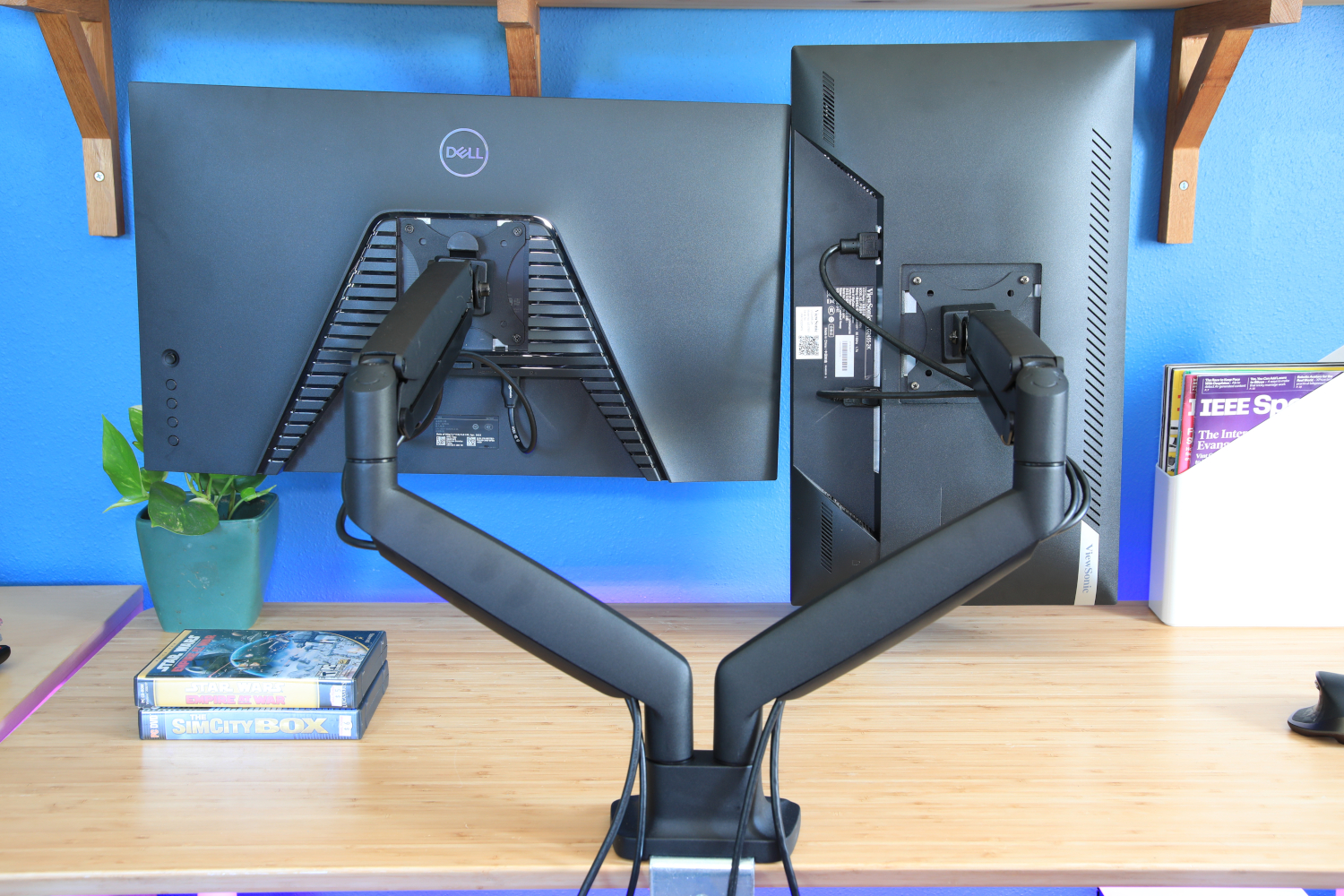
Premium options include the Herman Miller Flo, praised for its elegant design, smooth operation, and a 12-year warranty, making it ideal for those prioritizing aesthetics alongside functionality. The Ergotron HX is recommended for heavy-duty applications, supporting monitors up to 42 pounds and 49 inches with superior build quality and a robust, professional look. The Humanscale M2.1 with M/Connect docking station offers integrated connectivity, expanding laptop ports without cluttering the desk, combining a monitor arm with a functional hub. For dual-monitor users, the Ergotron LX Dual Monitor Arm maintains the quality and adjustability of its single-arm counterpart, suitable for monitors up to 27 inches side-by-side, while the Workstream by Monoprice Dual Monitor Arm offers a cost-effective solution with impressive quality for its price point. The Huanuo HNDS12 serves as a mid-range dual monitor arm, featuring metal construction, gas springs for up to 26 pounds per arm, and an unusual built-in USB hub, balancing quality and budget.
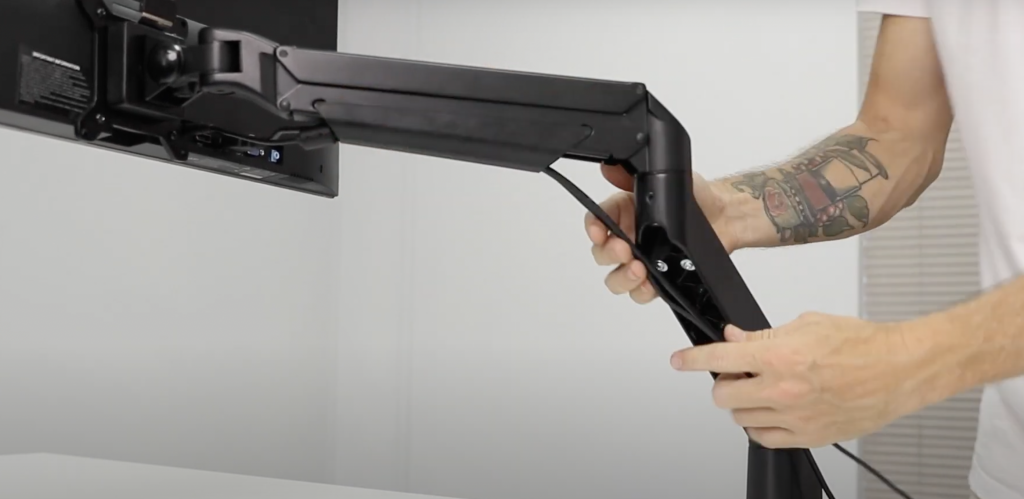
The article also dedicates a section to critical purchasing considerations, advising readers on key features such as adjustability and range of motion (emphasizing tool-free adjustments and 360-degree swivel), ease of installation, cable management capabilities, and crucial specifications like maximum supported size and weight to ensure compatibility and performance. It stresses the importance of VESA compatibility, desk compatibility with clamp or grommet mounts, and potential desk damage from improper installation. Furthermore, it cautions against excessively cheap monitor arms, arguing that minimal investment for durability and functionality is worthwhile. The testing methodology confirms that all recommended products have undergone rigorous hands-on evaluation by PCWorld experts, focusing on claims validation, installation, and real-world adjustment performance.
#MonitorArms #HomeOfficeSetup #Ergonomics #DualMonitor #BudgetTech #PremiumTech #Workstation #CableManagement #VESAMount #MonitorArms #HomeOfficeSetup #Ergonomics #DualMonitor #BudgetTech #PremiumTech #Workstation #CableManagement #VESAMount
0 comment in total
 No comments yet
You may also like
Our 22 favorite desk accessories for a more organized and comfy workplace

I build desk setups for a living — and these 15 home office Prime Day deals are too good to pass up


5 things I bought that made my working-from-home life better — and 2 items that are in my cart
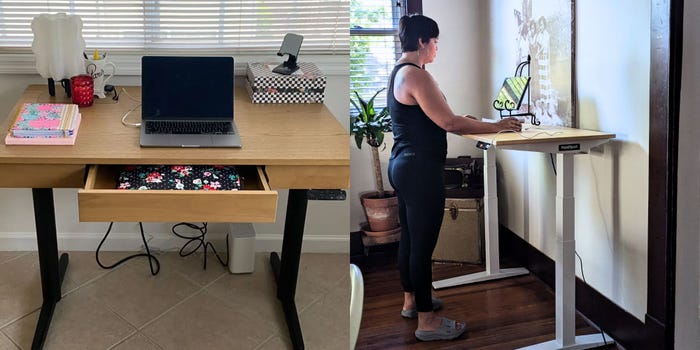
These are the best standing desks for resetting your work routine in the new year
32 Desk Accessories That Will Upgrade Your Work Space
5 Standing Desk Cable Management Tips For WFH Productivity

This standing desk has huge drawers, charging ports, and a cable management system — and it's 40% off right now

Easy Home Office Upgrades for a Productive Workspace
I added this monitor light bar to my home office setup and it’s a game changer


How to Make Your Office Setup Ergonomic—And Avoid Health Issues
I just found the perfect standing desk for working from home — and it obliterates cable clutter
I revamped my desk setup using the world’s most expensive cable management accessory — this changes everything

30 useful desk accessories that make your work setup more comfortable and productive
The Essential Ergonomic Gear for Your Home Office | Wirecutter

4 must have gadgets in your home office

31 Cool Office Gadgets That Will Revamp Your Work Space
20 Home Office Essentials You Didn’t Know You Needed

I love cable management but I found the perfect standing desk for people that hate it

Level Up Your WFH Setup With These 13 Products On Sale Right Now

Desk Gadgets 2025: Best Smart Desk Gadgets for Indian Home Offices (Ultimate Guide)