1/4
How to delete wallpapers on iPhone
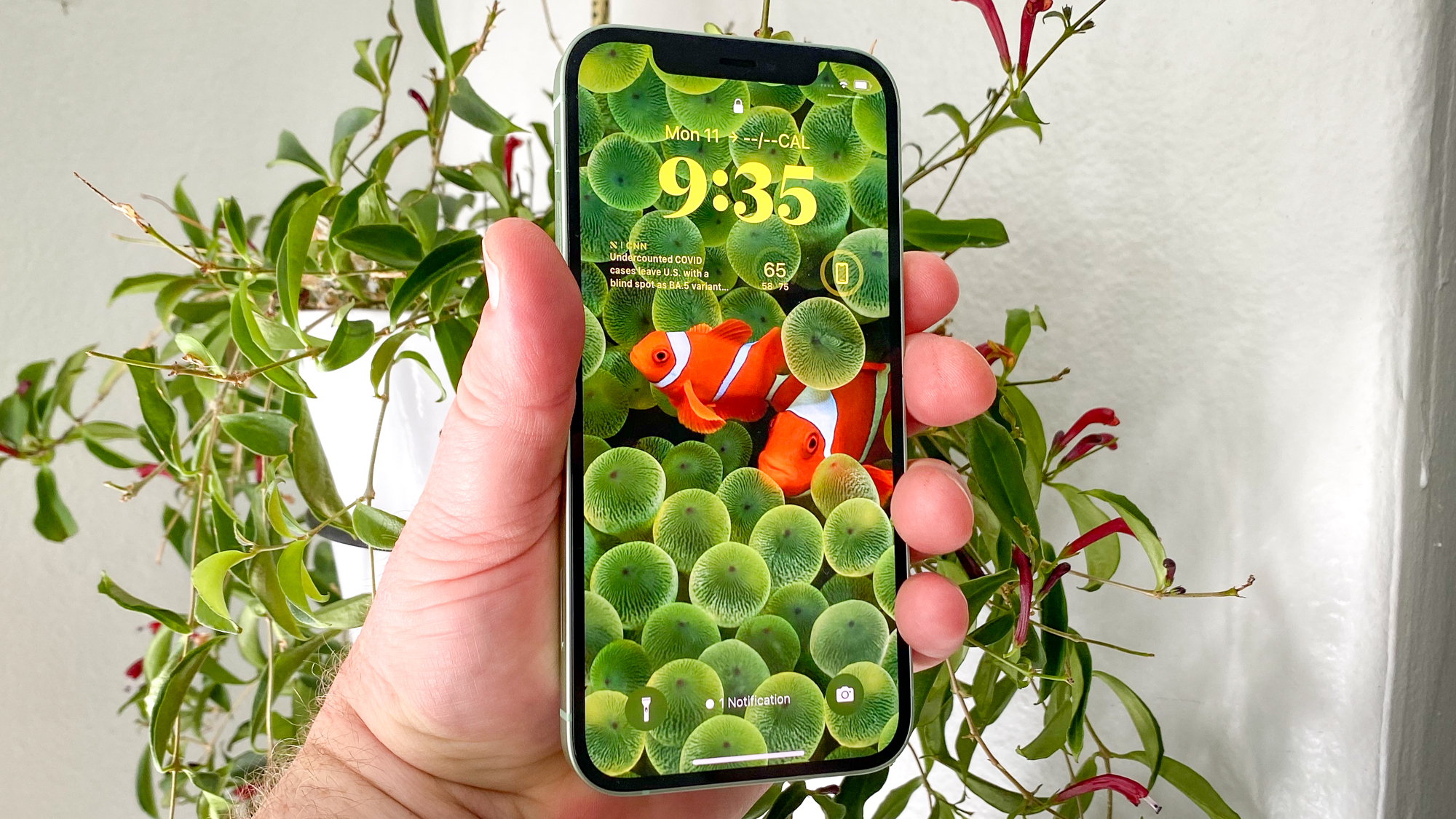
The article addresses a common user frustration regarding the management of wallpapers on iPhones following the iOS 16 update. It explains that Apple's new system, designed to integrate wallpapers with Focus Modes and widgets, has inadvertently made the process of deleting wallpapers less intuitive. Prior to iOS 16, wallpaper management was straightforward, but the update introduced a system where wallpapers are created and edited in pairs, and assigned to specific Focus Modes. This change has led to increased instances of duplicate or unwanted wallpapers, yet the method for their removal is not immediately obvious.
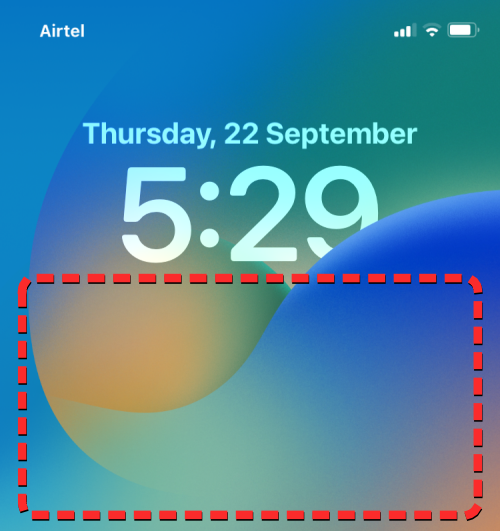
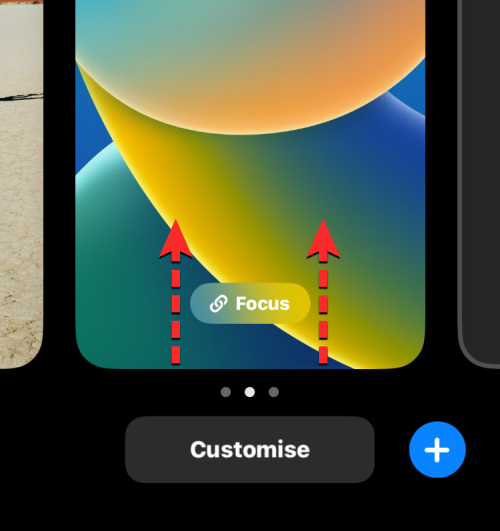
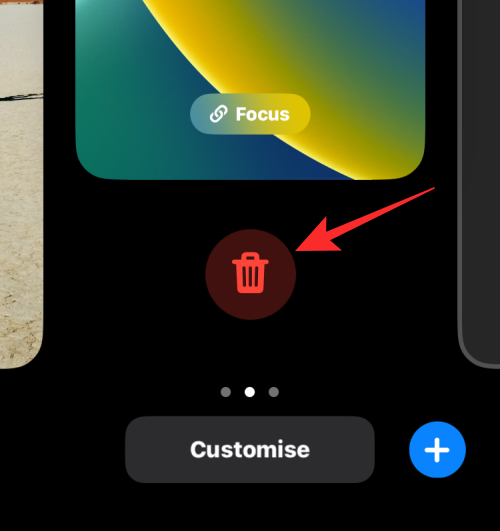
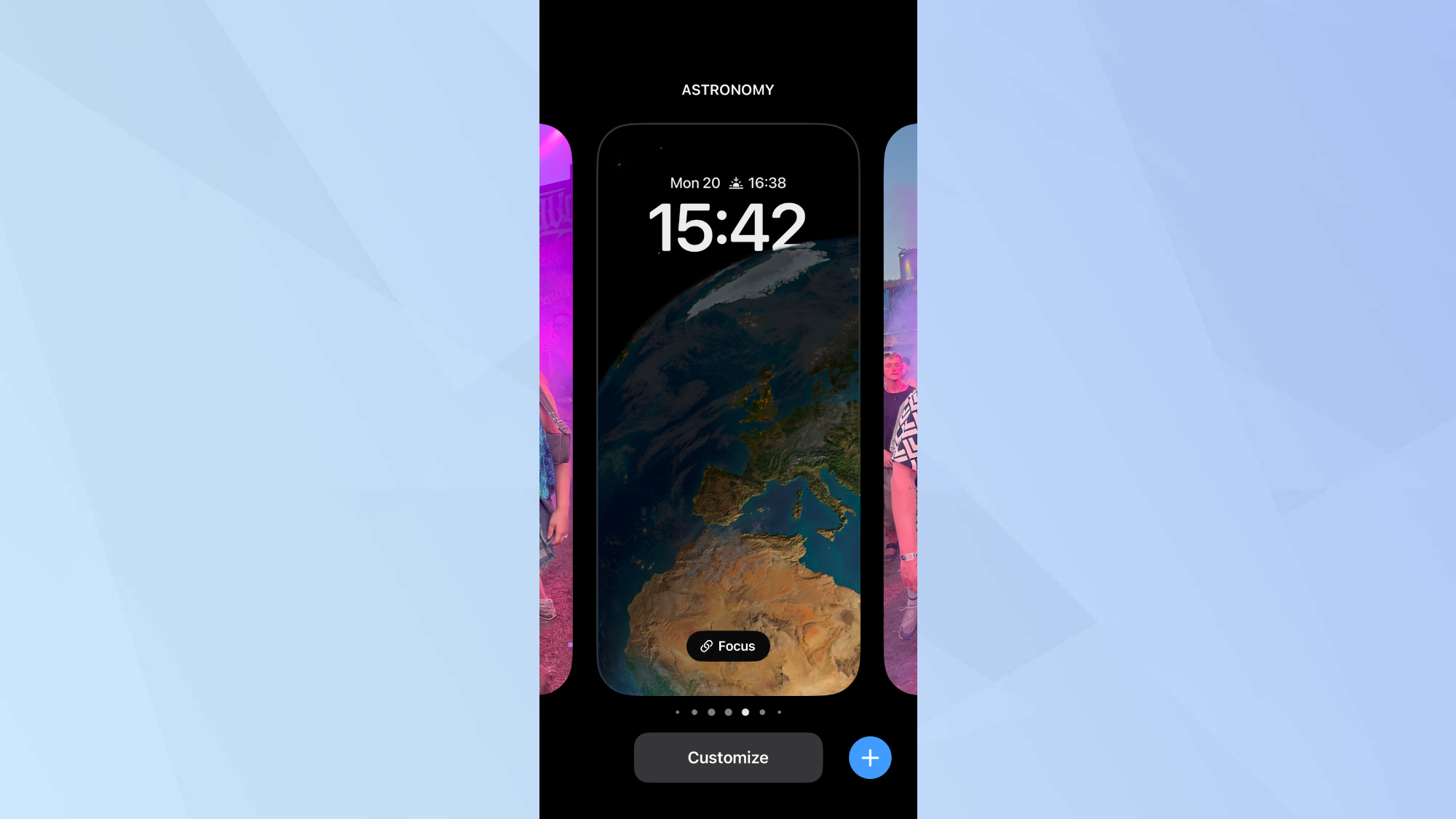
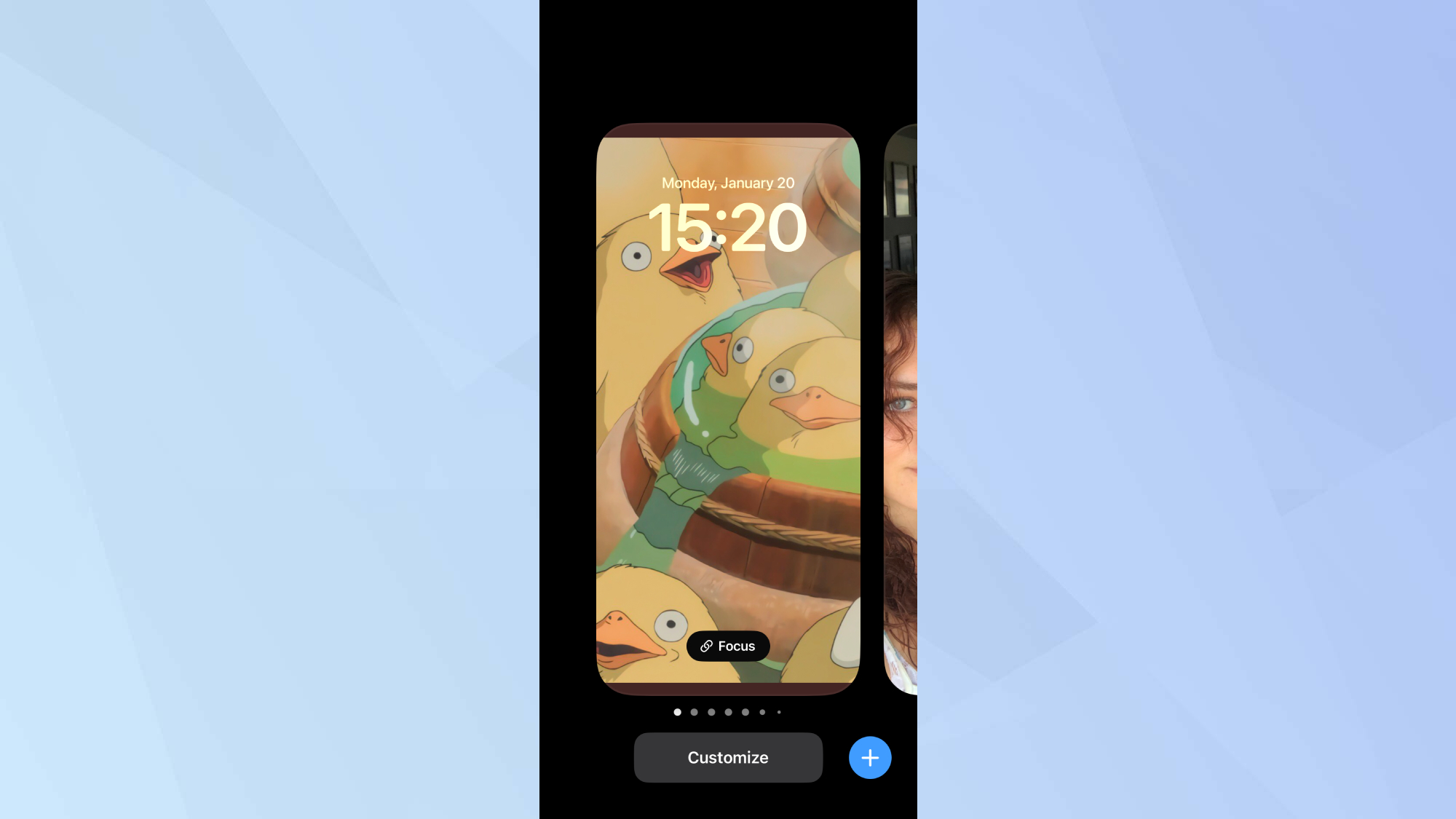
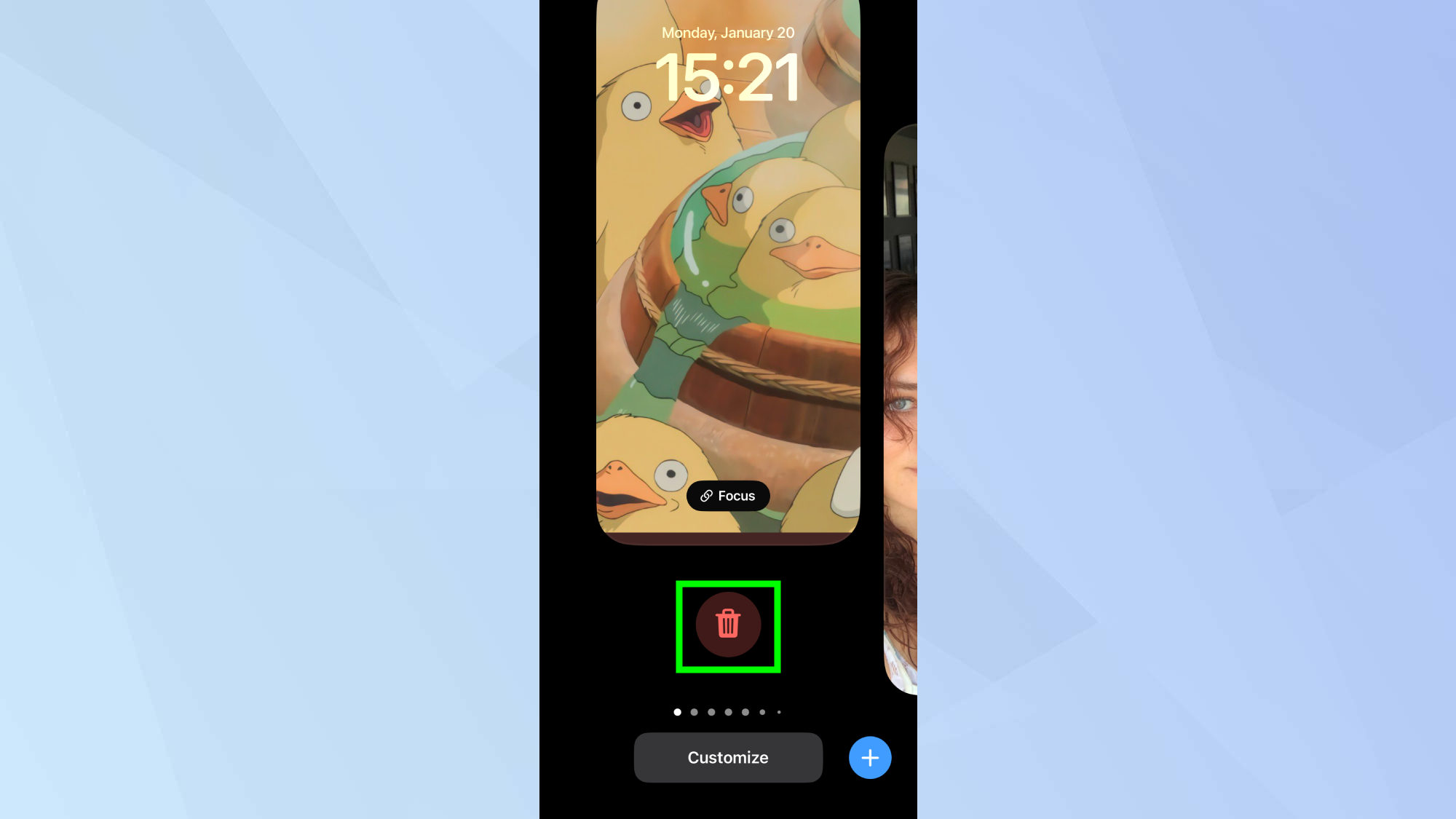
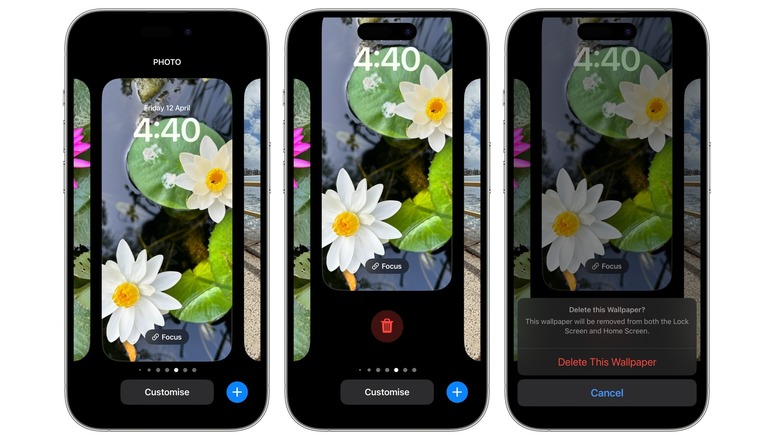
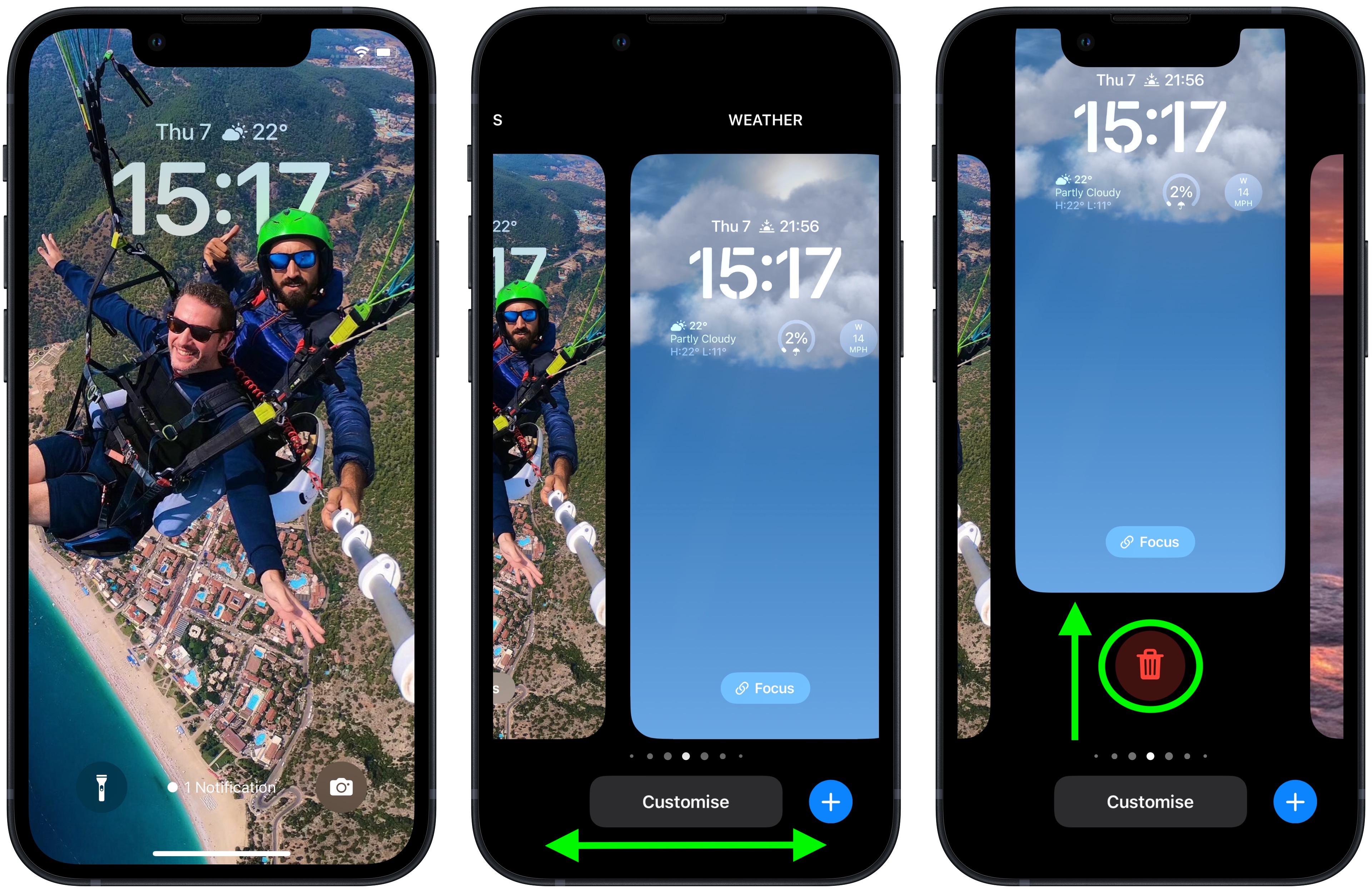
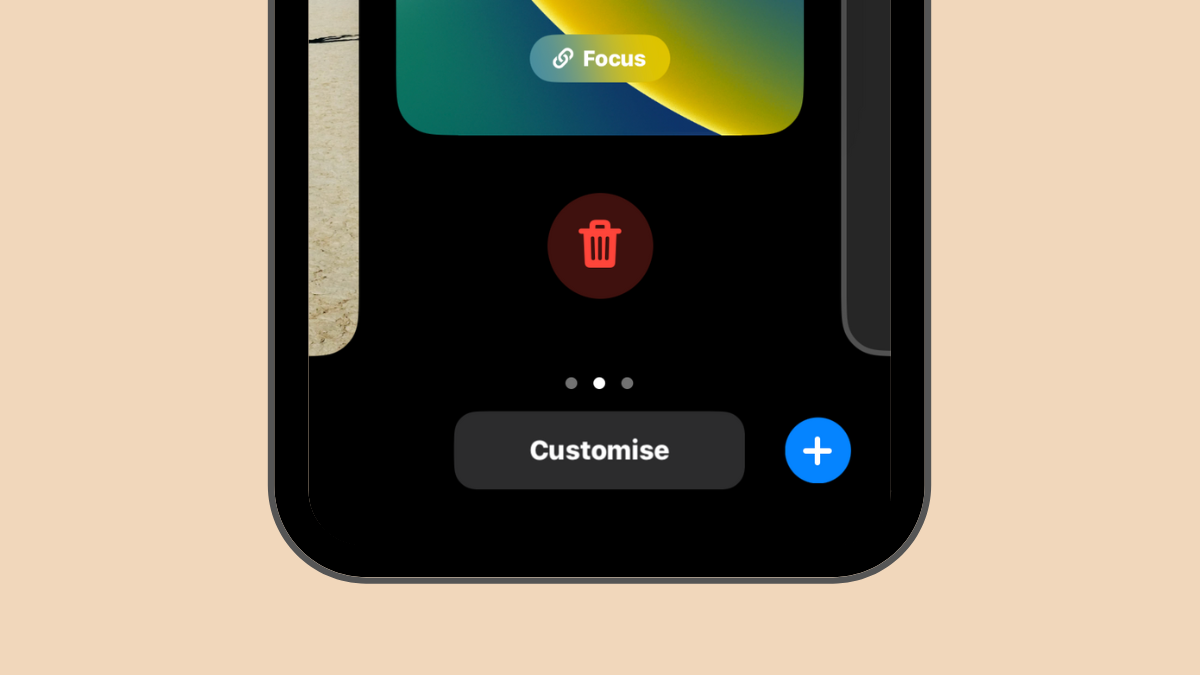
The core of the problem lies in the user interface design. Instead of accessing wallpaper deletion options through the standard 'Settings' menu, users must interact directly with the Lock Screen. The guide outlines a simple three-step process to delete wallpapers. First, users need to long-press on the Lock Screen, which automatically prompts the phone to unlock via Face ID or Touch ID, revealing a carousel of existing wallpapers. Second, users must swipe through this collection to identify the wallpaper they wish to remove. Optionally, they can tap 'customize' to view the full wallpaper pair if they are unsure which one to delete. Third, to complete the deletion, the user has to swipe up on the selected wallpaper and then tap a visible delete icon, followed by confirming the action by tapping 'Delete This Wallpaper.'
The article highlights that this non-obvious interaction flow has caused confusion among iPhone users, leading to a surge in searches for how to perform this seemingly basic task. The author expresses a personal grievance with the new system, describing it as "convoluted and clunky," which are considered significant design flaws for modern smartphones. The intention behind Apple's change was to offer more advanced customization and integration with other iOS features, but the execution appears to have prioritized complexity over user-friendliness for routine tasks like deleting wallpapers.
In addition to the main guide on wallpaper deletion, the article briefly mentions other related iPhone tutorials available on Tom's Guide, such as clearing RAM, deleting multiple contacts, transferring data between iPhones, and blocking ads using Safari Reader. It also references a comprehensive guide on iOS 16 features, offering further tips and tricks for navigating the updated operating system. The article implicitly suggests that while iOS 16 introduced new functionalities, it also introduced challenges in user experience, particularly for less frequent actions like wallpaper management, necessitating clear instructional content for users to adapt.
#iPhone #iOS16 #WallpaperManagement #AppleTips #TechHowTo #SmartphoneCustomization #UserExperience #iPhone #iOS16 #WallpaperManagement #AppleTips #TechHowTo #SmartphoneCustomization #UserExperience
0 comment in total
 No comments yet
You may also like
How to Delete a Wallpaper on iPhone


Wallpaper Weekends: Simply Black iPhone Wallpapers – Part 2


DIY Removable Wallpaper
Say Goodbye to Damaged Walls—These 6 Removable Wallpapers Come Off Clean
How to delete a wallpaper on your iPhone

20 Black AMOLED Wallpapers for iPhone 11 and 12
3 ways to remove wallpaper quickly
Wallpaper
How to remove the wallpaper from your iPhone 14 Pro's always-on display
iOS 16: How to Delete a Lock Screen Wallpaper
26 removable wallpapers to jazz up your boring rented walls
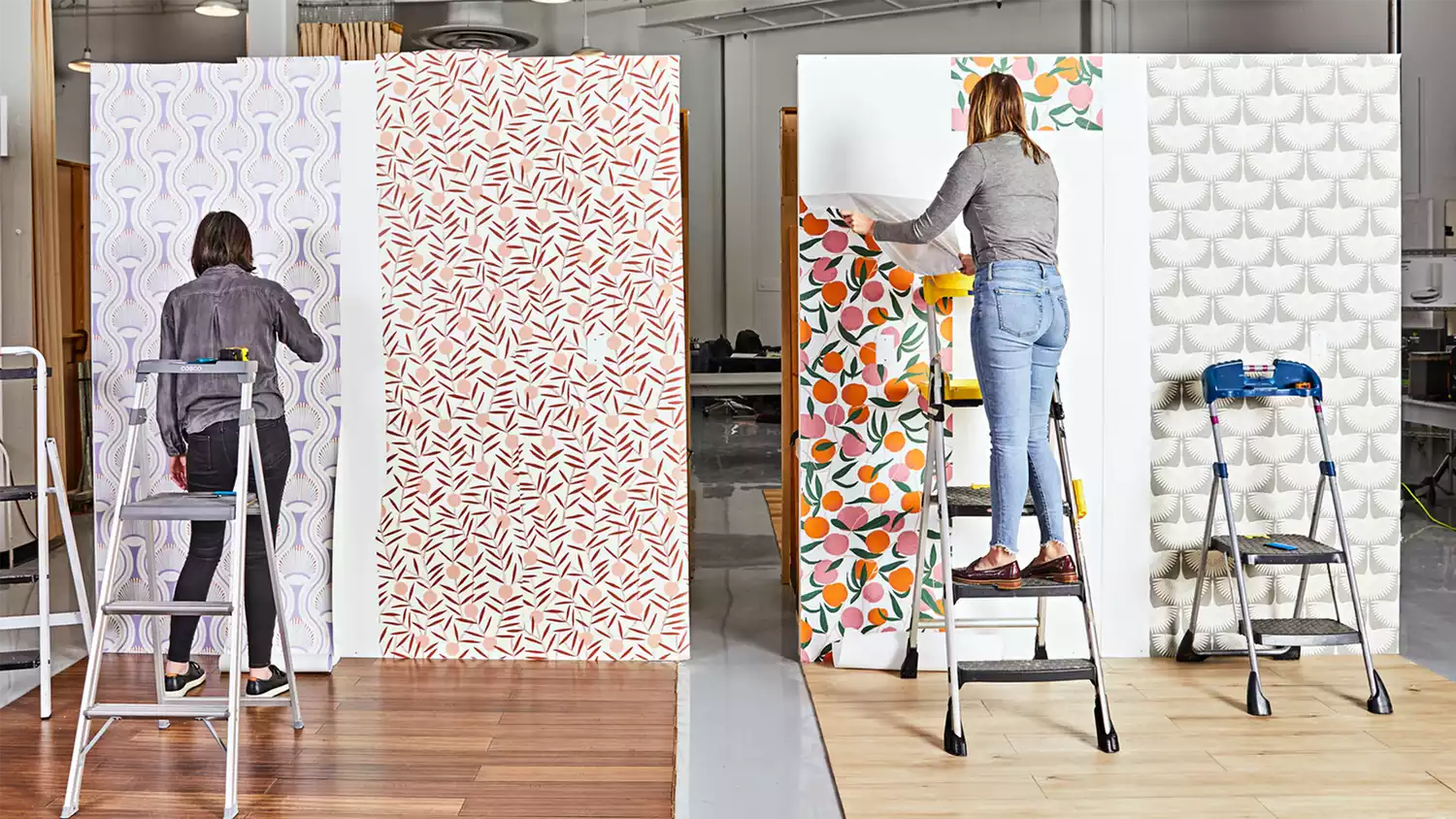
We Tested 28 Removable Wallpapers and Narrowed Them Down to the 6 Best for Your Walls

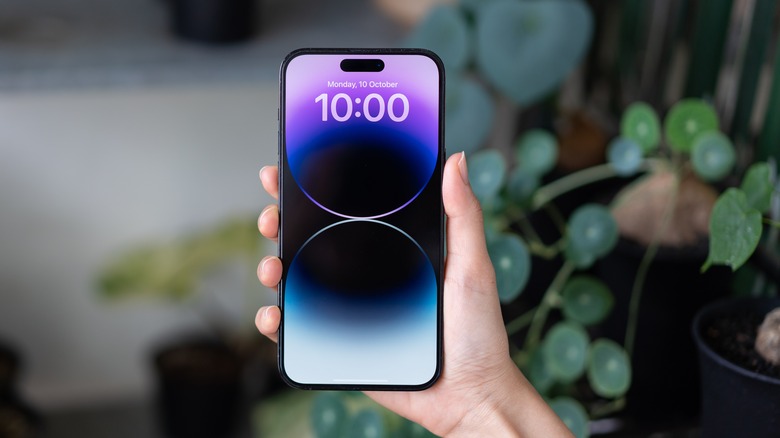
How To Delete Wallpapers On Your iPhone

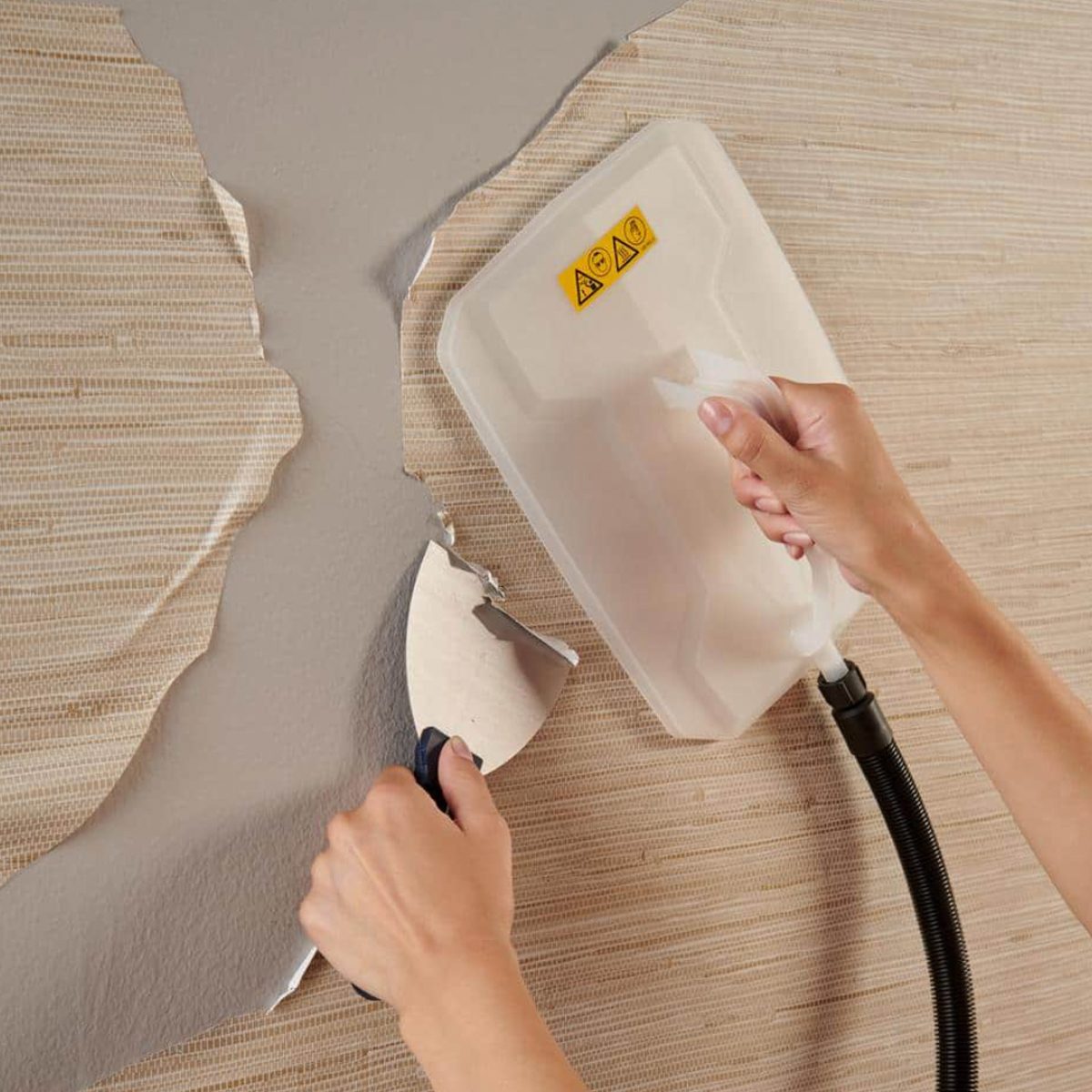
9 Best Wallpaper Removers

The 6 best removable wallpapers, according to an expert
These Removable Wallpapers Will Completely Transform Your Space (Without Damaging Your Walls)

A Stress-Free Way to Remove Wallpaper


You’d Never Know That These Stylish Wallpapers Are Totally Removable
Backdrop Just Released This Award-Winning Wallpaper in a Removable Version


Transform Your Space: 7 Top Renter-Friendly Wallpaper Brands