








制作
历史
AI 平面图生成器
更改工具
模型
基础版
切换
参考户型图
上传
卧室
-
2
+
浴室
-
1
+
总面积
单位 公制
公制 英制
英制
公制 英制面积
< 50㎡
50-80㎡
80-100㎡
100-120㎡
120-150㎡
> 150㎡
附加设施
寻找特定内容吗?
示例:现代风格的客厅,明亮的色彩,柔和灯光,极简设计
 数量
数量
Design Your Dream Space: AI Floor Plan Maker with Furniture Layouts
Unleash your creativity with Ideal House's AI Floor Plan Generator. This intuitive floor plan maker with furniture integration quickly transforms your vision into a detailed 2D floor plan, complete with suggested furniture arrangements. Perfect for homeowners, real estate professionals, and designers, our tool simplifies space planning, making it easy to visualize and refine your home design ideas. Generate stunning, functional layouts in seconds and bring your property to life.
Generate My Floor Plan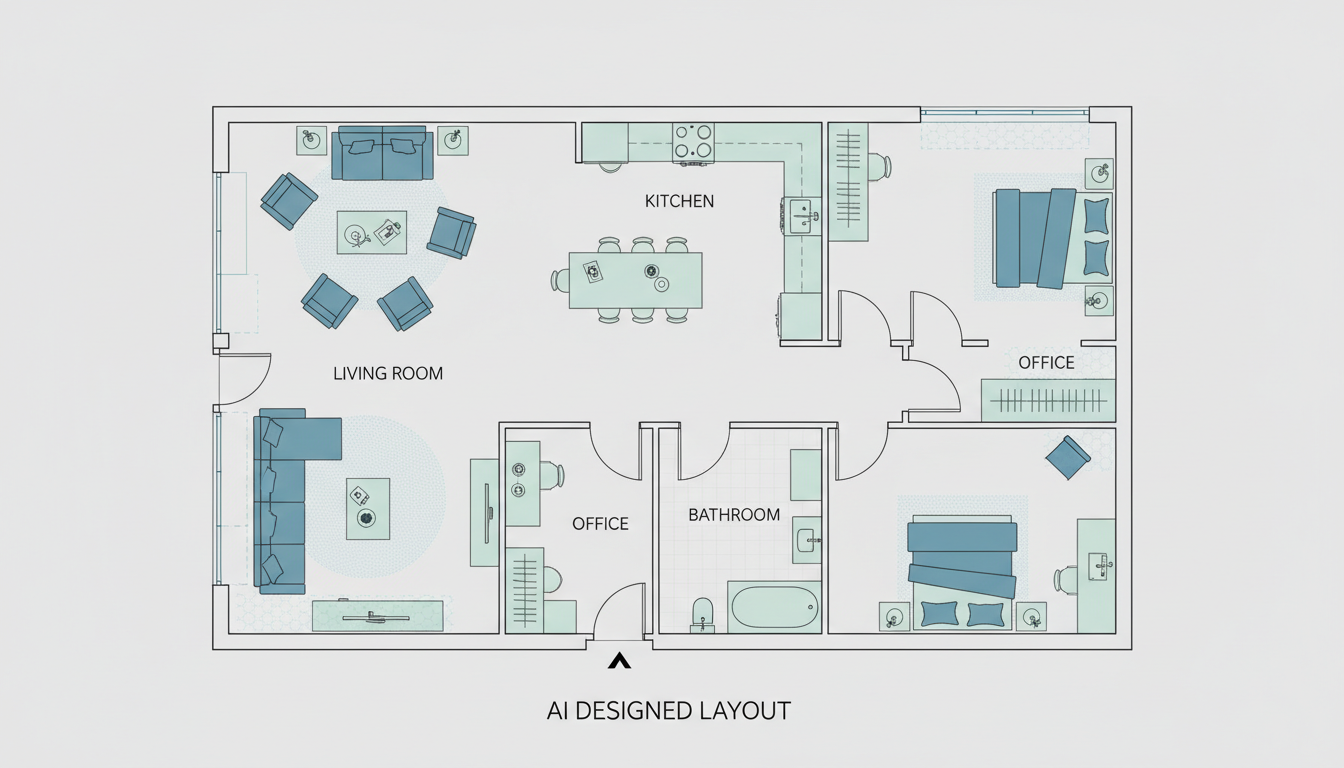


Revolutionize Your Design Process with Our Floor Plan Maker
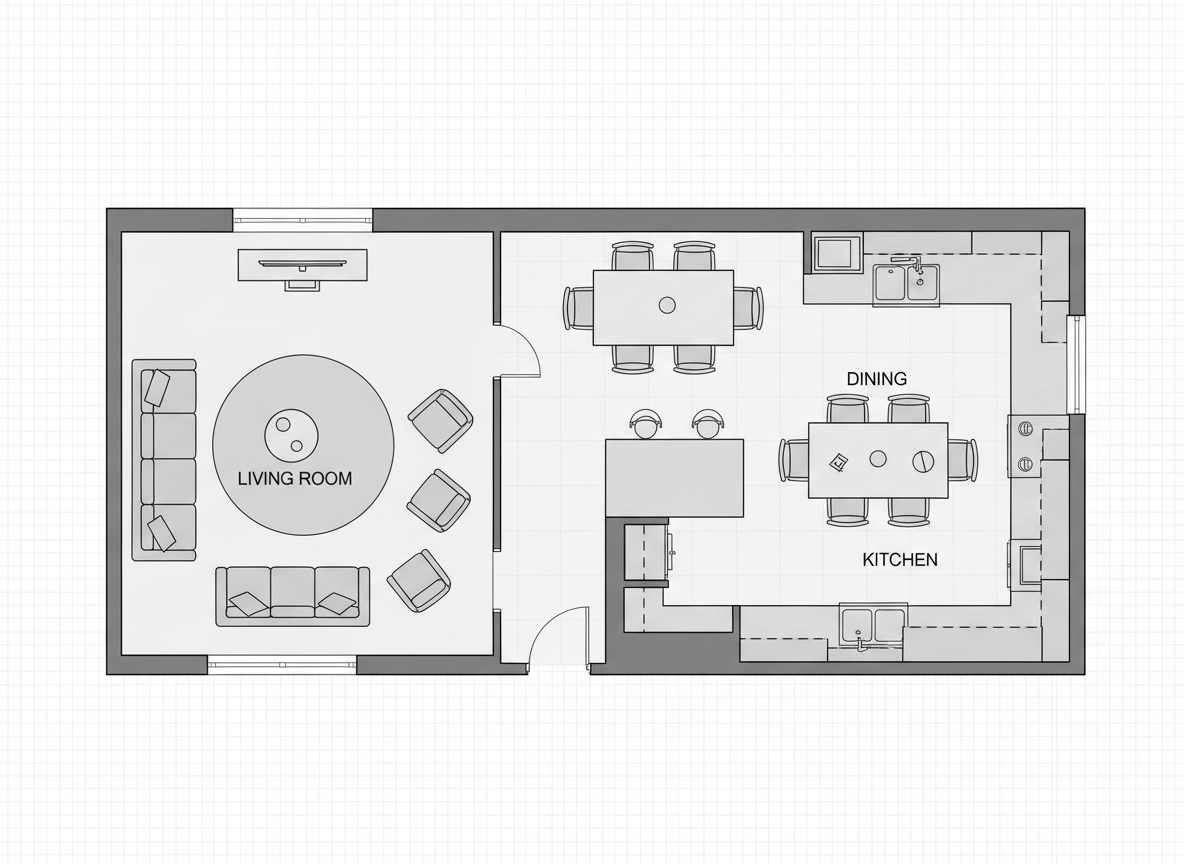
Instant 2D Floor Plans with Furniture
Gone are the days of manual drafting. Our advanced AI floor plan maker with furniture suggestions generates accurate 2D floor plans from your specifications in mere seconds. Input your desired rooms, kitchen style, and overall size, and watch as a professional-grade layout appears, complete with intelligently placed furniture to illustrate scale and flow.
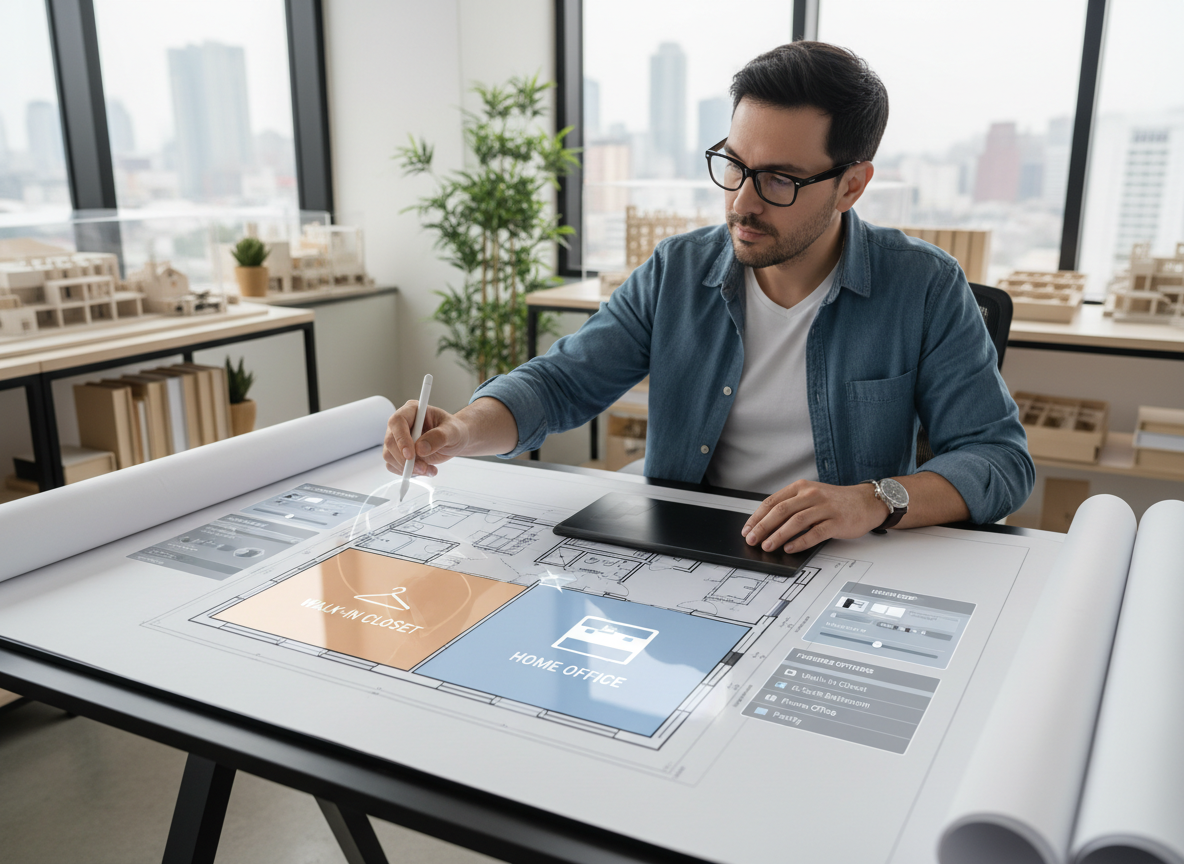
Smart Space Planning & Customization
Tailor every aspect of your home design. Our floor plan maker empowers you to define bedrooms, bathrooms, kitchen type (open or closed), and gross area. Add crucial 'extras' like a walk-in closet, laundry room, or home office. The AI intelligently incorporates these elements, providing a truly custom floor plan that meets your unique needs and preferences.
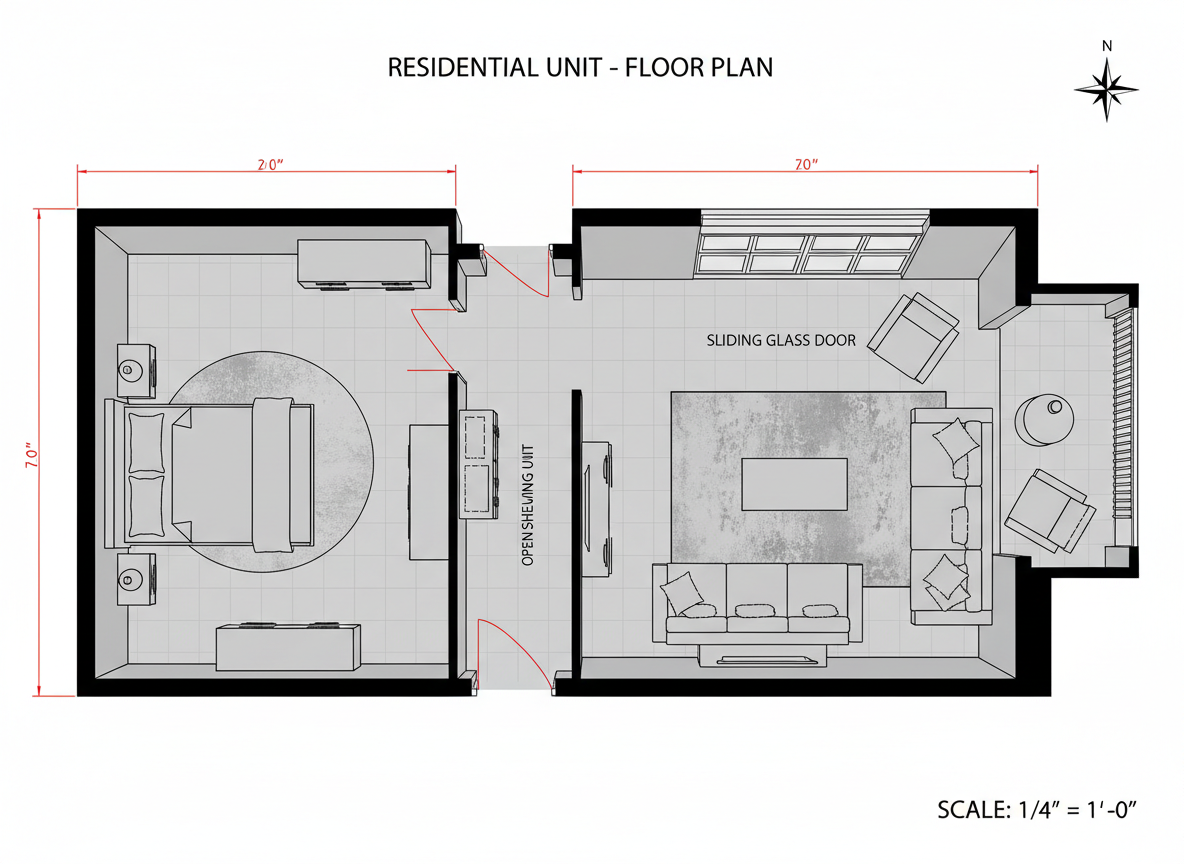
Visualize with Integrated Furniture Layouts
Understanding space is critical, especially in real estate. Our floor plan maker with furniture integration doesn't just show walls; it populates your 2D floor plan with realistic furniture arrangements. This virtual staging helps potential buyers or clients immediately grasp the functionality and potential of each room, enhancing engagement and accelerating decision-making.
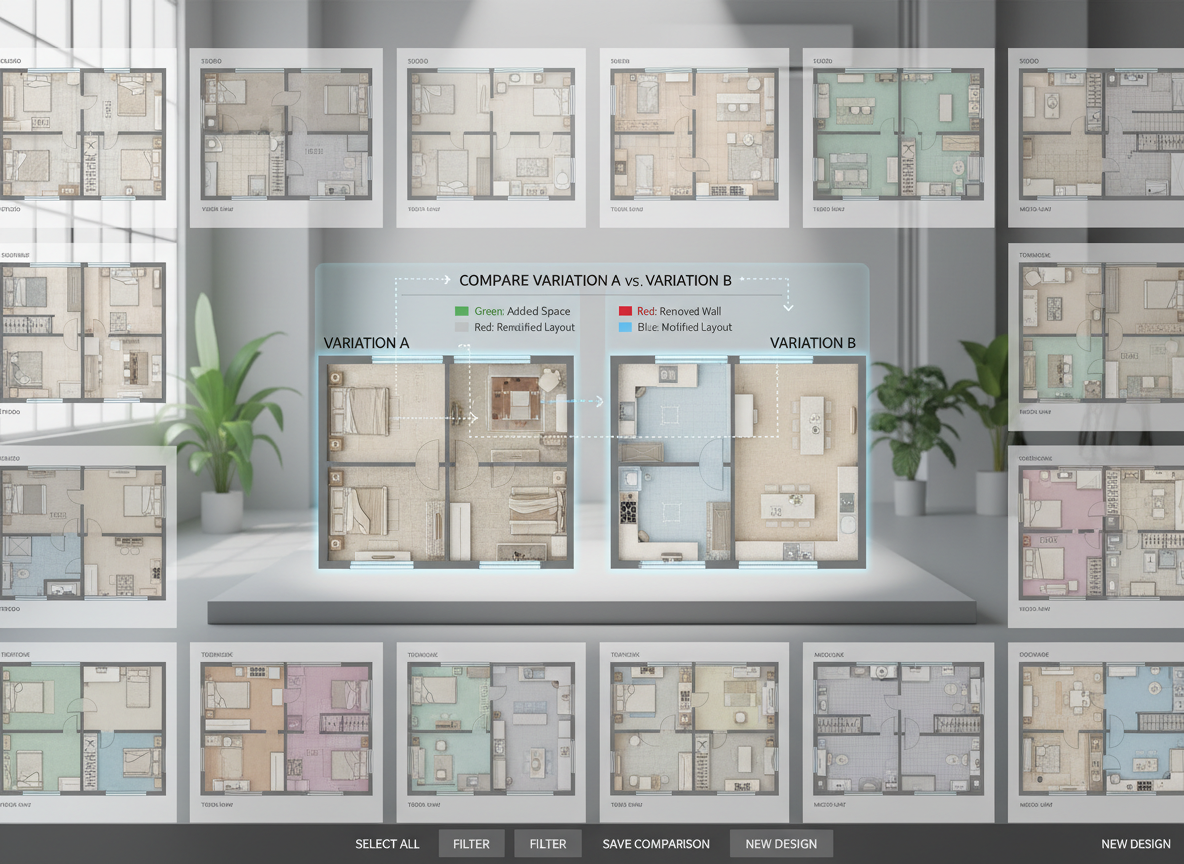
Seamless Iteration & Collaboration
Ideal House saves every generated 2D floor plan in your history, making comparison and iteration effortless. Easily adjust parameters—from changing kitchen styles to adding a balcony—and regenerate new versions. Share your evolving designs with clients or team members as images or PDFs, fostering clear communication and collaborative home design planning.

Who Benefits from Our AI Floor Plan Maker?

Homeowners & DIY Enthusiasts: Easily experiment with different layouts and furniture arrangements for renovations or new builds.

Real Estate Agents & Brokers: Generate professional, furniture-equipped floor plans for listings to attract and inform potential buyers.

Interior Designers & Architects: Quickly draft and iterate on design concepts, presenting clear visuals to clients with suggested furniture placements.

Generate Your Floor Plan with Furniture in 6 Simple Steps
1
Define Your Rooms: Select the number of bedrooms (0-4) and bathrooms (1-3) for your ideal layout.
2
Choose Kitchen Style: Decide between an open or closed kitchen to match your lifestyle and design preference.
3
Set Gross Area: Pick a gross area range that aligns with your property's size, guiding the overall proportions of your floor plan.
4
Add Key Extras: Incorporate features like a walk-in closet, home office, garage, or balcony to customize your space planning.
5
Generate & Review: Click 'Generate' to instantly create your 2D floor plan maker with furniture. Review the suggested layout in moments.
6
Download & Share: Export your preferred floor plan as an image or PDF to share with clients, family, or for your listings.
Frequently Asked Questions About Our AI Floor Plan Maker
How does the AI create a floor plan maker with furniture from my inputs?
Our AI floor plan generator interprets your selections (beds, baths, kitchen, area, extras) and applies smart design principles, adjacency rules, and spatial logic to produce a functional 2D floor plan. It then intelligently populates the space with furniture to demonstrate scale and potential use.
Can I specify furniture types or styles?
Currently, the AI provides generic, representative furniture for space planning and visualization. The focus is on demonstrating layout and flow. For specific furniture styles, our Virtual Staging tool can further enhance your designs.
What 'Gross Area' ranges are available?
You can select from ranges like <50㎡, 50-80㎡, 80-100㎡, 100-120㎡, 120-150㎡, and >150㎡. Choosing the closest range helps the AI create the most realistic and proportional 2D floor plan for your property.
How do 'Extras' influence the floor plan design?
Extras like a walk-in closet or home office signal the AI to integrate these specific spaces logically into your residential floor plan. For instance, a pantry will be placed near the kitchen, and a home office might be in a quieter zone, enhancing the overall functionality of the house layout designer.
Is this tool suitable for home renovation planning?
Absolutely! Our floor plan maker with furniture is an excellent home renovation planner. You can quickly test various layouts, room configurations, and the impact of adding or removing walls, helping you visualize potential changes before committing to costly structural work. It's an ideal digital blueprint maker for early-stage planning.
Enhance Your Designs with Related Ideal House Tools

Magic Editor
Instantly add, remove, or replace specific objects in your exterior photos with simple text commands.
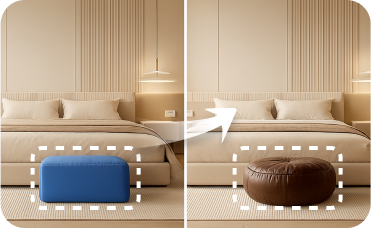
Smart Replacer
Instantly swap specific elements like windows, doors, or garage doors in any photo.
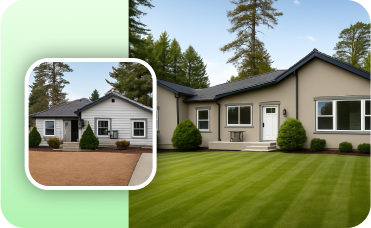
Photo Enhancer
Ensure your final design renders are crisp, vibrant, and perfectly polished for MLS listings or design portfolios.
Ready to Design? Your Perfect Floor Plan Awaits.
Experience the ease and efficiency of the leading floor plan maker with furniture integration. Get started today and transform your vision into reality.
Generate My Floor Plan
Ideal.House 不仅仅是一个平台——它是您的一站式家居设计生态系统。深入探索室内改造、外部翻新和景观设计等强大的AI工具,打造令人惊艳的空间,让HouseGPT为您提供量身定制的规划、风格和家具建议。与充满激情的社区联系,交流想法和建议,然后通过精心挑选的符合您品味的产品将您的设计从概念变为现实。
在 Ideal.House, 我们构建了一个科技、创造力和协作相结合的空间,重新定义了家居设计。
在 Ideal.House, 我们构建了一个科技、创造力和协作相结合的空间,重新定义了家居设计。
技术支持 [email protected]



💰 作为Ideal House合作伙伴赚取10%佣金。
加入我们