Set Up Your Front Door to Auto-Unlock and Open Hands-Free
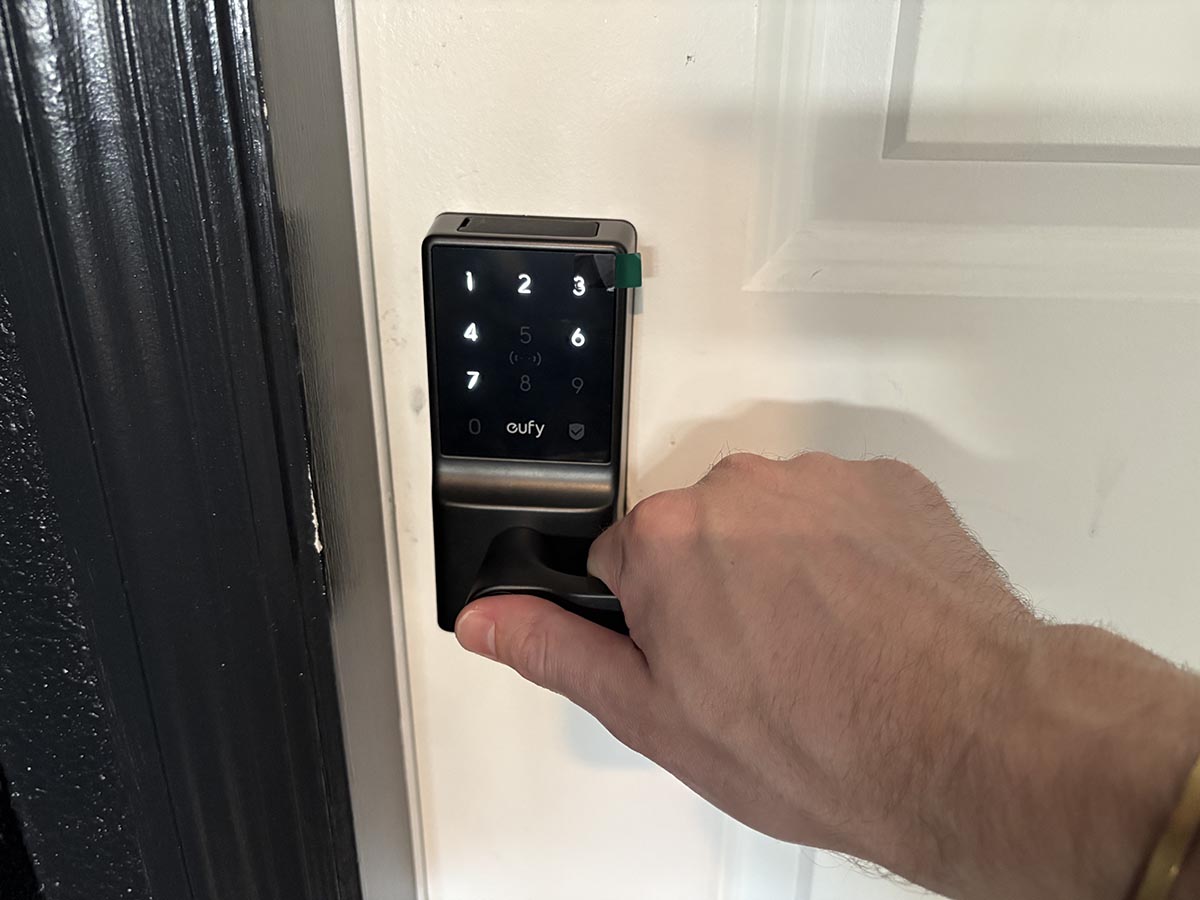
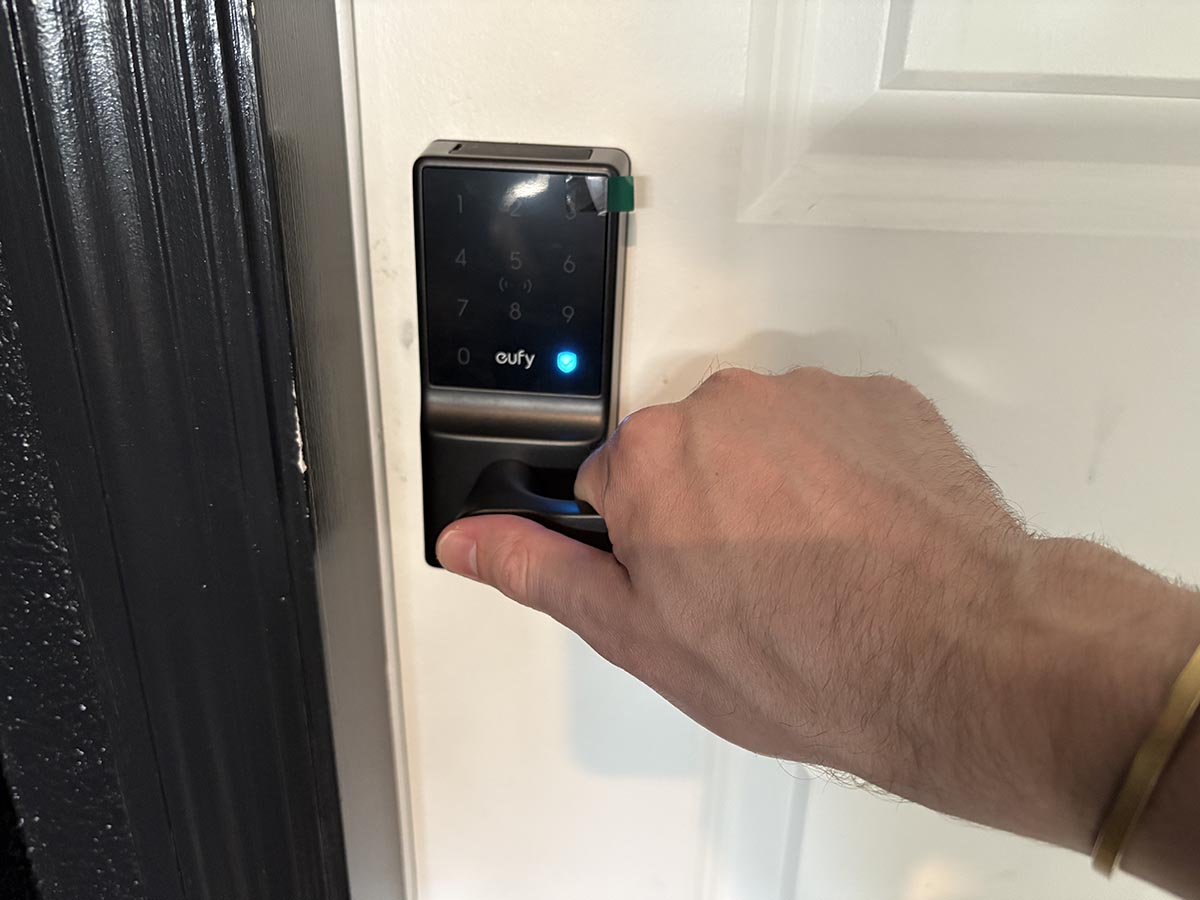
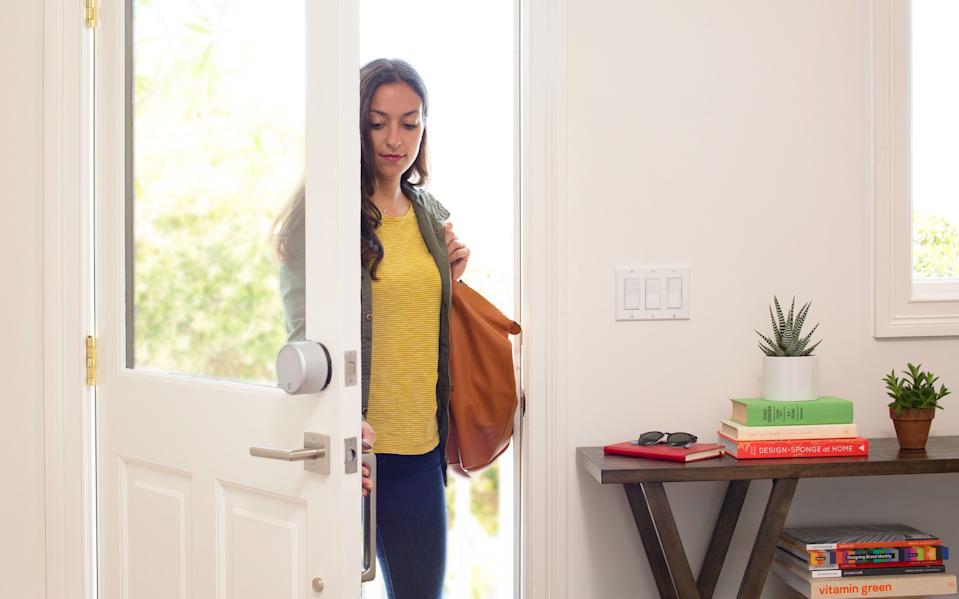
The ongoing coronavirus pandemic has heightened awareness about hygiene, particularly regarding frequently touched surfaces like doorknobs. This article provides a comprehensive guide on how to install a hands-free entry system for your front door, combining a push-to-open doorknob with a smart lock that features automatic locking and unlocking capabilities. This setup allows individuals to enter their homes without making physical contact with the doorknob, thereby reducing germ transmission.
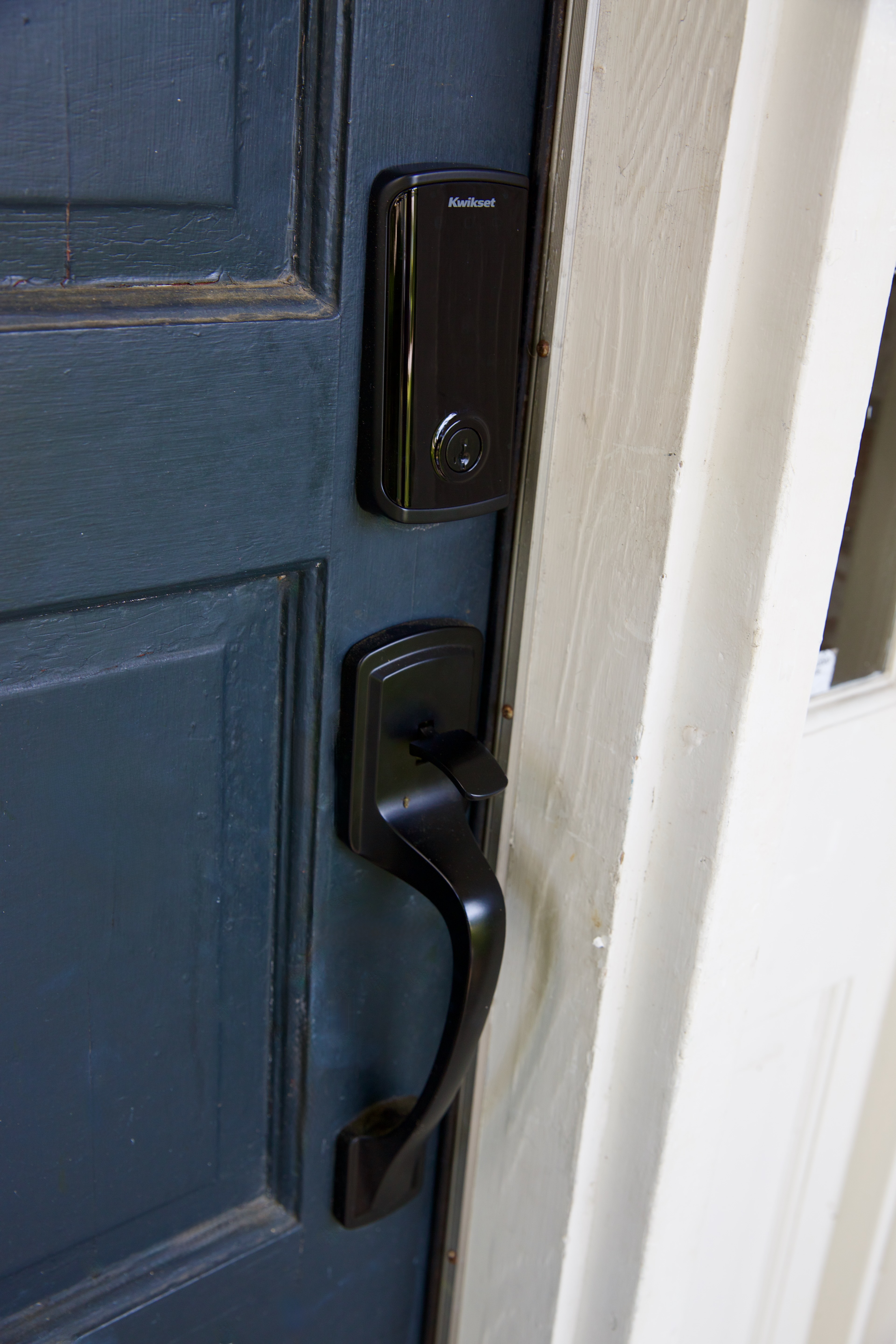
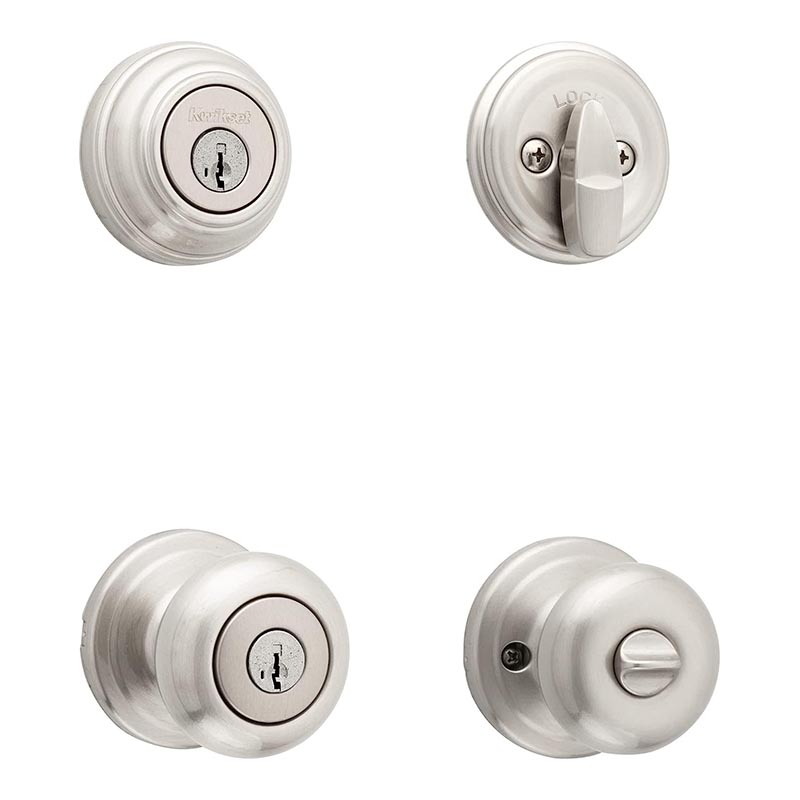
The first step involves selecting a suitable push-to-open doorknob. The Brink’s Push Pull Rotate is recommended, as it is widely available and compatible with various smart locks. It comes in different configurations, including round, lever, and decorative handlesets, ranging in price from $20 to $160. The choice depends on personal style and finish preferences, as all versions can integrate with a smart lock.
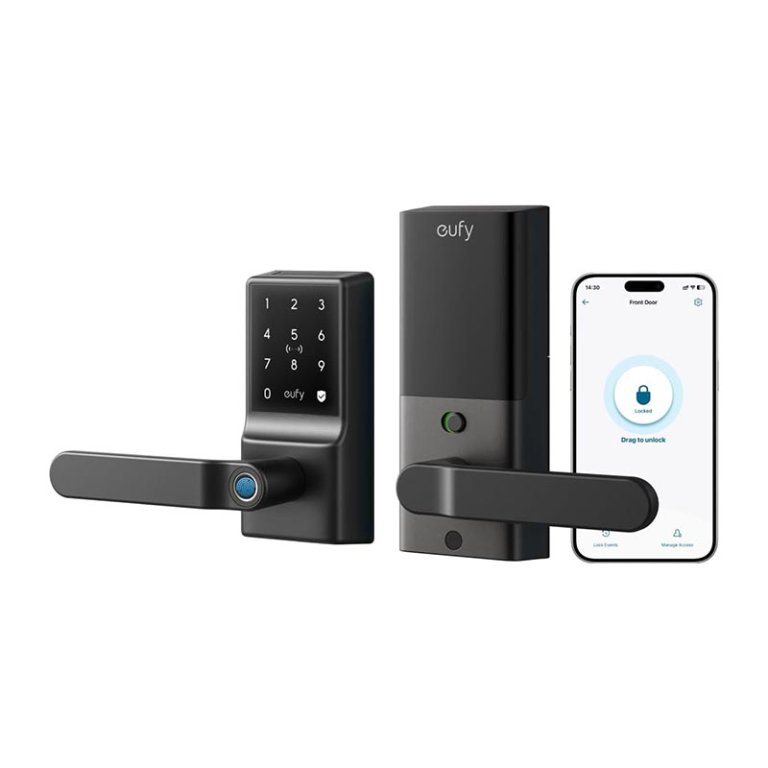
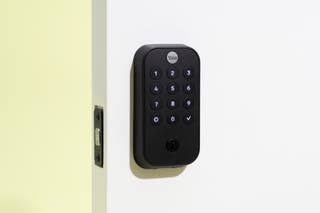
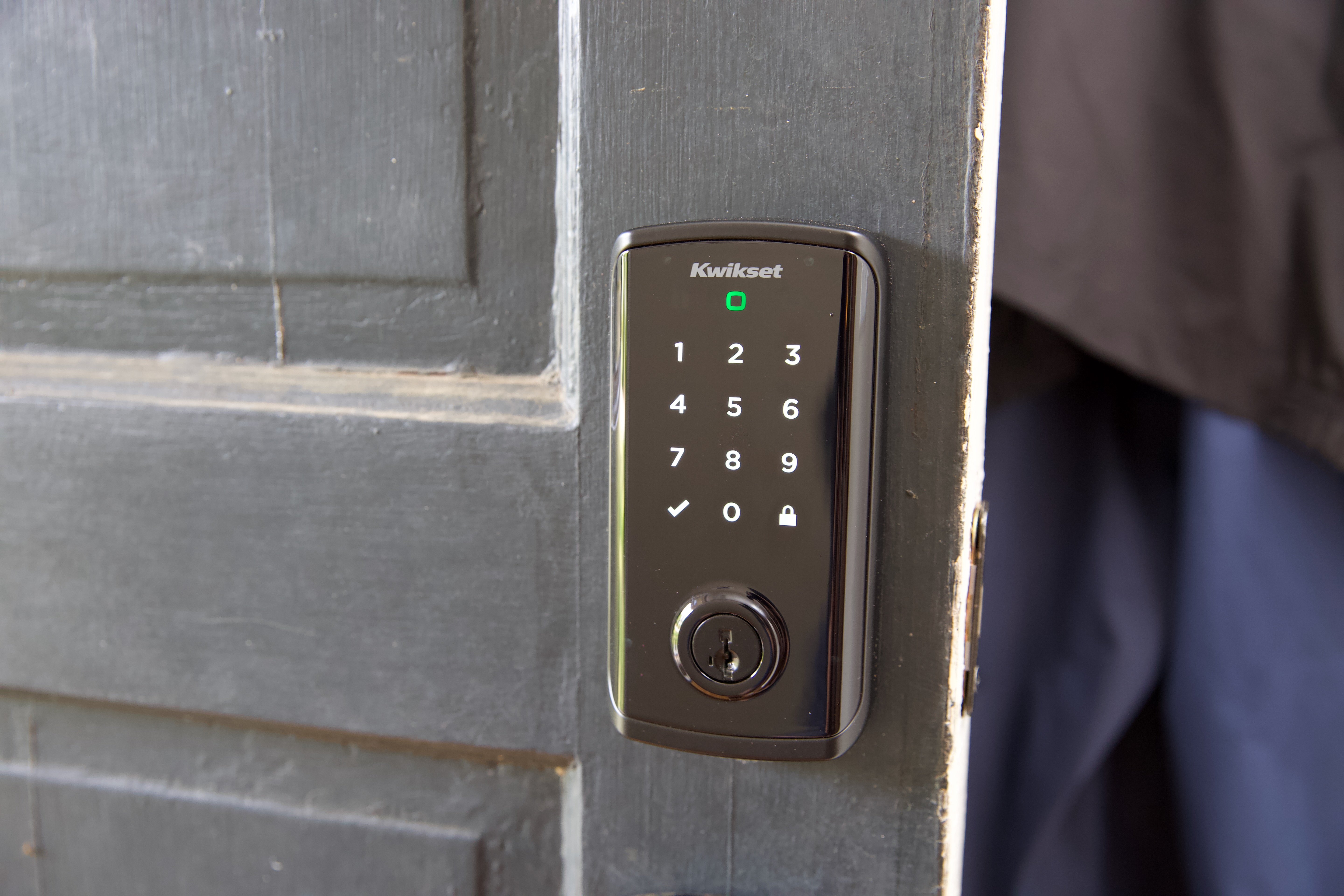
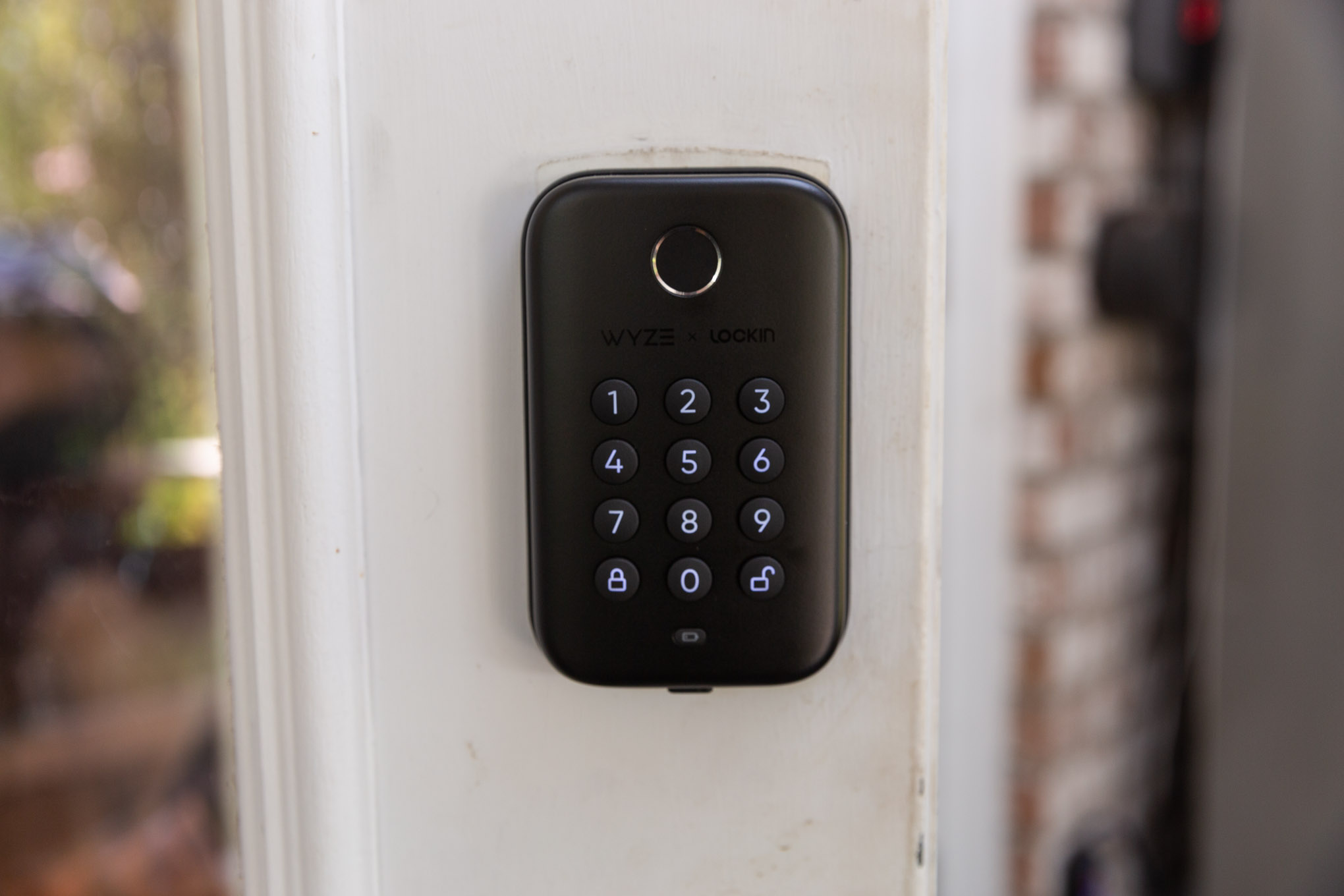
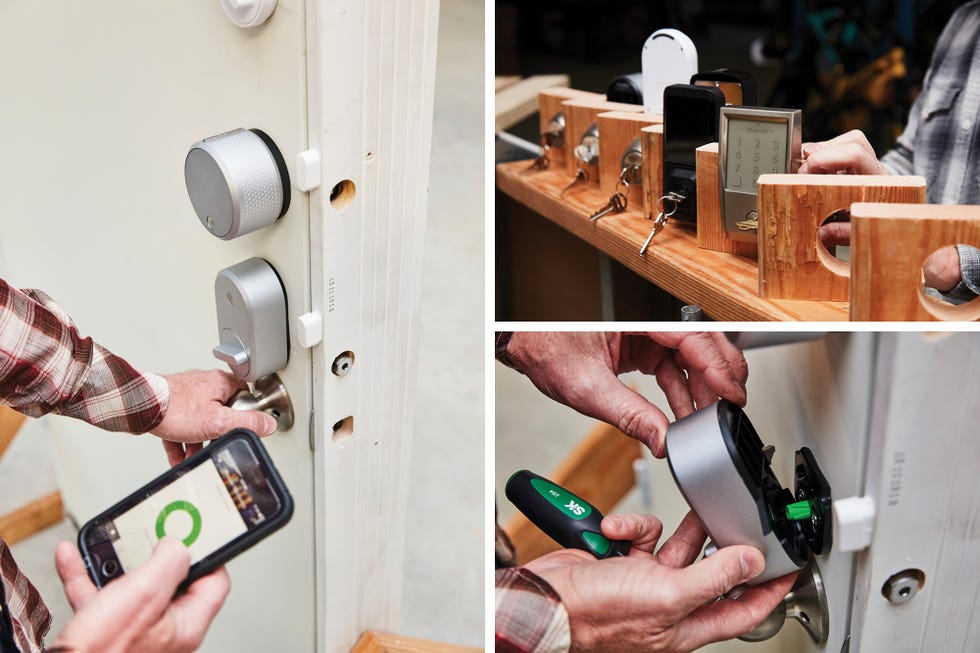
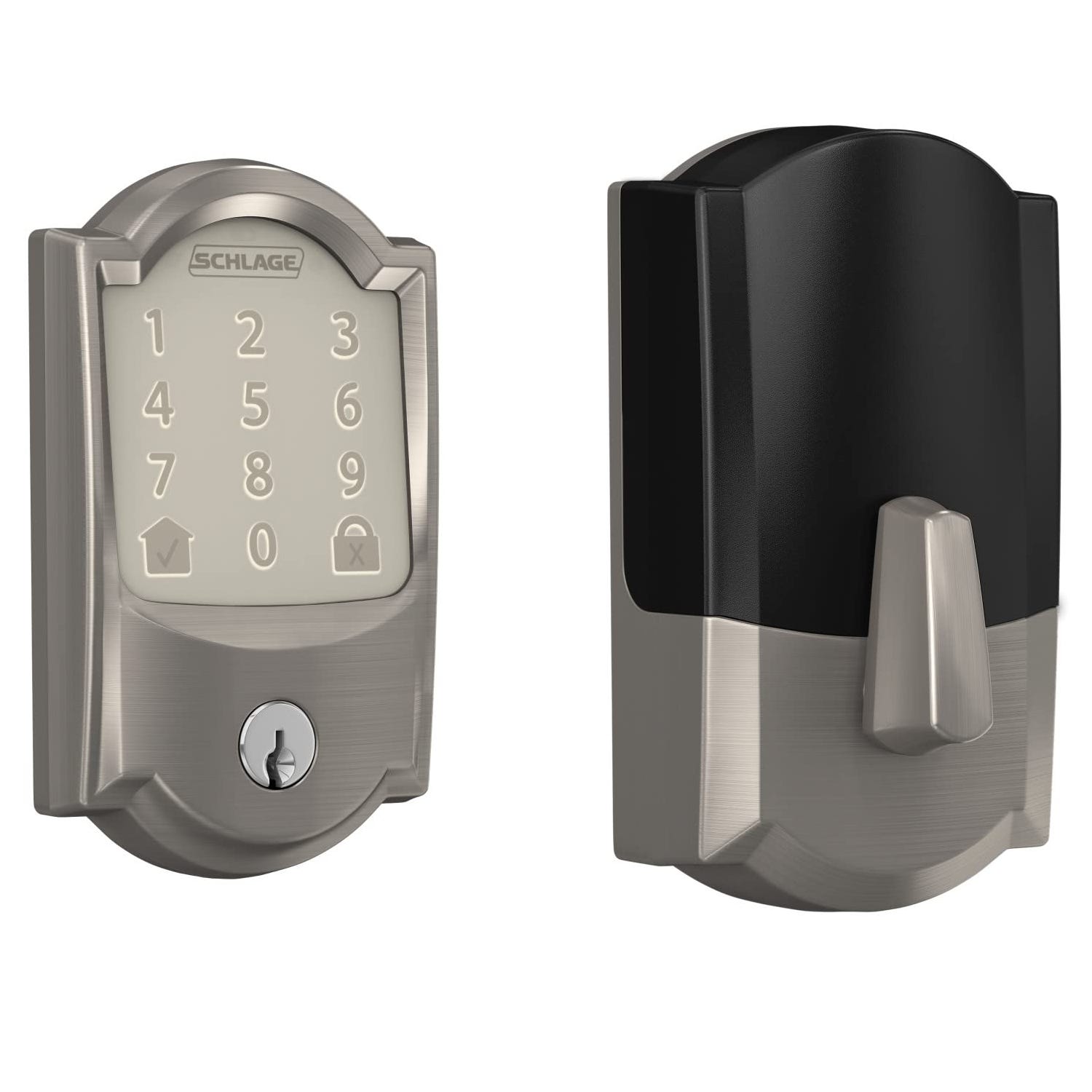
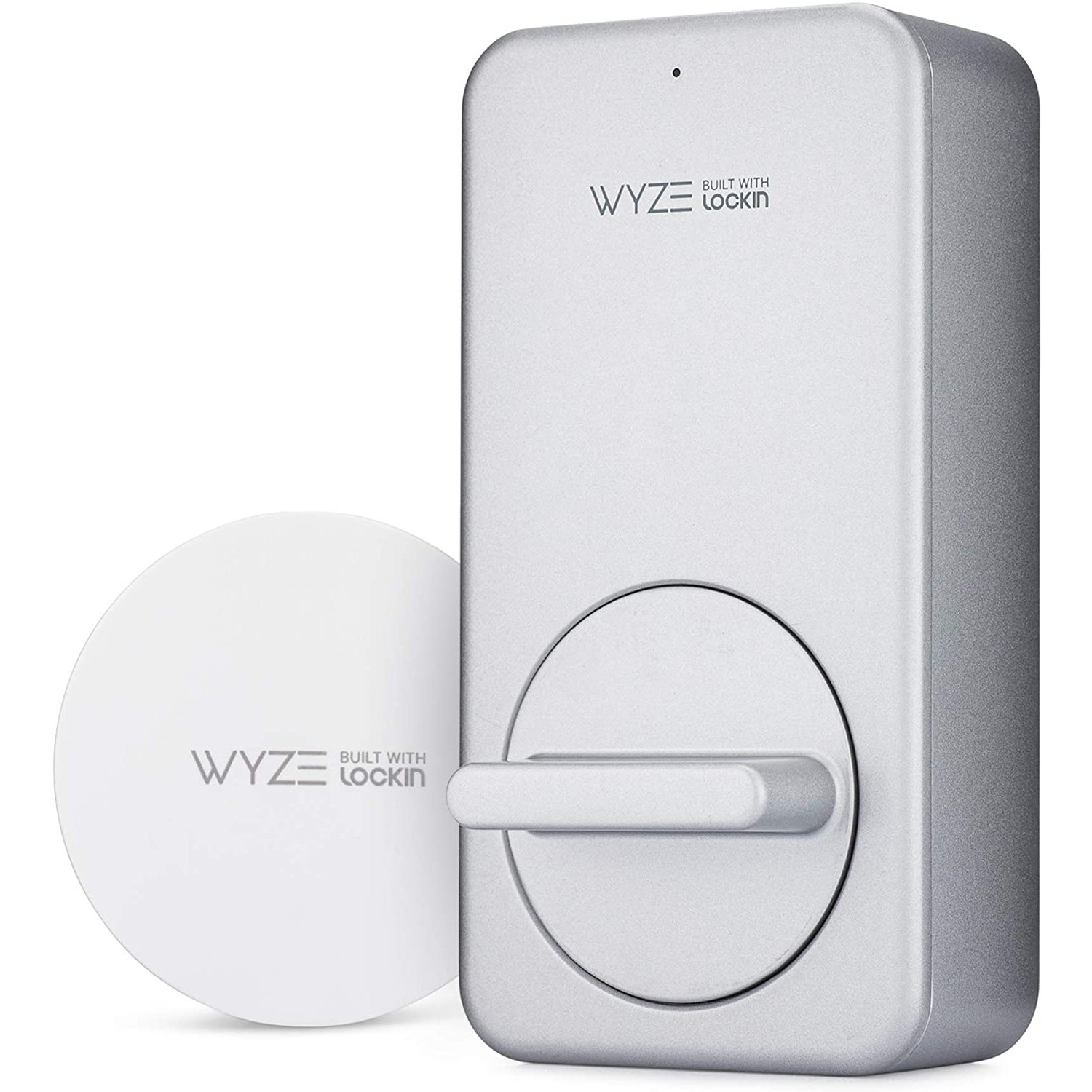
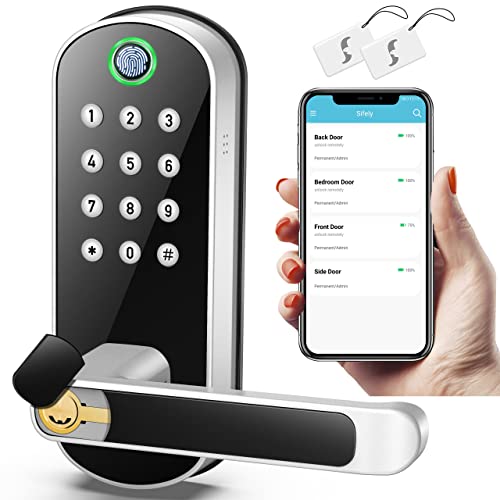
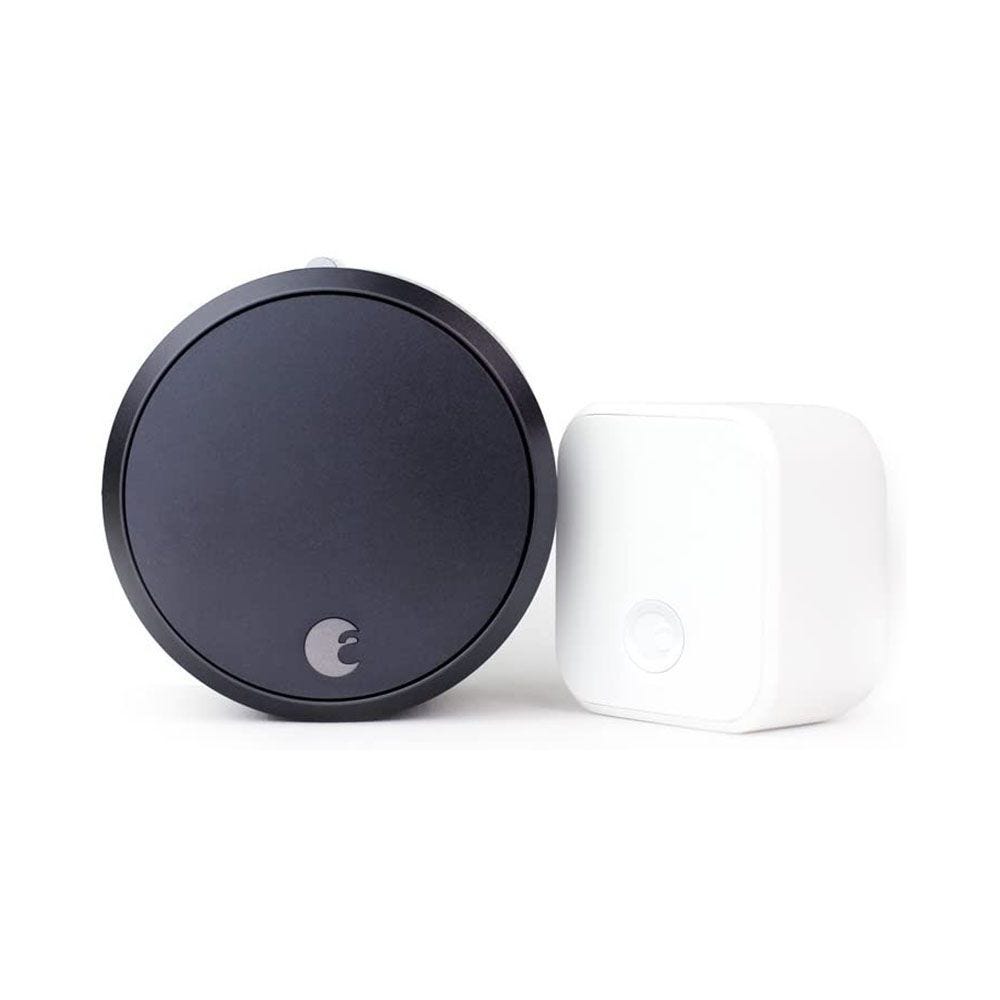
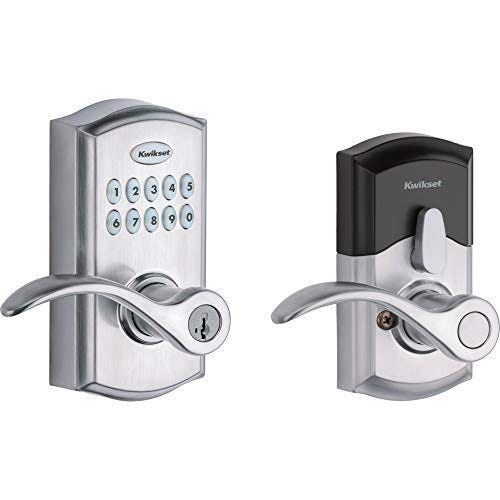
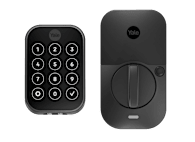
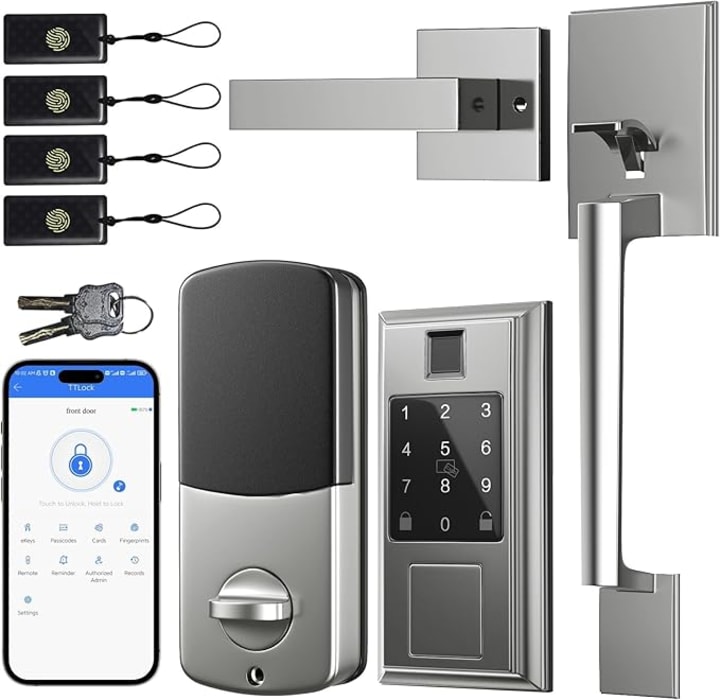
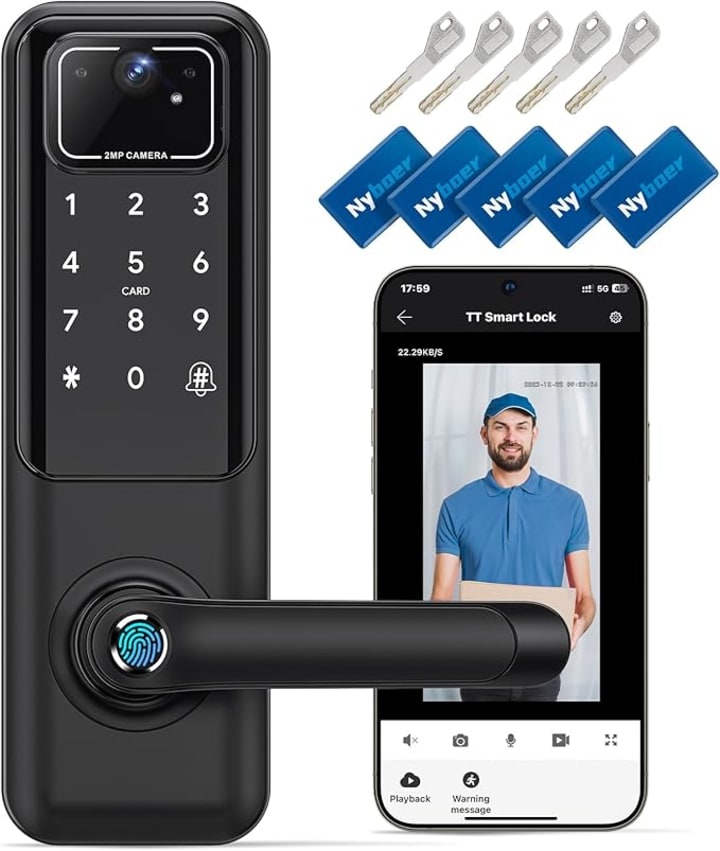
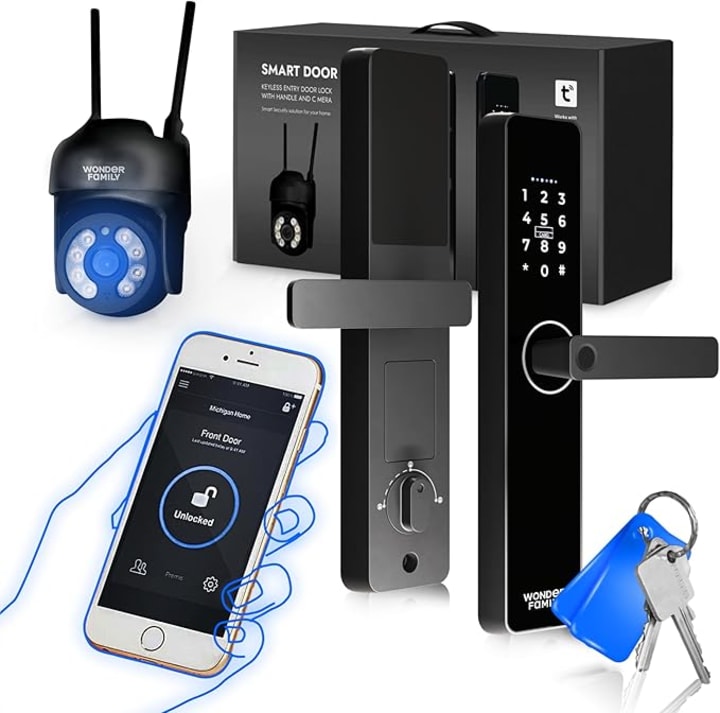
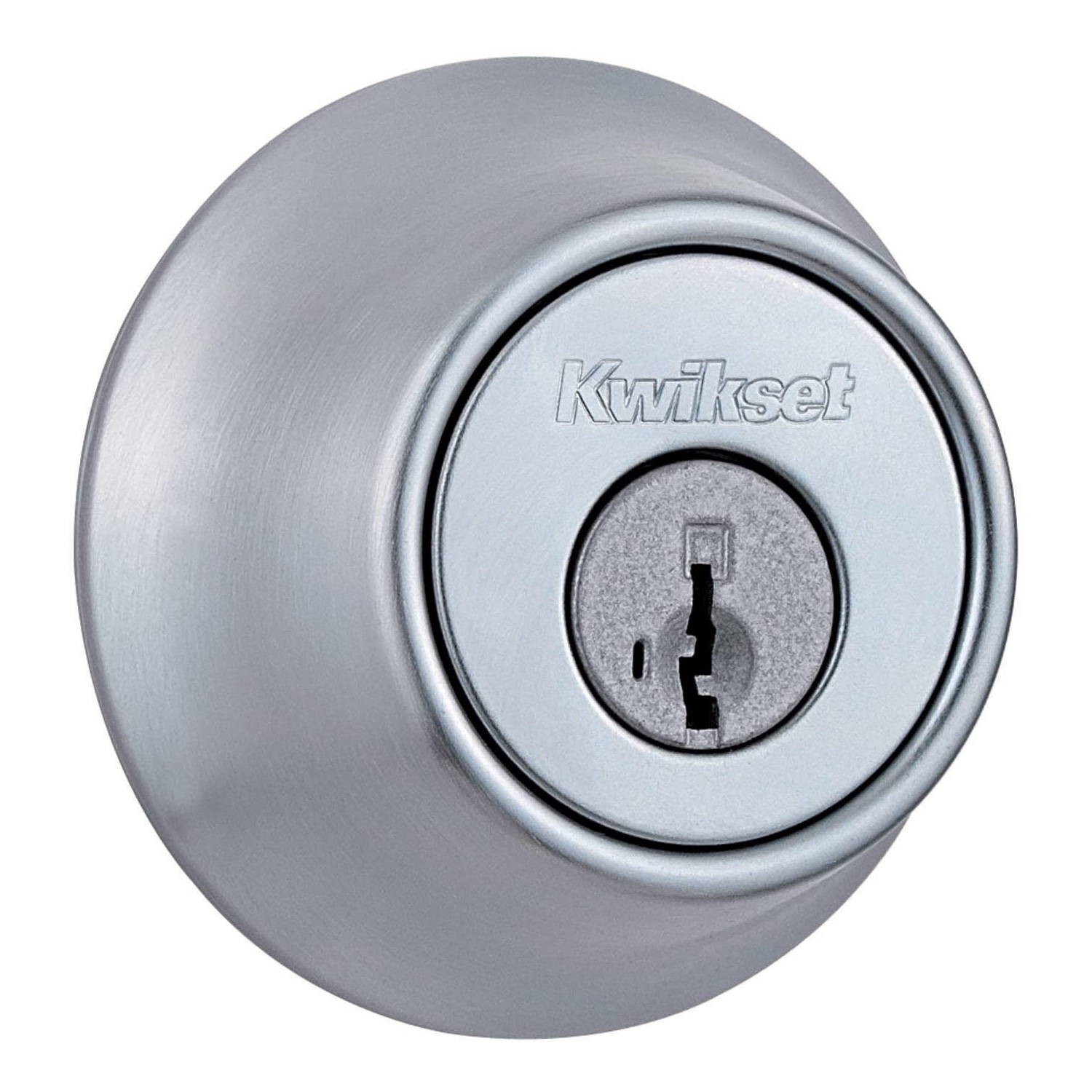
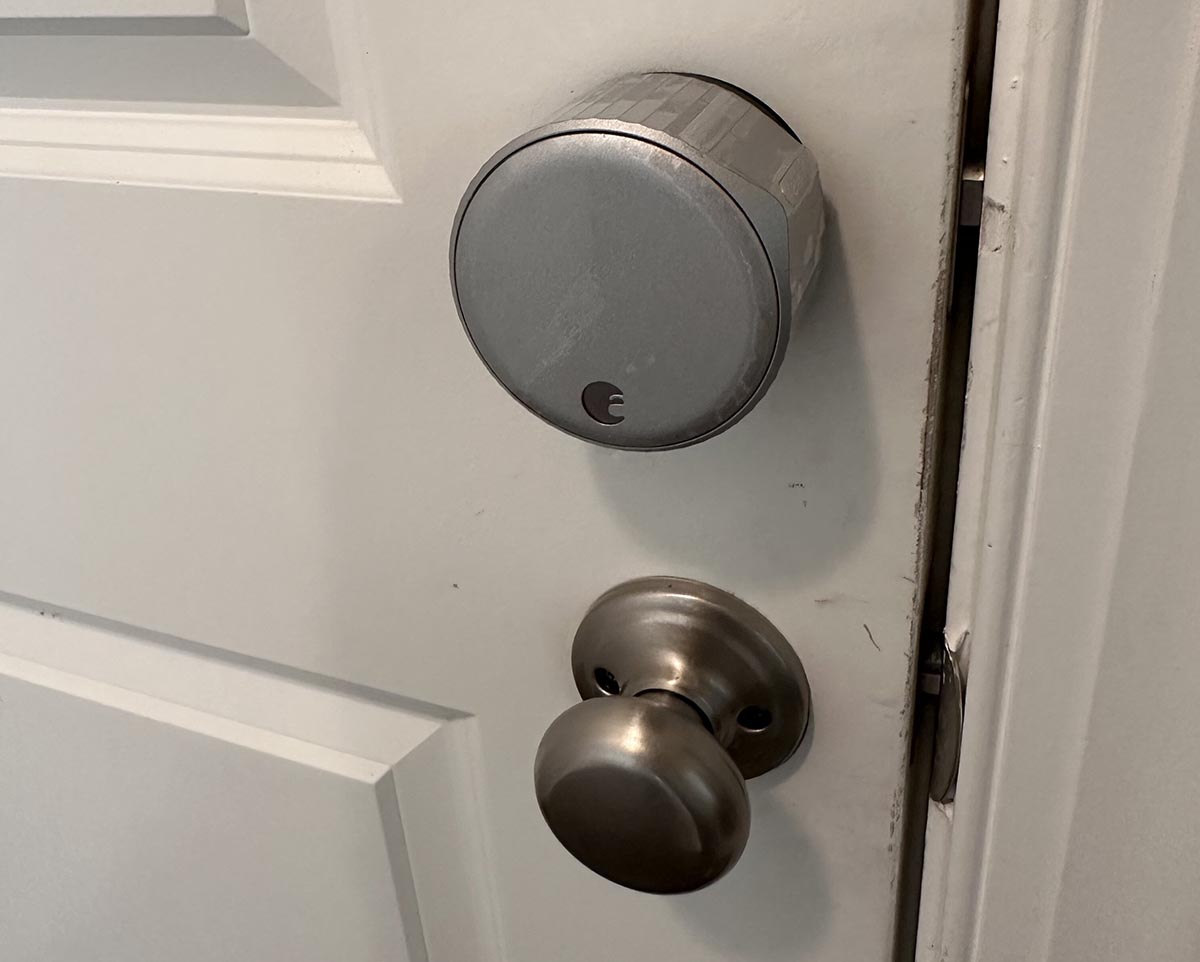
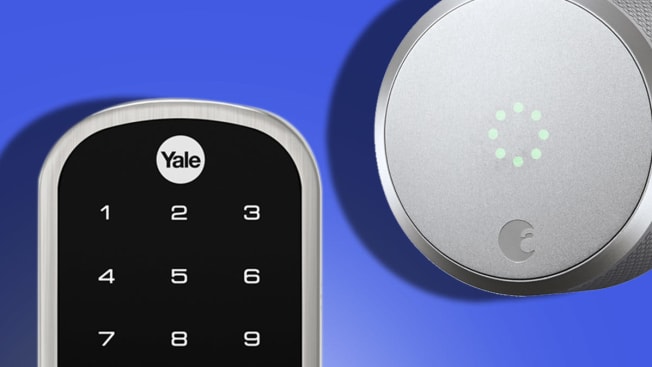
Next, choosing the right smart lock is crucial. The market offers two main types: regular and retrofit. Regular smart locks necessitate replacing the entire existing lock, including the deadbolt. In contrast, retrofit smart locks allow the existing deadbolt to remain in place, making installation generally easier. However, retrofit smart locks are exclusively compatible with deadbolts, not mortise locks, which are typically found in most residential homes. Consumer Reports' testing highlights the August Smart Lock + Connect ($200) and August Smart Lock Pro + Connect ($280) as high-performing retrofit models. These locks received excellent ratings for ease of setup and connectivity. The Pro model offers additional compatibility with Apple HomeKit and Z-Wave smart home hubs. For those preferring to replace the entire lock, the Yale Assure YRD256 Connected by August ($300) is a viable option. These smart locks are controlled via the August smartphone app and incorporate auto-unlock features that sense the proximity of a smartphone to unlock the door, along with door sensors to indicate if the door is left open.
The installation process begins with the doorknob. This involves removing the old doorknob by unscrewing the rose and detaching both knobs. The new Brink’s Push Pull Rotate knob or handleset is then installed according to its instructions. Key considerations during this step include accurately measuring the door's width (typically 1 ⅜ or 1 ¾ inches) and the backset of the knob hole (distance from door edge to hole center). These measurements determine the correct retractor and latch to use, ensuring proper fit and function. The latch's sloping face must point towards the strike plate for effective closure.
Following the doorknob, the smart lock is installed. For August retrofit smart locks, this entails removing the existing deadbolt's thumb turn and mounting plate. The retrofit smart lock’s mounting plate is then screwed into place, with an adapter attached to the deadbolt's rod. The smart lock unit is then secured onto this adapter. Precision is important during this step; for elongated smart locks like the August models, using a level to ensure the lock is perfectly straight is essential for smooth deadbolt operation. An additional recommendation for enhanced security is to replace the standard strike plate with a box strike plate, fastened with 3-inch screws, which significantly improves resistance against forced entry.
The final step involves configuring the smart lock's features via its smartphone app. After downloading the app, creating an account, and setting up the lock, the auto-lock and auto-unlock function should be enabled. This feature utilizes Bluetooth and the phone’s location services to automatically unlock the door upon arrival and lock it upon departure, requiring only the phone to be present. Further customization, such as setting a timed automatic lock after a few minutes, is also possible. With both the push-to-open doorknob and smart lock installed and configured, the front door can be opened hands-free, enhancing convenience and hygiene. Two recommended retrofit smart locks from CR's tests are the August Smart Lock + Connect and the August Smart Lock Pro + Connect, with the Yale Assure YRD256 Connected by August also mentioned for full lock replacement scenarios.
#SmartHome #DoorSecurity #HomeImprovement #HandsFreeEntry #SmartLocks #HomeHygiene #DIYInstallation #ConsumerReports #SmartHome #DoorSecurity #HomeImprovement #HandsFreeEntry #SmartLocks #HomeHygiene #DIYInstallation #ConsumerReports
0 комментариев всего
 Комментариев пока нет
Вам также может понравиться
The Best Keyless Door Locks: 7 Models Tested for 2025

Ditch Your Keys and Improve Home Security with the Best Smart Locks We Tested
These Sturdy Door Locks Will Give You Peace of Mind at Home

This clever $60 gadget lets you control your garage door and monitor it from anywhere using an app on your phone, which is good news for safe package deliveries
ERA Protect Smart Universal Door Handle Review - Smart Lock With Fingerprint Reader & NFC Tags

The Best Smart Locks For Your Needs, Tested and Reviewed
The Best Smart Locks for 2025
Best Smart Garage Door Devices in 2025: High-Tech Garage Protection

Once We Got a Smart Lock My Family Stopped Using Keys
I've Just Found the Chicest $69 Smart Lock That Doesn't Scream Tech – It's Easy to Install and Renter-Friendly, Too

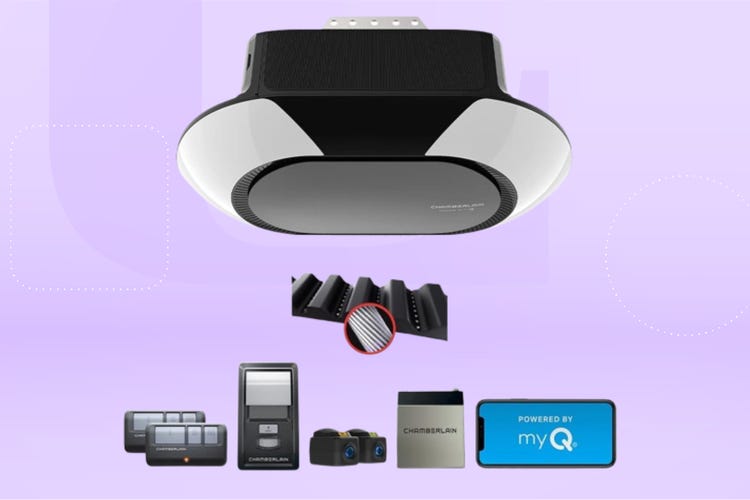
Best Smart Garage Door Devices in 2026: High-Tech Garage Protection
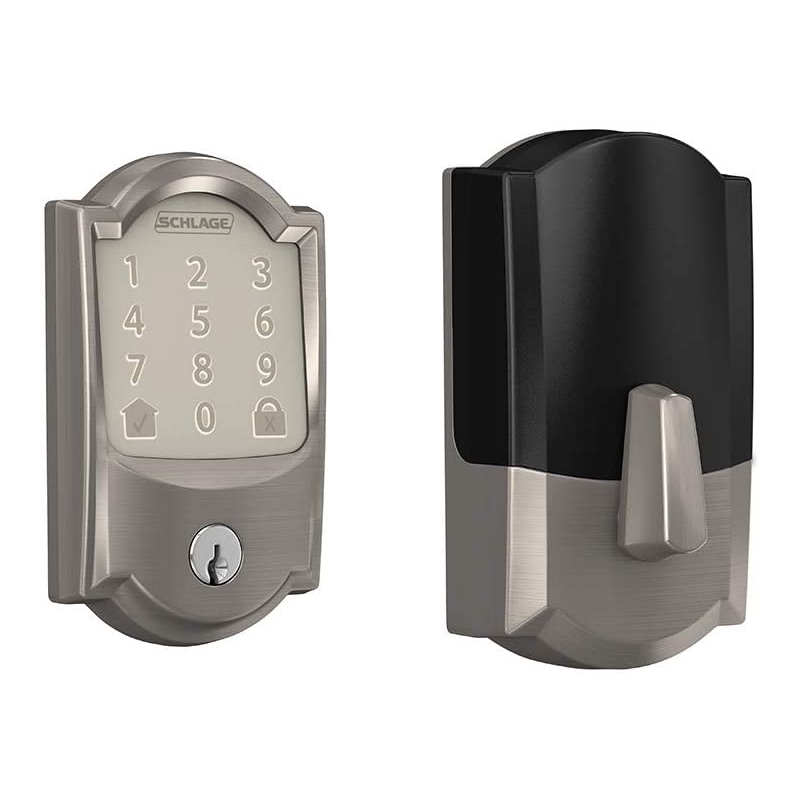
Tested: The Best Door Locks For Your Home, Garage, or Rental
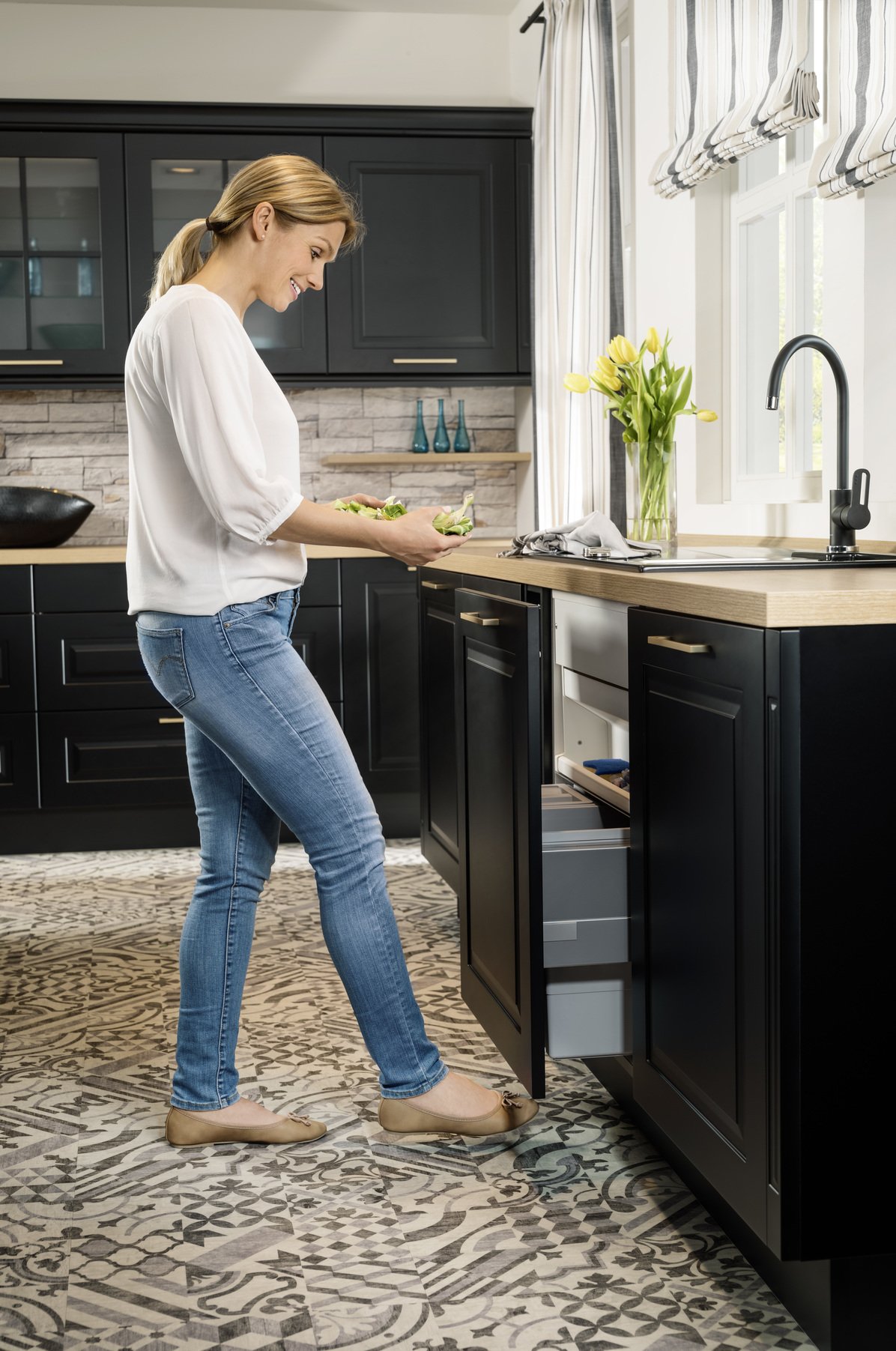
Touchless Automatic Door Opener

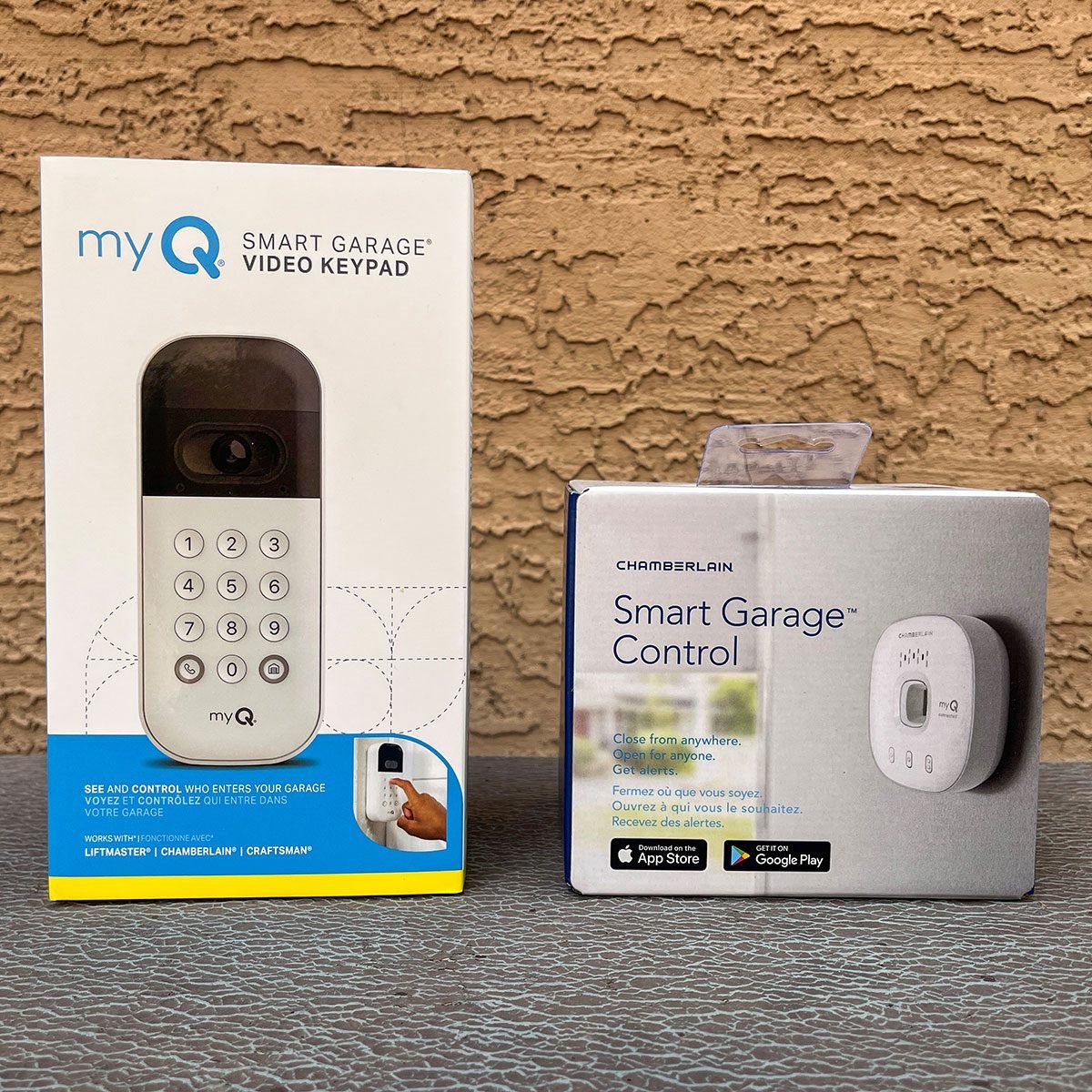
The 6 Best Smart Garage Door Openers of 2025

Best Smart Locks of 2025
I added a ratgdo to my garage door, and I don’t know why I waited so long
Here are the best smart locks you can buy right now
The Best Smart Garage Door Openers That Ensure You’ll Never Leave the Garage Open Again
Smart Door Lock Comparison: Which One is Right for You and Your Safety?
After Six Months of Testing, Here Are the 6 Best Smart Door Locks Worth Installing