


Seedance2.0 + Ideal House: The Ultimate Home Design AI Workflow for 2026
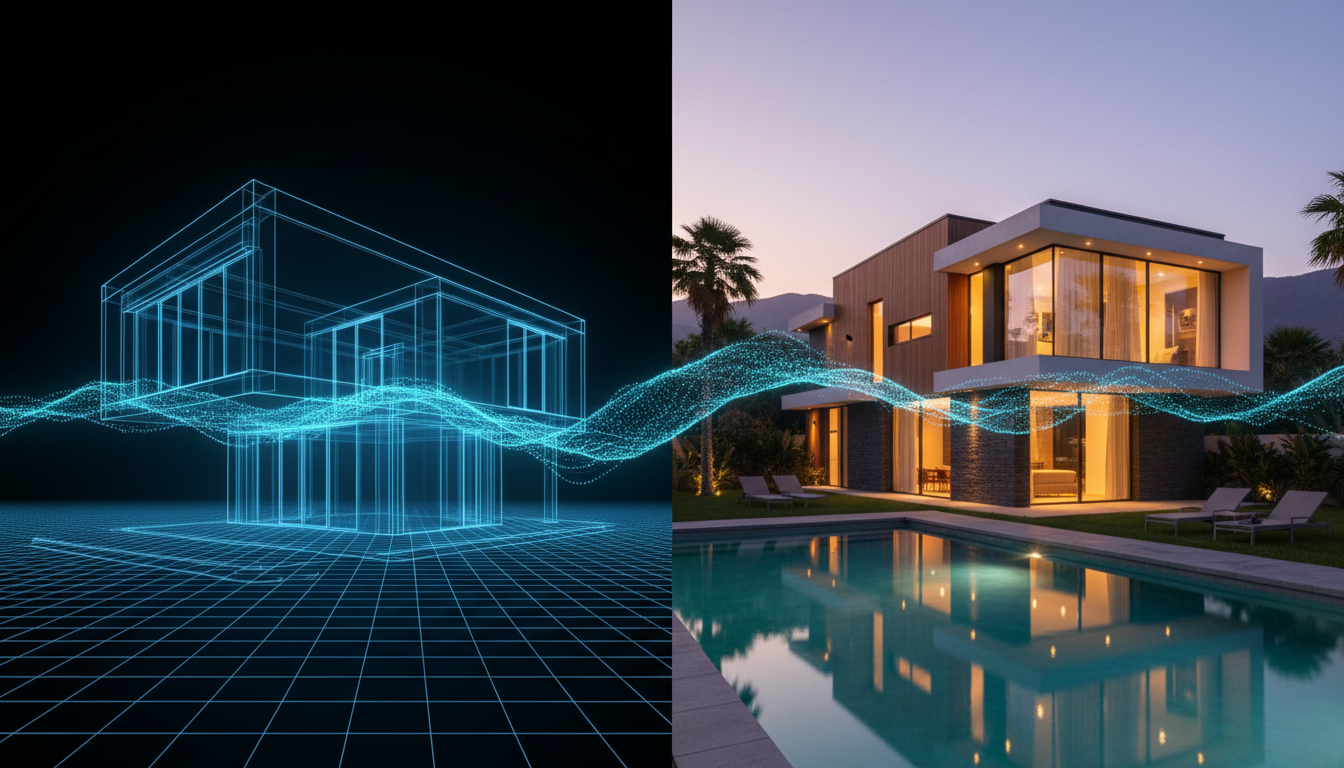
Static images and 2D floor plans have long been the cornerstones of real estate marketing and interior design presentations. They convey dimensions, layout, and style, but they often fail to capture the one thing that truly sells a space: its feeling. How light falls in the afternoon, how rooms flow into one another, the sense of scale you get from a double-height ceiling—these are experiences, and they are notoriously difficult to communicate with still pictures. But a new wave of AI video generation is changing that, allowing designers, architects, and real estate agents to transform static designs into immersive, cinematic walkthroughs.
The Foundation: Perfecting Your Static Design
Before you can create a dynamic video tour, you need a flawless visual foundation. The quality of your AI-generated video is directly dependent on the quality of your input images. This is where a robust design tool becomes indispensable. Ideal House provides a suite of AI-powered interior design tools built to create the perfect source material for this new era of visual marketing. By using tools like the AI Floor Plan Generator to map out a precise layout or the AI Room Designer to generate photorealistic, fully-staged images of any space, you create the high-resolution, professionally designed assets that video AI needs to produce stunning results.
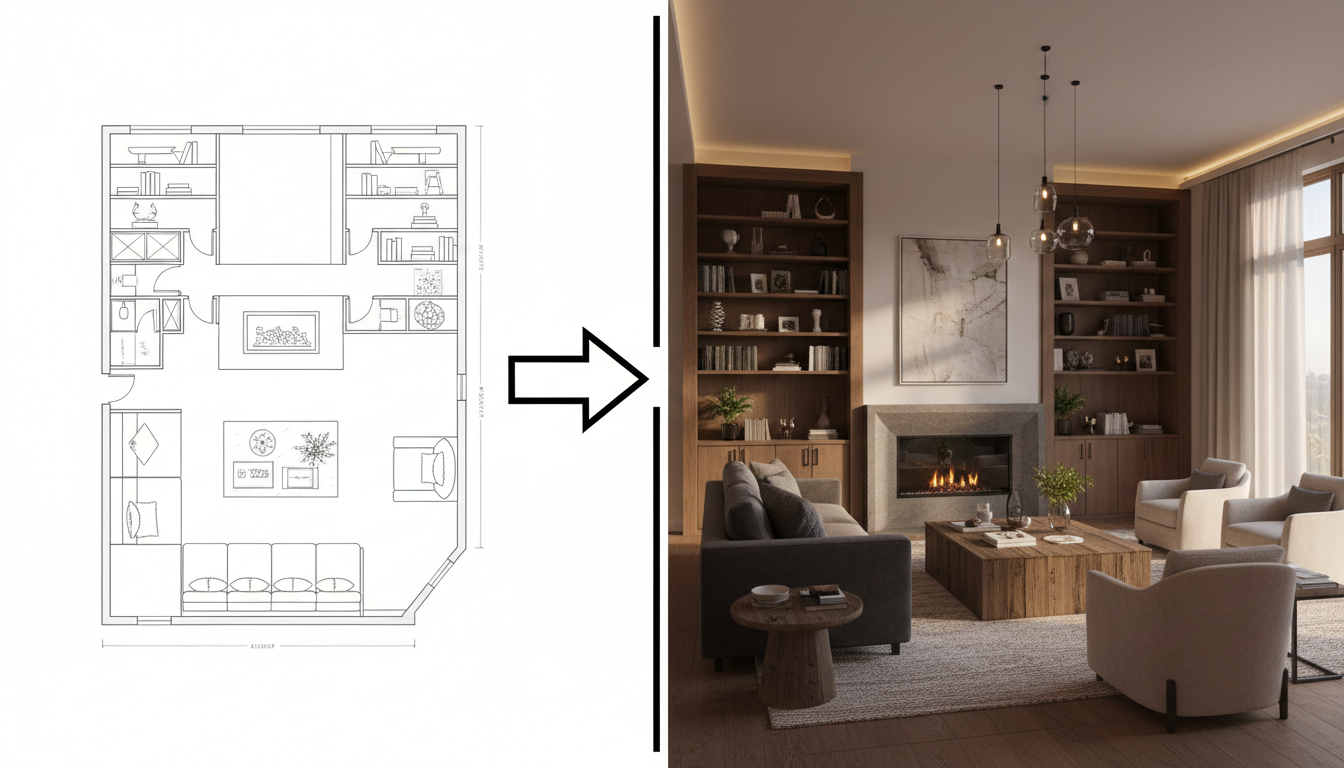
Think of it as storyboarding your property's best features before the "camera" even starts rolling. A well-crafted design from Ideal House ensures your final video tour is not just a technical demonstration, but a compelling narrative of a potential home.
Enter Seedance 2.0: The AI Cinematographer
At the forefront of this video revolution is a multimodal AI model from ByteDance known as Seedance 2.0. Unlike simpler tools, Seedance 2.0 is designed to understand and combine multiple types of input—including text prompts, reference images, audio files, and even other video clips—to generate a single, coherent output.
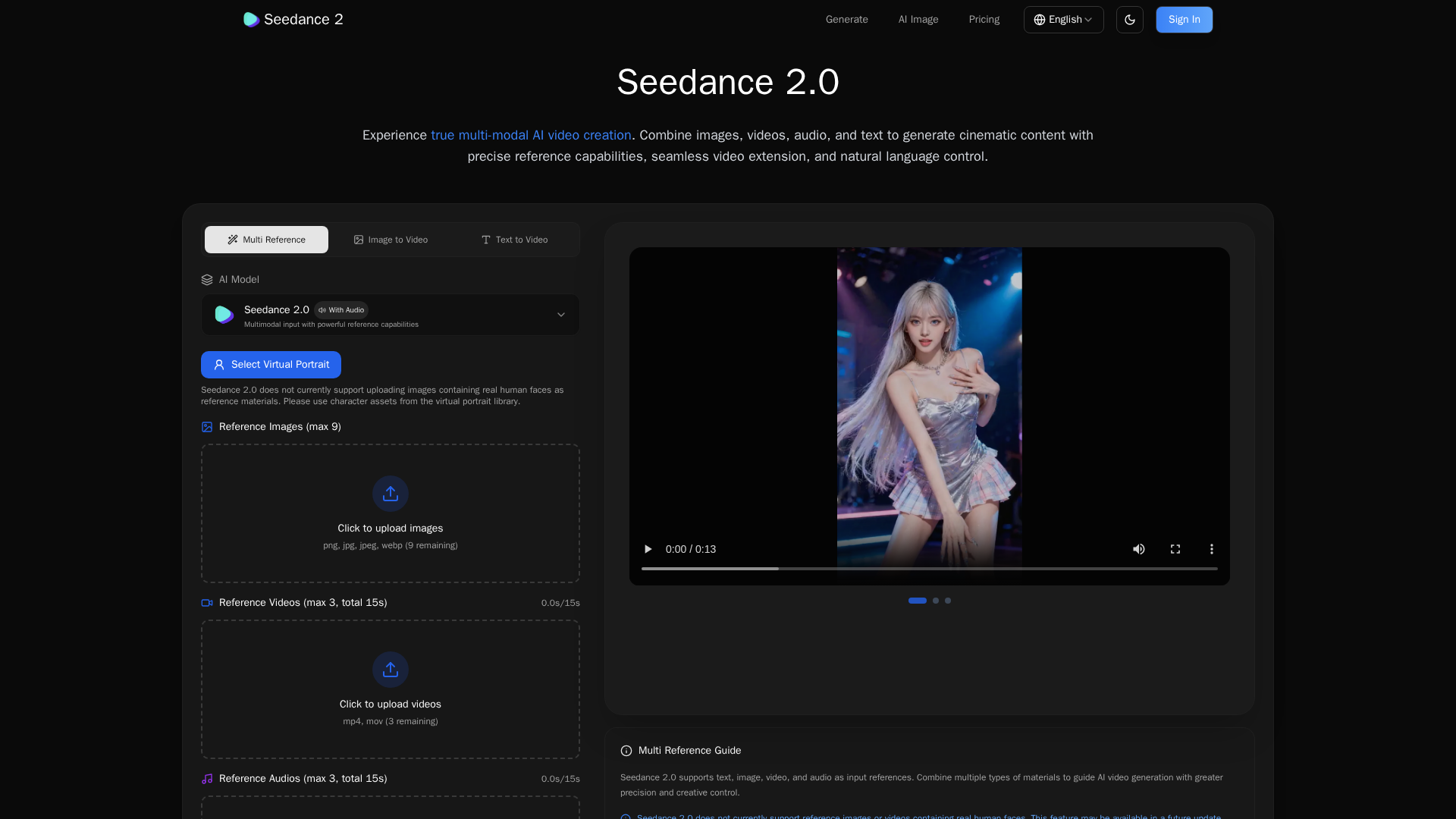
For home design and architecture, its most powerful features include:
- Image-to-Video Animation: It can take a static image, like a render of a living room from Ideal House, and animate it with realistic camera movements.
- Camera Movement Replication: You can provide a reference video clip to "teach" the AI a specific camera style. Want the smooth, floating feel of a luxury real estate documentary? Just provide a reference, and the AI will apply that motion to your property.
- Continuous One-Shot Videos: This feature allows you to create a seamless walkthrough that moves from room to room without any visible cuts, giving potential buyers an uninterrupted sense of the property's flow and layout.
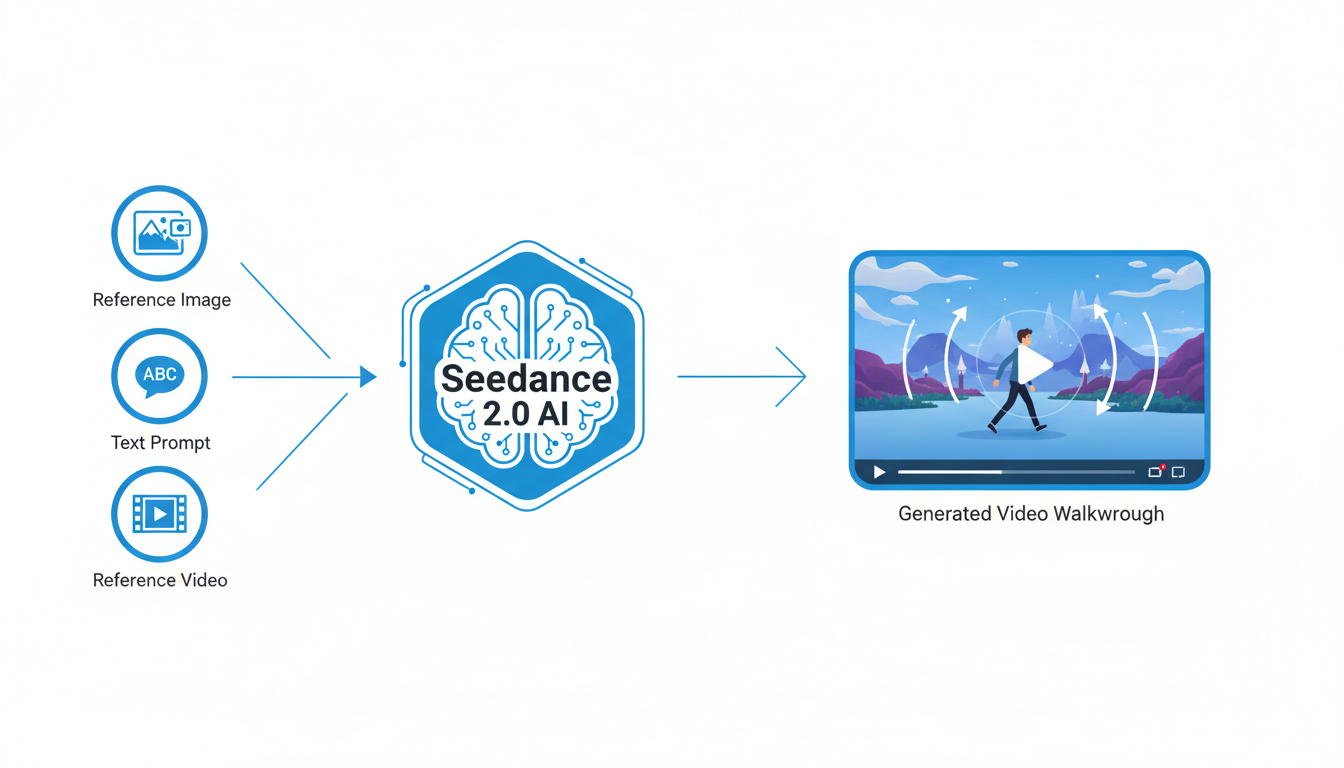
These tools are becoming accessible through multi-model platforms like Agent Opus and Cliprise.
How to Create a Virtual Tour from Photos: A Step-by-Step Process
Transforming your static designs into an animated tour involves a clear, three-step workflow.
Step 1: Generate Your Key Scenes
Using a tool like Ideal House, create the foundational images for your tour. This could include:
- A 2D or 3D floor plan.
- A photorealistic render of the kitchen with modern finishes.
- A beautifully staged living room with abundant natural light.
- An exterior shot of the home at golden hour.
- A view of the master bedroom and ensuite bathroom.
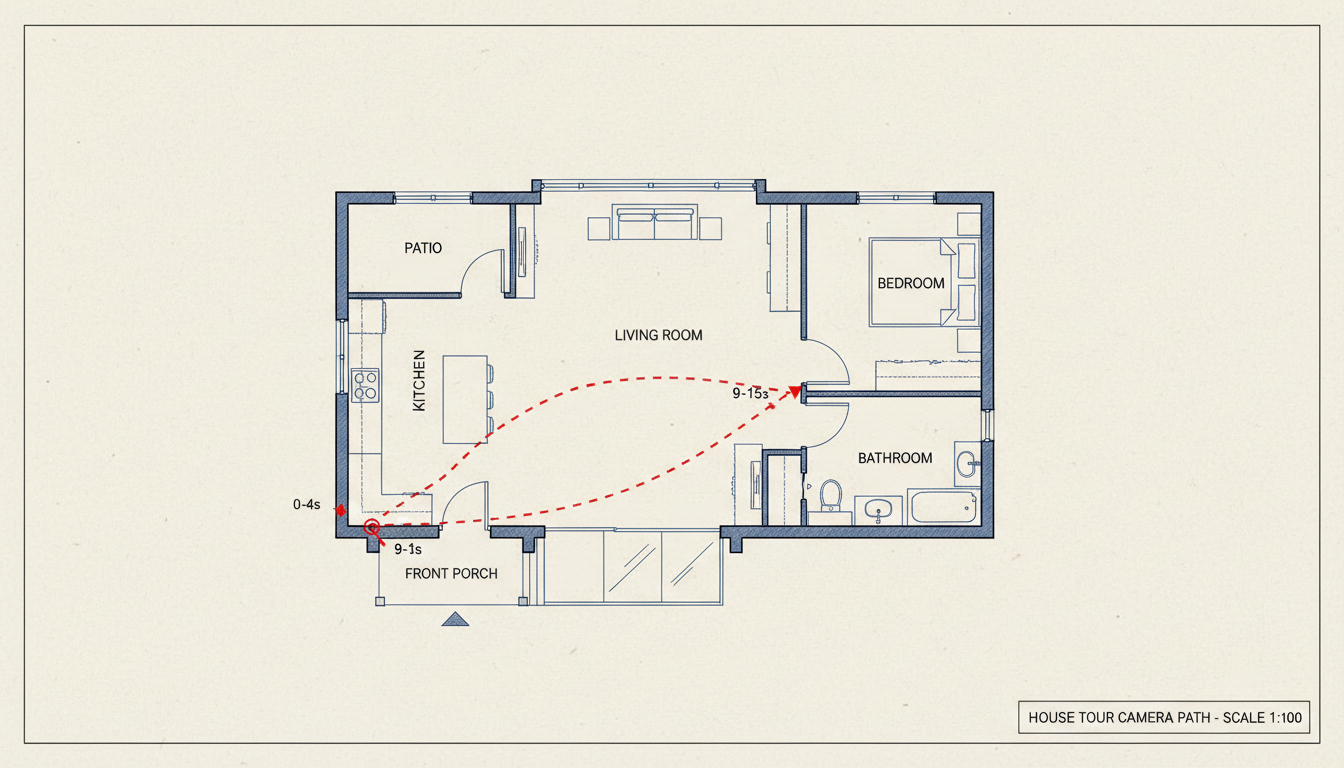
Step 2: Map Your Camera Path and Write a Detailed Prompt
Think like a director. How should the virtual tour unfold? A great prompt describes a journey, not just a single moment. By using "timeline prompting," you can specify what happens in different segments of the video.
Here is a practical example for a real estate walkthrough prompt:
0–4 seconds: Start on an aerial view of a modern house exterior, with the camera slowly descending towards the front door. Golden hour lighting.
4–9 seconds: The camera seamlessly moves through the open front door into a bright, open-plan living room with floor-to-ceiling windows. Use @Image1 for style reference.
9–15 seconds: Pan left, gliding past a marble kitchen island and then push forward through French doors that open onto a landscaped patio. The movement should be a single, smooth Steadicam-style float with no cuts.
Step 3: Animate and Refine
Input your images and prompt into a platform that utilizes the Seedance 2.0 model. The AI will generate a video clip based on your instructions. You can then generate additional clips for other parts of the house and stitch them together to create a complete property tour, offering a much more accurate sense of layout than a dozen static photos ever could.
Real-World Applications for AI Video in Home Design
The ability to animate still renders of properties opens up powerful new opportunities for professionals across the industry.
Immersive Virtual Property Tours
For real estate agents, this technology changes the economics of video marketing. Instead of reserving professional videography for only the most expensive luxury listings, you can now transform property photos into cinematic video tours for every home in your portfolio. This gives potential buyers a true spatial understanding of the home, leading to more qualified showings and faster sales.
Dynamic Architectural Visualizations
Architects and builders can move beyond static renders in their client presentations. Imagine presenting a new design not as a series of images, but as a dynamic walkthrough that shows how a space will feel to inhabit. Animate a 2D floor plan into a 3D maquette and then "fly" through it, showcasing the flow from the entryway to the living spaces and out to the garden.
Living Interior Design Concepts
Interior designers can bring their mood boards to life. Instead of just showing clients a static image of a proposed living room design, you can generate a short video clip showing a slow pan across the room, highlighting the textures of the fabrics, the interplay of light and shadow, and the overall ambiance. This helps clients connect emotionally with a concept before committing.
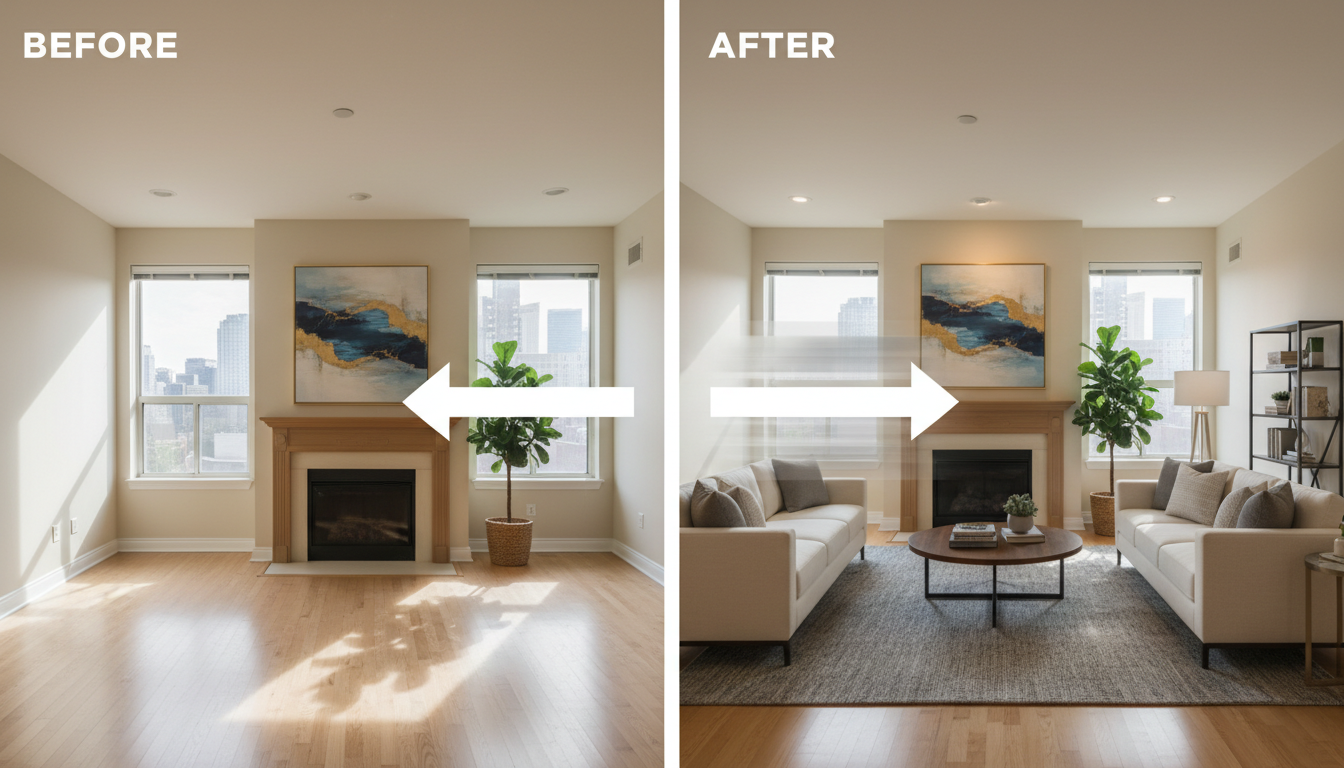
Virtual Staging in Motion
Vacant properties are notoriously hard to sell because buyers struggle to visualize their potential. AI video allows you to create a virtual tour of a fully furnished and decorated space. A slow zoom into a virtually staged living room or a pan across a digitally added-in lush backyard can make an empty house feel like a home.
By combining the powerful design capabilities of platforms like Ideal House with the cinematic potential of AI video generators like Seedance 2.0, the way we visualize, market, and sell homes is undergoing a profound and exciting evolution. The future isn't just about seeing a space—it's about experiencing it.