1/4
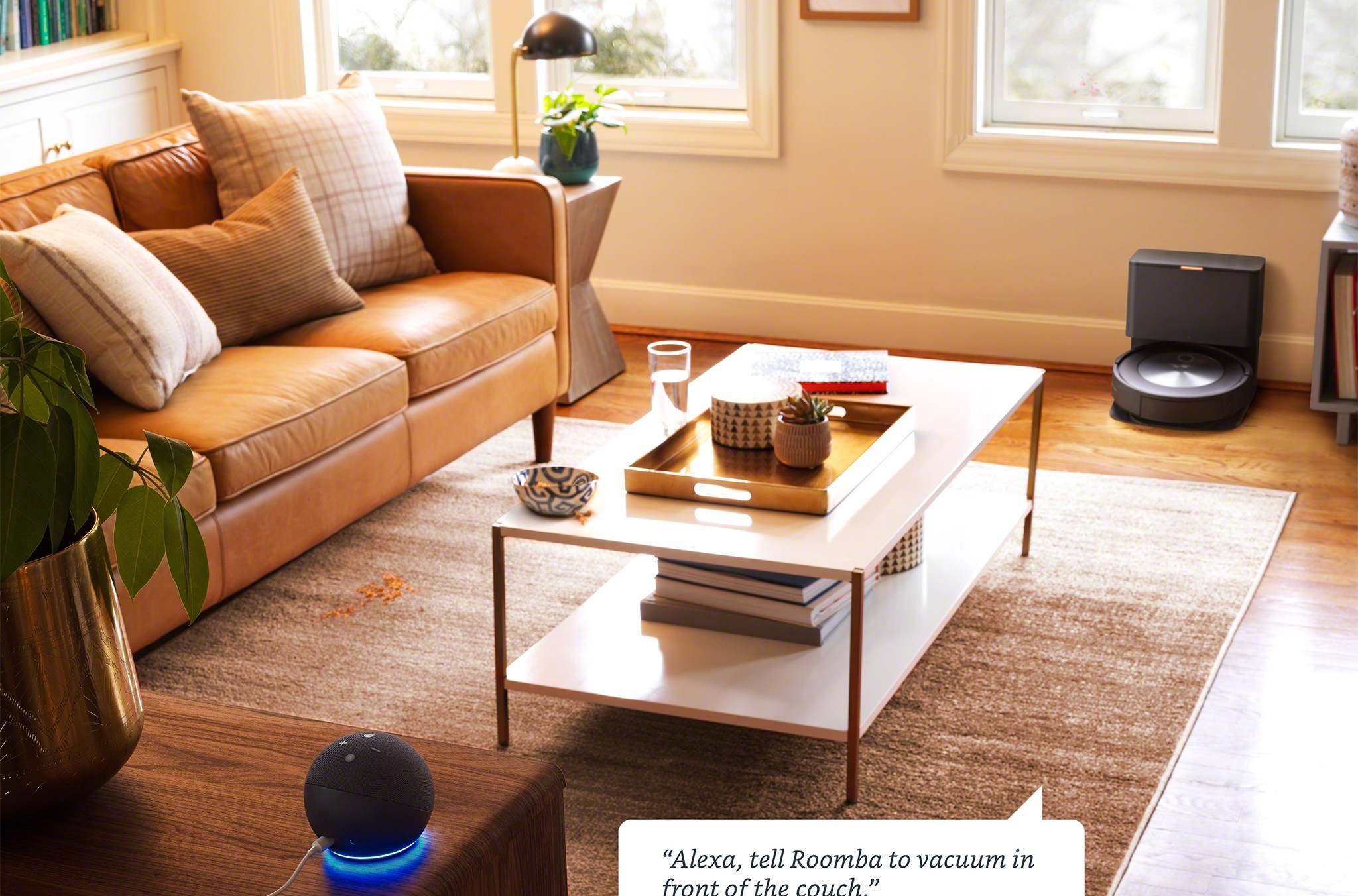
“Alexa, clean the kitchen, please”
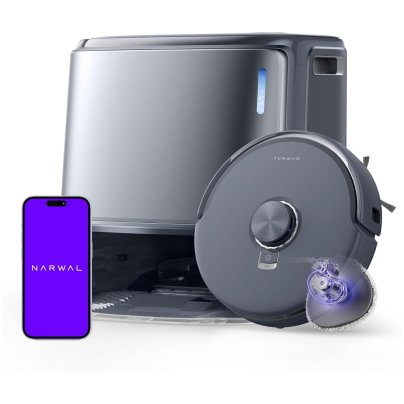
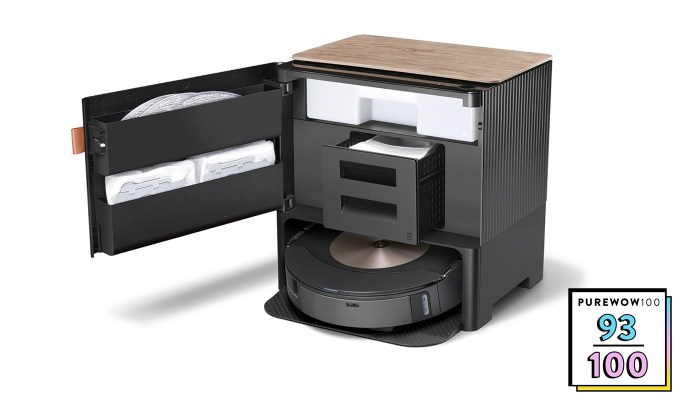
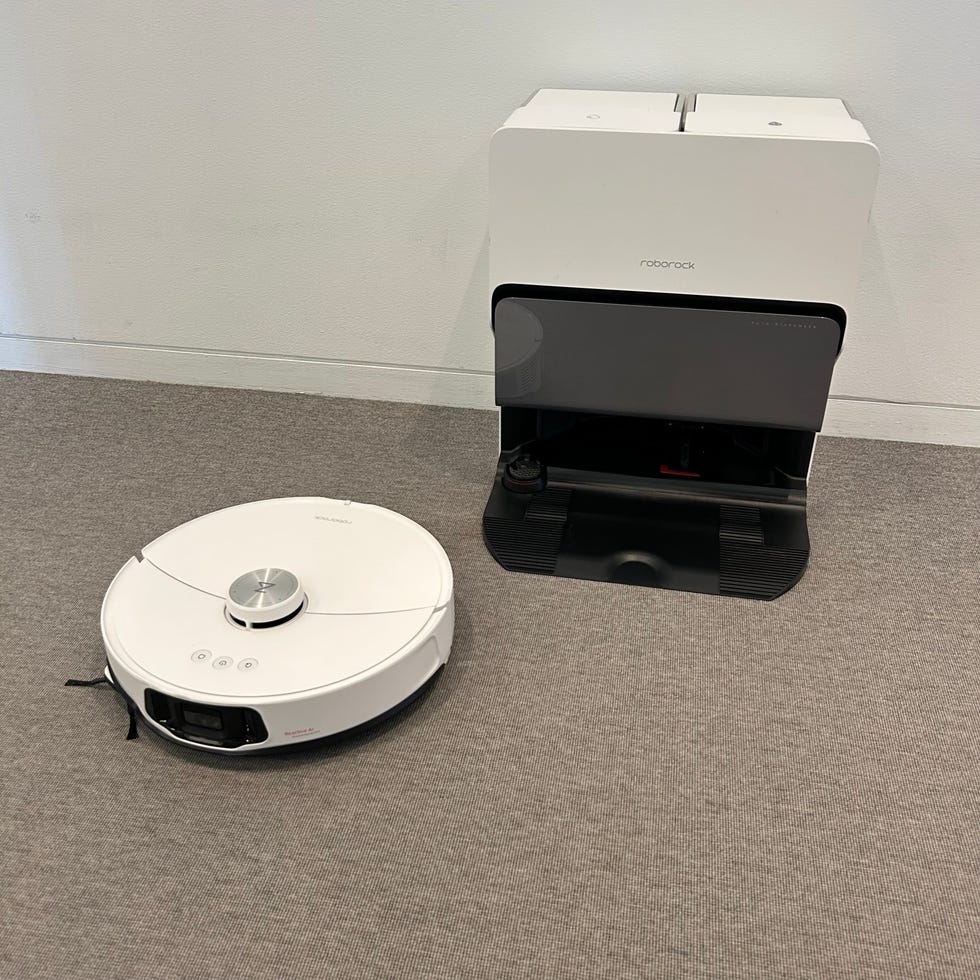
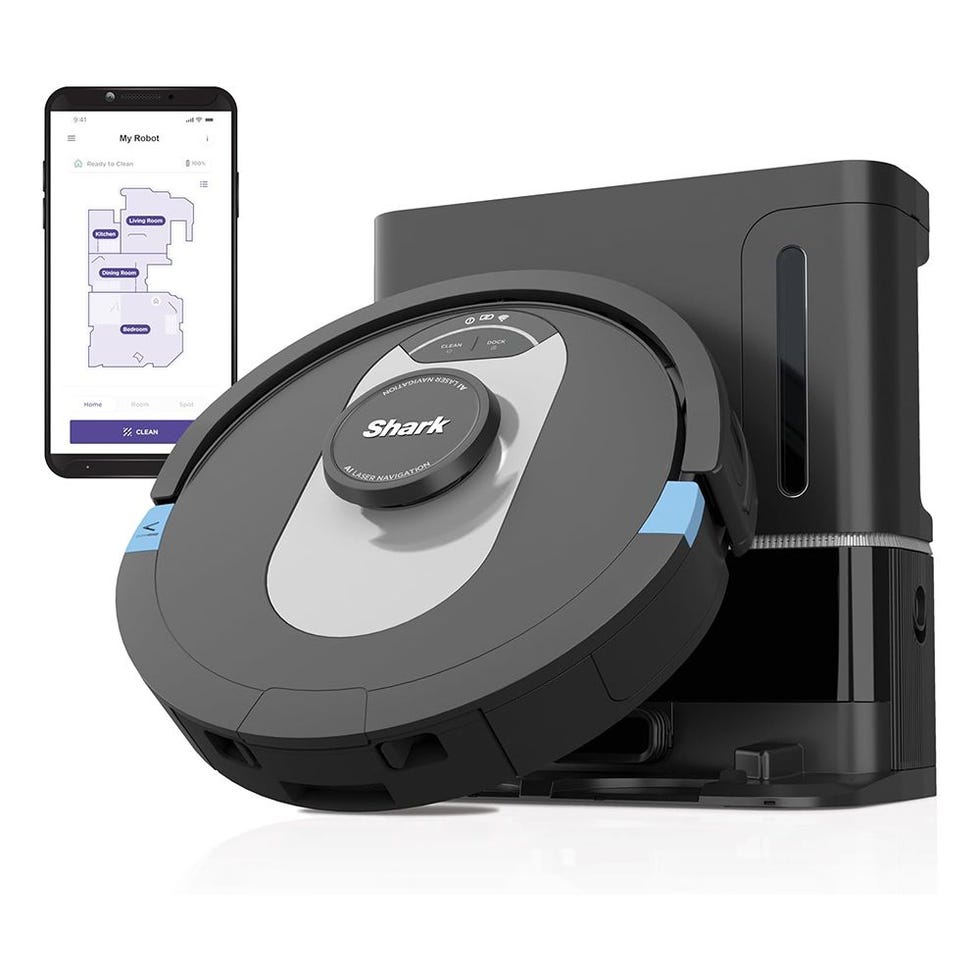
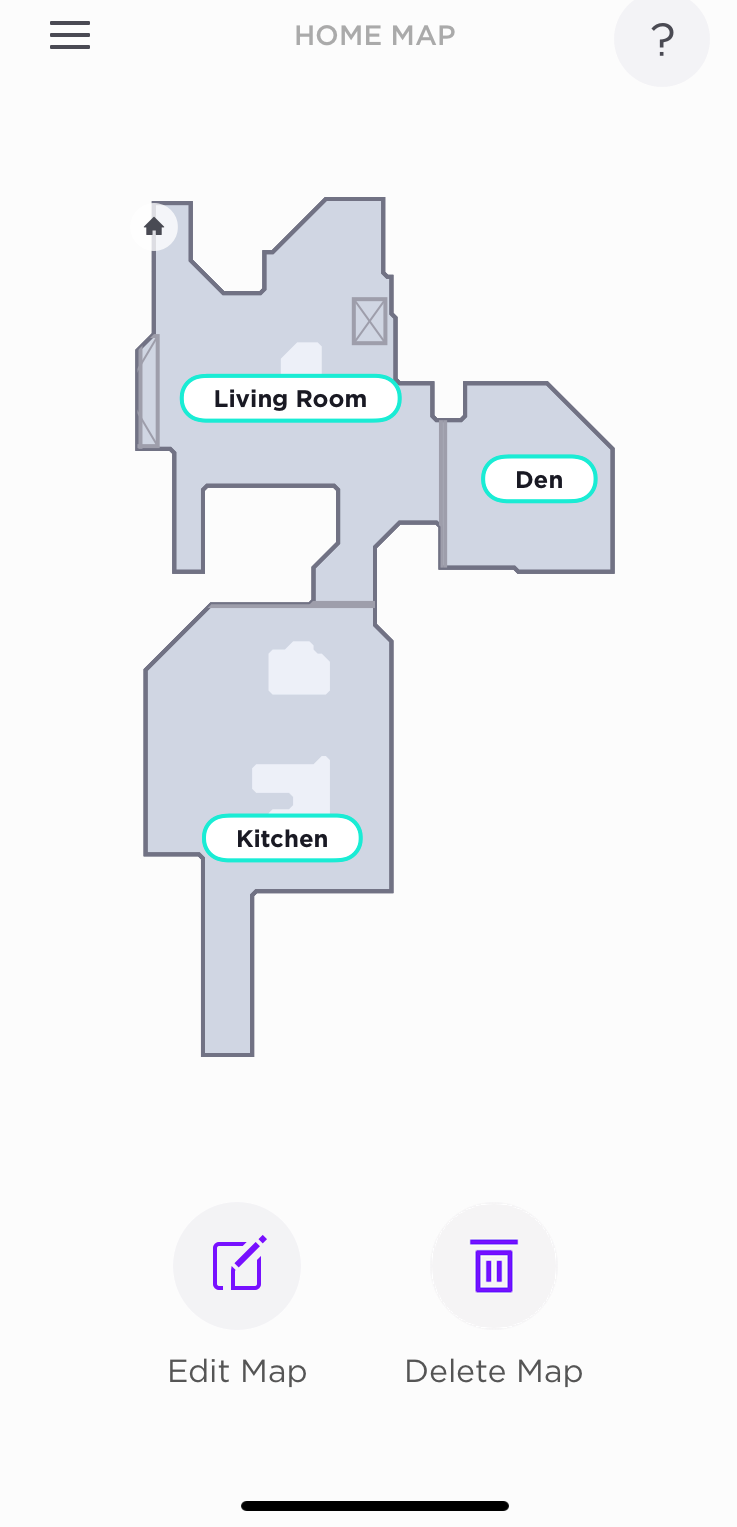
Connecting a robot vacuum to Amazon’s Alexa voice assistant enhances the hands-free cleaning experience, allowing users to control their vacuum without needing to open a smartphone app or press buttons directly on the device. Most robot vacuum manufacturers offer Alexa integration, with varying levels of functionality. Basic commands typically include starting, stopping, pausing, and docking the vacuum. More advanced features, available with vacuums capable of mapping a home, enable specific room cleaning commands, such as instructing the robot to clean only the kitchen or living room.
The process for connecting a robot vacuum to Alexa is largely consistent across different brands. Users begin by opening the Alexa app, navigating to 'Skills & Games,' and searching for their robot's manufacturer. After selecting the appropriate skill (often labeled 'Robot Vacuum' or 'Home'), they tap 'Enable to Use' and follow the prompts to link their account by entering their username and password. Once accounts are linked, a confirmation pop-up appears, leading to a prompt to 'Discover Devices.' If the device isn't automatically displayed, users can find it under the 'Devices' tab and 'Discovered Devices.' From there, the robot's name can be customized in the settings to simplify voice commands, with a recommendation to use generic names like 'robot' or 'vacuum' to avoid confusion with personal contacts.
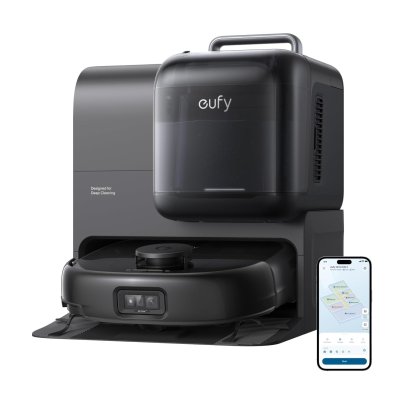
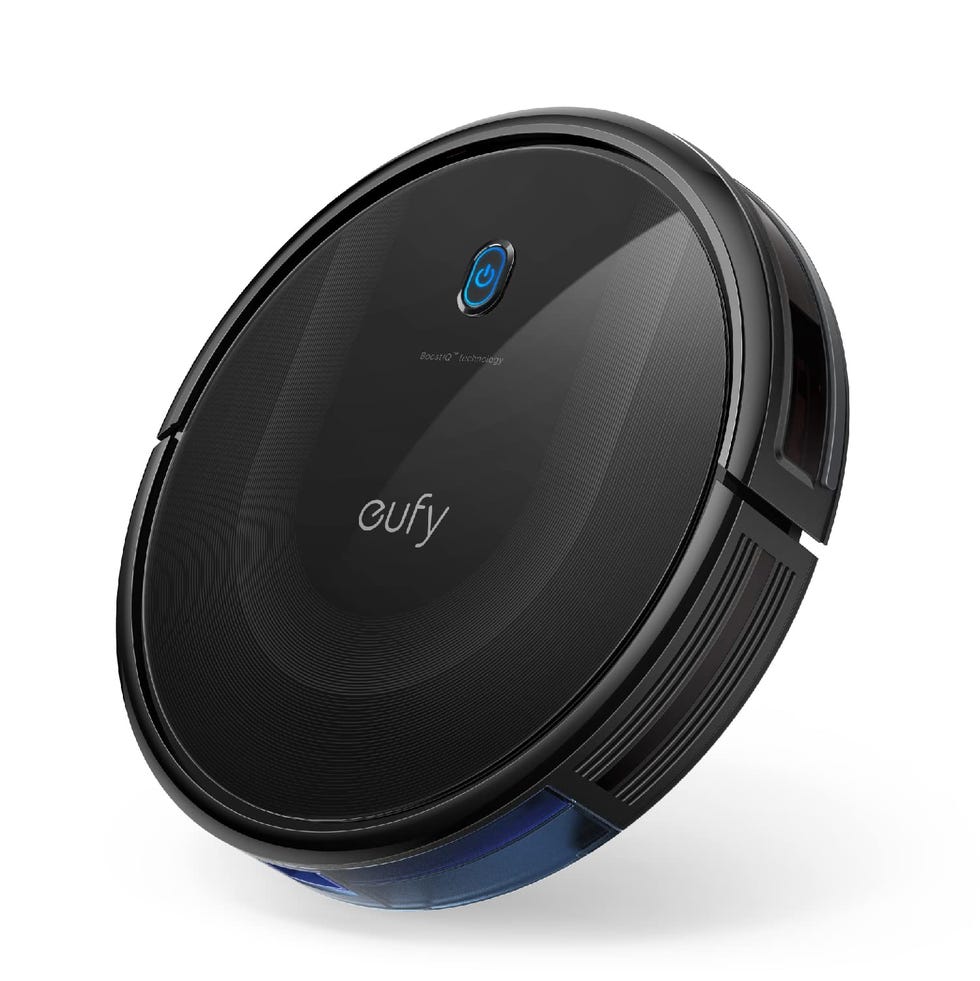
Some manufacturers, including Roborock, iRobot, Eufy, and Ecovacs, have integrated the Alexa pairing process directly into their robot vacuum apps, streamlining the initial setup. This involves accessing a 'Voice Control,' 'Smart Home,' or 'Smart Integrations' option within the robot’s app to connect to Amazon Alexa.
Common Alexa voice commands for robot vacuums include 'Alexa, ask [name of vacuum] to start cleaning,' 'Alexa, ask [name of vacuum] to stop cleaning,' and 'Alexa, ask [name of vacuum] to go home.' For homes with multiple robot vacuums or specific cleaning needs, some skills might require further input, such as specifying which Roomba to activate or whether a mopping robot should clean after the vacuum. Robots with mapping capabilities can respond to commands like 'Alexa, ask [name of vacuum] to clean the kitchen,' and can even target specific zones if these are set up in the robot’s app. Additionally, some robots can send announcements to Echo devices, notifying users when they need assistance or have completed a cleaning task, a feature that can be managed in the Alexa app settings.
Robot vacuums can also be integrated with Alexa Routines and Hunches for automated operation. Routines allow users to set up triggers for their vacuum, such as initiating cleaning when leaving the house or in response to other smart home device actions. To create a Routine, users go to 'More' > 'Routines' in the Alexa app, name the routine, choose a trigger, and add 'Power On' or 'Power Off' for their robot vacuum as an action. Alexa Hunches, an AI-powered feature, enable the assistant to proactively decide when to run the vacuum based on user habits and the status of other connected smart home devices, like lights or motion sensors, to determine if nobody is home. Hunches for robot vacuums can be enabled via 'More' > 'Settings' > 'Hunches' in the Alexa app, where users can toggle on 'Vacuum when nobody’s home' and select their vacuum from the list.
#robotVacuum #Alexa #smartHome #voiceControl #smartCleaning #amazonAlexa #homeAutomation #alexaRoutines #alexaHunches #robotVacuum #Alexa #smartHome #voiceControl #smartCleaning #amazonAlexa #homeAutomation #alexaRoutines #alexaHunches
0개의 댓글이 총 표시됩니다.
 아직 댓글이 없습니다
추가로 마음에 드릴 만한 콘텐츠
16 Things In Your Kitchen You NEED To Clean More Often, According To Experts
7 unexpected things you can clean in the dishwasher to easily refresh the hardest-working micro-elements of your home


5 of the Best Cleaning Services in America, Vetted

This Five-Inch Electric Brush Destroyed the Mold and Grime in My Rental
The Best Robot Vacuums, Tested and Reviewed
This Is the Best Robot Vacuum I’ve Tested (and Trust Me, I’ve Been Through Many)

Q&A: A Smarter Way to Clean Your Home (Published 2017)

Amazon Just Launched A Ton Of New Home Products That You'll Want To Know About

I Just Discovered a Brilliant 2-Minute Cabinet Cleaning Trick (It Was Hiding in My Pantry!)
6 Things You Should Never Clean With All-Purpose Cleaner

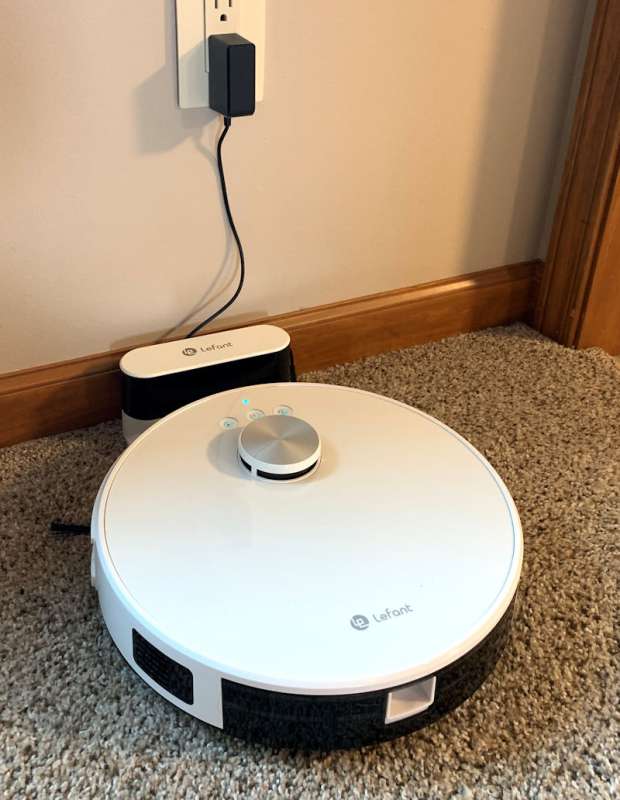
Lefant M1 Robot Vacuum and Mop review

Our Pros Swear By These Kitchen Countertop Cleaners

Does the TikTok couch cleaning hack actually work? I tried it, and this is what happened

Testing Bissell, Anko and Shark: which viral spot cleaner deserves a place in your home?

Best electric cleaning brushes 2026, tried and tested at home

Shark IQ Robot XL Vacuum with Self-Empty Base review
New Year cleaning checklist: 10 places to focus on in 2025
The Best Robot Vacuums You Can Buy, Based on Over 300 Hours of Testing

The Best Carpet Cleaners for Busy Households, Tested
Alexa Gets The Smart Button She Deserves