1/10
We Tried All Kinds of Digital Picture Frames. The Best Are Easy to Use and Look Great.
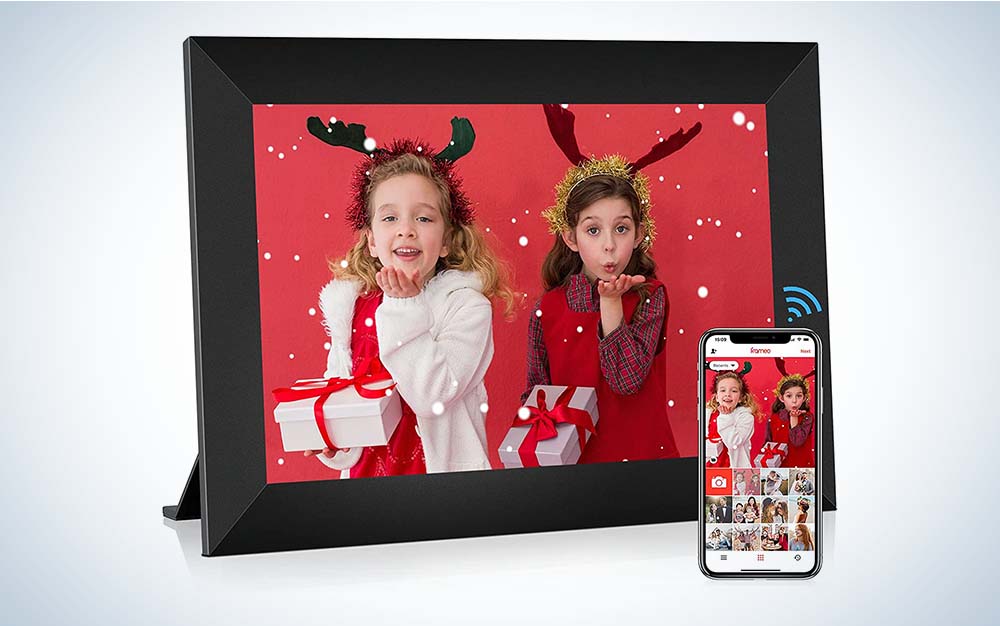
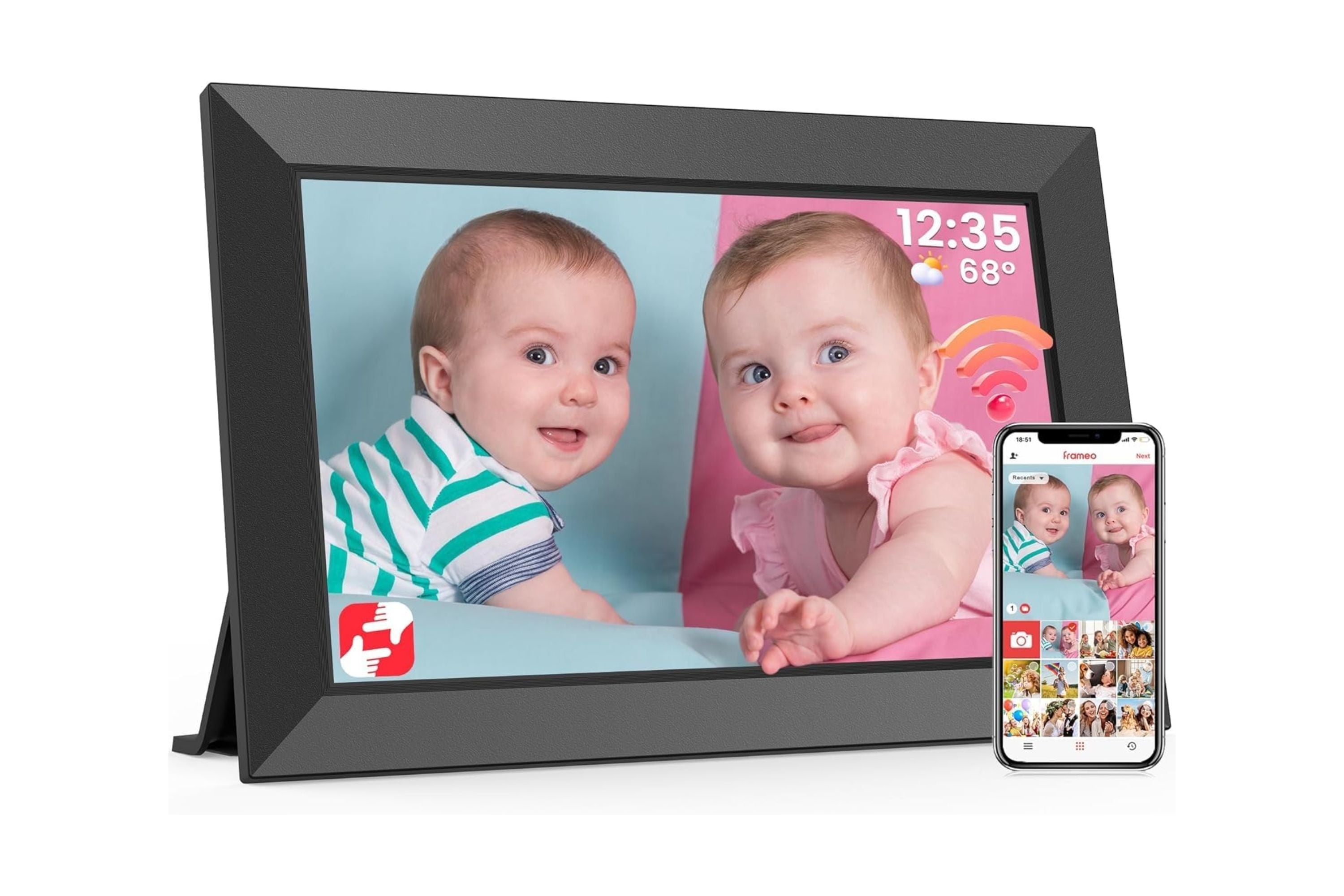
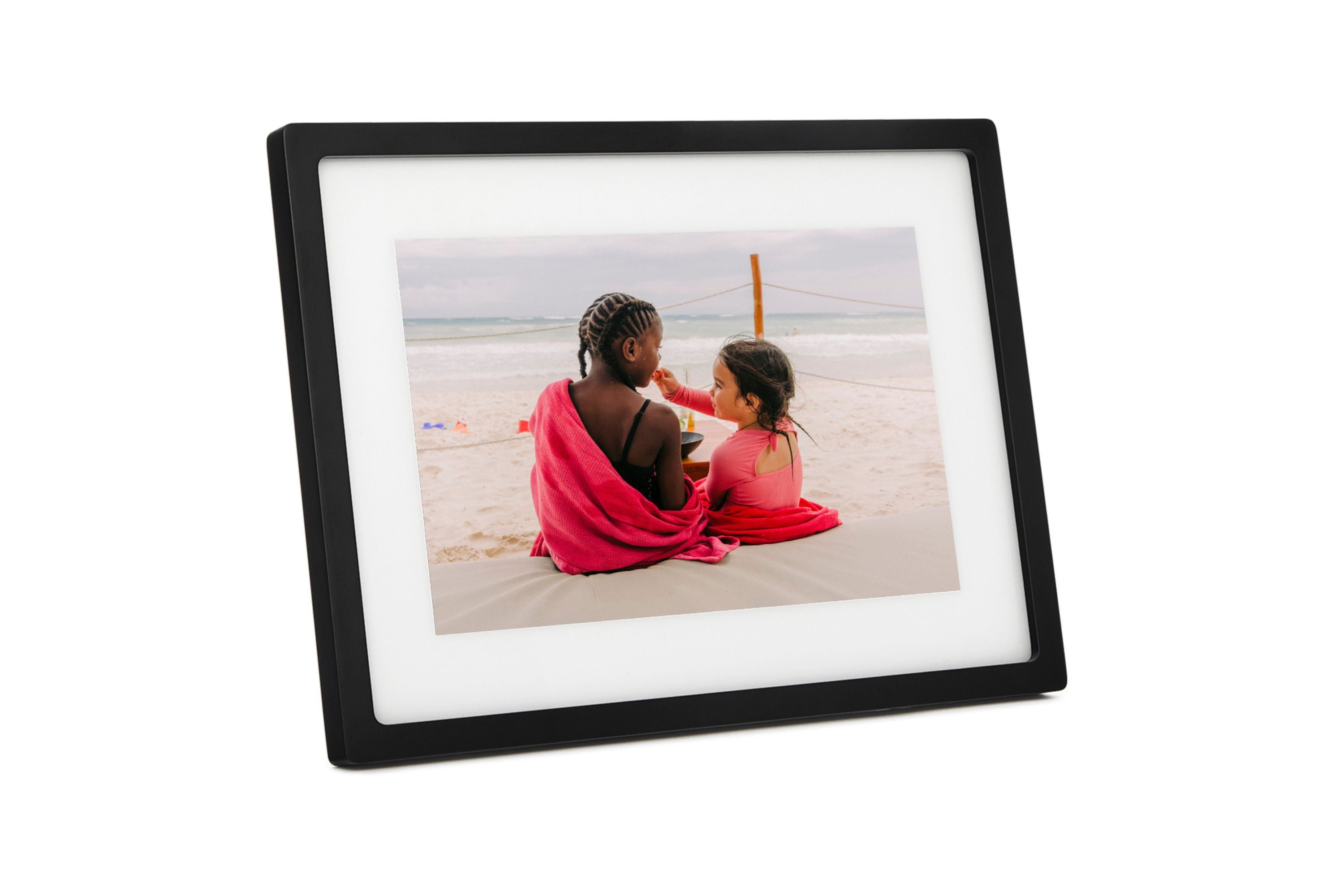
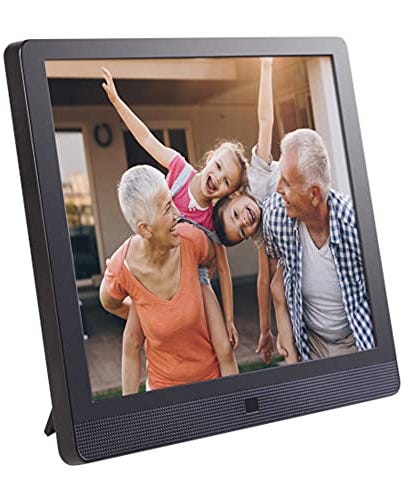
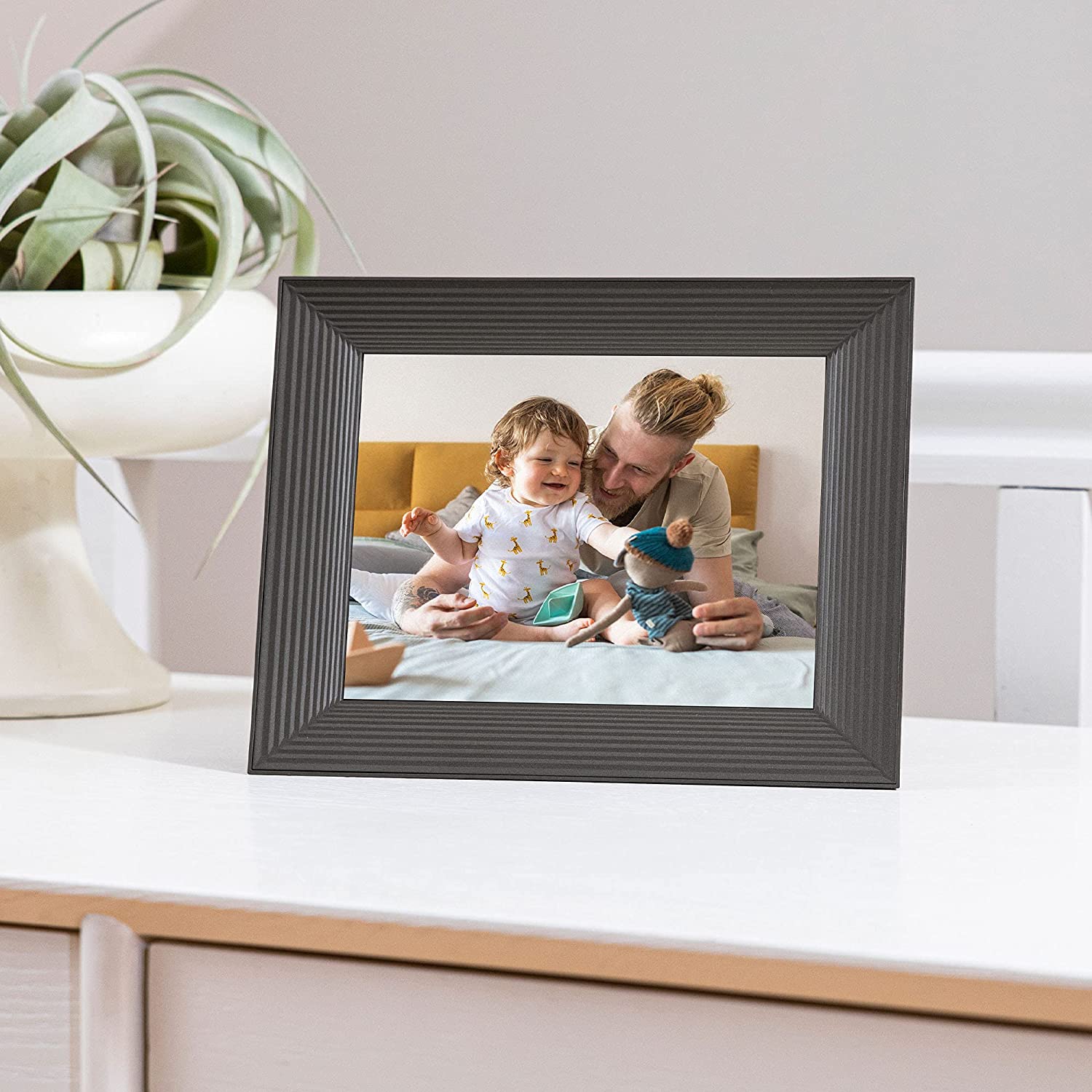
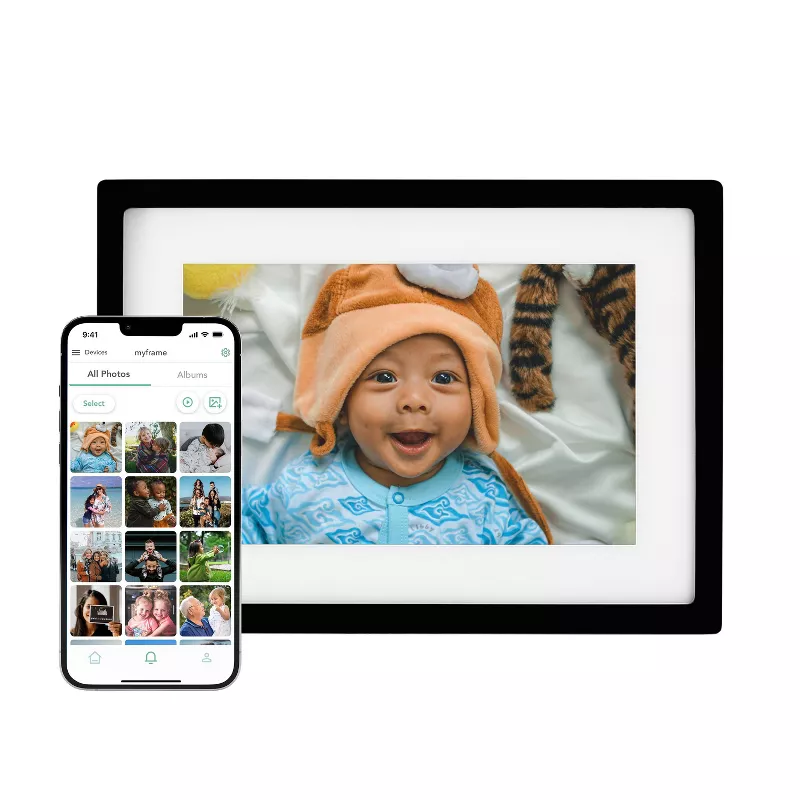
Digital picture frames offer a convenient way to display a rotating selection of photos and videos, addressing the challenge of showcasing a large personal photo library without the need for physical prints and frames. Many frames enable remote photo sharing, allowing friends and family to upload images directly through dedicated apps, email, or text messages. This functionality is particularly useful for maintaining connections with loved ones who live far away or for sharing a curated collection of memories with family members. The article highlights that these frames are designed to be user-friendly, with simple setup processes involving plugging in the device, installing an app, and connecting to Wi-Fi.
Key features to consider when selecting a digital picture frame include the photo-sharing method, storage capacity, screen size and resolution, photo orientation capabilities, and video/sound support. Most digital frames rely on an internet connection for receiving photos, with some offering dedicated apps for uploading images, while others can sync with cloud services like Google Photos or Apple iCloud. For those without internet access, certain models can function without Wi-Fi, while others offer cellular network connectivity, albeit with potential subscription fees and upload limitations. Storage solutions vary, from built-in local storage and MicroSD card compatibility to unlimited cloud storage, which may require a subscription.
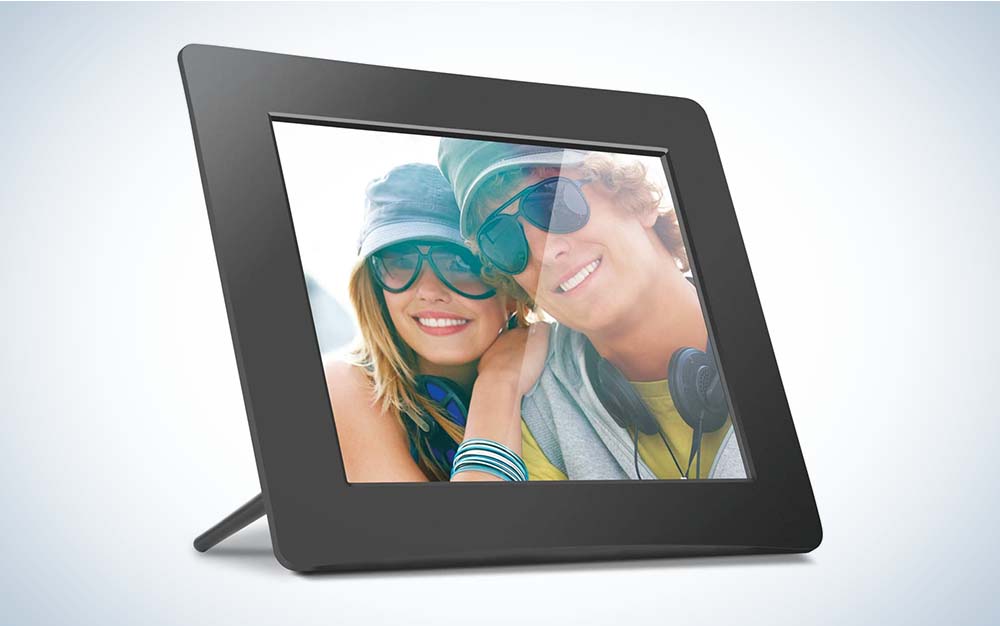
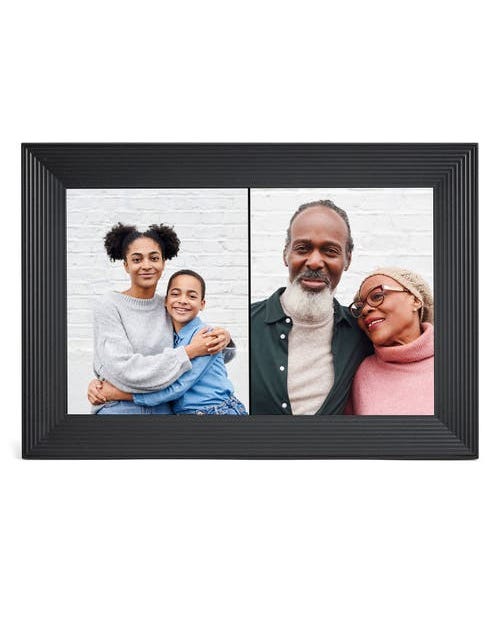
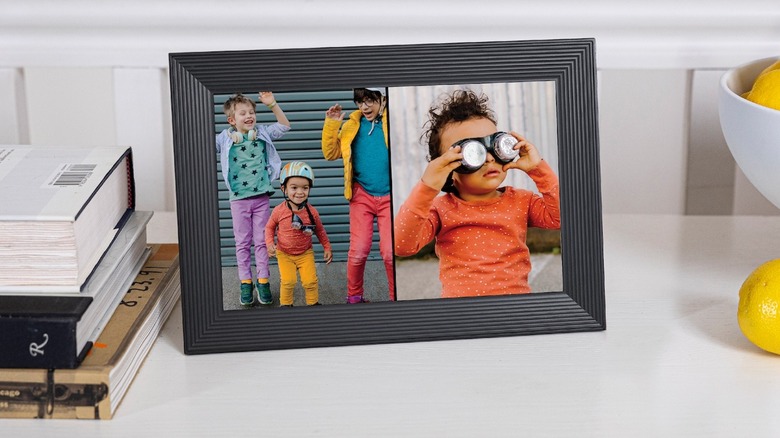
Screen size typically ranges from nine to twenty-one inches, with a recommendation for resolutions of 720p or higher to ensure clear and sharp images. The aspect ratio is also important, especially for smartphone photos, with 4:3 being ideal. The best frames adapt to both landscape and portrait orientations, some even displaying two vertical photos side-by-side in landscape mode. Advanced features include video playback, sound, compatibility with Apple Live Photos, and ambient sensors that adjust screen brightness or put the frame to sleep based on room lighting. Some frames also incorporate touch controls for direct interaction.
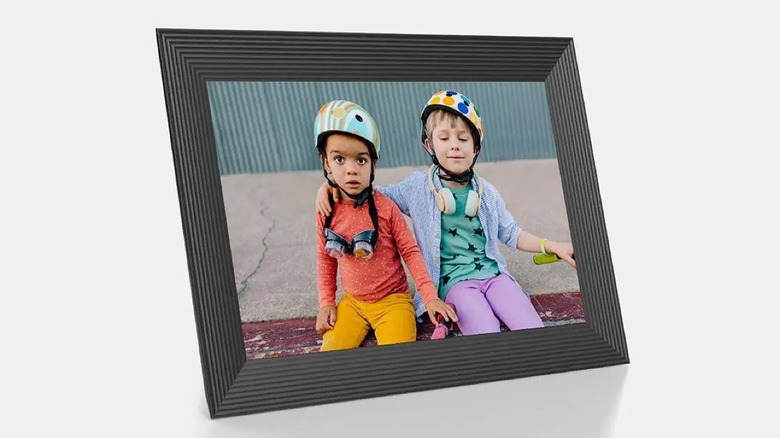
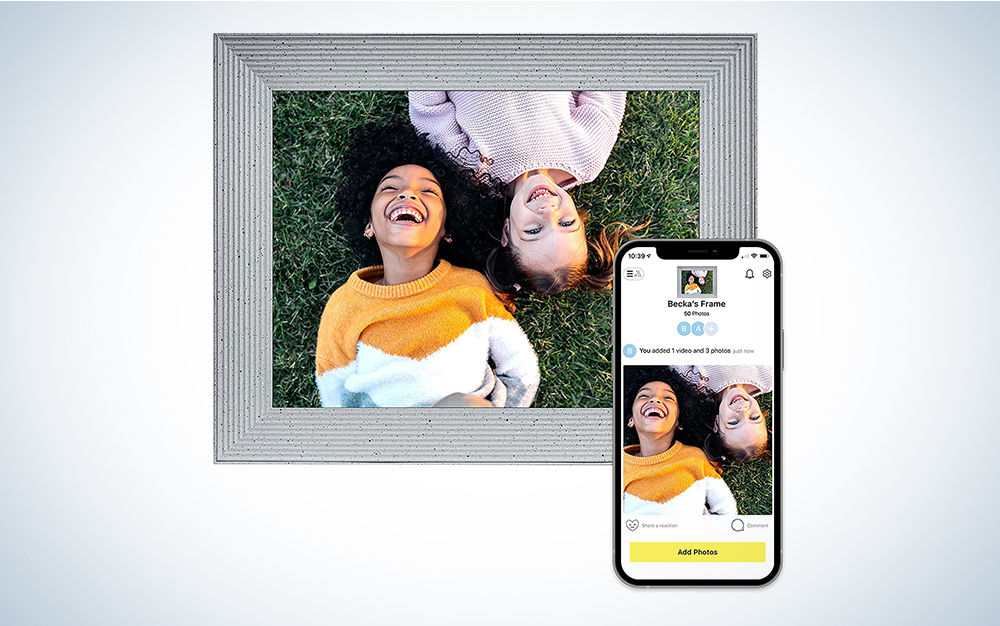
The Aura Aspen is identified as the best overall digital picture frame, lauded for its ease of setup, attractive minimalist design, and unlimited cloud storage. It supports video and Apple Live Photos, offers remote photo uploading, and allows multiple users to contribute to the frame. The Aura Carver serves as a more affordable alternative, maintaining similar functionality but with a slightly smaller screen and landscape-only orientation. For larger displays, the Aura Walden (15-inch) is praised for its visibility and ease of use, including quick reconnection after power outages.
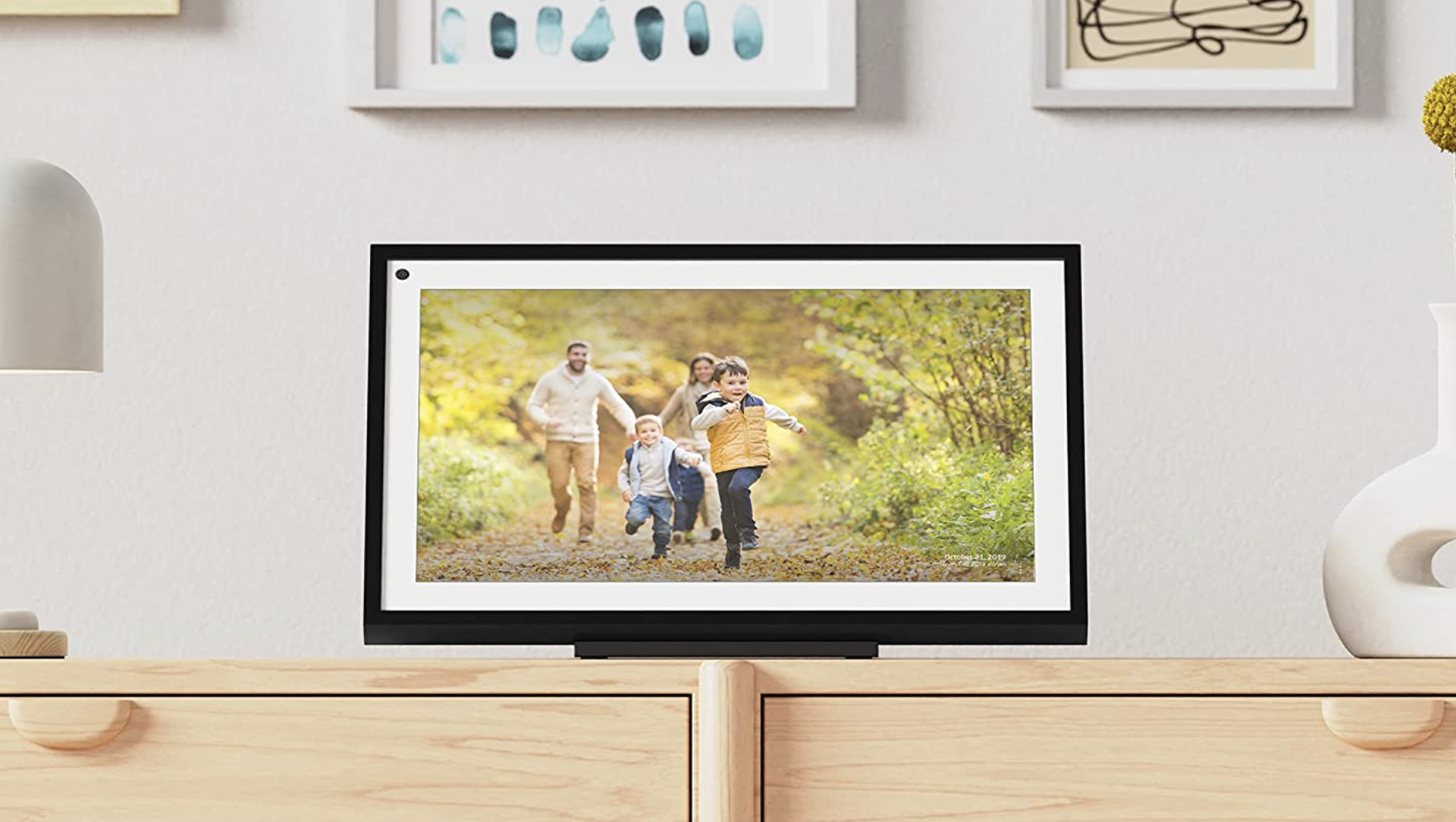
The Skylight Frame 2 offers customization with swappable faceplates and features a touch screen for intuitive interaction. Its ability to port photos from one frame to another simplifies management for users with multiple devices. The Skylight Calendar, a 15-inch model, combines photo display with calendar and to-do list functionalities, making it suitable for household organization. The Familink 10-inch Picture Frame is recommended for non-tech-savvy individuals or those without Wi-Fi, offering 4G connectivity, although with usage limitations after a free trial period. The Google Nest Hub (2nd Gen), a smart display, doubles as a digital frame, offering a crisp display, Google Photos integration, and smart home control, though its calendar function is voice-activated rather than visually displayed. Lastly, the Loop Digital Frame stands out for its unique text message photo-sharing capability, simplifying uploads for less tech-proficient family members.
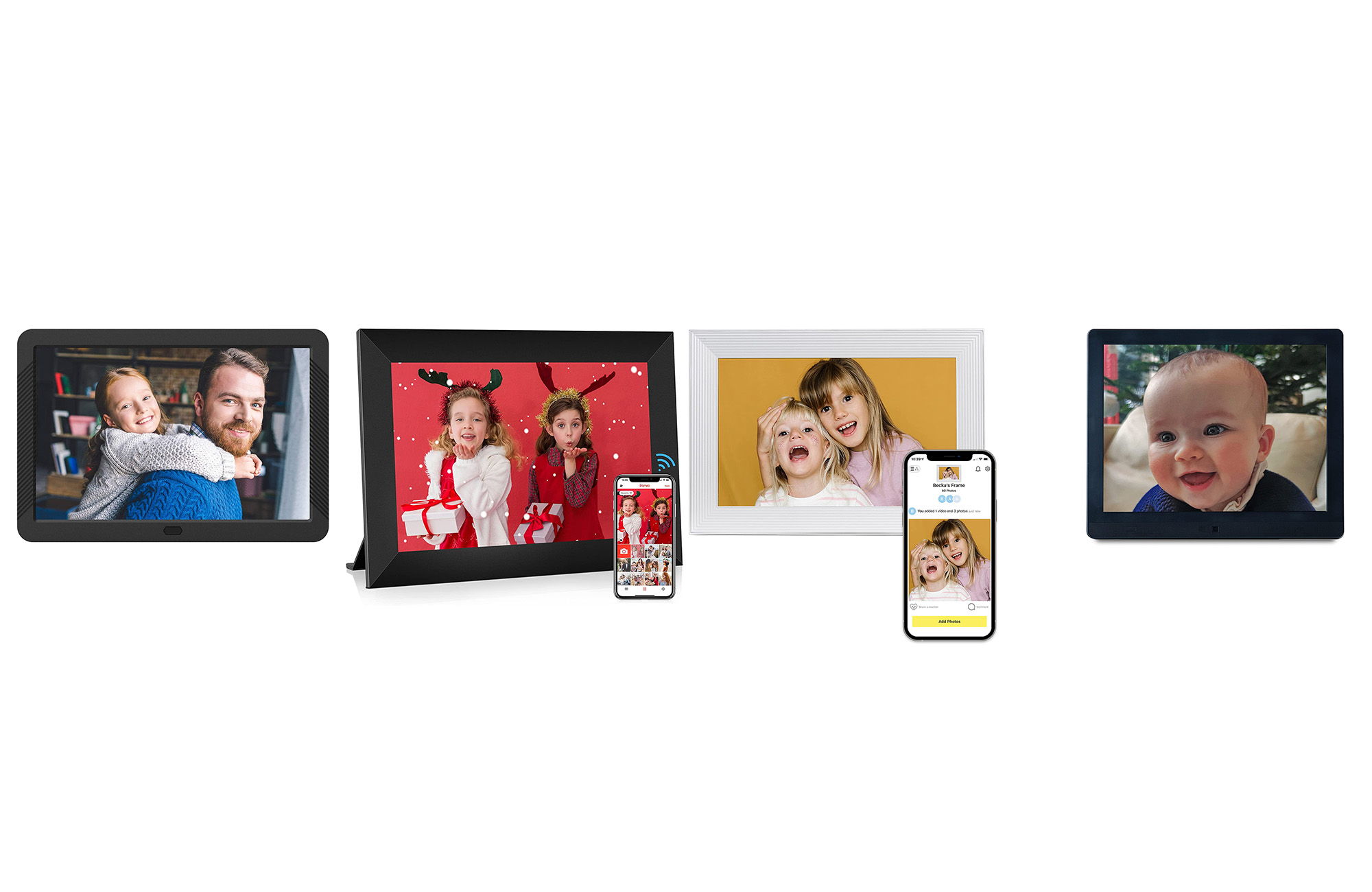
Each recommended digital picture frame caters to different needs and preferences, from design aesthetics and sharing capabilities to screen resolution and additional smart features, ensuring that users can find a suitable option to enhance their home decor with a dynamic display of cherished memories.
#DigitalPictureFrames #SmartHome #HomeDecor #TechGadgets #PhotoSharing #CloudStorage #ScreenResolution #FamilyConnectivity #DigitalPictureFrames #SmartHome #HomeDecor #TechGadgets #PhotoSharing #CloudStorage #ScreenResolution #FamilyConnectivity
0 commenti in totale
 Nessun commento ancora
Potresti anche gradire
The best digital picture frames

We Ordered 7 Different Picture Frames to Find the Best Online Service

The Best Online Framing Services

Refresh Your Space With Stylish Picture Frames From Target, Anthropologie, and More


Best digital photo frames for 2025, tried and tested
5 Of The Best Digital Picture Frames In 2024

I Tried 3 Digital Picture Frames And Was Pretty Impressed

The 10 Best Places to Buy Picture Frames


Share Your Favorite Memories With the Best Digital Picture Frames of 2023


Our Favorite Digital Picture Frames Will Replace All Your Photo Albums

A look at various ways to display your photos

How To Repurpose Your Old Tablet Into A Digital Picture Frame
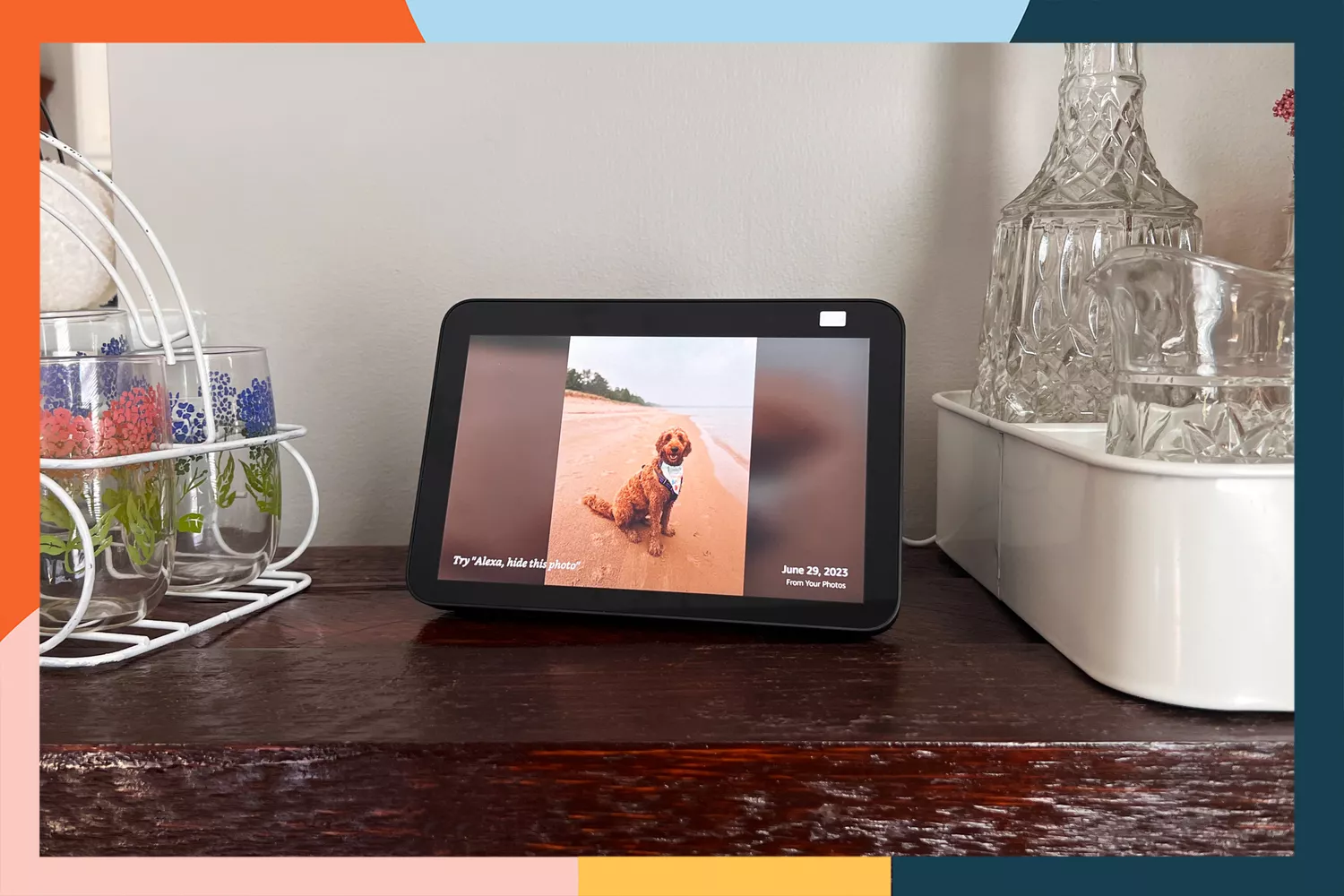
The 6 Best Digital Picture Frames to Gift to Parents, Grandparents, and Loved Ones
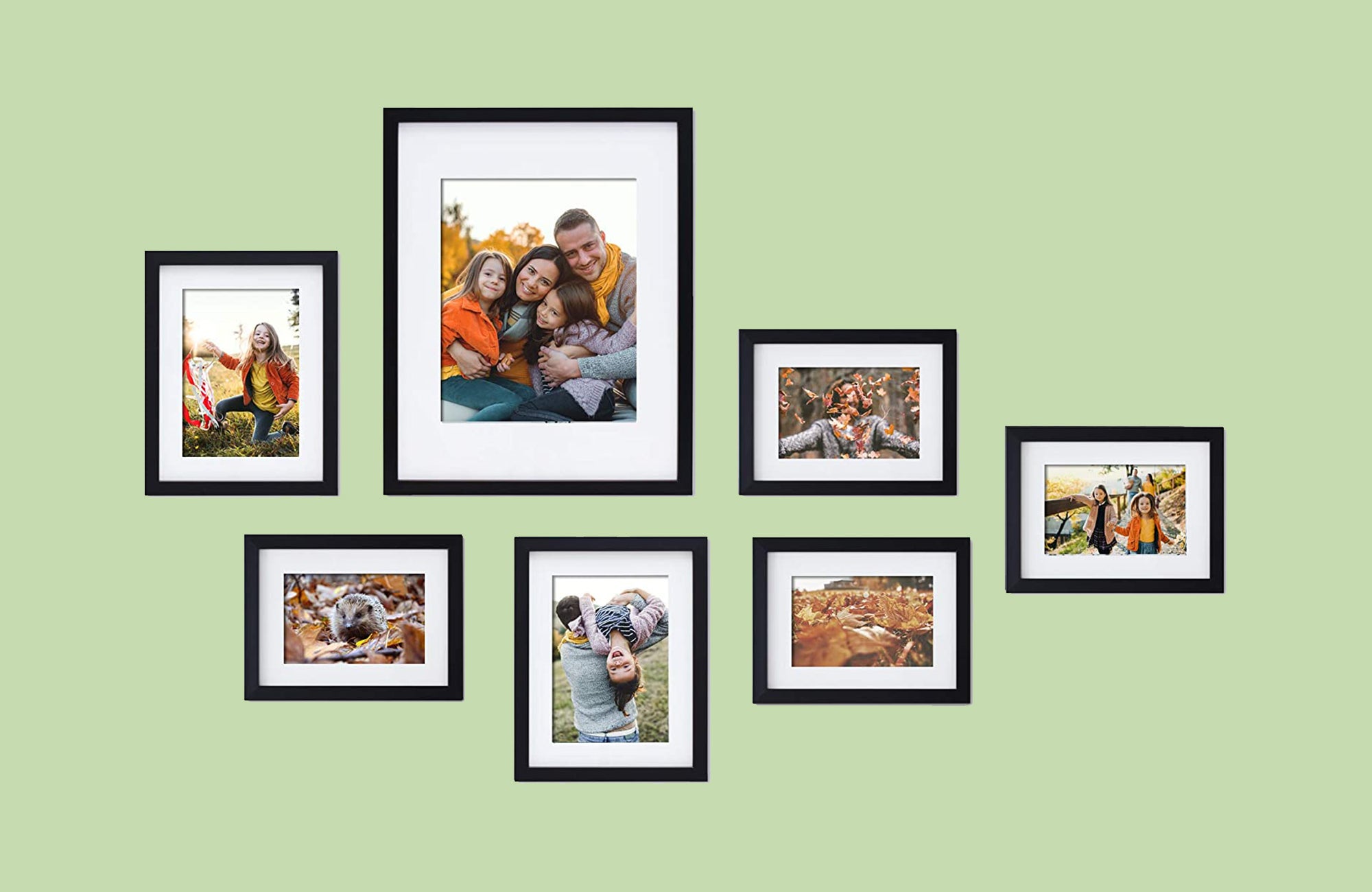
The best picture frames of 2023

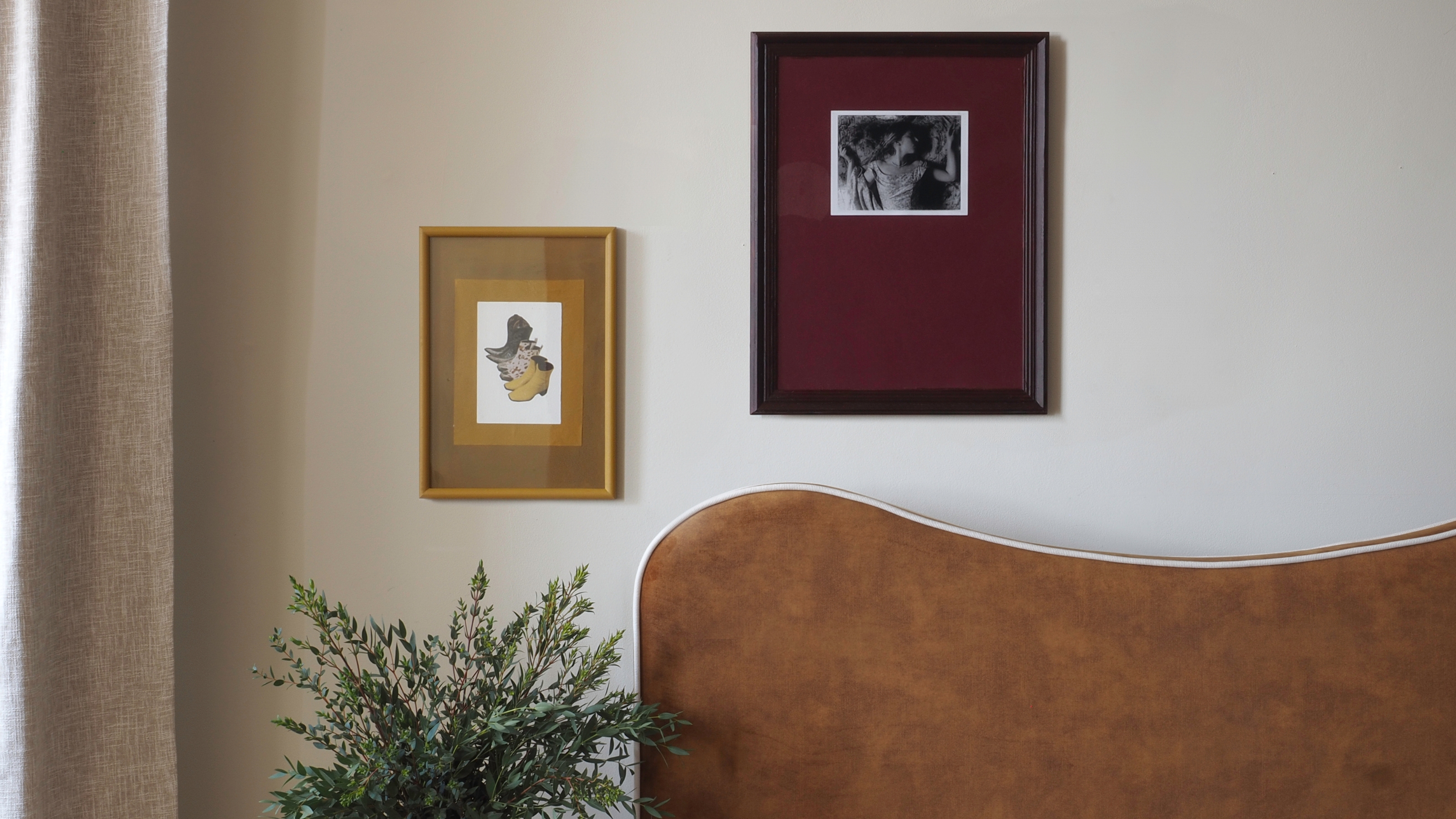
This Colorful Trick Is How Cool People Frame Their Pictures These Days


Frameology offers high-quality, affordable photo framing online (and it makes a great gift)


These Digital Picture Frames Let You Send Photos Virtually to Family


Shopping edit – the best photo frames to display treasured snaps in style

These Target Picture Frames Make For Affordable And Beautiful Gifts

The Best Online Framing Services for Flawlessly Framed Pictures