








Generator
History
AI Floor Plan Generator
Change Tool
Model
Base
Switch
Rooms
BedRoom
-
2
+
BathRoom
-
1
+
Kitchen
open
closed
Gross Area
Unit metric
 imperial
metric imperialArea
< 50㎡
50-80㎡
80-100㎡
100-120㎡
120-150㎡
> 150㎡
Extras
walk-in closet
laundry room
storage room
utility room
home office
garage
pantry
combined living-dining
balcon

Unlock Your Home's Potential with Ideal House: Your Simple Online Floor Plan Maker Free
Dreaming of a new layout or need to visualize a property's flow? Ideal House offers a revolutionary AI Floor Plan Generator, making it incredibly simple to create precise 2D floor plans. Whether you're a homeowner, designer, or real estate professional, our intuitive platform is the ultimate simple online floor plan maker free for getting your vision on paper. Generate detailed plans in minutes, perfect for conceptualizing, listing, or client presentations.
Generate My Floor Plan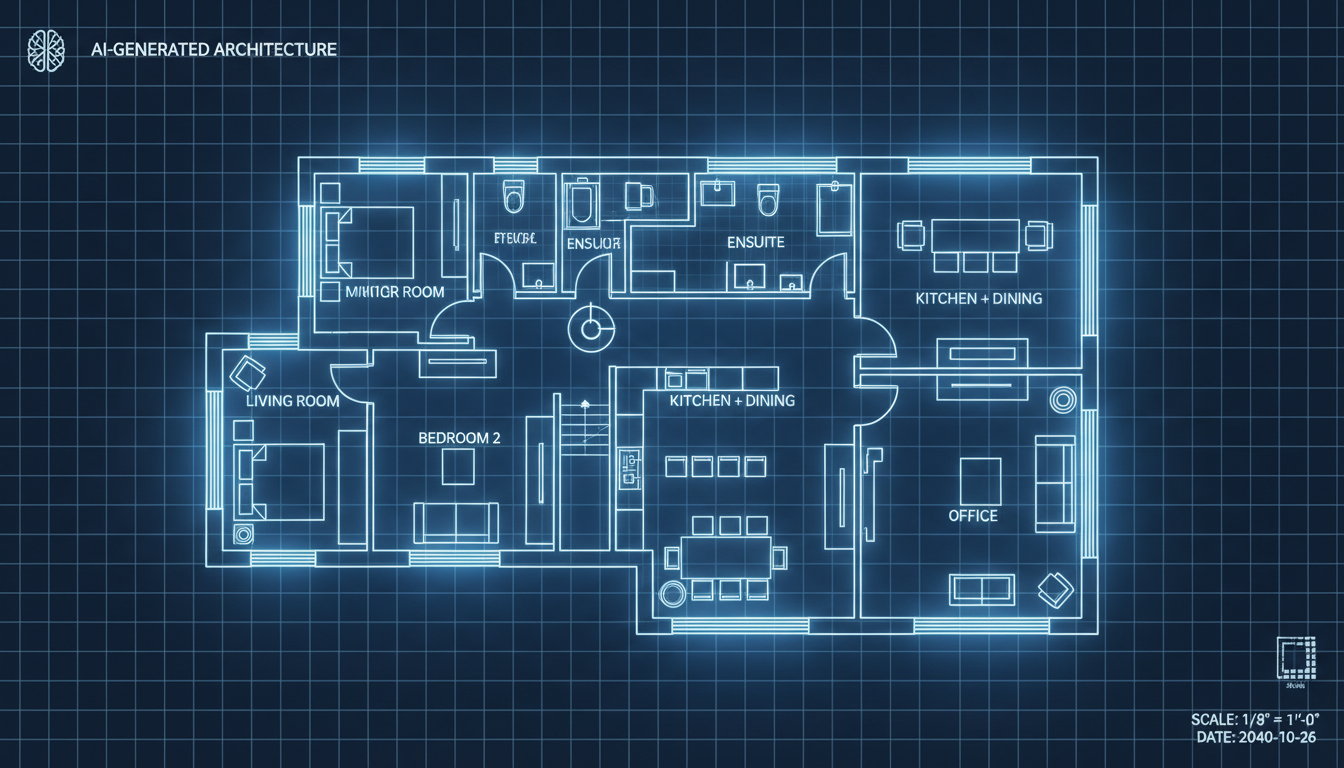


Why Ideal House is Your Go-To Simple Online Floor Plan Maker Free
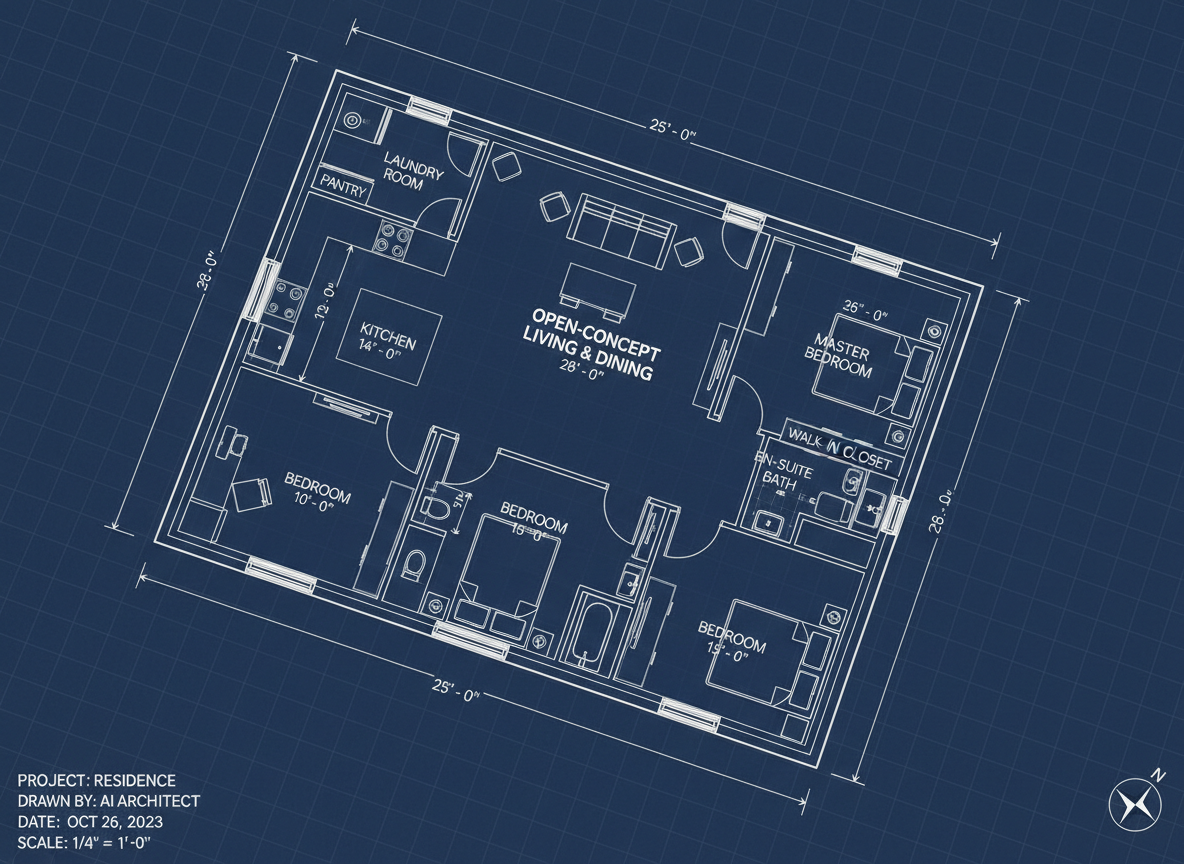
Effortless AI-Powered Design
Experience the future of home design with our AI floor plan maker. Input your basic requirements—number of bedrooms, bathrooms, and desired gross area—and watch as our smart technology instantly drafts a clean, optimized 2D floor plan. It's the simplest way to visualize your space without complex software.
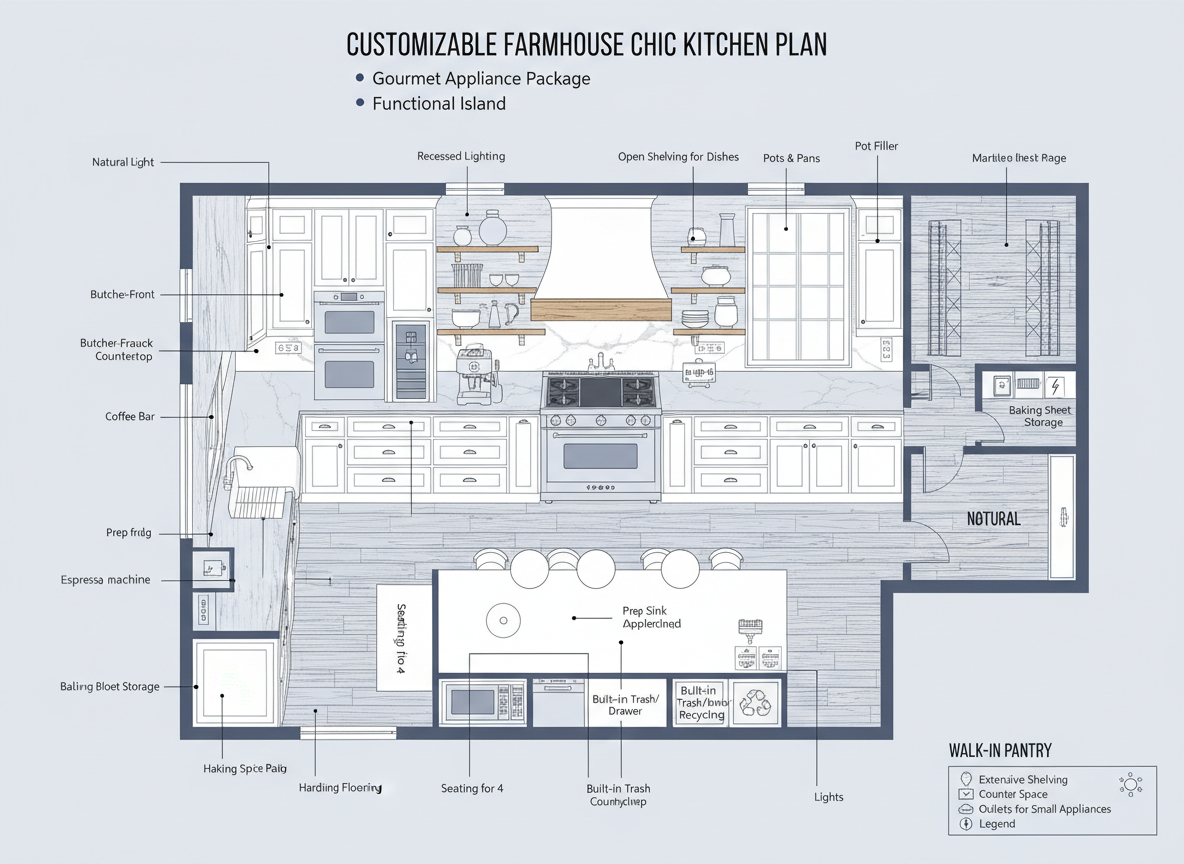
Customize Every Detail
From selecting an open kitchen or closed kitchen concept to adding essential extras like a walk-in closet, laundry room, home office, garage, or pantry, our simple online floor plan maker free lets you personalize every aspect. Experiment with a combined living-dining space or add a balcony to perfect your ideal apartment floor plan or house design.

Speed and Accuracy for Real Estate Professionals
Generate consistent, high-quality real estate floor plans in seconds. Our tool is invaluable for realtors who need quick visuals for listings, providing potential buyers with an immediate understanding of the layout and flow. Enhance your property listings with professional, clear 2D floor plans generated with ease.

Save and Share Your Creations
Every floor plan you generate is saved in your history, allowing you to easily compare different versions, refine your ideas, and download your favorite designs. Share your 2D floor plan as an image or PDF with clients, contractors, or family, making collaboration seamless and efficient. It's a truly free floor plan creator designed for convenience.

Who Can Benefit from Our Simple Online Floor Plan Maker Free?

Homeowners & DIY Enthusiasts: Easily plan renovations or dream homes.

Interior Designers & Decorators: Quickly draft and iterate concepts for clients.

Real Estate Agents: Create compelling real estate floor plans for listings.

Contractors & Builders: Visualize project scopes and communicate layouts clearly.

How to Use Ideal House: Your Simple Online Floor Plan Maker Free
1
Define Your Space: Select the number of bedrooms (0-4) and bathrooms (1-3) for your new 2D floor plan.
2
Choose Kitchen Style: Decide between an open kitchen or a closed kitchen to suit your lifestyle or client's preference.
3
Set Gross Area: Pick a gross area range to guide the overall scale and proportion of your apartment floor plan or house design.
4
Add Specific Features: Include extras like a walk-in closet, laundry room, home office, garage, pantry, combined living-dining area, or a balcony to tailor your room layout planner design.
5
Generate Your Floor Plan: Click 'Generate' and watch our AI floor plan maker instantly create a detailed 2D floor plan. Tweak and regenerate as needed.
6
Download & Share: Export your finalized floor plan as an image or PDF, ready for sharing or integration into your project.
Frequently Asked Questions About Our Free Floor Plan Creator
How does the AI create a floor plan from my selections?
Our AI floor plan generator interprets your input for beds, baths, kitchen type, gross area, and extras. It then applies common design principles and spatial adjacencies to produce a clear 2D floor plan, offering fresh concepts with each generation.
What options are available for rooms and gross area?
You can select 0-4 bedrooms (default 2), 1-3 bathrooms (default 1), and choose between open or closed kitchen (default open). Gross area options allow you to define the general size, ensuring an accurate room layout planner result.
What's the difference between an open and closed kitchen?
An open kitchen promotes a seamless flow and continuous sightline into living and dining areas, ideal for modern, social spaces. A closed kitchen provides a more defined, separate cooking zone, offering privacy and containing culinary activities. Our simple online floor plan maker free accommodates both preferences.
How do the 'Extras' influence the floor plan design?
Extras like a walk-in closet, home office, or garage guide our AI floor plan maker to strategically place these elements. For example, a pantry will be near the kitchen, and a walk-in closet usually adjoins a primary bedroom, optimizing functionality and flow within your apartment floor plan or house design.
Can I compare multiple versions of my floor plan?
Absolutely! Every 2D floor plan you generate is saved in your 'Generation History'. This allows you to easily review and compare different layouts side-by-side, helping you choose the perfect design or iterate on ideas. It's a true free floor plan creator that supports your design journey.
Enhance Your Vision with Other Ideal House Tools
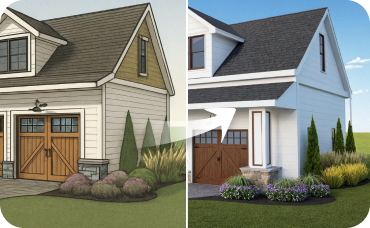
AI 3D Rendering
Turn your favorite 2D design into an immersive 3D model and get a true feel for the space.

Magic Editor
Fine-tune your generated design by changing specific furniture pieces or swapping out wall art.

Photo Enhancer
Improve the quality of your existing photos for even more stunning and realistic AI renderings.
Ready to Design Your Dream Space?
Experience the fastest, most intuitive simple online floor plan maker free. Create professional 2D floor plans in minutes.
Generate My Floor Plan
💰 Earn 10% commission as a Ideal House Affiliate Partner.
Join us