








Generator
History
AI Floor Plan Generator
Change Tool
Model
Base
Switch
Rooms
BedRoom
-
2
+
BathRoom
-
1
+
Kitchen
open
closed
Gross Area
Unit metric
 imperial
metric imperialArea
< 50㎡
50-80㎡
80-100㎡
100-120㎡
120-150㎡
> 150㎡
Extras
walk-in closet
laundry room
storage room
utility room
home office
garage
pantry
combined living-dining
balcon

Instantly Generate Your Ideal Room Design Floor Plan with AI
Tired of sketching and complex home design software? Ideal House’s AI Floor Plan Generator is your ultimate AI floor plan maker, transforming your vision into a professional 2D floor plan in seconds. Easily create a room design floor plan for any space, from initial layout exploration to detailed property layout design. Simply choose your specifications and watch our virtual room designer bring your perfect floor plan to life.
Generate My Floor Plan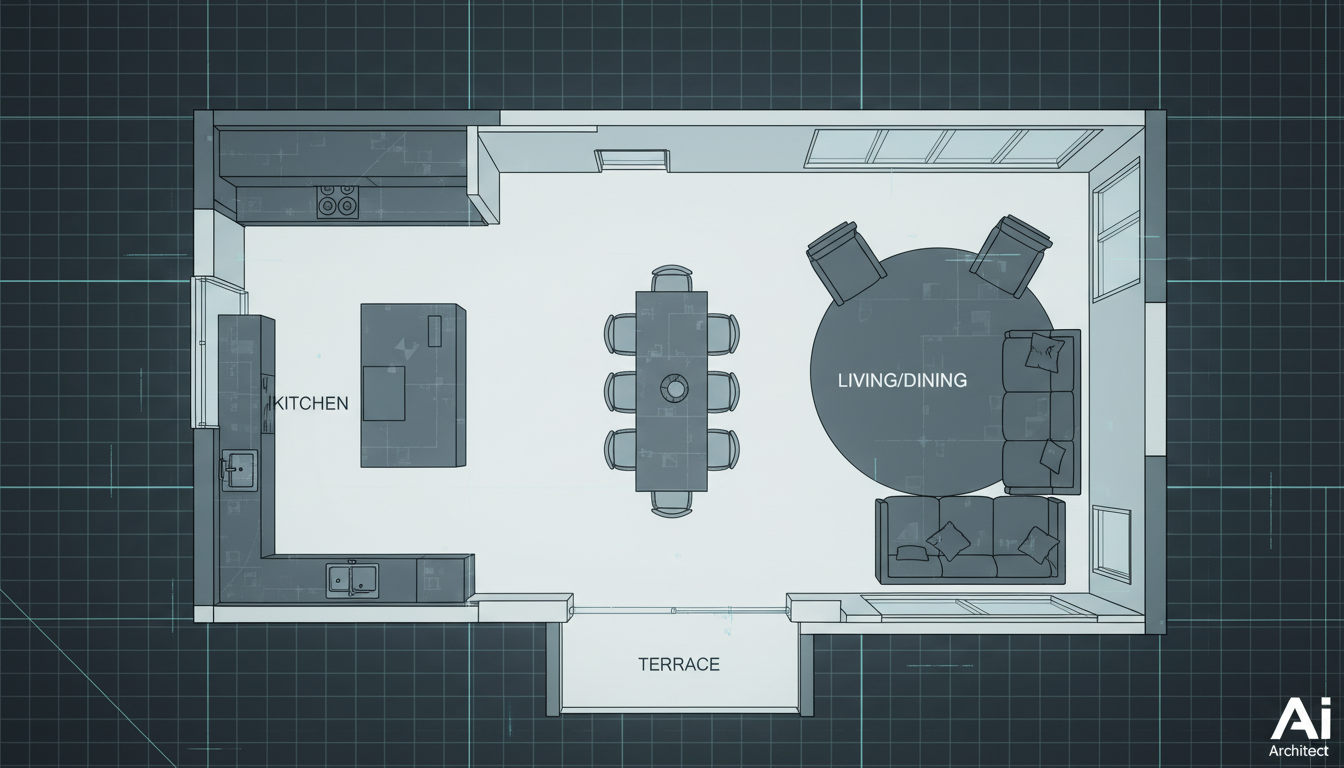


Revolutionize Your Room Design Floor Plan Process
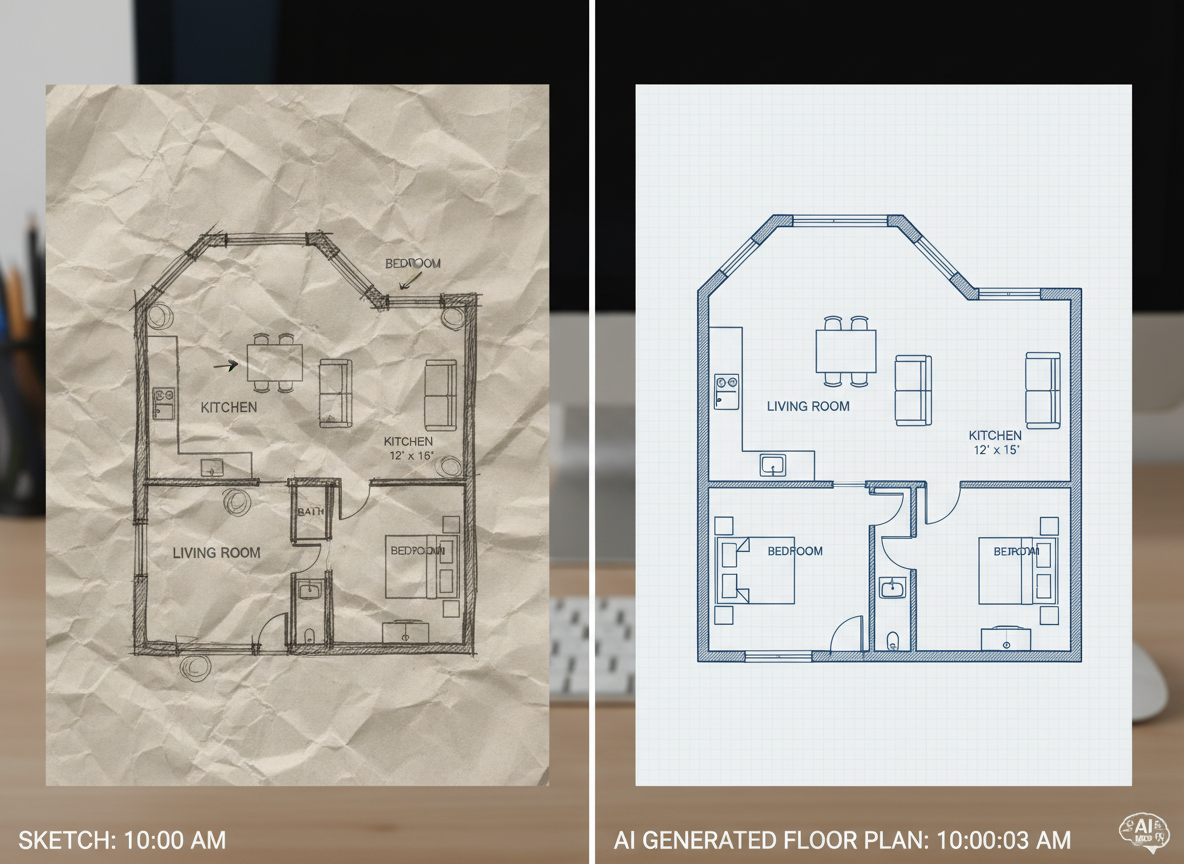
Speed and Precision in Every 2D Floor Plan
Forget manual drafting. Our AI floor plan maker generates accurate 2D floor plans instantly, saving you countless hours. Quickly explore various bedroom layout options, bathroom design layouts, and living room arrangements to find the perfect room design floor plan for your needs. This architectural drawing tool ensures every detail is precise, providing a reliable building blueprint generator.

Tailored Layouts for Every Home
From small home floor plans to expansive open concept floor plans, customize your room design floor plan with ease. Select bedrooms, bathrooms, kitchen style (open/closed), and gross area. Add key 'extras' like a walk-in closet design, home office design, or even garage layout ideas, making our tool the most versatile house layout planner available. Create your unique property layout design effortlessly.
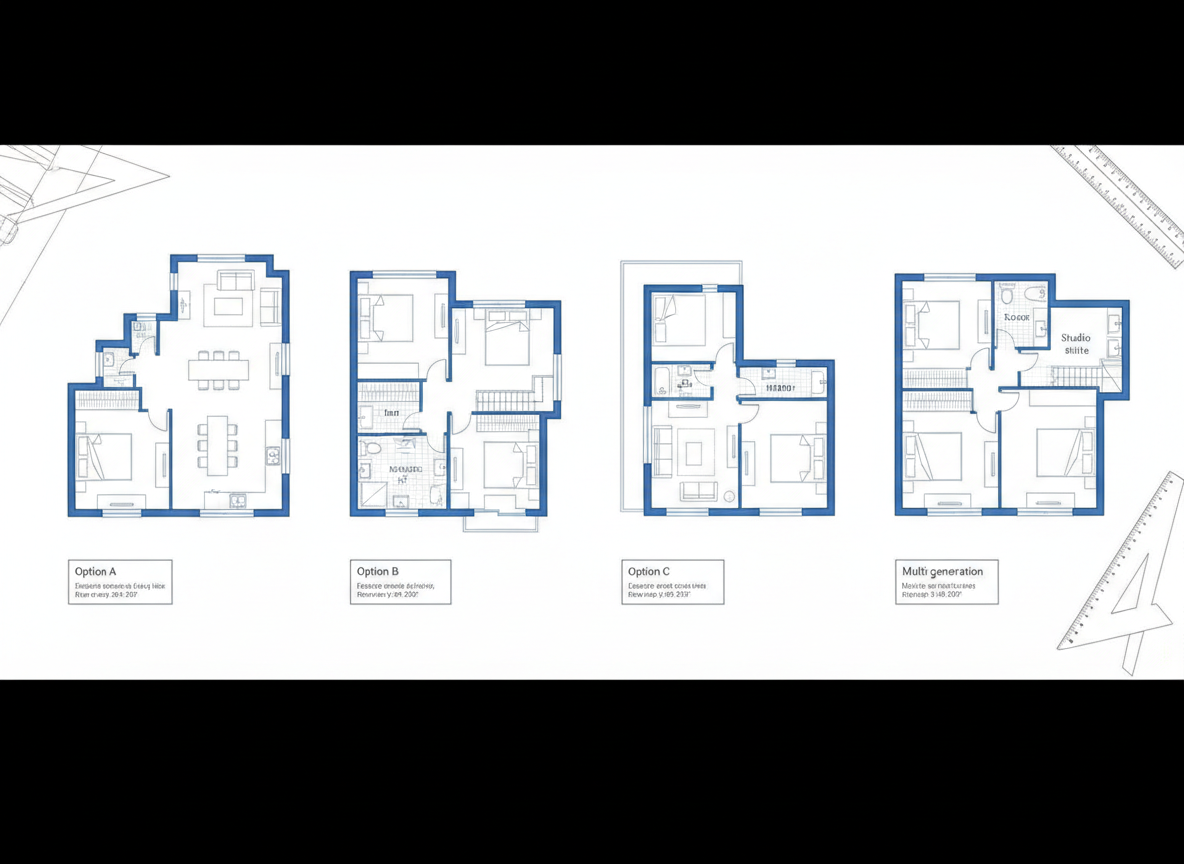
Visualize and Iterate with Confidence
Our AI Floor Plan Generator isn't just a floor plan creator; it's a powerful virtual room designer. Visualize different room design floor plan concepts and iterate with simple clicks. Every generation is saved, allowing you to compare and refine your interior layout software designs until they're perfect. It’s an essential tool for any property layout design.
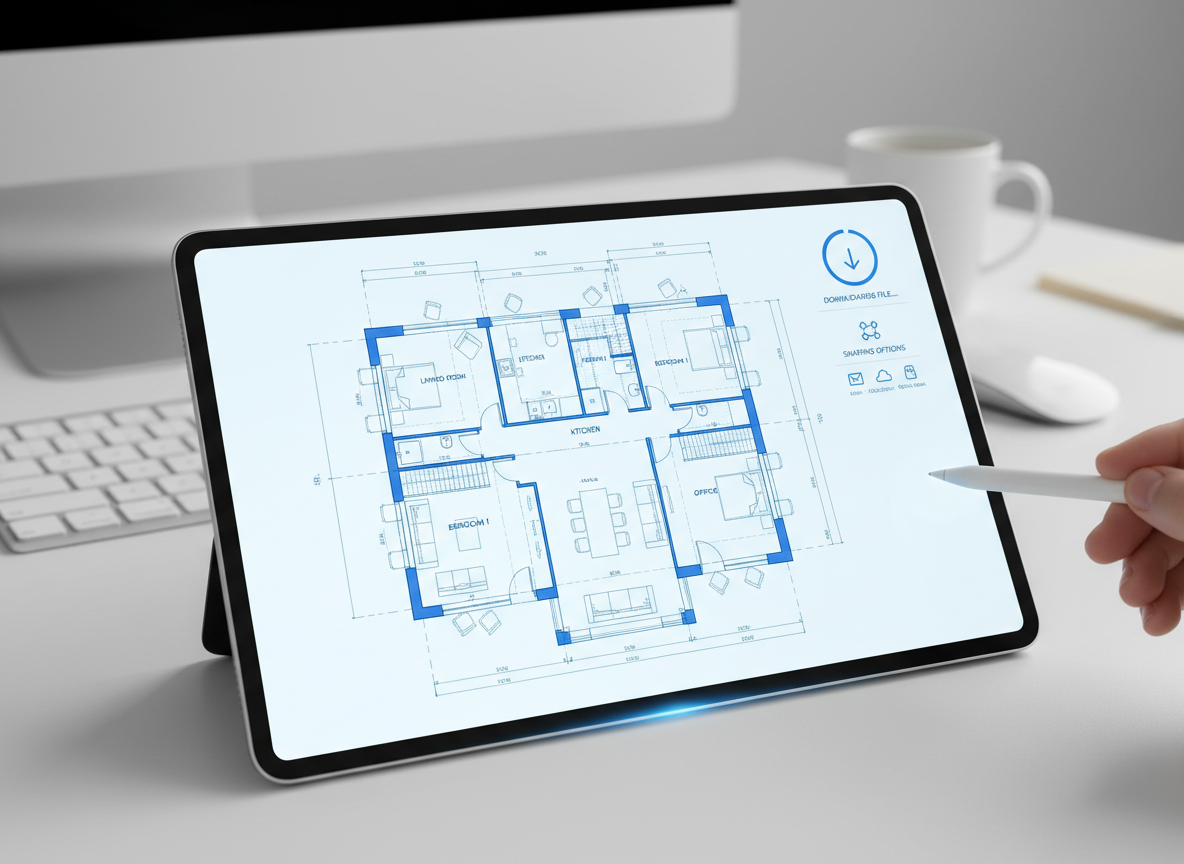
Professional-Grade Results, Instantly Shareable
Get presentation-ready 2D floor plans that impress. Whether for clients, contractors, or real estate listings, our building blueprint generator delivers clean, clear visuals. Download your room design floor plan as an image or PDF, making sharing effortless. Enhance your workflow with an AI floor plan maker that produces professional-quality results every time.

Who Benefits from the Ideal House AI Floor Plan Generator?

Homeowners & DIY Enthusiasts: Easily explore room design floor plan ideas for renovations or new builds without complex home design software.

Interior Designers & Decorators: Quickly generate initial 2D floor plan concepts for clients, showcasing various bedroom layout options and living room arrangements.

Real Estate Professionals: Create consistent, clear property layout design visuals for listings, helping buyers envision their future space.

How to Create Your Room Design Floor Plan in 6 Simple Steps
1
Set Rooms: Define your needs by choosing the number of Bedrooms (0-4) and Bathrooms (1-3) for your desired room design floor plan.
2
Choose Kitchen Style: Decide between an open or closed kitchen layout, influencing the flow and feel of your home design software output.
3
Pick Gross Area: Select a target size range to guide the overall proportions and scale of your 2D floor plan.
4
Add Extras: Enhance your floor plan with features like a walk-in closet, home office, garage, or combined living-dining space.
5
Generate & Review: Click 'Generate' to instantly create your customized room design floor plan. Review results and refine with new selections.
6
Download & Share: Export your chosen 2D floor plan as an image or PDF, ready for sharing or integration into your projects.
Frequently Asked Questions About Our AI Floor Plan Generator
How does the AI floor plan generator create my room design floor plan?
Our AI floor plan maker processes your selections (beds, baths, kitchen type, gross area, and extras) and applies smart design principles to draft a clear 2D floor plan. It uses common adjacency rules to ensure a functional and aesthetically pleasing property layout design.
What customizable options are available for my room design floor plan?
You can set Bedrooms (0-4), Bathrooms (1-3), choose Open or Closed Kitchen, and select a Gross Area range. Additionally, you can add 'extras' such as a walk-in closet design, laundry room, home office design, garage, pantry, combined living-dining, or balcony to shape your ideal house layout planner.
Can I compare different room design floor plan versions?
Absolutely! Every generated 2D floor plan is saved in your 'Generation History'. You can easily filter and view multiple versions side-by-side, allowing you to compare bedroom layout options, bathroom design layouts, and living room arrangements to pick the best fit.
How does 'Gross Area' affect the floor plan design?
The 'Gross Area' range you select guides the overall scale of your room design floor plan. This ensures that rooms and corridors are proportioned appropriately for the chosen footprint, creating a more believable and functional interior layout software result.
What impact do the 'Extras' have on my 2D floor plan?
The 'Extras' you select tell the AI floor plan maker which spaces to prioritize and how to integrate them. For example, a walk-in closet will typically be placed near the primary bedroom, and a pantry adjacent to the kitchen, optimizing your building blueprint generator output.
Explore More Ideal House Design Tools

Photo Enhancer
Ensure every design, interior or exterior, is crystal-clear, vibrant, and ready for marketing.
HouseGPT
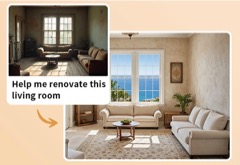
Ask our design AI for advice on materials, style choices, and renovation sequencing.
Landscaping
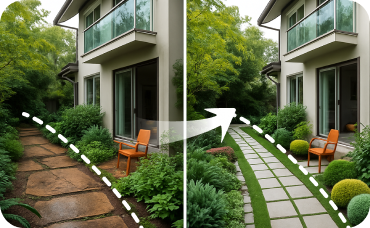
Design the perfect surroundings with gardens, pathways, and patios that complement your new A-frame exterior.
Ready to Design Your Dream Space?
Effortlessly create your perfect room design floor plan in minutes. Fast, intuitive, and highly customizable.
Generate My Floor Plan
💰 Earn 10% commission as a Ideal House Affiliate Partner.
Join us