








Generator
History
AI Floor Plan Generator
Change Tool
Model
Base
Switch
Rooms
BedRoom
-
2
+
BathRoom
-
1
+
Kitchen
open
closed
Gross Area
Unit metric
 imperial
metric imperialArea
< 50㎡
50-80㎡
80-100㎡
100-120㎡
120-150㎡
> 150㎡
Extras
walk-in closet
laundry room
storage room
utility room
home office
garage
pantry
combined living-dining
balcon

Generate Your Ideal Plans to Build with AI
Unlock the power of artificial intelligence to create professional 2D floor plans in seconds. Whether you're conceptualizing a new home, renovating, or preparing a real estate listing, Ideal House's AI Floor Plan Generator takes your vision and instantly transforms it into clear, actionable plans to build. Say goodbye to complex drafting and hello to intuitive design.
Generate My Floor Plan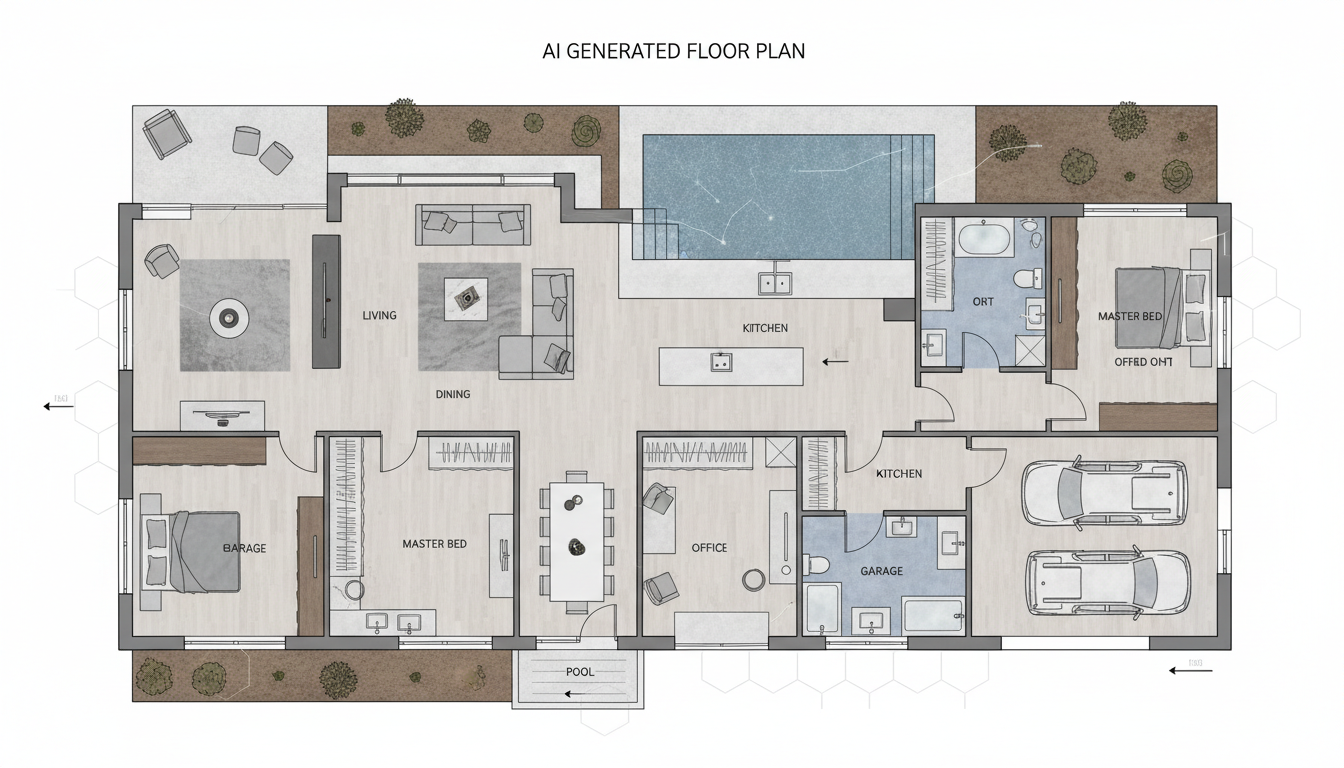


Why Choose Ideal House for Your Plans to Build?

Instant 2D Floor Plans
Gone are the days of tedious manual drawing. Our AI floor plan generator delivers precise, presentation-ready 2D floor plans almost instantly. Simply input your preferences, and watch as detailed house blueprints come to life, allowing you to quickly visualize and refine your initial plans to build.
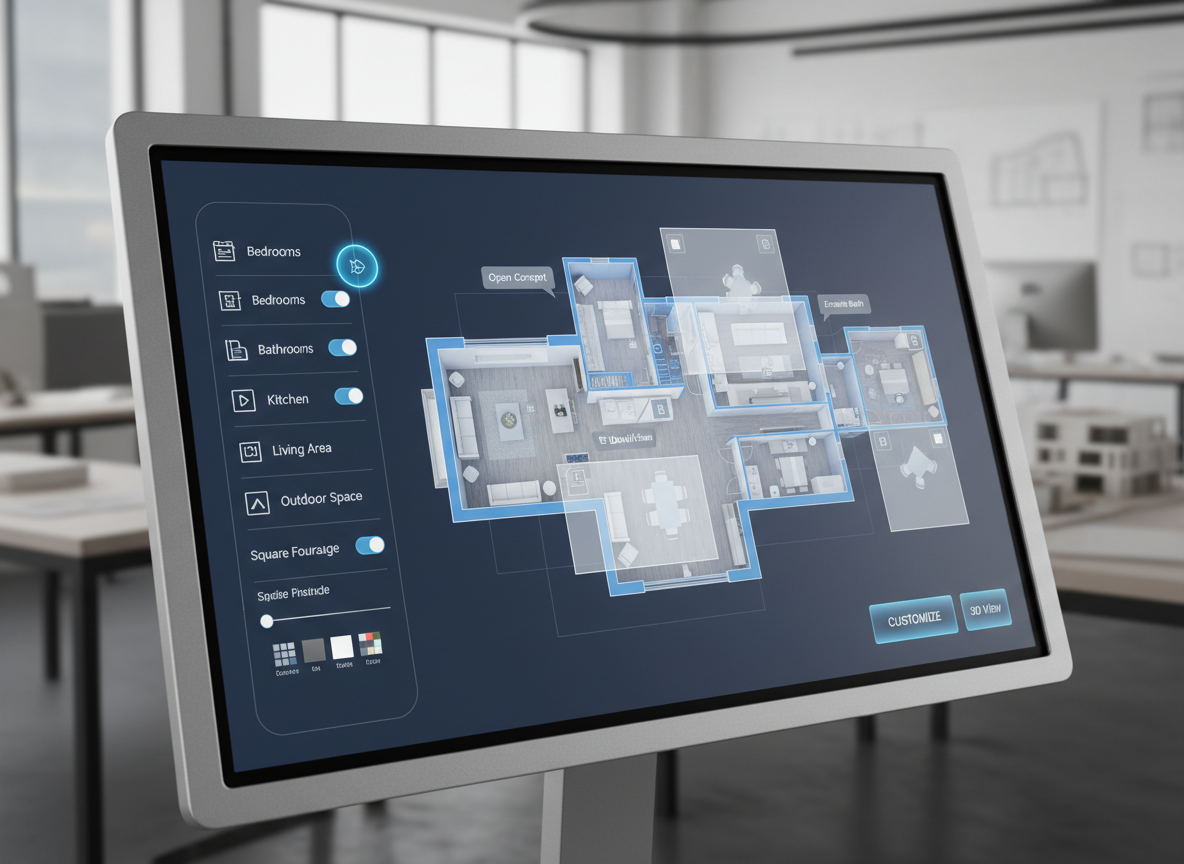
Customization at Your Fingertips
With Ideal House, you're the architect. Easily customize your floor plan by setting the number of bedrooms and bathrooms, kitchen style (open or closed), gross area, and essential extras like a walk-in closet or home office. Our intuitive floor plan creator empowers you to design a house that perfectly matches your unique needs and desires.
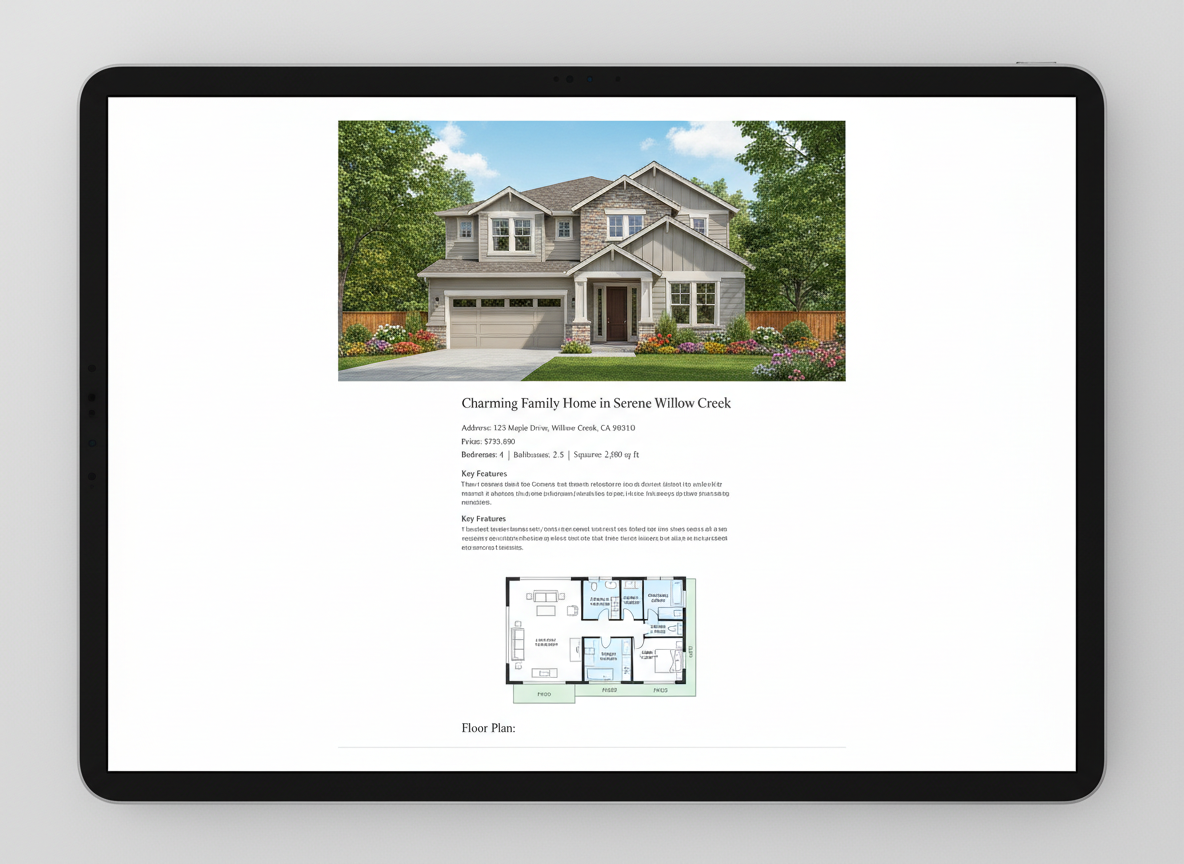
Optimize Real Estate Listings
Stand out in a competitive market. High-quality 2D floor plans are crucial for real estate listings, helping potential buyers quickly grasp the layout and flow of a property. Our tool helps agents and homeowners generate professional residential blueprints, making your listings more appealing and informative for anyone looking at plans to build.
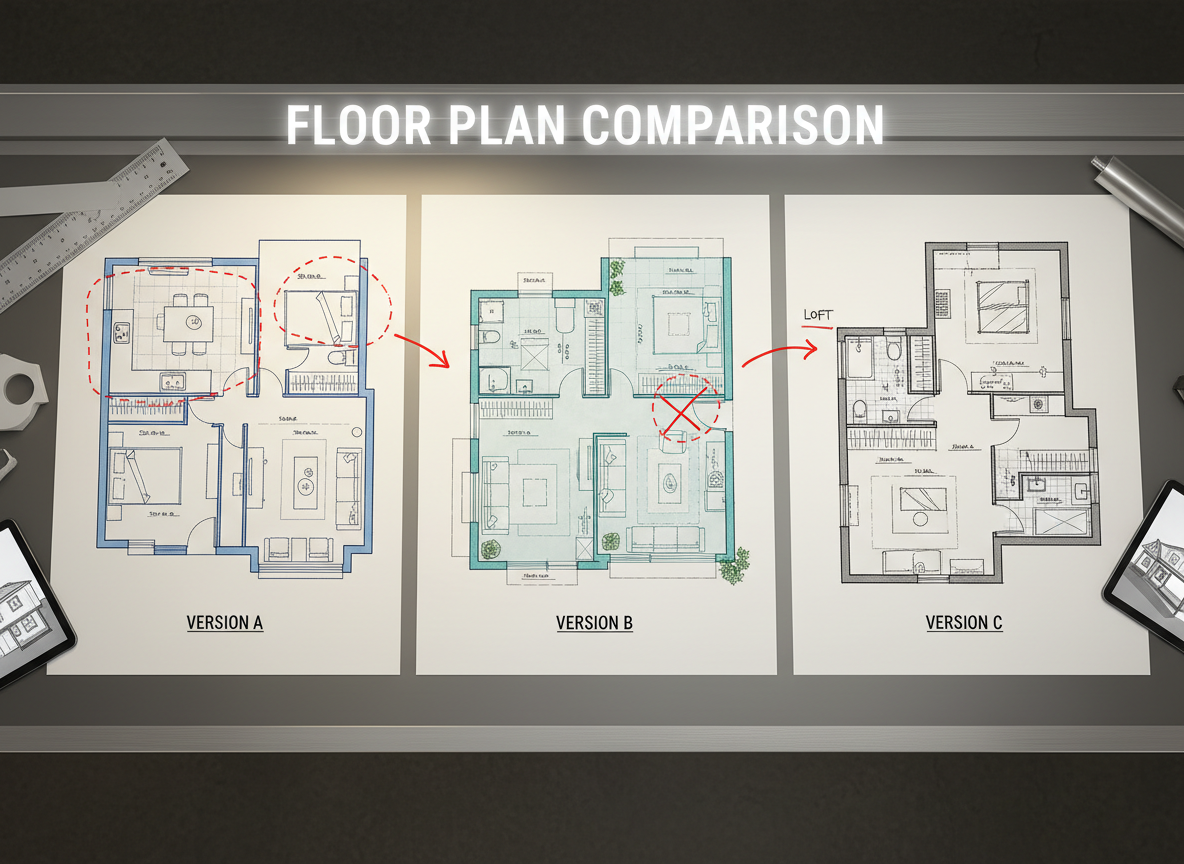
Seamless Iteration and Comparison
Experiment with different designs without starting from scratch. Every generated plan is saved in your history, allowing you to easily compare multiple versions. Tweak your parameters, regenerate, and find the perfect spatial planning solution. This iterative process ensures your final plans to build are exactly what you envisioned.

Who Benefits from Ideal House's AI Floor Plan Generator?

Homeowners & DIY Enthusiasts: Easily draft custom home plans for renovations or new constructions without specialized software.

Interior Designers & Decorators: Quickly create apartment floor plan concepts and iterate with clients in real-time.

Real Estate Professionals: Generate consistent, high-quality 2D real estate floor plans to elevate property listings.

Contractors & Consultants: Translate verbal requirements into clear building schematics for project alignment and decision-making.

Your Guide to Generating Plans to Build with AI
1
1. Define Your Space: Select the desired number of bedrooms (0-4, default 2) and bathrooms (1-3, default 1) to set the foundation for your design.
2
2. Choose Your Kitchen Style: Decide between an 'open' or 'closed' kitchen layout (default: open) to influence the overall flow and functionality of your space.
3
3. Specify Gross Area: Pick a gross area range that aligns with your target property size. This guides the AI floor plan maker in creating appropriately scaled and realistic house blueprints.
4
4. Add Unique Features: Enhance your custom home plans by multi-selecting 'extras' like a walk-in closet, laundry room, home office, garage, pantry, combined living-dining, or balcony. These options help shape the layout to your specific needs.
5
5. Generate & Refine: Click 'Generate' and watch our AI create detailed plans to build. Review your 2D floor plan in the preview panel and 'Generation History', then easily tweak parameters and regenerate to explore new possibilities.
6
6. Download & Share: Once satisfied, download your chosen floor plan as an image or PDF. Share your new property layouts with clients, contractors, or integrate them directly into your real estate listings.
Frequently Asked Questions About AI Floor Plan Generation
How does Ideal House turn my selections into a floor plan?
Our advanced AI floor plan generator interprets your inputs – beds, baths, kitchen type, gross area, and extras – then applies sophisticated algorithms based on common architectural practices. It drafts clear 2D floor plans, considering adjacency and circulation, to create realistic building schematics. Each generation offers a fresh concept, allowing for rapid iteration and refinement of your plans to build.
What customization options are available for drafting house plans?
You can set bedrooms (0-4, default 2), bathrooms (1-3, default 1), and choose an open or closed kitchen (default open). Select a gross area band for appropriate scaling, and add multiple extras like a walk-in closet, home office, or balcony. These comprehensive options give you control over designing your house.
What is the impact of 'Gross Area' on my floor plan?
The 'Gross Area' band is crucial for guiding the overall scale and proportions of your floor plan. Selecting the closest band ensures that rooms and corridors feel appropriately sized for the intended footprint, leading to more believable and functional property layouts for your plans to build.
How do 'Open' versus 'Closed' kitchen selections affect the layout?
An 'open' kitchen design prioritizes continuous sightlines and a smoother flow between living and dining areas, fostering a more communal space. A 'closed' kitchen, conversely, creates a more defined, separate cooking zone, often preferred for noise and odor containment, influencing the overall residential blueprints.
What do the 'Extras' achieve in the floor plan design?
The 'Extras' you select instruct the AI floor plan maker to prioritize and strategically place specific spaces within your design. For example, a walk-in closet will typically be adjacent to a primary bedroom, and a pantry near the kitchen, optimizing the functional layout and enhancing your custom home plans.
Can I compare multiple versions of my generated plans to build?
Absolutely! Every floor plan you generate is automatically saved in your 'Generation History'. You can easily use the 'Created with AI Floorplan' filter and switch between grid or list views to review, compare, and select your preferred architectural drawings side-by-side, making your decision process seamless.
How fast is the generation process, and how are credits used?
Most floor plan generations are completed in mere seconds, providing you with quick results for your plans to build. Each click of the 'Generate' button consumes the credits displayed, and all the resulting designs are stored for your convenience in your history.
Explore More Ideal House Design Tools
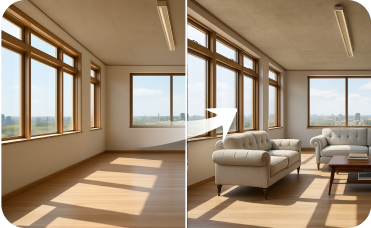
Virtual Staging
Furnish empty interior or exterior spaces with stylish, AI-generated furniture and decor to attract potential buyers.
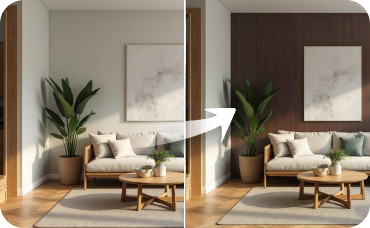
Room Visualizer
Focus on a single room, experimenting with furniture, colors, and decor in a historic context.

Photo Enhancer
Automatically improve the brightness, clarity, and color of your photos for a perfect design base.
Ready to Transform Your Vision into Plans to Build?
Start creating professional 2D floor plans with Ideal House's AI Floor Plan Generator today. Fast, intuitive, and designed for success.
Generate My Floor Plan
💰 Earn 10% commission as a Ideal House Affiliate Partner.
Join us