








Generator
History
AI Floor Plan Generator
Change Tool
Model
Base
Switch
Rooms
BedRoom
-
2
+
BathRoom
-
1
+
Kitchen
open
closed
Gross Area
Unit metric
 imperial
metric imperialArea
< 50㎡
50-80㎡
80-100㎡
100-120㎡
120-150㎡
> 150㎡
Extras
walk-in closet
laundry room
storage room
utility room
home office
garage
pantry
combined living-dining
balcon

Transform Concepts into Reality: Your AI Interior Design Blueprint Maker
Unleash the power of Ideal House’s AI Floor Plan Generator, your ultimate interior design blueprint maker. Instantly create professional, presentation-ready 2D floor plans from simple parameters. Perfect for homeowners, designers, and real estate professionals across North America, our intuitive tool streamlines your design process, turning high-level requirements into detailed floor plans in seconds. Discover how easy it is to visualize your dream space or next listing.
Generate My Floor Plan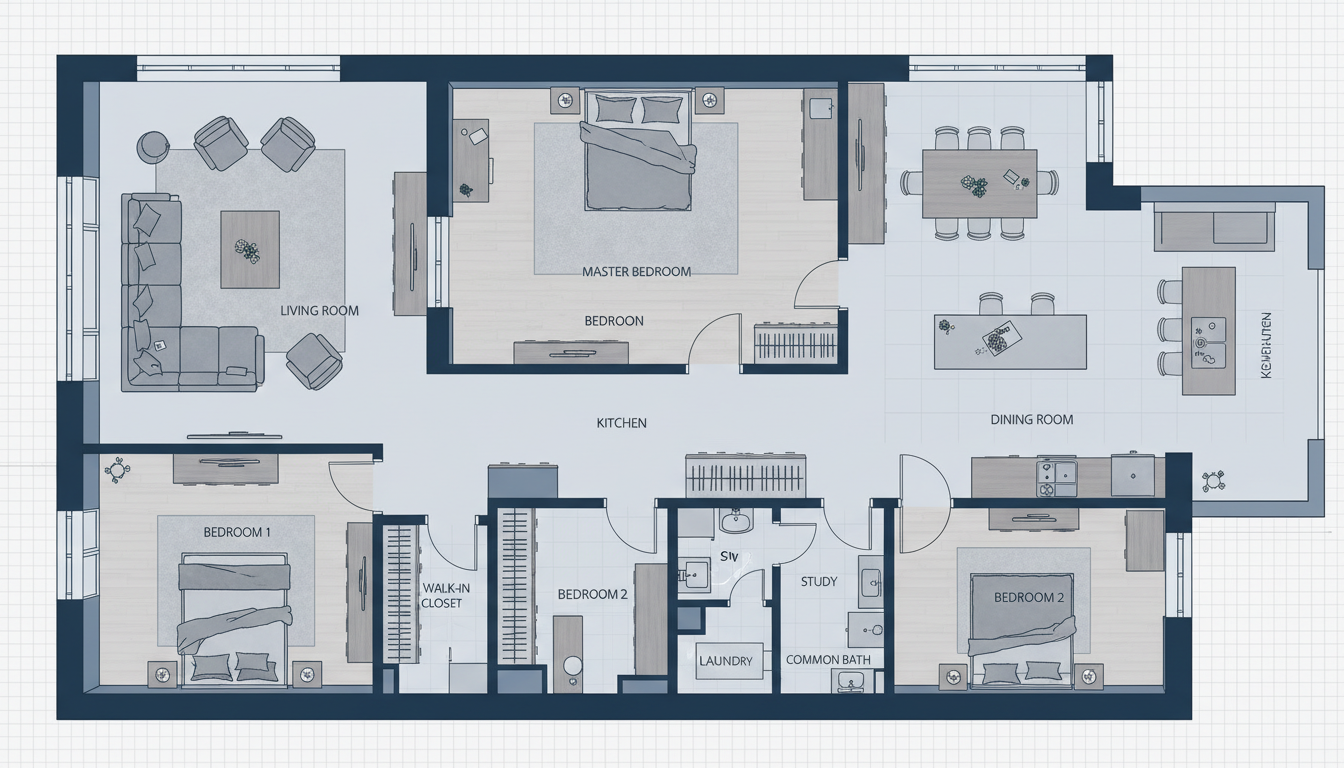


Why Ideal House is Your Go-To Interior Design Blueprint Maker

Speed and Efficiency in Floor Plan Creation
Gone are the days of manual drafting. Our AI floor plan generator creates intricate floor plan layouts in mere seconds. This rapid design capability allows you to explore countless design options and iterate on your ideas with unprecedented speed, making it the most efficient interior design blueprint maker on the market. Spend less time drawing and more time designing. Create quick floor plan concepts instantly.
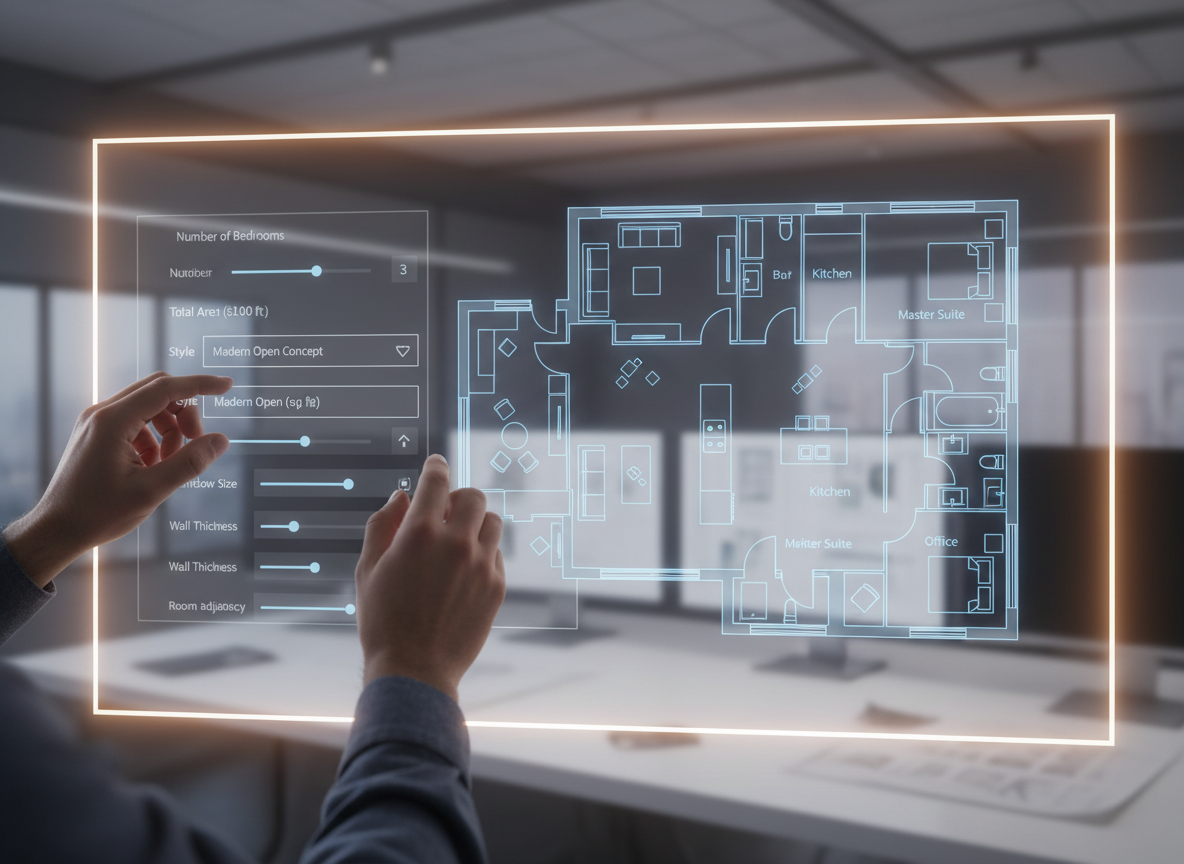
Unmatched Customization with Intelligent AI
As a leading interior design blueprint maker, Ideal House offers unparalleled customization. Specify bedrooms, bathrooms, kitchen styles (open or closed), gross area ranges, and vital extras like walk-in closets or home offices. Our AI home designer intelligently interprets your needs to produce custom floor plans that truly reflect your vision, acting as a smart room layout planner.
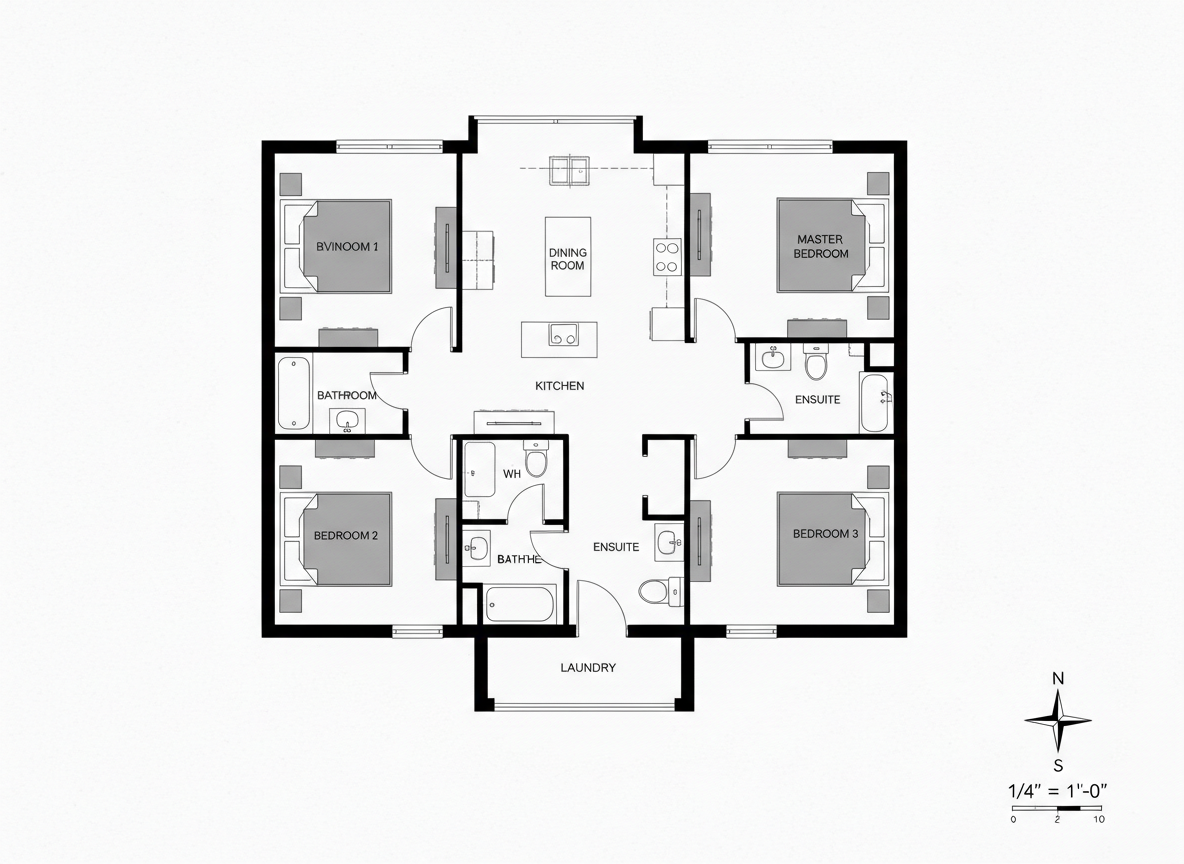
Visualize with Professional 2D Floor Plans
Present your ideas with clarity and confidence. The AI Floor Plan Generator delivers crisp, professional 2D floorplans that are perfect for client presentations, real estate listings, or personal planning. This architectural drawing tool ensures every detail is clear, helping your audience grasp the layout and flow of any space at a glance. It's a true building layout maker.

Enhance Collaboration and Decision-Making
Facilitate seamless collaboration with our robust interior design blueprint maker. Share generated plans as images or PDFs, making it easy to gather feedback and make informed decisions with clients, contractors, or family members. The ability to quickly compare multiple versions in your generation history streamlines the entire design review process for any house layout generator.

Who Benefits from Our AI Interior Design Blueprint Maker?

Homeowners & DIY Enthusiasts: Easily plan your dream home renovation or new build with a powerful room planner.

Interior Designers & Decorators: Rapidly prototype designs and client concepts with our advanced house plan designer.

Real Estate Agents & Developers: Create compelling, consistent 2D real estate floor plans for all your listings to attract more buyers.

How to Use Ideal House's Interior Design Blueprint Maker
1
1. Define Your Space: Begin by specifying the number of bedrooms (0-4) and bathrooms (1-3) for your ideal layout.
2
2. Choose Your Kitchen Style: Decide between an 'open' or 'closed' kitchen concept, influencing the flow of your living area.
3
3. Set Gross Area Range: Select a size range to guide the overall proportions and ensure a believable blueprint design software output.
4
4. Add Desired Extras: Personalize your floor plan with features like a walk-in closet, laundry room, home office, garage, pantry, combined living-dining, or balcony.
5
5. Generate Your Blueprint: Click 'Generate' and watch as our interior design blueprint maker instantly crafts a unique 2D floorplan. Review and refine!
6
6. Download & Share: Export your chosen digital floor plan as an image or PDF to share with clients, contractors, or for your listings.
Common Questions About Our AI Interior Design Blueprint Maker
How does the AI create a floor plan from my selections?
Our AI floor plan generator intelligently processes your input—beds, baths, kitchen style, area, and extras—and applies established architectural principles to draft a clear 2D floor plan. Each generation provides a fresh concept, acting as a smart space planning app.
What options are available for rooms and kitchen styles?
You can set Bedrooms (0-4), Bathrooms (1-3), and choose between an 'open' or 'closed' kitchen. These fundamental choices greatly influence the resulting house layout generator designs.
How does the 'Gross Area' setting impact the design?
The 'Gross Area' band helps our interior design blueprint maker scale rooms and corridors appropriately, ensuring the overall footprint and room sizes feel authentic for the selected virtual floor plan.
What specific 'Extras' can I include in my floor plan?
You can select various extras such as a walk-in closet, laundry room, home office, garage, pantry, combined living-dining area, or a balcony, allowing for truly custom floor plans.
Can I compare different floor plan versions created by the AI?
Absolutely! Every generated design is saved in your 'Generation History.' You can use filters and different viewing modes to easily compare multiple iterations and choose the best home blueprint software output.
Complement Your Design with Other Ideal House Tools
Change Furniture
Swap individual items within your staged scene to create a personalized earthy eclectic interior design.
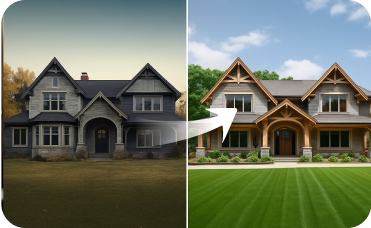
Exterior Renovator
Complement your plantation house interiors with a perfectly matched exterior facade.
AI 3D Rendering
Create a high-resolution, multi-angle 3D model of your completely redesigned, timeless American traditional room.
Ready to Design Your Space with the Ultimate Interior Design Blueprint Maker?
Create stunning, functional 2D floor plans in minutes. Simple, fast, and share-ready for North American markets.
Generate My Floor Plan
💰 Earn 10% commission as a Ideal House Affiliate Partner.
Join us