








Generator
History
AI Floor Plan Generator
Change Tool
Model
Base
Switch
Rooms
BedRoom
-
2
+
BathRoom
-
1
+
Kitchen
open
closed
Gross Area
Unit metric
 imperial
metric imperialArea
< 50㎡
50-80㎡
80-100㎡
100-120㎡
120-150㎡
> 150㎡
Extras
walk-in closet
laundry room
storage room
utility room
home office
garage
pantry
combined living-dining
balcon

Design Your Dream Space with Our AI Floor Plan Generator
Unleash your creativity and visualize your perfect living area with Ideal House's advanced AI Floor Plan Generator. This intuitive house design floor plan app simplifies the complex process of creating detailed 2D floor plans, making it accessible for everyone from homeowners to real estate professionals. Generate precise residential floor plans in minutes, transforming your concepts into clear, shareable layouts.
Generate My Floor Plan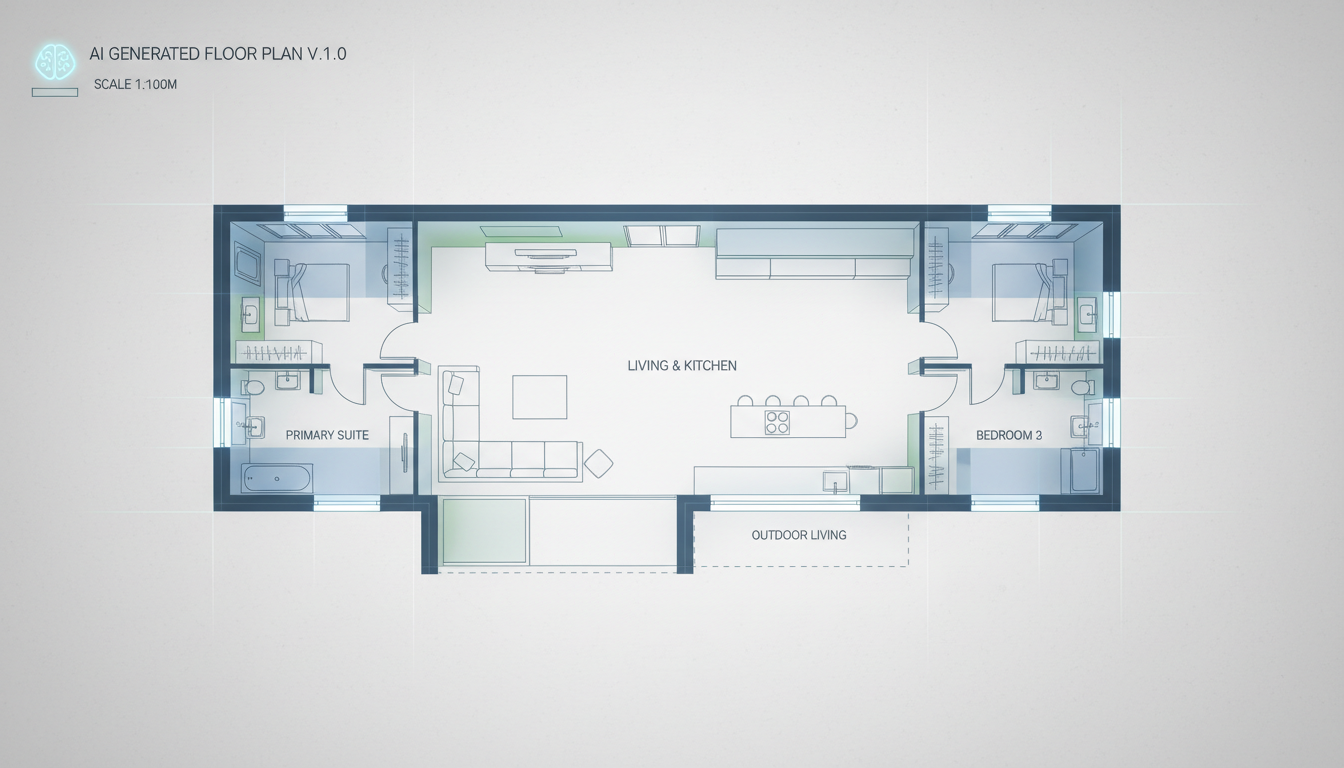


Why Ideal House is Your Go-To House Design Floor Plan App
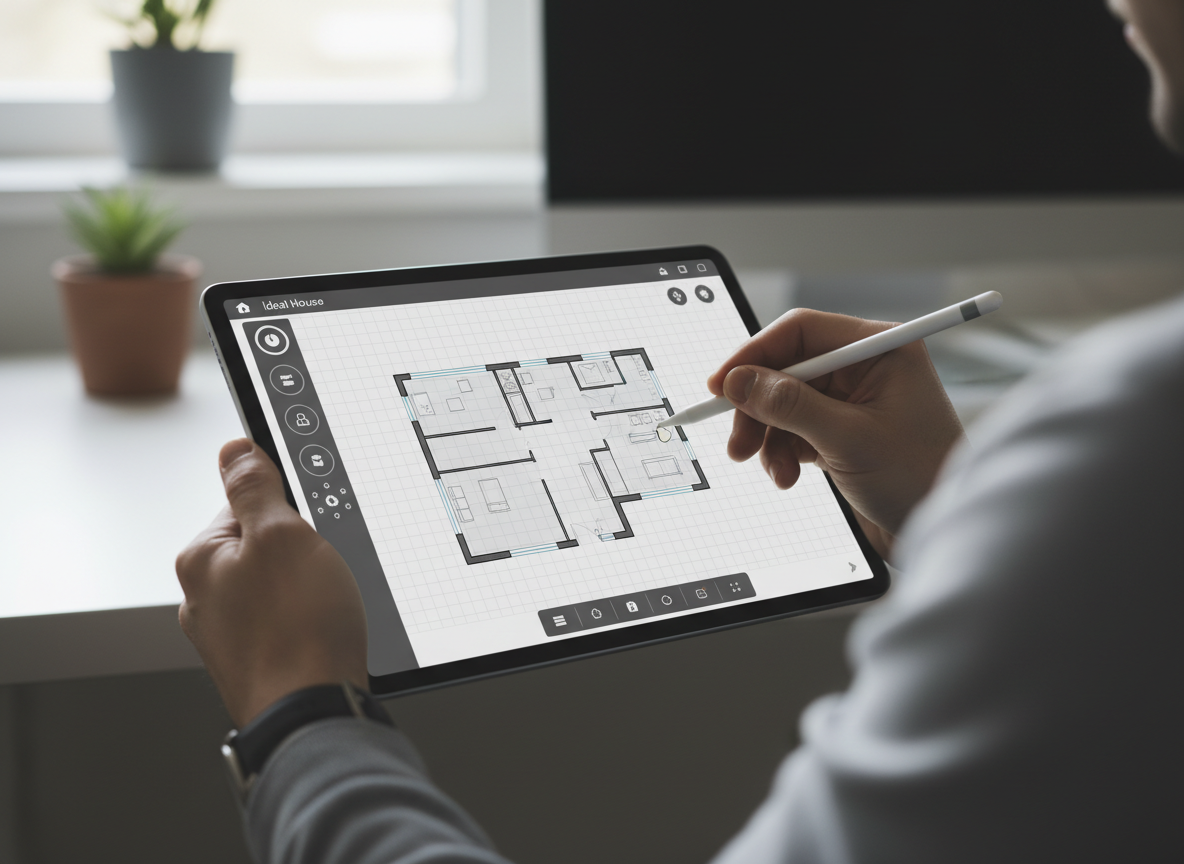
Instant 2D Floor Plans
Say goodbye to manual drafting. Our AI floor plan maker rapidly converts your specifications into professional 2D floor plans, giving you a comprehensive house layout planner at your fingertips. Input your desired rooms and features, and watch as our online floor plan generator brings your vision to life in seconds. This speed allows for rapid iteration and exploration of various layouts for your home.
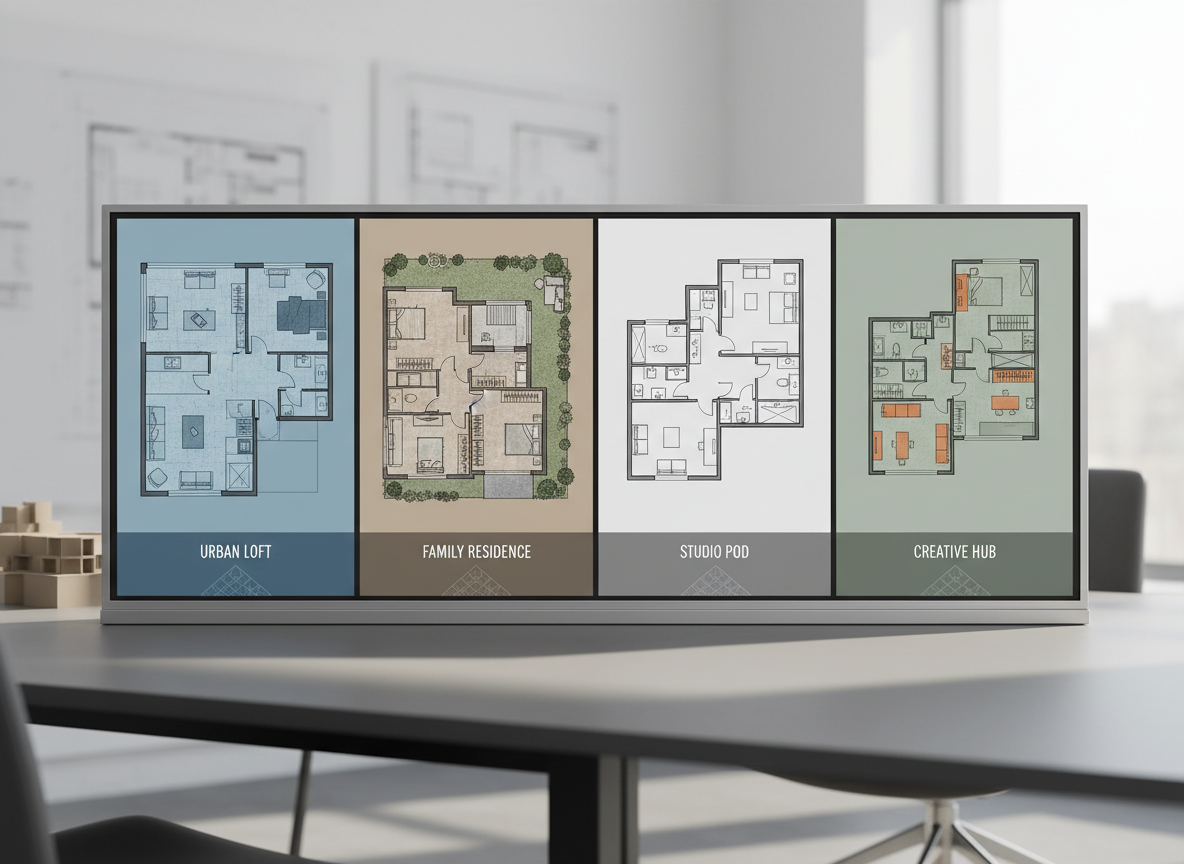
Customizable Layouts for Every Need
Whether you're planning a cozy apartment or a spacious family home, our house design floor plan app offers unparalleled customization. Easily adjust bedroom and bathroom counts, toggle between open or closed kitchen concepts, and select specific gross area ranges. Add crucial extras like a walk-in closet, home office, or balcony to create truly custom floor plans tailored to your lifestyle and needs.
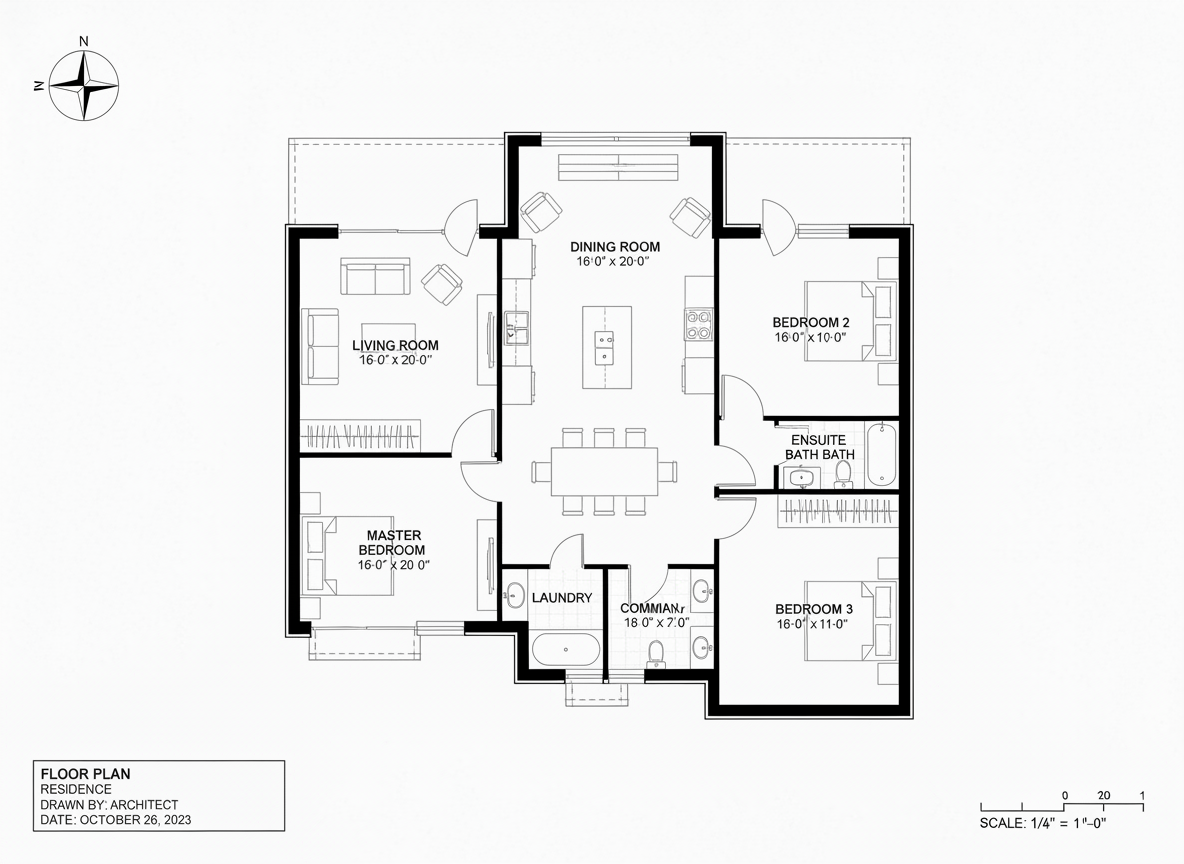
Realistic & Ready-to-Use Designs
Our AI floor plan generator doesn't just create sketches; it produces realistic residential floor plans perfect for presentations, contractors, or real estate listings. Get a clear understanding of space flow and room adjacencies with high-quality outputs. This house design software ensures your designs are not only beautiful but also practical, helping you make informed decisions about your home's layout.
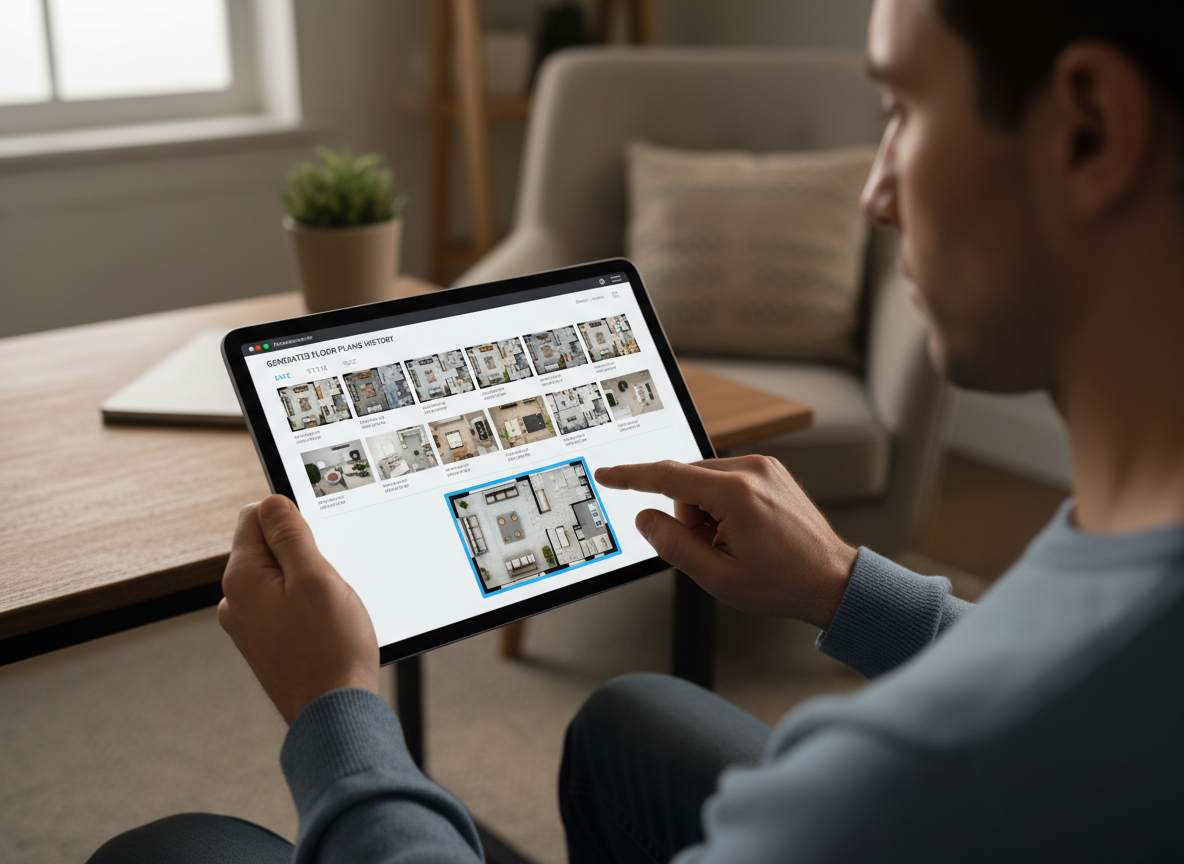
Seamless Workflow & History Tracking
Every design created with our house design floor plan app is automatically saved in your Generation History. Easily review, compare, and refine your concepts without losing previous iterations. This feature makes our floor plan creator an invaluable tool for both professionals and homeowners, allowing you to track progress and choose the perfect plan effortlessly. Your ideal room planner is here.

Who Benefits from Ideal House's AI Floor Plan Generator?

Homeowners & DIY Planners: Experiment with different layouts for renovations or new builds, making your home design app dreams a reality.

Interior Designers & Decorators: Quickly generate client concepts, iterate designs, and visualize interior spaces with ease.

Real Estate & Rental Professionals: Create professional 2D real estate floor plans for listings, enhancing buyer understanding and engagement.

Contractors & Consultants: Translate verbal project requirements into clear architectural drawing software visuals for better client communication.

Create Your Floor Plan in 6 Simple Steps with Our House Design Floor Plan App
1
Set Rooms: Choose your desired number of bedrooms (0-4) and bathrooms (1-3) to begin defining your space.
2
Choose Kitchen Style: Decide between an open or closed kitchen concept to shape the heart of your home.
3
Pick Gross Area: Select a size range that best fits your project, guiding the overall proportions of your floor plan.
4
Add Extras: Multi-select features like a walk-in closet, home office, or garage to customize functionality and flow.
5
Generate & Review: Click 'Generate' to instantly create your 2D floor plan. Review and tweak settings to compare versions.
6
Download & Share: Export your finalized plan as an image or PDF, ready to share with anyone.
Frequently Asked Questions About Our AI Floor Plan Generator
How does this house design floor plan app turn my selections into a plan?
Our AI floor plan generator interprets your input—beds, baths, kitchen type, gross area, and extras—and applies smart algorithms based on common design principles to craft a clear 2D floor plan. Each adjustment you make offers a fresh, intelligent concept for your home layout planner.
What customizable ranges are available?
You can set Bedrooms (0-4), Bathrooms (1-3), Kitchen (open/closed), and choose from various Gross Area bands. Extras like walk-in closets, home offices, and balconies are multi-selectable, making it a truly versatile room planner.
What is the impact of selecting 'Gross Area'?
The Gross Area band is crucial for establishing the overall scale of your design. Choosing the closest band ensures that rooms and corridors are proportioned appropriately for the intended footprint, leading to more believable and functional small house plans or larger residences.
How do 'Open' vs. 'Closed' kitchen options affect the layout?
An open kitchen design typically fosters a continuous flow between living and dining areas, promoting social interaction. A closed kitchen, conversely, creates a distinct cooking zone, offering separation and potentially reducing noise and odors in adjacent spaces. Our AI floor plan maker adjusts accordingly.
What do the 'Extras' achieve in the design process?
The 'Extras' function in our house design software allows you to prioritize specific spaces. For example, a walk-in closet will be strategically placed near a primary bedroom, a pantry adjacent to the kitchen, or a home office in a quieter corner, influencing the overall architectural drawing software output.
Can I compare different versions of my floor plans?
Absolutely! Every generation is automatically saved to your 'Generation History.' You can use the 'Created with AI Floorplan' filter and switch between grid and list views to easily compare multiple design iterations side-by-side, helping you choose the best custom floor plans.
Is the AI Floor Plan Generator fast, and how are credits used?
Most floor plans are generated in mere seconds. Each time you click 'Generate', the credits shown on the button are used, and the resulting plan is stored for your convenience. This efficient online floor plan generator ensures quick progress on your projects.
Explore More Ideal House Design Tools
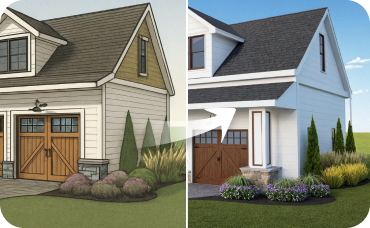
AI 3D Rendering
Create a high-resolution, multi-angle 3D model of your completely redesigned, timeless American traditional room.
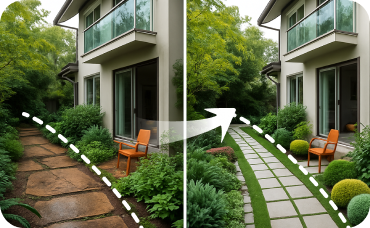
Landscaping
Transform your home's exterior to match your new interior aesthetic.
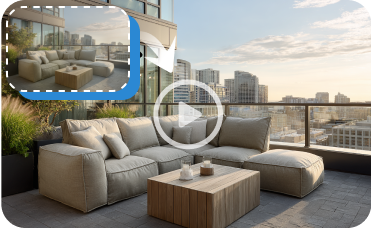
Image to Video
Create a dynamic video walkthrough of your updated kitchen, spotlighting the sleek new dishwasher.
Ready to Design Your Space with the Ultimate House Design Floor Plan App?
Transform your ideas into stunning 2D floor plans quickly and efficiently. Ideal House makes professional home design accessible to everyone.
Generate My Floor Plan
💰 Earn 10% commission as a Ideal House Affiliate Partner.
Join us