








Generator
History
AI Floor Plan Generator
Change Tool
Model
Base
Switch
Rooms
BedRoom
-
2
+
BathRoom
-
1
+
Kitchen
open
closed
Gross Area
Unit metric
 imperial
metric imperialArea
< 50㎡
50-80㎡
80-100㎡
100-120㎡
120-150㎡
> 150㎡
Extras
walk-in closet
laundry room
storage room
utility room
home office
garage
pantry
combined living-dining
balcon

Revolutionize Your Designs with Our AI Ground Plan Maker
Discover Ideal House's cutting-edge AI Floor Plan Generator, your ultimate ground plan maker. Transform your design ideas into detailed, presentation-ready 2D floor plans in mere seconds. Perfect for homeowners, real estate professionals, and designers, our intuitive tool streamlines the creation of house layouts, offering unparalleled speed and precision. Say goodbye to complex drafting and hello to effortless home design.
Generate My Floor Plan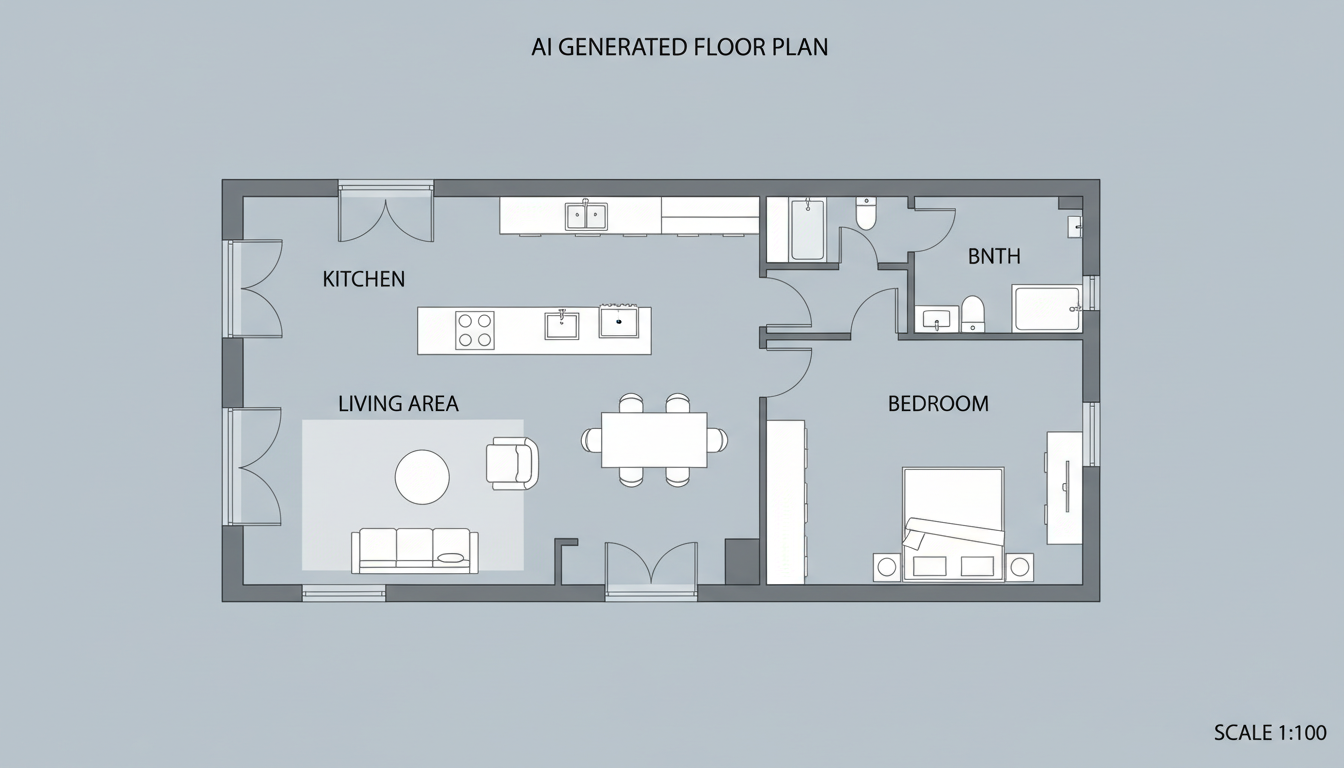


Why Ideal House is Your Premier Ground Plan Maker
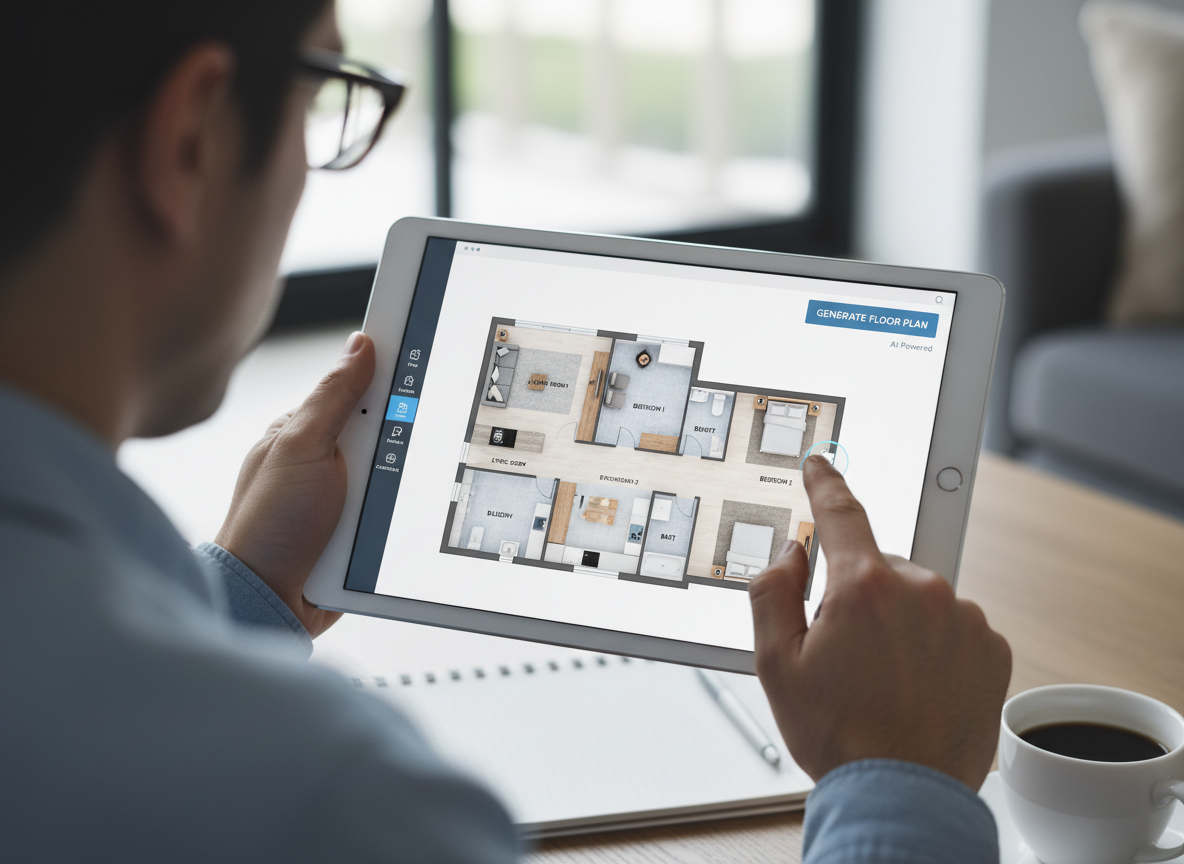
Instant 2D Floor Plan Generation
Skip the tedious drafting. Our AI-powered ground plan maker delivers complete 2D floor plans with essential rooms and features almost instantly. Simply input your preferences—from bedroom count to kitchen style—and watch your custom floor plan materialize. This rapid generation capability means you can explore countless layout designs without delay, making it an invaluable architectural drawing tool for quick iterations.
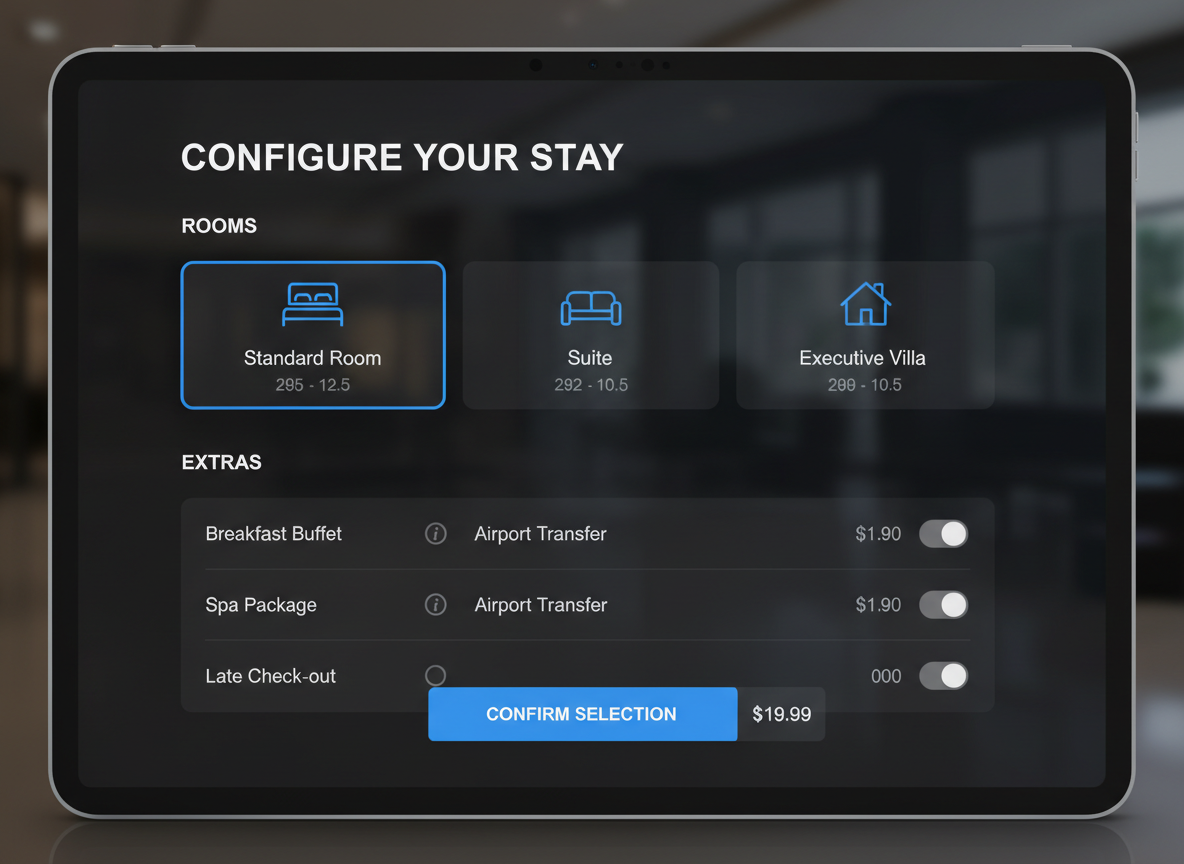
Parameter-Driven Customization
Gain granular control over your residential floor plan. With Ideal House, you can specify bedroom and bathroom counts, choose between open or closed kitchens, define gross area ranges, and add critical extras like a walk-in closet or home office. Our smart system intelligently integrates these choices into a cohesive house layout, acting as a sophisticated house plan generator tailored to your exact needs.

Boost Real Estate Listings and Client Engagement
For real estate professionals, a clear, professional 2D home plan is paramount. Our ground plan maker helps you create consistent, high-quality digital floorplans for every listing. This enhances buyer understanding, accelerates decision-making, and elevates your property presentations. Showcase every home blueprint creator's dream layout with ease, making your listings stand out in the competitive North American market.

Seamless Iteration and History Tracking
Every floor plan you generate is automatically saved in your personal history, allowing for easy comparison and refinement. The ability to quickly tweak parameters and regenerate new options makes Ideal House an exceptionally versatile room planner and floor layout planner. Effortlessly manage your design progression and pick the perfect layout, transforming how you approach home architectural design.

Who Benefits from Our Ground Plan Maker?

Homeowners and DIY Enthusiasts: Visualize your dream home's potential layouts, making personal home design software accessible and fun.

Interior Designers and Decor ators: Quickly draft initial concepts and iterate with clients, streamlining your creative process.

Real Estate Professionals: Generate professional 2D real estate floor plans for listings, enhancing property appeal and buyer understanding.

Contractors and Consultants: Translate verbal briefs into clear, visual house layouts to align project scope and client expectations.

How to Use Our AI Ground Plan Maker in 6 Simple Steps
1
Set Rooms: Specify desired bedrooms (0–4) and bathrooms (1–3) to define your basic home layout.
2
Choose Kitchen Style: Select an open or closed kitchen concept to influence flow and space planning.
3
Pick Gross Area: Define the approximate total size of your property for accurate scaling and room proportions with our floor plan creator.
4
Add Extras: Multi-select additional features like a walk-in closet, home office, or balcony to customize your space planner.
5
Generate & Review: Click 'Generate' to instantly produce a custom 2D floor plan. Review and compare versions in your history.
6
Download & Share: Export your chosen digital floorplan as an image or PDF to share with clients or for listings.
FAQs About the AI Ground Plan Maker
How does this ground plan maker transform my selections into a plan?
Our advanced AI floor plan generator processes your inputs—beds, baths, kitchen type, gross area, and selected extras—then applies smart adjacency and circulation rules to draft a clear 2D floor plan. Each generation provides a fresh concept, allowing you to easily iterate and refine your house layout.
What ranges and default settings are available?
You can choose 0–4 bedrooms (default 2), 1–3 bathrooms (default 1), and either an open or closed kitchen (default open). Gross Area can be selected from several bands, and extras like a laundry room or combined living-dining can be multi-selected to tailor your custom floor plan.
How does 'Gross Area' influence the generated floor plan?
The selected Gross Area band guides the overall scale and proportions of the layout. Picking the closest band ensures that rooms and corridors are appropriately sized for that footprint, resulting in a realistic and functional home blueprint creator output.
What is the difference between an open and closed kitchen in the layout?
An open kitchen typically promotes a continuous sightline and smoother flow between living and dining areas, ideal for modern layouts. A closed kitchen, conversely, creates a more defined, separate cooking zone, offering privacy and containing cooking odors. This choice significantly impacts your room layout designer output.
What role do 'Extras' play in the floor plan design?
Extras, such as a walk-in closet near the primary bedroom, a pantry adjacent to the kitchen, or a home office in a quieter corner, instruct the AI floor plan maker on which spaces to prioritize and how to strategically place them within your 2D home plan. They are crucial for creating a truly custom floor plan.
Explore More Ideal House Design Tools

Magic Editor
Use a simple text prompt to add, remove, or change any detail in your design.

Photo Enhancer
Automatically improve the quality of your source photo for even more realistic renovation previews.
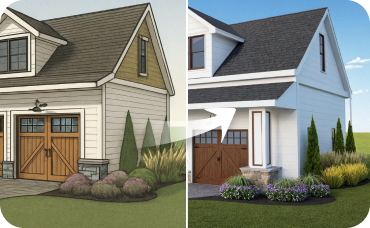
AI 3D Rendering
Turn your favorite 2D design into an immersive 3D model and get a true feel for the space.
Ready to Design Your Perfect Space?
Experience the future of home design with Ideal House's AI Ground Plan Maker. Create stunning, accurate, and professional 2D floor plans in minutes.
Generate My Floor Plan
💰 Earn 10% commission as a Ideal House Affiliate Partner.
Join us