








Generator
History
AI Floor Plan Generator
Change Tool
Model
Base
Switch
Rooms
BedRoom
-
2
+
BathRoom
-
1
+
Kitchen
open
closed
Gross Area
Unit metric
 imperial
metric imperialArea
< 50㎡
50-80㎡
80-100㎡
100-120㎡
120-150㎡
> 150㎡
Extras
walk-in closet
laundry room
storage room
utility room
home office
garage
pantry
combined living-dining
balcon

Design Your Dream Space with Our Free Building Layout Maker
Unlock the power of AI to effortlessly create professional 2D floor plans. Ideal House provides a free building layout maker that transforms your ideas into clear, presentation-ready designs in seconds. Whether you're planning a new home, renovating, or preparing a real estate listing, our intuitive online floor plan creator makes spatial planning simple and accessible for everyone. Generate accurate, beautiful layouts without the complexity of traditional architectural drawing software free of charge.
Generate My Floor Plan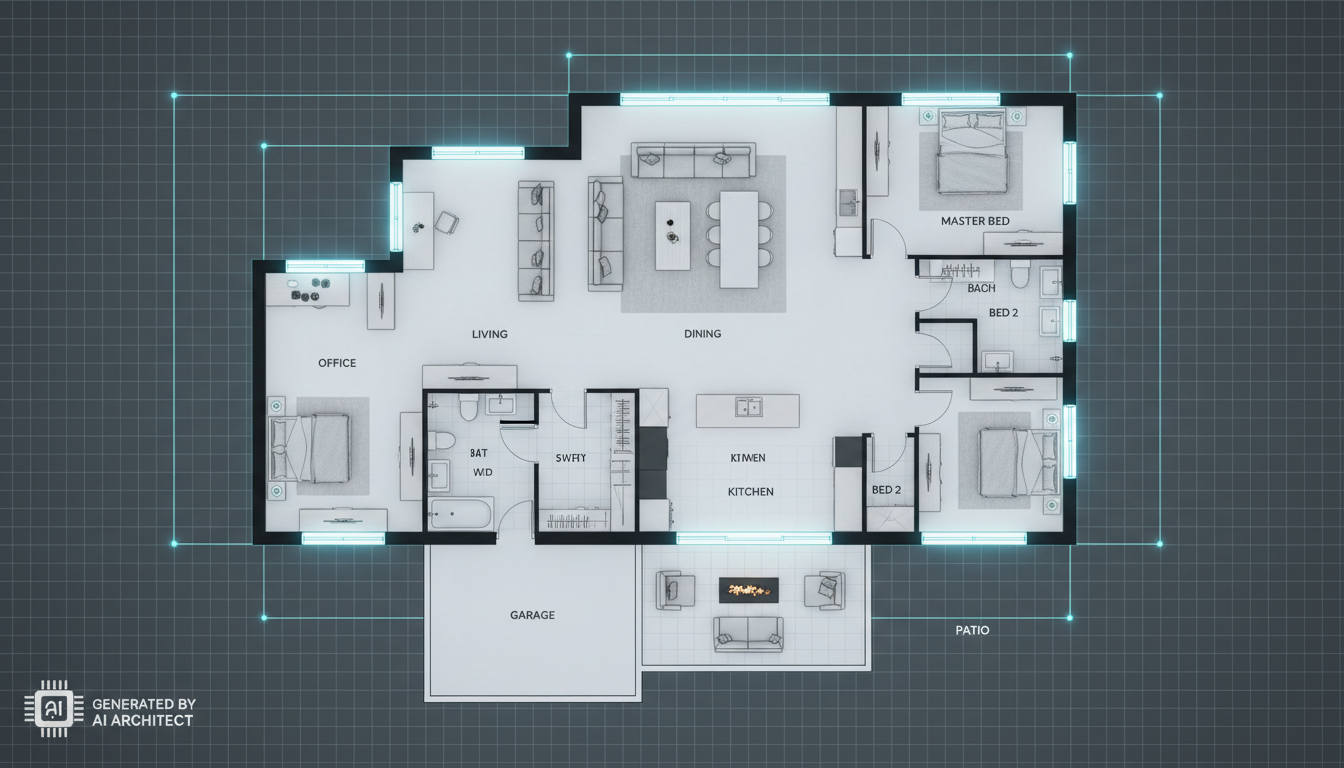


Why Ideal House is Your Go-To Free Building Layout Maker
Instant 2D Floor Plans
Say goodbye to manual drafting. Our AI Floor Plan Generator provides an instant 2D floor planner that turns your specifications into a detailed digital floor plan in a flash. Set bedrooms, bathrooms, kitchen style, and gross area, then watch your custom building blueprint maker come to life. It's the fastest way to get a clear, shareable layout.
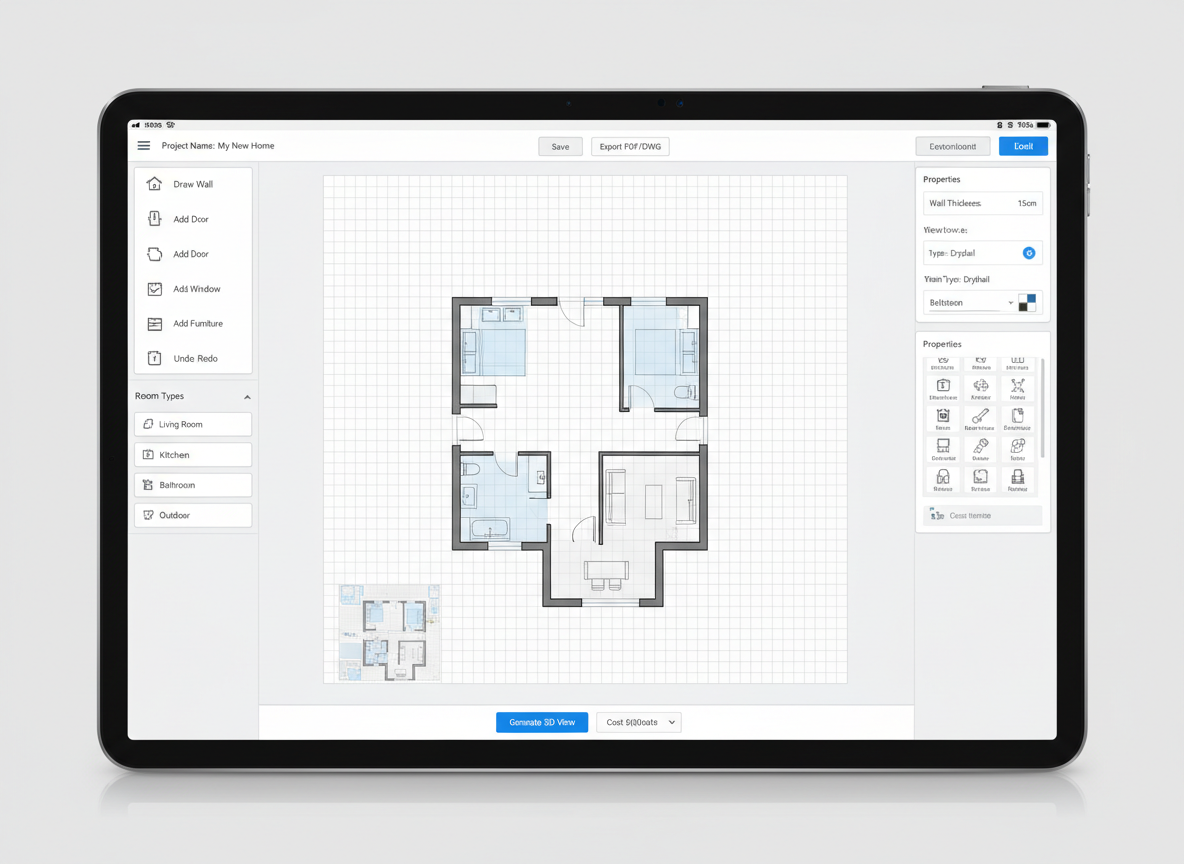
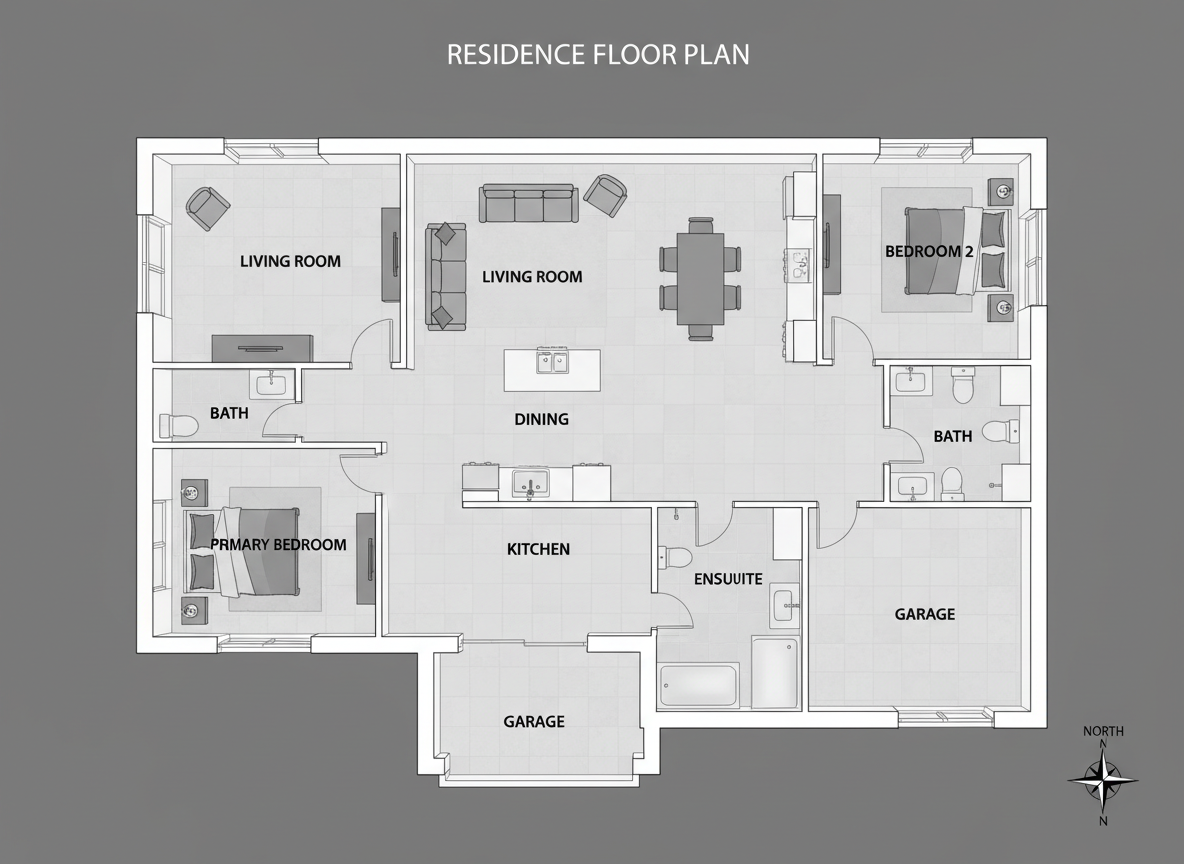
Intuitive Room Layout Planner
Designing your perfect space has never been easier. As an advanced room layout planner, Ideal House lets you experiment with different configurations. Add extras like a walk-in closet, home office, or balcony to fine-tune your design. Our free building layout maker adapts to your needs, giving you control over every detail of your house plan generator.
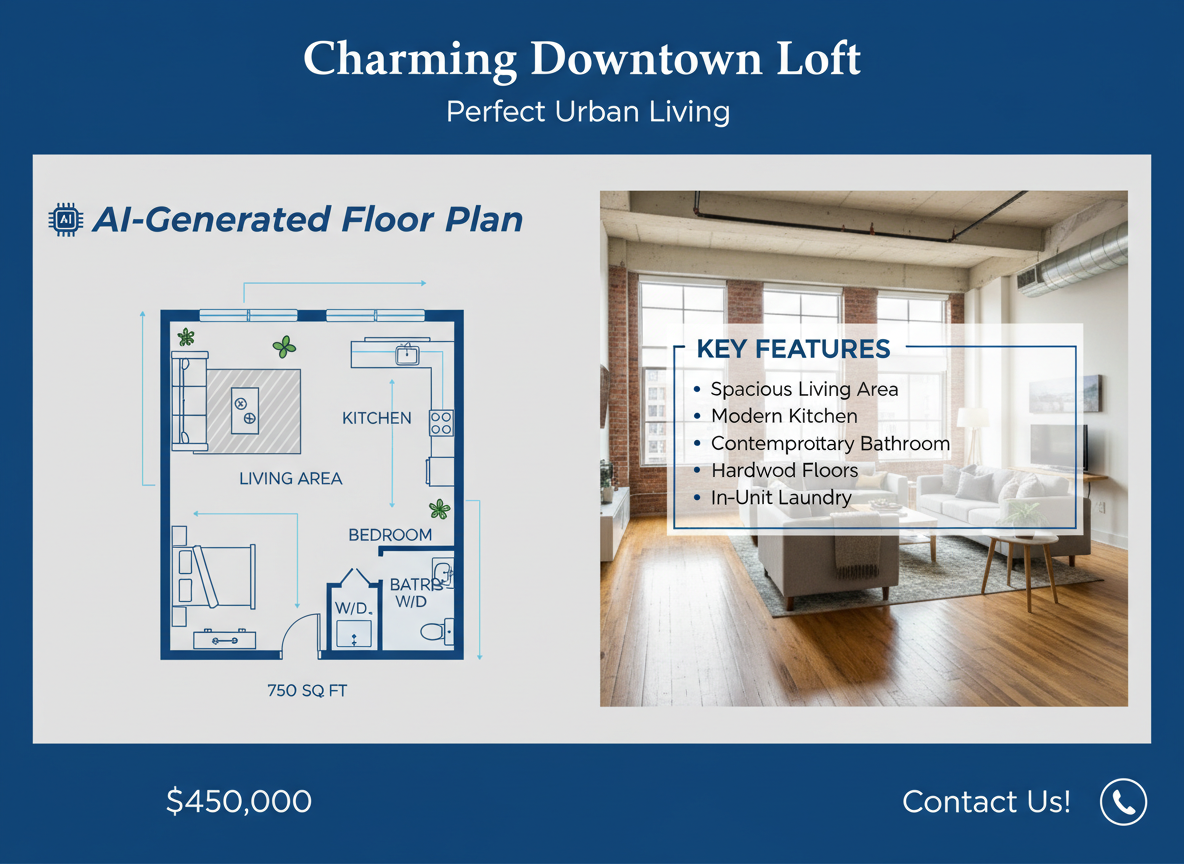
Perfect for Real Estate & Renovations
Elevate your property listings with professional-grade floor plans generated quickly and easily. This free building layout maker is an invaluable home design tool for real estate professionals and renovators. Present clear, concise floor layouts that help potential buyers visualize the space, boosting engagement and accelerating sales.
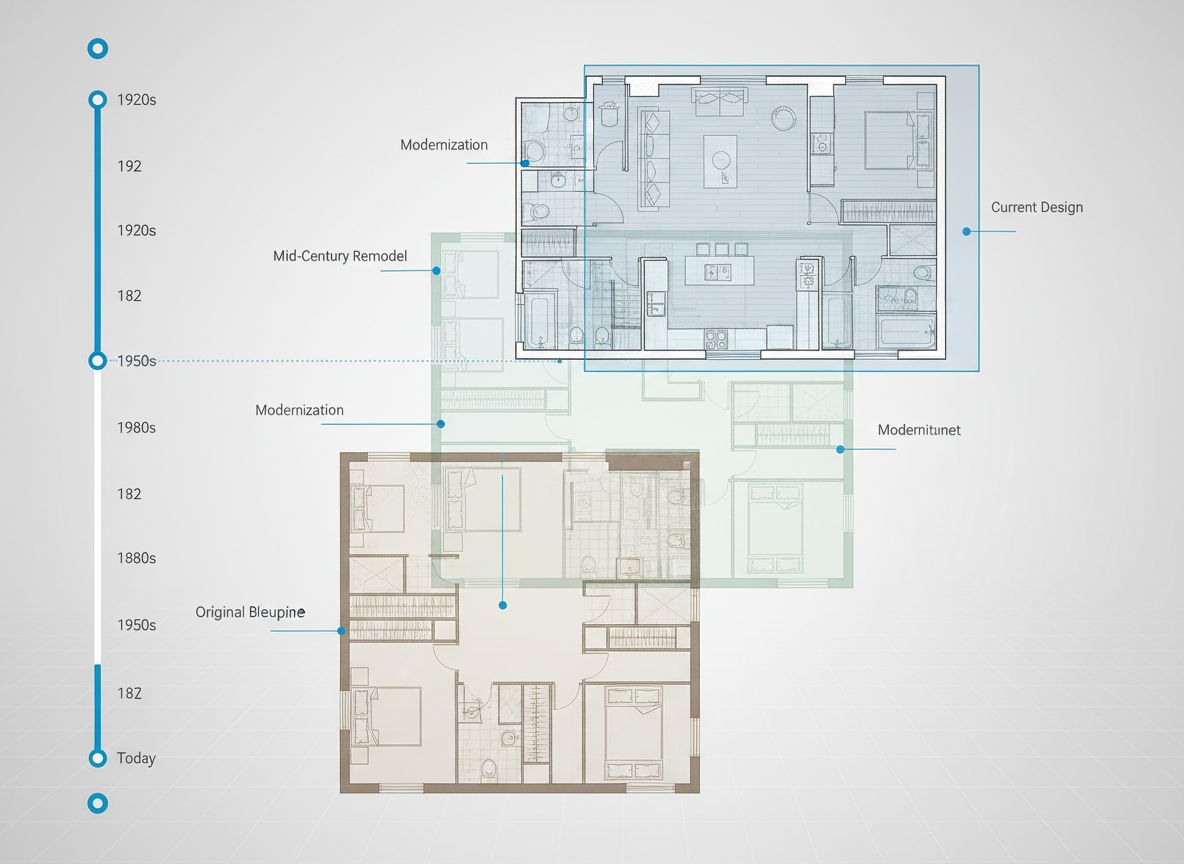
Save and Share with Ease
Every floor plan you create is saved in your generation history, allowing you to compare, refine, and download your favorite designs. Our online floor plan creator ensures you always have access to your architectural drawings. Easily export your digital floor plan as an image or PDF to share with clients, contractors, or family, making collaboration seamless.

Who Benefits from Our Free Building Layout Maker?

**Homeowners & DIY Enthusiasts:** Planning a new build or renovation? Experiment with layouts easily.

**Real Estate Professionals:** Create stunning 2D floor plans for listings in minutes, without a subscription.

**Interior Designers & Architects:** Quickly draft conceptual layouts for clients and iterate with speed.

Generate Your Floor Plan in 5 Simple Steps
1
**Set Your Core Rooms:** Choose the desired number of bedrooms ( 0-4) and bathrooms (1-3) to begin defining your space.
2
**Define Kitchen Style:** Select between an 'open' or 'closed' kitchen to influence the flow and privacy of your living areas using our online floor plan creator.
3
**Pick Gross Area:** Specify a gross area range (e.g., <50㎡ to >150㎡) to guide the overall scale and proportions of your building blueprint maker.
4
**Add Personalized Extras:** Incorporate features like a walk-in closet, home office, garage, or balcony to customize your floor layout designer.
5
**Generate & Refine:** Click 'Generate' to instantly see your AI-powered floor plan. Review, adjust your selections, and regenerate to explore new design possibilities with this free building layout maker.
Frequently Asked Questions About Our Free Building Layout Maker
How does the AI create a floor plan from my selections?
Our AI Floor Plan Generator uses advanced algorithms to interpret your inputs (beds, baths, kitchen type, area, extras). It then applies established architectural principles for adjacencies and circulation to draft a clear 2D floor plan. Each generation provides a unique, intelligent spatial planning solution.
Can I really create a building layout for free?
Yes! Ideal House offers a free tier for our building layout maker, allowing you to generate and explore initial floor plans without any cost. Our goal is to make professional home design tools accessible to everyone.
What impact does 'Gross Area' have on the design?
The 'Gross Area' selection guides the overall footprint and scale of your floor plan. Choosing the closest band ensures that rooms, corridors, and features are appropriately sized, resulting in a more realistic and functional digital floor plan.
Is this a good architectural drawing software free alternative?
Absolutely. While not a full CAD suite, our free building layout maker provides a powerful and quick solution for conceptual 2D floor plans, perfect for early-stage design, presentations, and visualizing layouts without the steep learning curve or cost of traditional architectural drawing software free options.
Can I save and compare different floor plan versions?
Yes, every floor plan generated is automatically saved in your 'Generation History'. This allows you to easily compare multiple versions side-by-side, helping you choose the best room layout planner for your needs. It's a key feature of our interactive floor plan tool.
Enhance Your Design Projects with Related Ideal House Tools

Photo Enhancer
Automatically improve the lighting and clarity of your room photos for more stunning and realistic AI remodel results.
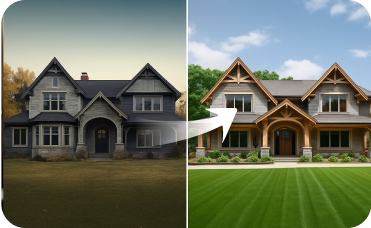
Exterior Renovator
Virtually update your property's siding, windows, and roof to boost curb appeal.
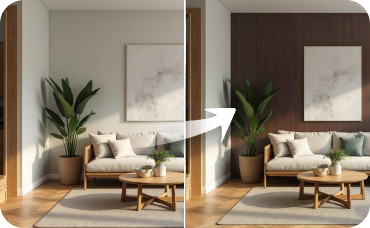
Room Visualizer
Experiment with different wall colors and flooring to perfectly complement your nature-inspired furniture.
Ready to Design Your Space?
Experience the fastest and easiest way to create professional floor plans with our free building layout maker. Get started today!
Generate My Floor Plan
💰 Earn 10% commission as a Ideal House Affiliate Partner.
Join us