








Generator
History
AI Floor Plan Generator
Change Tool
Model
Base
Switch
Rooms
BedRoom
-
2
+
BathRoom
-
1
+
Kitchen
open
closed
Gross Area
Unit metric
 imperial
metric imperialArea
< 50㎡
50-80㎡
80-100㎡
100-120㎡
120-150㎡
> 150㎡
Extras
walk-in closet
laundry room
storage room
utility room
home office
garage
pantry
combined living-dining
balcon

Unlock Your Dream Home with Our AI Floor Plan Design Creator
Imagine transforming your vision into detailed, professional floor plans in seconds. Ideal House's AI Floor Plan Generator is the ultimate floor plan design creator, empowering homeowners, real estate professionals, and designers to effortlessly craft stunning 2D layouts. Say goodbye to complex architectural drawing software and hello to intuitive design. Get started now and visualize your perfect space with unparalleled ease and speed.
Generate My Floor Plan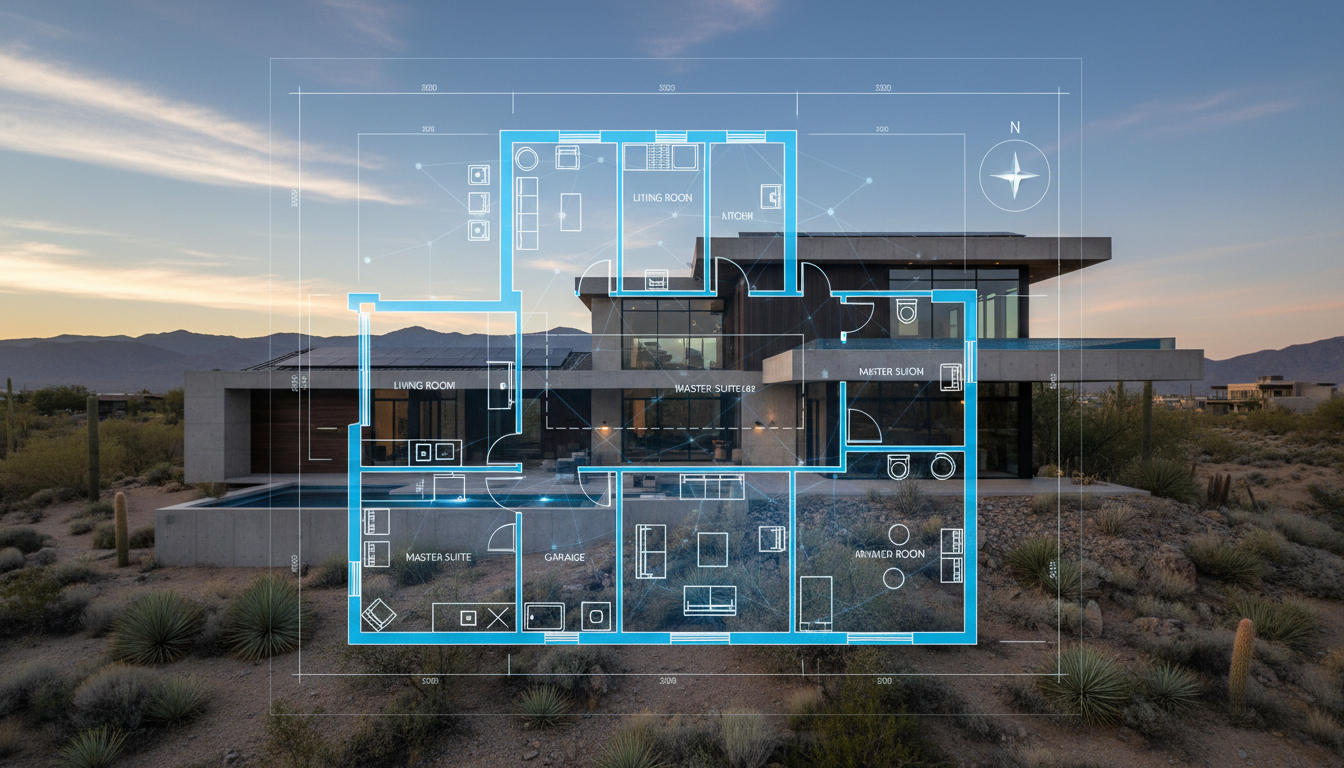


Why Ideal House is Your Go-To Floor Plan Design Creator
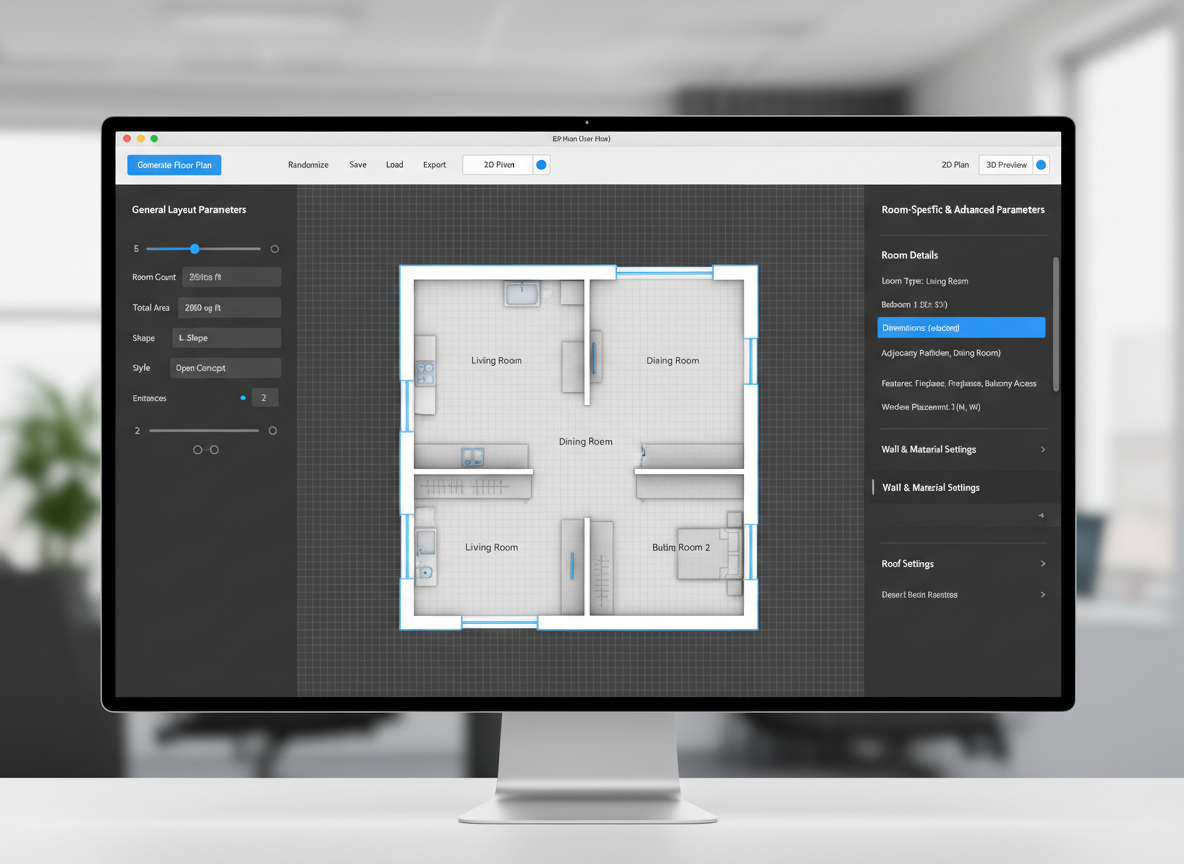
Instant, Intuitive Floor Plan Generation
Forget endless hours with complicated software. Our AI floor plan design creator turns your ideas into crisp 2D floor plans instantly. Simply input your desired rooms, kitchen style, and size, and watch as Ideal House crafts a precise house layout planner that fits your needs. This is the fastest way to get a professional building plan generator working for you.
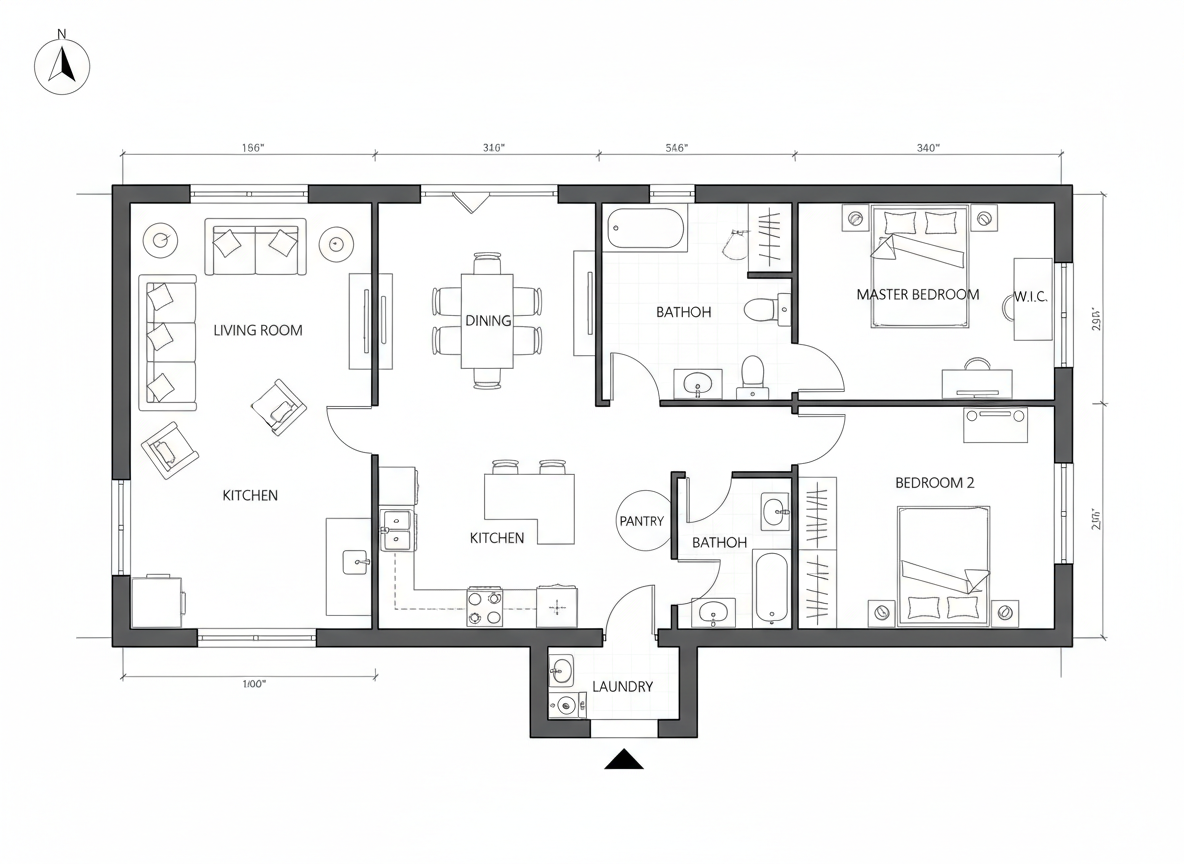
Customizable Layouts for Every Need
Whether you're exploring residential floor plans or an apartment layout creator, our tool provides unparalleled flexibility. Add specific features like a walk-in closet, home office, or garage to fine-tune your custom home layouts. As your personal room layout planner, Ideal House ensures every detail is captured with precision.
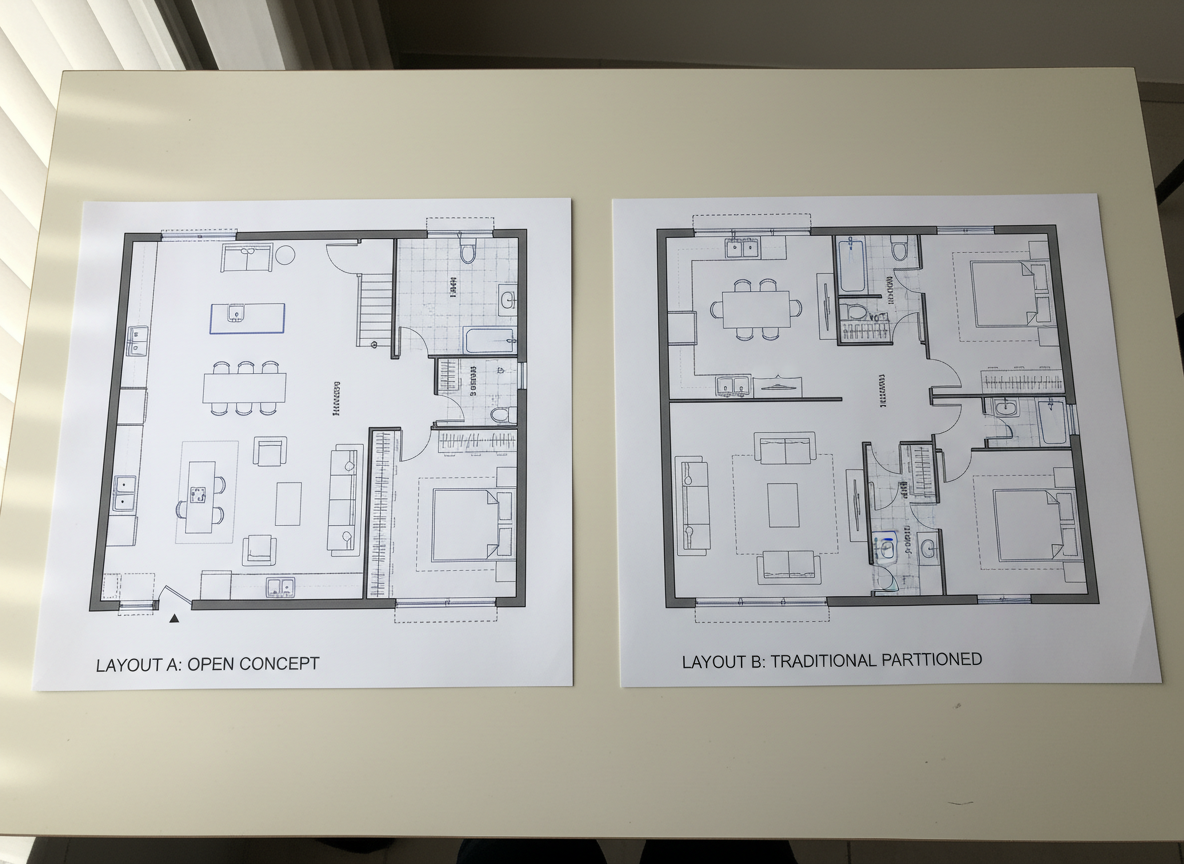
Visualize and Iterate with Ease
Our digital floor planner not only creates but also lets you compare and refine. With a comprehensive generation history and filtering options, you can easily review multiple designs. This empowers you to iterate on your interior layout design, ensuring you find the perfect virtual floor plan before making any commitments. It's the ultimate space planning software.
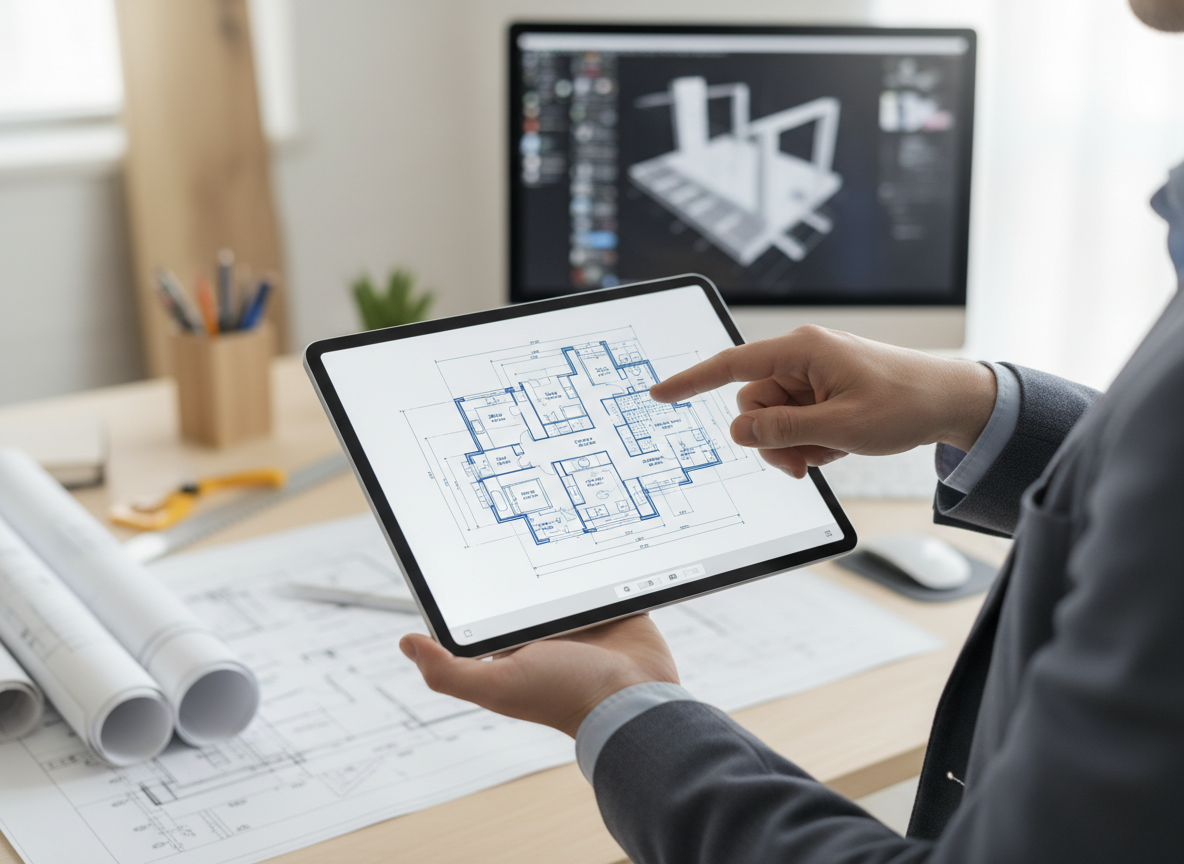
Share Professional Property Blueprints
Once your ideal floor plan is complete, export it as an image or PDF. Our floor plan design creator ensures your property blueprint maker outputs are presentation-ready, perfect for real estate listings, client presentations, or contractor discussions. Impress everyone with clear, consistent 2D design tool visuals.

Who Benefits from Our AI Floor Plan Design Creator?

Homeowners & DIY Enthusiasts: Easily visualize remodels or new home ideas without professional design experience.

Real Estate Agents & Brokers: Generate compelling 2D floor plans for listings, enhancing buyer engagement and clarity.

Interior Designers & Architects: Rapidly conceptualize and iterate on designs, streamlining client consultations.

Creating Your Floor Plan with Ideal House: A Simple Guide
1
**Define Your Space:** Select the number of bedrooms (0-4) and bathrooms (1-3) to establish the core of your layout.
2
**Personalize Your Kitchen:** Choose between an open or closed kitchen style to influence flow and social areas.
3
**Set Your Scale:** Pick a gross area range that matches your desired size, guiding the overall proportions and room dimensions.
4
**Add Key Features:** Incorporate extras like a walk-in closet, home office, or balcony to tailor the plan precisely.
5
**Generate & Refine:** Click 'Generate' to instantly produce a floor plan. Review your design and tweak parameters for endless variations.
6
**Export & Share:** Download your polished 2D floor plan as an image or PDF, ready for any purpose.
Frequently Asked Questions About Our Floor Plan Design Creator
How does Ideal House turn my selections into a floor plan?
Our AI floor plan design creator interprets your requirements – room counts, kitchen type, gross area, and extras – and applies architectural principles to draft a clean 2D floor plan. Each generation provides a unique, editable concept.
What specific options can I choose when generating a floor plan?
You can set 0-4 bedrooms, 1-3 bathrooms, open or closed kitchen, and a gross area range. Additionally, you can multi-select extras such as a walk-in closet, laundry room, home office, garage, pantry, combined living-dining, or balcony.
Can I compare different floor plan designs side-by-side?
Absolutely! Every design created by our floor plan design creator is saved in your 'Generation History'. You can use the 'Created with AI Floorplan' filter and various viewing options to compare multiple versions and choose your favorite.
How does the 'Gross Area' selection impact my floor plan?
Choosing a gross area range guides the AI in creating realistic proportions for rooms and corridors, ensuring the overall footprint feels appropriate for your chosen size. This helps in generating believable residential floor plans.
Is this tool suitable for creating custom home layouts?
Yes, our AI floor plan design creator is perfect for custom home layouts. The extensive parameter options allow you to specify unique requirements, making it an excellent home design tool for personalized projects and a truly powerful room layout planner.
Enhance Your Design Journey with Ideal House's Related Tools
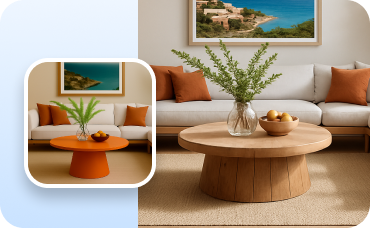
Change Furniture
Swap out individual furniture pieces in your new design to experiment with different sofas, tables, or beds.

Photo Enhancer
Improve the quality and lighting of your source photo for more accurate AI results.
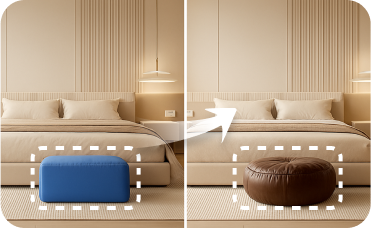
Smart Replacer
Isolate and change specific elements like windows or doors to perfect your symmetrical house exteriors.
Ready to Design Your Space with the Best Floor Plan Design Creator?
Experience the future of home design. Generate professional, realistic floor plans in minutes.
Generate My Floor Plan
💰 Earn 10% commission as a Ideal House Affiliate Partner.
Join us