








Generator
History
AI Floor Plan Generator
Change Tool
Model
Base
Switch
Rooms
BedRoom
-
2
+
BathRoom
-
1
+
Kitchen
open
closed
Gross Area
Unit metric
 imperial
metric imperialArea
< 50㎡
50-80㎡
80-100㎡
100-120㎡
120-150㎡
> 150㎡
Extras
walk-in closet
laundry room
storage room
utility room
home office
garage
pantry
combined living-dining
balcon

Design Your Dream Space: The Best Floor Plan Creator App
Unleash your creativity with Ideal House's AI Floor Plan Generator, the **best floor plan creator app** for homeowners, designers, and real estate professionals. Quickly sketch out your vision with our intuitive house plan maker, crafting perfect 2D home layouts in minutes. Whether you need a simple room layout planner or sophisticated architectural floor plan software, our tool makes designing custom house plans easy and efficient. Get presentation-ready virtual floor plans that bring your ideas to life.
Generate My Floor Plan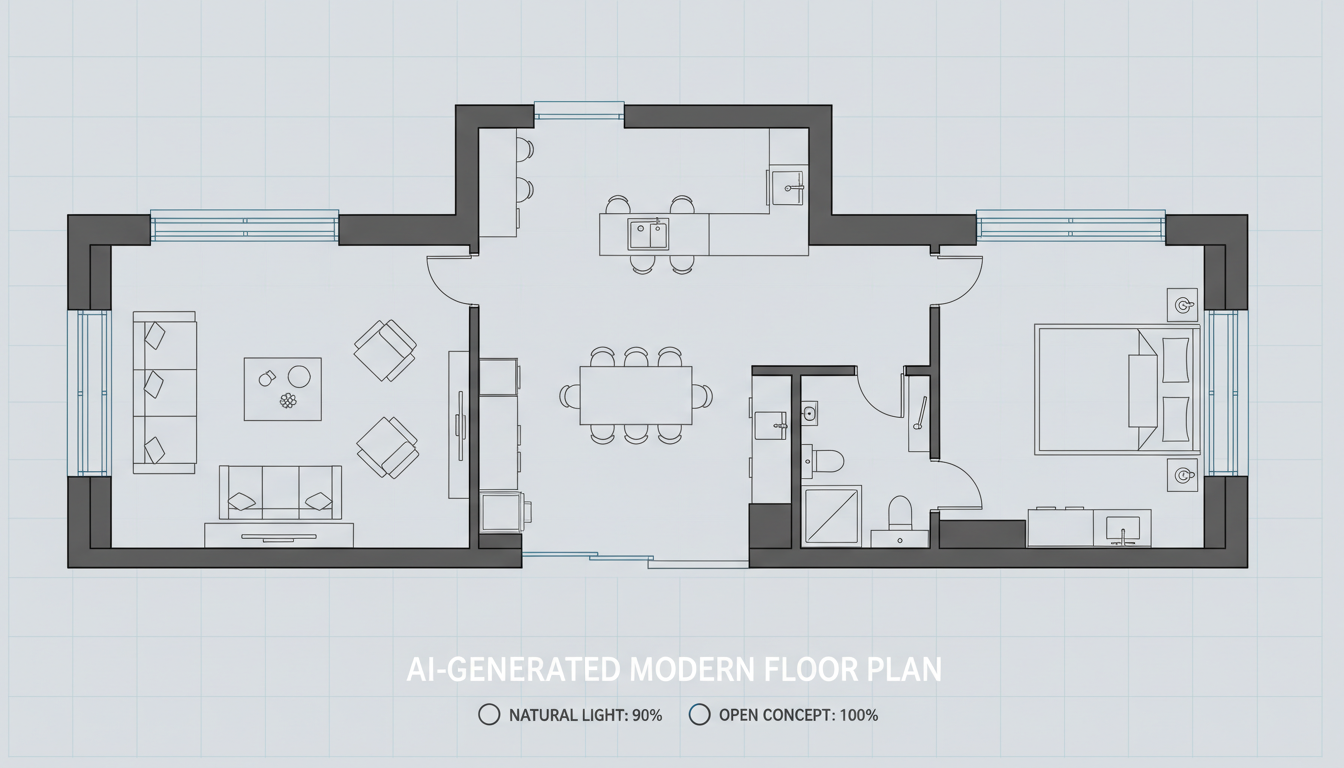


Revolutionize Your Design Process with the Best Floor Plan Creator App

Instant 2D Floor Plans at Your Fingertips
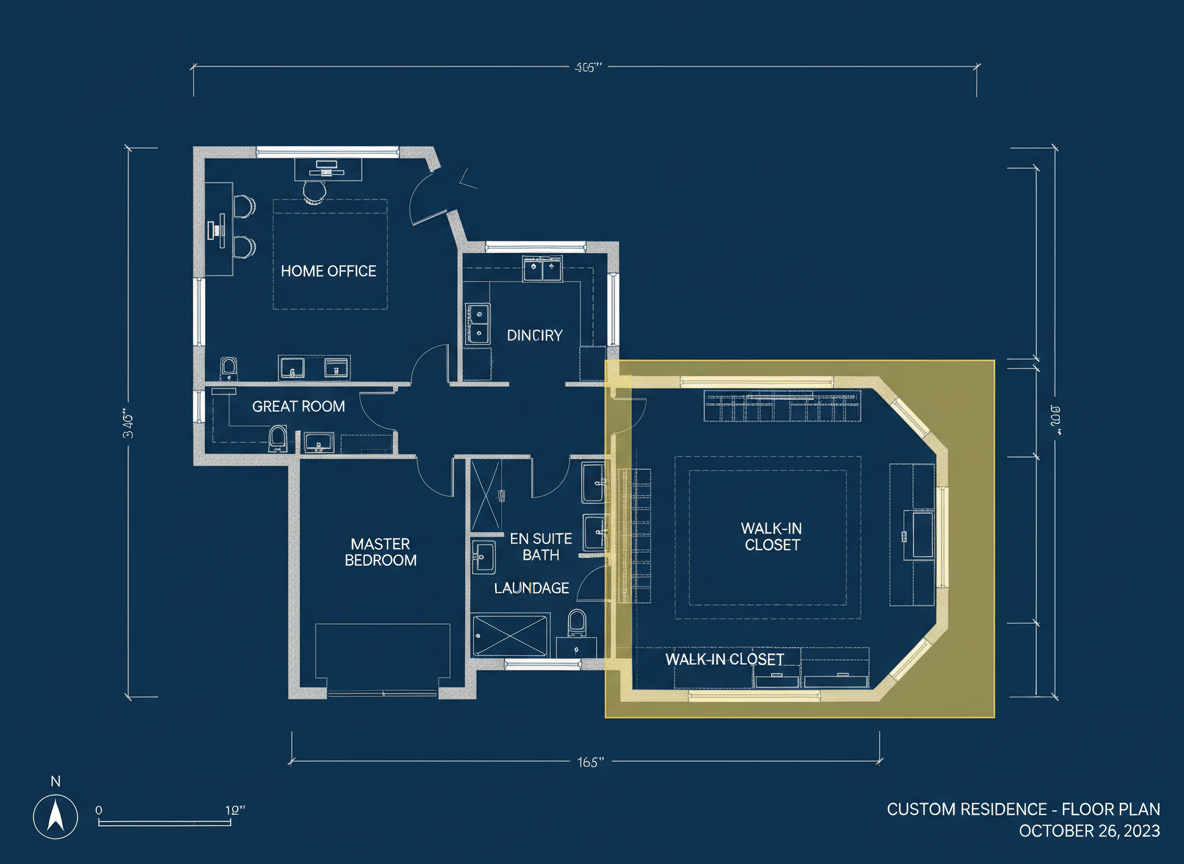
Say goodbye to tedious manual drafting. Our AI Floor Plan Generator is a **quick floor plan generator** that produces clear, professional 2D home layouts in seconds. Input your desired number of bedrooms and bathrooms, kitchen style (open or closed), and gross area, then watch as our intelligent system creates a perfect residential floor plan tool.
Customizable Layouts for Every Need
As the **best floor plan creator app**, Ideal House offers unparalleled customization. Add extras like a walk-in closet, laundry room, home office, or balcony to fine-tune your design. Our room layout planner adapts to your specifications, ensuring your custom house plans truly reflect your vision, whether for personal use or client presentations.

User-Friendly Interface for All Skill Levels
You don't need to be an architect to use our **easy floor plan maker**. The intuitive design makes it accessible for homeowners, DIY enthusiasts, and seasoned professionals alike. Our online floor plan designer simplifies the complex process of creating an interactive floor plan, making it the ideal house plan maker for everyone.

Boost Your Listings with Professional Floor Plans
For real estate agents, the Ideal House AI Floor Plan Generator is the **best floor plan creator app** to enhance property listings. Provide potential buyers with clear, consistent 2D floor plans that immediately communicate layout and flow. This visual clarity helps attract more interest and can significantly shorten your sales cycle.

Who Benefits from Ideal House's AI Floor Plan Generator?

Homeowners & DIY Enthusiasts: Visualize your future renovations or new builds with ease.

Interior Designers & Decorators: Quickly generate and iterate on concepts for clients.

Real Estate & Rental Professionals: Enhance property listings with clear, professional 2D floor plans.

How to Generate Your Perfect Floor Plan with Ideal House
1
Set Rooms: Choose your desired number of bedrooms (0–4) and bathrooms (1–3) to define your core living spaces.
2
Choose Kitchen Style: Decide between an open or closed kitchen layout, influencing the overall flow and feel of your home design.
3
Pick Gross Area: Select a gross area range that aligns with your project's footprint, guiding the AI to create appropriate room proportions.
4
Add Extras: Multi-select additional features like a walk-in closet, home office, or balcony to customize your virtual floor plan.
5
Generate & Review: Click 'Generate' to see your new 2D home layout. Review the results, tweak parameters, and regenerate to compare versions.
6
Download & Share: Export your finalized floor plan as an image or PDF, ready for sharing with clients, colleagues, or for your next listing.
Frequently Asked Questions About Our AI Floor Plan Generator
How does Ideal House create floor plans from my selections?
Our AI floor plan generator interprets your program—beds, baths, kitchen type, gross area, and extras—and applies established architectural rules to draft a clear 2D floor plan. Each generation provides a fresh concept that you can easily refine by adjusting your input parameters.
What customizable options are available for the floor plans?
You can set bedrooms (0-4), bathrooms (1-3), kitchen style (open/closed), and gross area bands (<50㎡ to >150㎡). Additionally, multi-select extras such as walk-in closets, laundry rooms, home offices, garages, pantries, combined living-dining areas, and balconies to shape your custom house plans.
What is the impact of selecting 'Gross Area'?
The 'Gross Area' band directly influences the overall scale and proportion of your 2D home layout. Choosing the closest band ensures that rooms and corridors are appropriately sized, leading to a more realistic and functional residential floor plan tool.
How does the 'Extras' feature enhance my floor plan?
The 'Extras' feature tells our AI floor plan maker which specific spaces to prioritize and how to integrate them effectively. For example, a walk-in closet might be placed near a primary bedroom, a pantry adjacent to the kitchen, or a home office in a quieter corner, optimizing your interior layout creator.
Can I compare different floor plan versions created by the app?
Absolutely! Every floor plan you generate is saved in your 'Generation History'. You can easily use the 'Created with AI Floorplan' filter and switch between grid and list views to review and compare multiple versions side-by-side, helping you choose the **best floor plan creator app** design.
Expand Your Design Capabilities with Ideal House Tools

Photo Enhancer
Automatically improve the lighting, color, and clarity of your design photos.
AI 3D Rendering
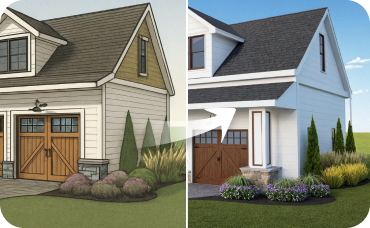
Create a high-resolution, multi-angle 3D model of your completely redesigned, timeless American traditional room.
Virtual Staging
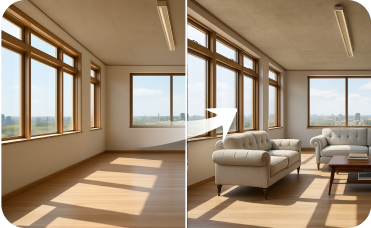
Fully furnish empty rooms from scratch with complete, AI-generated design sets.
Ready to Design with the Best Floor Plan Creator App?
Generate professional 2D floor plans instantly and transform your design process today.
Generate My Floor Plan
💰 Earn 10% commission as a Ideal House Affiliate Partner.
Join us