








Generator
History
AI Floor Plan Generator
Change Tool
Model
Base
Switch
Rooms
BedRoom
-
2
+
BathRoom
-
1
+
Kitchen
open
closed
Gross Area
Unit metric
 imperial
metric imperialArea
< 50㎡
50-80㎡
80-100㎡
100-120㎡
120-150㎡
> 150㎡
Extras
walk-in closet
laundry room
storage room
utility room
home office
garage
pantry
combined living-dining
balcon

Design Your Dream Home with Our AI Floor Plan Generator: The Ultimate Basic Floor Plan Creator
Unleash your inner architect with Ideal House's AI Floor Plan Generator, your go-to basic floor plan creator. Quickly design floor plans that bring your vision to life. Whether you're a homeowner, a real estate professional, or an interior designer, our intuitive floor plan software makes creating detailed 2D floor plans simple and fast. Transform your ideas into professional layouts in minutes – no design experience needed! This powerful home layout planner is designed to streamline your planning process, offering a quick floor plan solution for every project.
Generate My Floor Plan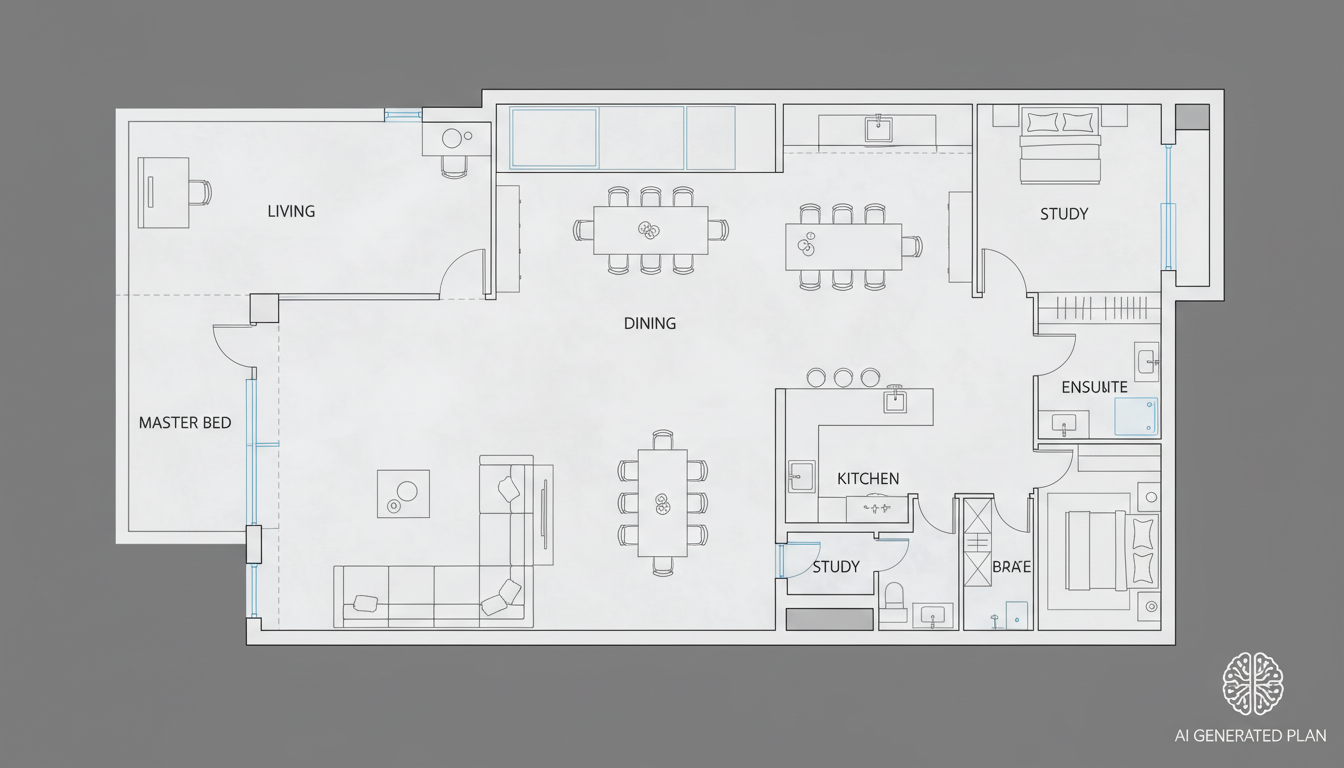


Why Ideal House is Your Best Basic Floor Plan Creator
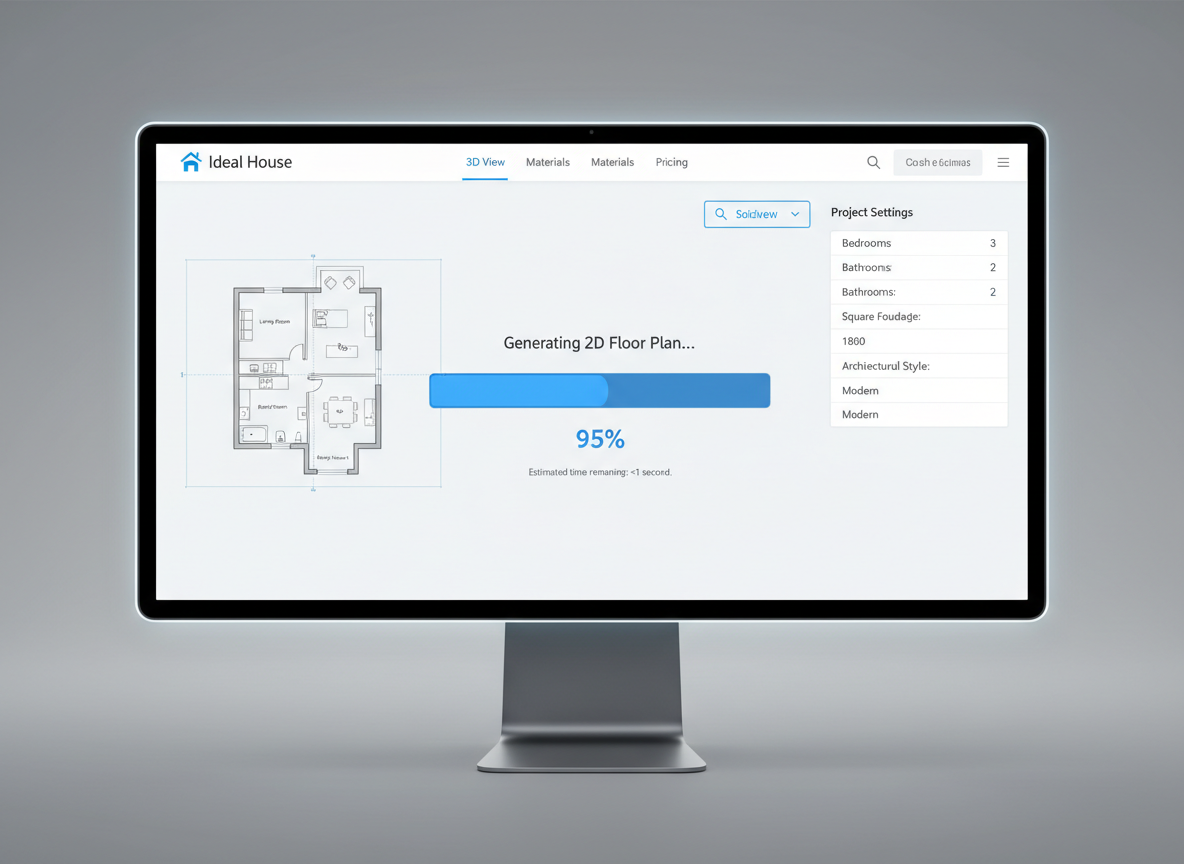
Instant 2D Floor Plan Generation
Say goodbye to complex architectural drawing tools. Our AI Floor Plan Generator quickly designs floor plans based on your specifications. Simply input your desired rooms, kitchen style, and area, and watch as our basic floor plan creator delivers a professional 2D floor plan in seconds. It’s the fastest way to get a simple floor plan or a detailed home layout planner.
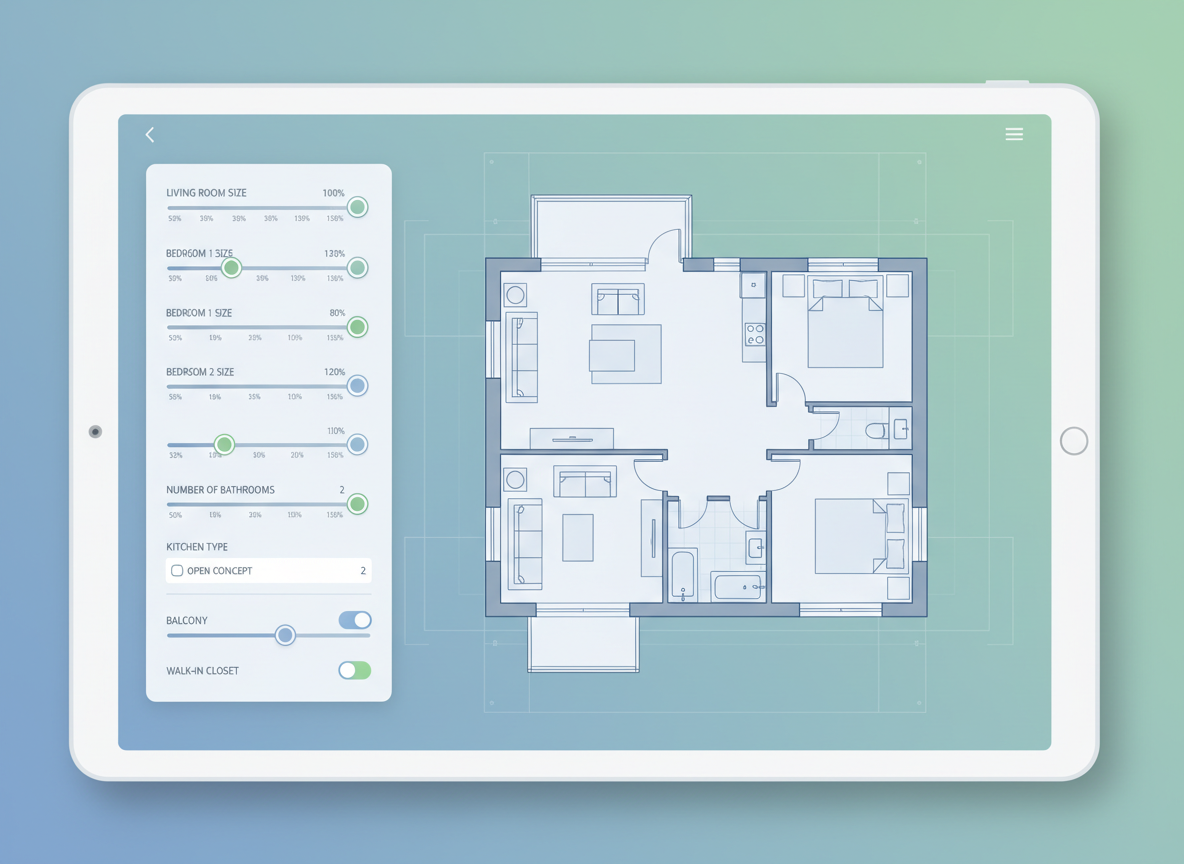
Parametric Design Made Simple
Take control with our user-friendly floor plan designer. Easily adjust parameters like the number of bedrooms and bathrooms, toggle between open or closed kitchens, and define your gross area. This intelligent house plan maker adapts instantly, allowing you to explore countless home layouts and custom floor plans without starting from scratch. It’s an ideal room planner for any project.
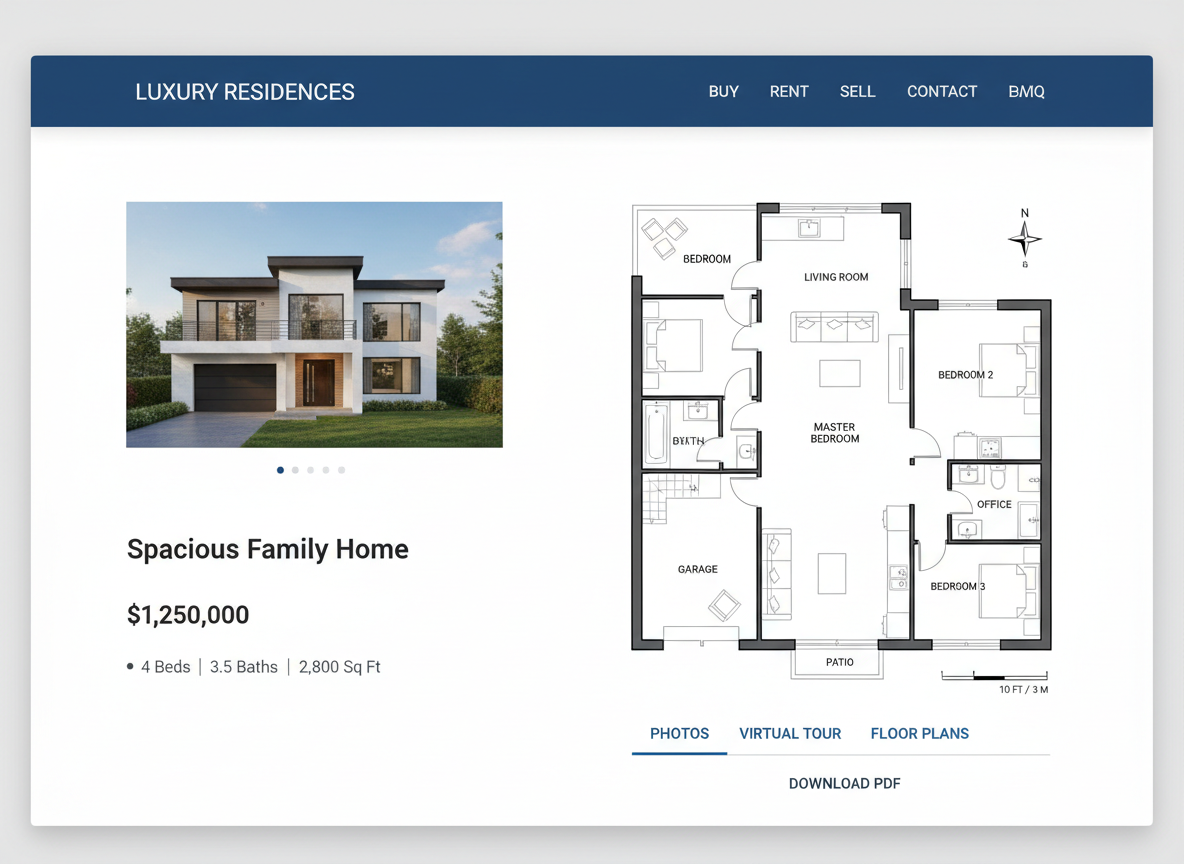
Enhance Listings with Realistic Layouts
For real estate professionals in North America, our AI Floor Plan Generator is a game-changer. Generate clear, consistent, and attractive 2D floor plans for all your listings, providing buyers with an immediate understanding of the property's flow and potential. This basic floor plan creator helps you stand out in the market and secure quicker sales, offering a superior digital floor plan experience.

Save Time and Resources
Eliminate the need for expensive floor plan software or manual drafting. Ideal House provides an efficient, cost-effective solution to design floor plans. Our quick floor plan generator allows you to experiment with various home layouts and save all your iterations in your generation history, ensuring you always have a perfect residential floor plan ready. It's the smart layout design tool for modern planning.

Who Benefits from Our AI Floor Plan Generator?

Homeowners & DIY Enthusiasts looking to visualize home renovations or new builds.

Interior Designers & Decorators needing quick, accurate 2D floor plans for client presentations.

Real Estate Professionals & Agents aiming to enhance property listings with clear home layouts.

How to Use Ideal House: Your Basic Floor Plan Creator
1
Set Rooms: Choose your desired number of bedrooms (0-4) and bathrooms (1-3) to guide your basic floor plan creator.
2
Choose Kitchen Style: Decide between an 'open' or 'closed' kitchen layout to fit your lifestyle.
3
Pick Gross Area: Select a gross area range that best matches your target property size for optimal proportions.
4
Add Extras: Enhance your design with features like a walk-in closet, home office, garage, or balcony, influencing the AI to create house plans with specific zoning.
5
Generate & Review: Click 'Generate' to see your 2D floor plan instantly. Tweak parameters and regenerate to explore new design floor plans and compare versions.
6
Download & Share: Export your chosen digital floor plan as an image or PDF to share with clients, colleagues, or for your property listings.
AI Floor Plan Generator FAQs
How does Ideal House turn my selections into a floor plan?
Our AI Floor Plan Generator processes your input—beds, baths, kitchen type, gross area, and extras—and applies established design principles to draft a clear 2D floor plan. Each generation provides a unique concept, which you can easily refine by adjusting your selections. It acts as an intelligent room planner.
What are the available ranges and default settings?
You can select 0-4 bedrooms (default 2), 1-3 bathrooms (default 1), and toggle between open/closed kitchen (default open). Gross Area has multiple bands to choose from. Extras are multi-selectable, making it a flexible house plan maker.
What influence does 'Gross Area' have on the design?
Selecting the appropriate Gross Area band guides the overall scale of your 2D floor plan, ensuring that rooms and corridors are proportioned correctly for the chosen footprint. This helps in creating realistic custom floor plans.
What's the difference between an 'open' and 'closed' kitchen in the generated plans?
An 'open' kitchen layout prioritizes continuous sightlines and a seamless flow between living and dining areas. A 'closed' kitchen emphasizes a distinct, separate cooking zone. Both options offer unique advantages for your home layout planner.
How do 'Extras' impact the generated floor plans?
Extras like a walk-in closet, laundry room, or home office tell our basic floor plan creator to prioritize and strategically place these spaces. For instance, a walk-in closet might be near a primary bedroom, and a pantry adjacent to the kitchen, influencing the overall layout design tool output.
Explore More Ideal House Design Tools
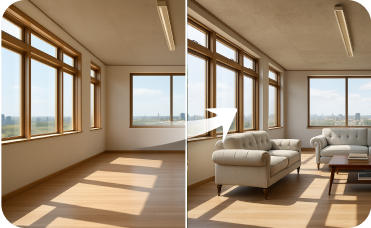
Virtual Staging
Furnish empty rooms with beautiful, on-trend Earthy Fusion decor to create market-ready listings in minutes.
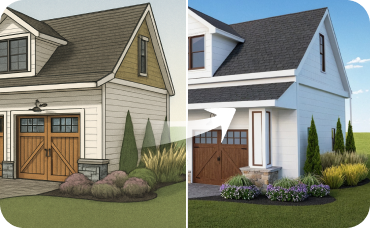
AI 3D Rendering
Transform 2D photos of your dining room into an immersive, fully editable 3D scene.
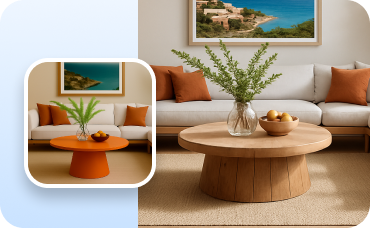
Change Furniture
Swap out individual furniture pieces in your design to find the perfect handcrafted item.
Ready to Design Your Space?
Start creating professional 2D floor plans with the easiest basic floor plan creator today. Bring your vision to life!
Generate My Floor Plan
💰 Earn 10% commission as a Ideal House Affiliate Partner.
Join us