1/2
Program Your Smart Speaker to Automatically Play Music in Your Bathroom
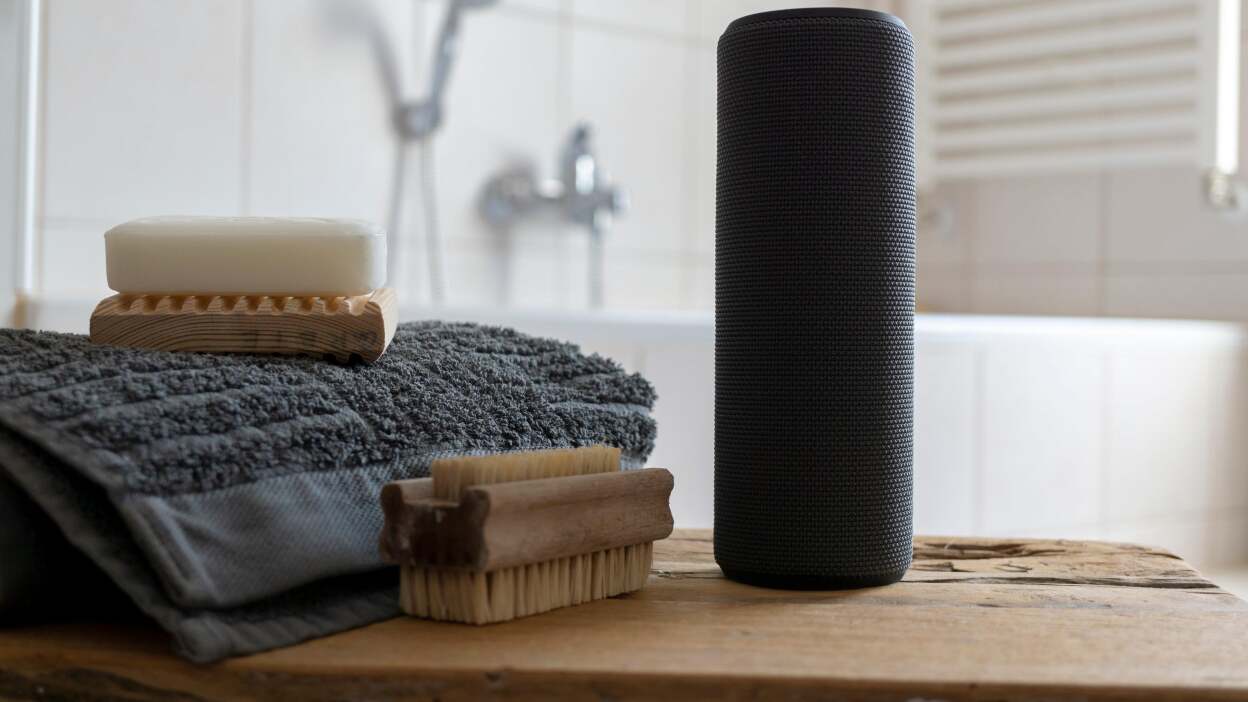
This article outlines a method for setting up a smart speaker to automatically play music in a bathroom using a smart door sensor and the If This Then That (IFTTT) service. The goal is to create a delightful and private experience for guests or residents by having music play only when the bathroom door is closed. The author, Amanda Blum, initially noticed this feature in luxurious restaurants and hotels and decided to replicate it in her own home, particularly for enhancing privacy in a small house with a single bathroom situated off a hallway.
The core of the setup involves two main smart devices: a smart speaker and a door sensor. While Google Home is mentioned, the article highlights its limitations for triggering actions based on smart device statuses, thus necessitating the use of IFTTT. IFTTT acts as an intermediary, enabling the creation of 'applets' that link different smart devices and services. The fundamental applet for this project is formulated as "If the door sensor is closed, then play music on that speaker."
Regarding the smart door sensor, it typically consists of two parts: one affixed to the door jamb and the other to the door itself. These components establish contact when the door is closed, transmitting a signal to a central hub. The author opted for a YoLink sensor due to its affordability and compatibility with IFTTT. The installation process for these sensors is generally straightforward, often involving adhesive backing and activation through a dedicated app.
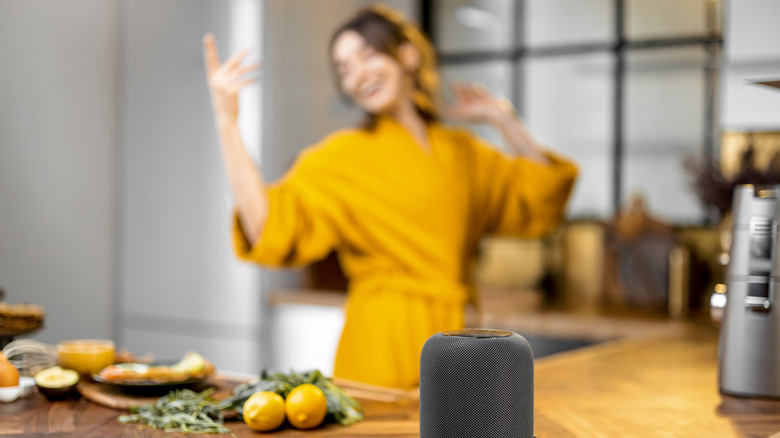
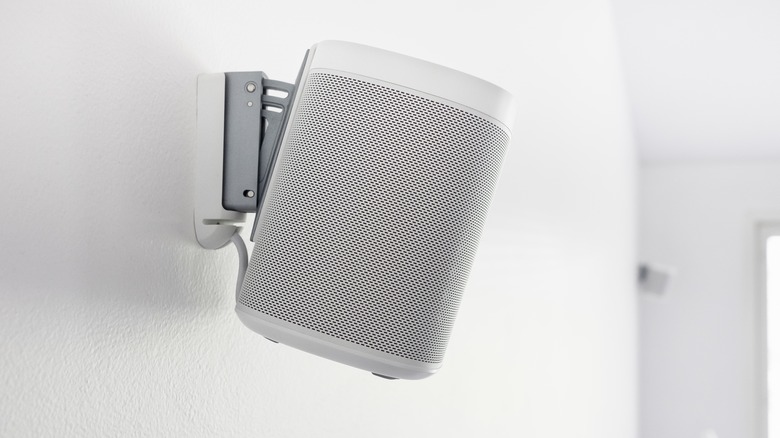
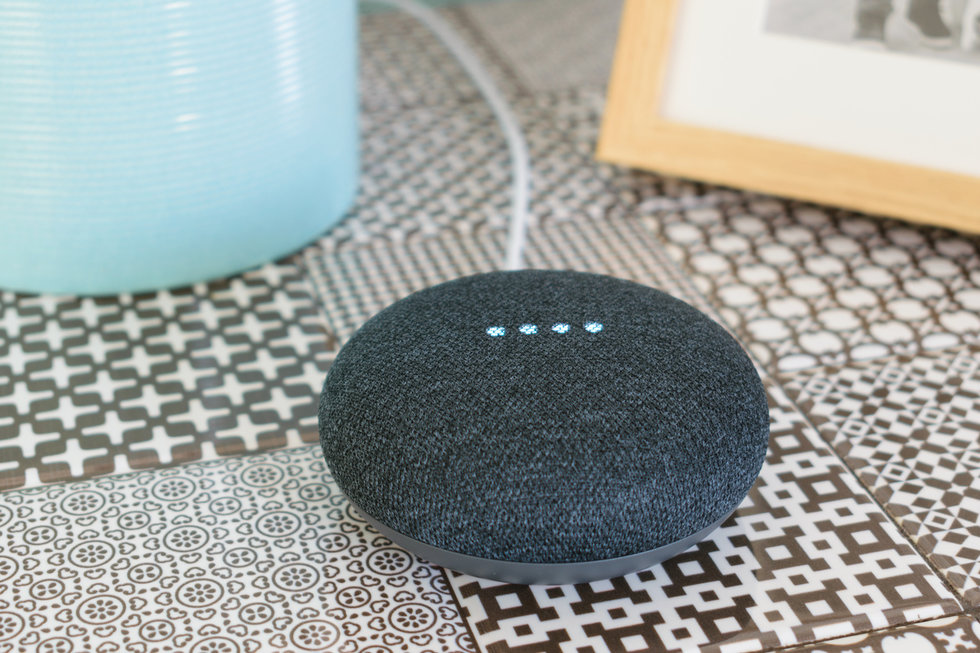
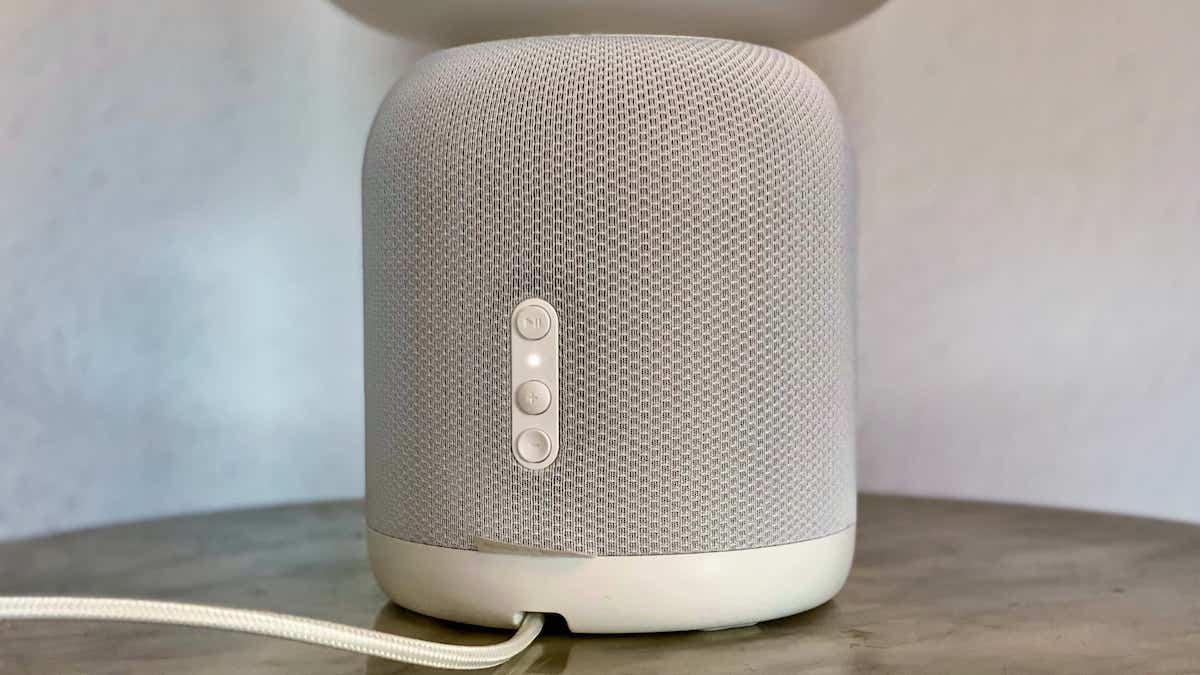
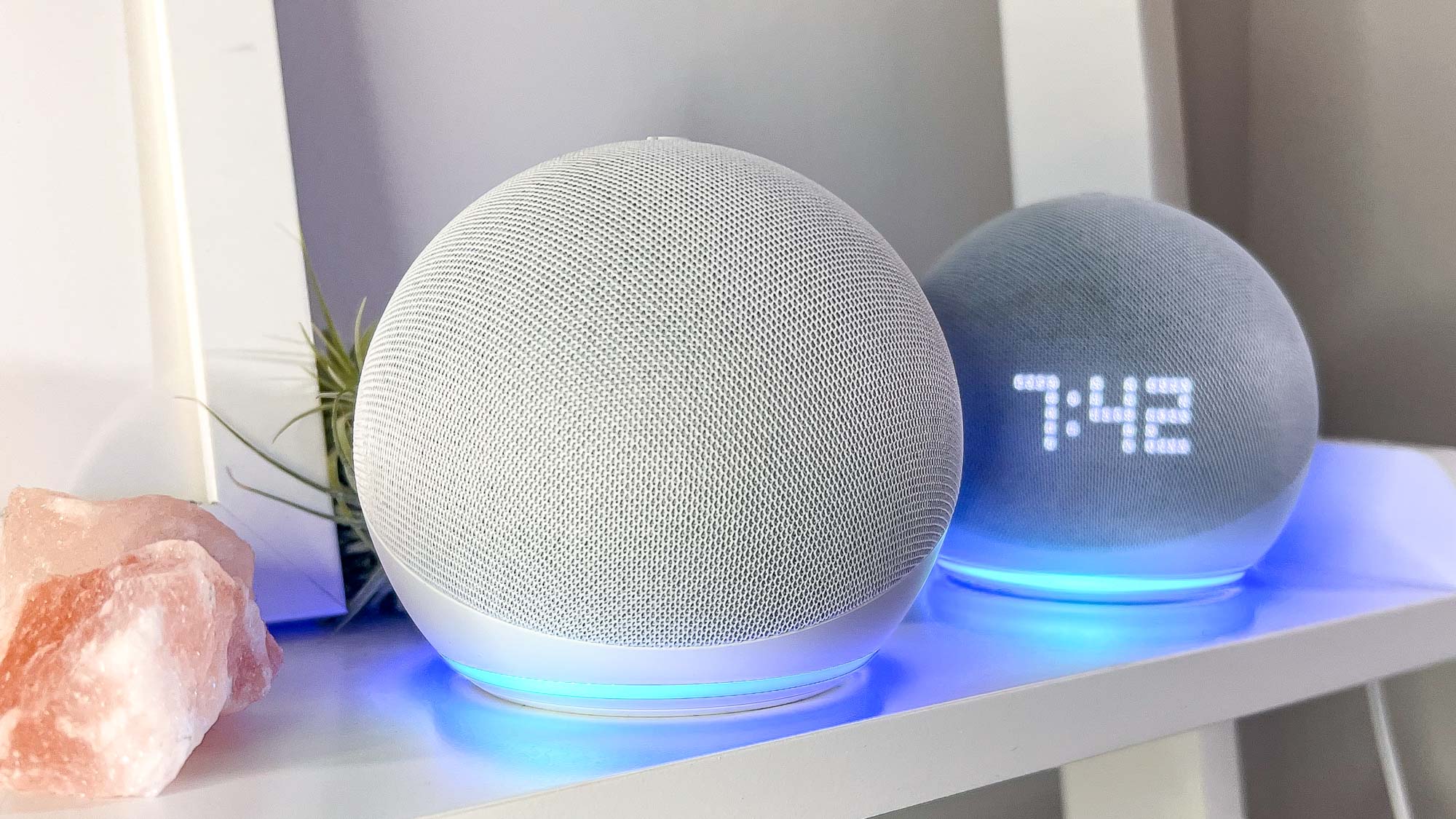
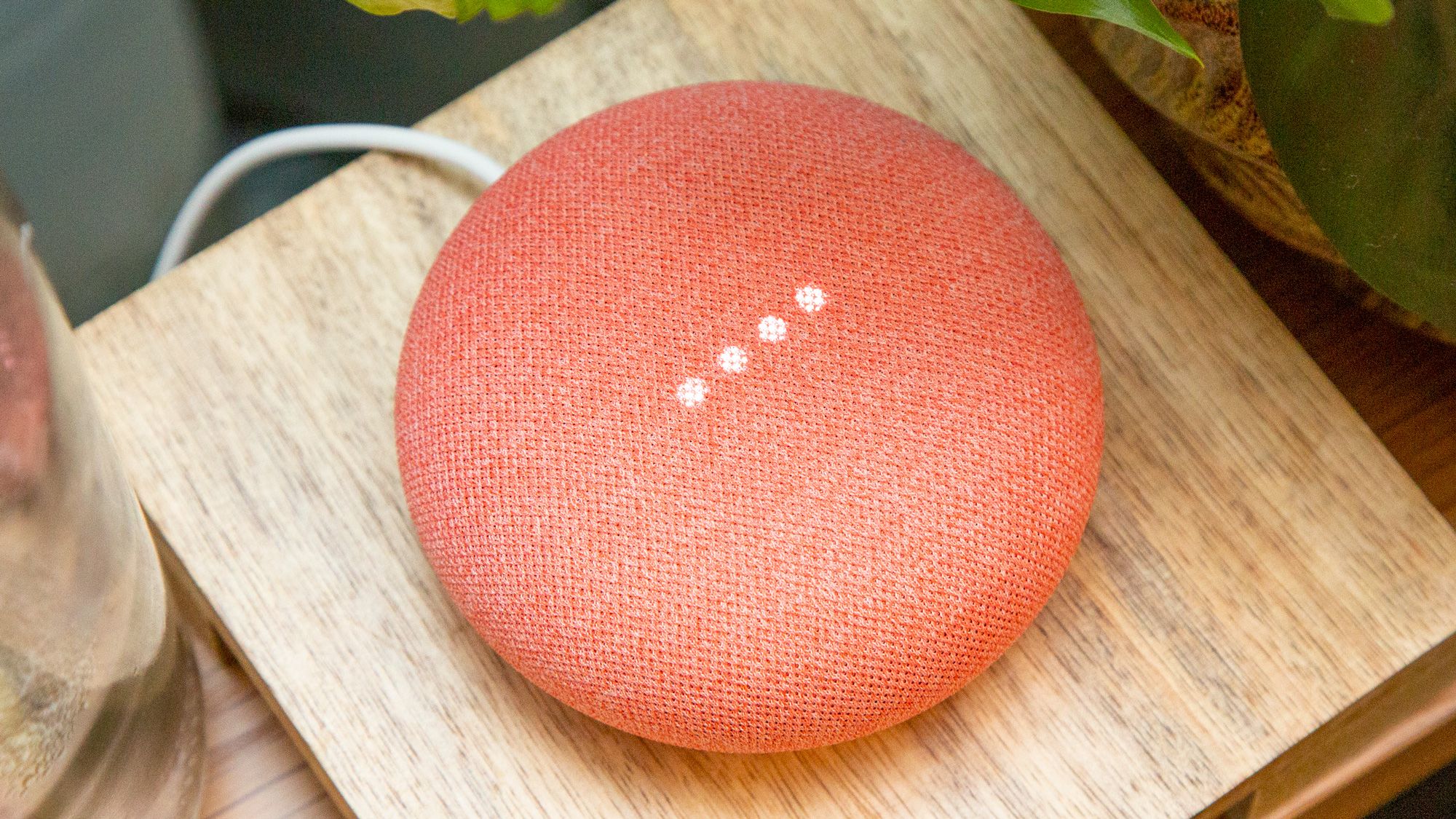
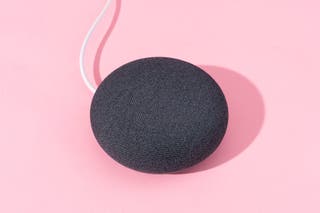
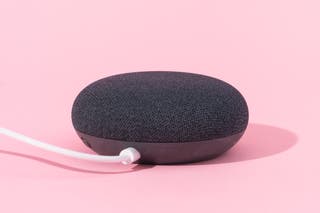
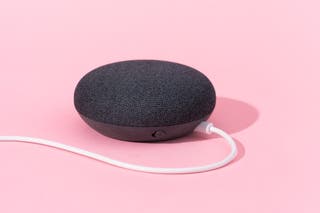
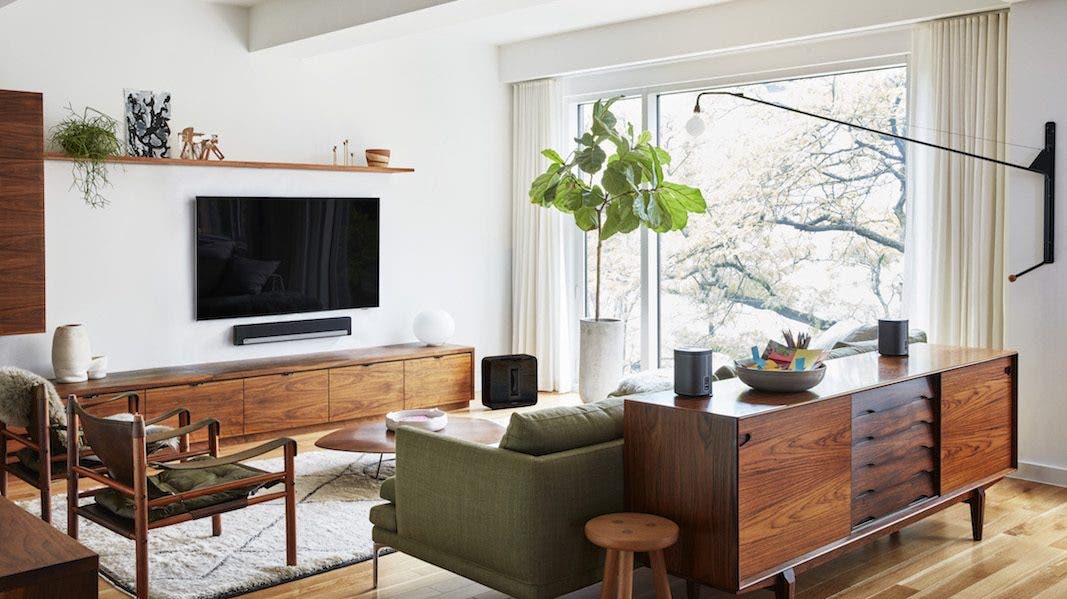
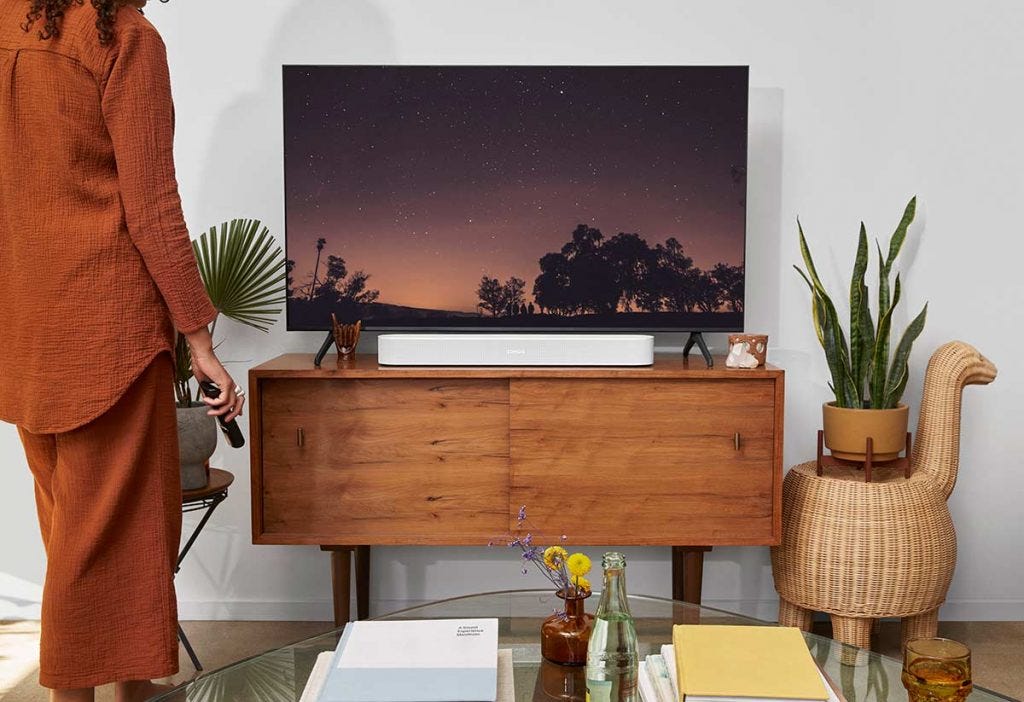
For the smart speaker component, the author details her experience with both a Sonos Play 1 and a Google Nest Mini. She initially used the Sonos Play 1 for showering, later adding a Google Nest Mini for its voice command capabilities, allowing her to control music and check time hands-free. The article notes that newer Sonos models also offer voice commands, and any Alexa-compatible device can be used if the chosen smart speaker lacks native voice functionality. The author humorously mentions using both speakers due to the Nest Mini's insufficient volume, highlighting the flexibility in speaker choice based on personal preferences and existing smart home ecosystems.
Connecting all these elements is achieved through IFTTT. Users need to ensure their smart speaker accounts (e.g., Sonos, Google Assistant, or Alexa) and the door sensor account (e.g., YoLink) are linked to IFTTT. An applet is then created by defining the "If this" and "then that" conditions. For the "If this" part, the YoLink door sensor is selected, and the "closed" event is specified. This ensures that the music playback is triggered only when the bathroom door is shut. For the "then that" action, the desired smart speaker is chosen, and a specific playlist or stream is selected. The author, for instance, chose a classic elevator music playlist for a humorous touch.
The article includes a cautionary note about Sonos speaker accessibility. If Sonos speakers are configured to allow guests to connect, there's a risk of guests changing the music, potentially disrupting personalized music algorithms. Therefore, securing Sonos settings is advised. Finally, the article encourages users to test the setup and adjust the volume, which can also be controlled via IFTTT. It also suggests exploring further automation possibilities, such as having a Nest or Alexa device deliver a greeting or instructions upon entry, drawing parallels to themed entertainment park experiences.
#SmartHome #IFTTT #SmartSpeaker #HomeAutomation #YoLink #Sonos #GoogleNest #BathroomTech #Lifehack #SmartHome #IFTTT #SmartSpeaker #HomeAutomation #YoLink #Sonos #GoogleNest #BathroomTech #Lifehack
0 comment in total
 No comments yet
You may also like
Things to Know: Personalizing your Home Décor with Music Frame

How to clean Amazon Echo, Google Home, Apple HomePod and other fabric-covered devices

Ikea and Sonos picture frame speaker review: wall of sound


Govee Table Lamp 2 Pro x Sound by JBL Review
Things to Know: Personalizing your Home Décor with Music Frame
IKEA Sonos table lamp Gen 2 review
IKEA hides a Sonos speaker inside the SYMFONISK picture frame

Govee’s latest smart lamp has party speaker aspirations
Things to Know: Personalizing your Home Décor with Music Frame
Kohler Moxie Showerhead review: Alexa is a good shower caddy


The 6 Best Smart Speakers for Your Home in 2026 | Reviews by Wirecutter

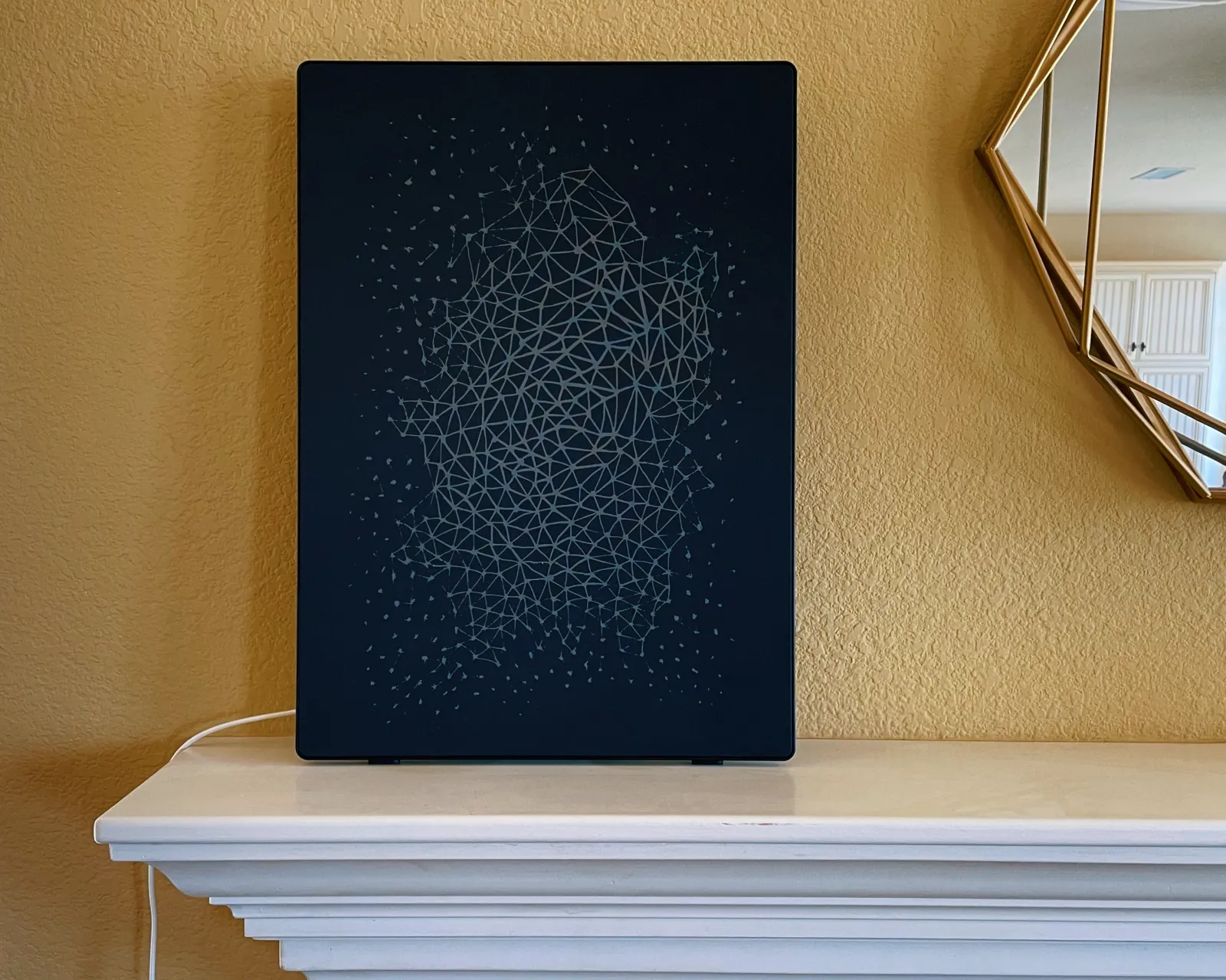
Ikea and Sonos Put Sound on the Wall With the Symfonisk Picture Frame With Wi-Fi Speaker

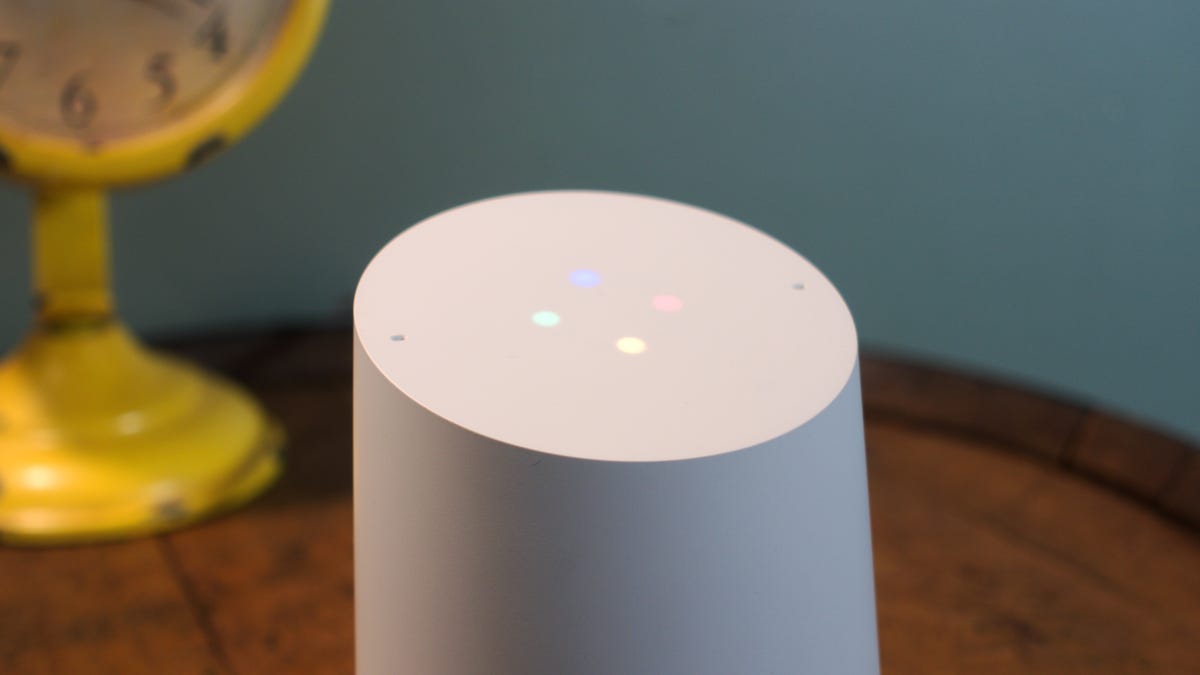
How to customize the appearance of Google Home
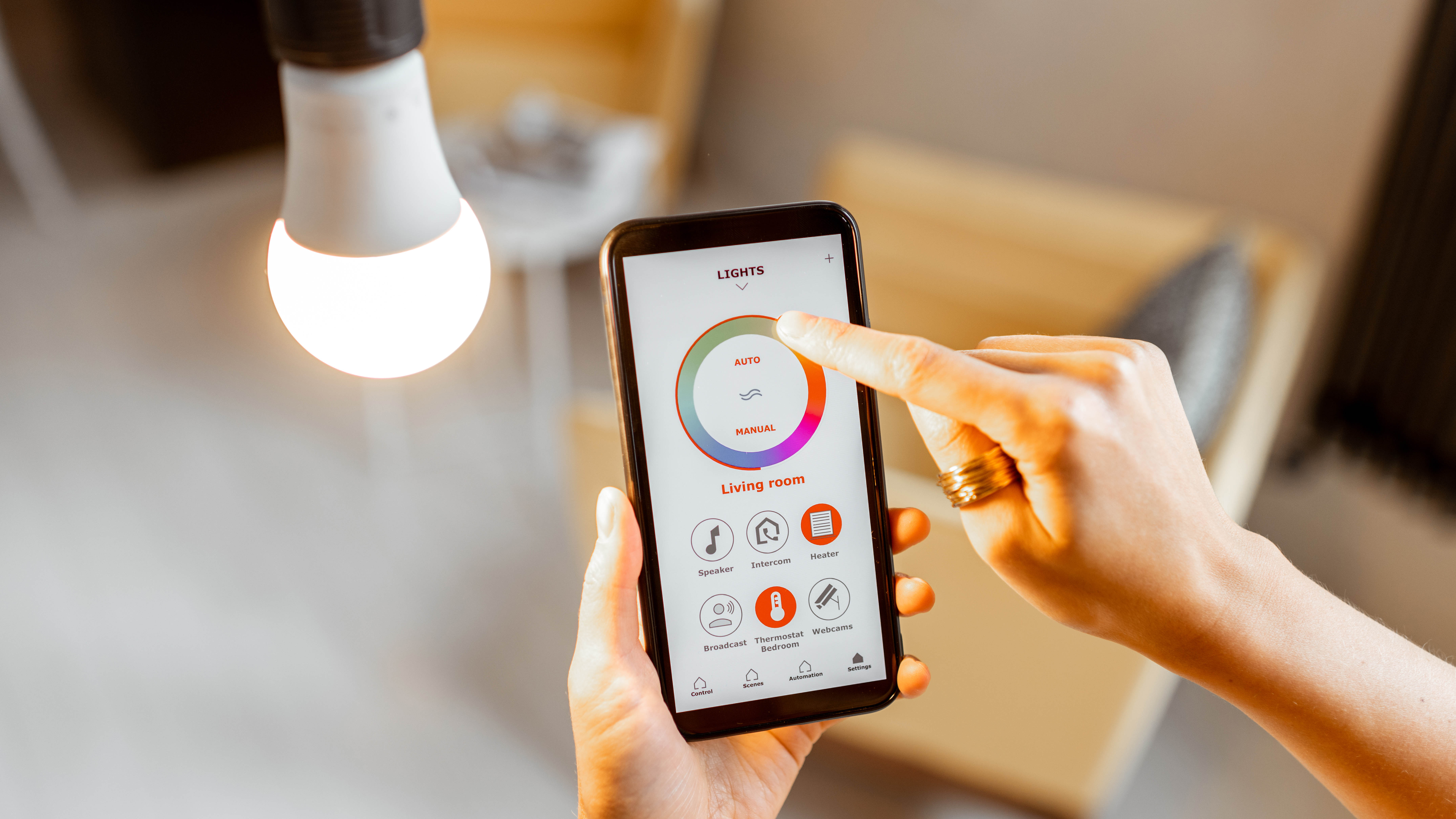
Forget switches — here's how to control your lights with your voice


The 4 Best Google Nest Smart Speakers of 2025 | Reviews by Wirecutter
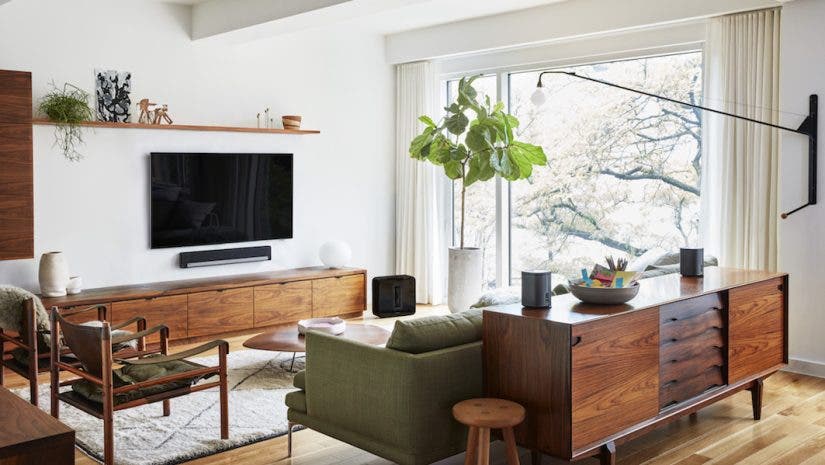
The Ultimate Sonos Setup: Which Speakers Are Best for Your Space?

How To Integrate Speakers Seamlessly In Your Home Decor, According To An Expert


How to Build the Best Multiroom Wireless Speaker System for You | Reviews by Wirecutter
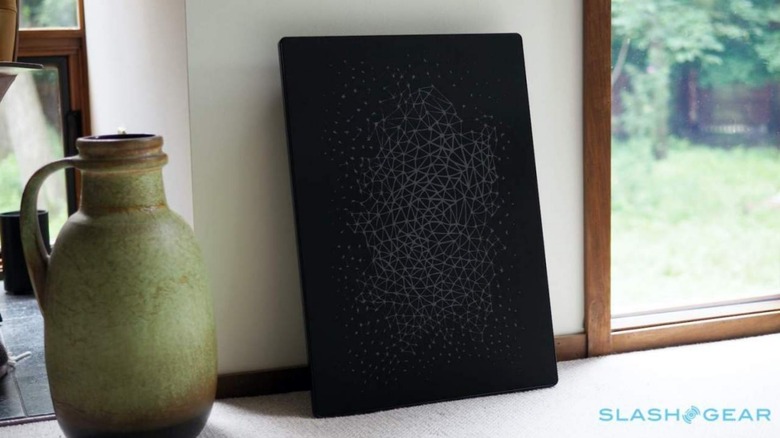
IKEA Symfonisk Picture Frame Review: Art Is In The Ear Of The Beholder

Walmart Has the Beats Pill Speaker at a Price That Feels Free, Navy Blue Option Isn’t This Cheap Anywhere Else