1/3
The Sims 4: How to Add Foundations
The Sims 4, a game renowned for its life simulation capabilities, allows players to delve into various aspects of virtual life, from character creation and family development to house building and daily errands. Among the diverse features that enable creative expression, the foundation tool plays a crucial role in architectural design. While earlier iterations of the Sims series featured a straightforward foundation tool, The Sims 4 has introduced some modifications, making the process of adding and adjusting foundations a point of inquiry for many players, especially newcomers. This guide aims to demystify the process of adding and manipulating foundations within the game, offering clear steps for players to enhance their architectural endeavors.
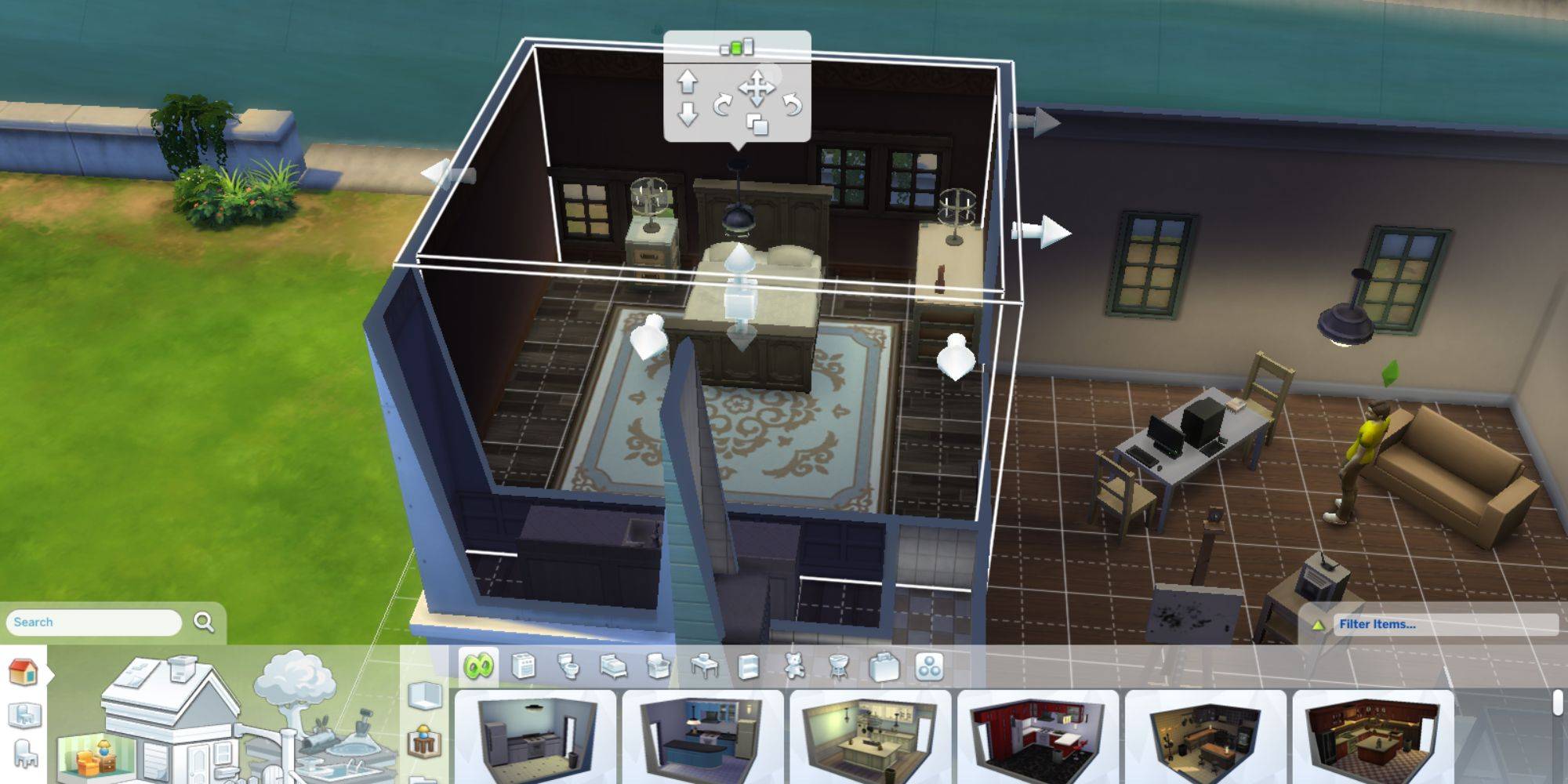
Foundations in The Sims 4 are essential architectural components designed to elevate the ground floor of a structure above the surrounding ground level. This elevation not only adds a distinct aesthetic quality to buildings but also facilitates the creation of various architectural elements such as terraces, balconies, and basements. Understanding how to effectively use the foundation tool is fundamental for players who wish to construct diverse and visually appealing homes for their Sims. The process begins in the build mode, which is accessible by pressing the F2 key or by clicking the build mode icon located in the top-right corner of the screen. Once in build mode, players need to either create a new room or select an existing one within their lot.
After a room is selected or created, players can interact with any of its walls. A vertical arrow will appear, indicating the foundation adjustment control. By dragging this arrow upwards, players can elevate the foundation to their desired height, effectively raising the entire room and any attached structures. Once the preferred height is achieved, the next step involves customizing the appearance of the foundation. This is done by navigating to the 'Foundations' menu, where a variety of wallpapers and color options are available. Players can choose a style and color that complements their building's design, adding a personalized touch to their creations. The game's construction tools also allow for the integration of elements like terraces, balconies, and basements, which can be seamlessly incorporated once the foundation is set.
Foundations can be placed on various types of terrain within the game, including smooth suburban surfaces and more uneven landscapes. They are also compatible with elevated areas such as decking and patios, offering flexibility in design. However, there are instances where players might decide that a foundation does not enhance the aesthetic of their building or might wish to revert to a flat ground level. While The Sims 4 does not feature a direct 'remove foundation' option, players can effectively lower the foundation to a negative value. This is achieved by selecting a room's wall in build mode, similar to the process of raising a foundation, but instead using the downward arrow. Pulling the arrow down will reduce the foundation height, creating the appearance of removing the elevated foundation. Furthermore, continuing to lower the foundation past ground level can create sunken floors, offering another creative design possibility. This comprehensive understanding of foundation manipulation allows Sims 4 players to fully explore their architectural creativity, ensuring their virtual homes are both functional and visually engaging.
#TheSims4 #BuildingGuide #Foundations #BuildMode #GameTips #HouseDesign #SimulationGame #ArchitecturalElements #TheSims4 #BuildingGuide #Foundations #BuildMode #GameTips #HouseDesign #SimulationGame #ArchitecturalElements
 No comments yet
Placing Concrete in the ICF Foundation

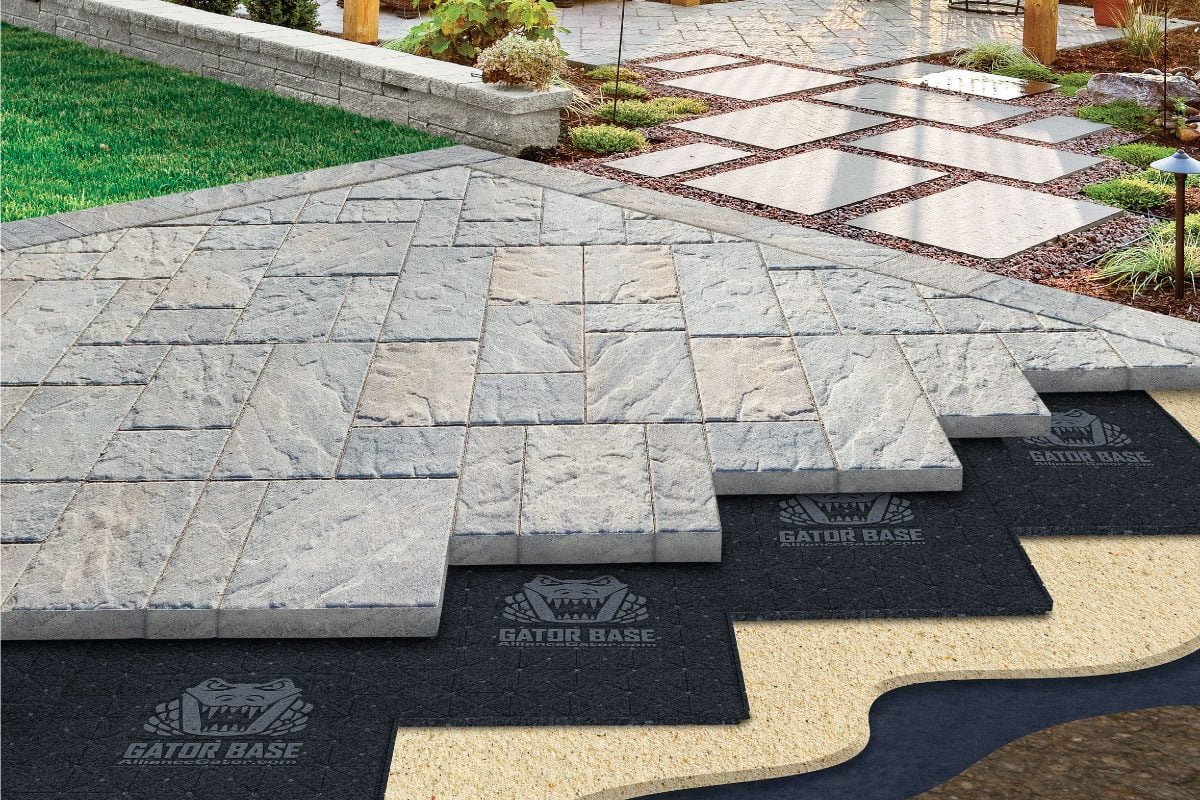
How to Install a Paver Patio Base


How to Install Deck Footings with Spread Base
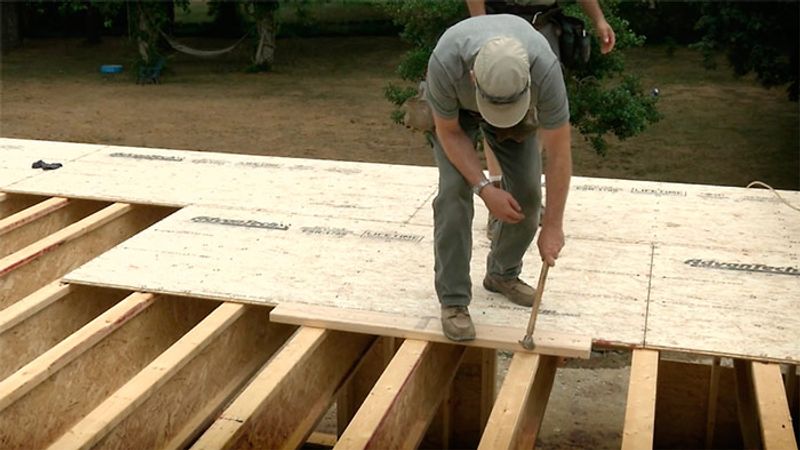
How to Install a Subfloor