
1/2
How to organise and hide charging cords
In an era of ubiquitous technology, the proliferation of electronic gadgets introduces the challenge of managing associated wires, chargers, and storage cases. This issue is compounded in multi-person households, leading to significant cable clutter. To address this, various strategies for effective cable management and storage can be implemented, ensuring a tidy and functional living space while still enjoying technological conveniences.
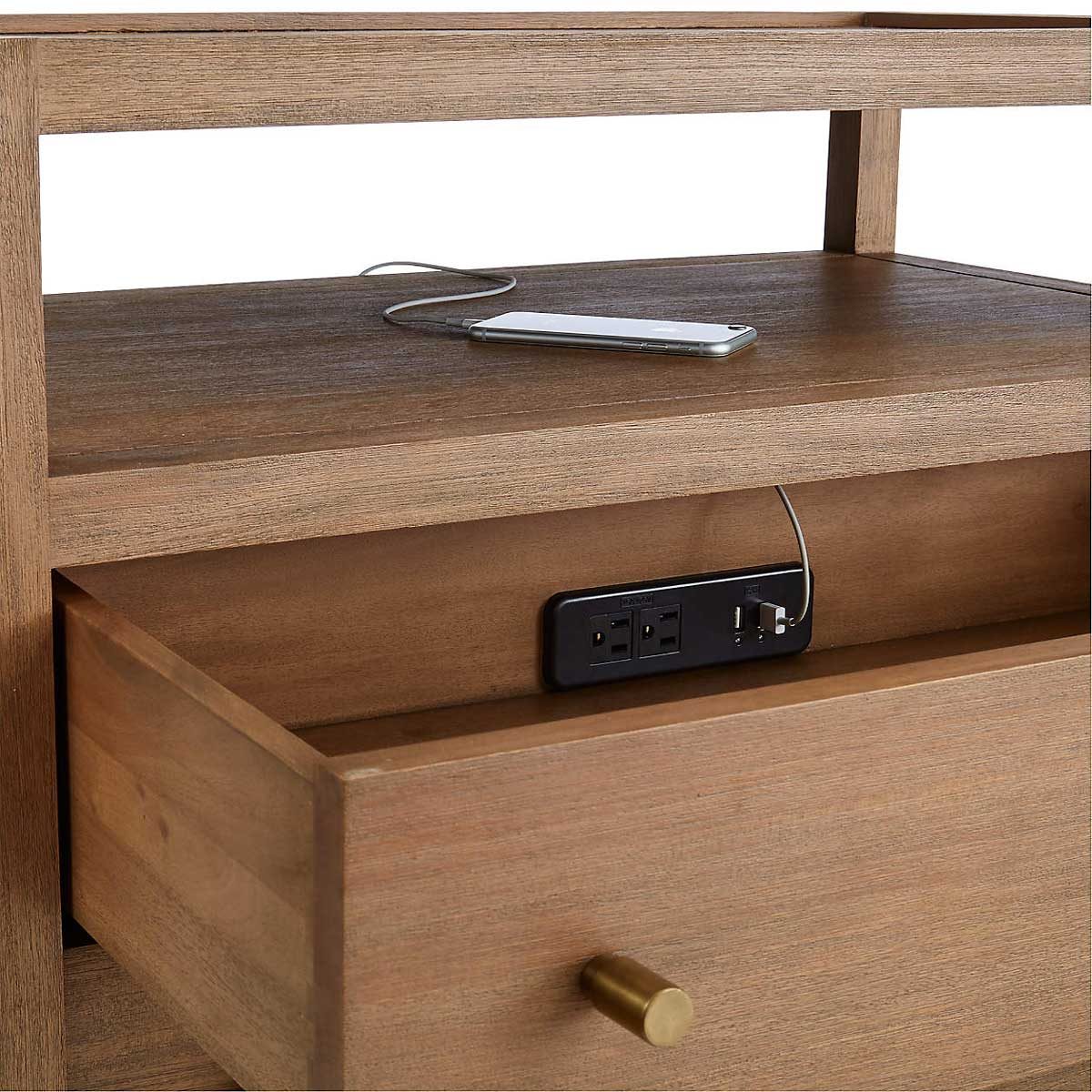
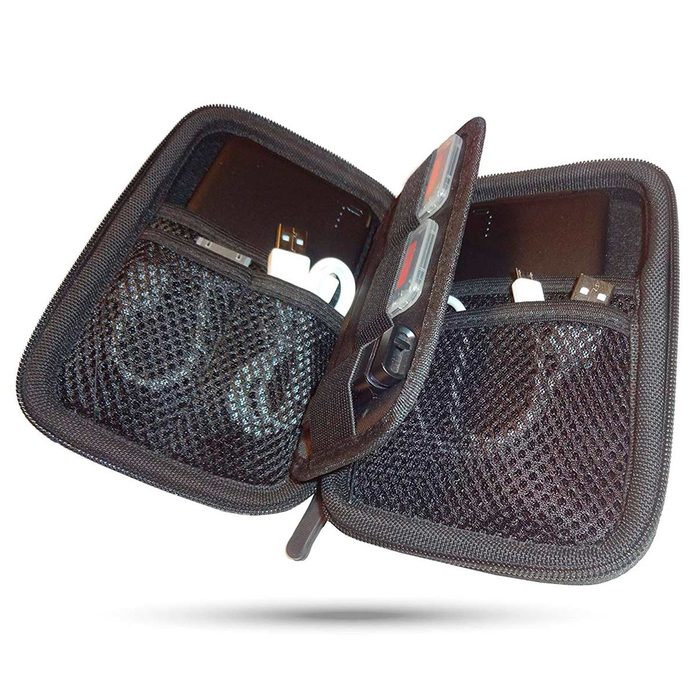
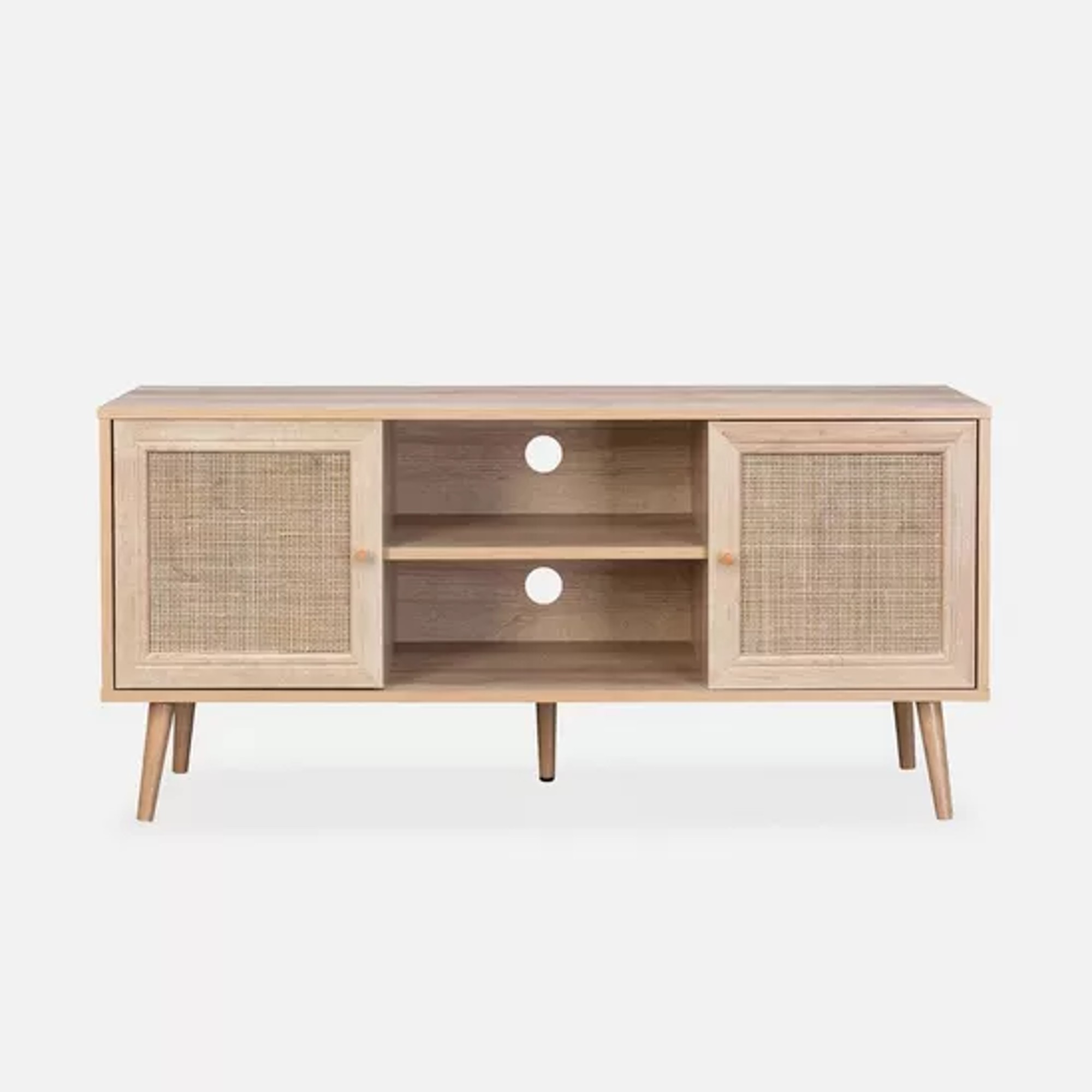
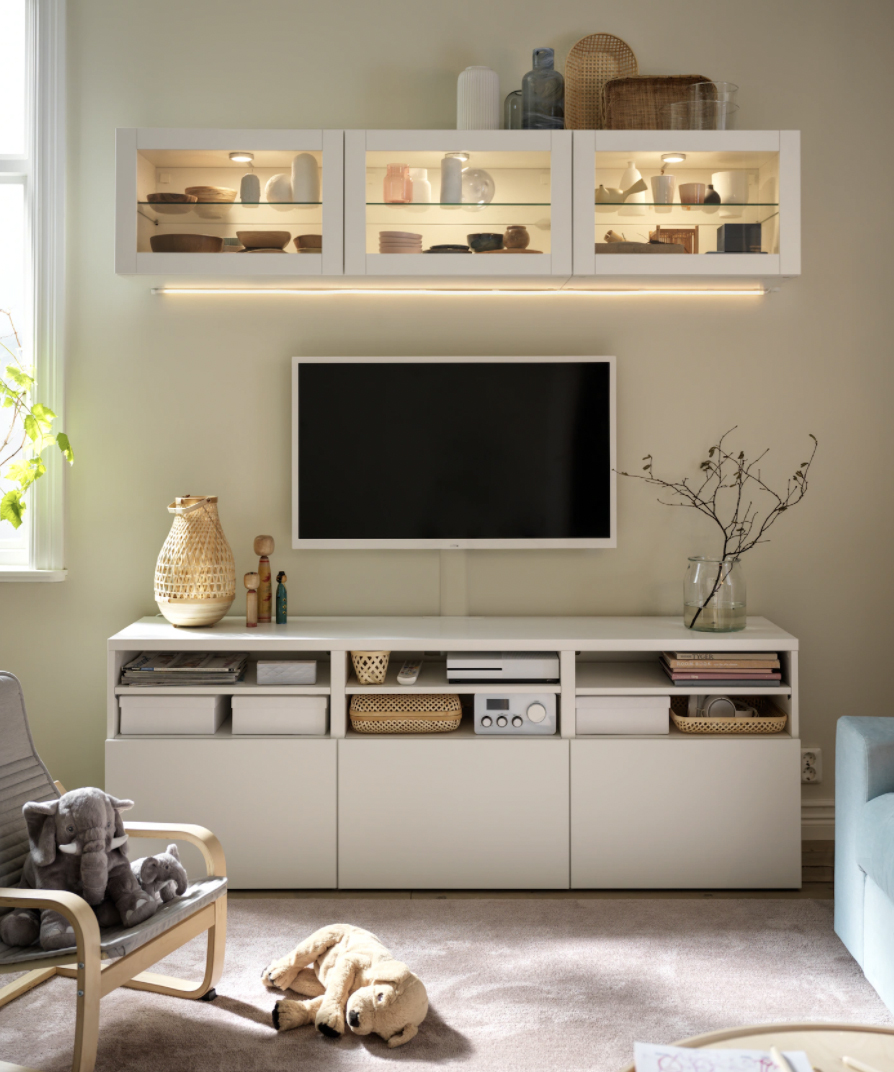
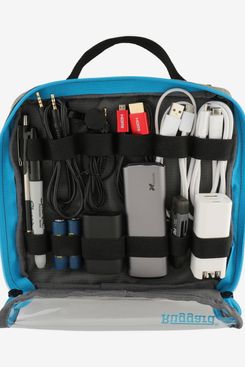
One primary recommendation is to centralize family tech in a designated area. Instead of having devices and their accessories scattered, allocating a specific drawer or shelf for each family member can help organize mobile phones, chargers, and other gadgets. This designated space should be discreet and allow for charging while keeping cords out of sight. For gaming equipment, which often involves numerous wires and handsets, a stylish storage basket can serve as a quick and easy solution for containment when the TV unit's capacity is insufficient.
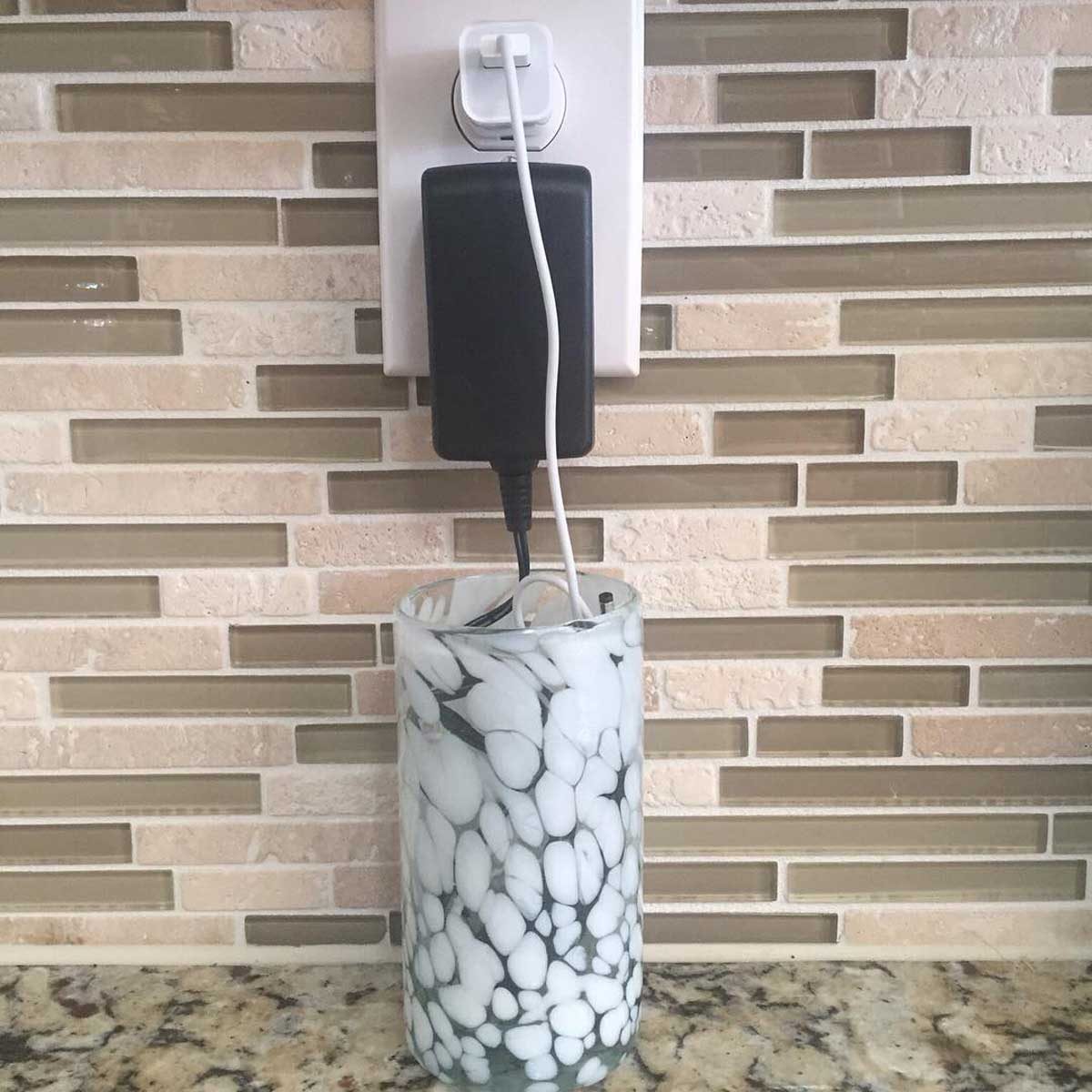
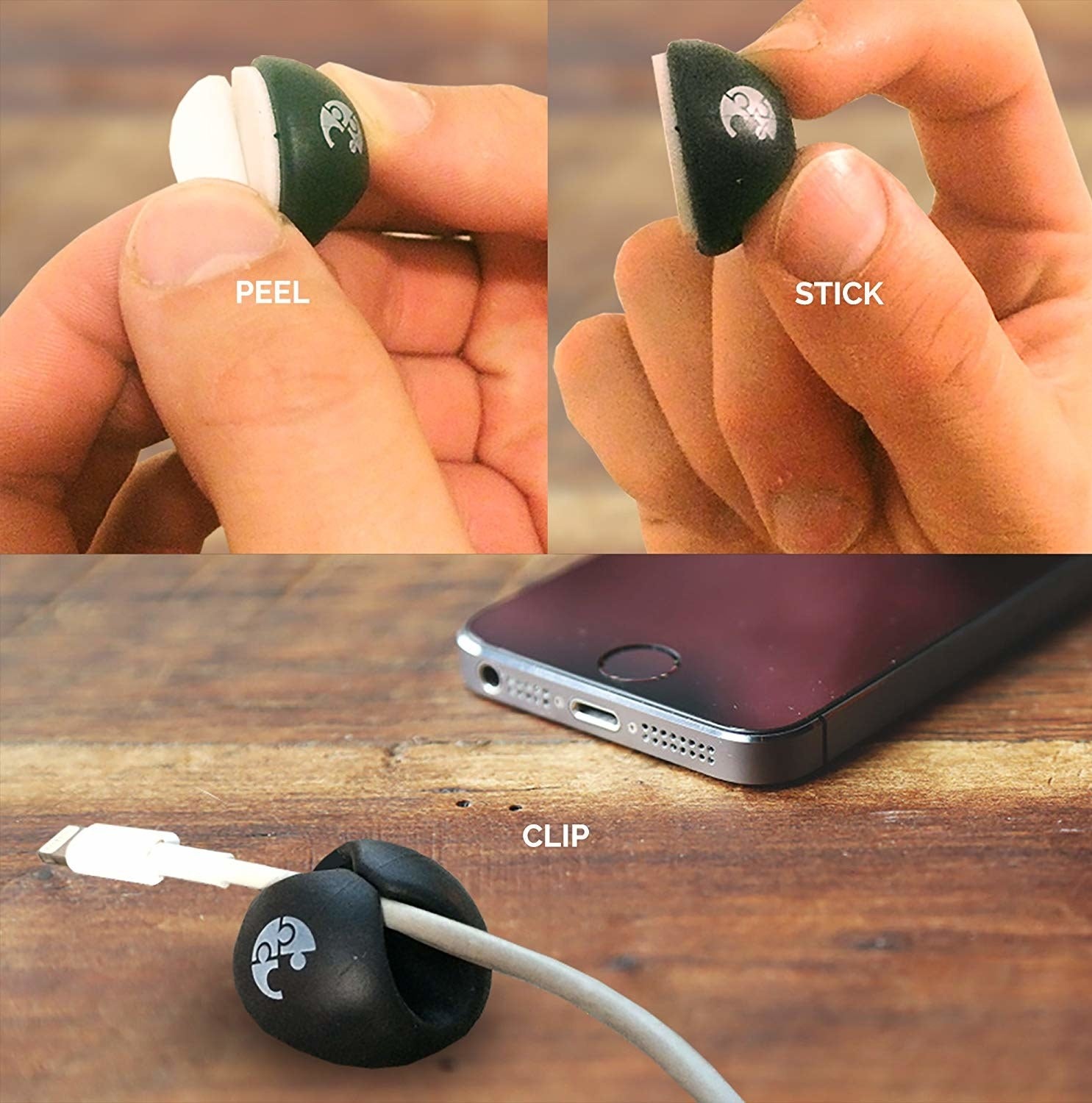
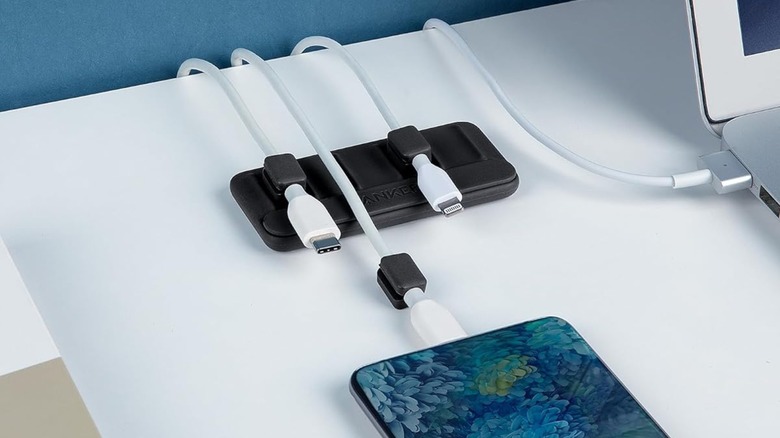
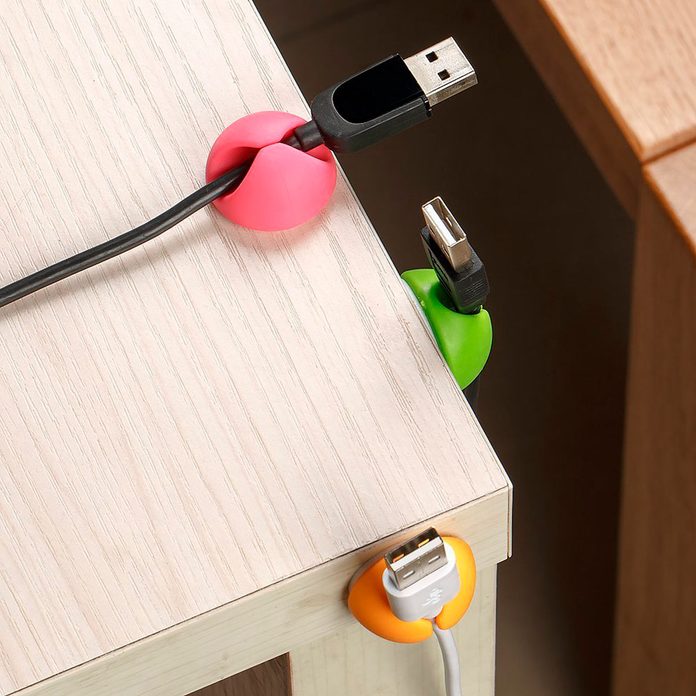
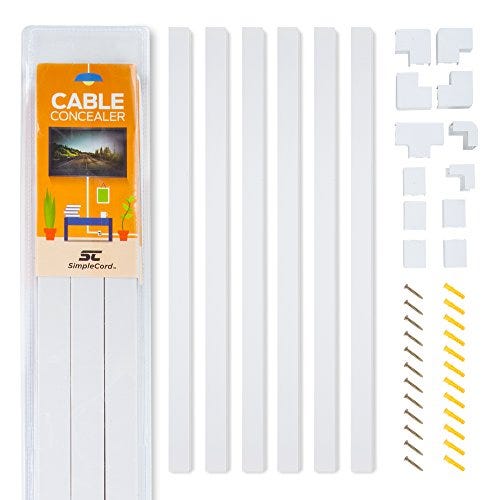
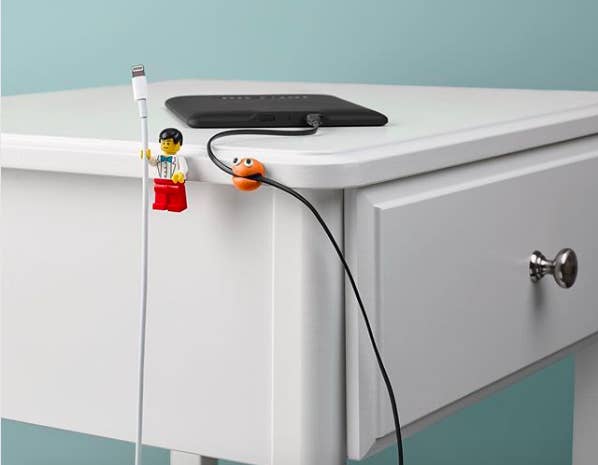
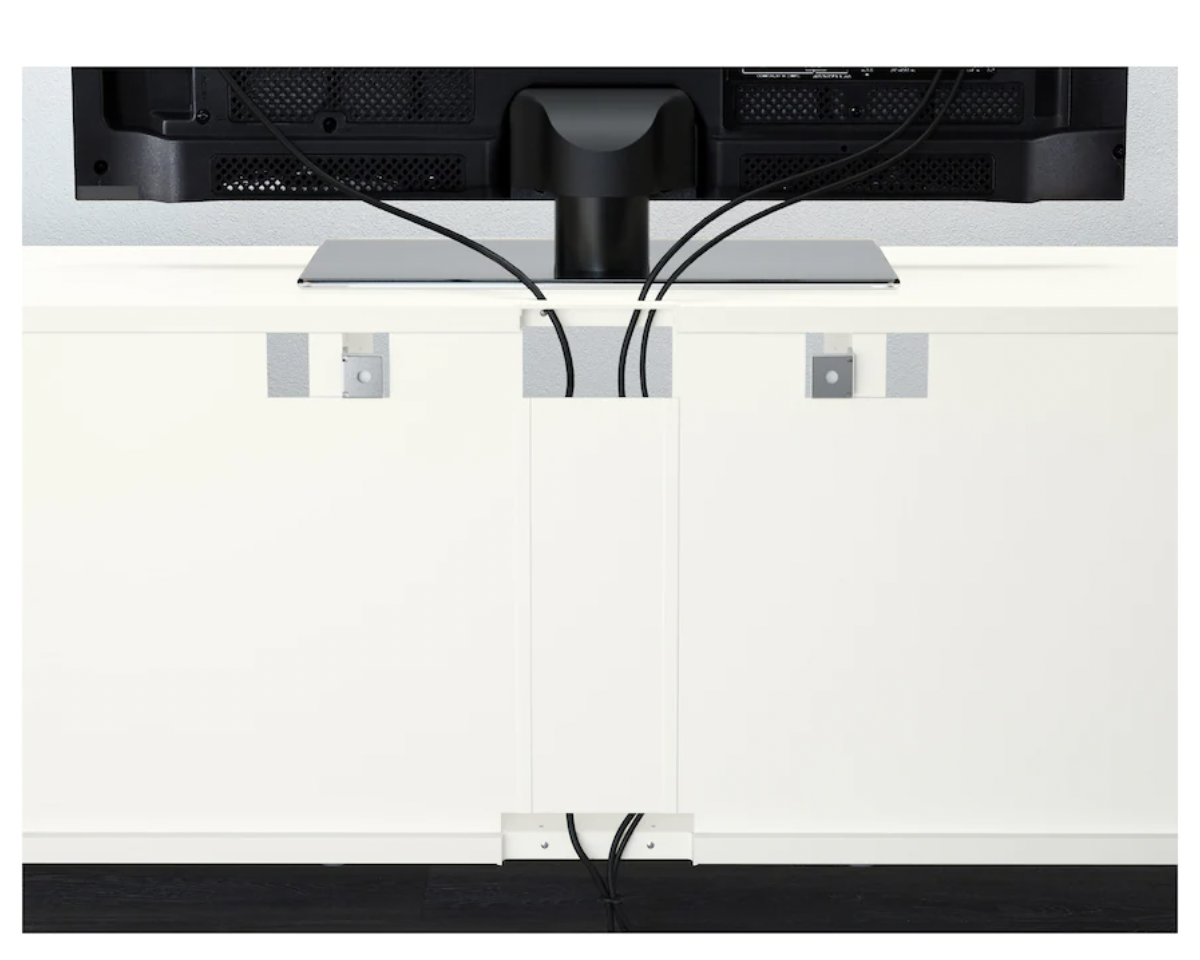
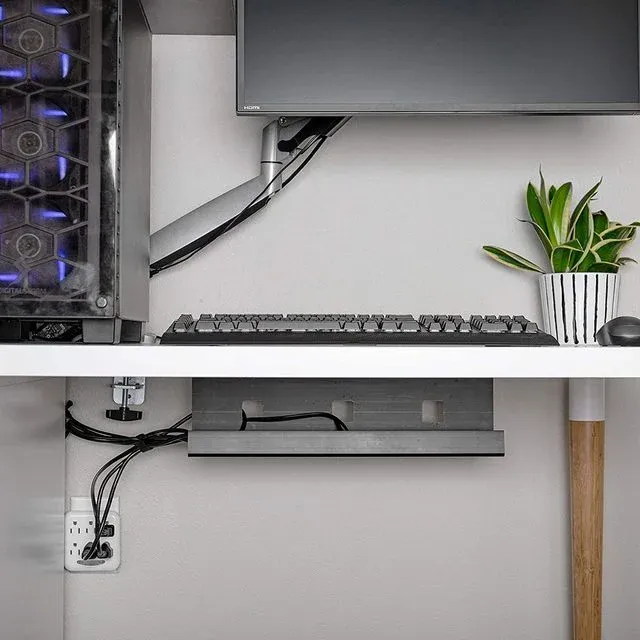
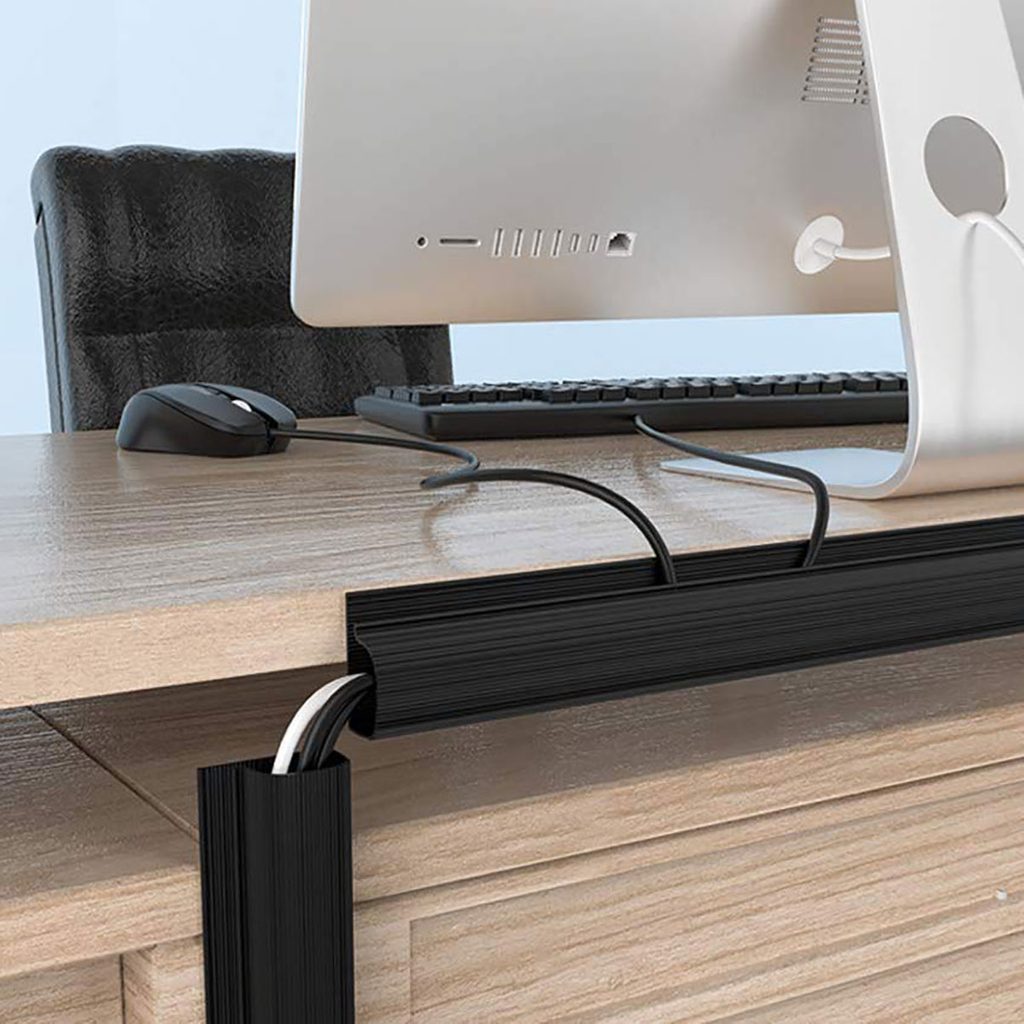
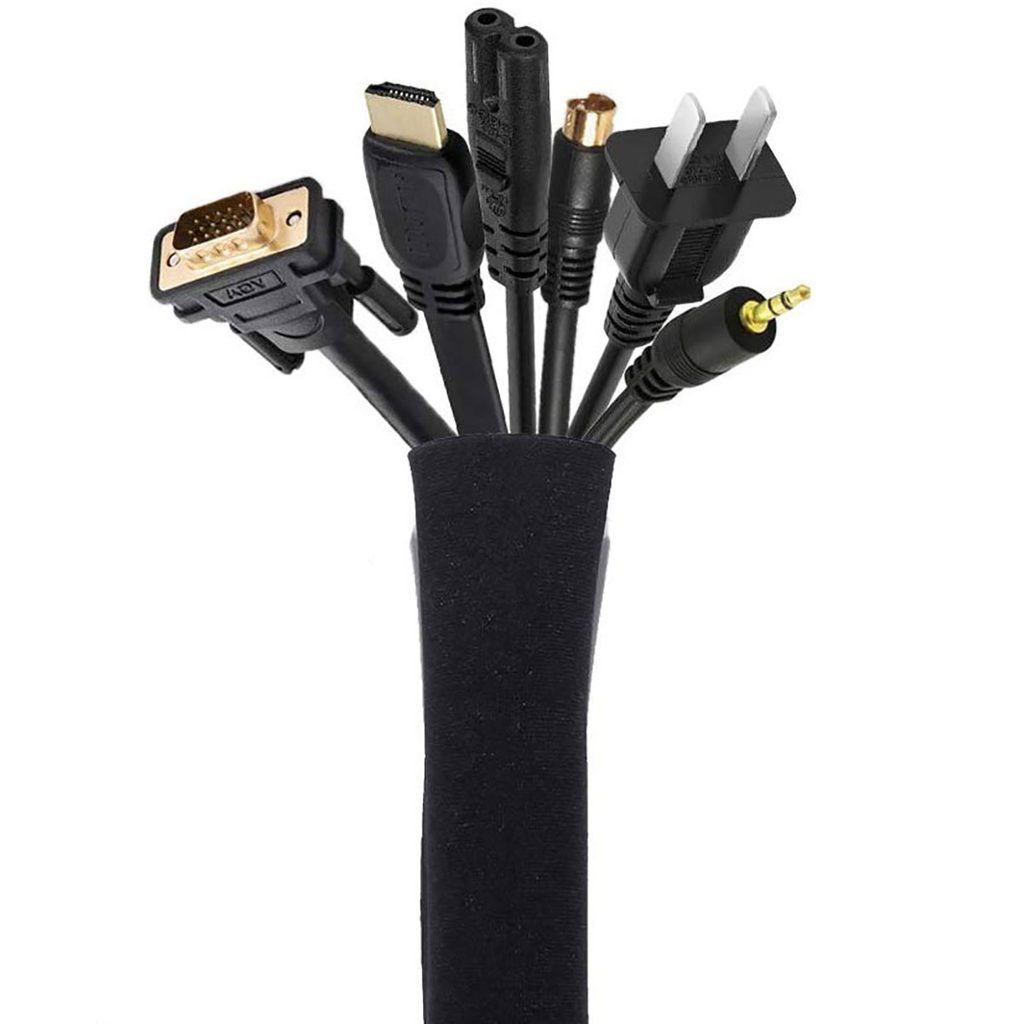
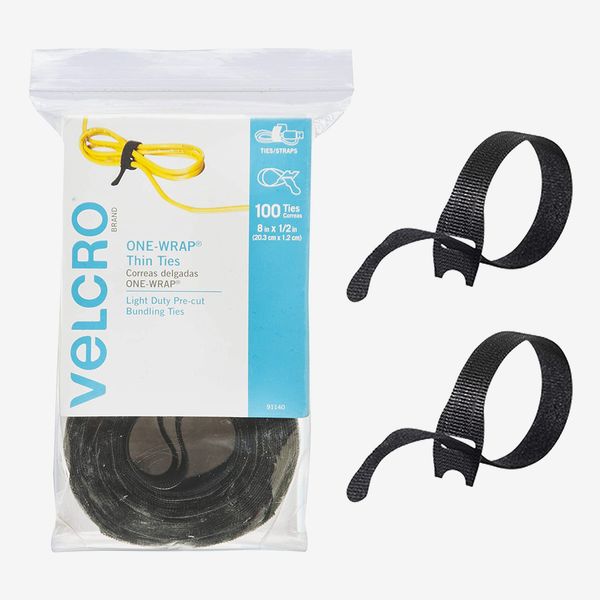
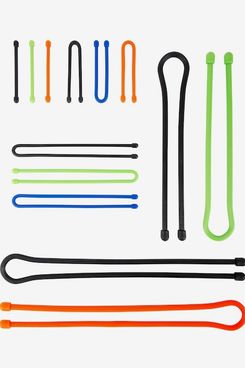
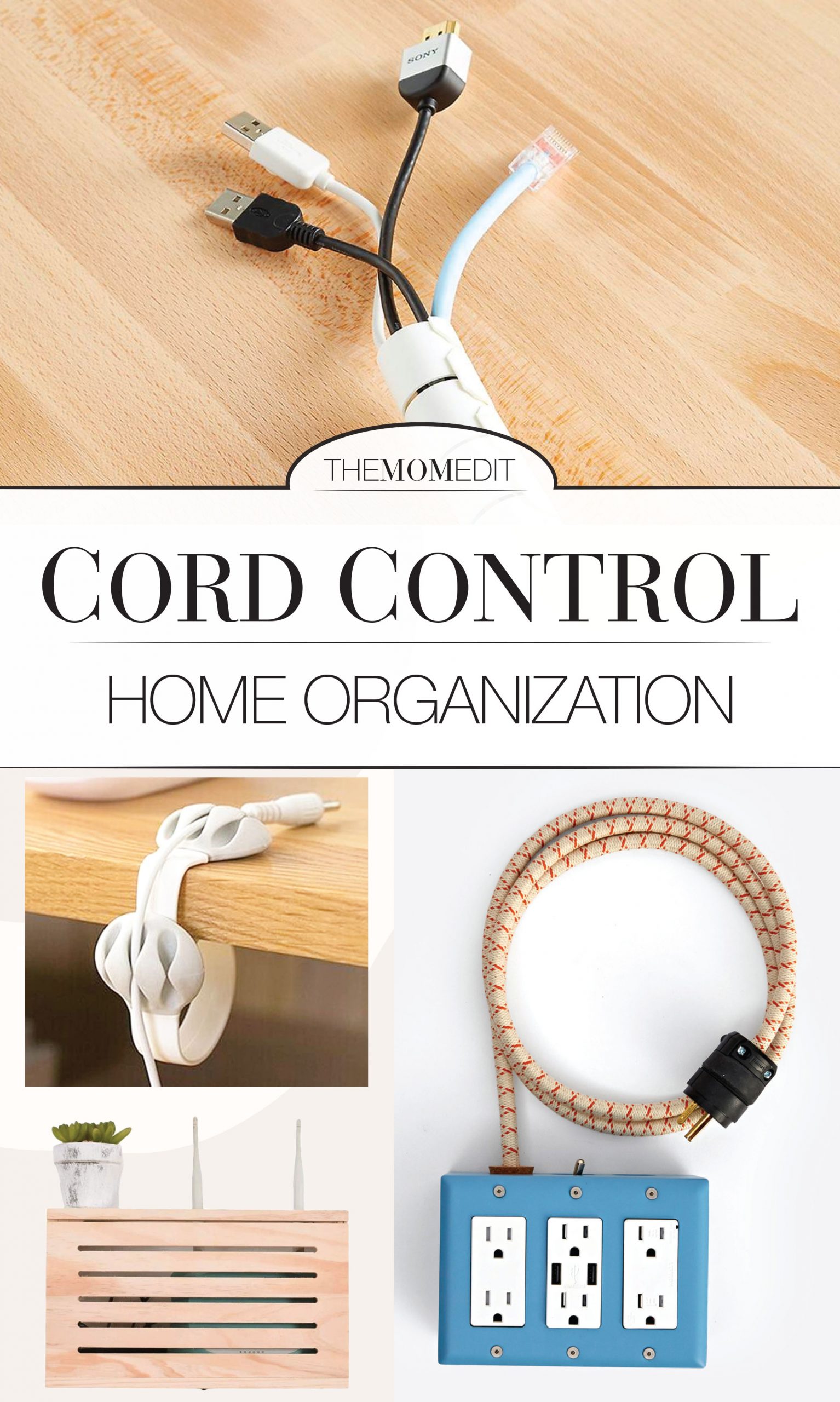
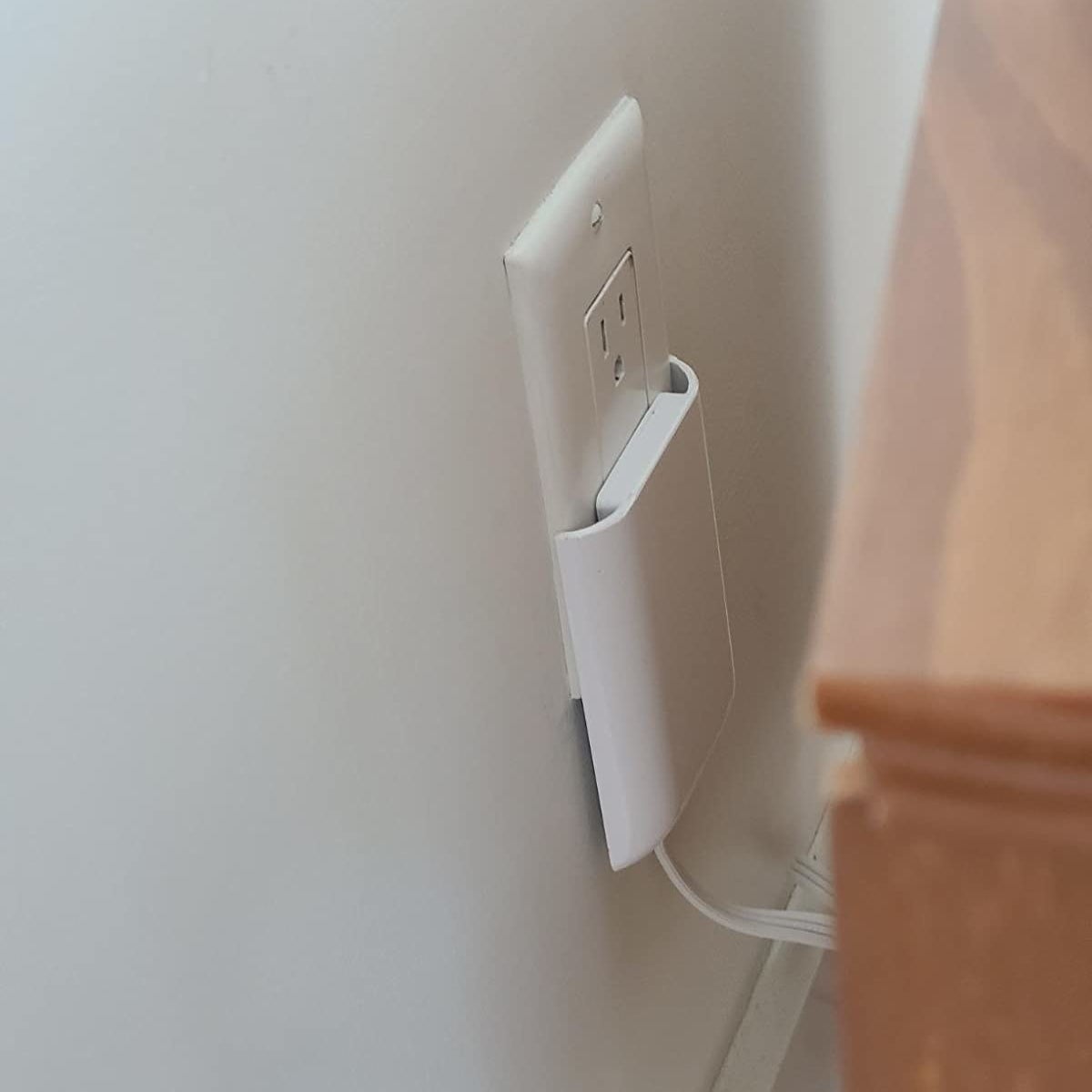
Another key strategy involves actively hiding cords and wires. Although many modern devices are wireless, they still require charging and occasional wired connections. The diversity of connectors for different mobile phone brands and models further contributes to cable accumulation. Simple solutions include using cable ties or adjustable tubing to bundle multiple cords into a single, neat length. Self-adhesive cord organizers can be applied to benchtops and other surfaces to secure cables, while cable covers can conceal them entirely. Strategically routing cords behind furniture is also an effective way to keep them out of view.
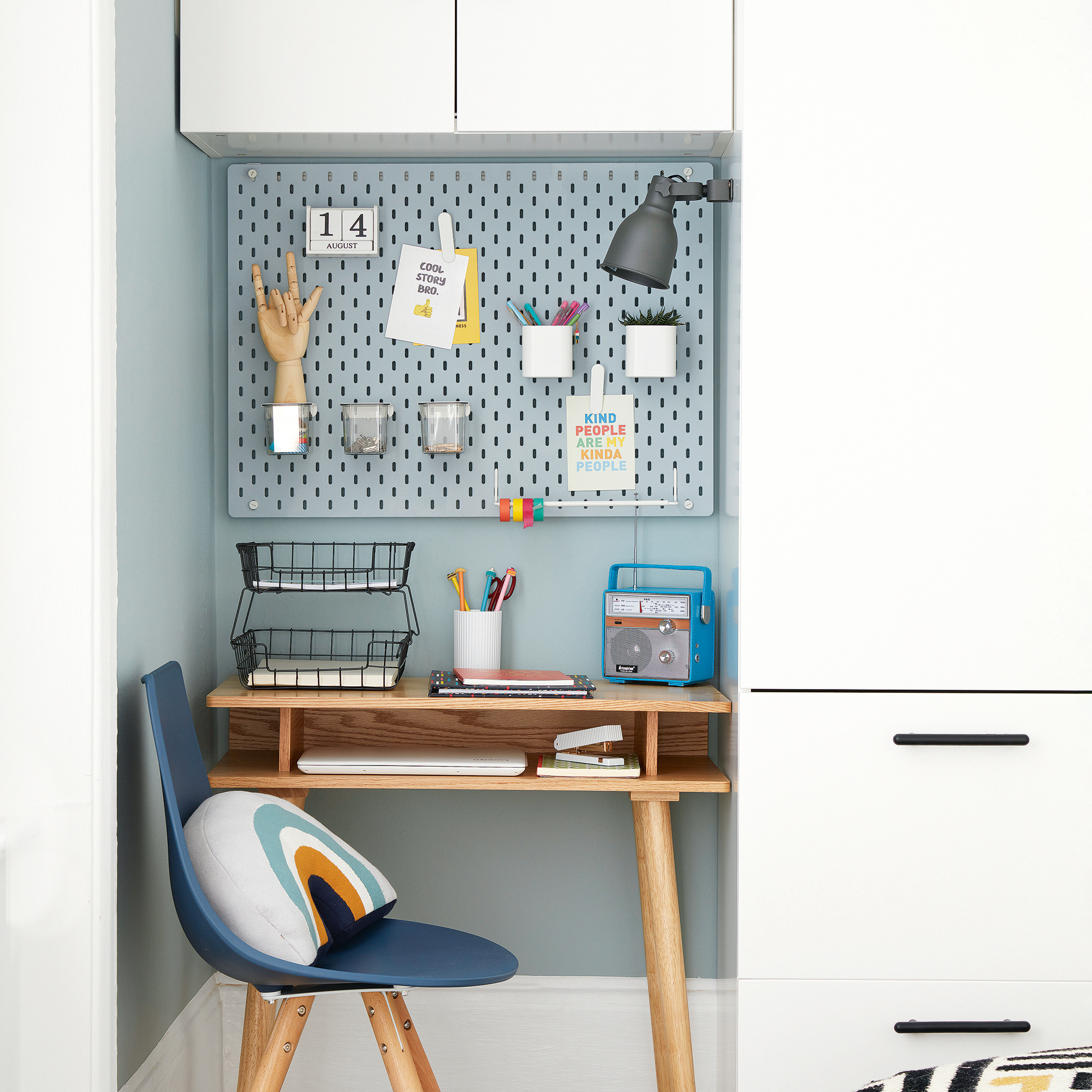
Incorporating a dedicated home office space within the home design is increasingly relevant. Modern kitchens can integrate small study or tech workbenches, positioning phones and devices conveniently without interfering with culinary activities. When redesigning a kitchen or other living area, this consideration is valuable. To maintain a clutter-free environment in such spaces, closed wall-mounted storage for files, books, and paperwork is advisable. Designing a cut-out in the benchtop to keep wires off the surface and including drawers under the desktop for laptops and handheld devices when not in use helps create an organized, aesthetically pleasing, and functional workspace.
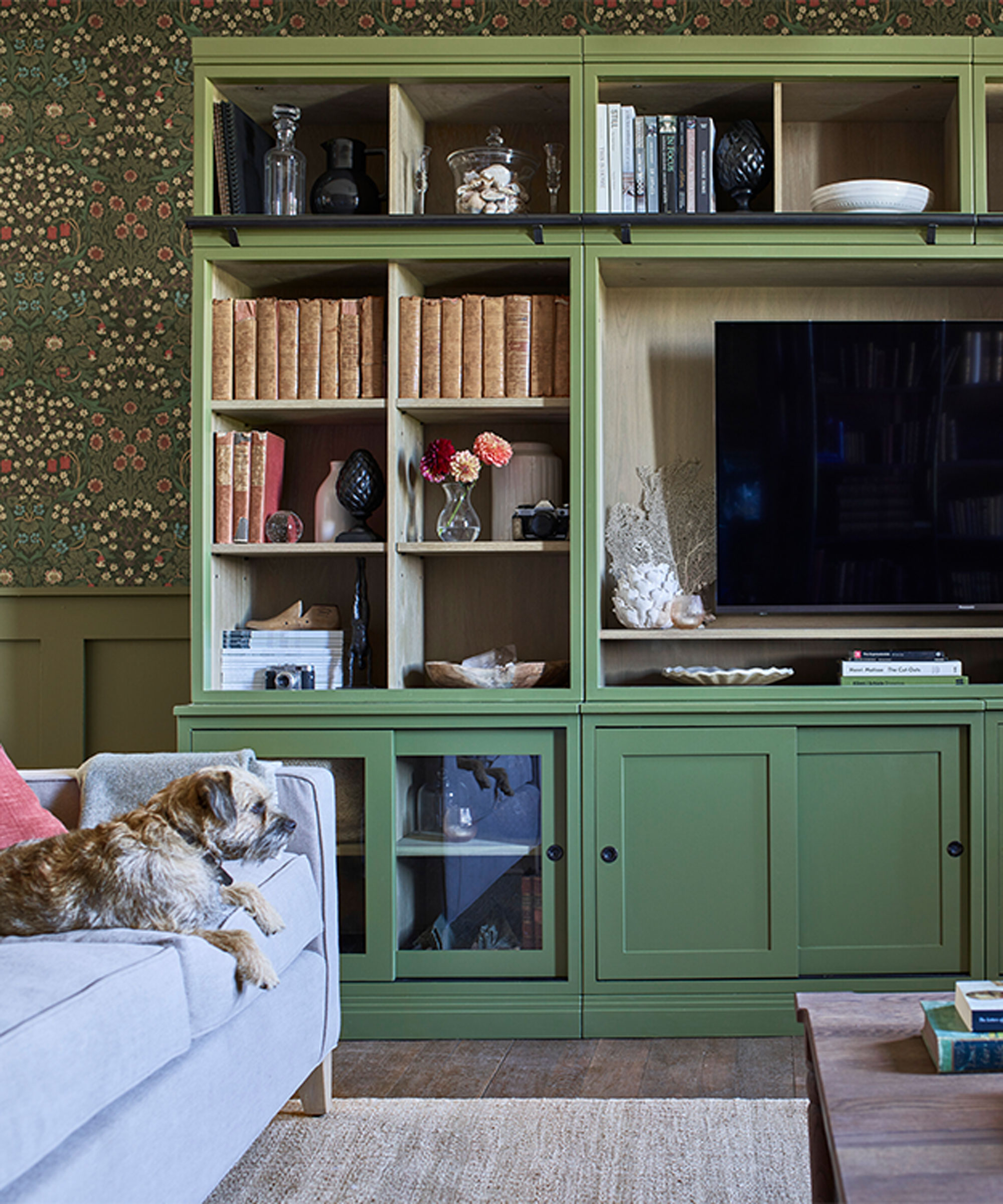
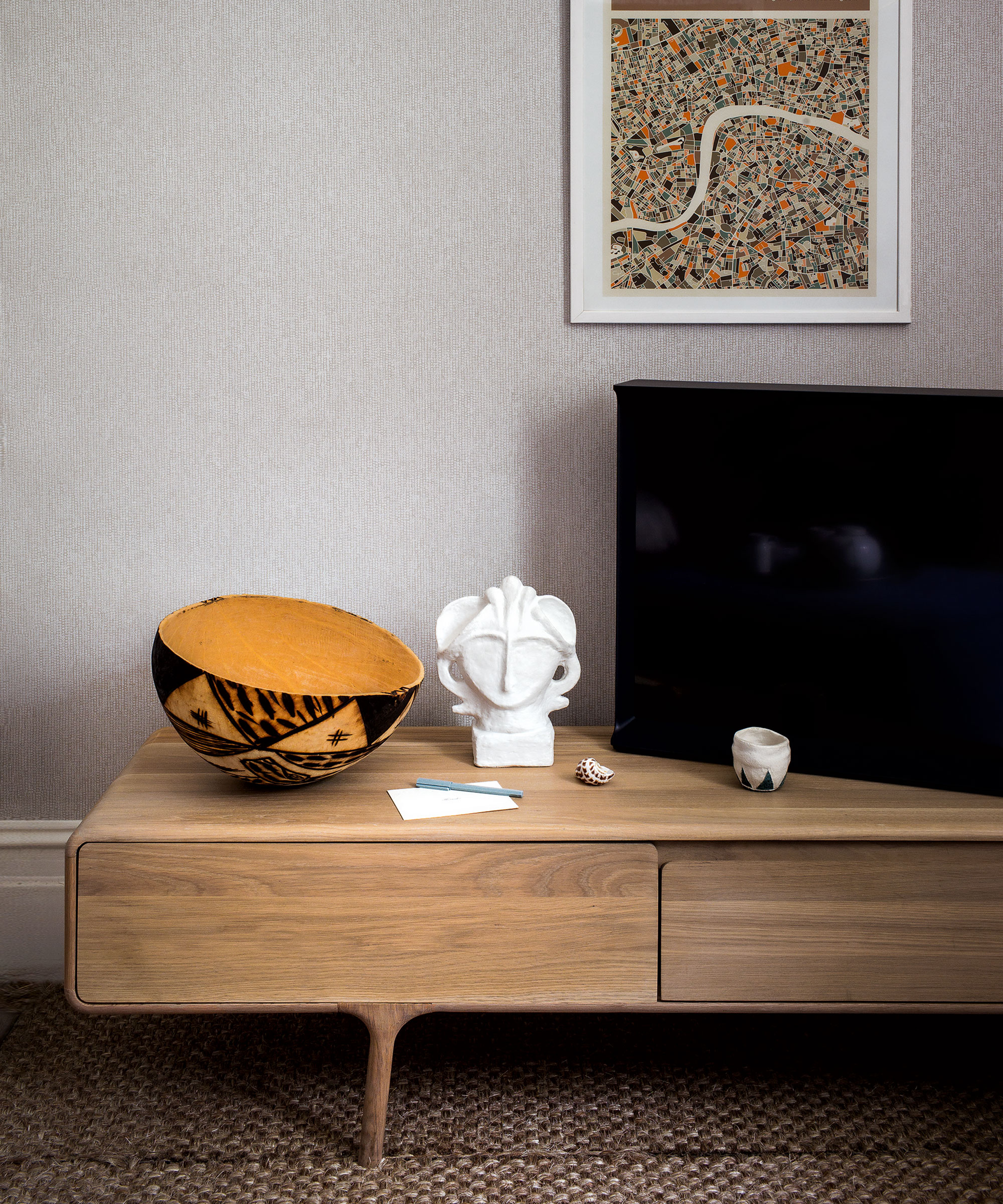
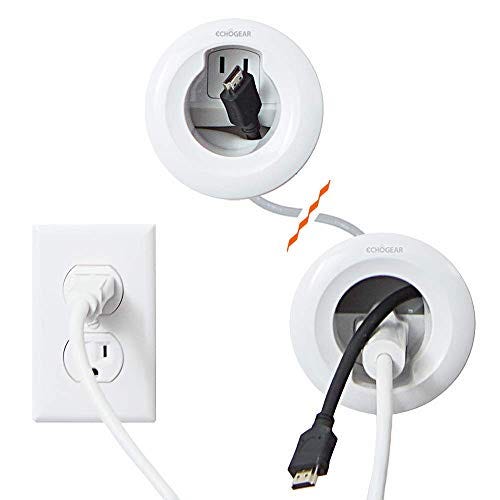
Future-proofing home design for technology is a growing concern for designers and architects in both new constructions and renovations. This involves planning for the concealment of numerous cables connecting televisions, sound systems, and modems. Ensuring a sufficient number of well-placed power points is also crucial. For wall-mounted televisions, simple systems exist to hide cabling within wall cavities. Additionally, designing built-in study areas for children, such as under stairs or in a side area of a living room, provides necessary bench space and helps manage their tech-related items.
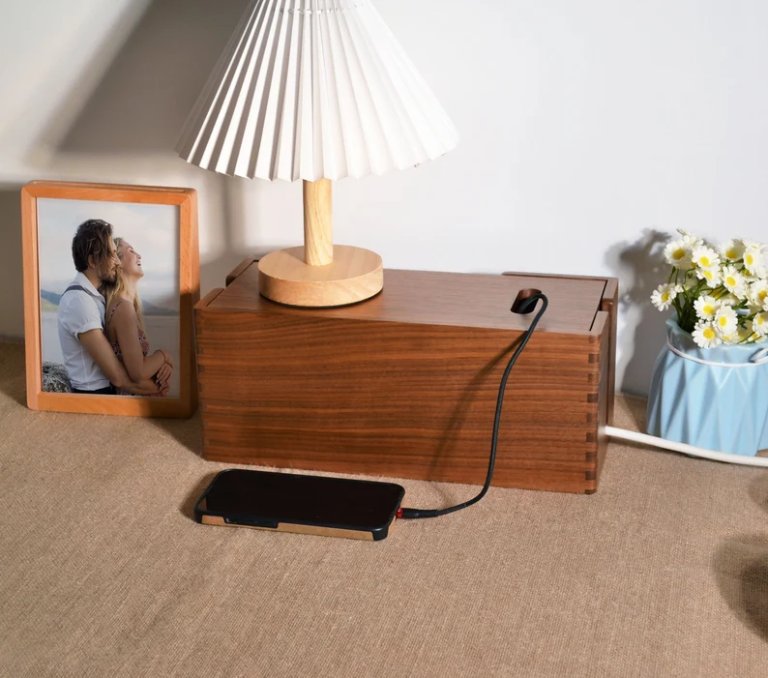
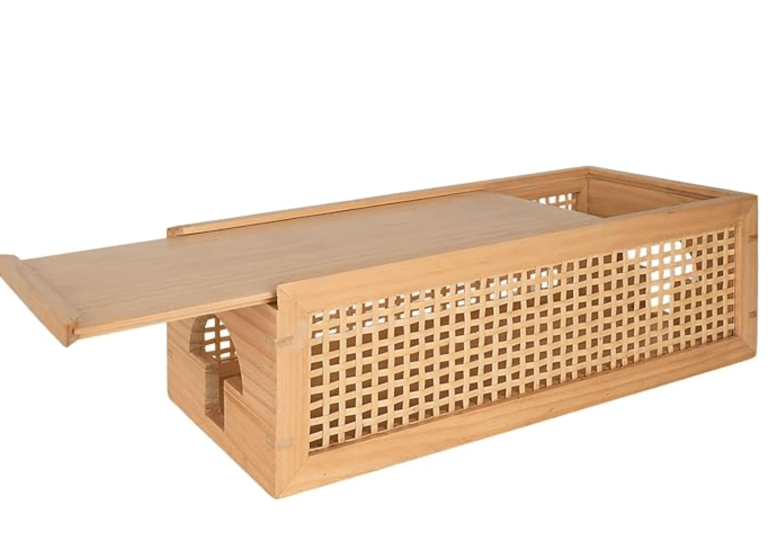
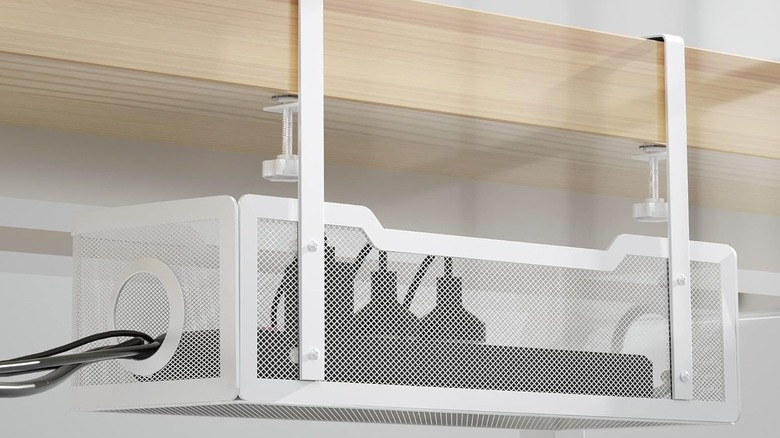
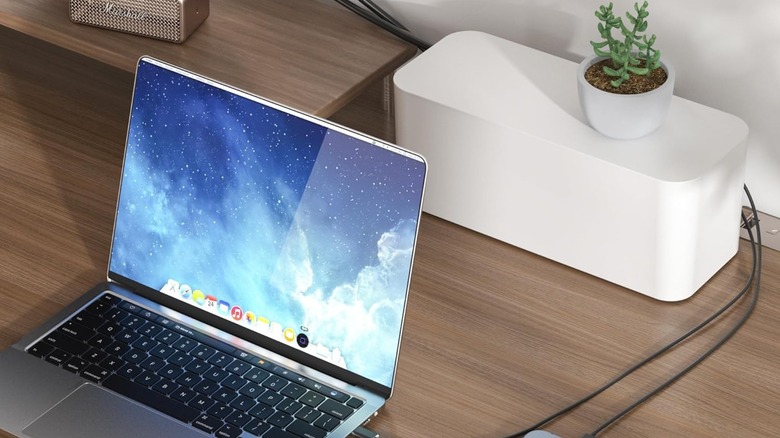
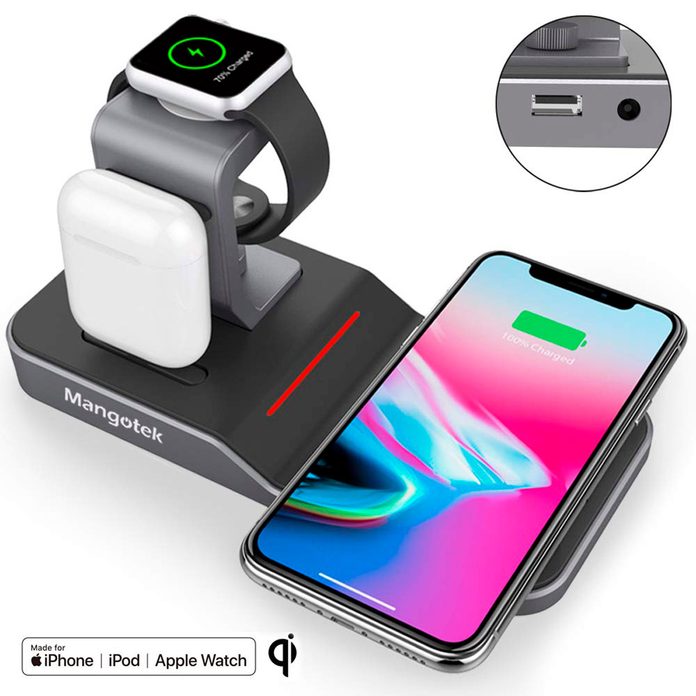
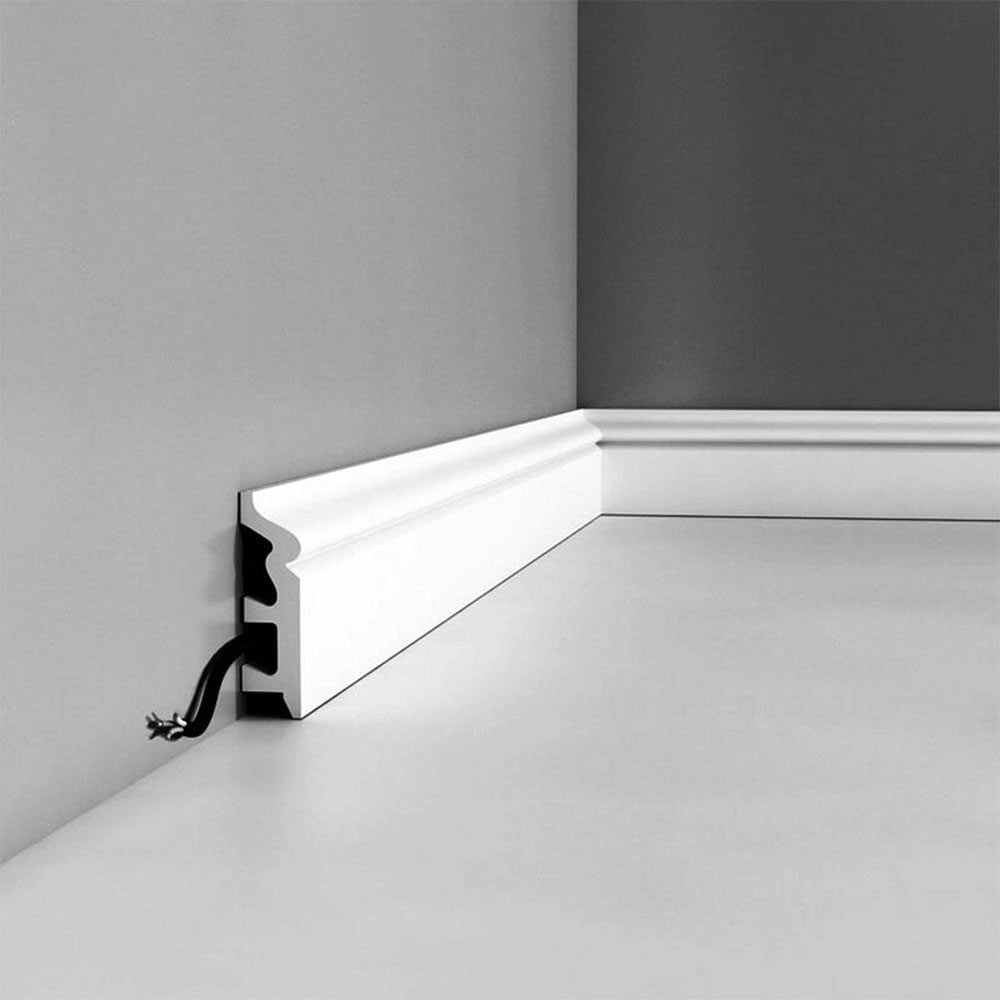
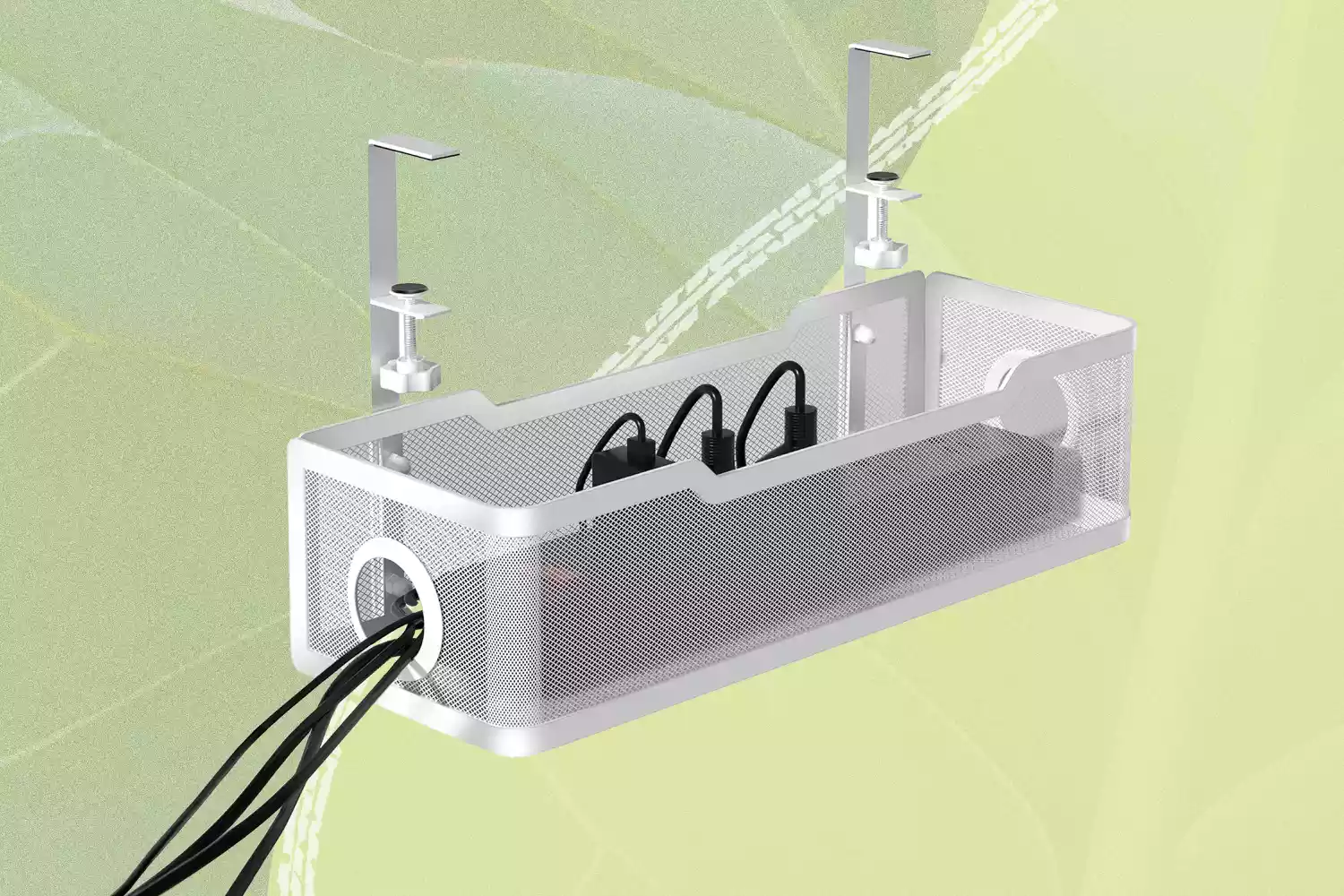
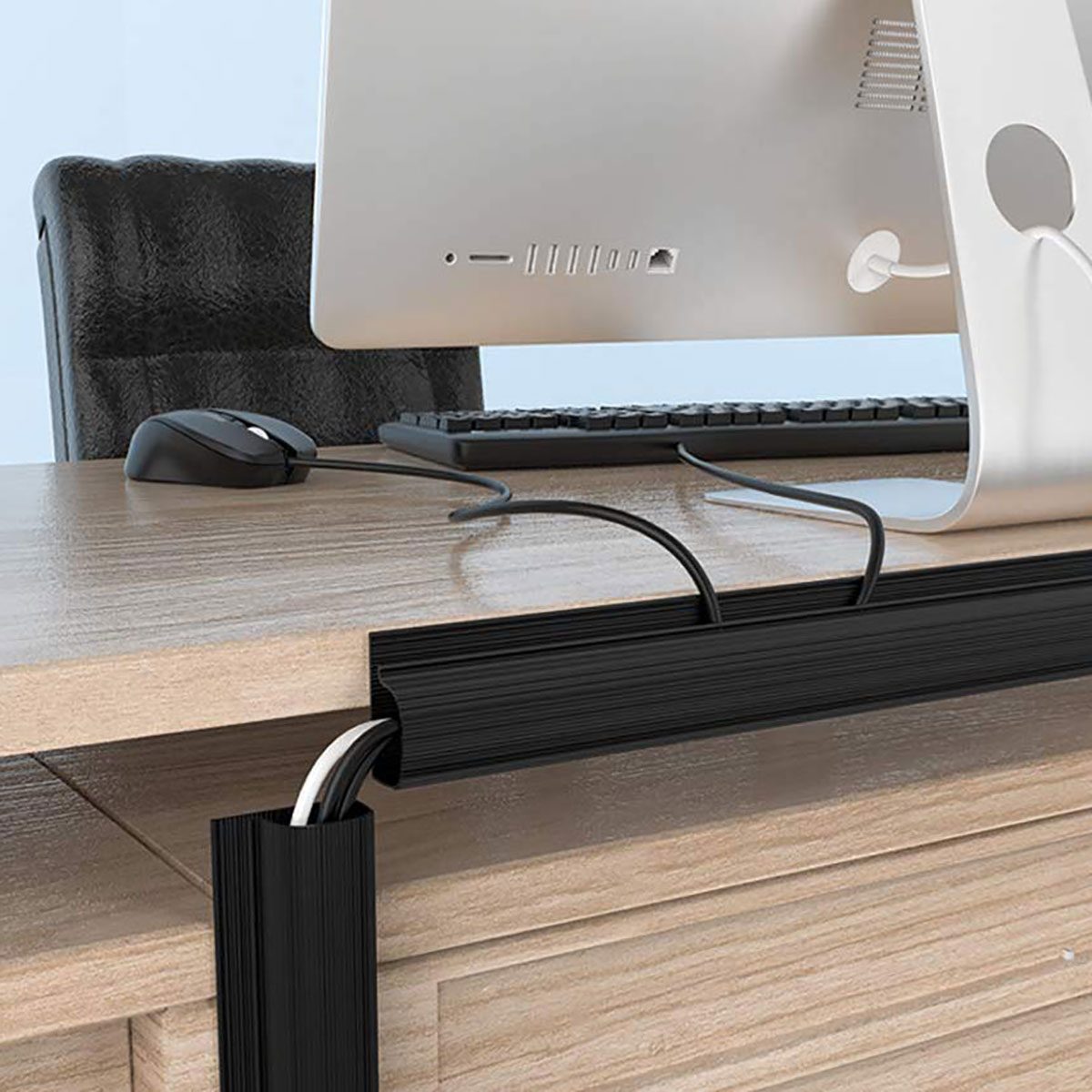
Several products are available to assist with cable management. These include SOULWIT 3-pack cable holder clips, which are self-adhesive and come in various sizes for tangle-free cable organization. The Cable tidy box 3-pack from Target offers different-sized boxes to hide cables, adapters, and chargers under desks or within TV consoles. The Belkin BoostCharge Pro 3-in-1 black charging pad offers a wireless solution for charging multiple Apple devices simultaneously, thereby eliminating the need for multiple cables. Lastly, the D-Line 30 x 15mm 2m adhesive cable management cover from Bunnings provides a discreet way to run cables along skirting boards, preventing unsightly cords and tripping hazards. For TV cords, cable boxes, organizers, and clamps help maintain tidiness, while self-adhesive cable covers offer a solution for concealing cables along skirting boards for a clean look.
#CableManagement #HomeOrganization #TechStorage #ClutterControl #InteriorDesign #HomeOffice #RenovationTips #WirelessCharging #CableManagement #HomeOrganization #TechStorage #ClutterControl #InteriorDesign #HomeOffice #RenovationTips #WirelessCharging
0 comment in total
 No comments yet
You may also like
8 Creative Ways for Hiding Cords in Your Home


How to hide wires – 16 ways to organise wires in your home office and declutter your workspace
Here's How to Hide Your Ugly TV Cables and Wires

These 7 Cable Organizers Will Let Your Game Room Go From Chaos to Control

19 Products That’ll Help You Hide Pesky Cords

Essential Gadgets For Neat & Tidy Cords Around The House
How To Deal With All The Wires And Cords In Your Home
8 Essential Tools to Maximize Cable Management in Your Home

How to organize cables behind the TV –clever ways to keep them neat and discreet


7 Clever Ways to Hide TV Cords


Creative ways to hide TV cords on walls


6 Genius Ways to Repurpose Old Charging Cables That'll Help you Declutter Your Home
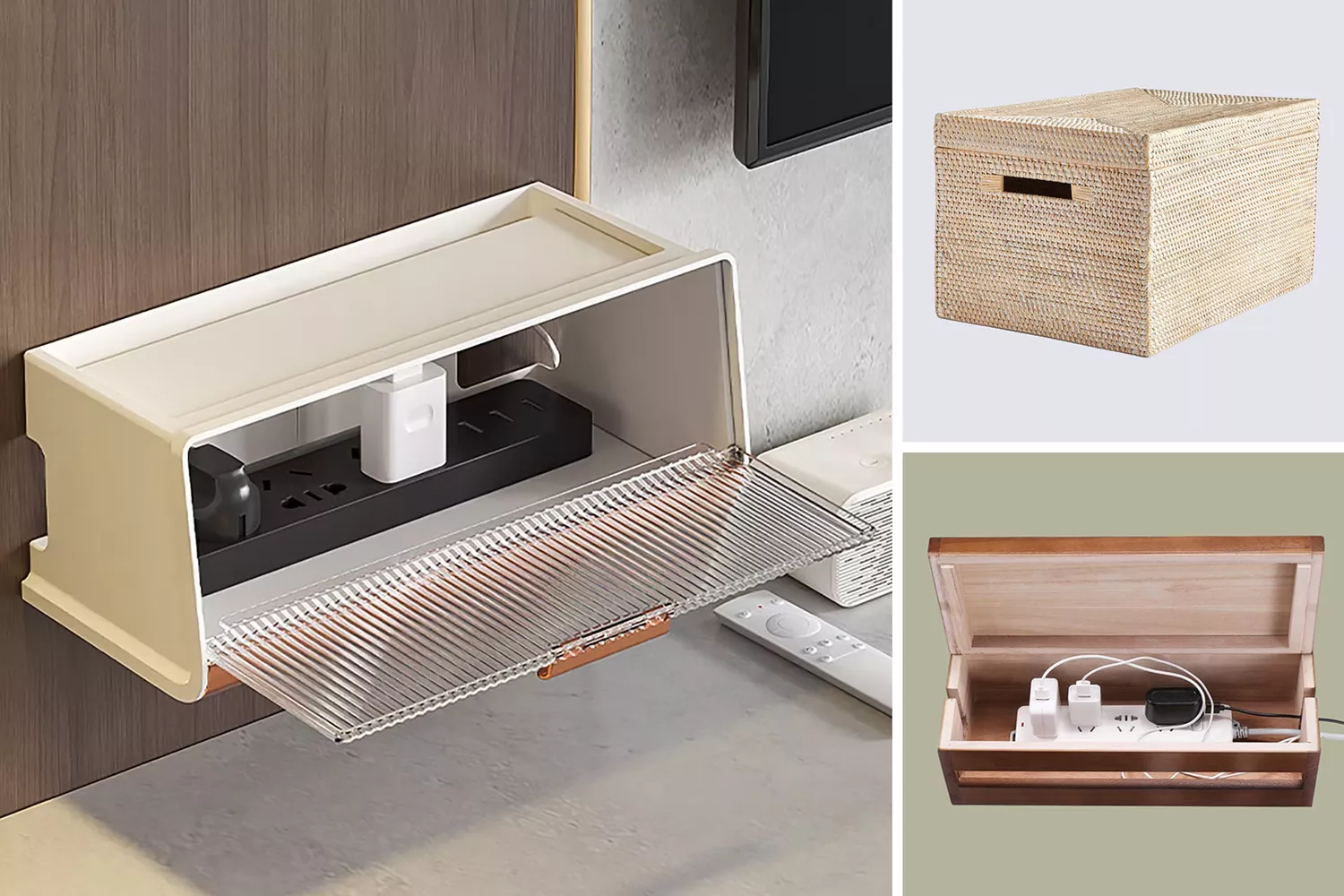
15 Solutions for Hiding Unsightly TV Cords, Wires, and Other Electronics
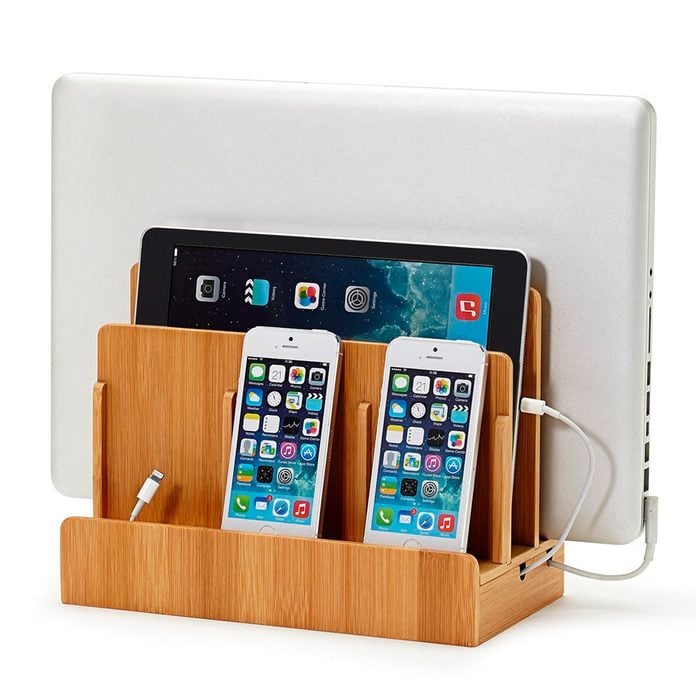
10 Storage and Organization Ideas For All of Your Devices

How to Hide Outdoor Lighting Wires and Cables — 7 Tips for a Patio Free From Circuitry Eyesores
The 9 Very Best Cable Organizers
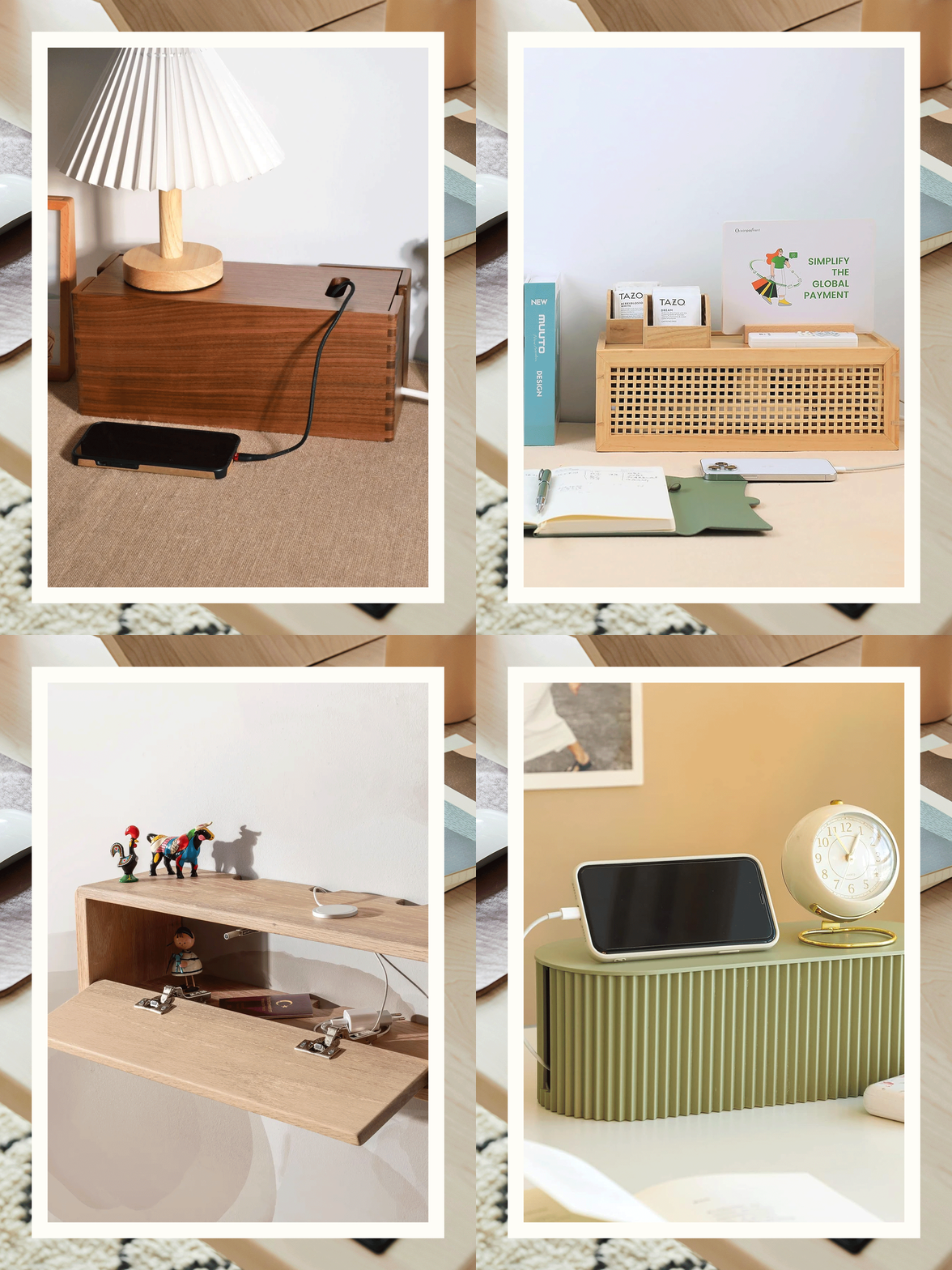
6 Cord Management Boxes That Will Soothe Your Tangled Soul

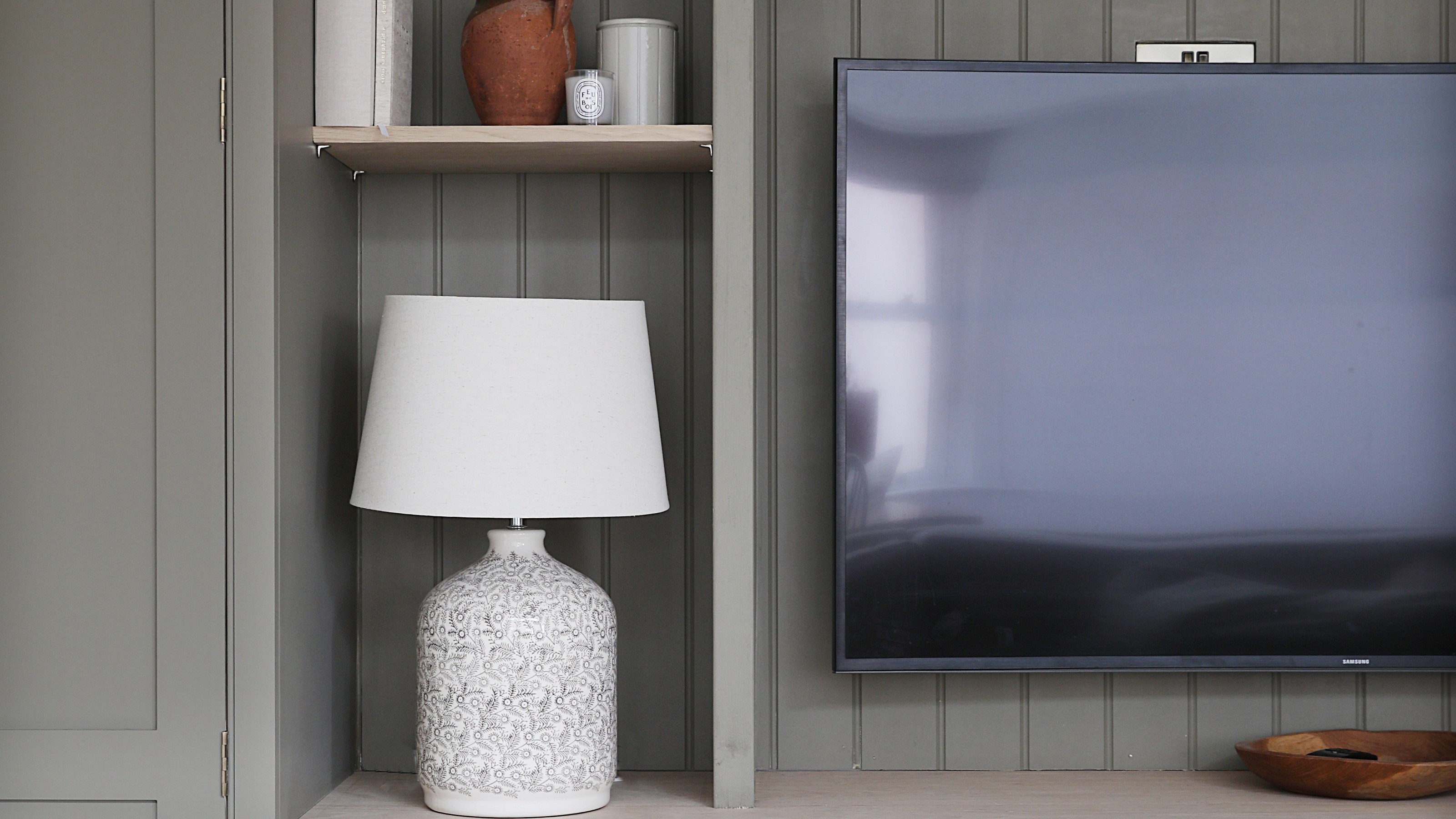
How to hide TV wires – 5 ways to eliminate messy cords from your living room for a clean and seamless look
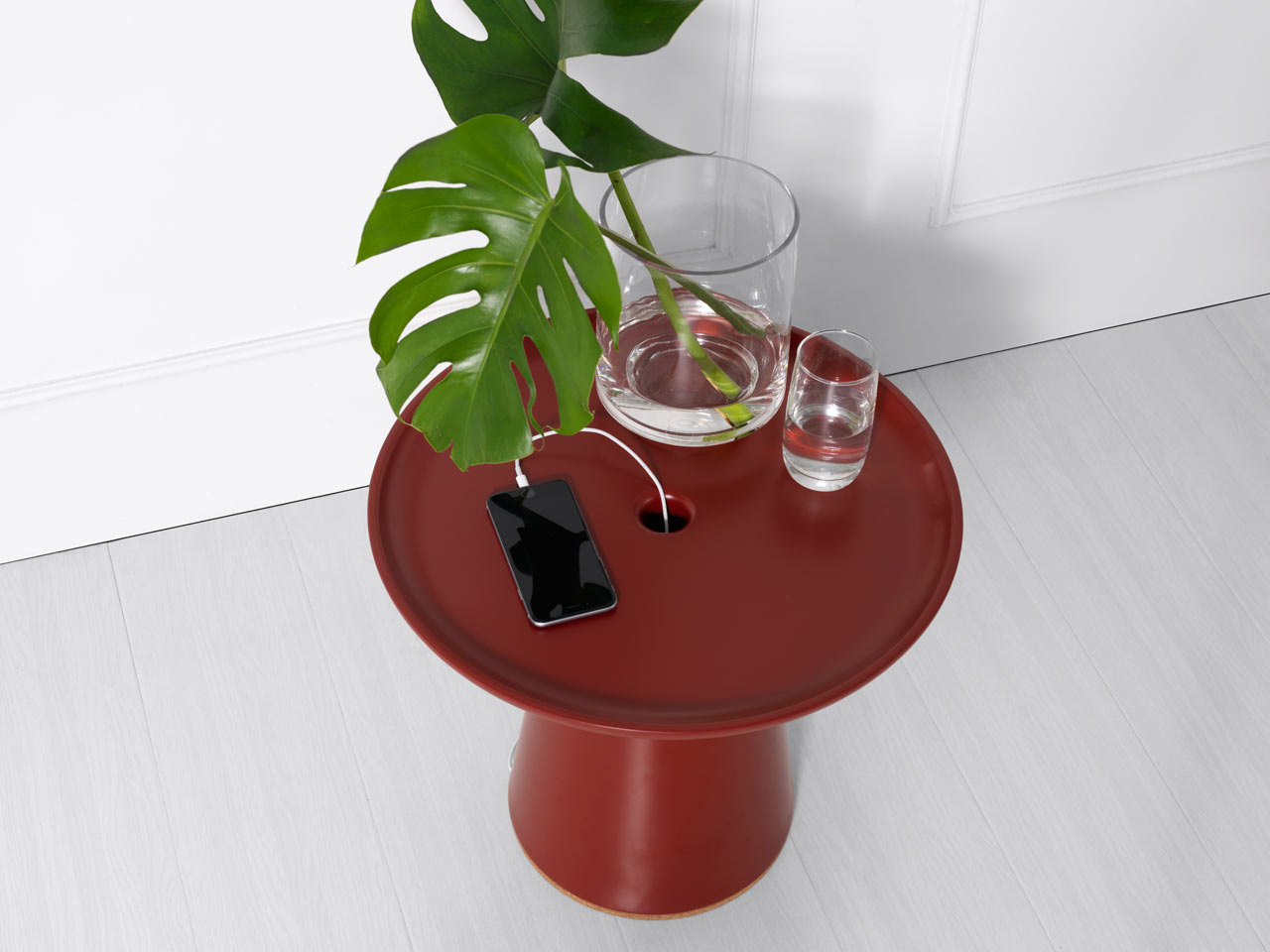
A Side Table That Hides Messy Cables

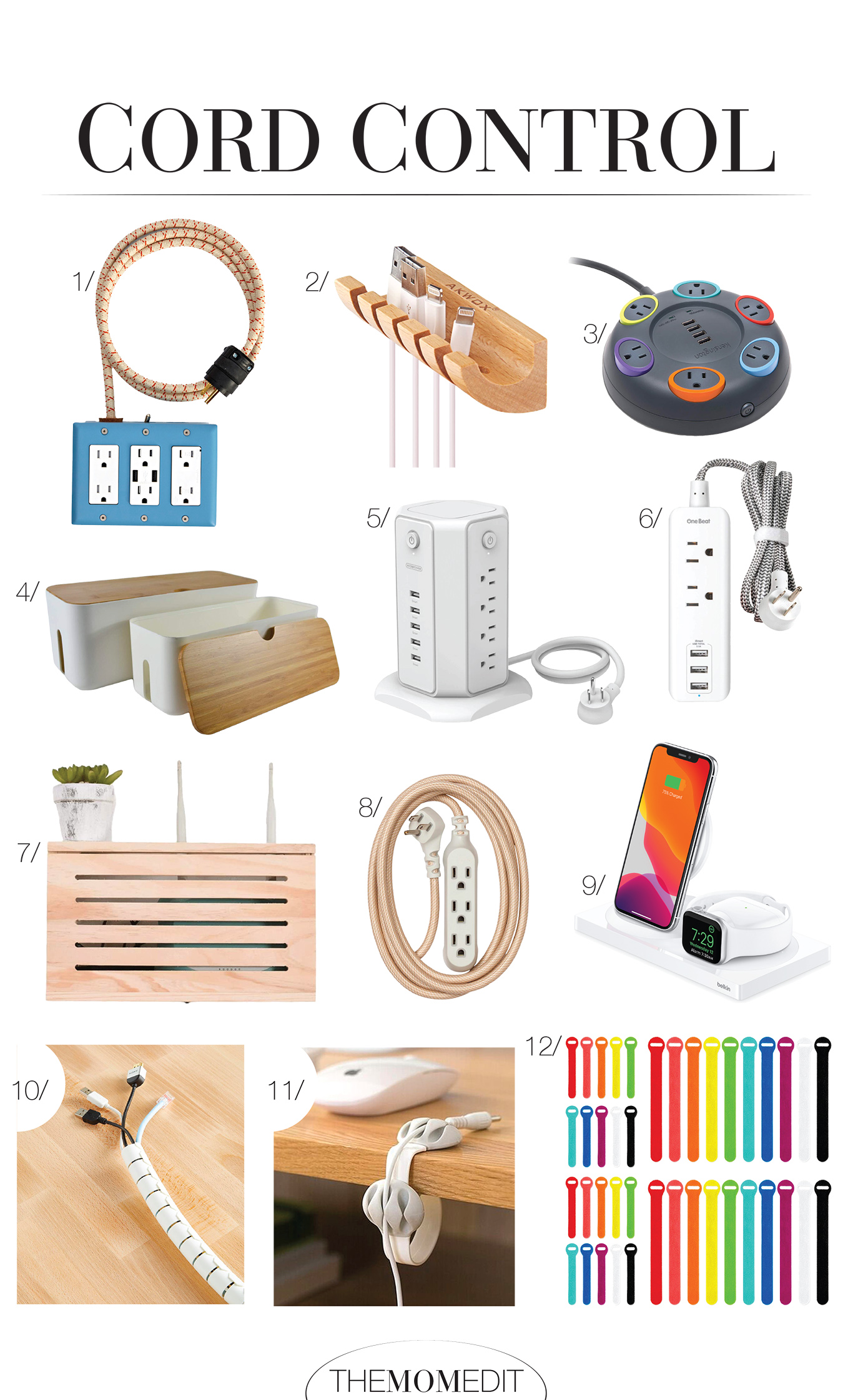
Home Office Upgrade: Cord Control