1/15
15 gorgeous backdrops for your next Zoom call
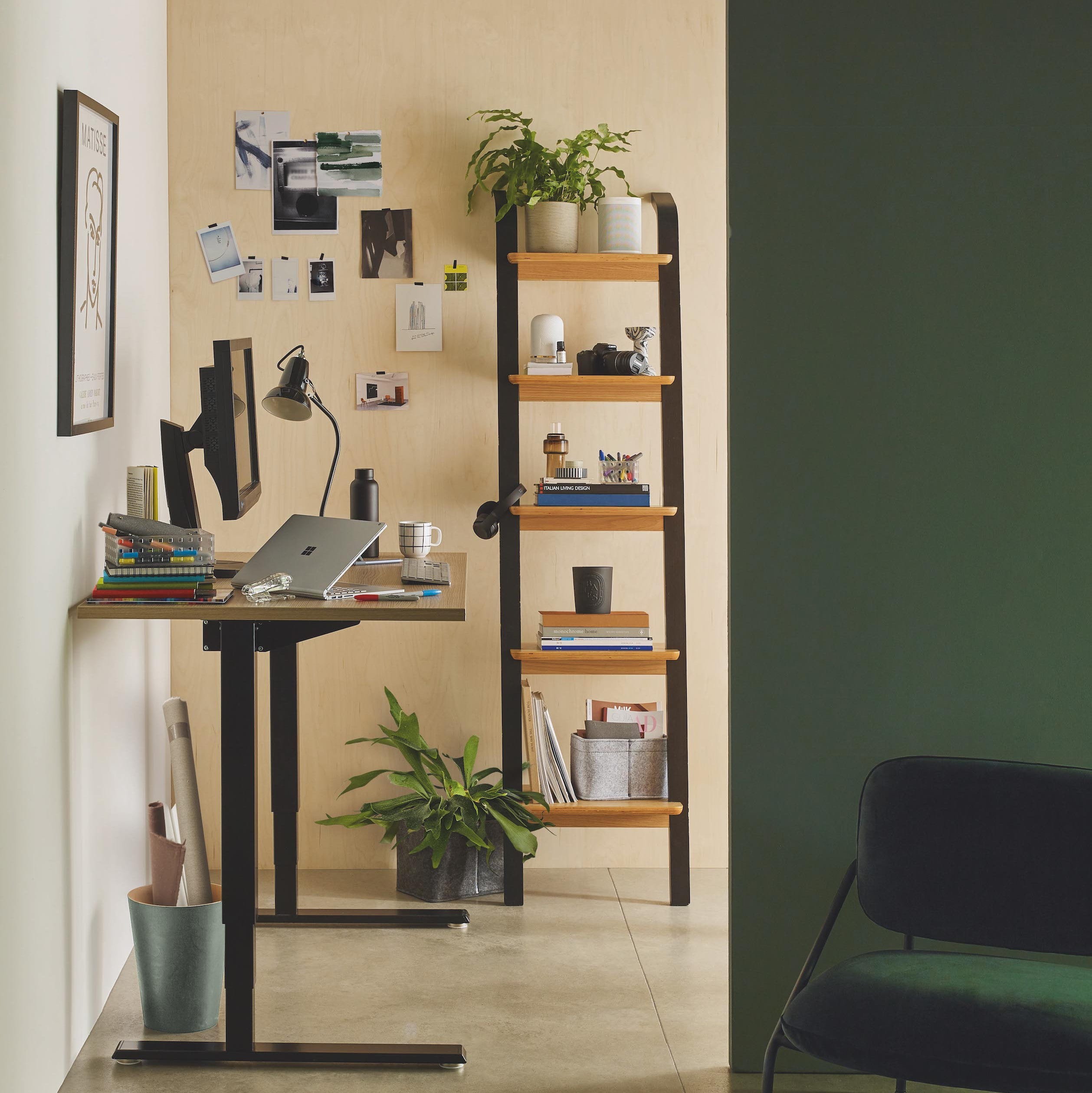
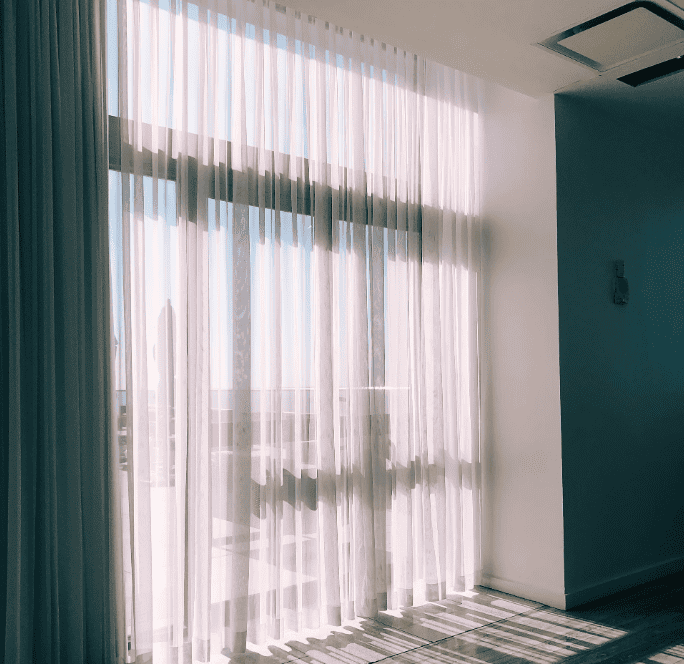
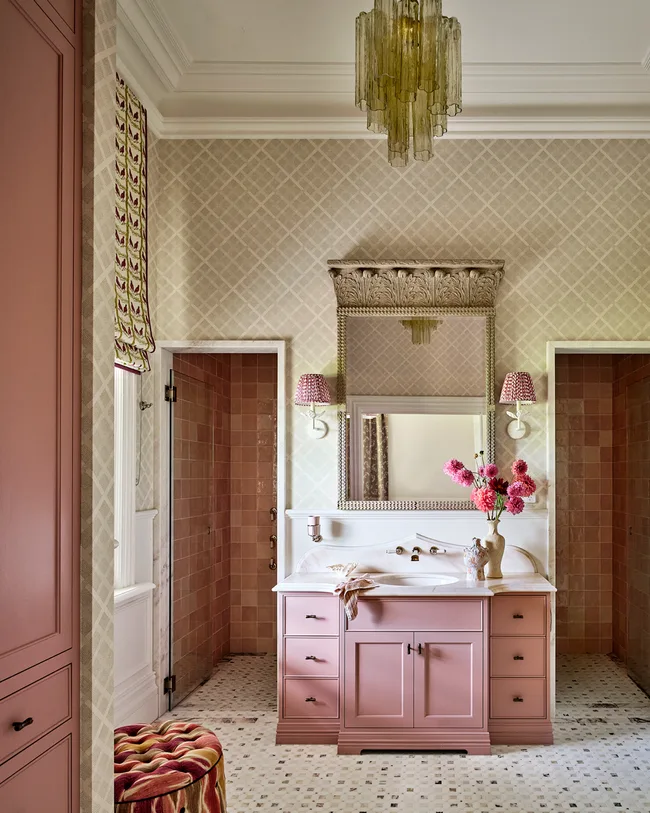
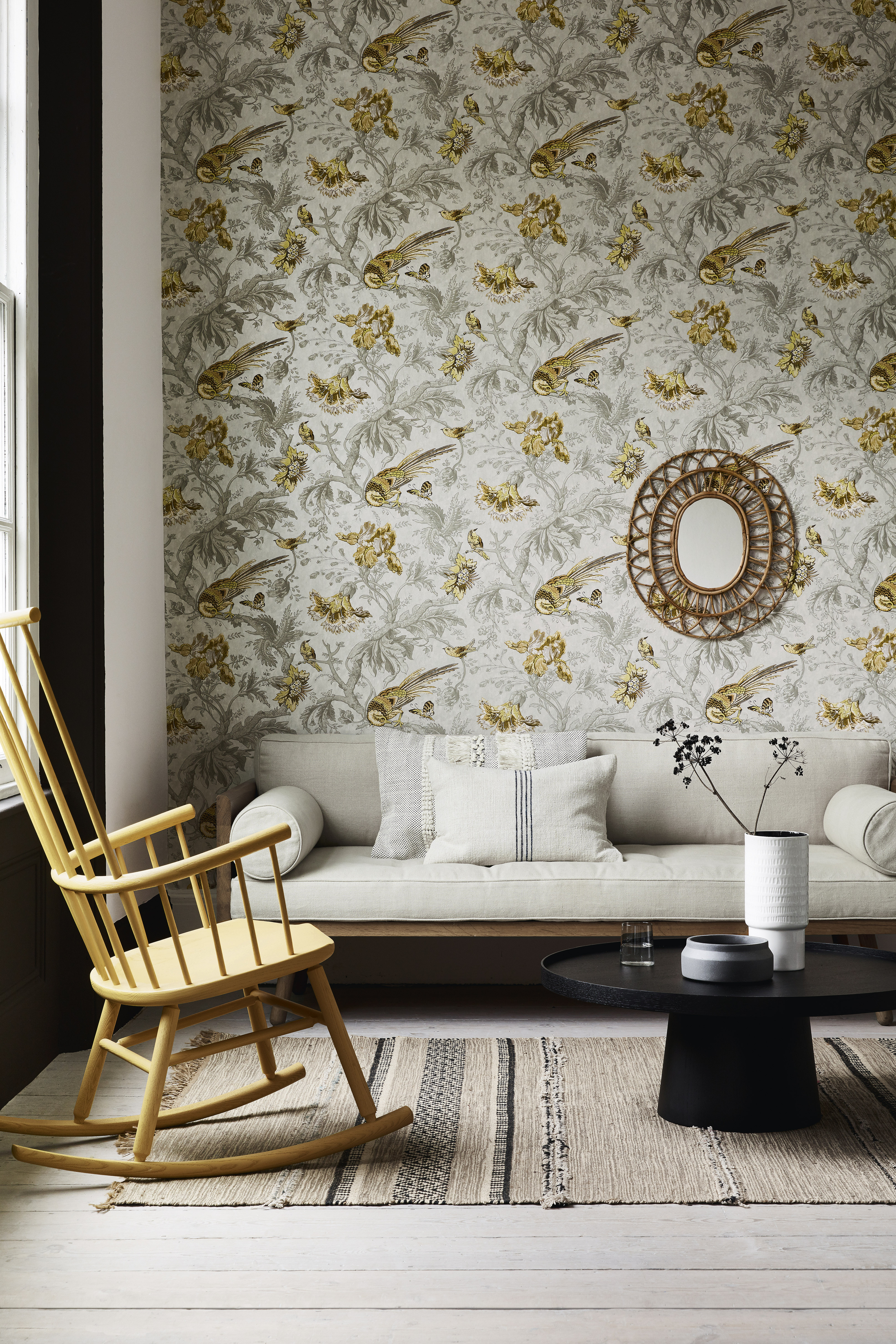
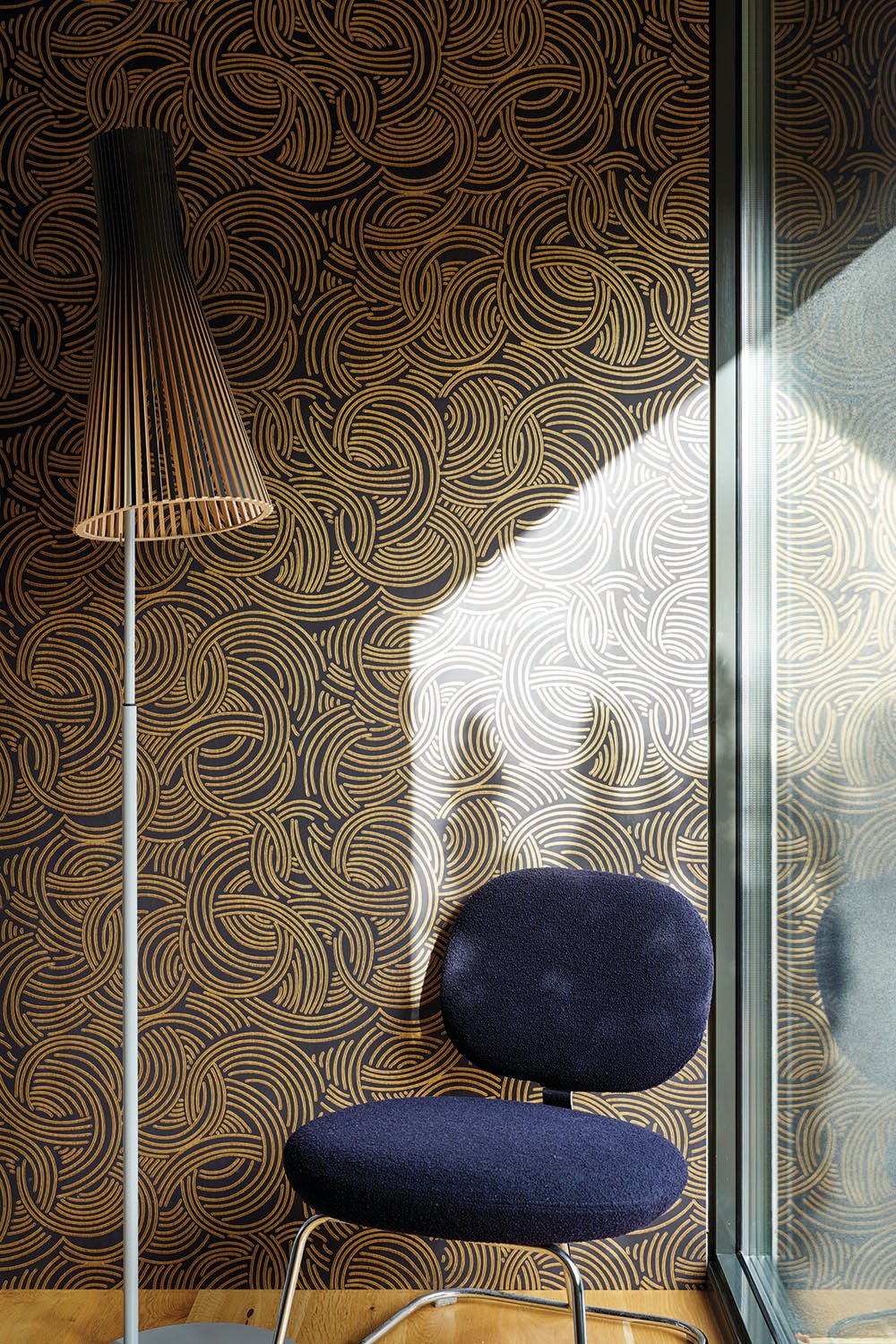
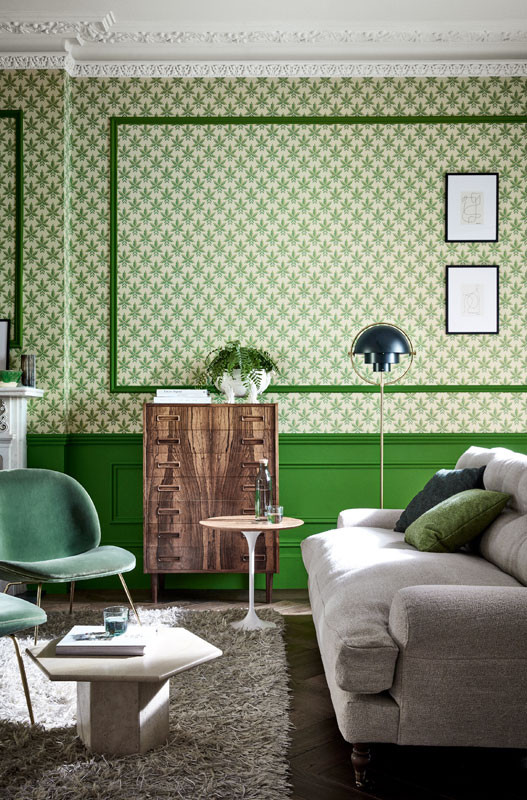
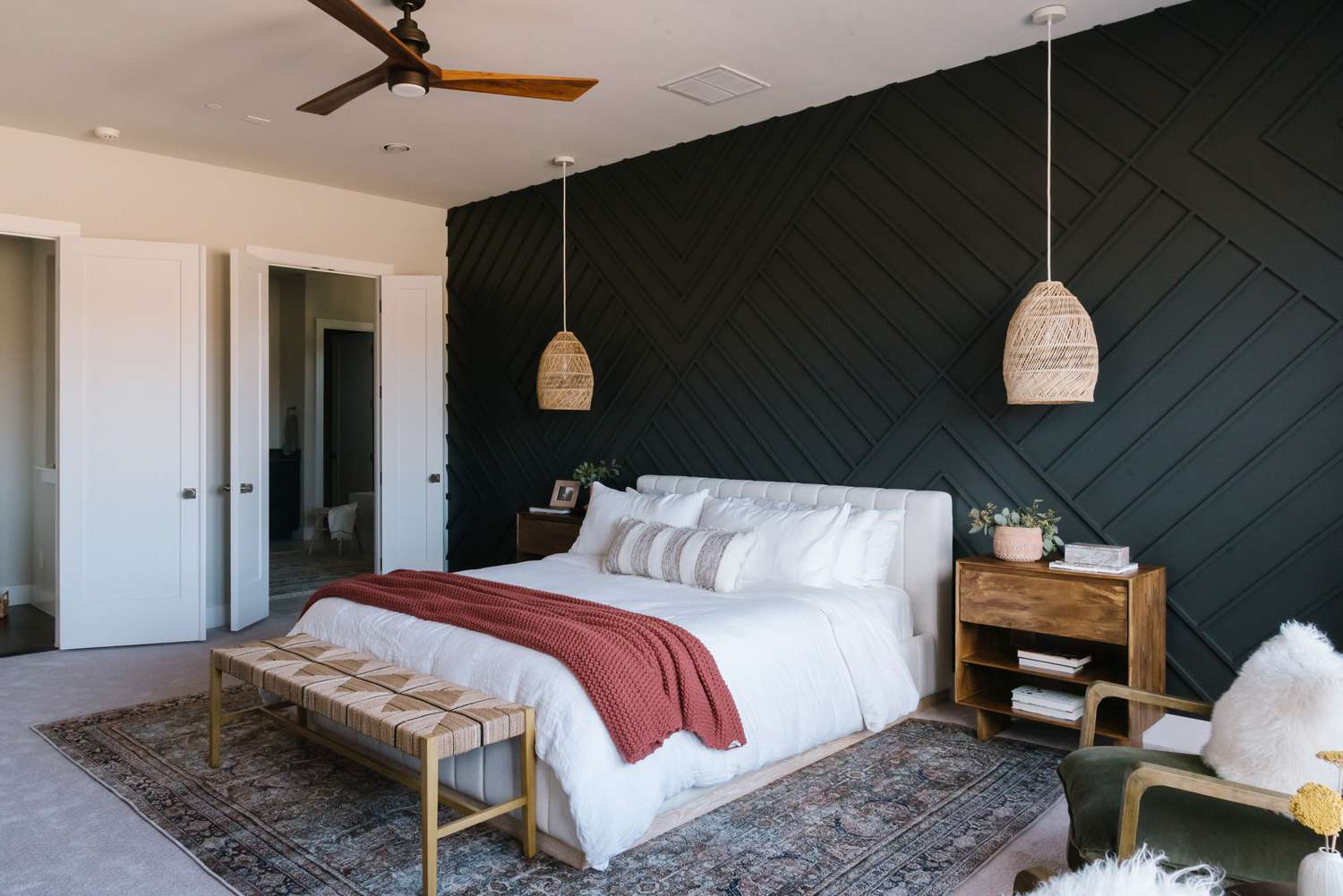
As remote work and virtual social interactions become increasingly prevalent, selecting an appealing background for video calls has gained significance. The article provides inspiration for creating impressive virtual interiors, drawing on principles similar to those for good Instagram photos, emphasizing shallow depth of field, a limited color palette (ideally no more than three colors), and simplicity. Natural light is highlighted as a crucial element, particularly when presenting from an indoor setting. Suggestions for ideal backdrop features include a single saturated color, abundant plants, or interesting textures. The piece suggests that vibrant colors, effective lighting, and plants can significantly enhance the aesthetic of an interior, translating effectively to a virtual environment.
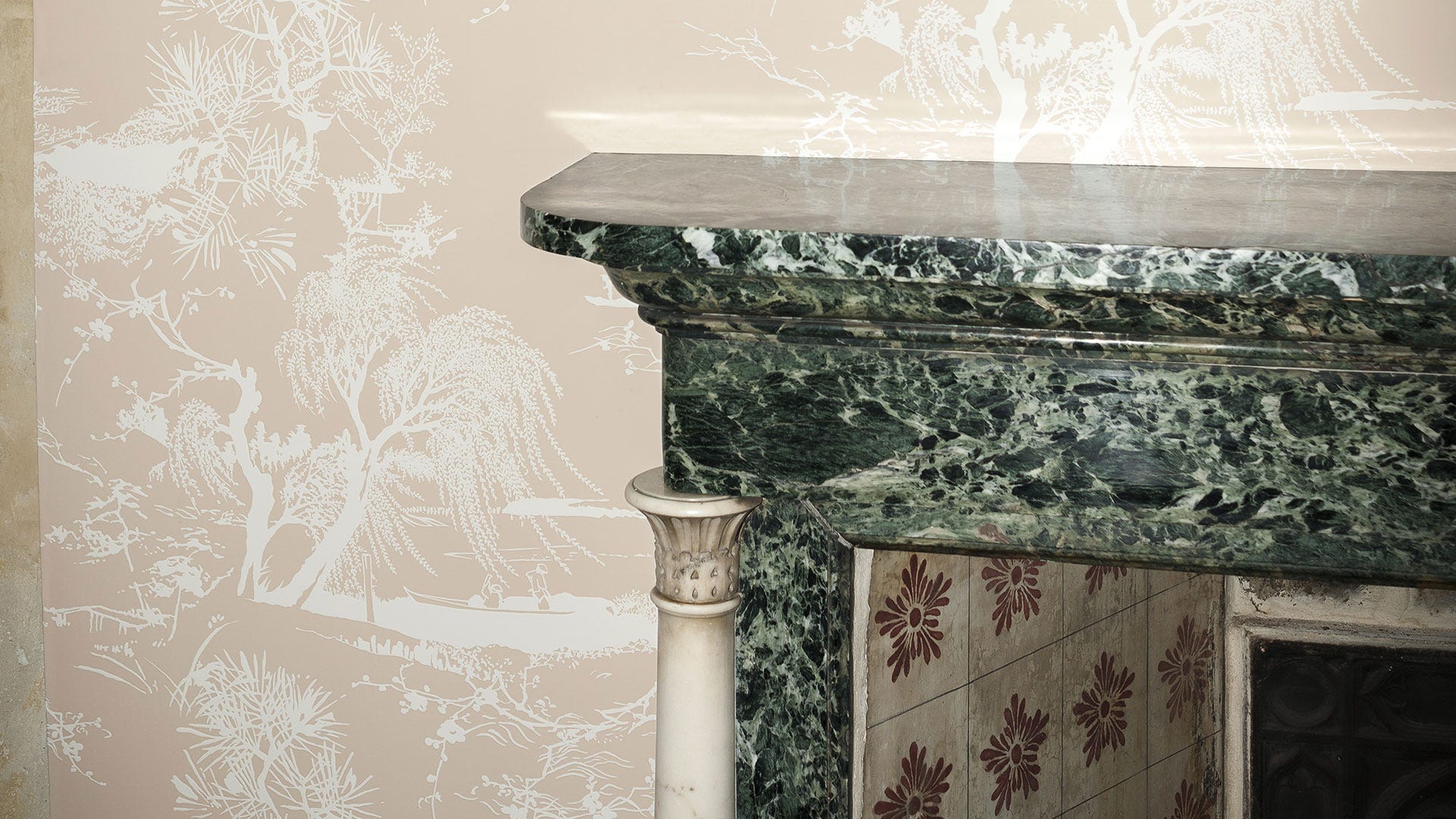
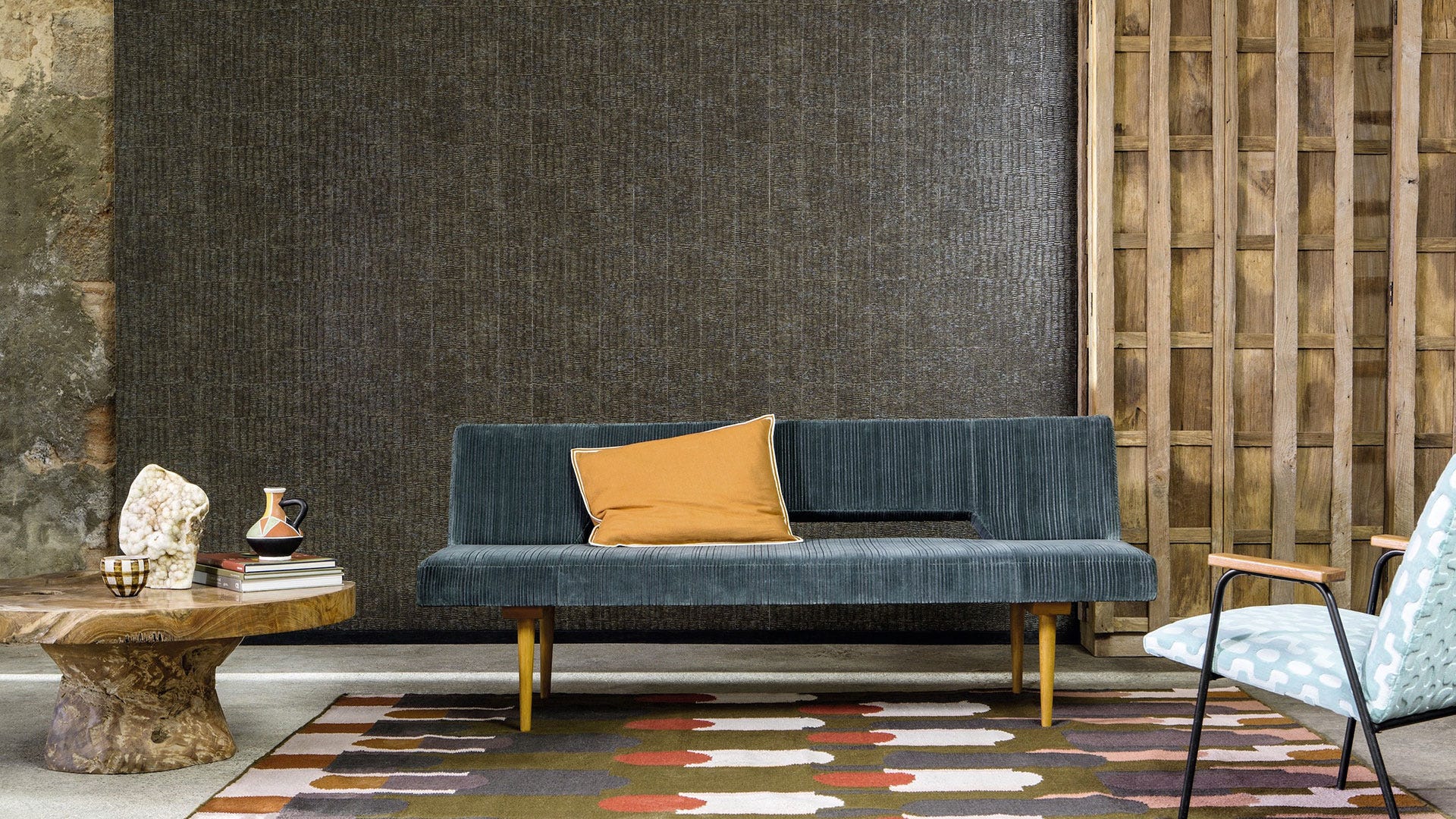
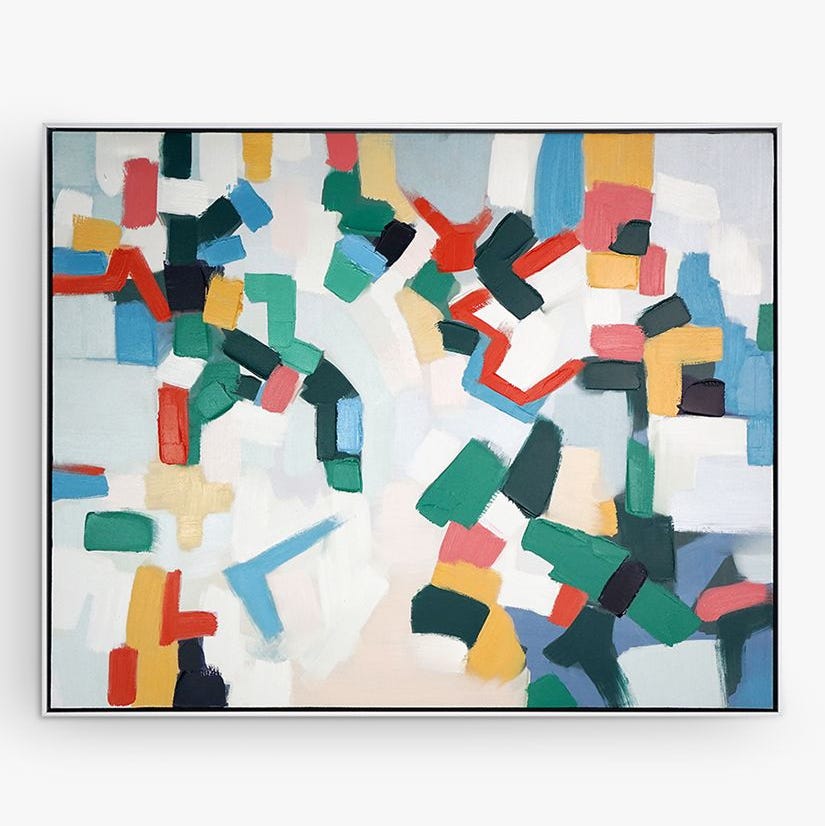
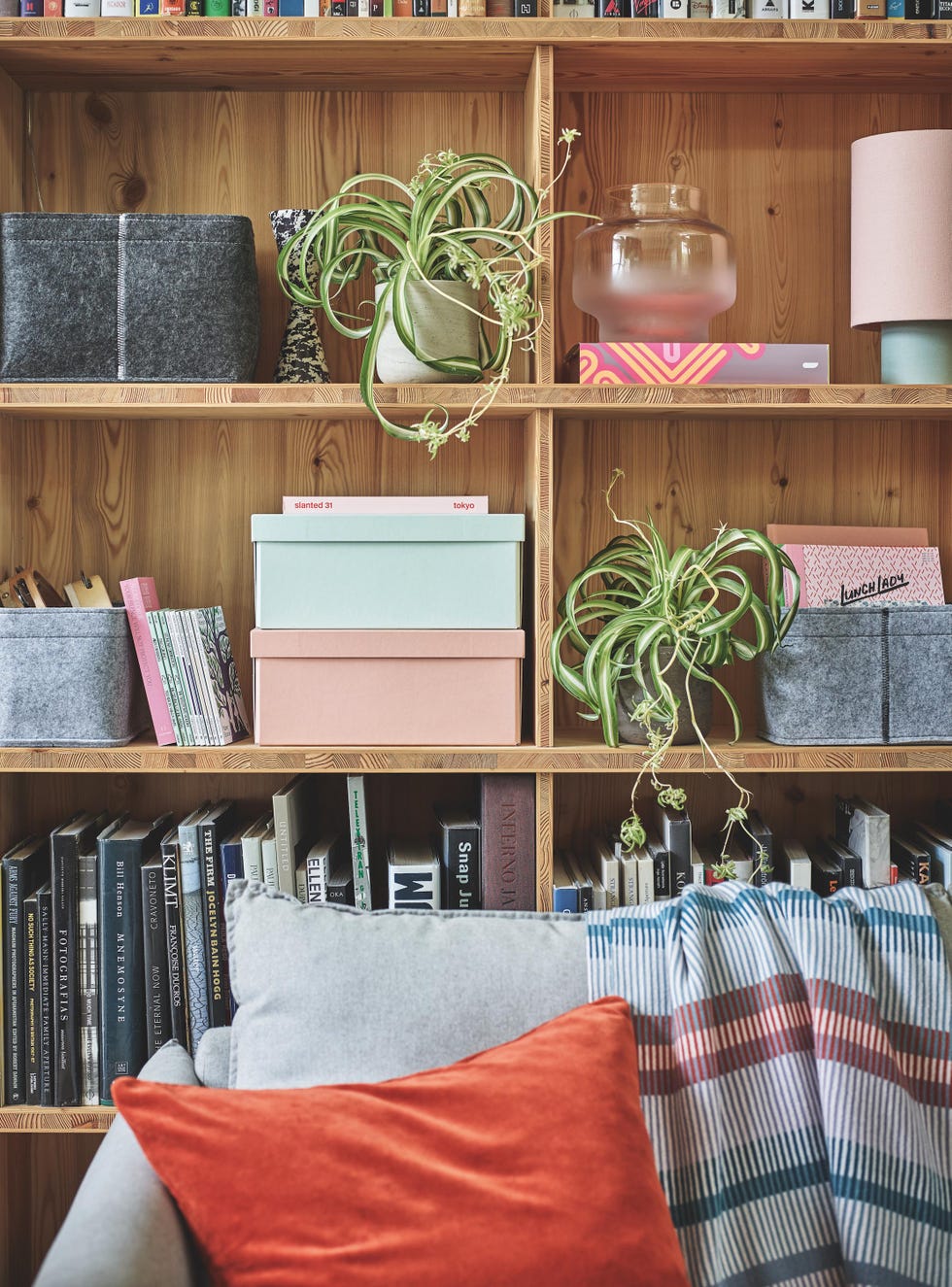
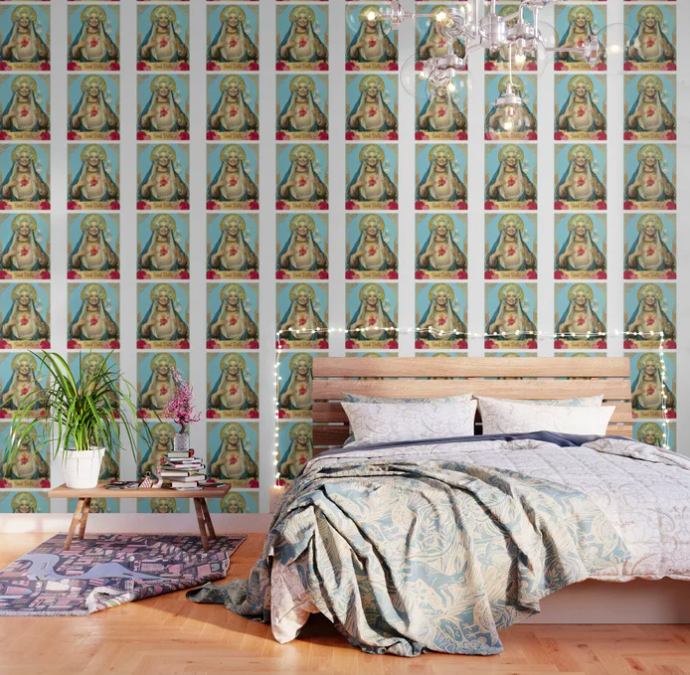
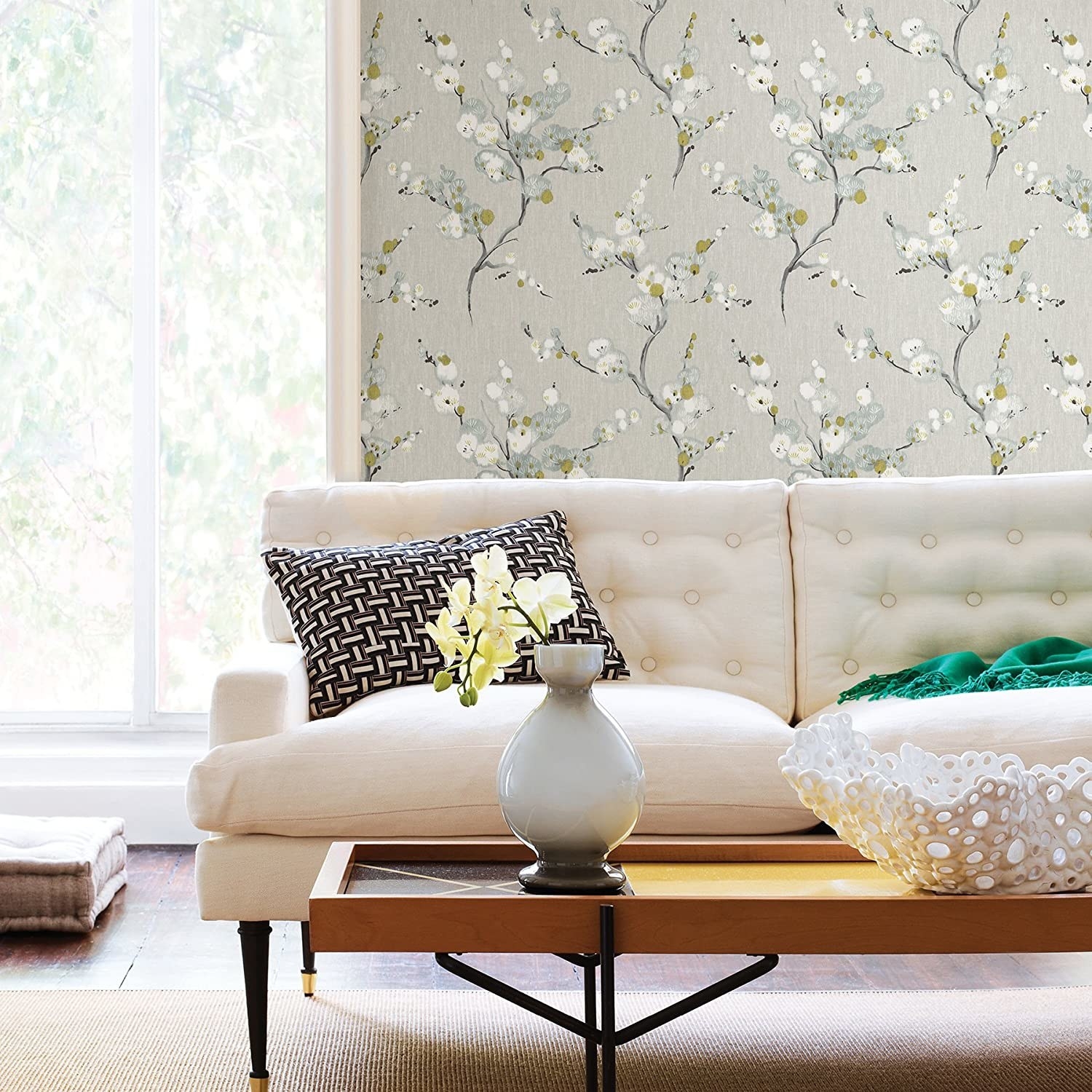
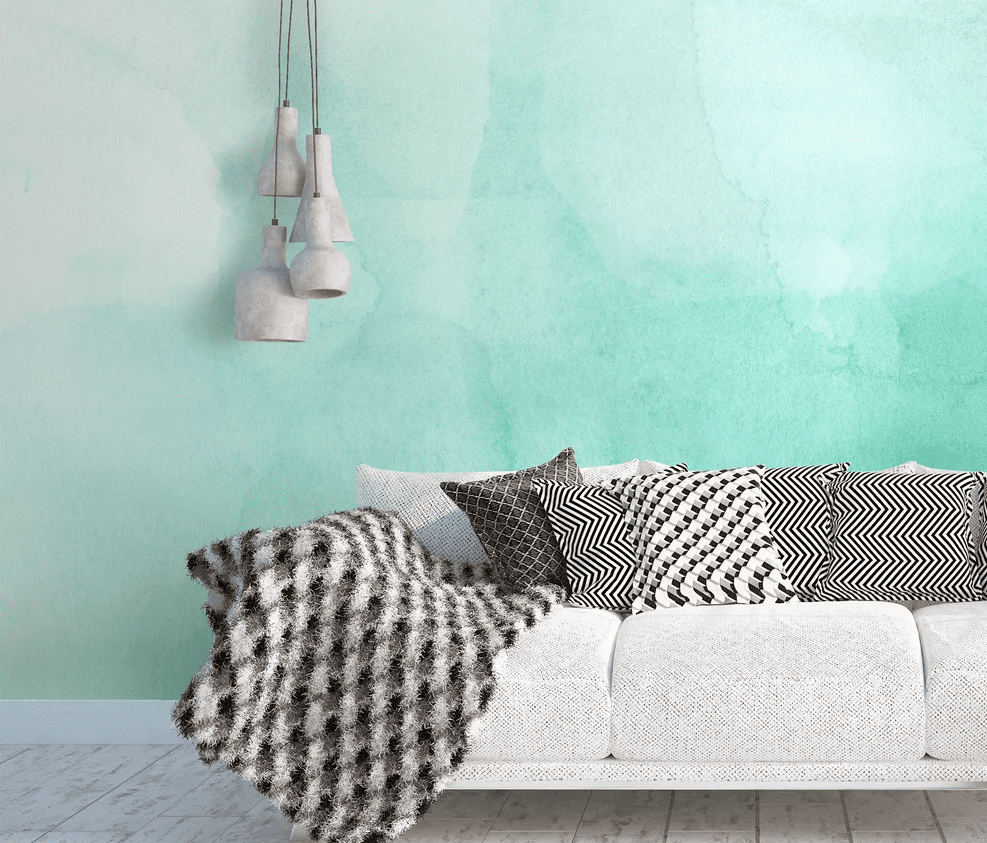
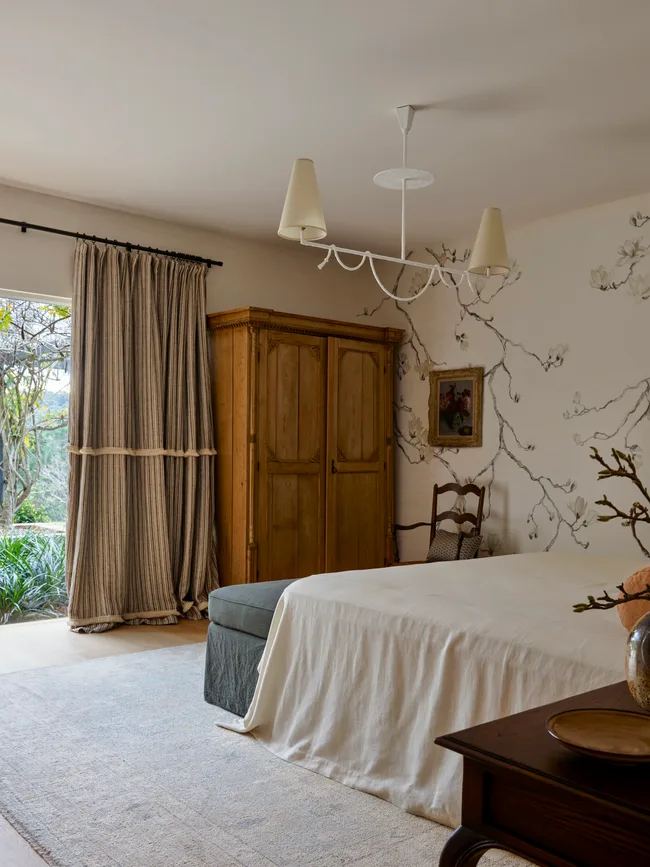
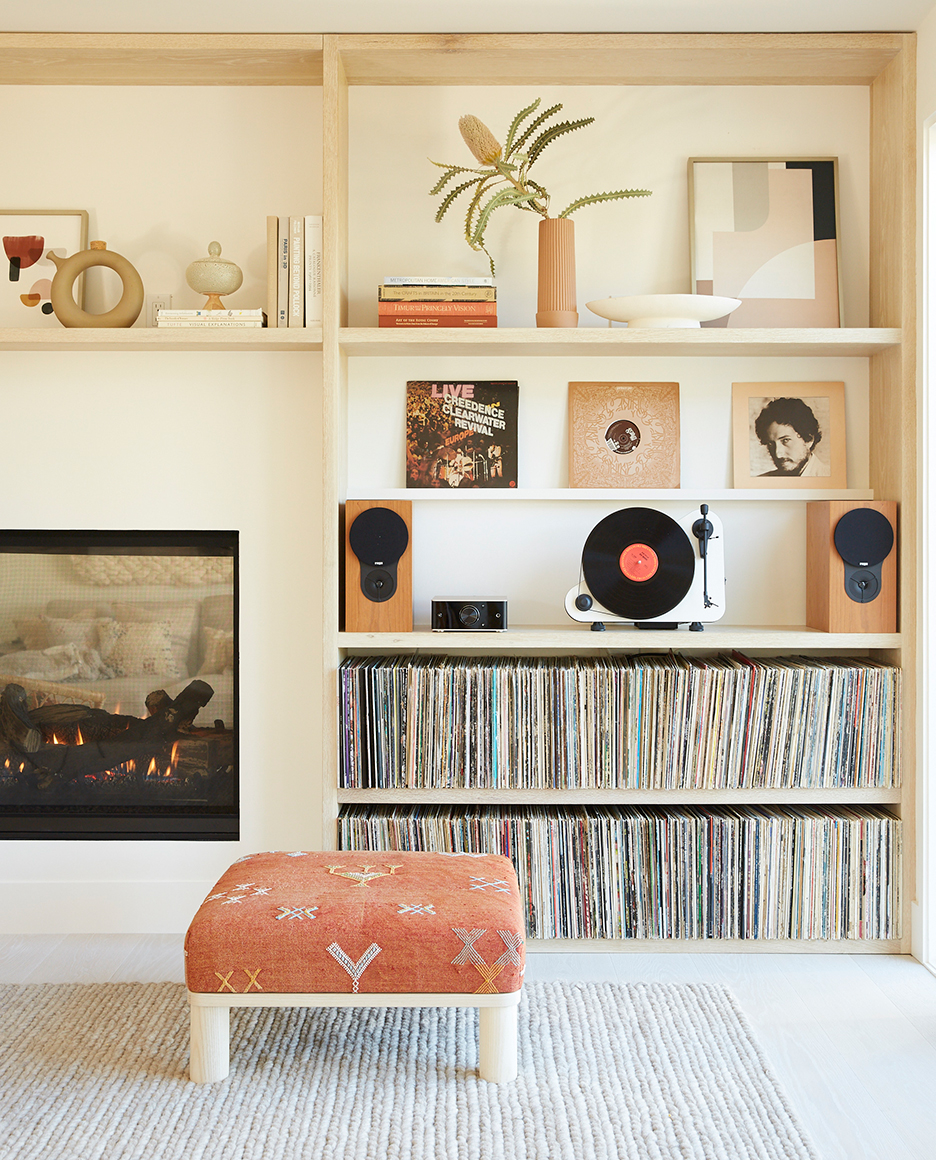
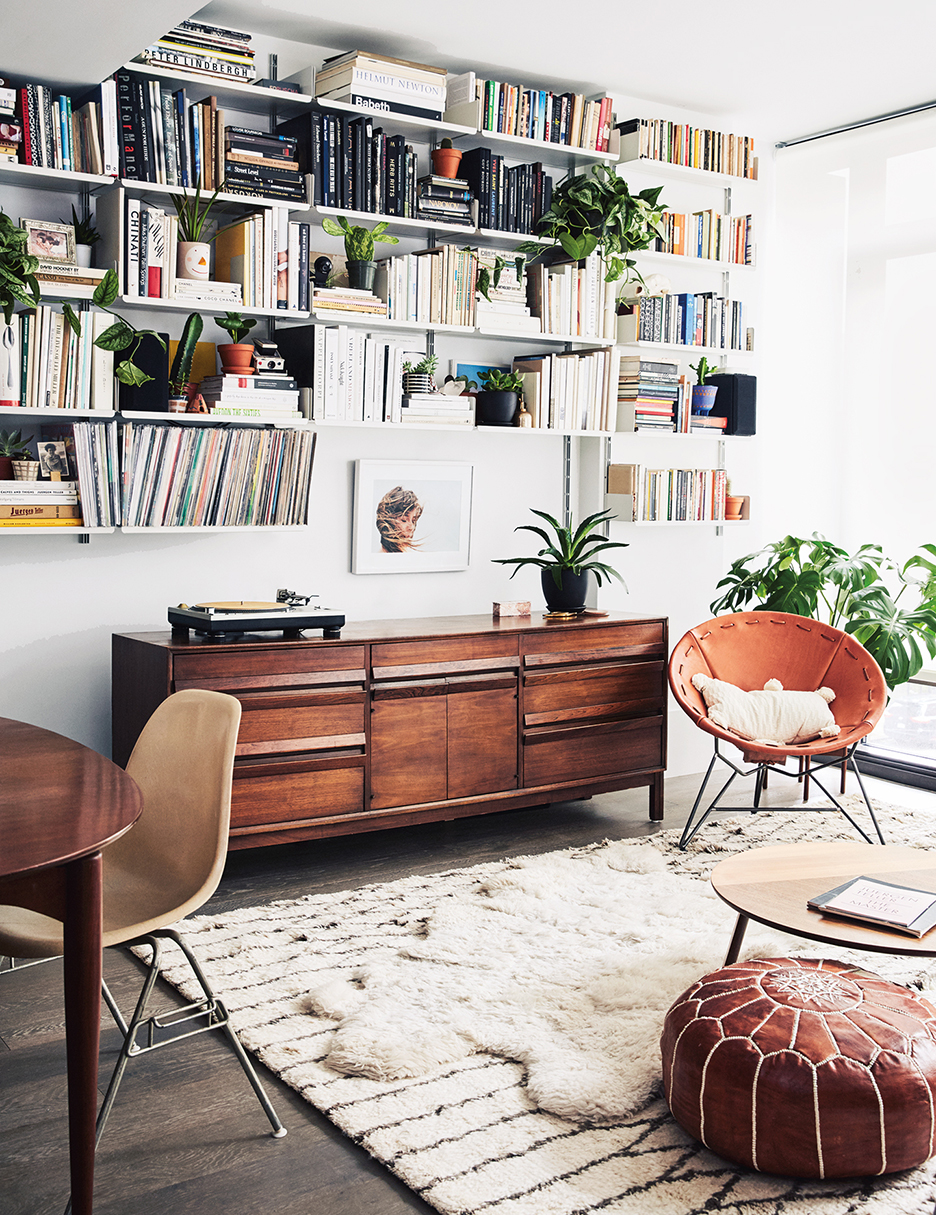
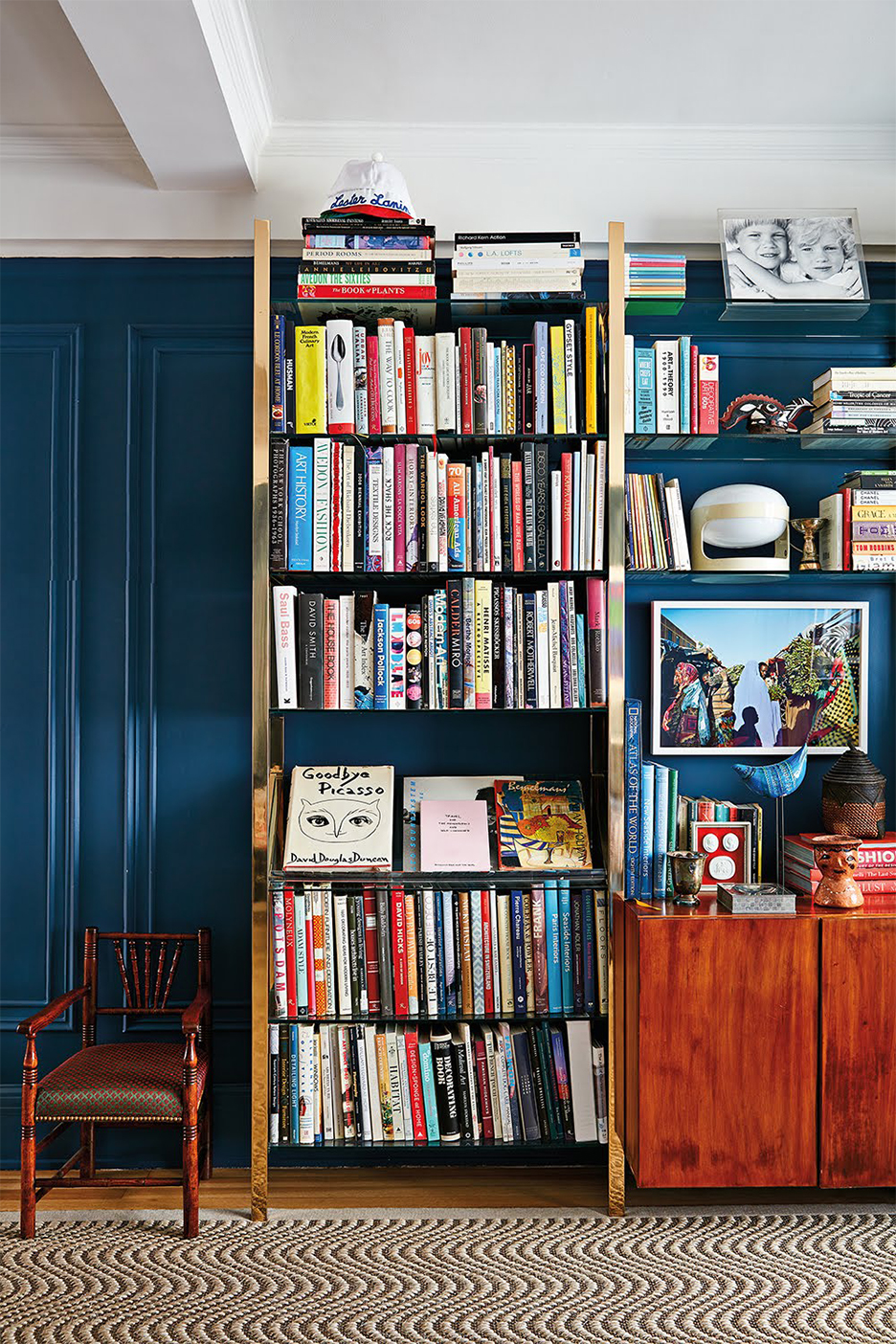
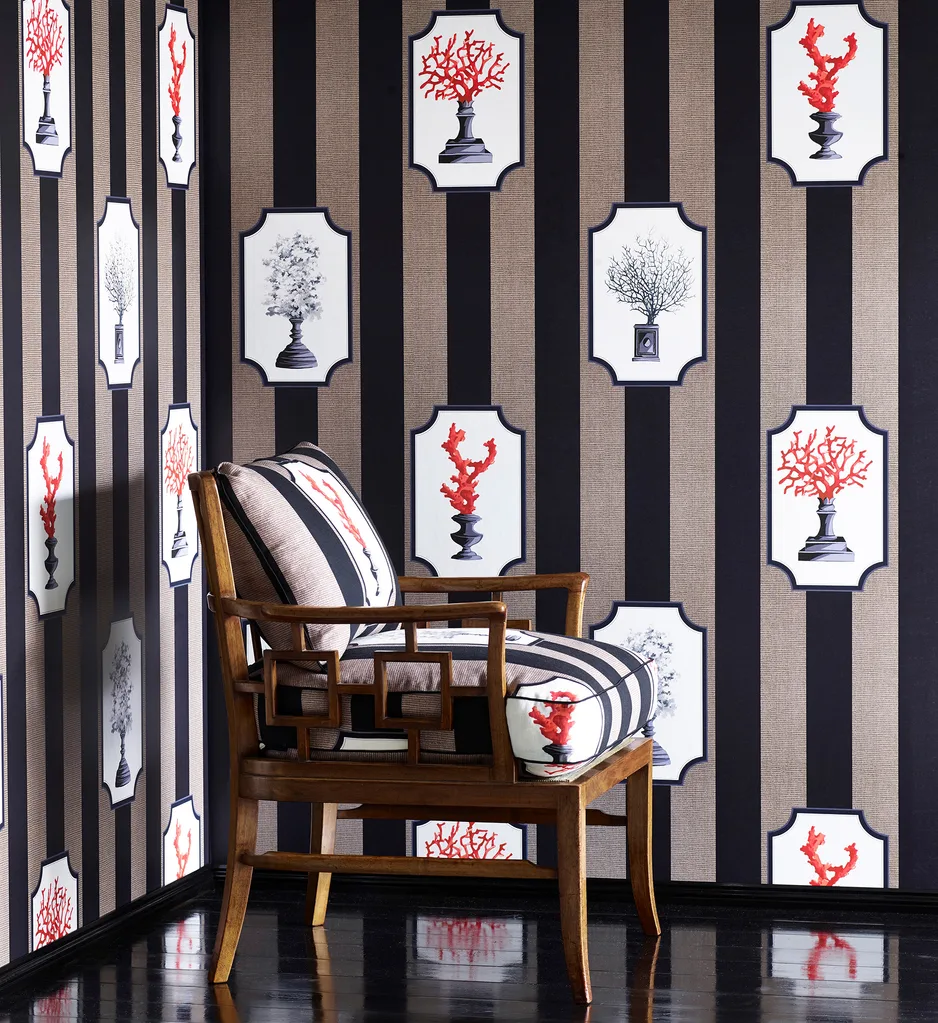
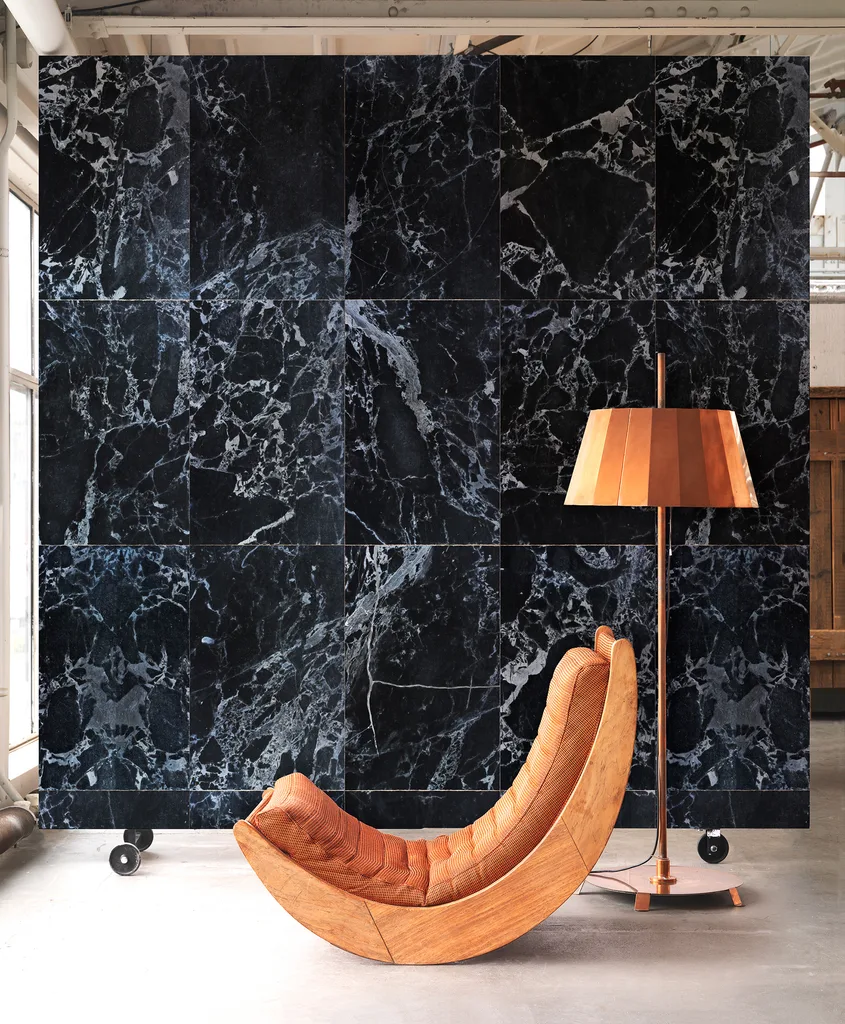
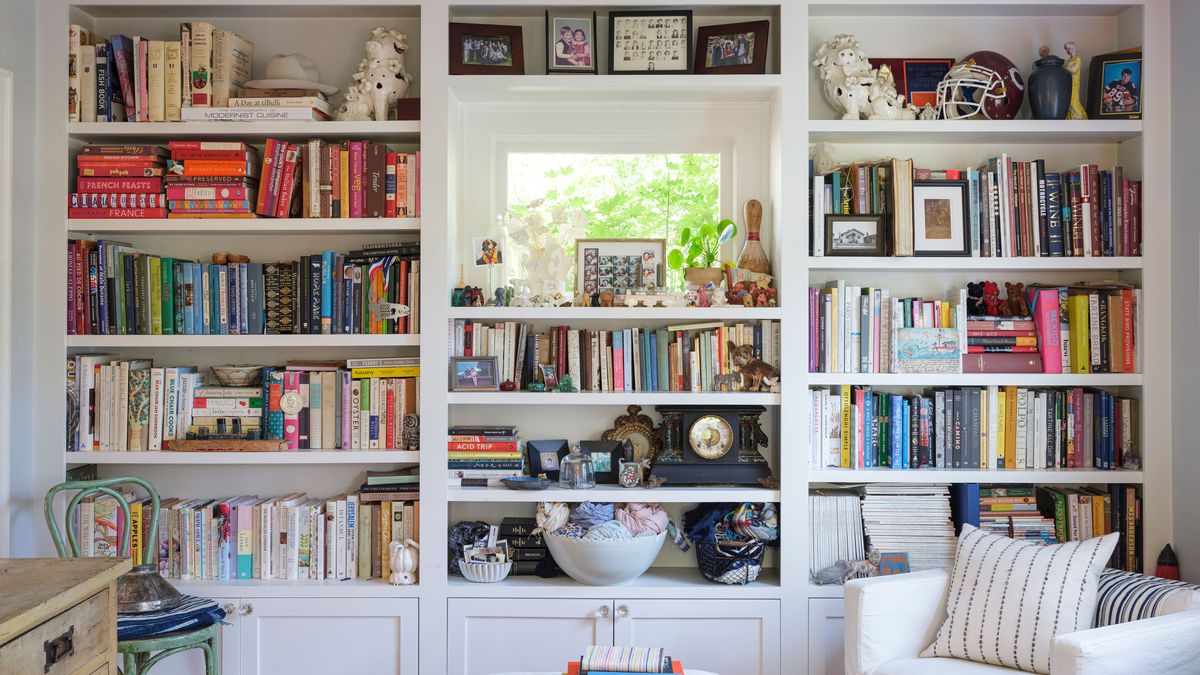
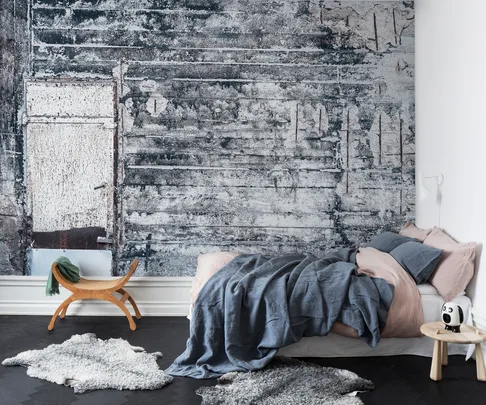
The content offers various categories of backdrops, each accompanied by examples from Curbed's home tours. One prominent suggestion is to utilize bookshelves, where colorful book spines can create a subtle yet visually engaging backdrop. This can involve neatly stacked volumes or a maximalist approach to display various objets d'art. Another recommendation is to find a 'fun wall'—any non-blank surface that instantly sets a mood. This could be a wall painted in a vibrant color, a raw concrete surface, or a wall adorned with an assortment of artworks and textiles.
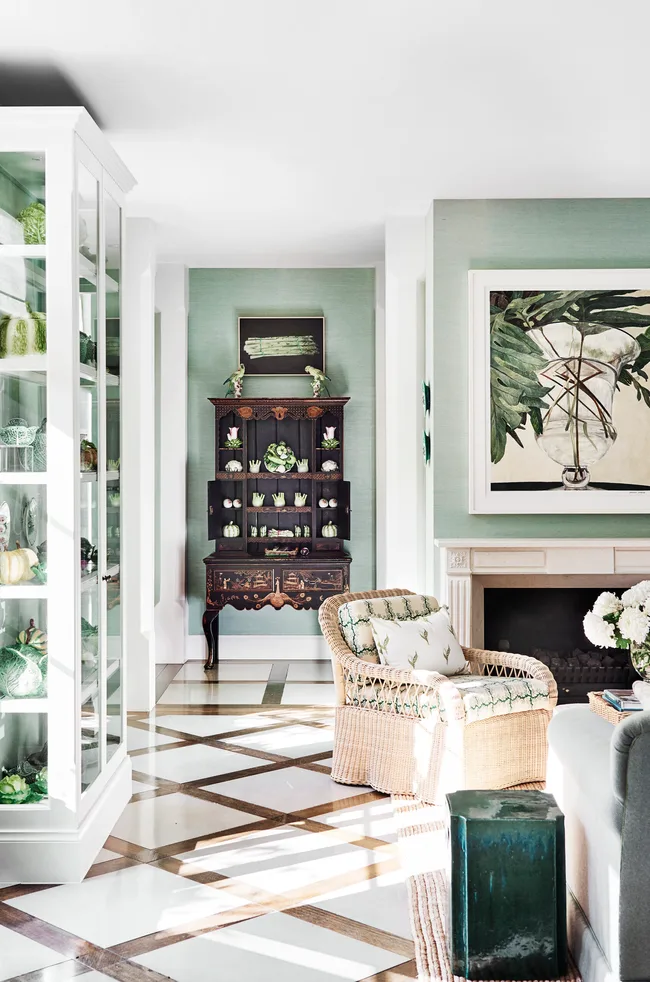
Strategically placing plants is another key piece of advice. Given their aesthetic appeal in photographs, plants are equally effective in video calls, offering a serene glimpse of greenery to family, friends, and colleagues. The article also encourages leveraging outdoor spaces for video calls, such as private balconies or yards, for those fortunate enough to have them. This provides a refreshing 'virtual breath of fresh air' for participants who might be feeling cooped up. The article also mentions Zoom's feature allowing users to upload custom image backgrounds and advises saving some of the provided photos for this purpose, specifically chosen for their realistic appearance. Additionally, it suggests activating Zoom's 'Touch Up My Appearance' filter for an enhanced on-screen presence.
#ZoomBackgrounds #HomeDecor #InteriorDesign #VideoConferencing #RemoteWork #VirtualInteriors #Houseplants #HomeTours #DesignTips #ZoomBackgrounds #HomeDecor #InteriorDesign #VideoConferencing #RemoteWork #VirtualInteriors #Houseplants #HomeTours #DesignTips
0 comment in total
 No comments yet
You may also like
8 Perfect Wallpapers to Download for Your Next Zoom Video Call

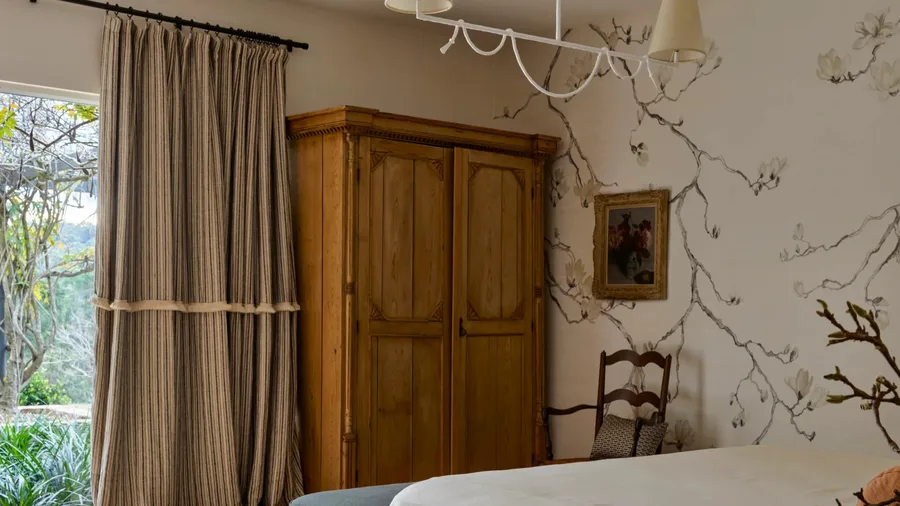
12 beautiful rooms to inspire your wallpaper picks

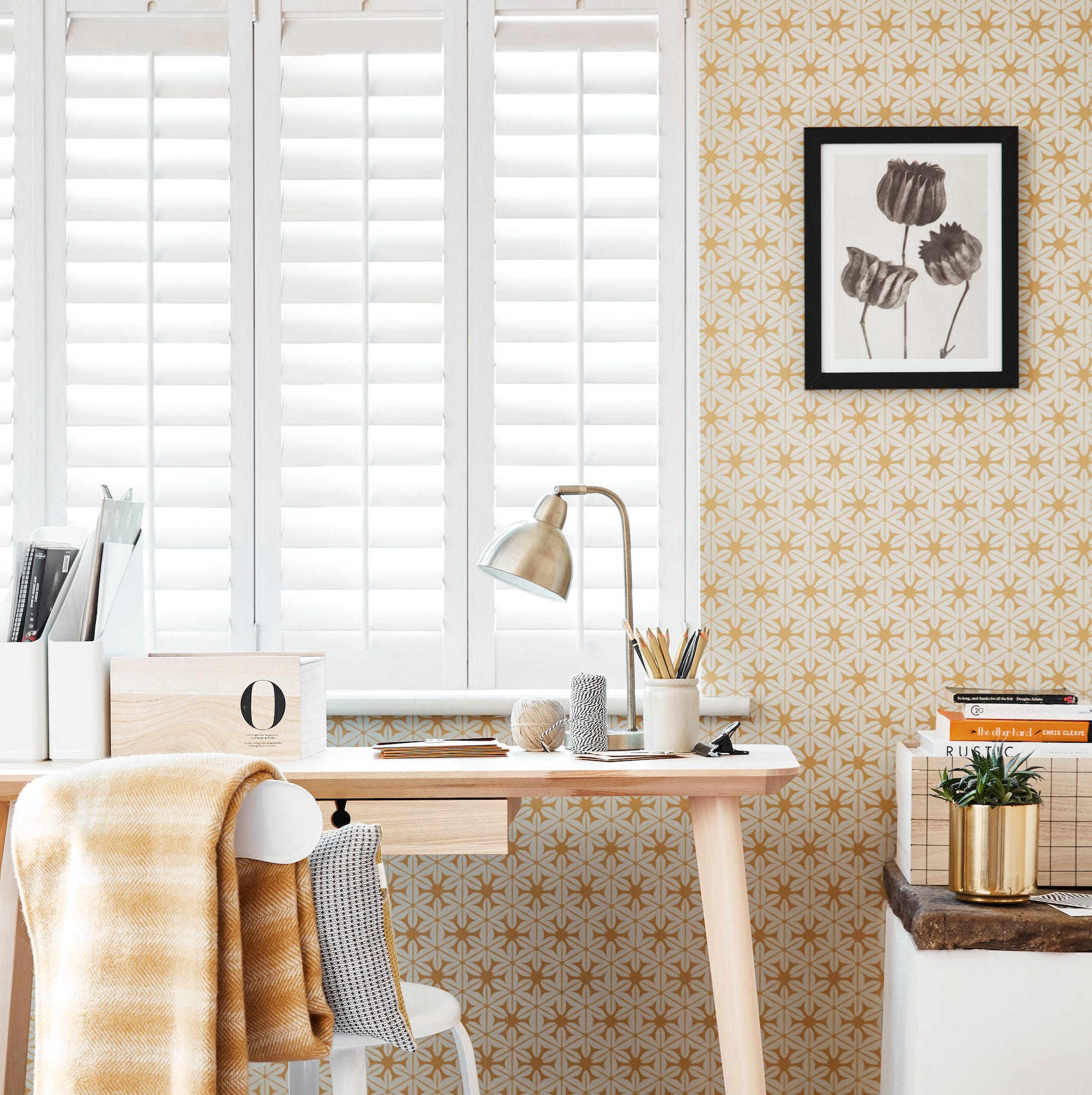
Artwork, plants & wallpaper top list for Zoom office backgrounds

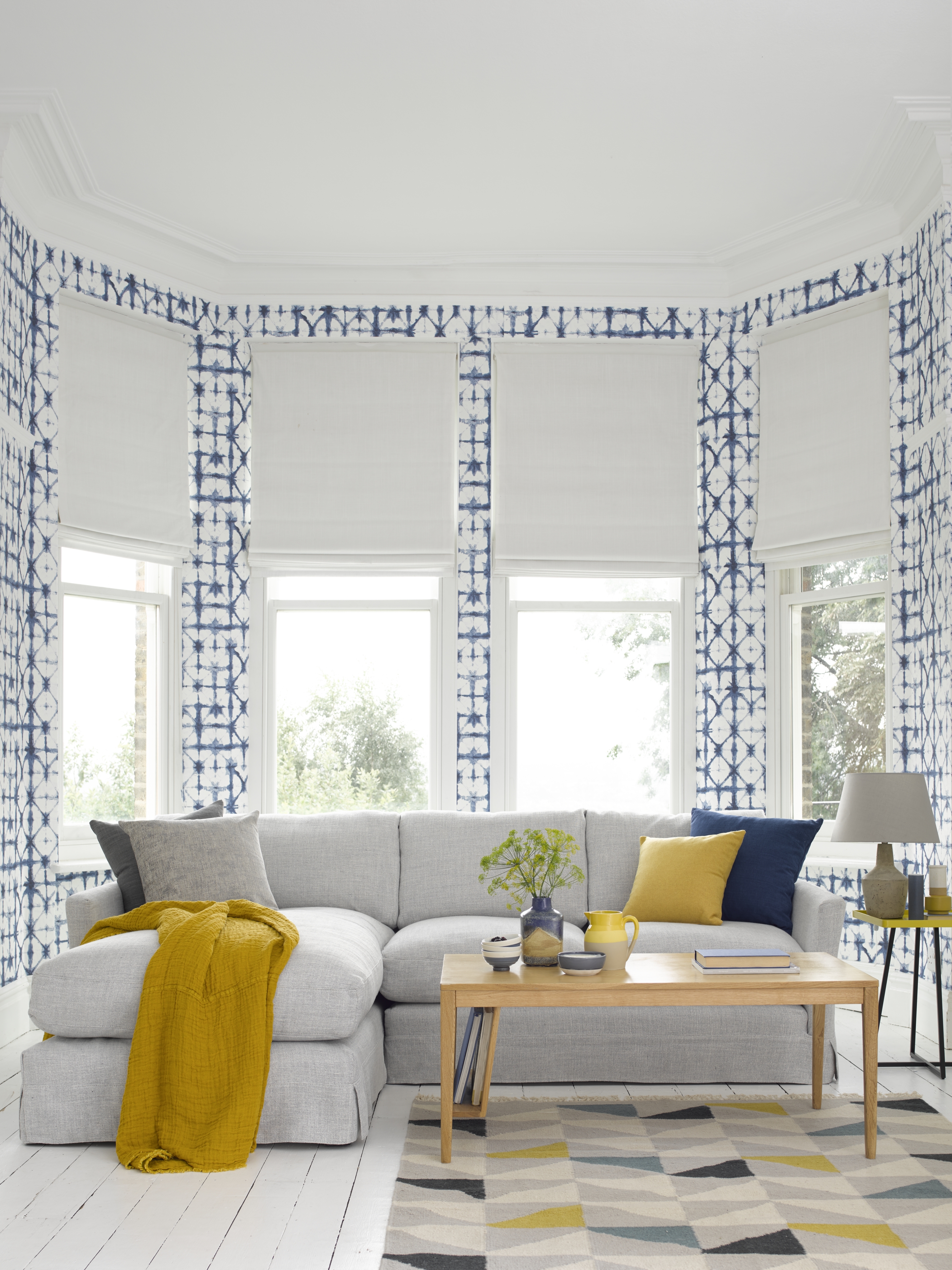
15 living room wallpaper ideas to elevate your interior design instantly

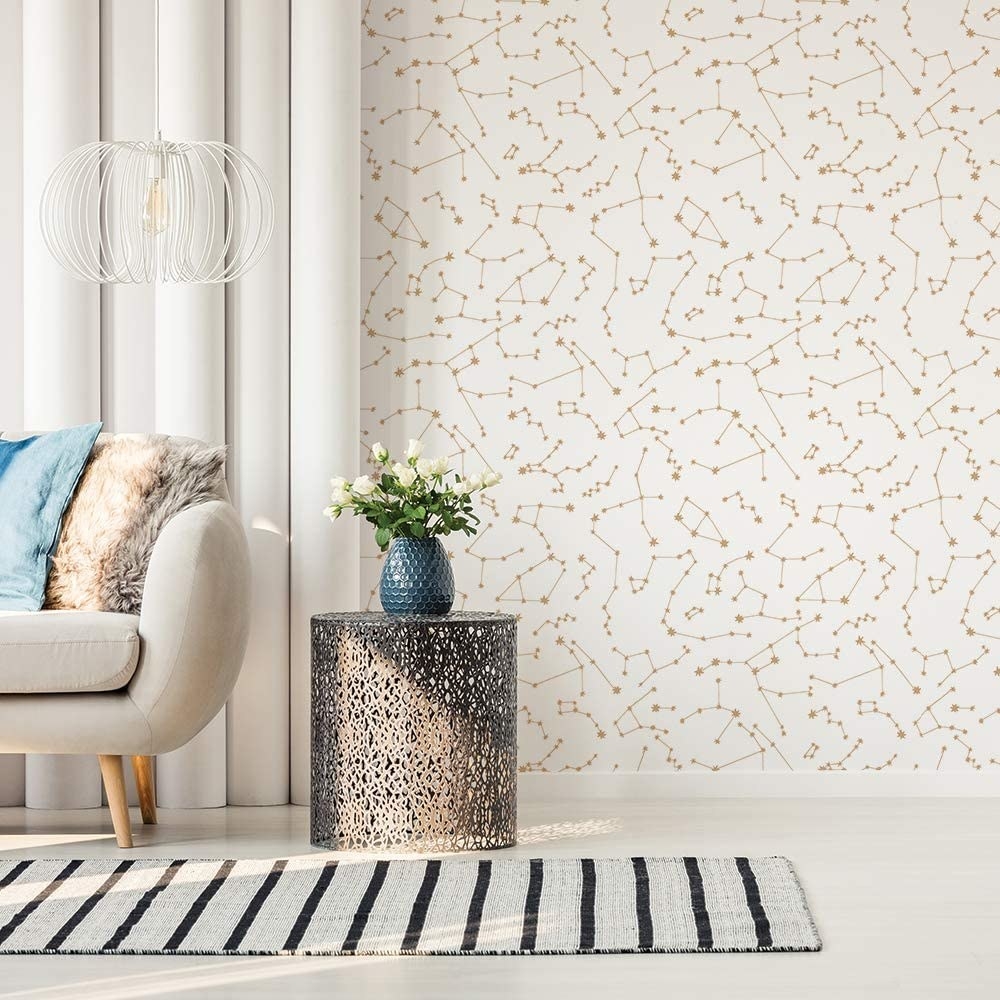
24 Wallpapers That Are Better Than Any Zoom Background

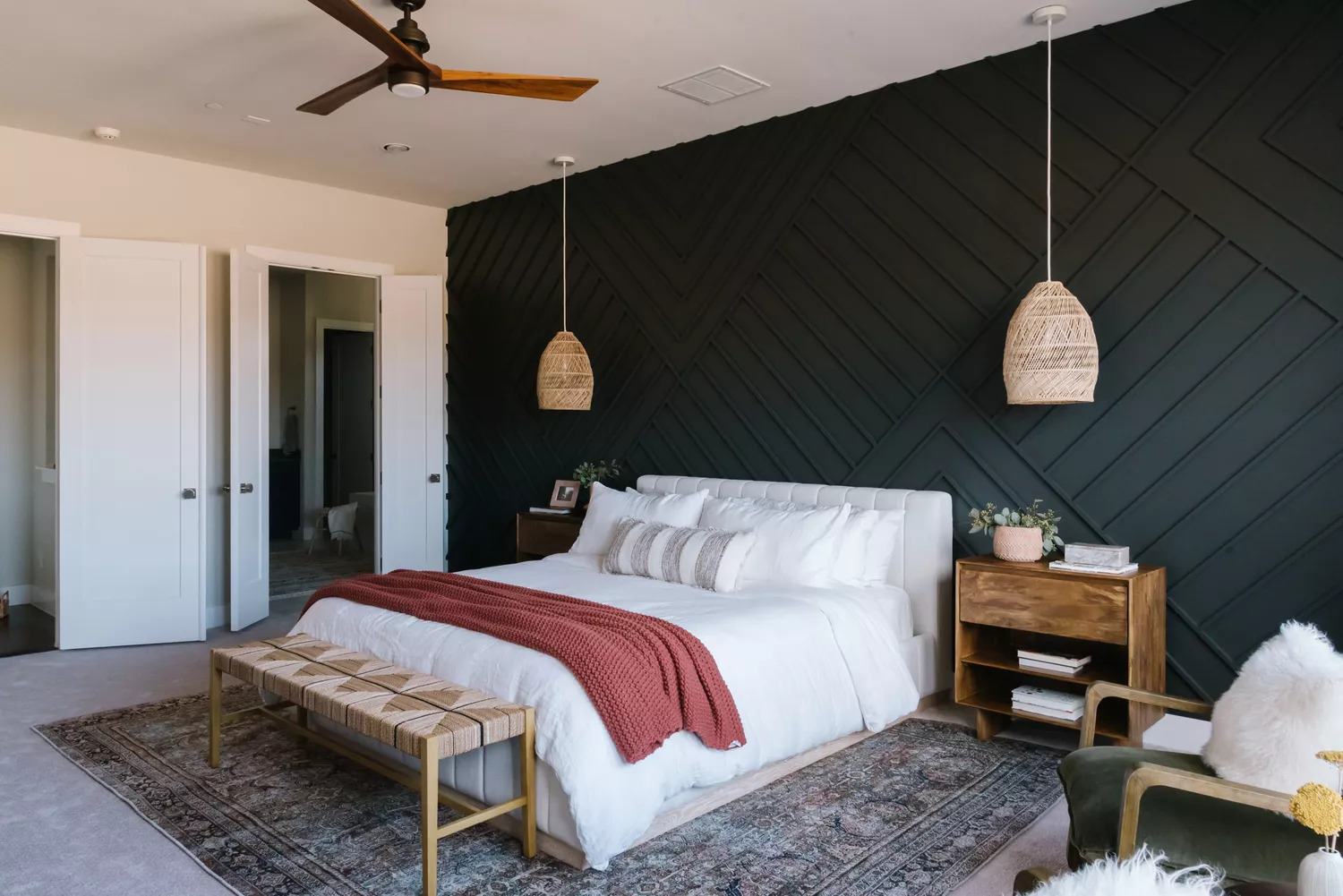
15 Board and Batten Accent Walls That Will Instantly Add Texture to Any Room

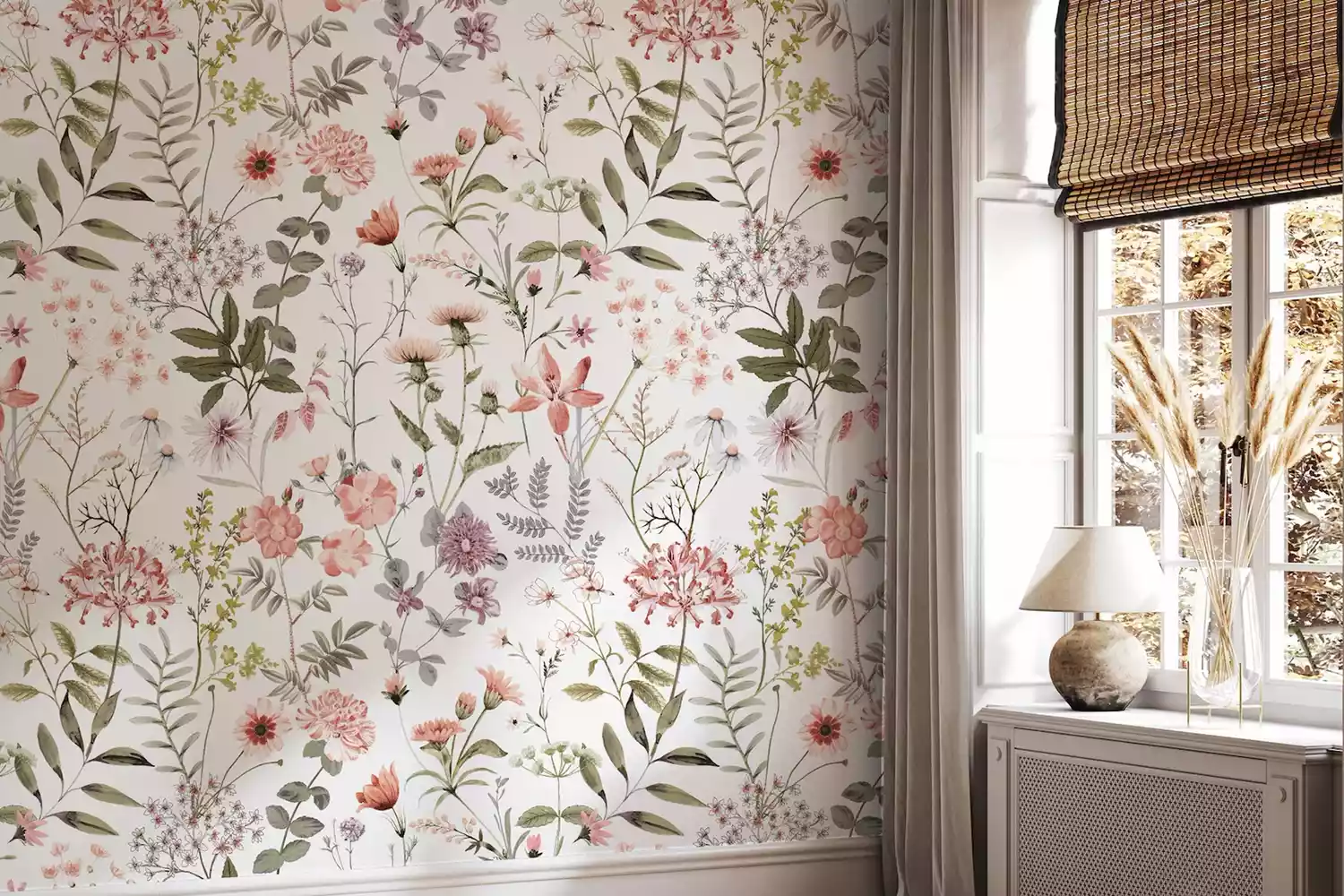
13 Wallpaper Ideas That Will Elevate Any Room in Your Home

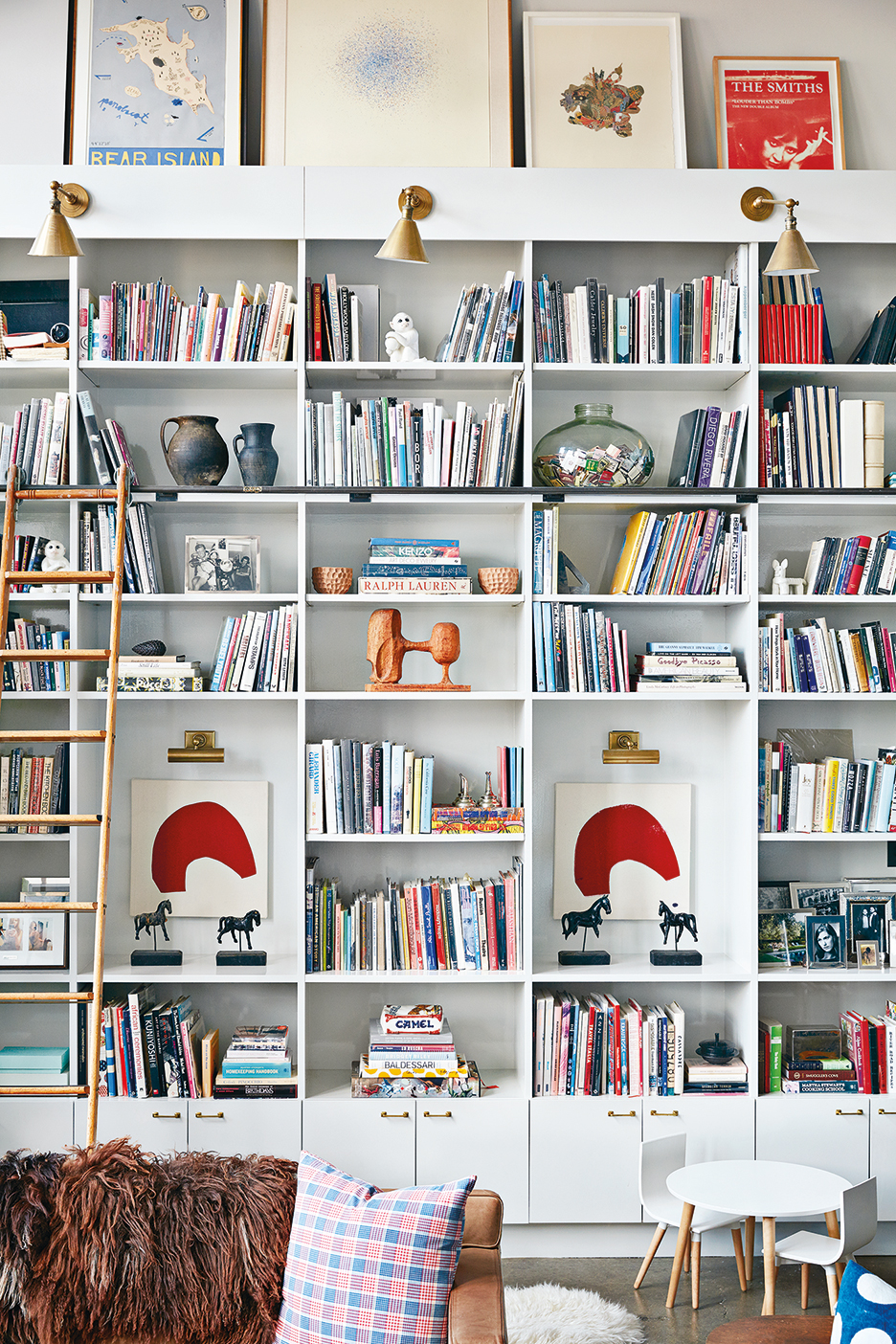
6 Styling Tricks to Try for Your Bookshelf–Turned–Zoom Background
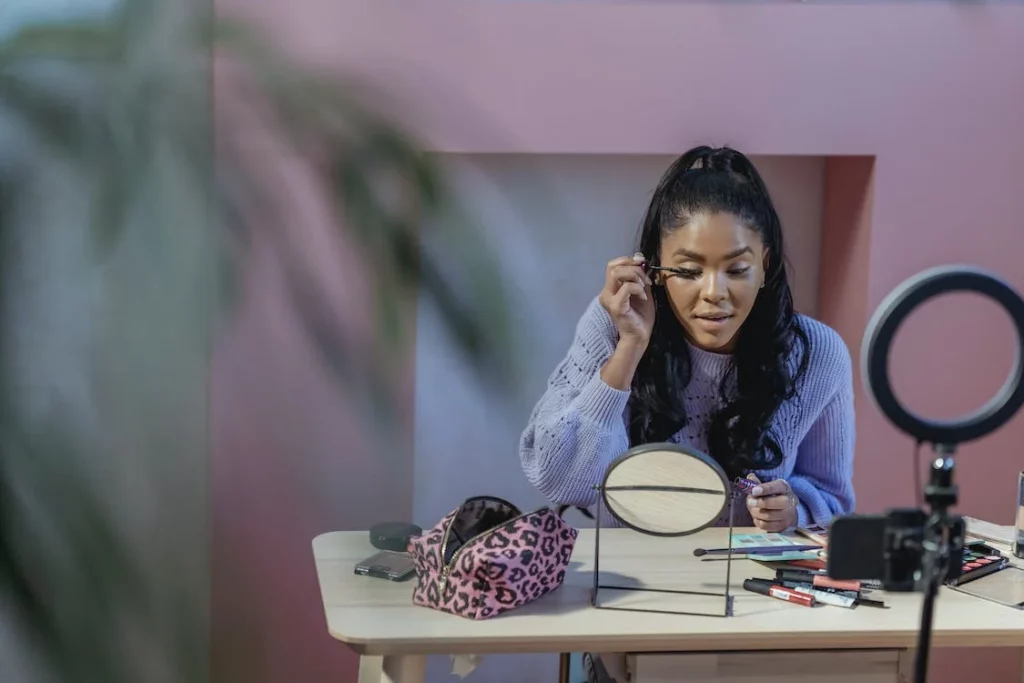
18 Captivating Video Backdrop Ideas for YouTube and Video Podcasts
5 photo-realistic wallpaper designs to try