


Shop for Furniture & Home Decor with Confidence
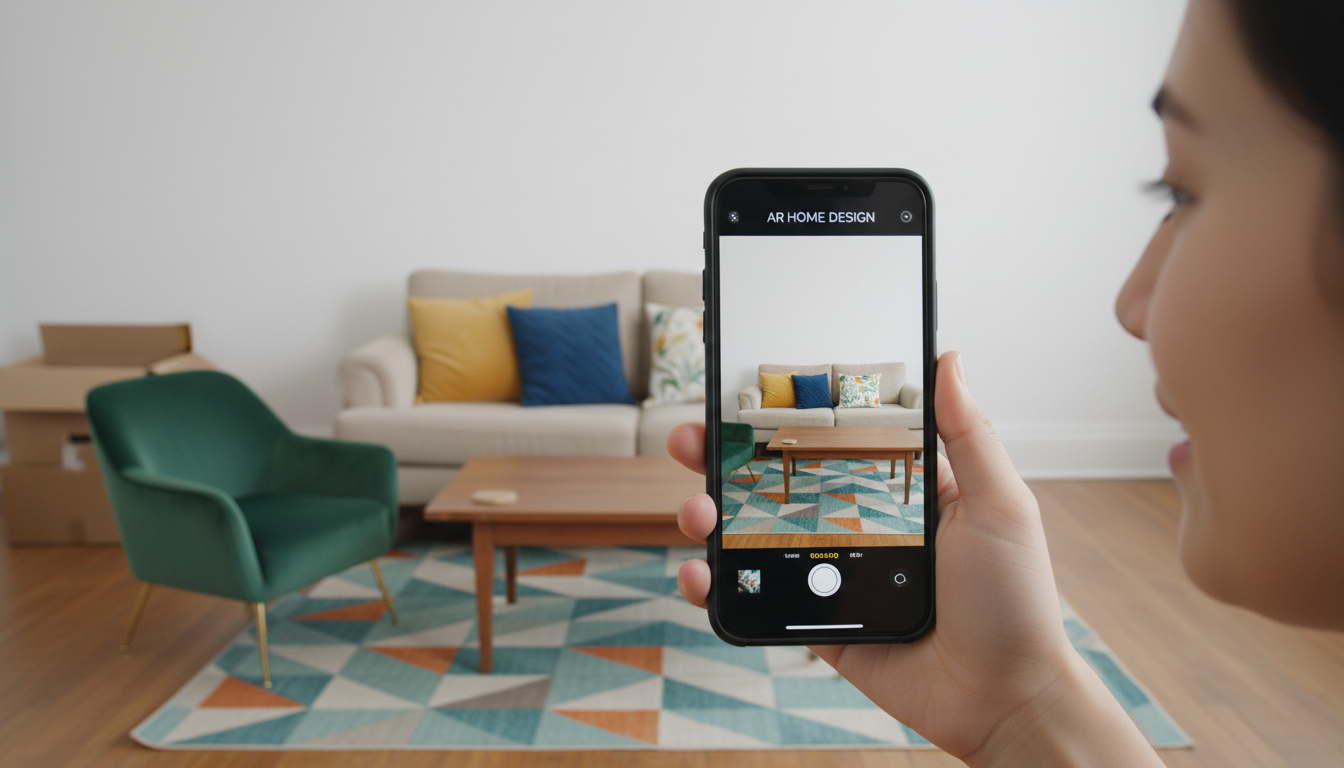
Shop and try furniture and home decor virtually in your own space first, avoid mismatched purchases and returns, and build your ideal home style effortlessly.
That feeling is all too familiar. You spend hours online trying to shop for home decor, find a rug or accent chair that looks perfect on the website, and click "buy" with excitement. But when it arrives, the color is off, the scale is wrong, and it just doesn't fit the vision you had. Now you're facing the hassle of a return and the disappointment of being back at square one. What if you could skip the guesswork and shop with absolute confidence?
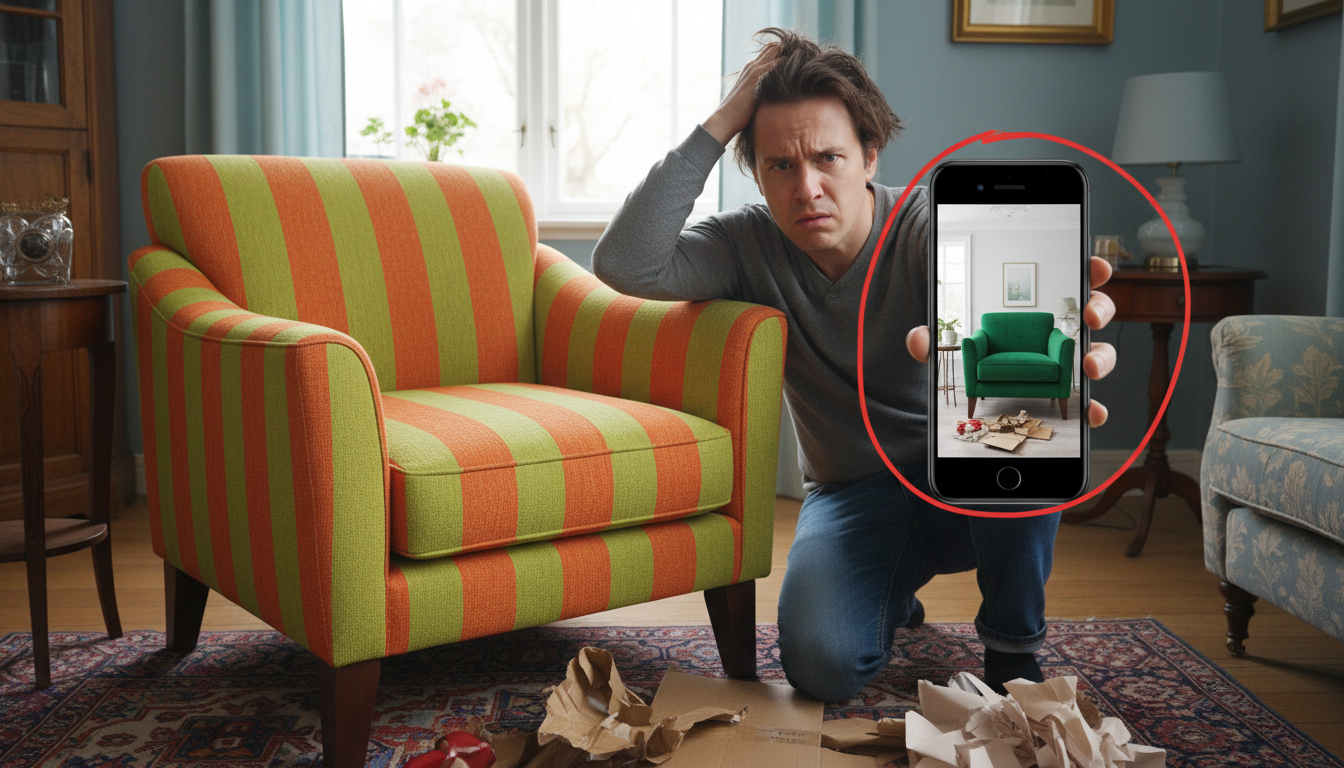
The way we find and buy decor is changing. Instead of hoping an item works, you can now see it in your own home before you even add it to your cart. With pioneering AI tools from Ideal House, you can bridge the gap between inspiration and reality. This isn’t just about making a prettier mood board; it’s about making smarter purchasing decisions that save you time, money, and the frustration of a design mismatch.
From Inspiration to Purchase: See It In Your Room First
Scrolling through generic decor ideas is a thing of the past. The first step to smarter shopping is to visualize potential changes in your actual, lived-in space. This is where you can truly test drive a style before committing.
Imagine wanting to refresh your living room for a new season. Instead of buying new pillows and throws blindly, you can use an AI visualizer to see exactly how it will look. The Decor Ideas tool lets you upload a photo of your room and instantly apply styles like 'Fall Decor' or 'Minimalist'. The AI intelligently adds decorative elements—without altering your existing furniture—giving you a realistic preview.
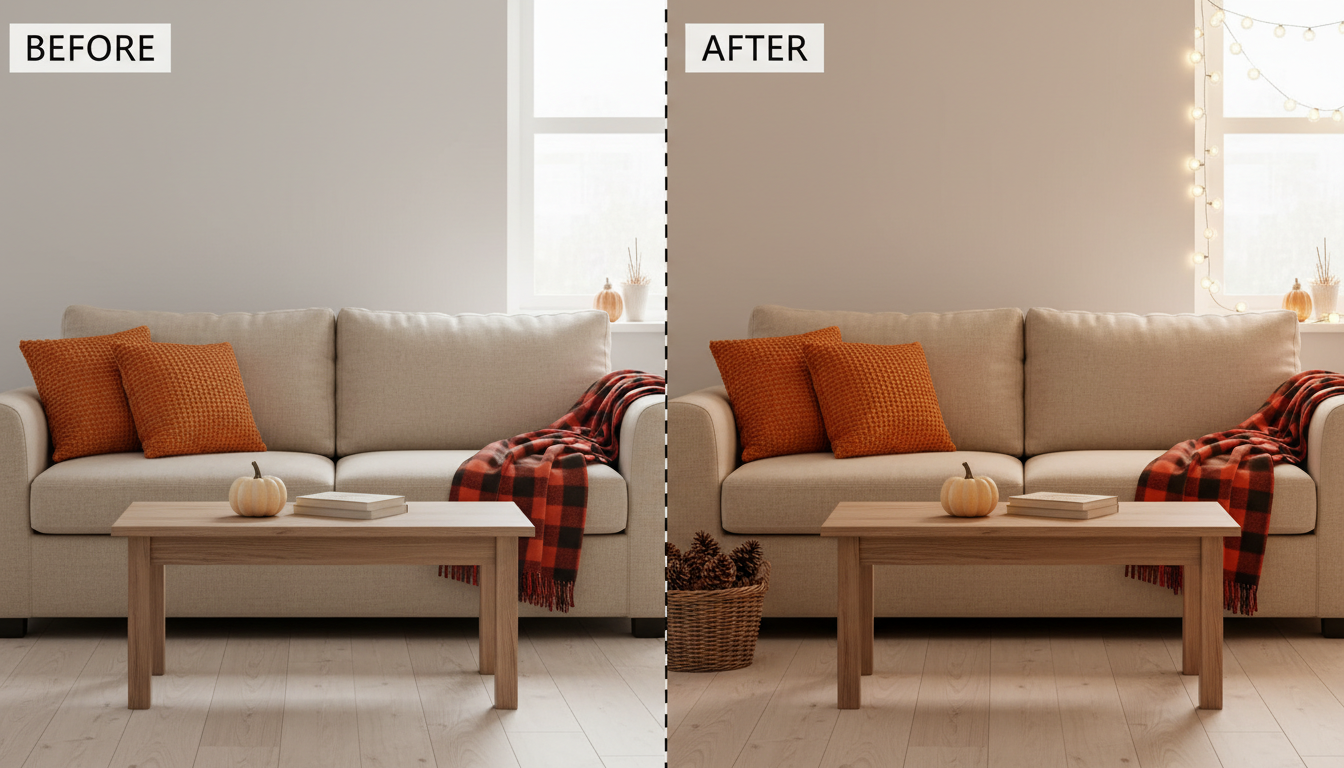
The best part? If you love the look, you don't have to hunt for similar items. The integrated visual search feature allows you to use the generated image to find and purchase nearly identical decor pieces directly, turning a moment of inspiration into a confident purchase.
Try On Furniture Without Leaving Your Home
The stakes get even higher when shopping for big-ticket items like a new sofa or dining set. These are investment pieces you'll live with for years, and a mistake can be costly and difficult to correct. This is why the concept of "try before you buy" is so powerful.
With tools designed for virtual furniture placement, you can end the uncertainty.
- Found a couch online? Use the Furniture Try-On tool. Just upload a photo of your room and a product image of the sofa. The AI will place it realistically in your space, even replacing your old couch in the photo, so you can judge its size, style, and fit.
- Want to explore new layouts? The Furniture Replacer detects existing furniture and lets you swap it out with different types and styles, perfect for planning a complete AI room redesign.
This process helps you answer critical questions before you shop: Does a sectional overwhelm the room? Should you choose an armchair or a loveseat? See the answer instantly and shop for that perfect piece with zero doubt.
Finalize Your Finishes and Shop for Materials
A room's foundation—its walls, floors, and even large fabric surfaces—dictates the entire feel of your decor. Shopping for these materials is often the most stressful part of a renovation. Holding a tiny paint chip against a wall or a small flooring sample on the ground rarely tells the whole story.
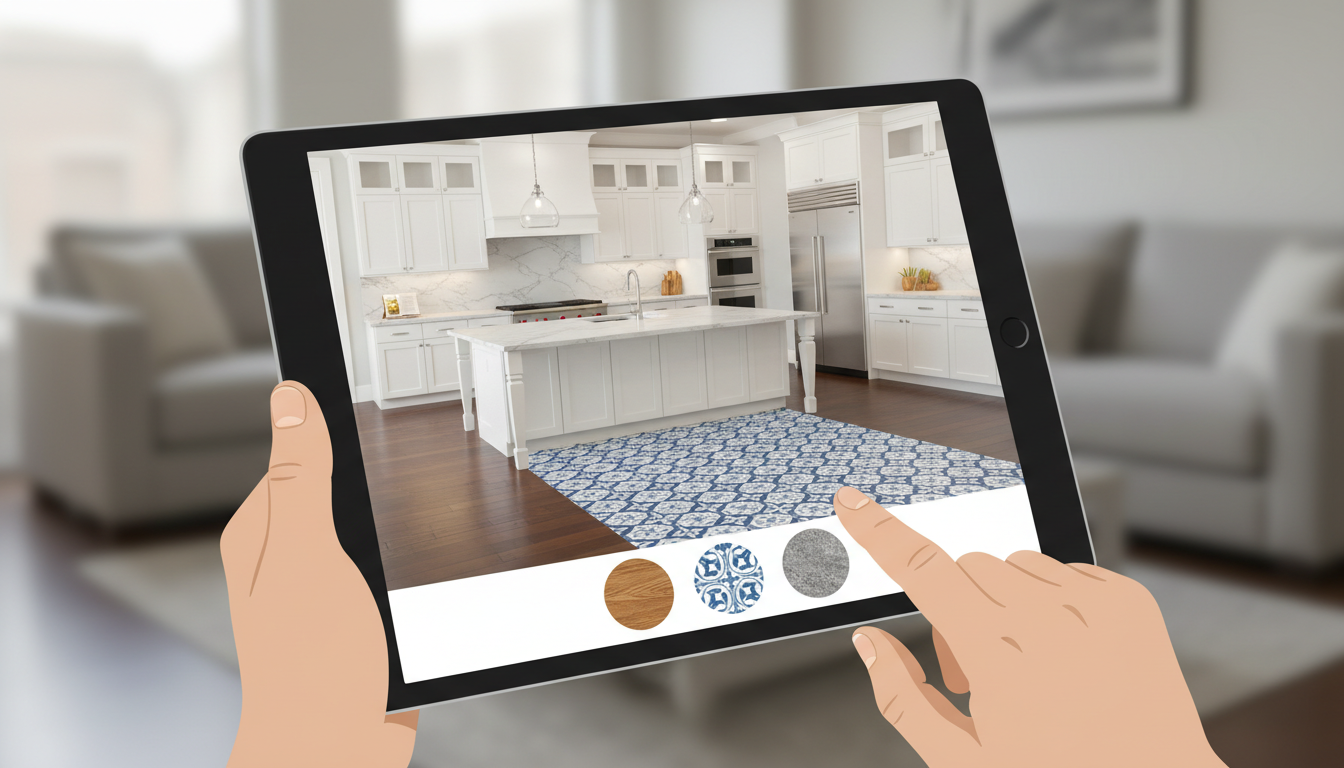
AI visualizers give you the full picture, letting you see how materials will look across a large surface area under your room's unique lighting conditions.
- Flooring, Paint, and Countertops: With the Room Visualizer, you can preview thousands of real materials like hardwood, tile, and stone in your space. When you find a finish you love, a "Shop Now" button connects you directly to a partner supplier's page to buy it.
- Fabrics and Textures: Want to see if a bouclé fabric will work on your old armchair before you shop for a new one or pay for reupholstery? The Texture Replacer lets you upload a photo of any fabric, wallpaper, or textile and apply it to any surface in your photo—from sofas and curtains to bed sheets.
By visualizing these core elements first, you create the perfect canvas for all your other home decor purchases.
Your Step-by-Step Guide to Smarter Decor Shopping
Ready to transform how you shop for your home? Follow this simple workflow to go from idea to a perfectly decorated room.
- Capture Your Space: Take a clear, well-lit photo of the room or area you want to update.
- Find Your Inspiration: Browse online stores or save images of furniture, decor styles, or materials you like.
- Visualize with AI: Use the appropriate Ideal House tool to see your ideas come to life. Try on that new sofa, test a seasonal decor theme, or preview a new floor.
- Refine and Compare: Don’t settle on the first idea. Experiment with different colors, textures, and furniture arrangements until you create a look you love.
- Shop with Confidence: Use the built-in visual search or direct shopping links to purchase the items you've already virtually tested and approved for your space.
Frequently Asked Questions About Shopping for Decor
Can I actually buy the decor I see in the AI-generated images?
Yes. After visualizing a new style with the Home Decor Ideas tool, you can use the resulting image to activate a visual search. This search finds similar or identical items from online retailers, providing you with direct links to shop for the pieces you already know will look great in your room. For materials like flooring or countertops, our visualizer often links directly to the product page on a partner site.
How can I see if a specific sofa I found online will work in my living room?
This is a perfect use case for the Furniture Try-On tool. Simply save the product image of the sofa from the retail website (a white-background shot works best), upload it along with a photo of your living room, and the tool will generate a preview of that exact sofa in your space.
Is this just for big furniture, or can I plan for smaller accessories?
You can plan for both. While tools like Furniture Try-On are ideal for large items, the Home Decor Ideas generator is perfect for visualizing smaller accessories, including pillows, throws, wall art, and seasonal decorations, helping you complete the entire look of your room.
What if I need to change my floors or wall color before shopping for decor?
It's always best to start with the room's foundation. Use a tool like the Room Visualizer or Texture Replacer to finalize your wall paint, flooring, or even a new kitchen backsplash. Once you've settled on the background elements, you can move on to shopping for furniture and decor with a clear vision.
The era of uncertain online shopping for your home is over. By embracing visualization, you’re no longer just a shopper; you’re your own interior designer. You can test, refine, and perfect your vision before spending a single dollar, ensuring that every piece you bring home is one you'll love for years to come.